

Appointment booking forms do more than collect a date and time. They qualify prospects, reduce no-shows, and set the tone for the entire client relationship. Yet most teams still rely on generic form tools that weren't built with conversion in mind.
The right form builder for appointment booking should handle conditional logic, integrate with calendars and CRMs, and ideally tell you something useful about the person on the other side before they ever show up. This guide covers six platforms worth considering in 2026, from AI-powered lead qualification tools to straightforward drag-and-drop builders, so you can match the right tool to your team's workflow.
We've evaluated each on ease of use, scheduling-specific features, integration depth, and value for high-growth teams. Whether you're booking sales calls, onboarding sessions, or client consultations, there's a clear fit here for you.
1. Orbit AI
Best for: High-growth teams that want to qualify and score leads before a booking hits the calendar.
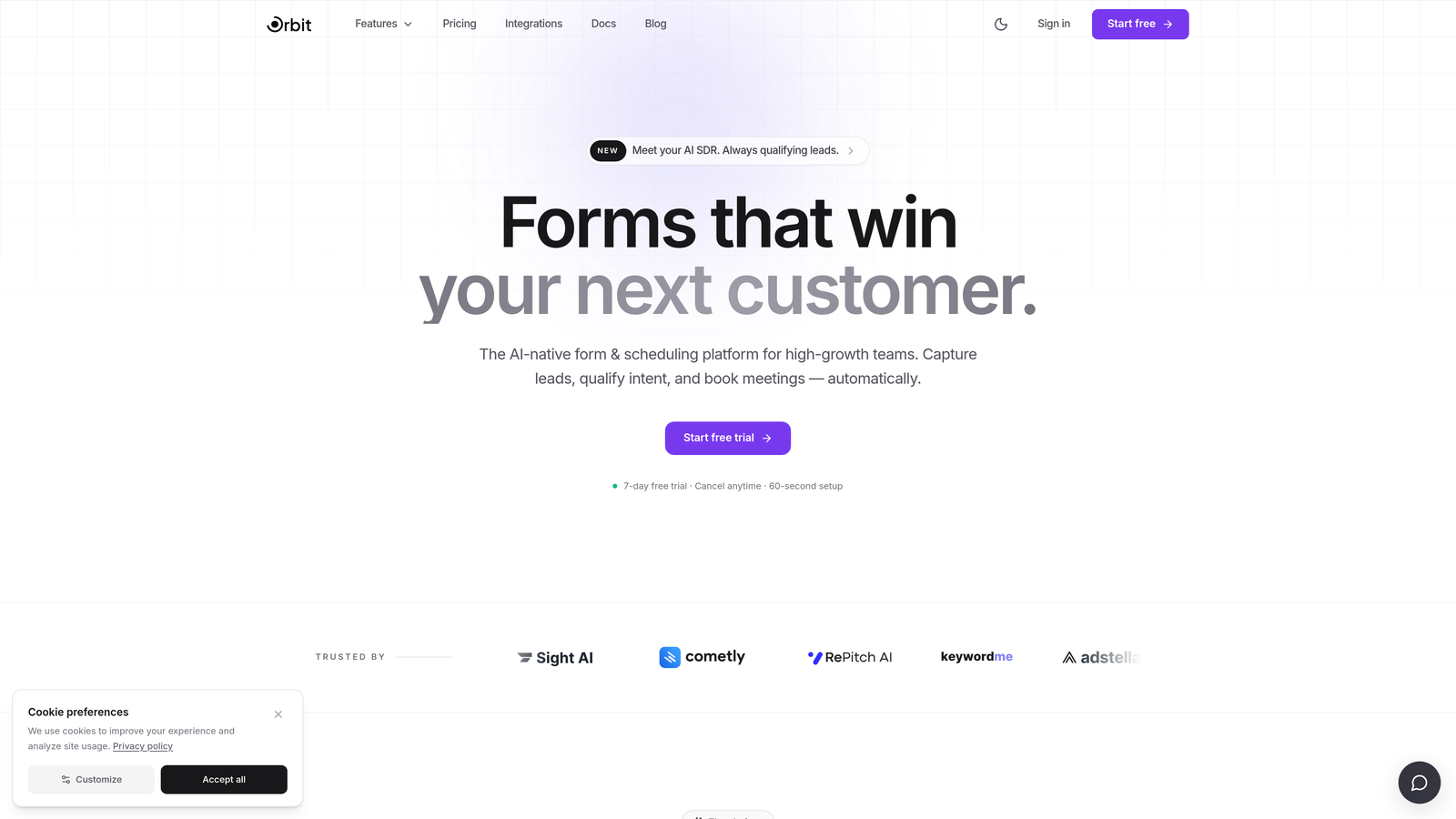
Orbit AI is an AI-powered form builder with built-in lead qualification and scoring, designed for teams that care as much about who books as how many people book.
Where This Tool Shines
Most form builders treat appointment intake as a data collection task. Orbit AI treats it as a qualification opportunity. Its AI-driven logic adapts questions in real time based on how a prospect responds, so by the time a booking lands on your calendar, you already know their fit, intent, and context.
For SaaS sales teams and demand generation teams, this is a meaningful shift. Instead of spending the first ten minutes of a discovery call establishing basic context, your team walks in prepared. The lead scoring layer adds another dimension: high-fit prospects can be automatically prioritized, routed differently, or flagged for immediate follow-up.
Key Features
AI-driven lead qualification: Qualification logic is built directly into the form flow, not bolted on afterward through a separate tool.
Adaptive conditional logic: Questions adjust dynamically based on prospect responses, keeping the form relevant and completion rates high.
Lead scoring: Automatically scores and prioritizes incoming bookings so your team focuses on the highest-fit opportunities first.
Conversion-optimized design: Modern, branded interface built with completion rates in mind, not just aesthetics.
CRM and calendar integrations: Connects with CRMs and calendar tools for a clean handoff from form submission to booked meeting.
Best For
Orbit AI is the strongest fit for SaaS companies, agencies, and high-growth teams running outbound or inbound sales motions where lead quality matters as much as lead volume. If you need to filter unqualified bookings before they consume your team's time, this is the tool built for that problem.
Pricing
Check current pricing and plan details at orbitforms.ai. A free starting option is available.
2. Typeform
Best for: Teams that prioritize form UX and completion rates for appointment intake flows.
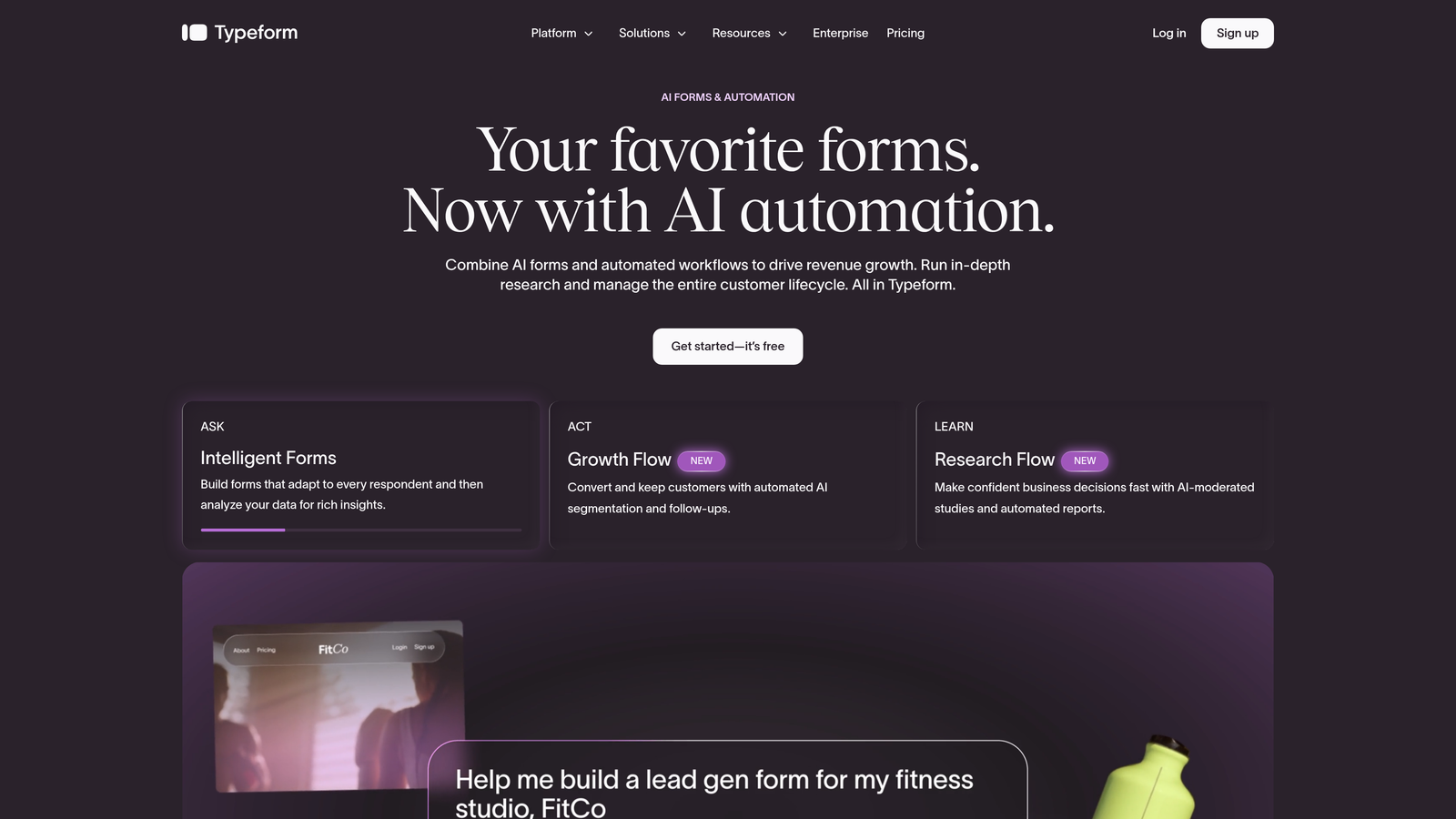
Typeform is a conversational form builder known for its one-question-at-a-time format that keeps respondents engaged and reduces drop-off.
Where This Tool Shines
Typeform's signature experience, presenting one question at a time in a clean, full-screen format, genuinely reduces friction for longer intake forms. When you're asking a prospect to share their company size, budget range, and availability before a sales call, that experience matters. Completion rates tend to be higher when the form doesn't feel like a wall of fields.
The tradeoff is that Typeform doesn't have native appointment scheduling built in. Teams typically pair it with a separate calendar tool like Calendly, connecting the two via native integrations or Zapier. That's an extra step in setup, but for teams already using a dedicated scheduling tool, it fits naturally into an existing workflow.
Key Features
Conversational one-question-at-a-time format: Reduces form fatigue and improves completion rates on longer intake flows.
Logic jumps and conditional branching: Tailor the question path based on earlier answers to keep forms relevant.
Calendar integrations: Connects with Calendly and Google Calendar via native connectors or Zapier.
Branding and customization: Strong visual customization options to match your brand identity.
Appointment-style templates: Pre-built templates designed for booking intake flows to speed up setup.
Best For
Typeform works well for teams that already use a dedicated scheduling tool and want a polished, high-conversion intake form sitting in front of it. It's a strong choice for client-facing businesses where first impressions matter and form aesthetics carry weight.
Pricing
A free tier is available with limited responses. Paid plans start at approximately $25/month. Verify current pricing at typeform.com.
3. Jotform
Best for: Teams that want native appointment scheduling inside the form, without a separate scheduling tool.
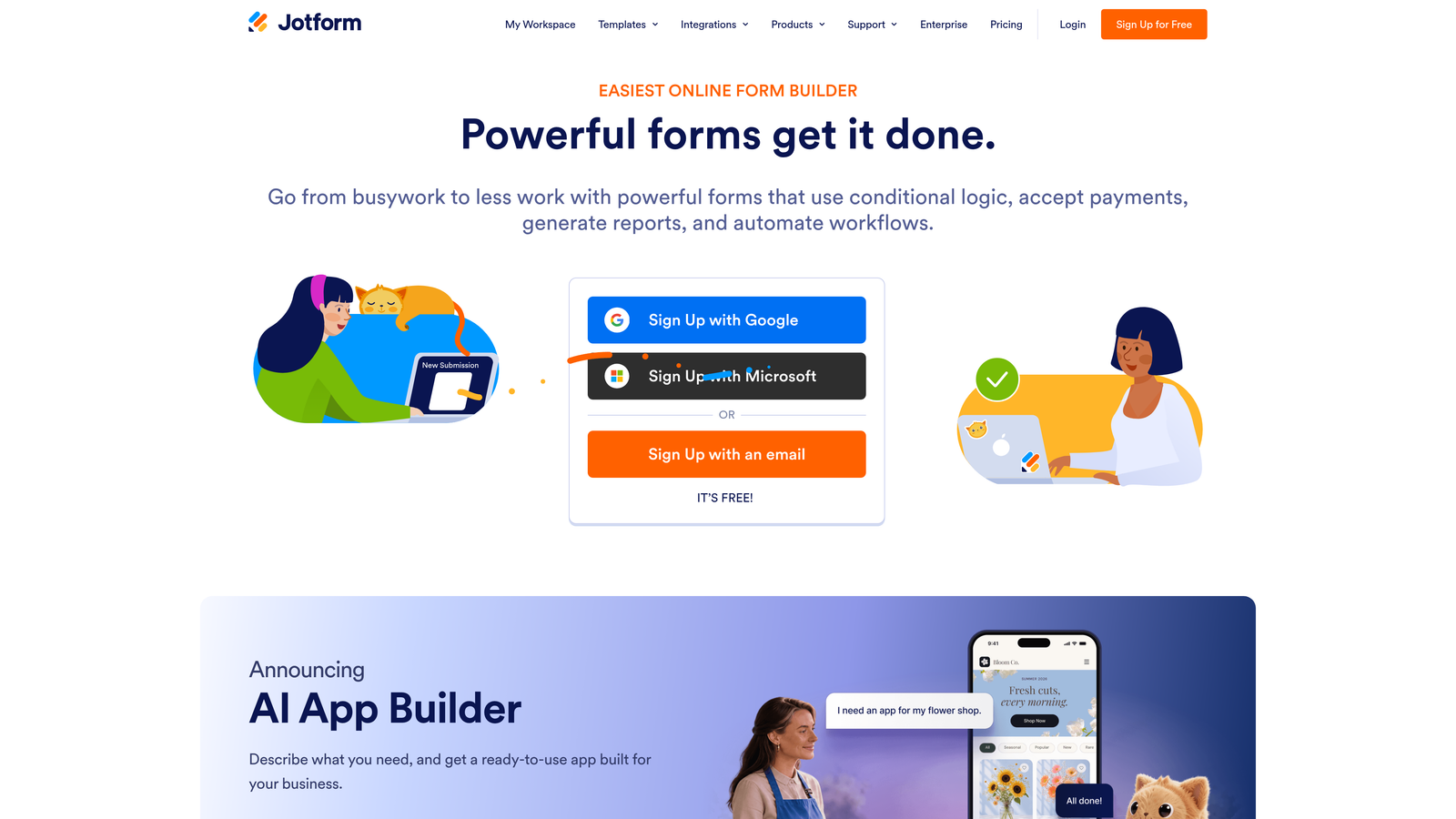
Jotform is a feature-rich form builder with a dedicated Appointment field widget that handles availability management directly within the form experience.
Where This Tool Shines
Jotform's Appointment widget is genuinely useful for teams that want to consolidate tools. Instead of building a form, then routing respondents to a separate calendar link, Jotform lets you embed time slot selection directly into the form itself. You set your available windows, and respondents pick from what's open. For smaller teams or service businesses, this removes a meaningful layer of complexity.
Jotform also has one of the largest template libraries in this category, including many appointment-specific templates. If you need to get something live quickly, the starting point is already close to finished. The HIPAA-compliant option on higher-tier plans is also worth noting for healthcare-adjacent use cases.
Key Features
Native Appointment scheduling widget: Manage available time slots directly within the form, no separate scheduling tool required.
Google Calendar integration: Syncs booked appointments with Google Calendar automatically.
Large template library: Hundreds of appointment-specific templates to accelerate setup.
Payment collection: Accept deposits or session fees via Stripe, PayPal, and other processors at the point of booking.
HIPAA-compliant forms: Available on higher-tier plans for regulated industries managing sensitive intake data.
Best For
Jotform is a strong fit for service businesses, consultants, and small teams that want an all-in-one solution for intake and scheduling without managing multiple platforms. It's also worth considering for healthcare or wellness providers who need HIPAA compliance baked in.
Pricing
A free tier is available with submission limits. Paid plans scale by submission volume. Verify current pricing at jotform.com.
4. Paperform
Best for: Service providers who need to collect a deposit or session fee at the point of booking.
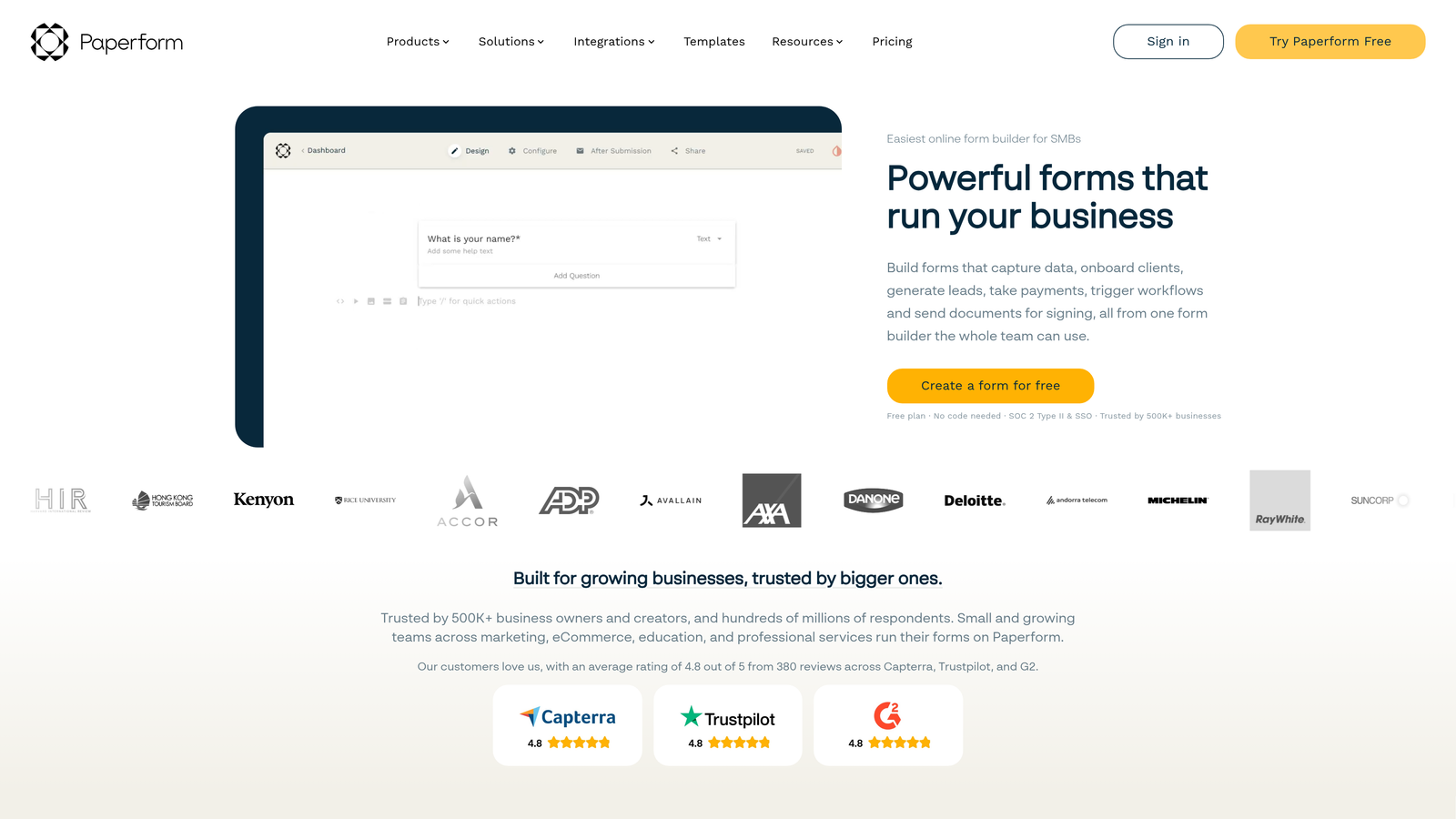
Paperform is a form and landing page hybrid that combines appointment intake with native payment processing in a single, design-forward experience.
Where This Tool Shines
Paperform occupies an interesting position in this category. It's not just a form builder and not quite a full landing page tool, but it does both well enough that many service providers use it as their primary booking page. The native payment processing is the standout capability: you can collect a deposit, session fee, or full payment as part of the booking flow, without routing the user to a separate checkout page.
The design quality is also a genuine differentiator. Paperform supports rich media, custom layouts, and landing page-level aesthetics that make a booking form feel like a considered brand experience rather than a utility. For independent consultants, coaches, or agencies where brand perception matters at every touchpoint, that's meaningful.
Key Features
Native payment processing: Accept payments via Stripe, PayPal, and Braintree directly within the booking form.
Date and time fields: Collect appointment preferences within the form, with calendar integration via Zapier for scheduling handoff.
Landing page-quality design: Rich media support and flexible layouts that go beyond standard form aesthetics.
Conditional logic and calculation fields: Adapt the form experience based on responses and calculate pricing dynamically.
Calendar integrations: Connects with Calendly, Google Calendar, and broader automation via Zapier.
Best For
Paperform is the right call for coaches, consultants, and service businesses that want to collect payment at booking and present a polished, brand-consistent experience. It's less suited for high-volume enterprise use cases or teams that need deep CRM integration out of the box.
Pricing
No permanent free tier; paid plans start at approximately $29/month with a free trial available. Verify current pricing at paperform.co.
5. Tally
Best for: Lean teams that need clean, simple booking intake forms at no cost.
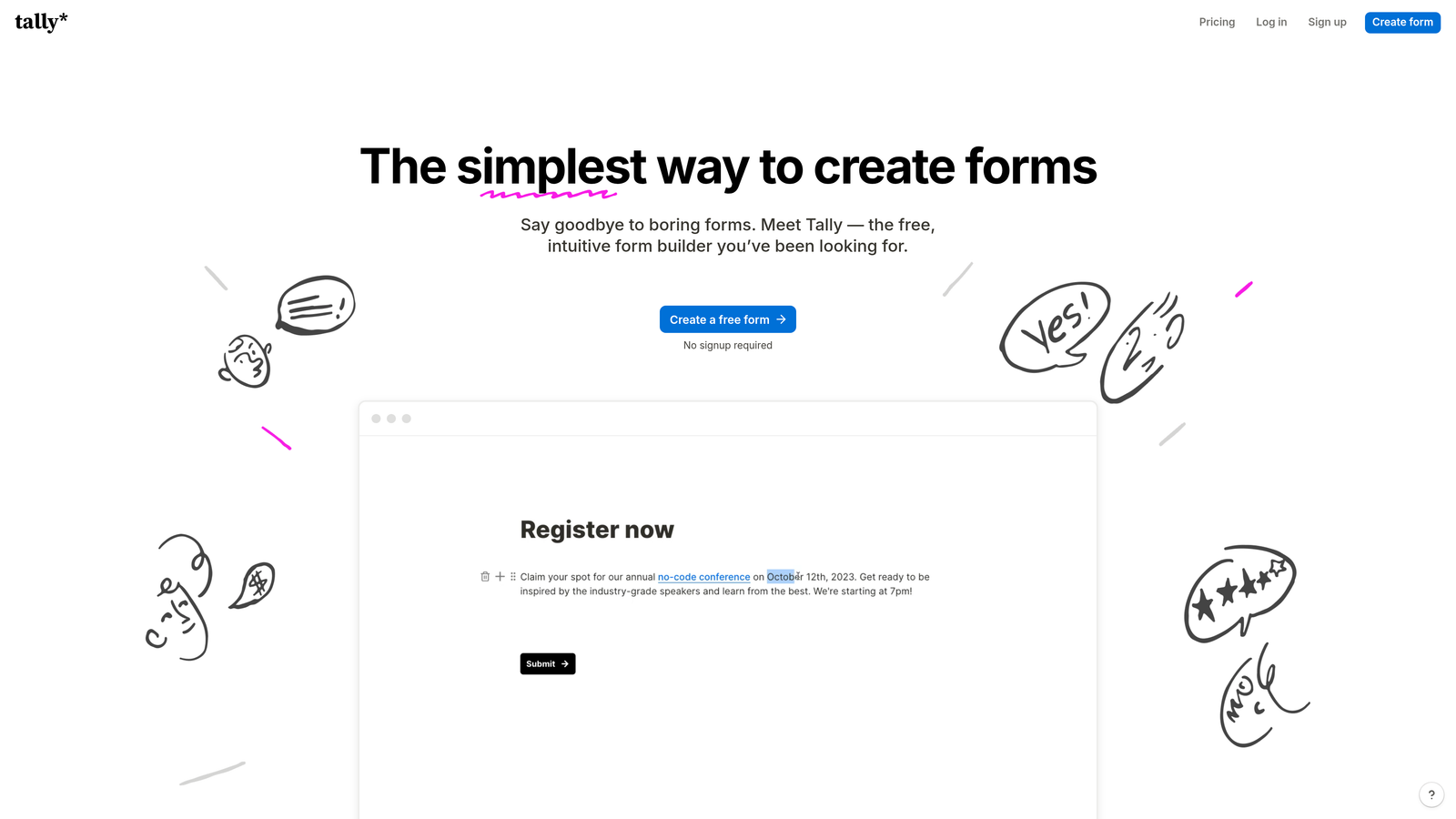
Tally is a Notion-inspired form builder with a generous free tier, offering unlimited forms and unlimited responses at no cost.
Where This Tool Shines
Tally's free tier is genuinely generous compared to most competitors in this space. Unlimited forms and unlimited responses without a submission cap makes it a practical option for early-stage teams, freelancers, or anyone who needs functional booking intake without a monthly tool budget. The block-based editor will feel immediately familiar to anyone who uses Notion, which lowers the learning curve considerably.
The honest caveat: Tally doesn't have a dedicated appointment scheduling widget. You can add date and time fields to capture availability preferences, but for actual slot management and calendar blocking, you'll need to pair it with a separate scheduling tool. For simple intake flows that feed into a calendar link, that's a workable setup. For teams that need scheduling depth, it's a limitation worth knowing upfront.
Key Features
Unlimited free forms and responses: No submission caps on the free plan, making it genuinely useful without a paid upgrade.
Block-based editor: Clean, Notion-like interface that's fast to learn and easy to use.
Date fields for appointment intake: Capture availability preferences within the form flow.
Conditional logic and hidden fields: Available on the paid Tally Pro plan for more sophisticated form logic.
Clean embeds: Embeds smoothly into websites and Notion pages without visual clutter.
Best For
Tally is the right fit for freelancers, early-stage startups, and lean teams that need straightforward booking intake without scheduling complexity. It's an excellent starting point before a team's needs outgrow it.
Pricing
Free tier available with unlimited forms and responses. Tally Pro is approximately $29/month. Verify current pricing at tally.so.
6. Formstack
Best for: Enterprise teams and regulated industries that need HIPAA-compliant appointment intake with workflow automation.
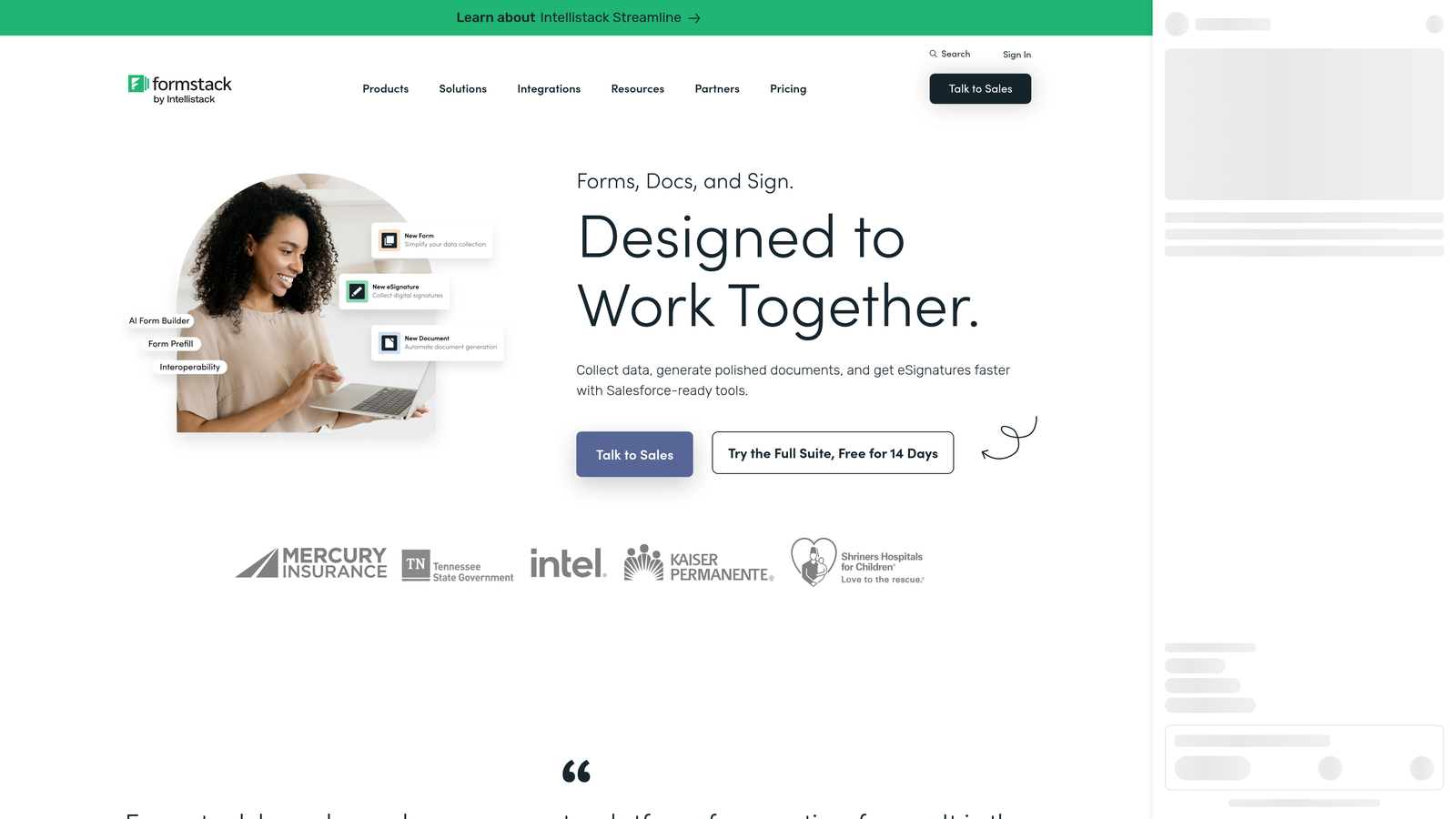
Formstack is an enterprise-grade form and workflow platform with strong compliance credentials and deep integration capabilities for large organizations.
Where This Tool Shines
Formstack's primary differentiator in this category is compliance. HIPAA-compliant forms are available as a core capability, not an add-on, making it a serious option for healthcare providers, legal teams, and financial services organizations that manage sensitive appointment intake data. In regulated industries, that's often the deciding factor before any other feature gets evaluated.
Beyond compliance, Formstack offers workflow automation and approval routing that goes well beyond what most form builders support. For organizations where a booking triggers a multi-step internal process, such as document generation, e-signature collection, or CRM record creation, Formstack can handle that chain within a single platform. It's built for complexity, which also means it carries a learning curve and a price point to match.
Key Features
HIPAA-compliant forms: Built-in compliance for regulated industries managing sensitive intake data.
Workflow automation and approval routing: Automate multi-step processes triggered by form submissions.
Document generation and e-signature: Generate documents and collect signatures as part of the booking and intake workflow.
Advanced analytics and reporting: Detailed submission data and reporting for enterprise oversight needs.
CRM integrations: Native connections with Salesforce, HubSpot, and other major CRM platforms.
Best For
Formstack is built for enterprise teams, healthcare organizations, and any regulated industry where compliance is non-negotiable. It's a significant investment in both cost and setup time, but for organizations with complex intake workflows and strict data requirements, it's one of the few tools purpose-built for that environment.
Pricing
Enterprise pricing with plans starting at the higher end of the market. Verify current pricing at formstack.com.
Which Tool Is Right for Your Team?
The best form builder for appointment booking depends on what happens before and after the booking, not just the booking itself.
If your team's core challenge is lead quality, not just lead volume, Orbit AI is the clearest fit. Its AI-driven qualification and lead scoring mean every appointment that lands on your calendar comes with context, not just a name and a time slot. For SaaS sales teams and demand generation teams running high-volume booking flows, that intelligence compounds quickly.
For teams that prioritize form experience and already use a dedicated scheduling tool, Typeform delivers strong completion rates and polished UX. Jotform is the go-to for teams that want native scheduling inside the form without managing a separate calendar tool. Paperform stands out for service providers who need to collect payment at the point of booking. Tally is the practical choice for lean teams that need clean intake forms without a tool budget. And Formstack is the right call when compliance requirements and enterprise workflow complexity are the primary drivers.
A few questions worth asking before you choose: Do you need to qualify leads before they book, or just capture availability? Do you need native scheduling, or does your team already use a calendar tool? And does your industry require HIPAA compliance or similar data handling standards?
If lead qualification before the meeting is a priority for your team, explore what Orbit AI can do for your booking flow. Start building free forms today and see how intelligent form design can elevate your conversion strategy.


