

Your forms are often the first real interaction prospects have with your business—and a clunky, generic form can kill conversions before they start. The right online form platform does more than collect data; it qualifies leads, integrates with your tech stack, and creates experiences that actually convert.
We evaluated dozens of form builders based on conversion optimization features, ease of use, integration capabilities, and pricing flexibility. Whether you're a startup capturing your first leads or an enterprise team processing thousands of submissions daily, this guide breaks down the platforms that deliver real results.
1. Orbit AI
Best for: High-growth teams needing AI-powered lead qualification and conversion-optimized forms
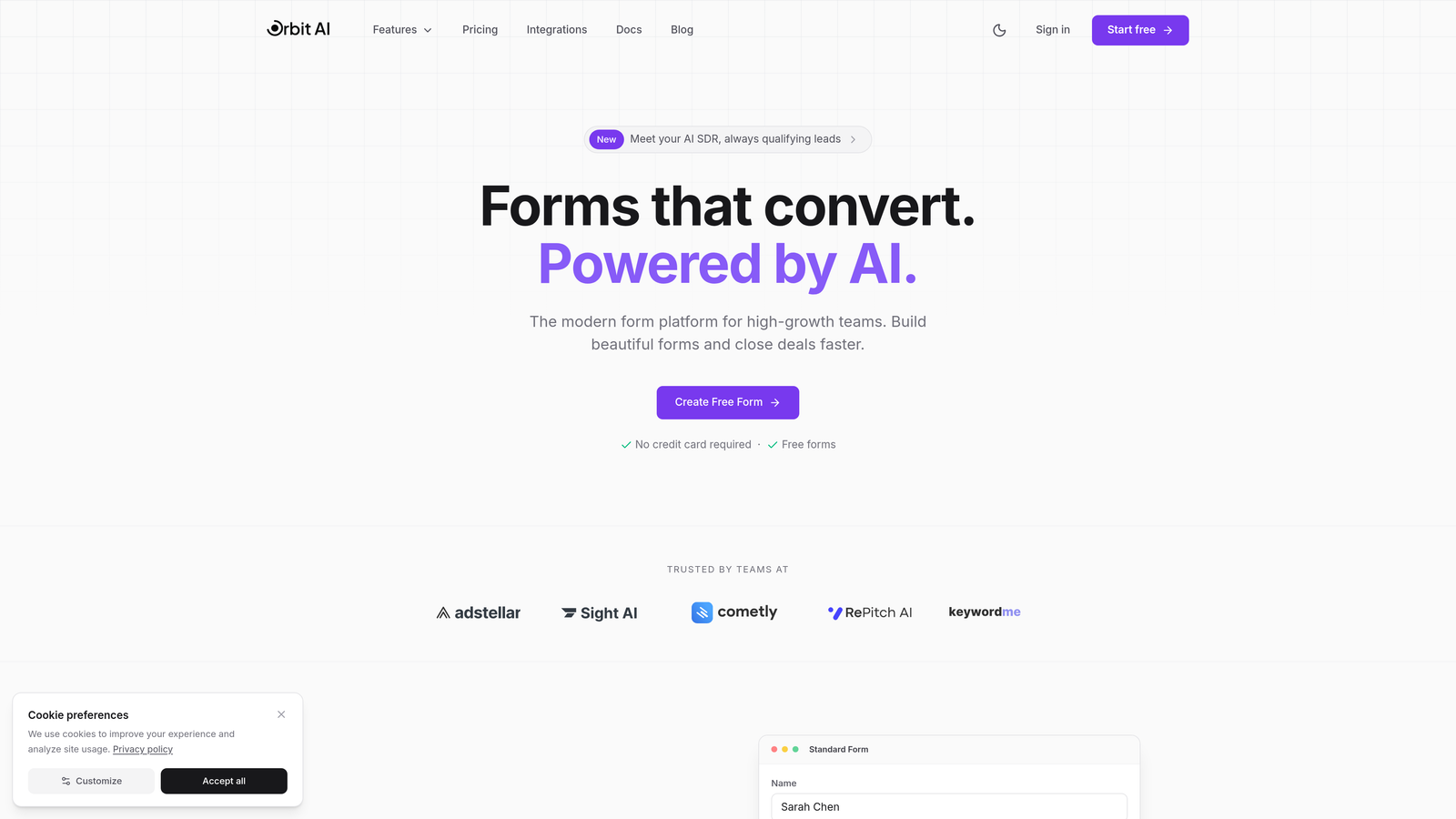
Orbit AI is an AI-powered form builder platform designed specifically for teams focused on lead generation and conversion optimization.
Where This Tool Shines
Orbit AI stands out by combining intelligent lead qualification with modern form design. The platform automatically scores and qualifies leads as they fill out your forms, routing high-value prospects to sales while nurturing others appropriately.
The conversion-optimized templates are built on proven design principles that reduce friction and increase completion rates. Unlike generic form builders, every element is designed with conversion psychology in mind.
Key Features
AI-Powered Lead Qualification: Automatically scores and qualifies leads in real-time based on their responses and behavior patterns.
Conversion-Optimized Templates: Pre-built form templates designed specifically for high-converting lead capture across industries.
Native Integrations: Connects seamlessly with HubSpot, Salesforce, Slack, and 15+ popular tools your team already uses.
Smart Conditional Logic: Advanced branching that adapts form questions based on previous answers to create personalized experiences.
Real-Time Analytics: Track submission rates, completion metrics, and lead quality scores with detailed analytics dashboards.
Best For
Orbit AI is ideal for B2B SaaS companies, marketing agencies, and high-growth startups that need to qualify leads automatically while maintaining a modern, professional brand experience. It's particularly valuable for teams running multiple campaigns who need intelligent routing and qualification at scale.
Pricing
Free tier available for getting started. Paid plans start at competitive rates designed for growing teams, with pricing that scales based on submission volume and advanced features.
2. Typeform
Best for: Creating engaging, conversational form experiences with one-question-at-a-time interfaces
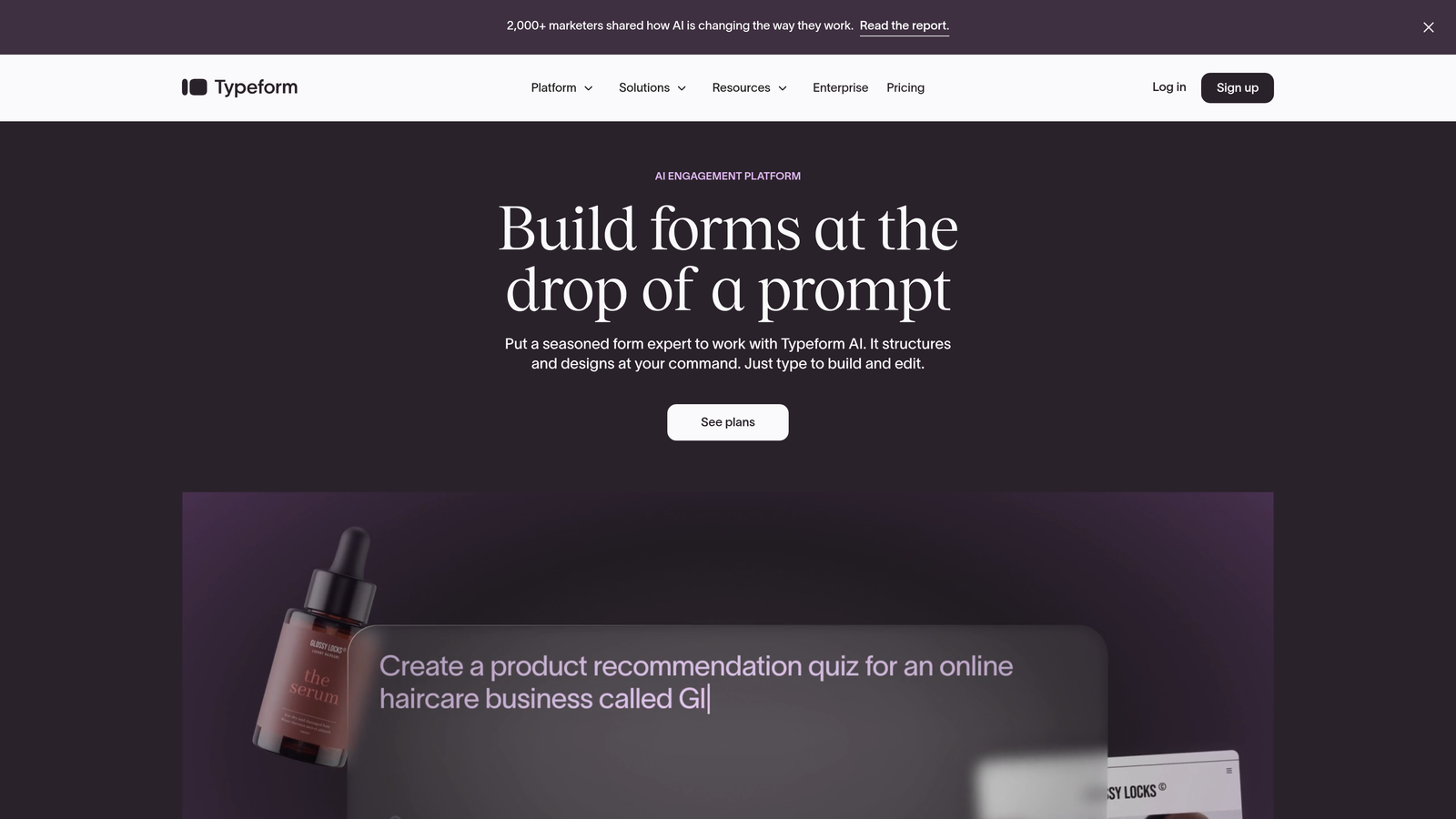
Typeform is a conversational form builder known for its distinctive one-question-at-a-time interface that creates human-feeling experiences.
Where This Tool Shines
Typeform pioneered the conversational form approach, and it still executes this format better than most competitors. The interface feels more like a conversation than a traditional form, which can significantly improve completion rates for certain audiences.
The platform's design flexibility lets you create highly branded experiences that feel native to your website. If visual appeal and brand consistency matter to your team, Typeform delivers strong customization options.
Key Features
Conversational Interface: One-question-at-a-time format that reduces overwhelm and creates engaging user experiences.
Brand Customization: Extensive design controls including custom fonts, colors, backgrounds, and animations to match your brand.
Logic Jumps: Conditional branching that adapts the form flow based on user responses for personalized experiences.
Native Integrations: Connects with popular marketing and CRM tools including HubSpot, Salesforce, Google Sheets, and Mailchimp.
Rich Media Embedding: Add videos, images, and GIFs throughout your forms to create visually engaging experiences.
Best For
Typeform works well for consumer brands, creative agencies, and teams conducting surveys or collecting feedback where user experience is paramount. It's particularly effective for audience research and customer satisfaction surveys.
Pricing
Free plan available with limited monthly responses. Basic plan starts at $25/month for increased responses and features. Higher tiers add advanced logic and integrations.
3. Jotform
Best for: Teams needing extensive templates and versatile form types across multiple use cases
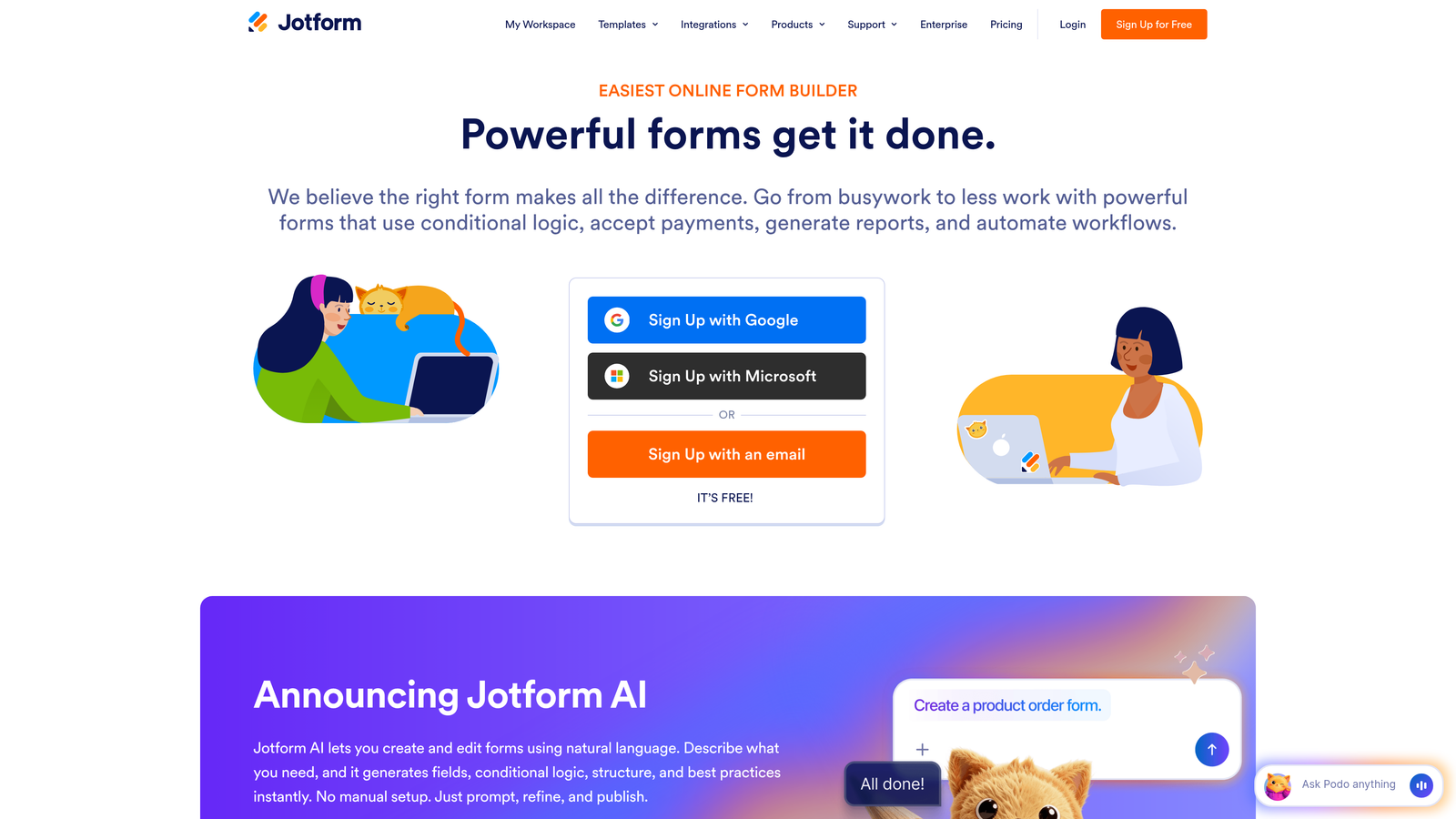
Jotform is a versatile form builder offering over 10,000 templates and a comprehensive drag-and-drop editor suitable for virtually any form use case.
Where This Tool Shines
Jotform's massive template library means you can find a starting point for almost any form type imaginable. Whether you need event registration, job applications, order forms, or surveys, there's likely a pre-built template that gets you 80% of the way there.
The platform handles complex requirements well, including payment processing, PDF generation, and e-signatures. This versatility makes it a solid choice for teams with diverse form needs across departments.
Key Features
10,000+ Templates: Extensive library covering virtually every form use case from registration to payments to surveys.
Drag-and-Drop Builder: Intuitive editor that makes form creation accessible to non-technical users.
Payment Processing: Native integrations with PayPal, Stripe, Square, and other payment processors for order forms and registrations.
PDF Generation: Automatically convert form submissions into formatted PDFs with custom templates and e-signature capabilities.
Mobile App: Manage forms and view submissions on the go with dedicated iOS and Android apps.
Best For
Jotform suits small businesses, educational institutions, and organizations with varied form needs across multiple departments. It's particularly valuable when you need payment processing, document generation, or offline form capabilities.
Pricing
Free plan includes 5 forms with basic features. Bronze plan starts at $34/month for 25 forms and increased submissions. Higher tiers add storage and advanced features.
4. Tally
Best for: Budget-conscious teams wanting unlimited forms with a clean, minimalist interface
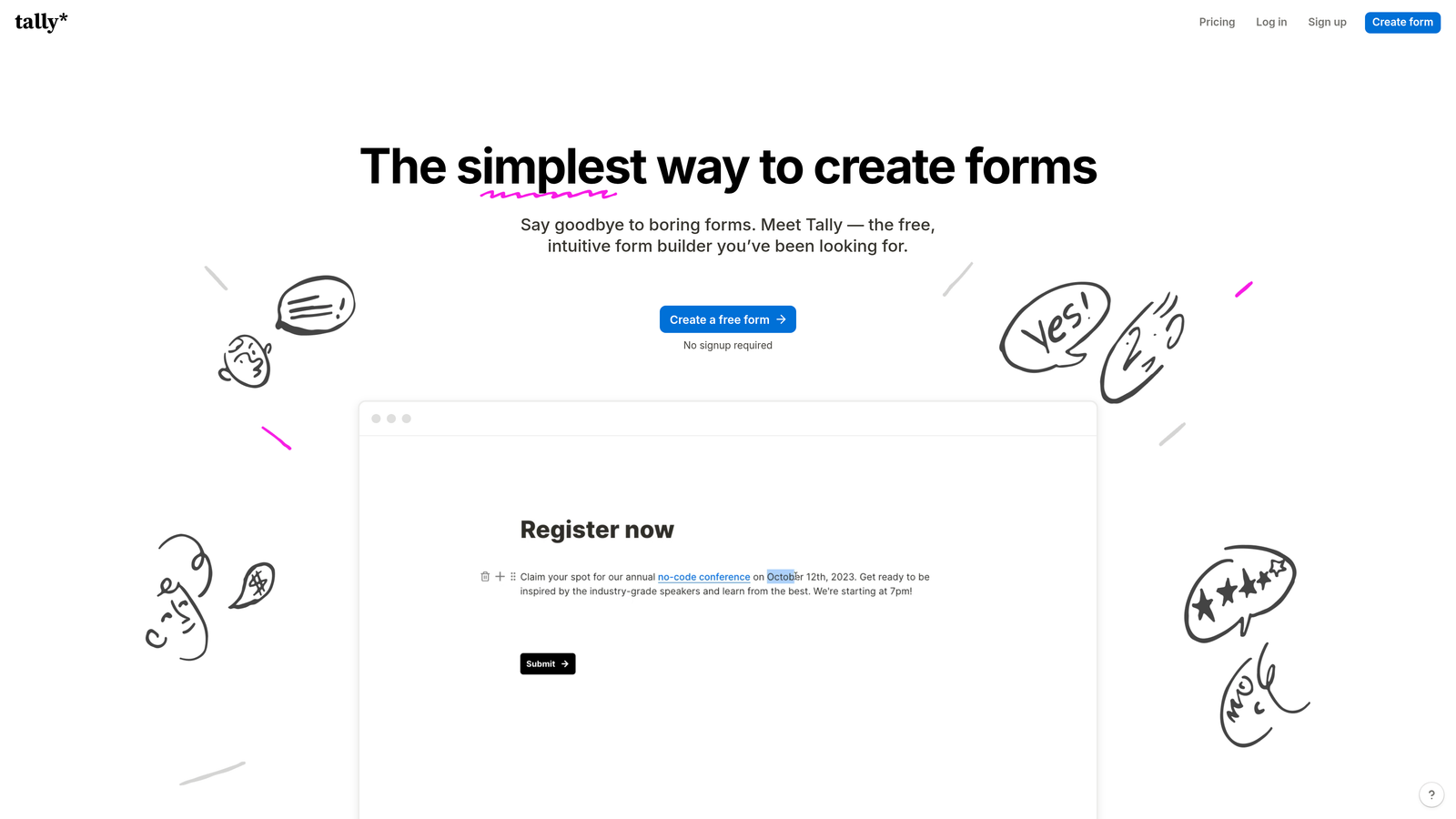
Tally is a minimalist form builder with a Notion-like interface that offers unlimited forms on its generous free plan.
Where This Tool Shines
Tally's value proposition is straightforward: unlimited forms for free with a clean, distraction-free interface. The Notion-style block-based editor feels familiar to teams already using modern productivity tools.
The platform doesn't overwhelm you with features, which can actually be an advantage. You get what you need for effective lead capture without the complexity of enterprise-grade platforms.
Key Features
Unlimited Free Forms: No artificial limits on form creation, even on the free tier, making it ideal for budget-conscious teams.
Block-Based Editor: Notion-style interface that feels intuitive for users familiar with modern document editors.
Conditional Logic: Create dynamic forms that adapt based on user responses with branching and calculations.
File Uploads and Payments: Collect files and process payments through Stripe integration even on free plans.
Clean Interface: Minimalist design that keeps the focus on content without unnecessary visual clutter.
Best For
Tally is ideal for startups, side projects, and small teams who need professional forms without budget for paid tools. It's particularly appealing to solopreneurs and early-stage companies testing product-market fit.
Pricing
Generous free plan with unlimited forms and submissions. Pro plan at $29/month adds custom domains, remove branding, and advanced integrations.
5. HubSpot Forms
Best for: Teams already using HubSpot CRM who need native, automatic contact synchronization
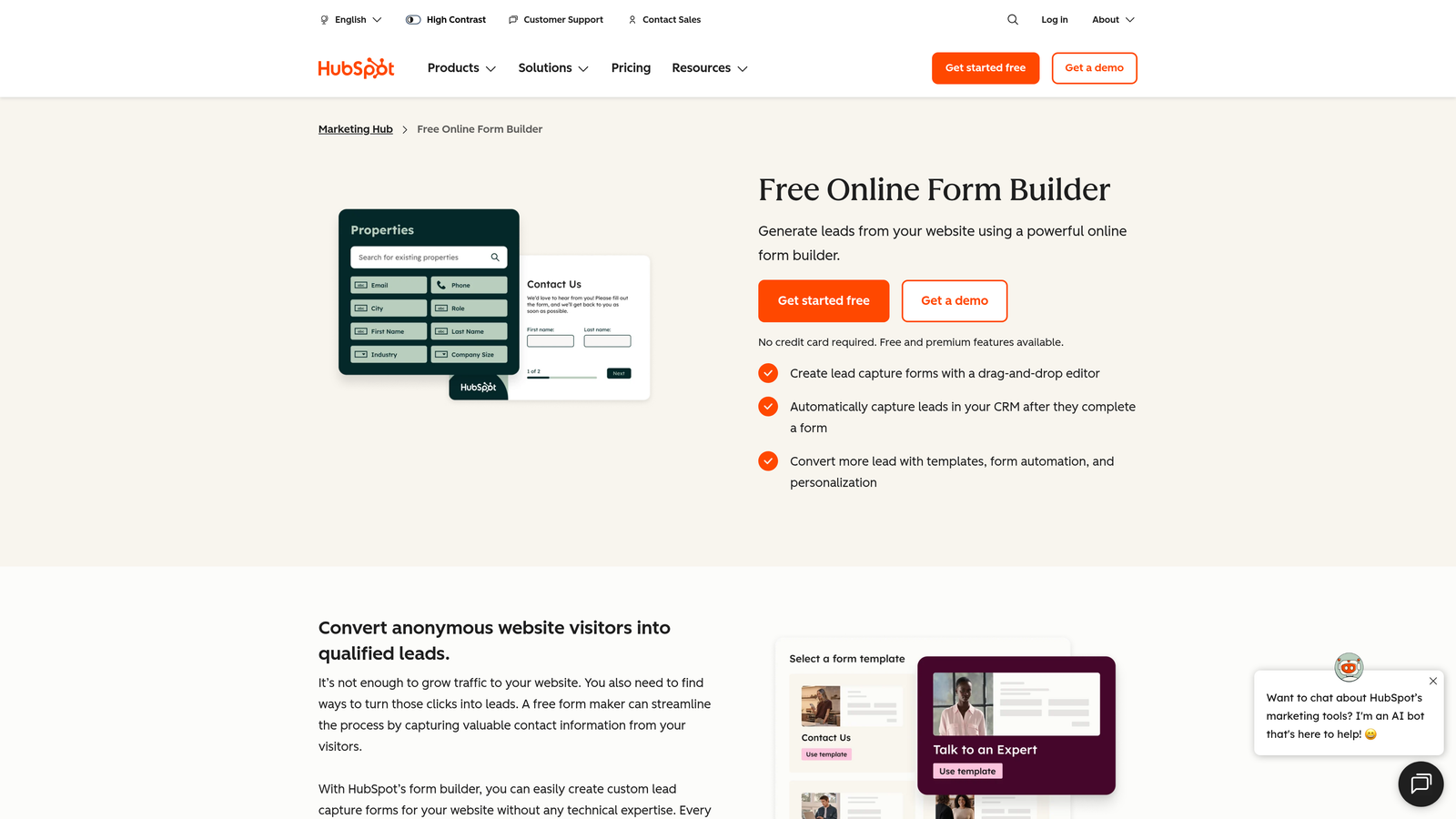
HubSpot Forms is a CRM-native form builder that automatically syncs submissions with HubSpot's marketing, sales, and service tools.
Where This Tool Shines
If you're already in the HubSpot ecosystem, their native forms eliminate integration headaches entirely. Submissions automatically create or update contact records, trigger workflows, and populate your CRM without any middleware or manual exports.
The progressive profiling feature is particularly powerful for teams running multiple campaigns. Forms automatically adapt to ask new questions based on what you already know about a contact, reducing form fatigue while gathering richer data over time.
Key Features
Direct CRM Integration: Automatic contact creation and updates within HubSpot with zero configuration required.
Progressive Profiling: Smart forms that ask different questions to known contacts, gradually building richer profiles without repetition.
Smart Fields: Form fields that auto-populate with known data for returning visitors, reducing friction.
Workflow Automation: Trigger email sequences, task creation, and internal notifications automatically based on form submissions.
Embedded Analytics: Track form performance, conversion rates, and attribution directly within HubSpot's analytics suite.
Best For
HubSpot Forms is the obvious choice for companies already using HubSpot CRM or Marketing Hub. It's particularly valuable for B2B teams running complex nurture campaigns where tight CRM integration is essential.
Pricing
Free with HubSpot CRM account. Advanced features like progressive profiling and automation require Marketing Hub Starter at $45/month or higher tiers.
6. Paperform
Best for: Creating content-rich landing page and form hybrids with strong visual design
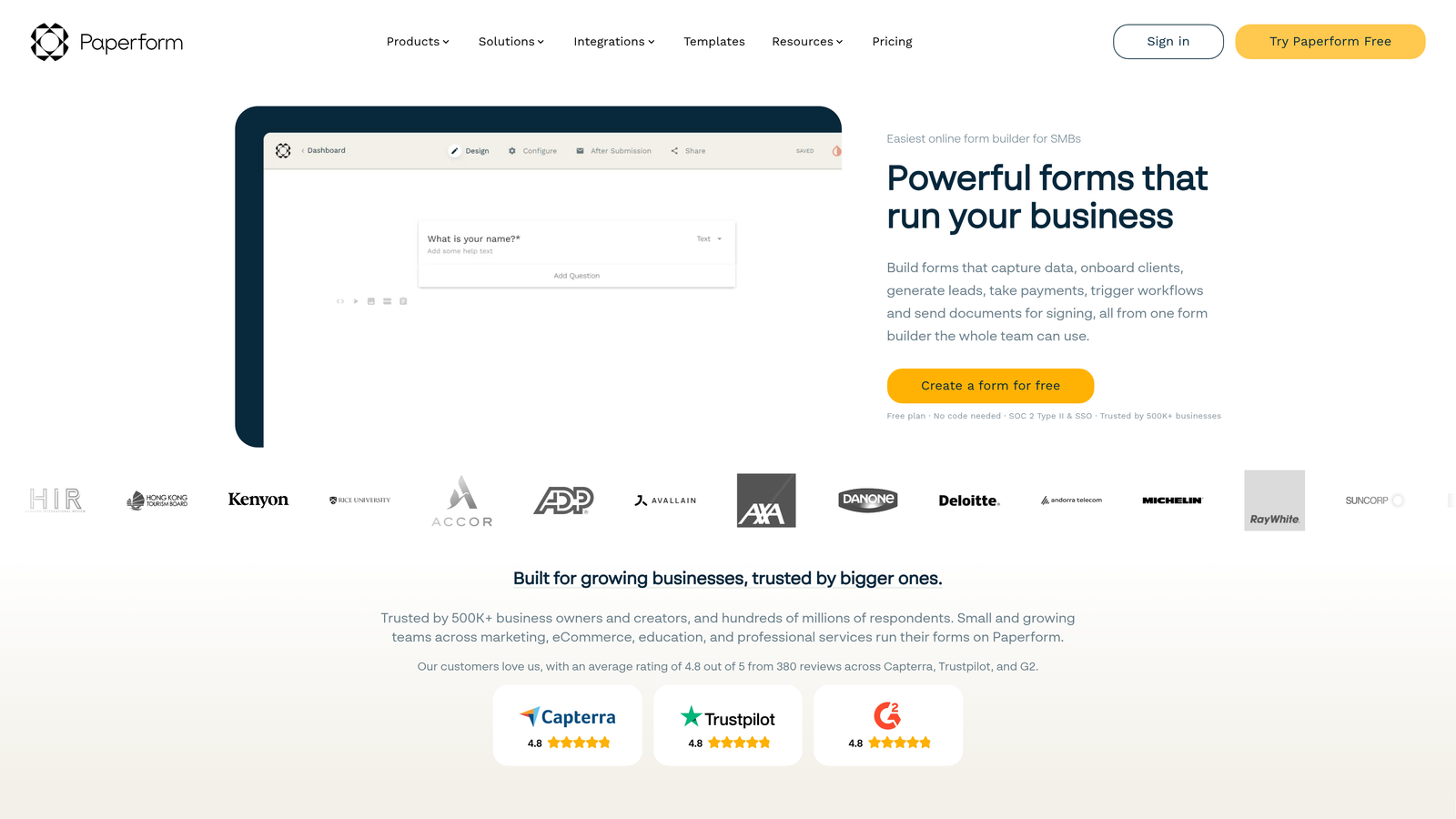
Paperform is a form builder that blends landing page design with form functionality for content-rich, branded experiences.
Where This Tool Shines
Paperform breaks the traditional form mold by letting you create experiences that feel more like landing pages than data collection tools. You can embed rich content, images, videos, and explanatory text throughout your forms.
The platform's e-commerce and booking capabilities make it versatile beyond standard lead capture. If you need to sell products, collect payments, or manage appointments alongside lead generation, Paperform handles these use cases elegantly.
Key Features
Landing Page Hybrid: Create forms that double as content-rich landing pages with embedded media and formatted text.
Rich Content Embedding: Add images, videos, explanatory text, and custom HTML throughout your forms.
E-commerce Capabilities: Sell products, manage inventory, and process payments with Stripe and PayPal integrations.
Booking Functionality: Schedule appointments and manage calendars directly through your forms.
Custom Success Pages: Create branded thank-you pages or redirect users to specific URLs after submission.
Best For
Paperform suits creative agencies, consultants, and service businesses who want forms that double as marketing assets. It's particularly effective for course creators, event organizers, and businesses selling services or products directly through forms.
Pricing
Essentials plan at $24/month for basic features. Pro plan at $49/month adds advanced integrations, calculations, and workflow automation.
7. Formstack
Best for: Enterprise teams needing advanced workflow automation and compliance certifications
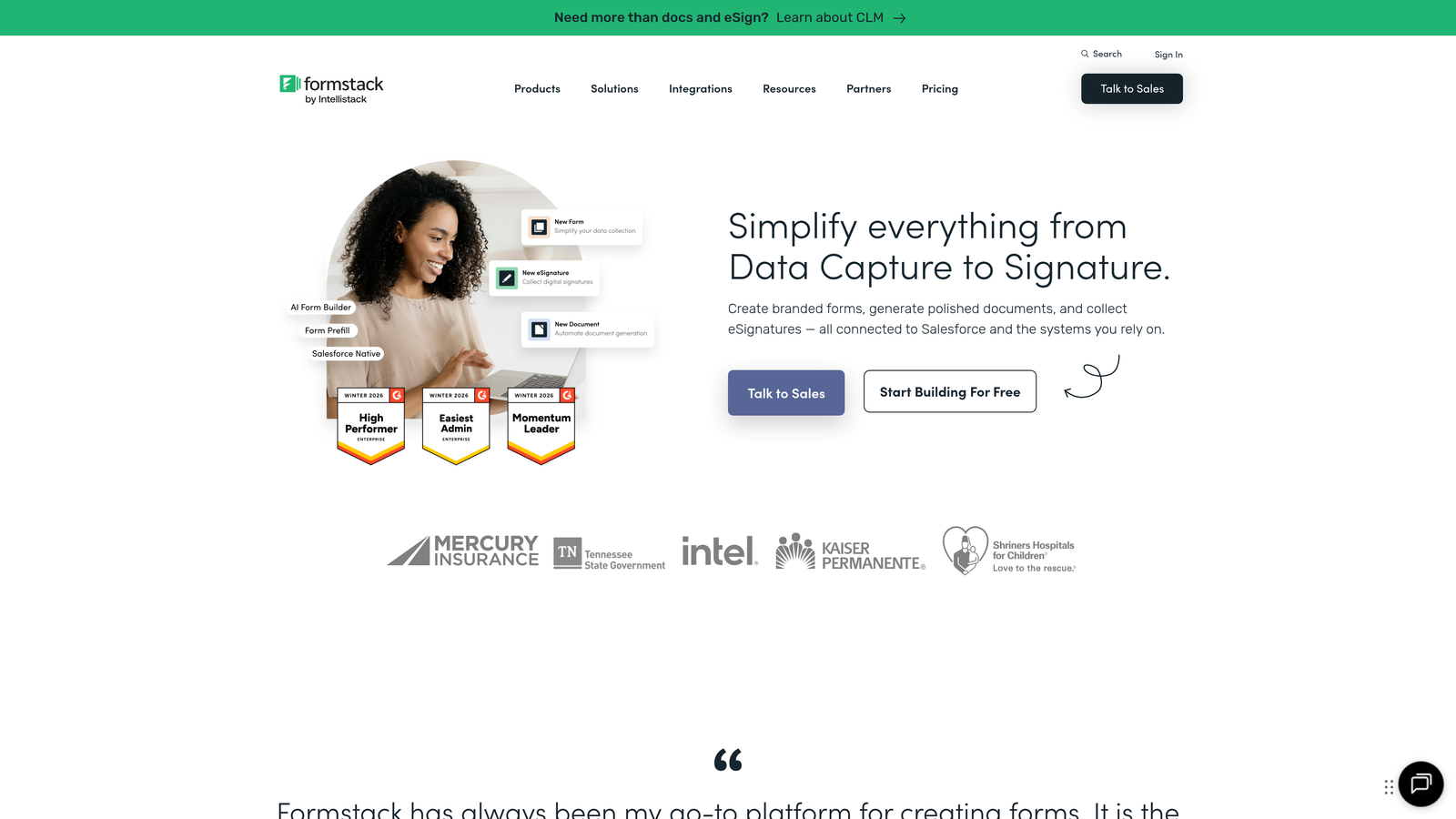
Formstack is an enterprise-grade form platform with advanced workflow automation and compliance features designed for regulated industries.
Where This Tool Shines
Formstack is built for organizations with complex approval workflows and strict compliance requirements. The platform handles multi-step approval processes, data routing, and document generation that enterprise teams need.
For healthcare, financial services, and other regulated industries, Formstack's HIPAA compliance and security certifications provide the peace of mind that consumer-grade form builders can't match.
Key Features
Advanced Workflow Automation: Create multi-step approval processes with conditional routing based on form data.
Compliance Certifications: HIPAA-compliant infrastructure with BAA agreements and security certifications for regulated industries.
Electronic Signatures: Integrated e-signature capabilities for contracts, agreements, and approval workflows.
Conditional Logic: Sophisticated branching rules that create complex, adaptive form experiences.
Salesforce-Native App: Dedicated Salesforce application for teams deeply integrated with Salesforce CRM.
Best For
Formstack is ideal for healthcare organizations, financial institutions, government agencies, and large enterprises with complex compliance requirements and approval workflows. It's particularly valuable when you need audit trails and data security guarantees.
Pricing
Starter plan at $50/month for basic features. Teams plan at $83/month adds workflow automation and advanced integrations. Enterprise plans available for larger organizations.
8. Google Forms
Best for: Quick surveys and internal data collection with zero budget
Google Forms is a free, straightforward form builder integrated with Google Workspace for surveys and basic data collection.
Where This Tool Shines
Google Forms does one thing exceptionally well: it's completely free and ridiculously easy to use. For internal surveys, event RSVPs, or quick feedback collection, you can create a functional form in minutes.
The automatic Google Sheets integration means your data flows directly into a spreadsheet format that most teams already know how to analyze. No exports, no imports, no middleware.
Key Features
Completely Free: No paid tiers, no submission limits, no hidden costs with any Google account.
Google Sheets Integration: Automatic data sync to Google Sheets for easy analysis and collaboration.
Real-Time Collaboration: Multiple team members can edit forms simultaneously with Google's collaboration features.
Basic Conditional Logic: Simple branching based on multiple-choice answers to create adaptive forms.
Quiz Functionality: Built-in quiz features with auto-grading for educational and training purposes.
Best For
Google Forms suits teams conducting internal surveys, collecting employee feedback, managing event registrations, or running educational quizzes. It's not built for professional lead capture, but it excels at simple, internal data collection.
Pricing
Completely free with any Google account. No premium tiers or paid upgrades.
9. Cognito Forms
Best for: Complex calculations and payment processing for order forms and registrations
Cognito Forms is a feature-rich form builder with strong calculation capabilities and payment processing for order forms and event registrations.
Where This Tool Shines
Cognito Forms handles complex calculations better than most competitors. If you need to calculate pricing based on multiple variables, process payments with dynamic totals, or create order forms with product options, Cognito's calculation engine is powerful.
The repeating sections feature lets users add multiple line items or entries within a single form submission, making it ideal for registration forms where users might sign up multiple people or order multiple products.
Key Features
Advanced Calculations: Complex pricing logic and mathematical calculations based on user inputs and conditional rules.
Payment Processing: Integrated payment collection through Stripe, PayPal, and Square with dynamic pricing.
Repeating Sections: Allow users to add multiple entries of the same fields within one form submission.
Conditional Logic: Show or hide fields based on previous answers to create streamlined, adaptive forms.
Data Encryption: Field-level encryption and compliance options for sensitive data collection.
Best For
Cognito Forms is ideal for event organizers, educational institutions, and businesses selling products or services with variable pricing. It's particularly valuable when you need complex calculations, multi-item orders, or group registrations.
Pricing
Free plan available with basic features. Pro plan at $15/month adds payment processing, calculations, and advanced features.
10. Fillout
Best for: Teams using Airtable or Notion who need native database integration
Fillout is a modern form builder with native database connections, particularly strong for Airtable and Notion users.
Where This Tool Shines
Fillout's killer feature is its native Airtable and Notion integration. You can create forms that write directly to your Airtable bases or Notion databases, update existing records, or pre-fill forms with existing data.
For teams already managing data in Airtable or Notion, Fillout eliminates the integration complexity that typically requires Zapier or custom code. Your forms become a direct interface to your existing databases.
Key Features
Native Airtable Integration: Create, read, and update Airtable records directly through forms without middleware.
Notion Database Sync: Connect forms to Notion databases for seamless data flow between tools.
Pre-Fill Capabilities: Auto-populate forms with existing database records for update workflows.
Scheduling Integration: Built-in calendar booking and appointment scheduling functionality.
Modern Design: Clean, contemporary form design that looks professional without customization.
Best For
Fillout is perfect for teams that have built their operations around Airtable or Notion. It's particularly valuable for startups and small teams who want to keep their entire tech stack lightweight and interconnected.
Pricing
Free plan available with basic features. Starter plan at $19/month adds advanced integrations and removes branding.
11. 123FormBuilder
Best for: Compliance-focused organizations in healthcare, education, and government sectors
123FormBuilder is a compliance-focused form builder with workflow automation suitable for healthcare, education, and government organizations.
Where This Tool Shines
123FormBuilder takes compliance seriously with GDPR, HIPAA, and PCI certifications that many regulated organizations require. The platform provides the documentation, security features, and audit trails necessary for handling sensitive data.
The workflow automation and approval features make it suitable for organizations with formal processes. You can route submissions through multiple approval stages, assign tasks, and maintain complete audit trails of who reviewed what and when.
Key Features
Compliance Certifications: GDPR, HIPAA, and PCI compliance with necessary documentation and security features.
Workflow Automation: Multi-step approval processes with task assignment and automated routing.
Electronic Signatures: Integrated e-signature functionality for contracts, agreements, and approval workflows.
Payment Processing: Secure payment collection with PCI-compliant processing through major payment gateways.
Multi-Language Support: Create forms in multiple languages for international organizations and diverse audiences.
Best For
123FormBuilder suits healthcare providers, educational institutions, government agencies, and international organizations with strict compliance requirements. It's particularly valuable when you need multi-language support alongside security certifications.
Pricing
Free plan available with basic features. Gold plan at $24.99/month adds workflow automation, integrations, and compliance features.
Making the Right Choice
The best form platform for your team depends on your specific conversion goals and technical requirements. Think of it like choosing the right vehicle: a sports car handles differently than a cargo van, and both serve distinct purposes.
For high-growth teams prioritizing lead quality and conversion optimization, platforms with AI-powered qualification capabilities deliver the most value. Orbit AI stands out here by automatically scoring leads while maintaining the modern design that prospects expect. If you're running multiple campaigns and need intelligent routing without manual work, this approach saves significant time.
Teams already invested in specific ecosystems should prioritize native integrations. HubSpot users benefit enormously from HubSpot Forms' automatic CRM sync and progressive profiling. Similarly, if your operations run on Airtable or Notion, Fillout's native database connections eliminate integration complexity entirely.
Budget-conscious startups and side projects can achieve professional results with Tally's unlimited free forms or Google Forms for internal use. These platforms lack advanced features but handle basic lead capture effectively without monthly costs.
For regulated industries requiring compliance certifications, Formstack and 123FormBuilder provide the HIPAA compliance, audit trails, and security documentation that healthcare, financial services, and government organizations require. The premium pricing reflects the legal and security infrastructure these sectors demand.
Consider your primary use case carefully. Event organizers and e-commerce teams benefit from Cognito Forms' calculation engine and repeating sections. Creative agencies and consultants might prefer Paperform's landing page hybrid approach. Teams conducting surveys and research often find Typeform's conversational interface increases completion rates.
The most effective approach? Start with your conversion goals, then work backward to the features that support them. Lead qualification, smart routing, and integration depth matter more than template quantity or design flexibility for most high-growth teams.
Transform your lead generation with AI-powered forms that qualify prospects automatically while delivering the modern, conversion-optimized experience your high-growth team needs. Start building free forms today and see how intelligent form design can elevate your conversion strategy.


