

Growing teams have a form builder problem: most tools were built for simplicity, not scale. As your team adds more workflows, more lead sources, and more integrations, you need a form builder that grows with you — not one you outgrow in six months.
The right platform should handle lead qualification, connect to your CRM, support conditional logic, and look polished enough that prospects actually fill it out. This guide covers the best form builders for high-growth teams in 2026, evaluated on scalability, lead capture capabilities, design flexibility, integrations, and pricing.
Whether you're a startup scaling your first sales funnel or a marketing team managing dozens of campaigns, there's a clear winner for your use case. Let's get into it.
1. Orbit AI
Best for: High-growth teams that need AI-powered lead qualification and conversion-optimized forms
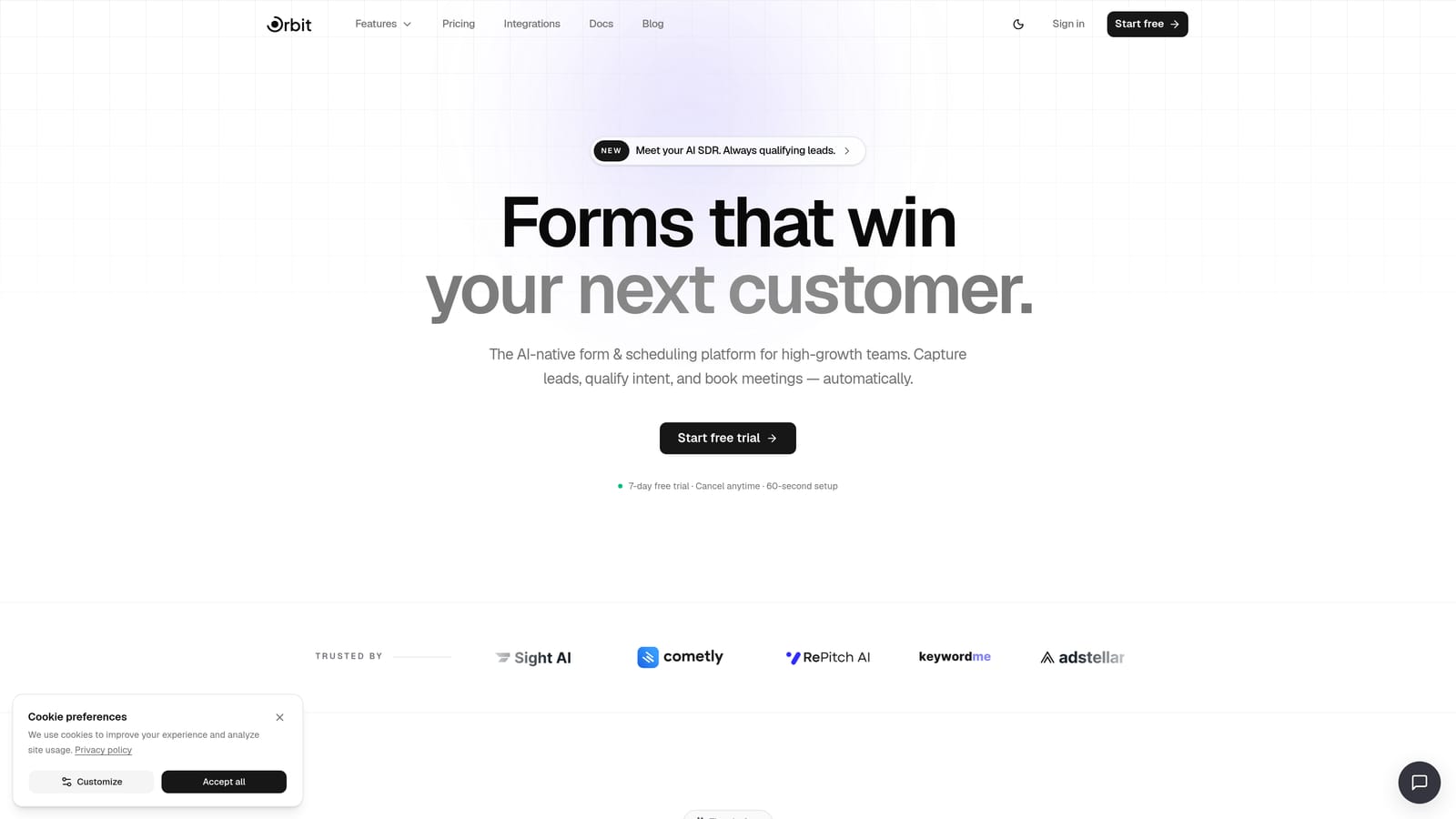
Orbit AI is an AI-powered form builder designed specifically for teams focused on lead generation, qualification, and conversion optimization.
Where This Tool Shines
Most form builders stop at collecting data. Orbit AI goes further by qualifying that data automatically. Its built-in AI agents score and route leads as they come in, so your sales team spends time on the right prospects instead of manually sorting through submissions.
The platform is also built with design quality in mind. You don't need a designer to create forms that look polished and professional. Combined with built-in workflows, sequences, and contact management, it functions less like a standalone form tool and more like a lightweight lead capture system.
Key Features
AI-Powered Lead Qualification: Automatically scores and routes leads based on form responses, removing manual triage from your workflow.
Conversion-Optimized Design: Pre-built, high-converting form layouts that require no design skills to deploy.
Built-In Workflows and Sequences: Trigger automated follow-up sequences and internal routing directly from form submissions.
Analytics Dashboard: Track form performance, completion rates, and lead quality from a single view.
AI Agents: Dynamic, intelligent form interactions that adapt to respondent behavior in real time.
Best For
Orbit AI is the strongest fit for growth-focused sales and marketing teams that treat their forms as a core part of their lead funnel, not just a data collection tool. Startups building their first qualified pipeline and marketing teams running multiple campaigns simultaneously will get the most value here.
Pricing
Visit orbitforms.ai/pricing for current plan details. Multiple tiers are available to match different team sizes and usage levels.
2. Typeform
Best for: Marketing teams that prioritize completion rates through a conversational form experience
Typeform is a design-forward form builder known for its one-question-at-a-time interface that drives strong completion rates.

Where This Tool Shines
Typeform's signature UX is genuinely different from traditional form builders. By presenting one question at a time, it reduces the visual overwhelm that causes respondents to abandon forms partway through. For surveys, onboarding flows, and top-of-funnel lead capture, this approach works well.
Its integration depth is also a strength. Native connections to HubSpot, Salesforce, and Zapier mean that responses flow directly into your existing stack without extra configuration. Where Typeform falls short is on the lead qualification side: it collects data cleanly, but doesn't do much with it automatically.
Key Features
Conversational One-Question UX: Presents questions sequentially to reduce drop-off and improve the respondent experience.
Logic Jumps: Conditional branching that tailors the form path based on previous answers.
Native CRM Integrations: Direct connections to HubSpot, Salesforce, and Zapier for seamless data routing.
Video and Image Embedding: Add rich media directly within form questions for more engaging interactions.
Branded Themes and Custom Domains: Maintain consistent brand presentation across all forms.
Best For
Typeform works best for marketing and product teams running surveys, onboarding flows, and lead capture where visual polish and completion rate matter most. Teams that need deep lead qualification or advanced automation will likely need to supplement it with other tools.
Pricing
Free plan available. Paid plans start at approximately $25 per month billed annually, with pricing that scales based on response volume at higher tiers.
3. Jotform
Best for: Teams that need broad departmental coverage and a large template library
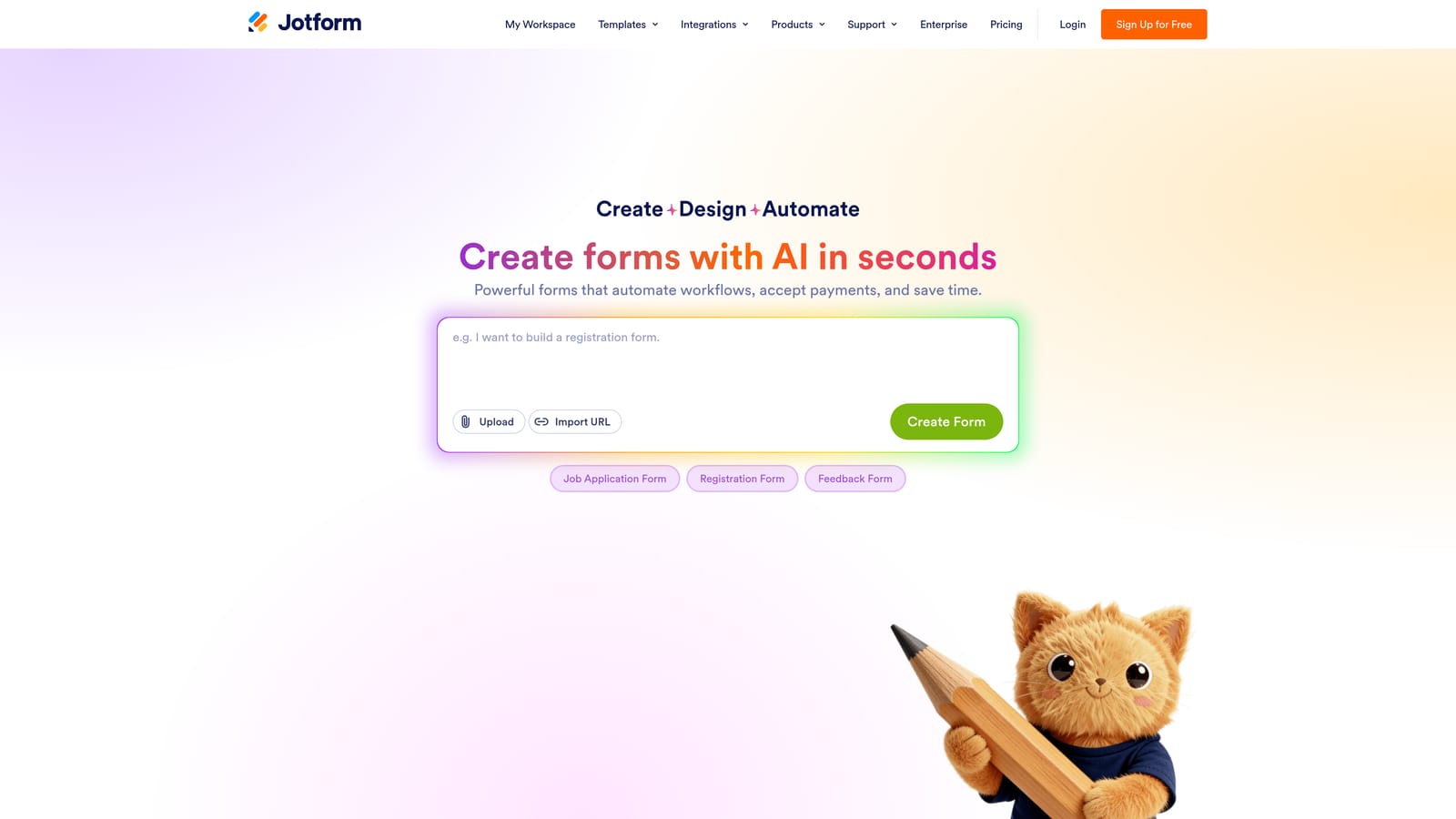
Jotform is one of the most established form builders on the market, offering extensive templates and strong multi-department utility.
Where This Tool Shines
If your team needs forms across HR, legal, operations, and finance simultaneously, Jotform's template library is hard to beat. With over 10,000 templates spanning nearly every business function, you can deploy a new form for almost any use case without starting from scratch.
Jotform Tables adds a spreadsheet-style layer on top of responses, making it easier for non-technical users to manage and review submissions. The Approvals feature supports multi-step review workflows, which is useful for internal processes like expense approvals or onboarding checklists. It's a functional tool, though less design-forward than Typeform or Orbit AI.
Key Features
10,000+ Templates: Covers HR, legal, healthcare, payments, and more — ready to deploy with minimal customization.
Jotform Tables: Spreadsheet-style response management for teams comfortable with a data-first view.
Jotform Approvals: Multi-step review and approval workflows built directly into the platform.
Payment Collection: Native integrations with Stripe, PayPal, and Square for transactional forms.
Wide Integration Library: Connects with a broad range of third-party tools across categories.
Best For
Jotform suits operations-heavy teams and organizations that need forms across multiple departments with different requirements. It's also a good choice for teams that want a solid free tier with room to grow before committing to a paid plan.
Pricing
Free plan available with reasonable limits. Paid plans start at approximately $34 per month, scaling with submission volume and feature access.
4. Tally
Best for: Early-stage startups and lean teams that need clean, functional forms without a budget
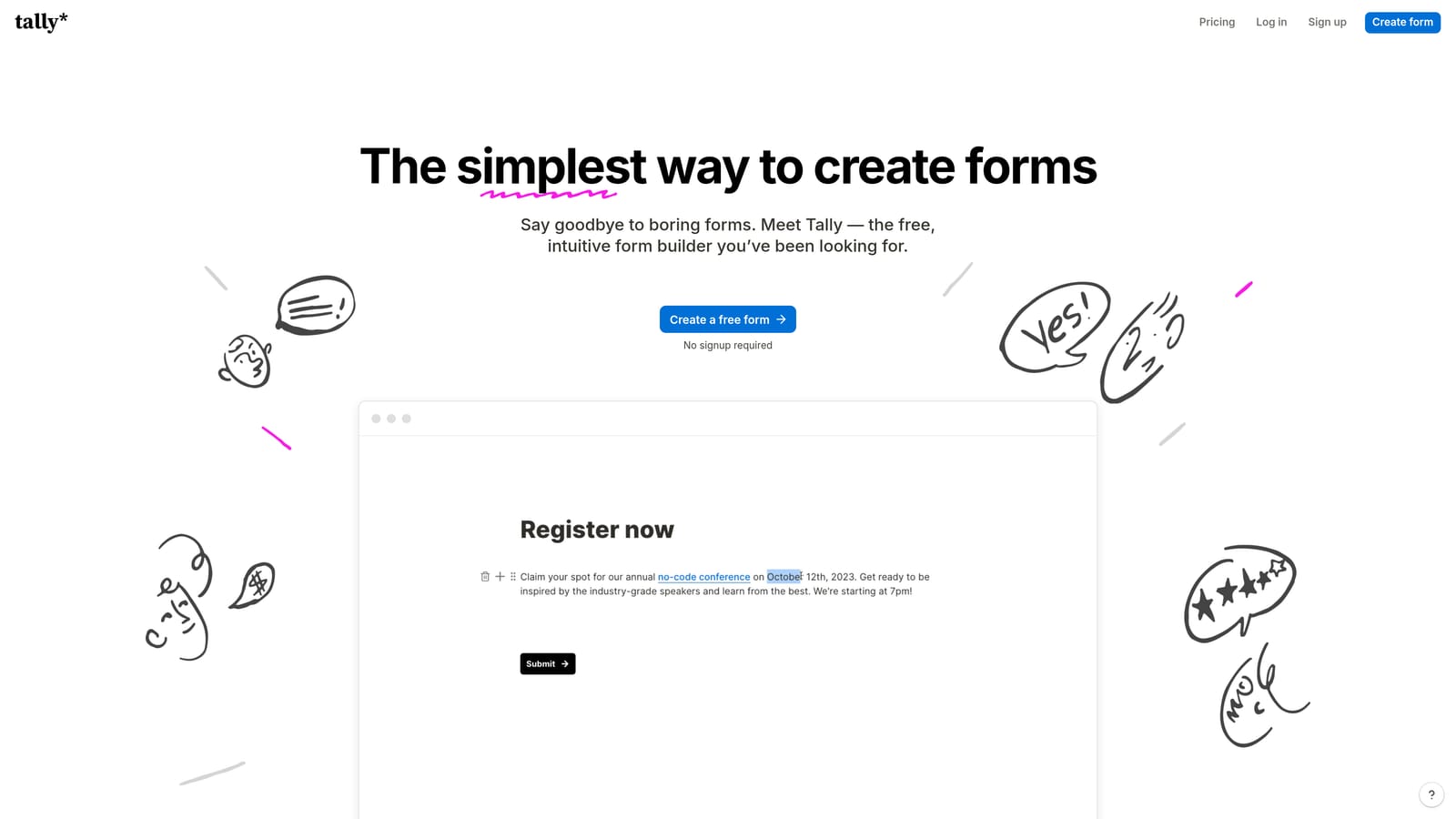
Tally is a free-first form builder with a Notion-inspired block editor that makes creating clean forms remarkably fast.
Where This Tool Shines
Tally's free plan is genuinely generous. Unlimited forms and unlimited responses at no cost is a meaningful offer in a category where most tools gate core functionality behind a paywall. For lean teams or early-stage startups that need functional forms quickly, this is a real advantage.
The block-based editor feels familiar to anyone who uses Notion, which keeps the learning curve low. Conditional logic, file uploads, and Stripe payment integration are all available. Where Tally shows its limits is on the analytics and automation side: it's built for simplicity, not for teams that need deep lead qualification or advanced workflow triggers.
Key Features
Unlimited Free Forms and Responses: The most generous free tier in this category, with no submission caps on the free plan.
Notion-Style Block Editor: Familiar, intuitive editing experience with a minimal learning curve.
Conditional Logic: Basic branching logic and calculated fields supported out of the box.
Stripe Payment Integration: Collect payments directly through forms without a separate tool.
Easy Embedding: Drop forms into websites or Notion pages with minimal setup.
Best For
Tally is the right call for early-stage teams, solo operators, or anyone who needs clean, functional forms without spending anything. It's less suited to teams that need robust analytics, AI-driven qualification, or complex workflow automation.
Pricing
Free plan is the standout offering. Tally Pro starts at approximately $29 per month for additional customization and branding options.
5. Paperform
Best for: Teams running transactional or sales-driven forms that need built-in payment collection
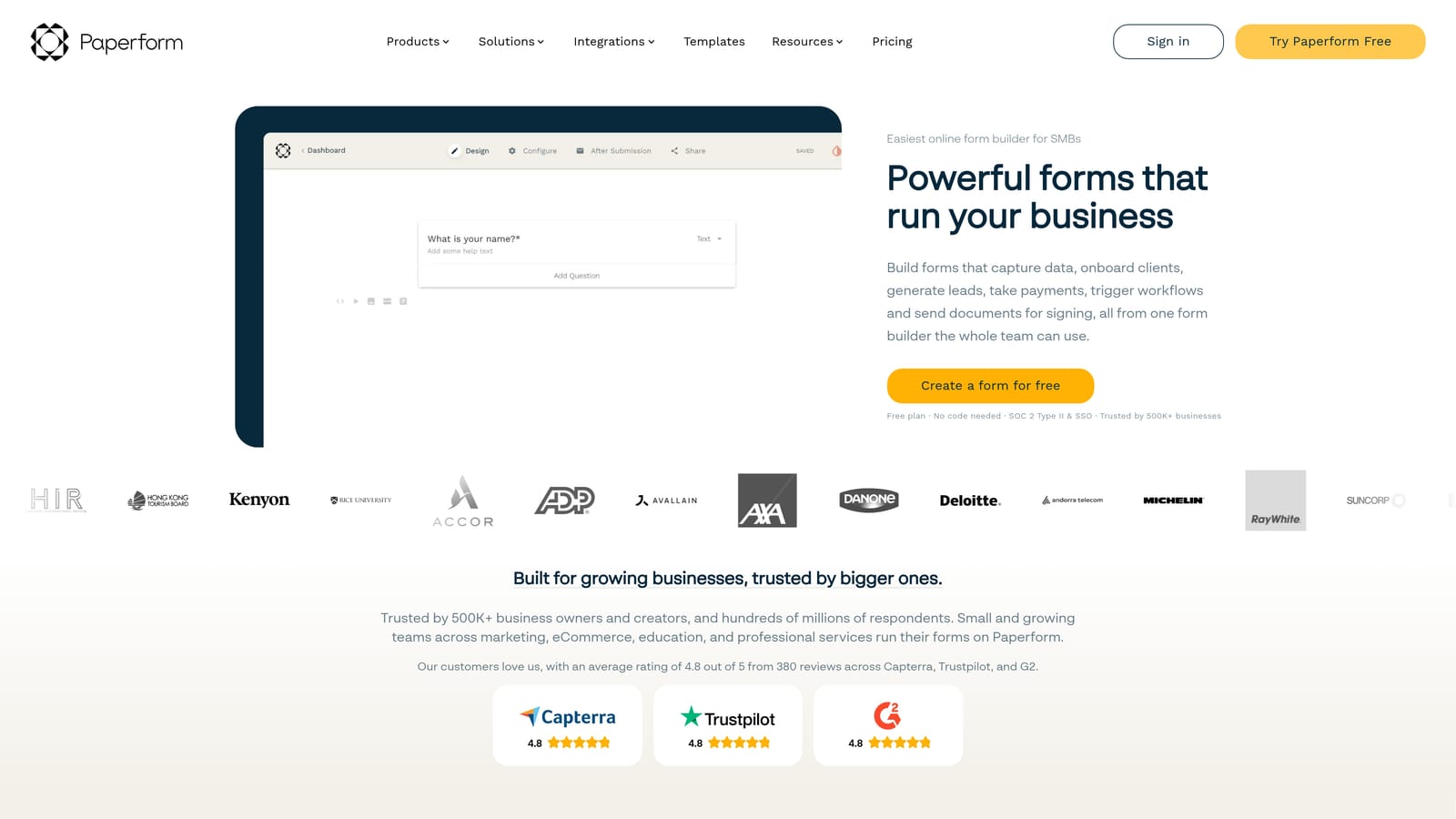
Paperform is a form builder that doubles as a mini landing page tool with native payment support built directly into the editor.
Where This Tool Shines
Paperform occupies a useful niche: it blurs the line between a form and a landing page. You can build a form that reads like a sales page, with descriptive text, images, and payment collection all in one flow. This makes it particularly effective for product launches, event registrations, or any scenario where the form itself needs to do some selling.
Its flat-rate pricing model is also worth noting. Unlike tools that charge based on submission volume, Paperform's pricing stays predictable regardless of how many responses you receive. For teams running campaigns with unpredictable traffic spikes, that consistency has real value.
Key Features
Form and Landing Page in One: Combines rich editorial design with form functionality in a single editor.
Native Payment Support: Accepts payments via Stripe, PayPal, and Square without third-party workarounds.
Flat-Rate Pricing: Costs don't scale with submission volume, making budgeting straightforward.
Conditional Logic and Calculations: Supports branching logic and dynamic field calculations for complex form flows.
Booking and Scheduling Forms: Built-in support for appointment and scheduling use cases.
Best For
Paperform is a strong fit for sales-driven teams, consultants, and small businesses that need payment-integrated forms with a polished presentation. It's less focused on lead qualification and CRM-heavy workflows, so teams with complex sales funnels may find it limiting.
Pricing
Starts at approximately $24 per month billed annually. No free plan is available, though a trial period is offered.
6. Formstack
Best for: Mid-market and enterprise teams with compliance requirements and complex workflow needs
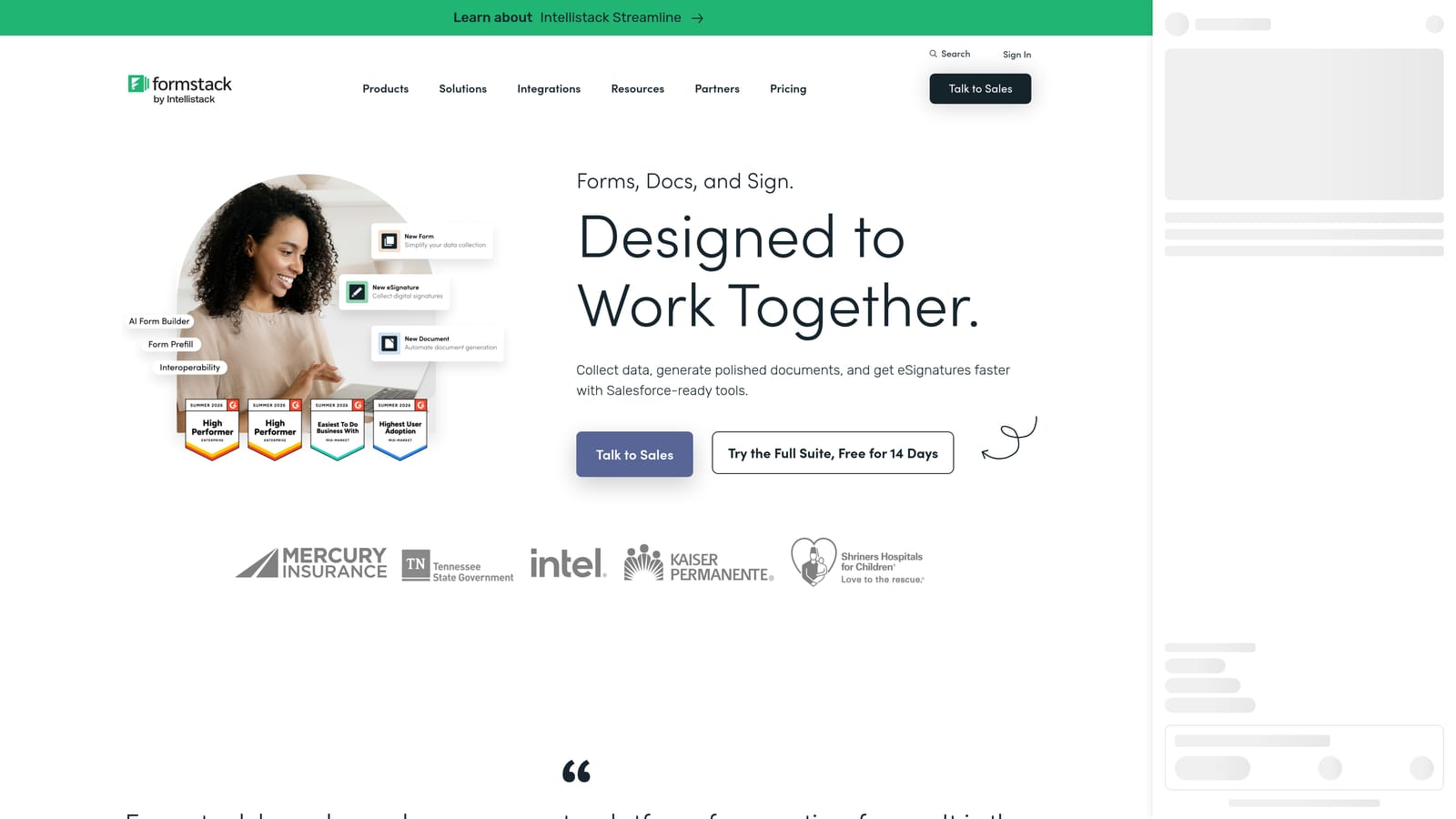
Formstack is an enterprise-grade form and workflow automation platform built for organizations that need compliance, document generation, and deep integrations.
Where This Tool Shines
Formstack is in a different weight class from the other tools on this list. It's designed for organizations where forms are part of complex, multi-step internal processes: think healthcare intake workflows, legal document generation, or regulated data collection at scale. Its compliance coverage across HIPAA, GDPR, and SOC 2 makes it one of the few form tools appropriate for sensitive data environments.
The Formstack Documents and Sign add-ons extend the platform beyond data collection into document automation and e-signature territory. For enterprise teams already invested in Salesforce or Microsoft 365, the integration depth is a genuine strength. That said, it's clearly overkill for early-stage teams, and the price reflects the enterprise positioning.
Key Features
Multi-Step Workflow Automation: Build approval routing and conditional workflow logic for complex internal processes.
Document Generation and E-Signature: Formstack Documents and Sign extend the platform into contract and document automation.
Compliance Support: HIPAA, GDPR, and SOC 2 coverage for regulated industries and data environments.
Enterprise Integrations: Deep native connections with Salesforce and Microsoft 365.
Prefill and Data Merge: Populate form fields from existing data sources to reduce manual entry in complex flows.
Best For
Formstack is the right choice for mid-market and enterprise teams in regulated industries that need compliance, document automation, and deep enterprise integrations. It's not the right fit for lean growth teams focused on lead capture and conversion speed.
Pricing
Starts at approximately $83 per month. Enterprise pricing is available on request and scales significantly with added products like Documents and Sign.
Which Tool Is Right for Your Team?
Every tool on this list does something well. The question is which strengths actually match where your team is right now.
If you're in the early stages and need functional forms without spending anything, Tally is the obvious starting point. Its free plan is genuinely useful, not just a teaser.
If design and completion rates are your primary concern, Typeform delivers a polished, conversational experience that's hard to match for surveys and marketing-led capture.
For teams spread across departments with diverse form needs, Jotform's template depth and multi-use coverage make it a practical all-rounder. If payment collection is central to your forms, Paperform handles that use case better than anyone else on this list.
For enterprise teams in regulated industries, Formstack is built for exactly the compliance and workflow complexity you're dealing with.
But if your team is focused on growth, lead generation, and conversion optimization, the calculus is different. You don't just need a form that collects data. You need one that qualifies leads automatically, routes them to the right place, and gives your team visibility into what's actually converting.
That's the gap Orbit AI was built to fill. It's the only tool on this list that combines AI-powered lead qualification, built-in workflow automation, and conversion-optimized design in a single platform designed specifically for high-growth teams.
Transform your lead generation with AI-powered forms that qualify prospects automatically while delivering the modern, conversion-optimized experience your high-growth team needs. Start building free forms today and see how intelligent form design can elevate your conversion strategy.


