

Manual form follow-up is killing your conversion rates. A prospect fills out your form at 11 PM, and by the time someone routes it to sales the next morning, they've already moved on to a competitor. Form builders with workflows solve this by triggering instant actions the moment someone submits: routing high-value leads to your CRM, sending personalized follow-ups, updating databases, and kicking off multi-step sequences—all without human intervention.
The best form builders with workflows combine three critical elements: conditional logic that routes submissions based on answers, native automation that executes instantly without third-party delays, and deep integrations with your existing tech stack. We evaluated these tools on workflow flexibility, ease of setup, integration depth, and pricing transparency to find the platforms that actually deliver on automation promises.
Here are the top form builders with workflows that can transform your lead process in 2026.
1. Orbit AI
Best for: High-growth teams needing AI-powered lead qualification with native workflow automation
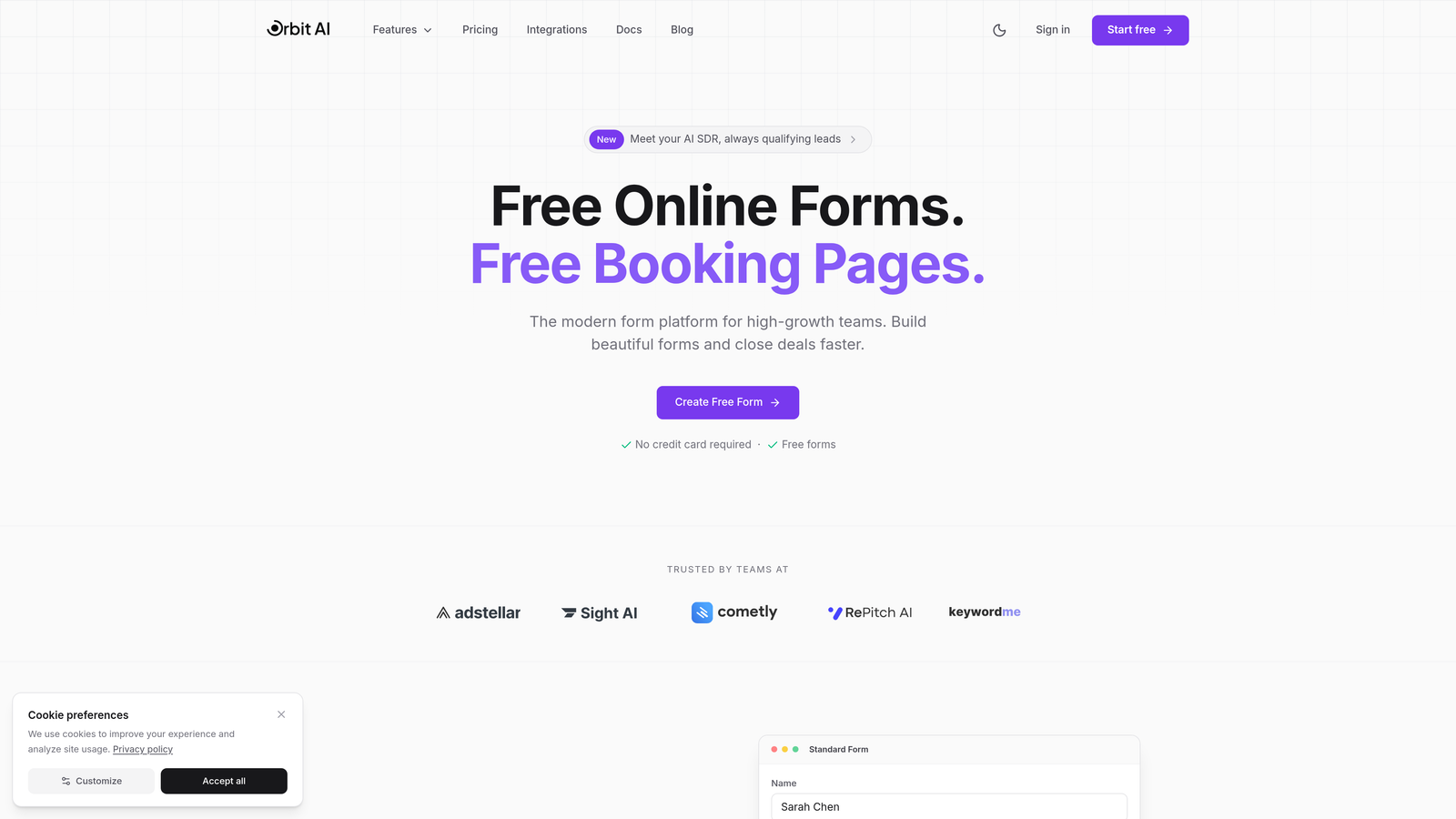
Orbit AI is an AI-powered form builder designed specifically for teams that need intelligent lead qualification combined with sophisticated workflow automation.
Where This Tool Shines
Orbit AI stands out by combining beautiful, conversion-optimized form design with AI that actually understands your leads. While most form builders treat workflows as simple "if this, then that" logic, Orbit AI uses artificial intelligence to score and qualify leads automatically, then routes them through sequences tailored to their qualification level.
The platform eliminates the gap between form submission and meaningful action. High-intent leads get routed to sales immediately with context about why they're qualified, while lower-priority submissions enter nurture sequences—all happening automatically based on AI analysis rather than rigid rule sets you have to manually configure.
Key Features
AI-Powered Lead Qualification: Automatically scores and qualifies leads based on submission content, routing high-value prospects to sales instantly.
Native Workflow Builder: Create conditional routing, automated follow-ups, and multi-step sequences without relying on third-party automation tools.
Automated Sequences: Build sophisticated follow-up campaigns triggered by form behavior and qualification status.
Deep CRM Integrations: Native connections to HubSpot, Salesforce, and Pipedrive ensure lead data flows seamlessly into your existing processes.
Conversion-Optimized Design: Forms are built with modern UI principles that maximize completion rates while maintaining brand consistency.
Best For
High-growth B2B teams that need to qualify and route leads intelligently without adding headcount. Perfect for companies where lead quality varies significantly and sales teams need pre-qualified prospects with context, not just raw form submissions.
Pricing
Free tier available for getting started; paid plans from $29/month with advanced workflow features and higher submission limits.
2. Typeform
Best for: Creating engaging conversational forms with workflow automation through integrations
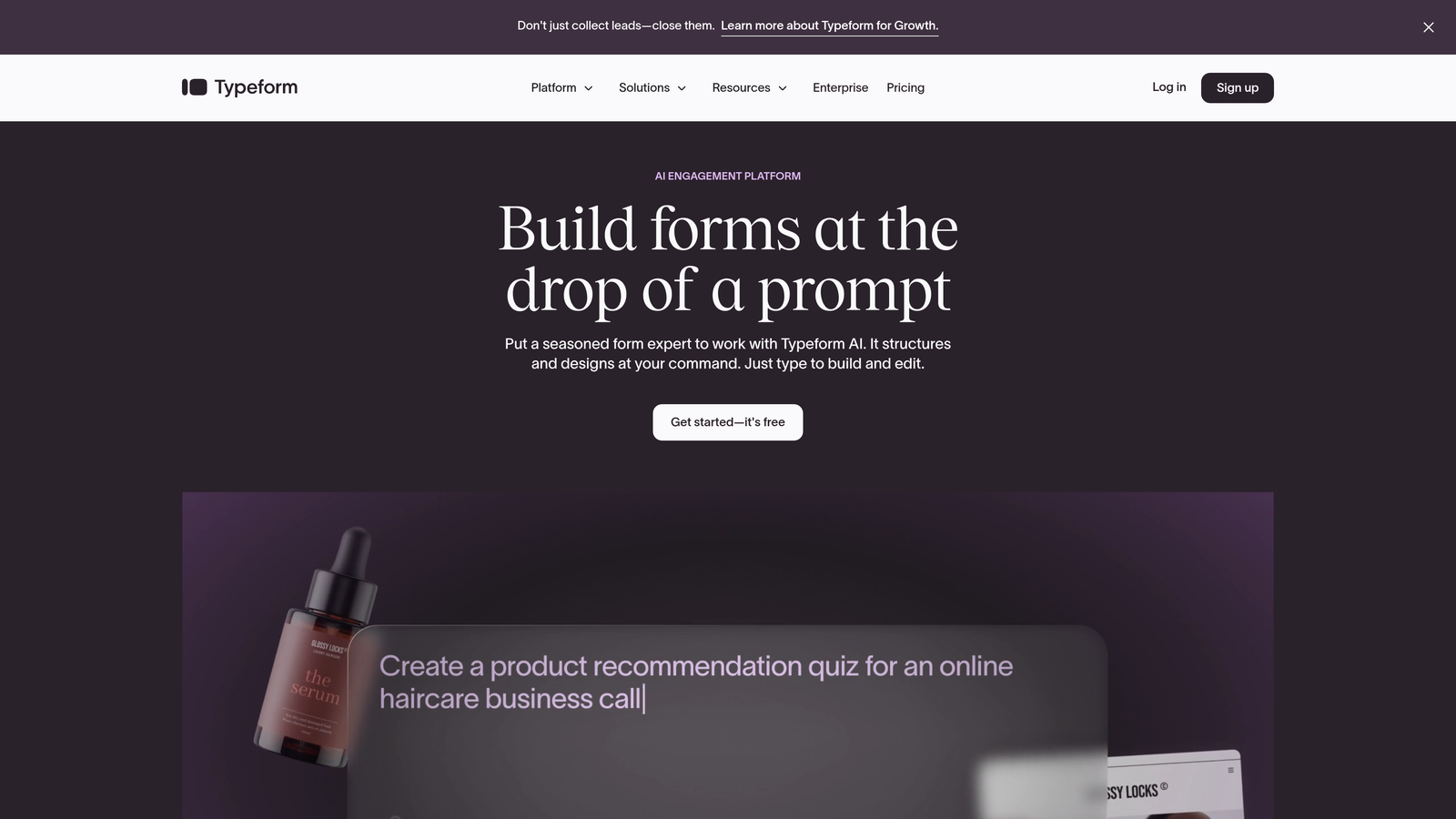
Typeform is the conversational form builder known for its one-question-at-a-time interface that feels more like a conversation than a traditional form.
Where This Tool Shines
Typeform revolutionized form design by ditching the overwhelming multi-field layout for a conversational approach that dramatically improves completion rates. The platform's strength lies in creating engaging experiences that feel natural, making it ideal for surveys, quizzes, and lead capture where you want respondents to actually enjoy the process.
For workflows, Typeform combines native logic jumps with a robust integration ecosystem. You can create branching paths within forms based on answers, then use native connections to HubSpot, Slack, and Mailchimp—or build complex workflows through Zapier and Make for more sophisticated automation needs.
Key Features
Conversational Format: One-question-at-a-time design that increases engagement and completion rates compared to traditional forms.
Logic Jumps and Branching: Show different questions based on previous answers, creating personalized form experiences.
Native Integrations: Direct connections to HubSpot, Slack, Mailchimp, and other popular tools for basic workflow automation.
Zapier/Make Connections: Build complex multi-step workflows using third-party automation platforms.
Rich Media Embedding: Add videos and images throughout forms to create visually compelling experiences.
Best For
Marketing teams focused on engagement and brand experience who need basic workflow automation. Ideal when form completion rates matter more than complex conditional routing.
Pricing
Free tier with limited features; Basic plan from $25/month for workflow features and increased responses.
3. Jotform
Best for: Teams needing built-in approval workflows and conditional email automation with extensive templates
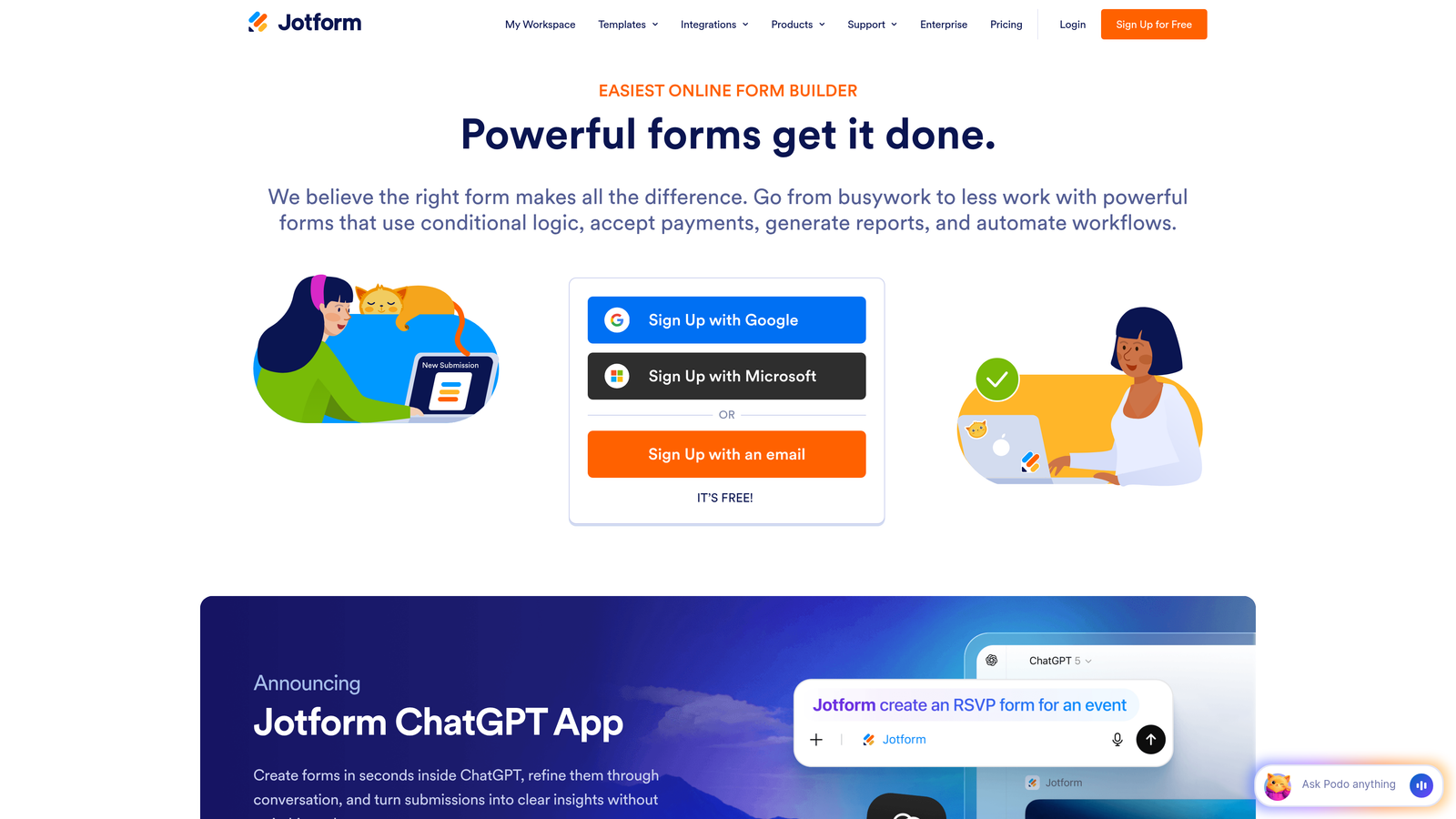
Jotform is an established form builder with native workflow capabilities including approval chains and conditional autoresponders.
Where This Tool Shines
Jotform's Approvals feature sets it apart for teams that need multi-step review processes. Think employee onboarding forms that route through HR, then IT, then management—each step triggering notifications and requiring sign-off before moving forward. This native approval functionality eliminates the need for external workflow tools for many common business processes.
The platform's 10,000+ templates mean you're rarely starting from scratch, and the conditional email system lets you send different autoresponders based on form answers. Combined with PDF generation and payment integrations, Jotform handles workflows that span data collection, approval, and transaction completion.
Key Features
Jotform Approvals: Native multi-step approval workflows with notifications and tracking at each stage.
Conditional Autoresponder Emails: Send different automated emails based on form responses without external tools.
Massive Template Library: Over 10,000 pre-built forms covering nearly every use case imaginable.
PDF Form Generation: Automatically create PDF documents from submissions for record-keeping or sharing.
Payment Integrations: Accept payments directly through forms with multiple processor options.
Best For
Organizations needing approval workflows for internal processes like expense requests, time-off applications, or procurement. Great for teams that value extensive templates and want native workflow features without external dependencies.
Pricing
Free tier limited to 5 forms; Bronze plan from $34/month unlocks more forms and workflow features.
4. Tally
Best for: Simple workflow needs with a generous free tier and Notion-style interface
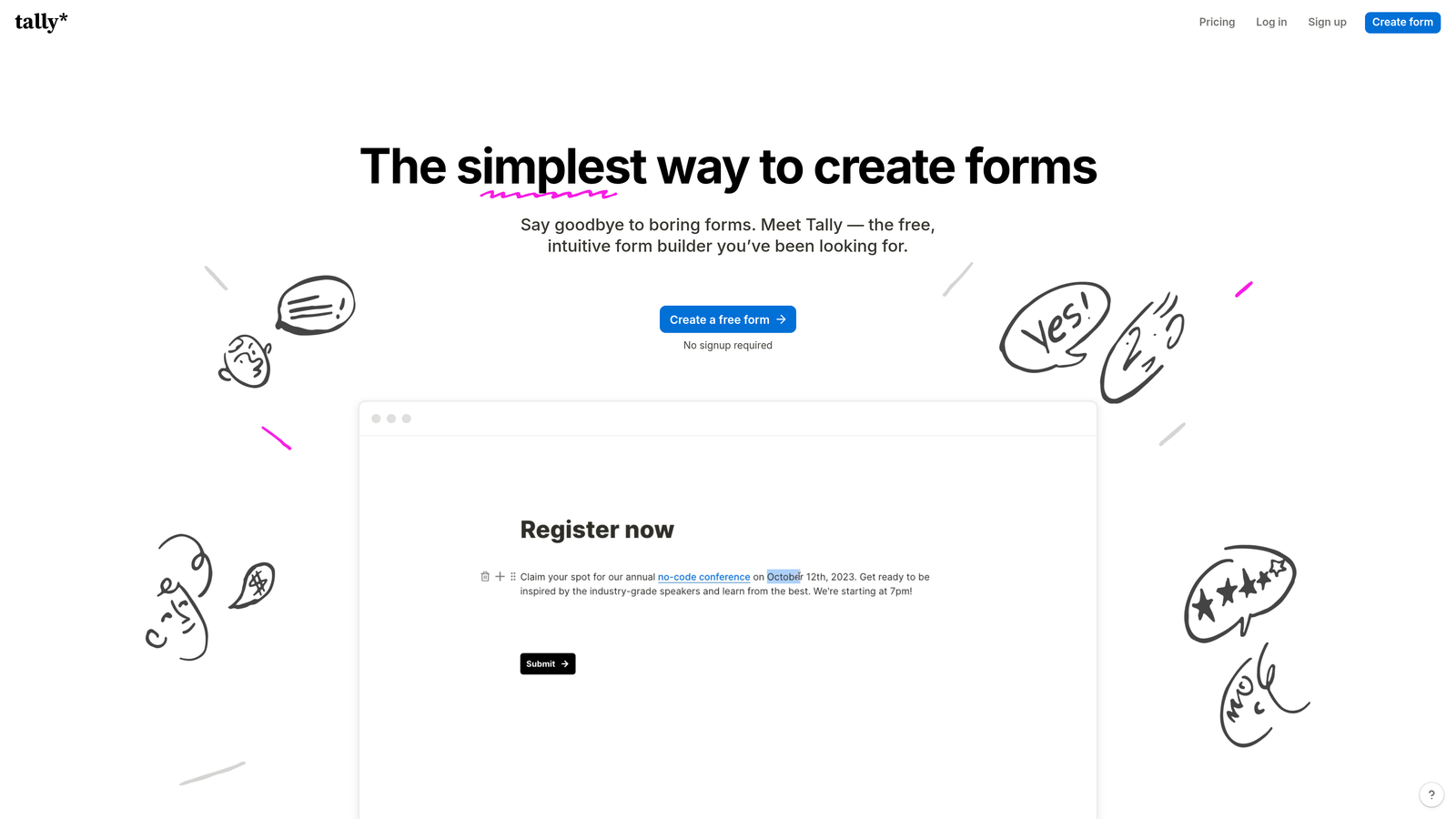
Tally is a clean, straightforward form builder with a Notion-like editing experience and basic workflow connections.
Where This Tool Shines
Tally's genius is simplicity. If you're already using Notion, the editing experience feels instantly familiar—no learning curve, no overwhelming feature menus. The platform focuses on doing the essentials extremely well rather than cramming in every possible feature.
For workflows, Tally offers conditional logic for branching and webhooks for connecting to automation platforms. The native Notion database sync is particularly powerful for teams already managing processes in Notion, eliminating the need for middleware. The free tier is remarkably generous, making it ideal for bootstrapped teams or those testing workflow automation without budget commitment.
Key Features
Notion-Like Editing: Familiar block-based interface that Notion users can master in minutes.
Native Notion Sync: Submissions flow directly into Notion databases without Zapier or other connectors.
Conditional Logic: Show or hide questions based on previous answers for personalized form paths.
Webhooks: Connect to custom workflows or automation platforms for advanced routing.
Generous Free Tier: Unlimited forms and submissions on the free plan, unlike most competitors.
Best For
Notion-centric teams and budget-conscious organizations that need basic workflow automation without complex requirements. Perfect for startups testing lead generation workflows before investing in enterprise tools.
Pricing
Free tier with unlimited forms; Pro from $29/month for advanced features and branding removal.
5. Fillout
Best for: Database-first workflows with deep Airtable integration and built-in scheduling
Fillout is a database-first form builder designed for teams that manage data in Airtable, Notion, or Supabase.

Where This Tool Shines
Fillout treats your database as the source of truth and builds forms around it. Instead of collecting submissions then pushing them to a database, Fillout creates forms that directly read from and write to your existing tables. This approach eliminates sync delays and data inconsistencies that plague traditional form-to-database workflows.
The platform's scheduling and payment features are built natively, so you can create booking forms that check calendar availability or payment forms that update inventory—all within a single tool. For Airtable power users, Fillout can even update existing records rather than just creating new ones, enabling use cases like customer profile updates or order modifications.
Key Features
Native Database Connections: Direct integration with Airtable, Notion, and Supabase for real-time data sync.
Scheduling Forms: Built-in calendar integration for booking appointments without external scheduling tools.
Payment Collection: Accept payments directly through forms with native processing capabilities.
Record Updates: Update existing database records instead of only creating new submissions.
Conditional Logic and Calculations: Create dynamic forms that calculate values and show relevant fields based on inputs.
Best For
Teams managing operations in Airtable or Notion who need forms that integrate seamlessly with their database workflows. Ideal for agencies, consultants, and service businesses needing scheduling and payment capabilities.
Pricing
Free tier available; Starter plan from $15/month for increased submissions and advanced features.
6. Formstack
Best for: Enterprise teams requiring complex approval workflows and compliance features
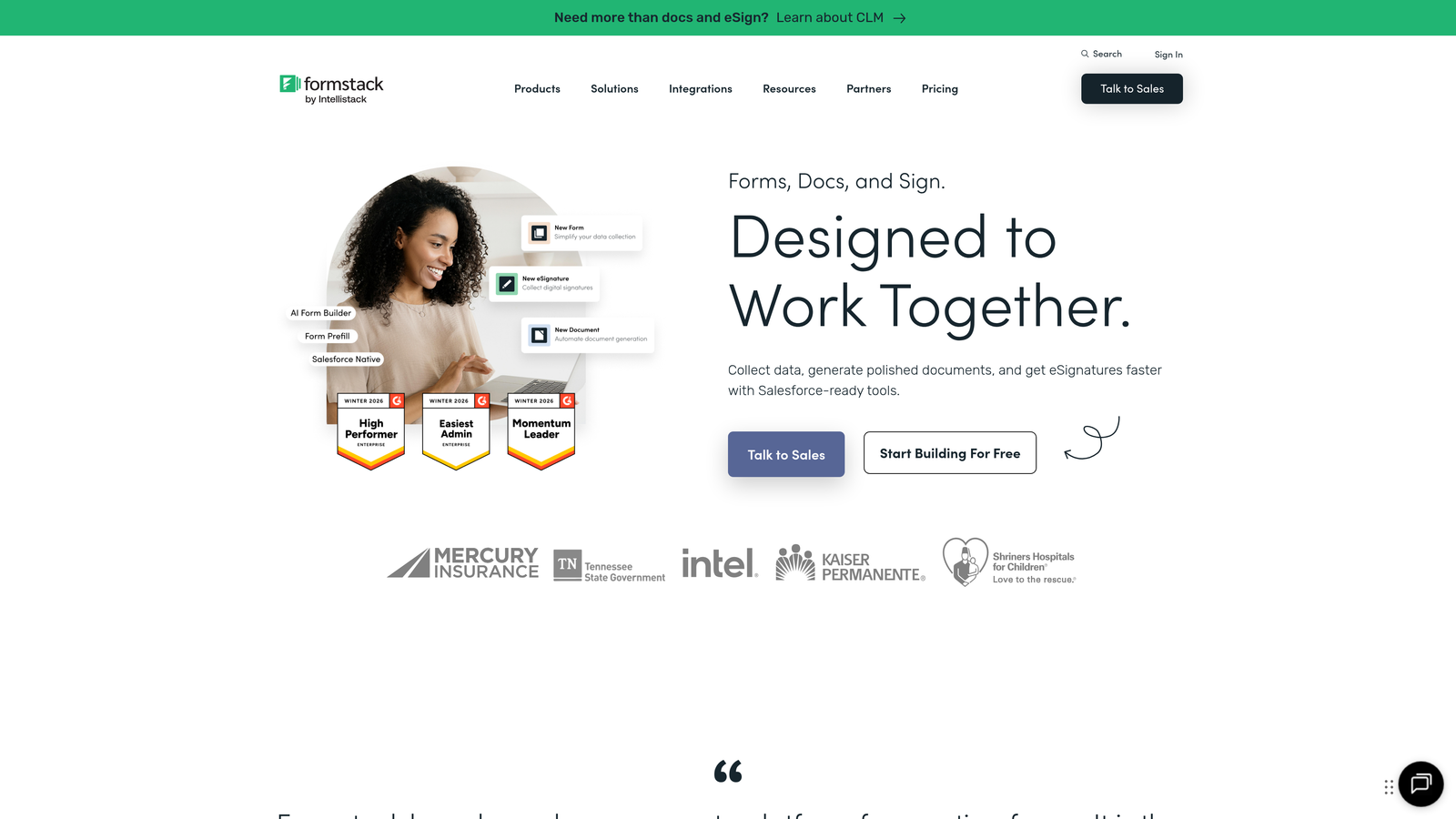
Formstack is an enterprise-grade form builder with sophisticated approval workflows, document generation, and compliance capabilities.
Where This Tool Shines
Formstack is built for organizations where workflows involve multiple stakeholders, compliance requirements, and document generation. The platform handles scenarios like insurance applications that need underwriter approval, then generate policy documents, then route to legal review—all tracked with audit trails and timestamps.
The HIPAA and SOC 2 compliance features make Formstack one of the few form builders suitable for healthcare and financial services. Combined with e-signature integration and advanced analytics on workflow performance, it's designed for regulated industries where form data triggers complex business processes with accountability requirements.
Key Features
Multi-Step Approval Workflows: Create complex approval chains with conditional routing based on submission content.
Document Generation: Automatically create contracts, agreements, or reports from form submissions.
E-Signature Integration: Collect legally binding signatures as part of automated workflows.
HIPAA and SOC 2 Compliance: Meet regulatory requirements for healthcare and financial data handling.
Advanced Analytics: Track workflow performance, bottlenecks, and approval times with detailed reporting.
Best For
Enterprise organizations in regulated industries needing compliance-ready workflows with approval chains and document generation. Perfect for healthcare, financial services, and legal teams.
Pricing
Starter plan from $50/month; custom enterprise pricing for advanced compliance and workflow features.
7. Cognito Forms
Best for: Payment workflows with advanced calculations and inventory management
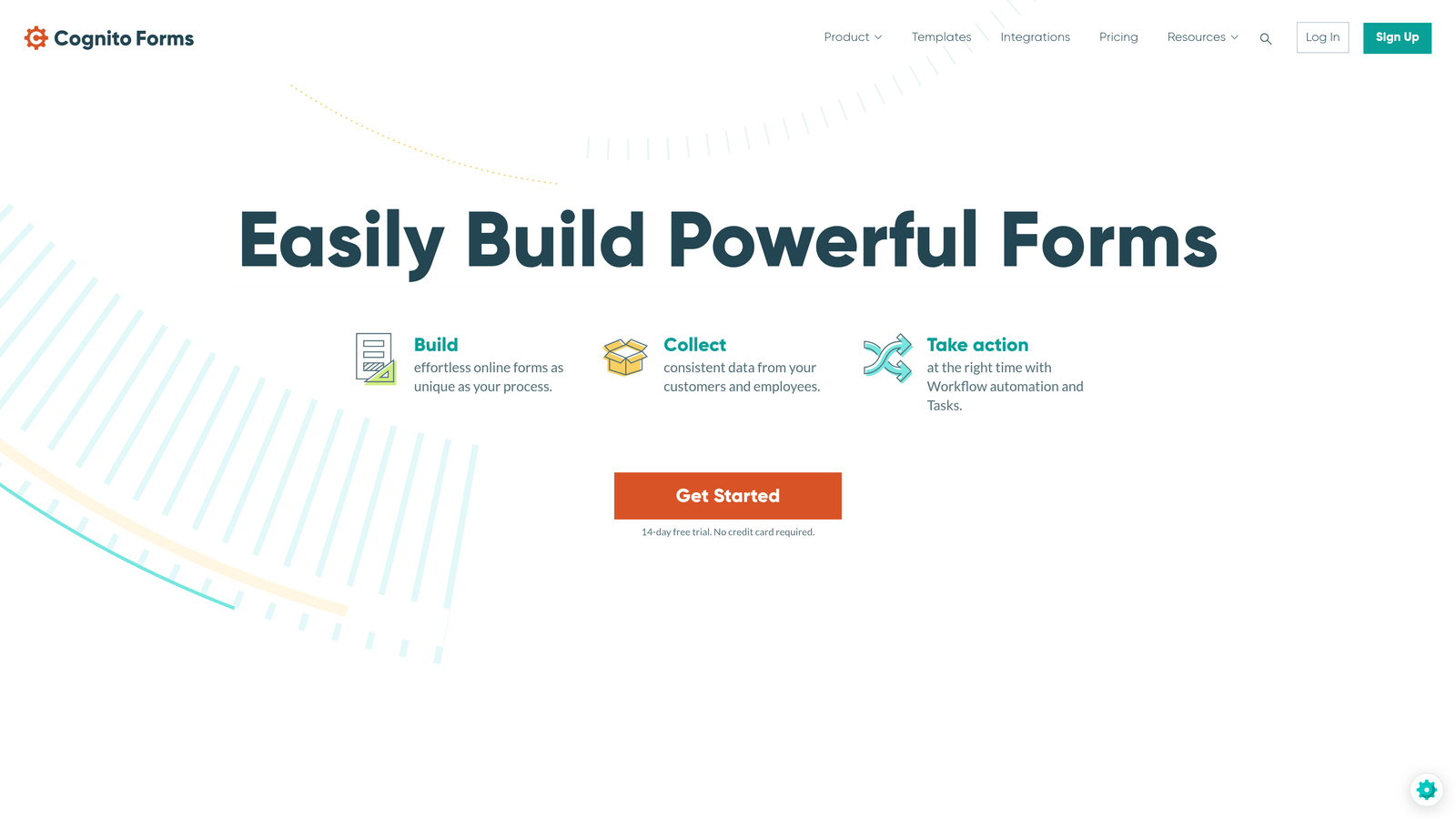
Cognito Forms specializes in forms that involve payments, calculations, and quantity tracking.
Where This Tool Shines
Cognito Forms excels at workflows involving money and math. The platform's calculation engine handles complex formulas, pricing logic, and quantity limits that most form builders struggle with. Think registration forms that calculate totals based on ticket selections, apply discount codes, check inventory availability, then process payment—all within the form itself.
The workflow emails with conditions let you send different confirmations based on purchase details or payment status. Combined with repeating sections for handling variable quantities (like ordering multiple products with different options), Cognito Forms handles e-commerce-adjacent workflows that would require custom development in other tools.
Key Features
Built-In Payment Processing: Accept payments through Stripe, PayPal, or Square directly in forms.
Advanced Calculations: Create complex formulas for pricing, totals, and conditional values.
Quantity Limits and Inventory: Track available spots or items and prevent over-booking automatically.
Conditional Workflow Emails: Send different automated emails based on submission details or payment status.
Repeating Sections: Allow users to add multiple items or attendees with independent calculations.
Best For
Organizations selling products, accepting registrations, or collecting payments through forms. Ideal for event management, course enrollment, and product orders requiring calculation logic.
Pricing
Free tier limited to 500 entries/month; Pro plan from $15/month for unlimited entries and payment features.
8. 123FormBuilder
Best for: Visual workflow design with performance analytics and branching logic
123FormBuilder offers a visual workflow designer with conditional branching and analytics on automation performance.
Where This Tool Shines
123FormBuilder's visual workflow designer makes complex automation accessible to non-technical users. Instead of writing rules or configuring settings across multiple screens, you see your entire workflow as a flowchart—making it easy to understand how submissions route through different paths based on conditions.
The workflow performance analytics are particularly valuable for teams optimizing their processes. You can see which branches get triggered most often, where delays occur, and which automated emails have the highest engagement. The pre-built workflow templates cover common use cases like lead routing and approval chains, giving you starting points rather than blank canvases.
Key Features
Visual Workflow Designer: Build automation flows using drag-and-drop flowchart interface.
Conditional Branching: Route submissions through different paths based on answers or calculated values.
Workflow Performance Analytics: Track how your automations perform with detailed metrics on each step.
Pre-Built Templates: Start with workflow templates for common scenarios instead of building from scratch.
Multi-Language Support: Create forms and workflows in multiple languages for international teams.
Best For
Teams that prefer visual workflow design over configuration screens and want analytics on automation performance. Great for international organizations needing multi-language form and workflow support.
Pricing
Free tier with limited features; Gold plan from $19.99/month for workflow capabilities.
9. Paperform
Best for: Landing page-style forms with automated follow-up workflows
Paperform combines landing page design with form functionality and automated follow-up workflows.
Where This Tool Shines
Paperform blurs the line between landing pages and forms, letting you create content-rich experiences that combine storytelling with data collection. Instead of a form that sits on a landing page, Paperform creates forms that are landing pages—complete with images, videos, formatted text, and custom layouts.
The workflow capabilities include conditional logic for dynamic form behavior, automated email sequences triggered by submissions, and custom success pages that change based on what users submitted. Combined with payment and booking integrations, Paperform handles workflows where the form experience itself is part of your brand and conversion strategy.
Key Features
Landing Page Design: Create content-rich forms that function as standalone landing pages with custom layouts.
Conditional Logic: Show different content and fields based on user inputs for personalized experiences.
Automated Email Follow-Ups: Trigger email sequences based on submission data without external tools.
Payment and Booking: Accept payments and schedule appointments directly through form workflows.
Custom Success Pages: Show different confirmation pages based on submission content using conditional logic.
Best For
Creative teams and agencies that need forms to match their brand aesthetic while automating follow-up. Perfect for coaches, consultants, and service providers where the form experience matters as much as the data collection.
Pricing
Essentials plan from $24/month; higher tiers for increased submissions and advanced features.
Making the Right Choice
The right form builder with workflows depends on your specific automation needs and existing tech stack. For teams needing AI-powered lead qualification with native workflow automation, Orbit AI delivers intelligent routing that eliminates manual triage. If conversational design and engagement matter most, Typeform's one-question-at-a-time approach maximizes completion rates with solid integration options.
Enterprise teams requiring complex approval chains and compliance features should explore Formstack's sophisticated workflow capabilities. Budget-conscious teams or Notion users will appreciate Tally's generous free tier and familiar interface. For Airtable power users, Fillout's database-first approach eliminates the sync delays that plague traditional form-to-database workflows.
Consider your primary workflow trigger: Is it lead qualification and routing? Payment processing and inventory management? Multi-step approvals? Document generation? The best tool matches your dominant workflow pattern while integrating cleanly with your existing systems.
Transform your lead generation with AI-powered forms that qualify prospects automatically while delivering the modern, conversion-optimized experience your high-growth team needs. Start building free forms today and see how intelligent form design can elevate your conversion strategy.


