

Choosing the right form builder can make or break your lead generation strategy. The difference between a generic contact form and a conversion-optimized experience often determines whether prospects engage with your business or bounce to a competitor. Today's form builders range from AI-powered platforms that qualify leads automatically to straightforward tools for basic data collection.
We evaluated dozens of form builders based on ease of use, integration capabilities, conversion features, and pricing transparency. This review covers solutions for every business need—from high-growth teams requiring intelligent lead qualification to budget-conscious startups seeking reliable free options. Here are the top form builders transforming how businesses capture and convert leads in 2026.
1. Orbit AI
Best for: High-growth teams prioritizing lead qualification and conversion optimization
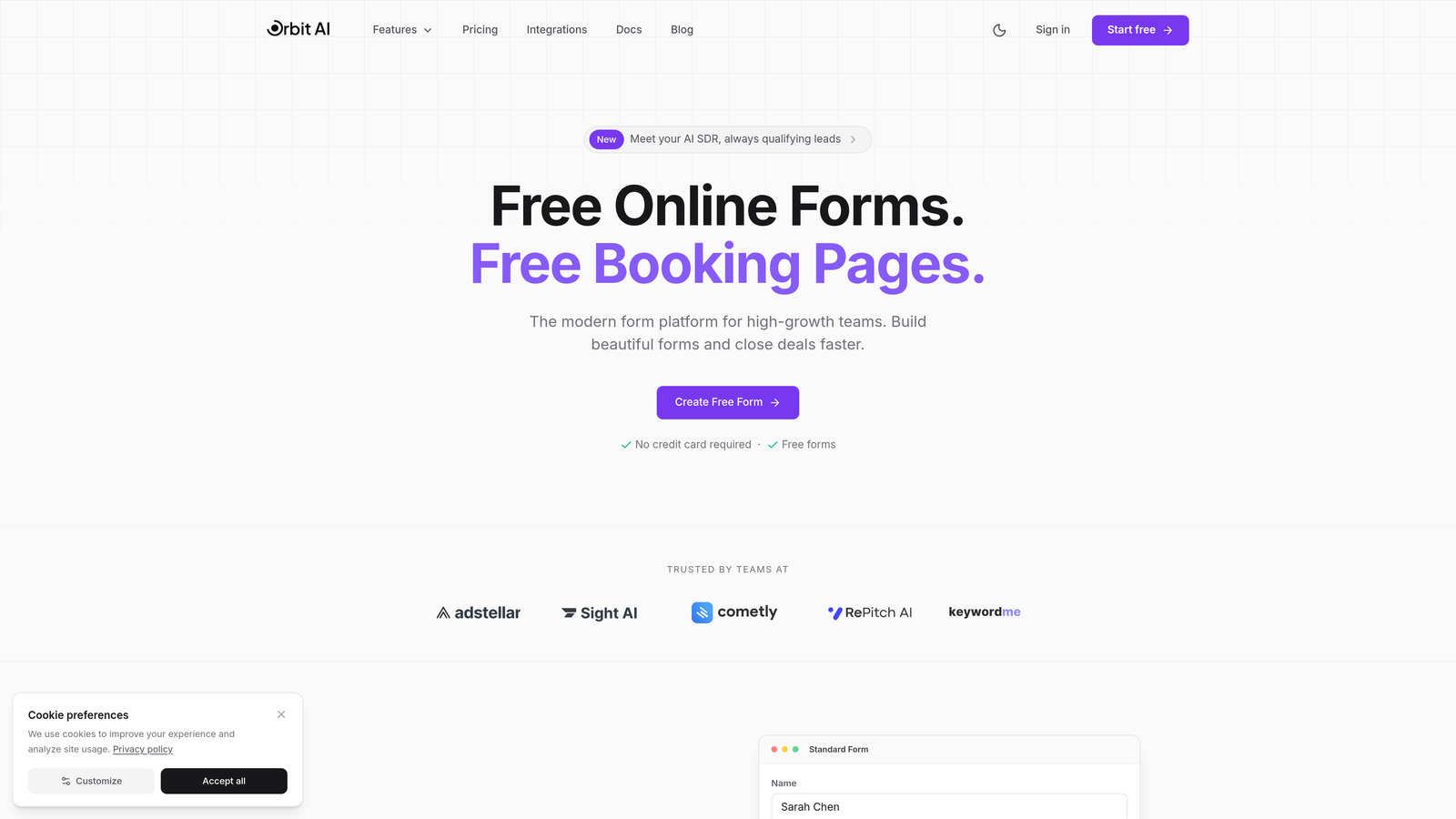
Orbit AI is an AI-powered form builder platform designed specifically for businesses serious about converting prospects into qualified leads.
Where This Tool Shines
Orbit AI stands apart by bringing artificial intelligence directly into the form-building process. While most platforms simply collect information, this tool actively qualifies leads as they complete your forms, scoring prospects based on their responses and routing high-value opportunities to your sales team immediately.
The platform combines modern, conversion-optimized templates with intelligent automation. Forms feel natural and engaging rather than interrogative, while the AI works behind the scenes to identify your best prospects and trigger appropriate follow-up sequences.
Key Features
AI-Powered Lead Qualification: Automatically scores and routes leads based on response patterns and qualification criteria you define.
Conversion-Optimized Templates: Modern form designs built specifically to maximize completion rates and engagement.
Deep CRM Integrations: Seamless connections with your existing sales and marketing stack for automated workflows.
Real-Time Analytics Dashboard: Track form performance, conversion rates, and lead quality metrics in one centralized view.
Automated Follow-Up Sequences: Trigger personalized email sequences based on lead scores and form responses.
Best For
Marketing and sales teams at growing companies who need more than basic form functionality. Ideal for businesses where lead quality matters as much as lead volume, particularly SaaS companies, agencies, and B2B services requiring sophisticated prospect qualification.
Pricing
Contact for pricing; offers plans scaled for growing teams with features that expand as your lead generation needs evolve.
2. Typeform
Best for: Creating engaging, conversational form experiences with strong branding
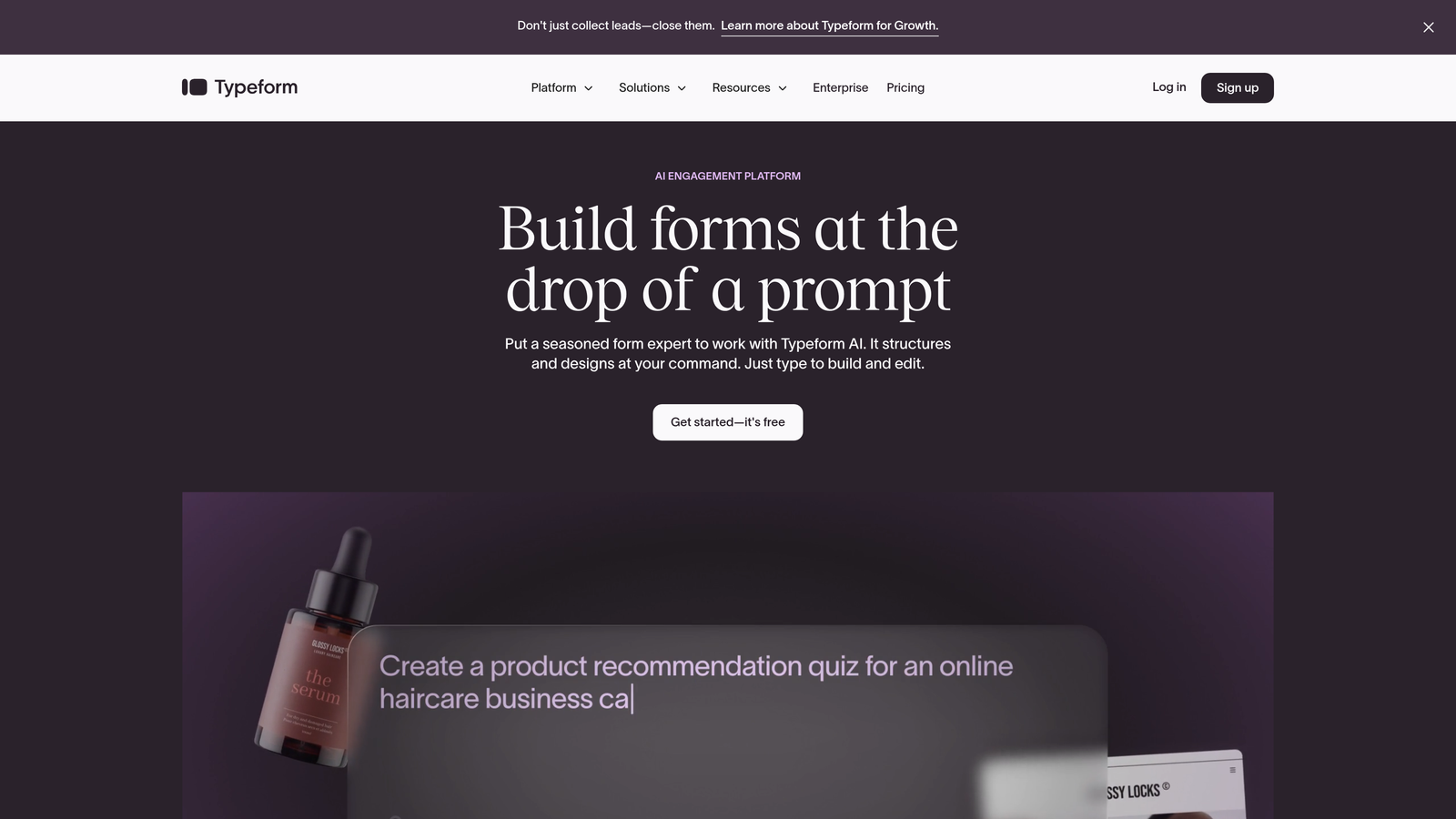
Typeform is a conversational form builder that revolutionized the industry with its one-question-at-a-time approach.
Where This Tool Shines
Typeform transformed how people think about forms by making them feel like conversations rather than interrogations. The signature one-question-per-screen format reduces cognitive load and creates a more engaging experience that typically sees higher completion rates than traditional multi-field forms.
The platform excels at brand customization, allowing you to create forms that feel like natural extensions of your website. From custom fonts and colors to background images and videos, Typeform gives you complete creative control.
Key Features
Conversational Interface: One-question-at-a-time format that feels more like a dialogue than a form.
Advanced Branding Options: Extensive customization for colors, fonts, images, and videos to match your brand perfectly.
Logic Jumps: Conditional branching that adapts questions based on previous responses for personalized experiences.
Native Integrations: Direct connections with popular tools like Slack, Google Sheets, HubSpot, and Mailchimp.
Multi-Device Optimization: Forms automatically adapt beautifully to desktop, tablet, and mobile screens.
Best For
Businesses prioritizing user experience and brand presentation. Perfect for customer surveys, lead generation campaigns, event registrations, and any scenario where engagement and completion rates matter more than rapid data collection.
Pricing
Free tier available with Typeform branding; Basic plan starts at $25/month for custom branding and more responses.
3. Jotform
Best for: Businesses needing extensive template variety and robust free tier options
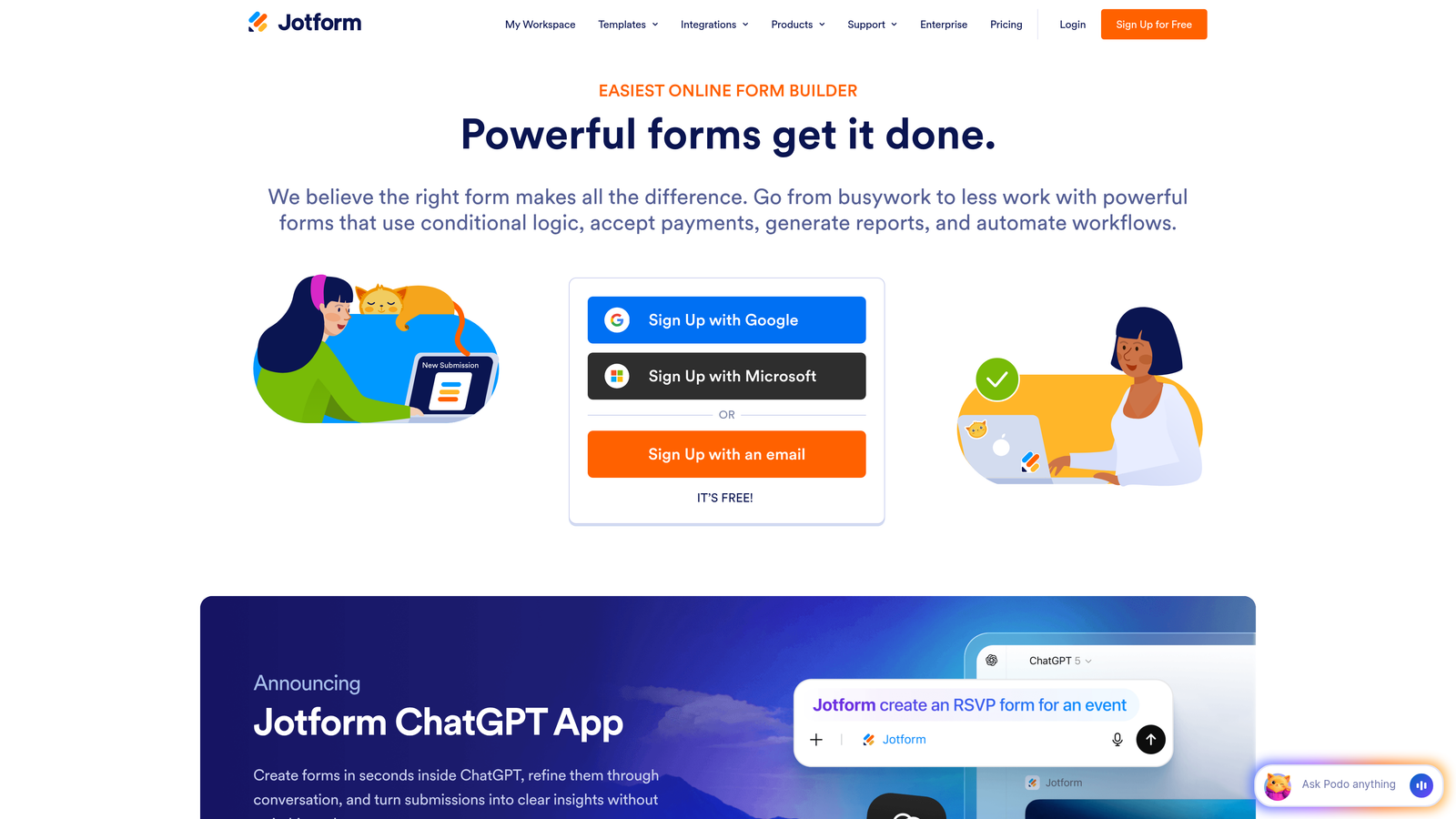
Jotform is a versatile form builder offering over 10,000 templates for virtually every business use case.
Where This Tool Shines
Jotform's massive template library means you're rarely starting from scratch. Whether you need a complex application form, simple contact form, or specialized industry-specific template, there's likely a pre-built option you can customize. This dramatically reduces setup time compared to building forms from blank canvases.
The platform also stands out for its generous free tier, which includes five forms with 100 monthly submissions. For small businesses or those testing form strategies, this provides genuine value without requiring immediate payment commitments.
Key Features
10,000+ Templates: Pre-built forms for every industry and use case, from healthcare intake to event registration.
Generous Free Plan: Five forms and 100 submissions monthly at no cost, with basic features included.
PDF Generation: Automatically create PDF documents from form submissions for contracts, applications, or reports.
Payment Integrations: Accept payments directly through forms with connections to PayPal, Square, Stripe, and others.
Conditional Logic: Show or hide fields based on user responses for dynamic, personalized form experiences.
Best For
Small to medium businesses needing quick deployment without extensive customization work. Excellent for organizations managing multiple form types across departments or teams that value template variety over cutting-edge design.
Pricing
Free tier available; Starter plan at $34/month includes 25 forms and 1,000 monthly submissions.
4. Google Forms
Best for: Basic data collection with seamless Google Workspace integration
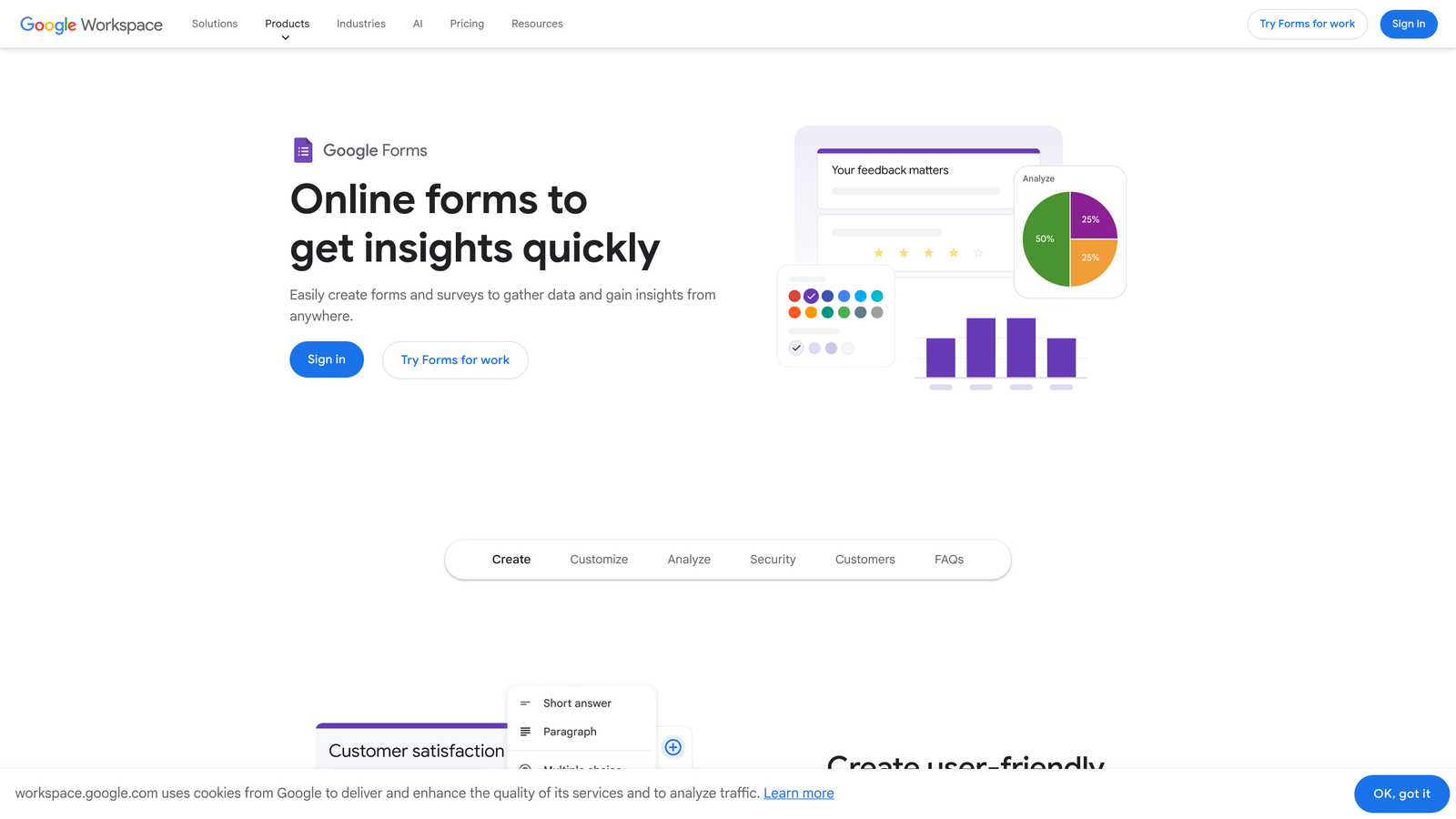
Google Forms is a free, straightforward form builder integrated directly into Google Workspace.
Where This Tool Shines
Google Forms excels at simplicity and accessibility. If your team already uses Google Workspace, you can create, share, and analyze forms without adding another tool to your stack. The automatic connection to Google Sheets means responses flow directly into spreadsheets where you can analyze, filter, and manipulate data using familiar tools.
The collaboration features mirror other Google products—multiple team members can edit forms simultaneously, leave comments, and share access with granular permissions. For organizations already invested in the Google ecosystem, this integration eliminates friction.
Key Features
Completely Free: No cost for unlimited forms and responses with any Google account.
Google Sheets Integration: Responses automatically populate spreadsheets for easy analysis and manipulation.
Real-Time Collaboration: Multiple users can edit forms simultaneously with comment and suggestion features.
Basic Conditional Logic: Show or hide questions based on previous answers for simple branching scenarios.
Add-Ons Ecosystem: Extend functionality with third-party add-ons for advanced features.
Best For
Organizations using Google Workspace for basic surveys, internal forms, event RSVPs, or simple data collection where advanced features aren't required. Ideal for teams prioritizing cost savings over sophisticated design or conversion optimization.
Pricing
Free with any Google account; no paid tiers or premium features.
5. Tally
Best for: Modern teams wanting unlimited forms on a generous free tier
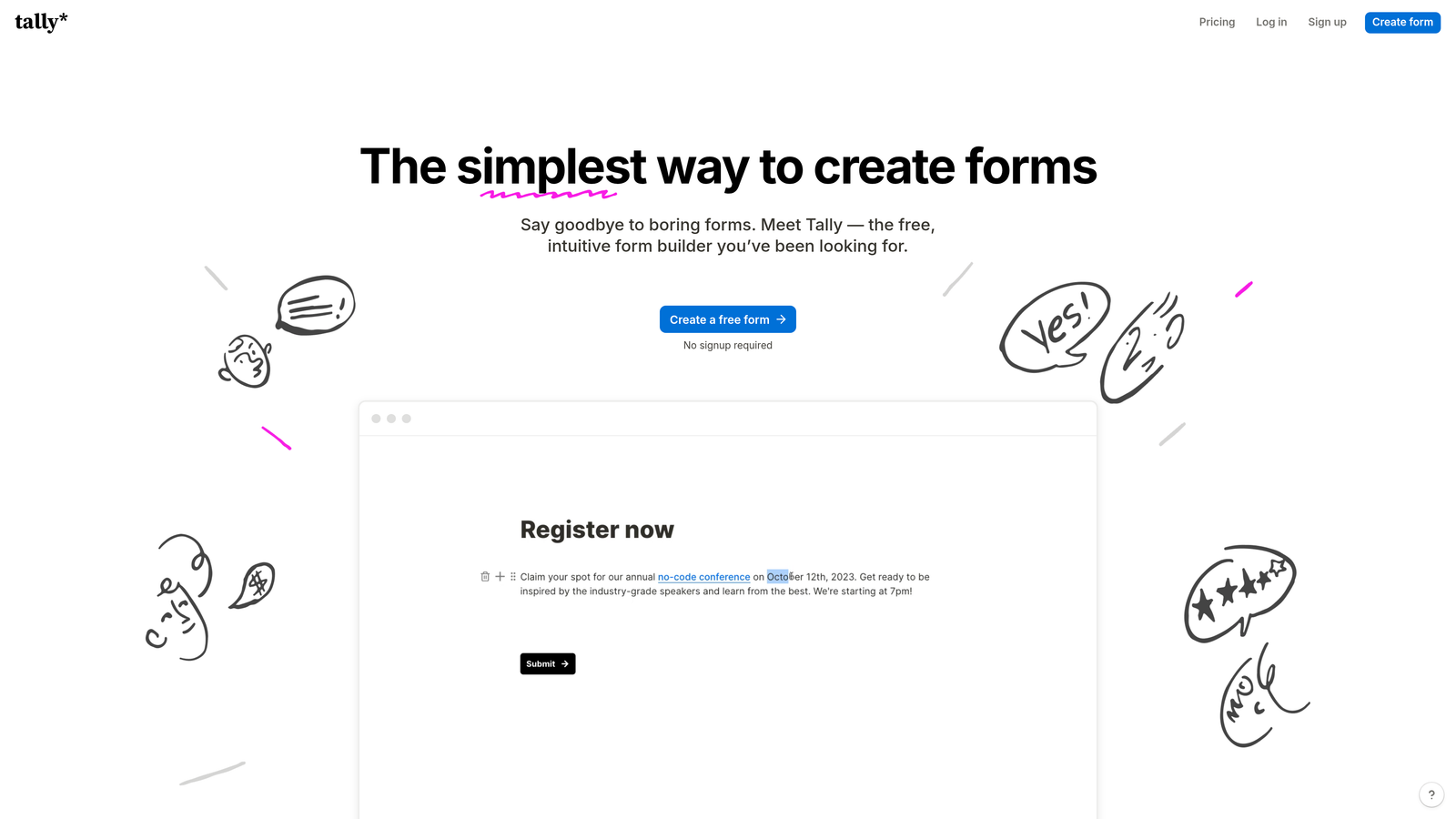
Tally is a modern form builder offering unlimited forms on its free plan with a clean, Notion-inspired interface.
Where This Tool Shines
Tally disrupted the form builder market by offering unlimited forms completely free—a game-changer for agencies, freelancers, or businesses managing multiple campaigns. While most platforms restrict free tiers to a handful of forms, Tally removes this limitation entirely, making it viable for serious business use without payment.
The editing experience feels remarkably similar to Notion, which means teams already using that platform will find Tally instantly familiar. The block-based approach to form building feels intuitive and modern compared to traditional drag-and-drop builders.
Key Features
Unlimited Free Forms: Create as many forms as needed on the free tier without artificial restrictions.
Notion-Style Interface: Block-based editing that feels modern and intuitive for users familiar with Notion.
File Uploads: Allow respondents to upload documents, images, or other files directly through forms.
Payment Collection: Accept payments through Stripe integration for orders, donations, or registrations.
Webhooks and Integrations: Connect forms to other tools through webhooks or native integrations like Slack and Google Sheets.
Best For
Startups, agencies, and small businesses needing multiple forms without budget constraints. Perfect for teams already using Notion who want a form builder with similar aesthetics and workflows.
Pricing
Free tier with unlimited forms; Pro plan at $29/month adds advanced features like custom domains and priority support.
6. Paperform
Best for: Creating form-landing page hybrids with e-commerce capabilities
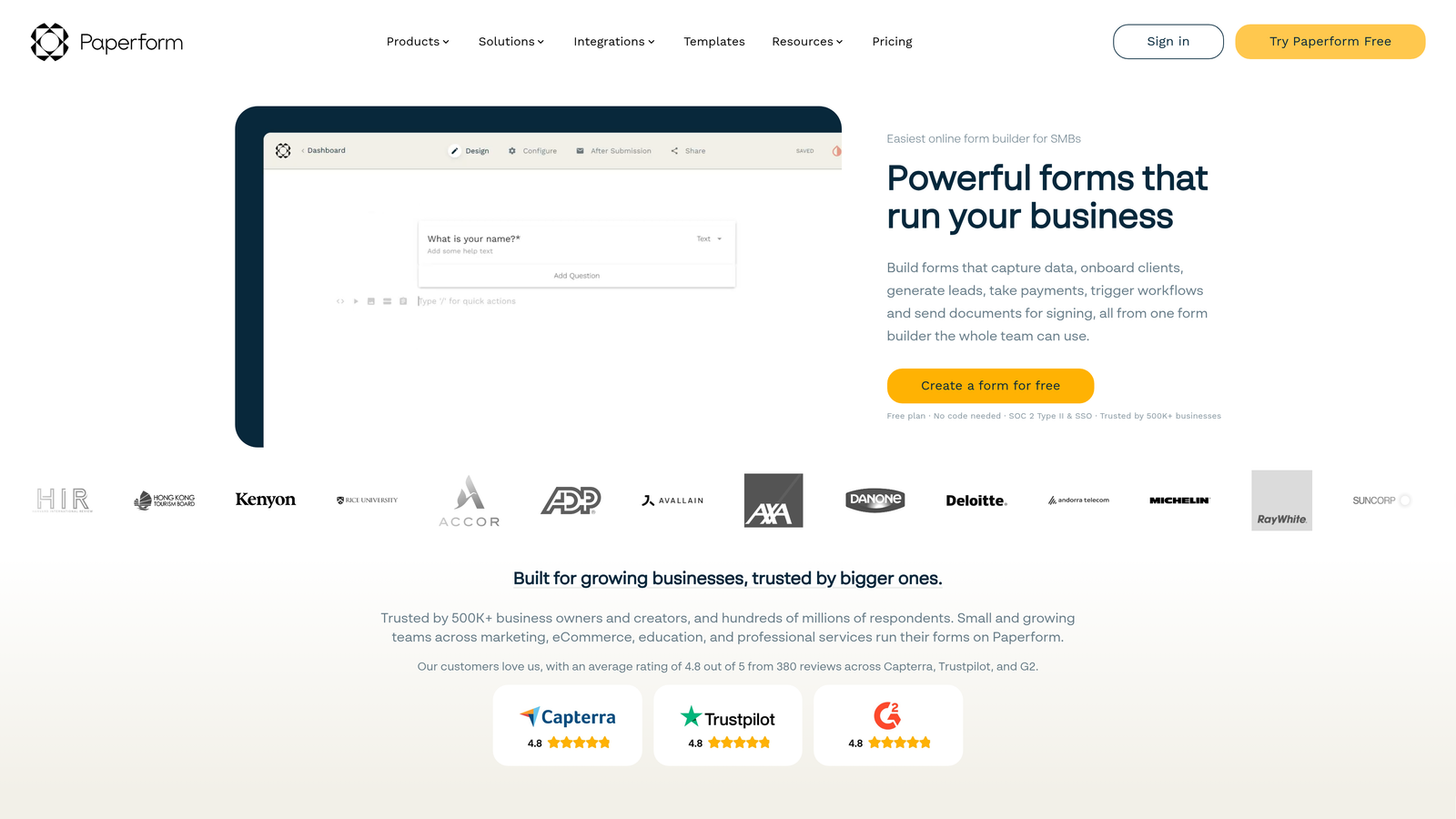
Paperform is a form builder that doubles as a landing page creator with strong payment processing features.
Where This Tool Shines
Paperform blurs the line between forms and landing pages, allowing you to create beautiful, long-form experiences that combine content blocks, images, videos, and form fields in a single flowing page. This makes it particularly powerful for product launches, event registrations, or any scenario where you need to provide context before collecting information.
The platform's calculation and pricing table features make it especially valuable for businesses selling products or services directly through forms. You can build complex pricing scenarios, apply discounts, and process payments without requiring separate e-commerce infrastructure.
Key Features
Landing Page Functionality: Combine form fields with rich content blocks for comprehensive landing page experiences.
Advanced Conditional Logic: Complex branching and field dependencies for sophisticated user journeys.
Built-In Payment Processing: Accept payments through Stripe and PayPal with support for subscriptions and one-time charges.
Calculations and Pricing: Dynamic pricing tables, automatic calculations, and custom formulas for complex scenarios.
Product Catalogs: Display products with images, descriptions, and variants for e-commerce-style experiences.
Best For
Businesses selling products, services, or event tickets through forms. Excellent for consultants, coaches, event organizers, and anyone needing to combine information collection with payment processing in a single experience.
Pricing
Essentials plan starts at $24/month; higher tiers add features like custom domains and increased submission limits.
7. Formstack
Best for: Enterprise teams requiring compliance, security, and advanced workflow automation
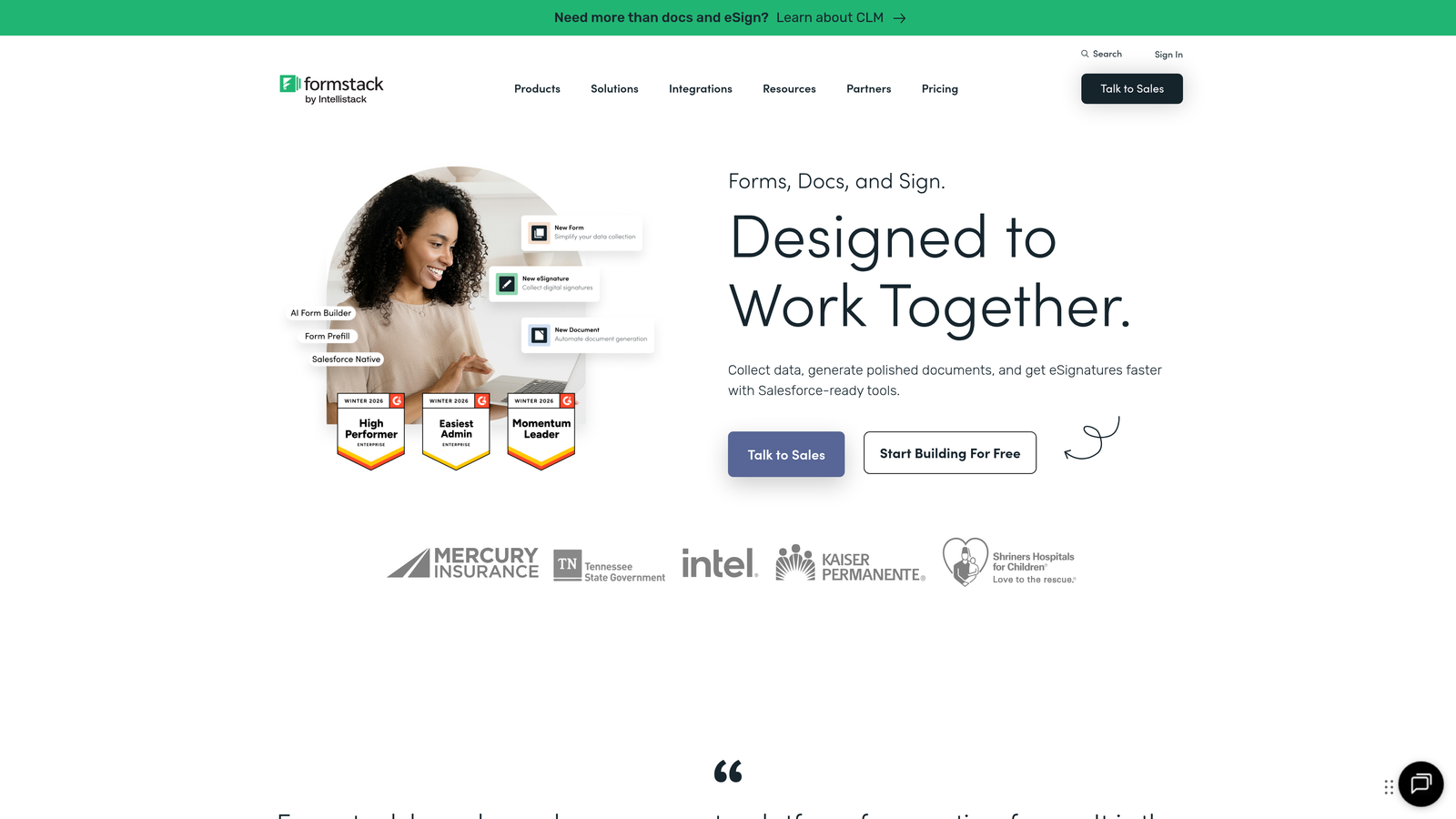
Formstack is an enterprise-grade form builder with advanced compliance features for regulated industries.
Where This Tool Shines
Formstack targets enterprise organizations and regulated industries where compliance isn't optional. The platform offers HIPAA-compliant form solutions for healthcare, along with robust security features that meet requirements for financial services, education, and government sectors. This makes it viable for use cases where most form builders simply can't operate.
The workflow automation capabilities extend far beyond basic integrations. Formstack can trigger complex multi-step processes, generate documents automatically, route approvals through organizational hierarchies, and integrate deeply with enterprise systems like Salesforce and Microsoft Dynamics.
Key Features
HIPAA Compliance: Secure form solutions meeting healthcare privacy requirements with encrypted data transmission and storage.
Advanced Workflow Automation: Multi-step processes, approval routing, and conditional logic for complex business workflows.
Document Generation: Automatically create PDFs, contracts, or reports from form submissions using custom templates.
Enterprise Security: SSO, audit trails, user permissions, and data encryption meeting corporate security standards.
Salesforce Integration: Deep native integration for seamless data flow into Salesforce CRM and custom objects.
Best For
Enterprise organizations, healthcare providers, financial services, and any business operating in regulated industries. Ideal for companies requiring robust security, compliance documentation, and complex workflow automation beyond basic form functionality.
Pricing
Starter plan at $50/month; enterprise pricing available with custom features and dedicated support.
8. Cognito Forms
Best for: Value-focused businesses needing advanced calculations and payment features
Cognito Forms is a form builder emphasizing calculation capabilities and affordable pricing.
Where This Tool Shines
Cognito Forms excels at mathematical operations and calculations within forms. The platform allows you to build complex formulas, perform calculations based on user inputs, and display dynamic pricing or results in real-time. This makes it particularly valuable for quote generators, order forms, or applications requiring mathematical logic.
The pricing structure offers exceptional value, especially for small teams. The free tier is genuinely usable for small businesses, while paid plans remain affordable compared to competitors offering similar feature sets.
Key Features
Advanced Calculations: Build complex formulas and perform mathematical operations based on form inputs.
Payment Integration: Accept payments through Stripe and PayPal with support for one-time and recurring charges.
Generous Free Tier: Unlimited forms with reasonable submission limits for small business use.
Repeating Sections: Allow users to add multiple entries of the same field set for complex data collection.
Conditional Logic: Show, hide, or require fields based on previous responses or calculated values.
Best For
Small to medium businesses needing calculation features without enterprise pricing. Perfect for order forms, quote generators, registration forms with variable pricing, or any scenario requiring mathematical operations within forms.
Pricing
Free tier available; Pro plan at $15/month offers excellent value for growing businesses.
9. 123FormBuilder
Best for: Security-conscious businesses prioritizing GDPR compliance and data protection
123FormBuilder is a form builder emphasizing security, compliance, and straightforward drag-and-drop editing.
Where This Tool Shines
123FormBuilder positions itself as a security-first platform, making it attractive for European businesses or companies handling sensitive customer data. The platform offers built-in GDPR compliance features, including consent management, data deletion workflows, and transparent data handling policies that simplify regulatory compliance.
The drag-and-drop interface remains refreshingly straightforward compared to platforms with overwhelming feature sets. You can build professional forms quickly without navigating complex menus or learning specialized workflows.
Key Features
GDPR Compliance Tools: Built-in features for consent management, data privacy, and regulatory compliance.
Drag-and-Drop Builder: Intuitive interface for creating forms without technical knowledge or training.
Conditional Logic: Dynamic form behavior based on user responses for personalized experiences.
CRM Integrations: Connect with Salesforce, HubSpot, Mailchimp, and other popular business tools.
Multi-Language Support: Create forms in multiple languages for international audiences.
Best For
European businesses requiring GDPR compliance or companies handling sensitive customer information. Suitable for teams wanting reliable form functionality without complex features they won't use.
Pricing
Free tier available; Gold plan at $24.99/month includes advanced features and increased submission limits.
10. Fillout
Best for: Teams using Notion or Airtable for database-driven form workflows
Fillout is a modern form builder with native Notion and Airtable integrations for database-centric workflows.
Where This Tool Shines
Fillout's native integrations with Notion and Airtable set it apart for teams already using these platforms as databases. Instead of relying on third-party automation tools like Zapier, Fillout syncs directly with your Notion databases or Airtable bases, creating seamless workflows where form submissions automatically populate your existing systems.
The interface feels modern and clean, avoiding the cluttered dashboards common in older form builders. The platform focuses on essential features executed well rather than overwhelming users with options they'll never explore.
Key Features
Native Notion Integration: Sync form submissions directly to Notion databases without third-party tools.
Airtable Sync: Automatically populate Airtable bases with form responses for database-driven workflows.
Modern Interface: Clean, contemporary design that feels current compared to legacy form builders.
Scheduling Features: Allow users to book appointments or schedule meetings directly through forms.
Logic and Calculations: Conditional fields and basic calculations for dynamic form experiences.
Best For
Teams already using Notion or Airtable as their primary database or project management system. Ideal for startups and modern teams prioritizing clean interfaces and seamless tool integration over extensive feature lists.
Pricing
Free tier available; Starter plan at $15/month adds advanced features and higher submission limits.
11. HubSpot Forms
Best for: Marketing teams already using HubSpot CRM for lead management
HubSpot Forms is a free form builder that integrates seamlessly with HubSpot's CRM platform.
Where This Tool Shines
HubSpot Forms eliminates integration friction for teams already using HubSpot CRM. Form submissions automatically create or update contact records, trigger workflows, and populate deal pipelines without requiring third-party connectors or manual data entry. This native integration makes lead management significantly more efficient than juggling separate form and CRM systems.
The progressive profiling feature intelligently adapts forms based on what you already know about contacts. Instead of asking the same questions repeatedly, forms can request new information each time a known contact submits, gradually building comprehensive profiles without overwhelming users with long forms.
Key Features
Free with HubSpot: No additional cost for unlimited forms when using HubSpot's free CRM.
Seamless CRM Integration: Automatic contact creation, deal updates, and workflow triggers without configuration.
Progressive Profiling: Adapt form fields based on existing contact information to avoid repetitive questions.
Lead Scoring Integration: Automatically update lead scores based on form submissions and engagement.
Smart Fields: Pre-populate fields for known contacts to reduce friction and improve completion rates.
Best For
Marketing and sales teams already invested in HubSpot's ecosystem. Perfect for businesses prioritizing CRM integration over standalone form features, or companies wanting to consolidate tools rather than managing multiple platforms.
Pricing
Free with HubSpot account; advanced features available in paid Marketing Hub tiers starting at $45/month.
Making the Right Choice for Your Business
The right form builder depends entirely on your specific needs and existing infrastructure. For teams serious about lead qualification and conversion optimization, Orbit AI delivers AI-powered intelligence that goes beyond simple data collection. The platform's ability to automatically score and route qualified leads makes it particularly valuable for high-growth businesses where lead quality directly impacts revenue.
Budget-conscious teams have excellent options in Google Forms and Tally, both offering genuinely useful free tiers. Google Forms works best for teams already using Google Workspace, while Tally appeals to modern startups wanting unlimited forms without payment commitments. For mid-market businesses balancing features and cost, Cognito Forms and Fillout provide strong value at accessible price points.
Enterprise organizations operating in regulated industries should prioritize Formstack's compliance features and security certifications. Healthcare providers, financial services, and government contractors often find that HIPAA compliance and audit trails aren't optional extras but fundamental requirements. Similarly, European businesses or those handling EU customer data benefit from 123FormBuilder's GDPR-focused approach.
If you're already invested in a particular ecosystem, let that guide your decision. HubSpot users gain enormous efficiency from native HubSpot Forms integration, while Notion and Airtable teams will appreciate Fillout's direct database syncing. The time saved eliminating integration friction often outweighs minor feature differences between platforms.
Transform your lead generation with AI-powered forms that qualify prospects automatically while delivering the modern, conversion-optimized experience your high-growth team needs. Start building free forms today and see how intelligent form design can elevate your conversion strategy.


