

Every lead form looks the same from the outside. A name, an email, a company size field. But the person who filled it out in 45 seconds with a personal Gmail address is very different from the one who spent three minutes answering every question with a Fortune 500 domain. Without lead scoring, your sales team treats them identically, and that's where pipeline efficiency breaks down.
Lead scoring form software solves this by assigning scores to submissions in real time, based on the answers given, the profile data collected, and the behavioral signals captured during the form experience. The result: your team knows which leads to call first, which to nurture, and which to deprioritize, without manual review.
This list evaluates the top platforms across scoring flexibility, form-building quality, CRM integrations, and pricing, so you can find the right fit for your team's growth stage. Whether you're a lean startup that needs AI to do the heavy lifting or an enterprise team running multi-touch scoring models, there's a solution here for you. For deeper context on building an effective qualification system, check out our guides on lead scoring best practices and how to qualify leads effectively with forms.
1. Orbit AI
Best for: High-growth teams that want AI-powered lead scoring built directly into the form experience.
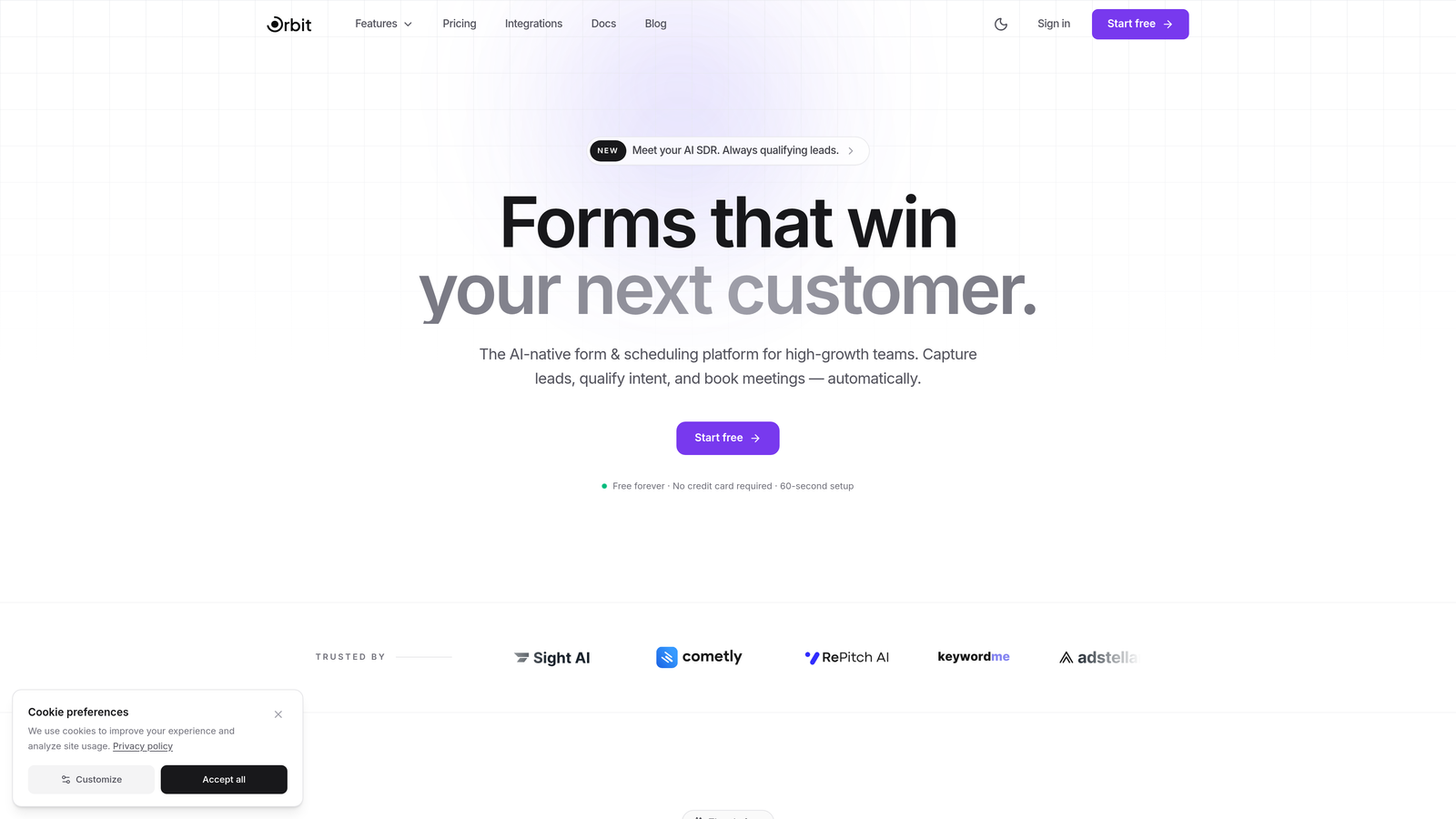
Orbit AI is an AI-native form builder with embedded lead qualification and scoring, designed for teams that want conversion-optimized forms and real-time lead prioritization in one platform.
Where This Tool Shines
Most form builders treat scoring as an afterthought, something you bolt on through a Zapier workflow after the submission hits your CRM. Orbit AI flips that model. The scoring intelligence lives inside the form itself, evaluating answers in real time and qualifying leads before they ever reach your pipeline.
For lean, high-growth teams that can't afford a dedicated marketing ops person to maintain complex scoring rules, this is a significant advantage. You get AI-driven qualification that adapts without constant manual reconfiguration, paired with form templates specifically designed to maximize conversion rates.
Key Features
AI-Driven Lead Scoring: Scoring is embedded directly in the form experience, qualifying leads in real time based on responses without requiring external scoring tools.
Conversion-Optimized Templates: Pre-built form templates designed specifically for lead generation, helping teams launch high-performing forms quickly.
Real-Time Lead Qualification: Leads are prioritized the moment they submit, so sales teams always know which submissions to act on first.
No-Code Builder with Conditional Logic: A modern, intuitive drag-and-drop interface with branching logic to create dynamic qualification paths without writing code.
CRM and Marketing Tool Integrations: Connects with popular CRMs and marketing platforms to push scored leads directly into existing workflows.
Best For
High-growth SaaS teams, demand generation marketers, and sales-led organizations that want AI-powered qualification without the complexity of a full marketing automation suite. Particularly strong for teams that are scaling quickly and need scoring to work out of the box.
Pricing
Visit orbitforms.ai for current plan details. A free starting option is available for teams that want to explore the platform before committing.
2. HubSpot Forms + Lead Scoring
Best for: Teams already in the HubSpot ecosystem that want seamless CRM-to-form data flow with built-in scoring.
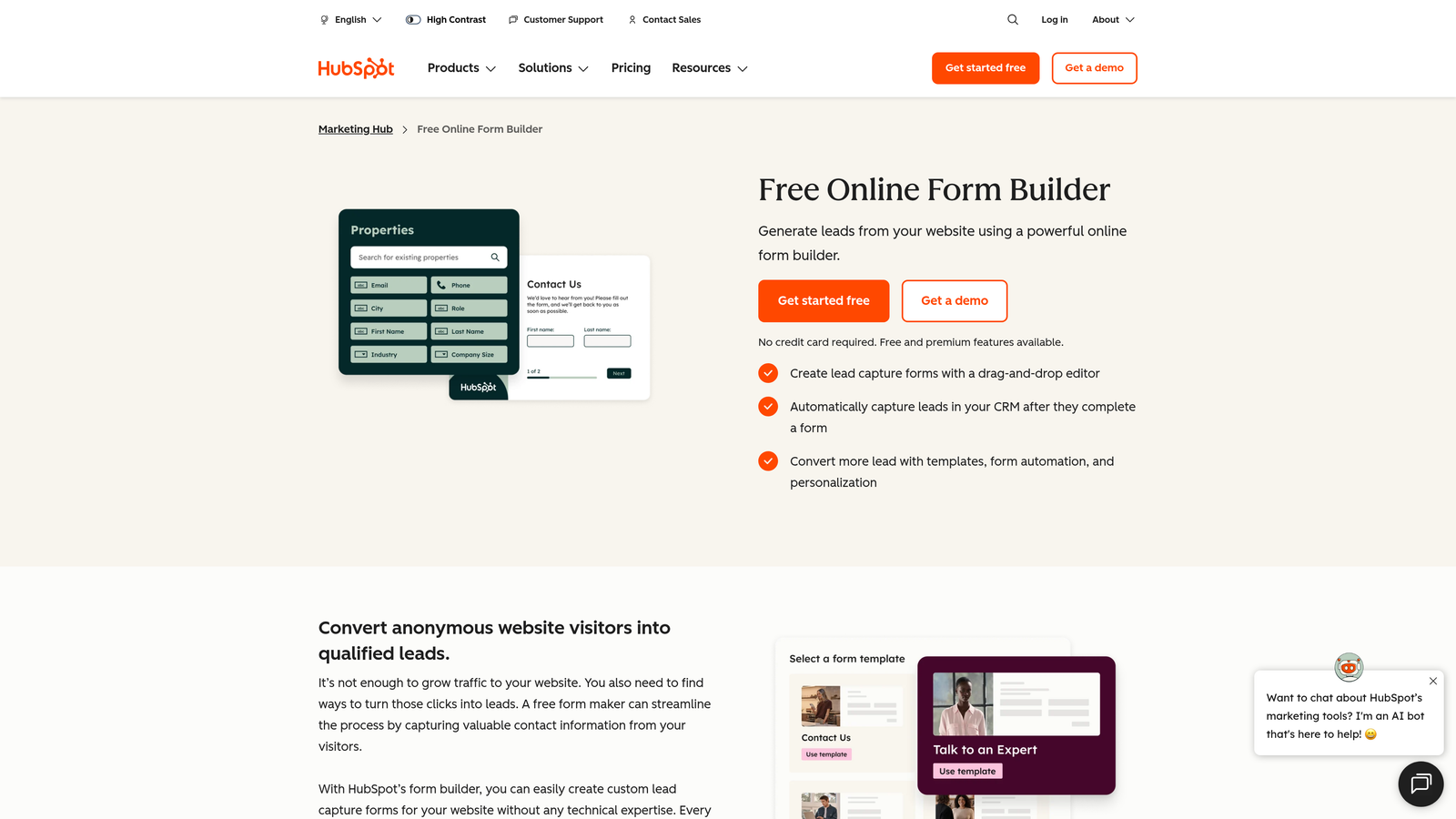
HubSpot Forms is a native form builder paired with HubSpot's manual and predictive lead scoring, giving marketing and sales teams a unified view of every lead from first touch.
Where This Tool Shines
The real value of HubSpot's form and scoring combination is the tight data loop. Every field answered in a form automatically enriches the contact record, and scoring rules fire immediately based on those property values. There's no data mapping, no middleware, and no lag between form submission and lead prioritization in the CRM.
Predictive lead scoring, available on Professional tiers and above, uses machine learning to identify patterns in your historical conversion data and automatically surfaces the leads most likely to close. For teams with enough volume to train the model, this can meaningfully reduce the ops burden of maintaining manual scoring rules.
Key Features
Predictive Lead Scoring: Machine learning model that analyzes conversion patterns and scores leads automatically, available on Marketing Hub Professional and above.
Manual Scoring Rules: Custom property-based scoring rules for teams that want full control over how points are assigned.
Native CRM Integration: Form submissions feed directly into the HubSpot CRM with a full contact activity timeline.
Smart Form Fields: Forms that adapt based on known contact data, reducing friction for returning visitors and enriching profiles progressively.
Integration Marketplace: Extensive third-party app ecosystem for connecting to nearly any tool in your stack.
Best For
Mid-market and growth-stage B2B teams that are already using HubSpot CRM or are considering it as their primary platform. Less compelling if you're running a different CRM, since the scoring value is largely tied to the HubSpot data layer.
Pricing
Free forms available on all HubSpot plans. Lead scoring requires Marketing Hub Professional, which starts at $800/month. Predictive scoring is included at that tier.
3. Typeform
Best for: Teams that prioritize form completion rates and want to build scoring logic through integrations and calculator fields.
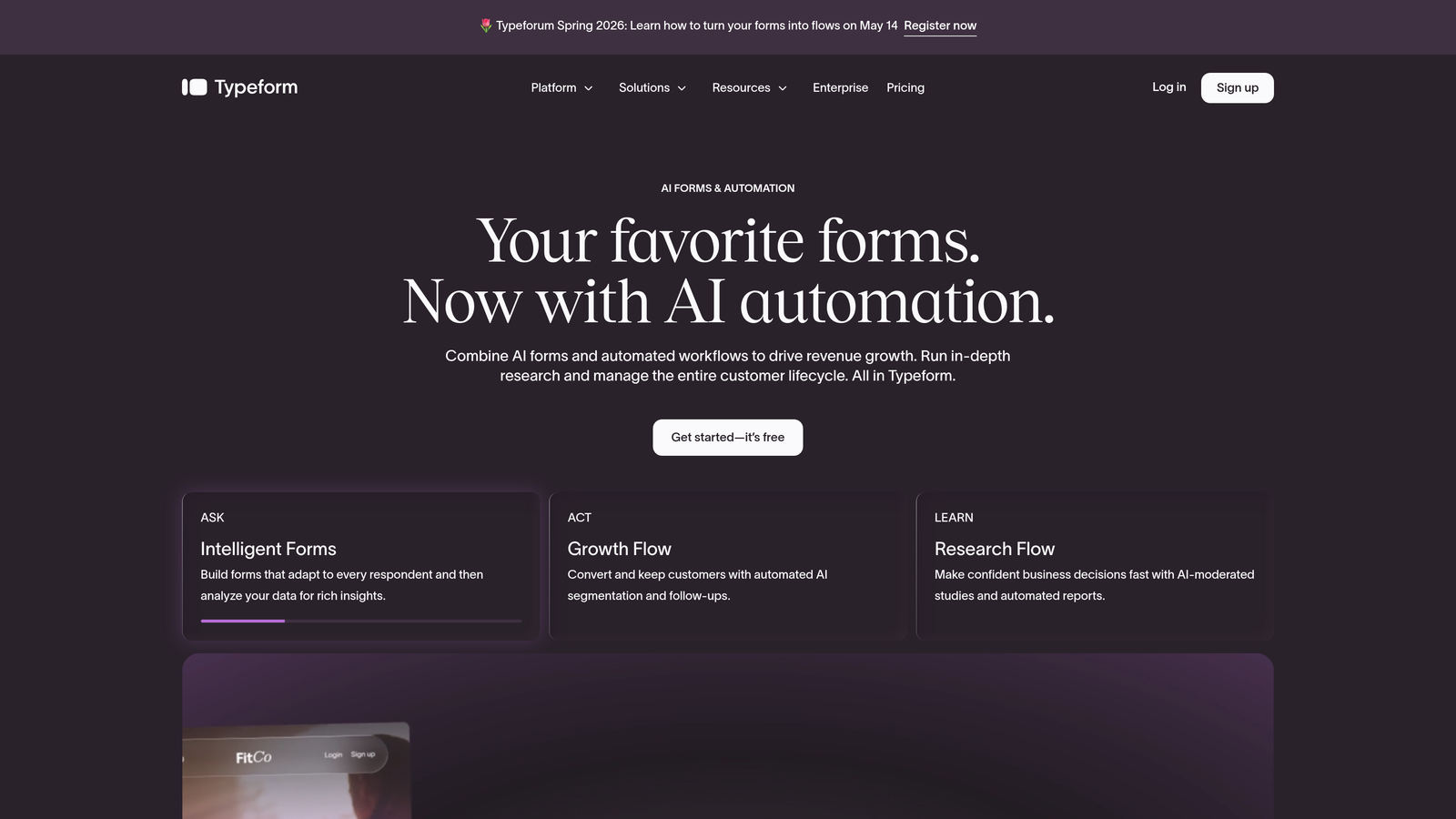
Typeform is a conversational form platform known for its high-engagement, one-question-at-a-time experience, with scoring achievable through calculator fields, hidden fields, and integration workflows.
Where This Tool Shines
Typeform's strength is the form experience itself. The conversational format consistently drives higher completion rates than traditional multi-field forms, which matters a lot when you're trying to capture enough qualification data to score leads accurately. If respondents abandon halfway through, you don't have enough data to score them at all.
Scoring in Typeform is more of a workaround than a native feature. You can use calculator fields to assign point values to answers and pass totals to your CRM via HubSpot, Salesforce, or Zapier. It works well for straightforward scoring models but gets complex quickly if your logic is multi-dimensional.
Key Features
Conversational Form Experience: One-question-at-a-time format that reduces cognitive load and improves completion rates on longer qualification forms.
Calculator and Hidden Fields: Enable custom scoring logic by assigning values to answers and computing totals within the form.
Logic Jumps and Branching: Dynamic qualification paths that adapt based on previous answers, so respondents only see relevant questions.
Native Integrations: Direct connections to HubSpot, Salesforce, and Zapier for pushing scored data into downstream tools.
Design Customization: Strong branding and visual customization options for teams where form aesthetics matter.
Best For
Marketing teams focused on top-of-funnel engagement and lead capture who want beautiful, high-converting forms and are comfortable managing scoring logic through their CRM or automation platform rather than inside Typeform itself.
Pricing
Free plan available with limited responses. Business plan starts at $59/month. Calculator fields and advanced logic are available on paid plans.
4. Pardot (Salesforce Marketing Cloud Account Engagement)
Best for: Enterprise B2B teams running on Salesforce that need sophisticated, CRM-native scoring and grading.
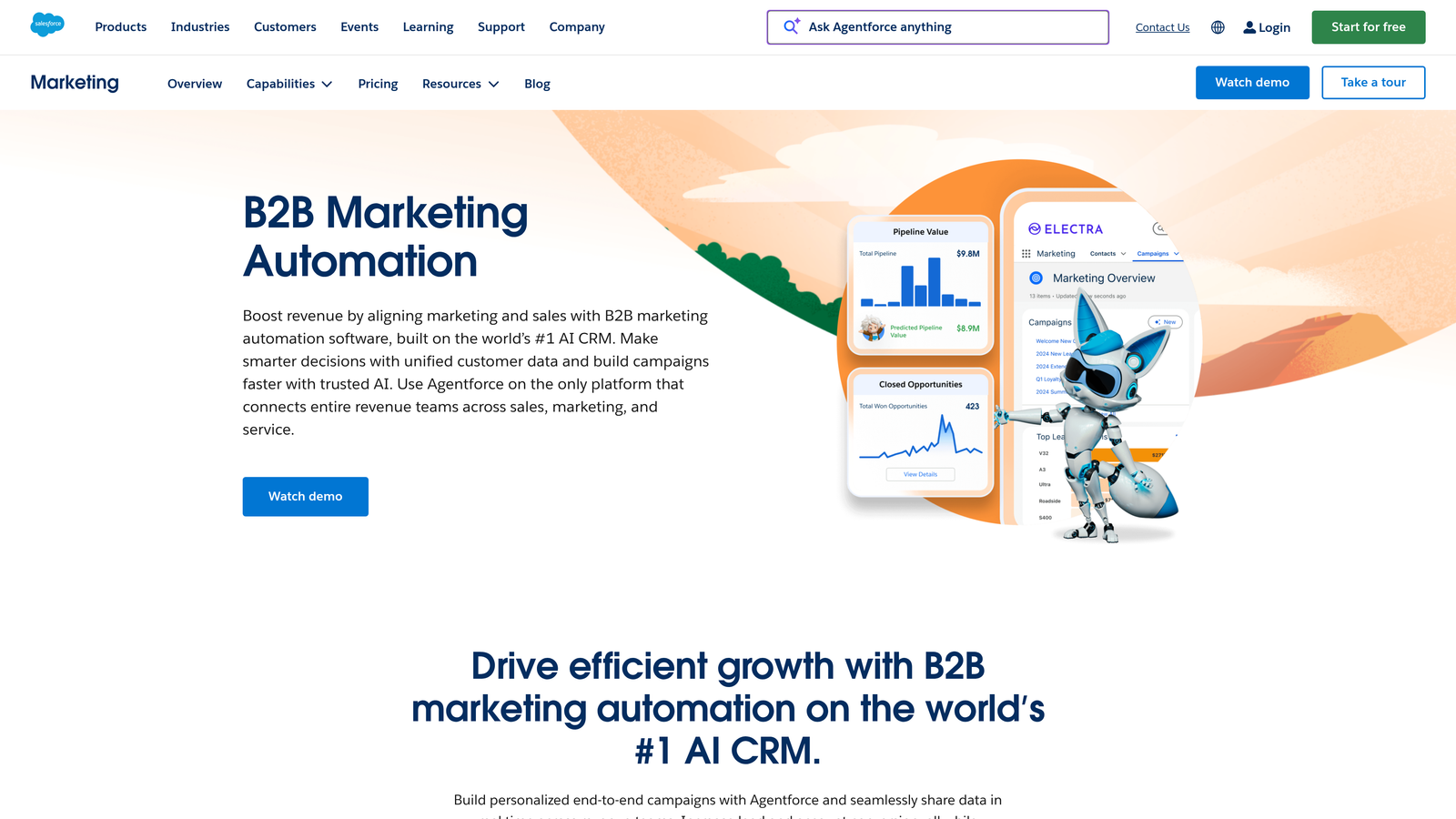
Pardot is Salesforce's B2B marketing automation platform with a dual scoring and grading system that gives enterprise teams granular control over how leads are evaluated and routed.
Where This Tool Shines
Pardot's scoring and grading system is one of the more thoughtful approaches in the enterprise space. Score reflects engagement and behavior, while grade reflects how well a prospect fits your ideal customer profile. That separation matters because a highly engaged lead who doesn't fit your ICP is a very different conversation than a cold lead from a perfect-fit account.
Progressive profiling through Pardot forms is particularly powerful. Instead of asking 15 questions at once, you can collect new information on each visit, gradually building a richer profile that feeds more precise scoring over time. For long sales cycles with multiple touchpoints, this approach significantly improves data quality.
Key Features
Dual Scoring and Grading: Numeric score tracks engagement; letter grade evaluates profile fit, giving sales teams two dimensions of lead quality at a glance.
Progressive Profiling: Forms that display new questions on repeat visits, building richer contact records without overwhelming prospects upfront.
Automation Rules: Scoring adjustments triggered by specific form field answers, enabling highly customized qualification logic.
Deep Salesforce Sync: Full bidirectional integration with Salesforce CRM for closed-loop reporting between marketing and sales.
Engagement Studio: Visual automation builder for post-form nurture sequences that continue scoring leads based on downstream behavior.
Best For
Enterprise B2B organizations with dedicated marketing ops resources, running Salesforce as their CRM, and managing high-volume lead programs where scoring precision directly impacts revenue outcomes.
Pricing
Starts at $1,250/month for the Growth tier. Implementation and onboarding costs are additional considerations at this price point.
5. Marketo Engage (Adobe)
Best for: Enterprise marketing teams that need multi-dimensional scoring models tied to revenue cycle stages.
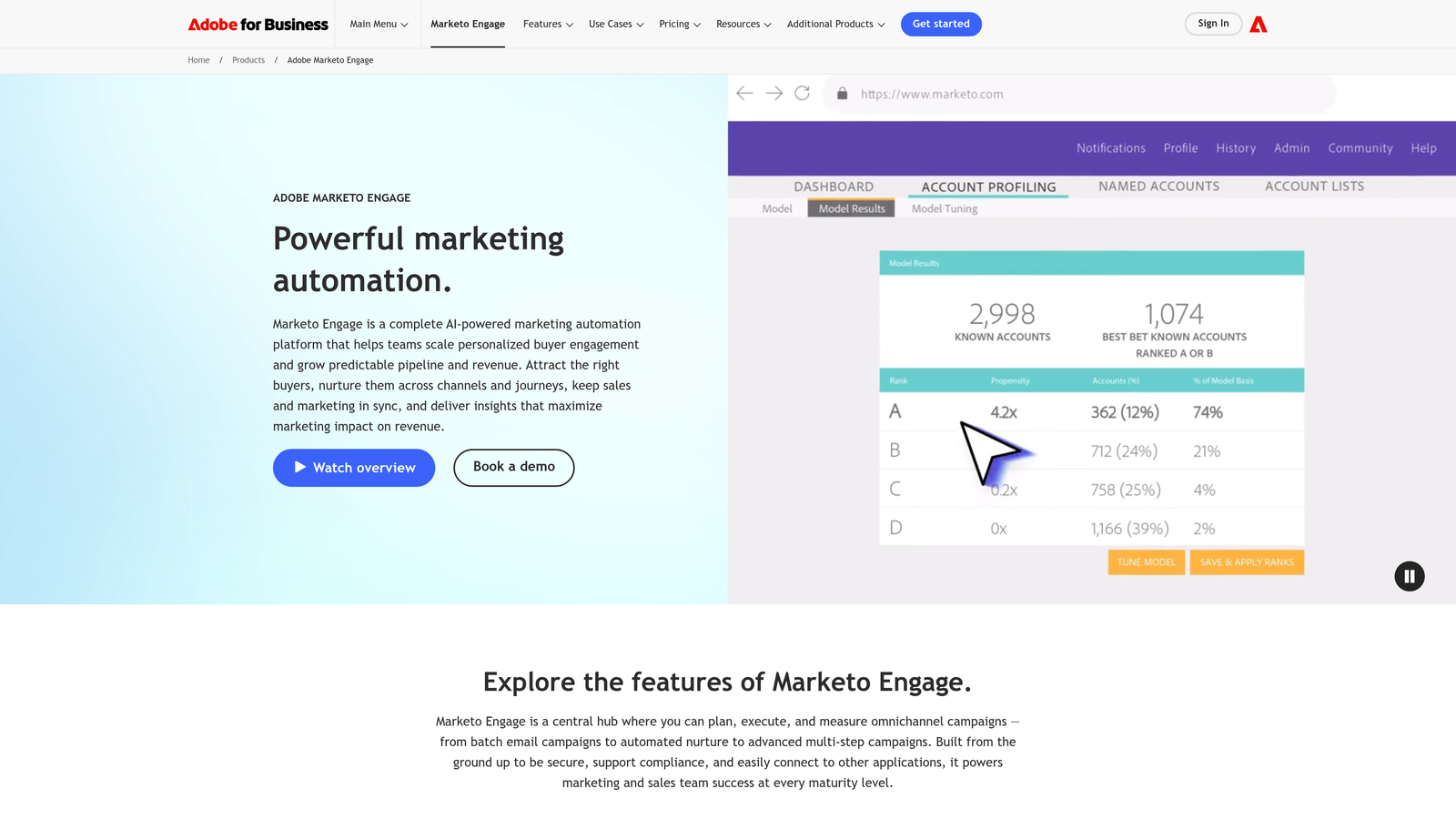
Marketo Engage is Adobe's enterprise marketing automation platform with highly configurable scoring models that incorporate form submissions, behavioral signals, and demographic data across complex buying journeys.
Where This Tool Shines
Marketo's scoring capabilities are among the most sophisticated available. You can build scoring models that account for demographic fit, behavioral engagement, firmographic data, and time-based decay, all running simultaneously against the same lead record. For organizations with complex, multi-stakeholder sales processes, this level of precision is genuinely useful.
Score decay is a particularly underappreciated feature. Leads who engaged six months ago and then went dark shouldn't carry the same score as someone who just filled out a demo request form. Marketo lets you automatically reduce scores over time, keeping your pipeline prioritization accurate as lead behavior evolves.
Key Features
Multi-Dimensional Scoring: Simultaneous scoring across demographic, behavioral, and firmographic criteria for a comprehensive lead quality picture.
Score Decay and Urgency Scoring: Automatic score reduction for inactive leads and urgency boosts for time-sensitive signals like pricing page visits.
Progressive Profiling: Form pre-fill and progressive question logic to enrich lead records and improve scoring accuracy over multiple touchpoints.
Smart Campaigns: Advanced automation triggered by form-fill events, enabling immediate, score-based follow-up sequences.
Revenue Cycle Modeling: Scoring thresholds tied directly to revenue stage definitions for alignment between marketing and sales.
Best For
Large enterprise marketing teams with dedicated Marketo administrators, managing complex B2B buying journeys across multiple products, segments, or geographies. Not recommended for teams without dedicated marketing ops support.
Pricing
Custom pricing based on database size. Typically starts around $895/month for smaller databases, scaling significantly with contact volume.
6. Gravity Forms + GravityScore
Best for: WordPress-based teams that want lead scoring without leaving their existing CMS environment.
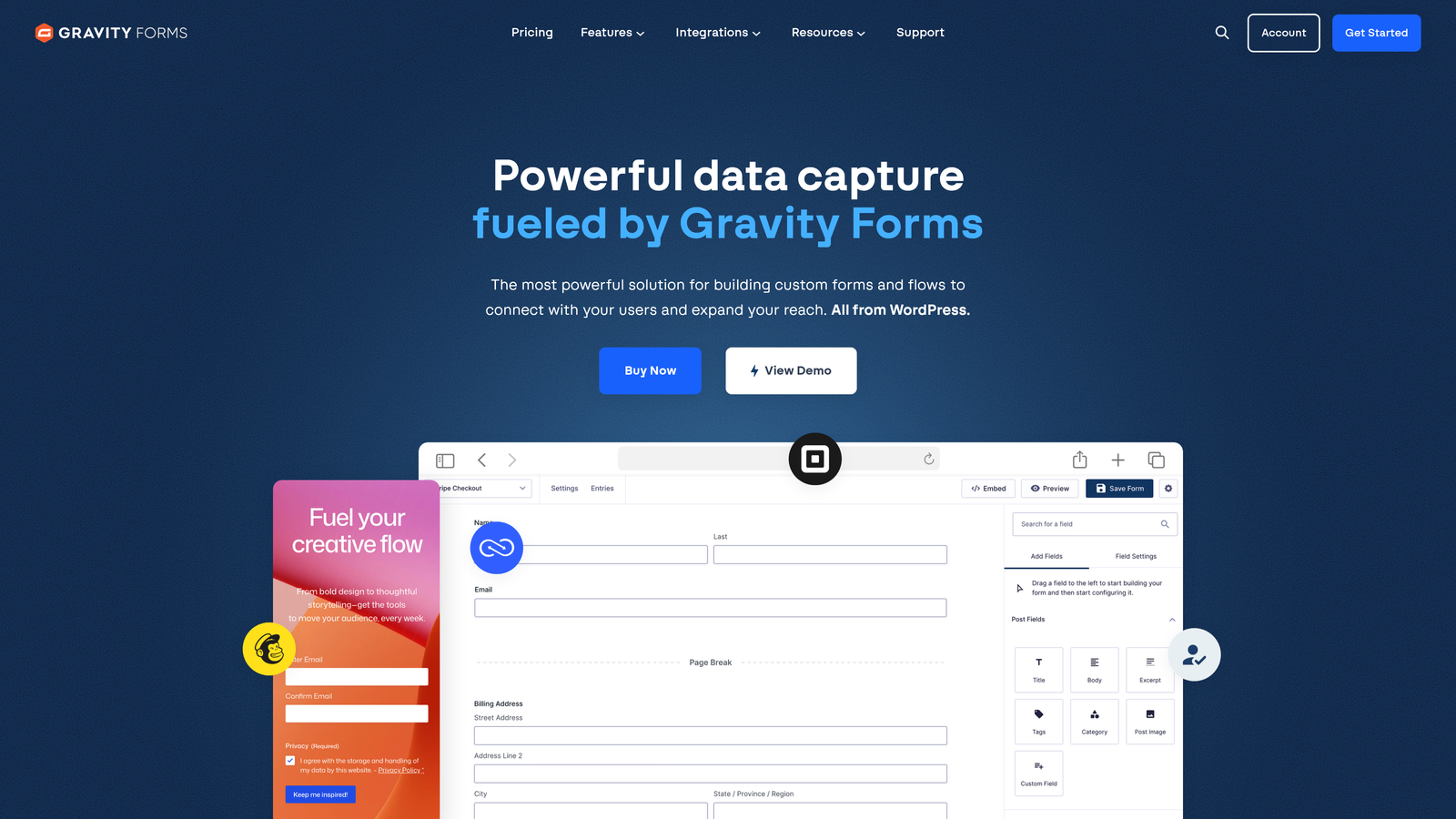
Gravity Forms is the leading WordPress form plugin, with scoring capabilities available through the GravityScore add-on and Quiz add-on, plus deep integration options for CRM-based scoring workflows.
Where This Tool Shines
If your marketing site runs on WordPress and you want to avoid adding another SaaS platform to your stack, Gravity Forms is the natural choice. It's deeply embedded in the WordPress ecosystem, with a mature add-on library that connects to virtually every major CRM, email platform, and automation tool.
The scoring approach is more manual than AI-driven platforms, but for teams with straightforward qualification logic, it's more than sufficient. Field-level scoring through GravityScore lets you assign point values to specific answers, calculate totals, and route leads based on thresholds, all within your existing WordPress environment.
Key Features
Field-Level Scoring: Assign point values to individual form field answers via GravityScore or the Quiz add-on for custom qualification logic.
Conditional Logic: Dynamic form paths that adapt based on previous answers, enabling tailored qualification journeys.
CRM Add-Ons: Native integrations with HubSpot, Salesforce, Zoho, and other CRMs for pushing scored leads directly into your pipeline.
Webhooks and Zapier: Flexible connectivity for teams that want to build custom scoring pipelines using existing automation tools.
Developer-Friendly API: Extensive hooks and filters for teams with development resources who want fully custom scoring logic.
Best For
WordPress-native marketing teams, agencies managing client sites on WordPress, and small-to-mid-size businesses that want capable lead scoring without migrating to a dedicated marketing automation platform.
Pricing
Starts at $59/year for the Basic license. Add-ons including GravityScore are priced separately. Elite license at $259/year includes most add-ons.
7. Zoho Forms + Zoho CRM Scoring
Best for: Budget-conscious teams that want an end-to-end lead capture and scoring stack without enterprise pricing.
Zoho Forms is a capable form builder that integrates natively with Zoho CRM's built-in scoring rules, offering a complete qualification stack at a fraction of what enterprise platforms charge.
Where This Tool Shines
The Zoho ecosystem's biggest advantage is the native data flow between its products. When a lead submits a Zoho Form, a contact record is created in Zoho CRM automatically, and scoring rules fire based on the field values captured. No middleware, no manual mapping, no per-seat integration fees.
For small and mid-size teams that are already using Zoho CRM or are open to adopting it, this combination delivers solid scoring capability at a price point that enterprise alternatives simply can't match. The trade-off is depth: Zoho's scoring is rule-based and less sophisticated than Marketo or Pardot, but for many teams, that's more than enough.
Key Features
Native Zoho CRM Push: Automatic lead creation and scoring in Zoho CRM the moment a form is submitted, with no integration setup required.
Rule-Based Scoring: Scoring rules in Zoho CRM that evaluate form field values and assign points based on configurable criteria.
Conditional Logic and Multi-Page Forms: Dynamic form paths and multi-step layouts for more engaging qualification experiences.
Built-In Analytics: Submission tracking and form performance reporting within the Zoho dashboard.
Ecosystem Pricing: Affordable access to the full Zoho suite, including CRM, email, and marketing automation, under one vendor relationship.
Best For
SMBs and growing teams that want a complete lead capture and scoring stack without the cost or complexity of enterprise marketing automation. Strongest for teams already using or willing to adopt Zoho CRM.
Pricing
Zoho Forms free plan available; paid plans from $10/month. Zoho CRM scoring is available on the Professional plan at $23/user/month.
8. Formstack
Best for: Operations-focused teams that need forms to feed directly into scored, automated routing workflows.
Formstack is a no-code form and workflow automation platform with advanced conditional logic and native workflow tools, designed for teams where form submissions need to trigger complex downstream processes, not just land in a spreadsheet.
Where This Tool Shines
Formstack's differentiator is the workflow layer. While most form builders stop at data capture, Formstack extends into document generation, e-signature collection, and multi-step approval routing, all triggered by form submissions. For teams managing complex intake processes alongside lead qualification, this breadth is genuinely useful.
Partial submission capture is a feature worth highlighting specifically. When a lead abandons a form halfway through, Formstack still captures what they entered. For scoring purposes, a partially completed form with a company size answer and a job title is still more actionable than a blank record, and Formstack gives you that data to work with.
Key Features
Advanced Conditional Logic: Sophisticated branching within forms to create qualification paths that adapt dynamically to each respondent's answers.
Workflow Automation: Native integration with Formstack Documents and Formstack Sign for post-submission document and approval workflows.
Partial Submission Capture: Captures incomplete form data so teams can follow up with leads who abandoned before finishing.
CRM Integrations: Native connections to Salesforce, HubSpot, and Microsoft Dynamics for scored lead delivery into existing pipelines.
A/B Testing: Built-in form variant testing to optimize conversion rates on lead capture pages.
Best For
Operations and RevOps teams at mid-market companies that need forms to do more than capture data, specifically teams managing multi-step intake, approval, or routing workflows alongside lead qualification.
Pricing
Starts at $50/month on the Starter plan. Forms with scoring workflows are available on the Teams plan at $83/month.
9. ActiveCampaign
Best for: Email-driven marketing teams that want contact and deal scoring to update automatically as leads engage with campaigns.
ActiveCampaign is an email marketing and automation platform with built-in contact scoring and deal scoring that evolves in real time as leads submit forms and interact with campaigns.
Where This Tool Shines
ActiveCampaign's scoring model is tightly woven into its automation engine. A form submission doesn't just create a contact, it triggers an automation sequence that can assign tags, update fields, adjust scores, and route the lead to a sales pipeline, all within the same workflow. For teams where email nurture and lead scoring are closely connected, this integration is seamless.
The combination of contact scoring (measuring engagement) and deal scoring (measuring sales readiness) gives teams a two-dimensional view of lead quality without needing a separate CRM. For small to mid-size teams that want CRM-lite functionality alongside marketing automation, ActiveCampaign delivers strong value at an accessible price point.
Key Features
Contact and Deal Scoring: Two separate scoring dimensions: one for engagement level and one for sales pipeline readiness, both updating in real time.
Form-Triggered Automations: Form submissions directly activate scoring sequences, tag assignments, and CRM pipeline updates within the same workflow.
Tag and Field-Based Scoring Rules: Flexible scoring logic based on tags applied, field values updated, or actions taken within campaigns.
Built-In CRM: Pipeline management with score-based lead routing, reducing the need for a separate CRM tool at smaller team sizes.
Predictive Features: Machine learning-powered predictive sending and win probability scoring for teams on higher tiers.
Best For
Small and mid-market teams that run email-centric marketing programs and want scoring to reflect the full journey, from first form fill through campaign engagement and sales activity, in one platform.
Pricing
Starts at $15/month on the Starter plan. Contact and deal scoring are available on the Plus plan at $49/month.
Which Tool Is Right for Your Team?
The best lead scoring form software isn't the most powerful one. It's the one that fits where your team is right now, both in terms of technical resources and growth stage.
Here's a quick breakdown to help you match the right tool to your situation:
For AI-native scoring built into the form itself: Orbit AI is built specifically for this use case. If you want lead qualification to happen at the point of capture without managing complex scoring rules or integrations, it's the most direct path to real-time lead prioritization.
For CRM-native scoring on HubSpot or Salesforce: HubSpot Forms with lead scoring is the natural choice for HubSpot-first teams. Pardot is the equivalent for Salesforce-native organizations that need the scoring and grading depth that enterprise B2B programs require.
For enterprise complexity at scale: Marketo Engage offers the most sophisticated multi-dimensional scoring models available, but it requires dedicated ops resources to realize that potential. It's a significant investment in both cost and capability.
For high-converting form experiences with flexible integrations: Typeform delivers the best form UX in the category. If completion rate is your top priority and you're comfortable managing scoring through your CRM or automation tool, it's a strong choice.
For WordPress-based teams: Gravity Forms with GravityScore keeps your stack lean and your scoring within the CMS environment you already manage.
For budget-conscious all-in-one coverage: Zoho Forms paired with Zoho CRM scoring delivers a complete capture-to-qualification stack at a price point no enterprise platform can match.
For workflow automation alongside scoring: Formstack is the right fit when forms need to trigger complex downstream processes beyond simple CRM entry.
For email-driven marketing programs: ActiveCampaign's scoring model is built around the full engagement journey, making it the strongest option for teams where email nurture is central to the conversion process.
Whatever platform you choose, the underlying principle is the same: the sooner you score leads, the sooner your sales team can focus their energy where it actually converts. If you want to start qualifying leads from the first form submission without building a complex scoring infrastructure, start building free forms today with Orbit AI and see how AI-powered qualification can transform your conversion strategy from day one.
For more on building effective qualification systems, explore our resources on how to qualify leads with forms and automated lead scoring approaches that work for high-growth teams.


