

Application forms are often the first real interaction a prospective student has with your institution. If that experience is clunky, confusing, or asks for the same information three times, you've already lost them before they've even started. Education institutions need forms that do more than collect data: they need to guide applicants, adapt to different program requirements, and feed into review workflows without creating chaos for admissions staff.
Whether you're managing undergraduate admissions, graduate enrollments, scholarship applications, or course registrations, the right tool can meaningfully reduce drop-off and make your team's review process far more manageable. We evaluated each tool below on ease of use, conditional logic, file upload capabilities, integration options, and overall applicant experience. Here are the top application form tools for education institutions in 2026.
1. Orbit AI
Best for: Education institutions that want to qualify and prioritize applicants automatically using AI.
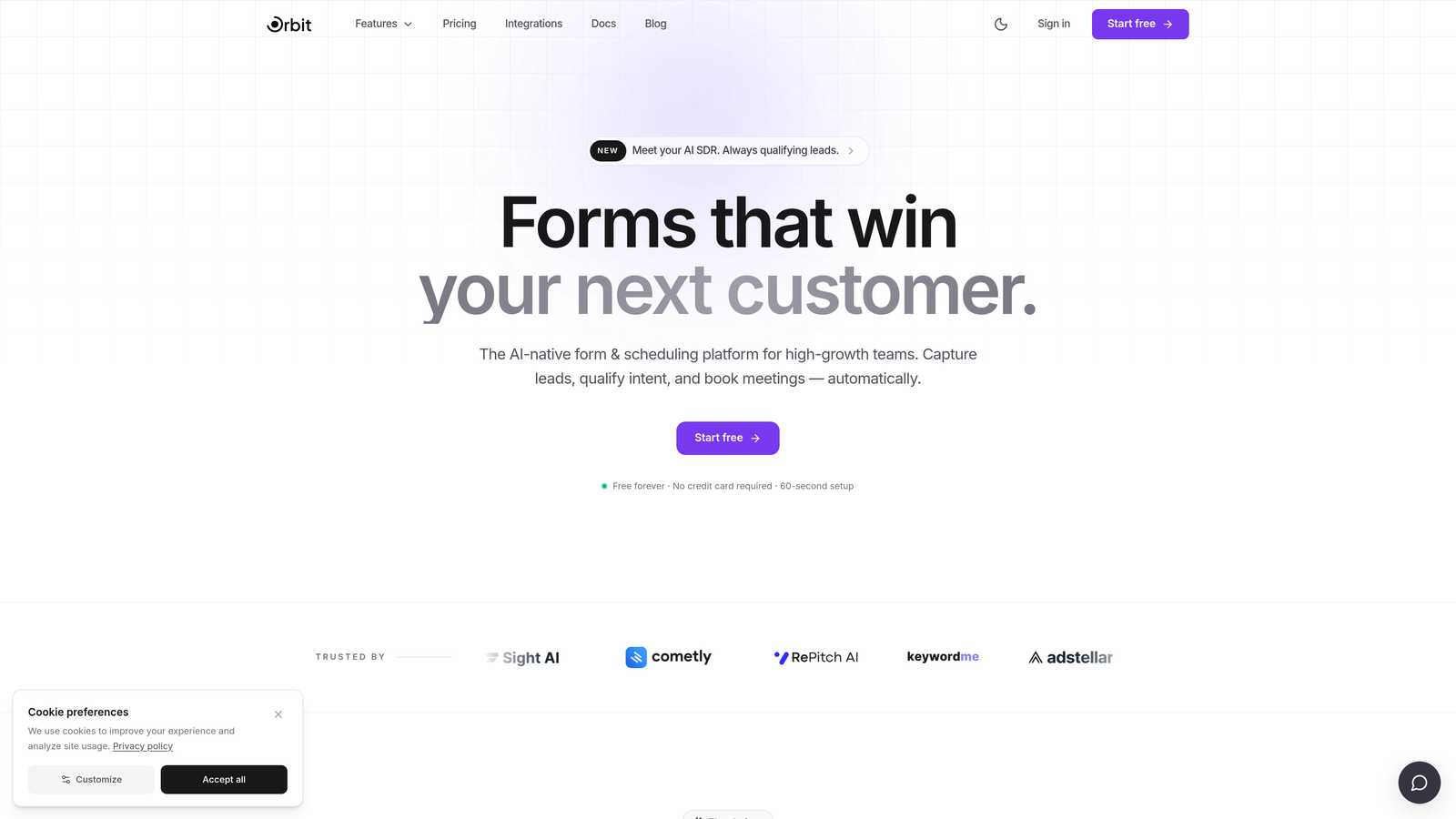
Orbit AI is an AI-powered form builder with conversational design and built-in lead qualification, purpose-built for high-growth teams including online programs, bootcamps, and enrollment-driven education organizations.
Where This Tool Shines
Orbit AI's standout feature for education institutions is its AI-powered lead qualification layer. Rather than collecting applications and dumping them into a spreadsheet for manual review, Orbit AI scores and routes applicants automatically based on criteria you define. For admissions teams dealing with high application volumes, this means your team spends time on the most relevant candidates first.
The conversational form design also makes long, multi-step applications feel far less intimidating to prospective students. Instead of presenting a wall of fields, the form guides applicants through one step at a time, which tends to reduce abandonment on complex applications. The clean, modern UI also makes it easy to reflect your institution's brand identity without needing a designer.
Key Features
AI-Powered Lead Qualification: Automatically scores and routes applicants based on your defined criteria, so admissions teams prioritize the right candidates faster.
Conversational Form Design: Guides applicants through multi-step forms in a way that reduces overwhelm and drop-off on longer applications.
Conditional Logic and Branching: Builds program-specific application paths so applicants only see questions relevant to their chosen program or track.
Real-Time Analytics: Provides conversion optimization insights so you can identify exactly where applicants are dropping off and fix it.
Branded UI: Delivers a clean, modern form experience that reflects your institution's visual identity without requiring custom development.
Best For
Online programs, ed-tech platforms, bootcamps, and university enrollment teams that receive high application volumes and need intelligent routing to make their review process manageable. Particularly valuable for teams using forms as part of a broader lead generation and conversion strategy.
Pricing
Free plan available. Paid plans start at competitive monthly rates. Visit orbitforms.ai for current pricing details.
2. Typeform
Best for: Smaller education providers and bootcamps that want a polished, conversational applicant experience.
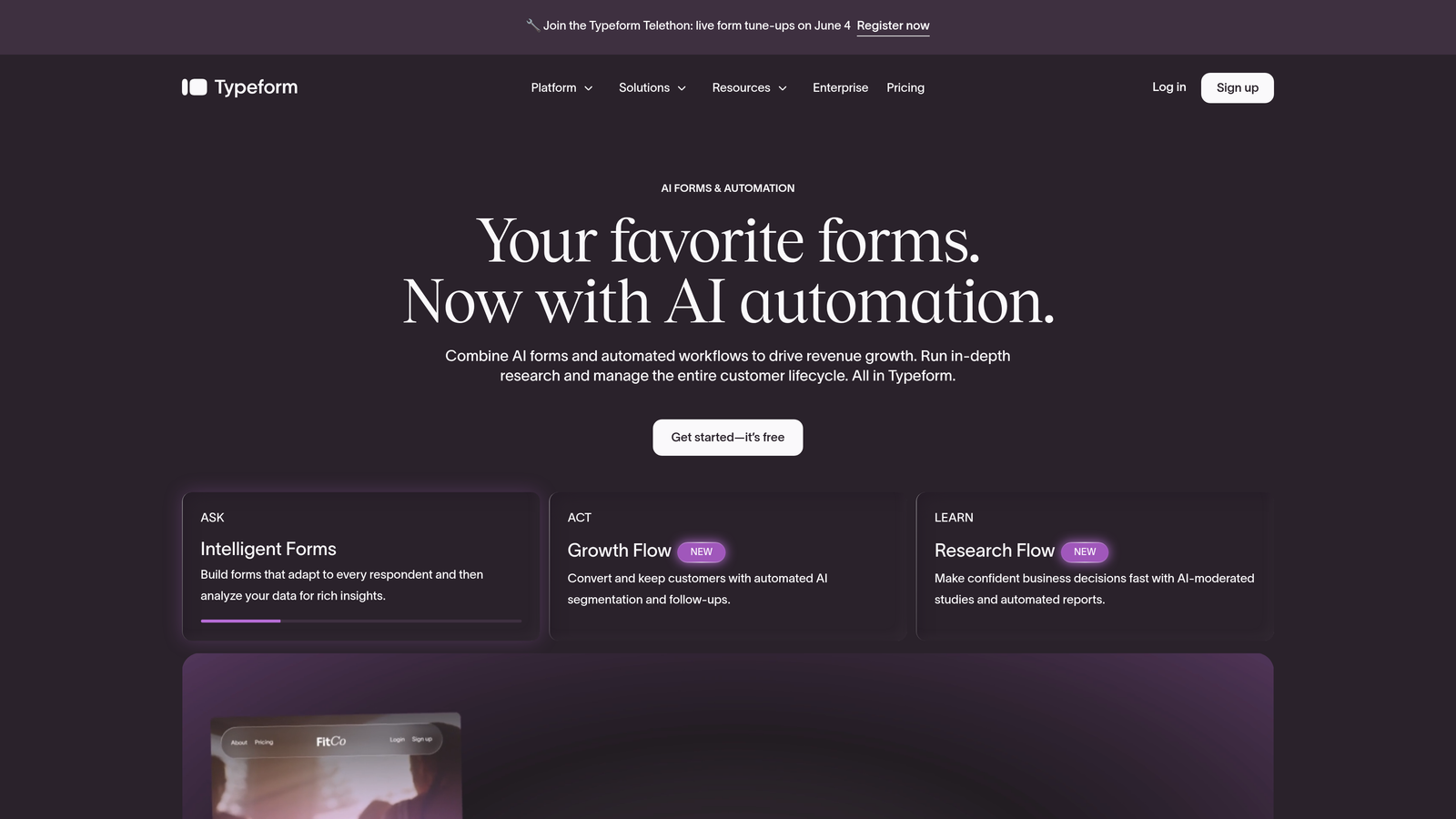
Typeform is a conversational form builder renowned for its one-question-at-a-time interface that transforms long applications into approachable, guided experiences.
Where This Tool Shines
Typeform's core strength is making lengthy forms feel manageable. For prospective students who are already anxious about applying, the format removes the visual overwhelm of seeing dozens of fields at once. This can meaningfully improve completion rates on complex applications.
The logic jump feature lets you build program-specific paths, so an applicant selecting a graduate program sees a completely different set of questions than someone applying for a certificate course. The branded design options are also strong, giving smaller institutions a polished, professional look without significant design investment.
Key Features
One-Question-at-a-Time Interface: Reduces applicant overwhelm by presenting questions sequentially rather than all at once.
Logic Jumps: Routes applicants through program-specific question paths based on their answers.
Native Integrations: Connects with Google Sheets, Slack, Zapier, and other tools commonly used by admissions teams.
Education Templates: Offers pre-built templates for education use cases to accelerate setup.
Branded Design: Supports custom colors, logos, and fonts to match institutional identity.
Best For
Smaller colleges, bootcamps, continuing education programs, and independent schools that prioritize applicant experience and want a polished form without heavy technical setup. Less suited to high-volume admissions operations that need advanced workflow routing.
Pricing
Free plan available with limited responses. Paid plans start around $25/month. Pricing scales with response volume.
3. JotForm
Best for: Institutions that need a feature-complete form builder with education-specific templates right out of the box.
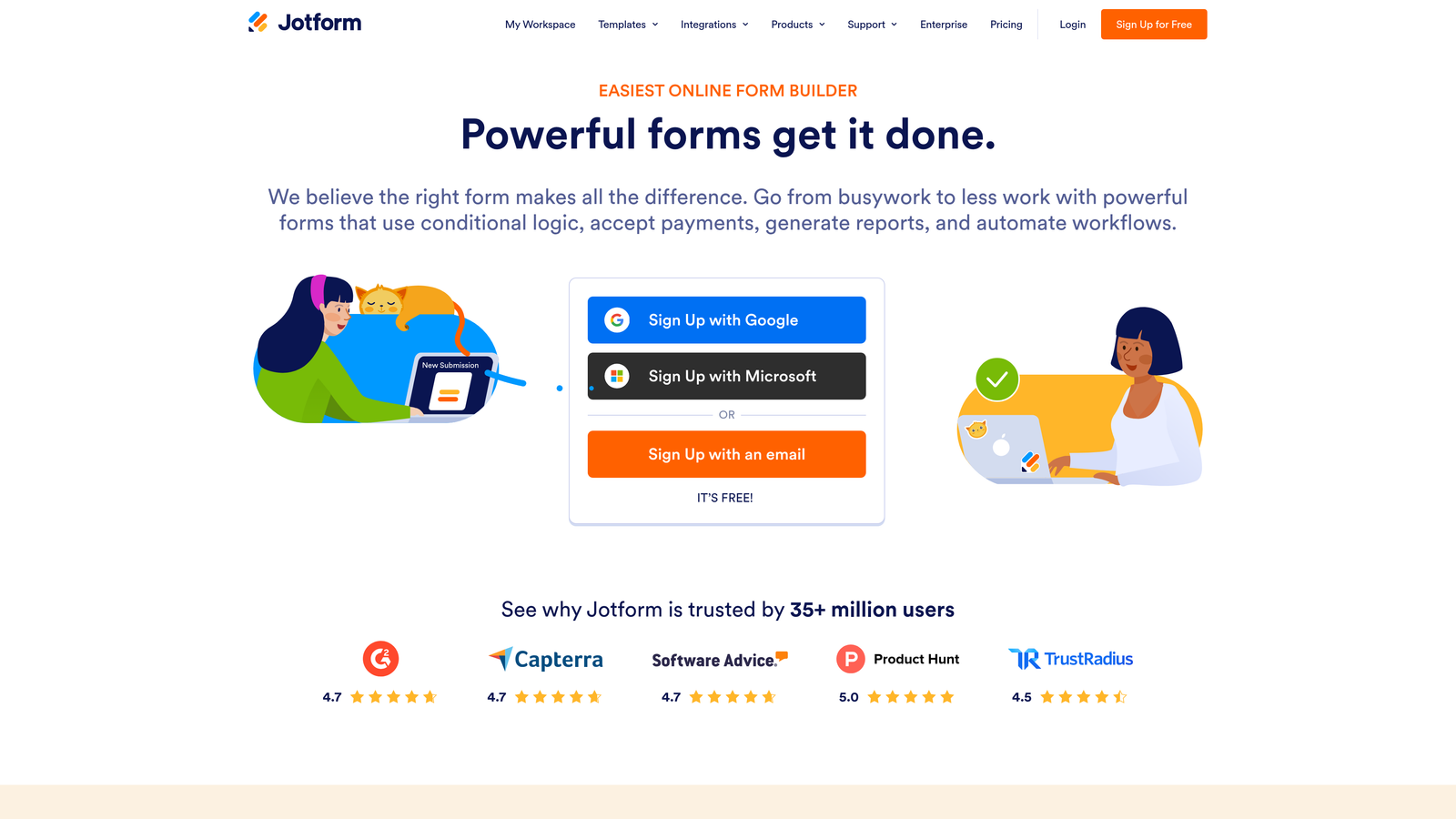
JotForm is one of the most feature-rich general-purpose form builders available, with an extensive template library and compliance-friendly options tailored to education environments.
Where This Tool Shines
JotForm's template library is genuinely impressive. With thousands of templates including dedicated enrollment, scholarship, and admissions forms, most education institutions can find a starting point that requires minimal customization. This dramatically reduces setup time for teams that don't want to build from scratch.
Beyond templates, JotForm covers the full range of features education institutions typically need: file uploads for transcripts and portfolios, e-signature support for enrollment agreements, payment collection for application fees, and multi-stage approval workflows. The FERPA-friendly data handling options are also worth noting for US-based institutions with compliance requirements.
Key Features
5,000+ Templates: Includes dedicated education, enrollment, and scholarship application templates for fast deployment.
FERPA-Friendly Options: Provides data handling configurations suitable for institutions managing student records under FERPA guidelines.
File Upload Fields: Accepts transcripts, essays, portfolios, and other documents directly within the application form.
E-Signature Support: Handles consent forms and enrollment agreements without requiring a separate tool.
Approval Workflows: Supports multi-stage review processes so admissions committees can collaborate within a structured pipeline.
Best For
Community colleges, K-12 programs, and mid-sized universities that need a versatile, all-in-one form tool with strong compliance options and minimal setup time. Also well-suited for scholarship and financial aid offices managing document-heavy applications.
Pricing
Free plan supports up to 100 submissions per month. Paid plans start around $34/month with higher submission limits and advanced features.
4. Google Forms
Best for: Budget-conscious institutions already using Google Workspace that need a simple, no-cost solution.
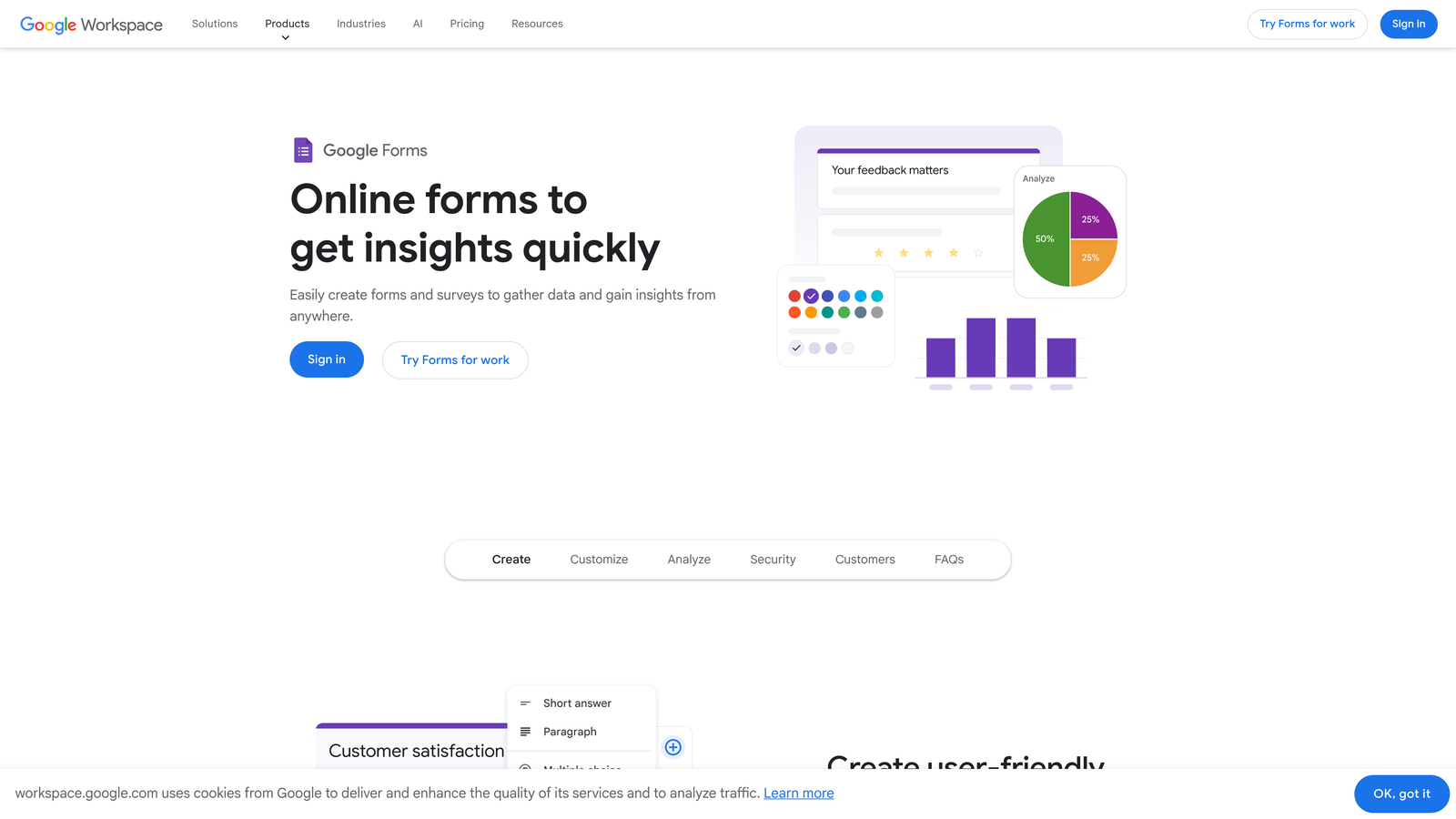
Google Forms is a free, widely adopted form tool deeply integrated with Google Workspace, making it the default choice for many school districts and resource-constrained institutions.
Where This Tool Shines
The most obvious advantage is cost: Google Forms is completely free with a Google account, and Google Workspace for Education plans extend this to entire institutions. For schools already running on Google Workspace, the ecosystem integration is seamless. Responses flow directly into Google Sheets, making data review and sharing straightforward for staff who live in Google's environment.
The familiarity factor also matters. Most students and staff have used Google Forms before, which means there's virtually no learning curve on either side. For straightforward applications without complex logic or payment requirements, it often does the job without any setup overhead.
Key Features
Completely Free: No cost with a Google account; Google Workspace for Education plans provide institutional access.
Google Sheets Integration: Automatically collects and organizes responses in a connected spreadsheet for easy review.
Basic Conditional Logic: Supports section branching so applicants can be directed to relevant follow-up questions.
File Upload Support: Allows document uploads via Google Drive for transcripts or supporting materials.
Low Learning Curve: Familiar interface requires minimal training for staff and applicants alike.
Best For
K-12 schools, community programs, and institutions with tight budgets that need simple application or registration forms without payment processing or advanced workflow requirements. Not ideal for complex multi-stage admissions processes or institutions needing branded experiences.
Pricing
Free with a Google account. Google Workspace for Education plans are available for qualifying institutions at no cost or reduced rates.
5. Formstack
Best for: Mid-to-large institutions that need enterprise-grade approval workflows and deep CRM integrations.
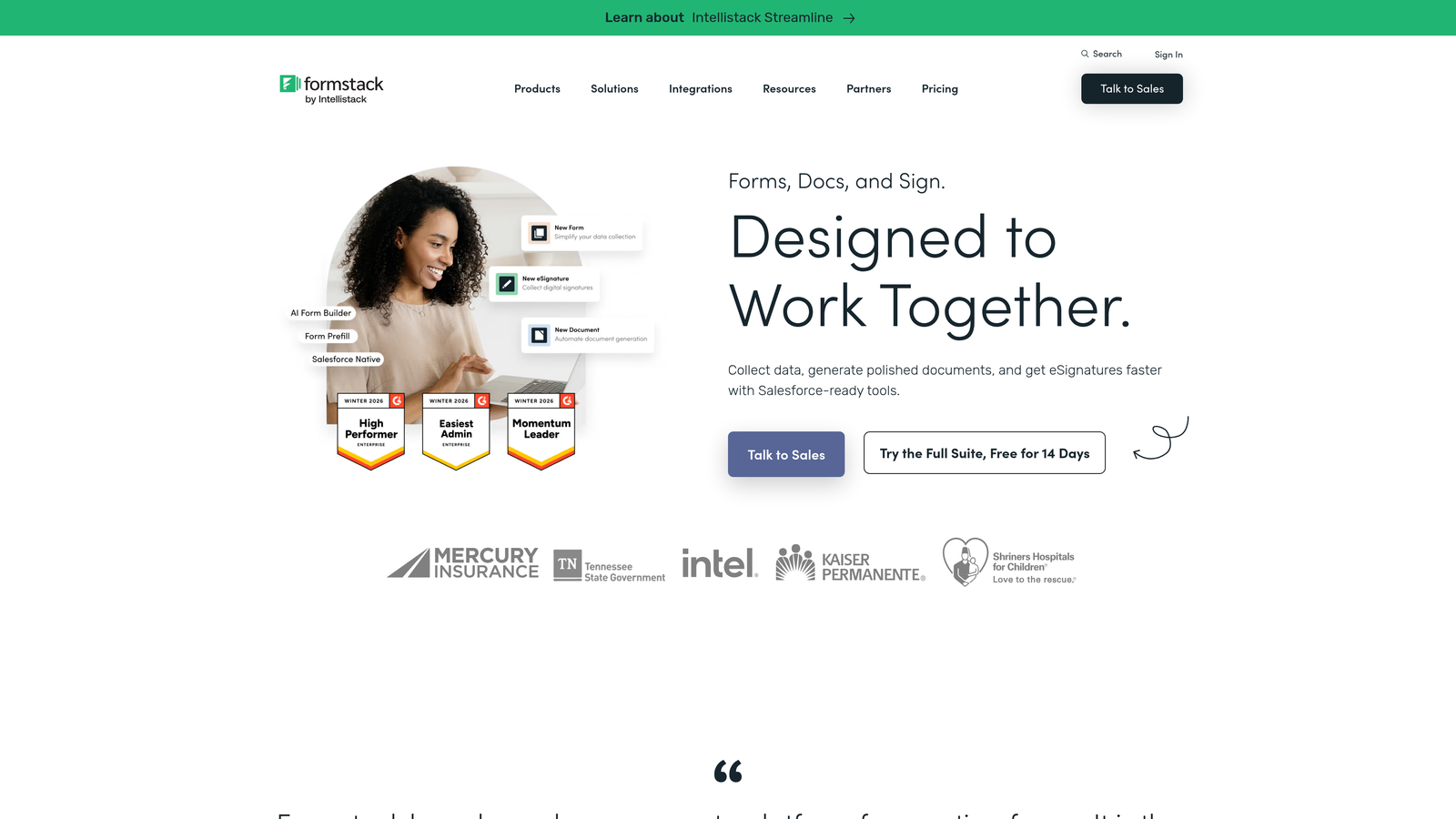
Formstack is an enterprise-grade form and document workflow platform designed for organizations that need structured review pipelines and robust integration capabilities.
Where This Tool Shines
Formstack goes well beyond form collection. Its approval routing capabilities make it particularly valuable for institutions managing multi-stage admissions review processes where different team members need to evaluate applications at different stages. You can build structured pipelines that mirror how your admissions committee actually works.
The Salesforce integration is a significant advantage for institutions using Salesforce Education Cloud as their CRM. Application data flows directly into Salesforce records, eliminating manual data entry and keeping applicant records synchronized across systems. The compliance and data encryption features also make it suitable for institutions with strict data governance requirements.
Key Features
Multi-Step Approval Workflows: Routes applications through structured review stages that match your admissions committee's process.
Salesforce Integration: Syncs application data directly with Salesforce and education CRM platforms.
Advanced Conditional Logic: Supports complex field population and branching for program-specific application paths.
Data Encryption and Compliance: Provides security features suitable for institutions with strict data governance requirements.
Document Generation: Creates formatted documents from form submission data for offer letters or enrollment confirmations.
Best For
Mid-to-large universities, graduate schools, and professional programs with high-volume admissions operations and existing Salesforce or enterprise CRM infrastructure. Best suited for institutions where workflow automation and system integration are higher priorities than design flexibility.
Pricing
Plans start around $50/month. Enterprise pricing is available for larger institutions with custom requirements.
6. Cognito Forms
Best for: Institutions collecting application fees who want native payment processing without a separate payment tool.
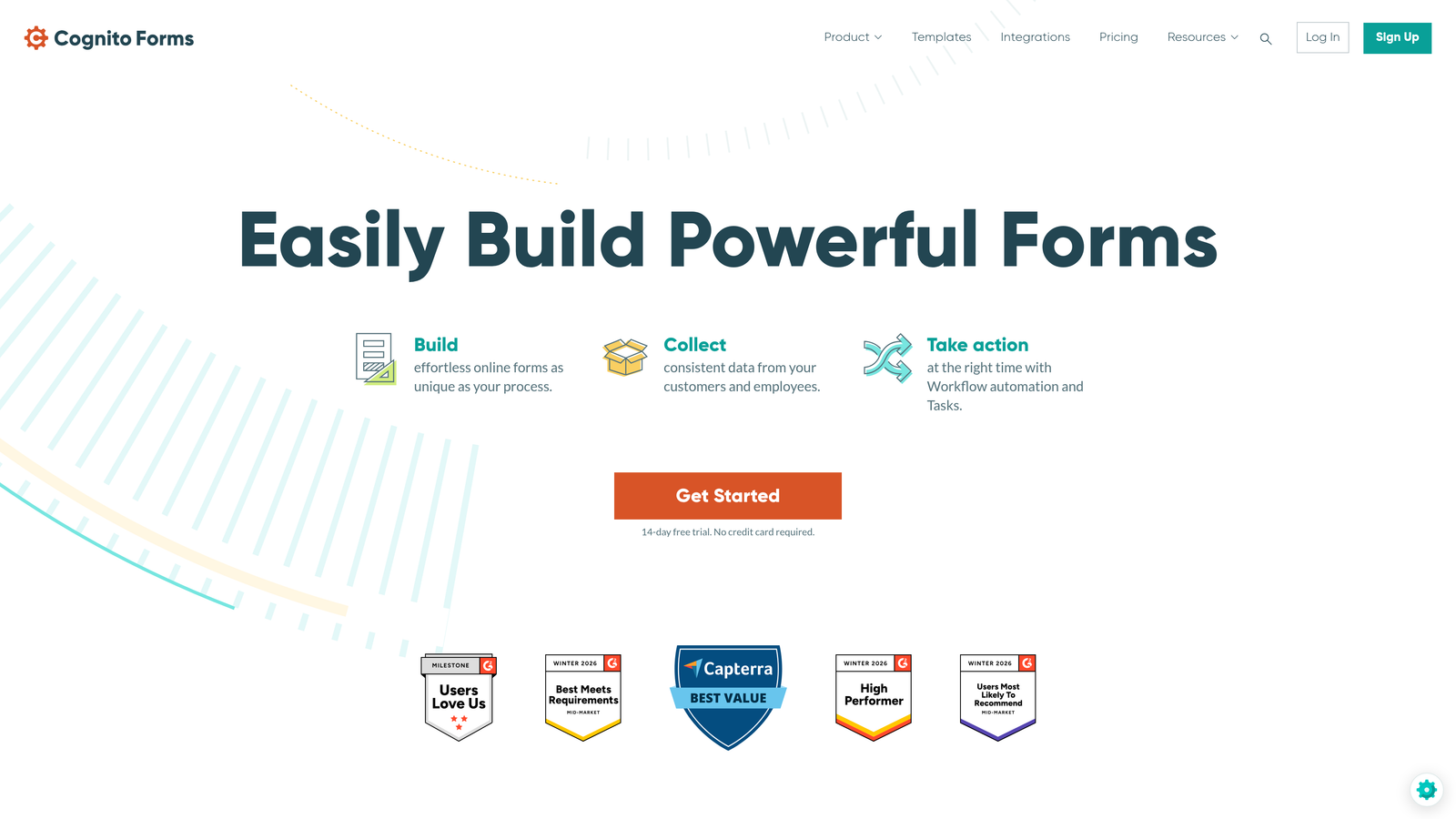
Cognito Forms is a highly functional form builder with native Stripe payment processing and repeating sections, making it particularly practical for fee-based application workflows.
Where This Tool Shines
Cognito Forms handles scenarios that trip up simpler tools. The repeating section feature is genuinely useful for education applications: applicants can add multiple references, list several prior institutions attended, or detail multiple qualifications without needing a workaround. This keeps the form clean while accommodating variable-length responses.
The built-in payment processing via Stripe means institutions can collect application fees directly within the form without needing a separate payment gateway setup. Calculated fields can also be used to determine variable fees based on program type or applicant status, which is a practical feature for institutions with tiered fee structures.
Key Features
Built-In Stripe Payments: Accepts application fees directly within the form without requiring a separate payment integration.
Repeating Sections: Allows applicants to add multiple references, qualifications, or prior institutions in a structured, dynamic format.
Calculated Fields: Automates fee calculations or scoring based on applicant responses.
Generous Free Tier: Offers unlimited forms on the free plan, making it accessible for resource-constrained programs.
Multi-Page and Conditional Logic: Supports complex form structures with page breaks and conditional field visibility.
Best For
Institutions and programs that collect application fees and need variable, dynamic form sections for references or qualifications. Well-suited for certificate programs, professional development courses, and smaller colleges that want strong functionality without a high price point.
Pricing
Free plan available with unlimited forms. Paid plans start around $15/month, making it one of the more affordable feature-rich options on this list.
7. Submittable
Best for: Scholarship programs, grant committees, and competitive academic programs that need full application lifecycle management.
Submittable is a purpose-built submission and review management platform that goes far beyond form collection into complete application pipeline management.
Where This Tool Shines
Submittable is in a different category from the other tools on this list. It's not just a form builder: it's a full application management system. For scholarship programs or competitive academic admissions where the review process involves multiple reviewers, scoring rubrics, committee deliberation, and formal decision communication, Submittable handles the entire lifecycle in one place.
The reviewer portal is particularly strong. Reviewers can score applications, leave comments, collaborate with committee members, and track their assigned workload without needing access to backend systems. Applicants also get a dedicated status-tracking experience with automated notifications at each stage, which significantly reduces the volume of "where is my application?" inquiries to admissions staff.
Key Features
Full Application Lifecycle Management: Manages the complete process from initial submission through review, decision, and notification.
Reviewer Portal: Provides a dedicated interface for reviewers with scoring rubrics, commenting, and collaborative evaluation tools.
Applicant Status Tracking: Keeps applicants informed with automated notifications at each stage of the review process.
Team Collaboration Tools: Supports admissions committee workflows with assignment, discussion, and decision-tracking features.
Pipeline Reporting: Delivers analytics on application volume, reviewer progress, and decision outcomes.
Best For
Scholarship offices, fellowship programs, graduate school admissions committees, and competitive academic programs where the review process is as important as the collection process. Less suited to high-volume undergraduate admissions where speed and automation matter more than deliberative review.
Pricing
Custom pricing. Contact Submittable directly for education institution plans and volume-based options.
8. Gravity Forms
Best for: WordPress-based institutions that need deep customization and a robust plugin ecosystem.
Gravity Forms is a powerful WordPress plugin offering extensive conditional logic, a large add-on library, and developer-friendly customization for institutions with WordPress-based websites.
Where This Tool Shines
If your institution runs on WordPress, Gravity Forms is likely the most capable form solution available within that ecosystem. The add-on library covers an impressive range of needs: payment processing, CRM connections, notification systems, and more. For institutions with a technical team or developer resources, the hooks and filters system allows genuinely deep customization of form behavior and submission handling.
The save-and-continue functionality is particularly valuable for long application forms. Prospective students can start an application, save their progress, and return later without losing their work. This is a feature many simpler tools lack, and it can meaningfully reduce abandonment on comprehensive applications that take significant time to complete.
Key Features
Advanced Conditional Logic: Handles complex multi-page application structures with sophisticated field visibility rules.
Extensive Add-On Library: Extends functionality with payment processing, CRM integrations, and notification tools.
Save-and-Continue: Allows applicants to save progress and return to long applications without starting over.
Multi-File Upload: Supports uploading multiple documents in a single submission for comprehensive application packages.
Developer-Friendly Architecture: Provides hooks and filters for custom workflows and deep integration with institutional systems.
Best For
Institutions and programs with WordPress-based websites and access to technical resources for setup and customization. Particularly well-suited for universities or programs that need highly tailored application logic and want to keep forms within their existing web infrastructure.
Pricing
Starts around $59/year for a single site license. Higher tiers unlock additional add-ons and multi-site support.
9. Paperform
Best for: Design-forward institutions and arts programs that want application forms that feel like branded landing pages.
Paperform is a document-style form builder that produces forms resembling polished branded pages rather than traditional data-entry interfaces.
Where This Tool Shines
Paperform's design approach is genuinely distinctive. Rather than presenting a form as a list of fields, it creates a rich document-style experience where text, images, and questions are woven together. For arts programs, design schools, or institutions where brand presentation is a meaningful part of how they attract applicants, this approach creates a form experience that actually reflects institutional character.
The built-in scheduling and payment features also make Paperform practical beyond just application collection. Programs that combine applications with interview scheduling or fee collection can handle multiple steps within a single Paperform without stitching together separate tools. The integration layer via Zapier and native connections keeps it connected to the broader tech stack.
Key Features
Document-Style Design: Blends rich text, media, and form fields into a cohesive branded experience that stands apart from standard form builders.
Highly Customizable Visuals: Offers deep design control without requiring code, suitable for institutions with strong brand standards.
Built-In Payments and Scheduling: Handles application fees and interview scheduling within a single form experience.
Conditional Logic and Multi-Section Layouts: Supports program-specific question paths and organized multi-part applications.
2,000+ App Integrations: Connects with a wide range of tools via Zapier and native integrations for data routing and workflow automation.
Best For
Arts schools, design programs, boutique colleges, and institutions where brand experience and visual presentation are central to how they differentiate themselves to prospective students. Less suited to high-volume, enterprise-level admissions operations that need structured approval workflows.
Pricing
Plans start around $24/month. Annual billing discounts are available, reducing the effective monthly cost.
Choosing the Right Tool for Your Institution
The best application form tool depends on where your institution sits in terms of volume, complexity, and existing infrastructure. There's no single right answer, but there are clear patterns worth considering.
If you're running a high-growth online program, bootcamp, or enrollment-driven education organization where applicant qualification and conversion optimization matter, Orbit AI is the most purpose-aligned option. The AI-powered qualification layer and conversational design address the two biggest challenges in high-volume education applications: applicant drop-off and reviewer overload.
For institutions with tight budgets and straightforward needs, Google Forms handles basic applications without any cost. JotForm is the strongest all-rounder for teams that want a large feature set and education-specific templates without enterprise complexity. Typeform is the go-to for smaller providers that prioritize applicant experience above all else.
For competitive programs with structured review committees, Submittable operates in a class of its own. Formstack fits best when Salesforce integration and enterprise approval workflows are the priority. Gravity Forms is the natural choice for WordPress-based institutions with developer resources. Cognito Forms wins on value for fee-based applications, and Paperform is the clear pick for design-forward programs where brand presentation is part of the pitch.
Whatever your scale or workflow, the right form tool should reduce friction for applicants and create clarity for your team. Start by identifying your top three requirements, then match them against the options above.
Ready to see what AI-powered forms can do for your enrollment pipeline? Start building free forms today and experience how intelligent form design can transform your applicant qualification process from day one.


