

Data collection is only as good as the forms powering it. Whether you're qualifying leads, onboarding customers, or gathering product feedback, the right form tool determines how much usable data you actually capture and how quickly your team can act on it.
This list covers the nine best data collection form tools available in 2026, evaluated on ease of build, data quality features, integrations, and how well they serve teams focused on conversion and growth. We looked at tools ranging from AI-powered platforms built for lead qualification to enterprise survey suites and developer-friendly options, so regardless of your team's technical depth or use case, you'll find a fit here.
If you want a quick starting point, check out Orbit AI's ready-to-use templates like the lead generation form or customer feedback form to see what modern data collection looks like in practice.
1. Orbit AI
Best for: High-growth SaaS and marketing teams prioritizing lead qualification and conversion optimization.
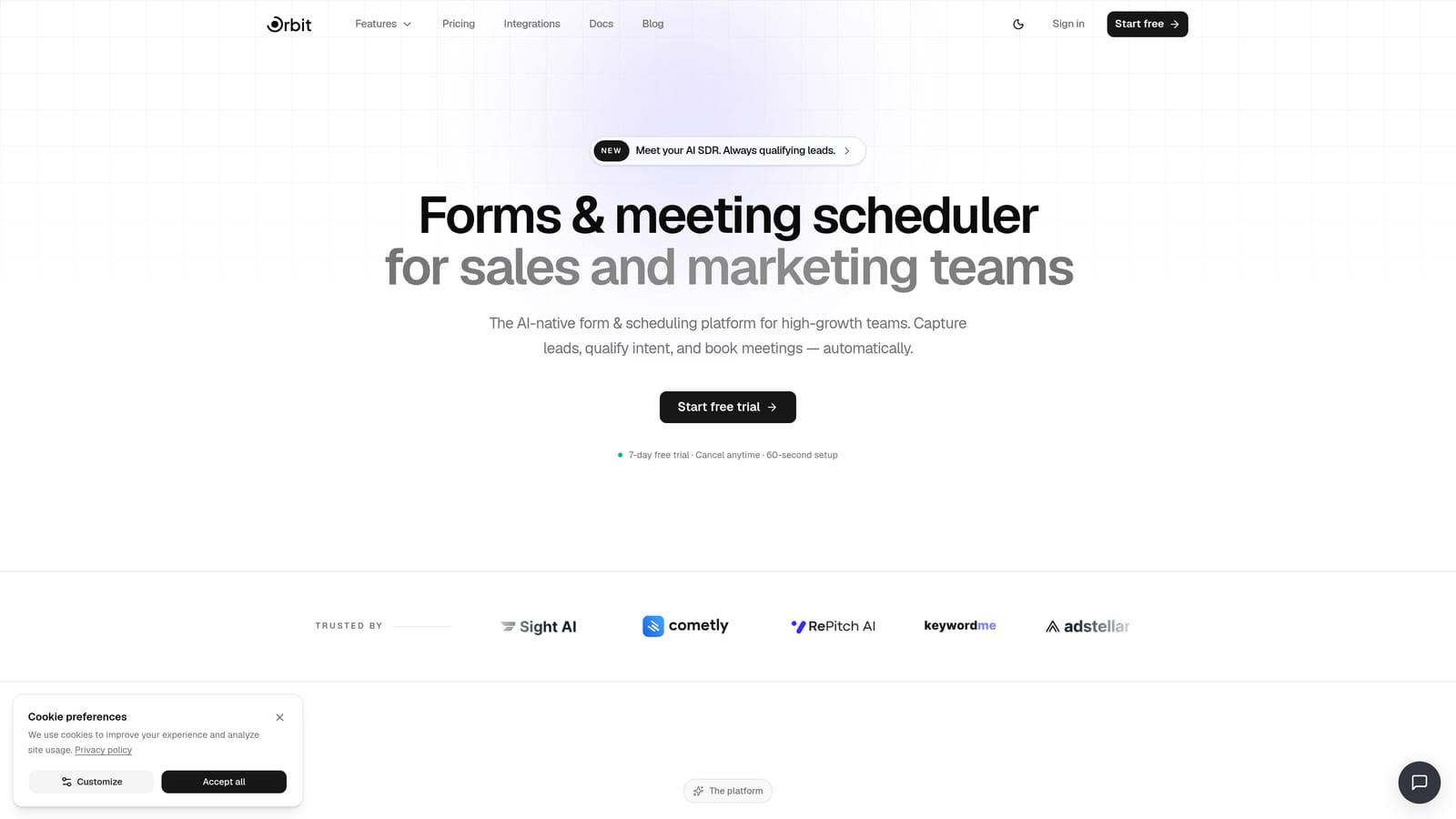
Orbit AI is an AI-powered form builder with built-in lead qualification and conversion optimization designed for high-growth teams.
Where This Tool Shines
Most form tools collect data and stop there. Orbit AI goes a step further by building intelligence directly into the form layer. Instead of exporting raw responses to a CRM and hoping someone qualifies the leads later, Orbit AI scores and routes prospects as they fill out the form, giving your sales team a prioritized pipeline from the moment a submission lands.
The design quality is equally notable. Orbit AI's templates are built with conversion in mind, not just aesthetics. Conditional logic and smart routing mean respondents only see questions relevant to them, which reduces friction and keeps completion rates high. For teams where every lead counts, this combination of qualification intelligence and thoughtful UX is hard to replicate with general-purpose form tools.
Key Features
AI Lead Qualification and Scoring: Automatically scores and qualifies leads based on form responses, eliminating manual triage from your workflow.
Conversion-Optimized Templates: Ready-to-use templates for lead gen, onboarding, feedback, and event registration, all designed to maximize completion rates.
Conditional Logic and Smart Routing: Personalize the data collection flow so each respondent sees only the most relevant questions.
GDPR Compliance and Enterprise Security: Built-in compliance features including consent management and data security controls, documented at orbitforms.ai/security and orbitforms.ai/gdpr.
Seamless Integrations: Connect form data to your CRM, marketing automation, and analytics stack without middleware workarounds.
Best For
Orbit AI is the strongest fit for SaaS marketing teams, growth teams, and demand generation managers who need forms that do more than collect data. If lead quality matters as much as lead volume, and if your team is tired of manually sorting through unqualified submissions, this platform is built for exactly that workflow.
Pricing
Current plans and pricing are available at orbitforms.ai/pricing. A free starting option is available to get you building immediately.
2. Typeform
Best for: Branded surveys, NPS, and lead capture where respondent experience drives completion rates.
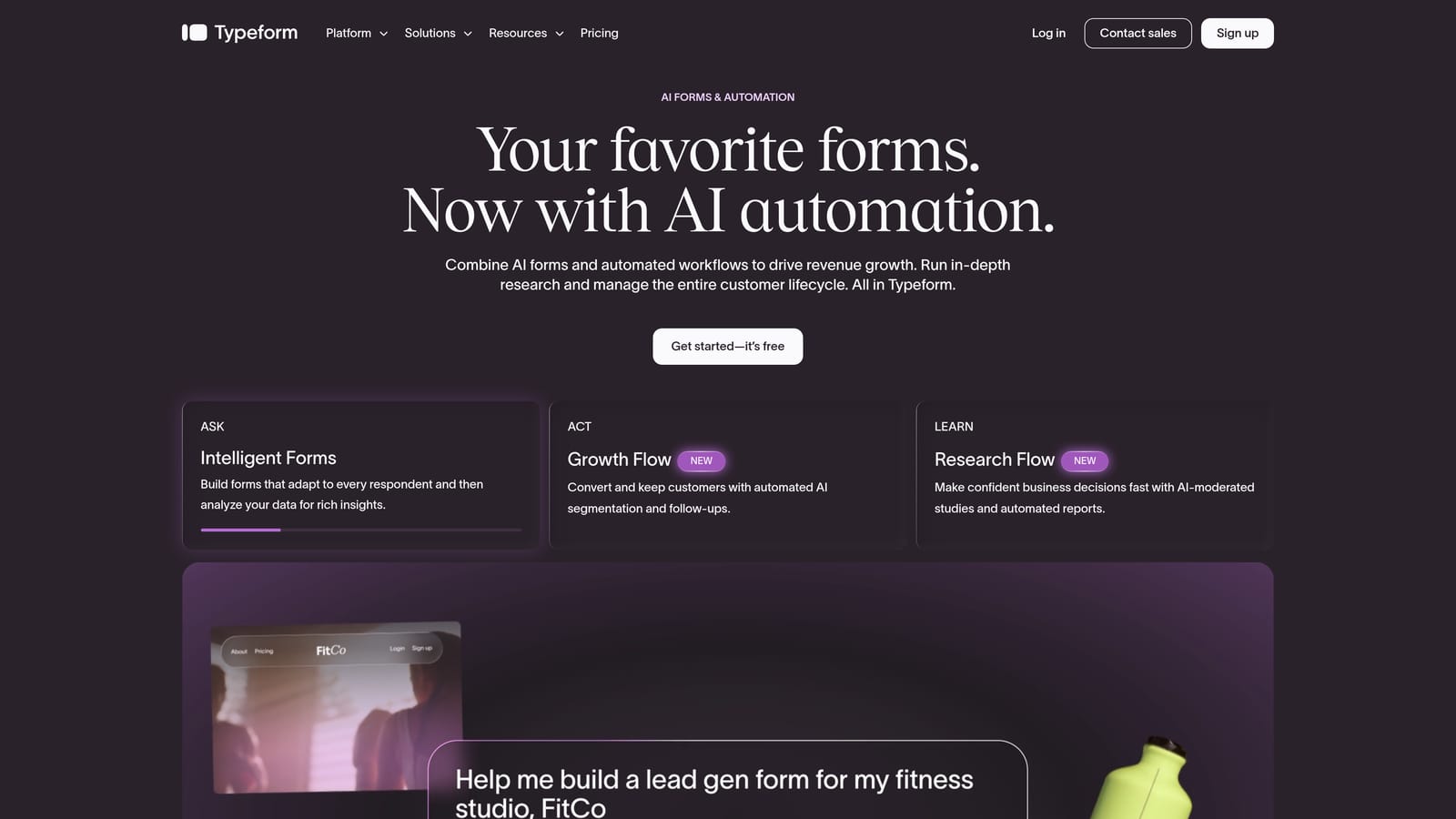
Typeform is a conversational form platform known for its one-question-at-a-time UX that keeps respondents engaged throughout the experience.
Where This Tool Shines
Typeform's core insight is that form abandonment is largely a design problem. By presenting one question at a time in a clean, full-screen format, it removes the visual overwhelm that causes respondents to bail midway. The result is a more focused, almost interview-like experience that works particularly well for longer surveys and research forms.
Recent product updates have added AI-powered form generation and response summaries, which meaningfully speeds up the build process and helps teams extract insight from large response sets without manual analysis. The integration library, including HubSpot, Salesforce, and Zapier, makes it a workable option for marketing teams even without a dedicated ops resource.
Key Features
Conversational One-Question Format: Presents questions sequentially in a full-screen layout that improves engagement and reduces abandonment.
Logic Jumps: Conditional branching that routes respondents through different question paths based on earlier answers.
AI Form Generation and Summaries: Generate form drafts and summarize response data using built-in AI capabilities.
CRM Integrations: Native connections to HubSpot, Salesforce, and Zapier for seamless data flow.
Design Templates: Polished, brand-customizable templates for professional-looking forms out of the box.
Best For
Marketing teams running NPS surveys, product researchers conducting user interviews at scale, and any team where form aesthetics and respondent experience directly affect data quality. Less ideal if your primary need is lead scoring or deep CRM-native qualification.
Pricing
Free tier available; paid plans start at approximately $25/month. Verify current pricing at typeform.com/pricing as SaaS pricing changes frequently.
3. Google Forms
Best for: Internal operations, quick polls, and lightweight data collection with zero budget.
Google Forms is a free, no-setup form tool native to Google Workspace with automatic response collection directly into Google Sheets.
Where This Tool Shines
For teams that live in Google Workspace, Google Forms removes every possible barrier to getting a form live. There's no account setup, no learning curve, and no cost. You build a form, share a link, and responses appear in a connected Google Sheet in real time. For internal use cases like event signups, quick team polls, or employee feedback, it's genuinely hard to beat.
The limitations are real, though. Design customization is minimal, conditional logic is basic compared to paid tools, and there are no AI features or lead qualification capabilities. Google Forms is a utility, not a growth tool. It does its job cleanly within those boundaries.
Key Features
Completely Free: Available to any Google account holder with no submission limits or paid tiers required.
Google Sheets Sync: Responses automatically populate a connected spreadsheet for instant data access.
Basic Conditional Logic: Simple branching to show or skip sections based on answers.
Team Collaboration: Multiple editors can build and manage forms simultaneously.
Zero Learning Curve: Anyone familiar with Google Docs can build a functional form in minutes.
Best For
Internal operations teams, educators, event coordinators, and anyone who needs a fast, free form without design or qualification requirements. Not the right choice for external-facing lead generation or conversion-focused data collection.
Pricing
Free with any Google account. Also included in Google Workspace plans at no additional charge.
4. Jotform
Best for: Agencies and ops teams needing specialized form types with payments, e-signatures, and approval workflows.
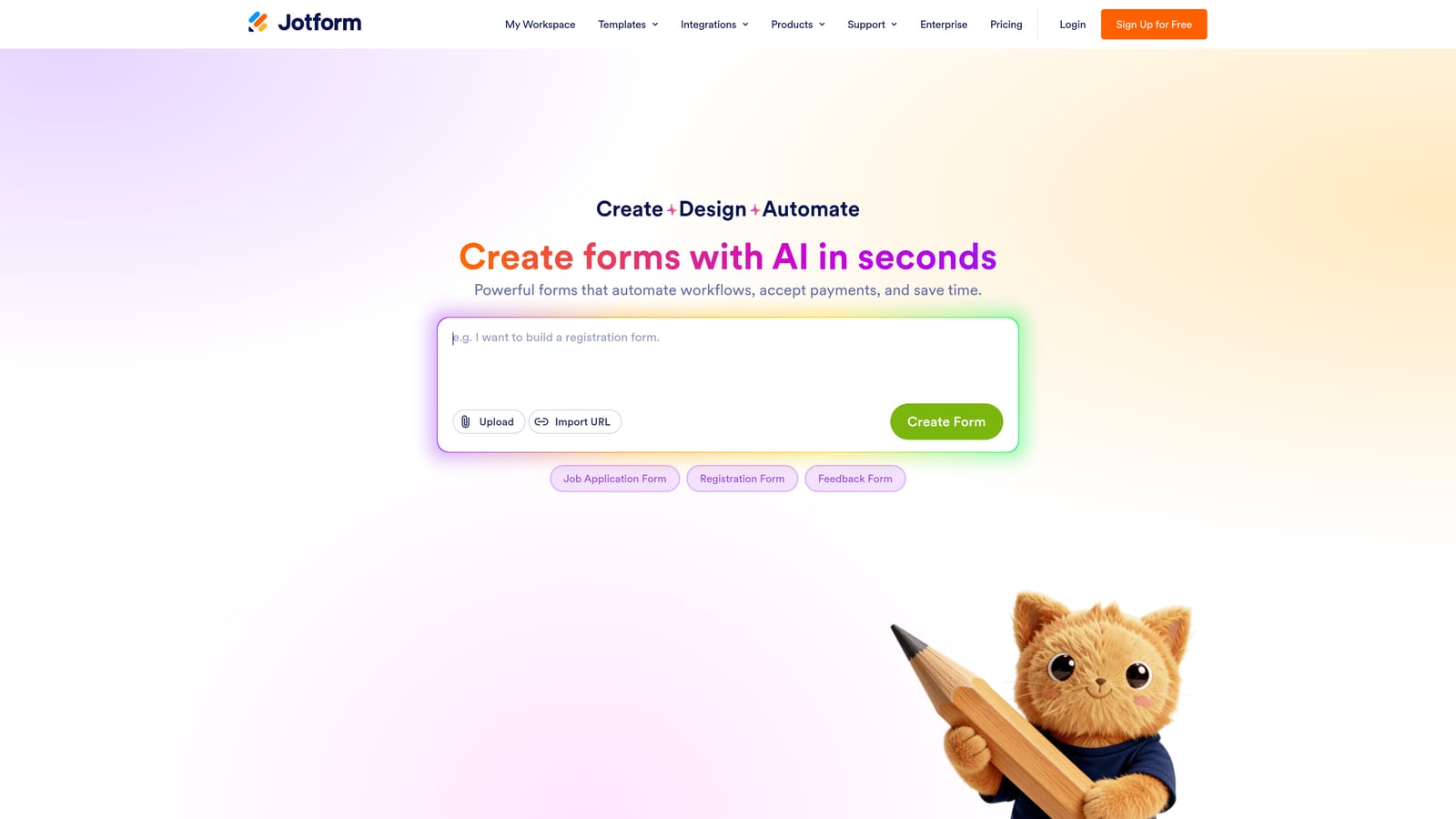
Jotform is a feature-rich form builder with over 10,000 templates, payment integrations, e-signatures, and multi-step approval workflows for complex data collection needs.
Where This Tool Shines
Jotform's strength is breadth. If you need a medical intake form, a legal contract with e-signature, a payment-enabled order form, or an HR onboarding workflow, Jotform almost certainly has a template for it. The template library is one of the most comprehensive in the category, and the drag-and-drop builder makes customization accessible without technical skills.
The approval workflow feature is particularly useful for teams that need structured review processes around form submissions. Rather than just collecting data, Jotform can route submissions through multi-step approvals, making it genuinely useful for procurement, HR, and compliance-heavy use cases.
Key Features
10,000+ Templates: Industry-specific templates covering healthcare, legal, HR, education, e-commerce, and more.
Payment Collection: Accept payments via Stripe, PayPal, and Square directly within forms.
E-Signatures and Document Generation: Collect legally binding signatures and auto-generate documents from form data.
Multi-Step Approval Workflows: Route submissions through structured review and approval chains.
Extensive Integration Library: Connects to hundreds of third-party tools across CRM, storage, and communication platforms.
Best For
Agencies managing forms for multiple clients, operations teams with complex data collection needs, and any business requiring payment collection, e-signatures, or structured approval processes alongside standard form functionality.
Pricing
Free tier available with limited monthly submissions; paid plans start at approximately $34/month. Verify current pricing at jotform.com/pricing.
5. Tally
Best for: Startups and indie teams wanting design-forward, unlimited forms without paying for them.
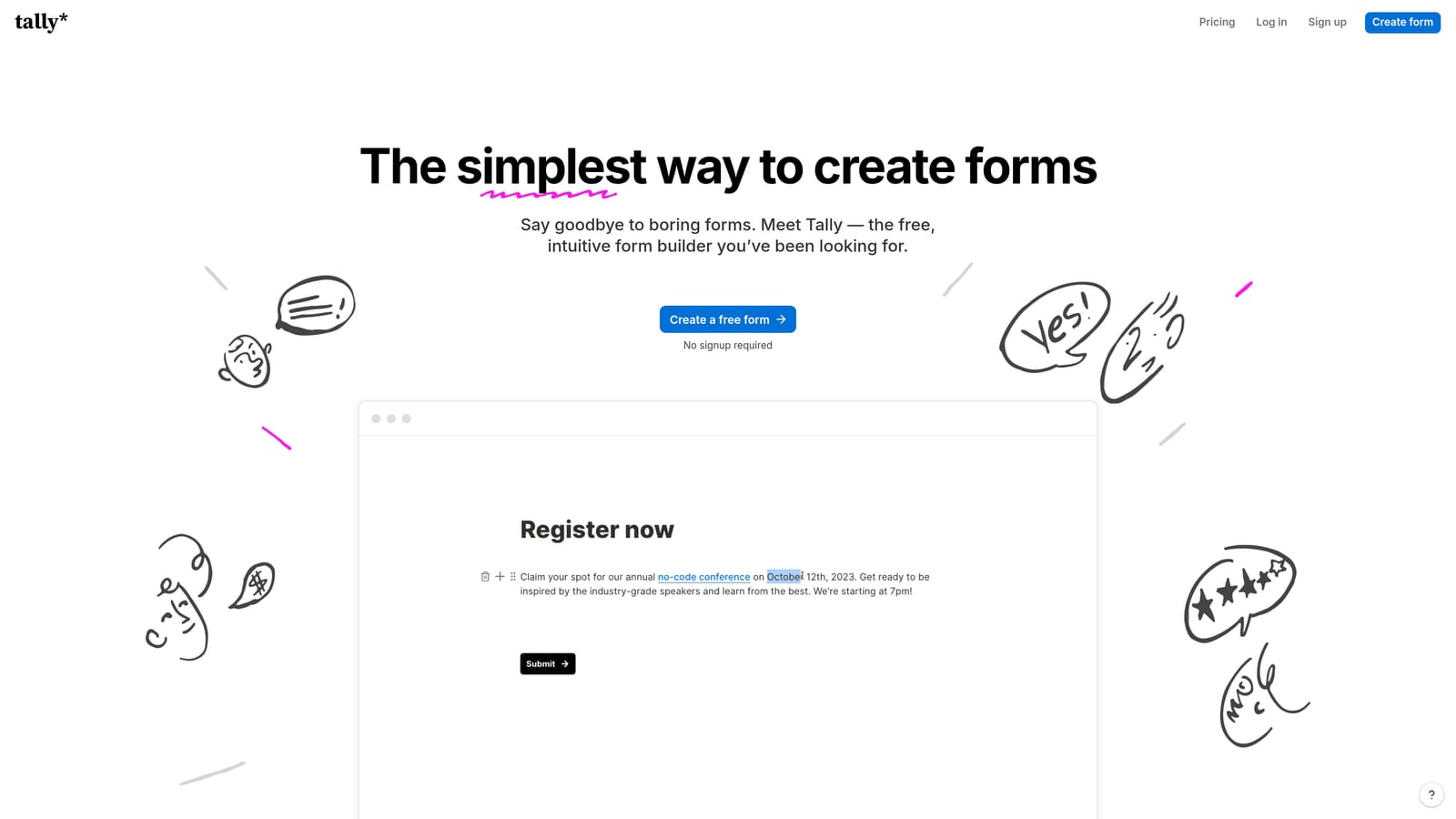
Tally is a lightweight, Notion-inspired form builder with a generous free tier and clean aesthetic that appeals to early-stage and design-conscious teams.
Where This Tool Shines
Tally's block-based editor will feel immediately familiar to anyone who uses Notion. You build forms the same way you'd write a document, inserting question blocks inline with text, images, and formatting. The output is clean and minimal, which aligns well with modern brand aesthetics that don't want their forms to look like generic survey tools.
The free tier is genuinely generous: unlimited forms and unlimited responses with no submission caps. For early-stage startups and solo operators who need functional, attractive forms without a monthly bill, Tally is one of the best options in the market. The trade-off is a lack of advanced AI features or deep qualification capabilities, which limits its ceiling for growth-focused teams.
Key Features
Unlimited Free Forms and Responses: No submission limits or form caps on the free plan, a rare offering in this category.
Block-Based Editor: Notion-style editing experience that makes form building feel natural and intuitive.
Conditional Logic and Calculated Fields: Smart branching and field calculations for more dynamic forms.
Notion and Website Embeds: Seamlessly embed forms into Notion pages or any website.
Clean Minimal Design: Output looks polished without requiring design customization effort.
Best For
Startups, indie makers, and small teams that prioritize design quality and cost efficiency over advanced analytics or lead qualification. Also an excellent choice for teams already using Notion as their primary workspace.
Pricing
Robust free tier with unlimited forms and responses; Tally Pro available for advanced features. Verify current pricing at tally.so/pricing.
6. SurveyMonkey
Best for: Enterprise research teams needing advanced analytics, cross-tabulation, and research-grade data collection.
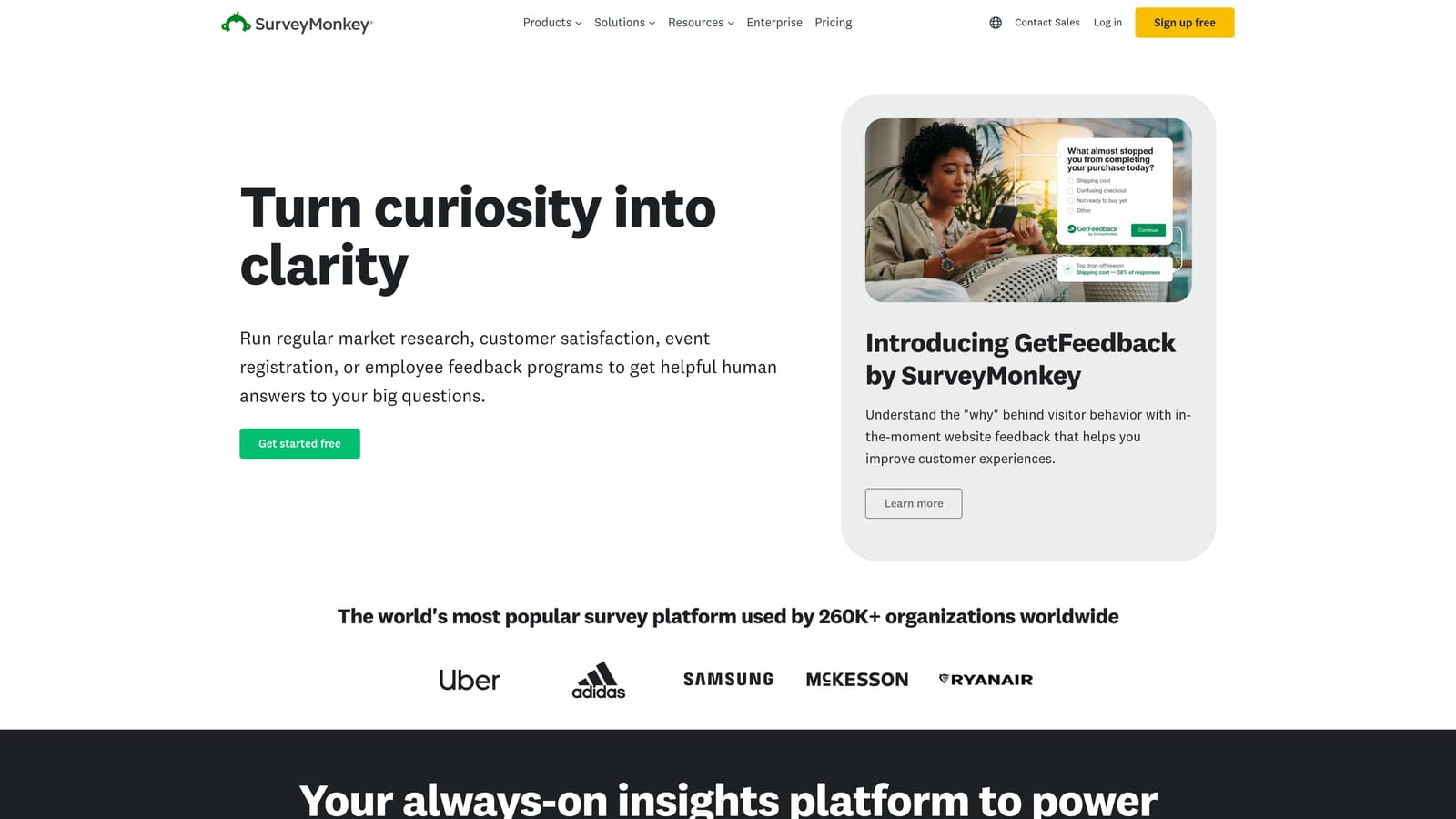
SurveyMonkey is an established enterprise survey platform with advanced analytics, a built-in respondent panel, and HIPAA-compliant options for sensitive data collection.
Where This Tool Shines
SurveyMonkey has long been the default for structured research. Its analytics layer goes well beyond response counts, offering cross-tabulation, sentiment analysis, and statistical significance indicators that help teams draw defensible conclusions from survey data. For HR teams running engagement surveys or research teams conducting market studies, this analytical depth is hard to match with lighter tools.
The built-in respondent panel is a differentiator for teams that need to reach audiences beyond their own contact list. Rather than distributing surveys manually, you can purchase access to targeted respondent segments directly within the platform, compressing the time from survey launch to actionable data.
Key Features
Advanced Analytics Dashboard: Cross-tabulation, sentiment analysis, and statistical tools for research-grade data interpretation.
Built-In Respondent Panel: Access to targeted survey respondents for primary research without external recruitment.
HIPAA-Compliant Plans: Available for healthcare and sensitive data collection use cases.
Skip Logic and Question Randomization: Sophisticated survey design controls for reducing bias and improving data quality.
Team Collaboration and Admin Controls: Enterprise-grade user management and team workflows.
Best For
Enterprise HR teams, market researchers, and any organization that treats surveys as a primary research method and needs the statistical rigor to back up their findings. Less suited for conversion-focused lead generation workflows.
Pricing
Free tier available with limited features; paid plans start at approximately $25/user/month. Verify current pricing at surveymonkey.com/pricing.
7. HubSpot Forms
Best for: HubSpot-native teams wanting zero-friction CRM data capture on every form submission.
HubSpot Forms is a CRM-native form tool that automatically creates and updates HubSpot contact records on every submission, with no middleware required.
Where This Tool Shines
For teams already operating inside HubSpot, this tool eliminates the integration tax that comes with every other form builder. There's no Zapier connection to maintain, no field mapping to configure, and no sync delay. A form submission creates or updates a contact record instantly, and any workflow, sequence, or notification you've built in HubSpot fires automatically.
Progressive profiling is a particularly smart feature for teams with existing contact databases. Rather than asking returning visitors to fill out fields you already have, HubSpot Forms detects known contacts and surfaces only the questions that would add new data to their record. Over multiple touchpoints, you build richer profiles without ever burdening the same person with repetitive questions.
Key Features
Native CRM Sync: Every submission instantly creates or updates a HubSpot contact record with no integration setup required.
Progressive Profiling: Shows different fields to returning visitors to progressively enrich contact data over time.
Free with HubSpot CRM: Accessible on HubSpot's free tier, making it a zero-cost entry point for new teams.
Native Workflow Triggers: Submissions automatically trigger HubSpot workflows, sequences, and internal notifications.
Flexible Embed Options: Deploy on any website or natively within HubSpot landing pages and emails.
Best For
Marketing and sales teams already using HubSpot as their CRM who want frictionless data capture without managing a separate form tool or integration. Standalone design flexibility is limited compared to dedicated form builders, so teams with complex form design needs may want to combine it with another tool.
Pricing
Free with HubSpot CRM; advanced features available within paid Marketing Hub plans. Verify current tiers at hubspot.com.
8. Microsoft Forms
Best for: Enterprise teams in Microsoft 365 environments needing internal forms, quizzes, and SharePoint-integrated data collection.
Microsoft Forms is a Microsoft 365-native form and quiz tool with deep Teams and SharePoint integration for enterprise and education environments.
Where This Tool Shines
Like Google Forms in the Google ecosystem, Microsoft Forms earns its place through native integration rather than feature depth. For organizations standardized on Microsoft 365, it's already paid for, already connected to Teams and SharePoint, and already familiar to employees who use the Office suite daily. That combination of zero additional cost and zero onboarding friction makes it the default choice for internal data collection in enterprise environments.
The auto-graded quiz functionality sets it apart from Google Forms for training and education contexts. HR teams running compliance training, L&D teams delivering assessments, and educators managing coursework can build quizzes that score themselves and feed results into Excel automatically.
Key Features
Included with Microsoft 365: No additional licensing cost for organizations already on Microsoft 365.
Native Teams and SharePoint Integration: Embed forms directly in Teams channels, SharePoint sites, and other Microsoft surfaces.
Auto-Graded Quizzes: Build assessments with automatic scoring for training, education, and compliance use cases.
Excel Response Export: Response data flows natively into Excel for analysis within the Microsoft ecosystem.
Basic Branching Logic: Simple conditional flows for routing respondents through relevant question paths.
Best For
Enterprise organizations standardized on Microsoft 365, HR and L&D teams running internal assessments, and education institutions. Not a strong fit for external-facing lead generation or conversion-optimized data collection.
Pricing
Included with Microsoft 365 subscriptions at no additional charge. Verify inclusion in your specific Microsoft 365 plan at forms.microsoft.com.
9. Paperform
Best for: Service businesses and consultants wanting context-rich forms that combine content, payments, and scheduling.
Paperform is a hybrid form and landing page builder that supports rich media, payments, and appointment scheduling alongside traditional form fields.
Where This Tool Shines
Paperform occupies an interesting middle ground between a form builder and a lightweight landing page tool. You can embed explanatory text, images, and video directly alongside your form fields, which means respondents get context as they fill out the form rather than arriving cold. For service businesses, consultants, or anyone whose form asks complex questions, this narrative structure meaningfully improves response quality.
The built-in payment and scheduling capabilities make it a particularly efficient choice for businesses that want to combine intake, booking, and payment collection in a single link. Instead of stitching together a form tool, a payment processor, and a scheduling app, Paperform handles all three in one cohesive experience.
Key Features
Rich Media Integration: Embed text, images, and video alongside form fields to provide context within the form itself.
Built-In Payment Collection: Accept payments and sell products directly within the form experience.
Appointment Scheduling: Integrate booking and scheduling functionality without a separate tool.
Conditional Logic and Calculated Fields: Dynamic forms that adapt based on responses and perform real-time calculations.
Custom Domains: Host forms on your own domain for a fully branded experience.
Best For
Service businesses, consultants, coaches, and creative agencies that need forms to do more than collect data. Particularly strong when intake, payment, and scheduling need to happen in a single user flow. Less suited to high-volume lead generation or CRM-native qualification workflows.
Pricing
Paid plans start at approximately $24/month. Verify current pricing at paperform.co/pricing.
Which Tool Is Right for Your Team?
The right data collection form tool depends almost entirely on what you need the data to do once it's collected.
If lead qualification and conversion are the core priority, Orbit AI is the clear starting point. The combination of AI-powered scoring, smart routing, and conversion-optimized templates means your forms are doing qualification work in real time, not after the fact. For high-growth teams where pipeline quality matters as much as volume, that intelligence layer is genuinely difficult to replicate with general-purpose tools.
For teams where respondent experience drives data quality, Typeform remains one of the best options. Its conversational format and polished design make it the right call for NPS surveys, research forms, and any situation where completion rate is the primary metric.
If budget is the constraint, Google Forms and Tally cover a lot of ground for free. Google Forms wins on ecosystem integration for Google Workspace teams; Tally wins on design quality and unlimited responses for startups and indie teams.
For enterprise research with statistical depth, SurveyMonkey leads. For organizations already inside HubSpot, HubSpot Forms is the most efficient path to clean CRM data. And for Microsoft 365 environments, Microsoft Forms is the zero-cost default that just works.
If your team needs forms that combine intake, payments, and scheduling in one experience, Paperform and Jotform both handle that well, with Jotform offering more template depth and Paperform offering a more narrative, landing-page-style format.
The best form tool is the one that fits your workflow today and scales with your data needs tomorrow. For teams serious about conversion and lead quality, book a demo with Orbit AI and see what AI-powered qualification looks like in practice.


