Your business forms are working against you. Every clunky field, every confusing layout, every moment of friction is costing you qualified leads. In 2026, your forms aren't just data collection tools—they're your digital front door, your first impression, and often the make-or-break moment between a curious visitor and a qualified prospect.
The stakes are higher than ever. With attention spans shrinking and competition intensifying, businesses can't afford forms that feel like bureaucratic questionnaires. Your forms need to engage, qualify, and convert—all while reflecting your brand's professionalism.
But here's the challenge: the form builder market has exploded with options, each promising to be the solution you need. Some focus on beautiful design. Others emphasize integrations. A few are pioneering AI-powered experiences that fundamentally change how forms work.
We've evaluated the leading online form builders based on what actually matters for business growth: conversion optimization, lead qualification capabilities, ease of use, integration ecosystem, and value for investment. Whether you're a high-growth startup capturing hundreds of leads weekly or an enterprise managing complex compliance requirements, one of these seven solutions will fit your needs.
Let's explore what makes each platform stand out and help you choose the right tool for your business.
1. Orbit AI: AI-Powered Lead Qualification That Works While You Sleep
The Challenge It Solves
Traditional forms treat every lead the same, dumping raw contact information into your CRM without context or prioritization. Your sales team wastes hours sifting through unqualified prospects, following up on leads that were never a good fit, and missing the high-intent opportunities buried in the noise.
This isn't just inefficient—it's expensive. Every hour your team spends qualifying bad leads is an hour they're not closing deals. Meanwhile, your best prospects are waiting for responses that come too slowly.
The Strategy Explained
Orbit AI takes a fundamentally different approach by embedding intelligence directly into your forms. The platform uses AI to analyze responses in real-time, scoring and qualifying leads automatically based on criteria you define. This means your forms don't just collect data—they understand it.
The platform is designed specifically for high-growth teams who need more than basic contact collection. You get conversion-optimized form templates that balance information gathering with user experience, workflow automation that routes qualified leads instantly to the right team members, and analytics that show you exactly where prospects drop off.
What sets Orbit AI apart is how it handles the lead qualification process. Instead of forcing you to build complex logic trees or hire developers, the AI learns from your qualification patterns and applies them consistently across all form submissions.
Implementation Steps
1. Define your ideal customer profile and qualification criteria within the platform, specifying what makes a lead sales-ready versus nurture-ready.
2. Build your form using conversion-optimized templates, adding conditional logic that adapts questions based on previous answers to gather the right information without overwhelming users.
3. Configure automated workflows that route high-scoring leads directly to sales, medium-scoring leads to nurture sequences, and low-scoring leads to educational content.
4. Monitor the AI's qualification accuracy through the analytics dashboard and refine your criteria as you learn what predicts successful conversions.
Pro Tips
Start with a simple qualification model and let it evolve. Many teams overcomplicate their initial setup, trying to account for every edge case. Begin with three tiers—hot, warm, cold—and refine from there. The AI becomes more accurate as it processes more submissions, so getting forms live quickly beats perfecting them in isolation.
2. Typeform: Conversational Experiences That Feel Human
The Challenge It Solves
Standard forms feel like interrogations. Users see a wall of fields and immediately feel overwhelmed, leading to high abandonment rates. The experience lacks personality, fails to build rapport, and treats data collection as a transaction rather than a conversation.
For businesses where brand experience matters—consultancies, creative agencies, premium service providers—this disconnect between your brand's warmth and your form's coldness creates cognitive dissonance that undermines trust.
The Strategy Explained
Typeform pioneered the one-question-at-a-time approach, turning forms into conversations. Instead of confronting users with everything at once, questions appear sequentially, creating a natural dialogue flow that feels more like chatting than form-filling.
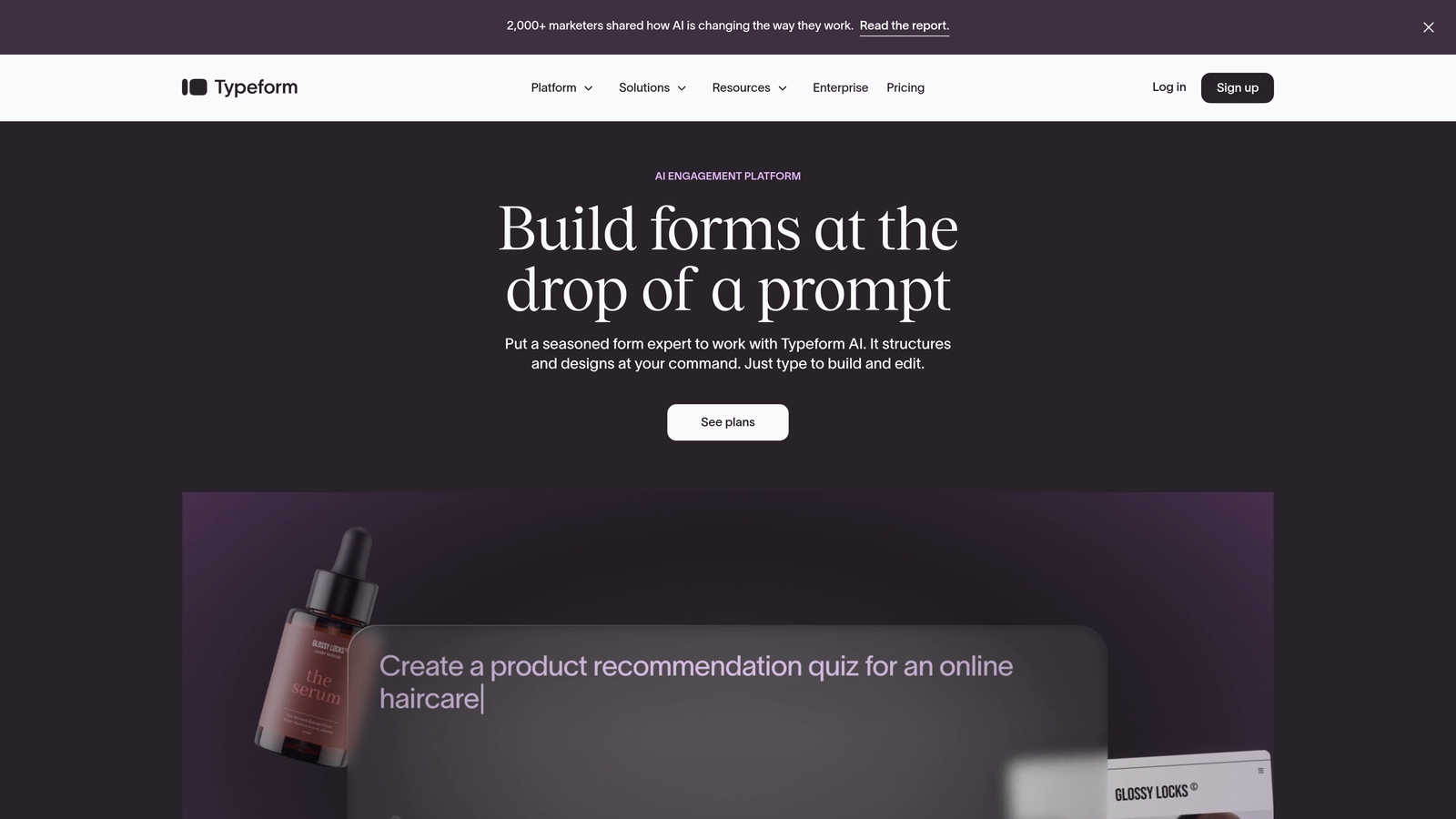
The platform excels at design customization, letting you match forms perfectly to your brand aesthetic. You can add images, videos, and GIFs to questions, creating engaging experiences that reflect your brand personality. The interface is intuitive enough that non-technical team members can build sophisticated forms without developer help.
Typeform works particularly well for surveys, customer feedback collection, and lead capture where you want to make a strong brand impression. The conversational format typically improves completion rates compared to traditional multi-field layouts.
Implementation Steps
1. Choose a template that matches your use case or start from scratch, focusing on the narrative arc you want to create through your questions.
2. Add your brand assets—colors, fonts, images—to create visual consistency with your website and marketing materials.
3. Structure your question flow strategically, starting with easy, engaging questions before moving to more detailed information requests.
4. Set up logic jumps that personalize the experience based on responses, showing different follow-up questions to different user segments.
Pro Tips
Use Typeform's welcome screen feature to set context and build anticipation. A compelling welcome screen that explains why you're asking for information and what value users will receive significantly improves completion rates. Think of it as the "why should I care" moment that motivates users to engage fully.
3. JotForm: Swiss Army Knife of Form Building
The Challenge It Solves
Many businesses need forms that do more than collect basic information. You might need payment processing for registration fees, file uploads for applications, appointment scheduling for consultations, or complex calculations for quote requests. Cobbling together multiple tools creates friction and data silos.
Budget-conscious teams also struggle with platforms that charge premium prices for features they need regularly, forcing difficult trade-offs between functionality and cost.
The Strategy Explained
JotForm positions itself as the comprehensive solution with over 10,000 templates covering virtually every use case imaginable. Need an event registration form with payment processing? There's a template. Application form with file uploads? Covered. Multi-page survey with conditional logic? Already built.
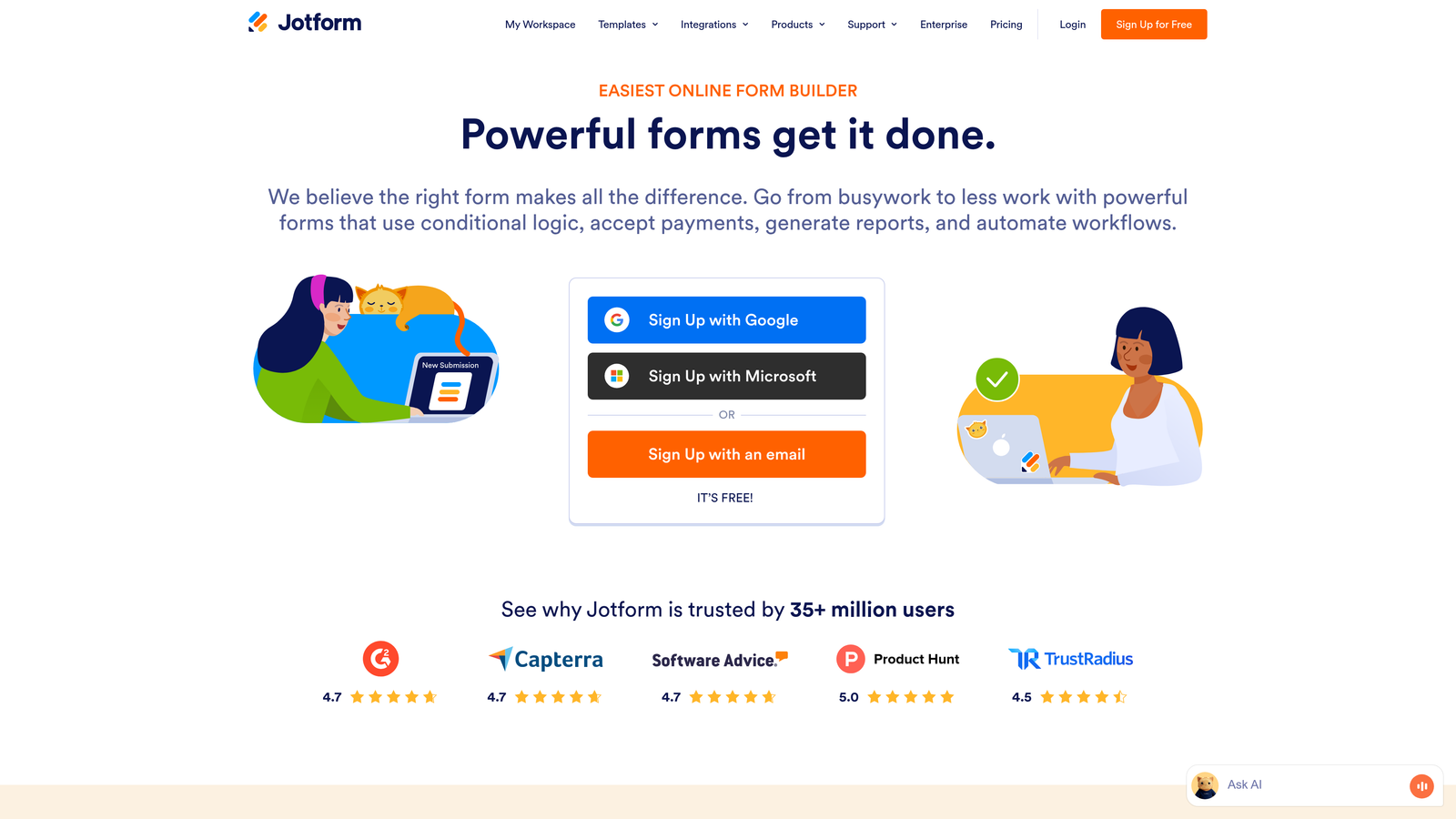
The platform offers a notably generous free tier that includes 100 monthly submissions and access to most features. This makes it accessible for small businesses and teams just starting with online forms. As your needs grow, paid plans add submission volume and advanced features without requiring a complete platform migration.
JotForm integrates with over 100 popular business tools, from payment processors like Stripe and PayPal to CRMs like Salesforce and productivity tools like Slack. This extensive integration ecosystem means your forms can connect to your existing workflow without custom development. For a deeper comparison, explore how JotForm compares to modern form builders.
Implementation Steps
1. Browse the template library to find a starting point close to your needs rather than building from scratch—this saves significant time.
2. Customize the template using the drag-and-drop builder, adding your specific fields, branding, and conditional logic.
3. Configure integrations to automatically send form data to your CRM, email marketing platform, or project management tool.
4. Set up payment processing if needed, connecting your Stripe or PayPal account directly within the form builder.
Pro Tips
Take advantage of JotForm's widgets—specialized form elements that add functionality like signature capture, appointment scheduling, or rating scales. These widgets can transform a basic form into a sophisticated business tool without requiring any coding. The widget library is extensive and worth exploring before assuming you need custom development.
4. Google Forms: Simplicity When That's All You Need
The Challenge It Solves
Not every form needs advanced features or complex workflows. Sometimes you just need to collect RSVPs for a team event, gather feedback after a meeting, or conduct a quick survey. Paying for enterprise features you won't use doesn't make sense, and learning complicated software for simple tasks wastes time.
Teams already using Google Workspace face additional friction when form data lives outside their ecosystem, requiring exports, imports, and manual data transfers between tools.
The Strategy Explained
Google Forms strips away everything except the essentials, offering a completely free, straightforward form builder that anyone can use immediately. If you have a Google account, you already have access—no signup, no trial period, no credit card required.
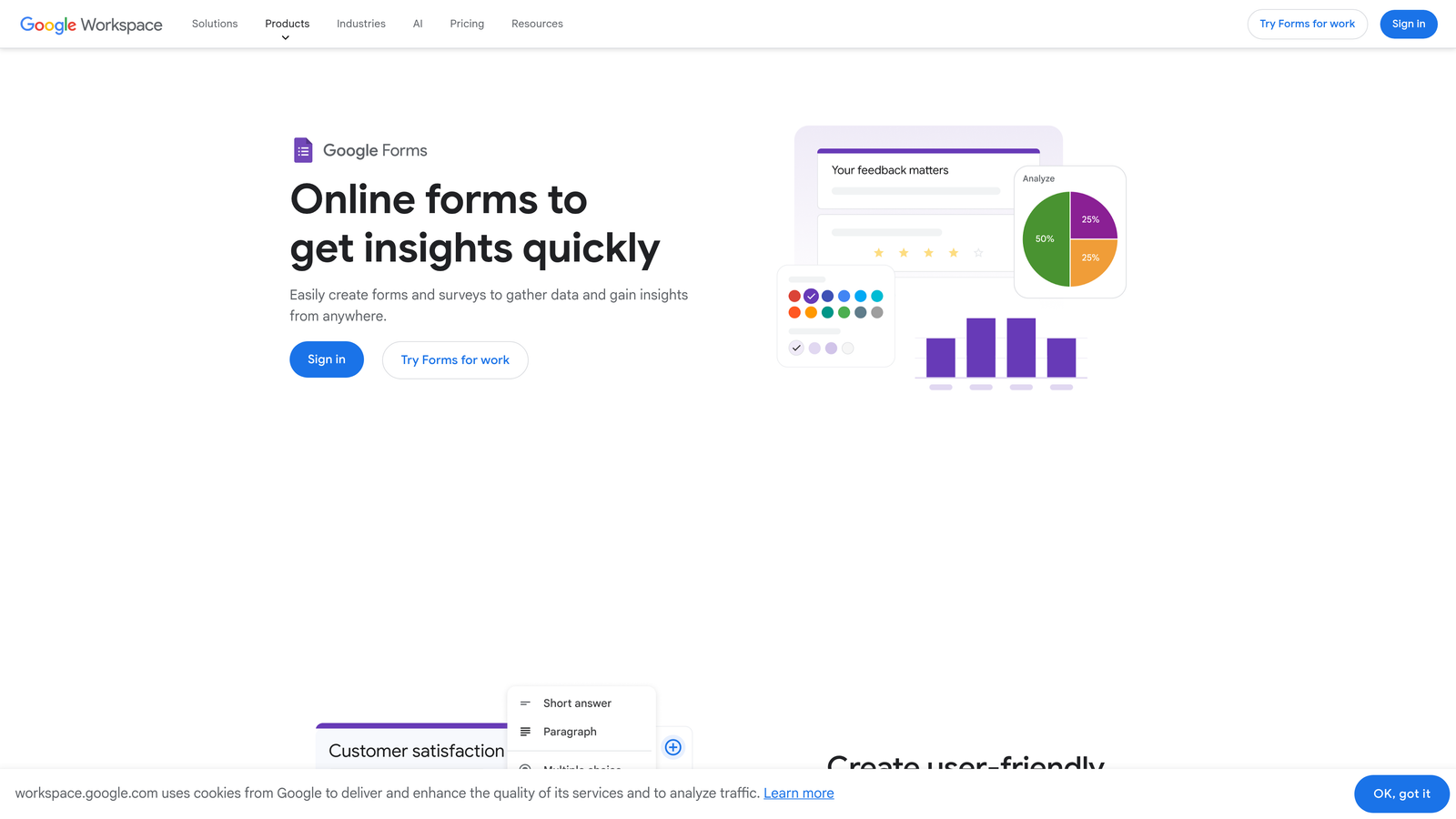
The platform integrates seamlessly with Google Sheets, automatically populating responses into a spreadsheet where you can analyze, filter, and share data using familiar tools. For teams already living in Google Workspace, this native integration eliminates data silos and keeps everything in one ecosystem.
Google Forms works best for internal use cases, simple surveys, event management, and situations where you need quick data collection without concern for advanced branding or lead qualification. The simplicity is the feature—you can build and deploy a form in minutes. However, when you need more robust capabilities, understanding the differences between Google Forms and paid form builders becomes essential.
Implementation Steps
1. Create a new form from Google Drive or Forms directly, choosing from basic templates or starting with a blank form.
2. Add your questions using the straightforward question types: multiple choice, checkboxes, short answer, paragraph, dropdown, and more.
3. Configure basic settings like requiring sign-in, limiting to one response per person, or shuffling question order for surveys.
4. Share the form via link, email, or embed it on your website using the provided code.
Pro Tips
Use Google Forms' quiz mode for assessments, training verification, or lead qualification through knowledge-based questions. The quiz mode automatically scores responses and can provide immediate feedback, making it surprisingly powerful for educational use cases or gauging prospect knowledge levels before sales conversations.
5. HubSpot Forms: CRM-Native Lead Capture
The Challenge It Solves
Marketing and sales alignment breaks down when form data requires manual entry into your CRM. Contact information gets lost in email threads, lead sources become unclear, and follow-up timing suffers. Meanwhile, you're asking known contacts to re-enter information you already have, creating unnecessary friction.
For businesses running sophisticated marketing campaigns, disconnected form tools mean you can't track the full customer journey from first touch to closed deal.
The Strategy Explained
HubSpot Forms are built directly into the HubSpot CRM, creating automatic, seamless data flow between your forms and your contact database. Every form submission instantly creates or updates a contact record, logs the interaction, and triggers any workflows you've configured.

The platform's progressive profiling feature is particularly powerful for businesses with multiple touchpoints. Instead of asking the same questions repeatedly, HubSpot Forms remember what information you already have and ask new questions each time a contact returns. This reduces form fatigue while gradually building richer contact profiles.
HubSpot Forms work best for businesses already using or planning to use HubSpot's marketing and sales tools. The value compounds when forms are part of a broader HubSpot ecosystem including email marketing, landing pages, and sales automation. To understand the trade-offs, see our analysis of HubSpot Forms versus dedicated form builders.
Implementation Steps
1. Create a new form within HubSpot's marketing hub, selecting which contact properties you want to collect.
2. Configure progressive profiling by specifying which questions to show to known versus unknown contacts.
3. Set up automated workflows triggered by form submissions—send notification emails, assign contacts to sales reps, add to nurture sequences.
4. Embed the form on your website or landing pages using HubSpot's embed code or WordPress plugin.
Pro Tips
Leverage HubSpot's smart fields to create a single form that adapts based on what you already know about a contact. A known contact might see three fields while a new visitor sees seven, but you're using the same form. This dramatically simplifies form management while optimizing the user experience for different audience segments.
6. Paperform: When Your Form Is Your Landing Page
The Challenge It Solves
Traditional forms embedded on landing pages create visual disconnects and limit design flexibility. You're constrained by the form builder's styling options, which rarely match your brand perfectly. For product launches, event registrations, or e-commerce applications, you need something that feels like a cohesive branded experience, not a form awkwardly inserted into a page.
E-commerce businesses face additional challenges when they need to collect custom information alongside payments—standard checkout forms don't accommodate the flexibility required for personalized products or service bookings.
The Strategy Explained
Paperform blurs the line between forms and landing pages, letting you build full-page branded experiences that happen to collect information. You can add rich text, images, videos, and custom layouts using a document-style editor that feels more like writing a page than building a form.
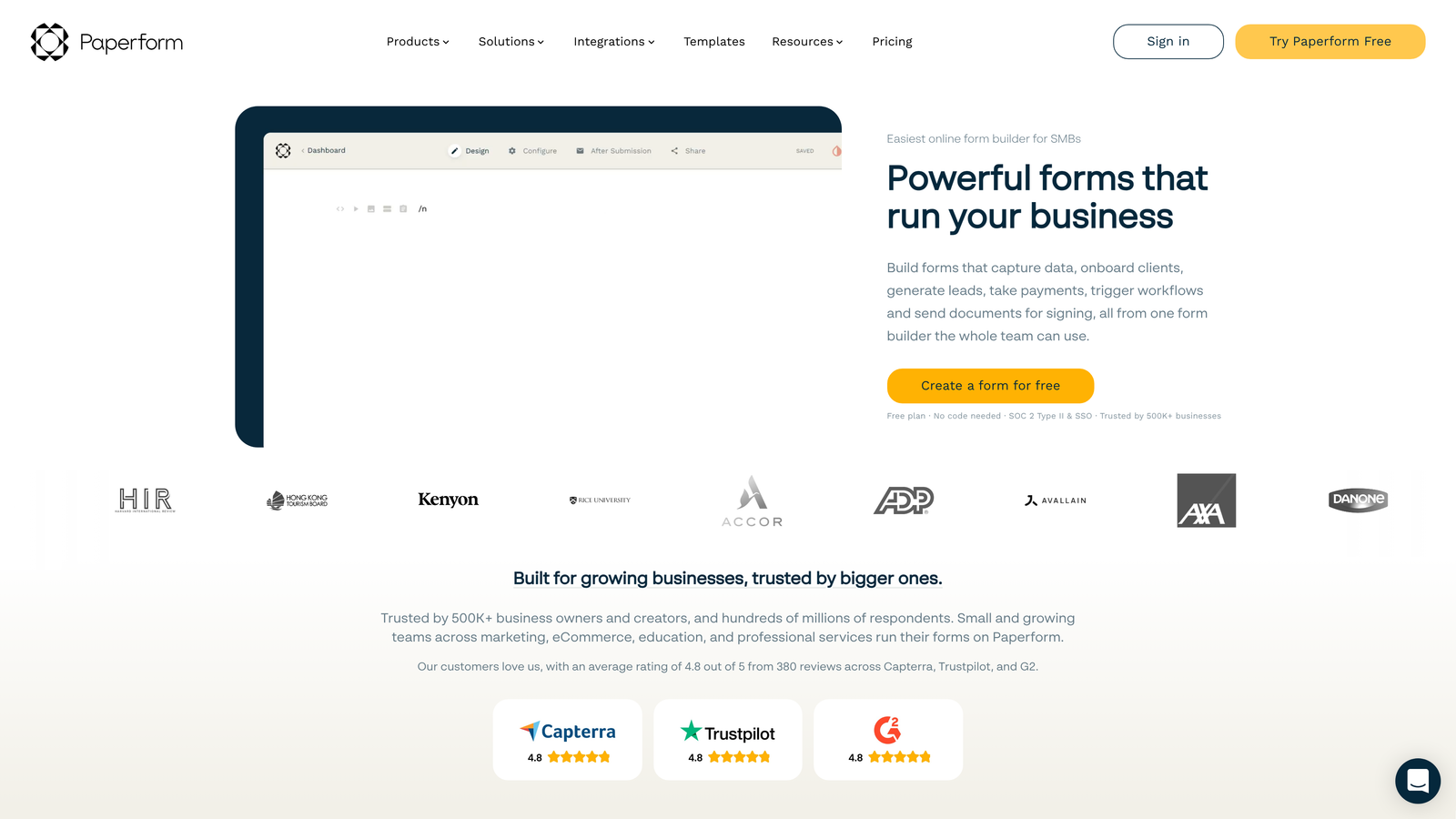
The platform excels at e-commerce use cases with robust payment processing, product options, and calculation fields. You can build sophisticated order forms that calculate totals based on user selections, apply discount codes, and process payments—all within a beautifully branded experience.
Paperform works particularly well for creative businesses, event organizers, coaches and consultants, and anyone selling products or services that require customization before purchase. If you're building quote request forms for businesses, Paperform's calculation features make it a strong contender.
Implementation Steps
1. Start with a template or blank canvas, thinking of your form as a landing page you're designing rather than a traditional form you're building.
2. Add content blocks—text, images, videos—to create context and build your narrative before, between, and after form fields.
3. Insert form fields where they make sense in your content flow, using the document editor to position them naturally within your page layout.
4. Configure payment processing if needed, setting up products, pricing, and calculation logic for dynamic pricing.
Pro Tips
Use Paperform's calculation fields creatively to build quote generators, pricing estimators, or order forms with complex pricing logic. You can reference other fields in calculations, apply conditional pricing based on selections, and show users running totals as they complete the form. This transparency builds trust and reduces sticker shock at checkout.
7. Formstack: Enterprise-Grade Compliance and Security
The Challenge It Solves
Healthcare providers, financial services firms, and other regulated industries can't use standard form builders without risking compliance violations. HIPAA, GDPR, and industry-specific regulations require specific security measures, audit trails, and data handling practices that consumer-focused form tools simply don't provide.
Large organizations also struggle with form sprawl—different departments building their own forms without standardization, creating security risks, brand inconsistencies, and data silos that make reporting nearly impossible.
The Strategy Explained
Formstack is built for enterprise needs, offering HIPAA-compliant forms, advanced security features, and the governance tools large organizations require. The platform provides audit logs, role-based permissions, and centralized administration that IT and compliance teams need to maintain control.
The workflow automation capabilities go beyond simple notifications, enabling sophisticated document generation, multi-step approval processes, and complex routing logic. You can build forms that trigger entire business processes, not just data collection. For a detailed breakdown, read our comparison of Formstack versus other form builders.
Formstack works best for enterprises, healthcare organizations, financial services, educational institutions, and any business where compliance, security, and governance are non-negotiable requirements.
Implementation Steps
1. Work with your IT and compliance teams to configure security settings, including data encryption, access controls, and retention policies that meet your regulatory requirements.
2. Build forms using the drag-and-drop builder, taking advantage of pre-built templates designed for common enterprise use cases.
3. Set up workflow automation that routes submissions through approval chains, generates documents, and updates connected systems based on your business processes.
4. Configure integrations with your enterprise systems—Salesforce, ServiceNow, Microsoft Dynamics—using native connectors or the platform's API.
Pro Tips
Leverage Formstack's theme builder to create approved templates that maintain brand consistency across your organization. Instead of giving every department complete design freedom, provide pre-built themes that ensure forms look professional and on-brand while still allowing customization of fields and content. This balances flexibility with governance.
Putting Your Form Strategy Into Action
The right form builder depends entirely on your specific business context. High-growth teams focused on lead quality over quantity will find the most value in AI-powered platforms like Orbit AI that qualify prospects automatically. Creative businesses and agencies prioritizing brand experience should explore Typeform or Paperform. Teams already invested in specific ecosystems—Google Workspace or HubSpot CRM—benefit from native integrations that eliminate data silos.
Budget matters, but not in the way you might think. The cheapest option often becomes expensive when it forces manual work that automation could handle. A free tool that requires three hours of weekly manual data entry costs far more than a paid platform that automates those processes. Calculate total cost of ownership, including your team's time.
Start with your most critical use case rather than trying to migrate everything at once. Choose the form that generates the most leads or handles your most important customer touchpoint. Build it, test it, optimize it. Following lead capture form best practices will help you maximize results from whatever platform you choose.
Most platforms offer free trials or freemium tiers—use them. Build a real form for a real business need and put it in front of actual users. Completion rates, time-to-complete, and lead quality tell you more than feature comparisons ever will. What works beautifully for one business might create friction for yours.
The form builder market will continue evolving, with AI-powered features becoming table stakes rather than differentiators. The platforms investing in intelligent lead qualification, automated workflows, and conversion optimization will pull ahead of those focused solely on data collection. Choose a platform that's innovating in the direction your business needs to grow.
Transform your lead generation with AI-powered forms that qualify prospects automatically while delivering the modern, conversion-optimized experience your high-growth team needs. Start your free trial today and see how intelligent form design can elevate your conversion strategy.