Not all form responses are equal, and the best teams know it. Whether you're qualifying leads, scoring survey respondents, or routing applicants based on their answers, a form builder with a built-in scoring system transforms passive data collection into active decision-making. Instead of manually reviewing every submission, scoring lets you automatically prioritize, segment, and act on the responses that matter most.
The challenge is that scoring capabilities vary wildly across tools. Some treat it as a core workflow feature. Others bolt it on as an afterthought. A few require significant manual setup just to get basic point totals working. Choosing the wrong tool means either over-engineering a simple quiz or under-powering a complex lead qualification workflow.
Here are the top form builders with scoring systems in 2026, evaluated on scoring flexibility, automation depth, UI quality, and value for high-growth teams. Whether you need AI-powered lead qualification or a lightweight quiz scorer, there's an option here for you.
1. Orbit AI
Best for: High-growth SaaS teams that need AI-powered lead qualification and automated scoring workflows.
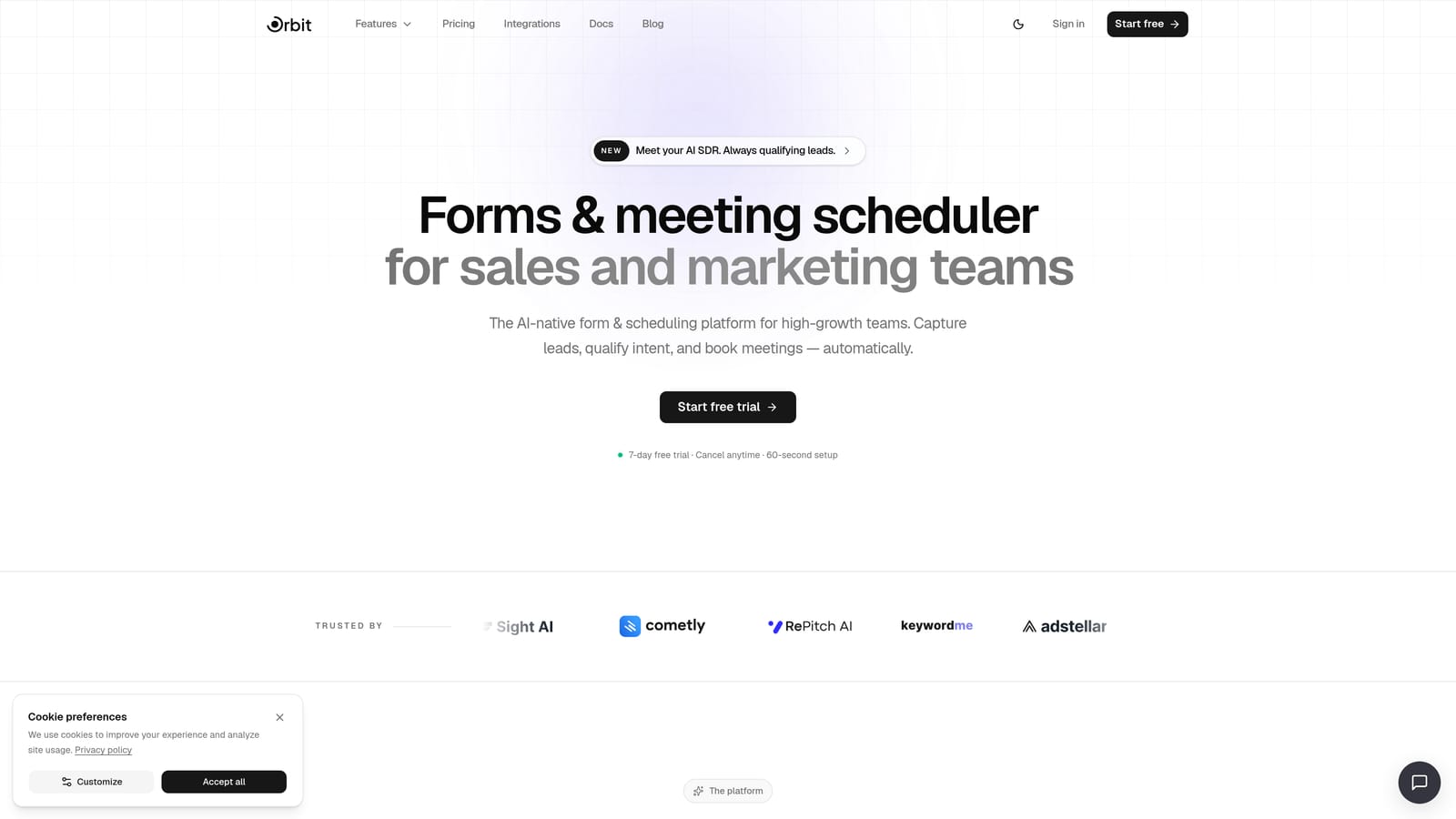
Orbit AI is an AI-powered form builder built around lead qualification, scoring, and conversion optimization for modern growth teams.
Where This Tool Shines
Most form builders treat scoring as a feature you configure manually, then export somewhere else to act on. Orbit AI takes a fundamentally different approach: scoring is central to the platform's lead qualification engine, not a secondary calculation field you have to wire up yourself.
The AI-driven qualification layer means your forms don't just collect responses and assign points. They intelligently assess incoming leads, trigger workflows based on score thresholds, and hand off to follow-up sequences automatically. For teams running high-volume lead generation, this removes an enormous amount of manual triage from the process.
Key Features
AI-Driven Lead Qualification: Scores responses automatically using AI, so you're not manually assigning point values to every answer option.
Workflow Automation: Triggers downstream actions based on lead scores, including CRM updates, notifications, and routing logic.
AI Follow-Up Agents: Launches personalized follow-up sequences based on score thresholds, keeping hot leads engaged without manual intervention.
Contacts and Analytics Dashboards: Built-in contact management and reporting give you a clear view of lead quality across your entire funnel.
Conversion-Optimized Form Design: Beautiful, modern form experiences that reduce drop-off and improve completion rates.
Best For
Orbit AI is purpose-built for SaaS and high-growth teams that want scoring to drive real workflow automation, not just produce a number in a spreadsheet. If your team is serious about lead qualification and wants AI to handle the heavy lifting, this is the platform to start with.
Pricing
Pricing is quoted on a short demo, and Orbit has no free plan. Book a demo to see it with your own forms.
2. Typeform
Best for: Teams that want a polished, conversational form experience with score-based outcome routing.
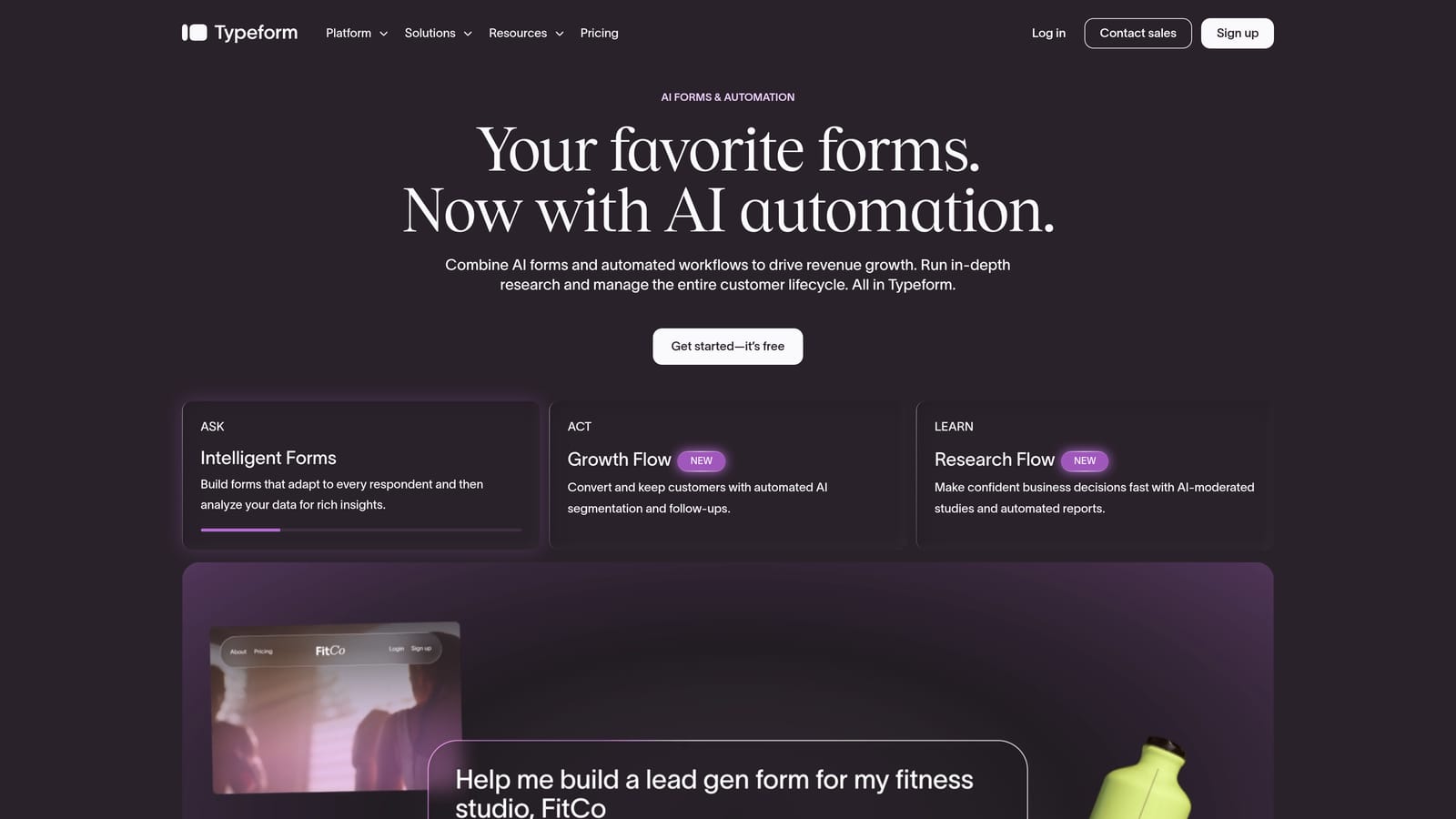
Typeform is a conversational form builder known for its one-question-at-a-time UX and strong design customization.
Where This Tool Shines
Typeform's scoring capability lives inside its conditional logic system. You can assign values to answer choices and route respondents to different outcome screens based on their total score. The experience feels natural and engaging, which tends to improve completion rates on longer assessments and quizzes.
Where Typeform earns its reputation is in the front-end experience. The forms look polished and feel interactive in a way that generic builders don't. For brand-sensitive teams or consumer-facing assessments, that presentation quality matters.
Key Features
Conversational UX: One-question-at-a-time format keeps respondents engaged through longer forms and assessments.
Score-Based Outcome Screens: Route respondents to different result pages based on their total score using conditional logic.
CRM Integrations: Native integrations with HubSpot, Salesforce, and Zapier allow scores to flow downstream into your existing stack.
Brand Customization: Strong design controls let you match the form experience to your brand identity.
Best For
Typeform works well for marketing teams running scored quizzes, lead magnets, or NPS-style assessments where presentation quality is a priority. It's less suited for complex B2B lead qualification workflows that require automated follow-up based on score.
Pricing
Free tier available. Paid plans start at approximately $25/month. Verify current pricing at typeform.com.
3. JotForm
Best for: Teams that need maximum flexibility in scoring formulas across diverse form types and use cases.
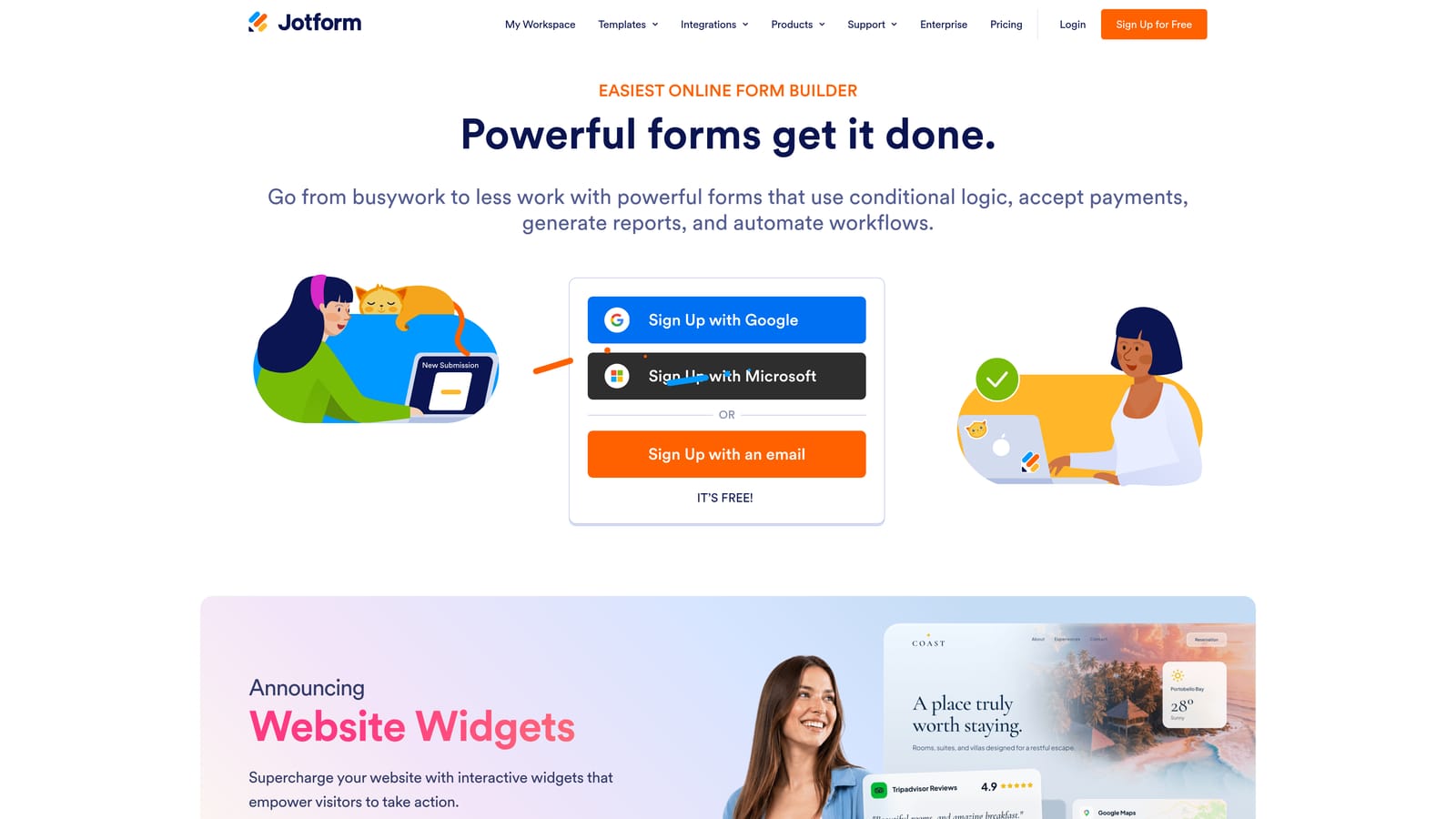
JotForm is a feature-rich form builder with calculation fields and conditional logic that support formula-based scoring across virtually any form type.
Where This Tool Shines
JotForm's calculation widget is genuinely powerful. You can build custom scoring formulas that sum, multiply, weight, or apply conditional math to any combination of responses. This makes it one of the most flexible options for teams with non-standard scoring requirements.
The template library is also extensive. Scored assessments, personality quizzes, and evaluation forms are available out of the box, which reduces setup time significantly for common use cases.
Key Features
Calculation Widgets: Build custom scoring formulas using sums, products, and conditional math across any response fields.
Conditional Logic: Show or hide fields, change form behavior, or redirect respondents based on calculated score values.
Scored Assessment Templates: Hundreds of pre-built templates for assessments, quizzes, and evaluations with scoring already configured.
Wide Integration Library: Connect with CRMs, email platforms, and project management tools to pass scores downstream.
Best For
JotForm suits operations teams, HR departments, and educators who need flexible, formula-based scoring across a wide range of form types. The interface can feel dense for new users, so it's best for teams comfortable with a learning curve in exchange for maximum configurability.
Pricing
Free tier available. Paid plans start at approximately $34/month. Verify current pricing at jotform.com.
4. Tally
Best for: Individuals and small teams that want basic scoring simulation with a generous free plan.
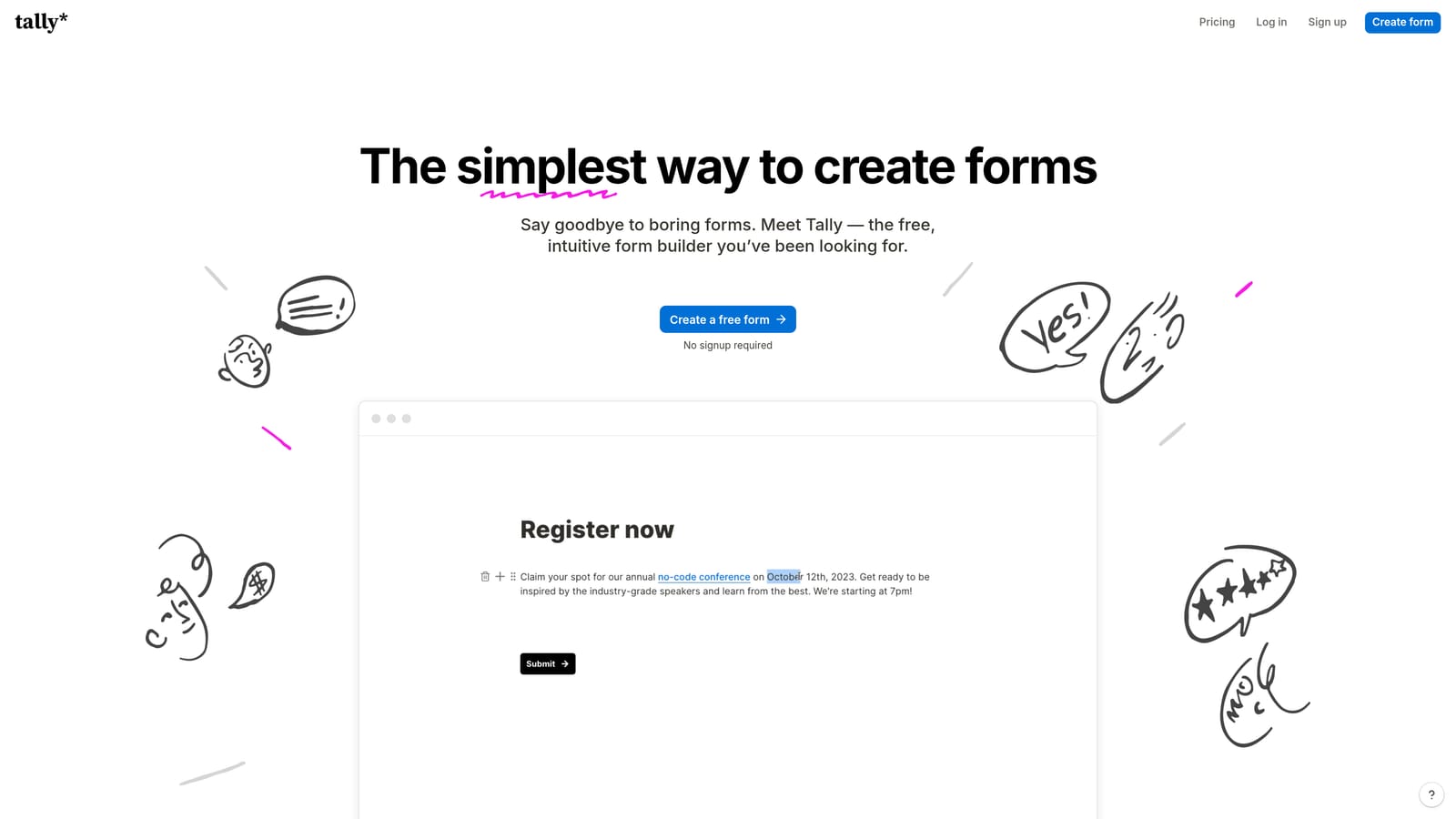
Tally is a Notion-inspired, block-based form builder that can simulate basic scoring through hidden fields and calculation logic.
Where This Tool Shines
Tally's appeal is its simplicity and its pricing. The free plan includes most core features, which is unusual in this space. For teams that need basic quiz scoring or lightweight lead qualification without a budget commitment, Tally removes the barrier to entry entirely.
The block-based editor feels familiar if you use Notion, making setup fast for non-technical users. Hidden field calculations can simulate scoring behavior, though it requires some creative configuration compared to tools with dedicated scoring modules.
Key Features
Block-Based Editor: Intuitive, Notion-style editing experience that's accessible to non-technical users.
Hidden Field Calculations: Use hidden fields and basic math to simulate score accumulation across responses.
Generous Free Plan: Most core features are available on the free tier, making it accessible for individuals and early-stage teams.
Clean, Minimal UI: Distraction-free design that keeps forms looking modern without heavy customization effort.
Best For
Tally is ideal for freelancers, solopreneurs, and small teams that need simple scoring functionality without paying for a dedicated platform. If your scoring needs grow complex, you'll likely outgrow it, but as a starting point it's hard to beat the value.
Pricing
Free plan available. Tally Pro starts at approximately $29/month. Verify current pricing at tally.so.
5. Outgrow
Best for: Content marketers building scored quizzes, calculators, and assessments as lead magnets.
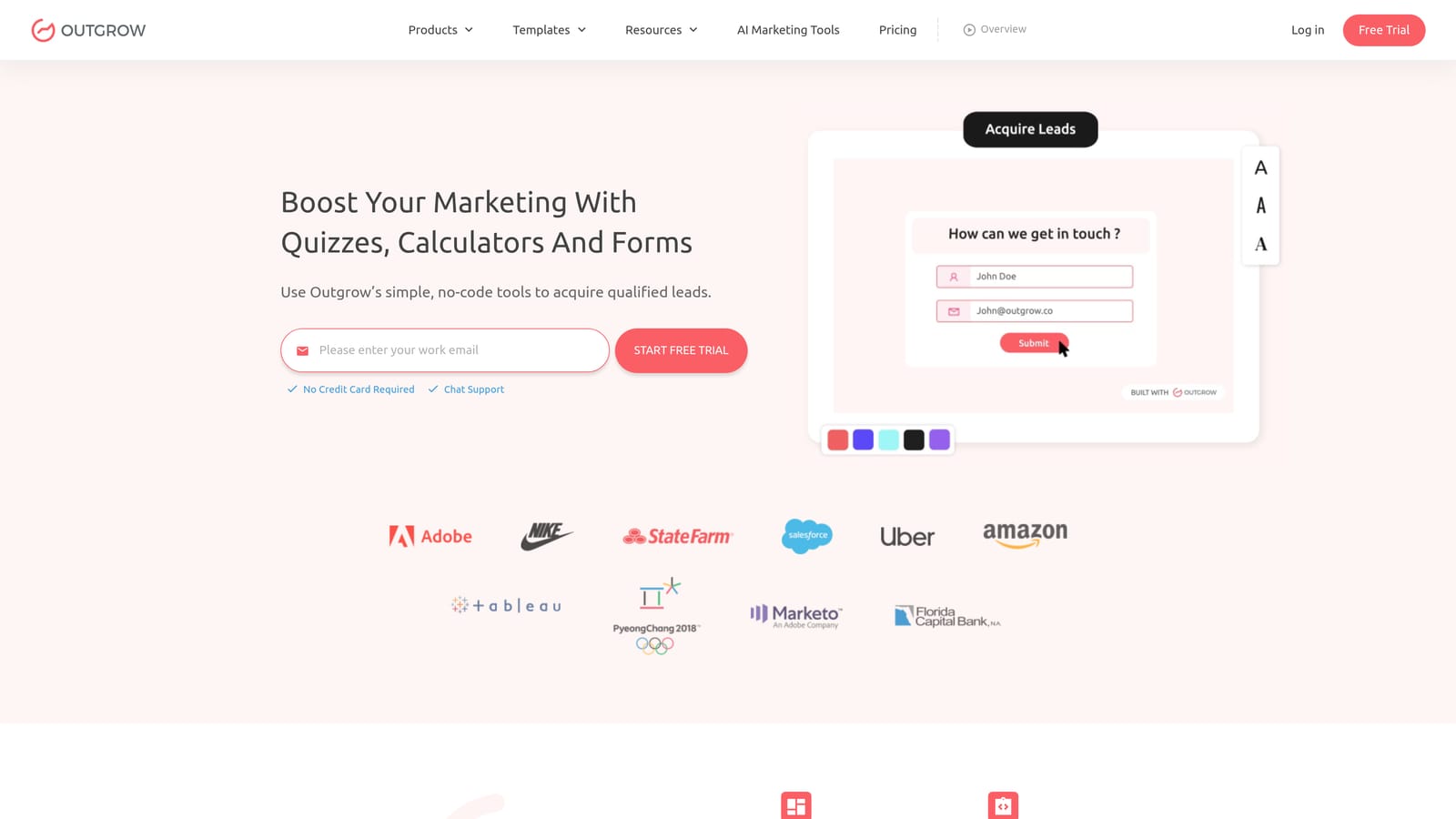
Outgrow is an interactive content platform purpose-built for scored quizzes, calculators, and assessments designed to generate and qualify leads.
Where This Tool Shines
Scoring is a first-class feature in Outgrow, not an afterthought. You assign point values to each answer option, map score ranges to distinct outcome pages, and present respondents with personalized results based on where they land. The whole experience is designed to feel like an interactive assessment rather than a plain form.
The analytics layer is particularly strong. You can track score distributions across your respondent pool, identify where people drop off, and assess the quality of leads generated by each piece of content.
Key Features
First-Class Scoring: Assign point values per answer and map score ranges directly to personalized outcome pages.
Score Distribution Analytics: Understand how your audience scores overall and use that data to refine your qualification thresholds.
CRM and Email Integrations: Push scored leads directly to your CRM or email platform for immediate follow-up.
Content Variety: Build quizzes, calculators, assessments, and recommendation engines from a single platform.
Best For
Outgrow is best for content marketing and demand generation teams that want to use interactive assessments as lead magnets. It's purpose-built for this use case, which means it excels here but may feel over-engineered if you just need a simple contact form with scoring.
Pricing
Plans start at approximately $14/month for basic access; business tiers are priced significantly higher. Verify current pricing at outgrow.co.
6. Involve.me
Best for: Consultants and SaaS teams building diagnostic funnels with personalized, score-based outcome routing.
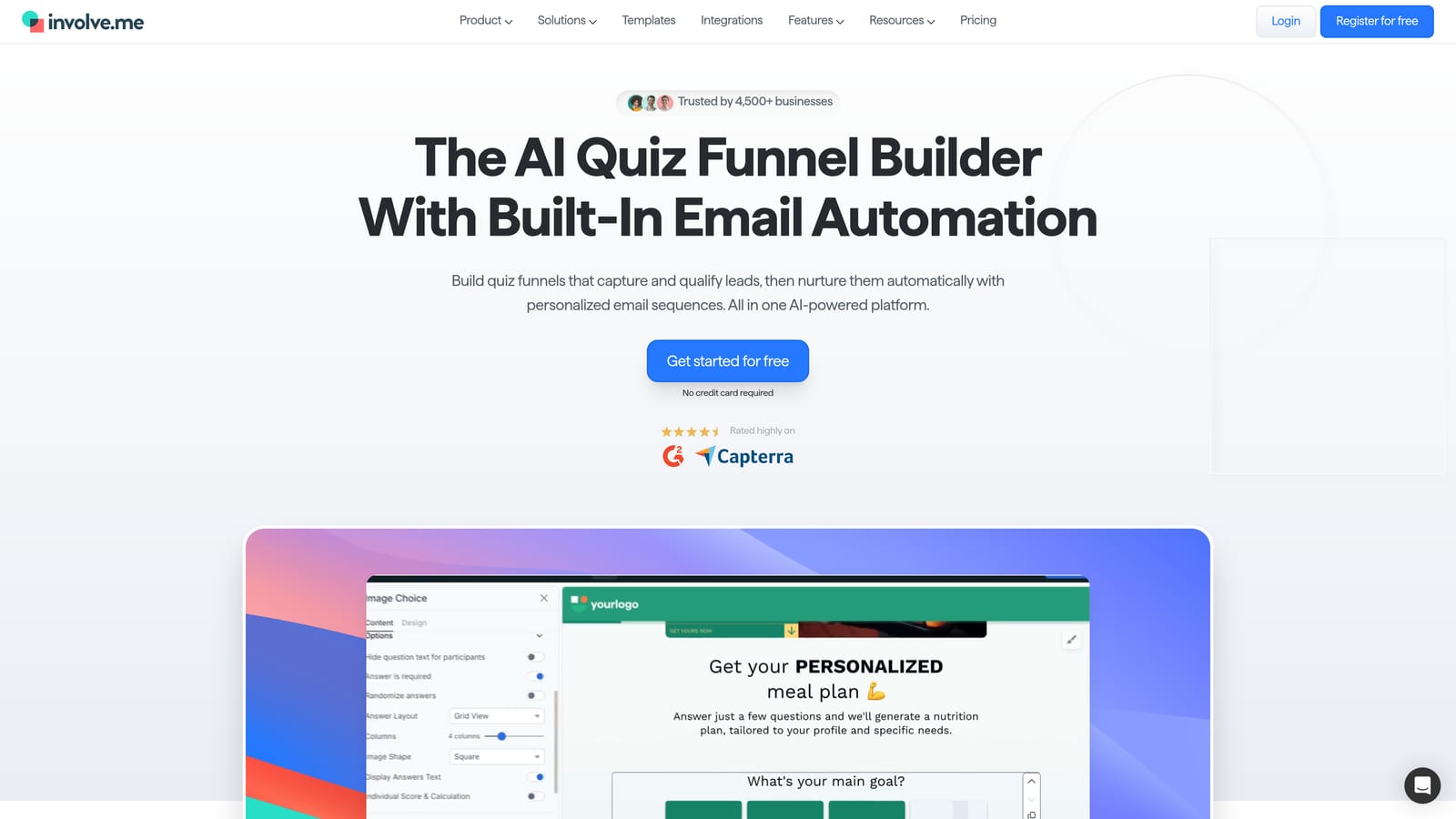
Involve.me is an interactive funnel builder with score-based routing, personalized result pages, and solid CRM integrations.
Where This Tool Shines
Involve.me is built around the idea of the interactive funnel: a flow that collects information, scores it, and delivers a personalized recommendation or diagnosis at the end. This makes it particularly well-suited for consultants, SaaS companies running product-fit assessments, and anyone building diagnostic lead generation flows.
The outcome routing is genuinely flexible. Different score ranges can deliver completely different result pages with tailored messaging, which creates a much more relevant experience than a generic thank-you screen.
Key Features
Score-Based Outcome Routing: Route respondents to fully customized result pages based on their score range.
CRM Integrations: Native connections to HubSpot, ActiveCampaign, and Salesforce for scored lead handoff.
Funnel Analytics: Track completion rates, drop-off points, and score distributions across your funnel.
Recommendation Templates: Pre-built diagnostic and recommendation flow templates to accelerate setup.
Best For
Involve.me suits consultants, agencies, and SaaS teams that want to build diagnostic or recommendation funnels with meaningful score-based personalization. Complex funnel configurations have a learning curve, so budget time for setup.
Pricing
Free tier available. Paid plans start at approximately $29/month. Verify current pricing at involve.me.
7. ScoreApp
Best for: B2B consultants and agencies building branded scorecard lead generation campaigns.
ScoreApp is a dedicated scorecard platform built specifically for B2B lead generation, with benchmarking, branded PDF reports, and CRM sync.

Where This Tool Shines
ScoreApp does one thing and does it well: business scorecards. The platform is designed for the specific workflow of creating a scored assessment, delivering a branded report to the respondent, and syncing the lead to your CRM. This is a popular format among coaches, consultants, and B2B agencies running scorecard-based lead generation campaigns.
The benchmarking feature is a genuine differentiator. Respondents can see how their score compares to aggregate data from other participants, which adds perceived value to the assessment and increases engagement.
Key Features
Purpose-Built Scorecards: The entire platform is designed around creating, delivering, and analyzing business scorecards.
Respondent Benchmarking: Show participants how their score compares to other respondents for added insight and engagement.
Branded PDF Reports: Generate polished, branded PDF reports automatically delivered to respondents after completion.
CRM Sync: Push scored leads directly to your CRM with score data attached for immediate follow-up.
Best For
ScoreApp is ideal for B2B consultants, coaches, and agencies that use scorecard assessments as their primary lead generation mechanism. It's a single-purpose tool, so if you also need general forms for other use cases, you'll need a second platform alongside it.
Pricing
Plans start at approximately $49/month. Verify current pricing at scoreapp.com.
8. Paperform
Best for: Small businesses that need scoring alongside payments, scheduling, and product sales in one platform.
Paperform is a flexible all-in-one form builder with natural language editing, calculation fields for scoring, and built-in support for payments and scheduling.
Where This Tool Shines
Paperform's natural language editor is genuinely different from most form builders. You write your form like a document, and fields appear inline as you type. It's an intuitive experience that makes setup feel fast, especially for teams without technical backgrounds.
The calculation fields handle scoring, custom pricing, and conditional math. For businesses that need a single tool to run assessments, sell products, and handle bookings, Paperform's breadth is its biggest advantage.
Key Features
Natural Language Editor: Write forms like documents with fields appearing inline, reducing the learning curve significantly.
Calculation Fields: Build custom scoring formulas alongside pricing calculations and conditional logic.
Payments and Scheduling: Handle product sales, deposits, and appointment bookings within the same form.
Conditional Logic: Trigger different form paths or outcomes based on calculated score values.
Best For
Paperform suits small businesses and service providers that want one platform for forms, payments, and scheduling. Scoring is capable but not the platform's primary strength, so teams with complex scoring requirements may find it limiting.
Pricing
Plans start at approximately $24/month. Verify current pricing at paperform.co.
9. Google Forms + Sheets
Best for: Teams that need free, basic quiz scoring with the option to extend via Sheets formulas.
Google Forms is a free form and quiz tool with native answer-based scoring, extendable with Google Sheets for custom scoring logic.
Where This Tool Shines
Google Forms' quiz mode lets you assign correct answers and point values to questions, automatically calculating a total score for each respondent. It's basic, but it works reliably and requires zero setup cost. For educators, internal surveys, or teams that just need simple quiz grading, it's often more than enough.
The real power comes when you connect it to Google Sheets. Responses export automatically, and you can apply any formula logic you want to calculate weighted scores, apply conditional rules, or segment respondents. It's not elegant, but it's highly flexible for teams comfortable with spreadsheets.
Key Features
Native Quiz Mode: Assign point values to correct answers and automatically calculate total scores per respondent.
Free Within Google Workspace: No cost beyond a Google account, making it accessible to any team or individual.
Sheets Integration: Responses export to Google Sheets automatically, enabling custom formula-based scoring logic.
Universal Accessibility: Collaborative editing and broad device compatibility with no software installation required.
Best For
Google Forms is best for educators, internal teams, and individuals who need simple quiz scoring at zero cost. It lacks automated outcome routing, CRM integration, and follow-up capabilities, so it's not suited for lead qualification or conversion-focused workflows.
Pricing
Free with a Google account.
Which Tool Is Right for Your Workflow?
The right form builder with scoring depends almost entirely on what you need scoring to do after the form is submitted.
If you're running lead qualification for a high-growth SaaS team and want scoring to trigger automated follow-up, route leads intelligently, and feed into a conversion-optimized workflow, Orbit AI is built for exactly that. The AI-driven qualification layer means scoring isn't just a number you export; it's the engine that drives your entire lead response process.
For teams focused on content marketing and interactive lead magnets, Outgrow's purpose-built scoring and analytics make it the strongest dedicated option. If you're a consultant or B2B agency running scorecard campaigns specifically, ScoreApp's benchmarking and branded PDF reports are hard to match.
Typeform is the go-to for teams that prioritize form presentation quality alongside basic score-based routing. JotForm wins on formula flexibility for complex, non-standard scoring requirements. And if budget is the primary constraint, Tally's free plan and Google Forms both offer usable scoring without any upfront cost.
Quick reference by use case:
AI-powered lead qualification: Orbit AI
Interactive lead magnets and scored quizzes: Outgrow
B2B scorecard campaigns: ScoreApp
Polished conversational assessments: Typeform
Formula-based scoring flexibility: JotForm
All-in-one forms with payments: Paperform
Diagnostic funnels with personalization: Involve.me
Free and lightweight scoring: Tally or Google Forms
Transform your lead generation with AI-powered forms that qualify prospects automatically while delivering the modern, conversion-optimized experience your high-growth team needs. Book a demo and see how intelligent form design can elevate your conversion strategy.