

When your forms collect sensitive lead data, compliance isn't optional. SOC 2 compliance signals that a platform has undergone rigorous third-party auditing of its security controls, covering data availability, confidentiality, and privacy. For SaaS companies and growth teams handling prospect information, choosing a SOC 2 compliant form solution protects both your users and your business from costly data incidents and enterprise deal blockers.
But not all compliant platforms are built equally. Some prioritize security at the expense of usability; others offer beautiful design but bury compliance details in fine print. This list cuts through the noise.
We evaluated eight form solutions based on their SOC 2 status, data handling practices, form-building capabilities, and suitability for conversion-focused teams. Whether you're capturing leads, qualifying prospects, or onboarding customers, these tools give you the security posture your enterprise buyers demand without sacrificing the experience your users expect.
1. Orbit AI
Best for: High-growth SaaS teams that need AI-powered lead qualification with enterprise-grade data security.
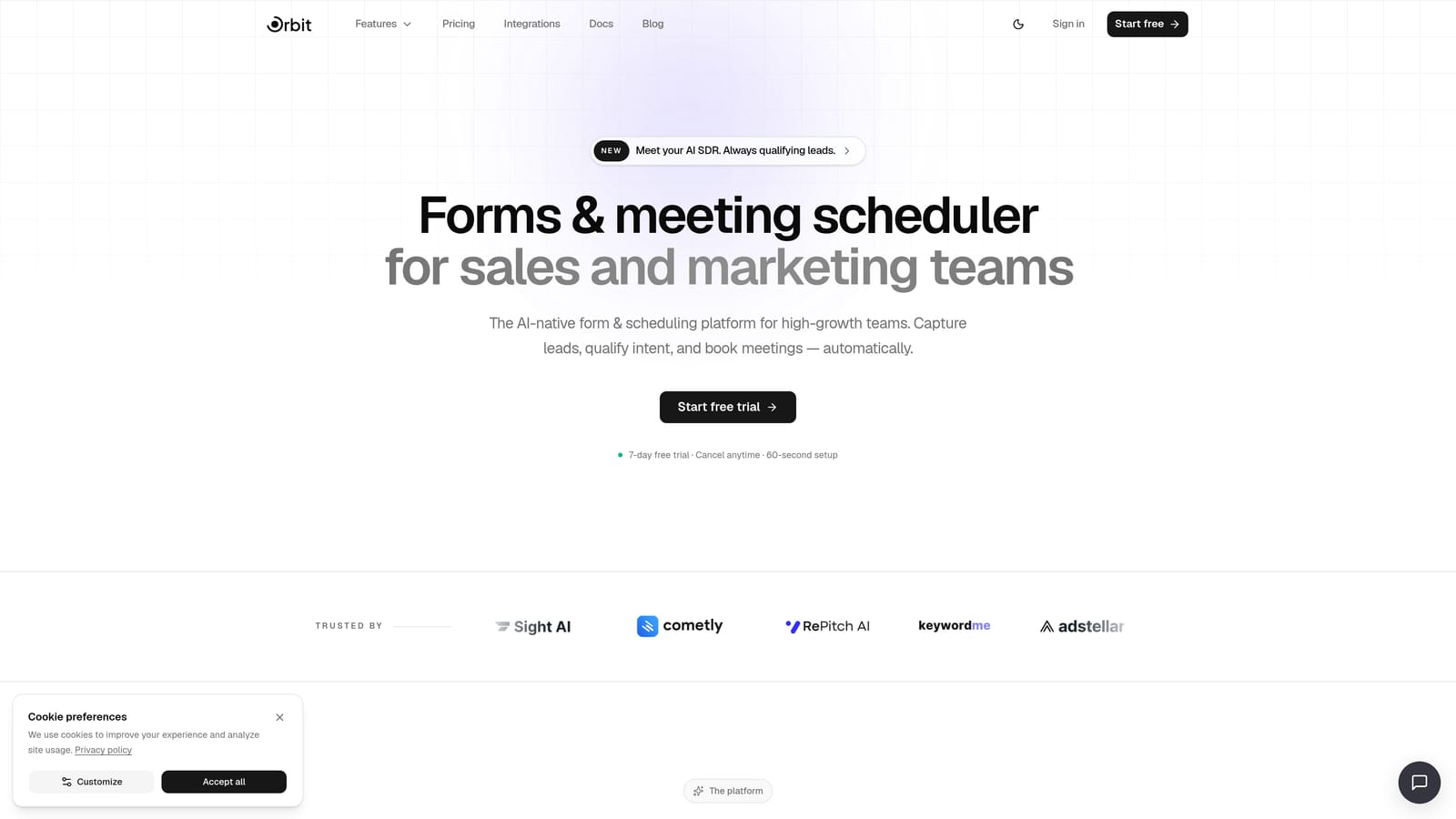
Orbit AI is an AI-powered form builder designed for conversion-focused teams that refuse to trade security for usability.
Where This Tool Shines
Most form builders make you choose between powerful compliance infrastructure and modern UX. Orbit AI is built around the idea that you shouldn't have to. The platform combines enterprise-grade data handling with AI-native features like lead qualification scoring and intelligent conditional logic, giving growth teams a tool that works as hard on pipeline quality as it does on data protection.
For SaaS teams navigating enterprise sales cycles, this matters. When a procurement team asks for your vendor's security documentation, having a platform with documented compliance controls and a dedicated security page means you can move deals forward instead of getting stuck in security review loops.
Key Features
AI-Powered Lead Qualification: Built-in lead scoring and qualification flows surface your best prospects automatically, without manual review.
Conversion-Optimized Form Design: Conditional logic and modern UI components are designed to reduce drop-off and increase completion rates.
SOC 2 Compliant Infrastructure: Data handling is built on a security-first architecture with documented compliance controls. Verify current certification status at orbitforms.ai/security.
GDPR Compliance Documentation: Privacy controls and GDPR documentation are available at orbitforms.ai/gdpr for teams operating in regulated markets.
Brandable SaaS-Native UI: Forms look and feel like a natural extension of your product, not an afterthought bolted onto a legacy platform.
Best For
Orbit AI is the right fit for SaaS growth teams that need forms to do more than collect data. If you're qualifying leads at scale, running enterprise sales cycles where security reviews are common, or simply tired of form tools that look like they were designed in 2015, this platform is built for you.
Pricing
Visit orbitforms.ai/pricing for current plan details. A free starting option is available for teams ready to explore the platform.
2. Typeform
Best for: Marketing teams that prioritize polished conversational UX and strong brand customization.
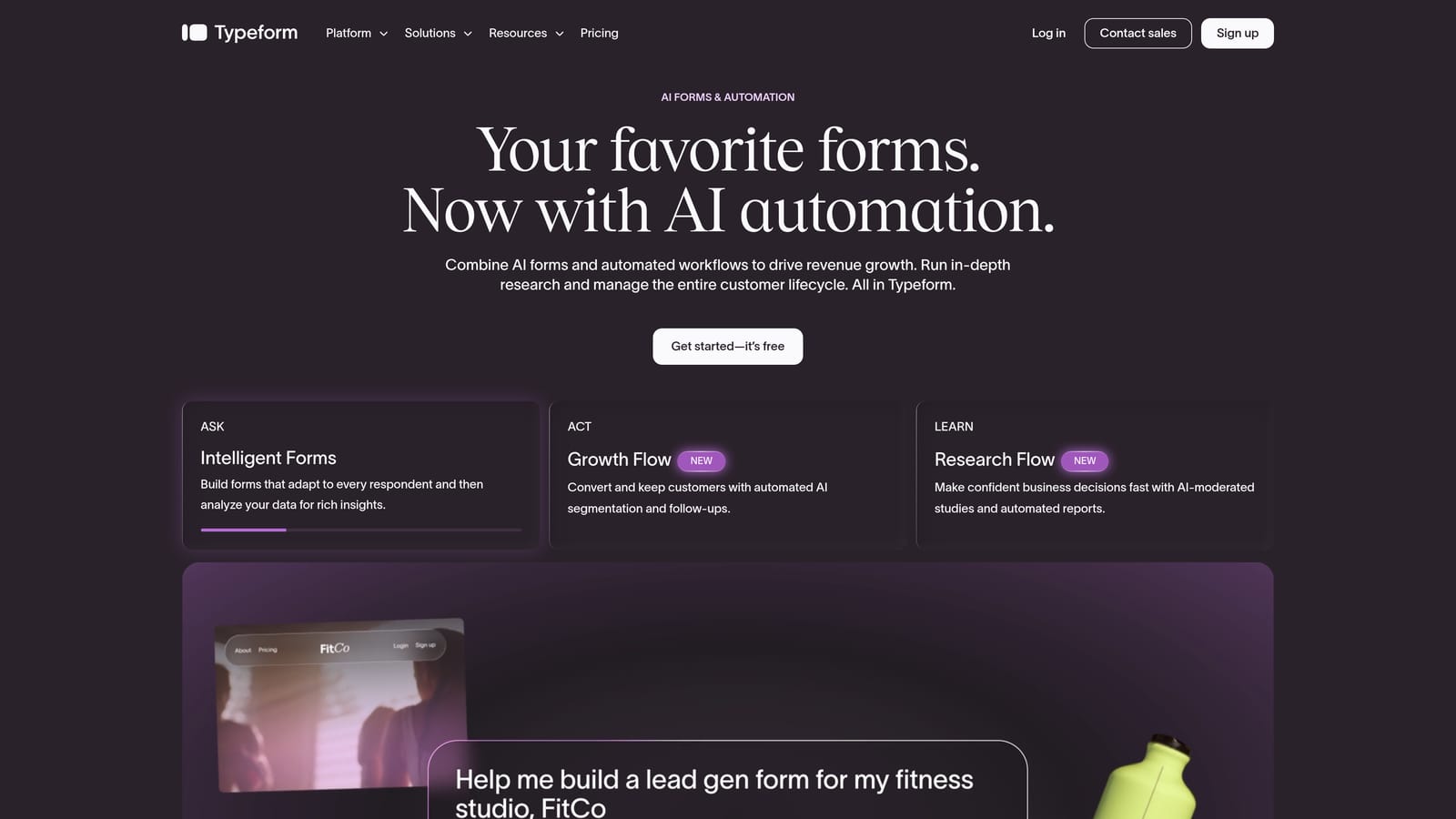
Typeform is a conversational form builder known for its one-question-at-a-time interface and SOC 2 Type II and ISO 27001 certifications.
Where This Tool Shines
Typeform's signature UX, presenting one question at a time in a full-screen format, consistently delivers higher engagement than traditional multi-field forms. For teams running lead generation campaigns or NPS surveys, this approach reduces friction and often improves completion rates in practice.
On the compliance side, Typeform holds SOC 2 Type II certification, which means their controls have been assessed for operational effectiveness over time, not just at a single point. This is the standard enterprise procurement teams typically require. Verify current certification status on their official trust page before making a vendor decision.
Key Features
SOC 2 Type II and ISO 27001 Certified: Independently audited security controls that meet enterprise procurement requirements.
Conversational One-Question UI: The format reduces cognitive load and typically improves form completion compared to traditional layouts.
Advanced Logic Branching and Piping: Route respondents dynamically and personalize the experience using prior answers.
Third-Party Integrations: Connects with CRMs, marketing automation platforms, and data tools across a broad integration library.
Custom Branding: White-label options and full brand customization are available on higher-tier plans.
Best For
Typeform suits design-conscious marketing teams and agencies that need compliance documentation alongside a premium respondent experience. It's particularly well-suited for lead gen, customer research, and onboarding flows where first impressions matter.
Pricing
A free tier is available with limited responses. Business and Enterprise plans are required to access advanced compliance features, SSO, and custom data retention settings.
3. JotForm
Best for: Teams that need the broadest compliance portfolio available in a single form platform.
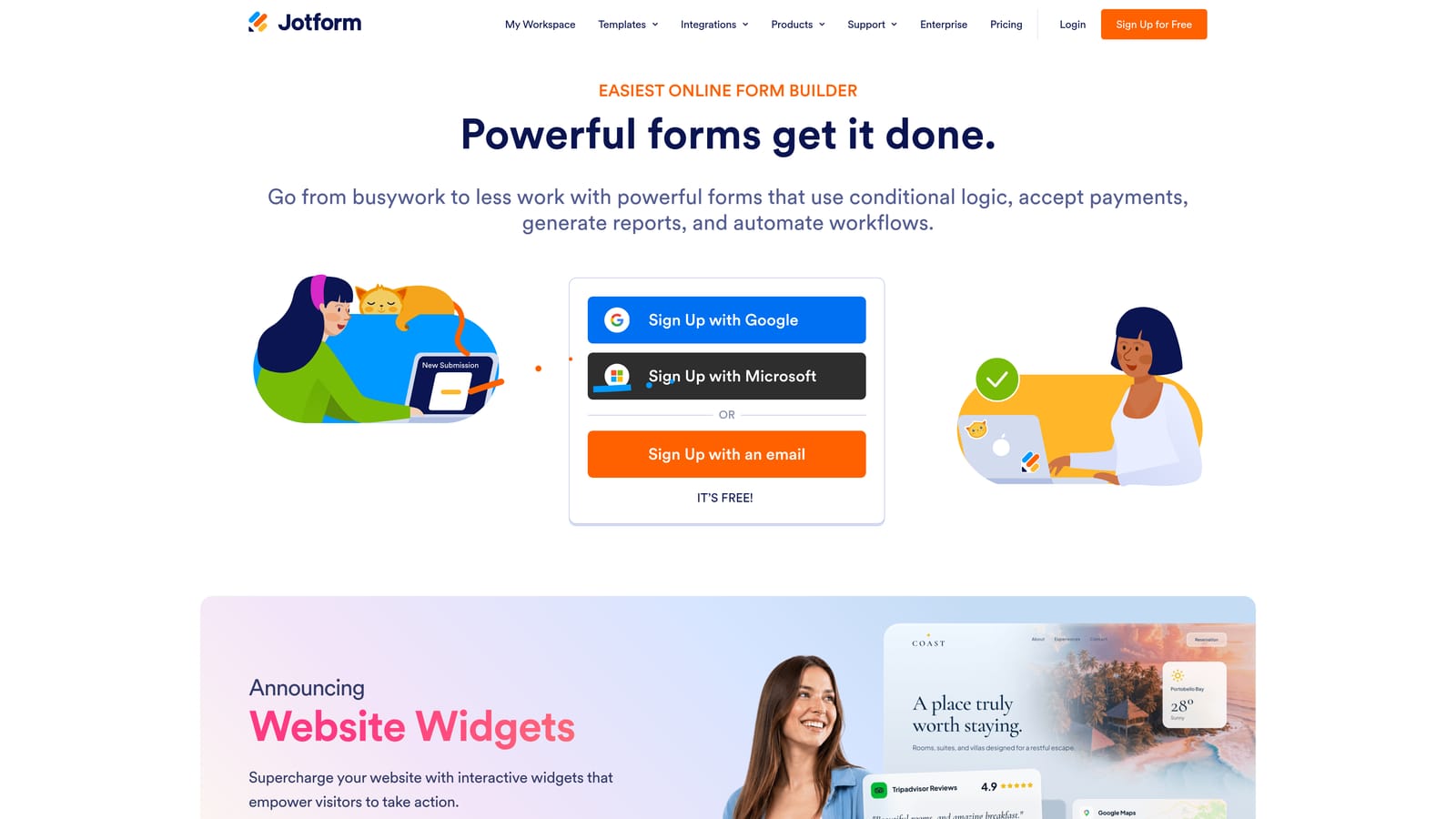
JotForm is a feature-rich form builder with one of the most comprehensive compliance stacks in the category, covering SOC 2, HIPAA, GDPR, and PCI DSS.
Where This Tool Shines
If your organization operates across multiple regulated industries or handles different data types, JotForm's compliance breadth is genuinely rare. Most form builders cover one or two frameworks; JotForm covers several simultaneously, making it a practical choice for teams that can't afford compliance gaps as they scale into new markets or customer segments.
Beyond compliance, JotForm offers a depth of functionality that goes well beyond basic form building. Database-style data management through JotForm Tables, PDF generation, and e-signature capabilities make it a surprisingly complete data collection and processing platform.
Key Features
Multi-Framework Compliance: SOC 2 Type II, HIPAA, GDPR, and PCI DSS coverage in a single platform.
10,000+ Templates: One of the largest template libraries available, covering virtually every use case.
JotForm Tables: A database-style view for managing form submissions without exporting to a separate tool.
PDF Generation and E-Signatures: Convert form submissions into documents and collect legally binding signatures natively.
Extensive Integration Ecosystem: Connects with a wide range of CRMs, payment processors, and business tools.
Best For
JotForm is ideal for operations, legal, and HR teams that need to collect data across regulated contexts. It's also a strong fit for organizations that want to consolidate form building, document generation, and e-signatures into a single vendor relationship.
Pricing
A free tier is available. Paid plans scale from individual to enterprise tiers, with HIPAA compliance and BAA agreements available on appropriate paid plans.
4. Formstack
Best for: Enterprise teams that need compliant forms as part of a broader document and workflow automation suite.
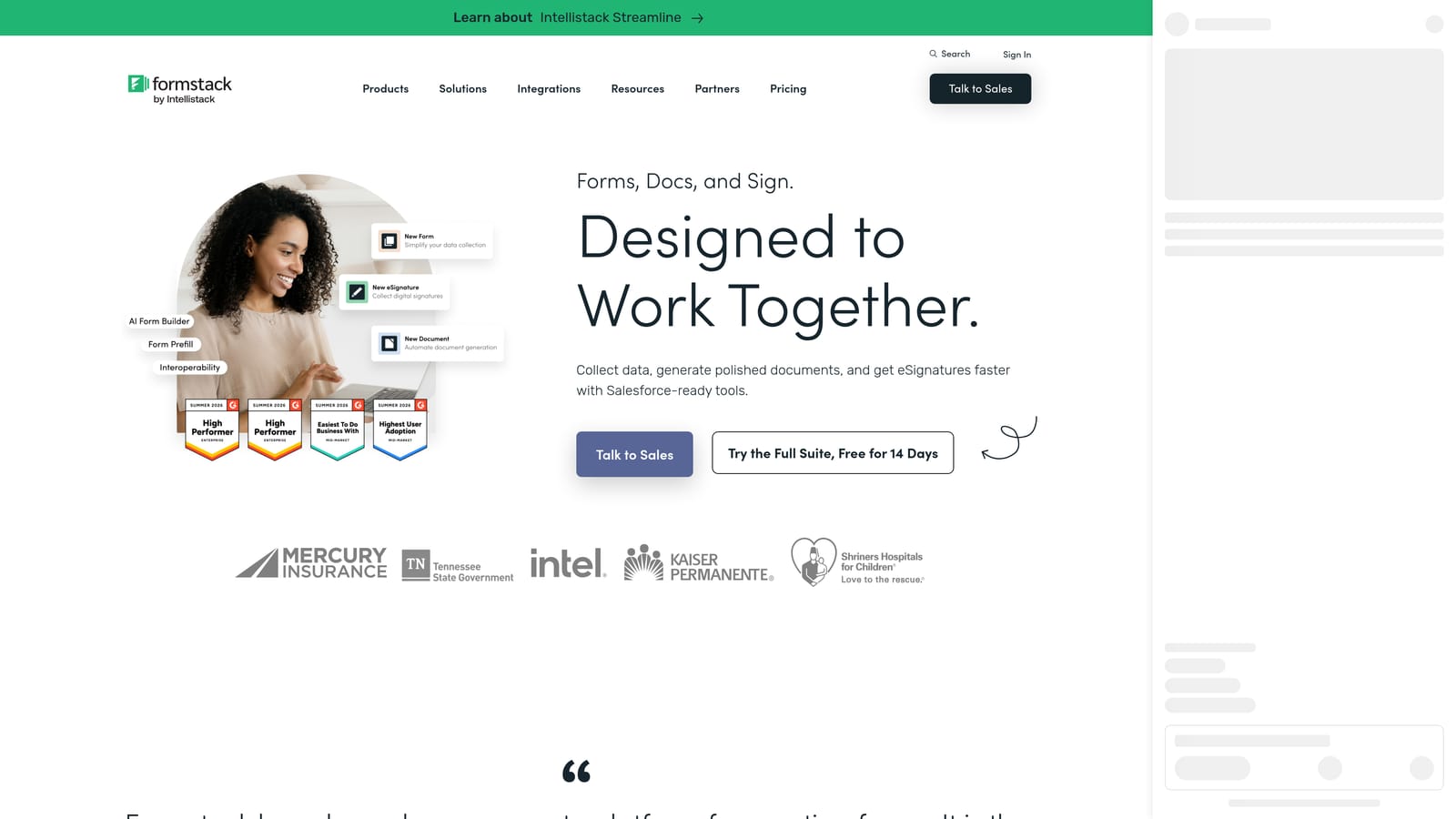
Formstack is an enterprise-grade platform combining SOC 2 Type II compliant forms with document generation and e-signature capabilities in a unified workflow suite.
Where This Tool Shines
Formstack goes significantly further than most form builders by treating forms as the entry point to a broader workflow, not the endpoint. Once a form is submitted, Formstack can automatically generate documents, route them for signature, and trigger downstream automations, all within the same platform. For enterprise sales, legal, and HR teams, this eliminates the need to stitch together multiple tools.
The compliance posture is enterprise-ready. SOC 2 Type II certification combined with HIPAA compliance and advanced admin controls makes Formstack a viable option for organizations where procurement and legal teams scrutinize every vendor relationship carefully.
Key Features
SOC 2 Type II and HIPAA Compliant: Independently audited controls that satisfy enterprise and healthcare procurement requirements.
Formstack Documents: Automatically generate branded documents from form submissions without manual data entry.
Formstack Sign: Collect legally binding e-signatures natively within the same platform.
Advanced Workflow Automation: Route submissions, trigger notifications, and connect to downstream systems automatically.
Enterprise Admin Controls and Audit Logs: Granular permission management and activity logging for compliance and accountability.
Best For
Formstack is best suited for enterprise operations, legal, and HR teams that need forms, documents, and signatures to work together seamlessly under a single compliance umbrella. It's a heavier investment than basic form builders, but the workflow automation capabilities justify it for complex use cases.
Pricing
Platform plans are available; enterprise pricing is available on request. Expect pricing to reflect the platform's enterprise positioning relative to simpler form tools.
5. Gravity Forms
Best for: Technical WordPress teams that want full data sovereignty and are comfortable managing their own security posture.
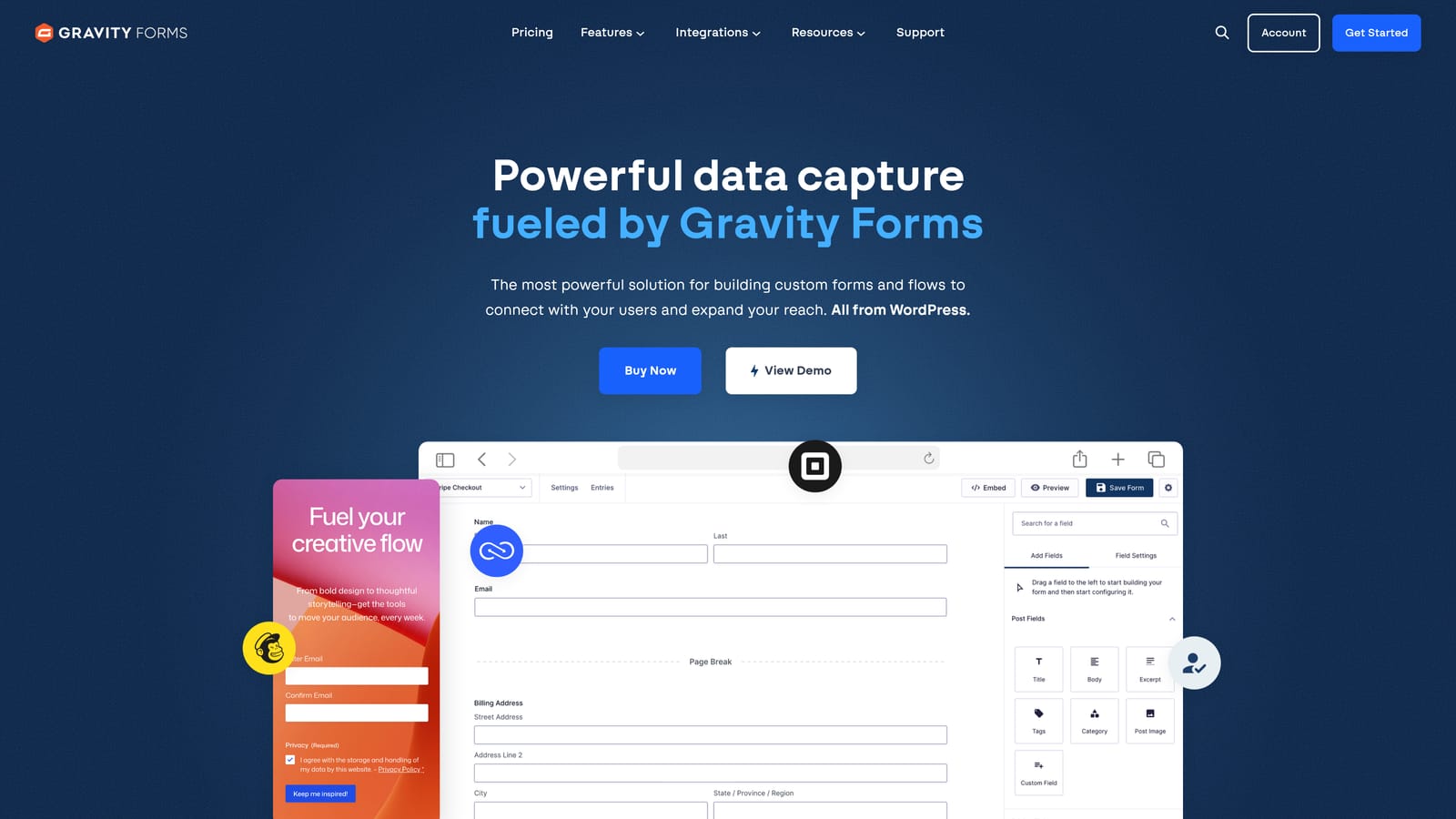
Gravity Forms is a self-hosted WordPress form plugin that gives technically capable teams complete control over where their data lives.
Where This Tool Shines
Gravity Forms takes a fundamentally different approach to compliance than every other tool on this list. Because it's self-hosted, your data never leaves your own server infrastructure. There's no third-party SaaS vendor to audit, no shared cloud environment, and no dependency on another company's compliance certifications. If your organization has strong internal security controls and a well-managed hosting environment, this can actually be a more defensible compliance posture than relying on a vendor's SOC 2 report.
It's important to be clear: Gravity Forms itself does not hold a SOC 2 certification, because the compliance responsibility sits with your hosting environment. Teams that choose Gravity Forms need to ensure their own infrastructure meets the standards their enterprise buyers require.
Key Features
Self-Hosted Data Sovereignty: All form data is stored on your own server, giving you complete control over data residency and access.
Conditional Logic and Multi-Page Forms: Build complex, branching form flows without limitations on form length or logic depth.
Payment Integrations: Native support for Stripe, PayPal, and other payment processors through add-ons.
Extensive Add-On Ecosystem: A broad library of official and third-party add-ons extends functionality significantly.
Annual License Model: No per-submission fees or usage-based pricing; a flat annual license per site keeps costs predictable.
Best For
Gravity Forms is the right choice for WordPress-native organizations with technical teams capable of managing their own security infrastructure. It's not a fit for teams that need a vendor-provided compliance certificate to hand to procurement.
Pricing
Annual licenses start around $59 per site. Verify current pricing at gravityforms.com, as tiers and add-on costs vary. No per-submission fees apply.
6. Cognito Forms
Best for: Budget-conscious teams in regulated industries that need SOC 2 and HIPAA compliance without enterprise-level pricing.
Cognito Forms is a compliance-capable form builder offering SOC 2 Type II and HIPAA support at price points that make enterprise-grade security accessible to smaller teams.
Where This Tool Shines
The compliance-to-cost ratio is where Cognito Forms genuinely stands out. Most platforms that offer SOC 2 Type II and HIPAA compliance together sit at enterprise price points that put them out of reach for smaller organizations or startups in regulated industries. Cognito Forms offers both at a more accessible price, making it a practical option for teams that need compliance documentation without the full enterprise budget.
The feature set is solid without being overwhelming. Calculated fields and repeating sections are particularly useful for teams building complex data collection forms, such as intake forms, applications, or detailed lead qualification flows, where standard form builders often fall short.
Key Features
SOC 2 Type II Compliant: Independently audited security controls that meet enterprise procurement standards.
HIPAA Compliant with BAA: Business Associate Agreements are available on higher-tier plans for healthcare-adjacent use cases.
Calculated Fields: Perform real-time calculations within forms, useful for pricing estimators, scoring, and conditional totals.
Repeating Sections: Allow respondents to add multiple entries within a single form, a feature many competitors lack natively.
Conditional Logic and Multi-Page Support: Build branching, multi-step forms with standard logic capabilities.
Best For
Cognito Forms is well-suited for growing teams in regulated industries, including healthcare-adjacent SaaS, financial services, and legal tech, that need documented compliance without committing to enterprise-tier pricing before they've scaled to justify it.
Pricing
A free tier is available. Paid plans are priced competitively below most enterprise alternatives. HIPAA compliance and BAA availability require higher-tier plans. Verify current pricing at cognitoforms.com.
7. SurveyMonkey (Momentive)
Best for: Large enterprise teams running high-volume data collection with robust admin controls and governance requirements.
SurveyMonkey is an established enterprise survey and form platform with SOC 2 Type II certification, ISO 27001, and HIPAA compliance on Enterprise plans.
Where This Tool Shines
SurveyMonkey's strength is scale and governance. For large organizations running employee surveys, customer feedback programs, or market research at volume, the platform offers the kind of enterprise admin controls, SSO integration, and data governance features that IT and security teams require before approving a vendor. The compliance credentials are well-established and publicly documented.
It's worth noting that SurveyMonkey is primarily a survey tool that supports form-style data collection, not a dedicated form builder. Teams that need advanced form logic, lead qualification flows, or conversion-optimized design may find the platform's UX more rigid than purpose-built form tools. But for straightforward enterprise data collection at scale, the compliance posture and admin controls are genuinely strong.
Key Features
SOC 2 Type II and ISO 27001 Certified: Independently audited controls that satisfy enterprise security reviews.
HIPAA Compliant on Enterprise Plans: Available for organizations that need healthcare data compliance at scale.
SSO and Advanced Admin Controls: Enterprise-grade user management, permissions, and single sign-on integration.
Broad Integration Ecosystem: Connects with Salesforce, HubSpot, Slack, and a wide range of enterprise tools.
Enterprise Data Governance and Retention Controls: Configurable data retention policies and governance features for regulated environments.
Best For
SurveyMonkey is best suited for large enterprise organizations with established IT governance requirements, particularly for employee engagement, customer satisfaction, and market research programs where volume and admin control matter more than form design flexibility.
Pricing
Team and Enterprise plans are required for compliance features. Enterprise pricing is available on request. Verify current plan structures at surveymonkey.com, as pricing tiers have evolved over time.
8. Microsoft Forms
Best for: Organizations already standardized on Microsoft 365 that need basic compliant forms without additional vendor spend.
Microsoft Forms is included with Microsoft 365 subscriptions, inheriting Microsoft's enterprise compliance framework including SOC 2 Type II and ISO 27001 certifications.
Where This Tool Shines
If your organization already pays for Microsoft 365, Microsoft Forms is essentially free, and it carries the weight of Microsoft's enterprise compliance infrastructure. For organizations where procurement has already approved Microsoft as a vendor, adding Forms to your data collection toolkit requires no additional security review, no new BAA negotiation, and no additional budget approval. That frictionless path to deployment is genuinely valuable in large organizations.
The honest trade-off is design flexibility and advanced functionality. Microsoft Forms is a capable basic form tool, but it's not built for conversion optimization, lead qualification, or brand-forward experiences. If your forms are internal, operational, or supplementary to your core workflow, the limitations are manageable. If you're using forms as a customer-facing lead generation tool, the experience gap compared to purpose-built platforms is noticeable.
Key Features
Microsoft's SOC 2 Type II and ISO 27001 Compliance: Inherits certifications from the broader Microsoft 365 compliance framework at no additional cost.
Seamless Microsoft 365 Integration: Native connections to Teams, SharePoint, Power Automate, and Excel for data management.
No Additional Cost: Included with existing Microsoft 365 subscriptions, eliminating a separate vendor relationship.
Basic Branching Logic and Analytics: Standard conditional branching and built-in response analytics for straightforward use cases.
Enterprise Data Residency Options: Data residency and governance settings are configurable through the Microsoft 365 compliance center.
Best For
Microsoft Forms is the right choice for enterprise organizations already operating within the Microsoft ecosystem that need compliant forms for internal use cases, employee data collection, or operational workflows without adding a new vendor to their approved list.
Pricing
Included with Microsoft 365 subscriptions at no additional cost. No standalone pricing is available. Enterprise data residency and governance features depend on your specific Microsoft 365 licensing tier.
Which SOC 2 Compliant Form Solution Is Right for Your Team?
Every tool on this list takes a different approach to the compliance-usability balance, and the right choice depends on where your team sits at that intersection.
Here's a quick way to think through the decision:
High-growth SaaS and lead generation teams: Orbit AI combines the AI-powered qualification and conversion-optimized design that growth teams need with the compliance infrastructure that enterprise buyers require. It's built specifically for this use case in a way that general-purpose form builders aren't.
Design-first marketing teams: Typeform's conversational UX and strong brand customization make it the standout choice when respondent experience and visual polish are the top priorities alongside compliance.
Multi-compliance requirements: JotForm's coverage of SOC 2, HIPAA, GDPR, and PCI DSS in a single platform makes it the practical choice for teams operating across multiple regulated contexts or industries.
Enterprise workflow automation: Formstack is the right fit when forms are the starting point for a broader document and signature workflow, particularly in sales, legal, and HR environments.
WordPress self-hosted environments: Gravity Forms gives technically capable teams complete data sovereignty, with the trade-off that compliance responsibility sits with your own hosting infrastructure.
Budget-conscious regulated teams: Cognito Forms delivers SOC 2 Type II and HIPAA compliance at price points that make enterprise-grade security accessible before you've scaled to justify enterprise-tier spending.
Large enterprise survey programs: SurveyMonkey's admin controls, governance features, and established compliance credentials make it a natural fit for large organizations running high-volume data collection programs.
Microsoft 365 organizations: Microsoft Forms is the path of least resistance for teams already operating within the Microsoft ecosystem that need basic compliant forms without a new vendor relationship.
For growth teams specifically, the platform you choose for lead capture and qualification shapes the quality of your pipeline, not just the security of your data. Book a demo with Orbit AI and see how AI-powered qualification and conversion-optimized design can work together inside a platform built for the way modern SaaS teams grow.


