

If your forms and CRM aren't talking to each other, you're losing leads in the gap. Every manual data transfer, every missed sync, every duplicated contact is friction that costs your team time and costs your business revenue. CRM-integrated forms solve this by routing lead data directly into your pipeline the moment someone hits submit — no CSV exports, no copy-paste, no lag.
But not all form-CRM integrations are created equal. Some tools offer shallow native connections; others give you deep field mapping, conditional routing, and real-time sync that actually holds up at scale. This list covers the top options for high-growth teams in 2026, evaluated on integration depth, form flexibility, lead qualification capabilities, and ease of setup. Whether you're running HubSpot, Salesforce, or a leaner CRM stack, there's a solution here that fits.
1. Orbit AI
Best for: SaaS and B2B teams that need AI-powered lead qualification before CRM entry
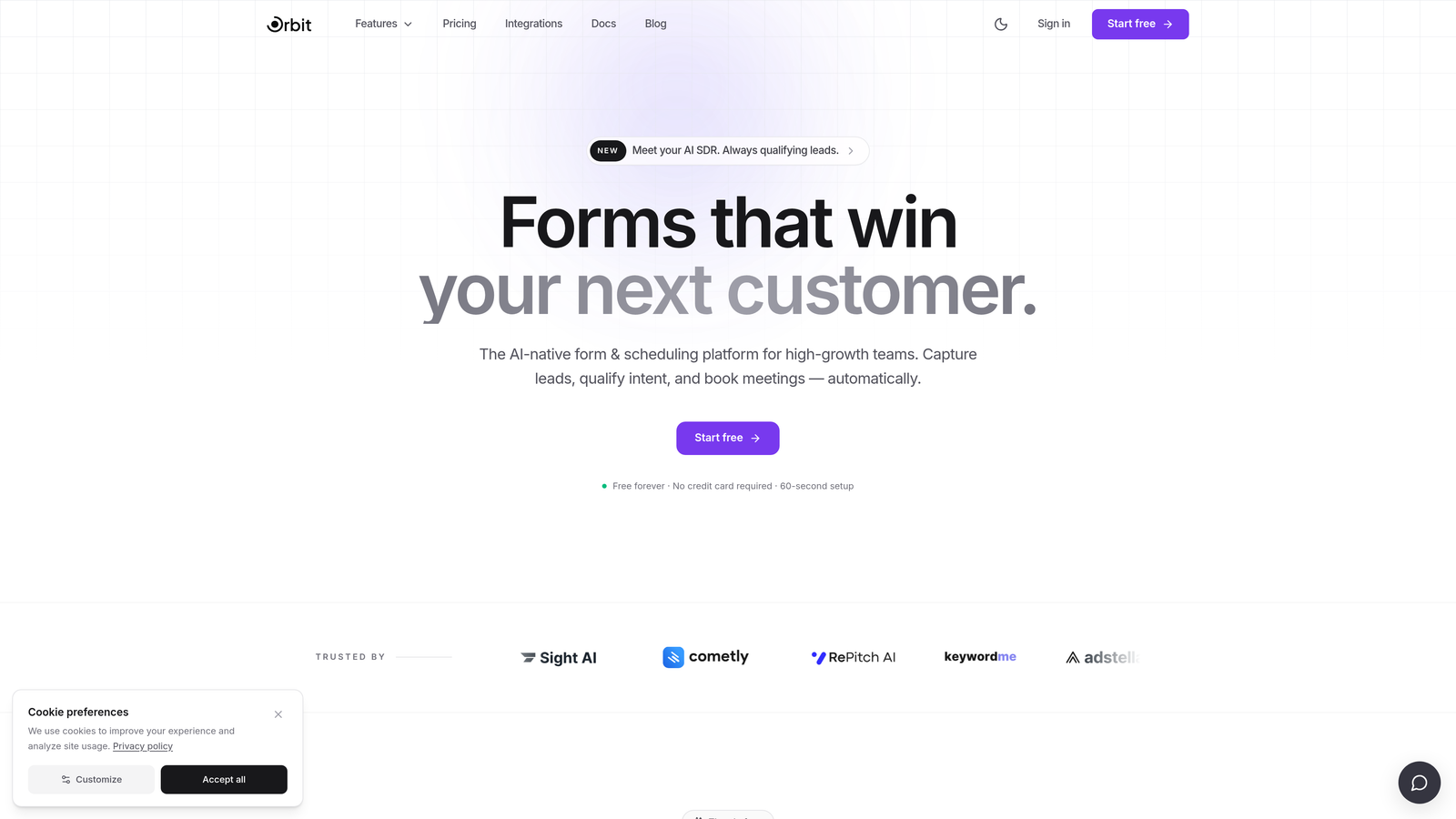
Orbit AI is an AI-powered form builder that scores and routes leads into your CRM before junk data can clog your pipeline.
Where This Tool Shines
Most form tools treat every submission equally and hand the sorting problem to your sales team. Orbit AI takes a different approach: its AI qualification layer evaluates each submission in real time and scores it before the record ever touches your CRM. That means your pipeline reflects actual intent, not just form completions.
For high-growth B2B and SaaS teams dealing with volume, this is a meaningful differentiator. You get clean, pre-qualified data flowing into your CRM alongside conversion-optimized form design that doesn't require a designer to set up or maintain.
Key Features
AI Lead Qualification: Scores submissions in real time before CRM entry, filtering out low-intent and incomplete leads automatically.
Native CRM Integrations: Field mapping ensures data lands in the right CRM properties without manual configuration after the fact.
Conditional Logic: Form flows adapt based on user responses, creating a personalized path that improves completion rates and data quality.
Conversion-Optimized Design: Modern, brandable form UI built with high-conversion patterns — no design resources required.
High-Volume Workflow Support: Built specifically for B2B and SaaS lead generation at scale, not repurposed from a general-purpose form tool.
Best For
SaaS companies, B2B marketing teams, and growth-focused organizations where lead quality matters as much as lead volume. Particularly valuable for teams that have experienced CRM pollution from unqualified submissions and want to solve it at the source.
Pricing
Paid plans available. Visit orbitforms.ai for current pricing details.
2. HubSpot Forms
Best for: Teams already operating inside the HubSpot ecosystem
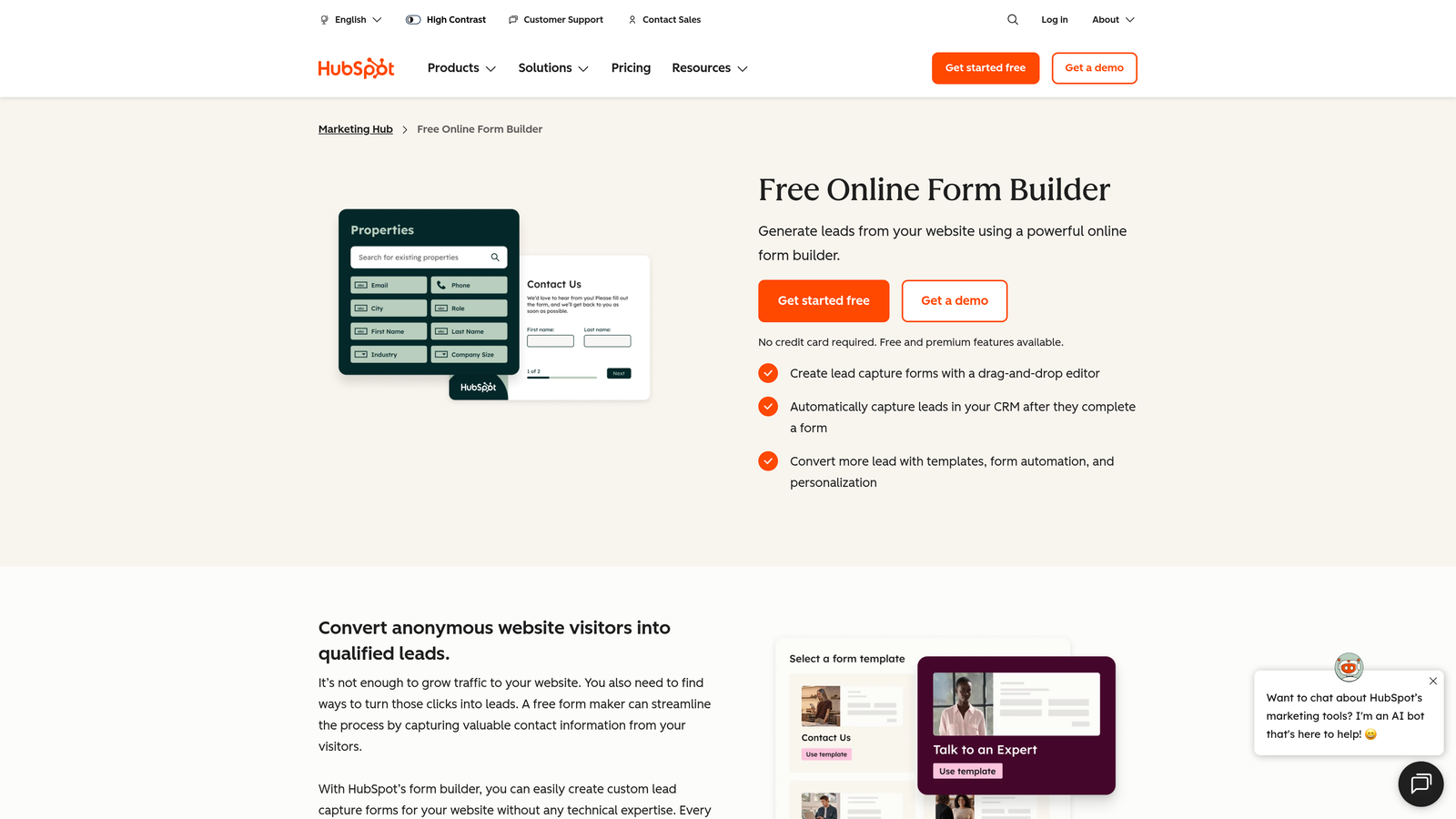
HubSpot Forms is a native form builder built directly into the HubSpot CRM, delivering instant lead capture into your HubSpot pipeline without any middleware.
Where This Tool Shines
The core advantage here is architecture. Because HubSpot Forms lives inside HubSpot, there's no sync to configure, no API to maintain, and no lag between submission and CRM entry. A contact fills out a form and the record is there immediately, ready to trigger workflows, sequences, or deal creation.
Progressive profiling is a standout capability: returning visitors see different questions based on what HubSpot already knows about them, so you collect more data over time without asking the same questions twice. This makes it especially effective for nurture-heavy inbound strategies.
Key Features
Native CRM Architecture: Submissions create or update contacts directly in HubSpot — no third-party sync required.
Smart Fields: Automatically hides questions for known contacts to reduce friction and improve completion rates.
Progressive Profiling: Collects additional data across multiple form interactions over time.
Workflow Triggers: Form submissions can instantly trigger HubSpot workflows, sequences, and deal creation.
Free Tier: Fully functional with the HubSpot CRM free plan, making it accessible for teams at any stage.
Best For
Marketing and sales teams already invested in the HubSpot platform. Less compelling if you're running a different CRM, since the native advantage disappears once you're working across platforms.
Pricing
Free with HubSpot CRM. Paid Marketing Hub plans start at approximately $20/month.
3. Typeform
Best for: Teams prioritizing form engagement and conversational UX
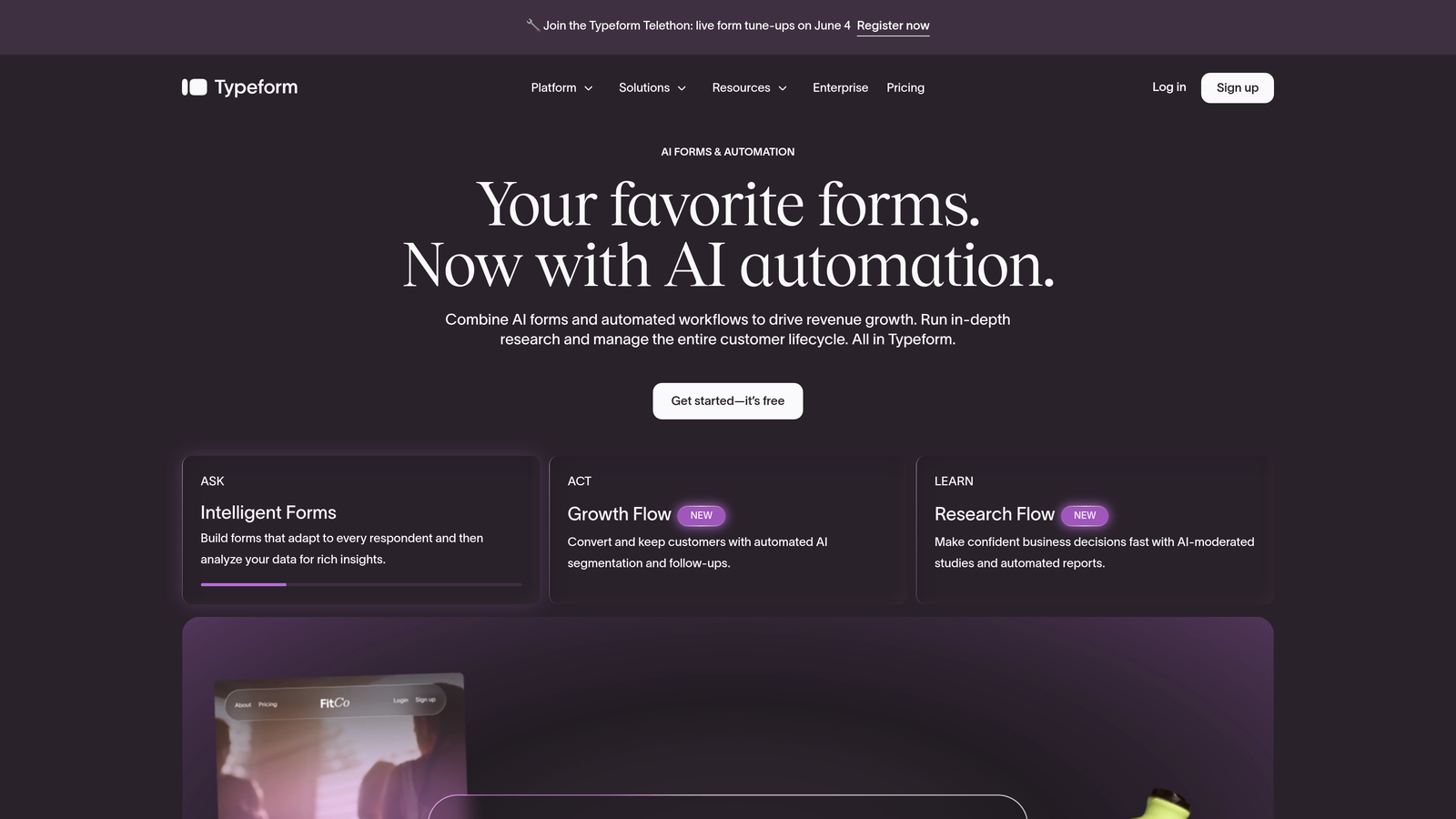
Typeform is a conversational form builder known for its one-question-at-a-time format, with native integrations to HubSpot, Salesforce, and other major CRMs.
Where This Tool Shines
Typeform's design philosophy is fundamentally different from traditional form builders. Instead of presenting a wall of fields, it guides respondents through one question at a time in a format that feels closer to a conversation than a data entry task. This approach typically results in higher engagement, particularly for longer forms or sensitive qualification questions.
The logic jump system allows forms to branch based on answers, creating personalized paths that feel tailored rather than generic. Combined with native HubSpot and Salesforce integrations, it works well as a top-of-funnel capture tool for teams that want better data quality through better form experiences.
Key Features
Conversational Format: One-question-at-a-time design reduces cognitive load and typically improves completion for longer forms.
Native CRM Integrations: Direct connections to HubSpot and Salesforce, plus Zapier and Make support for broader CRM coverage.
Logic Jumps: Conditional branching creates personalized form flows based on respondent answers.
Flexible Embedding: Forms can be embedded on landing pages, websites, or delivered via email.
Analytics Dashboard: Drop-off and completion tracking helps identify where respondents lose interest.
Best For
Marketing teams focused on top-of-funnel engagement, survey-style qualification forms, and situations where form UX is a meaningful variable in conversion. Less suited for teams that need deep CRM workflow automation beyond basic contact creation.
Pricing
Free plan available. Paid plans start at approximately $25/month.
4. Jotform
Best for: Teams that need broad CRM compatibility without a high price tag
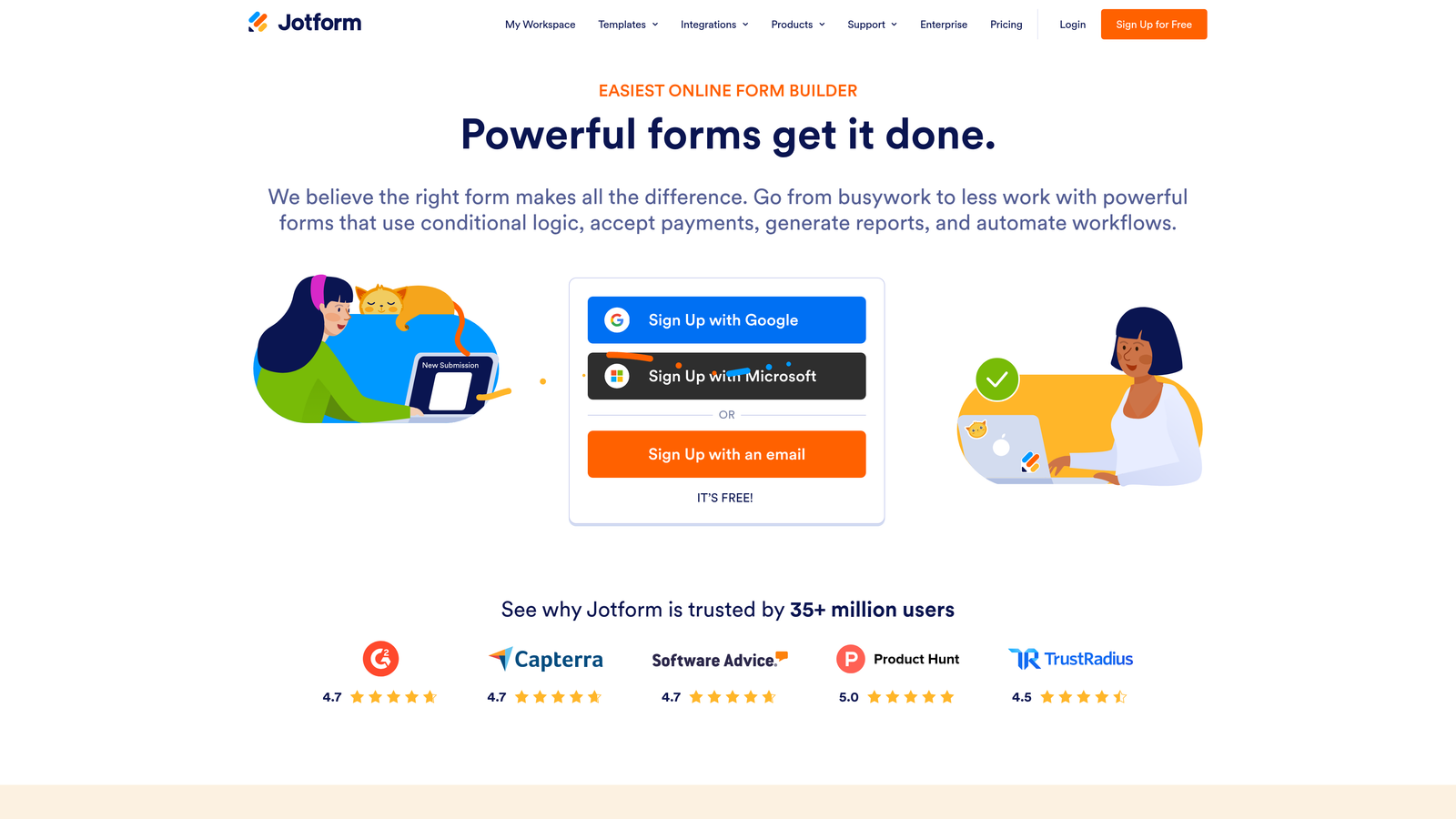
Jotform is a versatile form builder with one of the widest CRM integration libraries available, connecting with Salesforce, HubSpot, Pipedrive, Zoho, and over 100 other applications.
Where This Tool Shines
Jotform's primary strength is breadth. If your team uses a CRM that other tools don't support natively, Jotform likely has a direct integration for it. This makes it a practical choice for organizations running less common CRM stacks or managing multiple tools across different departments.
The template library is extensive, which accelerates deployment for teams that need forms up quickly without starting from scratch. It's a generalist tool rather than a conversion-optimization specialist, but the combination of wide compatibility and accessible pricing makes it a strong option for budget-conscious teams.
Key Features
100+ Native Integrations: Covers all major CRMs plus hundreds of additional applications for broad workflow compatibility.
Template Library: Large selection of pre-built form templates for quick deployment across use cases.
Conditional Logic: Multi-page forms with conditional branching for more complex data collection flows.
Payment Integration: Supports payment collection alongside CRM data routing in the same form.
HIPAA-Compliant Plan: Available for regulated industries that need compliant data handling.
Best For
Small to mid-size teams that need reliable CRM connectivity across a variety of platforms, or organizations in regulated industries requiring compliance features. Not the strongest choice if conversion optimization or lead qualification are primary priorities.
Pricing
Free plan available. Paid plans start at approximately $34/month.
5. Gravity Forms
Best for: WordPress sites needing deep CRM integrations without leaving the platform
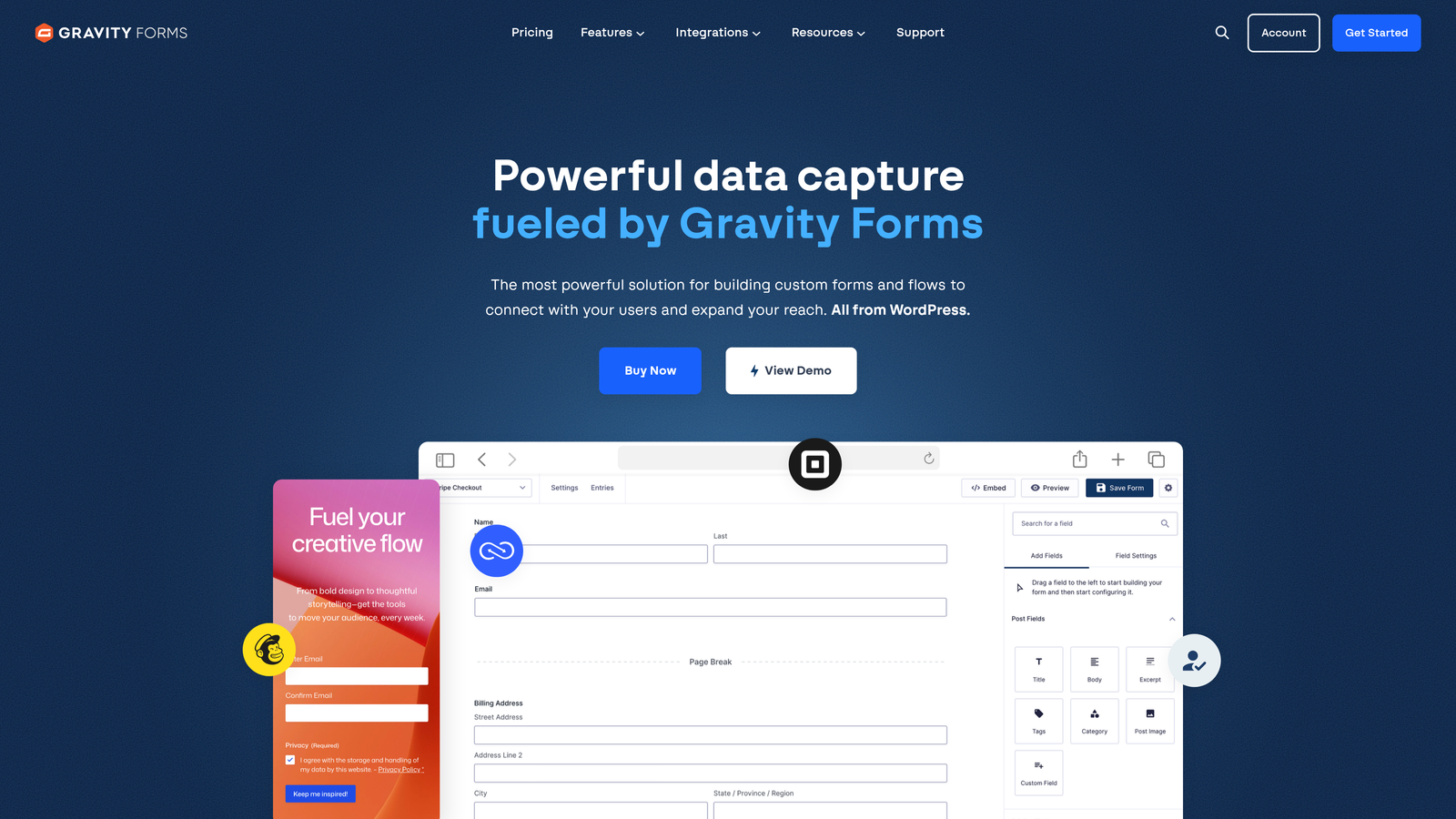
Gravity Forms is a WordPress-native form plugin with a mature add-on ecosystem for CRM integrations including Salesforce, HubSpot, and ActiveCampaign.
Where This Tool Shines
For teams running WordPress, Gravity Forms offers something most SaaS form tools can't: everything lives within your own platform. There's no external service to authenticate, no third-party data storage to worry about, and no additional vendor dependency for your form infrastructure.
The developer community around Gravity Forms is well-established, and the hooks and filters available make it highly customizable for teams with technical resources. Official add-ons for major CRMs are maintained and regularly updated, giving WordPress-based marketing teams a reliable path to deep CRM integration without cobbling together Zapier workflows.
Key Features
Official CRM Add-Ons: Maintained integrations for Salesforce, HubSpot, ActiveCampaign, and Zoho available directly from Gravity Forms.
Conditional Logic: Multi-page forms with conditional fields, file uploads, and complex routing logic.
Developer-Friendly: Extensive hooks and filters for custom CRM workflows and data transformations.
WordPress-Native: Operates entirely within WordPress — no external platform, login, or data transfer required.
Established Ecosystem: Long-standing plugin with a large community, extensive documentation, and reliable long-term support.
Best For
WordPress-based marketing teams and developers who want full control over their form infrastructure. Not suitable for teams not running WordPress, and CRM add-ons may add to the total cost beyond the base license.
Pricing
Annual license starting at approximately $59/year. CRM add-ons may be priced separately.
6. Salesforce Web-to-Lead
Best for: Salesforce-first teams that need direct Lead record creation at zero added cost
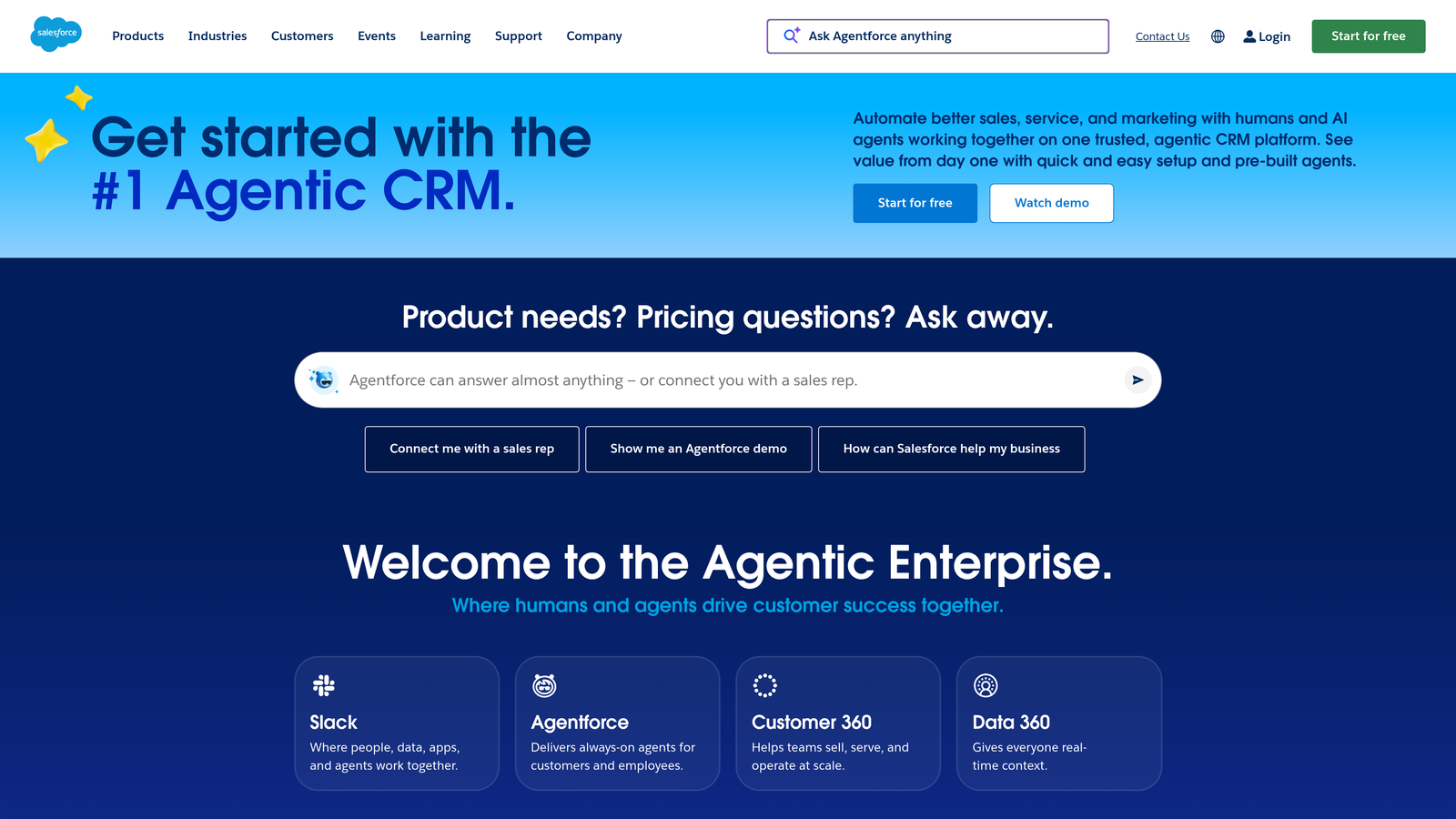
Salesforce Web-to-Lead is Salesforce's built-in web form tool that routes submissions directly into Salesforce as Lead records with no third-party integration required.
Where This Tool Shines
The value proposition is simple: if you're paying for Salesforce, Web-to-Lead is already included. Submissions create Lead records natively with zero latency, and auto-assignment rules route those leads to the right rep the moment they arrive. For organizations where Salesforce is the definitive system of record, this eliminates an entire layer of integration complexity.
The tradeoff is design flexibility. Web-to-Lead generates basic HTML form code that you embed on your site, and the form aesthetics are minimal at best. It's a functional tool, not a conversion-optimized one. Teams that care about form UX will likely pair it with a front-end form tool or use a dedicated solution instead.
Key Features
Native Lead Creation: Submissions create Lead records in Salesforce directly — zero latency, no middleware.
Auto-Assignment Rules: Routes new leads to the correct rep or queue automatically based on your Salesforce assignment configuration.
Custom Field Mapping: Supports mapping to custom fields on the Salesforce Lead object.
Embeddable HTML Output: Generates form code directly from Salesforce for embedding on any website.
Included at No Extra Cost: Available with all Salesforce subscriptions — no add-on purchase required.
Best For
Salesforce-heavy organizations that prioritize CRM data integrity over form design, or teams that need a quick, no-cost solution for basic lead capture directly into Salesforce.
Pricing
Free — included with all Salesforce subscriptions.
7. Pipedrive LeadBooster
Best for: Sales-led teams running Pipedrive who want native lead capture without third-party tools
Pipedrive LeadBooster is Pipedrive's native lead capture add-on that includes web forms designed to feed leads directly into the Pipedrive sales pipeline.
Where This Tool Shines
LeadBooster is part of a broader lead capture suite within Pipedrive that includes chatbot, live chat, and a prospector tool alongside web forms. For sales-led teams, this means lead capture and pipeline entry happen in the same ecosystem without needing to stitch together separate tools.
The native connection means form submissions become Leads or Deals in Pipedrive immediately, with custom field mapping to contact and deal properties. For teams where the sales rep owns the pipeline from first touch, this tight integration reduces handoff friction and keeps data consistent.
Key Features
Native Pipeline Entry: Web form submissions create Leads or Deals directly in Pipedrive without middleware.
Broader Lead Suite: Part of a package that includes chatbot, live chat, and prospector for multi-channel lead capture.
Custom Field Mapping: Maps form data to Pipedrive contact and deal properties for clean record creation.
Easy Embedding: Forms can be embedded on any website or landing page without technical configuration.
No Integration Dependencies: Fully native — no Zapier, webhooks, or third-party connections required.
Best For
Sales teams already using Pipedrive as their primary CRM who want a streamlined, native lead capture solution. The add-on pricing means it's most cost-effective for teams that will use the full LeadBooster suite, not just the web forms component.
Pricing
LeadBooster add-on starts at approximately $32.50/month, added to an existing Pipedrive subscription.
8. Formstack
Best for: Enterprise teams needing deep Salesforce integration with workflow automation
Formstack is an enterprise-grade form and workflow automation platform with one of the deepest Salesforce integrations available, plus support for HubSpot, Microsoft Dynamics, and complex approval workflows.
Where This Tool Shines
Where most form tools create or update a contact record, Formstack can interact with virtually any Salesforce object. Opportunities, custom objects, related records — the integration goes well beyond standard Lead creation. For organizations with complex Salesforce configurations, this depth is hard to replicate with lighter-weight tools.
The document generation capability is a notable differentiator: form submissions can automatically generate populated documents, contracts, or proposals. Combined with approval workflow routing, this makes Formstack viable for internal processes and regulated workflows, not just external lead capture.
Key Features
Deep Salesforce Integration: Create or update any Salesforce object — not just Leads — with full field mapping flexibility.
Document Generation: Automatically generate populated documents triggered by form submission.
Approval Workflow Routing: Route submissions through multi-step internal approval processes.
Compliance Options: HIPAA and GDPR-compliant configurations available for regulated industries.
Enterprise CRM Support: Connects with HubSpot, Microsoft Dynamics, and other enterprise CRM platforms alongside Salesforce.
Best For
Mid-market and enterprise organizations with complex Salesforce environments, regulated industry requirements, or internal workflow automation needs that go beyond standard lead capture. The pricing reflects this positioning.
Pricing
Plans start at approximately $83/month, aimed at mid-market and enterprise teams.
9. ActiveCampaign Forms
Best for: Email-automation-first teams using ActiveCampaign as their combined CRM and marketing platform
ActiveCampaign Forms is the native form builder built into ActiveCampaign's combined CRM and marketing automation platform, where every submission can instantly trigger automations, tag contacts, and advance deals.
Where This Tool Shines
The standout capability here is automation depth. A form submission in ActiveCampaign isn't just a data entry event — it can simultaneously tag a contact, update custom fields, move a deal to a new stage, enroll the contact in an email sequence, and notify a sales rep. All of this happens natively, without Zapier or webhooks.
For teams where email automation and CRM function as a single workflow, this tight integration means form data becomes immediately actionable. The tradeoff is form design flexibility: ActiveCampaign Forms are functional but less visually refined than dedicated form builders, which matters for teams where form aesthetics influence conversion.
Key Features
Native Automation Triggers: Form submissions instantly trigger ActiveCampaign automations, sequences, and deal stage changes.
Contact Tagging and Field Updates: Automatically applies tags and updates custom fields in the contact record on submission.
Multiple Form Types: Inline, floating bar, and modal formats for flexible placement across your site.
Conditional Fields: Form fields adapt based on existing contact data already stored in ActiveCampaign.
Included with All Plans: No add-on cost — forms are part of every ActiveCampaign subscription tier.
Best For
Teams already using ActiveCampaign for email marketing and CRM who want to keep their entire lead capture and nurture workflow in one platform. Less compelling as a standalone form solution if you're not already on ActiveCampaign.
Pricing
Included with ActiveCampaign plans starting at approximately $15/month.
Which Tool Is Right for Your Team
The right choice comes down to your CRM, your team's priorities, and how much you care about what happens to leads after they submit.
Here's a quick breakdown by situation:
On HubSpot and want zero-friction setup: HubSpot Forms is the obvious starting point. If you also need AI-powered lead qualification to keep your pipeline clean, Orbit AI adds a layer that HubSpot's native forms don't provide.
Running Salesforce at enterprise scale: Formstack gives you the deepest integration available if you need complex object creation and workflow automation. For simpler needs at no extra cost, Web-to-Lead handles basic Lead record creation natively.
Built on WordPress: Gravity Forms is the mature, reliable choice with official CRM add-ons and full control over your data.
Sales-led team on Pipedrive: LeadBooster keeps everything native and eliminates the need for third-party connectors.
Form UX is your primary variable: Typeform's conversational format typically drives stronger engagement for longer or more complex qualification flows.
Need broad CRM coverage on a budget: Jotform's integration library and accessible pricing make it a practical generalist option.
Email automation is your core workflow: ActiveCampaign Forms is the most efficient choice if you're already on the platform and want submissions to drive automations immediately.
For teams where lead quality matters as much as lead volume — particularly SaaS and B2B organizations dealing with high form submission volume — Orbit AI's AI-powered qualification layer stands out. It solves a problem the other tools on this list don't directly address: keeping your CRM clean before bad data gets in, rather than cleaning it up afterward.
Transform your lead generation with AI-powered forms that qualify prospects automatically while delivering the modern, conversion-optimized experience your high-growth team needs. Start your free trial today and see how intelligent form design can elevate your conversion strategy.


