

If you're collecting payments through forms, you already know the frustration of duct-taping together a form tool, a payment processor, and a CRM just to handle a simple registration or booking. The best form builders with built-in payment processing solve this by letting you design conversion-optimized forms that accept payments directly, no developer required.
The tools in this guide were evaluated on ease of use, payment gateway support, form logic, lead qualification features, and pricing. Whether you're a high-growth SaaS team capturing qualified leads or a service business collecting deposits, there's a right fit for your workflow. We've featured Orbit AI first because it's the platform behind this site, but every recommendation reflects genuine strengths worth knowing about.
1. Orbit AI
Best for: High-growth SaaS and tech teams that need forms to qualify leads and collect payments simultaneously.
Orbit AI is an AI-powered form builder built around the idea that forms should actively convert and qualify, not just collect information and pass it along.

Where This Tool Shines
Most form builders treat payment collection and lead qualification as separate concerns. Orbit AI combines them at the workflow level: a prospect fills out a form, gets scored or routed based on their responses, and payment can be triggered as part of that same intelligent flow. This makes it particularly powerful for SaaS teams where a form submission is the start of a sales conversation, not just a data entry event.
The design aesthetic is modern and brandable, which matters when you're sending forms to prospects who will judge your brand by the experience. Orbit AI's analytics dashboard also gives you visibility into form performance and lead quality together, so you can optimize both conversion rate and lead fit at the same time.
Key Features
AI-Driven Lead Qualification: Qualification logic is embedded directly in the form flow, routing or scoring leads automatically based on their responses without manual rules setup.
Integrated Payment Collection: Payment processing is built into the same conversion-optimized form design, so you're not sending users to a separate checkout page.
Automated Workflows: Sequences and workflows trigger based on form responses and payment events, connecting form submissions directly to your sales and marketing stack.
Performance Analytics: A dedicated dashboard tracks form performance and lead quality together, giving you a complete picture of what's working.
Modern, Brandable Design: Clean templates and design controls suited to SaaS and tech brands that want forms to feel like a natural extension of their product experience.
Best For
Orbit AI is the strongest fit for high-growth teams where form submissions feed directly into sales pipelines. If you need forms to do more than collect data, specifically to qualify, route, and convert leads while optionally collecting payment, this is built for that workflow.
Pricing
Visit orbitforms.ai/pricing for current plans. A 7-day free trial gets you started.
2. Typeform
Best for: Teams that want a polished, conversational form experience with Stripe payment support on paid plans.
Typeform is the tool that popularized the one-question-at-a-time conversational format, and it remains one of the most recognizable names in the form builder space.

Where This Tool Shines
Typeform's format genuinely reduces the perceived length of a form. By presenting one question at a time, respondents are less likely to feel overwhelmed and more likely to complete the form. For payment forms where trust and engagement matter, this is a real advantage over traditional multi-field layouts.
The platform also has strong conditional logic, so you can build personalized paths through a form based on earlier answers. This works well for service businesses that need to ask different questions based on what a prospect selects, before routing them to a payment step.
Key Features
Conversational UI: One-question-at-a-time format reduces drop-off and makes payment forms feel less transactional and more guided.
Stripe Integration: Payment collection via Stripe is available on mid-tier paid plans and above, supporting one-time payments on order and registration forms.
Conditional Logic: Strong branching logic lets you create personalized form paths based on respondent answers, useful for dynamic pricing or service selection flows.
Polished Templates: A wide library of professionally designed templates for surveys, registrations, and order forms, ready to customize and publish quickly.
CRM and Tool Integrations: Native connectors to major CRMs and marketing platforms, plus Zapier support for extending to the rest of your stack.
Best For
Typeform works best for teams running lower-volume, higher-touch transactions where the form experience itself influences conversion. It's a strong choice for event registrations, service bookings, and customer research with a payment step attached.
Pricing
Paid plans start around $25 per month; payment features are available on mid-tier plans and above. No free tier includes payment processing.
3. Jotform
Best for: Teams that need broad payment gateway support and a large library of ready-made payment form templates.
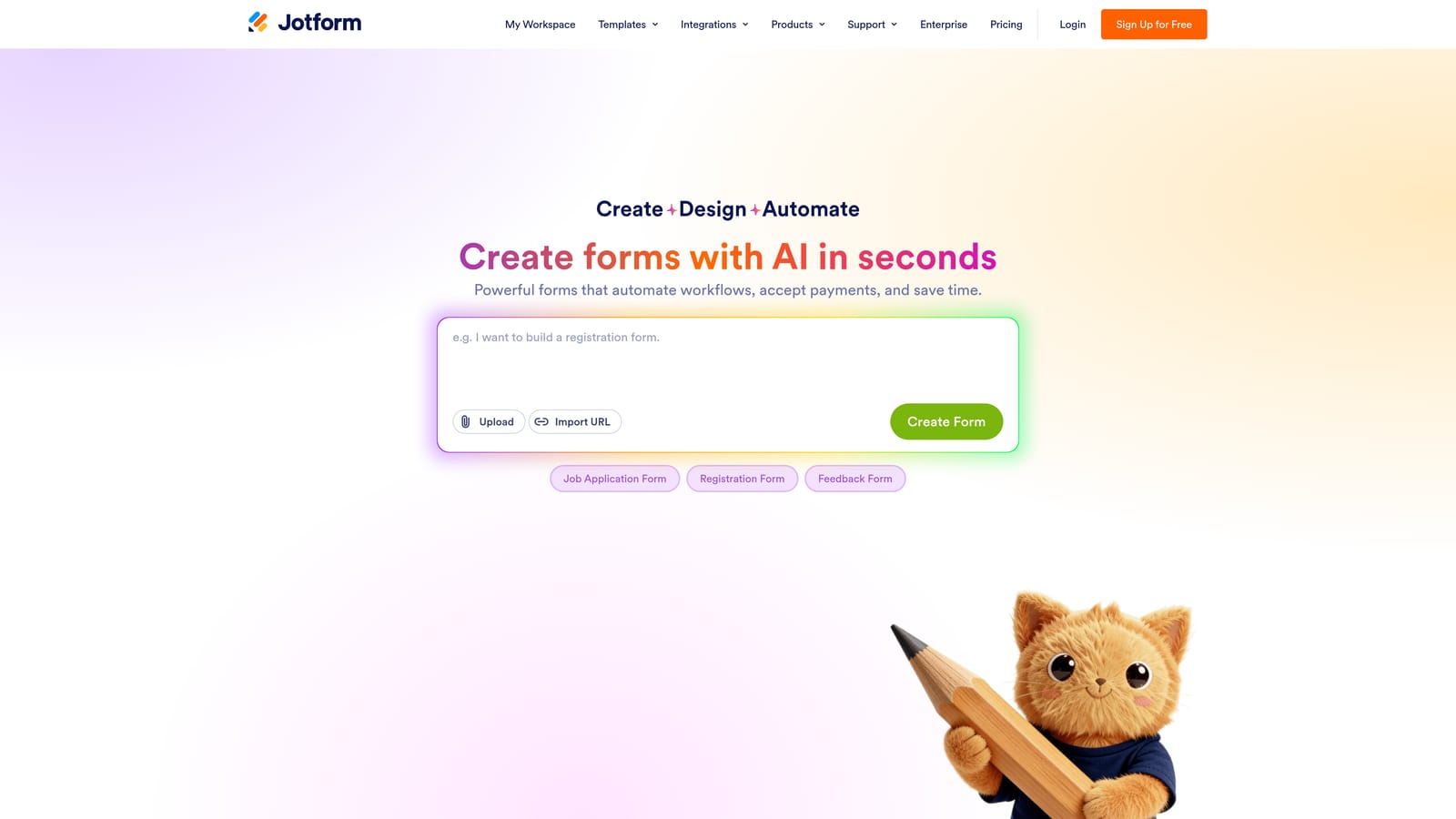
Jotform is one of the most established form builders available, with the widest native payment gateway support of any tool in this list.
Where This Tool Shines
If your business needs to accept payments through a specific processor, Jotform almost certainly supports it natively. Stripe, PayPal, Square, and Authorize.Net are all available without needing a third-party integration or workaround. This breadth makes Jotform a practical default for organizations with existing payment infrastructure they need to connect to.
The template library is genuinely impressive. Thousands of payment form templates span industries from nonprofits and healthcare to retail and education, meaning most teams can find a starting point close to their use case and customize from there rather than building from scratch.
Key Features
Broad Payment Gateway Support: Native integrations with Stripe, PayPal, Square, Authorize.Net, and many more processors, giving you flexibility to work with existing payment infrastructure.
Thousands of Templates: One of the largest template libraries available, with payment-specific forms across a wide range of industries and use cases.
Drag-and-Drop Builder: A no-code builder that's accessible to non-technical users, though the interface feels more functional than modern compared to newer entrants.
Free Tier with Payment Access: Jotform's free plan includes payment form capability, though submissions display Jotform branding and volume limits apply.
Compliance Options: HIPAA-ready plans are available, making Jotform one of the few accessible options for healthcare organizations collecting payments.
Best For
Jotform is well-suited to nonprofits, schools, SMBs, and healthcare organizations that need reliable payment collection with compliance options and don't require advanced lead qualification or AI-driven routing logic.
Pricing
A free tier is available with Jotform branding on submissions. Paid plans start around $34 per month, with HIPAA-compliant plans at higher tiers.
4. Paperform
Best for: Solopreneurs and creators who want to sell products or services directly through a beautifully designed form-as-landing-page.
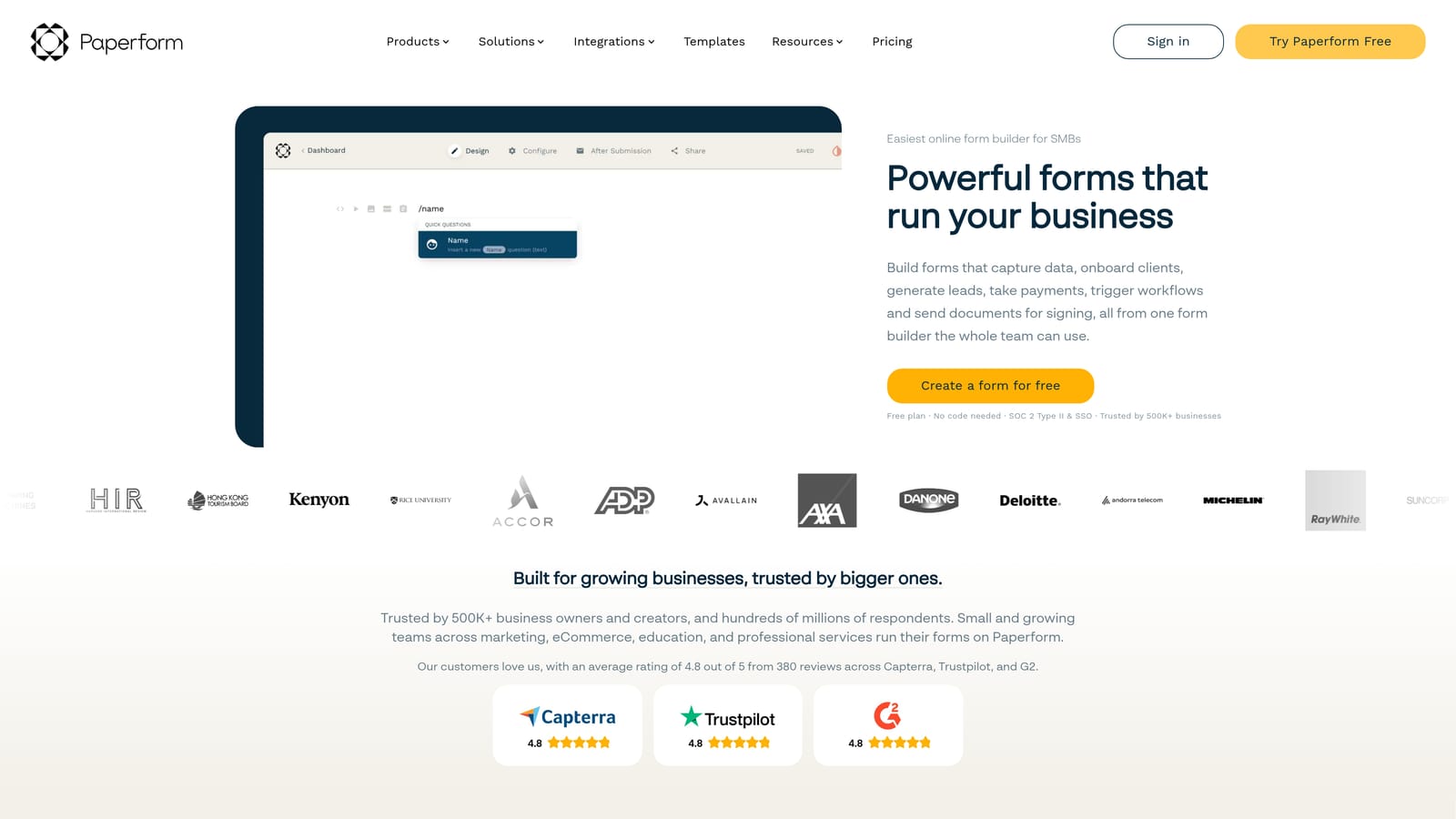
Paperform sits at the intersection of form builder and landing page tool, with native ecommerce features that go further than most form builders offer out of the box.
Where This Tool Shines
Paperform lets you embed product listings, images, pricing, and inventory management directly inside the form itself. This means a customer can browse, select, and pay without ever leaving the form page, making it genuinely useful for selling physical or digital products without a full ecommerce platform.
The editorial-style design editor is a standout feature. Forms feel more like polished web pages than data collection tools, which helps with trust and conversion when you're asking someone to hand over payment details. Appointment booking and scheduling are also built in, which is rare at this price point.
Key Features
In-Form Product Listings: Add product images, descriptions, pricing, and inventory tracking directly within the form, enabling a lightweight storefront experience.
Multiple Payment Processors: Stripe, PayPal, and Braintree are all supported natively, with no additional integration required.
Editorial Design Editor: A flexible, page-like design experience that produces forms that look more like standalone landing pages than traditional form templates.
Dynamic Pricing and Calculations: Conditional logic and calculation fields let you build forms where the total price updates based on what the user selects.
Built-In Scheduling: Appointment booking and scheduling features are included, useful for service businesses collecting a deposit at the time of booking.
Best For
Paperform is the strongest choice for solopreneurs, creators, and small service businesses that want a beautiful, standalone form page for selling products or services. Less suited to teams that need advanced lead qualification or enterprise-level workflow automation.
Pricing
No free tier is available. Paid plans start around $24 per month, making it one of the more accessible paid options in this list.
5. Formstack
Best for: Enterprise teams that need payment collection embedded within broader approval workflows, document generation, and compliance controls.
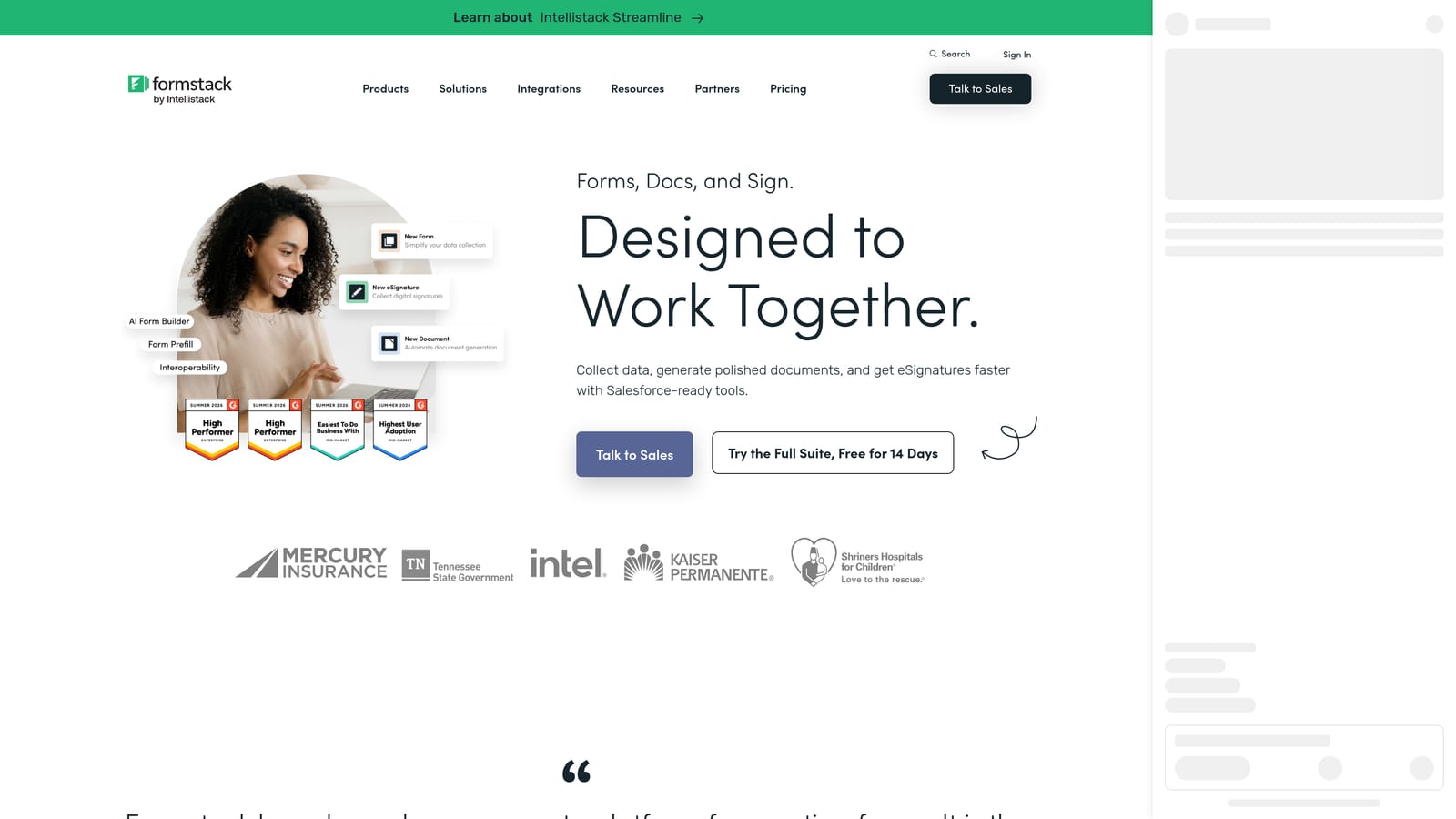
Formstack is an enterprise-grade platform where forms are one component of a larger suite that includes document generation, eSignature, and multi-step approval workflows.
Where This Tool Shines
Formstack's real strength is in connecting payment collection to complex organizational processes. Think of scenarios where a payment form submission needs to trigger a document generation step, route to a manager for approval, and then initiate an eSignature request before a service begins. Formstack handles these multi-step workflows natively in a way that standalone form builders don't.
For healthcare organizations in particular, Formstack's HIPAA-compliant form options make it one of the few enterprise-ready choices that can handle both sensitive data collection and payment processing within a compliant framework. The security and SSO controls also reflect its enterprise positioning.
Key Features
Workflow-Integrated Payments: Payment collection connects to multi-step approval workflows, document generation, and routing logic within a single platform.
HIPAA-Compliant Forms: Available for healthcare use cases where both data sensitivity and payment compliance requirements apply simultaneously.
Document Generation and eSignature: Generate documents from form submissions and collect signatures as part of the same workflow, without switching tools.
Advanced Field Logic and Data Routing: Sophisticated conditional logic and data routing options suited to complex organizational processes.
Enterprise Security Controls: SSO, role-based access, and enterprise-grade security features for organizations with strict IT and compliance requirements.
Best For
Formstack is built for mid-market and enterprise teams in regulated industries, particularly healthcare, financial services, and organizations with complex approval chains. It's not the right fit for small teams or simple payment collection needs.
Pricing
Enterprise pricing applies; plans typically start at higher price points than the other tools in this list. Contact Formstack directly for a quote based on your team's requirements.
6. Tally
Best for: Early-stage startups, indie makers, and budget-conscious teams that need simple payment collection without a paid plan.
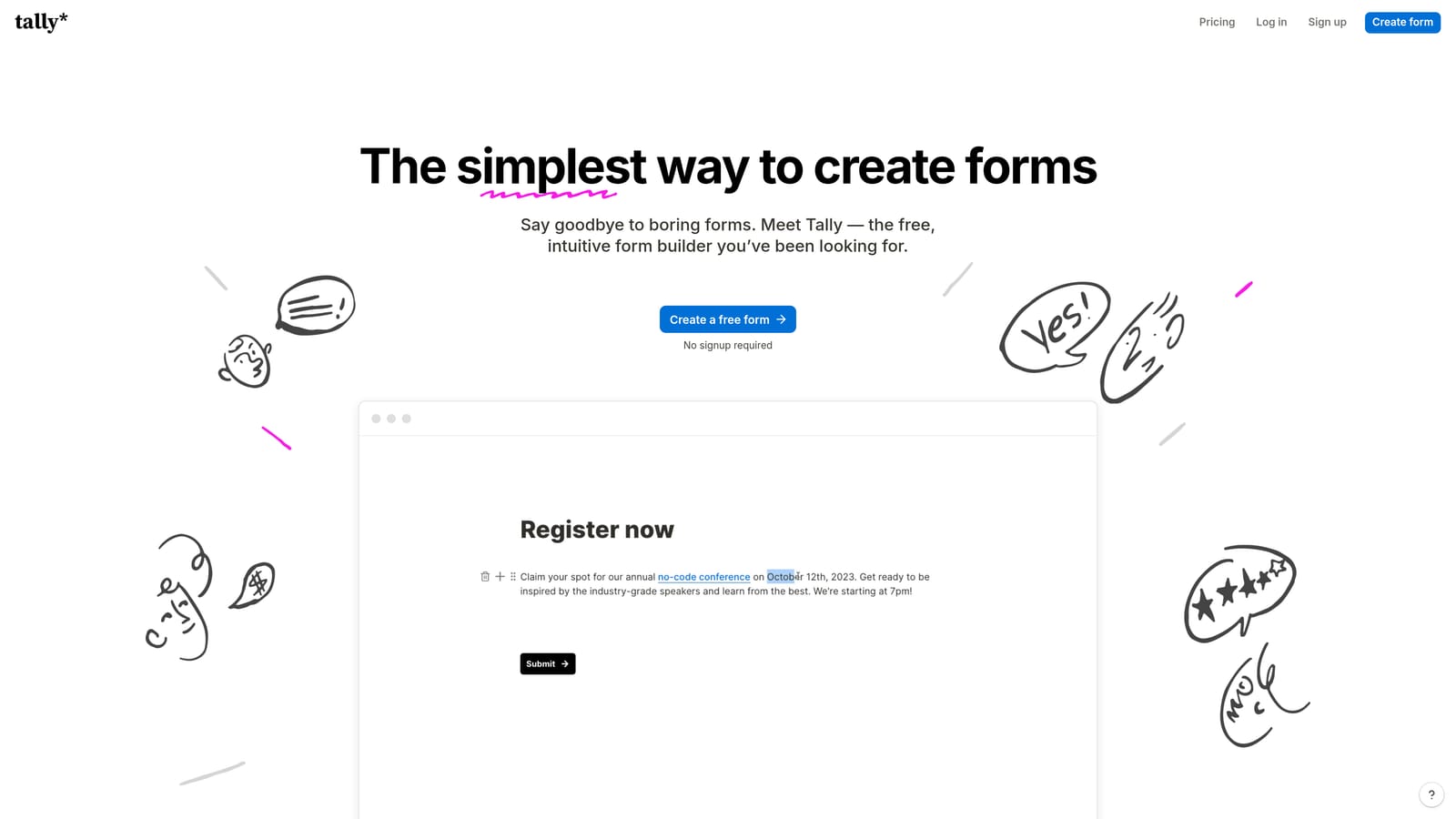
Tally is a Notion-inspired form builder that stands out for one genuinely rare feature: Stripe payment integration available on its free tier.
Where This Tool Shines
Free tiers with payment capability are uncommon in this space. Tally's decision to include Stripe integration at no cost makes it a genuine outlier and a compelling starting point for teams that want to validate a payment form workflow before committing to a paid tool. The unlimited forms and responses on the free plan add further value.
The block-based editor will feel immediately familiar to anyone who uses Notion. Building a form is fast and intuitive, with no learning curve for teams already working in that style. The trade-off is limited advanced logic: Tally handles simple branching well but isn't suited to complex lead qualification or multi-condition routing.
Key Features
Free Stripe Integration: Stripe payment collection is available on the free plan, making Tally the most accessible entry point for payment-enabled forms in this list.
Block-Based Editor: A Notion-style editing experience that's fast and intuitive, particularly for teams already familiar with block-based content tools.
Unlimited Forms and Responses: The free tier places no limits on the number of forms you can create or responses you can collect, which is genuinely generous.
Basic Conditional Logic: Simple branching logic is supported for straightforward form paths, though it doesn't match the depth of paid competitors.
Clean Design with No Branding on Paid Plans: The Pro plan removes Tally branding for a cleaner, more professional appearance on published forms.
Best For
Tally is ideal for indie makers, early-stage startups, and small teams that need simple payment collection on a tight budget. It's not suited to teams that need AI-driven lead qualification, complex routing logic, or enterprise-level workflow automation.
Pricing
Free tier includes Stripe payments with unlimited forms and responses. The Pro plan is around $29 per month and removes Tally branding while adding advanced features.
Which Tool Is Right for Your Workflow?
The right choice comes down to what you need the form to do beyond collecting payment. Here's a quick breakdown by use case.
If you're a high-growth SaaS or tech team that needs forms to qualify leads and route them intelligently while optionally collecting payment, Orbit AI is built specifically for that workflow. It's the only tool in this list where AI-driven lead qualification and payment collection are designed to work together from the ground up.
If the form experience itself is your conversion lever and you're running lower-volume, higher-touch transactions, Typeform's conversational format is hard to beat for engagement and polish.
If you need the broadest payment gateway support and a template for almost any industry, Jotform covers the most ground with the least setup friction, especially if compliance is a factor.
For solopreneurs and creators selling products or services through a single beautiful page, Paperform offers the most complete lightweight ecommerce experience in a form builder.
Enterprise teams with complex approval workflows and compliance requirements will find Formstack the most capable, if also the most involved, platform in this list.
And if you're just getting started and want to test payment collection without spending anything, Tally is the most accessible free option available.
If you're ready to move beyond basic form collection and give your forms real intelligence, start your free trial today with Orbit AI and see how AI-powered lead qualification can transform what your forms actually do for your business.


