When a potential customer fills out a product inquiry form, that moment is your first real conversion touchpoint. A clunky, generic form loses leads before your sales team ever sees them. The best product inquiry form builders go beyond collecting names and emails: they qualify leads, route inquiries intelligently, and integrate seamlessly with your CRM and automation stack.
This list covers nine tools built for teams serious about turning product inquiries into pipeline. We evaluated each on ease of setup, lead qualification capabilities, design flexibility, integrations, and pricing. Whether you're a SaaS team handling high-volume inbound or a growing business that needs smarter lead capture, there's a right tool here for your workflow.
1. Orbit AI
Best for: High-growth teams that need AI-powered lead qualification built directly into the form experience.
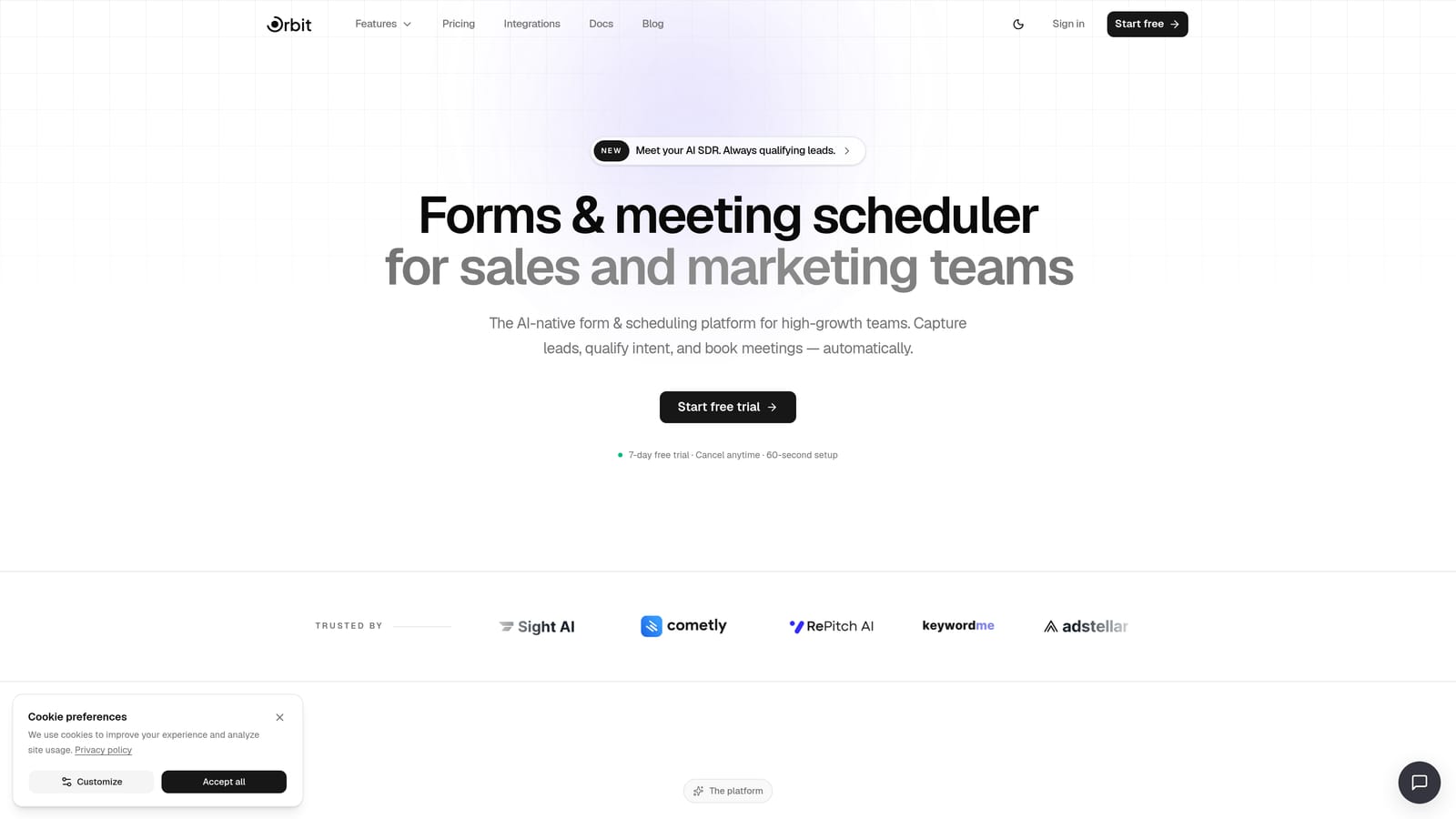
Orbit AI is an AI-powered form builder with built-in lead qualification, designed specifically for conversion-focused teams who want more than a data collection tool.
Where This Tool Shines
What separates Orbit AI from most form builders is where the intelligence lives. Rather than passing raw submissions to a CRM and hoping someone scores them later, Orbit AI qualifies leads during the form interaction itself. AI agents assess responses in real time, so by the time a submission hits your pipeline, it already carries qualification context.
This makes a meaningful difference for high-volume inbound teams. Instead of manually triaging every inquiry, your team receives pre-qualified leads with routing already applied. The built-in scheduler integration means a qualified prospect can book a demo before they ever leave the form.
Key Features
AI Lead Qualification: AI agents assess and score leads during form submission, not after, so your pipeline reflects intent from the first touchpoint.
Automated Follow-Up Sequences: Trigger personalized follow-up sequences based on specific form responses, keeping qualified leads warm without manual effort.
Workflow Routing: Route inquiries to the right team member or pipeline stage automatically based on qualification outcomes.
Analytics Dashboard: Track form performance, completion rates, and conversion metrics in one place to continuously optimize your inquiry flow.
Scheduler Integration: Let qualified prospects book demos directly from the inquiry form, removing friction between interest and first contact.
Best For
Orbit AI is the strongest fit for SaaS and B2B teams with high inquiry volume who need qualification logic built into the form layer. If your current process involves manually reviewing every submission before routing it, this tool is designed to eliminate that bottleneck.
Pricing
Visit orbitforms.ai/pricing for current plan details. Multiple tiers are available to match different team sizes and feature needs.
2. Typeform
Best for: Teams that want a polished, conversational form experience that maximizes completion rates.
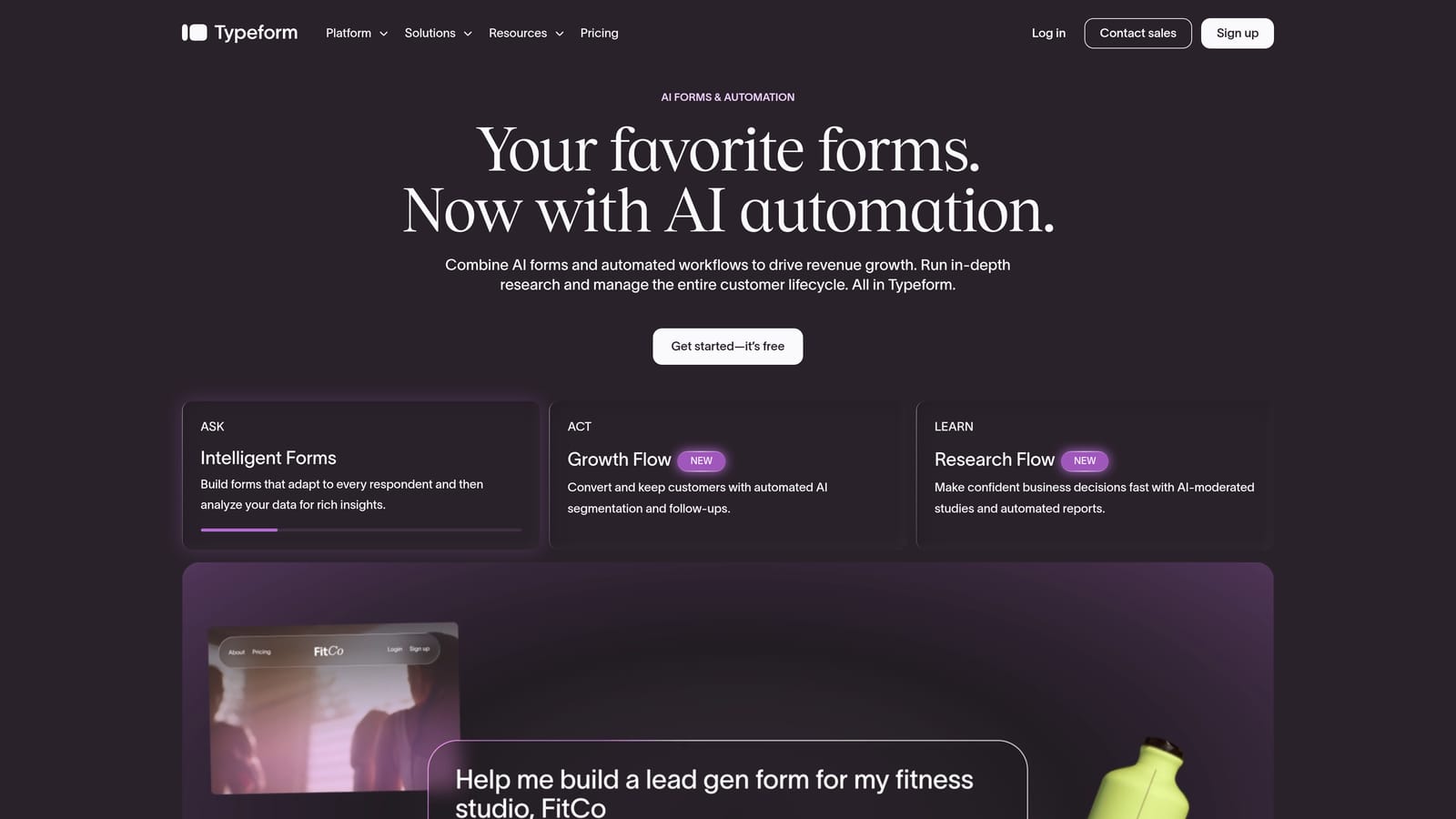
Typeform is a conversational form builder known for its one-question-at-a-time interface and premium visual design.
Where This Tool Shines
Typeform's core insight is that forms feel less like forms when they present one question at a time. This approach creates a more natural interaction, which tends to reduce abandonment on longer inquiry flows. For product inquiry forms that need to ask several qualifying questions, that UX difference matters.
The design quality is genuinely strong. Typeform forms look polished out of the box, and the branding customization options make it easy to match your company's visual identity. It integrates natively with HubSpot, Salesforce, and Slack, which covers most B2B team stacks.
Key Features
Conversational Single-Question Flow: Presents one question at a time to create a more engaging, less overwhelming inquiry experience.
Conditional Logic and Branching: Adapt the form path based on previous answers to keep questions relevant to each respondent.
Native CRM Integrations: Direct connections to HubSpot, Salesforce, and Slack reduce the need for middleware in most B2B stacks.
Logic Jumps: Route respondents through personalized inquiry paths based on their answers, improving both UX and data quality.
Custom Branding and Embeds: Full control over colors, fonts, and background to match your brand, with clean embed options for any page.
Best For
Typeform works well for B2B teams that prioritize form aesthetics and completion rates over advanced automation. It's a strong choice when your inquiry form is a key brand touchpoint and you want the experience to feel premium.
Pricing
A free plan is available with limited responses. Paid plans start at approximately $25/month. Verify current pricing at typeform.com.
3. JotForm
Best for: Teams that need to deploy product inquiry forms quickly using a large template library.
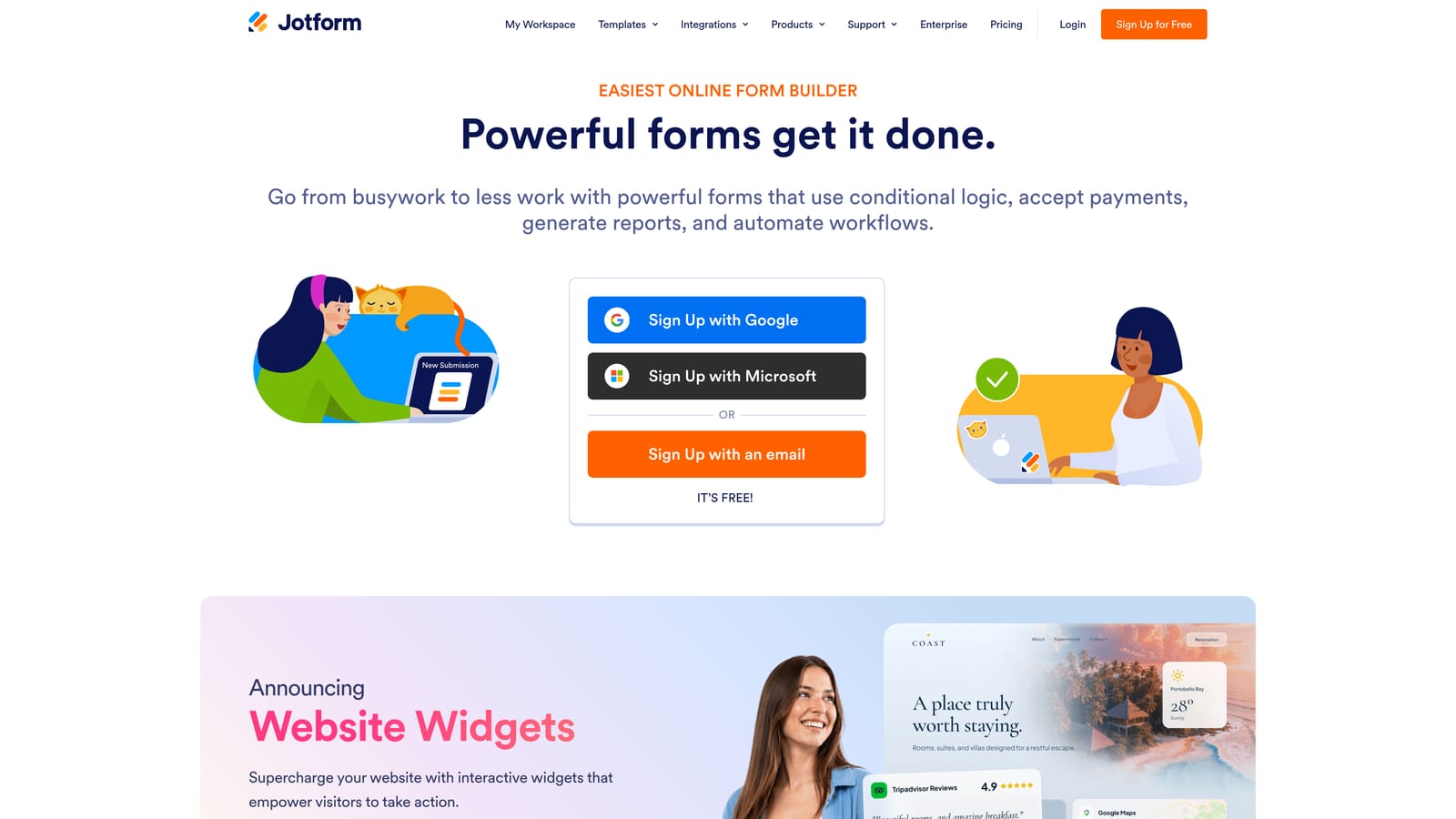
JotForm is a feature-rich form builder with one of the largest template libraries available, built for rapid, no-code deployment.
Where This Tool Shines
If speed of deployment is your priority, JotForm is hard to beat. With over 10,000 templates including dedicated product inquiry templates, you can have a functional, branded form live in minutes. The drag-and-drop builder requires no technical knowledge, making it accessible to marketing and ops teams without developer support.
JotForm also handles payment collection natively through Stripe, PayPal, and Square integrations, which is useful for product inquiry forms that double as quote requests or order starters. The integration ecosystem is broad, covering most major CRMs and email platforms.
Key Features
10,000+ Templates: Includes dedicated product inquiry templates that can be customized and deployed immediately.
Drag-and-Drop Builder: No coding required to build complex, multi-page inquiry forms with conditional logic.
Payment Integrations: Native support for Stripe, PayPal, and Square enables quote-to-payment flows within a single form.
Conditional Logic: Show or hide fields based on previous answers to keep forms relevant and concise.
Wide Integration Ecosystem: Connects with Salesforce, HubSpot, Mailchimp, and dozens of other tools through native integrations.
Best For
JotForm is ideal for non-technical teams that need to launch product inquiry forms quickly without custom development. It's also a strong fit for businesses that need payment collection built into their inquiry workflow.
Pricing
A free tier is available with submission limits. Paid plans start at approximately $34/month. Verify current pricing at jotform.com.
4. Tally
Best for: Startups and indie teams that need a clean, functional form builder with a genuinely generous free plan.
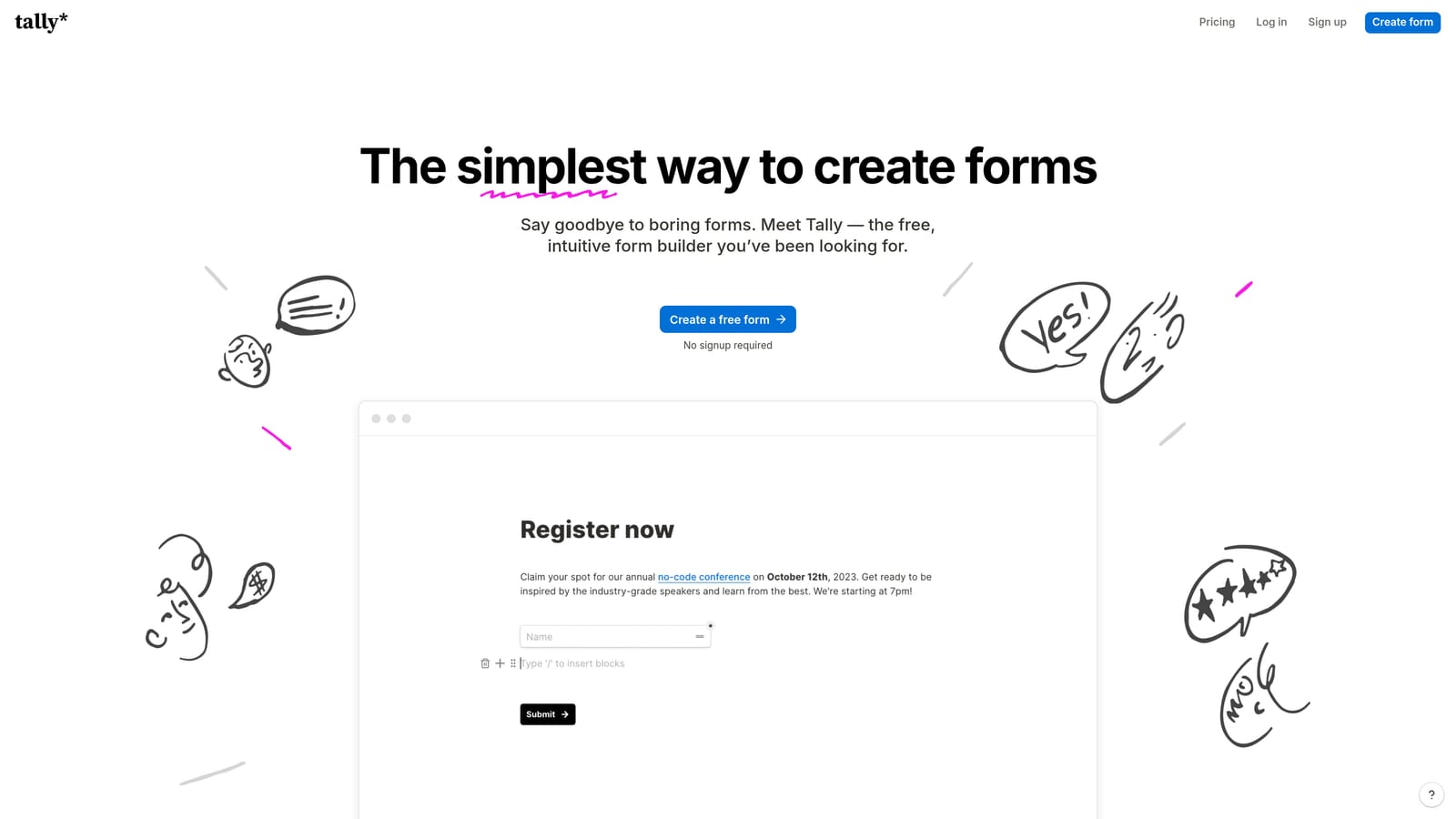
Tally is a minimalist form builder with unlimited forms and responses on its free tier, popular with early-stage teams and solo operators.
Where This Tool Shines
Tally's editing experience feels closer to Notion than a traditional form builder, which makes it intuitive for teams already working in modern productivity tools. Building a form is fast, the interface stays out of your way, and the results look clean without much configuration effort.
The free plan is genuinely useful, not a stripped-down trial. Unlimited forms and unlimited responses on the free tier means small teams can run real inquiry collection workflows without hitting a paywall. For simple product inquiry capture without complex qualification logic, Tally delivers more than enough.
Key Features
Unlimited Free Plan: Unlimited forms and responses on the free tier, making it accessible for teams at any stage.
Notion-Inspired Editor: Clean, block-based editing experience that feels familiar to modern productivity tool users.
Conditional Logic and Hidden Fields: Supports branching logic and hidden field population for more dynamic inquiry flows.
No-Branding Embeds: Remove Tally branding on paid plans for a seamless on-site experience.
Zapier and Make Integrations: Connect to your broader automation stack through Zapier and Make for CRM sync and follow-up triggers.
Best For
Tally is the right choice for startups, indie makers, and small teams that need clean, functional inquiry forms without a budget commitment. It's not built for advanced lead qualification, but for straightforward capture it's one of the best free options available.
Pricing
Free plan includes unlimited forms and responses. Pro plan is approximately $29/month. Verify current pricing at tally.so.
5. HubSpot Forms
Best for: Teams already operating inside the HubSpot ecosystem who want native CRM integration without extra tools.
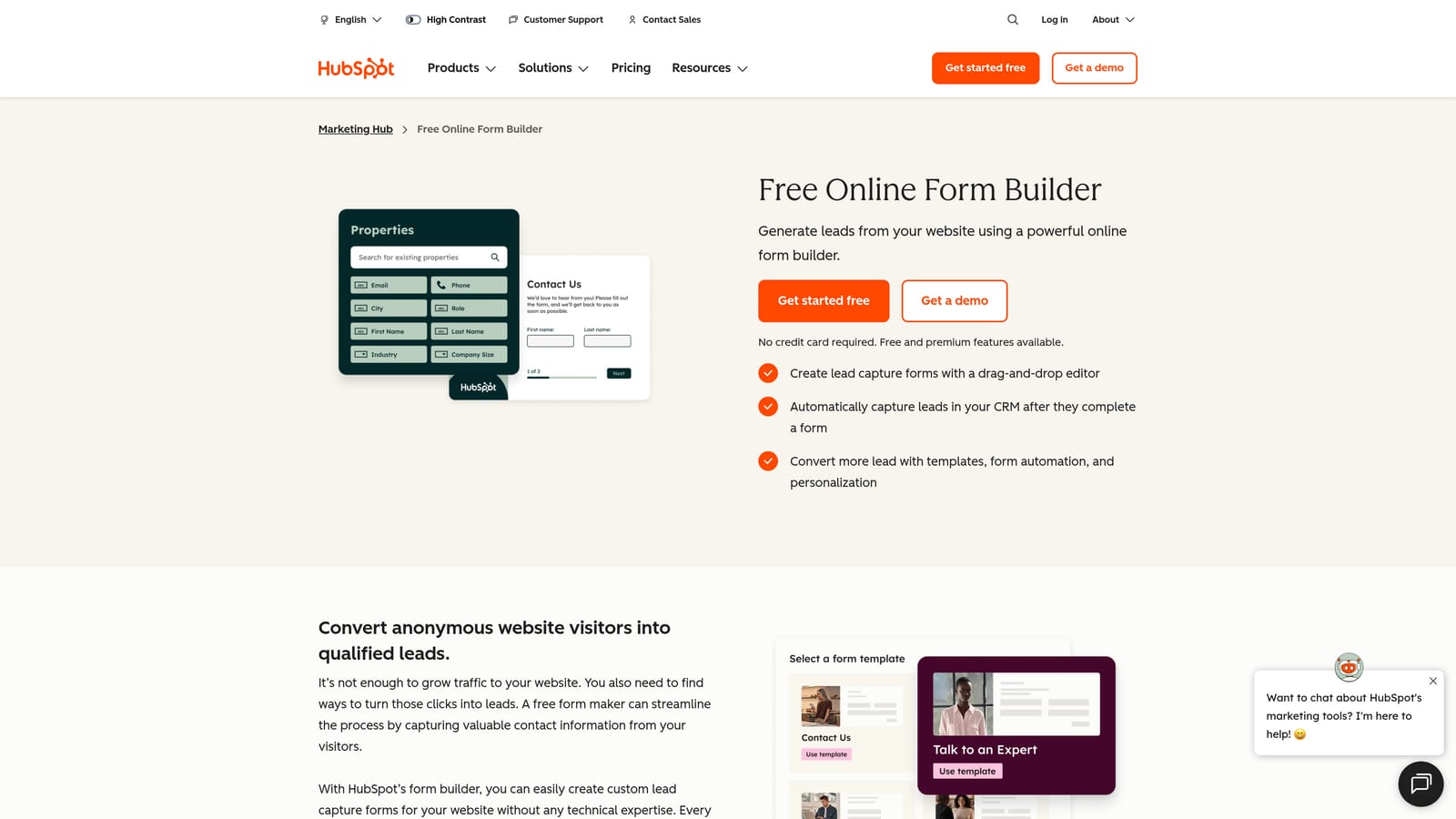
HubSpot Forms is a CRM-native form builder included with HubSpot's free tools, purpose-built for the HubSpot ecosystem.
Where This Tool Shines
If your team runs on HubSpot, the case for HubSpot Forms is straightforward: every submission creates or updates a contact record automatically, with no middleware required. There's no CSV import, no Zapier step, no manual data entry. The form and the CRM are the same system.
Progressive profiling is a standout feature. HubSpot Forms can recognize returning visitors and skip fields they've already filled out, asking new questions instead. For product inquiry forms that are part of a longer nurture journey, this keeps the experience relevant without redundancy.
Key Features
Native CRM Contact Creation: Every form submission automatically creates or updates a HubSpot contact record with no integration setup needed.
Progressive Profiling: Recognizes known visitors and replaces already-answered fields with new questions to gather richer data over time.
Workflow Triggers: Form submissions can trigger HubSpot automation workflows for follow-up emails, task creation, and deal assignment.
Smart Forms: Adapt form fields dynamically based on what HubSpot already knows about the visitor.
Free to Use: Available with any HubSpot account, including the free tier.
Best For
HubSpot Forms is the obvious choice for teams already invested in HubSpot's CRM and marketing tools. If you're not in the HubSpot ecosystem, the design limitations and platform dependency make other options more practical.
Pricing
Free with any HubSpot account. Advanced automation and smart form features require Marketing Hub paid plans. See hubspot.com for current plan details.
6. Gravity Forms
Best for: WordPress-based businesses that need a powerful, developer-friendly form solution with deep CMS integration.
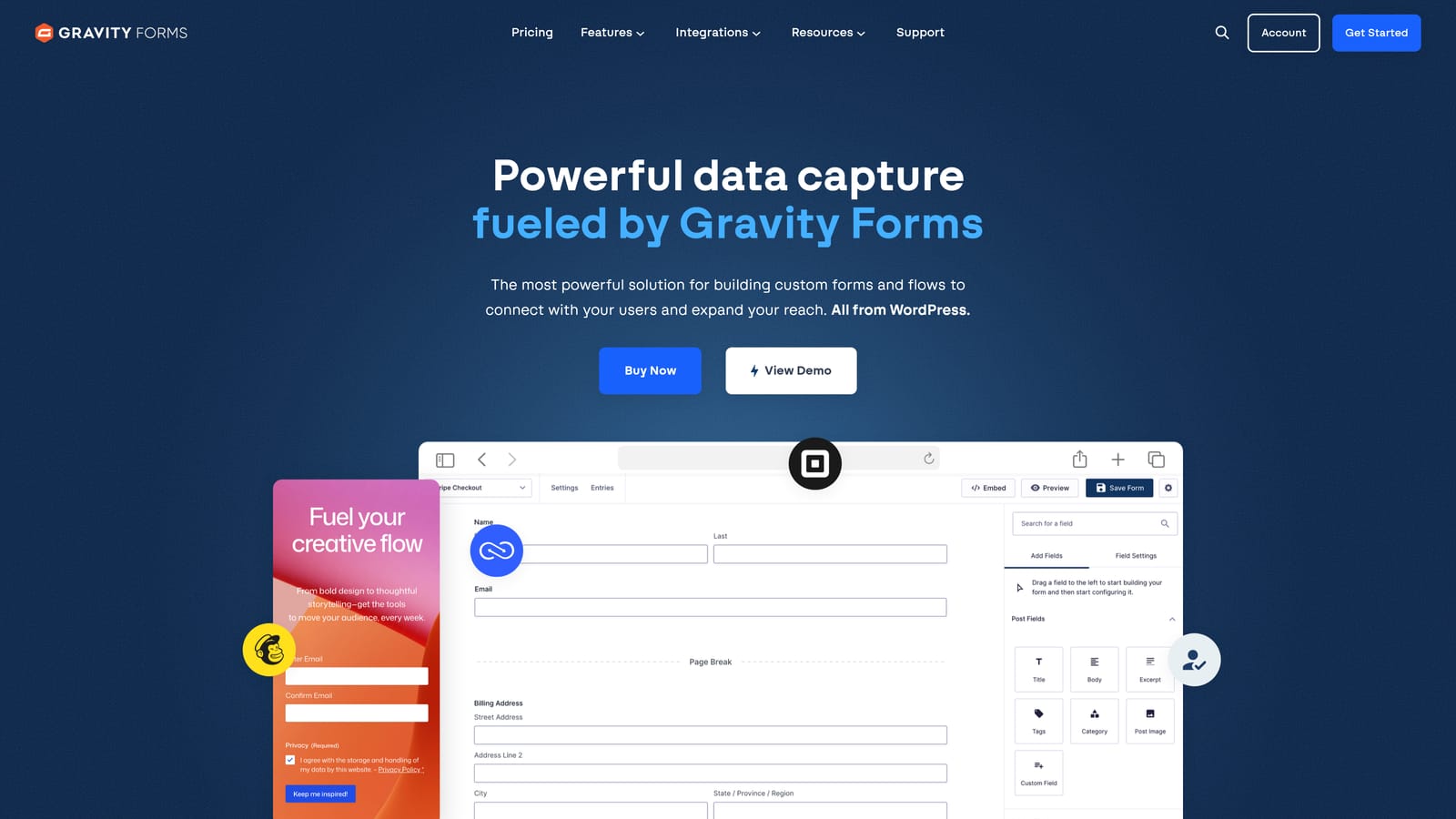
Gravity Forms is a premium WordPress form plugin with advanced conditional logic, payment support, and an extensive developer ecosystem.
Where This Tool Shines
For teams running on WordPress, Gravity Forms is the gold standard. It integrates directly with the WordPress dashboard, meaning form entries, notifications, and settings all live inside the same admin environment your team already uses. There's no external platform to log into or sync with.
The developer extensibility is a genuine strength. Gravity Forms exposes a comprehensive set of hooks and filters, allowing developers to customize form behavior, integrate with proprietary systems, or build complex conditional workflows that go beyond what the UI exposes. For product inquiry forms with unusual requirements, that flexibility is hard to replicate.
Key Features
Deep WordPress Integration: Form entries and management live natively inside the WordPress admin, with full WooCommerce compatibility.
Advanced Conditional Logic: Show, hide, or require fields based on complex rule sets across multi-page inquiry forms.
Payment Collection Add-Ons: Accept payments via Stripe and PayPal add-ons directly within inquiry or quote forms.
Developer-Friendly Architecture: Extensive hooks, filters, and an active developer community enable deep customization for complex use cases.
Entry Management Dashboard: Review, filter, and export form submissions directly from the WordPress backend.
Best For
Gravity Forms is the right pick for WordPress-based businesses, especially those with a developer on the team who can leverage its extensibility. It's not a fit for teams not on WordPress.
Pricing
Starts at approximately $59/year for the basic license. Verify current pricing and add-on costs at gravityforms.com.
7. Formstack
Best for: Mid-market and enterprise teams that need form-driven workflows with approval routing and document generation.
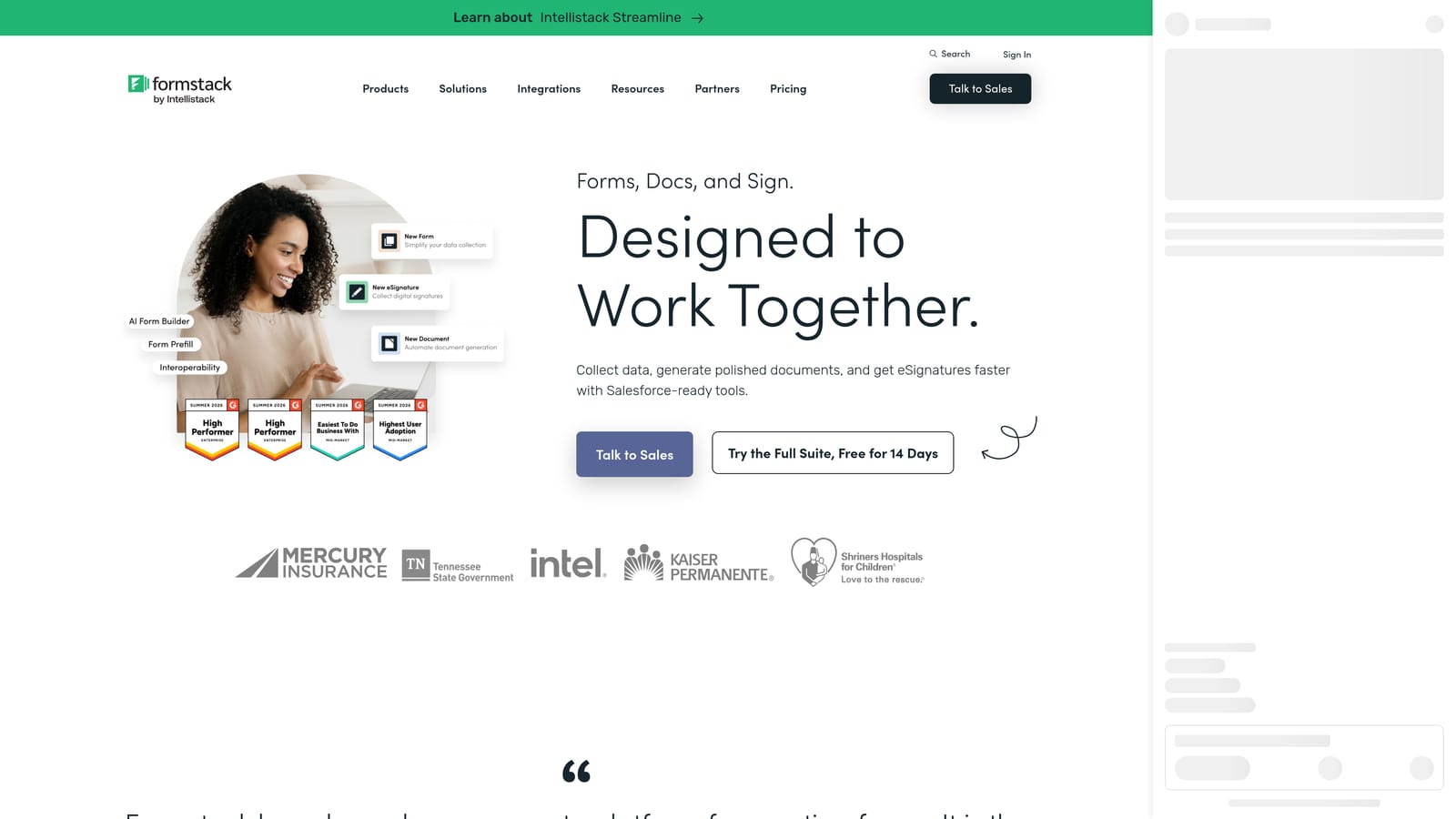
Formstack is an enterprise form and workflow platform that extends well beyond basic data collection into process automation and document management.
Where This Tool Shines
Formstack is positioned for organizations where a product inquiry triggers a multi-step internal process: approvals, document generation, compliance checks, and handoffs between departments. Its workflow routing and approval chain capabilities make it more of a process automation tool that happens to start with a form.
The Salesforce native integration is particularly strong for enterprise teams. Rather than syncing via middleware, Formstack can read from and write to Salesforce objects directly, enabling inquiry forms that interact with existing CRM records in real time. HIPAA-compliant data handling options also make it viable for regulated industries.
Key Features
Multi-Step Workflow Routing: Route form submissions through approval chains and department handoffs automatically based on submission data.
Document Generation: Automatically generate populated documents from form submissions for quotes, contracts, or internal records.
HIPAA-Compliant Options: Meets compliance requirements for regulated industries handling sensitive inquiry data.
Salesforce Native Integration: Reads and writes Salesforce records directly, enabling real-time CRM interaction from the form layer.
Calculation Fields: Supports advanced conditional logic and calculation fields for pricing or scoring within inquiry forms.
Best For
Formstack is built for mid-market and enterprise teams where product inquiries feed into complex internal workflows. It's over-engineered for small teams but genuinely valuable for organizations with multi-step approval or compliance requirements.
Pricing
Plans start at approximately $83/month, with enterprise pricing available. Verify current pricing at formstack.com.
8. Google Forms
Best for: Teams that need a completely free, zero-setup form for basic product inquiry collection.
Google Forms is a free, no-frills form builder tied to Google Workspace, suitable for simple inquiry collection without technical setup.
Where This Tool Shines
Google Forms does exactly what it says on the tin. If you need a basic product inquiry form live in ten minutes with no budget, no platform account, and no integration work, this is the fastest path. Responses flow directly into Google Sheets, making it easy for small teams to track and manage submissions manually.
Collaborative editing is a quiet strength. Multiple team members can edit the same form simultaneously, which is useful when building inquiry forms across marketing and sales without a shared platform subscription. For very early-stage businesses or internal inquiry workflows, it covers the basics reliably.
Key Features
Completely Free: No submission limits, no paid tiers, no credit card required beyond a Google account.
Google Sheets Integration: All responses automatically populate a connected spreadsheet for easy tracking and filtering.
Simple Branching Logic: Basic section-skipping logic allows for simple conditional paths within an inquiry form.
Link and Embed Sharing: Share via direct link or embed on any page with minimal setup.
Collaborative Editing: Multiple team members can build and edit forms simultaneously using Google's standard sharing model.
Best For
Google Forms is appropriate for very early-stage teams, internal inquiry workflows, or situations where budget is zero and requirements are simple. It is not suitable for high-growth teams that need lead qualification, CRM routing, or conversion optimization.
Pricing
Completely free with any Google account.
9. Cognito Forms
Best for: Teams building quote-request or custom product inquiry forms that require calculation logic and repeating fields.
Cognito Forms is a form builder with standout calculation and repeating field capabilities, purpose-built for complex product inquiry and quote workflows.
Where This Tool Shines
Cognito Forms occupies a specific niche: inquiry forms that need to do math. If your product inquiry form asks for quantities, configurations, or custom specifications and needs to calculate estimated pricing on the fly, Cognito Forms handles this natively without custom code. That's a capability most general-purpose form builders don't offer cleanly.
Repeating sections are another practical differentiator. Respondents can add multiple product line items within a single form submission, which is genuinely useful for B2B manufacturers, custom product vendors, or any business where a single inquiry might cover several items with different specifications.
Key Features
Calculation Fields: Perform pricing, quantity, and scoring calculations directly within the form using built-in formula logic.
Repeating Sections: Allow respondents to add multiple product entries within a single inquiry submission for multi-item requests.
Conditional Logic and Multi-Page Support: Standard branching and multi-step form capabilities for more complex inquiry flows.
Payment Collection: Collect payments via Stripe integration directly within quote or inquiry forms.
Generous Free Tier: Free plan includes unlimited forms, making it accessible for teams evaluating the tool before committing.
Best For
Cognito Forms is the right choice for B2B manufacturers, custom product businesses, or any team whose inquiry forms need to handle pricing calculations or multi-item line entries. It's a niche tool, but for that niche it's exceptionally well suited.
Pricing
Free plan available with unlimited forms. Paid plans start at approximately $15/month. Verify current pricing at cognitoforms.com.
Which Tool Is Right for Your Team
The right product inquiry form builder depends almost entirely on what you need to happen after someone hits submit. Here's a quick way to think through the decision.
AI-powered lead qualification: Orbit AI is the clear choice if you want intelligence built into the form layer itself, with routing, sequences, and analytics included.
Conversational UX and design quality: Typeform delivers the most polished one-question-at-a-time experience for teams where brand impression matters.
Fast deployment from templates: JotForm's 10,000+ template library gets you live faster than any other option on this list.
Best free tier: Tally offers unlimited forms and responses at no cost, making it the strongest free option for simple inquiry capture. Google Forms is the fallback if you need zero setup and have no budget at all.
CRM-native integration: HubSpot Forms wins for teams already running on HubSpot, with no middleware and progressive profiling built in.
WordPress sites: Gravity Forms remains the standard for WordPress-based businesses that want developer-extensible form logic inside their existing CMS.
Enterprise workflows with approvals: Formstack handles the multi-step, compliance-aware, document-generating workflows that simpler tools can't touch.
Quote and calculation logic: Cognito Forms is uniquely capable for inquiry forms that need to calculate pricing or handle multi-item product entries.
For most high-growth SaaS and B2B teams, the gap between a form that collects data and a form that qualifies and converts is significant. Transform your lead generation with AI-powered forms that qualify prospects automatically while delivering the modern, conversion-optimized experience your team needs. Book a demo and see how intelligent form design can elevate your conversion strategy.