Your website's contact form is often the first real conversation you have with potential customers. A clunky, generic form can kill conversions before they start, while the right contact form software turns casual visitors into qualified leads. But with dozens of options available—from simple embedded forms to AI-powered lead qualification platforms—choosing the right tool depends on your specific needs: ease of use, customization, integrations, or advanced features like conditional logic and automation.
We evaluated the top contact form software based on user experience, feature depth, pricing flexibility, and how well they integrate with modern business workflows. Here are the best options for 2026.
1. Orbit AI
Best for: High-growth teams needing AI-powered lead qualification and conversion optimization
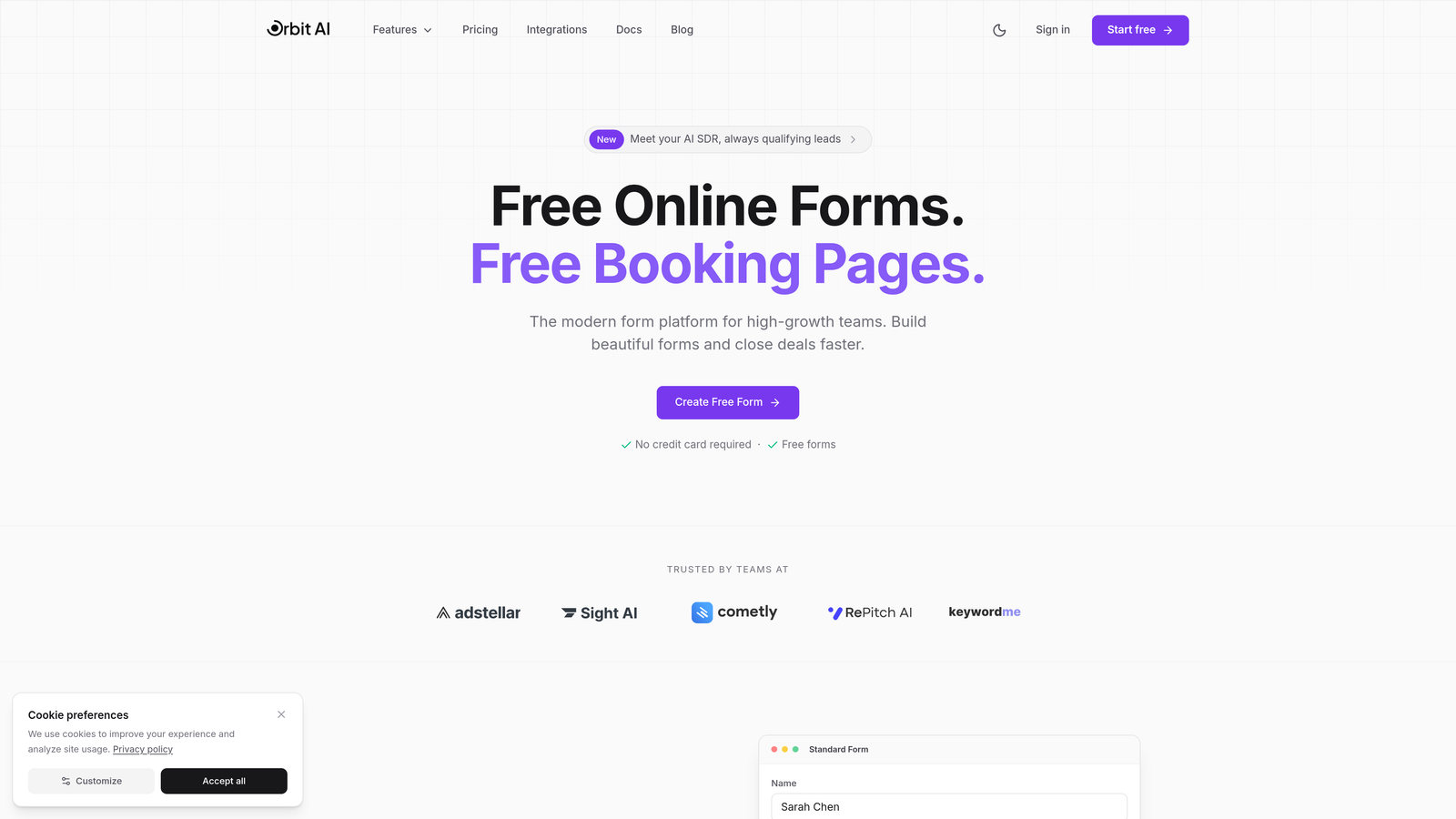
Orbit AI is a modern form builder platform designed specifically for teams that prioritize lead quality over quantity.
Where This Tool Shines
Orbit AI takes a fundamentally different approach to contact forms by embedding intelligence directly into the qualification process. Instead of collecting data and sorting leads manually later, the platform automatically scores and routes prospects based on their responses in real-time.
The conversion-optimized templates are built on behavioral data, helping high-growth teams capture more qualified leads without sacrificing user experience. For SaaS companies and B2B teams managing complex sales cycles, this means sales reps spend time on prospects who are actually ready to buy.
Key Features
AI-Powered Lead Qualification: Automatically scores and routes leads based on response patterns and qualification criteria you define.
Conversion-Optimized Templates: Pre-built form designs based on conversion research, reducing time to launch while maximizing completion rates.
Deep CRM Integrations: Native connections with HubSpot, Salesforce, Attio, and other modern CRMs ensure seamless data flow.
Automated Workflows: Trigger sequences and actions based on form responses without manual intervention.
Real-Time Analytics: Track form performance, completion rates, and lead quality metrics in a unified dashboard.
Best For
High-growth B2B teams, SaaS companies, and marketing agencies that need to scale lead generation without scaling headcount. Particularly valuable for businesses where lead quality directly impacts sales efficiency.
Pricing
Free tier available with core features. Paid plans start at competitive rates for growing teams, scaling with form submissions and advanced automation needs.
2. Typeform
Best for: Creating engaging, conversational forms that boost completion rates
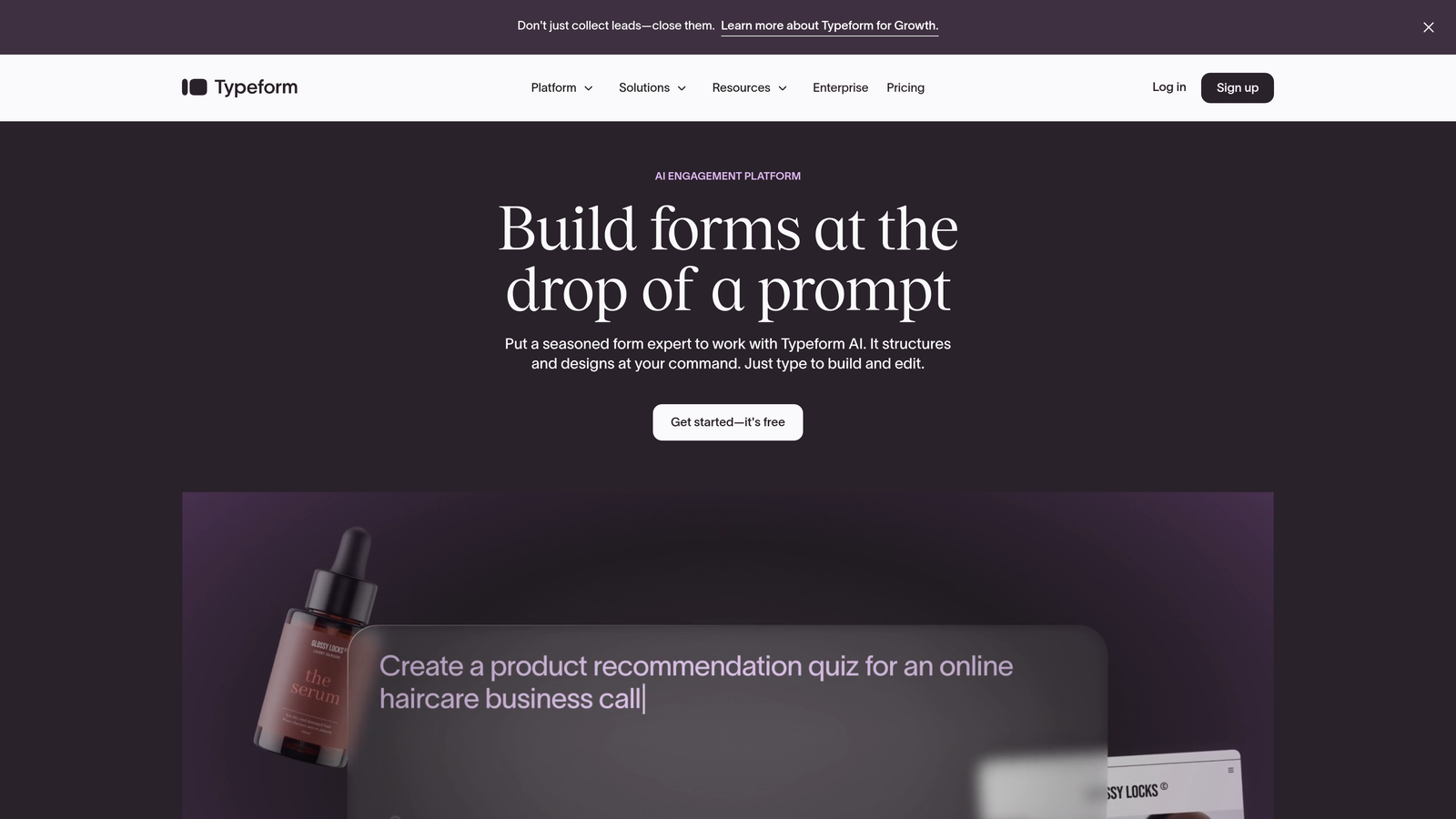
Typeform pioneered the one-question-at-a-time format that makes long forms feel manageable and engaging.
Where This Tool Shines
Typeform's conversational interface transforms traditional form-filling into an interactive experience. By showing one question at a time, it reduces cognitive load and keeps users focused, which consistently delivers higher completion rates compared to traditional multi-field forms.
The platform excels at creating forms that feel more like conversations than interrogations. For customer research, event registrations, and lead capture where engagement matters, Typeform's design philosophy pays dividends.
Key Features
One-Question-at-a-Time Interface: Reduces form abandonment by breaking complex forms into digestible steps.
Beautiful Design Templates: Professionally designed themes that work across devices without customization.
Logic Jumps: Create dynamic forms that adapt based on previous answers, showing only relevant questions.
Rich Media Embedding: Add videos, images, and GIFs to make forms more engaging and contextual.
Native Integrations: Connect directly with Slack, Google Sheets, Mailchimp, and hundreds of other tools.
Best For
Marketing teams focused on user experience, customer research professionals, and event organizers who need high completion rates. Works particularly well for surveys and feedback collection where engagement is critical.
Pricing
Free plan available with limited responses. Basic plan starts at $25/month, with higher tiers adding advanced logic and integrations.
3. Jotform
Best for: Teams needing extensive templates and customization for diverse use cases
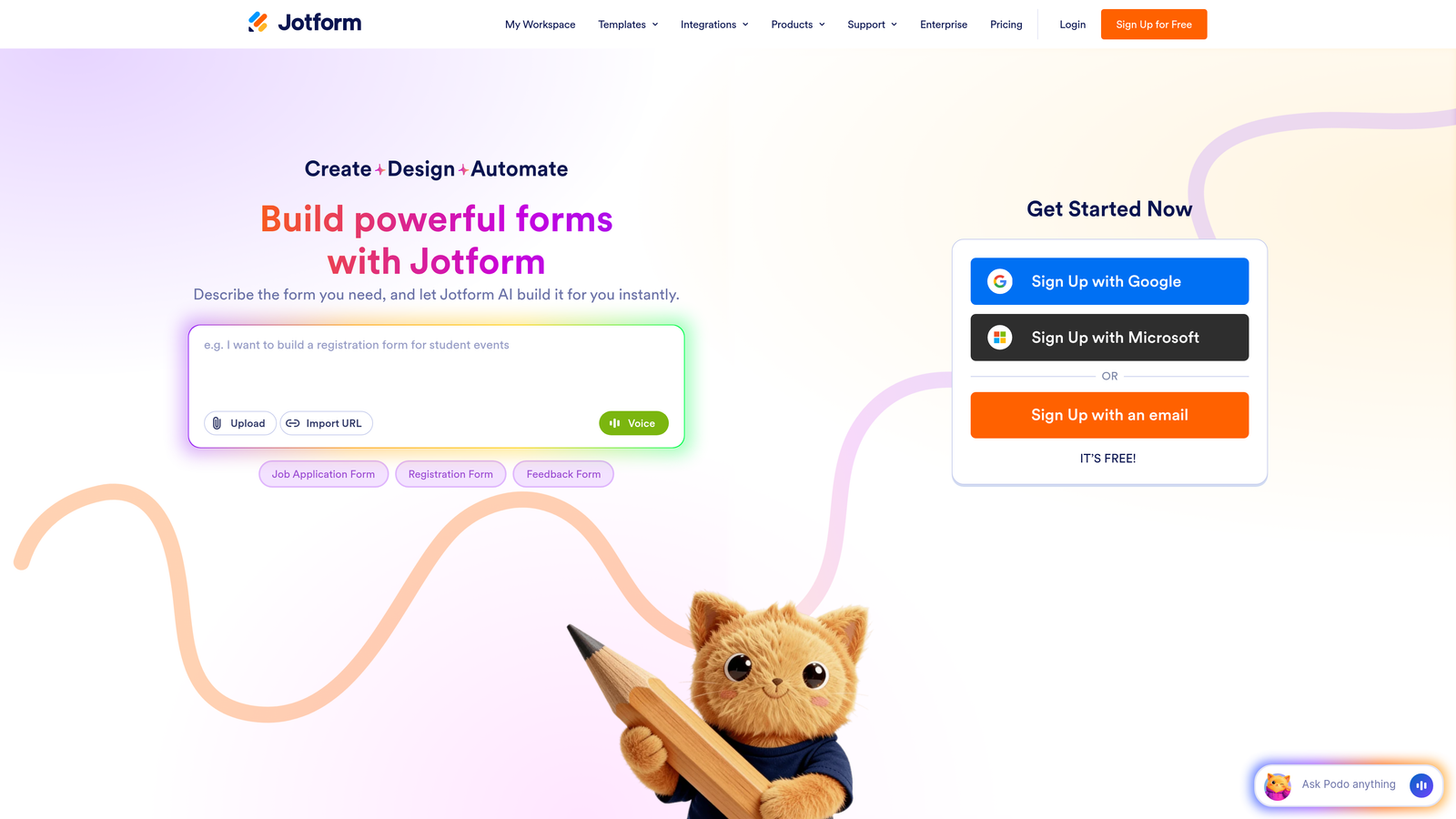
Jotform offers one of the largest template libraries in the industry with over 10,000 pre-built forms.
Where This Tool Shines
Jotform's strength lies in its versatility. Whether you need a simple contact form, a complex multi-page application, or a payment form for event registration, there's likely a template that gets you 80% of the way there. The drag-and-drop builder makes customization straightforward even for non-technical users.
The platform handles payment processing natively through Stripe, PayPal, and Square, making it particularly valuable for teams that need to collect payments alongside form data. This eliminates the need for separate payment tools or complex integrations.
Key Features
10,000+ Templates: Pre-built forms for virtually every use case, from job applications to order forms.
Drag-and-Drop Builder: Intuitive interface that requires no coding knowledge for customization.
Payment Integrations: Built-in payment processing through major providers without third-party tools.
Conditional Logic: Show or hide fields based on user responses, plus perform calculations automatically.
Mobile App: Manage forms and view submissions on iOS and Android devices.
Best For
Small businesses and teams that need versatile form solutions across multiple departments. Particularly strong for organizations that need payment collection, event registration, or application processing.
Pricing
Free plan includes 5 forms. Bronze plan starts at $34/month with 25 forms and more submissions.
4. HubSpot Forms
Best for: Teams already using HubSpot CRM who need seamless lead capture
HubSpot Forms is a free form builder that integrates natively with the HubSpot ecosystem.

Where This Tool Shines
If you're already in the HubSpot ecosystem, this is the most frictionless way to capture leads. Forms automatically create or update CRM contacts, trigger workflows, and feed into your marketing automation sequences without any middleware or data syncing delays.
Progressive profiling is a standout feature—forms automatically adjust to show different questions to returning visitors, gradually building richer contact profiles without overwhelming users with long forms on first contact.
Key Features
Free with HubSpot CRM: No additional cost if you're using HubSpot's free CRM tier.
Progressive Profiling: Automatically show different questions to returning visitors to build deeper contact profiles over time.
Automatic CRM Creation: Every form submission instantly creates or updates a contact record with full history.
Smart Fields: Forms adapt to show pre-filled information for known contacts, reducing friction.
Built-In Analytics: Track form performance, submission sources, and conversion rates directly in HubSpot.
Best For
Marketing and sales teams already using HubSpot CRM. Most valuable for organizations that want tight integration between form submissions and marketing automation workflows.
Pricing
Free with HubSpot CRM. Advanced features like A/B testing and dependent fields require paid Marketing Hub tiers starting at $800/month.
5. Gravity Forms
Best for: WordPress users needing powerful forms with extensive customization
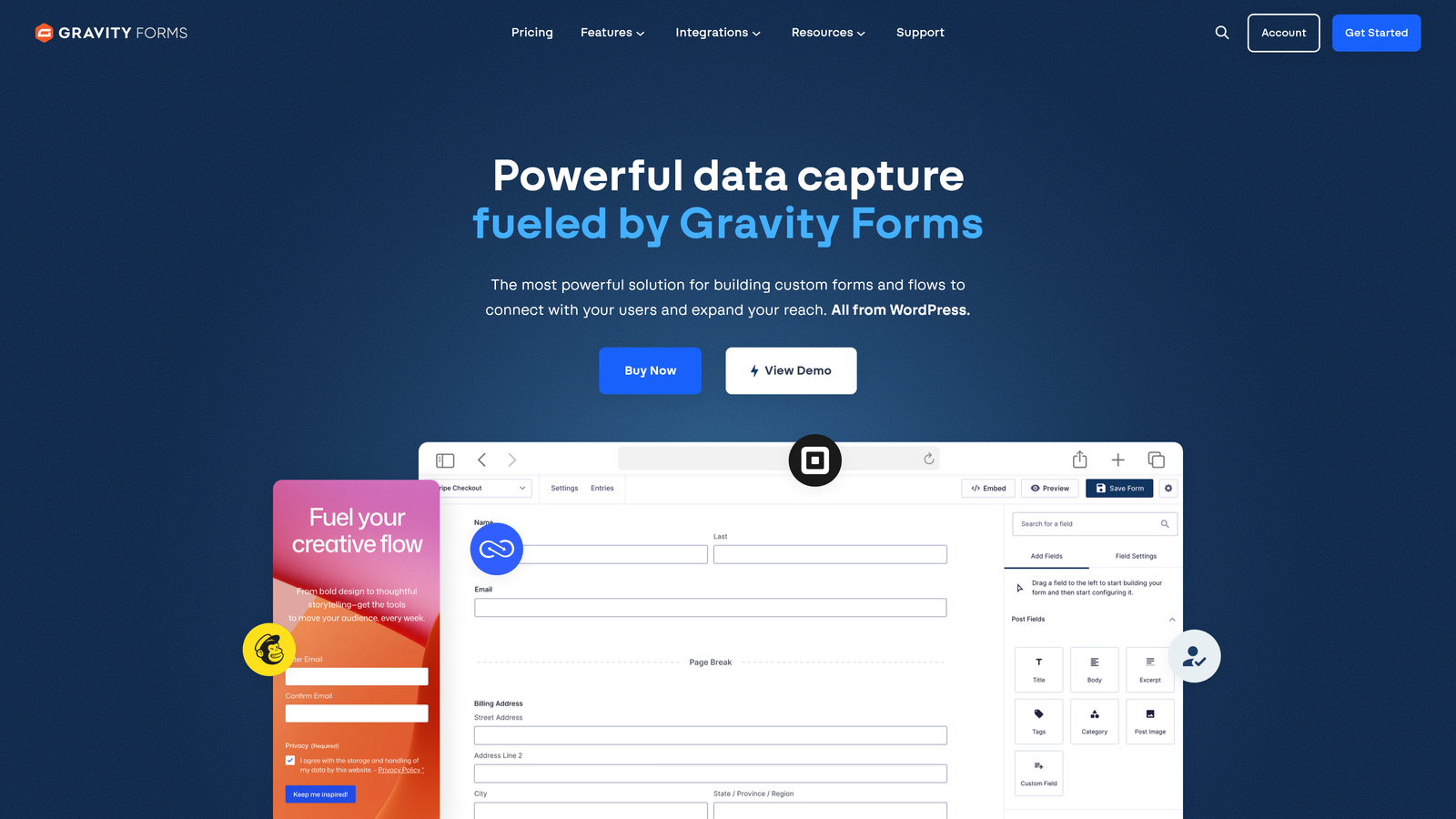
Gravity Forms is a premium WordPress plugin that's become the de facto standard for serious WordPress form building.
Where This Tool Shines
Gravity Forms offers unmatched flexibility for WordPress sites. The add-on ecosystem extends functionality in virtually any direction—from payment processing to advanced calculations to custom post creation. For developers, the extensive hooks and filters make it possible to build exactly the form experience you need.
The one-time license payment model is refreshing in a subscription-heavy market. Pay once per year, and you own the software for that period without worrying about per-submission costs or feature limitations.
Key Features
Deep WordPress Integration: Works seamlessly with WordPress themes, plugins, and user management systems.
Extensive Add-On Marketplace: Hundreds of official and third-party add-ons for payments, CRM integration, and advanced functionality.
Conditional Logic: Show or hide fields, pages, and form elements based on user input with powerful logic rules.
File Uploads and Signatures: Collect documents, images, and digital signatures directly through forms.
One-Time License: Annual license model instead of monthly subscriptions, with all features included in each tier.
Best For
WordPress-based businesses, agencies managing multiple client sites, and organizations that need complete control over form functionality and data storage.
Pricing
Basic license starts at $59/year for a single site. Pro license at $159/year includes all add-ons and priority support.
6. Tally
Best for: Teams wanting unlimited forms on a generous free plan
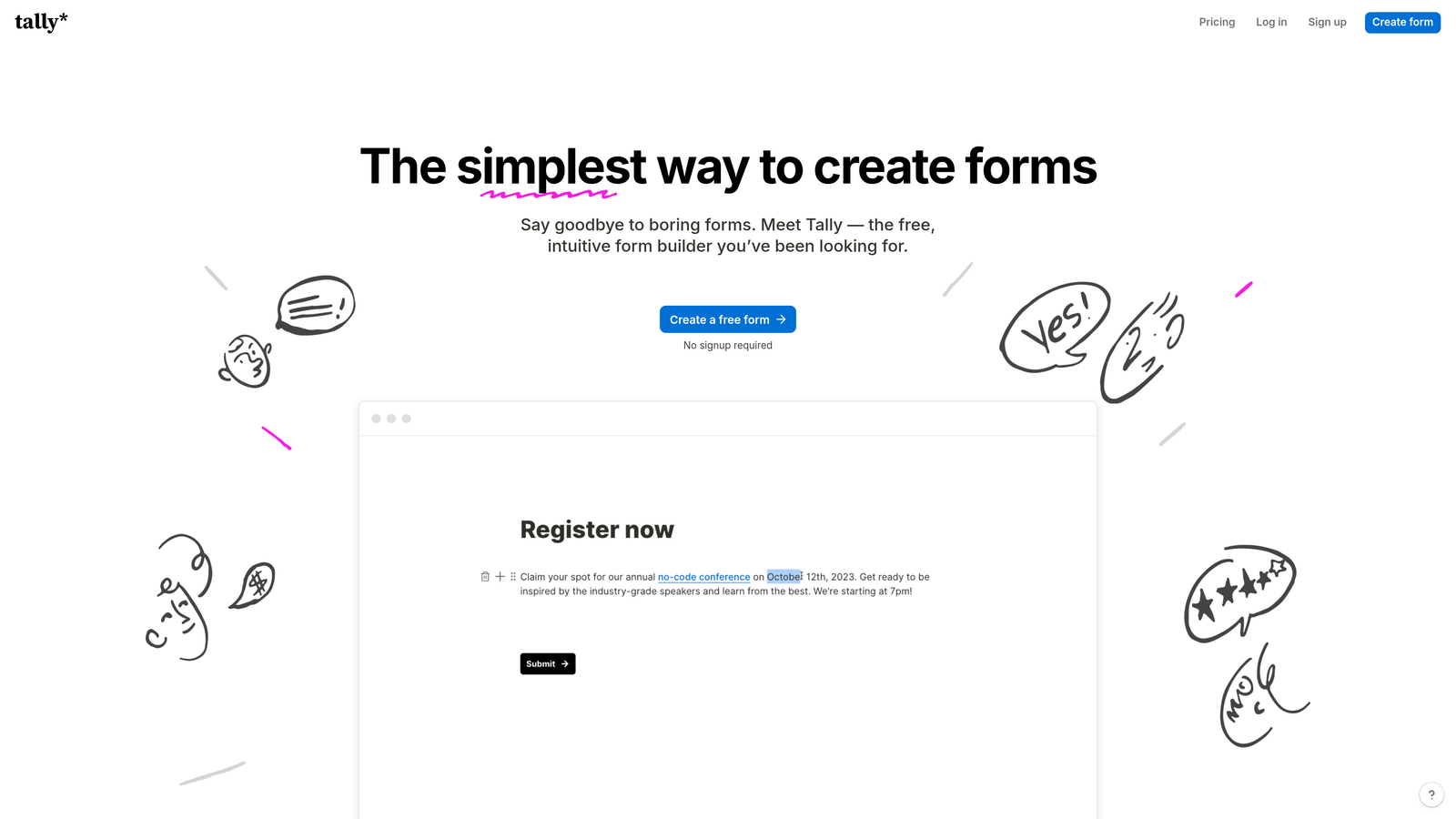
Tally brings a Notion-like editing experience to form building with an impressively generous free tier.
Where This Tool Shines
Tally's block-based editor feels immediately familiar to anyone who's used Notion or similar tools. You build forms by adding and arranging blocks, making the creation process intuitive and fast. The unlimited forms on the free plan remove the artificial constraints that plague most competitors.
For teams that need custom branding and white-label forms without enterprise pricing, Tally delivers. Custom domains and full branding control are available even on lower-tier plans, making it accessible for startups and small businesses.
Key Features
Unlimited Forms on Free Plan: No artificial limits on the number of forms you can create, unlike most competitors.
Block-Based Editor: Notion-style interface that makes form building fast and intuitive.
Conditional Logic: Create dynamic forms that adapt based on user responses with straightforward logic rules.
Custom Domains: Use your own domain for forms, even on lower-tier plans.
Integrations via Zapier: Connect to thousands of apps through Zapier and native webhooks.
Best For
Startups and small teams that need professional forms without budget constraints. Particularly valuable for organizations that need multiple forms across different projects or departments.
Pricing
Free plan with unlimited forms. Pro plan at $29/month adds file uploads, payment collection, and advanced features.
7. Formstack
Best for: Enterprise teams needing compliance, security, and workflow automation
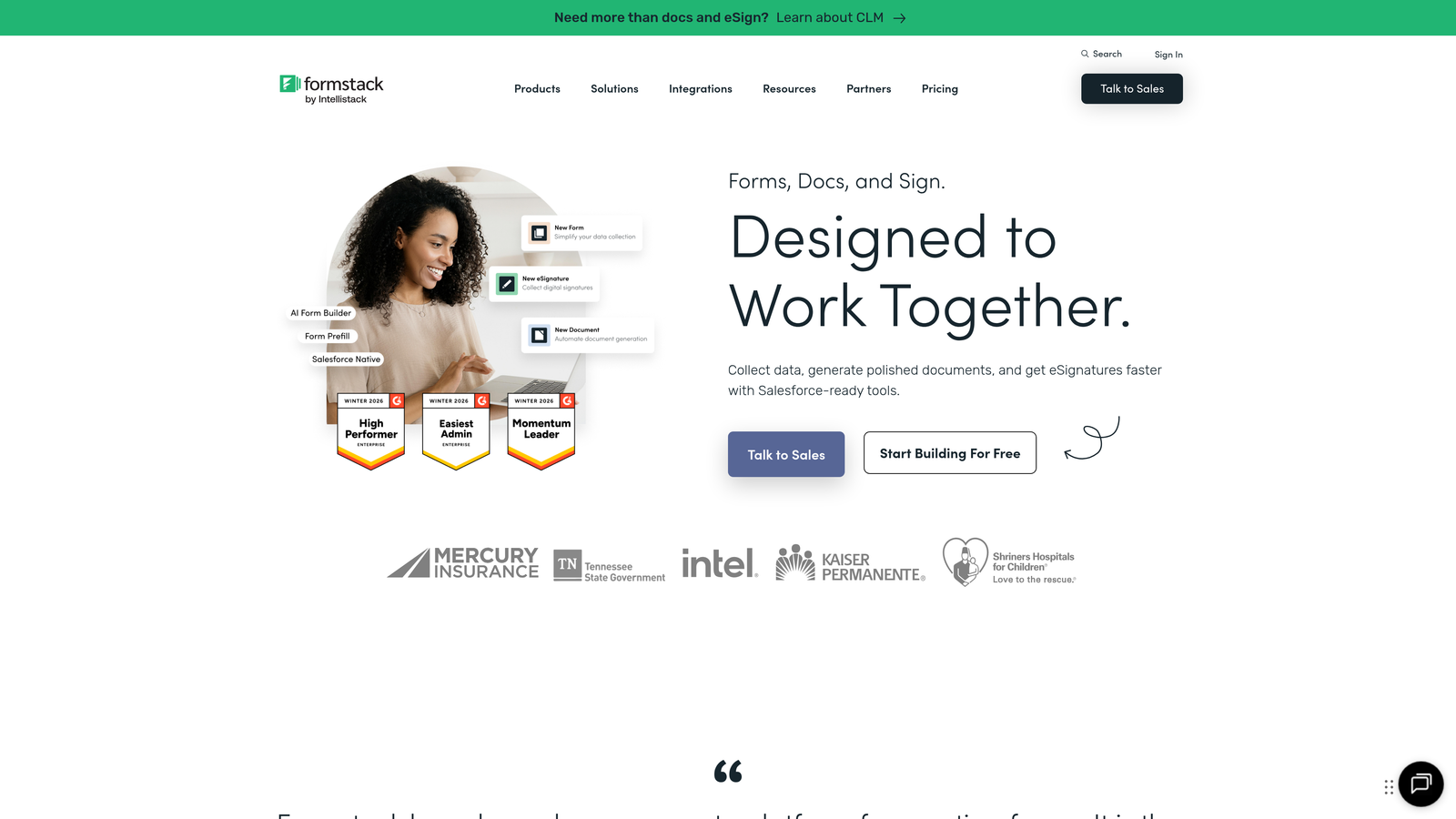
Formstack is an enterprise-grade form platform built for organizations with complex compliance and security requirements.
Where This Tool Shines
Formstack excels in regulated industries where compliance isn't optional. HIPAA compliance for healthcare organizations, advanced security features, and audit trails make it suitable for handling sensitive data. The workflow automation goes beyond simple form submissions to include approvals, document generation, and multi-step processes.
For organizations that need forms to integrate into larger business processes—not just collect data—Formstack's automation capabilities eliminate manual handoffs and ensure consistent execution of complex workflows.
Key Features
Advanced Conditional Logic: Complex branching and logic rules that handle sophisticated form flows.
HIPAA Compliance: Built-in features for healthcare organizations handling protected health information.
Document Generation: Automatically create PDFs and documents from form submissions with custom templates.
Workflow Automation: Build approval processes, routing, and multi-step workflows directly in the platform.
Enterprise Security: Advanced permissions, audit trails, and security features for large organizations.
Best For
Healthcare organizations, financial services, government agencies, and enterprises that need compliance certifications and advanced workflow automation. Most valuable for teams managing complex, multi-step processes.
Pricing
Starts at $50/month for basic plans. Enterprise pricing available with custom features, dedicated support, and compliance packages.
8. Google Forms
Best for: Simple data collection with zero budget and Google Workspace integration
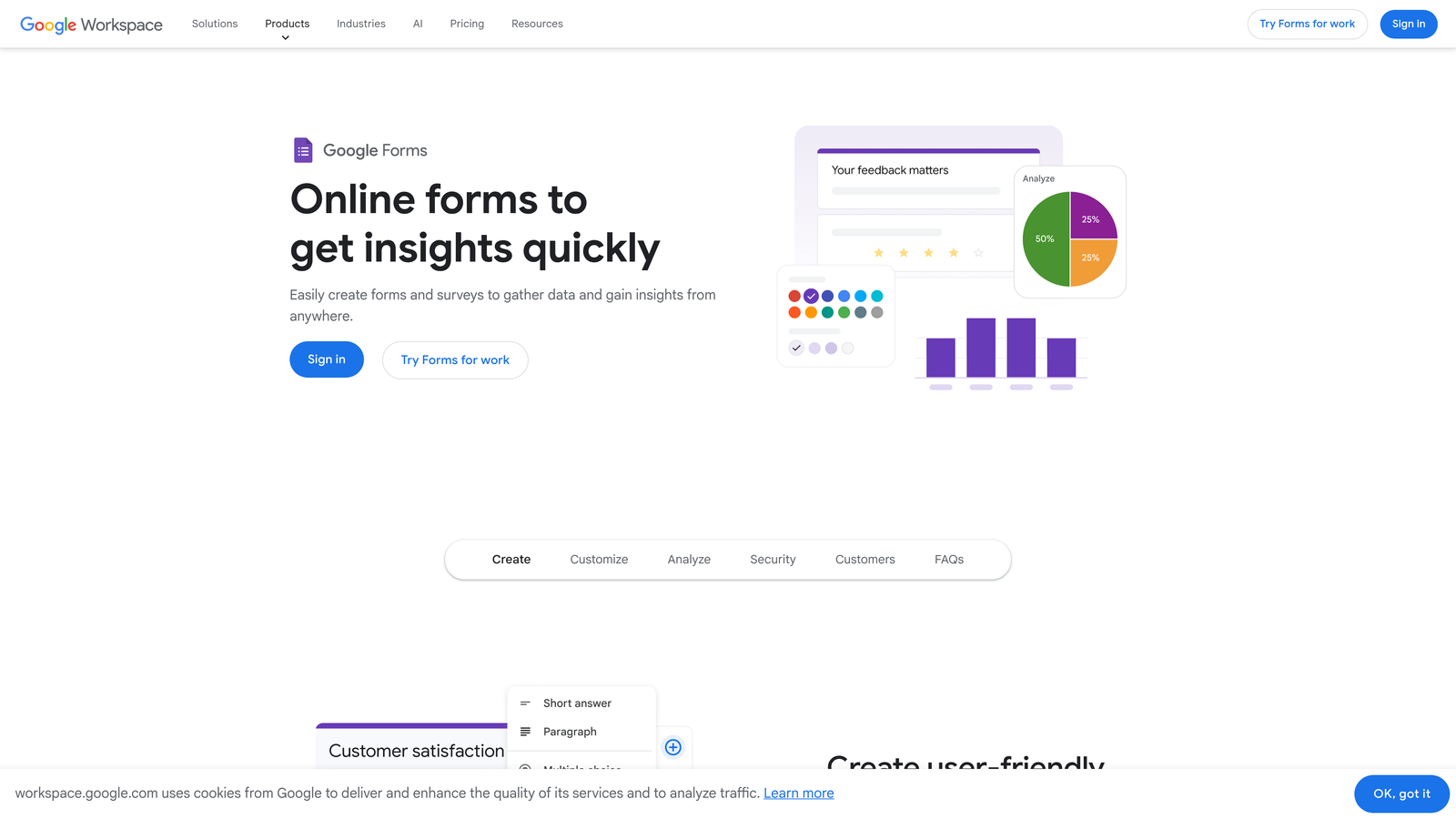
Google Forms is a completely free form builder that integrates seamlessly with Google Workspace.
Where This Tool Shines
Google Forms removes all barriers to getting started. No account limits, no submission caps, no feature paywalls—just straightforward form building that works. For internal surveys, event RSVPs, and basic data collection, the simplicity is the feature.
The automatic Google Sheets integration means your data flows directly into a spreadsheet where you can analyze, share, and manipulate it using familiar tools. For teams already using Google Workspace, this creates a frictionless workflow from collection to analysis.
Key Features
Completely Free: No paid tiers, no submission limits, no feature restrictions.
Real-Time Collaboration: Multiple team members can edit forms simultaneously, just like Google Docs.
Automatic Sheets Integration: Responses flow directly into Google Sheets for instant analysis and reporting.
Basic Conditional Logic: Show or hide questions based on previous answers with section branching.
Quiz Mode: Create quizzes with automatic grading and instant feedback for educational use cases.
Best For
Schools, nonprofits, small teams, and anyone needing basic forms without budget. Perfect for internal surveys, event registration, and simple data collection where advanced features aren't required.
Pricing
Free with a Google account. No paid tiers or premium features.
9. Wufoo
Best for: Quick form setup with built-in payment processing
Wufoo combines ease of use with practical features like payment collection and file uploads.
Where This Tool Shines
Wufoo's 400+ templates cover common business scenarios, letting you launch forms in minutes rather than hours. The template library focuses on practical use cases—event registration, order forms, contact requests—rather than trying to be everything to everyone.
Built-in payment processing eliminates the need for third-party integrations when collecting fees, donations, or processing orders. This makes Wufoo particularly efficient for organizations that need to monetize forms without technical complexity.
Key Features
400+ Templates: Pre-built forms covering common business scenarios from contact forms to payment collection.
Built-In Payment Collection: Accept payments directly through forms without separate payment processor integrations.
File Upload Capabilities: Collect documents, images, and files as part of form submissions.
Custom Branding: Add your logo, colors, and branding to match your organization's identity.
Popular App Integrations: Connect to Mailchimp, Salesforce, and other business tools through native integrations.
Best For
Small businesses, event organizers, and nonprofits that need to collect payments or registrations quickly. Works well for organizations that prioritize speed to launch over advanced customization.
Pricing
Free plan available with limited forms and submissions. Starter plan at $14.08/month includes more forms and entries.
10. Cognito Forms
Best for: Complex calculations, payment forms, and conditional logic
Cognito Forms excels at handling complex form logic, calculations, and payment processing.
Where This Tool Shines
Cognito Forms handles mathematical complexity that would break most form builders. Need to calculate prices based on multiple selections, apply discounts conditionally, or perform complex formulas? This platform makes it straightforward. The calculation engine supports advanced operations without requiring custom code.
Repeating sections let users dynamically add multiple entries within a single form—think adding multiple attendees to an event registration or multiple items to an order form. This flexibility eliminates the need for separate forms or manual data consolidation.
Key Features
Advanced Calculation Fields: Perform complex mathematical operations, price calculations, and conditional formulas within forms.
Payment Integrations: Process payments through Stripe, PayPal, or Square with built-in support.
Repeating Sections: Let users add multiple entries dynamically, like adding multiple attendees or line items.
Conditional Logic: Show, hide, or require fields based on complex conditions and user responses.
Data Encryption: Built-in encryption and compliance features for handling sensitive information.
Best For
Organizations that need complex calculations, order forms with variable pricing, or payment collection with conditional logic. Particularly valuable for event registration, membership applications, and quote request forms.
Pricing
Free plan available with basic features. Pro plan starts at $15/month with unlimited forms and advanced features.
11. 123FormBuilder
Best for: Security-focused teams in regulated industries
123FormBuilder emphasizes security, compliance, and multi-language support for global organizations.
Where This Tool Shines
123FormBuilder takes security seriously, offering GDPR and HIPAA compliance features that meet regulatory requirements in healthcare, finance, and other regulated industries. The platform includes data encryption, secure file uploads, and audit trails that satisfy compliance officers.
Multi-language support makes it practical for global organizations that need forms in multiple languages without managing separate versions. Forms can automatically detect user language or let users choose, reducing friction for international audiences.
Key Features
GDPR and HIPAA Compliance: Built-in features for meeting European privacy regulations and healthcare data requirements.
Advanced Security: Data encryption, secure file storage, and audit trails for sensitive information handling.
Payment Form Capabilities: Accept payments through major processors with secure, compliant processing.
Conditional Logic: Create dynamic forms with skip logic and field visibility rules.
Multi-Language Support: Build forms in multiple languages for international audiences without duplicating work.
Best For
Healthcare providers, financial services, international organizations, and any business handling sensitive data with strict compliance requirements. Most valuable when regulatory compliance is non-negotiable.
Pricing
Free plan available with limited features. Gold plan starts at $24.99/month with advanced security and compliance features.
Making the Right Choice
The best contact form software depends on where you are and where you're headed. For high-growth teams focused on lead quality over quantity, Orbit AI's AI-powered qualification stands out—it's built specifically for teams that need to scale lead generation without scaling headcount. If engagement and design are priorities, Typeform's conversational interface consistently delivers higher completion rates.
WordPress users will find Gravity Forms hard to beat, especially if you need the flexibility of its extensive add-on ecosystem. Budget-conscious teams should explore Tally's generous free tier, which removes the artificial form limits that plague competitors. Enterprise organizations needing compliance and workflow automation should consider Formstack, particularly if you're in healthcare or finance.
Start by identifying your primary goal. Are you focused on lead generation? Customer support? Simple data collection? Payment processing? Match that goal to the tool that excels in that specific area. Most options offer free trials or freemium tiers, so test two or three before committing.
For teams serious about conversion optimization and lead quality, start your free trial today and see how intelligent form design can elevate your conversion strategy. The right contact form software doesn't just collect data—it transforms how you connect with prospects and qualify leads at scale.