Static forms that ask everyone the same questions are leaving conversions on the table. When a visitor answers 'I'm a freelancer' but still sees questions about enterprise team size, they bounce. Conditional logic form platforms solve this by creating dynamic, personalized experiences that adapt in real-time based on user responses. The result? Higher completion rates, better data quality, and leads that actually convert.
We evaluated dozens of platforms based on logic flexibility, ease of use, integration capabilities, and pricing to bring you the top options for building intelligent forms in 2026.
1. Orbit AI
Best for: High-growth teams needing AI-powered lead qualification alongside conditional logic
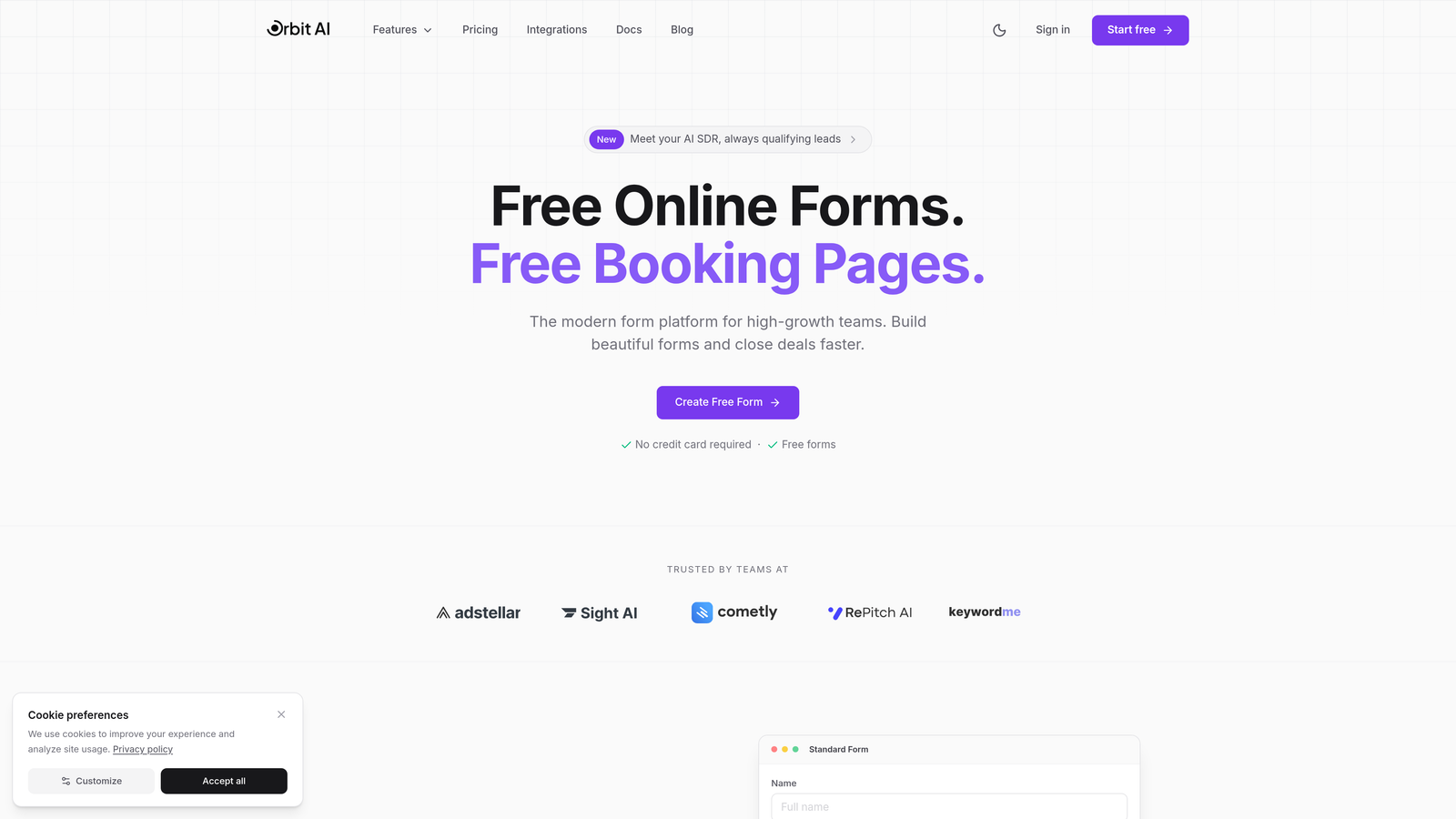
Orbit AI combines conditional logic with intelligent lead scoring to help teams capture and qualify prospects automatically.
Where This Tool Shines
Orbit AI stands out by pairing traditional conditional logic with AI-powered lead qualification. The platform analyzes form responses in real-time to score and route leads based on conversion likelihood, not just static rules.
The visual logic builder makes it simple to create complex branching scenarios without technical knowledge. Teams can route high-value prospects directly to sales while nurturing lower-intent leads through automated workflows.
Key Features
AI-Powered Lead Scoring: Automatically qualifies prospects based on response patterns and historical conversion data.
Visual Conditional Logic Builder: Drag-and-drop interface for creating multi-path form experiences without code.
Native CRM Integrations: Direct connections to HubSpot, Salesforce, and Pipedrive with automatic lead routing.
Conversion-Optimized Templates: Pre-built form designs specifically engineered for lead generation and qualification.
Real-Time Analytics: Track completion rates, drop-off points, and conversion metrics by logic path.
Best For
SaaS companies, marketing agencies, and high-growth B2B teams who need to maximize lead quality while maintaining high conversion rates. Particularly valuable for organizations with complex sales funnels requiring intelligent prospect routing.
Pricing
Free tier available for testing. Paid plans start at $29/month with advanced AI qualification features on higher tiers.
2. Typeform
Best for: Creating visually stunning, conversational form experiences with intuitive logic jumps
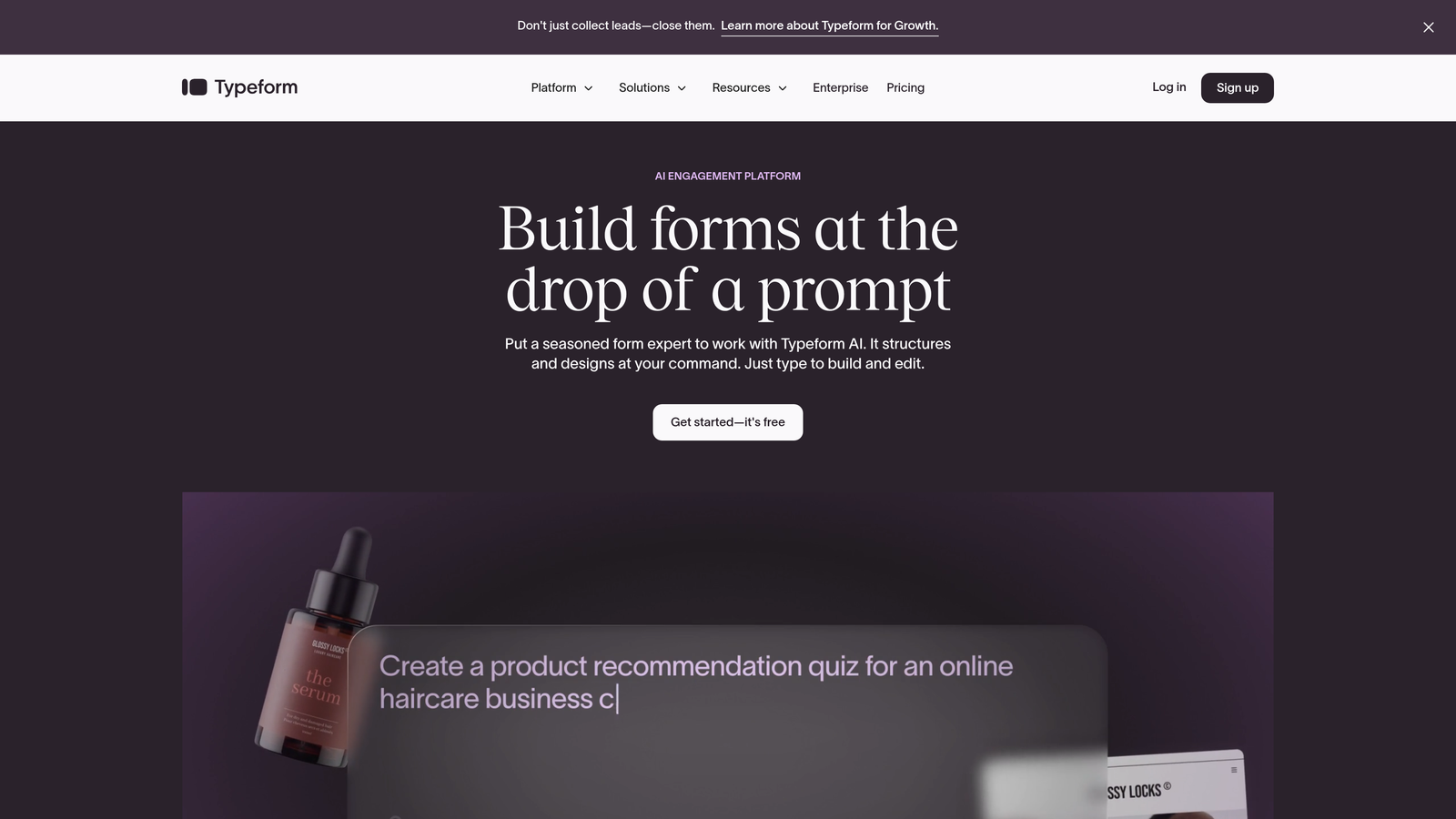
Typeform pioneered the one-question-at-a-time format that feels more like a conversation than a traditional form.
Where This Tool Shines
Typeform's conversational interface creates a unique user experience that consistently drives higher engagement than traditional multi-field forms. The platform displays one question at a time, reducing cognitive load and form abandonment.
Logic jumps feel natural within the conversational flow. You can guide respondents through personalized paths based on their answers, creating experiences that feel tailored rather than generic. The interface itself is intuitive enough that non-technical users can build complex branching logic in minutes.
Key Features
Conversational Format: One-question-at-a-time presentation that mimics natural conversation flow.
Logic Jumps and Branching: Route respondents to different questions based on previous answers with visual logic mapping.
Beautiful Templates: Extensive library of professionally designed themes with customizable colors, fonts, and backgrounds.
Media Embedding: Embed videos, images, and GIFs directly into questions for richer experiences.
Integration Ecosystem: Native connections to major platforms plus Zapier for broader automation possibilities.
Best For
Marketing teams prioritizing brand experience and user engagement. Ideal for customer feedback surveys, lead generation forms, and any scenario where completion rate matters more than speed.
Pricing
Free tier available with limited features. Basic plan starts at $25/month with full logic jump capabilities.
3. Jotform
Best for: Teams needing extensive template variety and drag-and-drop conditional logic customization
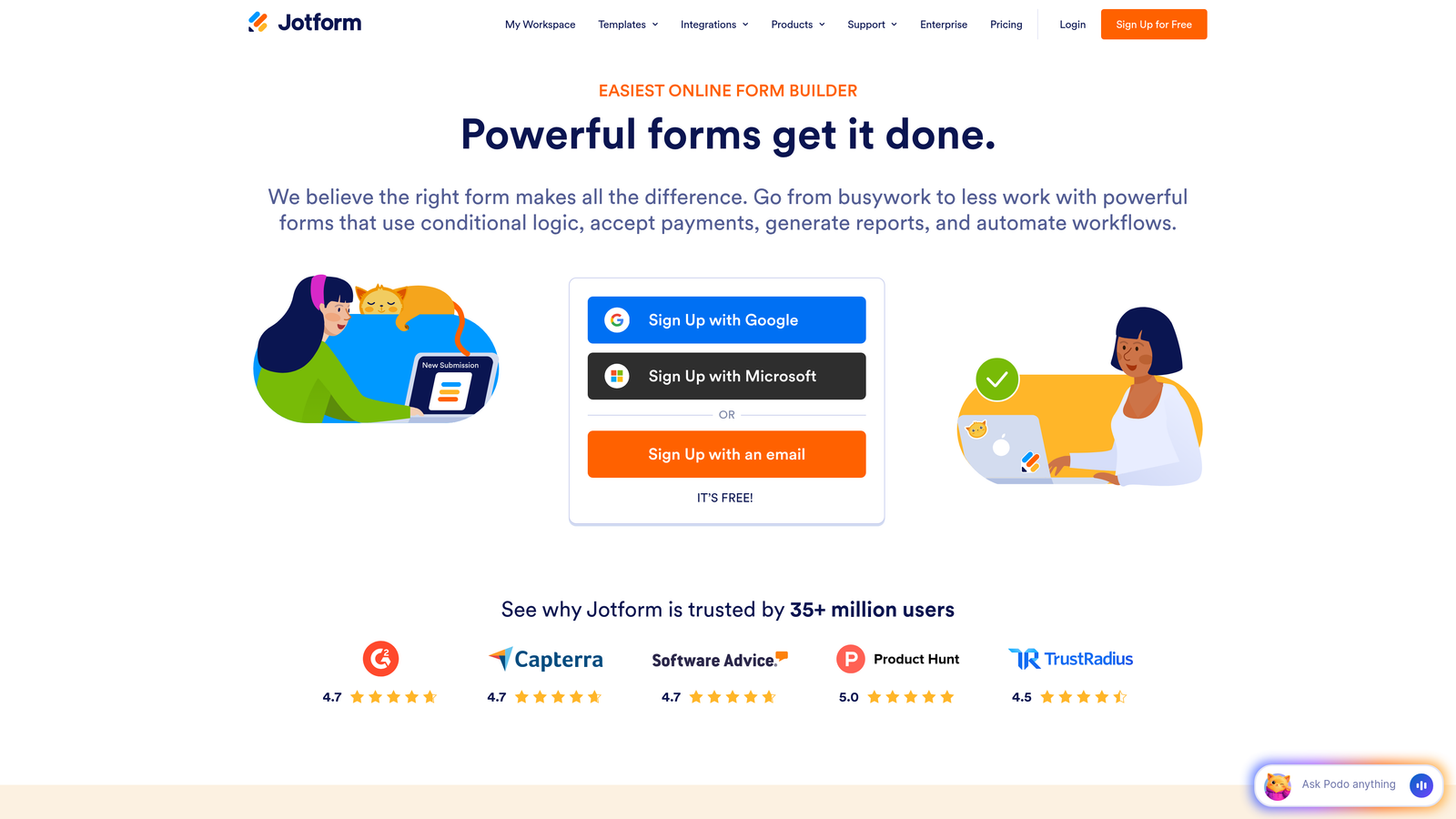
Jotform offers over 10,000 pre-built templates with flexible conditional logic for virtually any use case.
Where This Tool Shines
Jotform's massive template library means you'll rarely build forms from scratch. Whether you need event registration, job applications, or customer intake forms, there's likely a pre-built template with conditional logic already configured.
The drag-and-drop conditional logic builder is remarkably flexible. You can show or hide fields, entire sections, or even change form themes based on user responses. The platform also generates PDF documents from submissions, making it valuable for workflows requiring formatted output.
Key Features
10,000+ Templates: Industry-specific form templates with pre-configured logic for common scenarios.
Drag-and-Drop Logic Builder: Visual interface for creating show/hide rules and complex branching without coding.
Payment Collection: Direct integration with payment processors including Stripe, PayPal, and Square.
PDF Generation: Automatically create formatted PDF documents from form submissions.
Mobile Management App: iOS and Android apps for managing forms and viewing submissions on the go.
Best For
Small businesses and teams that value speed and template variety over custom design. Particularly useful for organizations managing multiple form types across different departments.
Pricing
Free tier includes 5 forms with basic features. Bronze plan starts at $34/month for 25 forms and full conditional logic.
4. Formstack
Best for: Enterprise organizations requiring advanced compliance, workflows, and document automation
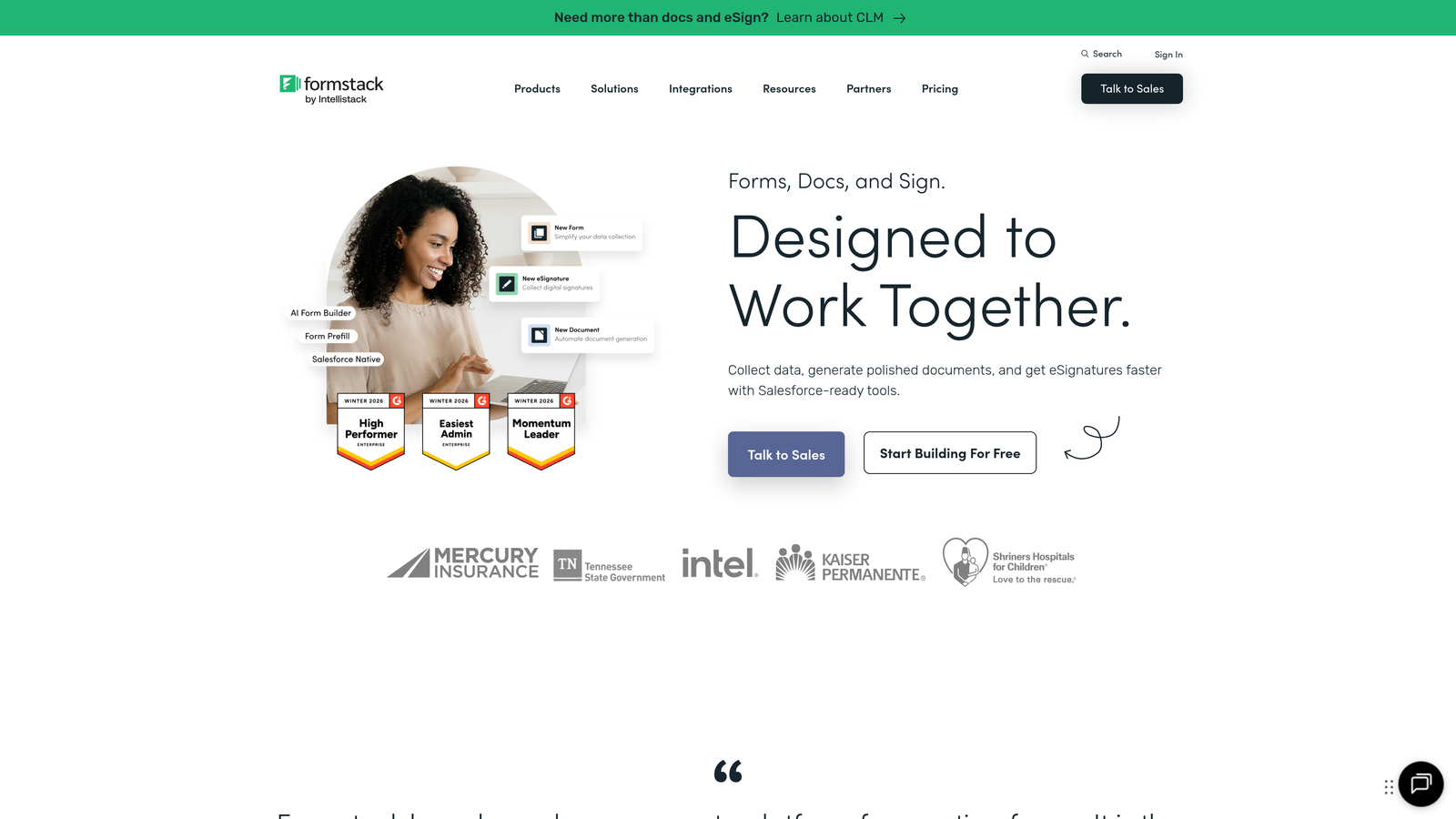
Formstack delivers enterprise-grade form capabilities with sophisticated conditional logic and compliance certifications.
Where This Tool Shines
Formstack targets regulated industries with HIPAA compliance options and robust security features. The conditional logic extends beyond simple show/hide rules to trigger entire workflows, document generation, and approval processes.
The Salesforce-native integration is particularly strong, allowing forms to live directly within Salesforce rather than relying on third-party connections. For healthcare, financial services, and other regulated sectors, Formstack's compliance certifications provide peace of mind that cheaper alternatives can't match.
Key Features
Advanced Conditional Logic: Multi-condition rules that trigger workflows, notifications, and document generation.
Document Generation: Automatically create contracts, reports, and formatted documents from form data.
HIPAA Compliance: Business Associate Agreements and security features for healthcare organizations.
Electronic Signatures: Collect legally binding signatures within forms with audit trails.
Salesforce-Native: Forms that live directly in Salesforce without external hosting or middleware.
Best For
Enterprise teams in regulated industries, healthcare organizations, financial services firms, and any business requiring HIPAA or SOC 2 compliance alongside sophisticated form logic.
Pricing
Starter plan begins at $50/month. Enterprise pricing available for organizations with advanced compliance and workflow requirements.
5. Paperform
Best for: Creating form-landing page hybrids with conditional logic applied to entire content blocks
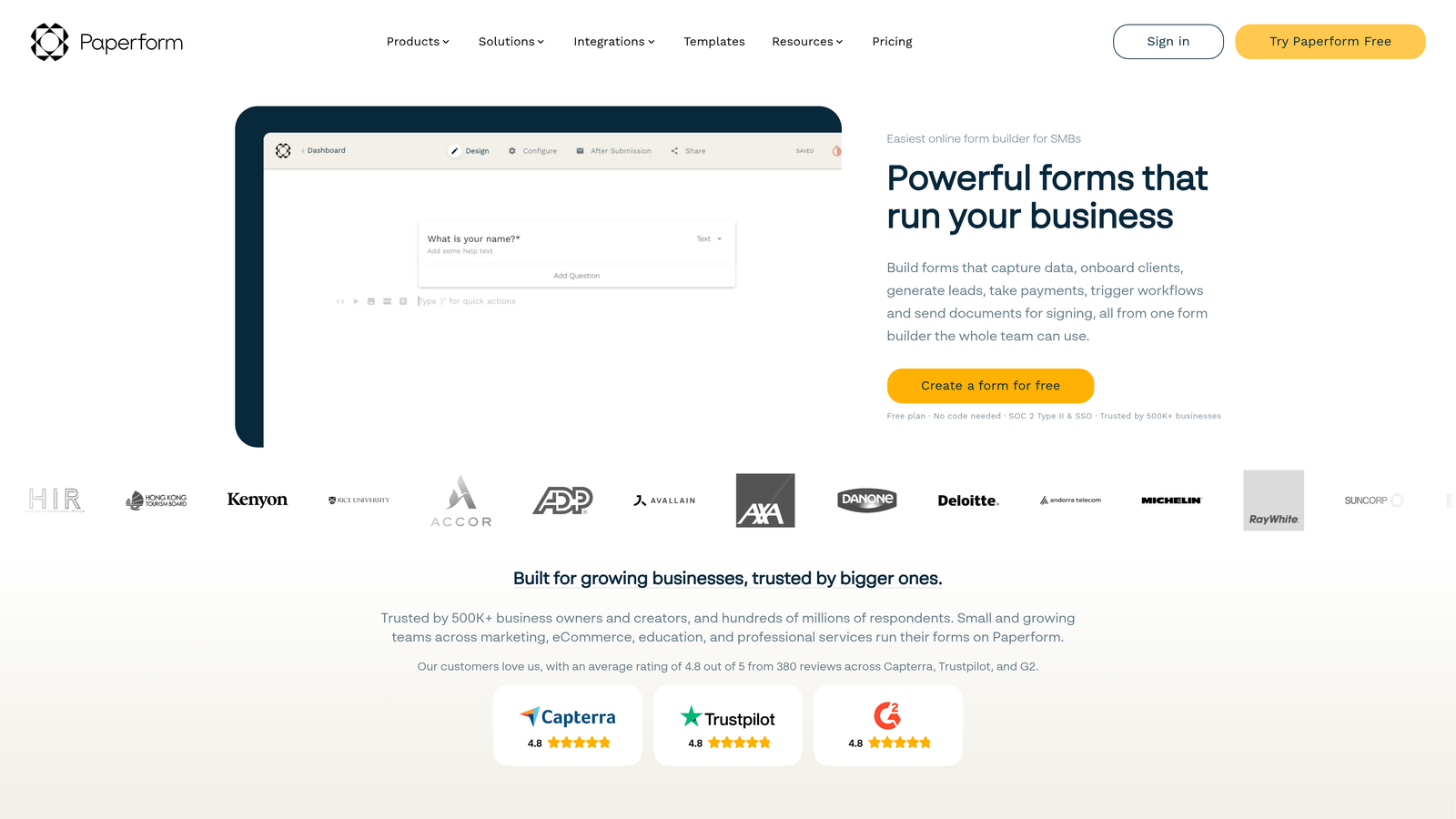
Paperform blurs the line between forms and landing pages, allowing conditional logic to control entire sections of content.
Where This Tool Shines
Paperform's unique approach lets you build full landing pages with embedded forms where conditional logic affects not just form fields but entire content blocks, images, and pricing tables. This makes it possible to create dynamic product pages or booking flows that adapt based on user selections.
The platform excels at commerce-related forms. You can build product configurators, booking systems, and pricing calculators where the entire page experience changes based on user choices. Custom success pages per logic path mean you can deliver targeted follow-up content based on how someone completed your form.
Key Features
Conditional Content Blocks: Show or hide entire sections of content, not just form fields, based on user responses.
Built-In Payment Processing: Native integration with Stripe for accepting payments directly within forms.
Product and Booking Pages: Create dynamic product configurators and appointment booking systems with conditional pricing.
Custom Success Pages: Route users to different thank-you pages based on their logic path through the form.
Calculations and Scoring: Build price calculators, quizzes, and assessments with conditional results.
Best For
E-commerce businesses, service providers offering booking systems, consultants building pricing calculators, and anyone needing forms that function as complete landing pages.
Pricing
Essentials plan starts at $24/month with full conditional logic and payment processing capabilities.
6. Cognito Forms
Best for: Budget-conscious teams needing powerful conditional logic and calculations on free plans
Cognito Forms offers surprisingly advanced conditional logic and calculation capabilities even on its free tier.
Where This Tool Shines
Cognito Forms stands out for offering features typically reserved for paid plans—including conditional logic, calculations, and repeating sections—completely free. This makes it ideal for nonprofits, small businesses, and startups with limited budgets.
The calculation engine is particularly robust. You can build complex price calculators, quote generators, and scoring systems with conditional formulas that reference previous answers. The platform also handles repeating sections well, allowing users to add multiple items or entries with conditional logic applied to each repetition.
Key Features
Free Conditional Logic: Full conditional logic capabilities available on the free tier without feature restrictions.
Advanced Calculations: Build complex formulas that reference form fields and apply conditional rules.
Repeating Sections: Allow users to add multiple entries with conditional logic applied to each instance.
Payment Integrations: Accept payments through Stripe, PayPal, and Square with conditional pricing rules.
Data Encryption: HIPAA compliance options and encryption for sensitive data collection.
Best For
Nonprofits, small businesses, and startups needing enterprise-level conditional logic without enterprise pricing. Also valuable for complex forms requiring calculations and repeating sections.
Pricing
Generous free tier with conditional logic included. Pro plan starts at $15/month for increased submission limits and advanced features.
7. Fillout
Best for: Teams using Notion or Airtable who need native database integration with conditional forms
Fillout delivers modern form building with seamless Notion and Airtable synchronization and intuitive conditional branching.

Where This Tool Shines
Fillout's native Notion and Airtable integrations eliminate the middleware typically required to connect forms with these databases. Forms can pre-fill from database records, write directly to database tables, and use database values in conditional logic rules.
The visual logic branching interface is clean and intuitive. You can see the entire logic tree at a glance, making it easy to spot gaps or redundant paths. The platform also offers scheduling integration, allowing conditional logic to route different user types to appropriate calendar booking flows.
Key Features
Native Database Sync: Direct integration with Notion and Airtable without third-party connectors.
Visual Logic Branching: Clean interface showing the complete logic tree for easy editing and debugging.
Pre-Fill Capabilities: Populate form fields automatically from connected database records.
Scheduling Integration: Route users to different calendar booking options based on conditional logic.
Custom Thank-You Pages: Display different success messages and next steps per logic path.
Best For
Notion and Airtable power users, remote teams managing workflows in these platforms, and organizations wanting forms that integrate seamlessly with their existing database infrastructure.
Pricing
Free tier available with basic features. Starter plan begins at $15/month for advanced conditional logic and unlimited forms.
8. Tally
Best for: Teams wanting unlimited forms with conditional logic on a generous free tier
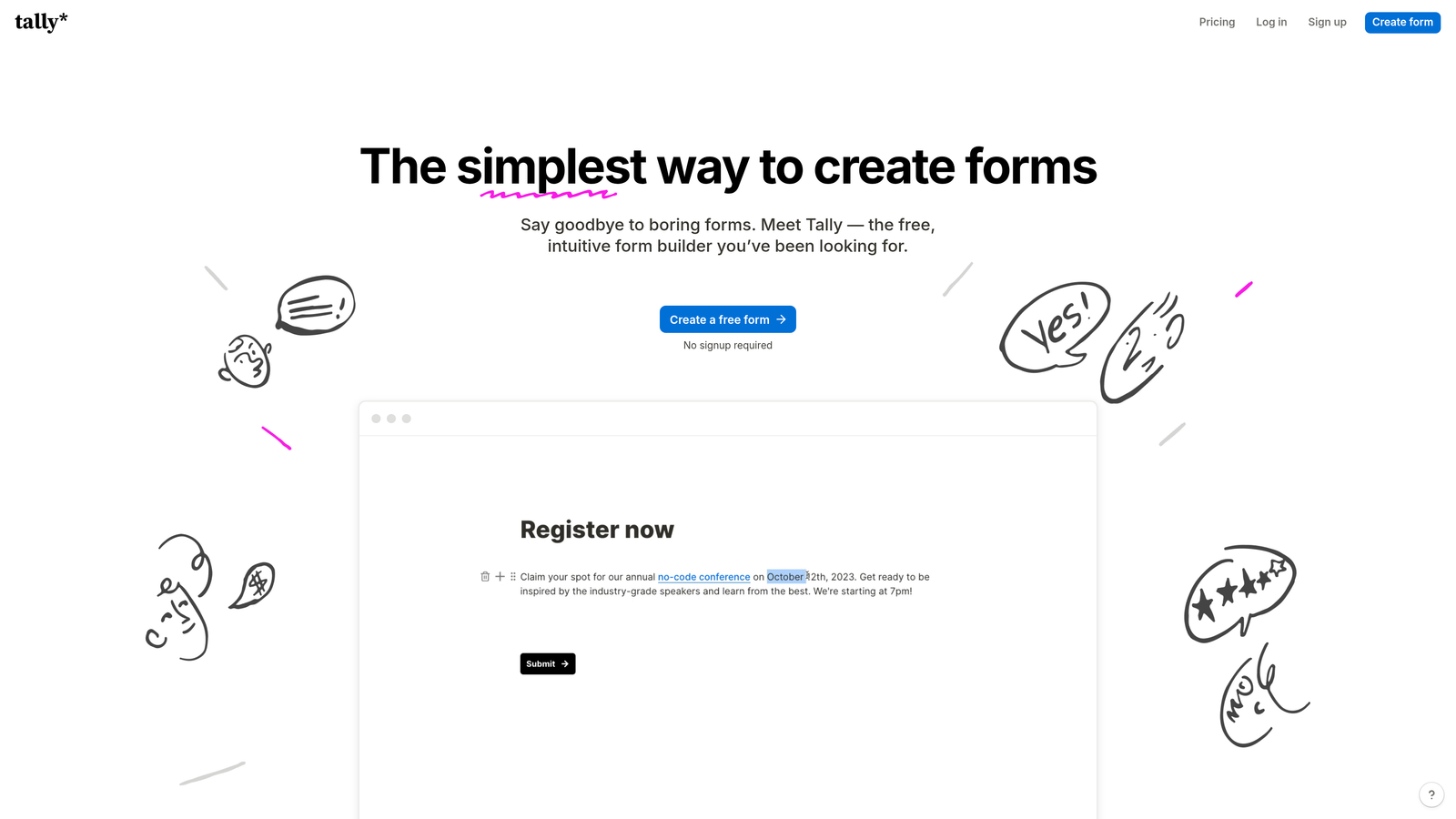
Tally brings Notion-style editing to form building with unlimited forms and conditional branching available free.
Where This Tool Shines
Tally's free tier is remarkably generous—unlimited forms with conditional logic, file uploads, and integrations at no cost. This makes it ideal for agencies managing multiple client forms or businesses running numerous campaigns simultaneously.
The editing experience feels like Notion, with slash commands and a clean interface that reduces the learning curve for teams already familiar with that workflow. Despite the simplicity, the conditional logic is powerful enough for most use cases, supporting show/hide rules and question branching based on multiple conditions.
Key Features
Unlimited Free Forms: No form limits on the free tier, unlike most competitors.
Notion-Like Editing: Familiar slash command interface for users comfortable with Notion's workflow.
Conditional Logic: Full branching and show/hide capabilities included on free plan.
File Uploads and Signatures: Collect documents and electronic signatures without upgrading.
Webhook and Zapier Integration: Connect to thousands of apps through native webhooks or Zapier.
Best For
Agencies managing multiple client forms, startups testing various lead generation approaches, and teams wanting maximum flexibility without recurring costs. Perfect for Notion users seeking familiar editing patterns.
Pricing
Free tier includes unlimited forms with conditional logic. Pro plan at $29/month adds custom domains, removal of Tally branding, and priority support.
9. 123FormBuilder
Best for: Security-focused organizations requiring HIPAA compliance and flexible conditional workflow rules
123FormBuilder emphasizes security and compliance alongside robust conditional logic capabilities.
Where This Tool Shines
123FormBuilder targets organizations with strict security requirements, offering HIPAA and GDPR compliance certifications that smaller competitors can't provide. The platform includes Business Associate Agreements for healthcare organizations and robust data encryption for sensitive information.
The multi-condition logic rules are flexible, allowing you to create complex branching based on combinations of answers rather than single responses. Role-based access controls let you manage who can edit forms, view submissions, and access sensitive data—critical for organizations with compliance obligations or large teams.
Key Features
HIPAA and GDPR Compliance: Certifications and features required for healthcare and European data regulations.
Multi-Condition Logic: Create rules based on combinations of answers for sophisticated branching.
Electronic Signatures: Collect legally binding signatures with audit trails and compliance features.
Payment Gateway Integrations: Accept payments through major processors with conditional pricing rules.
Role-Based Access Controls: Manage permissions for form editing, submission viewing, and data access.
Best For
Healthcare organizations, legal firms, financial services companies, and any business handling sensitive data with strict compliance requirements. Also valuable for larger teams needing granular permission controls.
Pricing
Free tier available with basic features. Gold plan starts at $19.99/month with HIPAA compliance and advanced conditional logic.
Making the Right Choice
Your ideal conditional logic platform depends on your specific workflow requirements and technical needs. Orbit AI delivers the most intelligent approach by combining conditional logic with AI-powered lead qualification—perfect if you're focused on maximizing lead quality while maintaining high conversion rates.
Choose Typeform when visual impact and user experience matter most. The conversational format consistently drives higher engagement, making it ideal for customer feedback and brand-building forms. Jotform's template library wins for teams managing diverse form types across departments, while Formstack serves enterprise organizations requiring HIPAA compliance and sophisticated workflows.
Budget-conscious teams should consider Tally for unlimited free forms or Cognito Forms for advanced calculations without the price tag. Fillout makes sense if you're already invested in Notion or Airtable and want seamless database integration. Paperform excels at commerce applications where forms double as landing pages.
Start by mapping your branching requirements. How complex are your logic paths? Do you need simple show/hide rules or multi-condition workflows? Then evaluate integration needs—which CRM, marketing automation, or database tools must connect with your forms? Finally, consider your team's technical comfort level. Some platforms offer more power but require steeper learning curves.
The conditional logic form market has matured significantly, meaning you're choosing between strong options rather than searching for viable ones. Match your specific requirements against each platform's strengths, and you'll find the right fit. Start your free trial today and see how intelligent form design can elevate your conversion strategy.