

Your forms are often the first real interaction prospects have with your business—and most SaaS companies are leaving conversions on the table with clunky, generic builders. The right form creation tool does more than collect data; it qualifies leads, integrates with your stack, and turns casual visitors into sales-ready opportunities.
We evaluated dozens of options based on ease of use, integration depth, lead qualification capabilities, and pricing flexibility. Here are the top SaaS form creation tools worth your attention in 2026.
1. Orbit AI
Best for: High-growth SaaS teams needing AI-powered lead qualification alongside modern form design
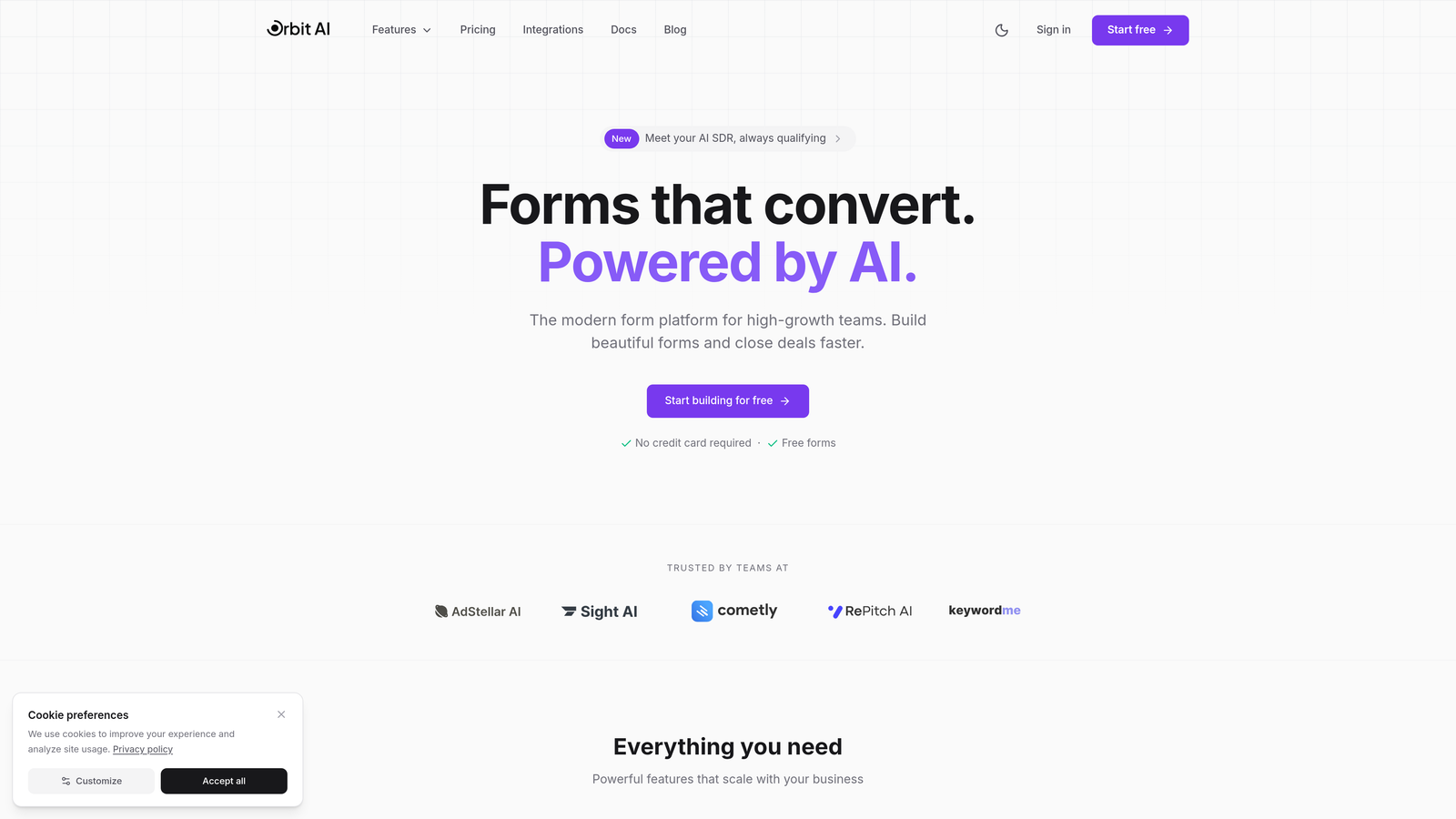
Orbit AI is an AI-powered form builder platform designed specifically for teams that need more than basic data collection—it qualifies leads automatically while delivering conversion-optimized experiences.
Where This Tool Shines
Orbit AI stands out by embedding lead qualification directly into the form experience. Instead of routing every submission through manual review, the platform uses AI to score and categorize prospects based on their responses, letting your sales team focus on the highest-value opportunities.
The platform combines this intelligence with modern, clean form designs that feel native to contemporary SaaS products. Forms load fast, look professional, and adapt seamlessly across devices—critical factors for conversion rates.
Key Features
AI-Powered Lead Qualification: Automatically scores and categorizes leads based on responses, routing high-value prospects to sales immediately.
Conversion-Optimized Designs: Pre-built templates designed specifically for SaaS lead capture with modern aesthetics and mobile-first architecture.
Native Integration Ecosystem: Connects directly with HubSpot, Salesforce, Slack, and 15+ tools without requiring middleware or Zapier.
Automated Workflow Triggers: Sets up conditional actions based on form responses—send Slack alerts for enterprise leads, create tasks for follow-ups, update CRM fields automatically.
Real-Time Analytics Dashboard: Track conversion rates, qualification scores, and form performance metrics in a unified dashboard.
Best For
Orbit AI is ideal for B2B SaaS companies with high form submission volumes who need to separate qualified leads from tire-kickers. It's particularly valuable for teams using modern CRMs and wanting to eliminate manual lead routing work.
Pricing
Free tier available for getting started; paid plans begin at competitive rates designed for growing teams with scaling submission volumes.
2. Typeform
Best for: Teams prioritizing engagement through conversational, one-question-at-a-time form experiences
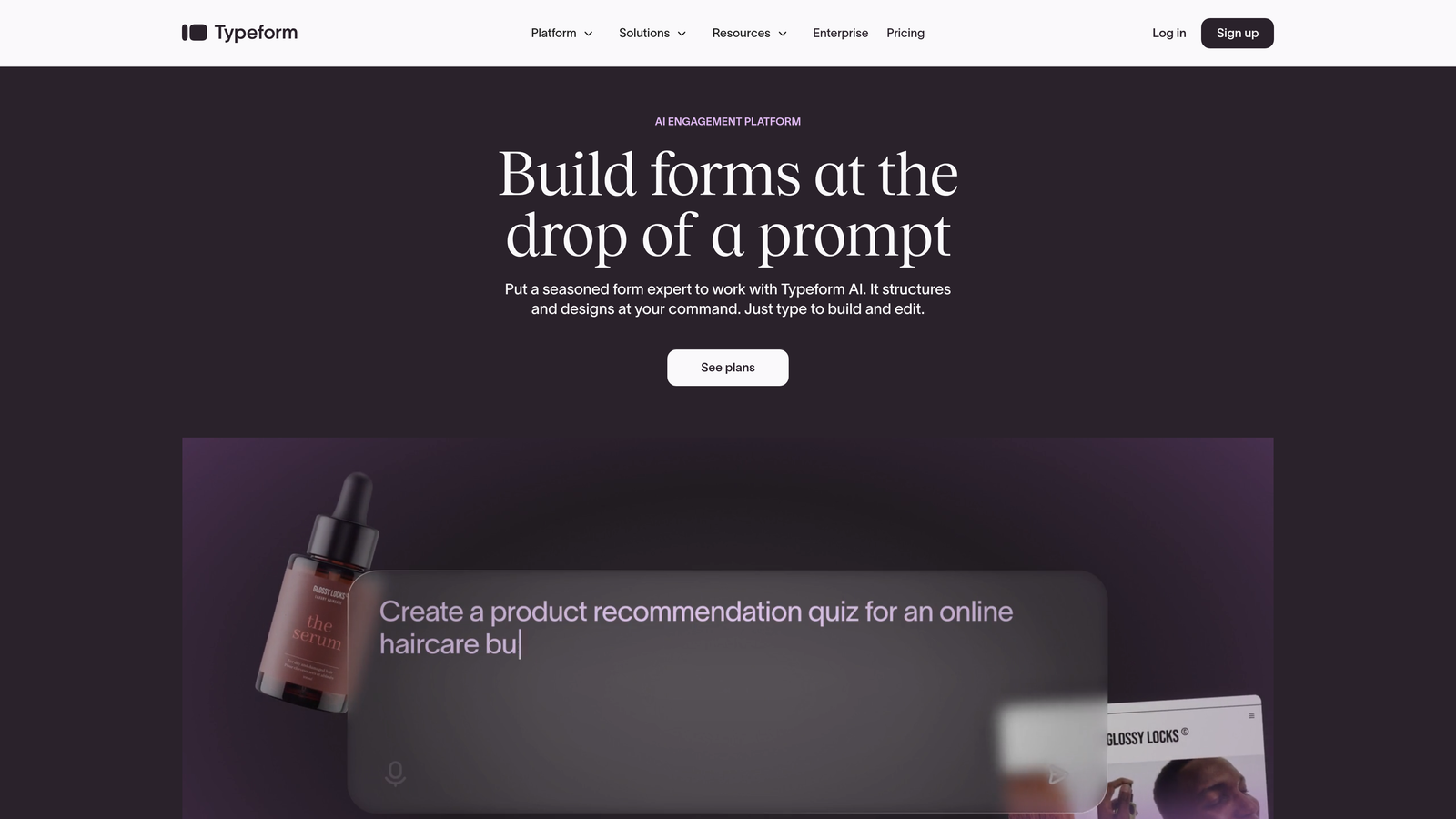
Typeform is a conversational form builder that pioneered the one-question-at-a-time format, creating experiences that feel more like conversations than interrogations.
Where This Tool Shines
Typeform transformed how people think about form design by breaking the traditional multi-field layout. Instead of overwhelming visitors with a wall of questions, it presents one question at a time with smooth transitions and engaging animations.
This approach consistently delivers higher completion rates for longer forms. The platform's strength lies in making complex data collection feel effortless—ideal for surveys, assessments, or detailed qualification forms where abandonment is typically high.
Key Features
Conversational Format: One-question-at-a-time interface with smooth transitions that keeps users engaged through longer forms.
Extensive Customization: Deep brand customization including custom fonts, colors, backgrounds, and themes that match your visual identity.
Logic Jumps: Branching logic that adapts questions based on previous answers, creating personalized paths through your form.
Rich Media Embedding: Embed videos, images, and GIFs directly into questions to create more engaging, visual experiences.
Native Integrations: Connects with major platforms including Google Sheets, Slack, HubSpot, Mailchimp, and hundreds more through Zapier.
Best For
Typeform excels for marketing teams running surveys, assessments, or lead qualification forms where engagement matters more than speed. It's particularly effective for brand-conscious companies wanting forms that feel premium and polished.
Pricing
Free plan available with limited responses; Basic plan starts at $25/month with increased response limits and logic jumps.
3. Jotform
Best for: Teams needing extensive template variety and no-code customization flexibility
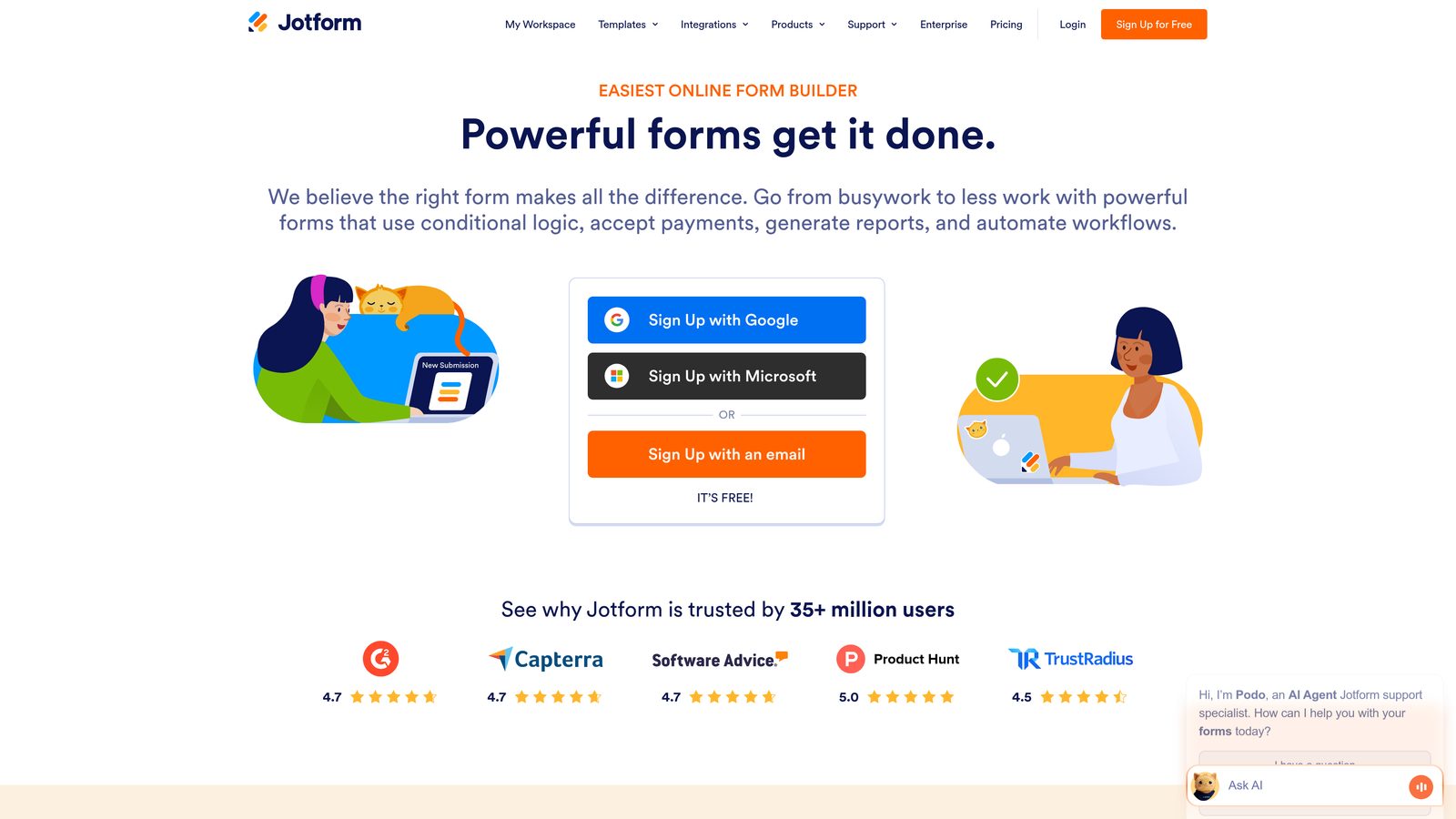
Jotform is a versatile form builder offering one of the largest template libraries in the industry alongside powerful no-code customization capabilities.
Where This Tool Shines
Jotform's massive template library means you rarely start from scratch. With over 10,000 pre-built templates spanning every industry and use case, you can launch professional forms in minutes by customizing existing designs rather than building from zero.
The platform's widget ecosystem adds functionality that many competitors require custom code to achieve. Payment processing, appointment scheduling, file uploads, and signature capture all work through simple drag-and-drop widgets.
Key Features
10,000+ Templates: Industry-specific templates for registration forms, surveys, order forms, applications, and nearly every conceivable use case.
Widget Marketplace: Drag-and-drop widgets for advanced functionality including maps, calculators, rating systems, and custom integrations.
Conditional Logic: Show or hide fields based on user responses, with calculation capabilities for quotes and order forms.
Payment Processing: Native integrations with Stripe, PayPal, Square, and other payment gateways for collecting payments directly through forms.
PDF Generation: Automatically generate PDF documents from form submissions, with e-signature capabilities for contracts and agreements.
Best For
Jotform works well for teams needing diverse form types—from simple contact forms to complex order forms with payment processing. It's particularly valuable for agencies managing multiple clients with varied form requirements.
Pricing
Free plan includes 5 forms with 100 monthly submissions; Bronze plan starts at $34/month with 25 forms and 1,000 submissions.
4. HubSpot Forms
Best for: HubSpot users needing seamless CRM integration and marketing automation workflows
HubSpot Forms is the native form builder within the HubSpot ecosystem, offering deep CRM integration and automated workflow capabilities.

Where This Tool Shines
HubSpot Forms eliminates the integration headaches that plague most form tools. Every submission creates or updates CRM contacts automatically, with complete visibility into each prospect's journey. No middleware, no sync delays, no data mapping issues.
Progressive profiling sets HubSpot apart for teams with returning visitors. The platform remembers what it already knows about each contact and automatically shows different questions on subsequent form fills, gradually building complete profiles without overwhelming users.
Key Features
Direct CRM Integration: Submissions automatically create or update contact records with complete activity history and attribution tracking.
Progressive Profiling: Automatically shows different questions to returning visitors, building complete contact profiles over multiple interactions.
Smart Content: Personalize form fields, copy, and CTAs based on contact properties, lifecycle stage, or list membership.
Built-In A/B Testing: Test form variations directly within HubSpot to optimize conversion rates without external tools.
Workflow Automation: Trigger automated sequences based on form submissions—send emails, create tasks, update properties, or notify sales reps.
Best For
HubSpot Forms is ideal for teams already invested in the HubSpot ecosystem who need forms that work seamlessly with their CRM and marketing automation. It's less suitable for teams using other platforms or needing standalone form capabilities.
Pricing
Free with HubSpot CRM; advanced features like progressive profiling and smart content require Marketing Hub starting at $800/month.
5. Tally
Best for: Teams wanting unlimited forms and responses on a generous free tier with minimal complexity
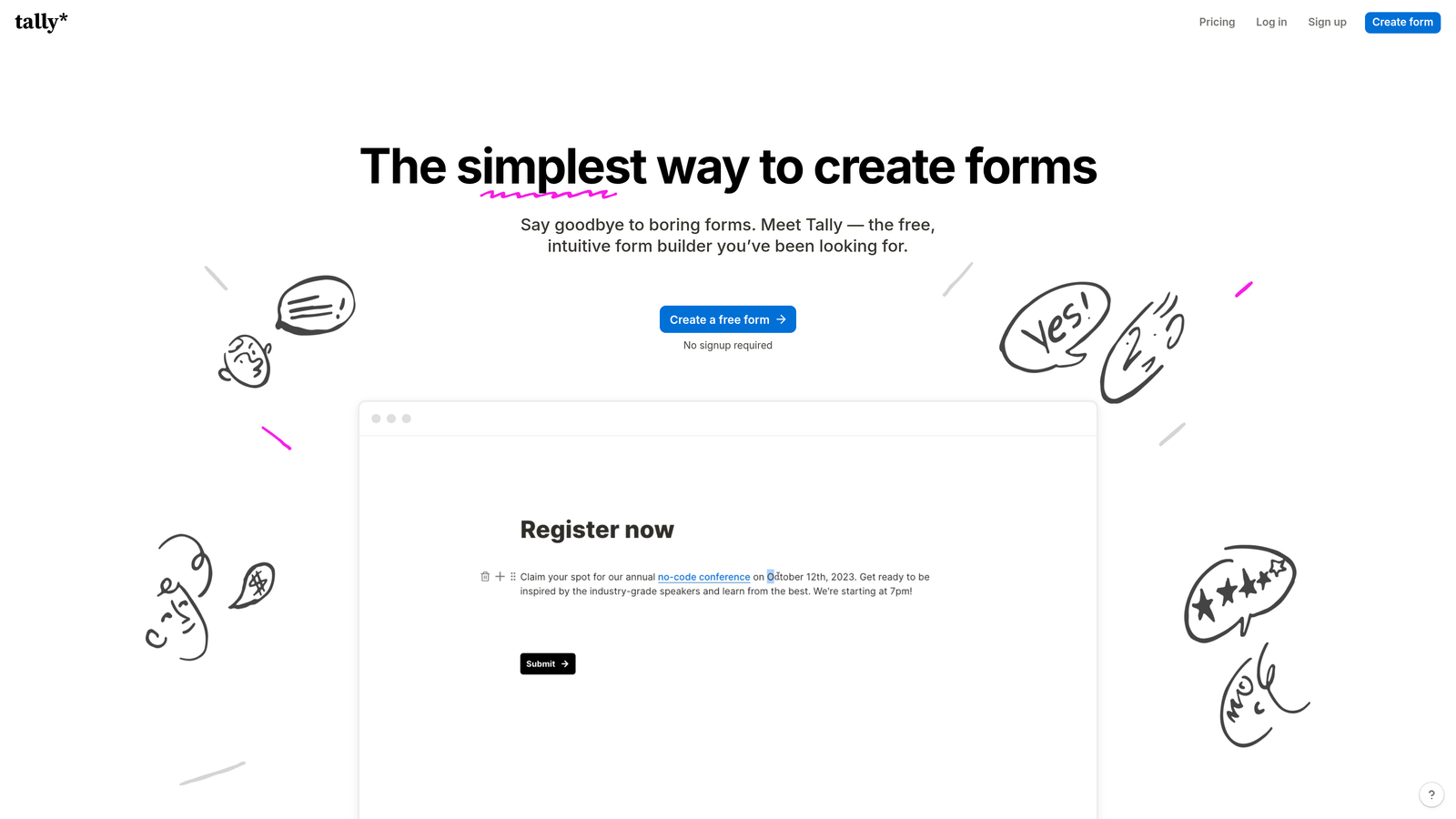
Tally is a simple, Notion-like form builder that offers a remarkably generous free tier alongside a clean, intuitive interface.
Where This Tool Shines
Tally's block-based editing feels immediately familiar to anyone who's used Notion. You build forms by adding blocks—text, multiple choice, email, file upload—and arranging them with simple drag-and-drop. There's no learning curve, no overwhelming feature set, just straightforward form building.
The free tier is genuinely useful, not a trial disguised as a free plan. Unlimited forms, unlimited responses, conditional logic, and hidden fields all work on the free version. For many small teams and side projects, Tally eliminates the need for paid form tools entirely.
Key Features
Block-Based Editing: Notion-style interface where you add and arrange form blocks with intuitive keyboard shortcuts and drag-and-drop.
Unlimited Free Tier: No limits on forms, responses, or questions on the free plan—only branding and custom domains require paid plans.
Conditional Logic: Show or hide questions based on previous answers, with support for hidden fields and URL parameters.
Calculator Blocks: Perform calculations based on user inputs, useful for quotes, estimates, or scoring systems.
Payment Collection: Accept payments through Stripe directly within forms, with support for one-time and recurring charges.
Best For
Tally excels for bootstrapped startups, side projects, and small teams needing professional forms without monthly costs. It's also ideal for teams already using Notion who want forms with a similar interface philosophy.
Pricing
Free plan includes unlimited forms and responses; Pro plan at $29/month adds custom domains, branding removal, and priority support.
6. Paperform
Best for: Teams needing rich content and media embedded directly within form experiences
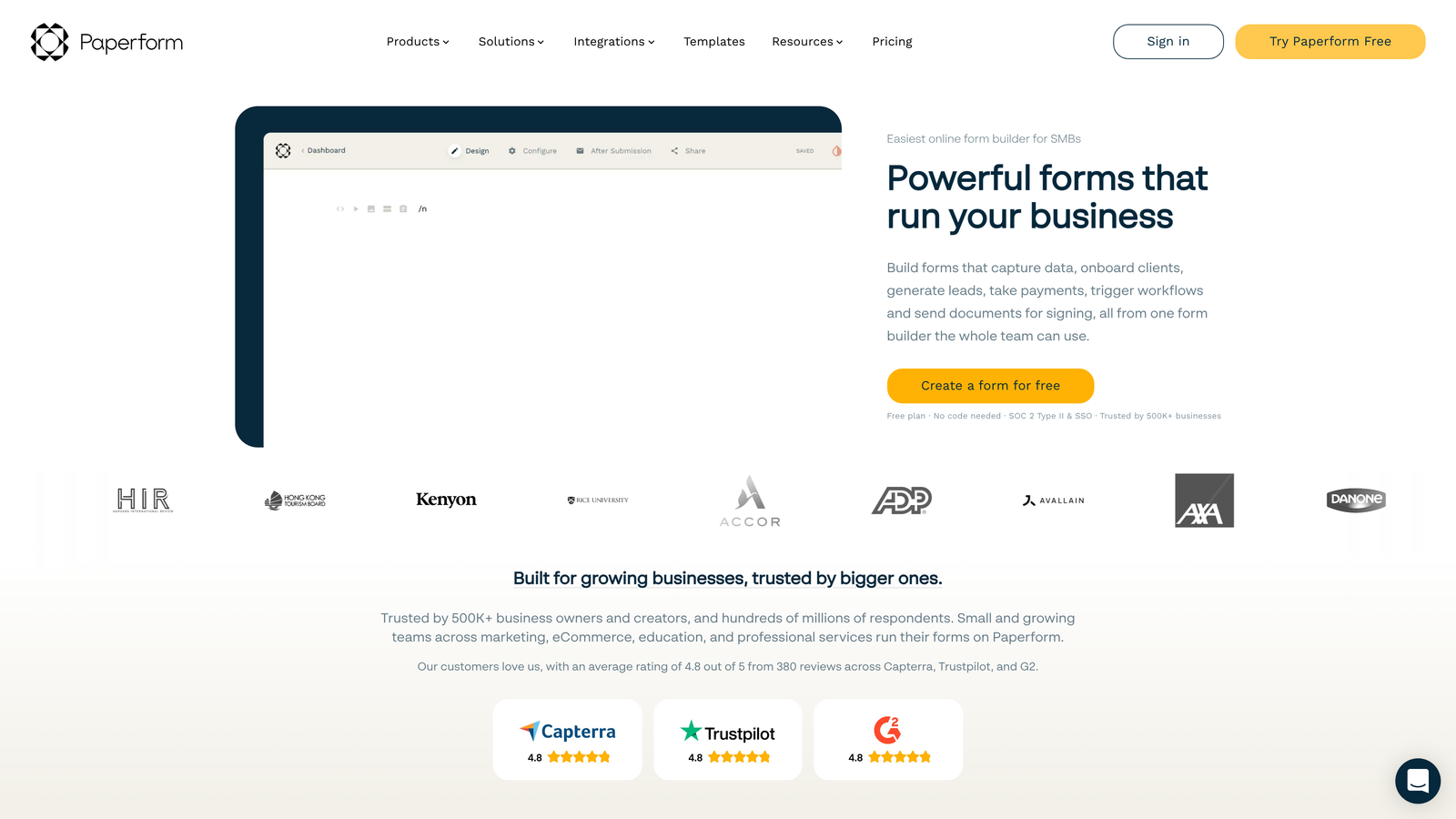
Paperform is a document-style form builder that blends rich content with data collection, creating experiences that feel more like interactive landing pages.
Where This Tool Shines
Paperform breaks the traditional form paradigm by letting you embed rich text, images, videos, and custom content between questions. This transforms forms from pure data collection tools into engaging content experiences that educate while they capture information.
The platform particularly excels for scenarios requiring context or explanation. Product order forms can include detailed descriptions and images. Event registration forms can embed schedules and speaker bios. Lead capture forms can include case studies and testimonials—all within the form itself.
Key Features
Rich Content Embedding: Add formatted text, images, videos, and custom HTML between form fields to create engaging, informative experiences.
Payment Processing: Native Stripe and PayPal integration for collecting payments, with support for products, subscriptions, and custom amounts.
Appointment Scheduling: Built-in calendar integration for booking appointments and managing availability directly through forms.
Product Catalogs: Create e-commerce experiences with product galleries, variants, and shopping cart functionality.
Advanced Logic: Conditional visibility, calculations, and custom validation rules for complex form flows.
Best For
Paperform works well for teams needing forms that double as landing pages—event registrations, product orders, service bookings, or lead capture forms requiring substantial context and explanation.
Pricing
Essentials plan at $24/month includes core features; Pro plan at $49/month adds custom domains, payment processing, and advanced integrations.
7. Formstack
Best for: Enterprise teams requiring compliance, security, and advanced workflow automation
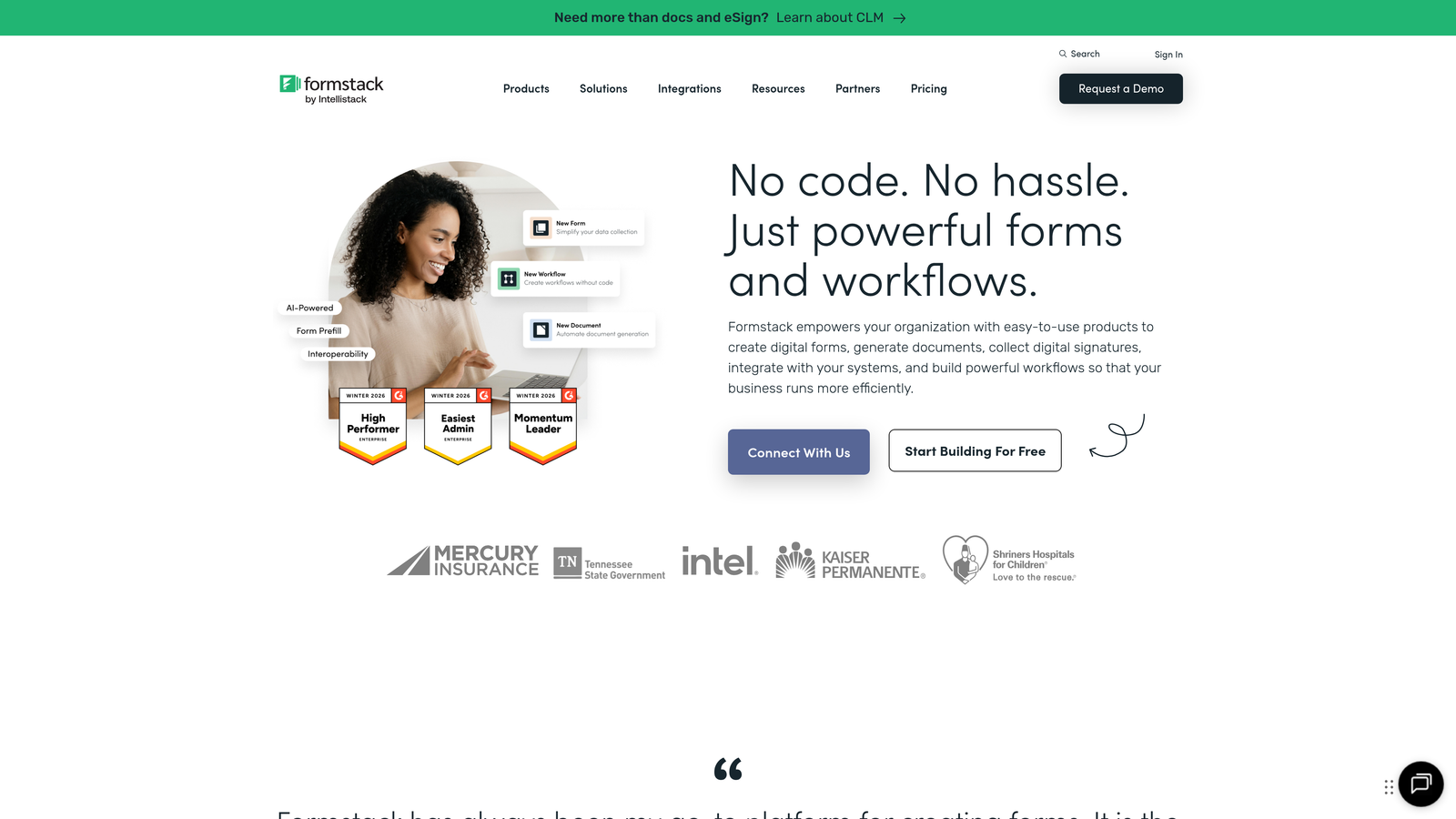
Formstack is an enterprise-grade form platform emphasizing security, compliance, and workflow automation for regulated industries and large organizations.
Where This Tool Shines
Formstack addresses enterprise requirements that most consumer-focused form builders ignore. HIPAA compliance, SOC 2 certification, GDPR controls, and enterprise SSO aren't afterthoughts—they're core platform capabilities designed for healthcare, finance, and other regulated industries.
The platform's document generation capabilities set it apart for teams needing to create contracts, proposals, or reports from form data. Submissions automatically populate templates, generating professional PDFs ready for e-signature or distribution.
Key Features
Compliance Certifications: HIPAA, GDPR, and SOC 2 compliance with data encryption, audit logs, and configurable data retention policies.
Document Generation: Automatically create PDF documents from form submissions using customizable templates, with merge fields and conditional content.
Approval Workflows: Multi-step approval processes with routing rules, notifications, and status tracking for complex business processes.
E-Signature Integration: Native DocuSign and Adobe Sign integration for collecting legally binding signatures on generated documents.
Enterprise Security: SSO, role-based access controls, IP restrictions, and dedicated encryption keys for sensitive data.
Best For
Formstack is ideal for enterprise organizations in regulated industries—healthcare, finance, education, government—needing forms that meet strict compliance and security requirements while supporting complex workflows.
Pricing
Starter plan at $50/month for small teams; Teams plan at $83/month; Enterprise pricing available with custom security and compliance features.
8. Cognito Forms
Best for: Teams needing advanced calculations for quotes, orders, and payment collection
Cognito Forms is a calculation-focused form builder excelling at scenarios requiring mathematical operations, pricing logic, and payment processing.
Where This Tool Shines
Cognito Forms' calculation engine handles complexity that breaks most form builders. You can build order forms with quantity-based pricing, quote calculators with conditional rates, or application forms with scoring systems—all using a spreadsheet-like formula system.
Repeating sections let users add multiple line items dynamically, perfect for order forms where customers might purchase varying quantities of different products. Each section can have its own calculations, with totals aggregating automatically.
Key Features
Advanced Calculations: Spreadsheet-like formulas for complex calculations including conditional pricing, scoring systems, and mathematical operations.
Repeating Sections: Allow users to add multiple instances of field groups—ideal for order forms, expense reports, or any scenario requiring variable line items.
Payment Processing: Native Stripe, PayPal, and Square integration with support for subscriptions, installments, and custom payment schedules.
Conditional Visibility: Show or hide entire sections based on calculations, user roles, or previous responses for dynamic form experiences.
Data Security: Field-level encryption, HIPAA compliance options, and configurable data retention for sensitive information.
Best For
Cognito Forms excels for businesses needing order forms, quote calculators, or registration forms with complex pricing logic. It's particularly valuable for organizations requiring calculation capabilities without custom development.
Pricing
Free plan available with basic features; Pro plan at $15/month per user; Team plan at $35/month per user with advanced features.
9. Google Forms
Best for: Teams needing free, simple forms for internal surveys and basic data collection
Google Forms is a completely free form builder integrated with Google Workspace, ideal for straightforward surveys and internal data collection.
Where This Tool Shines
Google Forms does one thing exceptionally well: it removes every barrier to creating simple forms. No account creation friction, no pricing tiers to evaluate, no feature limitations to navigate. If you have a Google account, you can build and deploy a form in minutes.
The automatic Google Sheets integration makes data analysis effortless. Responses flow directly into spreadsheets where you can apply formulas, create charts, and share results with stakeholders who already use Google Workspace.
Key Features
Completely Free: No cost, no response limits, no hidden fees—fully functional form builder included with every Google account.
Real-Time Collaboration: Multiple team members can edit forms simultaneously with live updates, similar to Google Docs collaboration.
Automatic Sheets Integration: Responses automatically populate Google Sheets for analysis, charting, and reporting without manual exports.
Basic Conditional Logic: Show or hide questions based on previous answers using section branching.
Quiz Functionality: Built-in quiz mode with automatic grading, point assignment, and answer feedback for assessments and tests.
Best For
Google Forms works well for internal surveys, event RSVPs, feedback collection, and basic lead capture where advanced features aren't necessary. It's less suitable for customer-facing forms requiring brand customization or complex workflows.
Pricing
Completely free with Google account; additional storage available through Google Workspace plans if needed.
10. Fillout
Best for: Teams using Notion or Airtable as databases needing native form integration
Fillout is a modern form builder with native Notion and Airtable database integrations, designed for teams using these platforms as operational systems.
Where This Tool Shines
Fillout solves a specific pain point for Notion and Airtable users: collecting external data into your workspace databases. Instead of using Google Forms and manually copying responses, or building custom integrations, Fillout writes directly to your Notion databases or Airtable bases.
The platform maintains the modern, clean aesthetic that Notion and Airtable users expect. Forms look contemporary and professional, with thoughtful design details and smooth interactions that feel native to modern SaaS products.
Key Features
Native Database Sync: Write form submissions directly to Notion databases or Airtable bases without middleware or manual exports.
Modern Design: Clean, contemporary form designs with smooth animations and mobile-optimized layouts.
Conditional Logic: Show or hide questions based on previous answers, with support for complex branching scenarios.
File Uploads: Collect files and documents through forms, with uploads stored in your connected database or cloud storage.
Payment and Scheduling: Accept payments through Stripe and schedule appointments using calendar integrations.
Best For
Fillout is ideal for teams using Notion or Airtable as their primary operational system who need external-facing forms writing data directly into their workspaces. It's particularly valuable for agencies, consultants, and small teams avoiding traditional CRMs.
Pricing
Free tier available for basic usage; Starter plan at $15/month includes unlimited forms and advanced features.
11. Feathery
Best for: Developer teams needing programmatic control and React component integration
Feathery is a developer-friendly form builder offering React components, API-first architecture, and advanced customization for technical teams.
Where This Tool Shines
Feathery bridges the gap between no-code form builders and custom-coded solutions. Developers can use pre-built React components to embed forms while maintaining programmatic control over behavior, styling, and data flow.
The API-first architecture means every aspect of form functionality is accessible programmatically. You can create forms via API, update fields dynamically, trigger custom logic based on responses, and integrate forms deeply into your application's architecture.
Key Features
React Component Library: Pre-built React components for embedding forms in modern web applications with full TypeScript support.
Multi-Step Flows: Create complex, multi-page form experiences with progress tracking, validation, and conditional navigation.
API-First Architecture: Comprehensive REST API for programmatic form creation, submission handling, and data retrieval.
Custom Styling: Full control over CSS and JavaScript for matching forms precisely to your application's design system.
A/B Testing: Built-in experimentation framework for testing form variations and tracking conversion metrics.
Best For
Feathery excels for technical teams building product-led SaaS applications needing forms that feel native to their product. It's ideal for onboarding flows, multi-step applications, or any scenario requiring developer-level customization.
Pricing
Free tier available for small projects and development; Growth plans start at $49/month with increased submission limits and advanced features.
Matching Your Form Tool to Your Growth Stage
The right form creation tool depends on where you are in your growth journey and what problems you're actually trying to solve.
For early-stage teams focused on rapid iteration and minimal cost, Tally and Google Forms eliminate financial barriers while providing solid core functionality. They work well when you're validating ideas and need forms deployed quickly without procurement processes.
Growing teams experiencing lead volume increases should prioritize tools with strong qualification and routing capabilities. When you're moving from dozens to hundreds of monthly submissions, manual lead review becomes unsustainable. This is where AI-powered qualification and automated workflows transform operations—tools like Orbit AI automatically separate high-value prospects from casual inquiries, letting your sales team focus on opportunities that matter.
Enterprise organizations face different constraints entirely. Compliance requirements, security certifications, and complex approval workflows become non-negotiable. Formstack and similar enterprise-focused platforms address these needs with HIPAA compliance, SOC 2 certification, and advanced security controls that consumer-focused tools simply don't provide.
Your integration ecosystem matters more than most teams initially realize. If you're deeply invested in HubSpot, the native forms tool eliminates sync issues and data mapping headaches. Teams using Notion or Airtable as operational systems benefit enormously from Fillout's native database integration. Developer teams building product-led experiences need the programmatic control that Feathery provides.
Think about your current pain points rather than feature checklists. Are forms getting abandoned before completion? Conversational tools like Typeform improve engagement. Do you need rich content alongside questions? Paperform excels here. Struggling with complex pricing calculations? Cognito Forms handles mathematical complexity that breaks other platforms.
The form creation landscape has matured beyond basic data collection. Modern tools qualify leads, trigger workflows, generate documents, process payments, and integrate seamlessly with your existing stack. The question isn't whether you need a better form tool—it's which specific capabilities will unlock your next growth phase.
Start your free trial today and see how intelligent form design can elevate your conversion strategy. Transform your lead generation with AI-powered forms that qualify prospects automatically while delivering the modern, conversion-optimized experience your high-growth team needs.


