

Static forms are conversion killers. When prospects encounter a wall of fields, abandonment rates skyrocket—and your pipeline suffers. Interactive form platforms solve this by transforming data collection into engaging, conversational experiences that guide users through one question at a time. The result? Higher completion rates, better lead quality, and more meaningful data.
But with dozens of options claiming to be "interactive," choosing the right platform matters. We evaluated these nine platforms based on ease of use, customization depth, integration capabilities, analytics features, and pricing transparency. Whether you're a startup optimizing your first funnel or an enterprise team scaling lead qualification, this list covers platforms built for modern growth teams.
1. Orbit AI
Best for: High-growth teams needing AI-powered lead qualification with beautiful conversational forms
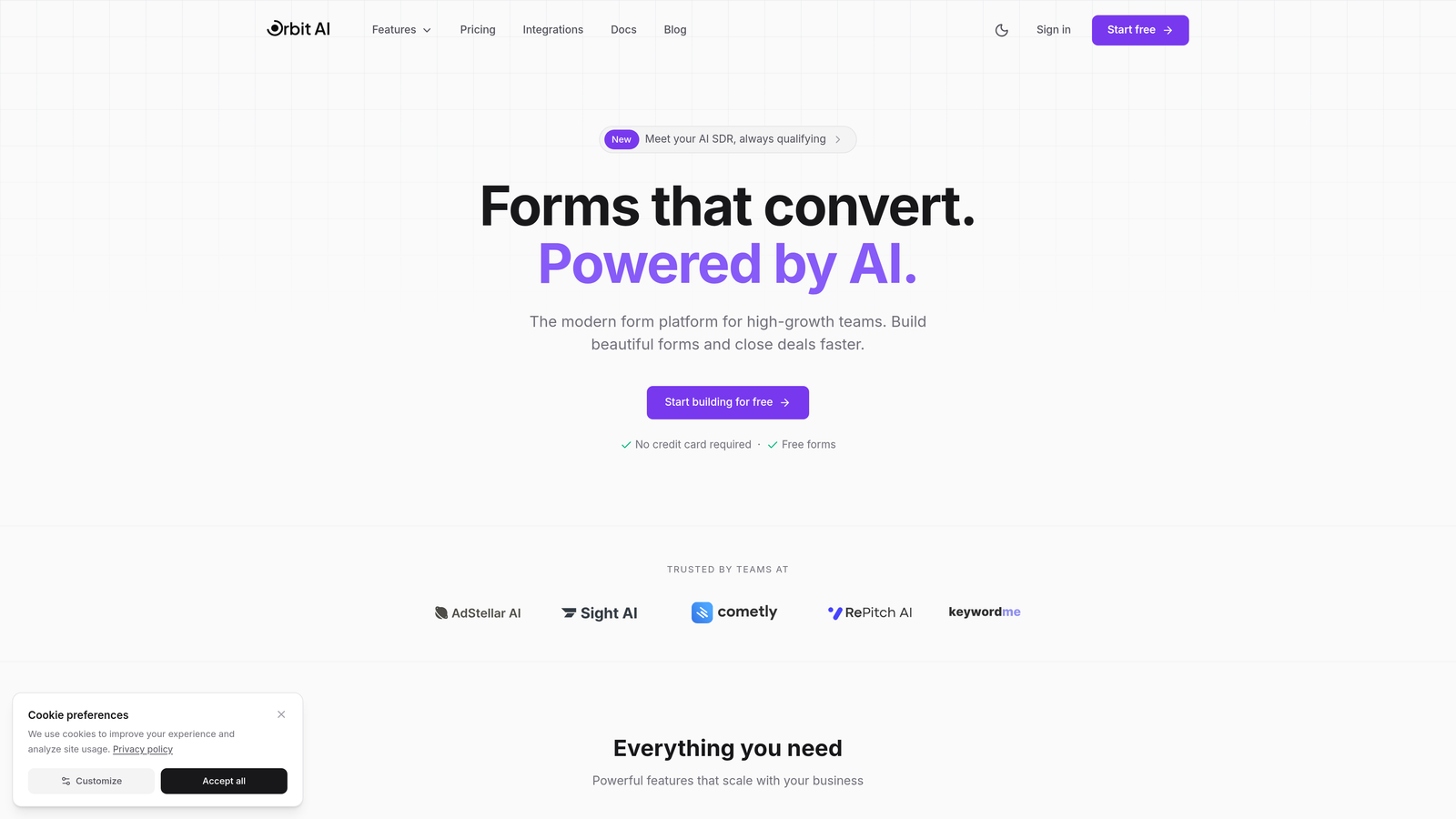
Orbit AI combines conversational form experiences with intelligent lead qualification, automatically scoring and routing prospects based on their responses.
Where This Tool Shines
The platform's AI qualification engine sets it apart. Instead of manually building complex logic trees, you define your ideal customer profile and let the system identify high-value leads automatically. This transforms forms from data collection tools into active qualification mechanisms.
The conversational interface feels natural and modern, guiding prospects through one question at a time while maintaining context. Forms adapt based on previous answers, creating personalized experiences that keep users engaged through completion.
Key Features
AI-Powered Lead Scoring: Automatically qualifies and ranks prospects based on their responses and behavior patterns.
Conversational Logic: Dynamic question flows adapt in real-time based on user inputs and qualification criteria.
Native CRM Integrations: Direct connections to HubSpot, Salesforce, and Pipedrive sync qualified leads instantly.
Real-Time Analytics: Track completion rates, drop-off points, and conversion metrics with granular visibility.
Workflow Automation: AI agents trigger follow-up sequences, route leads to sales reps, and update CRM records automatically.
Best For
Growth teams at SaaS companies, B2B service providers, and agencies who need to qualify inbound leads at scale. Particularly valuable for teams handling high volumes where manual qualification becomes a bottleneck. Works well for companies with defined ideal customer profiles who want to automate the qualification process.
Pricing
Free tier available for teams getting started. Paid plans offer competitive rates designed for growing teams, with pricing that scales based on form submissions and advanced features.
2. Typeform
Best for: Teams prioritizing beautiful design and brand-consistent user experiences
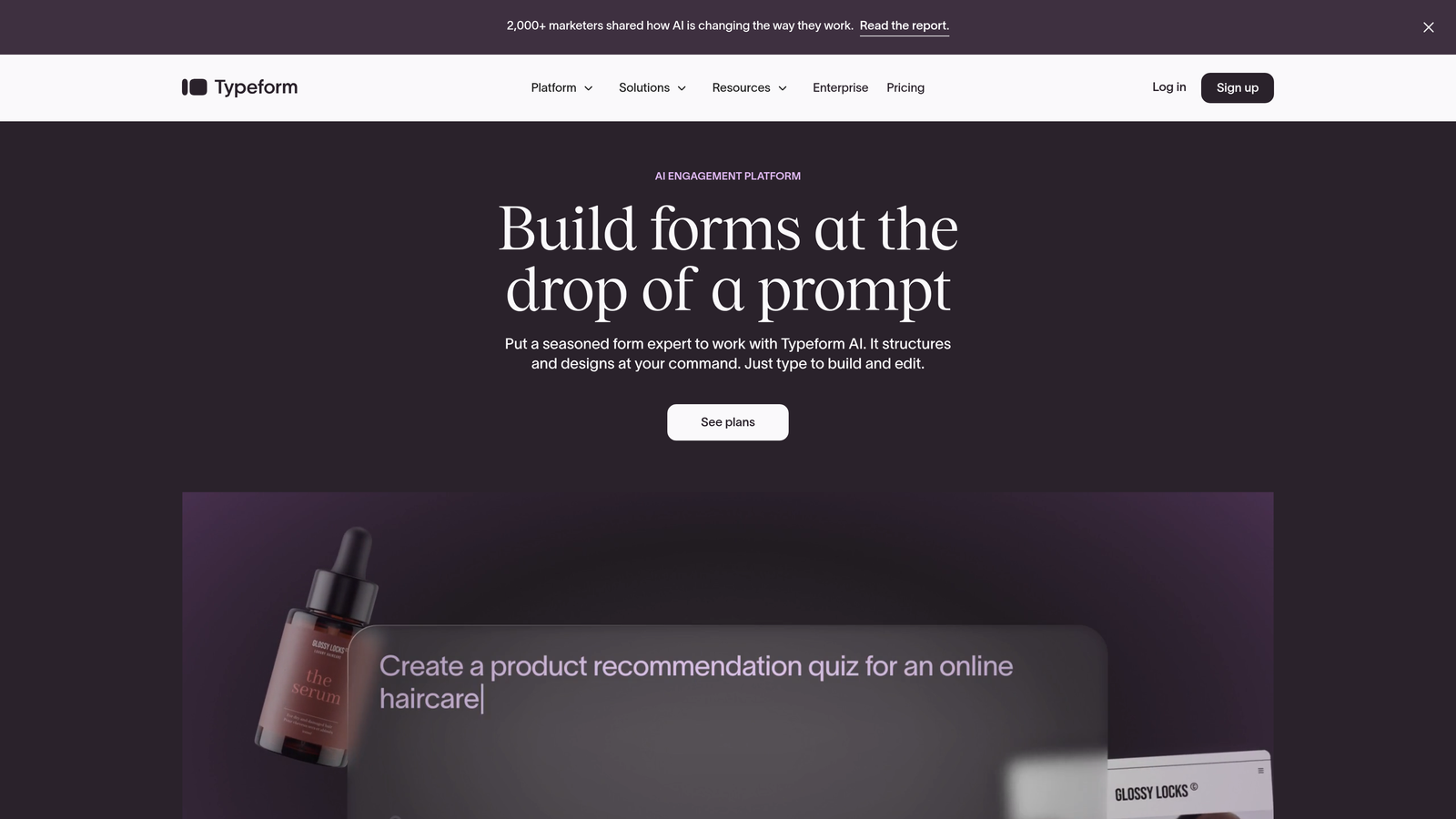
Typeform pioneered the one-question-at-a-time conversational approach, making forms feel more like conversations than interrogations.
Where This Tool Shines
Typeform's design philosophy centers on creating delightful experiences. The platform's signature interface removes visual clutter, focusing user attention on a single question. This approach consistently drives higher completion rates compared to traditional multi-field forms.
The template library spans hundreds of use cases, from customer feedback surveys to event registrations. Each template comes pre-styled with thoughtful design choices, making it easy to launch professional-looking forms quickly.
Key Features
Conversational Interface: The original one-question-at-a-time format that reduces cognitive load and improves completion.
Logic Jumps: Create branching paths based on responses to personalize the experience for different user segments.
Rich Media Integration: Embed videos, images, and GIFs directly into questions for more engaging forms.
Template Library: Hundreds of pre-built forms covering common use cases across industries and functions.
Integration Ecosystem: Native connections to popular tools plus Zapier for extended automation capabilities.
Best For
Marketing teams and agencies focused on brand experience. Companies that value design consistency and want forms that feel like natural extensions of their website. Works particularly well for customer research, event registration, and lead capture where user experience directly impacts conversion.
Pricing
Free tier includes basic features with response limits. Basic plan starts at $25 per month, with higher tiers adding advanced logic, integrations, and team collaboration features.
3. Jotform
Best for: Teams needing extensive templates and rapid deployment across diverse use cases
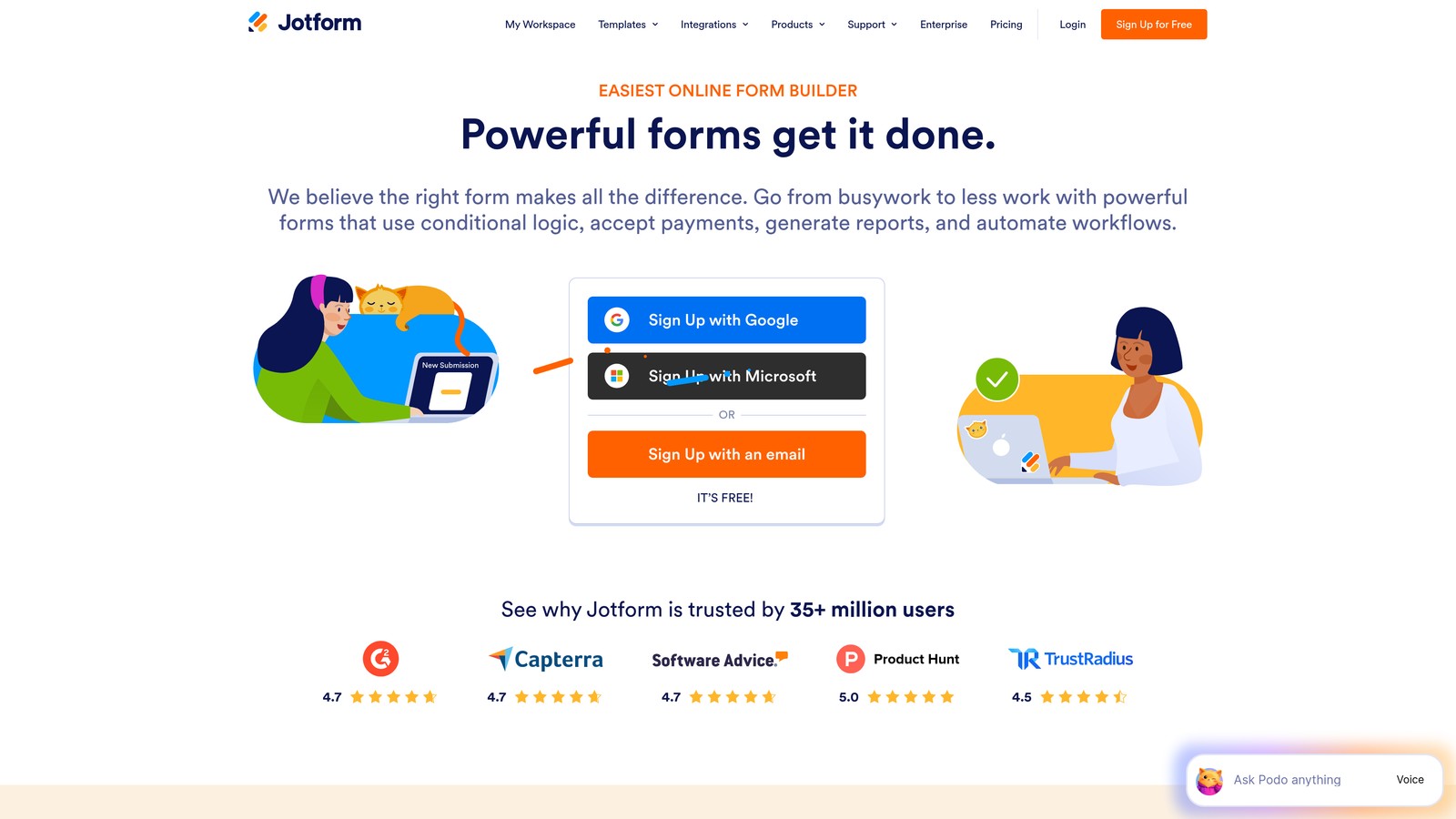
Jotform offers a comprehensive form-building platform with over 10,000 templates and robust features for everything from simple contact forms to complex applications.
Where This Tool Shines
The sheer breadth of templates makes Jotform a Swiss Army knife for form needs. Whether you're building job applications, payment forms, or event registrations, there's likely a pre-built template that gets you 80% of the way there.
The drag-and-drop builder balances power with accessibility. Non-technical users can build sophisticated forms without touching code, while developers can add custom CSS and JavaScript when needed. HIPAA compliance options make it viable for healthcare applications.
Key Features
Massive Template Collection: Over 10,000 pre-built forms covering virtually every industry and use case imaginable.
Payment Processing: Built-in integrations with PayPal, Stripe, Square, and other payment gateways for collecting payments.
PDF Generation: Automatically convert form submissions into formatted PDF documents for contracts and applications.
Conditional Logic: Show or hide fields based on user responses to create dynamic, personalized experiences.
HIPAA Compliance: Enterprise plans include features required for healthcare data collection and storage.
Best For
Organizations with diverse form needs across multiple departments. Healthcare providers requiring HIPAA compliance, nonprofits collecting donations, and businesses needing payment collection alongside data capture. Strong choice for teams wanting one platform to handle all form types.
Pricing
Free tier supports up to 5 forms with limited submissions. Bronze plan starts at $34 per month, with higher tiers adding more forms, submissions, and advanced features.
4. Tally
Best for: Startups and small teams wanting unlimited forms without budget constraints
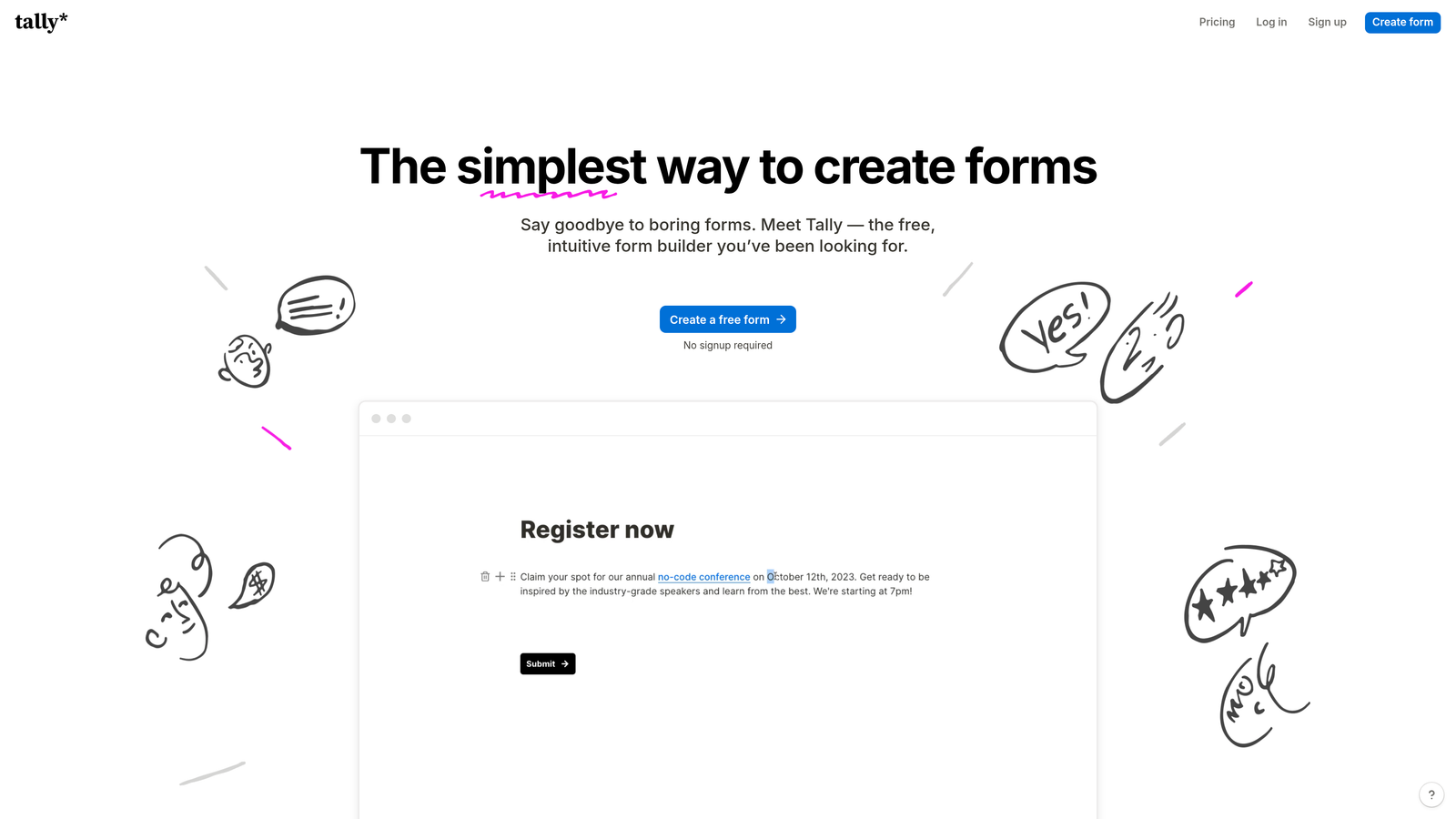
Tally brings a Notion-like editing experience to form building, with a genuinely generous free tier that includes unlimited forms and submissions.
Where This Tool Shines
Tally's block-based editor feels immediately familiar to anyone who's used Notion. You build forms by stacking blocks—text, multiple choice, file uploads—in a clean, distraction-free interface. The learning curve is minimal, making it accessible for non-technical team members.
The free tier stands out in a market where most platforms aggressively limit submissions. Unlimited forms and responses mean early-stage companies can scale usage without hitting paywalls, making it ideal for bootstrapped teams testing multiple lead generation approaches.
Key Features
Unlimited Free Tier: No limits on forms or submissions, making it genuinely viable for growing teams without budget.
Block-Based Editor: Notion-style interface that makes form building intuitive and fast.
Conditional Logic: Show or hide questions based on previous answers to create personalized flows.
File Uploads: Collect documents, images, and other files directly through form submissions.
Embed Flexibility: Drop forms into any website, Notion page, or app with simple embed codes.
Best For
Early-stage startups, indie makers, and small teams who need professional forms without subscription costs. Companies already using Notion who want a consistent editing experience. Teams running multiple lead generation experiments who need flexibility without financial commitment.
Pricing
Free tier is remarkably complete with unlimited forms and submissions. Pro plan at $29 per month adds custom domains, file storage, and advanced customization options.
5. Fillout
Best for: Teams with existing data in Airtable or Notion who need two-way form sync
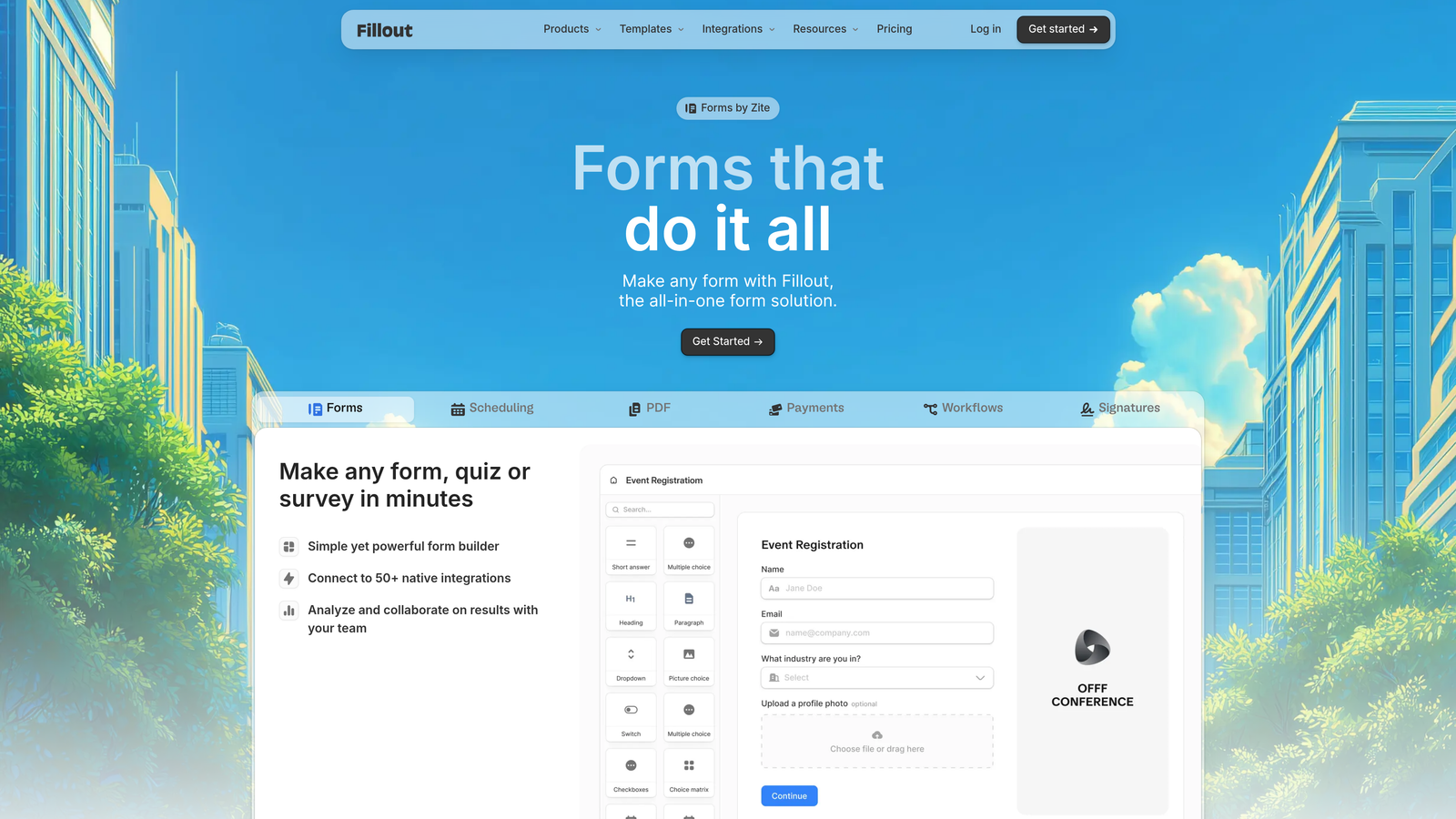
Fillout takes a database-first approach, treating forms as interfaces to your existing data rather than standalone collection tools.
Where This Tool Shines
The native Airtable and Notion integrations go beyond simple data export. Forms can pre-fill from existing records, allowing users to update information rather than re-entering it. This makes Fillout powerful for member portals, customer update forms, and ongoing data maintenance workflows.
Multi-page forms with progress indicators help break complex applications into manageable steps. The visual progress bar reduces abandonment by showing users exactly how much remains, making lengthy forms feel less overwhelming.
Key Features
Native Database Connections: Direct two-way sync with Airtable and Notion, treating them as your form backend.
Pre-Fill Capabilities: Automatically populate forms with existing data, allowing users to review and update rather than re-enter.
Record Updates: Forms can modify existing database records instead of only creating new entries.
Multi-Page Forms: Break long forms into logical sections with progress tracking to improve completion rates.
Payment Collection: Integrate Stripe for collecting payments alongside form submissions.
Best For
Companies already using Airtable or Notion as their system of record. Teams building member portals, customer self-service tools, or internal workflows where data updates are as important as new submissions. Organizations wanting forms that feel like native extensions of their existing tools.
Pricing
Free tier covers basic usage. Starter plan at $15 per month provides excellent value for teams needing advanced database features and higher submission volumes.
6. Formsort
Best for: Enterprise teams optimizing conversion funnels with rigorous A/B testing
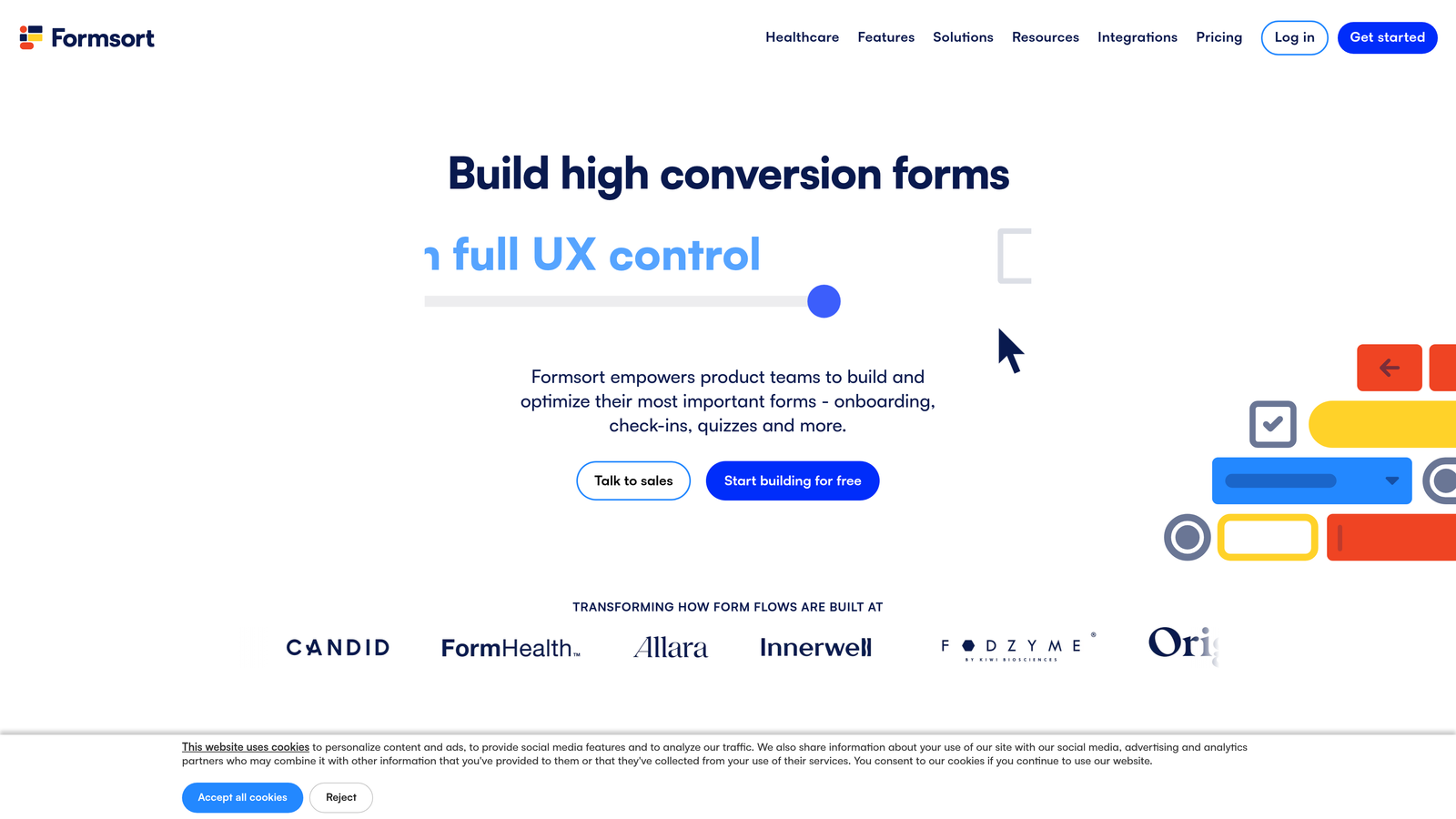
Formsort is built for conversion rate optimization, offering enterprise-grade testing, analytics, and customization capabilities for teams treating forms as revenue drivers.
Where This Tool Shines
The built-in A/B testing engine sets Formsort apart from consumer-grade form builders. You can test different question orders, wording variations, or logic flows simultaneously, with statistical significance calculations built in. This data-driven approach helps teams systematically improve conversion rates.
Advanced branching logic handles complex qualification flows that would break simpler platforms. Combined with custom CSS and JavaScript support, development teams can create forms that feel like native application experiences rather than embedded widgets.
Key Features
Native A/B Testing: Test multiple form variations simultaneously with built-in statistical analysis and reporting.
Advanced Logic Engine: Handle complex branching scenarios with nested conditions and multi-factor decision trees.
Conversion Analytics: Deep funnel analysis showing exactly where users drop off and which changes impact completion.
Custom Code Support: Add custom CSS and JavaScript for complete design and functionality control.
Enterprise Security: SOC 2 compliance, SSO, and advanced security features for regulated industries.
Best For
Growth-stage and enterprise companies where form conversion directly impacts revenue. Financial services, insurance, and healthcare companies needing compliance alongside optimization. Teams with dedicated conversion optimization resources who will actively test and iterate on form performance.
Pricing
Custom pricing based on usage and requirements. Designed for companies with serious conversion optimization budgets and dedicated resources for implementation and testing.
7. Paperform
Best for: Creating forms that double as landing pages with rich content and booking capabilities
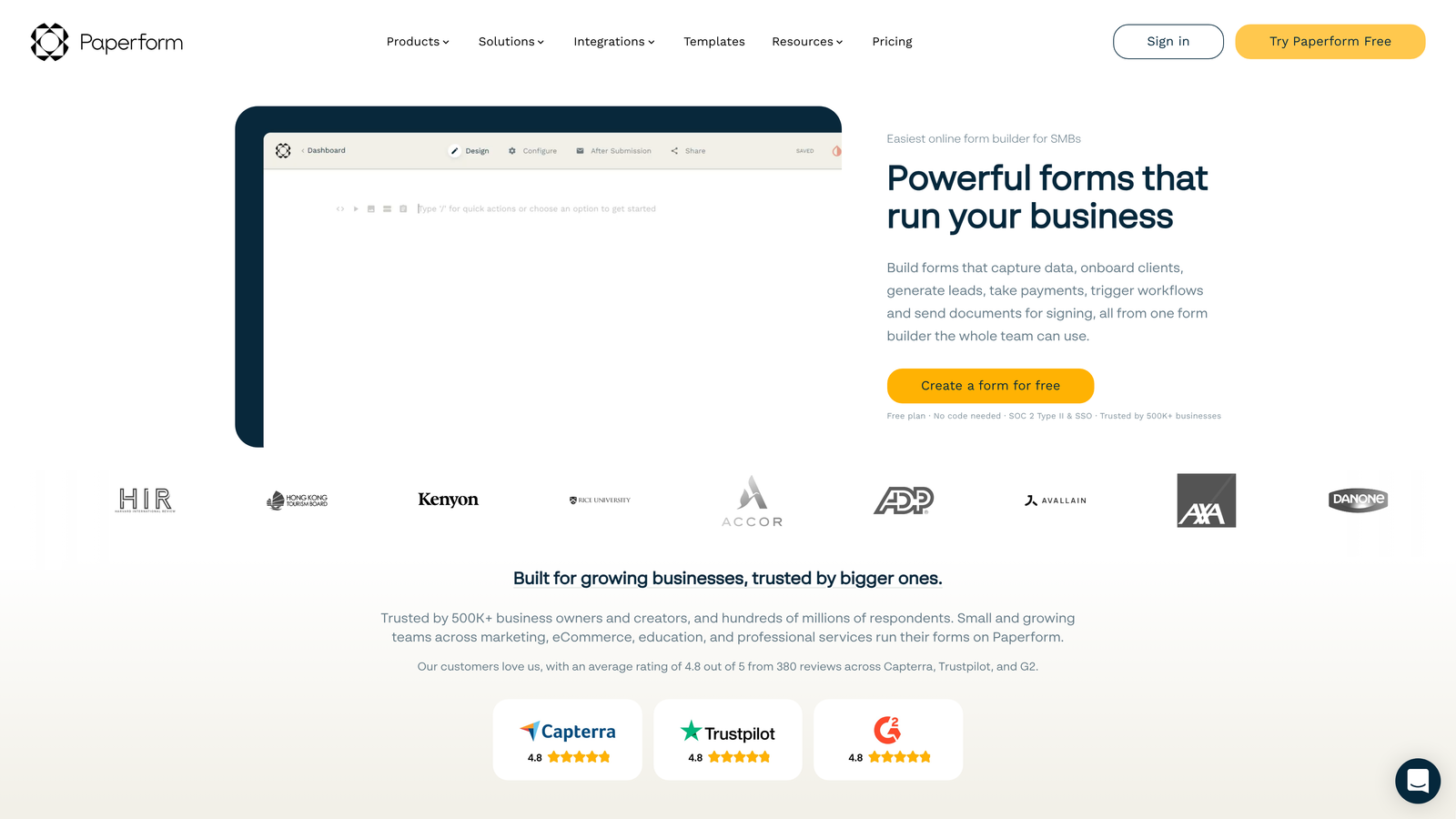
Paperform blurs the line between forms and landing pages, letting you build rich, content-heavy pages with embedded form elements throughout.
Where This Tool Shines
Paperform treats forms as full web pages rather than isolated widgets. You can intersperse form fields with text blocks, images, videos, and other content, creating experiences that educate and collect information simultaneously. This approach works brilliantly for service bookings, course registrations, and complex applications.
The built-in scheduling and e-commerce capabilities eliminate the need for separate booking or payment tools. You can create complete service booking pages—with availability calendars, payment collection, and confirmation emails—all within a single form.
Key Features
Rich Content Blocks: Mix form fields with text, images, videos, and other content for landing page-style experiences.
E-Commerce Integration: Sell products, accept donations, or collect payments directly within forms.
Appointment Scheduling: Built-in calendar integration for booking meetings, services, or events.
Calculations: Perform real-time calculations based on user inputs for quotes, pricing, or scoring.
Custom Branding: Full control over colors, fonts, and styling to match brand guidelines perfectly.
Best For
Service businesses needing booking and payment collection. Consultants, coaches, and agencies creating client intake processes. Organizations wanting forms that feel like dedicated landing pages rather than embedded widgets. Teams consolidating multiple tools into a single platform.
Pricing
Essentials plan at $24 per month covers basic needs. Pro plan at $49 per month adds advanced features like calculations, custom domains, and priority support.
8. Reform
Best for: Fast-moving teams who value speed and modern defaults over extensive customization
Reform prioritizes building speed through keyboard shortcuts and opinionated design choices that look modern without manual styling.
Where This Tool Shines
Reform's keyboard-first approach dramatically accelerates form creation. Power users can build complete forms without touching a mouse, using shortcuts to add fields, configure logic, and adjust settings. This efficiency matters when you're rapidly testing different lead capture approaches.
The design defaults are thoughtfully chosen. Forms look clean and modern immediately, without the styling work required in more flexible platforms. This opinionated approach trades unlimited customization for speed and consistency—a worthwhile tradeoff for many teams.
Key Features
Keyboard Shortcuts: Build and configure forms entirely via keyboard for maximum speed and efficiency.
Modern Design Defaults: Forms look professional immediately without manual styling or design work.
Partial Submissions: Capture data even when users don't complete forms, recovering leads that would otherwise be lost.
Custom Domains: Host forms on your own domain for better branding and trust signals.
Webhook Integrations: Connect to any tool via webhooks for flexible automation possibilities.
Best For
Startups and growth teams who ship fast and iterate quickly. Companies that value speed over pixel-perfect customization. Technical teams comfortable with webhook-based integrations. Organizations wanting clean, modern forms without investing time in design.
Pricing
Free tier available for getting started. Pro plan starts at $19 per month, offering strong value for teams prioritizing speed and simplicity.
9. Feathery
Best for: Product teams embedding forms into applications and onboarding flows
Feathery takes a developer-first approach, providing React components and APIs for teams building forms directly into their products.
Where This Tool Shines
The React SDK lets developers embed forms that feel native to their application. Instead of iframes that look and behave differently from surrounding content, Feathery forms integrate seamlessly into your product's design system and user experience.
User authentication flows make Feathery particularly strong for onboarding sequences. You can build multi-step user registration, KYC processes, or application flows that maintain user sessions and sync with your authentication system. This level of integration isn't possible with traditional form builders.
Key Features
React SDK: Native React components that integrate directly into your application codebase.
In-App Embedding: Forms that feel like native application features rather than external tools.
Authentication Integration: Handle user login, registration, and authenticated form experiences seamlessly.
Custom Validation: Define complex validation rules that match your application's business logic.
API-First Architecture: Programmatic control over form creation, submission handling, and data management.
Best For
SaaS companies building user onboarding flows. Fintech applications requiring KYC and compliance workflows. Product teams wanting forms that match their application's design system exactly. Development teams comfortable with API-based tools who need programmatic control.
Pricing
Free tier available for early-stage startups. Growth plans scale based on usage and feature requirements, with custom enterprise pricing for larger implementations.
Making the Right Choice
The right interactive form platform depends on your specific needs and constraints. If AI-powered lead qualification matters—automatically identifying high-value prospects without manual scoring—Orbit AI delivers intelligent automation that transforms forms from data collection into active qualification tools. For teams prioritizing beautiful design and brand consistency, Typeform's signature conversational interface sets the standard.
Budget-conscious startups testing multiple approaches benefit from Tally's genuinely unlimited free tier. Teams already invested in Airtable or Notion should explore Fillout's native database connections. Enterprise organizations obsessed with conversion optimization need Formsort's A/B testing and analytics capabilities.
Consider your technical resources too. Non-technical marketing teams thrive with Jotform's extensive templates or Paperform's visual builder. Developer-focused teams embedding forms into products need Feathery's React SDK and API-first approach. Fast-moving teams shipping quickly appreciate Reform's keyboard shortcuts and modern defaults.
The interactive form market has matured significantly. Basic conversational interfaces are now table stakes—the real differentiators are AI-powered features, deep integration ecosystems, and specialized capabilities for specific use cases. Think about where forms sit in your growth strategy. Are they lead generation tools requiring qualification? Customer research instruments? Product onboarding flows? Your answer points to the right platform.
Most platforms offer free tiers or trials. Test your top two or three options with real use cases before committing. Build a lead capture form, send it to a small audience, and evaluate completion rates, data quality, and integration workflows. The platform that feels intuitive to your team and delivers measurable conversion improvements is the right choice.
Transform your lead generation with AI-powered forms that qualify prospects automatically while delivering the modern, conversion-optimized experience your high-growth team needs. Start building free forms today and see how intelligent form design can elevate your conversion strategy.


