Static forms are conversion killers. When every visitor sees the same generic fields regardless of their needs, you're leaving leads on the table. Dynamic form builders solve this by adapting in real-time—showing relevant questions based on previous answers, personalizing the experience, and qualifying leads automatically.
But with dozens of options claiming to offer 'smart' forms, finding the right tool for your team can feel overwhelming. We evaluated the top dynamic form builders based on conditional logic capabilities, integration depth, ease of use, and conversion-focused features. Whether you're a startup looking to qualify leads faster or an enterprise team managing complex multi-step workflows, here are the best options for 2026.
1. Orbit AI
Best for: High-growth teams that need AI-powered lead qualification with dynamic form flows
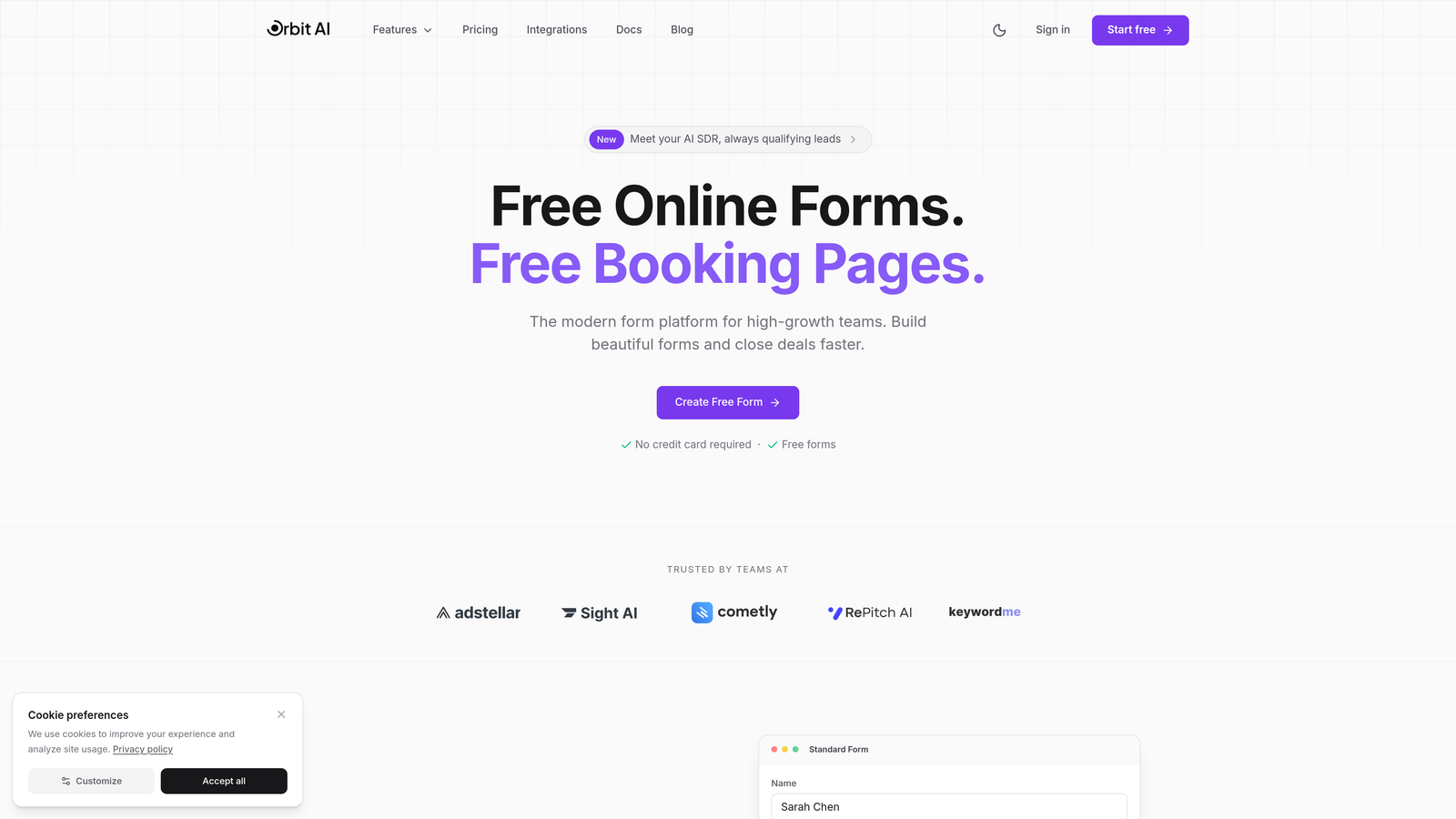
Orbit AI combines dynamic form building with intelligent lead qualification, automatically scoring and routing prospects based on their responses.
Where This Tool Shines
Orbit AI stands out by going beyond basic conditional logic to actually understand lead quality in real-time. While other tools simply show or hide fields, Orbit AI analyzes responses as they come in, assigns qualification scores, and routes high-value leads to your sales team instantly.
The platform is built specifically for conversion optimization, with templates designed around lead generation best practices. Every form tracks partial submissions, so you capture data even when visitors don't complete the full flow—a game-changer for understanding drop-off points.
Key Features
AI-Powered Lead Qualification: Automatically scores and routes leads based on response patterns and predefined criteria.
Dynamic Conditional Logic: Multi-step form flows that adapt based on previous answers, creating personalized experiences.
Native CRM Integrations: Direct connections to HubSpot, Salesforce, Slack, and 15+ marketing tools without middleware.
Conversion-Optimized Templates: Pre-built form designs specifically created for lead generation and qualification.
Partial Submission Tracking: Built-in analytics that capture incomplete form data to identify friction points.
Best For
Orbit AI is ideal for high-growth B2B teams that receive significant inbound lead volume and need to qualify prospects automatically. If you're tired of sales teams wasting time on unqualified leads or want to personalize the form experience without manual setup, this platform delivers both intelligence and flexibility.
Pricing
Free tier available with core features. Paid plans start at competitive rates designed for growing teams, with pricing that scales based on submission volume and advanced features.
2. Typeform
Best for: Creating conversational, one-question-at-a-time forms with high completion rates
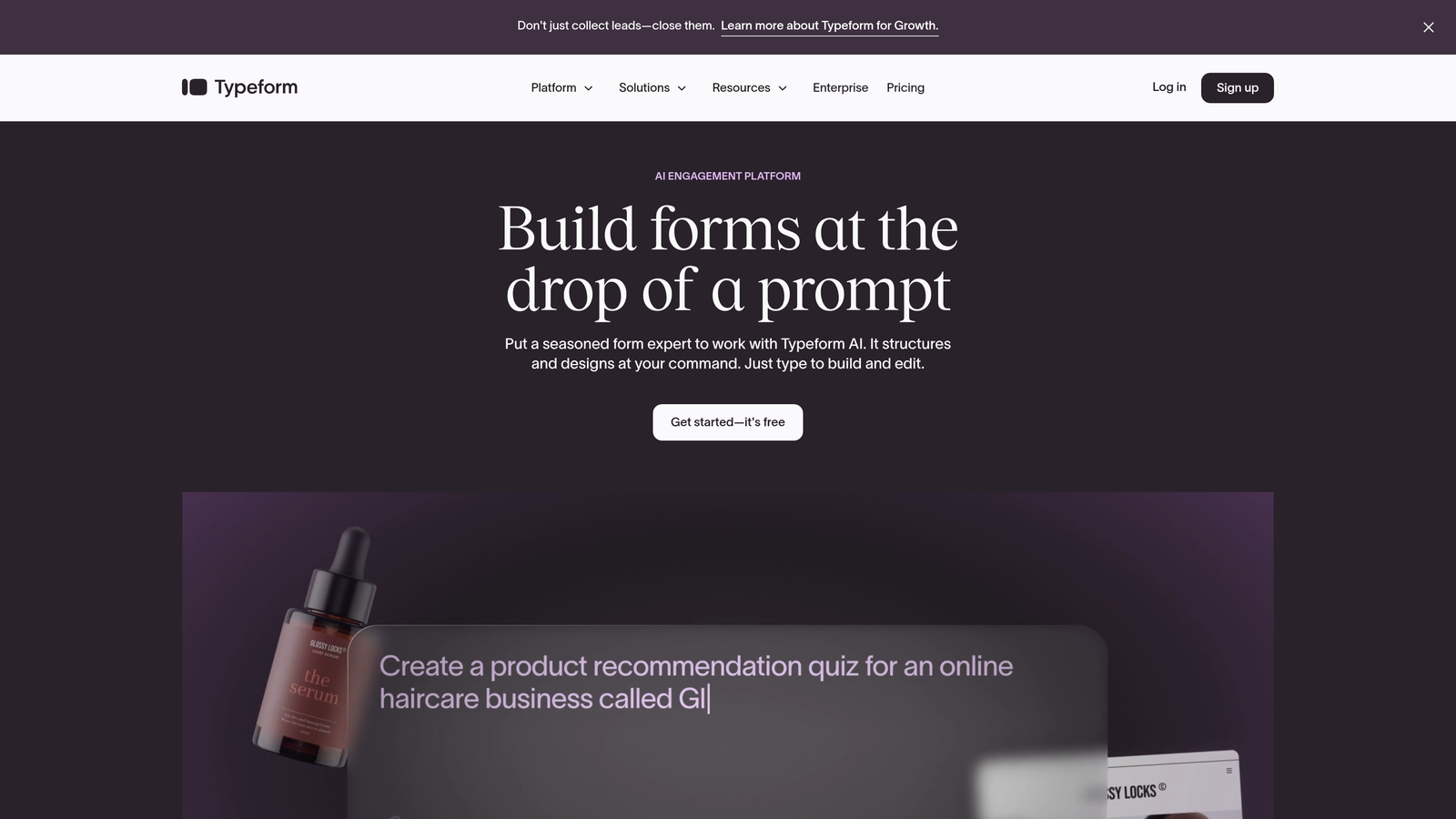
Typeform pioneered the conversational form approach, presenting one question at a time to reduce cognitive load and improve completion rates.
Where This Tool Shines
Typeform's signature one-question-at-a-time interface creates a more engaging experience than traditional multi-field forms. This approach consistently delivers higher completion rates, especially for longer surveys or complex qualification flows.
The platform excels at visual storytelling within forms. You can embed videos, images, and GIFs between questions to maintain engagement, making it perfect for brand-forward companies that want forms to feel like an extension of their marketing rather than a data collection tool.
Key Features
Logic Jumps: Create personalized question paths based on previous answers, with unlimited branching possibilities.
Conversational UI: One-question-at-a-time interface that reduces form abandonment and improves user experience.
Rich Media Integration: Embed videos, images, and interactive elements directly within form flows.
Hidden Fields: Track UTM parameters, user IDs, and other metadata for advanced personalization and attribution.
Template Library: Hundreds of pre-built templates across use cases from lead generation to customer feedback.
Best For
Typeform works best for marketing teams focused on brand experience and user engagement. If you're creating customer surveys, product feedback forms, or lead qualification flows where completion rate matters more than speed, the conversational approach pays dividends.
Pricing
Free plan allows 10 responses per month. Basic plan starts at $25/month with 100 responses, while Plus ($50/month) and Business ($83/month) unlock advanced logic and integrations.
3. Jotform
Best for: Teams needing extensive template variety and robust conditional logic without technical setup
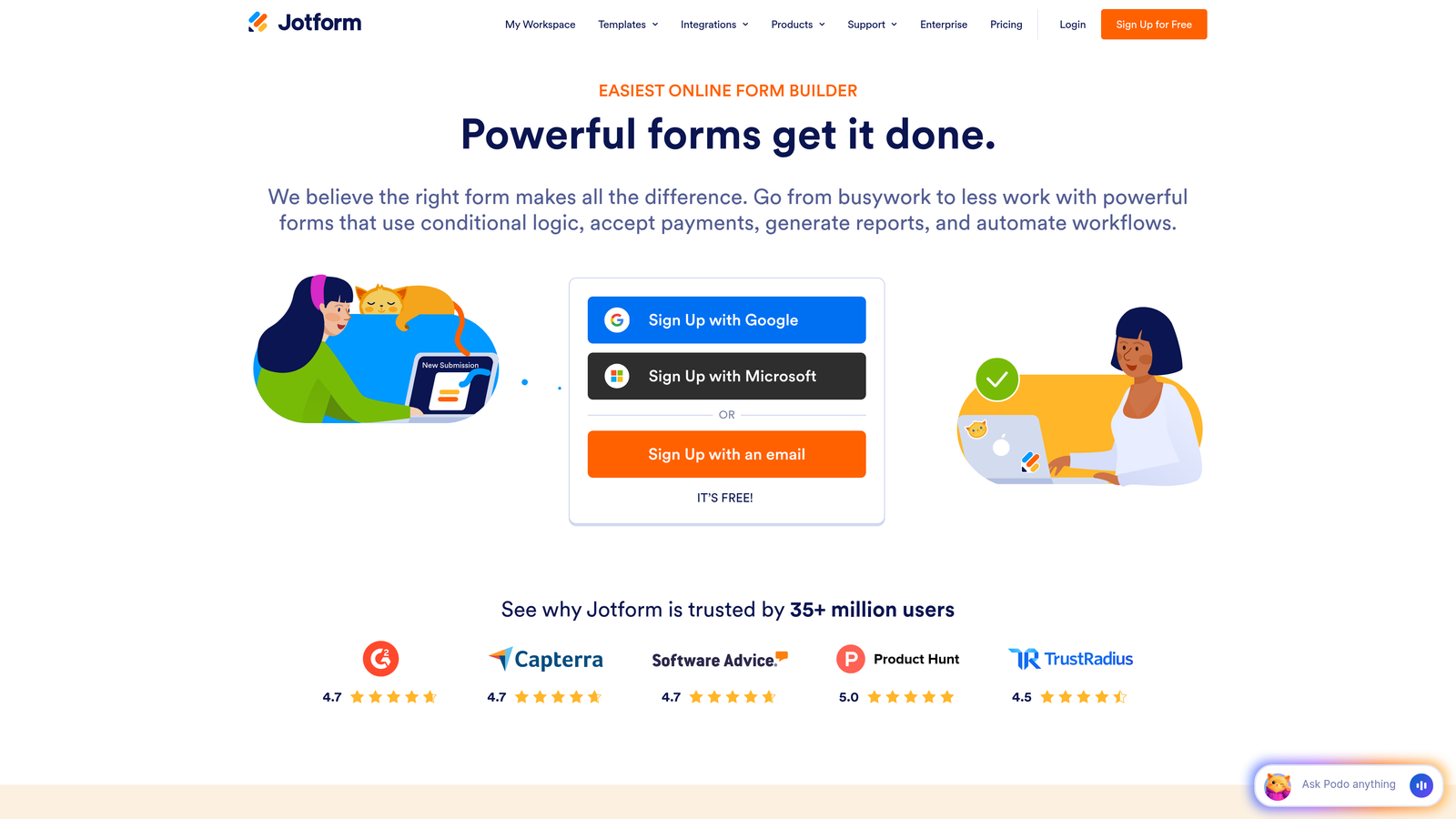
Jotform offers one of the largest template libraries in the industry with powerful conditional logic accessible through a visual interface.
Where This Tool Shines
Jotform's strength lies in its sheer versatility. With over 10,000 templates spanning every industry and use case imaginable, you can launch sophisticated forms in minutes rather than hours. The conditional logic builder uses a visual flowchart interface that makes complex branching accessible even to non-technical users.
The platform also excels at specialized use cases like payment collection and HIPAA compliance. If you need to collect payments with dynamic pricing based on form selections, or handle sensitive healthcare data with proper safeguards, Jotform has purpose-built features rather than workarounds.
Key Features
Visual Conditional Logic: Drag-and-drop interface for building complex conditional rules without coding.
10,000+ Templates: Industry-specific form templates covering everything from healthcare intake to event registration.
Payment Processing: Native integrations with PayPal, Stripe, Square, and other major payment processors.
Form Widgets: Specialized widgets for calculations, e-signatures, file uploads, and appointment scheduling.
HIPAA Compliance: Business Associate Agreement and encrypted data handling for healthcare organizations.
Best For
Jotform suits teams that need versatility across multiple form types and use cases. It's particularly strong for organizations in healthcare, education, or non-profits that require compliance features alongside dynamic functionality. The template library makes it easy to standardize forms across departments.
Pricing
Free plan includes 5 forms with 100 monthly submissions. Bronze starts at $34/month for 25 forms, Silver at $39/month for 100 forms, and Gold at $99/month with unlimited forms.
4. Paperform
Best for: Creating landing page-style forms with inline conditional logic and native payment processing
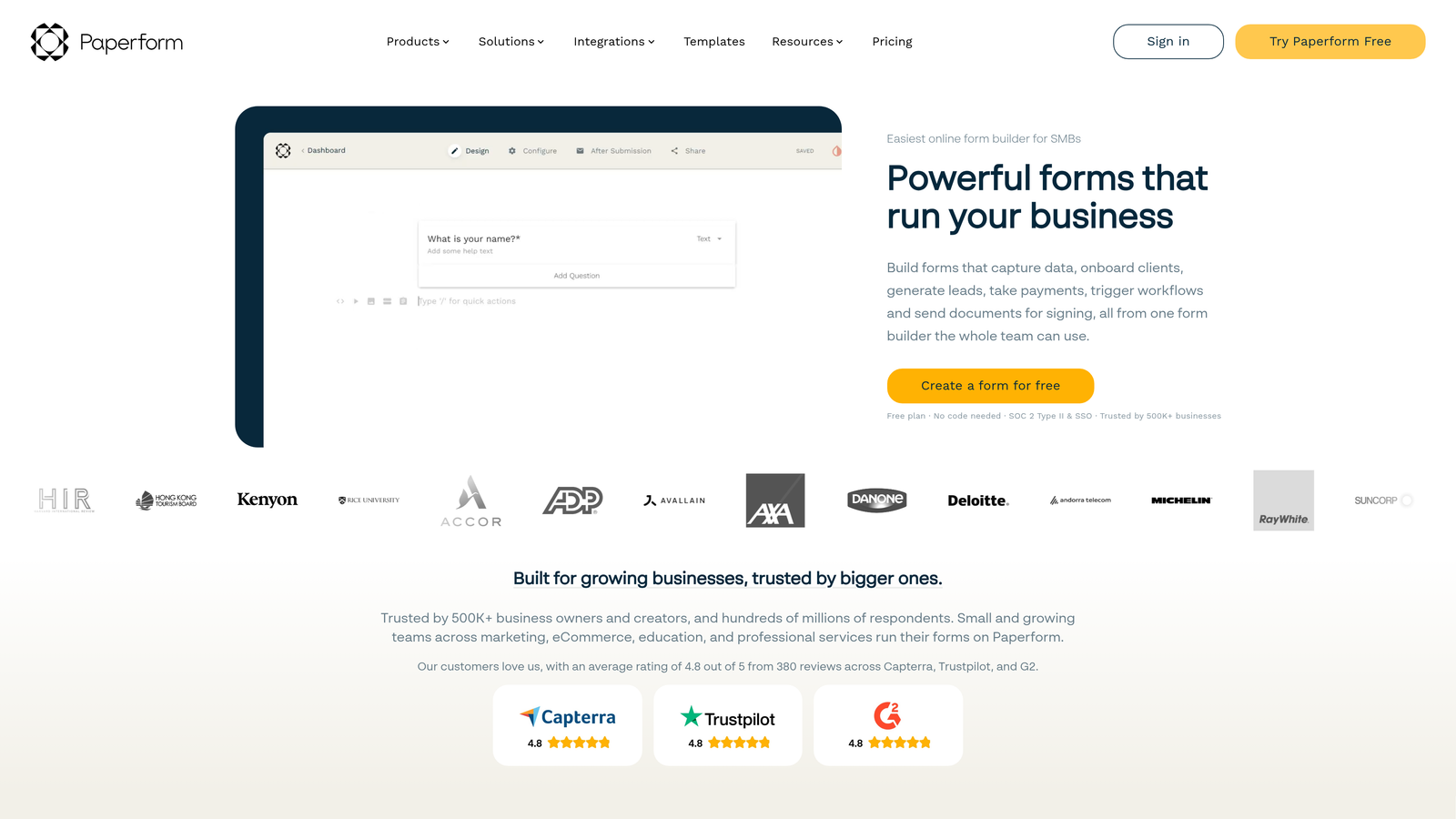
Paperform blurs the line between forms and landing pages, offering inline conditional logic that creates dynamic, content-rich experiences.
Where This Tool Shines
Paperform's inline conditional logic lets you show or hide entire content blocks—not just form fields—based on user responses. This means you can create forms that feel more like interactive landing pages, with explanatory text, images, and CTAs appearing dynamically as users progress.
The platform's native payment and booking features are particularly sophisticated. You can build complex pricing calculations, offer product bundles, and handle appointment scheduling all within a single form, without cobbling together multiple tools or plugins.
Key Features
Inline Conditional Logic: Show or hide content blocks, text, images, and entire sections based on form responses.
Native Payments: Built-in payment processing with Stripe, PayPal, and Square—no third-party integrations needed.
Rich Content Blocks: Embed videos, images, product galleries, and custom HTML within forms.
Calculations and Scoring: Build complex pricing calculators, quizzes, and assessment tools with real-time calculations.
Booking Integration: Native appointment scheduling with calendar sync and automated reminders.
Best For
Paperform excels for businesses that need forms to double as landing pages—think course creators, consultants, and service providers. If you're selling products, booking appointments, or collecting payments while qualifying leads, Paperform's all-in-one approach eliminates integration headaches.
Pricing
Essentials plan starts at $24/month with unlimited forms and submissions. Pro plan at $49/month adds advanced features like custom domains and priority support.
5. Tally
Best for: Budget-conscious teams wanting generous free-tier features with a clean, minimal interface
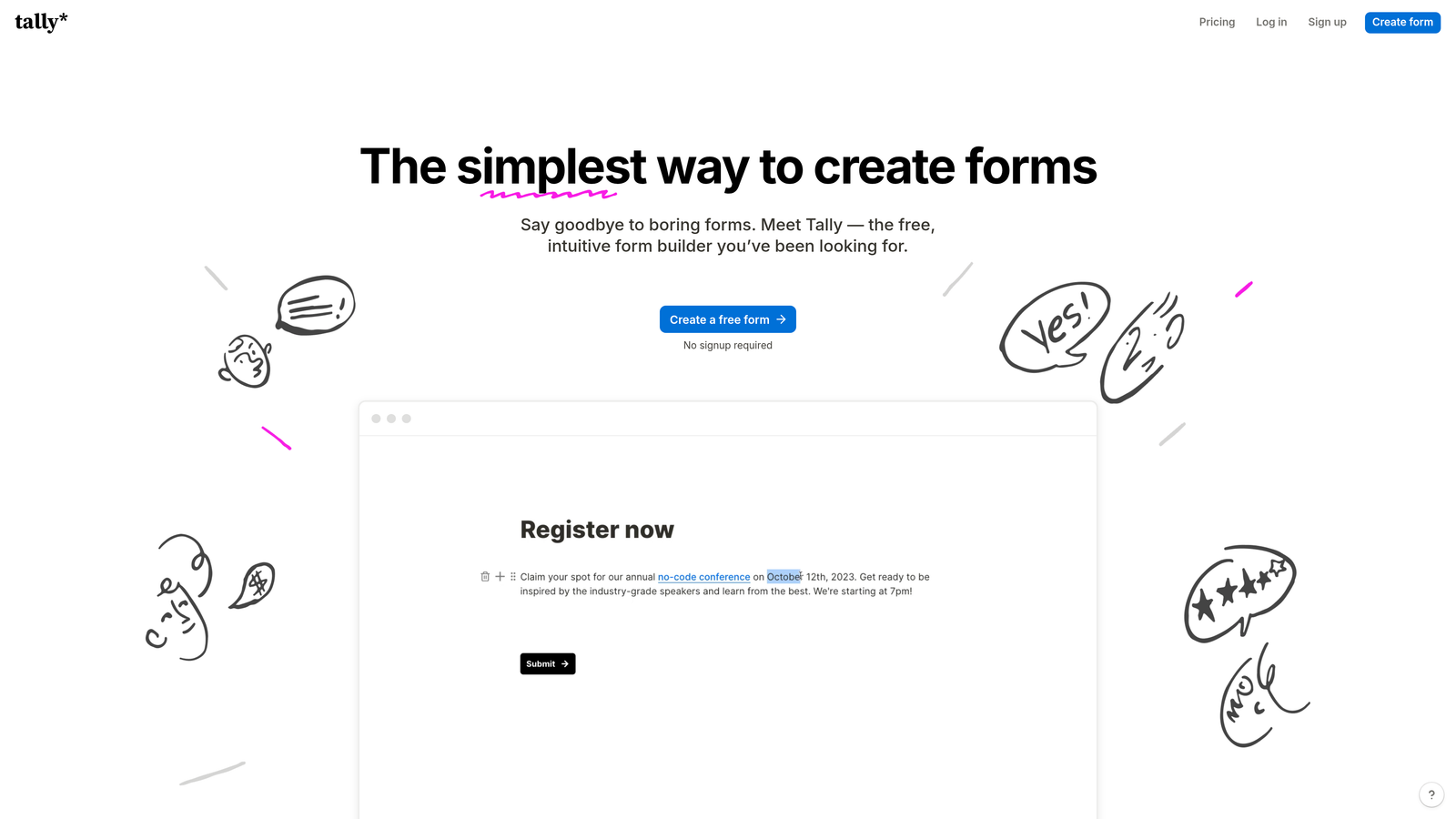
Tally offers a Notion-like form building experience with unlimited forms and submissions on its free plan—including conditional logic.
Where This Tool Shines
Tally's free tier is genuinely generous. While most competitors gate conditional logic behind paid plans, Tally includes it for free along with unlimited forms and submissions. This makes it perfect for startups and small teams that need dynamic forms without monthly costs eating into tight budgets.
The interface borrows heavily from Notion's block-based design, which means if your team already uses Notion, the learning curve is practically zero. You build forms by adding and configuring blocks, making the creation process intuitive and fast.
Key Features
Unlimited Free Plan: No limits on forms, submissions, or responses—even on the free tier.
Conditional Logic: Show/hide fields and sections based on previous answers, included in free plan.
Notion-Style Interface: Block-based form builder that feels familiar to Notion users.
File Uploads: Collect documents, images, and files from respondents without storage limits.
Basic Integrations: Connect to Google Sheets, Notion, Slack, and other popular tools via webhooks.
Best For
Tally is ideal for startups, indie makers, and small teams that need professional dynamic forms without the budget for enterprise tools. If you're running lean and need to validate ideas or collect leads before committing to paid software, Tally delivers surprising functionality at zero cost.
Pricing
Free plan includes unlimited forms and most features. Pro plan at $29/month adds custom domains, remove Tally branding, and advanced customization options.
6. Formstack
Best for: Enterprise teams requiring advanced workflow automation, compliance, and Salesforce integration
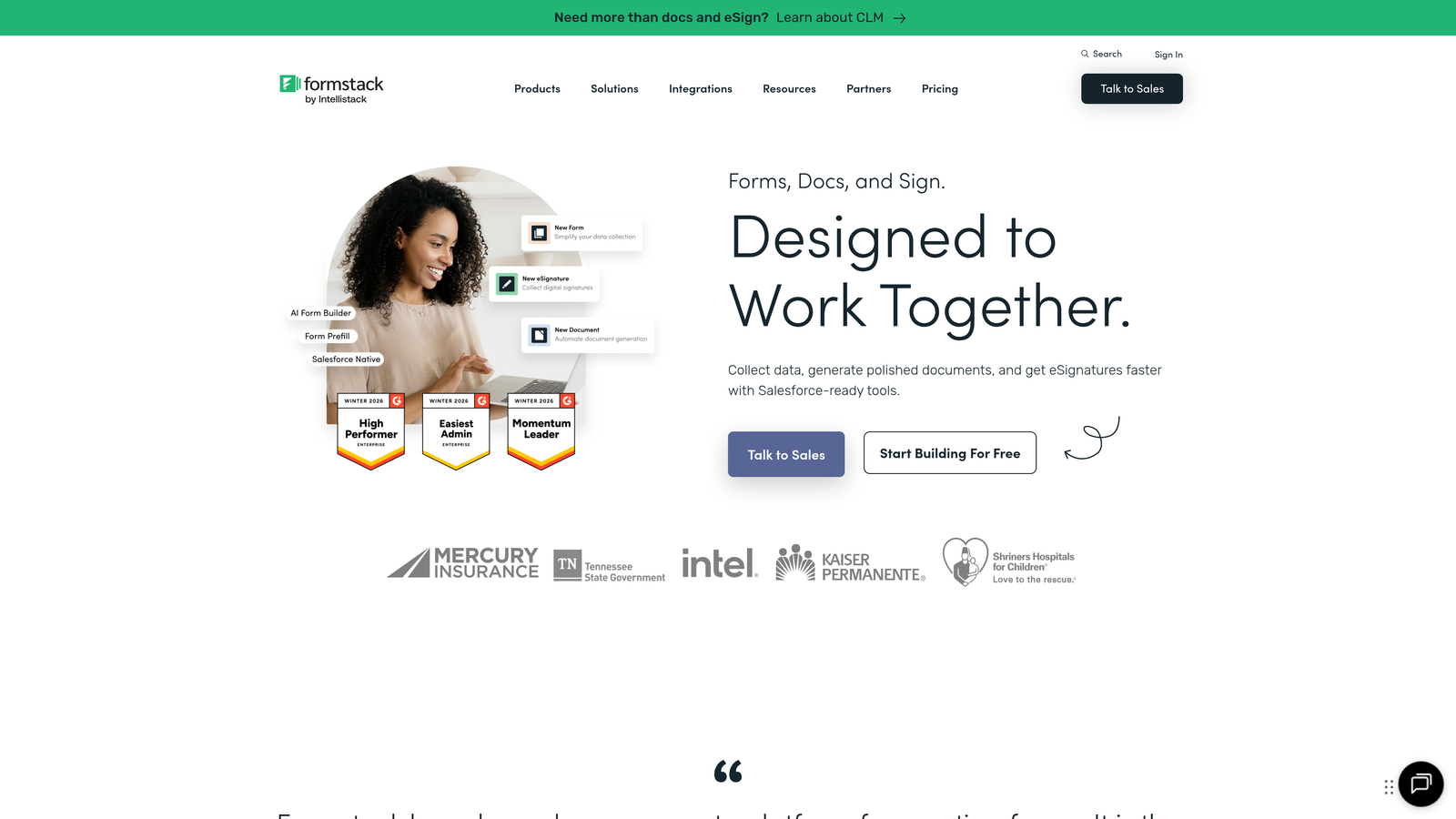
Formstack provides enterprise-grade form building with sophisticated workflow automation and strict compliance certifications.
Where This Tool Shines
Formstack is built for enterprises with complex compliance requirements. The platform maintains HIPAA, GDPR, and SOC 2 compliance certifications, making it suitable for healthcare, finance, and other regulated industries where data handling isn't negotiable.
The workflow automation goes far beyond basic conditional logic. You can trigger document generation, route approvals through multi-step processes, and integrate deeply with Salesforce without middleware. For organizations already invested in the Salesforce ecosystem, Formstack's native integration eliminates data sync issues entirely.
Key Features
Multi-Level Conditional Logic: Create complex rule sets with nested conditions and multiple trigger points.
Workflow Automation: Automated document generation, approval routing, and multi-step processes triggered by form submissions.
Compliance Certifications: HIPAA, GDPR, SOC 2, and other enterprise security standards maintained and audited regularly.
Salesforce-Native Integration: Direct connection to Salesforce objects without third-party tools or data sync delays.
A/B Testing: Built-in form optimization tools to test different versions and improve conversion rates.
Best For
Formstack suits enterprise teams in regulated industries or organizations with complex approval workflows. If you're in healthcare, financial services, or government, the compliance features alone justify the investment. Salesforce-heavy organizations benefit from the native integration that eliminates middleware complexity.
Pricing
Plans start at $50/month for basic features. Enterprise pricing varies based on form volume, users, and compliance requirements—expect to pay significantly more for advanced features and dedicated support.
7. Cognito Forms
Best for: Forms requiring complex calculations, conditional pricing, and payment processing with quantity rules
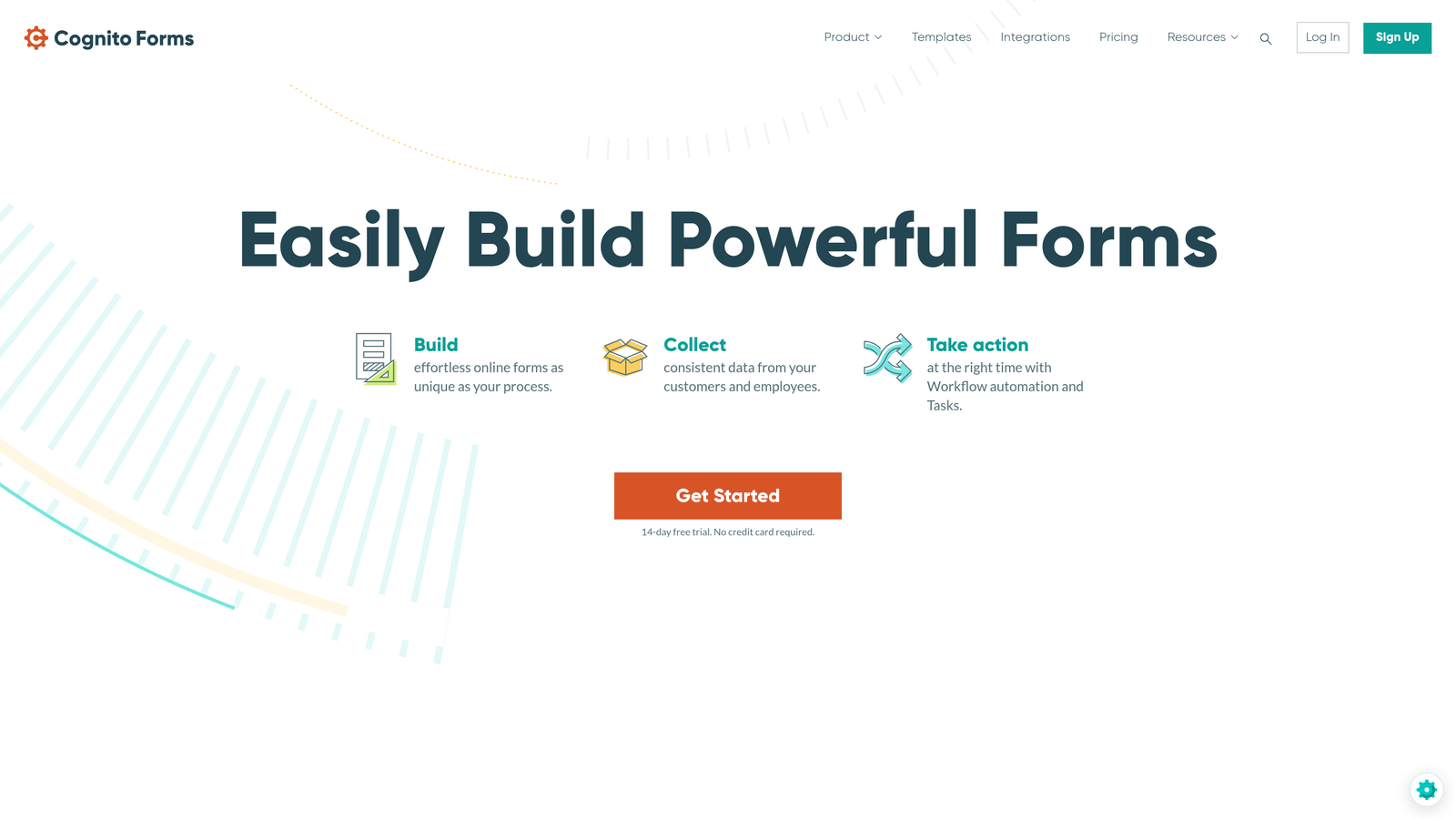
Cognito Forms excels at calculation-heavy forms with sophisticated conditional visibility and dynamic pricing capabilities.
Where This Tool Shines
Cognito Forms handles calculations better than almost any competitor. You can build complex pricing calculators that adjust based on multiple variables, quantity selectors, and conditional rules. This makes it perfect for order forms, registration systems, or any scenario where the final price depends on multiple user selections.
The conditional visibility features work seamlessly with calculations. You can show different pricing tiers based on responses, apply discounts conditionally, or hide entire payment sections for users who don't meet certain criteria. This level of sophistication typically requires custom development in other platforms.
Key Features
Advanced Calculations: Build complex formulas with conditional pricing, quantity-based calculations, and real-time totals.
Conditional Visibility: Show or hide fields, sections, and entire pages based on previous answers or calculated values.
Payment Processing: Integrated Stripe and PayPal with support for variable pricing, subscriptions, and quantity-based charges.
Repeating Sections: Allow users to add multiple entries for the same set of fields—perfect for registering multiple attendees.
Entry Management: Built-in workflow for reviewing, approving, and managing form submissions with status tracking.
Best For
Cognito Forms works exceptionally well for event registration, order forms, and membership applications where pricing varies based on selections. If you're collecting payments and need sophisticated calculation logic—think early bird pricing, group discounts, or add-on products—this platform handles complexity gracefully.
Pricing
Free plan available with basic features and Cognito branding. Pro plan starts at $15/month for one user, Team at $35/month for three users, and Enterprise at custom pricing for larger organizations.
8. 123FormBuilder
Best for: Database-driven forms with lookup fields and data prefilling for CRM-style functionality
123FormBuilder specializes in database-connected forms that can look up and prefill data from external sources dynamically.
Where This Tool Shines
123FormBuilder's database lookup functionality sets it apart. You can create dropdown fields that pull options from external databases, prefill form fields with existing customer data, or validate entries against master records. This makes it feel more like a custom CRM interface than a traditional form builder.
The platform also handles complex multi-page forms elegantly, with progress indicators and save-and-resume functionality. For lengthy applications or data collection processes that users might need to complete over multiple sessions, this capability prevents abandonment and improves completion rates.
Key Features
Database Lookup Fields: Create dynamic dropdowns and auto-populated fields that pull data from external databases or spreadsheets.
Conditional Logic: Skip logic, branching, and field visibility rules based on previous answers or lookup values.
Data Prefilling: Automatically populate form fields with existing data from CRMs, databases, or previous submissions.
Multi-Page Forms: Progress indicators, save-and-resume functionality, and section-based navigation for complex forms.
Security and Compliance: SSL encryption, GDPR compliance tools, and data residency options for regulated industries.
Best For
123FormBuilder suits organizations with existing databases who need forms that integrate deeply with their data infrastructure. If you're building customer portals, member management systems, or applications that need to validate against existing records, the database features save significant development time.
Pricing
Free plan includes basic features with 123FormBuilder branding. Gold plan starts at $24.99/month, Platinum at $44.99/month, and Diamond at $74.99/month with advanced features and higher submission limits.
9. Fillout
Best for: Modern forms with native Notion and Airtable database connections for no-code workflows
Fillout connects directly to Notion and Airtable databases, creating forms that read from and write to your existing data infrastructure.
Where This Tool Shines
Fillout is purpose-built for teams already using Notion or Airtable as their database. Instead of treating these platforms as integration endpoints, Fillout makes them first-class data sources. You can create forms that populate dropdown options from Notion databases, prefill fields with Airtable records, or write submissions directly to specific database views.
The modern, clean design aesthetic matches contemporary SaaS expectations. Forms look professional by default without requiring design skills, and the mobile experience is particularly polished—important when many respondents complete forms on smartphones.
Key Features
Native Database Connections: Direct integration with Notion and Airtable for reading and writing data without middleware.
Conditional Logic: Field visibility, page jumps, and dynamic content based on previous answers or database values.
Pre-Filled Forms: Generate unique form links with pre-populated data from database records for personalized experiences.
Modern Design: Clean, contemporary form templates that look professional on desktop and mobile devices.
Scheduling and Payments: Built-in calendar booking and Stripe integration for collecting payments.
Best For
Fillout excels for modern teams already invested in the Notion or Airtable ecosystem. If your operations run on these platforms and you want forms that feel like natural extensions rather than disconnected tools, Fillout's native approach eliminates data sync headaches and creates seamless workflows.
Pricing
Free plan available with core features and reasonable submission limits. Starter plan at $15/month adds custom domains and removes branding, while Pro at $25/month unlocks advanced features and higher limits.
Finding Your Perfect Match
The right dynamic form builder depends entirely on your team's specific needs and existing tech stack. Here's how to choose:
For high-growth teams focused on lead qualification, Orbit AI delivers AI-powered scoring and routing that goes beyond basic conditional logic. If you're drowning in unqualified leads or want intelligent forms that work harder for your sales team, the platform's qualification capabilities justify the investment.
Budget-conscious startups should look at Tally first—the free tier is genuinely useful, not a trial disguised as free software. When you need something more sophisticated without breaking the bank, Cognito Forms offers impressive calculation features at reasonable prices.
Enterprise teams in regulated industries need Formstack's compliance certifications and workflow automation. The Salesforce integration alone makes it worthwhile for organizations already invested in that ecosystem. For teams prioritizing brand experience and engagement, Typeform's conversational approach consistently delivers higher completion rates.
If your operations run on Notion or Airtable, Fillout creates seamless database-connected forms without middleware complexity. Need payment processing with sophisticated pricing logic? Cognito Forms and Paperform both excel at dynamic pricing and calculations.
The competitive landscape has matured beyond simple show/hide logic. The best platforms now offer AI qualification, database connectivity, and workflow automation that transforms forms from data collection tools into intelligent lead generation systems. Evaluate based on your integration needs, technical sophistication, and whether you're optimizing for completion rates, lead quality, or operational efficiency.
Transform your lead generation with AI-powered forms that qualify prospects automatically while delivering the modern, conversion-optimized experience your high-growth team needs. Start your free trial today and see how intelligent form design can elevate your conversion strategy.