Insurance teams collect a lot of information. Policy applications, claims intake, beneficiary updates, agent onboarding forms, renewal questionnaires — the list goes on. The problem is that most generic form builders weren't designed with any of this in mind. They lack the conditional logic depth to handle coverage-type branching, the compliance infrastructure for HIPAA or SOC 2, and certainly not the lead qualification layer that separates serious prospects from people who clicked an ad and moved on.
This list covers the best form builders for insurance companies in 2026, evaluated on compliance features, conditional logic depth, lead qualification capabilities, and real-world usability for non-technical teams. Whether you're a solo independent agent or a growing mid-market carrier, there's a tool here that fits your workflow.
Quick note on our first pick: Orbit AI is our own product, and we've included it because it genuinely fits this use case. We've tried to be honest about where other tools have the edge.
1. Orbit AI
Best for: Insurance teams that want AI-powered lead qualification and conversion-optimized forms
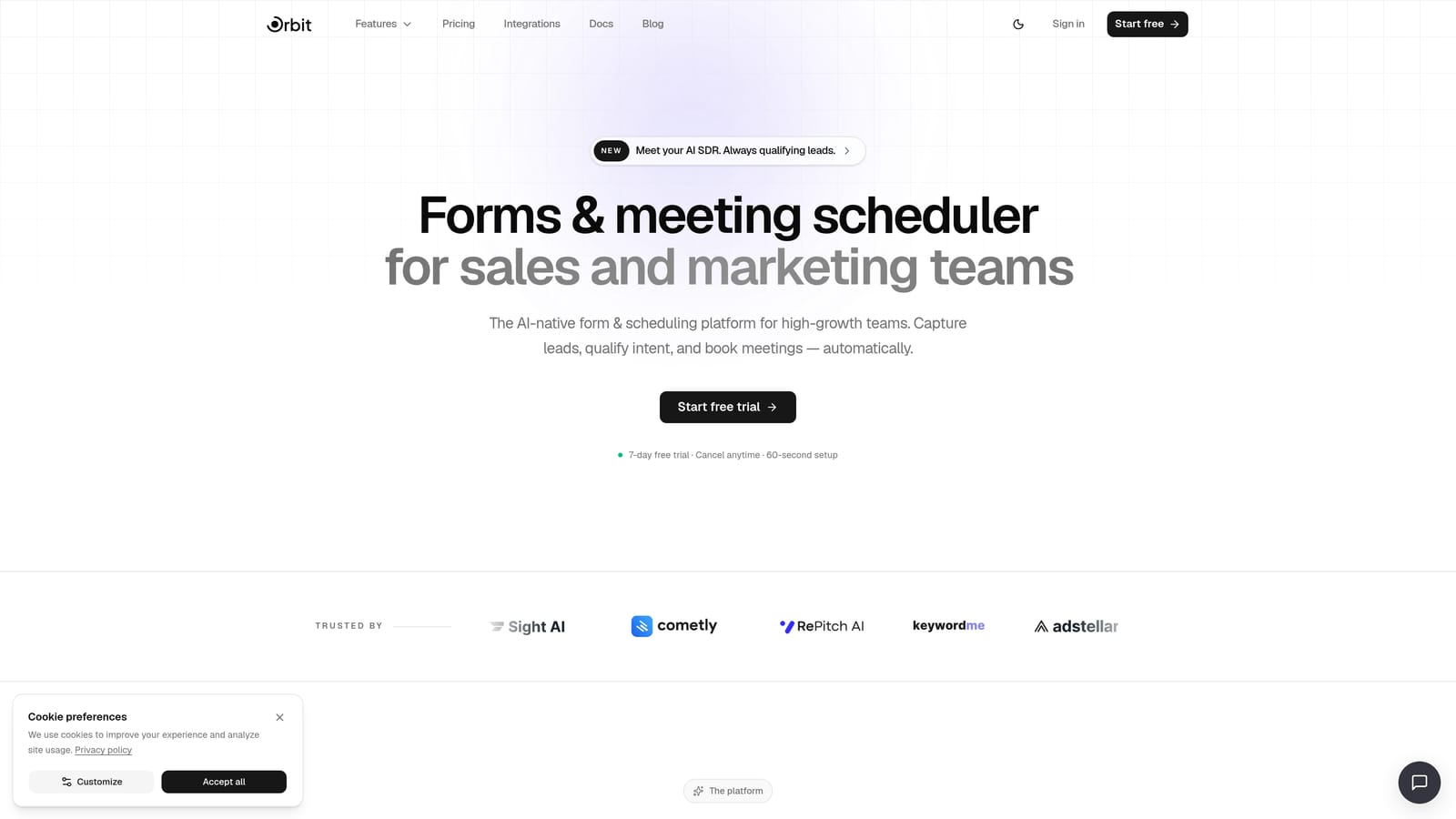
Orbit AI is an AI-powered form builder with built-in lead qualification agents, designed for high-growth teams that want to convert more visitors and filter unqualified leads before they ever reach the pipeline.
Where This Tool Shines
For insurance agencies, the volume problem is real. You can drive traffic to a quote request form and end up with dozens of submissions from people who don't meet your coverage criteria, are outside your service area, or simply aren't ready to buy. Orbit AI addresses this directly with lead qualification agents that score and filter submissions in real time, so your sales team spends time on prospects worth pursuing.
The conditional logic engine is well-suited to insurance's branching complexity. A form can route differently depending on whether someone is requesting auto, home, commercial, or life coverage, and each path can ask entirely different follow-up questions. The modern UI also helps with completion rates on forms that would otherwise feel long and tedious.
Key Features
AI Lead Qualification Agents: Score and filter submissions automatically so unqualified leads don't clog your pipeline.
Conditional Logic: Branch questions based on coverage type, risk profile, or any other field response.
Conversion-Optimized Design: Modern, customizable UI built to reduce drop-off on longer insurance intake forms.
Workflow Automation and CRM Integrations: Connect form submissions directly to your CRM or agency management system.
Analytics Dashboard: Track form performance, completion rates, and drop-off points by question.
Best For
Insurance agencies and high-growth teams that receive significant lead volume and need to qualify prospects before they reach the sales team. Particularly strong for teams running quote request or application intake forms where lead quality is as important as lead quantity.
Pricing
Pricing is quoted on a short demo, and Orbit has no free plan. Book a demo to see it with your own forms.
2. Jotform
Best for: Insurance agencies that need HIPAA compliance and a large library of ready-made templates
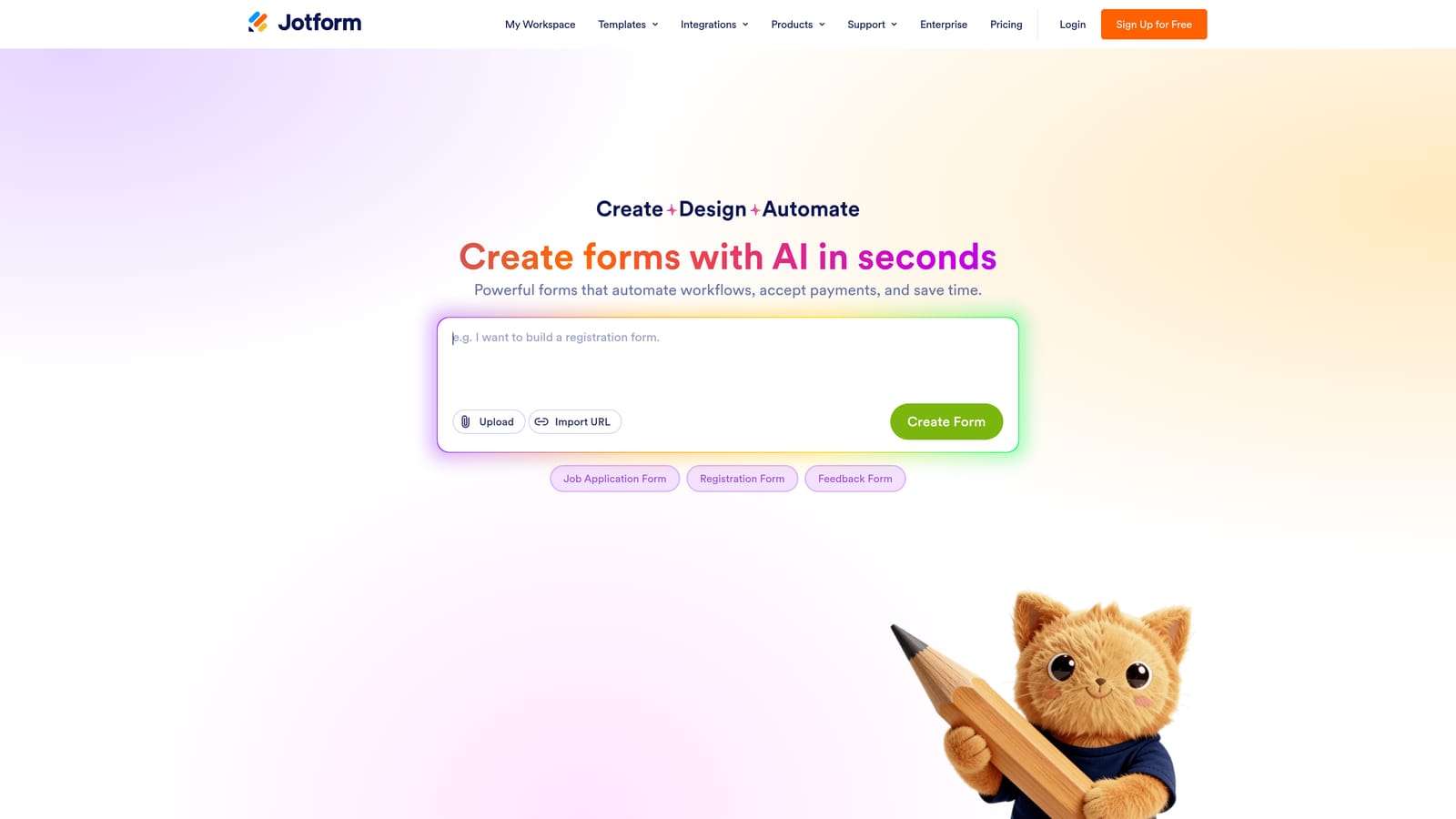
Jotform is one of the most established form builders in regulated industries, with HIPAA-compliant plans, thousands of insurance-specific templates, and broad integration support.
Where This Tool Shines
Jotform's template library is genuinely useful for insurance teams. You can find pre-built forms for auto quote requests, claims intake, agent applications, beneficiary updates, and more — and customize them without starting from scratch. This matters when you're trying to get a new form live quickly without involving a developer.
The HIPAA-compliant plans make Jotform a practical choice for health and life insurance use cases where protected health information may pass through the form. The compliance setup is handled at the plan level, which keeps things relatively straightforward for non-technical administrators.
Key Features
HIPAA-Compliant Plans: Available for health and life insurance teams handling protected health information.
Insurance Template Library: Hundreds of pre-built forms covering auto quotes, claims, agent applications, and more.
Conditional Logic and Multi-Page Forms: Build branching question flows and break long applications into digestible sections.
Payment Collection: Accept application fees or first-month premiums via Stripe, PayPal, or Square.
CRM Integrations: Native connections to Salesforce, HubSpot, and other major CRMs.
Best For
Agencies and carriers that want to move fast with proven templates, need HIPAA compliance on qualifying plans, and rely on Salesforce or HubSpot as their CRM backbone.
Pricing
Free plan available. Paid plans start at approximately $34/month. Verify current pricing at jotform.com/pricing.
3. Typeform
Best for: Client-facing quote request and intake forms where drop-off and completion rates are a priority
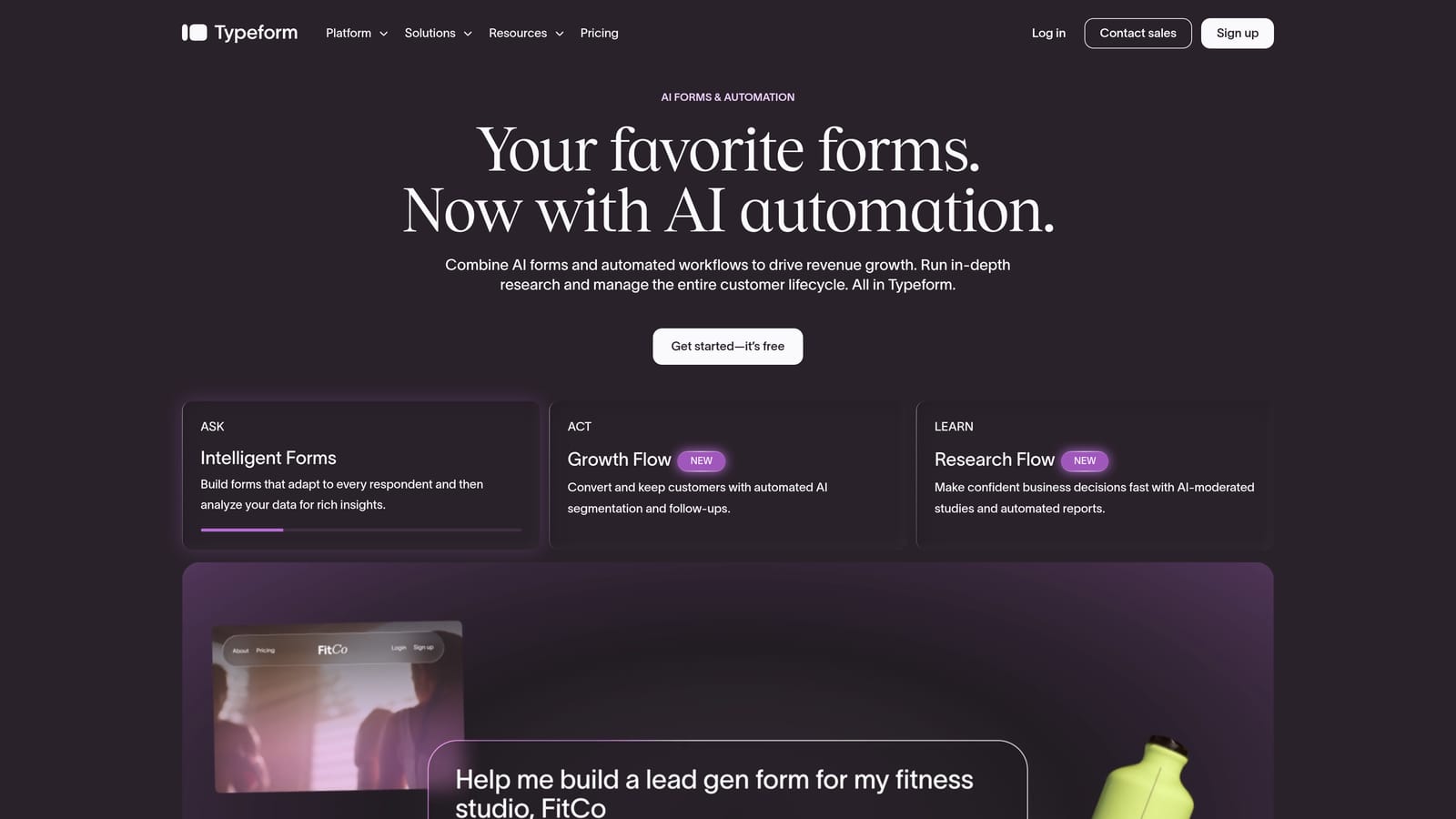
Typeform is a conversational form builder known for its one-question-at-a-time UX, which can improve completion rates on lengthy client-facing insurance intake and quote request forms.
Where This Tool Shines
Insurance forms are often long. When you present a prospect with a wall of fields, many of them leave. Typeform's conversational format breaks that same form into a guided, one-step-at-a-time experience that feels less like a form and more like a conversation. For client-facing quote requests or initial intake, this can meaningfully reduce drop-off.
It's worth noting that Typeform is not natively HIPAA-compliant, so it's better suited to non-PHI insurance forms: quote requests, general inquiries, agent applications, and similar flows. Teams handling protected health information should look at Jotform, Formstack, or 123FormBuilder instead.
Key Features
Conversational Format: One-question-at-a-time UX reduces friction on long insurance questionnaires.
Logic Jumps: Branch question flows based on coverage type, risk factors, or prior answers.
Visual Polish: Clean, branded form design that reflects well on client-facing touchpoints.
Integrations: Connects to HubSpot, Salesforce, Zapier, and other common tools.
Drop-Off Analytics: See exactly which questions lose respondents so you can optimize your flows.
Best For
Agencies focused on the client experience for non-PHI forms. Particularly effective for quote request flows and new client intake where a polished, low-friction experience matters for first impressions.
Pricing
Free plan available. Paid plans start at approximately $25/month. Verify current pricing at typeform.com/pricing.
4. Formstack
Best for: Mid-to-large carriers that need an enterprise compliance stack with document generation and e-signature
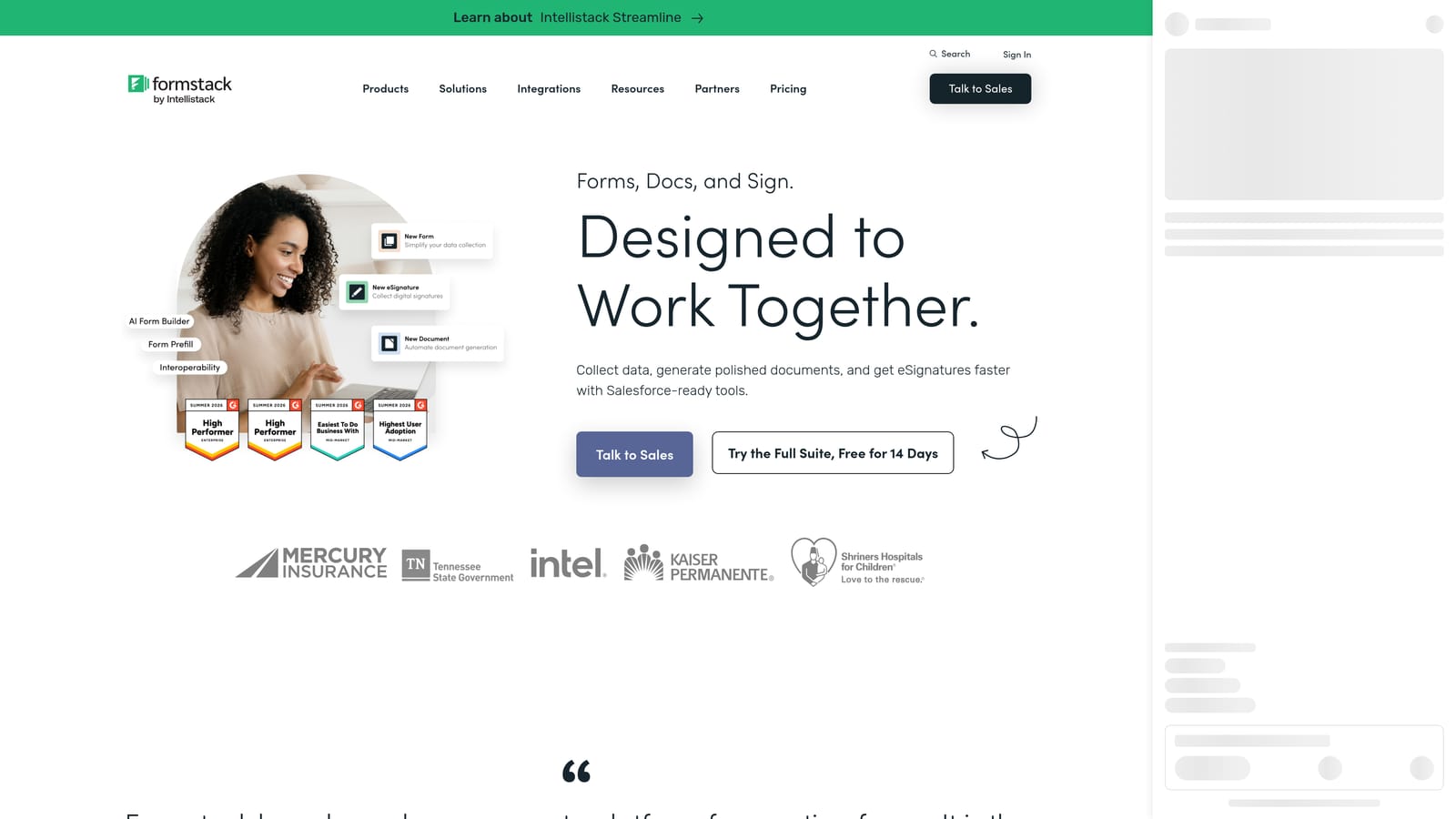
Formstack is an enterprise-grade form and workflow platform with a strong compliance stack — HIPAA, SOC 2, and more — plus built-in document generation and e-signature for end-to-end policy application workflows.
Where This Tool Shines
Formstack stands out for its ability to handle the full policy application lifecycle in one platform. You can capture applicant data through a form, generate a policy document from that data using Formstack Documents, and collect a binding signature via Formstack Sign — all without switching tools or manually re-entering information. For carriers managing high application volume, that kind of end-to-end automation is significant.
The compliance credentials are also notable. SOC 2 Type II certification, HIPAA compliance, and FERPA coverage make Formstack one of the more thoroughly vetted options for regulated insurance environments. This matters when your IT or legal team is evaluating vendor risk.
Key Features
Compliance Stack: HIPAA, SOC 2 Type II, and FERPA certifications for regulated insurance environments.
Document Generation: Automatically generate policy packets and agreements from form submission data.
E-Signature: Collect binding signatures on policy documents through Formstack Sign.
Workflow Routing: Build approval chains and routing rules for multi-step application review processes.
Salesforce Native Integration: Deep, native connection to Salesforce for carriers running on that CRM.
Best For
Mid-market and enterprise carriers that need a compliant, end-to-end workflow covering application intake, document generation, and e-signature. Less suited to small agencies with simpler needs or tighter budgets.
Pricing
Plans start at approximately $50/month; enterprise pricing available. Verify current pricing at formstack.com/pricing.
5. 123FormBuilder
Best for: Health and life insurance teams that need HIPAA compliance combined with built-in payment collection
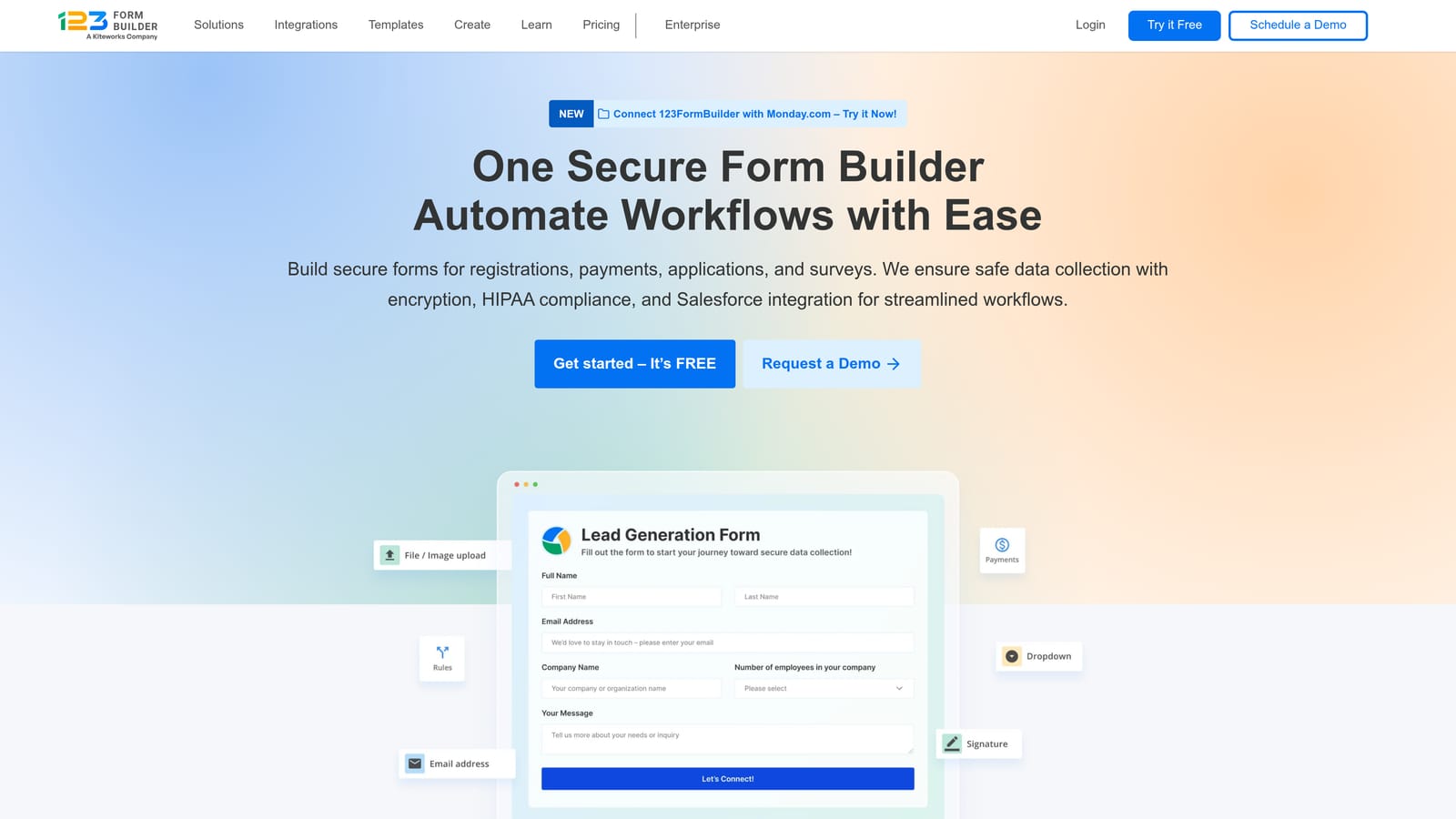
123FormBuilder is a HIPAA-compliant form builder with native payment collection, making it a practical option for health and life insurance teams that need to collect application fees or first-month premiums alongside form data.
Where This Tool Shines
The combination of HIPAA compliance and payment collection in a single tool is what makes 123FormBuilder worth considering for health and life insurance workflows. Most form builders make you choose: either you get compliance features or you get payment processing. 123FormBuilder handles both without requiring you to stitch together separate tools.
The interface is straightforward enough for non-technical staff to build and manage forms without developer support, which matters for smaller agencies that don't have an in-house tech team. Conditional logic and multi-page support cover most standard insurance application scenarios.
Key Features
HIPAA-Compliant Data Handling: Available on qualifying plans for health and life insurance use cases.
Conditional Logic: Adaptive question flows that respond to coverage type and applicant answers.
Multi-Page Form Support: Break long applications into sections without overwhelming applicants.
CRM Integrations: Connects to Salesforce, HubSpot, and Zapier for downstream data handling.
Best For
Health and life insurance agencies that need HIPAA-compliant forms with the ability to collect payments in the same workflow. A solid mid-range option for teams that find Formstack's pricing too steep but need more compliance depth than Google Forms or Microsoft Forms can offer.
Pricing
Free plan available. Paid plans start at approximately $32/month. Verify current pricing at 123formbuilder.com/pricing.
6. Gravity Forms
Best for: WordPress-based insurance agencies that need full data ownership and a deep add-on ecosystem
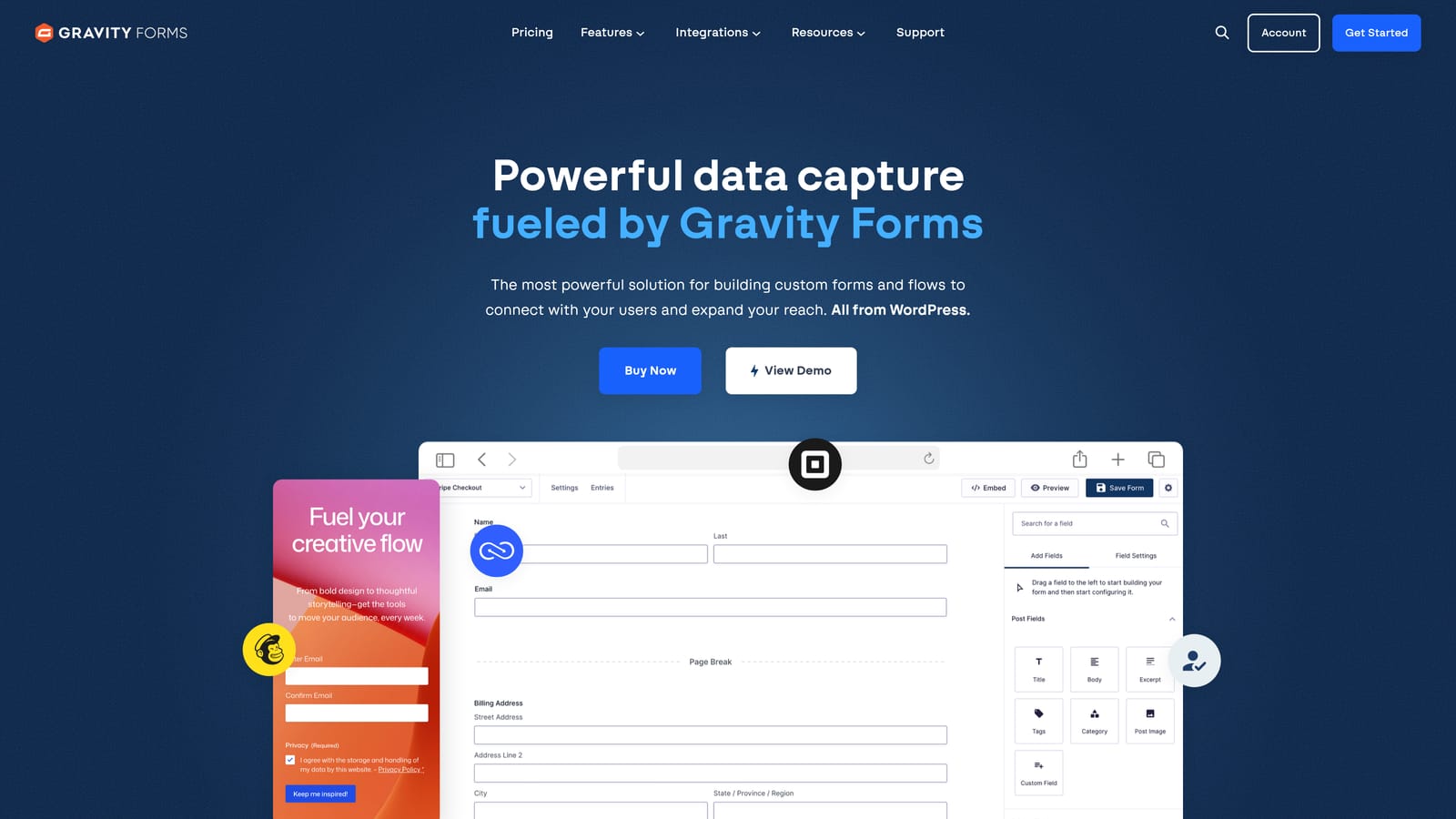
Gravity Forms is a powerful WordPress plugin for insurance agencies that want deep customization, full data ownership, and an extensive add-on ecosystem without data leaving their own server.
Where This Tool Shines
Data sovereignty is a real concern for some insurance agencies, particularly those working with carriers that have strict policies about where applicant data can be stored. Gravity Forms keeps all submission data on your own WordPress server — no third-party cloud custody, no vendor data agreements to negotiate. For agencies with that requirement, it's a meaningful differentiator.
The add-on ecosystem is also extensive. You can layer in e-signatures, PDF generation, CRM connections, payment processing, and more through official and third-party extensions. The tradeoff is that this requires more setup effort than a hosted SaaS tool, and it only works if your agency website is already on WordPress.
Key Features
On-Premise Data Storage: All form data stays on your own WordPress server with no third-party data custody.
Extensive Add-On Library: E-signatures, payments, CRM connections, and PDF generation available as extensions.
Advanced Conditional Logic: Complex branching flows for multi-line insurance applications.
Multi-Page Forms with Progress Indicators: Guide applicants through long forms with clear visual progress.
Developer-Friendly Architecture: Hooks and filters for custom functionality when your needs exceed standard configuration.
Best For
WordPress-based agencies with data sovereignty requirements or a developer on staff who can configure and maintain the add-on ecosystem. Not suitable for teams without a WordPress site or those who need a quick, no-code setup.
Pricing
Starts at approximately $59/year for a single site license. Verify current pricing at gravityforms.com.
7. Cognito Forms
Best for: P&C insurance teams that need repeating sections for multi-driver, multi-vehicle, or multi-property submissions
Cognito Forms is a budget-friendly form builder with standout repeating section support, ideal for property and casualty insurance forms that need to capture multiple drivers, vehicles, or properties in a single submission.
Where This Tool Shines
Repeating sections are a surprisingly rare feature in form builders, and for P&C insurance they're genuinely essential. A household auto policy might cover three drivers and two vehicles. A commercial property form might cover multiple locations. Cognito Forms lets applicants add as many instances of a section as needed — driver 1, driver 2, driver 3 — without you having to pre-build separate fields for each possibility.
The calculation fields are another useful feature for insurance workflows. You can build basic quoting logic that totals up values based on applicant inputs, giving prospects a preliminary estimate without requiring a full underwriting review. It's not a replacement for proper quoting software, but it adds useful functionality for initial inquiry forms.
Key Features
Repeating Sections: Capture multiple drivers, vehicles, properties, or beneficiaries in a single structured submission.
Calculation Fields: Build basic quoting logic and totals based on applicant-entered values.
Conditional Logic: Branch questions based on coverage type and applicant responses.
Payment Collection: Accept payments via Stripe for application fees or deposits.
Generous Free Tier: Unlimited forms on the free plan, making it accessible for smaller agencies.
Best For
P&C insurance agencies handling auto, home, or commercial property applications where repeating sections and basic calculation logic are required. Budget-conscious teams will appreciate the free tier's generosity relative to competitors.
Pricing
Free plan available. Paid plans start at approximately $15/month. Verify current pricing at cognitoforms.com/pricing.
8. Microsoft Forms
Best for: Internal operational forms for organizations already running on Microsoft 365
Microsoft Forms is a no-additional-cost form tool for organizations already in the Microsoft 365 ecosystem, best suited for internal operational forms rather than client-facing insurance applications.
Where This Tool Shines
If your agency is already paying for Microsoft 365, Microsoft Forms is already available to you at no extra cost. For internal workflows — staff onboarding checklists, agent certification tracking, internal audit forms, team feedback surveys — it gets the job done without adding another vendor to your stack.
The native integration with Teams, SharePoint, and Power Automate is genuinely useful for teams that live in the Microsoft ecosystem. You can trigger workflows, route responses, and connect data to existing processes without leaving the tools your staff already knows.
Key Features
Included with Microsoft 365: No additional cost for existing subscribers.
Native Microsoft Integrations: Connects directly to Teams, SharePoint, and Power Automate.
Basic Branching Logic: Simple conditional flows for straightforward internal questionnaires.
Excel-Native Responses: Response data flows directly into Excel for easy review and reporting.
Familiar UI: Low learning curve for staff already working in Microsoft products.
Best For
Insurance organizations already on Microsoft 365 that need simple internal forms without adding a new tool or budget line. Not recommended for client-facing applications, complex conditional logic, or any use case requiring HIPAA compliance or branded form design.
Pricing
Included with Microsoft 365 subscriptions at no additional cost. No standalone pricing.
9. Google Forms
Best for: Solo agents or very small agencies with zero budget and minimal complexity requirements
Google Forms is a free, no-setup form tool that integrates with Google Sheets, appropriate for solo agents or very small agencies with minimal complexity and no budget for dedicated form software.
Where This Tool Shines
There's something to be said for a tool that requires no signup, no credit card, and no configuration beyond building the form itself. For a solo agent who needs to collect basic inquiry information or run a simple internal checklist, Google Forms covers the fundamentals without any friction or cost.
The automatic Google Sheets integration means responses are immediately organized and shareable without any export steps. For very simple use cases, this is genuinely convenient. The limitations become apparent quickly, though: no HIPAA compliance, minimal branding options, basic conditional logic only, and no integrations beyond the Google ecosystem.
Key Features
Completely Free: No cost with a standard Google account.
Automatic Google Sheets Integration: Responses populate a spreadsheet instantly with no export needed.
Basic Conditional Logic: Section-level branching for simple question flows.
Easy Sharing: Distribute via link or email with no recipient account required.
Zero Technical Setup: Build and publish a form in minutes with no configuration required.
Best For
Solo independent agents or very small agencies with no budget for form software and simple, non-sensitive data collection needs. Any team handling PHI, requiring branded forms, or managing complex conditional flows will outgrow Google Forms quickly.
Pricing
Free with a Google account. No paid tiers.
Which Tool Is Right for Your Insurance Team?
The right choice depends almost entirely on what you're trying to accomplish and the complexity of your specific workflows. Here's a quick breakdown to help you decide.
AI-powered lead qualification: Orbit AI is built for exactly this. If your team is spending too much time on unqualified inquiries from quote request forms, the lead qualification agents address that problem directly.
HIPAA compliance with ready-made templates: Jotform is the strongest all-around option here. The template library alone saves meaningful setup time, and the compliance tier is well-established for health and life insurance use cases.
Premium client experience on quote request forms: Typeform's conversational format is hard to beat for client-facing non-PHI flows where first impressions and completion rates matter.
Enterprise compliance stack with e-signature and document generation: Formstack is the most complete end-to-end solution for mid-to-large carriers that need SOC 2, HIPAA, and a full policy workflow in one platform.
HIPAA compliance plus payment collection: 123FormBuilder handles both in a single tool, which simplifies the stack for health and life insurance teams collecting fees alongside applications.
WordPress-based agencies with data sovereignty needs: Gravity Forms keeps everything on your own server and offers the deepest customization of any option on this list, provided you're on WordPress.
Complex P&C forms with multiple drivers or properties: Cognito Forms' repeating sections feature is the best implementation of this capability at any price point, and the free tier is genuinely generous.
Internal forms for Microsoft 365 teams: Microsoft Forms costs nothing extra and integrates natively with the tools your staff already uses daily.
Solo agent, zero budget: Google Forms is the only sensible answer when the budget is zero and the use case is simple.
If you're running a high-growth insurance agency and lead quality is your primary constraint, the AI-powered qualification layer in Orbit AI is worth a serious look. Book a demo and see how intelligent form design can elevate your conversion strategy — your sales team will thank you for the cleaner pipeline.