

Enterprise organizations handle thousands of form submissions daily—from customer inquiries and employee onboarding to compliance documentation and vendor applications. Consumer-grade form builders buckle under this pressure, lacking the security certifications, scalability, and integration depth that large organizations require. The right enterprise form software needs robust user management, SOC 2 compliance, advanced workflow automation, and seamless connectivity with your existing tech stack. We evaluated platforms based on security posture, scalability, integration capabilities, and total cost of ownership to identify the solutions that can truly support enterprise operations.
Here are the top enterprise form software options built for large organizations.
1. Orbit AI
Best for: High-growth teams focused on intelligent lead qualification and conversion optimization
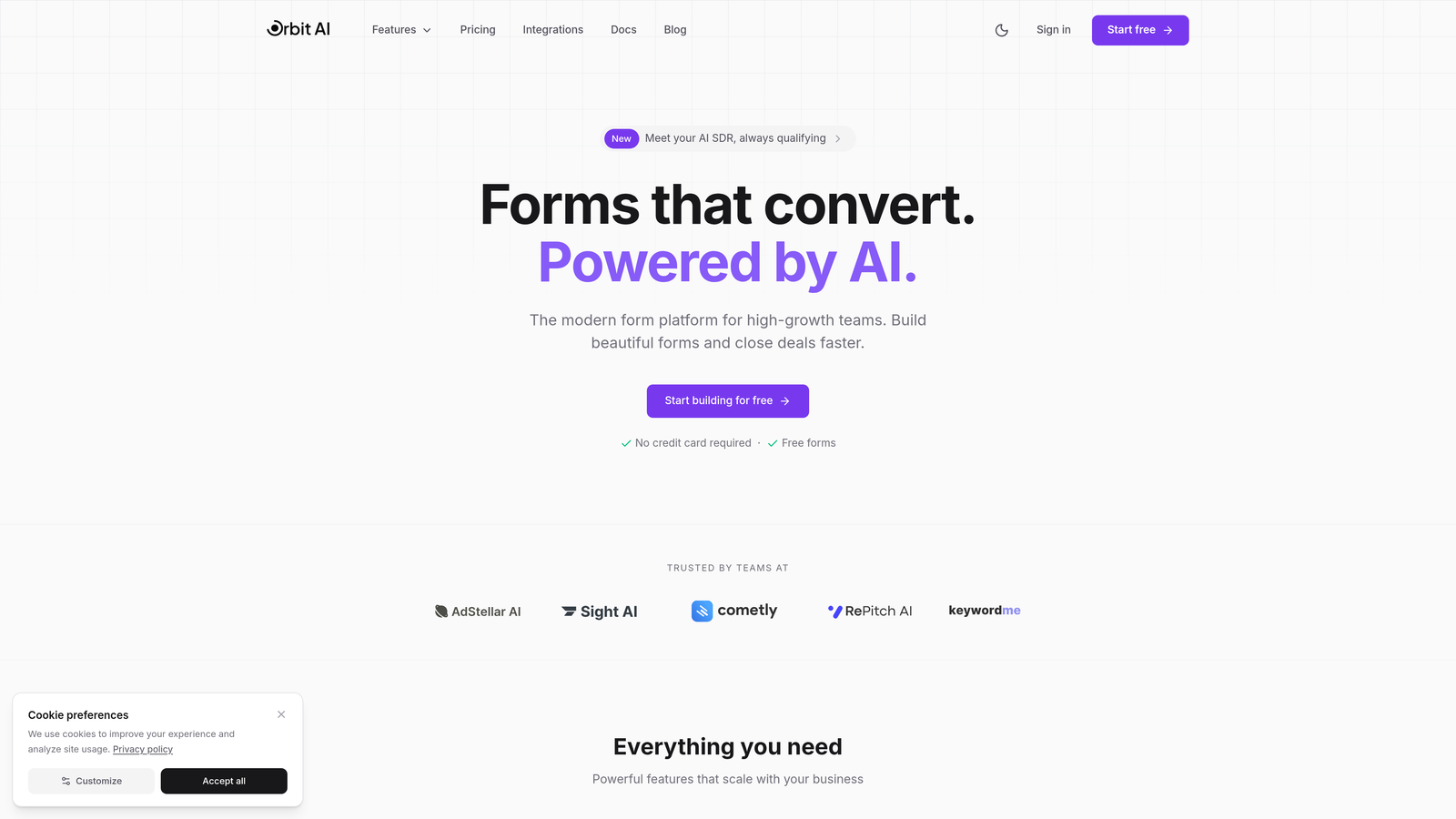
Orbit AI is an AI-powered form builder platform designed specifically for teams that need to qualify leads automatically while maintaining high conversion rates.
Where This Tool Shines
Orbit AI distinguishes itself through intelligent lead qualification that happens in real-time as prospects complete forms. The platform analyzes responses and assigns qualification scores automatically, routing high-value leads to sales immediately while nurturing lower-priority contacts through marketing automation.
The conversion-optimized templates are built on modern design principles that reduce form abandonment. Unlike traditional enterprise form builders that prioritize data collection over user experience, Orbit AI balances both—capturing the information you need while maintaining the sleek, intuitive interface that today's users expect.
Key Features
AI-Powered Lead Scoring: Automatically qualifies and scores leads based on form responses, eliminating manual review processes.
Intelligent Lead Routing: Routes qualified leads to the right sales representatives based on territory, product interest, or custom criteria.
Native CRM Integrations: Connects directly with Salesforce, HubSpot, and major CRM platforms without middleware or complex API configurations.
Real-Time Analytics: Tracks conversion rates, drop-off points, and form performance with actionable insights for optimization.
Conversion-Optimized Templates: Modern form designs built specifically to reduce abandonment and increase completion rates.
Best For
Orbit AI is ideal for enterprise sales and marketing teams at high-growth companies where lead quality matters as much as lead volume. Organizations that need to process hundreds of daily form submissions and route them intelligently will benefit most from the automated qualification capabilities.
Pricing
Contact Orbit AI for enterprise pricing tailored to your organization's submission volume and feature requirements.
2. Formstack
Best for: Organizations requiring HIPAA compliance and advanced workflow automation capabilities
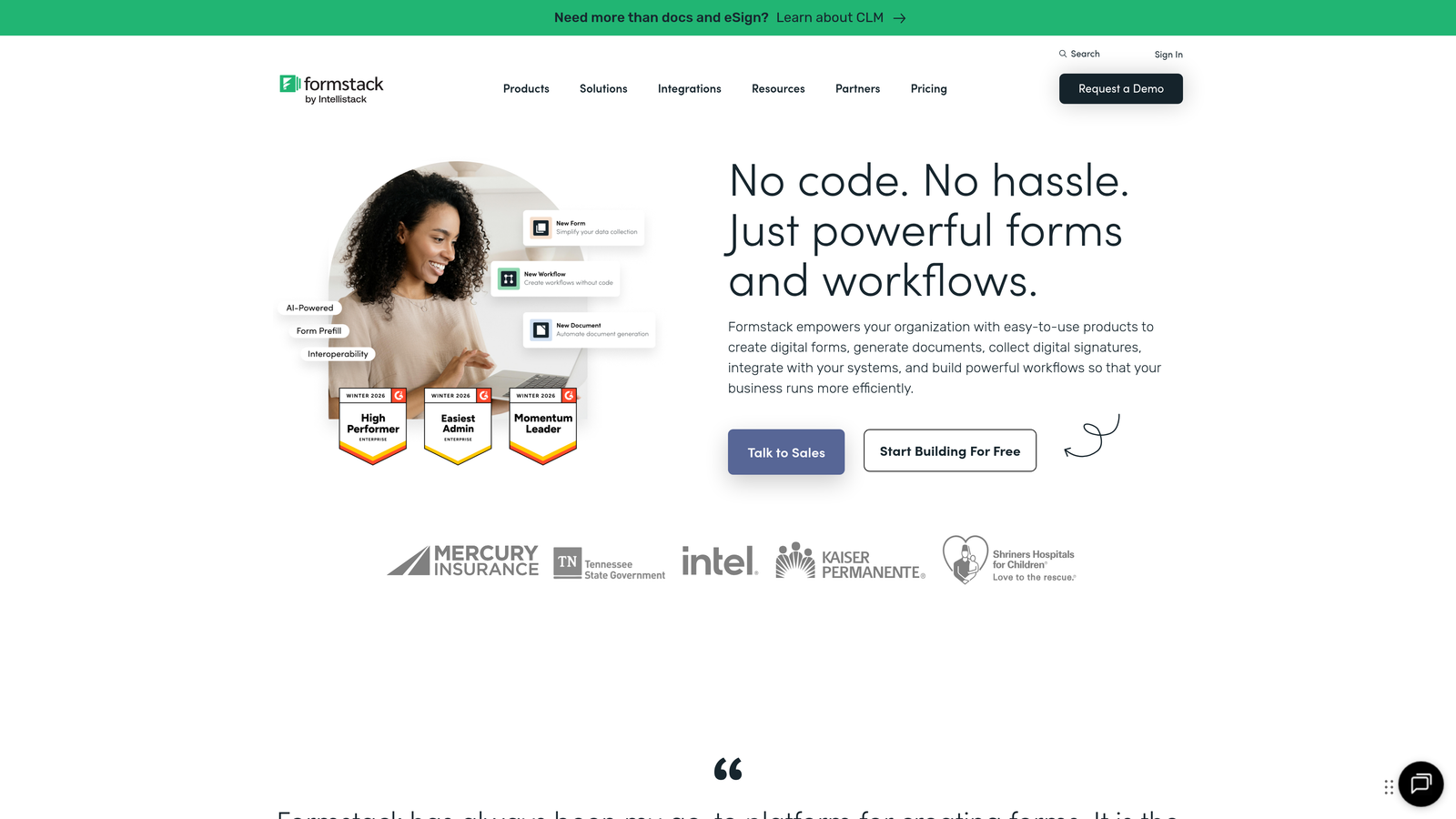
Formstack is a comprehensive workflow automation platform that extends beyond form building to include document generation and e-signature functionality.
Where This Tool Shines
Formstack excels in healthcare, finance, and other highly regulated industries where HIPAA compliance isn't optional. The platform provides Business Associate Agreements and maintains strict data handling protocols that satisfy regulatory auditors. Beyond compliance, Formstack's workflow automation capabilities let you build sophisticated multi-step processes that trigger actions across your entire tech stack.
The document generation feature automatically creates contracts, reports, and other documents from form data—a capability that sets Formstack apart from basic form builders. This makes it particularly valuable for organizations that need to generate paperwork automatically after form submission.
Key Features
HIPAA-Compliant Infrastructure: Maintains strict data handling protocols with available Business Associate Agreements for healthcare organizations.
Advanced Workflow Automation: Build complex conditional logic and multi-step workflows that trigger actions across integrated systems.
Document Generation: Automatically create PDF documents, contracts, and reports populated with form submission data.
100+ Native Integrations: Connects with Salesforce, Google Workspace, Microsoft 365, and most major enterprise platforms.
SOC 2 Type II Certification: Independently audited security controls that meet enterprise security requirements.
Best For
Healthcare organizations, financial institutions, and enterprises in regulated industries that need both robust compliance and sophisticated workflow automation. Companies that frequently generate documents from form data will find particular value here.
Pricing
Enterprise plans require custom pricing based on submission volume and features. Teams plan starts at $83/month for smaller deployments.
3. Typeform Enterprise
Best for: Enterprises prioritizing user engagement and conversational form experiences
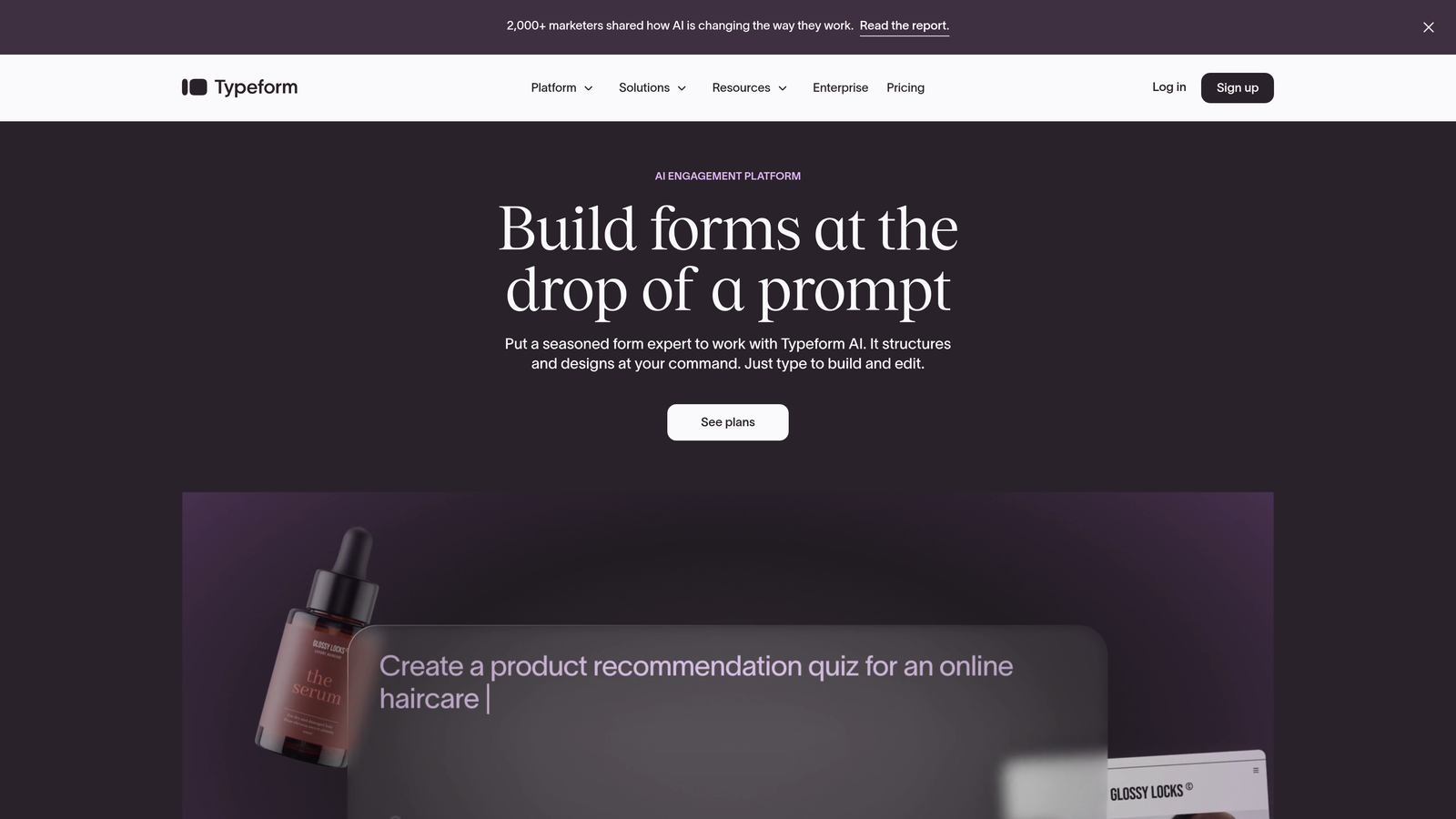
Typeform Enterprise brings the company's signature conversational, one-question-at-a-time format to large organizations with enterprise-grade security and team management.
Where This Tool Shines
Typeform's conversational approach consistently delivers higher completion rates than traditional multi-field forms. By presenting one question at a time, the platform reduces cognitive load and makes long forms feel manageable. This approach works particularly well for customer feedback surveys, job applications, and lead qualification where engagement matters.
The enterprise tier adds SSO with SAML support, advanced team permissions, and custom branding that removes all Typeform branding. The VideoAsk integration lets you collect video responses from users, adding a personal dimension that text-only forms can't match.
Key Features
Conversational Format: One-question-at-a-time interface that increases completion rates by reducing form intimidation.
Enterprise SSO: SAML-based single sign-on integration with major identity providers including Okta and Azure AD.
Advanced Team Management: Granular permissions and role-based access controls for large teams with multiple departments.
Custom Branding: Complete white-labeling capabilities with custom domains and removal of all Typeform branding.
VideoAsk Integration: Collect video responses from users for applications, testimonials, and rich feedback.
Best For
Enterprises focused on customer experience, marketing teams running engagement campaigns, and HR departments conducting candidate screening. Organizations that value form completion rates and user experience over pure data collection efficiency.
Pricing
Enterprise pricing available on request with custom features and support. Business plan starts at $99/month for smaller teams.
4. Jotform Enterprise
Best for: Organizations requiring flexible deployment options including on-premise hosting
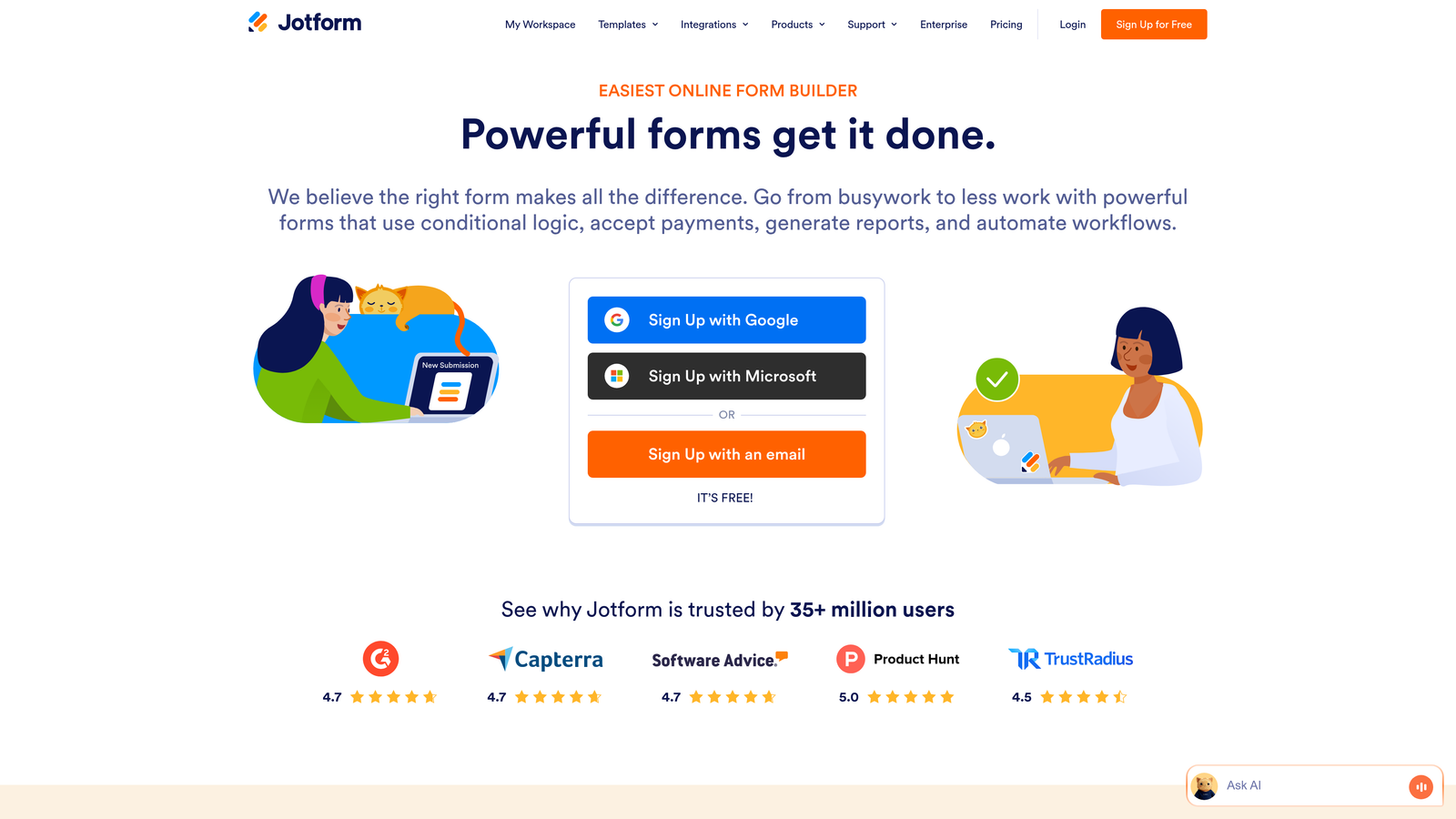
Jotform Enterprise offers cloud, private cloud, and on-premise deployment options alongside extensive customization capabilities and a massive template library.
Where This Tool Shines
Jotform's deployment flexibility makes it unique among enterprise form platforms. Organizations with strict data residency requirements or air-gapped networks can deploy Jotform on their own infrastructure while maintaining full functionality. This addresses compliance needs that cloud-only solutions simply cannot meet.
The platform's 10,000+ pre-built templates accelerate deployment significantly. Rather than building forms from scratch, teams can customize existing templates for common use cases—from event registrations to employee evaluations. This template library represents years of form design best practices distilled into ready-to-use formats.
Key Features
Flexible Deployment Options: Choose between cloud, private cloud, or on-premise hosting based on your security and compliance requirements.
10,000+ Form Templates: Extensive library of pre-built templates covering virtually every business use case and industry.
HIPAA Compliance: Available Business Associate Agreements and infrastructure designed for healthcare data handling.
Advanced User Management: Enterprise SSO, role-based permissions, and team collaboration features for large organizations.
White-Labeling: Custom domain support and complete branding control to maintain your organization's identity.
Best For
Government agencies, financial institutions, and enterprises with strict data residency requirements that prevent cloud-only solutions. Organizations that need extensive customization and prefer working from templates rather than building forms from scratch.
Pricing
Enterprise plans require custom pricing based on deployment type and scale. Gold plan starts at $99/month for cloud-based deployments.
5. Microsoft Power Apps
Best for: Microsoft 365 enterprises seeking deep ecosystem integration
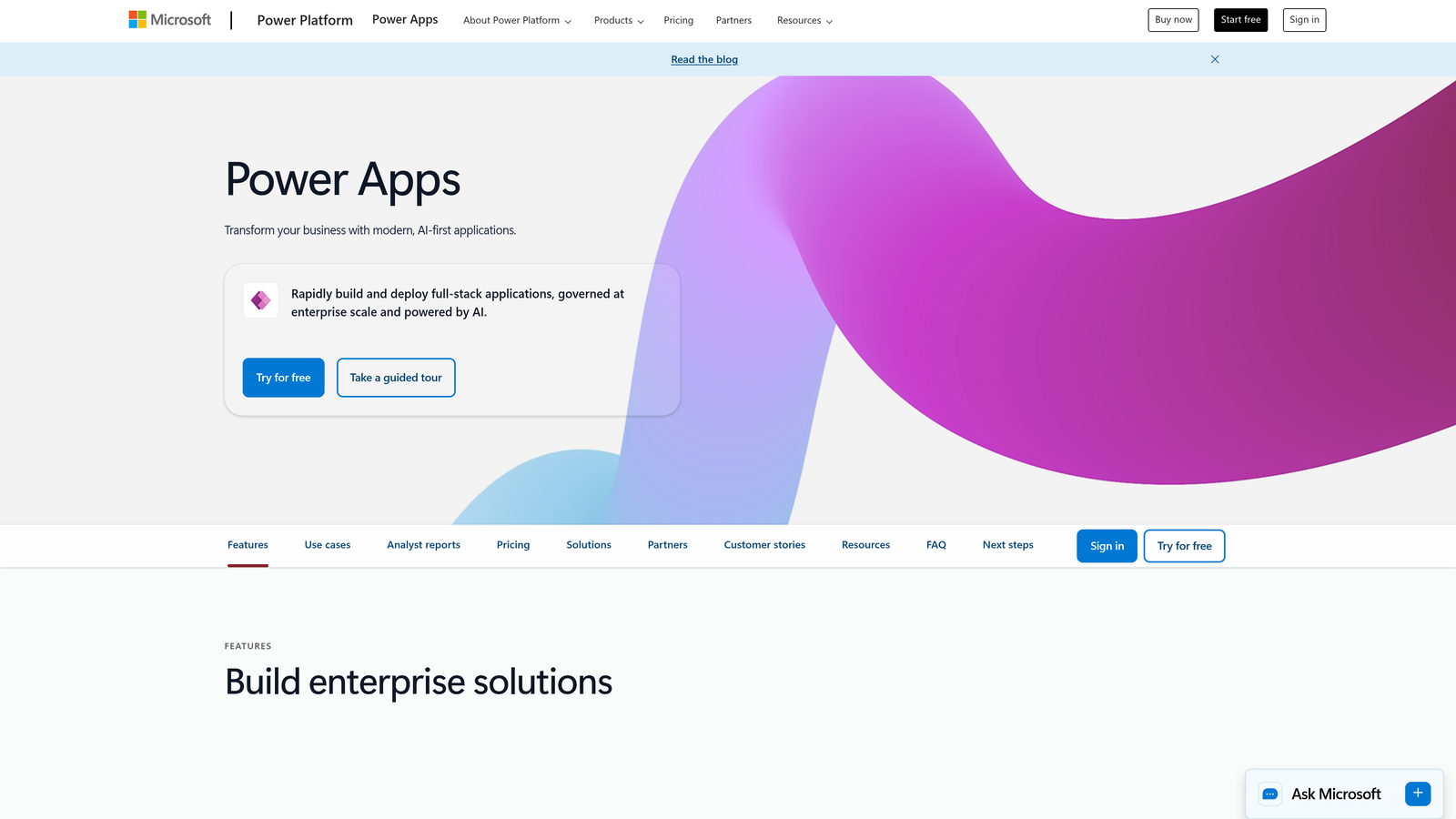
Microsoft Power Apps is a low-code development platform that enables enterprises to build custom forms and applications with native Microsoft 365 connectivity.
Where This Tool Shines
For organizations already invested in Microsoft 365, Power Apps offers the path of least resistance. Forms connect natively to SharePoint, Teams, Dynamics 365, and the entire Microsoft ecosystem without third-party integrations or API complexity. User authentication happens through existing Azure AD credentials, eliminating separate login management.
The low-code environment lets business users build sophisticated forms without developer resources. IT maintains governance and security controls while empowering departments to create their own solutions. This balance between flexibility and control addresses a common enterprise challenge where centralized IT becomes a bottleneck for simple form needs.
Key Features
Native Microsoft 365 Integration: Seamless connectivity with SharePoint, Teams, Outlook, Dynamics 365, and the entire Microsoft ecosystem.
Low-Code Development: Visual development environment that enables business users to build forms without coding expertise.
Dataverse Integration: Enterprise data management platform for storing and securing form submissions with robust access controls.
AI Builder: Intelligent form processing capabilities including document scanning, text recognition, and data extraction.
Azure AD Security: Enterprise-grade authentication and authorization through your existing Azure Active Directory infrastructure.
Best For
Enterprises standardized on Microsoft 365 and Azure infrastructure. Organizations that need to empower business users to build forms while maintaining IT governance and security controls.
Pricing
Per app plan at $5/user/month for limited app access. Per user plan at $20/user/month for unlimited app usage across the organization.
6. FormAssembly
Best for: Salesforce-centric organizations requiring native CRM integration
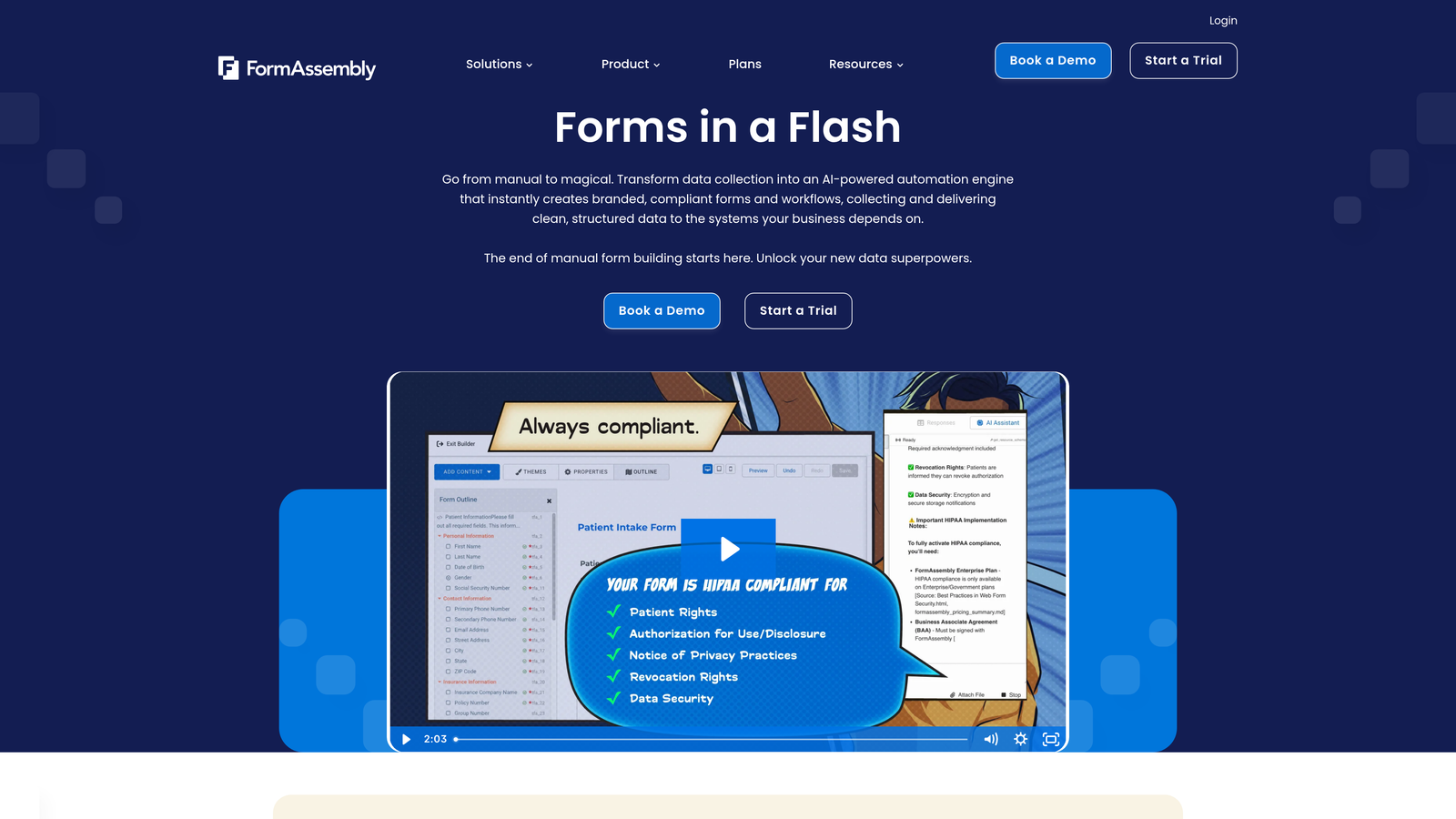
FormAssembly is an enterprise form platform built specifically for Salesforce integration, offering direct CRM connectivity without middleware complexity.
Where This Tool Shines
FormAssembly eliminates the integration headaches that plague most form-to-CRM connections. Instead of using third-party connectors or custom API development, FormAssembly connects directly to Salesforce at the database level. This native integration enables form prefilling from Salesforce data, real-time record updates, and complex data mapping that middleware solutions struggle to handle.
The platform's compliance capabilities extend beyond standard certifications to include FedRAMP authorization—a requirement for government contractors and agencies. This makes FormAssembly one of the few form platforms that can operate in highly regulated government environments.
Key Features
Native Salesforce Integration: Direct database connection to Salesforce without middleware, enabling real-time data sync and complex mappings.
Comprehensive Compliance: HIPAA, GDPR, PCI, and FedRAMP authorization for government and highly regulated industries.
Form Prefilling: Populate forms automatically with data from Salesforce records for personalized user experiences.
Advanced Approval Workflows: Build multi-step approval processes with conditional routing and escalation rules.
FedRAMP Authorization: Meets stringent government security requirements for federal agency use.
Best For
Salesforce-centric enterprises where CRM integration is mission-critical. Government contractors and agencies requiring FedRAMP authorization. Organizations with complex data mapping needs between forms and CRM systems.
Pricing
Enterprise plans require custom pricing based on Salesforce integration complexity. Professional plan starts at $99/month for basic deployments.
7. Cognito Forms
Best for: Organizations needing unlimited forms with strong calculation capabilities
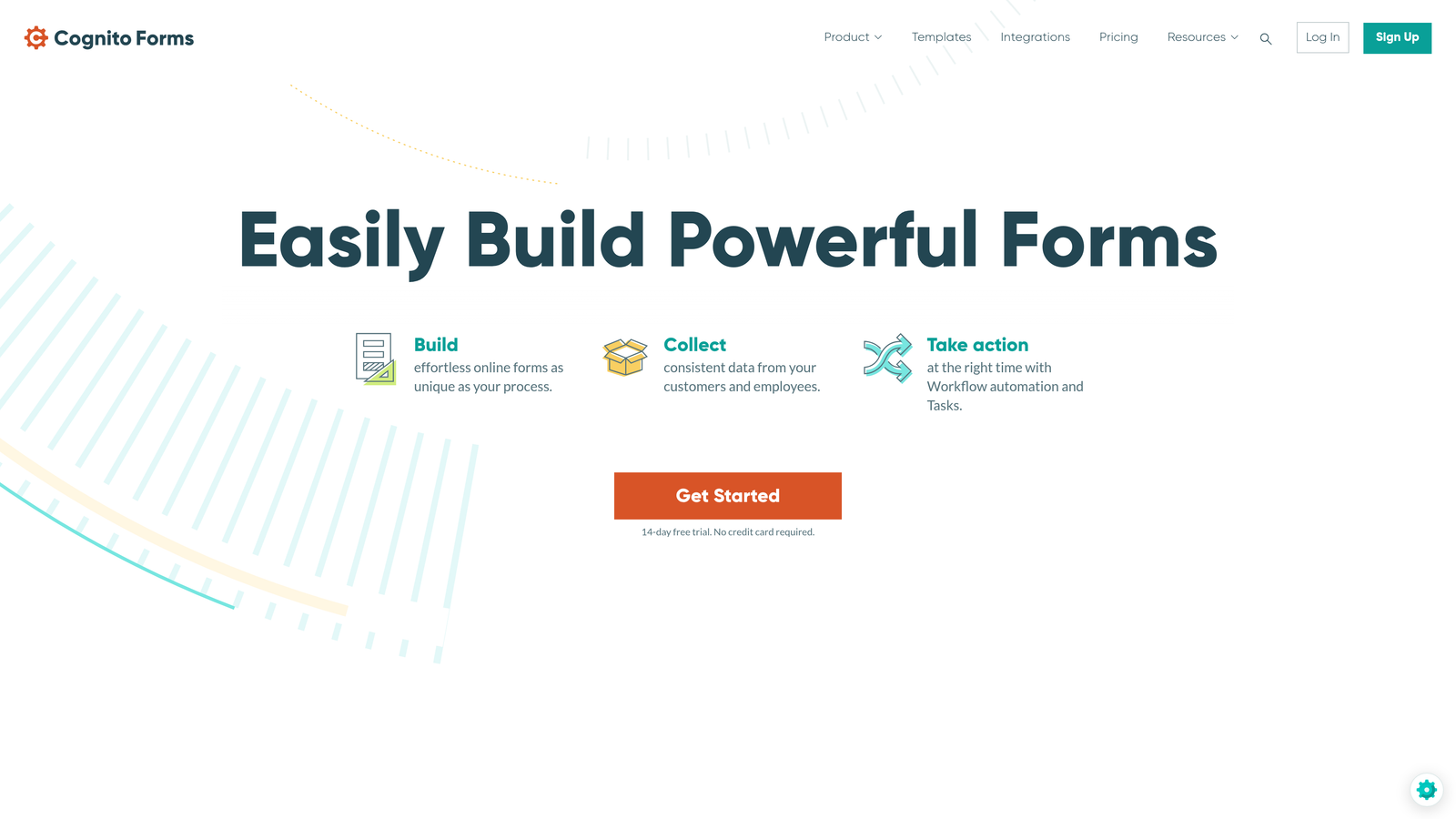
Cognito Forms is a feature-rich form builder offering unlimited forms and advanced calculation functionality at competitive enterprise pricing.
Where This Tool Shines
Cognito Forms removes the artificial limits that plague many form platforms. Enterprise plans include unlimited forms and unlimited users—no per-seat pricing or form count restrictions that force you to choose which forms to keep active. This unlimited approach works well for large organizations with diverse departments that each need multiple forms.
The calculation engine handles complex mathematical operations, making Cognito Forms particularly strong for quote generators, order forms, and applications requiring dynamic pricing. You can build sophisticated calculators that adjust pricing based on multiple variables, quantity discounts, and conditional rules—all without custom development.
Key Features
Unlimited Forms and Users: No artificial limits on form count or user seats on enterprise plans.
Advanced Calculations: Sophisticated calculation engine for dynamic pricing, quote generation, and mathematical operations.
Payment Processing: Native integration with Stripe and Square for collecting payments directly through forms.
HIPAA Compliance: Available Business Associate Agreements and compliant infrastructure for healthcare organizations.
Secure File Uploads: Encrypted file handling with configurable size limits and file type restrictions.
Best For
Organizations with numerous departments that each need multiple forms. Businesses requiring complex calculations for quotes, orders, or applications. Companies seeking enterprise features without per-user pricing models.
Pricing
Enterprise plan at $99/month with unlimited forms and users. Team plan at $24/month for smaller deployments with limited features.
8. Zoho Forms
Best for: Organizations using Zoho CRM and the broader Zoho ecosystem
Zoho Forms is a form builder tightly integrated with Zoho's business software suite, offering strong value for Zoho-centric organizations.
Where This Tool Shines
Zoho Forms integrates seamlessly with Zoho CRM, Zoho Campaigns, Zoho Analytics, and the entire Zoho ecosystem. If your organization already uses Zoho products, Forms becomes a natural extension rather than another disconnected tool. Data flows automatically between applications without complex integration setup or ongoing maintenance.
The offline capability addresses a real-world challenge for field teams. Sales representatives and field workers can collect form submissions on mobile devices without internet connectivity, with data syncing automatically once connection is restored. This offline-first approach works particularly well for industries like construction, healthcare, and field services.
Key Features
Zoho Ecosystem Integration: Native connectivity with Zoho CRM, Campaigns, Analytics, and the full suite of Zoho business applications.
Offline Form Capability: Mobile app enables form submission without internet connectivity, syncing data when connection is restored.
Payment Collection: Integration with multiple payment gateways including PayPal, Stripe, and Razorpay for collecting payments.
Approval Workflows: Build multi-step approval processes with task assignment and notification rules.
GDPR Compliance Tools: Built-in features for data subject requests, consent management, and privacy compliance.
Best For
Organizations standardized on Zoho CRM and other Zoho products. Companies with field teams that need offline form collection capabilities. Businesses seeking an affordable form solution that integrates tightly with their existing software stack.
Pricing
Premium plan at $40/month for advanced features and higher submission limits. Basic plan at $12/month for smaller teams with basic needs.
9. Adobe Experience Manager Forms
Best for: Large enterprises requiring omnichannel form experiences across digital and print
Adobe Experience Manager Forms is an enterprise-grade form solution for organizations that need consistent form experiences across web, mobile, and print channels.
Where This Tool Shines
Adobe Experience Manager Forms addresses a challenge that most form platforms ignore: omnichannel form delivery. The platform generates forms that work seamlessly across web browsers, mobile apps, and print documents while maintaining consistent branding and data collection. This matters for industries like insurance, finance, and government where forms must exist in both digital and physical formats.
The Document of Record capability automatically generates PDF versions of completed forms for archival and compliance purposes. These aren't simple printouts—they're professionally formatted documents that meet legal and regulatory requirements for record retention. This automation eliminates manual document creation and ensures consistency across all form submissions.
Key Features
Omnichannel Form Delivery: Create forms once and deploy across web, mobile apps, and print channels with consistent user experience.
Document of Record Generation: Automatically create compliant PDF documents from form submissions for archival and legal purposes.
Adobe Experience Cloud Integration: Deep connectivity with Adobe Analytics, Target, and the full Experience Cloud for personalization.
AI-Powered Analytics: Intelligent form analytics using Adobe Sensei for understanding user behavior and optimization opportunities.
Enterprise Personalization: Deliver personalized form experiences based on user data, behavior, and Adobe Experience Platform profiles.
Best For
Large enterprises already invested in Adobe Experience Cloud. Organizations in regulated industries requiring both digital and print form capabilities. Companies that need sophisticated personalization and omnichannel form experiences at scale.
Pricing
Custom enterprise pricing based on deployment scale and feature requirements. Contact Adobe for detailed quotes and implementation planning.
Making the Right Choice
Selecting enterprise form software ultimately depends on your specific organizational context and priorities. For high-growth teams focused on lead generation and conversion optimization, Orbit AI's intelligent qualification capabilities deliver immediate value by automating lead scoring and routing. The platform's modern design approach ensures high completion rates while the AI handles the qualification work your sales team would otherwise do manually.
Organizations heavily invested in specific ecosystems should prioritize native integrations. Microsoft 365 enterprises will find Power Apps the natural choice, eliminating integration complexity and leveraging existing Azure AD infrastructure. Similarly, Salesforce-centric companies should examine FormAssembly's direct database connectivity, which solves the data mapping challenges that plague middleware-based integrations. Zoho users benefit from staying within their ecosystem through Zoho Forms.
Compliance requirements often narrow your options significantly. Healthcare organizations need HIPAA compliance with available Business Associate Agreements—Formstack, Jotform Enterprise, and Cognito Forms all meet these requirements. Government contractors requiring FedRAMP authorization should focus on FormAssembly. Organizations with strict data residency requirements benefit from Jotform Enterprise's on-premise deployment option.
Consider your team's technical capabilities when evaluating platforms. Low-code solutions like Power Apps empower business users to build forms without developer resources, but require some learning investment. Template-heavy platforms like Jotform Enterprise accelerate deployment by providing starting points rather than blank canvases. Conversational platforms like Typeform Enterprise prioritize user experience but may require rethinking how you structure complex forms.
Total cost of ownership extends beyond subscription fees. Factor in implementation time, training requirements, ongoing maintenance, and integration development. Some platforms require significant IT resources to deploy and maintain, while others offer faster time-to-value with minimal technical overhead. Consider whether you need dedicated support, SLA guarantees, and the level of hand-holding your team requires during implementation.
Transform your lead generation with AI-powered forms that qualify prospects automatically while delivering the modern, conversion-optimized experience your high-growth team needs. The right enterprise form software becomes a competitive advantage—not just a data collection tool—when it intelligently routes qualified leads, integrates seamlessly with your existing systems, and maintains the security posture your organization requires.


