

Enterprise organizations handle sensitive data daily—from employee information and financial records to customer PII and healthcare data. A security breach through a vulnerable form can cost millions in fines, legal fees, and reputation damage. That's why choosing a form builder with enterprise-grade security isn't optional; it's essential.
This guide evaluates the top secure form builders designed for enterprise needs, examining their compliance certifications, encryption standards, access controls, and audit capabilities. Whether you're in healthcare, finance, government, or any industry handling sensitive data, you'll find a solution that meets your security requirements while still delivering the conversion optimization your teams need.
1. Orbit AI
Best for: High-growth enterprises needing AI-powered conversion optimization with enterprise-grade security
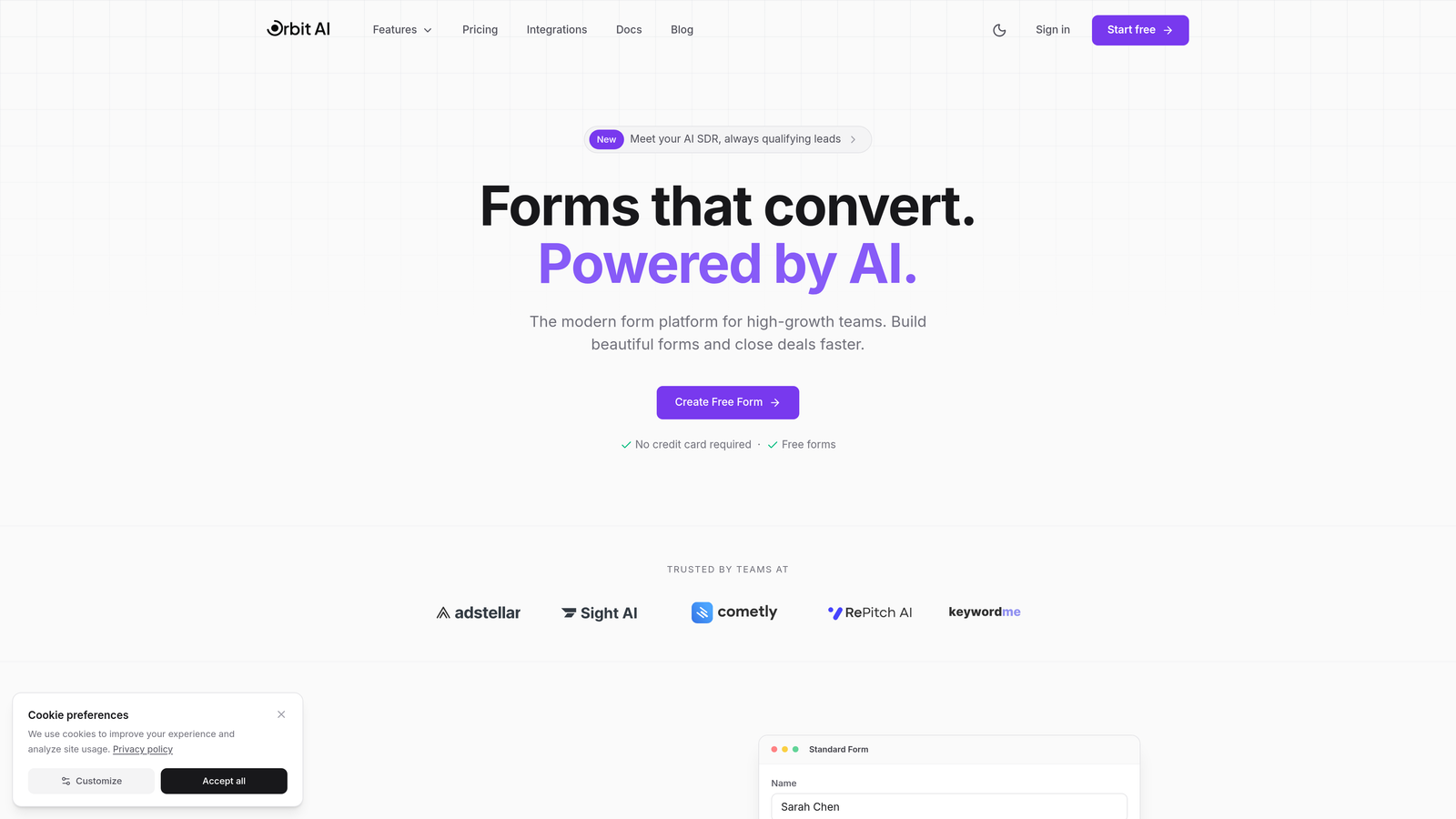
Orbit AI combines enterprise-level security infrastructure with intelligent lead qualification capabilities, making it ideal for organizations that refuse to compromise between data protection and conversion performance.
Where This Tool Shines
Most enterprise form builders force you to choose between robust security and conversion optimization. Orbit AI eliminates that trade-off by delivering SOC 2 compliance and end-to-end encryption alongside AI-powered lead scoring that automatically qualifies prospects as they complete forms.
The platform's intelligent qualification engine analyzes responses in real-time, routing high-value leads to sales immediately while nurturing lower-priority prospects through automated workflows. This means your security-conscious enterprise doesn't sacrifice the conversion intelligence that drives revenue growth.
Key Features
AI-Powered Lead Qualification: Automatically scores and routes leads based on response patterns, eliminating manual qualification work.
SOC 2 Compliance with End-to-End Encryption: Enterprise-grade security with AES-256 encryption at rest and TLS 1.3 in transit.
SSO Integration and RBAC: Single sign-on support with granular role-based access controls for team management.
Advanced Workflow Automation: Build complex approval chains and data routing rules without coding.
Real-Time Analytics Dashboard: Track conversion metrics, lead quality scores, and form performance in unified dashboards.
Best For
High-growth B2B companies, SaaS enterprises, and technology firms that need enterprise security without sacrificing the conversion optimization and lead intelligence that drives revenue. Particularly valuable for organizations with security requirements but limited development resources to build custom solutions.
Pricing
Contact for enterprise pricing. The platform offers customized packages based on form volume, team size, and compliance requirements.
2. Formstack
Best for: Healthcare organizations requiring HIPAA compliance with robust workflow automation
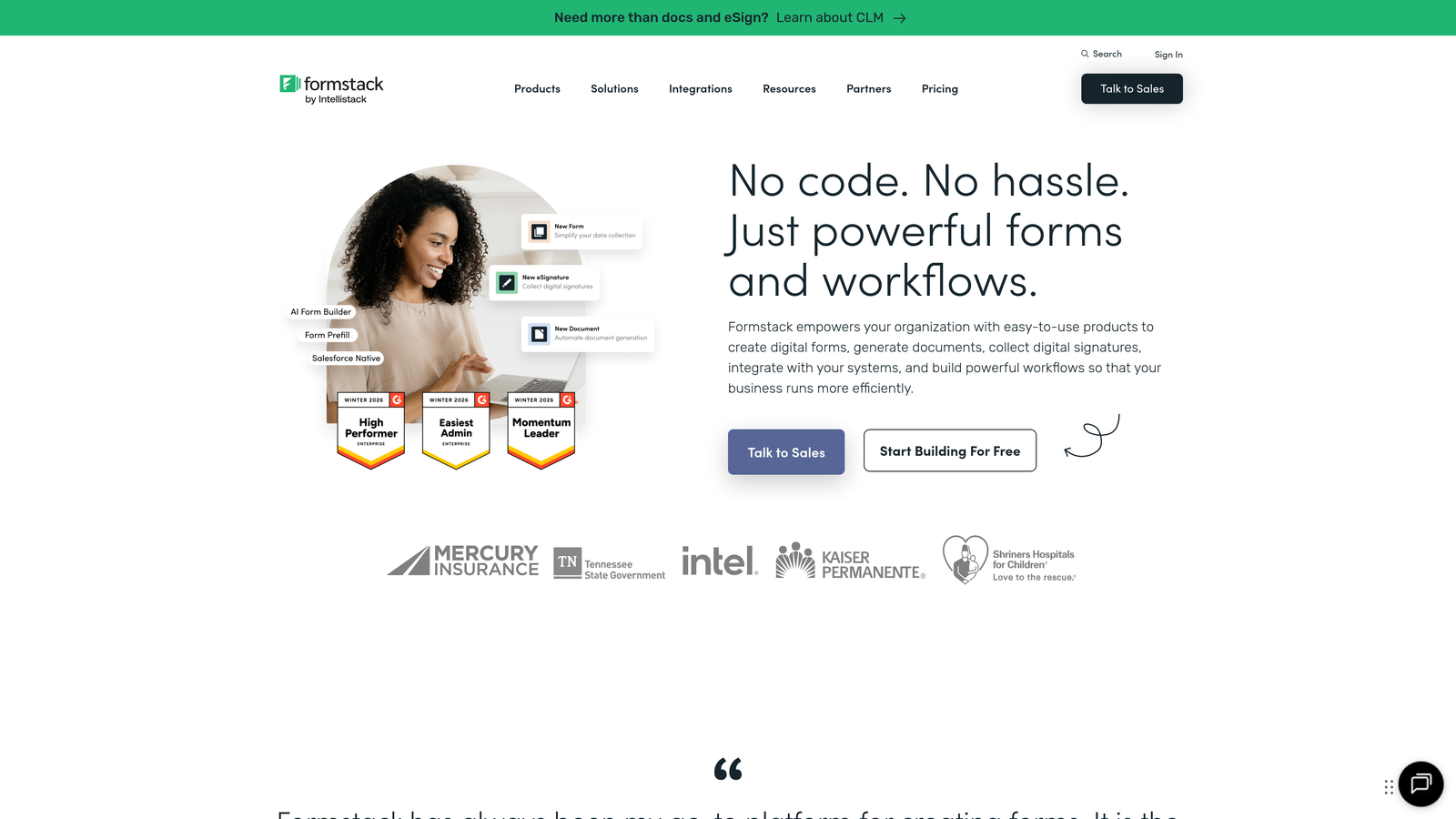
Formstack has established itself as a trusted solution in healthcare and regulated industries through its comprehensive HIPAA compliance and extensive workflow capabilities.
Where This Tool Shines
Formstack's deep healthcare industry expertise shows in its implementation of HIPAA compliance. The platform offers Business Associate Agreements and maintains SOC 2 Type II certification, giving healthcare organizations the documentation they need for audits and compliance reviews.
Beyond compliance checkboxes, Formstack excels at complex approval routing and workflow automation. Healthcare organizations use it to manage patient intake forms, insurance verification processes, and internal approval chains that require multiple stakeholders to review sensitive information securely.
Key Features
HIPAA Compliance with BAA: Full Business Associate Agreement available with documented security controls for protected health information.
SOC 2 Type II Certification: Independently audited security controls verified annually.
Advanced Workflow Routing: Build multi-step approval processes with conditional logic and automated notifications.
Electronic Signature Integration: Native e-signature capabilities for consent forms and legal documents.
256-Bit SSL Encryption: Industry-standard encryption protects data in transit and at rest.
Best For
Healthcare providers, medical device companies, health insurance organizations, and any enterprise handling protected health information. Also strong for financial services firms needing similar compliance rigor with complex approval workflows.
Pricing
Teams plan starts at $83 per month. Enterprise plans with HIPAA compliance and advanced features require custom pricing based on organizational needs.
3. Jotform Enterprise
Best for: Organizations requiring dedicated infrastructure and custom data residency
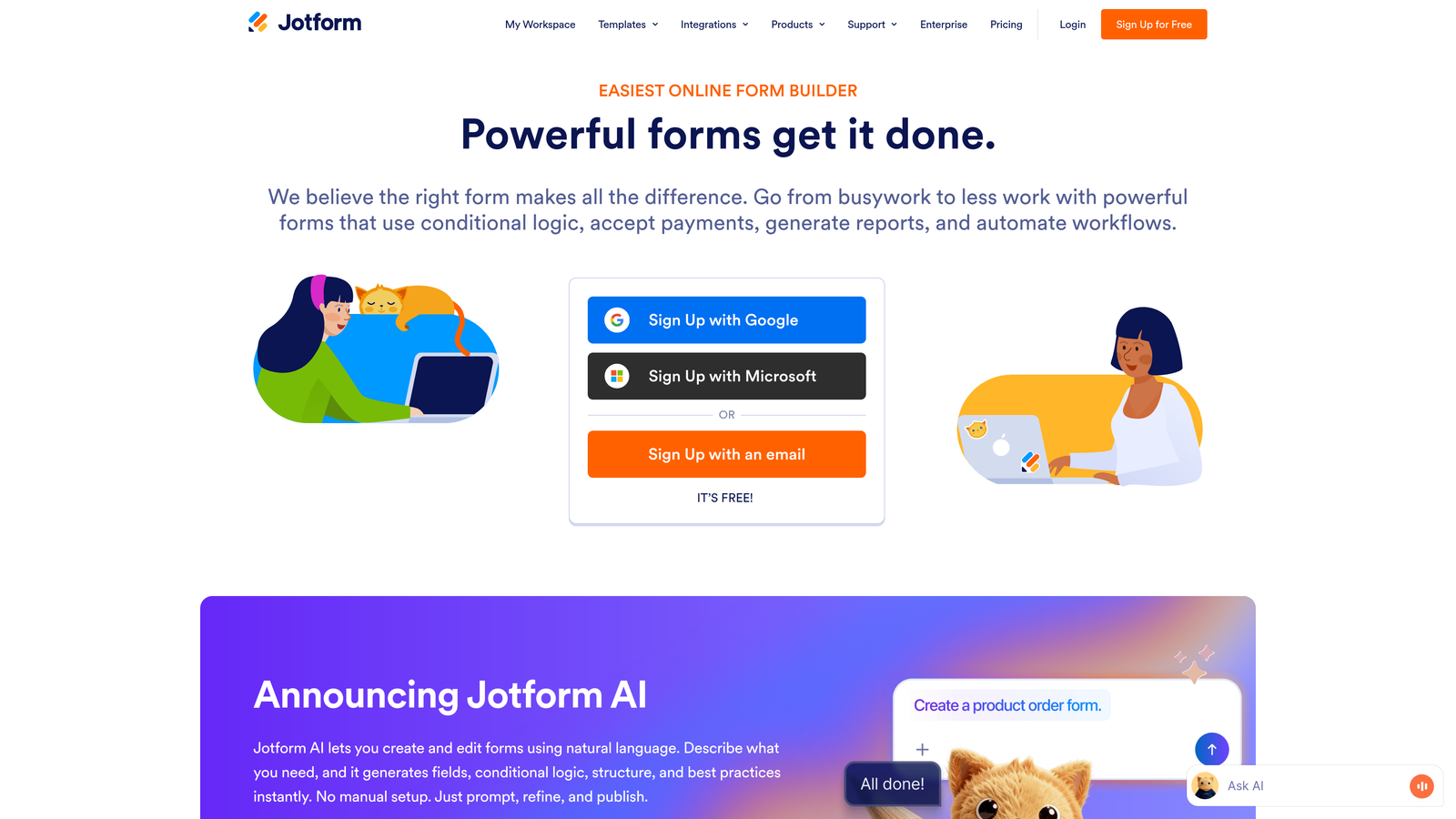
Jotform Enterprise offers single-tenant cloud deployments and custom data residency options, making it ideal for enterprises with strict data isolation requirements.
Where This Tool Shines
Jotform Enterprise's standout feature is its single-tenant dedicated cloud option. Unlike multi-tenant SaaS platforms where your data shares infrastructure with other customers, Jotform can provision completely isolated environments. This architectural approach appeals to financial institutions, government agencies, and enterprises with strict data sovereignty requirements.
The platform's custom data residency capabilities let you choose where your data lives—US, EU, or Australia. This geographic control helps organizations comply with regional data protection laws and internal policies requiring data to remain within specific jurisdictions.
Key Features
Single-Tenant Dedicated Cloud: Completely isolated infrastructure with no shared resources or data commingling.
Custom Data Residency Options: Choose US, European, or Australian data centers to meet sovereignty requirements.
HIPAA Compliance with BAA: Business Associate Agreements available for healthcare use cases.
SOC 2 Type II Certified: Annual third-party security audits verify control effectiveness.
White-Label Capabilities: Remove Jotform branding and use custom domains for customer-facing forms.
Best For
Financial services firms, multinational corporations with data residency mandates, government contractors, and enterprises in regulated industries requiring complete data isolation. Particularly valuable for organizations operating across multiple geographic regions with varying data protection laws.
Pricing
Enterprise pricing requires consultation based on infrastructure requirements and data residency needs. Standard plans start around $99 per month, but dedicated cloud deployments command significantly higher pricing.
4. Cognito Forms
Best for: Cost-conscious enterprises needing HIPAA compliance without premium pricing
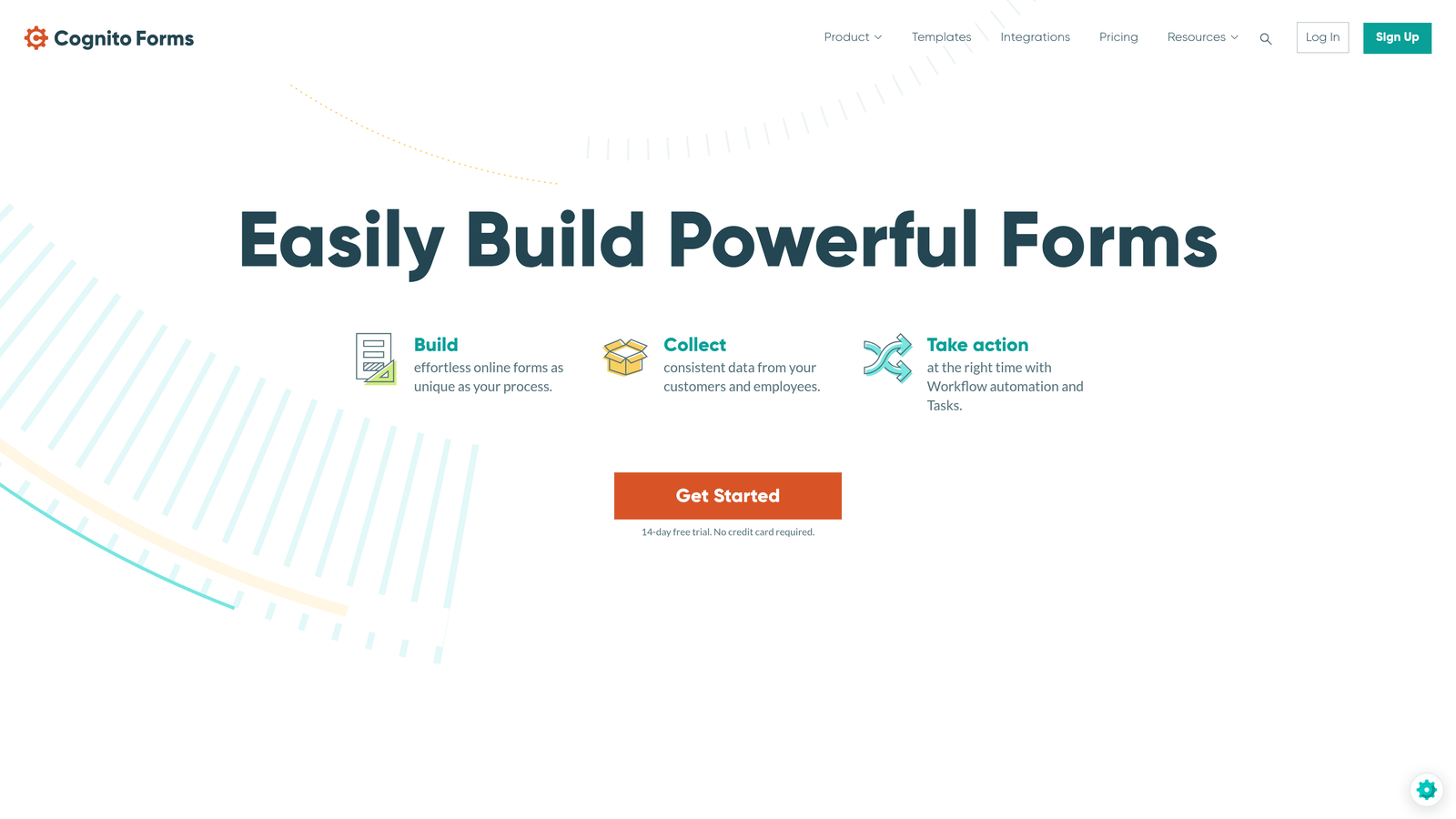
Cognito Forms delivers HIPAA compliance and field-level encryption at price points that make enterprise security accessible to mid-market organizations.
Where This Tool Shines
Cognito Forms proves that enterprise-grade security doesn't require enterprise-level budgets. The platform offers HIPAA compliance with Business Associate Agreements and field-level encryption for sensitive data, features typically reserved for premium-priced competitors.
The field-level encryption capability is particularly noteworthy. You can designate specific form fields to receive additional encryption layers, protecting Social Security numbers, credit card details, or medical information with extra security while keeping less sensitive fields normally accessible for reporting and analysis.
Key Features
HIPAA Compliance with Data Encryption: Full HIPAA compliance including BAAs and encrypted data storage.
Field-Level Encryption: Apply additional encryption to specific sensitive fields beyond standard platform encryption.
PCI DSS Compliant Payments: Collect payment information securely with PCI DSS Level 1 compliance.
Advanced Conditional Logic: Build complex forms with branching logic and calculated fields.
Document Generation: Automatically generate PDFs and documents from form submissions with e-signature support.
Best For
Small to mid-sized healthcare practices, dental offices, therapy clinics, and growing enterprises that need HIPAA compliance but lack the budget for premium enterprise platforms. Also excellent for organizations collecting payment information requiring PCI DSS compliance.
Pricing
Team plan at $24 per month provides HIPAA compliance for smaller organizations. Enterprise pricing available for larger deployments with additional security requirements and support needs.
5. 123FormBuilder
Best for: European enterprises prioritizing GDPR compliance and EU data residency
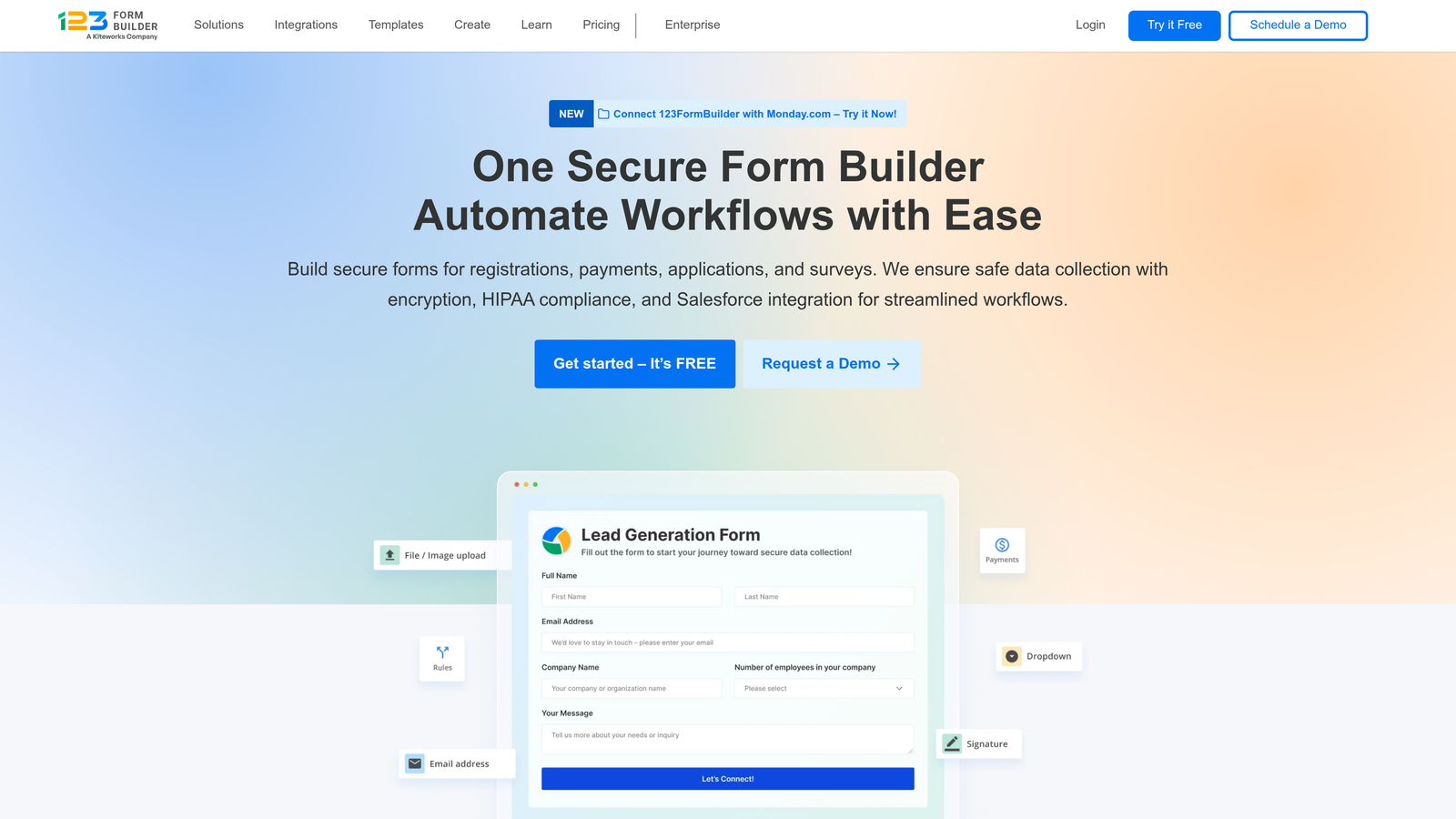
123FormBuilder focuses heavily on European data protection requirements, offering comprehensive GDPR compliance tools and EU-based data centers.
Where This Tool Shines
123FormBuilder's European heritage shows in its approach to data privacy. The platform offers a complete GDPR compliance toolkit including consent management, data portability features, and the right-to-be-forgotten functionality that European regulations mandate.
Organizations can choose EU data center hosting, ensuring all form data remains within European Union borders. This geographic control simplifies GDPR compliance by eliminating cross-border data transfer concerns that complicate many US-based platforms.
Key Features
GDPR Compliance Toolkit: Built-in consent management, data access requests, and deletion workflows.
EU Data Center Option: Host all form data exclusively in European Union data centers.
HIPAA Compliance Available: Healthcare compliance features available on enterprise plans.
256-Bit SSL Encryption: Standard encryption protects data transmission and storage.
Audit Logs and Access Controls: Track who accesses sensitive data with detailed audit trails.
Best For
European enterprises, multinational companies with significant EU operations, and organizations serving European customers who demand GDPR compliance. Also valuable for US companies expanding into European markets and needing to demonstrate data protection commitment.
Pricing
Professional plan starts at $24.99 per month. Enterprise pricing available on request for organizations requiring EU data residency and advanced compliance features.
6. Typeform Enterprise
Best for: Customer-facing data collection requiring engaging UX with enterprise security
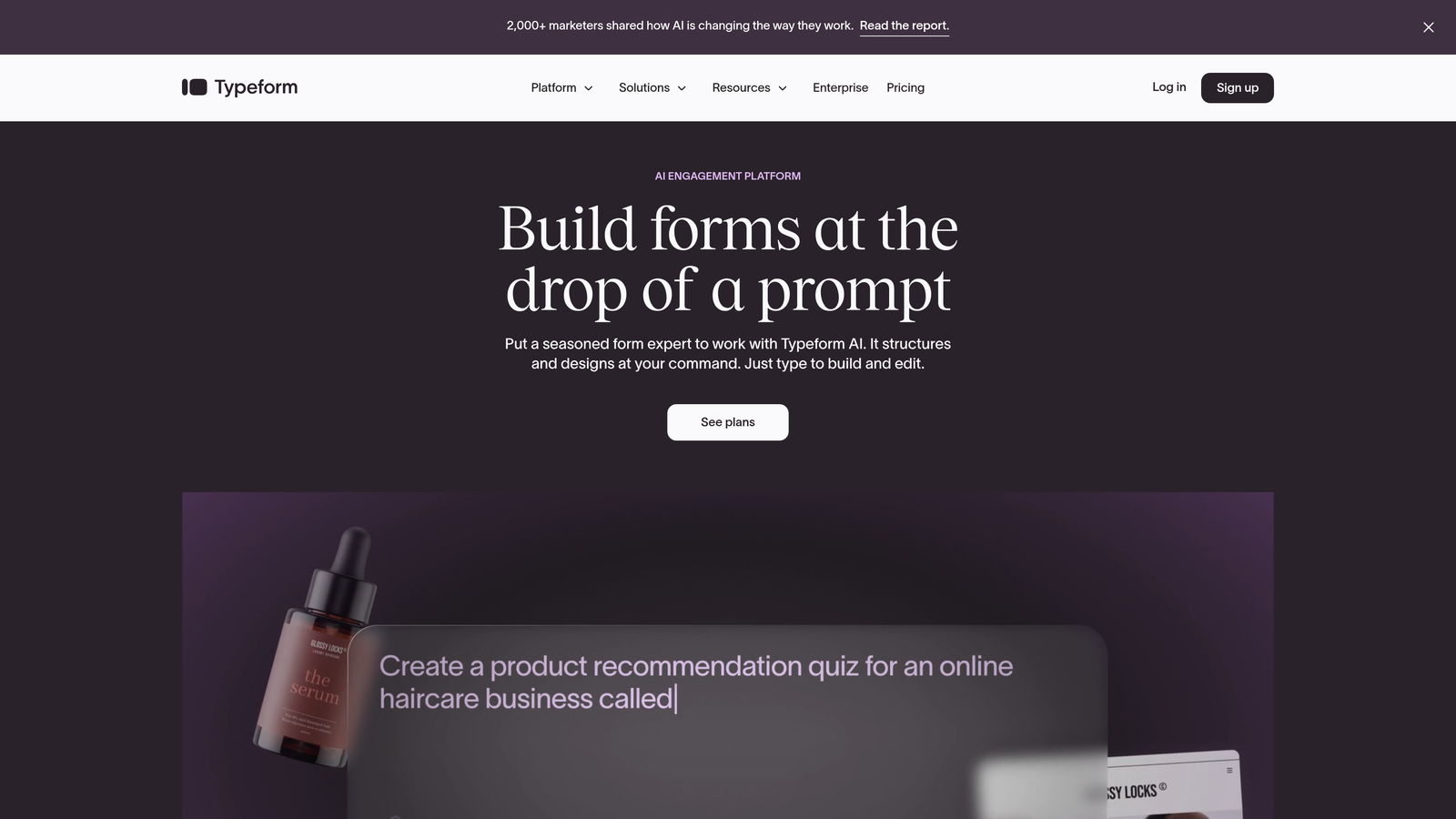
Typeform Enterprise combines the platform's signature conversational form design with SOC 2 certification and GDPR compliance for secure customer interactions.
Where This Tool Shines
Typeform revolutionized form design with its conversational, one-question-at-a-time approach that dramatically improves completion rates. The enterprise version brings this engagement-focused design to security-conscious organizations without compromising compliance.
The platform's strength lies in customer-facing scenarios where form abandonment costs revenue. Product feedback surveys, customer onboarding flows, and lead qualification forms benefit from Typeform's superior user experience while maintaining SOC 2 Type II security standards and GDPR compliance.
Key Features
SOC 2 Type II Certified: Independently verified security controls meet enterprise standards.
GDPR Compliant with EU Hosting: European data centers available for GDPR compliance requirements.
SSO with SAML 2.0: Enterprise single sign-on integration for centralized access management.
Custom Data Retention Policies: Define how long form data is stored and when it's automatically deleted.
Conversational Form Design: One-question-at-a-time interface drives significantly higher completion rates.
Best For
B2C enterprises, SaaS companies, e-commerce businesses, and any organization where form completion rates directly impact revenue. Particularly strong for customer research, product feedback, and lead generation where engagement matters as much as security.
Pricing
Business plan starts at $83 per month. Enterprise pricing requires consultation based on team size, form volume, and specific security requirements.
7. Microsoft Forms (Microsoft 365 Enterprise)
Best for: Microsoft 365 enterprises leveraging existing compliance infrastructure
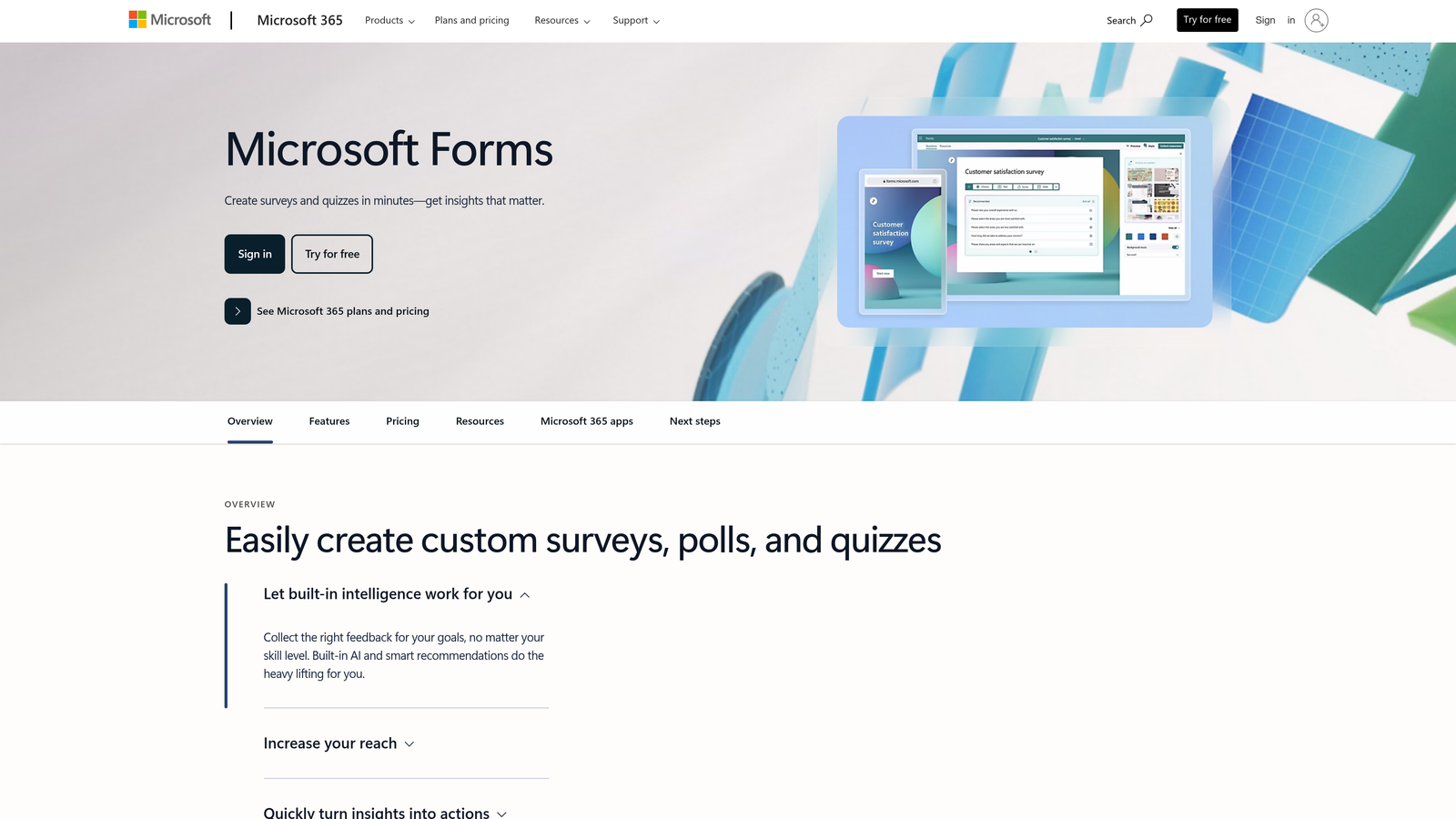
Microsoft Forms inherits the extensive compliance certifications and security infrastructure of the Microsoft 365 ecosystem.
Where This Tool Shines
Microsoft Forms' greatest strength is its seamless integration with the Microsoft 365 security and compliance framework. Organizations already using Microsoft 365 Enterprise don't need separate compliance audits or security reviews—Forms inherits SOC 2, HIPAA, FedRAMP, and dozens of other certifications from the broader platform.
The native integration with Azure Active Directory means your existing identity management, conditional access policies, and multi-factor authentication automatically extend to Forms. Data residency aligns with your Microsoft 365 tenant location, simplifying compliance for multinational organizations.
Key Features
Inherited Microsoft 365 Compliance: Automatically gains SOC 2, HIPAA, FedRAMP, and 90+ compliance certifications.
Azure Active Directory Integration: Native SSO, conditional access, and MFA through existing identity infrastructure.
Microsoft 365 Data Residency: Form data stored in same geographic region as your Microsoft 365 tenant.
Teams and SharePoint Integration: Embed forms directly in Teams channels and SharePoint sites.
Microsoft Defender Protection: Automatic malware scanning and threat protection for form attachments.
Best For
Enterprises standardized on Microsoft 365, government agencies using Microsoft Government Cloud, healthcare organizations leveraging Microsoft's HIPAA compliance, and any organization wanting to minimize third-party security reviews by staying within the Microsoft ecosystem.
Pricing
Included with Microsoft 365 Enterprise licenses. Microsoft 365 E3 starts at $36 per user per month, with Forms included at no additional cost.
8. FormAssembly
Best for: Government contractors and Salesforce-centric enterprises requiring FedRAMP authorization
FormAssembly stands out as one of the few form builders with FedRAMP authorization, making it essential for government contractors and Salesforce enterprises.
Where This Tool Shines
FormAssembly's FedRAMP Authorized status on Government Cloud makes it one of the only viable options for federal agencies and contractors handling government data. FedRAMP authorization requires rigorous security controls and continuous monitoring that few form builders achieve.
The platform's native Salesforce integration goes beyond basic data pushing. FormAssembly can prefill forms with Salesforce data, update existing records intelligently, and trigger complex Salesforce workflows—all while maintaining security controls that satisfy government requirements.
Key Features
FedRAMP Authorized Government Cloud: Meets federal security requirements for government contractors and agencies.
Native Salesforce Integration: Deep two-way integration with advanced prefill and data routing capabilities.
HIPAA and SOC 2 Compliant: Comprehensive healthcare and enterprise compliance certifications.
PCI DSS Level 1 Certified: Highest level of payment card data security certification.
Advanced Data Prefill: Populate forms automatically from Salesforce or other connected systems.
Best For
Federal agencies, government contractors, defense industry suppliers, and Salesforce-dependent enterprises in regulated industries. Also excellent for healthcare organizations using Salesforce Health Cloud or financial services firms on Salesforce Financial Services Cloud.
Pricing
Enterprise plans start at $99 per month for standard deployments. Government Cloud pricing requires consultation based on FedRAMP requirements and data volume.
9. Zoho Forms Enterprise
Best for: Zoho ecosystem users needing comprehensive compliance at competitive pricing
Zoho Forms delivers enterprise compliance features at accessible price points for organizations already invested in the Zoho application suite.
Where This Tool Shines
Zoho Forms integrates seamlessly across the extensive Zoho ecosystem, which includes CRM, marketing automation, help desk, and dozens of other business applications. This integration depth means enterprises can build sophisticated workflows that span multiple systems while maintaining consistent security controls.
The platform offers field-level encryption alongside GDPR and HIPAA compliance, giving organizations granular control over sensitive data protection. Custom data retention and deletion policies help enterprises meet regulatory requirements for data lifecycle management.
Key Features
GDPR and HIPAA Compliance: Dual compliance certifications for European and healthcare requirements.
SOC 2 Type II Certified: Annual third-party security audits verify control effectiveness.
Field-Level Encryption: Apply additional encryption to specific sensitive form fields.
Zoho Ecosystem Integration: Native connections to Zoho CRM, Campaigns, Desk, and 40+ other applications.
Custom Data Retention: Define retention periods and automated deletion schedules for compliance.
Best For
Organizations using multiple Zoho applications, small to mid-sized enterprises seeking affordable compliance, and companies expanding internationally who need both GDPR and HIPAA capabilities without managing multiple form platforms.
Pricing
Premium plan at $25 per month provides compliance features for smaller teams. Enterprise pricing available for larger organizations requiring advanced security features and dedicated support.
Making the Right Choice
Selecting the right secure form builder depends on your specific compliance requirements, existing technology infrastructure, and budget constraints. Each platform on this list offers legitimate enterprise-grade security, but the best choice varies based on your unique situation.
For enterprises prioritizing AI-powered conversion optimization alongside security, Orbit AI delivers both without compromise. Healthcare organizations handling protected health information should examine Formstack or Cognito Forms for their comprehensive HIPAA compliance and BAA availability. Government contractors have limited options—FormAssembly's FedRAMP authorization makes it essential for federal work.
European enterprises or companies with significant EU operations will find 123FormBuilder's GDPR-focused approach and EU data residency particularly valuable. Organizations standardized on Microsoft 365 can leverage Microsoft Forms to inherit existing compliance certifications and simplify security reviews. Salesforce-centric companies benefit from FormAssembly's deep native integration that goes far beyond basic data pushing.
If customer-facing forms drive your revenue and engagement matters as much as security, Typeform Enterprise's conversational design delivers superior completion rates with enterprise compliance. Jotform Enterprise's single-tenant architecture appeals to financial institutions and organizations with strict data isolation mandates. Zoho Forms makes sense for companies already invested in the Zoho ecosystem who want consistent security across their application stack.
Whatever platform you choose, verify compliance certifications directly. Request SOC 2 reports, review HIPAA Business Associate Agreements, and confirm certifications match your industry requirements. Ensure the platform offers the encryption standards your security team demands—AES-256 at rest and TLS 1.2 or higher in transit are baseline requirements. Evaluate access controls, audit logging capabilities, and data residency options against your internal policies.
Ready to see how intelligent form design can elevate your conversion strategy while maintaining enterprise security standards? Start your free trial today and experience how Orbit AI balances data protection with the AI-powered lead qualification that drives growth for high-performing teams.


