

Static forms are conversion killers. When every visitor sees the same generic fields regardless of their context, you're leaving leads on the table. Dynamic form fields software changes the game—automatically showing, hiding, or modifying form fields based on user behavior, previous answers, or data you already have. The result? Shorter forms that feel personalized, higher completion rates, and richer data for your sales team.
We evaluated dozens of platforms to find the best dynamic form builders for teams serious about conversion optimization. Here's what made the cut.
1. Orbit AI
Best for: High-growth teams that want AI-powered lead qualification combined with dynamic form logic
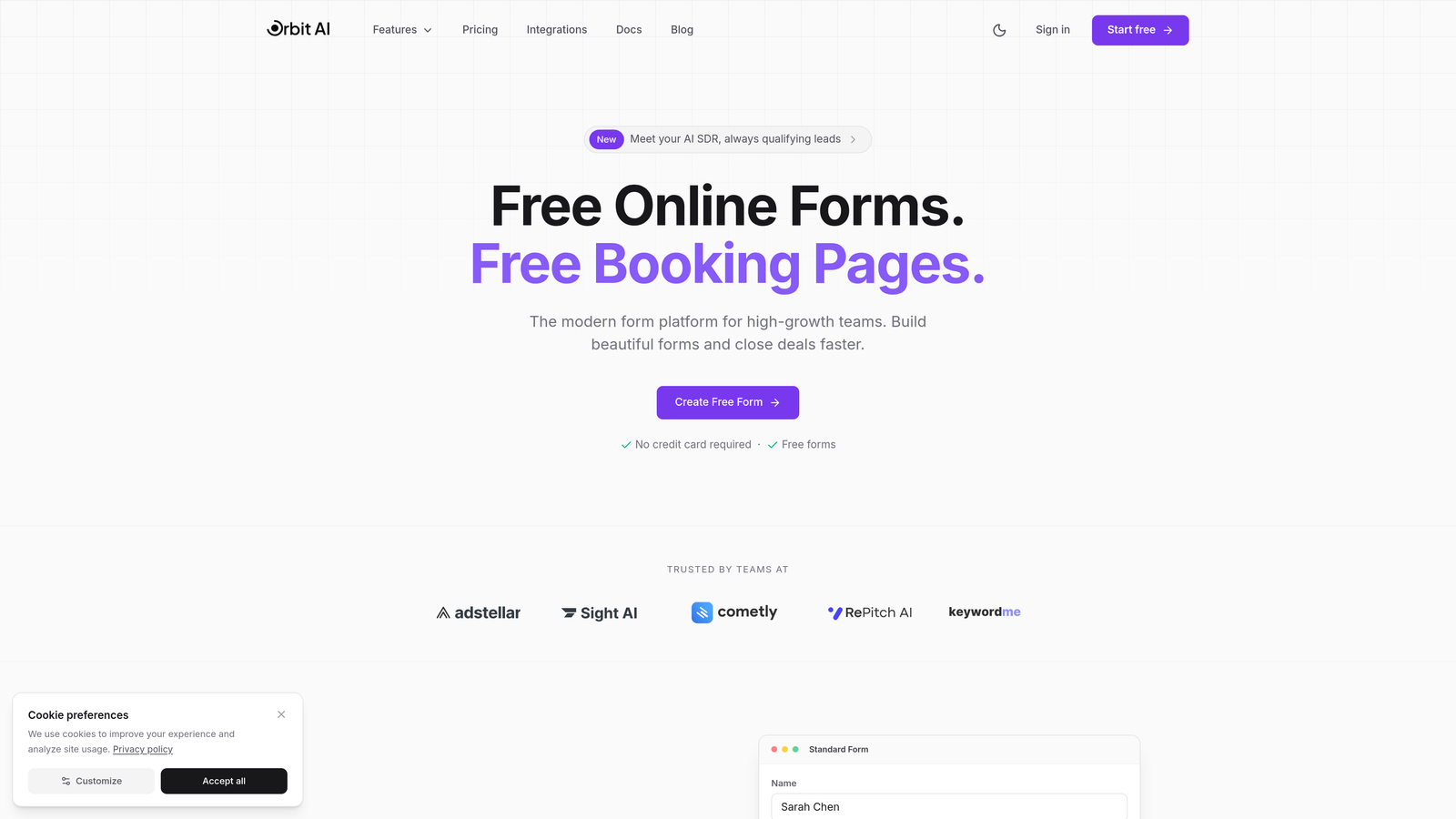
Orbit AI combines intelligent conditional logic with real-time lead scoring to help you capture better leads faster.
Where This Tool Shines
Orbit AI stands out by doing something most form builders don't: qualifying your leads as they fill out your form. The platform analyzes responses in real-time and adjusts field visibility based on what matters most to your sales process.
The conversion-optimized templates are built specifically for SaaS teams, meaning you're not starting from a generic form template. Each field placement, progression logic, and design element reflects what actually works for lead generation in modern B2B contexts.
Key Features
AI-Powered Lead Qualification: Automatically scores and qualifies leads as they complete your form, routing high-value prospects differently than tire-kickers.
Intelligent Field Routing: Conditional logic that adapts based on previous answers, showing relevant fields while hiding unnecessary ones.
Native CRM Integrations: Direct connections to HubSpot, Salesforce, and Slack mean qualified leads land in your workflow immediately.
Field-Level Analytics: See exactly where visitors drop off and which field combinations drive the highest completion rates.
Conversion Templates: Pre-built form structures designed for SaaS lead capture, demo requests, and qualification workflows.
Best For
Growth-focused B2B teams that need more than just conditional logic—they need forms that actively help qualify leads. If your sales team complains about lead quality, Orbit AI's real-time qualification approach addresses that directly while maintaining a smooth user experience.
Pricing
Free tier available with core features. Paid plans start at competitive rates designed for growing teams that need advanced qualification and integration capabilities.
2. Typeform
Best for: Creating conversational, one-question-at-a-time forms with polished user experiences
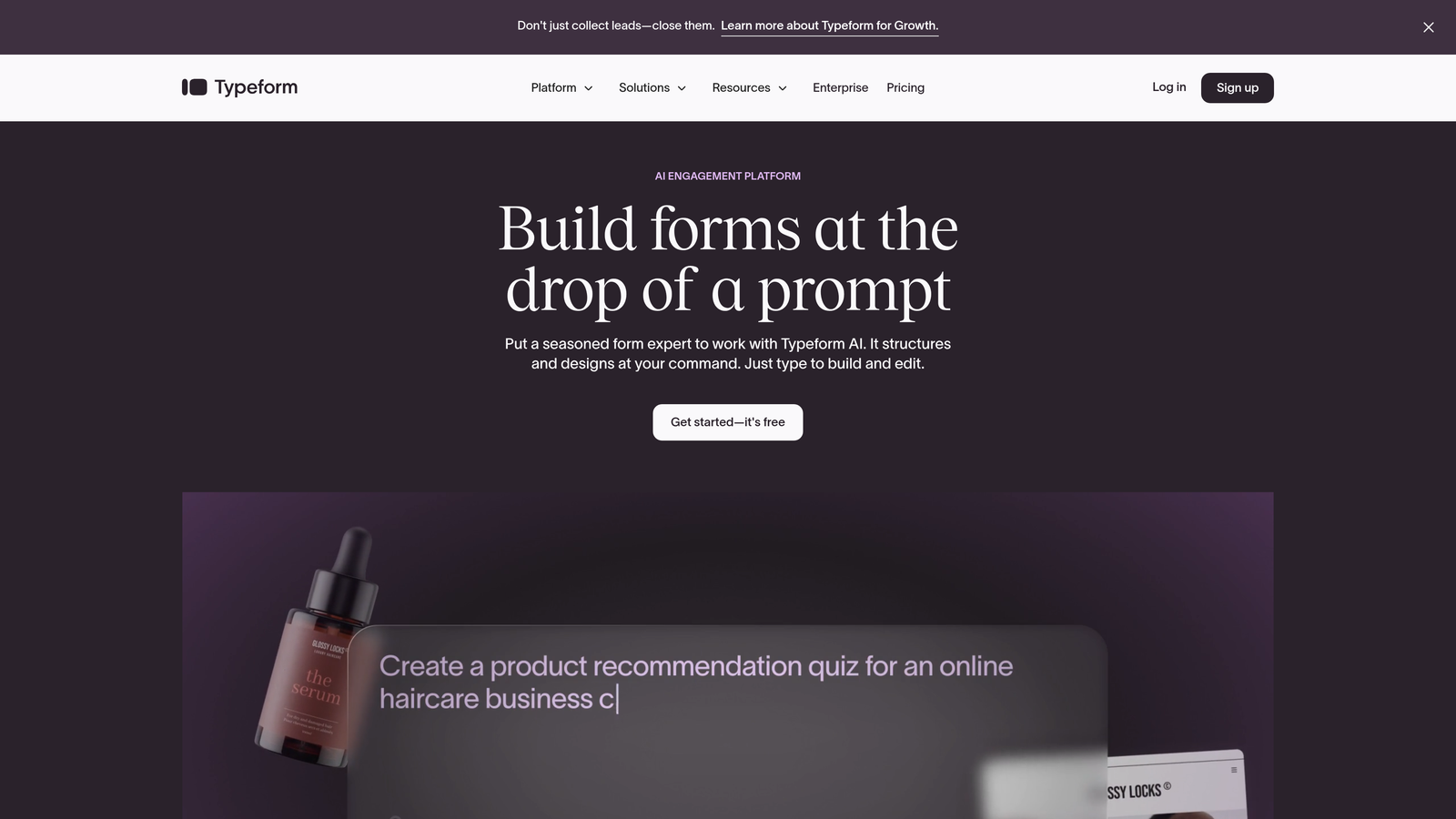
Typeform pioneered the conversational form format that feels more like a chat than a traditional form.
Where This Tool Shines
Typeform's signature one-question-at-a-time approach reduces form anxiety and keeps users focused. The logic jumps feature lets you create personalized question paths based on previous answers, making each form experience feel tailored.
The platform's design capabilities are exceptional. Every form looks polished by default, and the brand customization options let you match your visual identity without touching code. Hidden fields enable sophisticated tracking and personalization based on UTM parameters or user data.
Key Features
Logic Jumps: Route users through different question paths based on their responses, creating truly personalized experiences.
Hidden Fields: Capture tracking data, UTM parameters, or pre-populate information without cluttering the visible form.
Recall Information: Reference earlier answers in later questions to create continuity and personalization.
Design Customization: Extensive brand matching with custom colors, fonts, images, and layouts.
Integration Library: Connects with major marketing tools including HubSpot, Salesforce, Mailchimp, and Slack.
Best For
Teams that prioritize user experience and brand presentation. If your forms represent a premium brand or you need to reduce abandonment on longer questionnaires, Typeform's conversational approach delivers results.
Pricing
Free plan available with basic features. Basic plan starts at $25/month for logic jumps and hidden fields.
3. Jotform
Best for: Teams needing extensive template options and robust conditional logic without complexity
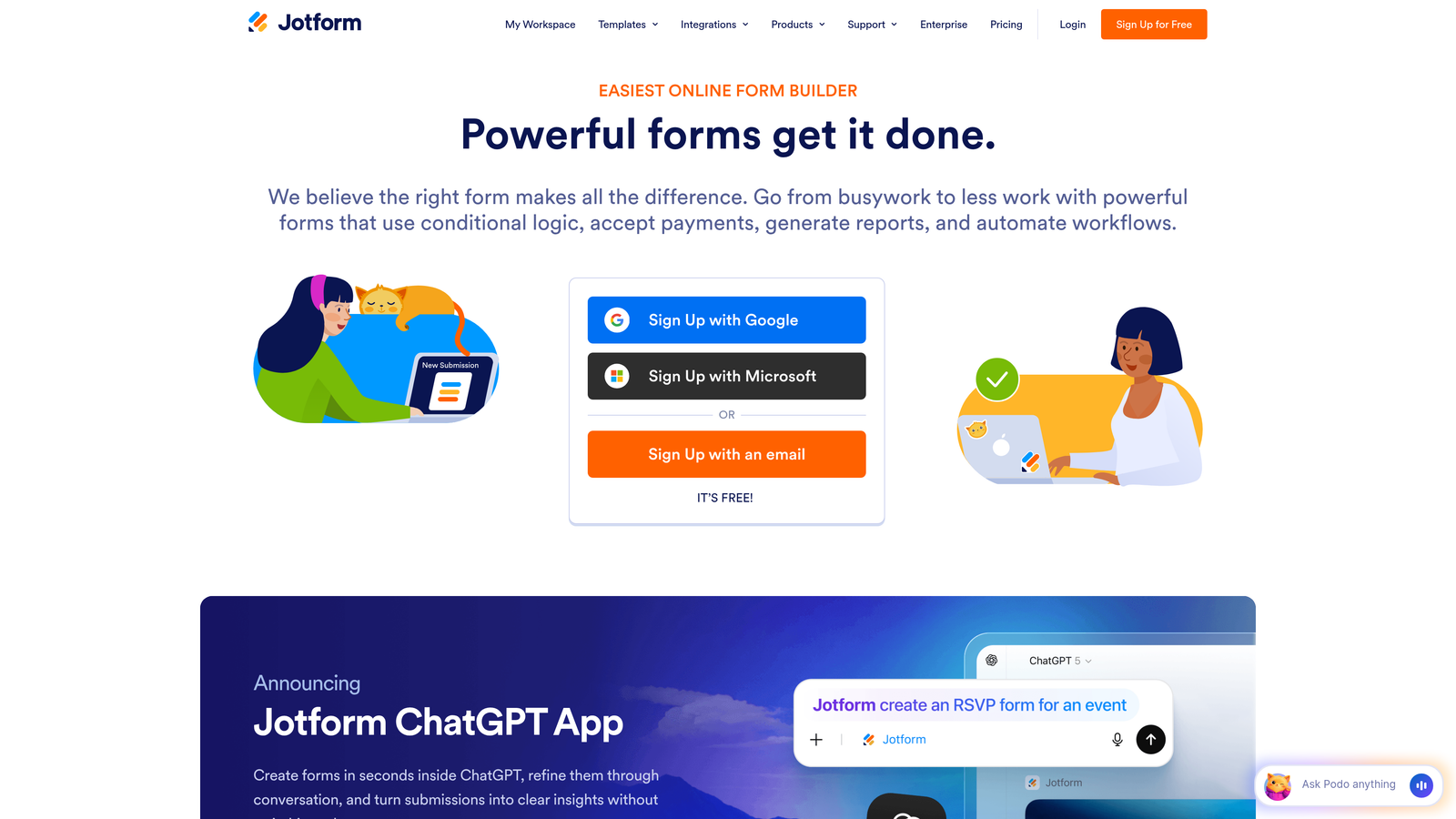
Jotform offers one of the largest template libraries in the industry with built-in dynamic field capabilities.
Where This Tool Shines
With over 10,000 templates, you're almost guaranteed to find a starting point that matches your use case. The conditional logic builder is visual and intuitive—you don't need technical knowledge to create sophisticated show/hide rules.
Multi-page forms with dynamic progress tracking help users understand where they are in longer processes. The payment integrations support conditional pricing, meaning you can show different price fields based on user selections—perfect for order forms and registration workflows.
Key Features
Conditional Logic Builder: Visual interface for creating show/hide rules, field dependencies, and branching paths.
10,000+ Templates: Pre-built forms across every category, many with conditional logic already configured.
Multi-Page Forms: Break long forms into sections with dynamic progress indicators.
Payment Integrations: Accept payments with conditional pricing based on user selections and form logic.
HIPAA Compliance: Enterprise plans include compliance features for healthcare and sensitive data collection.
Best For
Organizations that need versatility across multiple departments—HR, operations, sales, and marketing. The template library means different teams can launch professional forms quickly without starting from scratch.
Pricing
Free plan includes 5 forms. Bronze plan starts at $34/month with unlimited forms and advanced features.
4. Formstack
Best for: Enterprise teams requiring advanced workflow automation and compliance certifications
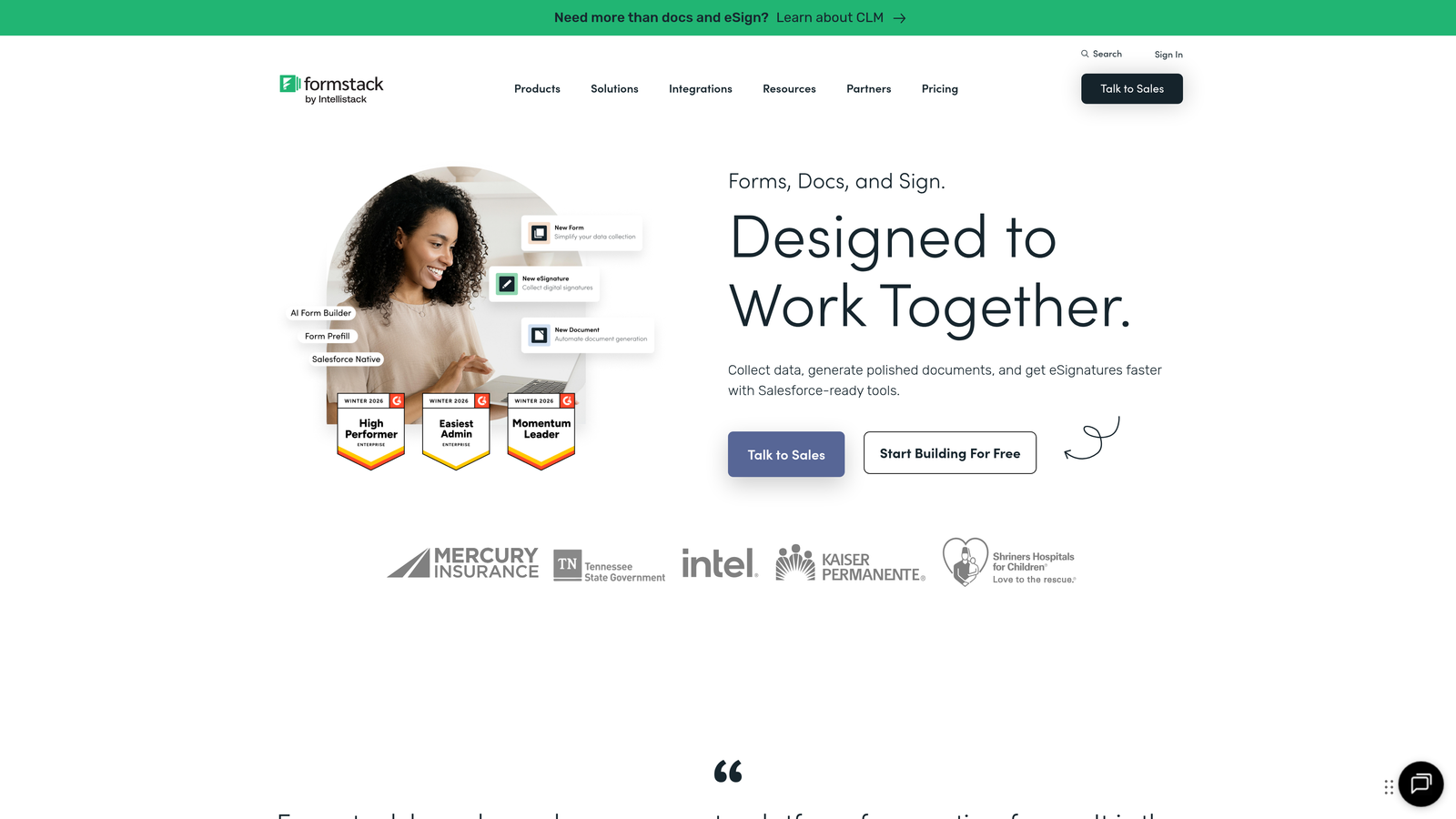
Formstack is built for organizations with complex approval workflows and strict compliance requirements.
Where This Tool Shines
Formstack's conditional logic goes beyond simple show/hide rules to support complex multi-condition rule sets. You can create sophisticated workflows where form submissions trigger approval chains, route to different departments, or populate specific fields in your CRM based on intricate criteria.
The compliance certifications matter for regulated industries. HIPAA, GDPR, and SOC 2 compliance come standard on appropriate plans, with data encryption and audit trails built in. The Salesforce-native integration means forms live directly in your CRM environment.
Key Features
Advanced Conditional Logic: Create complex rule sets with multiple conditions and dependencies.
Workflow Automation: Route submissions through approval processes with notifications and status tracking.
Compliance Certifications: HIPAA, GDPR, and SOC 2 compliance with encryption and audit capabilities.
Salesforce Native: Forms that live directly in Salesforce with bidirectional data sync.
Digital Signatures: Legally binding e-signature collection with conditional signature requirements.
Best For
Enterprise organizations in regulated industries—healthcare, finance, government—that need both sophisticated form logic and documented compliance. If your forms feed into multi-step approval processes, Formstack handles that complexity cleanly.
Pricing
Forms plans start at $50/month. Enterprise pricing available for organizations needing compliance features and dedicated support.
5. Paperform
Best for: Creating immersive form experiences that blend rich content with dynamic functionality
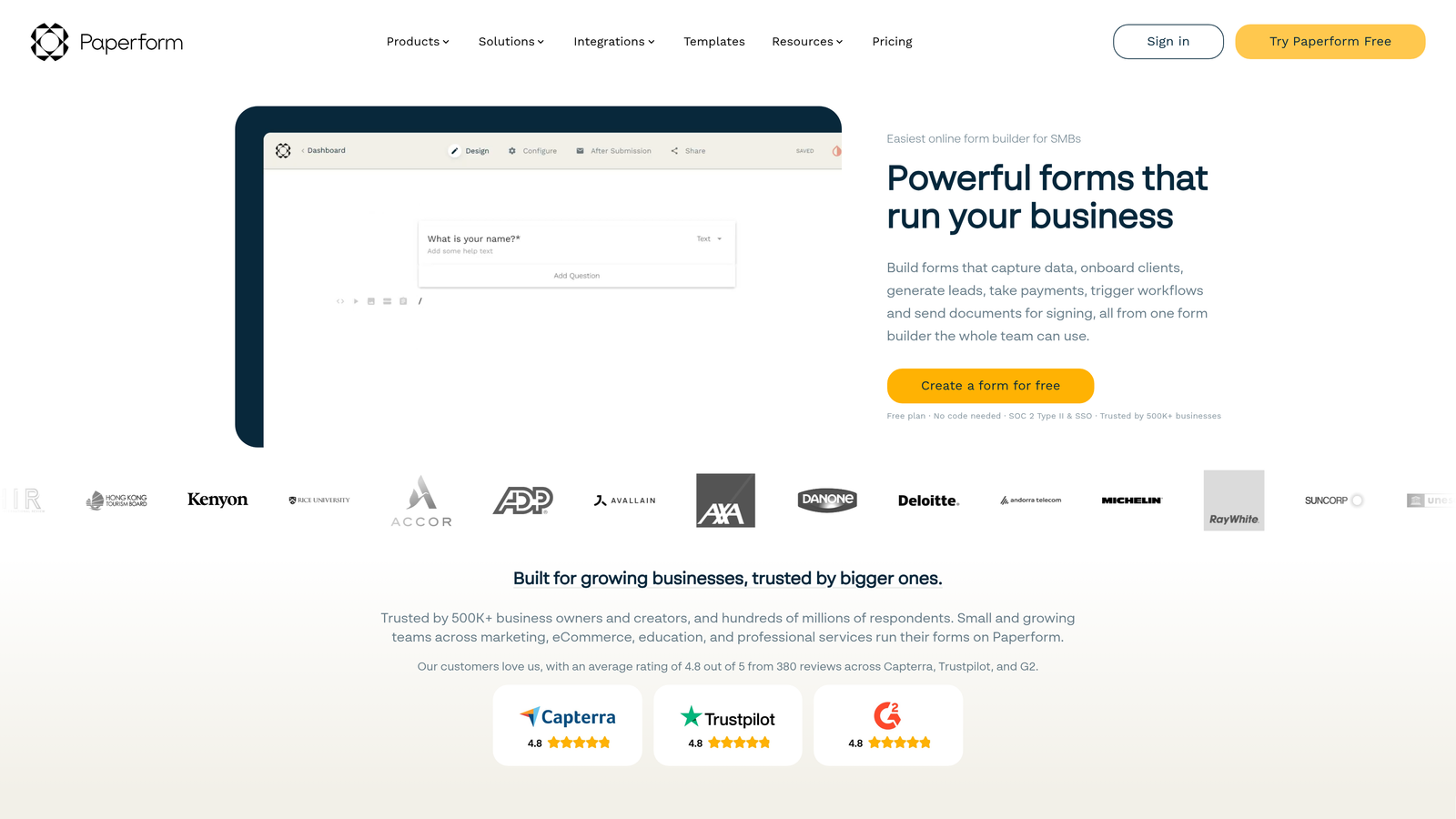
Paperform treats forms as content experiences, letting you embed media and build narrative flows with conditional logic.
Where This Tool Shines
Paperform lets you create forms that don't feel like forms. You can embed images, videos, and rich text blocks that appear or disappear based on user responses. This makes it ideal for interactive assessments, guided experiences, or forms where context matters as much as data collection.
The calculation engine supports dynamic pricing and complex formulas. Combined with conditional logic, you can build configurators, quote generators, or booking systems where prices adjust based on user selections. Custom success pages can display different content based on form responses.
Key Features
Conditional Content Blocks: Show or hide entire sections of rich content based on user responses.
Rich Media Embedding: Include images, videos, and formatted text throughout your forms.
Calculations and Variables: Build dynamic pricing, scoring systems, or quote generators with conditional formulas.
Booking Integration: Schedule appointments with conditional availability based on form responses.
Dynamic Success Pages: Display different thank-you content based on how users answered.
Best For
Creative teams, agencies, and businesses that need forms to tell a story or guide users through a process. If your forms require explanation, context, or visual elements that change based on user input, Paperform delivers that flexibility.
Pricing
Essentials plan at $24/month includes conditional logic. Pro plan at $49/month adds advanced calculations and priority support.
6. Cognito Forms
Best for: Complex calculations, order forms, and financial workflows requiring precise conditional logic
Cognito Forms specializes in forms where numbers matter—calculations, pricing, and financial data collection.
Where This Tool Shines
The calculation engine is remarkably powerful. You can create conditional formulas that reference other fields, perform complex math, and update in real-time as users complete the form. This makes Cognito Forms ideal for order forms, quote requests, or any scenario where pricing depends on multiple variables.
Repeating sections let users add line items dynamically—perfect for order forms where customers select multiple products or services. The conditional visibility works at the section level, so you can show entire groups of fields based on earlier selections.
Key Features
Conditional Sections: Show or hide entire groups of fields based on user responses or calculated values.
Real-Time Calculations: Build complex formulas that reference form fields and update as users type.
Repeating Sections: Let users add multiple line items with conditional fields in each repetition.
Payment Processing: Collect payments with calculated totals based on user selections and quantities.
Data Encryption: Built-in security features and compliance options for sensitive financial data.
Best For
Organizations that need precise calculations in their forms—e-commerce businesses, professional services firms, or any team collecting orders where pricing depends on multiple conditional factors. The calculation capabilities exceed what most form builders offer.
Pricing
Free plan available with basic features. Pro plan starts at $15/month for advanced conditional logic and calculations.
7. Fillout
Best for: Teams using Notion or Airtable who need database-connected dynamic forms
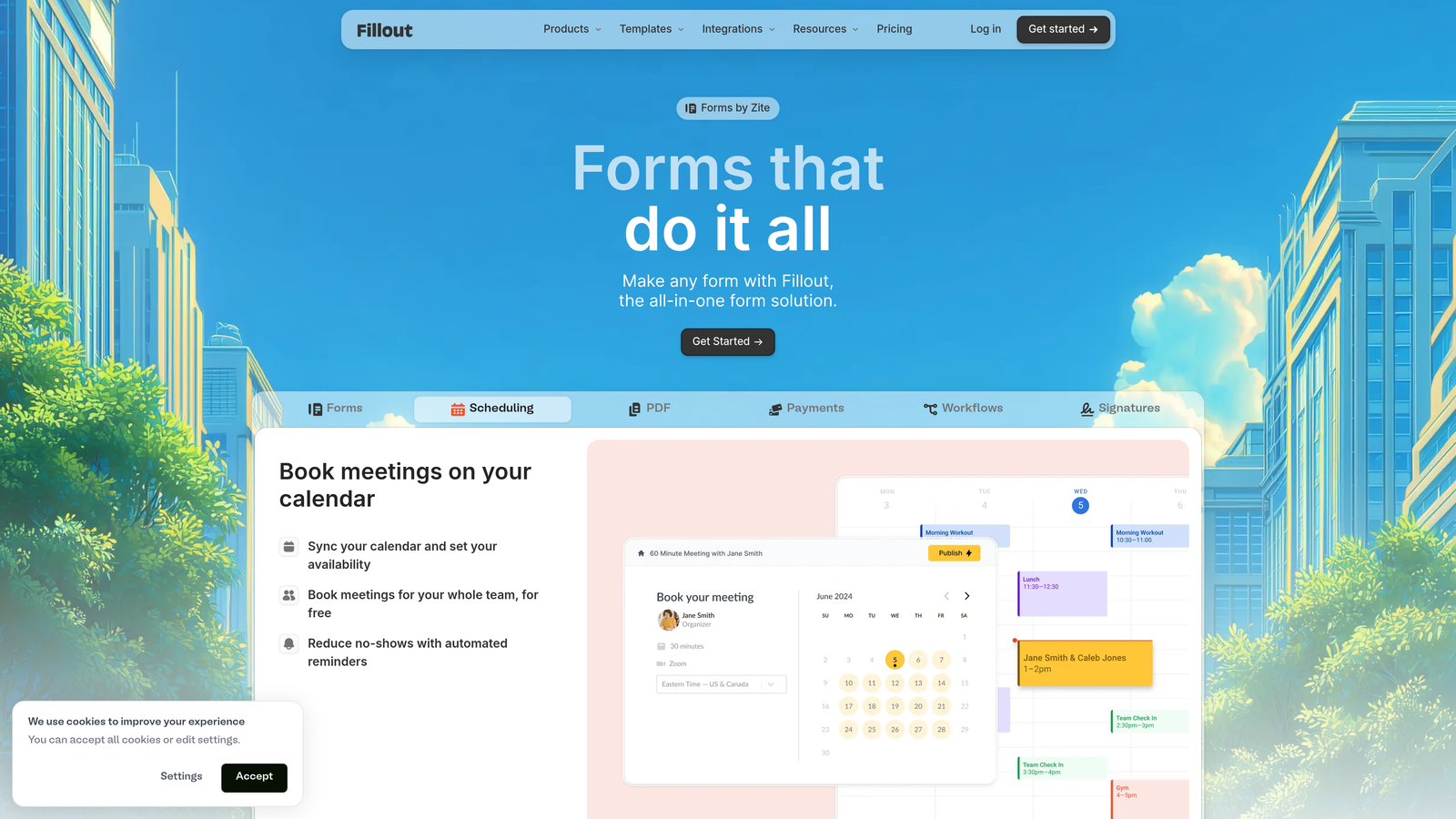
Fillout bridges the gap between form builders and database tools with native integrations for Notion and Airtable.
Where This Tool Shines
Fillout's native database integrations mean your forms can pull data from Notion or Airtable to pre-populate fields or create conditional logic based on existing records. This enables sophisticated workflows where forms adapt based on what's already in your database.
The URL parameter pre-population is particularly well-implemented. You can pass values through the URL to automatically fill fields, hide irrelevant questions, or route users through different form paths. Multi-step forms support branching logic, so users see different steps based on their previous answers.
Key Features
Database Sync: Native integration with Notion and Airtable for bidirectional data flow.
Conditional Database Lookups: Show or hide fields based on data queried from your connected database.
URL Parameter Pre-Population: Automatically fill fields and control form logic via URL parameters.
Multi-Step Branching: Create different form paths with conditional step visibility.
Built-In Scheduling: Integrated appointment booking with conditional availability rules.
Best For
Teams already using Notion or Airtable as their primary database who want forms that integrate seamlessly with their existing workflows. If your data lives in these tools, Fillout eliminates the need for middleware or Zapier connections.
Pricing
Free plan available with core features. Starter plan at $19/month includes unlimited forms and advanced conditional logic.
8. Tally
Best for: Budget-conscious teams needing conditional logic without subscription costs
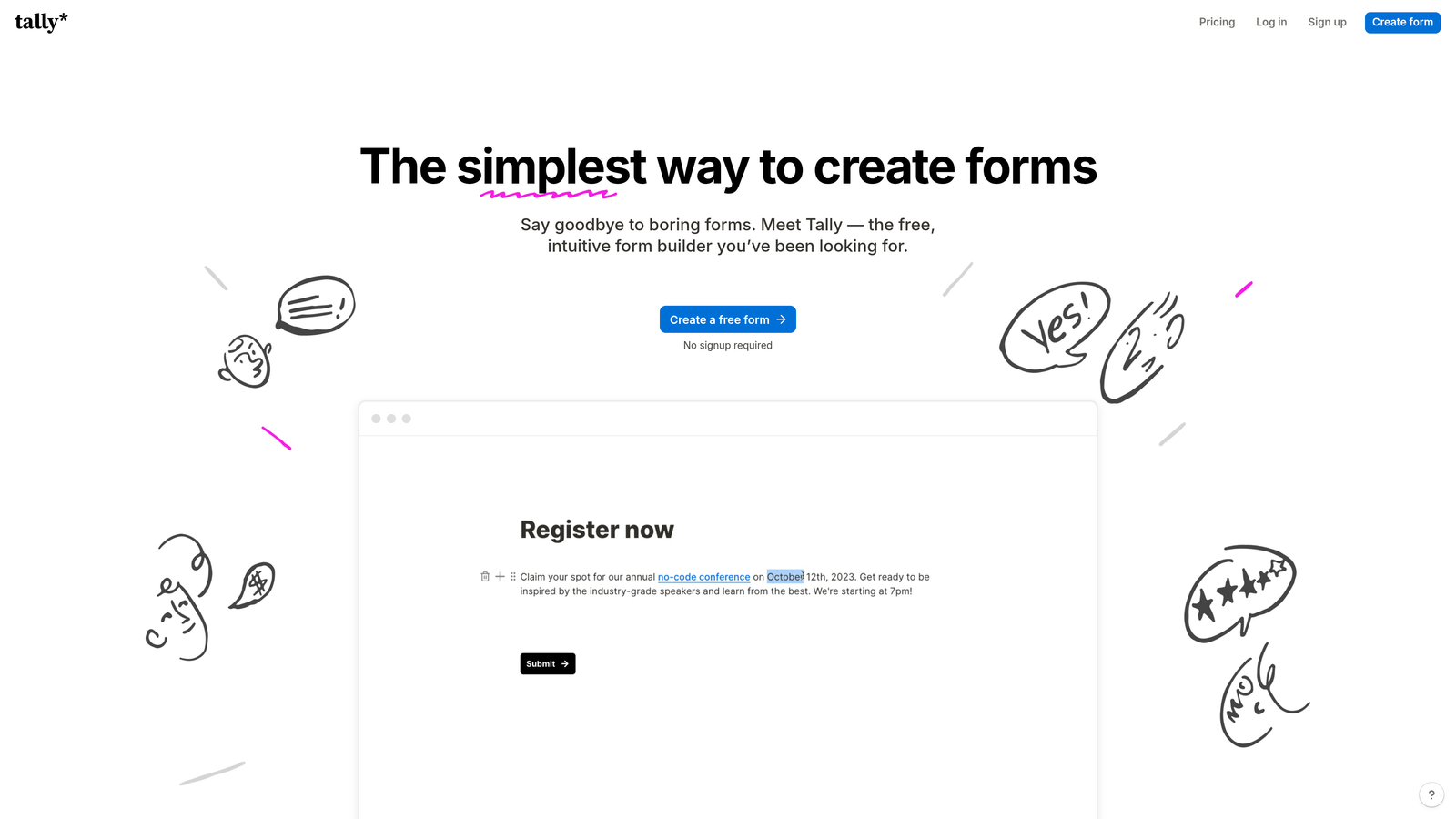
Tally offers an exceptionally generous free tier that includes conditional logic and dynamic fields.
Where This Tool Shines
Tally's free plan is remarkable—unlimited forms, unlimited submissions, and conditional logic at no cost. This makes it ideal for startups, side projects, or teams testing form strategies before committing to paid tools.
The Notion-like editing experience feels familiar and intuitive. You build forms by typing and formatting, similar to creating a document. Hidden fields and URL parameter support enable personalization and tracking without visible clutter. The platform handles file uploads and payment collection, features often restricted on other free plans.
Key Features
Free Conditional Logic: Show/hide fields based on responses without upgrading to paid plans.
Hidden Fields: Capture UTM parameters, user IDs, or tracking data invisibly.
Notion-Style Editor: Intuitive form building that feels like writing a document.
Unlimited Free Tier: No limits on forms or submissions on the free plan.
Payment Collection: Accept payments via Stripe with conditional pricing logic.
Best For
Startups and small teams that need dynamic form capabilities without budget for subscriptions. The free tier is genuinely functional for production use, not just a trial. Also great for agencies managing multiple client forms where per-form costs add up quickly.
Pricing
Free plan includes most features with unlimited usage. Pro plan at $29/month adds custom domains, file upload limits, and priority support.
9. HubSpot Forms
Best for: Teams already using HubSpot CRM who need progressive profiling and smart fields
HubSpot Forms leverages CRM data to create intelligent forms that adapt based on what you already know about contacts.
Where This Tool Shines
Progressive profiling is HubSpot's killer feature for dynamic forms. When known contacts return to your site, the form automatically skips fields you've already collected and asks new questions instead. This reduces friction for repeat visitors while enriching your CRM data over time.
Smart fields recognize known contacts and pre-populate information, making form completion nearly instant for return visitors. The direct CRM integration means every submission updates contact records immediately, and you can use any CRM property to drive conditional logic.
Key Features
Progressive Profiling: Automatically show different questions to return visitors based on what you already know.
Smart Fields: Pre-populate fields for known contacts to reduce friction and increase completion.
Dependent Field Logic: Show or hide fields based on CRM properties or form responses.
Direct CRM Population: Every submission updates contact records instantly with no integration lag.
A/B Testing: Test different form variations to optimize field order, labels, and conditional logic.
Best For
Organizations already invested in the HubSpot ecosystem who want forms that leverage their CRM data intelligently. The progressive profiling and smart fields features only work well when you have substantial contact data, making this ideal for established businesses with large contact databases.
Pricing
Free with HubSpot CRM including basic forms and conditional logic. Advanced features like progressive profiling require Marketing Hub Professional ($800+/month).
Making the Right Choice
The best dynamic form fields software depends on where you are and what you're optimizing for. If lead qualification matters as much as lead capture, Orbit AI's real-time scoring approach helps your sales team focus on prospects worth pursuing. For teams prioritizing user experience above all else, Typeform's conversational interface reduces abandonment on longer forms.
Budget constraints? Tally delivers conditional logic without subscription costs, while Jotform's template library helps teams launch professional forms quickly. Enterprise organizations in regulated industries should look at Formstack for compliance certifications and workflow automation. Already using HubSpot? The native forms with progressive profiling eliminate the need for a separate tool.
Consider your integration requirements carefully. If your data lives in Notion or Airtable, Fillout's native connections eliminate middleware complexity. Teams needing sophisticated calculations for pricing or quotes will appreciate Cognito Forms' formula engine. And if your forms need to tell a story with rich media, Paperform blends content and conditional logic elegantly.
The common thread across all these tools is this: dynamic fields increase completion rates by showing users only what's relevant. Static forms that ask everyone the same questions are conversion killers. The right dynamic form builder adapts to each visitor, creating experiences that feel personalized while capturing richer data for your team.
Transform your lead generation with AI-powered forms that qualify prospects automatically while delivering the modern, conversion-optimized experience your high-growth team needs. Start building free forms today and see how intelligent form design can elevate your conversion strategy.


