

Looking for a form builder with a free sign-up option that doesn't sacrifice features? You're not alone. High-growth teams need forms that convert visitors into qualified leads without requiring a budget approval for every new tool. The good news: several powerful form builders offer generous free tiers that let you start collecting leads immediately.
We've tested dozens of options and narrowed it down to the nine best free form builders available right now. Whether you need simple contact forms, multi-step lead qualification flows, or payment-enabled order forms, this list has you covered. Here's what we looked for: ease of use, free tier limitations, integration options, and conversion-focused features.
1. Orbit AI
Best for: High-growth teams that need AI-powered lead qualification built into their forms
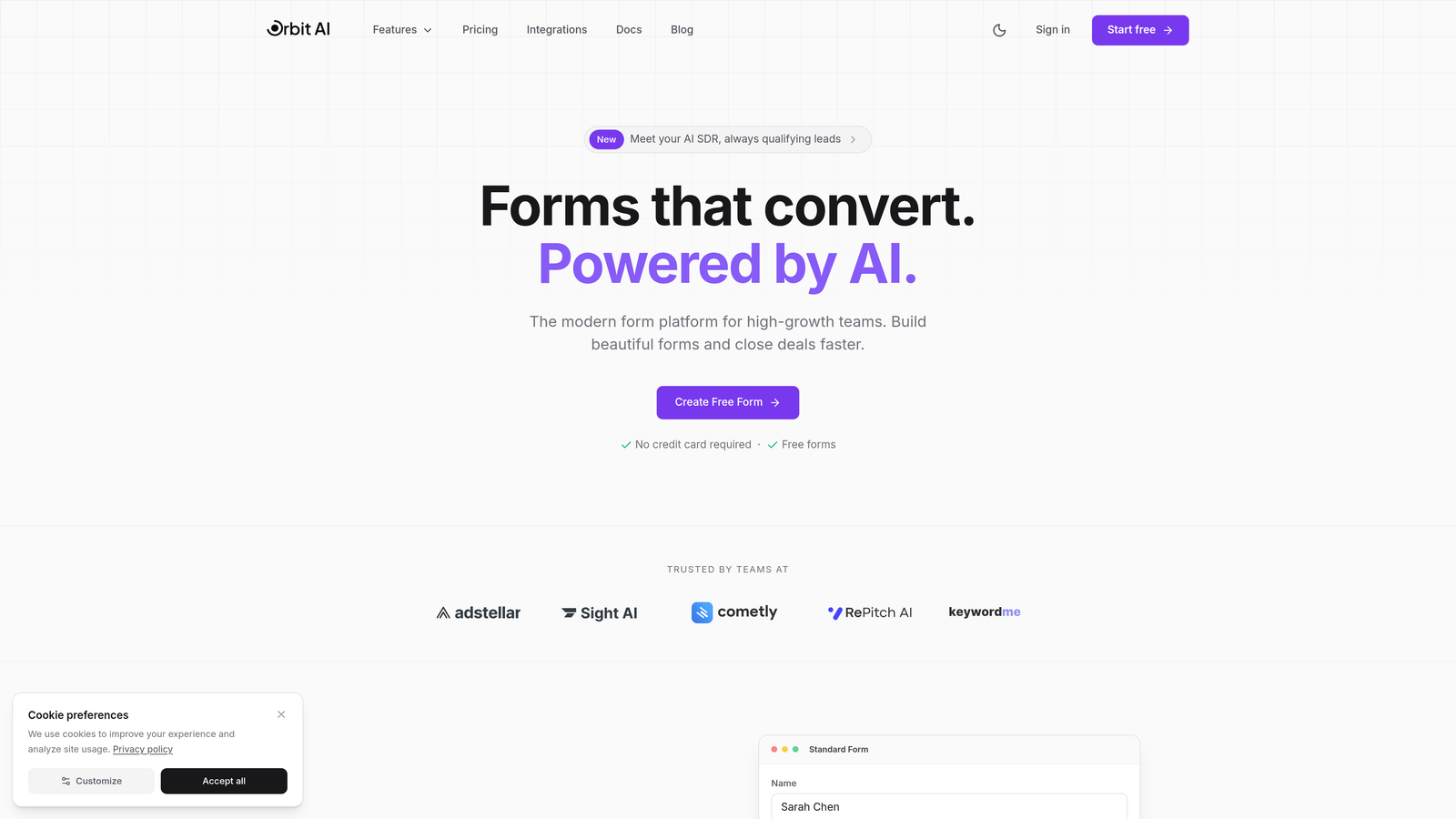
Orbit AI is an AI-powered form builder designed specifically for teams focused on conversion optimization and lead quality.
Where This Tool Shines
The standout feature here is the AI-powered lead qualification that happens automatically as prospects fill out your forms. Instead of collecting raw contact information and sorting through it later, Orbit AI scores and qualifies leads in real-time based on their responses.
This means your sales team spends time on high-quality prospects while lower-priority leads get routed to nurture sequences. The platform focuses on conversion optimization rather than just data collection, which makes a real difference when you're trying to grow efficiently.
Key Features
AI-Powered Lead Qualification: Automatically scores and qualifies leads based on their form responses without manual setup.
Conversion-Optimized Templates: Modern form designs built specifically to maximize completion rates and reduce drop-off.
Workflow Automation: Create automated sequences that respond to lead scores and qualification criteria.
Native CRM Integrations: Connect directly with popular CRM platforms to route qualified leads automatically.
Real-Time Analytics: Track form performance, conversion rates, and lead quality metrics from a unified dashboard.
Best For
This platform works best for high-growth SaaS companies, B2B businesses, and marketing teams that need to qualify leads at scale. If you're tired of sorting through unqualified form submissions manually, the AI qualification features save significant time. It's particularly valuable when your sales team needs to prioritize their outreach based on lead quality rather than submission order.
Pricing
Orbit AI offers a free tier to get started, with paid plans available for teams that need advanced features like custom AI qualification rules and expanded automation capabilities.
2. Typeform
Best for: Creating beautiful conversational forms with a one-question-at-a-time experience
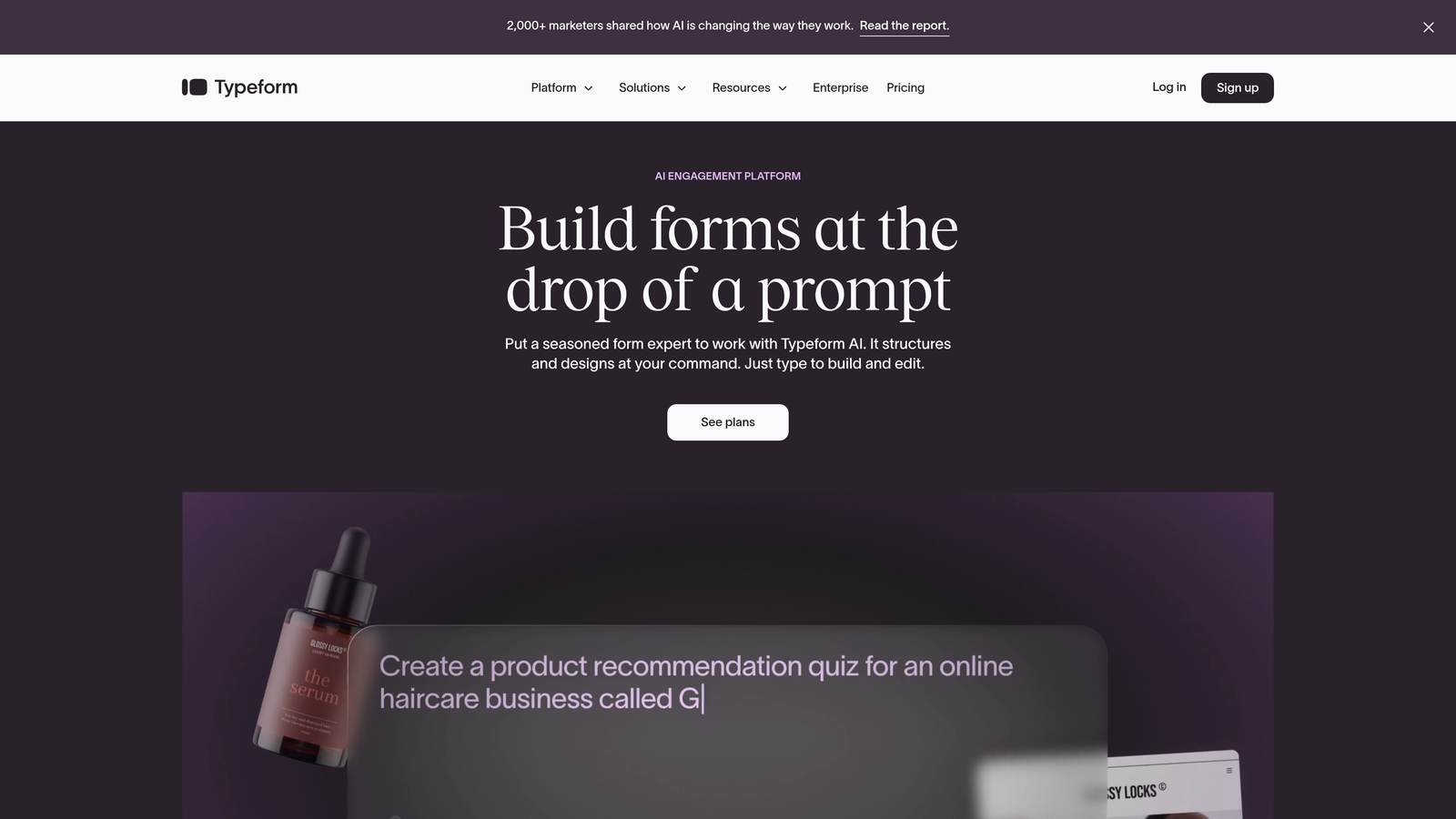
Typeform is a conversational form builder known for its distinctive one-question-at-a-time interface and polished design aesthetic.
Where This Tool Shines
Typeform revolutionized form design by treating forms like conversations rather than interrogations. Each question appears individually, creating a focused experience that feels more like a dialogue than a data collection exercise.
The platform excels at reducing form abandonment through its progressive disclosure approach. Users see one question at a time, which makes even lengthy forms feel manageable. The built-in templates are genuinely beautiful, and customization options let you match your brand without fighting with CSS.
Key Features
Conversational Interface: One-question-at-a-time format that increases engagement and completion rates.
Beautiful Design Templates: Professionally designed themes that look modern without requiring design skills.
Logic Jumps: Show or hide questions based on previous answers to create personalized form experiences.
Rich Media Support: Embed videos, images, and GIFs directly into your forms for visual engagement.
Hidden Fields: Pass UTM parameters and other tracking data invisibly through your forms.
Best For
Typeform works exceptionally well for surveys, quizzes, and lead generation forms where user experience matters. Marketing teams love it for campaign landing pages, while HR departments use it for job applications. The conversational format particularly shines when you need to collect detailed information without overwhelming respondents.
Pricing
The free plan includes 10 responses per month, which works for testing but limits production use. Basic plans start at $25/month for 100 responses, scaling up based on volume needs.
3. Google Forms
Best for: Simple data collection with unlimited forms and responses at zero cost
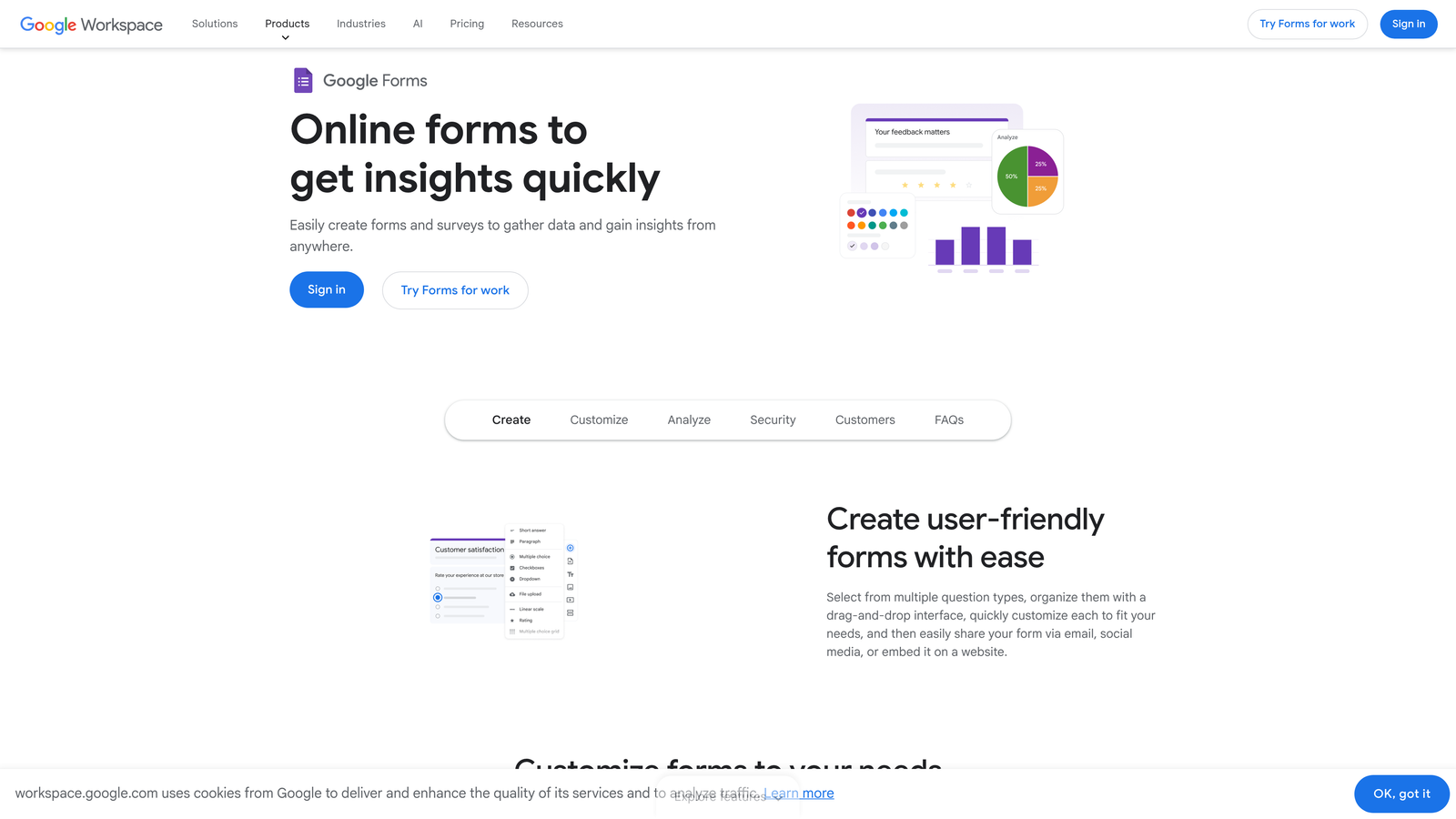
Google Forms is Google's completely free form builder with no submission limits or hidden costs.
Where This Tool Shines
The biggest advantage here is simple: truly unlimited everything at no cost. Need to collect 10,000 responses? Go ahead. Want to create 50 different forms? No problem. Google Forms removes all the artificial limitations that other "free" plans impose.
The automatic Google Sheets integration means your data flows directly into a spreadsheet where you can analyze, filter, and manipulate it however you need. For teams already living in Google Workspace, the collaboration features make it easy to work together on form creation and review responses in real-time.
Key Features
Unlimited Forms and Responses: No caps on how many forms you create or responses you collect.
Google Sheets Integration: Responses automatically populate a connected spreadsheet for easy analysis.
Basic Conditional Logic: Show or hide sections based on previous answers to create dynamic forms.
Real-Time Collaboration: Multiple team members can edit forms simultaneously like other Google apps.
File Upload Support: Collect documents, images, and other files directly through your forms.
Best For
Google Forms is ideal for internal processes, event registrations, feedback collection, and any situation where you need basic data collection without bells and whistles. Schools, nonprofits, and small businesses appreciate the zero-cost model. It's not built for conversion optimization or lead qualification, but it handles straightforward data collection reliably.
Pricing
Completely free with any Google account. No paid tiers, no upgrade prompts, no hidden costs.
4. Jotform
Best for: Teams that need payment processing and access to thousands of pre-built templates
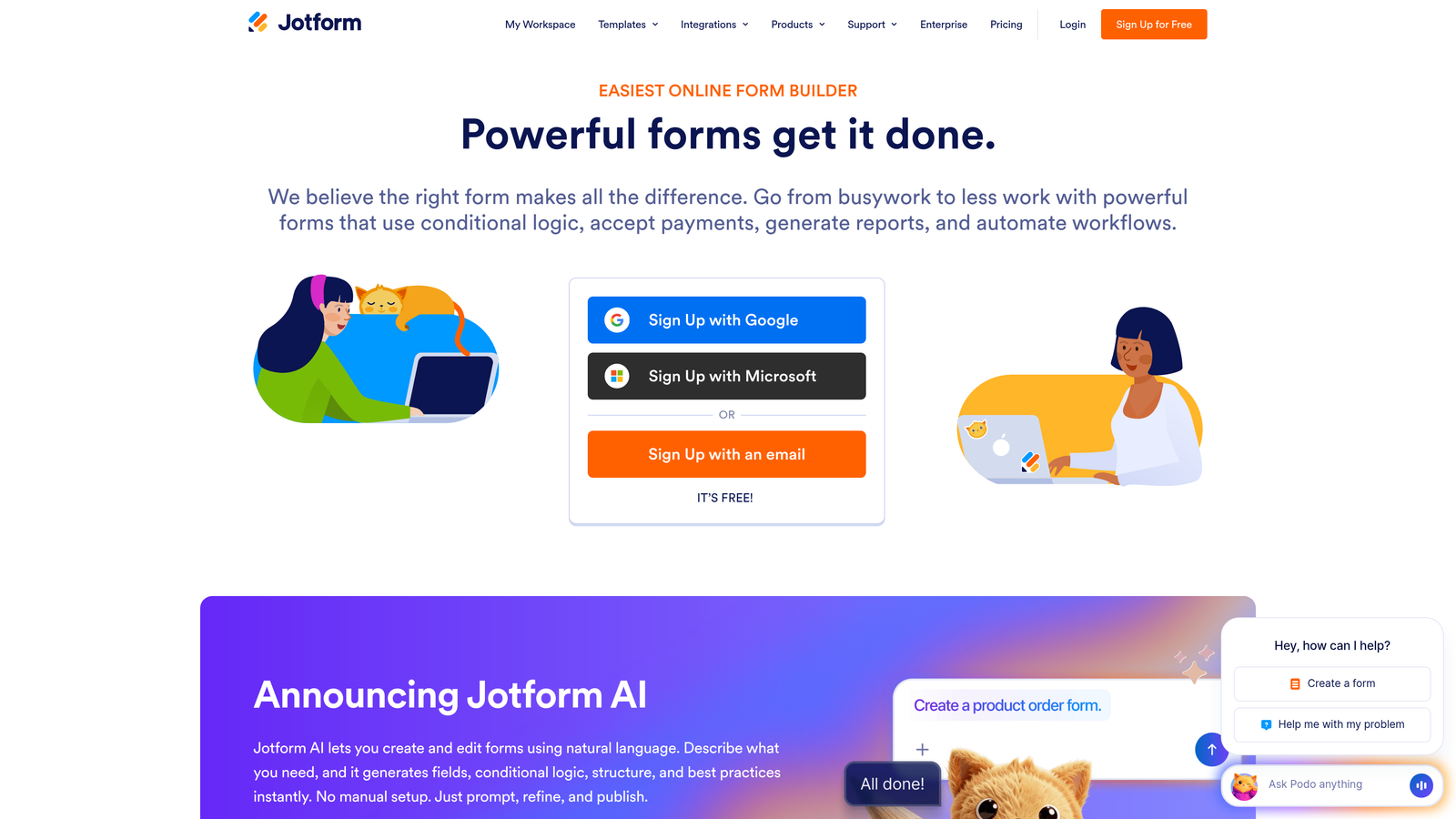
Jotform is a feature-rich form builder with extensive template library and strong payment form capabilities.
Where This Tool Shines
Jotform's template library is legitimately impressive—over 10,000 pre-built forms covering virtually every use case imaginable. Need a volunteer registration form? They have 50 variations. Looking for a catering order form? There are dozens ready to customize.
The payment processing integration is particularly robust. Whether you need to collect deposits, process orders, or accept donations, Jotform connects with major payment processors and handles the transaction flow smoothly. The PDF generation feature automatically creates professional documents from form submissions, which saves time on contracts and receipts.
Key Features
10,000+ Templates: Pre-built forms for virtually every industry and use case, ready to customize.
Payment Processing: Accept payments through Square, Stripe, PayPal, and other major processors.
PDF Generation: Automatically create PDF documents from form submissions using custom templates.
100+ Integrations: Connect with popular business tools including CRMs, email marketing platforms, and project management software.
Conditional Logic: Create dynamic forms that adapt based on user responses.
Best For
Jotform excels for businesses that need to collect payments through forms—think event registrations, product orders, service bookings, or membership signups. The extensive template library makes it great for teams that want to launch quickly without building from scratch. Small businesses and service providers particularly benefit from the payment processing capabilities.
Pricing
The free plan allows 100 monthly submissions across up to 5 forms. Bronze plans start at $34/month for 1,000 submissions, with higher tiers offering more submissions and advanced features.
5. Tally
Best for: Getting unlimited forms and submissions on a genuinely free plan
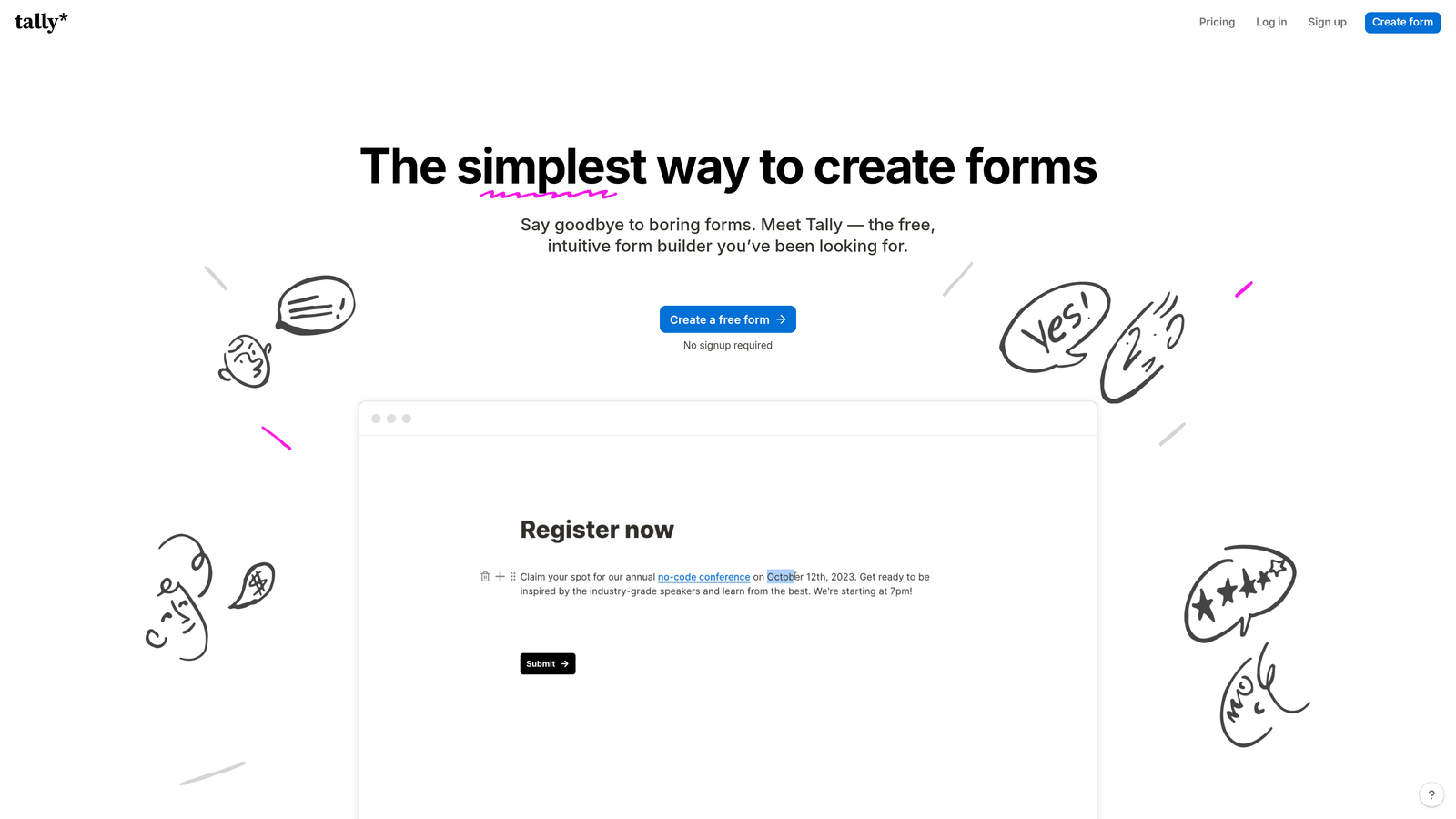
Tally is a modern form builder with a Notion-like interface that offers unlimited forms and submissions on its free tier.
Where This Tool Shines
Tally disrupted the form builder market by offering what most competitors charge for: unlimited forms and unlimited submissions, completely free. No artificial caps at 10 responses or 100 submissions per month. Just unlimited usage.
The block-based editor feels familiar if you've used Notion—you build forms by adding and arranging blocks for different question types. The interface is clean and intuitive, making form creation faster than traditional drag-and-drop builders. Plus, Tally doesn't add its branding to free forms, which means your forms look professional without paying for white-label features.
Key Features
Unlimited Free Usage: Create unlimited forms and collect unlimited submissions without hitting paywalls.
Block-Based Editor: Notion-style interface that makes form building intuitive and fast.
Conditional Logic: Show or hide questions based on previous answers to create personalized experiences.
Calculations: Perform math operations on form fields to create quote calculators and pricing forms.
No Branding: Remove Tally branding from your forms even on the free plan.
Best For
Tally works well for startups, freelancers, and small teams that need full-featured forms without budget constraints. The unlimited free tier makes it ideal for high-volume use cases like event registrations or customer feedback collection. If you're comfortable with Notion's interface, you'll feel at home immediately. It's particularly valuable when you need professional-looking forms without the "Powered by" branding most free plans force on you.
Pricing
The free plan includes unlimited forms and submissions with core features. Pro plans at $29/month add advanced features like file uploads, custom domains, and priority support.
6. HubSpot Free Forms
Best for: Teams already using HubSpot CRM who want seamless integration
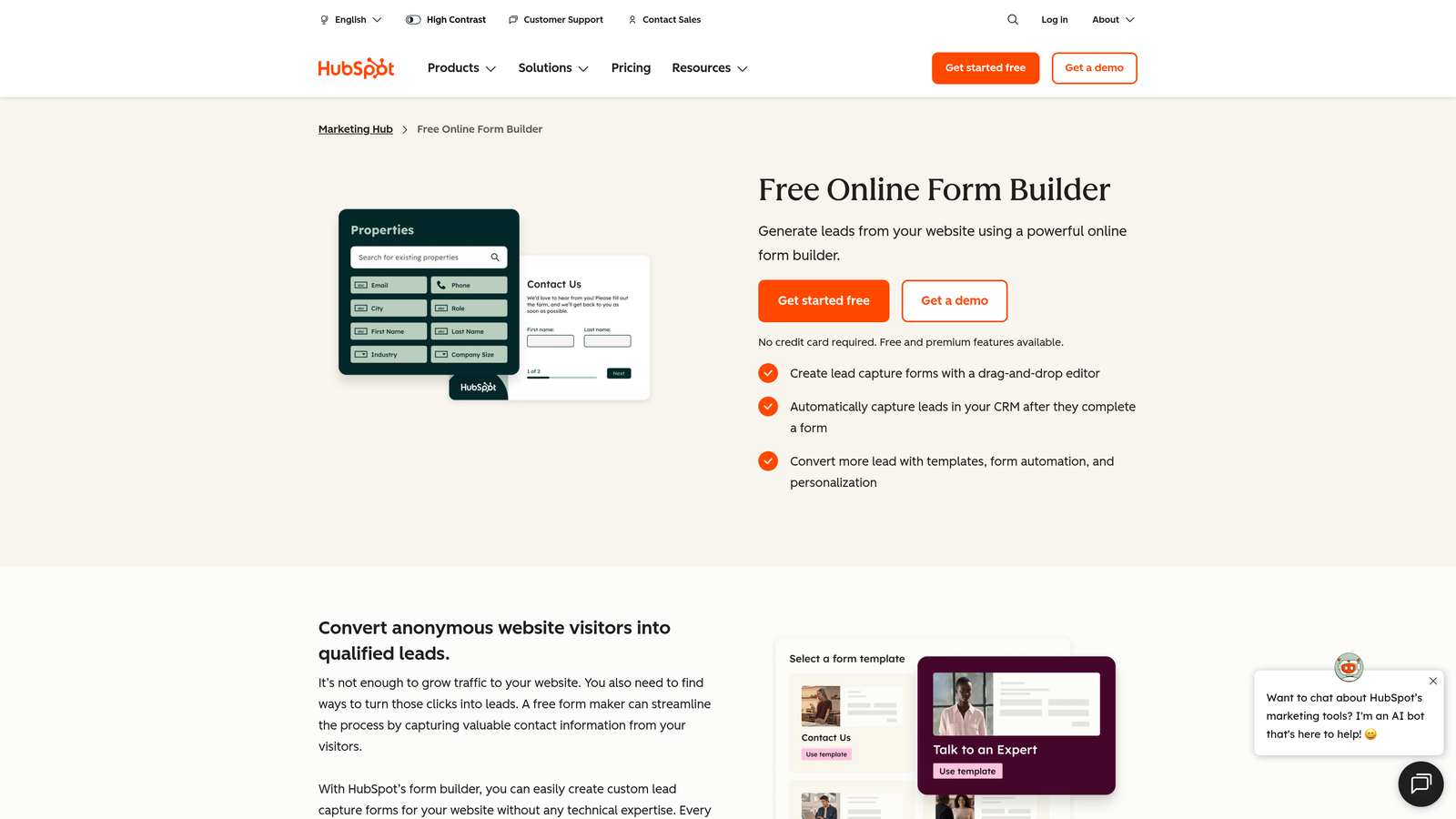
HubSpot Free Forms is HubSpot's form builder that integrates directly with their free CRM platform.
Where This Tool Shines
The integration between HubSpot Forms and HubSpot CRM is seamless because they're built by the same company for the same ecosystem. Every form submission automatically creates or updates a contact record in your CRM with zero configuration required.
This tight integration means you can immediately follow up with new leads using HubSpot's email tools, track their interactions across your website, and see their complete journey from first form fill to closed deal. The contact management features included with the free CRM add significant value beyond just form creation.
Key Features
Native CRM Integration: Form submissions automatically sync with HubSpot's free CRM without third-party connectors.
Contact Management: Store and organize unlimited contacts with detailed activity tracking.
Email Follow-Up: Send automated follow-up emails directly from the platform based on form submissions.
Progressive Profiling: Show different questions to returning visitors to gradually build complete contact profiles.
Analytics Dashboard: Track form performance, submission rates, and conversion metrics.
Best For
HubSpot Forms makes the most sense if you're already using or planning to use HubSpot's CRM. The value comes from the ecosystem integration rather than standalone form features. Sales and marketing teams that want a unified platform for lead capture, contact management, and follow-up will appreciate the streamlined workflow. It's less ideal if you're using a different CRM since you'd need to set up third-party integrations.
Pricing
Forms are included free with HubSpot's free CRM. Marketing Hub paid plans start at $45/month and add advanced features like A/B testing, smart content, and advanced automation.
7. Paperform
Best for: Creating document-style forms that blend rich content with data collection
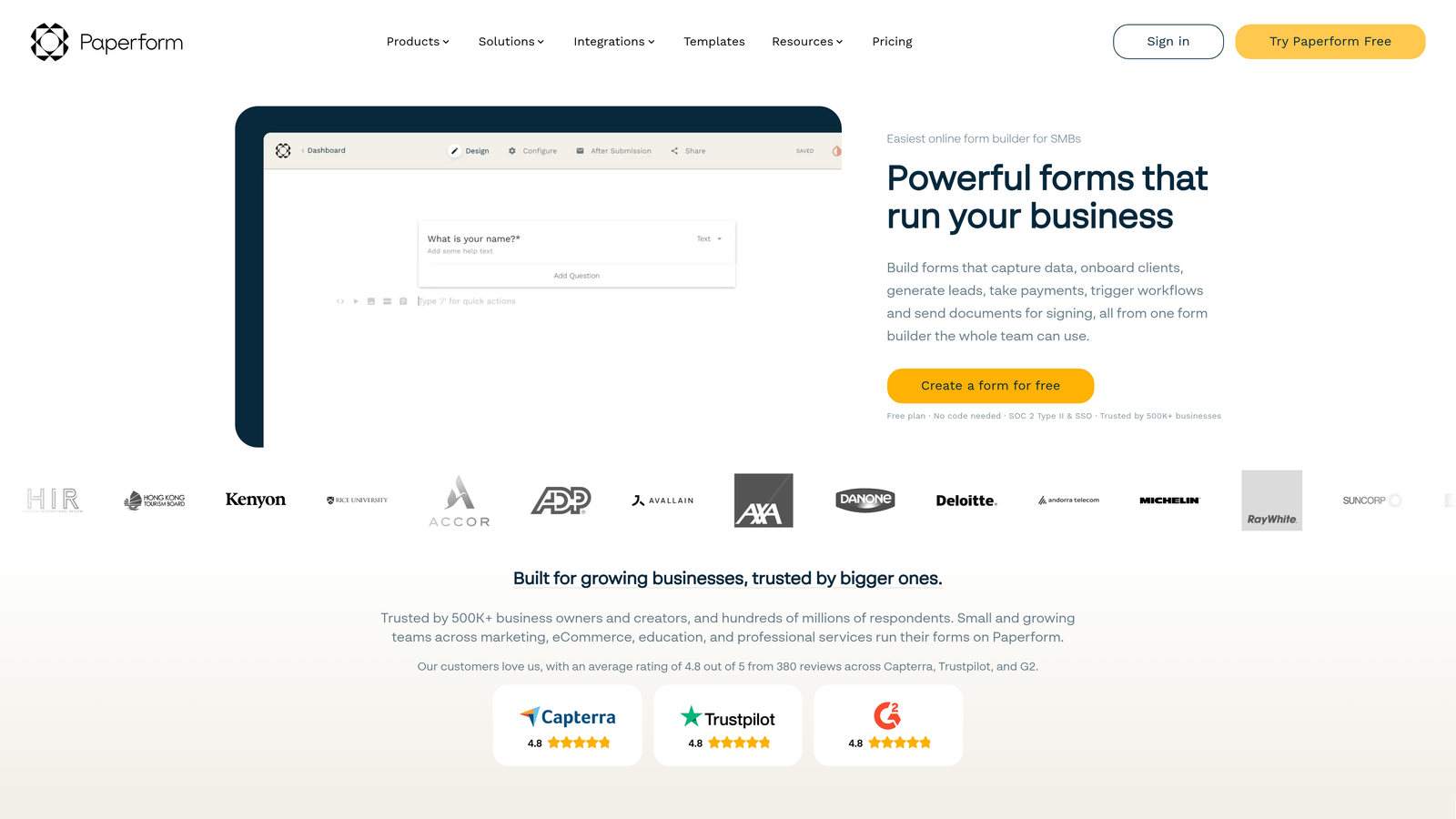
Paperform is a unique form builder that treats forms like documents, letting you mix questions with rich content.
Where This Tool Shines
Paperform's document-style approach lets you create forms that look like landing pages or interactive documents rather than traditional forms. You can add paragraphs of text, images, videos, and formatting between questions, creating an experience that informs while it collects data.
The e-commerce capabilities are surprisingly robust. You can build complete product catalogs, shopping carts, and checkout experiences directly in Paperform without needing a separate e-commerce platform. The custom success pages let you create personalized confirmation experiences based on form responses, turning the thank-you page into a conversion opportunity.
Key Features
Document-Style Creation: Build forms that look like interactive documents with rich content between questions.
E-Commerce Support: Accept payments, create product catalogs, and build complete shopping experiences.
Advanced Conditional Logic: Create complex branching paths based on multiple conditions and calculations.
Custom Success Pages: Design personalized confirmation pages that change based on form responses.
Partial Submissions: Capture incomplete form data so you don't lose leads who abandon mid-form.
Best For
Paperform excels for businesses that need forms to do double duty as landing pages or sales pages. Think product order forms, service booking pages, or event registration pages where you need to provide context and sell while collecting information. The e-commerce features make it valuable for digital product sales, course enrollments, or merchandise orders. It's particularly useful when you want one tool to handle both content presentation and data collection.
Pricing
Paperform offers a 14-day free trial to test features. Essentials plans start at $24/month for basic features, with higher tiers adding advanced customization and integrations.
8. Formstack
Best for: Enterprise teams that need advanced compliance and workflow automation
Formstack is an enterprise-grade form builder with sophisticated workflow automation and security features.
Where This Tool Shines
Formstack targets enterprise requirements that most form builders ignore. The HIPAA compliance options make it suitable for healthcare organizations that need to collect protected health information securely. The workflow automation goes beyond simple email notifications to include multi-step approval processes, document generation, and complex routing rules.
The electronic signature integration eliminates the need for separate e-signature tools. Collect information through a form, then route it for signatures, all within the same platform. Enterprise security features include SSO, advanced user permissions, and detailed audit trails that satisfy IT security requirements.
Key Features
Advanced Workflow Automation: Create sophisticated multi-step processes with approvals, routing, and conditional actions.
HIPAA Compliance: Meet healthcare data security requirements with encrypted forms and BAA agreements.
Electronic Signatures: Collect legally binding signatures directly within your forms without third-party tools.
Enterprise Security: SSO integration, granular permissions, and comprehensive audit logs for compliance needs.
A/B Testing: Test different form versions to optimize conversion rates with built-in analytics.
Best For
Formstack is built for large organizations, healthcare providers, financial services, and any business with strict compliance requirements. The advanced workflow automation appeals to operations teams that need to digitize complex approval processes. It's overkill for simple lead capture but invaluable when you need enterprise-grade security, compliance features, or sophisticated automation workflows.
Pricing
Free trials are available to test features. Starter plans begin at $50/month, with pricing scaling significantly for enterprise features like HIPAA compliance and advanced security.
9. Microsoft Forms
Best for: Teams already using Microsoft 365 who want native ecosystem integration
Microsoft Forms is Microsoft's simple form builder integrated with the Microsoft 365 ecosystem.
Where This Tool Shines
Microsoft Forms integrates seamlessly with Excel, making data analysis straightforward for teams comfortable with spreadsheets. The Microsoft Teams embedding feature lets you share forms directly in Teams channels and collect responses without leaving the platform.
The quiz functionality is particularly well-developed, with automatic grading, point values, and immediate feedback options. This makes it valuable for training programs, educational assessments, or knowledge checks. Real-time response tracking shows results as they come in, and the branching logic creates personalized form experiences based on answers.
Key Features
Excel Integration: Export responses directly to Excel with one click for analysis and reporting.
Teams Embedding: Share forms in Microsoft Teams channels and collect responses within the platform.
Real-Time Tracking: View responses as they arrive with automatic charts and summary statistics.
Quiz Functionality: Create graded quizzes with automatic scoring, point values, and instant feedback.
Branching Logic: Show different questions based on previous answers to personalize the experience.
Best For
Microsoft Forms makes sense primarily for organizations already invested in Microsoft 365. Schools and universities use it extensively for quizzes and assessments. Internal teams appreciate the Teams integration for quick polls and feedback collection. It's less suited for external lead generation or marketing forms where you need advanced branding and conversion optimization, but it handles internal data collection efficiently.
Pricing
Basic features are free with any Microsoft account. Full functionality requires a Microsoft 365 subscription, which starts around $6/user/month for business plans.
Making the Right Choice
The best free form builder depends on what you're actually trying to accomplish. If you need AI-powered lead qualification that automatically scores prospects and routes them appropriately, Orbit AI delivers features specifically built for conversion optimization and lead quality. For teams that need truly unlimited free usage without artificial caps, Tally and Google Forms remove all the barriers that other platforms impose.
Typeform remains the gold standard for beautiful conversational experiences, though you'll need to work within response limits on the free plan. HubSpot Forms makes perfect sense if you're already living in their CRM ecosystem—the tight integration eliminates friction between lead capture and follow-up.
For enterprise teams testing robust platforms, both Formstack and Paperform offer trials worth exploring. Formstack brings compliance and workflow automation that most form builders skip entirely, while Paperform's document-style approach creates experiences that blend content with data collection.
Here's a quick selection guide: Choose Orbit AI when lead quality matters more than lead quantity. Pick Google Forms or Tally when you need unlimited free usage. Go with Typeform when user experience drives your decision. Select HubSpot if you're already using their CRM. Consider Jotform when payment processing is essential. Try Paperform for landing page-style forms. Test Formstack for enterprise requirements. Use Microsoft Forms if you're deep in the Microsoft ecosystem.
The real test is building your first form and seeing how it fits your workflow. Most of these platforms let you start immediately with free sign-ups, so you can test the interface, check the integrations, and evaluate the features before committing to paid plans.
Transform your lead generation with AI-powered forms that qualify prospects automatically while delivering the modern, conversion-optimized experience your high-growth team needs. Start building free forms today and see how intelligent form design can elevate your conversion strategy.


