

When multiple people are building, reviewing, and iterating on forms across marketing, sales, and ops, the wrong tool creates version chaos, missed feedback, and slow launches. A form builder that works for one person often breaks down the moment a second person needs to edit, a manager needs to approve, or a sales lead needs visibility into responses.
The best form builders for teams go beyond drag-and-drop. They offer shared workspaces, role-based permissions, workflow controls, and the kind of structural clarity that keeps everyone aligned without bottlenecking one person. This list covers six tools that genuinely support team collaboration, from AI-powered platforms built for high-growth revenue teams to established tools with mature multi-user environments.
Whether you're a five-person startup or a fifty-person revenue team, the right pick depends on how your team works and what you're building forms to accomplish. We've evaluated each tool on collaboration depth, ease of use, form functionality, and pricing transparency.
1. Orbit AI
Best for: High-growth revenue teams that need AI-powered lead qualification built directly into collaborative form workflows.
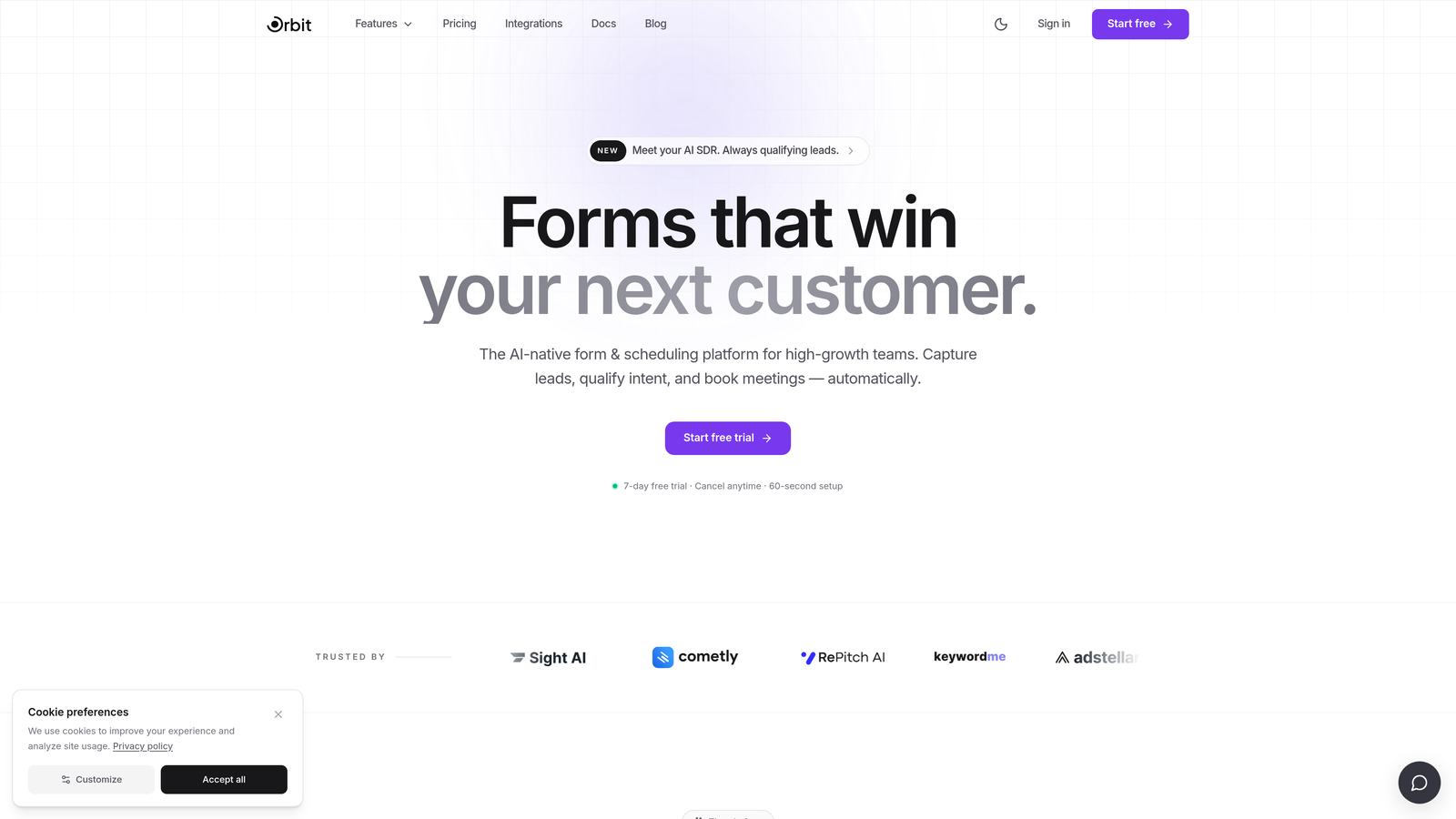
Orbit AI is an AI-powered form builder designed for teams where marketing, sales, and ops co-own the lead generation process and need intelligent qualification baked into every form.
Where This Tool Shines
Most form builders treat collaboration and lead intelligence as separate problems. Orbit AI combines them: your team builds and iterates on forms together in a shared workspace, while the AI layer automatically scores and qualifies leads based on how respondents answer. That means your sales team isn't just receiving raw form submissions; they're receiving pre-qualified signals.
For teams where speed of iteration matters, shared workspaces let marketing, sales, and ops co-manage forms and results without handing files back and forth. The modern, conversion-optimized UI also means forms look polished without a designer needing to sign off on every update.
Key Features
AI-Powered Lead Qualification: Qualification logic is embedded directly in form flows, scoring and routing leads automatically based on response patterns.
Shared Team Workspaces: Multiple team members across functions can build, edit, and review forms and submission data in a unified environment.
Conversion-Optimized Design: Forms are built with modern, polished UI that prioritizes completion rates without requiring heavy design work.
Lead Scoring and Routing: Responses are automatically categorized and routed based on qualification logic, reducing manual triage for sales teams.
Cross-Functional Visibility: Marketing, sales, and ops can co-manage form performance and lead quality from a single shared view.
Best For
Orbit AI is a strong fit for high-growth SaaS and B2B teams where form submissions feed directly into a sales pipeline. If your team needs both collaborative form building and intelligent lead qualification in one platform rather than stitching together separate tools, this is worth evaluating first.
Pricing
Visit orbitforms.ai for current pricing and plan details. Plans are designed with growing teams in mind.
2. Typeform
Best for: Marketing teams that prioritize brand-forward, conversational form experiences with workspace-level team access.
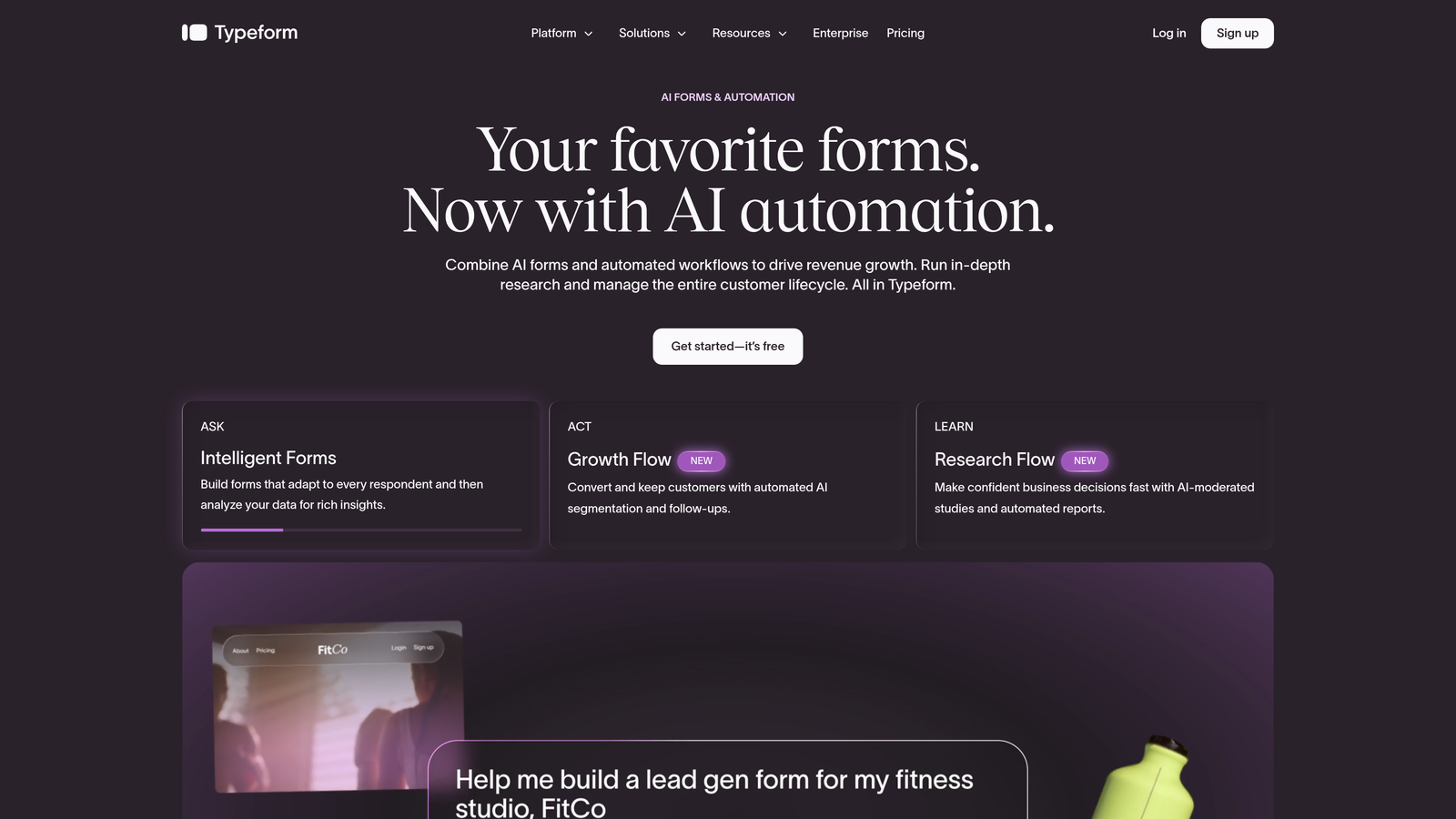
Typeform is a conversational form builder known for its polished one-question-at-a-time UX, with team collaboration features available on paid plans.
Where This Tool Shines
Typeform's strength is the respondent experience. The conversational format tends to feel less like filling out a form and more like a dialogue, which can improve completion rates for surveys, onboarding flows, and research forms. For teams where brand consistency matters, the design quality is hard to match without custom development.
On the collaboration side, workspace sharing lets multiple team members access forms, view responses, and work from a shared template library. It's not the deepest multi-user system on this list, but it covers the fundamentals well for most marketing and content teams.
Key Features
Workspace Sharing: Team members can access, edit, and manage forms and responses from a shared workspace environment.
Shared Template Library: Teams can build and reuse templates across members, keeping forms consistent without starting from scratch.
Conversational Form Design: One-question-at-a-time format creates an engaging, brand-forward respondent experience.
Logic Jumps and Conditional Branching: Responses can trigger different paths, making forms adaptive to each individual respondent.
CRM and Marketing Integrations: Connects with major CRMs and marketing platforms to push form data directly into existing workflows.
Best For
Typeform works well for marketing teams running surveys, research projects, lead capture, or onboarding flows where the respondent experience is a priority. Teams that need deeper approval workflows or department-level permissions may find it limited compared to more enterprise-oriented options.
Pricing
A free plan is available with limited features and responses. Team collaboration features are unlocked on paid plans. Check typeform.com for current tier details.
3. Jotform
Best for: Teams managing large volumes of forms across multiple departments who need mature role-based permissions and approval workflows.
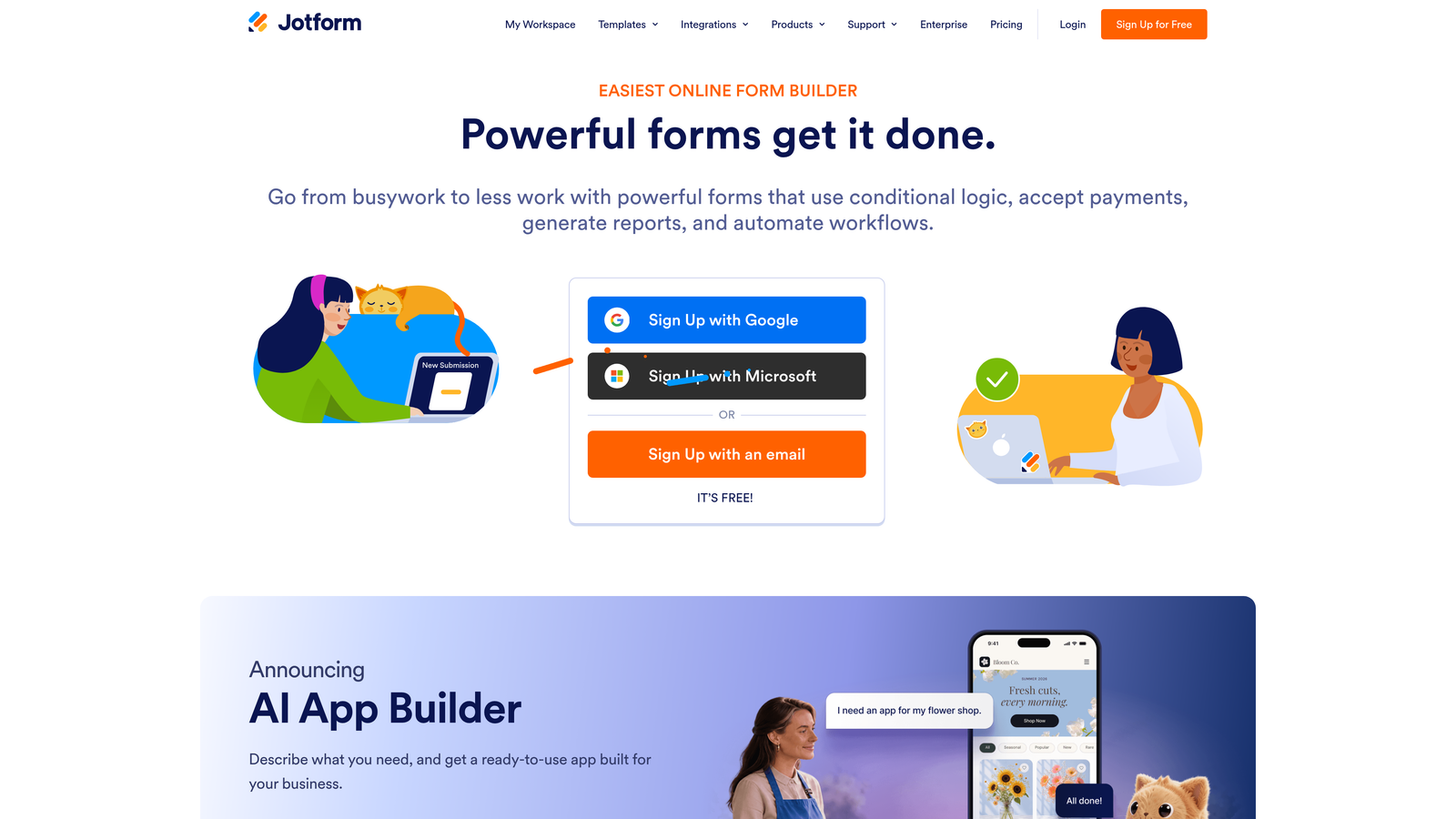
Jotform is a feature-rich form builder with one of the most developed multi-user collaboration systems available, including a dedicated Jotform Teams product for department-level management.
Where This Tool Shines
If collaboration depth is your primary requirement, Jotform is hard to beat at its price point. The Jotform Teams environment gives admins granular control over who can view, edit, or manage forms, with shared folders that keep everything organized across departments. For teams juggling dozens or hundreds of forms, that structure makes a real difference.
Approval workflows add another layer: form submissions can trigger multi-step review processes, routing responses to the right people before any action is taken. This makes Jotform particularly useful for internal operations, HR, and cross-functional teams with formal sign-off requirements.
Key Features
Jotform Teams: A dedicated multi-user environment with shared folders, team permissions, and centralized form management across an organization.
Role-Based Permissions: Assign admin, editor, or viewer roles to control exactly what each team member can access or modify.
Approval Workflows: Form submissions can be routed through multi-step approval chains before data is acted upon or forwarded.
5,000+ Templates: An extensive template library covers nearly every use case, reducing setup time for new forms.
Sub-Account Management: Agencies and enterprise teams can manage multiple accounts and clients from a centralized structure.
Best For
Jotform is a strong choice for mid-size to large teams with complex, multi-department form needs. It's especially well-suited for operations, HR, and administrative teams where approval workflows and permission control are non-negotiable requirements.
Pricing
A free plan is available with submission and storage limits. Paid plans scale with submission volume and team size. Check jotform.com for current pricing tiers.
4. Formstack
Best for: Enterprise and regulated-industry teams that need complex approval chains, audit trails, and document generation alongside form collection.
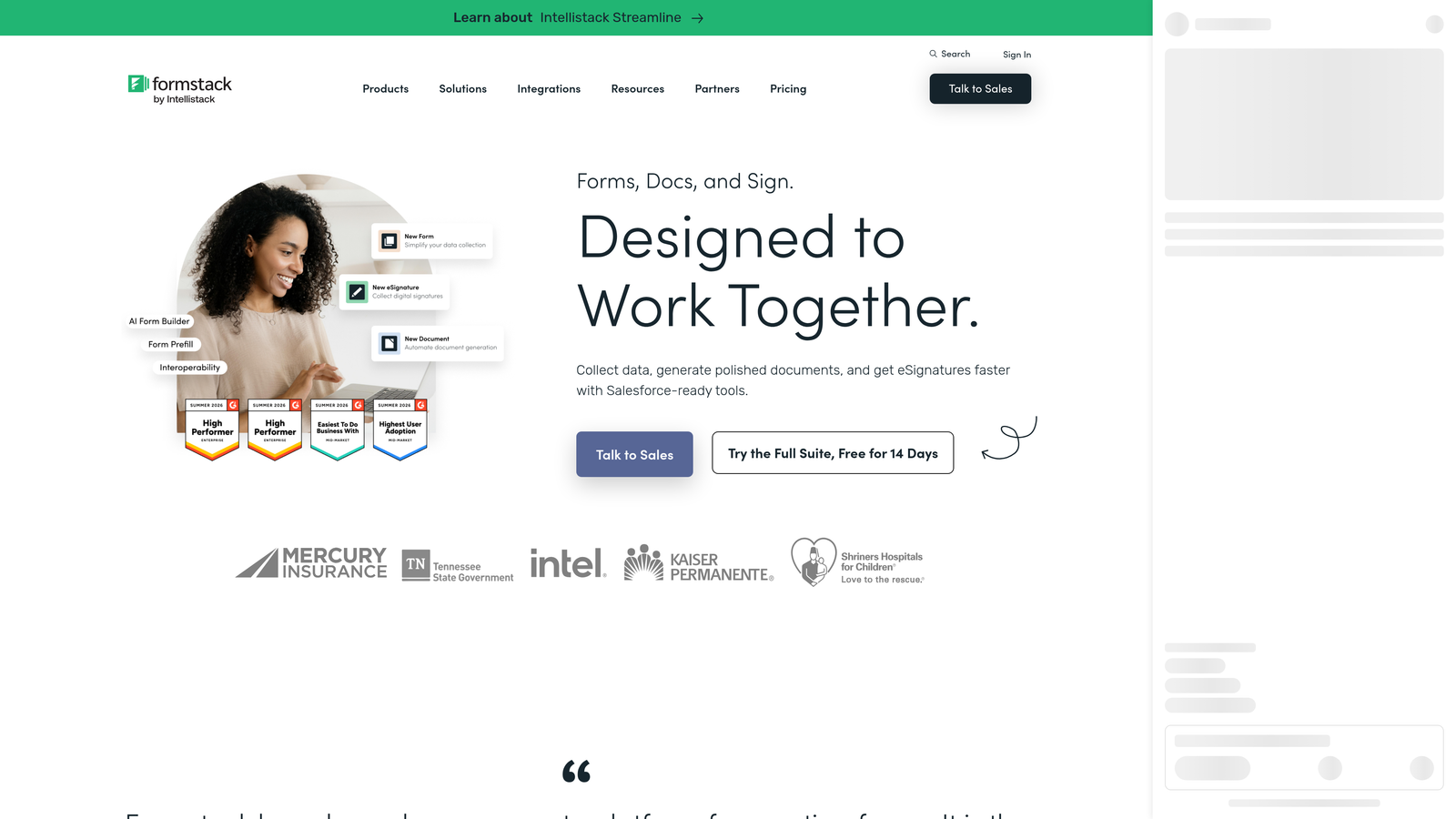
Formstack is a workflow-focused form and document platform built for teams with compliance requirements, multi-step routing needs, and enterprise-level process complexity.
Where This Tool Shines
Formstack positions itself as more than a form builder. It's a workplace productivity platform where forms are one component of a broader document and workflow system. For teams in healthcare, finance, legal, or any regulated environment, the audit trails and version history features address compliance requirements that most form builders simply don't prioritize.
The approval and routing capabilities are genuinely enterprise-grade. Forms can be assigned to specific team members, routed through defined approval stages, and connected to document generation workflows, so a completed form can automatically produce a formatted document without any manual export step.
Key Features
Multi-Step Approval Workflows: Forms can be routed through complex, multi-stage approval chains with role assignments at each step.
Audit Trails and Version History: Every change and submission is logged, supporting compliance requirements in regulated industries.
Document Generation: Form data can automatically populate and generate formatted documents, reducing manual work downstream.
Role Assignments and Shared Form Management: Team members can be assigned specific forms and workflows based on their responsibilities.
Enterprise Integration Ecosystem: Connects with major enterprise platforms to fit into existing technology stacks.
Best For
Formstack is best suited for mid-market and enterprise teams in regulated industries or organizations with formal process requirements. If your team needs audit-ready workflows and document generation alongside forms, it's worth the higher price point. Smaller teams without compliance needs may find it more than they require.
Pricing
Formstack operates at mid-market to enterprise price points. Check formstack.com for current plan details and to request a demo for larger team needs.
5. Paperform
Best for: Small-to-mid teams that want a versatile, document-style form builder with shared workspace access and no enterprise overhead.
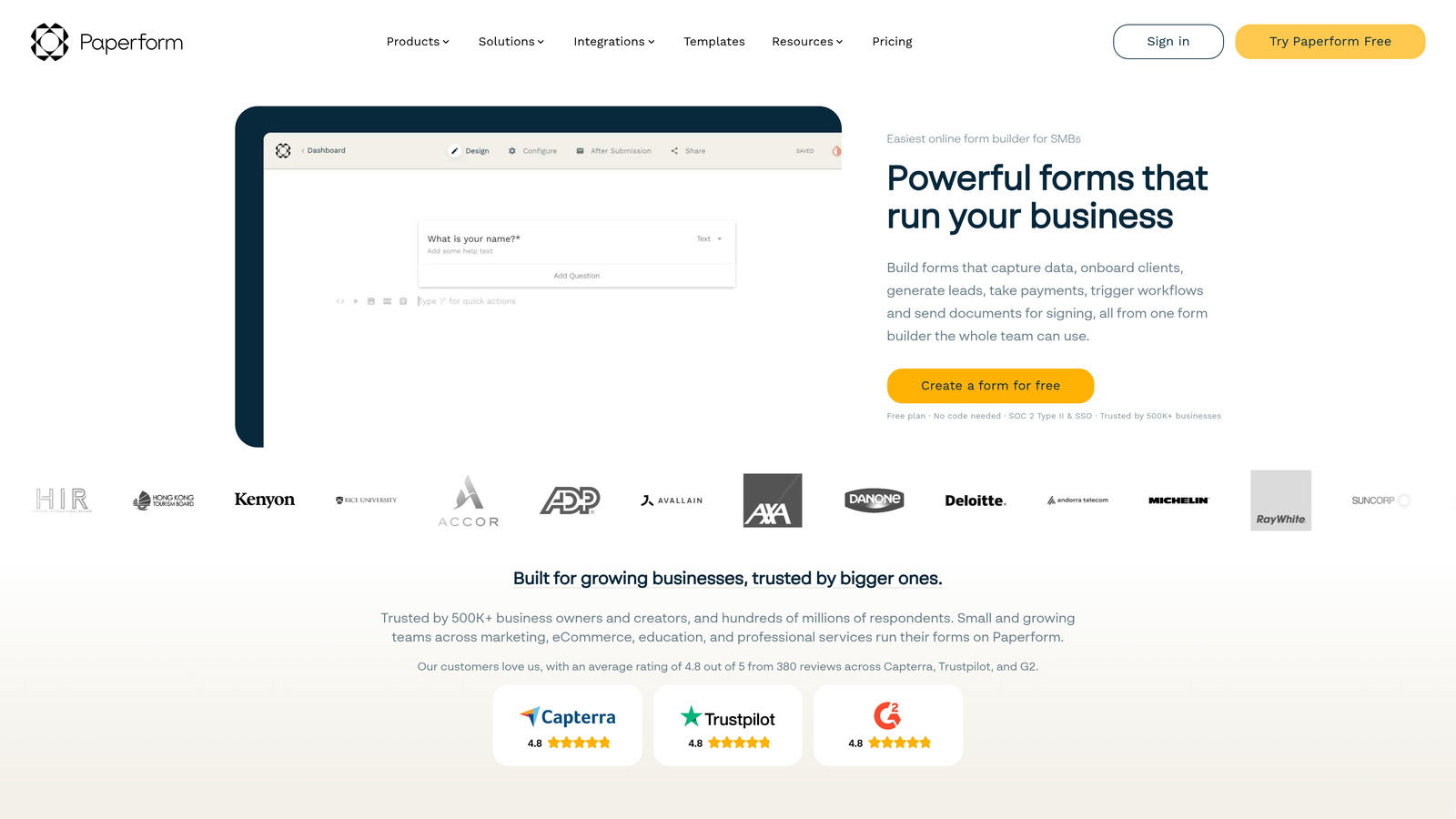
Paperform is a flexible form builder with a distinctive document-style editor that blends form functionality with landing page aesthetics, suited for teams that want versatility without complexity.
Where This Tool Shines
Paperform's editor feels different from most form builders. Rather than a structured field-by-field interface, it works more like a document: you write, add fields inline, embed media, and shape the form to look like a polished page. For teams that want forms to double as branded experiences without a separate landing page, this approach saves real time.
Collaboration happens through shared workspaces where team members can access and manage forms and submissions together. It's a lighter collaboration layer than Jotform or Formstack, but it covers what most small-to-mid teams actually need without forcing them through enterprise-level setup.
Key Features
Document-Style Editor: Forms are built inline within a freeform document interface, blending form fields with text, images, and page design elements.
Shared Workspace: Team members can access, manage, and review forms and submissions from a shared environment.
Multi-Purpose Form Types: Supports payments, bookings, quizzes, and surveys within a single platform, reducing the need for multiple tools.
Conditional Logic and Calculations: Forms can adapt based on responses and perform calculations, supporting more complex data collection scenarios.
Modern Aesthetics: Clean, polished form design without requiring heavy customization or design expertise.
Best For
Paperform is a good fit for small agencies, creative teams, and growing businesses that want one tool to handle forms, payments, bookings, and surveys. Teams that need deep permission structures or enterprise approval workflows will likely need a different option.
Pricing
Paperform offers paid plans only with no permanent free tier. Pricing is reasonable for small teams. Check paperform.co for current plan details.
6. Tally
Best for: Lean teams and early-stage startups that want fast, intuitive form building with workspace sharing and a generous free tier.
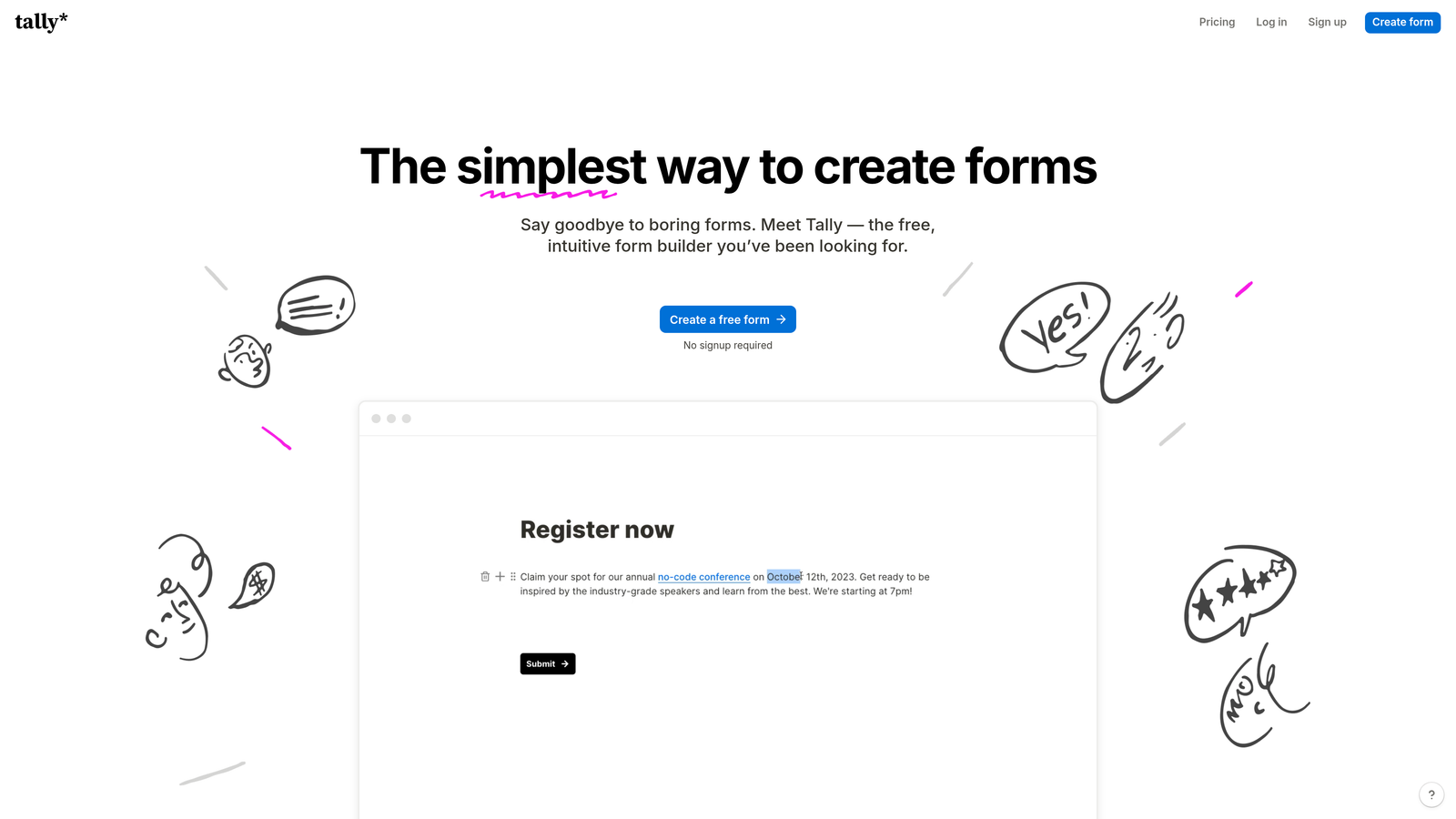
Tally is a minimalist, Notion-inspired form builder with workspace sharing and one of the most capable free plans available in the category.
Where This Tool Shines
Tally's appeal is speed and simplicity. The editing experience feels immediately familiar to anyone who uses Notion: type-forward, block-based, and fast to navigate. For teams that need to spin up forms quickly without a learning curve, that familiarity removes friction from day one.
The free tier is genuinely capable, including unlimited forms, conditional logic, file uploads, and payment collection. For early-stage teams watching spend closely, getting real collaboration features without a paid plan is a meaningful advantage. Workspace sharing lets multiple team members co-manage forms and responses, though the collaboration layer is simpler than what Jotform or Formstack offer.
Key Features
Workspace Sharing: Teams can collaborate on forms and access shared submissions without each member needing a separate account setup.
Notion-Like Editing Experience: The block-based, type-forward editor is fast and intuitive, especially for teams already using Notion.
Generous Free Tier: Unlimited forms with most core features included on the free plan, which is rare in this category.
Conditional Logic and File Uploads: Supports adaptive form flows and file collection without requiring a paid upgrade.
Payment Collection: Stripe-connected payment fields are available even on the free plan, useful for early-stage product teams.
Best For
Tally is an excellent starting point for startups, indie teams, and small operations that want collaborative form building without a budget commitment. Teams that grow into needing advanced branding controls, deeper analytics, or formal approval workflows will want to evaluate the Pro plan or consider a more feature-rich alternative.
Pricing
The free plan includes most core features and is highly capable for small teams. A Pro plan is available for advanced features, custom branding, and priority support. Check tally.so for current pricing.
Which Tool Fits Your Team?
The right form builder for team collaboration depends less on feature lists and more on how your team actually works and what you're building forms to accomplish.
If you're a high-growth revenue team where forms feed directly into a sales pipeline, Orbit AI stands out for combining shared workspaces with AI-powered lead qualification. It's the only option on this list that treats lead intelligence as a native part of the form workflow, not an afterthought.
For teams where the respondent experience is the priority, Typeform delivers polished, conversational forms that hold up under scrutiny. If you need deep multi-user control with approval workflows and role-based permissions at scale, Jotform's Teams product is one of the most mature systems available. Formstack is the go-to for regulated industries where audit trails and document generation are non-negotiable.
Paperform hits a sweet spot for small-to-mid teams that want versatility without enterprise complexity. And if you're an early-stage team that needs to move fast without a budget commitment, Tally's free tier is genuinely hard to beat.
A quick guide by team type:
High-growth SaaS or B2B revenue team: Start with Orbit AI for AI-powered qualification and collaborative form building in one place.
Marketing team focused on brand experience: Typeform's conversational design and workspace sharing are a natural fit.
Operations or HR team managing complex workflows: Jotform Teams or Formstack, depending on whether compliance is a hard requirement.
Small agency or creative team: Paperform's document-style editor gives you flexibility without unnecessary overhead.
Early-stage startup or lean team: Tally's free tier gets you collaborative form building with zero upfront cost.
Transform your lead generation with AI-powered forms that qualify prospects automatically while delivering the modern, conversion-optimized experience your high-growth team needs. Start building free forms today and see how intelligent form design can elevate your conversion strategy.


