

Webflow gives designers and developers an incredibly powerful canvas, but its native form capabilities are intentionally minimal. If you're running a high-growth SaaS, agency, or lead-gen operation on Webflow, you need a form builder that matches that ambition: one that handles conditional logic, lead qualification, CRM sync, and conversion optimization without breaking your site's design integrity.
This list covers the best form builders that integrate cleanly with Webflow in 2026. We evaluated each tool on ease of Webflow integration, design flexibility, lead qualification features, automation capabilities, and pricing. Whether you're capturing demo requests, qualifying inbound leads, or running multi-step onboarding flows, there's a right tool for your stack here.
1. Orbit AI
Best for: AI-powered lead qualification and conversion optimization for high-growth teams
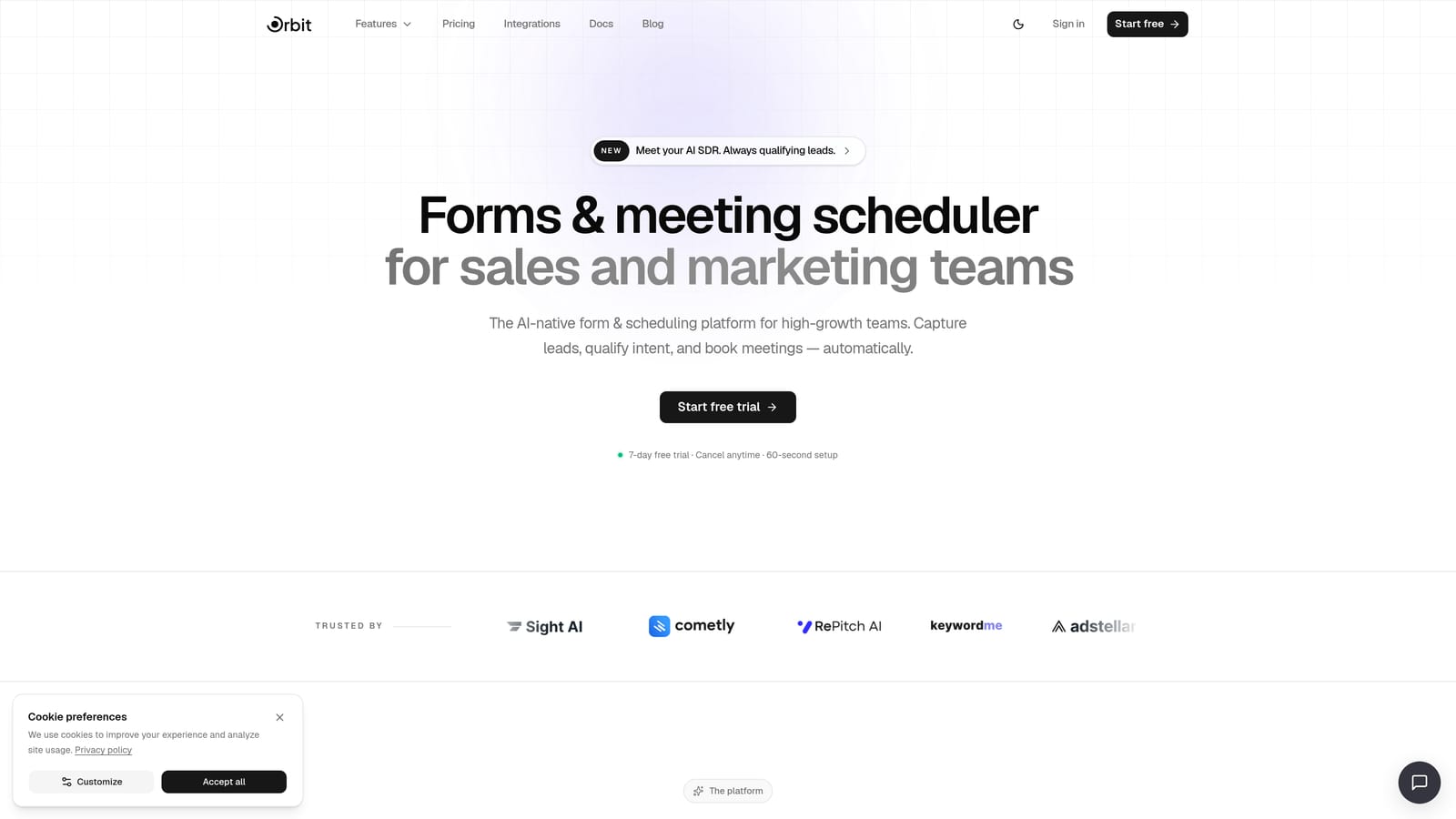
Orbit AI is an AI-native form builder with built-in lead qualification, designed for teams that want to do more than just collect form submissions.
Where This Tool Shines
Most form builders stop at capturing data. Orbit AI goes further by qualifying that data in real time, scoring leads and routing them based on their responses before they ever hit your CRM. For SaaS teams running demo request flows or high-volume lead-gen campaigns, this means your sales team gets better-qualified contacts, not just more of them.
The embed experience is clean and straightforward. You get a standard embed code that drops into any Webflow embed block, so there's no fussing with custom code or third-party plugins. The forms themselves are designed to look polished on modern marketing sites, which matters when your Webflow site is doing heavy lifting for your brand.
Key Features
AI Lead Qualification: Built-in AI agents score and qualify leads directly within the form flow, so your team focuses on the right prospects.
Multi-Step Forms with Conditional Logic: Create branching form experiences that adapt based on user responses, reducing drop-off and improving relevance.
Workflow Automation: Trigger follow-up sequences, notifications, and CRM updates automatically based on submission data and lead scores.
Analytics Dashboard: Track conversion rates, drop-off points, and lead quality metrics in one place without needing a separate analytics tool.
CRM-Ready Contact Management: Submissions flow into a structured contact database that's ready to sync with your existing CRM stack.
Best For
High-growth SaaS teams, marketing agencies, and lead-gen operations that need more than a data collection tool. If you're tired of unqualified leads clogging your pipeline and want your form to do real qualification work, Orbit AI is built for exactly that use case.
Pricing
Pricing is quoted on a short demo, and Orbit has no free plan. Book a demo to see it with your own forms.
2. Typeform
Best for: Conversational form experiences with high visual quality and strong brand customization
Typeform is the go-to conversational form builder, known for its one-question-at-a-time format that keeps users engaged from start to finish.

Where This Tool Shines
Typeform's core insight is simple: showing someone a wall of form fields creates friction. Presenting one question at a time feels more like a conversation and typically improves completion rates. For lead-gen forms where you need quality answers, not just quick submissions, this approach pays off.
The visual quality is genuinely impressive. Typeform forms look polished out of the box, and the brand customization options let you match your Webflow site's aesthetic closely. The iframe embed works cleanly in Webflow's embed block, and the integration ecosystem via Zapier and native connectors covers most CRM and marketing tool combinations.
Key Features
Conversational One-Question Format: Guides respondents through questions sequentially, reducing cognitive load and improving completion rates.
Logic Jumps and Hidden Fields: Build dynamic flows that adapt to user answers and pass contextual data like UTM parameters through hidden fields.
Brand Customization: Adjust fonts, colors, backgrounds, and button styles to match your existing design system.
Native and Zapier Integrations: Connect directly to HubSpot, Salesforce, Mailchimp, Slack, and hundreds of other tools.
Clean Webflow Embed: Iframe snippet drops into any Webflow embed block with no additional configuration required.
Best For
Marketing teams that prioritize user experience and brand consistency in their forms. Particularly strong for lead capture, customer research surveys, and onboarding flows where completion rate matters more than speed.
Pricing
Free tier available with limited responses. Paid plans start at approximately $25/month. Verify current pricing at typeform.com/pricing.
3. Tally
Best for: Lean teams and indie builders who need a capable free form builder with a modern editor
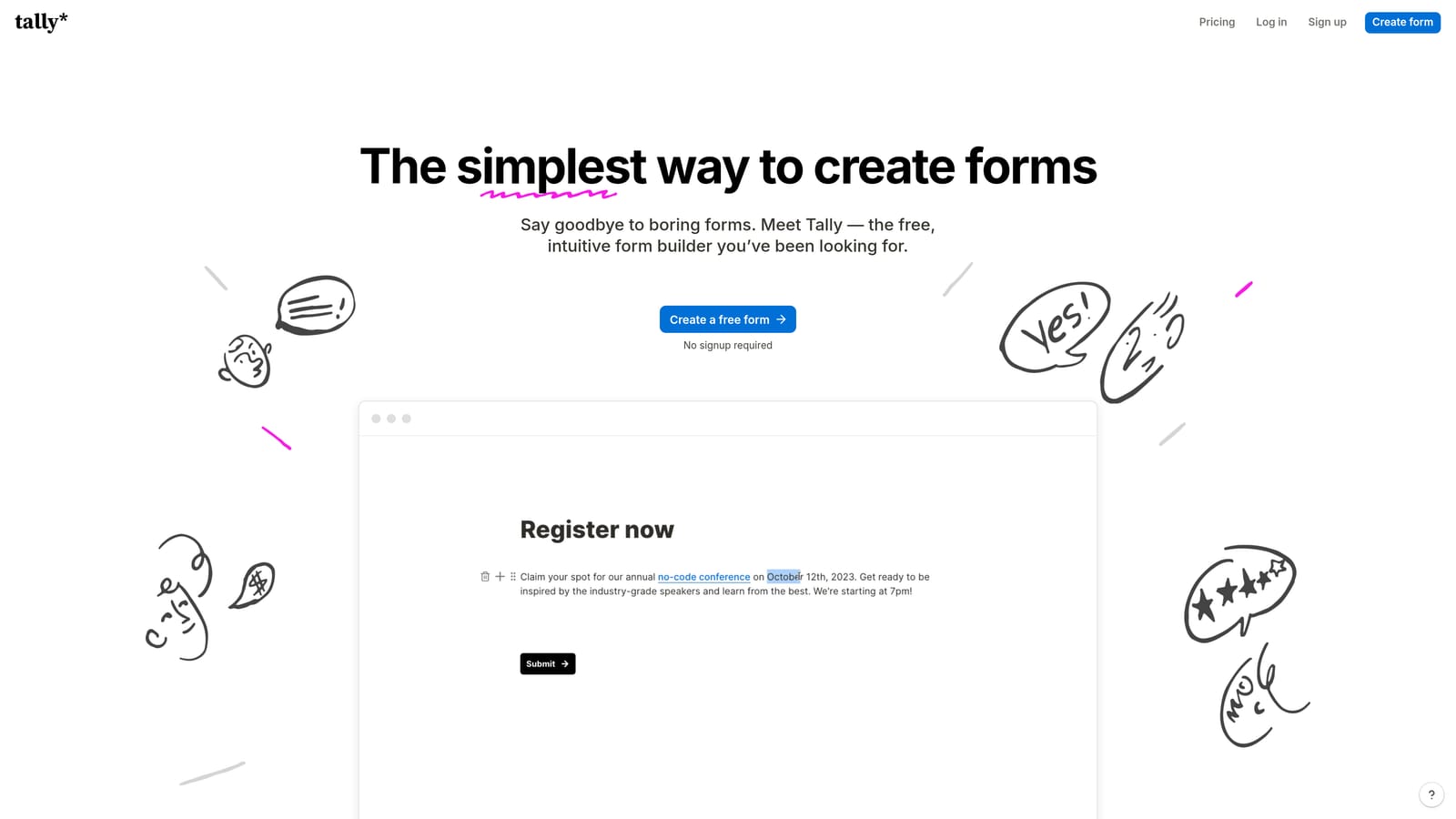
Tally is a free-first form builder with a Notion-style block editor and a remarkably generous free tier that covers most small team use cases entirely.
Where This Tool Shines
Tally's free tier is genuinely useful, not a stripped-down teaser. You get unlimited forms and unlimited submissions without paying anything, which makes it a standout option for early-stage startups, indie hackers, and agencies building forms for clients on tight budgets.
The block-based editor feels familiar if your team already works in Notion, which lowers the learning curve considerably. Conditional logic and multi-step support are included even on the free plan, so you're not locked out of the features that actually matter for lead capture flows.
Key Features
Unlimited Forms and Submissions (Free): No submission caps or form limits on the free tier, which is rare in this category.
Notion-Style Block Editor: Intuitive drag-and-drop editing that feels natural for teams already working in document-style tools.
Conditional Logic and Multi-Step: Build branching forms and multi-page flows without upgrading to a paid plan.
Iframe Embed for Webflow: Paste the embed code into any Webflow embed block for a seamless integration.
No-Branding on Paid Plan: Remove Tally's branding from your forms when you upgrade to Pro.
Best For
Early-stage startups, freelancers, and lean teams that need a capable form builder without the monthly cost. Also a solid choice for agencies building quick internal tools or client intake forms where budget is a constraint.
Pricing
Free tier with no submission limits. Pro plan approximately $29/month. Verify at tally.so/pricing.
4. JotForm
Best for: Complex forms with advanced logic, payment collection, and a massive template library
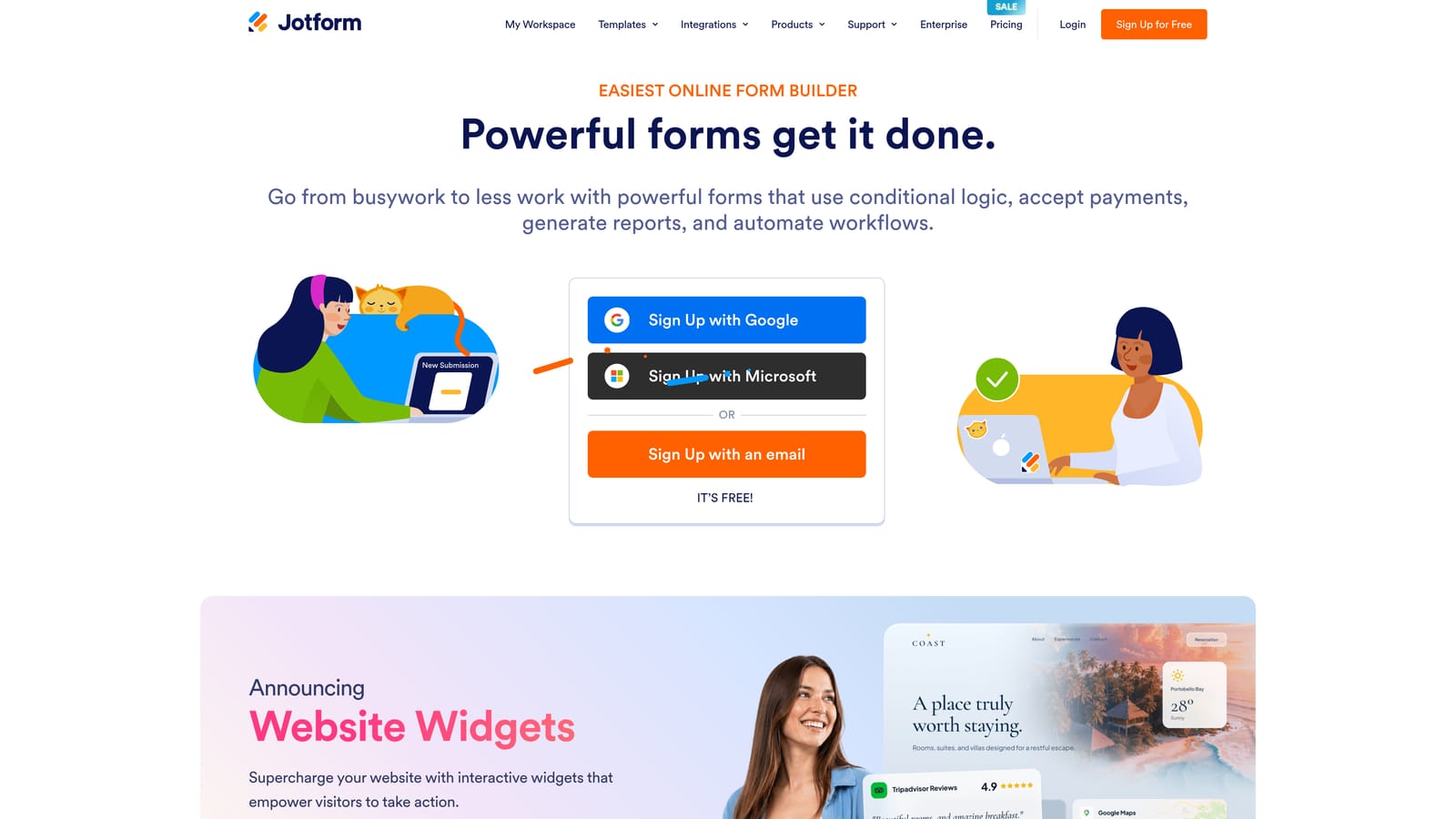
JotForm is one of the most feature-complete traditional form builders available, covering everything from simple contact forms to multi-page applications with payment processing.
Where This Tool Shines
If you need a form builder that can handle genuinely complex scenarios, JotForm's depth is hard to beat. The template library alone is staggering, with over 10,000 pre-built forms covering virtually every industry and use case. This means your team spends less time building from scratch and more time customizing something that already works.
Payment collection is a particular strength. JotForm supports Stripe, PayPal, and Square natively, making it a strong choice for Webflow sites that need to collect payments or deposits directly within a form without a separate e-commerce setup. Both iframe and JavaScript embed options work reliably in Webflow.
Key Features
10,000+ Templates: Pre-built forms for virtually every use case, dramatically reducing setup time for common form types.
150+ Native Integrations: Connect directly to CRMs, email platforms, project management tools, and more without relying on Zapier.
Payment Collection: Accept payments via Stripe, PayPal, and Square directly within your forms.
Advanced Conditional Logic: Build sophisticated multi-page flows with branching logic, calculations, and dynamic field visibility.
Flexible Webflow Embed: Choose between iframe or JavaScript embed depending on your Webflow setup and design requirements.
Best For
Teams that need a high-feature form builder for complex use cases: multi-step applications, payment-enabled forms, event registrations, or any scenario where the form itself needs to do significant heavy lifting.
Pricing
Free tier available with submission limits. Bronze plan from approximately $34/month. Verify current pricing at jotform.com/pricing.
5. HubSpot Forms
Best for: HubSpot CRM users who want zero-middleware form-to-CRM sync on Webflow
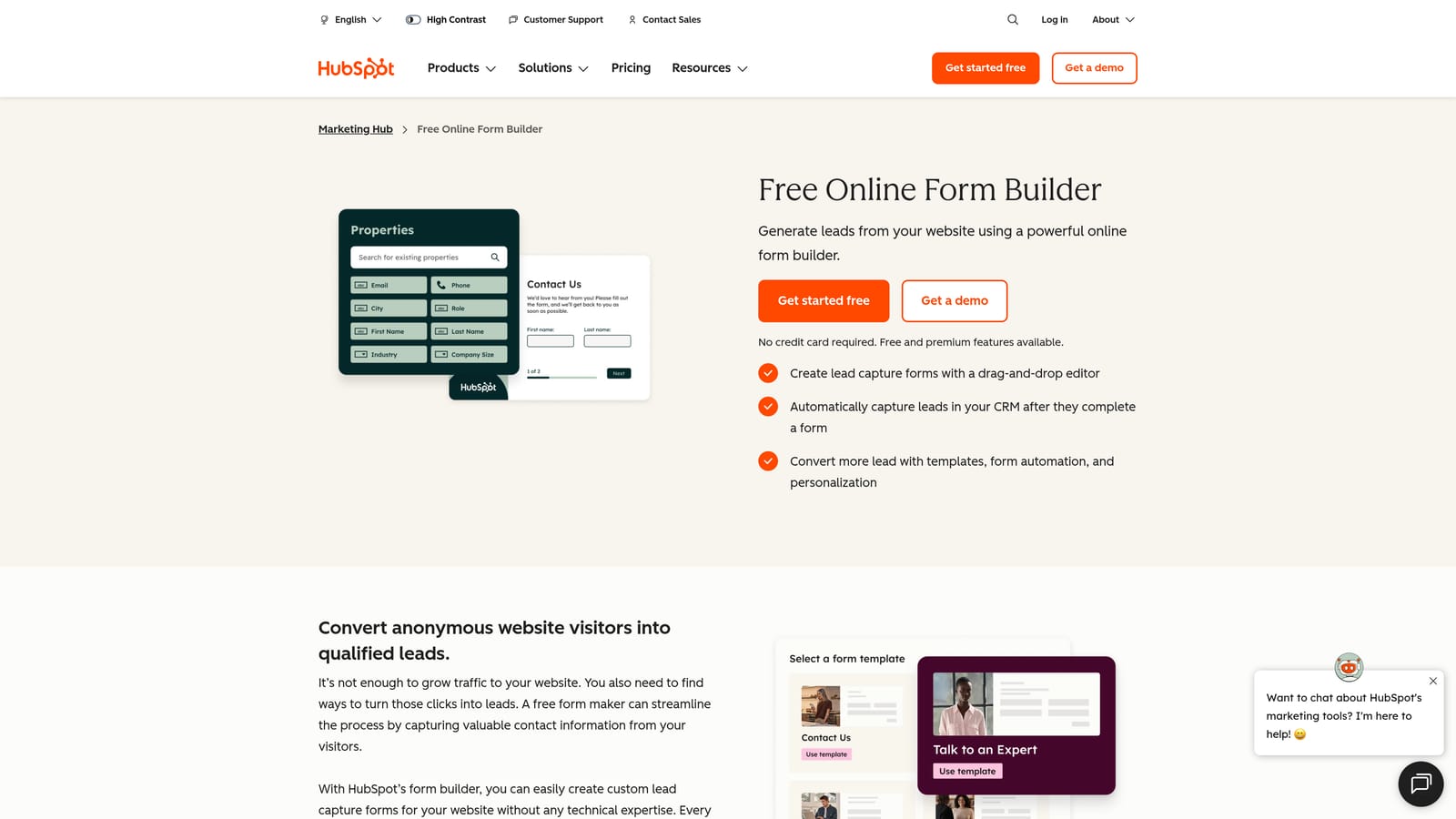
HubSpot Forms is the free form tool built into HubSpot's platform, and its primary value is the seamless, direct connection to HubSpot CRM on every submission.
Where This Tool Shines
If your team is already living in HubSpot, this is the obvious choice for your Webflow forms. Every submission automatically creates or updates a contact record in HubSpot CRM, no Zapier connection required, no field mapping to configure, no middleware to maintain. That reliability matters when you're running high-volume lead-gen campaigns where sync failures cost you real pipeline.
Progressive profiling is a genuinely useful feature that other form builders rarely offer natively. When a known contact fills out a form again, HubSpot can show them different questions instead of asking for information it already has, which improves the experience for returning visitors and enriches your contact data over time.
Key Features
Native HubSpot CRM Sync: Every submission flows directly into HubSpot contacts with no third-party integration required.
JavaScript Embed for Webflow: HubSpot's JS snippet installs cleanly in Webflow's custom code or embed blocks.
Progressive Profiling: Show returning contacts different questions to progressively enrich their data without repetitive form experiences.
Basic Conditional Logic: Simple field show/hide logic for building slightly more dynamic forms within the HubSpot editor.
Free with HubSpot CRM: No additional cost if you're already using HubSpot's free CRM tier.
Best For
Teams already using HubSpot as their CRM. If you're not in the HubSpot ecosystem, the design limitations and dependency on HubSpot's platform make other options on this list more attractive.
Pricing
Free with HubSpot's free CRM. Advanced features like smart forms and A/B testing are tied to paid HubSpot Marketing Hub tiers. See full details at hubspot.com/pricing.
6. Fillout
Best for: Teams using Airtable or Notion as their data layer who want native form integration
Fillout is a modern form builder that has built a strong reputation in the no-code community, particularly for its deep native integration with Airtable and Notion.

Where This Tool Shines
For teams that have built their operations around Airtable or Notion, Fillout removes a significant pain point. Instead of connecting your form to a spreadsheet via Zapier and hoping the field mapping holds, Fillout connects directly to your Airtable base or Notion database and writes submissions exactly where you want them. It's a cleaner, more reliable setup for teams that have invested in these platforms.
The form UI is genuinely modern and clean, which matters when you're embedding into a polished Webflow site. Conditional logic and multi-step support are solid, and the iframe embed works without issues in Webflow's embed block.
Key Features
Native Airtable and Notion Integration: Write form submissions directly to Airtable bases or Notion databases without middleware.
Multi-Step Forms with Conditional Logic: Build dynamic, branching form flows that adapt based on user input.
Modern Form UI: Clean, contemporary design that looks appropriate on polished marketing sites and Webflow builds.
Scheduling and Payment Support: Handle appointment booking and payment collection within the same form flow.
Iframe Embed for Webflow: Standard iframe snippet that installs cleanly in any Webflow embed block.
Best For
No-code teams and startups that use Airtable or Notion as their primary data layer. Also a strong general-purpose option for teams that want a modern form builder at a lower price point than Typeform.
Pricing
Free tier available. Paid plans from approximately $15/month. Verify current pricing at fillout.com/pricing.
7. Paperform
Best for: Service businesses and creators who want landing-page-quality forms with built-in payments
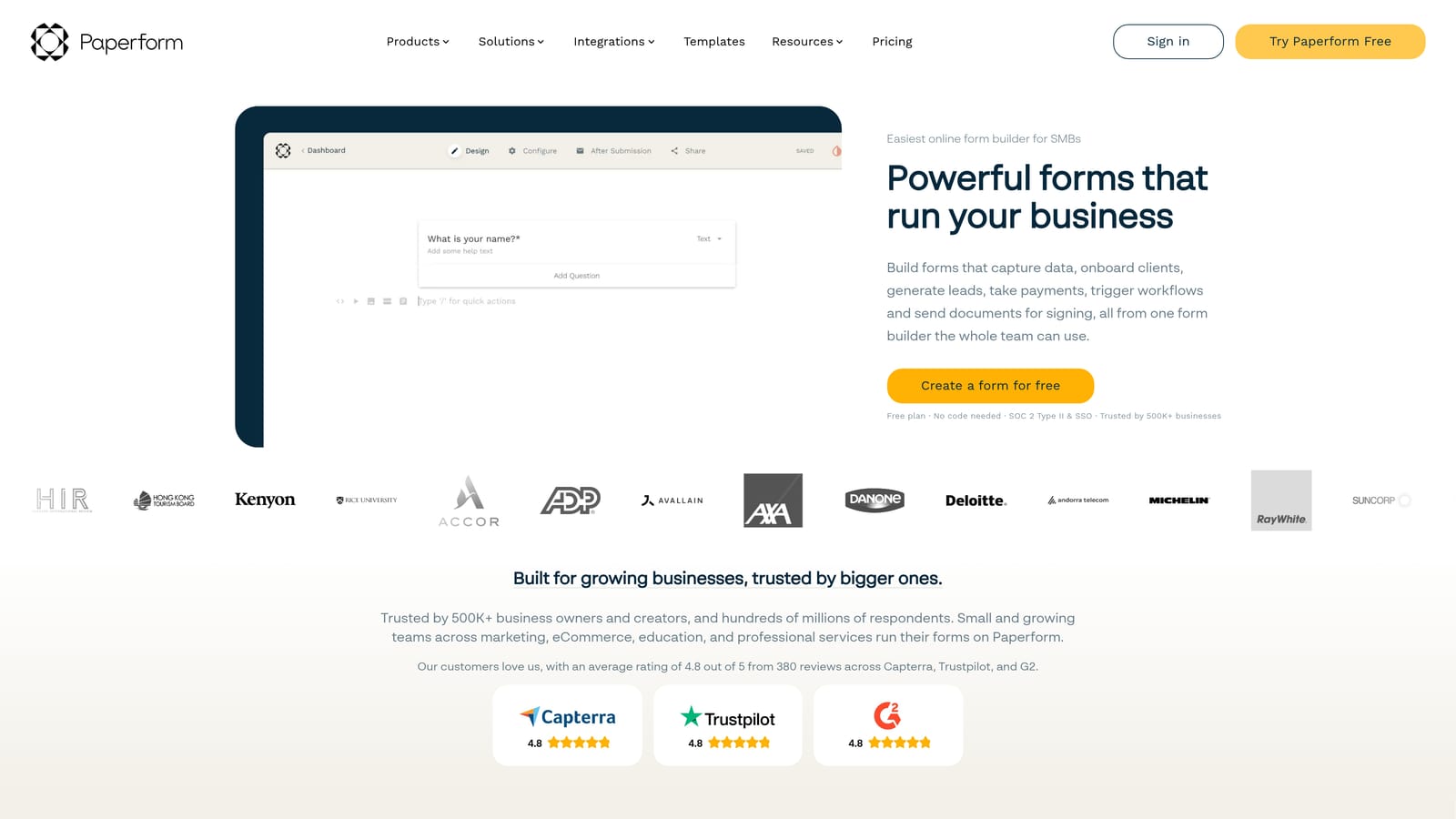
Paperform sits in a unique position as a hybrid between a form builder and a lightweight landing page builder, with rich media support and e-commerce capabilities built in.
Where This Tool Shines
Paperform forms feel less like forms and more like mini landing pages. You can embed images, video, and descriptive copy alongside your form fields, which makes it particularly effective for service businesses, coaches, event organizers, and anyone selling something through a form rather than a traditional checkout page.
The flexibility to use forms as either standalone pages or embedded experiences is genuinely useful. On Webflow, you can embed a Paperform via iframe for an integrated experience, or link out to a standalone Paperform page when you need more real estate to tell a story before asking for information.
Key Features
Rich Media in Forms: Embed images and video directly within form layouts to create more engaging, context-rich experiences.
Product Listings and Stripe Payments: Sell products, services, or event tickets directly within a form without a separate e-commerce platform.
Standalone or Embeddable: Use forms as full standalone pages or embed them into Webflow via iframe depending on your needs.
Conditional Logic and Calculations: Build dynamic pricing calculators, quote forms, and branching flows with built-in calculation support.
Strong Template Library: Pre-built templates for service businesses, event registrations, and booking flows that reduce setup time.
Best For
Service businesses, coaches, consultants, and event organizers who need forms that can also tell a story and collect payment in the same flow. Less ideal for pure SaaS lead-gen where a leaner, faster form experience is preferred.
Pricing
Essentials plan from approximately $24/month. No free tier. Verify current pricing at paperform.co/pricing.
8. Google Forms
Best for: Internal surveys and zero-budget scenarios where design is not a priority
Google Forms is completely free, requires only a Google account, and connects natively to Google Sheets for automatic response collection.
Where This Tool Shines
The value proposition here is simple: it costs nothing and works reliably. For internal team surveys, employee feedback forms, or any scenario where the audience is internal and design doesn't matter, Google Forms gets the job done without a subscription or setup process.
Google Sheets integration is genuinely excellent for teams that live in spreadsheets. Every submission appears in a connected sheet automatically, with no export or sync required. For data-heavy internal use cases, this is a significant convenience advantage.
Key Features
Completely Free: No subscription, no submission limits, no branding fees with a standard Google account.
Auto-Sync to Google Sheets: Every submission populates a connected spreadsheet automatically with no export required.
Basic Conditional Logic: Section branching based on multiple-choice answers covers simple dynamic form needs.
Iframe Embed for Webflow: Google Forms can be embedded via iframe, though the visual result looks noticeably out of place on polished marketing sites.
Unlimited Responses: No caps on how many responses you can collect, even on the free tier.
Best For
Internal use cases, early-stage teams with zero budget, or scenarios where the audience is internal and brand consistency is irrelevant. Not recommended for customer-facing forms on polished Webflow marketing sites where design integrity matters.
Pricing
Completely free with a Google account. Google Workspace subscribers get additional admin controls.
9. Formspree
Best for: Developers who want complete design control and just need a reliable form backend
Formspree takes a fundamentally different approach from every other tool on this list. It's not a form builder at all. It's a form backend: you write the HTML, Formspree handles submission routing, spam filtering, and notifications.
Where This Tool Shines
For developers working in Webflow's custom code blocks, Formspree is the cleanest possible solution when you need pixel-perfect design control. You style the form exactly as your design requires, add a Formspree endpoint as the form action attribute, and submissions route to your email or connected integrations automatically. No visual builder limitations, no iframe styling constraints, no design compromises.
The spam filtering is solid, with reCAPTCHA support built in, which matters for any publicly accessible form on a high-traffic Webflow site. Webhook forwarding lets you connect to virtually any downstream tool, keeping the integration surface flexible without locking you into a specific ecosystem.
Key Features
HTML Form Action Attribute: Point any standard HTML form at your Formspree endpoint and submissions are handled automatically, no JavaScript required.
Email Notifications and Webhook Forwarding: Route submissions to email, Slack, or any webhook-compatible tool for flexible downstream handling.
Spam Filtering: Built-in spam protection with reCAPTCHA support keeps your submission data clean.
Works in Webflow Custom Code: Drop your HTML form into any Webflow custom code block and connect it to Formspree without any visual builder dependency.
Full Design Control: Since you write the HTML and CSS, the form looks exactly like your Webflow design, not like an embedded third-party widget.
Best For
Developers and technical teams building custom Webflow experiences who need a reliable form backend without the design constraints of a visual form builder. Not suitable for non-technical users or teams that need a drag-and-drop form editing experience.
Pricing
Free tier available with submission limits. Gold plan from approximately $40/month. Verify current pricing at formspree.io/plans.
Which Form Builder Is Right for Your Webflow Stack?
The right choice depends almost entirely on what you need your forms to do after someone hits submit. Here's a quick guide to cut through the decision:
AI lead qualification and scoring: Orbit AI is the clear choice. No other tool on this list qualifies leads at the form level with built-in AI, which makes it the strongest option for high-growth SaaS teams and lead-gen operations that care about pipeline quality, not just volume.
Conversational UX and high completion rates: Typeform's one-question-at-a-time format is still the gold standard for engagement-focused forms where the experience itself matters as much as the data collected.
Zero budget with real features: Tally's free tier is genuinely impressive. Unlimited forms, unlimited submissions, and conditional logic without paying anything makes it the default recommendation for lean teams.
Complex logic and payment collection: JotForm's depth and template library make it the strongest traditional form builder for scenarios that require multi-page flows, calculations, or in-form payments.
Already in the HubSpot ecosystem: HubSpot Forms is the obvious choice. The native CRM sync alone eliminates enough middleware complexity to justify using it over a more feature-rich external builder.
Airtable or Notion as your data layer: Fillout's native integrations with both platforms make it the most reliable choice for no-code teams that have built their operations around these tools.
Landing-page-style forms with payments: Paperform's hybrid approach works well for service businesses, coaches, and event organizers who need their form to tell a story and collect payment in a single flow.
Internal surveys with zero setup: Google Forms. It's free, it works, and it connects directly to Sheets. Don't overthink it for internal use cases.
Full developer control over design: Formspree removes every design constraint by handling only the backend. If your team writes custom HTML and needs the form to look exactly right, this is the tool.
If you're building lead-gen flows on Webflow and want your forms to do real qualification work, not just collect submissions, book a demo with Orbit AI and see how intelligent form design can elevate your conversion strategy. Your sales team will notice the difference in the quality of leads coming through.


