

Managing form responses shouldn't feel like drowning in spreadsheets. Every submission represents a potential customer, partner, or lead—but without the right system, valuable responses get lost, follow-ups fall through the cracks, and your conversion rates suffer. The difference between teams that convert leads efficiently and those that struggle often comes down to one thing: how well they manage form responses after the submit button is clicked.
The best form response management software goes beyond simple data collection. It qualifies leads automatically, routes responses to the right team members, triggers follow-up workflows, and provides actionable insights—all without manual intervention. We evaluated dozens of platforms based on automation capabilities, integration depth, ease of use, and pricing flexibility to find the tools that actually move the needle for high-growth teams.
Here are the top form response management software tools transforming how businesses handle submissions in 2026.
1. Orbit AI
Best for: High-growth teams needing AI-powered lead qualification with automated response workflows
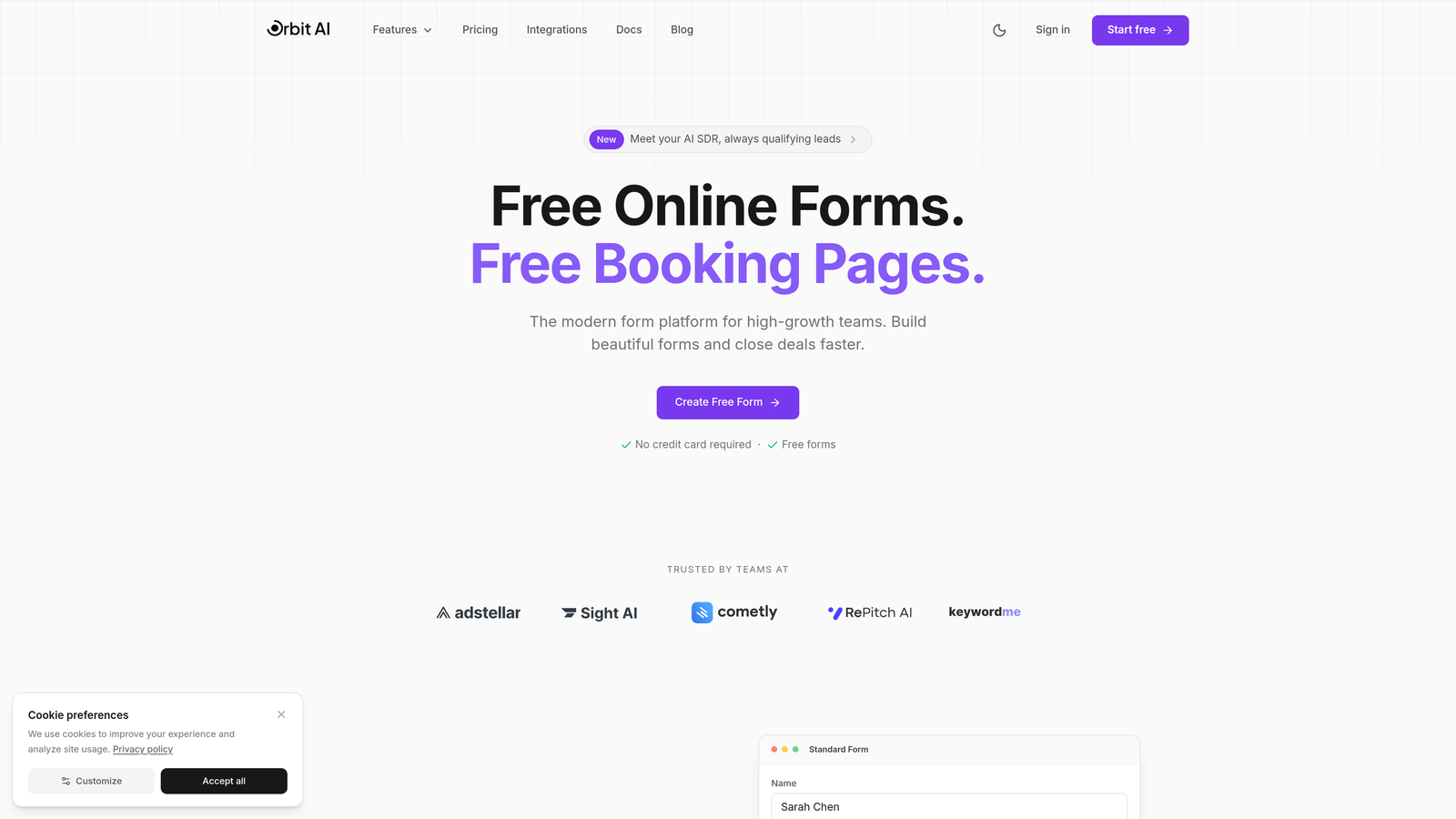
Orbit AI is an AI-powered form builder platform that automatically qualifies leads and triggers intelligent workflows based on response data.
Where This Tool Shines
Orbit AI solves the biggest bottleneck in form response management: figuring out which leads deserve immediate attention. Its AI engine analyzes responses in real-time, assigning qualification scores that help sales teams prioritize follow-up. This means your best prospects get contacted within minutes, not hours or days.
The platform excels at connecting form submissions to action. Automated sequences trigger based on response patterns, sending personalized follow-ups, routing high-value leads to specific team members, and updating your CRM—all without manual intervention. For teams focused on conversion optimization, this eliminates the gap between submission and engagement that kills so many deals.
Key Features
AI-Powered Lead Qualification: Automatically scores responses to identify high-intent prospects worth immediate follow-up.
Workflow Automation: Triggers actions based on form data, from email sequences to CRM updates and team notifications.
Native CRM Integrations: Connects directly with major platforms to sync response data and qualification scores seamlessly.
Real-Time Analytics Dashboard: Provides instant insights into submission patterns, conversion metrics, and lead quality trends.
Automated Sequences: Delivers personalized follow-up based on how prospects answered, increasing engagement without manual effort.
Best For
Orbit AI is ideal for B2B companies, SaaS businesses, and marketing agencies that need to qualify leads at scale. If your team struggles with prioritizing which form submissions to pursue first, or if you're losing deals because follow-up happens too slowly, this platform addresses both problems directly.
Pricing
Free tier available with core features. Paid plans start at competitive rates designed for growing teams that need advanced automation and higher submission volumes.
2. Typeform
Best for: Creating engaging, conversational form experiences that boost completion rates
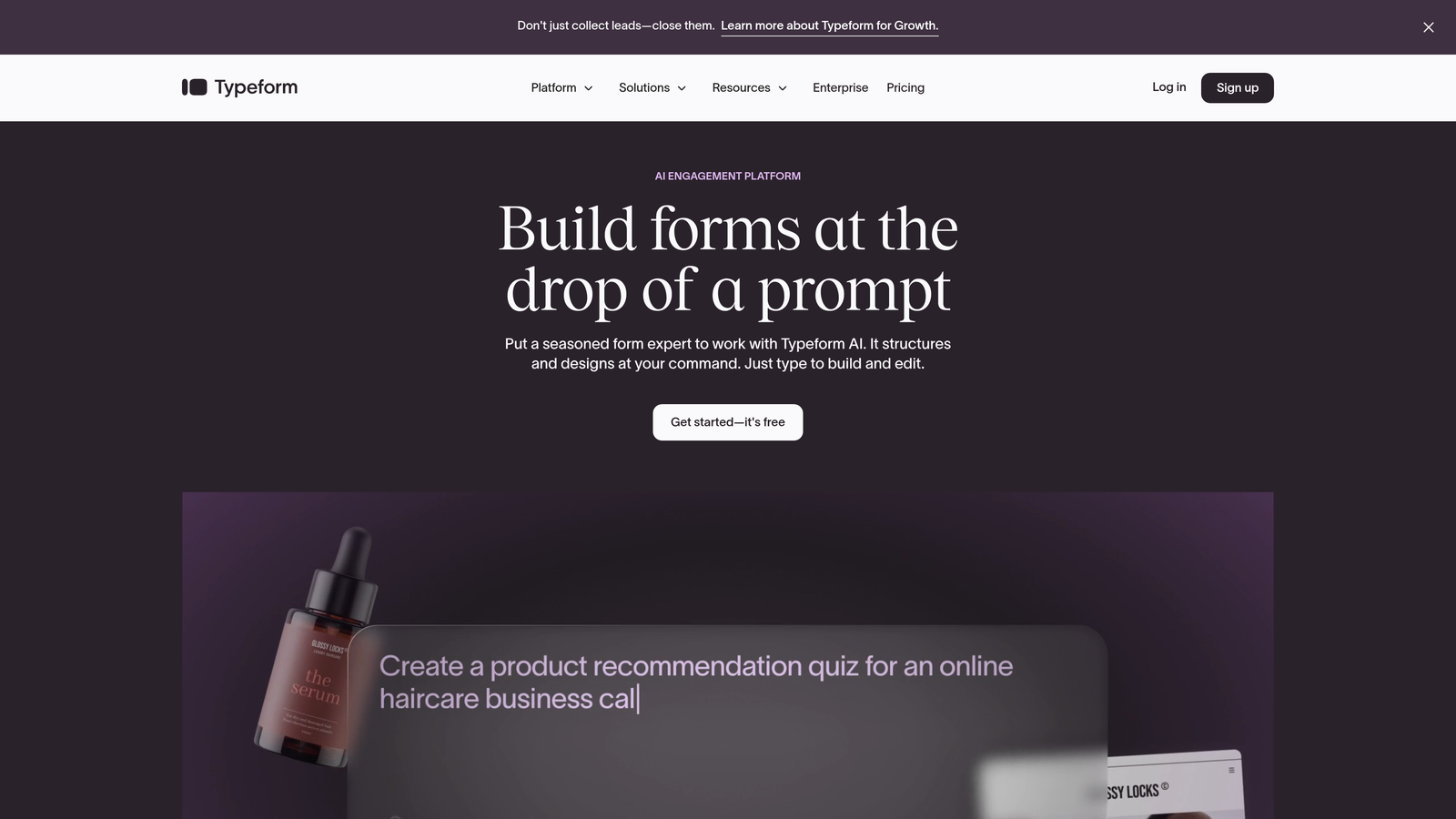
Typeform is a conversational form builder that presents questions one at a time, creating interactive experiences that feel more like conversations than traditional forms.
Where This Tool Shines
Typeform's one-question-at-a-time approach dramatically reduces form abandonment. Instead of overwhelming respondents with a wall of fields, it guides them through a conversational flow that feels natural and engaging. This design philosophy consistently delivers higher completion rates compared to traditional multi-field forms.
The Response Insights dashboard transforms raw submissions into visual analytics you can actually use. Track completion rates by question, identify where people drop off, and understand response patterns through intuitive charts. For teams optimizing form performance, these insights reveal exactly where to focus improvement efforts.
Key Features
Conversational Interface: One-question-at-a-time format creates engaging experiences that increase form completion rates.
Response Insights Dashboard: Visual analytics show completion patterns, drop-off points, and response trends at a glance.
Logic Jumps: Creates personalized response paths based on previous answers, making forms feel tailored to each respondent.
Native Integrations: Connects directly with Zapier, HubSpot, Slack, and other tools to automate response handling.
Custom Branding: Removes Typeform branding and applies your colors, logos, and fonts for professional presentation.
Best For
Typeform works exceptionally well for customer feedback surveys, lead generation campaigns, and event registrations where engagement matters more than speed. If your current forms have high abandonment rates, Typeform's conversational approach can significantly improve completion.
Pricing
Free plan includes 10 responses per month. Basic plan starts at $25/month with 100 responses, while Plus and Business tiers offer higher limits and advanced features.
3. Jotform
Best for: Teams needing extensive templates and built-in approval workflows for collaborative response management
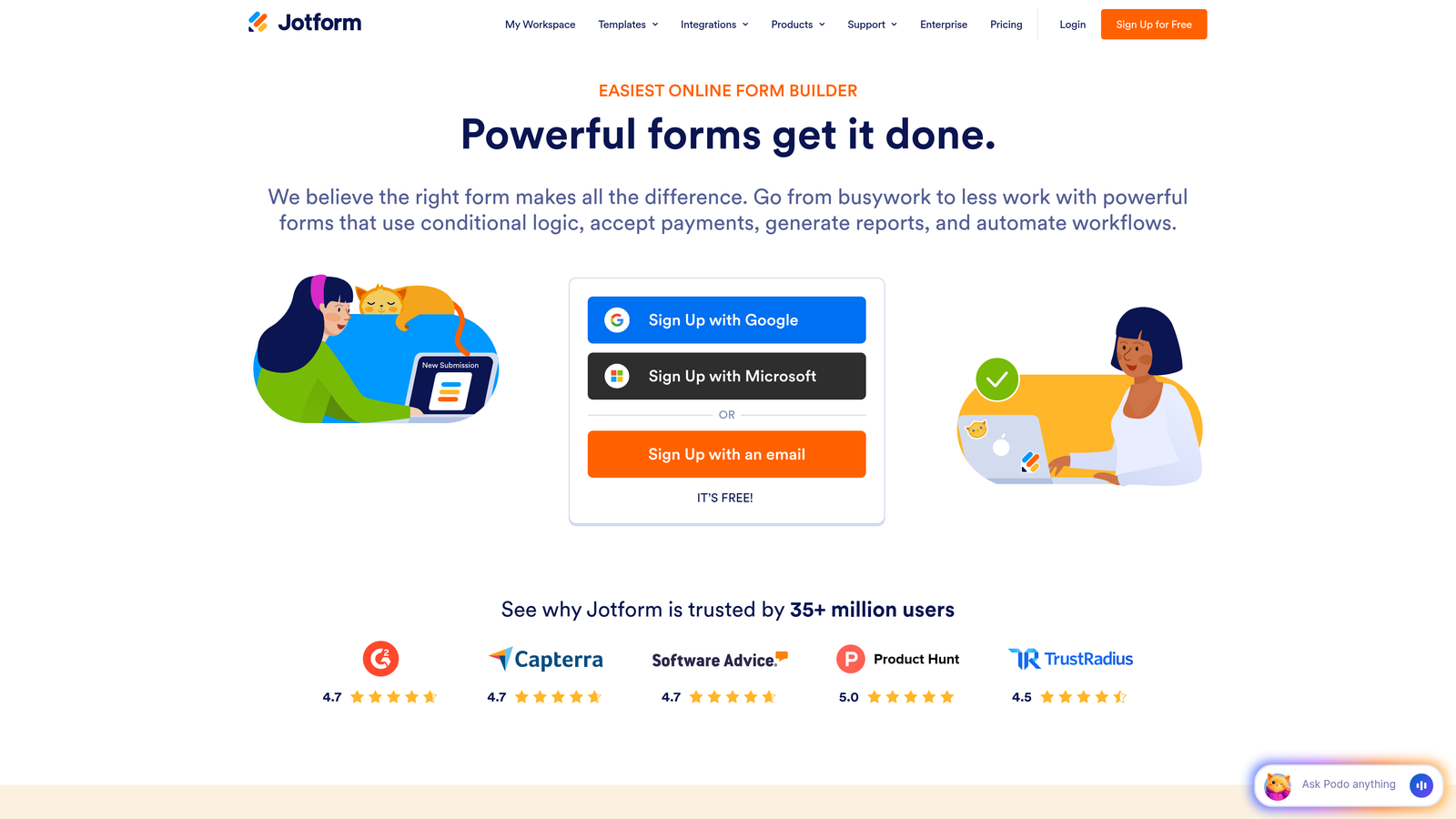
Jotform is a versatile form builder offering over 10,000 templates and database-style response organization through Jotform Tables.
Where This Tool Shines
Jotform's template library eliminates the blank-page problem. Whether you need an event registration form, job application, or customer intake questionnaire, there's likely a pre-built template you can customize in minutes. This speeds up form creation dramatically for teams managing multiple submission types.
The approval workflow feature sets Jotform apart for teams requiring multi-stage review. Responses can route through different team members for approval before final processing, making it perfect for applications, requests, or submissions requiring oversight. Combined with Jotform Tables, which organizes responses in a database-style view, teams can manage large submission volumes without chaos.
Key Features
10,000+ Templates: Pre-built forms for virtually every use case, from simple contact forms to complex applications.
Jotform Tables: Database-style interface for organizing, filtering, and managing large response volumes efficiently.
Approval Workflows: Multi-stage review processes route submissions through team members for collaborative decision-making.
Mobile App: Manage responses, review submissions, and approve requests directly from iOS or Android devices.
Conditional Logic: Shows or hides form fields based on previous answers to create dynamic, personalized experiences.
Best For
Jotform excels for organizations managing diverse form types—HR departments handling applications, event coordinators processing registrations, or agencies collecting client intake information. The approval workflows make it particularly valuable for teams requiring collaborative review before acting on submissions.
Pricing
Free plan includes 5 forms and 100 monthly submissions. Bronze plan starts at $34/month with 25 forms and 1,000 submissions, scaling up through Silver and Gold tiers.
4. Google Forms + Sheets
Best for: Budget-conscious teams wanting straightforward response collection with spreadsheet management
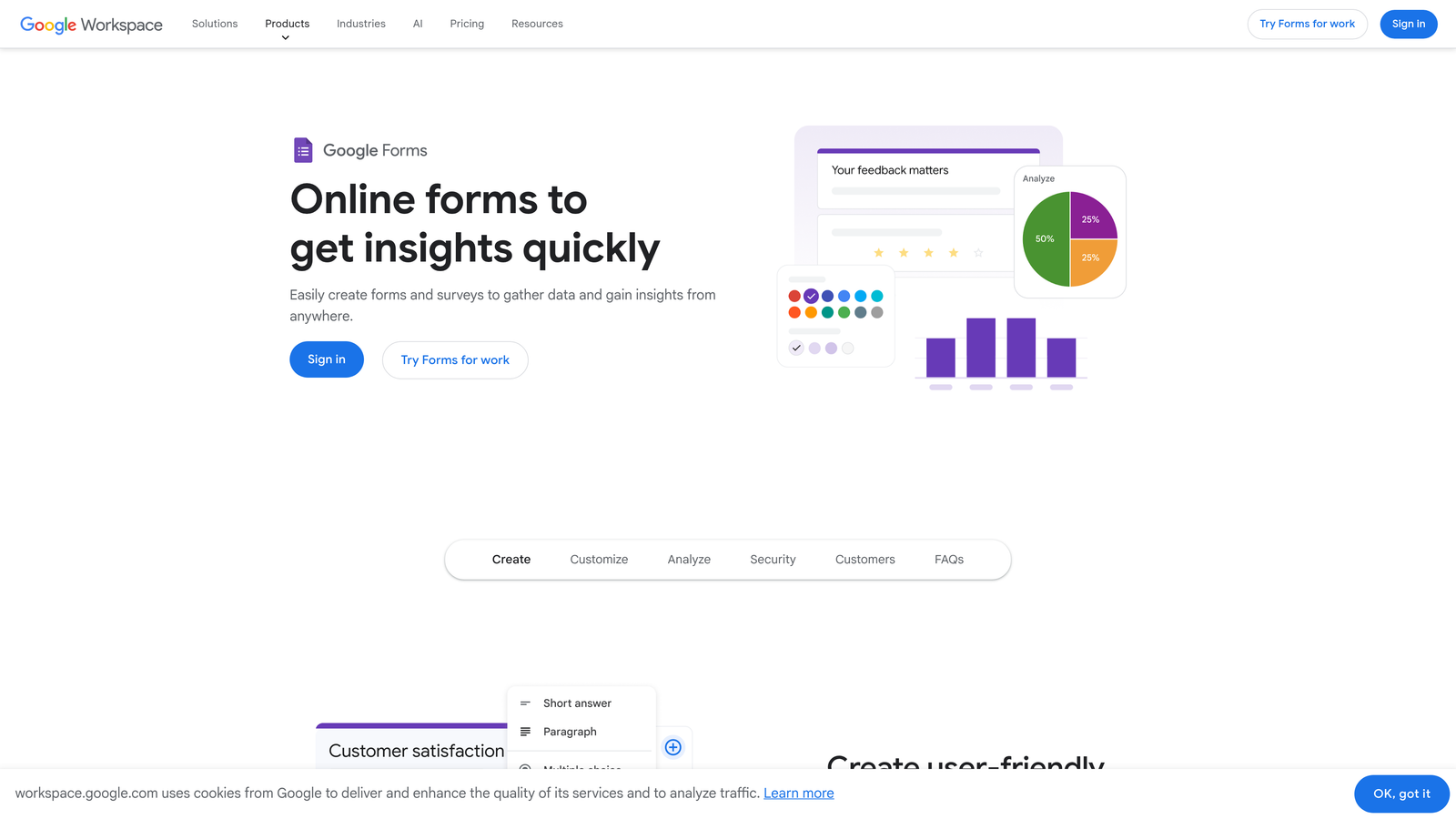
Google Forms is a free form builder that automatically syncs responses to Google Sheets for easy data management and collaboration.
Where This Tool Shines
Google Forms delivers remarkable value for free. Every submission flows automatically into a Google Sheet, where you can analyze data using formulas, create pivot tables, or build charts—all without paying for specialized form software. For startups and small teams watching budgets carefully, this combination is hard to beat.
The real-time collaboration extends beyond just building forms. Multiple team members can view responses simultaneously, add comments, and work together in the connected spreadsheet. Email notifications alert you to new submissions instantly, ensuring timely follow-up without constant manual checking.
Key Features
Completely Free: Full functionality available with any Google account, no paid plans required for core features.
Automatic Sheet Sync: Responses flow directly into Google Sheets for immediate access and spreadsheet-based analysis.
Real-Time Collaboration: Multiple team members can edit forms and view responses simultaneously with live updates.
Email Notifications: Get alerted immediately when new submissions arrive to enable quick follow-up.
Basic Logic: Section branching creates different paths through forms based on respondent answers.
Best For
Google Forms works well for internal surveys, event RSVPs, volunteer sign-ups, and simple lead capture where advanced automation isn't critical. If your team already lives in Google Workspace, the seamless integration makes response management effortless.
Pricing
Completely free with a Google account. Google Workspace plans ($6-$18/user/month) add business email, increased storage, and administrative controls but aren't required for Forms functionality.
5. Formstack
Best for: Enterprise teams requiring compliance certifications and advanced conditional routing workflows
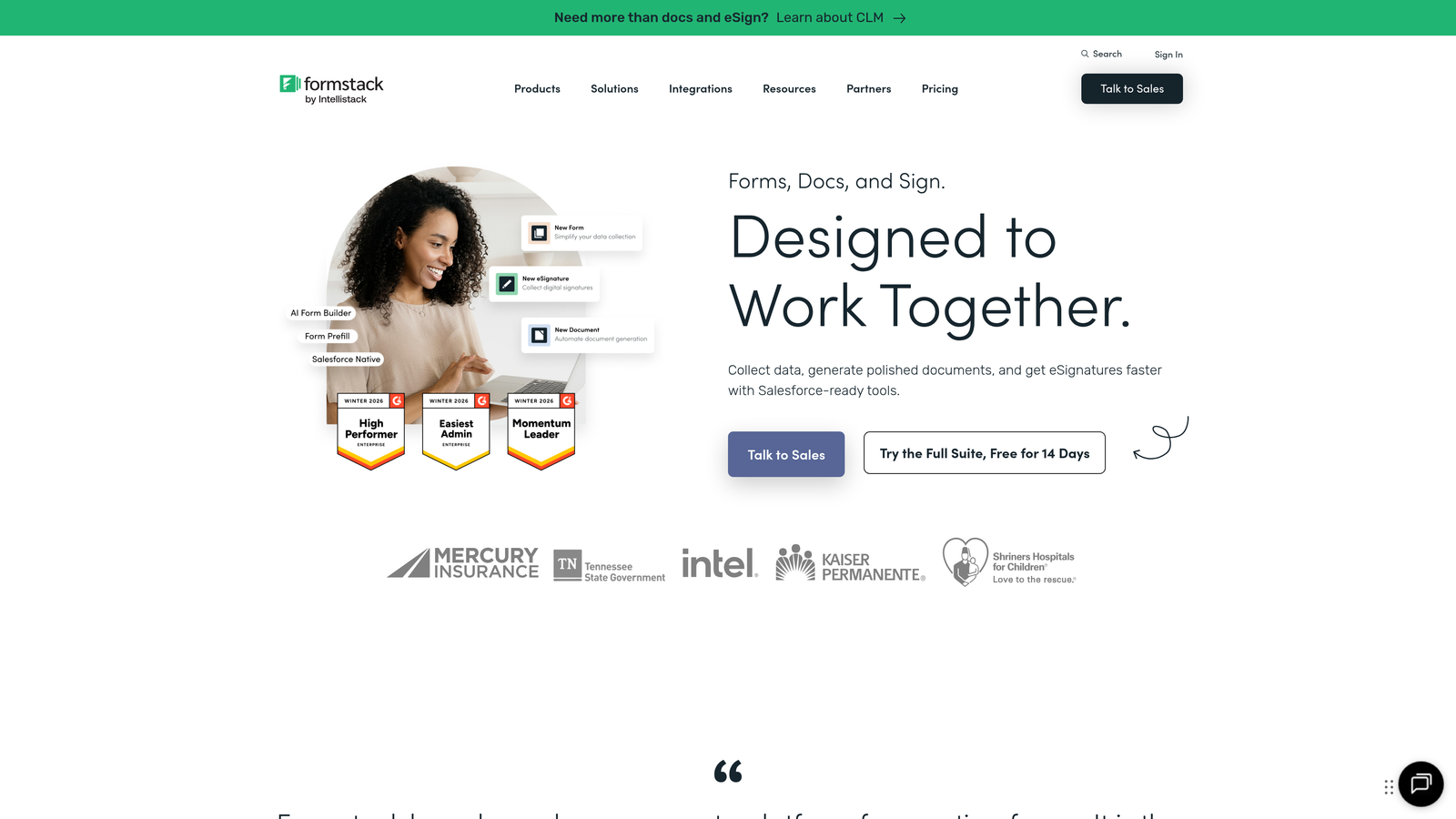
Formstack is an enterprise-grade form and workflow platform with HIPAA, GDPR, and SOC 2 compliance options for regulated industries.
Where This Tool Shines
Formstack takes compliance seriously in ways most form builders don't. HIPAA-compliant forms protect healthcare data, GDPR features ensure European privacy requirements are met, and SOC 2 certification provides enterprise-level security assurances. For organizations in healthcare, finance, or other regulated industries, these certifications aren't nice-to-haves—they're requirements.
The conditional routing capabilities go beyond simple logic jumps. Responses can trigger complex workflows that route submissions to different departments, initiate multi-step approval processes, or integrate with enterprise systems. Combined with electronic signature integration, Formstack handles sophisticated business processes that simpler tools can't support.
Key Features
Compliance Certifications: HIPAA, GDPR, and SOC 2 compliance options meet regulatory requirements for sensitive data collection.
Conditional Routing: Advanced logic routes responses through complex workflows based on submission data and business rules.
Electronic Signatures: Integrated e-signature functionality eliminates the need for separate signature tools in approval processes.
Advanced Analytics: Detailed reporting dashboards track submission trends, conversion metrics, and workflow performance.
White-Label Options: Remove Formstack branding completely for client-facing forms and enterprise deployments.
Best For
Formstack is built for healthcare providers, financial services firms, government agencies, and large enterprises that can't compromise on compliance or security. If you handle sensitive data or need to demonstrate regulatory adherence, Formstack provides the certifications and features required.
Pricing
Starter plan begins at $50/month for basic features. Teams plan at $83/month adds advanced workflows and integrations. Premier and Enterprise tiers offer compliance certifications and dedicated support.
6. Cognito Forms
Best for: Organizations needing integrated payment processing with robust entry management features
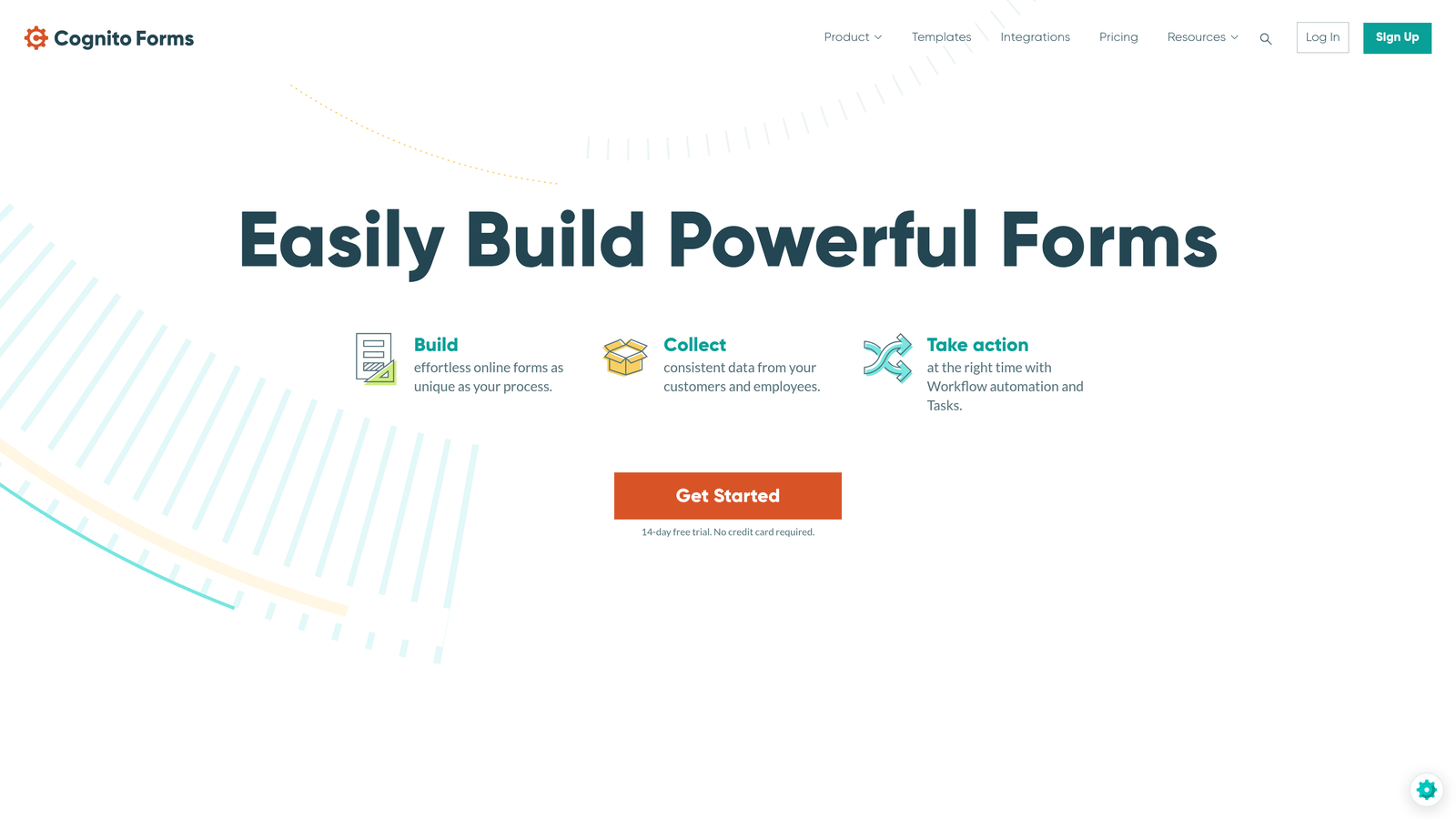
Cognito Forms is a form builder with native payment integration and entry management capabilities for organizing and acting on responses.
Where This Tool Shines
Cognito Forms eliminates the headache of connecting separate payment processors. Built-in integration with Stripe, PayPal, and Square means you can collect payments directly within forms without third-party plugins or complex setup. For registration forms, donation campaigns, or order forms, this streamlines the entire collection process.
The entry management dashboard transforms how teams handle submissions. Responses aren't just data rows—they're entries with statuses you can track through stages like "pending review," "approved," or "completed." Workflow emails trigger automatically based on entry data, keeping respondents informed and team members coordinated without manual communication.
Key Features
Built-In Payment Processing: Native integration with Stripe, PayPal, and Square for seamless payment collection within forms.
Entry Management Dashboard: Track submission status through customizable stages from receipt to completion.
Calculation Fields: Dynamic pricing, scoring, and mathematical operations update automatically based on form responses.
Workflow Emails: Automated email notifications triggered by specific response data or entry status changes.
Conditional Logic: Show, hide, or require fields based on previous answers to create personalized form experiences.
Best For
Cognito Forms excels for event registrations with payment, donation campaigns, order forms, and applications requiring fee collection. The entry management features also make it valuable for teams processing submissions through defined stages like review, approval, and completion.
Pricing
Free plan available with limited features and Cognito branding. Pro plan starts at $15/month per user, removing branding and adding advanced features like payment processing and workflow automation.
7. 123FormBuilder
Best for: Teams managing large response volumes with visual workflow automation and database views
123FormBuilder is a form platform offering database-style response management, visual workflow builder, and extensive data export capabilities.
Where This Tool Shines
123FormBuilder's visual workflow builder makes automation accessible without coding skills. Drag-and-drop interface lets you create complex response-triggered workflows—sending emails, updating databases, notifying team members—through an intuitive visual canvas. This democratizes automation for teams that don't have developer resources.
The database views transform response management for high-volume scenarios. Instead of scrolling through endless spreadsheet rows, organize submissions in filterable, sortable database tables. Multiple export formats including Excel, PDF, and CSV ensure you can get data into whatever system needs it, while role-based permissions let teams collaborate without exposing sensitive information.
Key Features
Visual Workflow Builder: Drag-and-drop automation creation triggers actions based on form responses without coding.
Database Views: Organize large submission volumes in filterable, sortable tables instead of overwhelming spreadsheets.
Multiple Export Formats: Download responses in Excel, PDF, CSV, or other formats for integration with external systems.
Team Collaboration: Role-based permissions control who can view, edit, or export specific form responses.
Custom Calculations: Perform mathematical operations on form data for quotes, scoring, or dynamic pricing.
Best For
123FormBuilder works well for organizations processing hundreds or thousands of submissions monthly—event coordinators, HR departments, customer service teams. The combination of database views and workflow automation helps these teams stay organized and responsive despite high volumes.
Pricing
Free plan available with basic features and branding. Gold plan starts at $24.99/month with 10 forms and enhanced features. Platinum and Diamond tiers offer higher limits and advanced capabilities.
8. Paperform
Best for: Design-focused teams wanting beautiful, branded forms with integrated payments and booking
Paperform is a form builder emphasizing visual design, offering conditional routing, payment collection, and appointment booking in beautifully branded experiences.
Where This Tool Shines
Paperform makes forms that don't look like forms. The platform treats form creation like document design, resulting in visually stunning experiences that reflect your brand without requiring design skills or coding. For client-facing forms where first impressions matter, Paperform delivers professional aesthetics out of the box.
The platform combines multiple functions that typically require separate tools. Collect payments, schedule appointments, and gather form responses—all in one beautifully designed interface. The analytics dashboard tracks not just submissions but conversion metrics, helping you understand where prospects drop off and optimize accordingly.
Key Features
Beautiful Design Templates: Create branded, professional-looking forms without design skills through intuitive visual editor.
Conditional Logic: Route respondents through different paths based on their answers for personalized experiences.
Integrated Payments: Built-in payment processing through Stripe and PayPal eliminates need for separate payment tools.
Appointment Booking: Schedule meetings and appointments directly within forms with calendar integration.
Conversion Analytics: Track completion rates, drop-off points, and conversion metrics to optimize form performance.
Best For
Paperform excels for consultants, coaches, service providers, and creative agencies where brand presentation matters. If your forms represent your business to potential clients, Paperform ensures they make the right impression while handling payments and scheduling seamlessly.
Pricing
Essentials plan starts at $24/month with unlimited forms and submissions. Pro plan at $49/month adds advanced features like custom domains, priority support, and enhanced integrations.
9. Airtable Forms
Best for: Teams managing form responses alongside other structured data in collaborative databases
Airtable Forms is the form functionality within Airtable's database platform, ideal for organizations already using Airtable for project management or data organization.
Where This Tool Shines
Airtable Forms shine when responses need to live alongside other business data. Submissions flow directly into Airtable bases where they can be viewed in grid, kanban, calendar, or gallery formats—whatever makes sense for your workflow. This eliminates the disconnect between form collection and data management that plagues many teams.
The automation capabilities trigger based on new form submissions, updating fields, sending notifications, or creating records in connected tables. Combined with powerful filtering and grouping, teams can segment responses by any criteria and take targeted action. For organizations already invested in Airtable's ecosystem, the forms feature extends existing workflows rather than creating another disconnected tool.
Key Features
Direct Base Integration: Responses flow immediately into Airtable bases where they integrate with existing data and workflows.
Multiple View Options: Organize responses in grid, kanban, calendar, gallery, or timeline views depending on your needs.
Automation Triggers: New form submissions automatically trigger workflows like notifications, record updates, or integrations.
Advanced Filtering: Segment and analyze responses using Airtable's powerful filtering, grouping, and sorting capabilities.
Collaboration Features: Comment on submissions, assign responses to team members, and track progress collaboratively.
Best For
Airtable Forms work exceptionally well for teams already using Airtable for project management, CRM, content calendars, or other structured workflows. If you need form responses to integrate with existing Airtable bases—like adding event registrations to an attendee database or customer feedback to a product roadmap—this native integration is seamless.
Pricing
Free plan includes unlimited bases with up to 1,200 records per base. Team plan starts at $20/user/month with 50,000 records per base and advanced features. Business and Enterprise tiers offer increased limits and administrative controls.
Making the Right Choice
The right form response management software depends on what happens after someone clicks submit. If you need AI-powered lead qualification that automatically identifies your best prospects, Orbit AI eliminates manual scoring and accelerates follow-up. For teams prioritizing engagement and completion rates, Typeform's conversational interface consistently outperforms traditional forms. Organizations in regulated industries requiring compliance certifications will find Formstack's HIPAA and SOC 2 options essential.
Budget considerations matter too. Google Forms delivers surprising functionality at zero cost, making it perfect for startups and small teams with straightforward needs. On the other end, Airtable Forms shine when responses need to integrate with broader database workflows your team already manages in the platform.
The common thread among high-performing teams? They've moved beyond simple data collection to systems that automatically qualify, route, and act on responses. Manual follow-up creates delays that kill conversions. The tools that win in 2026 are those that bridge the gap between submission and action—turning form responses into qualified opportunities before your competitors even know a lead exists.
Consider your team's biggest bottleneck. Is it identifying which leads deserve immediate attention? Orbit AI's qualification engine solves that. Struggling with low completion rates? Typeform's conversational approach addresses it directly. Need payment collection integrated with forms? Cognito Forms or Paperform eliminate separate payment tools. Match your primary pain point to the tool designed to fix it.
Transform your lead generation with AI-powered forms that qualify prospects automatically while delivering the modern, conversion-optimized experience your high-growth team needs. Start your free trial today and see how intelligent form design can elevate your conversion strategy.


