

More than half of web traffic now comes from mobile devices, yet many forms still frustrate users with tiny tap targets, awkward scrolling, and fields that refuse to cooperate with thumbs. A mobile friendly form builder solves this by creating forms that adapt seamlessly to any screen size—boosting completion rates and capturing leads that would otherwise abandon ship.
This guide evaluates nine form builders specifically for their mobile experience, covering responsive design capabilities, touch-optimized interfaces, and real-world performance on smartphones. Whether you're collecting leads, processing payments, or gathering feedback, these tools prioritize the mobile-first experience your audience expects.
1. Orbit AI
Best for: High-growth teams needing AI-powered lead qualification with conversion-optimized mobile forms
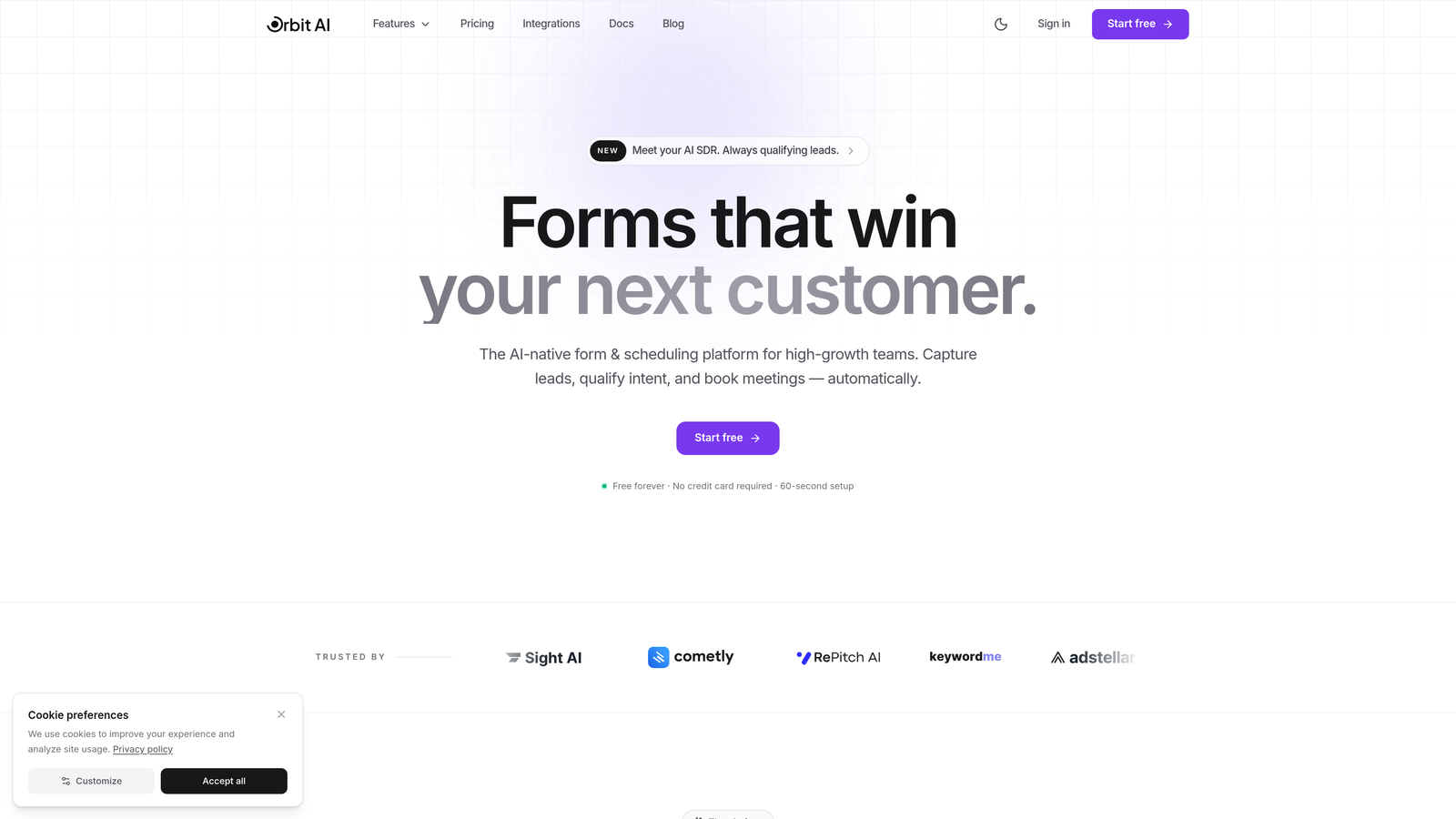
Orbit AI combines intelligent lead qualification with mobile-first form design for teams focused on conversion optimization.
Where This Tool Shines
Orbit AI stands out by integrating AI-powered lead scoring directly into the form experience. While competitors focus purely on form aesthetics, Orbit analyzes responses in real-time to qualify prospects as they fill out your mobile forms.
The platform automatically routes high-value leads to sales while nurturing lower-priority prospects through marketing workflows. This intelligence layer means your mobile forms do more than collect data—they actively improve your conversion funnel by prioritizing the right conversations.
Key Features
AI-Powered Lead Scoring: Automatically qualifies prospects based on form responses, prioritizing high-value leads for immediate follow-up.
Mobile-Optimized Design: Forms adapt seamlessly across devices with touch-friendly interfaces and thumb-optimized tap targets.
Smart Response Routing: Directs form submissions to appropriate team members or workflows based on qualification criteria.
Native CRM Integration: Connects directly with HubSpot, Close, and other CRMs to sync qualified leads automatically.
Performance Analytics: Tracks mobile versus desktop completion rates with conversion insights by device type.
Best For
Ideal for B2B SaaS companies, marketing agencies, and high-growth teams where lead quality matters as much as quantity. Perfect for teams tired of manually sorting through form submissions to identify serious prospects.
Pricing
Pricing is quoted on a short demo, and Orbit has no free plan. Book a demo to see it with your own forms.
2. Typeform
Best for: Creating conversational, engaging mobile experiences with one-question-at-a-time format
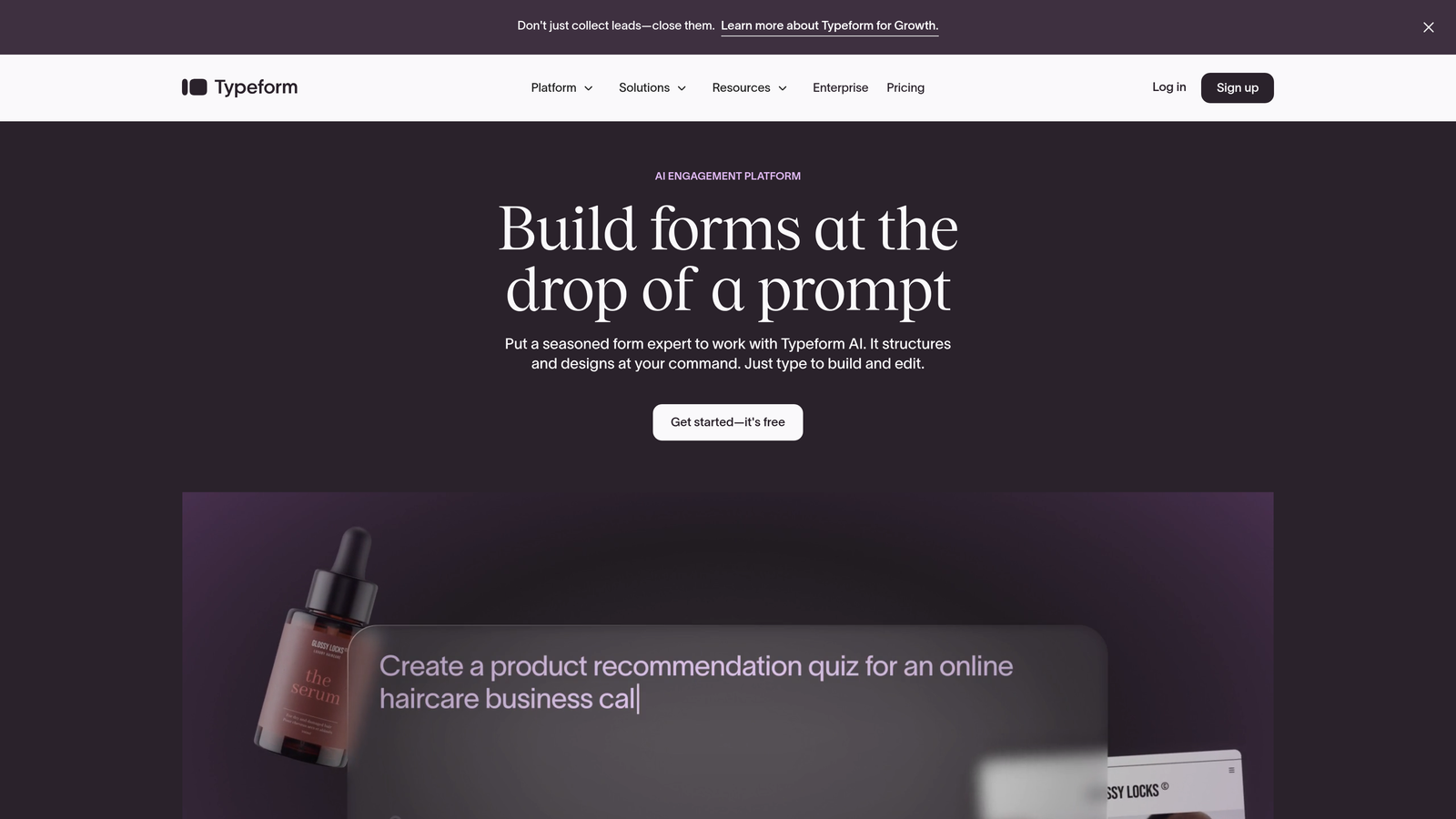
Typeform pioneered the conversational form approach that feels natural on mobile devices.
Where This Tool Shines
Typeform's one-question-at-a-time format eliminates the overwhelming wall-of-fields problem that plagues traditional forms on small screens. Each question gets full screen real estate, making it effortless to read and respond on smartphones.
The visual design system creates beautiful, branded experiences that feel more like a conversation than a data collection exercise. Users swipe or tap through questions naturally, creating engagement rates that often exceed traditional multi-field layouts.
Key Features
Conversational Interface: Presents one question per screen, optimizing mobile focus and reducing cognitive load.
Visual Customization: Extensive theme options with custom backgrounds, fonts, and branded color schemes.
Logic Jumps: Creates personalized form paths based on previous answers for relevant mobile experiences.
Rich Media Support: Embeds videos and images directly into questions for engaging mobile storytelling.
Integration Ecosystem: Connects with hundreds of tools including Slack, Google Sheets, and marketing automation platforms.
Best For
Marketing teams creating surveys, quizzes, or lead generation forms where user experience drives completion rates. Particularly effective for consumer-facing brands prioritizing design aesthetics.
Pricing
Free tier available with limited monthly responses. Basic plan starts at $25/month with increased response limits and basic integrations.
3. Jotform
Best for: Teams needing extensive template libraries and advanced customization with mobile responsiveness
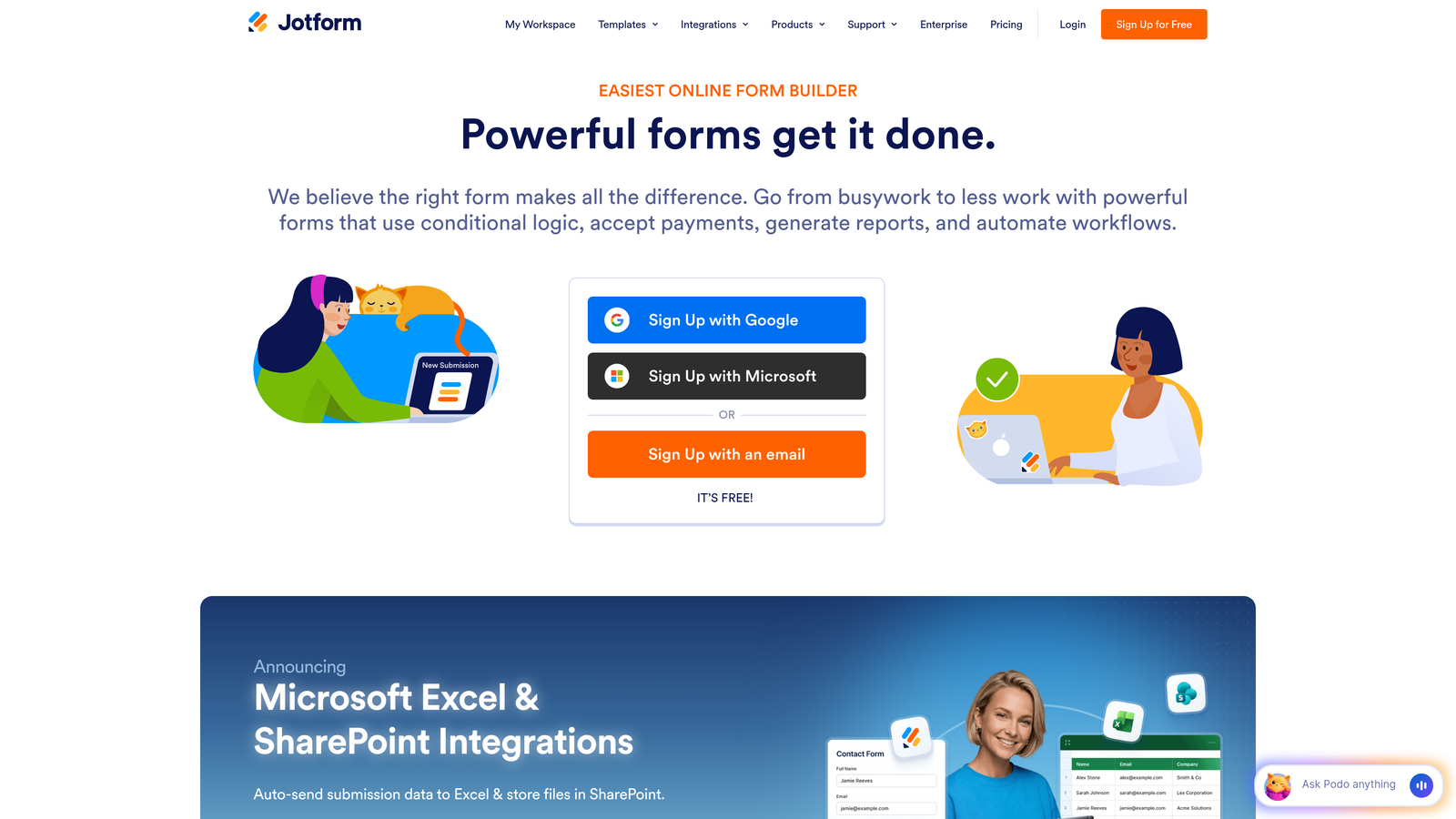
Jotform offers over 10,000 mobile-responsive templates covering virtually every form use case imaginable.
Where This Tool Shines
Jotform's massive template library means you rarely start from scratch. Whether you need event registration, order forms, or feedback surveys, there's a mobile-optimized template ready to customize.
The platform includes a dedicated mobile app for offline form collection—crucial for field teams working in areas with spotty connectivity. Forms sync automatically when connection returns, preventing data loss during mobile collection scenarios.
Key Features
Template Library: Over 10,000 pre-built mobile-responsive templates across industries and use cases.
Drag-and-Drop Builder: Visual editor with real-time mobile preview showing exactly how forms appear on smartphones.
Conditional Logic: Advanced branching and field visibility rules for creating intelligent mobile forms.
Payment Processing: Integrates with PayPal, Stripe, Square, and other processors for mobile transactions.
Offline Mobile App: Jotform Mobile Forms app enables data collection without internet connectivity.
Best For
Organizations with diverse form needs across departments, field teams requiring offline capability, and businesses processing payments through mobile forms.
Pricing
Free tier includes up to 5 forms with 100 monthly submissions. Bronze plan starts at $34/month with 25 forms and 1,000 submissions.
4. Tally
Best for: Teams wanting unlimited forms and submissions with clean mobile design on a generous free tier
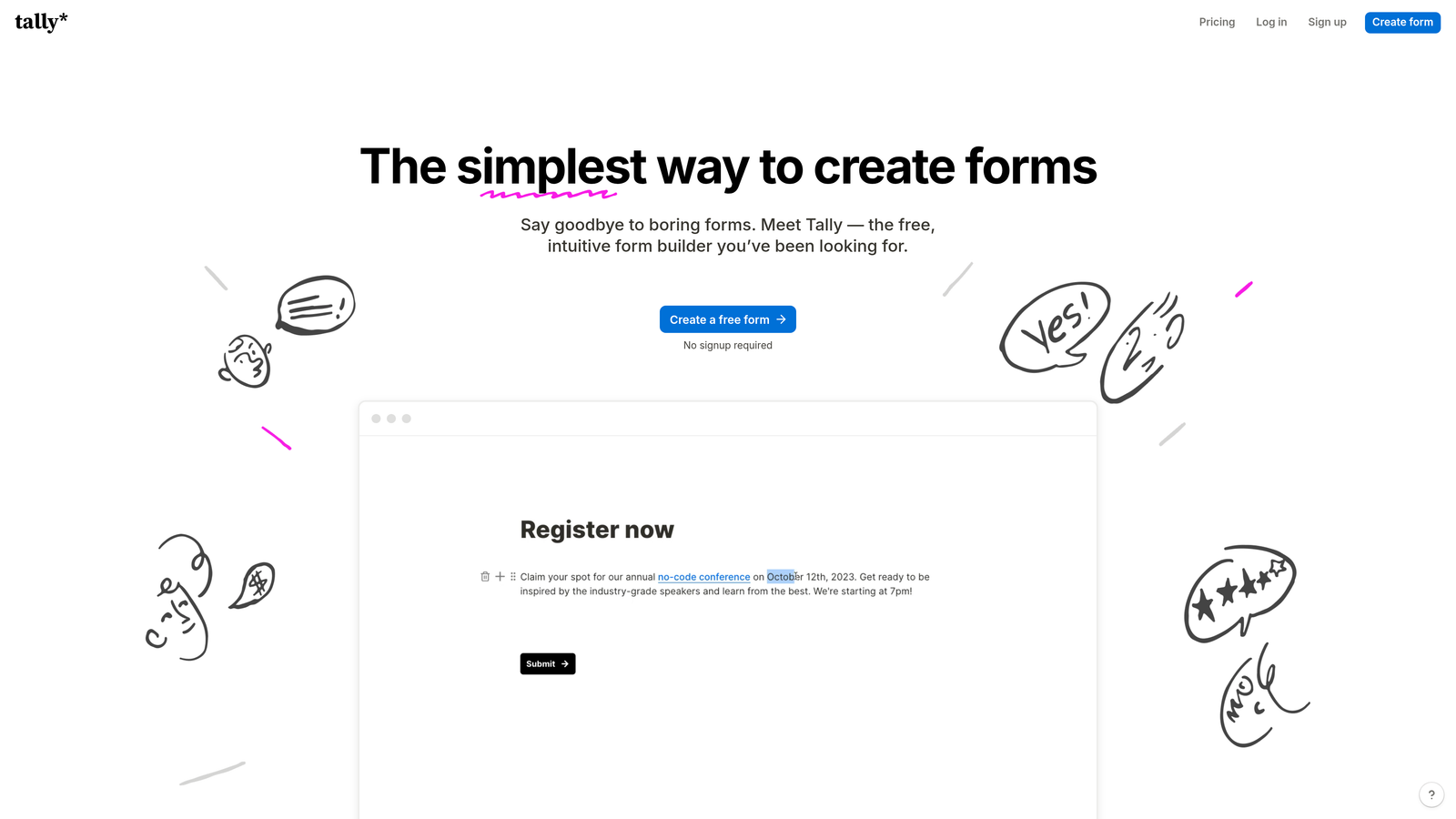
Tally brings a Notion-style editing experience to form building with impressive mobile optimization.
Where This Tool Shines
Tally's completely free tier includes unlimited forms and submissions—rare generosity in the form builder space. This makes it ideal for startups and small teams testing mobile form strategies without budget constraints.
The block-based editor feels familiar to anyone who's used Notion. You build forms by stacking content blocks, creating clean mobile layouts without wrestling with complex design tools. The resulting forms load fast and look modern across all devices.
Key Features
Unlimited Free Forms: No artificial limits on form creation or monthly submissions on the free plan.
Block-Based Editor: Notion-style interface for intuitive form building with mobile-first defaults.
Clean Mobile Design: Minimalist aesthetic that loads quickly and displays beautifully on smartphones.
Conditional Logic: Show or hide fields based on previous responses for streamlined mobile experiences.
Custom Branding: Remove Tally branding and use custom domains on paid plans.
Best For
Startups, solopreneurs, and small teams needing professional mobile forms without monthly costs. Great for testing form strategies before committing to paid tools.
Pricing
Robust free tier with core features and unlimited usage. Pro plan at $29/month adds custom domains, branding removal, and priority support.
5. Paperform
Best for: Creating branded mobile landing pages that function as comprehensive lead capture experiences
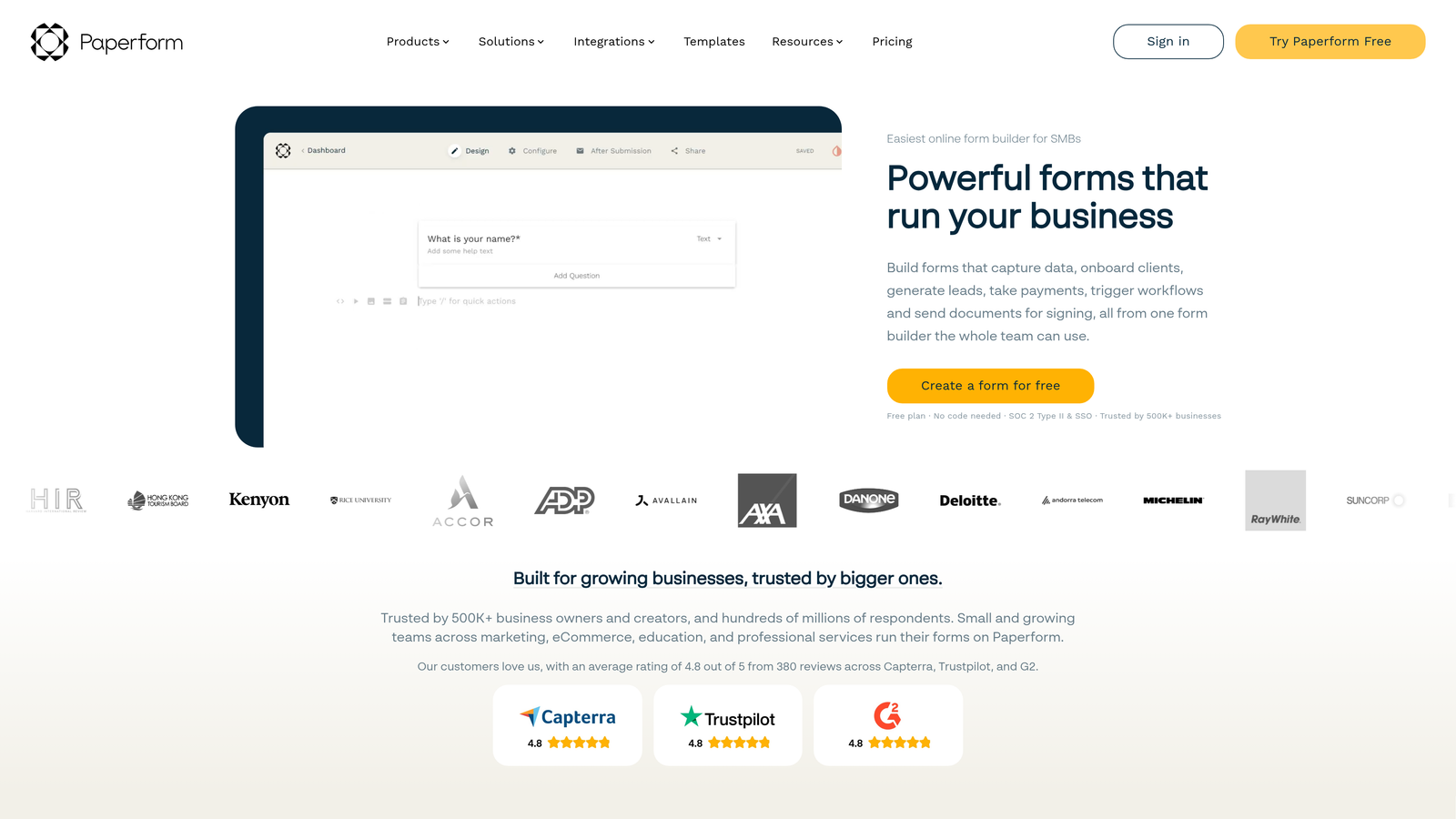
Paperform blurs the line between forms and landing pages with rich content embedding and design flexibility.
Where This Tool Shines
Paperform lets you build forms that feel like complete mobile landing pages. Embed product images, explanatory videos, pricing tables, and rich text alongside form fields—all optimized for mobile viewing.
This approach works brilliantly for product orders, event registrations, or service bookings where context matters. Instead of linking to a separate landing page before the form, you create one cohesive mobile experience that educates and converts in a single scroll.
Key Features
Landing Page Forms: Combine rich content with form fields for comprehensive mobile experiences.
Media Embedding: Add images, videos, and formatted text directly within mobile forms.
Payment Processing: Built-in integration with Stripe and PayPal for mobile transactions.
Appointment Scheduling: Calendar integration for booking meetings through mobile forms.
Advanced Calculations: Create pricing calculators and dynamic pricing tables visible on mobile devices.
Best For
E-commerce businesses, service providers, and event organizers needing mobile forms that showcase products or explain offerings alongside data collection.
Pricing
Essentials plan starts at $24/month with core features. Pro plan at $49/month adds advanced integrations and increased submission limits.
6. Fillout
Best for: Teams using Airtable or Notion who need native database sync with mobile-optimized forms
Fillout specializes in connecting mobile forms directly to Airtable and Notion databases.

Where This Tool Shines
Fillout's native Airtable integration is genuinely two-way—forms can read existing records and write updates, not just append new rows. This enables mobile workflows like customer portals, where users update their own information through smartphone-friendly forms.
The form designs feel modern and lightweight, loading quickly even on slower mobile connections. Multi-page forms include progress indicators that work well on mobile, showing users exactly how much remains without overwhelming small screens.
Key Features
Native Database Sync: Two-way integration with Airtable and Notion for reading and writing data through mobile forms.
Modern Responsive Design: Clean, contemporary form layouts optimized for mobile viewing and interaction.
Multi-Page Forms: Break long forms into mobile-friendly pages with progress indicators.
Conditional Logic: Show relevant fields based on previous answers for streamlined mobile experiences.
Scheduling and Payments: Built-in appointment booking and payment collection for mobile users.
Best For
Teams already using Airtable or Notion as their database layer who need mobile-friendly forms that integrate seamlessly with existing workflows.
Pricing
Free tier available for basic usage. Starter plan begins at $15/month with increased submissions and advanced features.
7. Google Forms
Best for: Teams needing reliable, free mobile forms with seamless Google Workspace integration
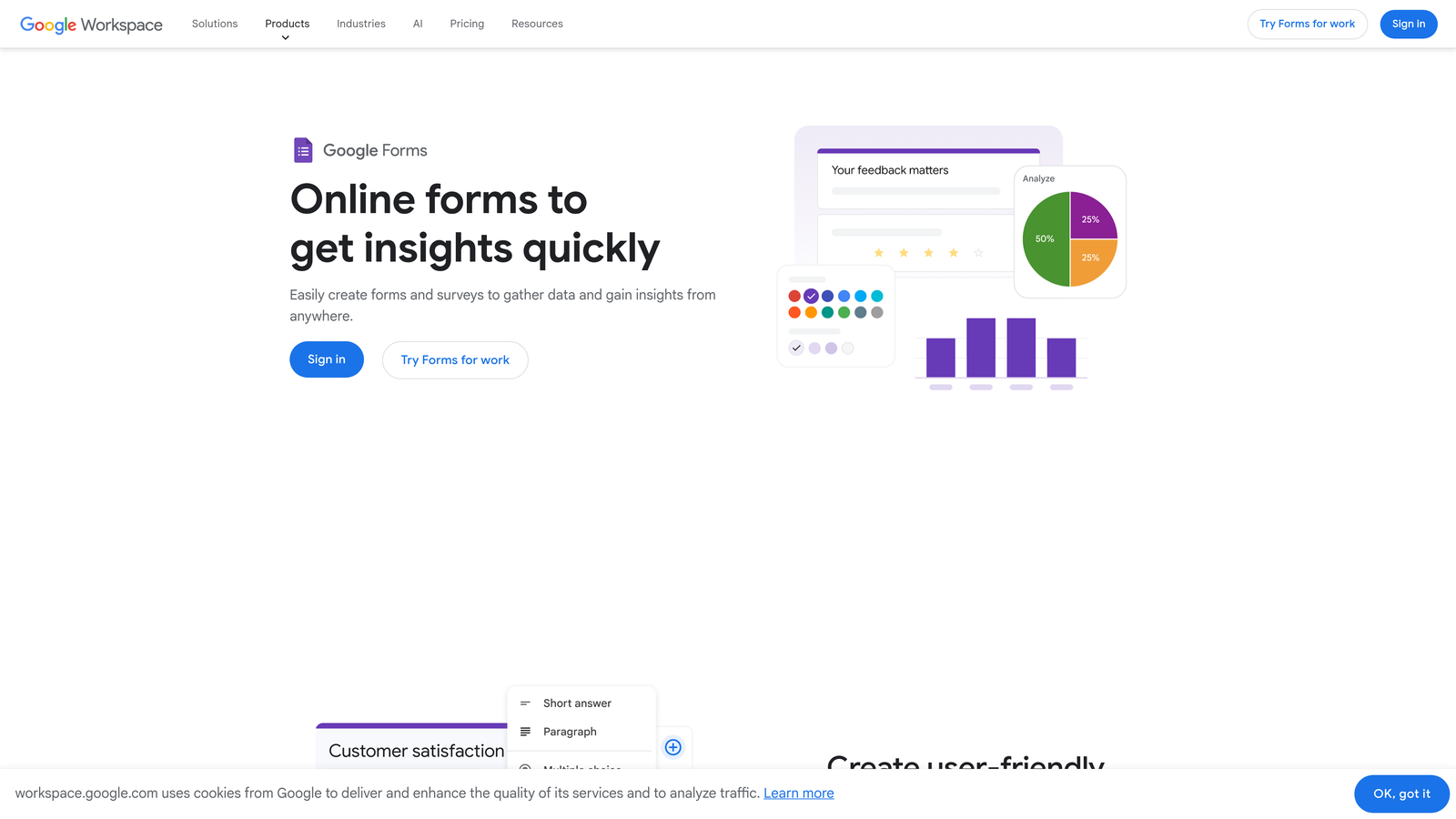
Google Forms offers completely free form building with automatic mobile responsiveness.
Where This Tool Shines
Google Forms just works. No pricing tiers to navigate, no submission limits to worry about, no features locked behind paywalls. For teams already using Google Workspace, it's the path of least resistance for mobile form creation.
The mobile experience is consistently reliable across Android and iOS devices. Forms load quickly, work offline with Chrome's save-for-later feature, and sync responses directly to Google Sheets for immediate analysis. The simplicity becomes the selling point.
Key Features
Completely Free: No cost, no submission limits, no hidden fees for any features.
Automatic Mobile Responsiveness: Forms adapt to any screen size without manual optimization.
Real-Time Collaboration: Multiple team members can edit forms simultaneously from mobile or desktop.
Google Sheets Integration: Responses flow directly into spreadsheets for instant mobile data analysis.
Quiz Functionality: Built-in auto-grading for quizzes and assessments accessible on mobile devices.
Best For
Schools, nonprofits, small businesses, and any team prioritizing simplicity and cost over advanced features. Perfect for internal surveys, event RSVPs, and basic lead collection.
Pricing
Completely free with a Google account. No paid tiers or upgrade paths.
8. Cognito Forms
Best for: Organizations needing advanced calculations, HIPAA compliance, and payment processing on mobile
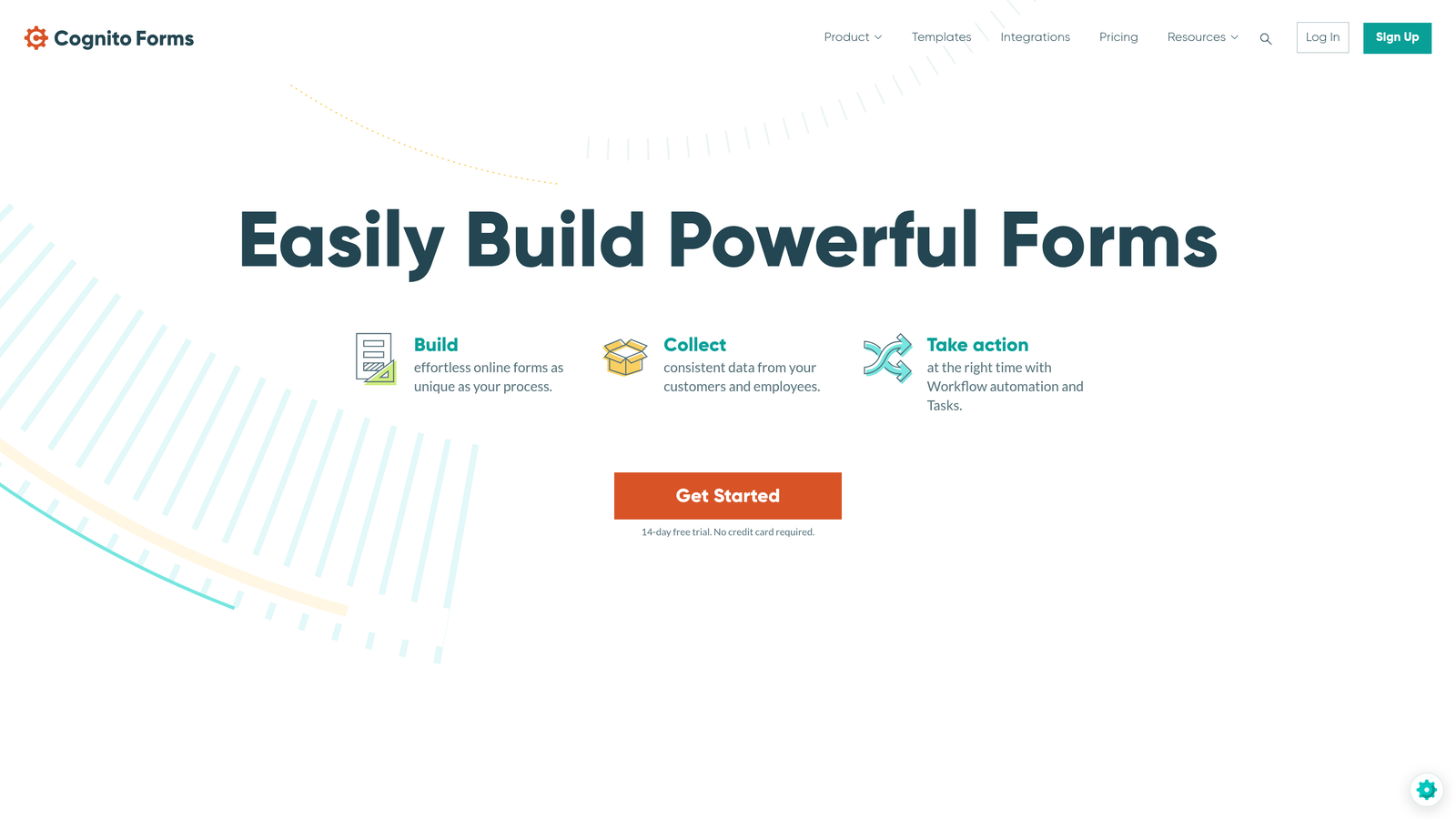
Cognito Forms handles complex form logic and compliance requirements while maintaining mobile usability.
Where This Tool Shines
Cognito Forms excels at complex calculations that work seamlessly on mobile devices. Build order forms with dynamic pricing, loan calculators, or quote generators that compute results in real-time as users type on their smartphones.
The platform offers HIPAA-compliant forms—critical for healthcare organizations collecting patient information through mobile devices. This compliance extends to the entire data chain, from mobile submission through storage and processing.
Key Features
Advanced Calculations: Complex formulas and computed fields that work smoothly on mobile devices.
Repeating Sections: Let mobile users add multiple entries within a single form submission.
HIPAA Compliance: Business Associate Agreement and encrypted data handling for healthcare mobile forms.
Save and Resume: Multi-page forms let mobile users save progress and return later.
Payment Integration: Accept payments through Stripe, PayPal, and Square on mobile devices.
Best For
Healthcare providers, financial services, and businesses with complex calculation needs or compliance requirements for mobile data collection.
Pricing
Free tier includes 500 entries per month. Pro plan starts at $15/month with increased limits and HIPAA compliance options.
9. 123FormBuilder
Best for: Enterprise teams requiring HIPAA compliance, workflow automation, and offline mobile collection
123FormBuilder delivers enterprise-grade security and workflow features for mobile form deployment.
Where This Tool Shines
123FormBuilder combines compliance certifications with practical mobile features like offline form collection. Field teams can capture data on smartphones without connectivity, with automatic sync when internet returns—essential for inspections, audits, or remote work.
The workflow automation extends beyond simple email notifications. Build approval chains, conditional routing, and multi-step processes triggered by mobile form submissions. Forms integrate with SSO systems for secure mobile access in enterprise environments.
Key Features
Compliance Certifications: HIPAA and GDPR compliant with audit trails for regulated mobile data collection.
Workflow Automation: Multi-step approval processes and conditional routing triggered by mobile submissions.
Electronic Signatures: Capture legally binding signatures on mobile devices with full audit trails.
Offline Mobile Collection: Dedicated mobile app for data collection without internet connectivity.
Enterprise Security: SSO integration, role-based permissions, and advanced security controls for mobile access.
Best For
Healthcare organizations, financial institutions, government agencies, and large enterprises with strict compliance requirements for mobile data collection.
Pricing
Free tier available for basic testing. Gold plan starts at $32/month with compliance features and workflow automation.
Making the Right Choice
The right mobile form builder depends on where you need it to excel. If lead qualification matters as much as lead capture, Orbit AI's intelligent scoring gives you an immediate edge—your sales team focuses on prospects worth pursuing while marketing nurtures everyone else automatically.
For teams prioritizing pure user experience, Typeform's conversational approach and Paperform's landing page style create engaging mobile moments that boost completion rates. If budget constraints dominate your decision, Tally's unlimited free tier and Google Forms' zero-cost simplicity deliver solid mobile experiences without monthly fees.
Database integration drives the choice for many teams. Fillout's native Airtable sync and Jotform's extensive template library solve different workflow challenges—the former for teams living in Airtable, the latter for organizations needing diverse form types quickly.
Compliance requirements narrow the field considerably. Healthcare providers and regulated industries need Cognito Forms' HIPAA certification or 123FormBuilder's enterprise security features. These aren't nice-to-have features—they're legal requirements for mobile patient data collection.
The mobile form landscape has matured beyond simple responsive design. Today's tools optimize for thumb-friendly tap targets, minimize typing with smart defaults, and load quickly on cellular connections. The best mobile form builders understand that smartphones aren't just smaller desktops—they're different interaction paradigms requiring thoughtful design.
Consider your specific mobile context. Are users filling forms while standing in retail stores? Sitting in waiting rooms? Walking through job sites? Each scenario demands different optimization—quick completion for retail, detailed information for healthcare, offline capability for field work.
Transform your lead generation with AI-powered forms that qualify prospects automatically while delivering the modern, conversion-optimized experience your high-growth team needs. Book a demo and see how intelligent form design can elevate your conversion strategy.


