

High-growth teams lose leads every day to broken workflows—forms that collect data but leave follow-up to manual processes. The solution is a form builder with native email automation that captures submissions and immediately triggers personalized responses, nurture sequences, or team notifications.
This guide covers nine platforms that combine form creation with built-in email automation, evaluated on ease of setup, automation flexibility, integration depth, and value for conversion-focused teams. Whether you need simple autoresponders or complex multi-step sequences, these tools eliminate the gap between form submission and meaningful engagement.
1. Orbit AI
Best for: High-growth teams needing AI-powered lead qualification with native email sequences
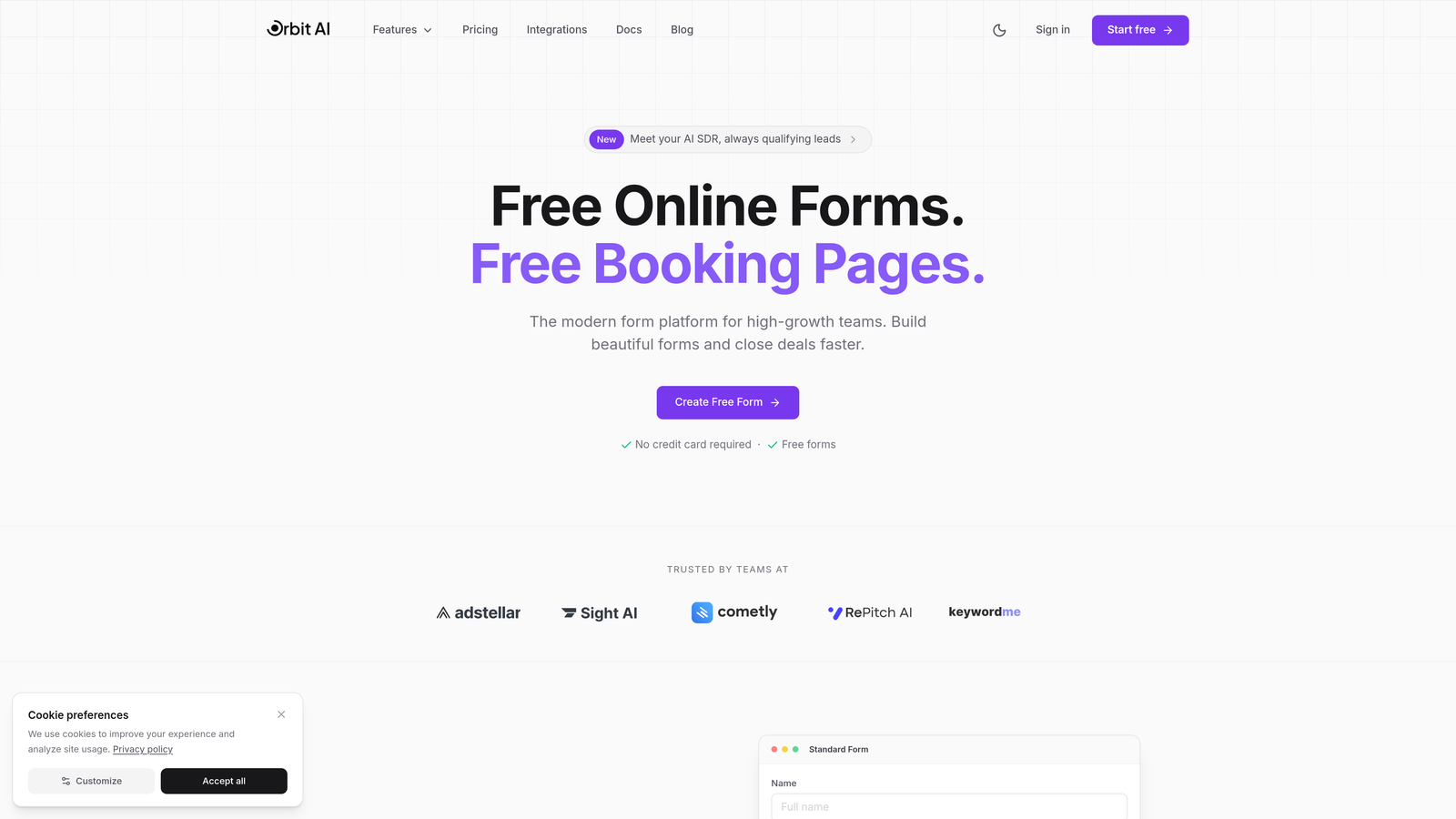
Orbit AI is an AI-powered form builder designed specifically for teams that want to automate lead qualification and follow-up in one platform.
Where This Tool Shines
Orbit AI combines modern form building with intelligent automation that goes beyond basic autoresponders. The platform's sequences feature lets you build multi-step email campaigns triggered by form submissions, while AI-powered lead scoring automatically identifies your highest-value prospects.
The real advantage is the elimination of workflow gaps. When someone submits a form, Orbit AI can simultaneously score the lead, route it to the right team member, and trigger a personalized email sequence—all without requiring third-party integrations or manual intervention.
Key Features
Native Sequences: Build multi-step email automation directly in the platform without external tools.
AI Lead Qualification: Automatic scoring and routing based on form responses and behavioral signals.
Workflow Automation: Trigger actions based on submission data, lead score, or custom conditions.
Conversion-Optimized Templates: Modern form designs built specifically for high-growth conversion strategies.
Direct CRM Integration: Seamless data flow to major CRMs without manual exports or middleware.
Best For
High-growth SaaS teams, B2B companies with complex lead qualification needs, and marketing teams that want to eliminate the gap between form submission and meaningful follow-up. Particularly valuable if you're currently juggling separate tools for forms, email automation, and lead scoring.
Pricing
Free tier available for getting started. Paid plans begin at $29/month, scaling with features and submission volume.
2. Typeform
Best for: Creating engaging conversational experiences with automated respondent notifications
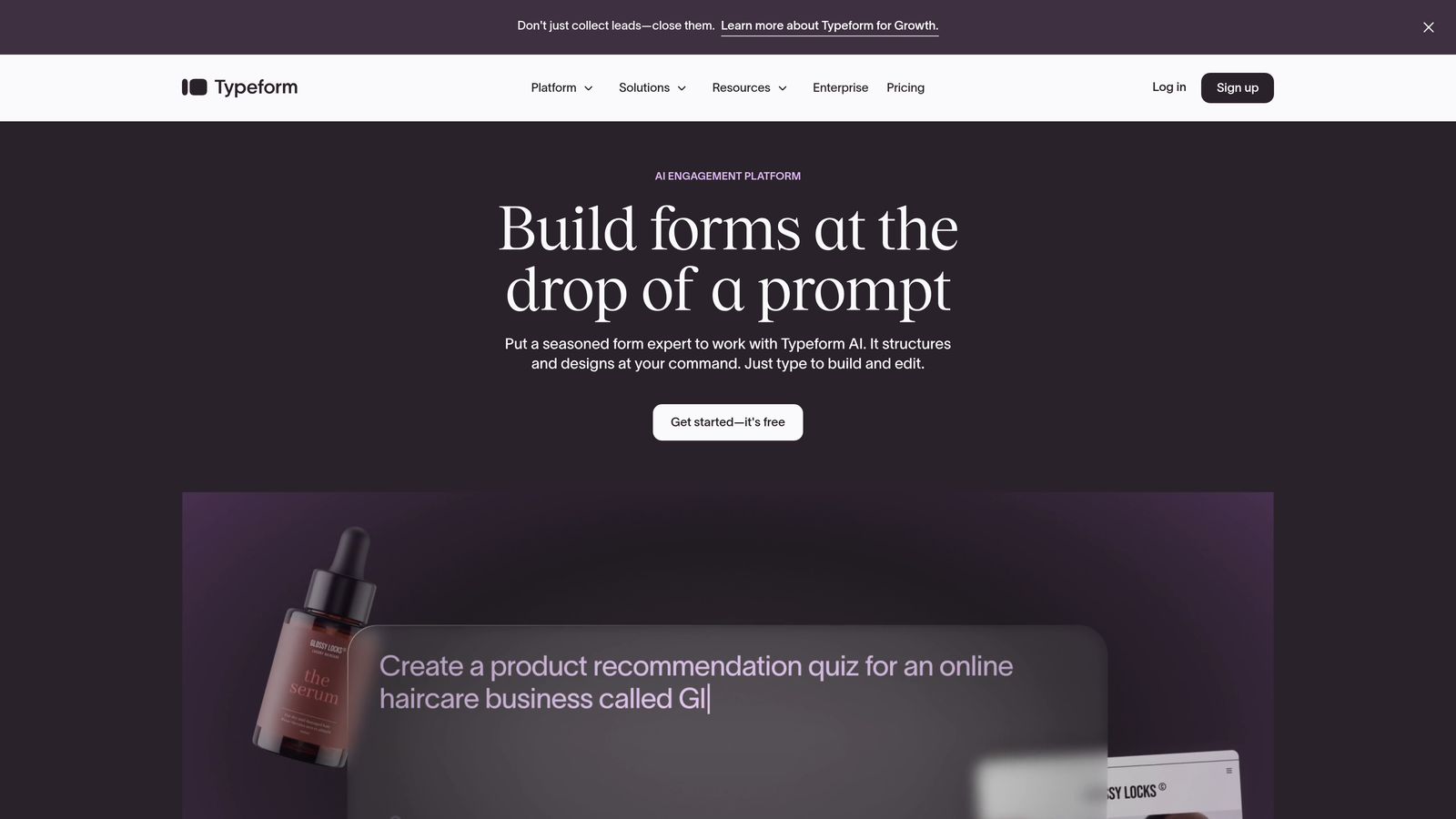
Typeform is a conversational form builder that presents one question at a time for higher engagement rates.
Where This Tool Shines
Typeform's one-question-at-a-time interface creates a conversation-like experience that feels less overwhelming than traditional forms. This approach consistently delivers higher completion rates, especially for longer surveys or multi-step applications.
The platform's email automation focuses on respondent notifications and basic follow-ups. While not as robust as dedicated marketing automation tools, it handles the essential task of acknowledging submissions and delivering promised resources immediately after completion.
Key Features
Conversational Interface: One-question-at-a-time format that increases engagement and completion rates.
Respondent Notifications: Automatic emails sent to form submitters with customizable content.
Logic Jumps: Conditional branching that personalizes the form experience based on previous answers.
Integration Ecosystem: Extensive Zapier connections plus native integrations with major marketing platforms.
VideoAsk Integration: Combine video responses with form data for richer interactions.
Best For
Teams prioritizing user experience and engagement over complex automation. Ideal for customer research, event registration, and lead magnets where the form experience itself drives conversion.
Pricing
Free tier available with Typeform branding. Basic plan starts at $25/month for removing branding and accessing logic jumps.
3. Jotform
Best for: Teams needing extensive template options with built-in autoresponder capabilities
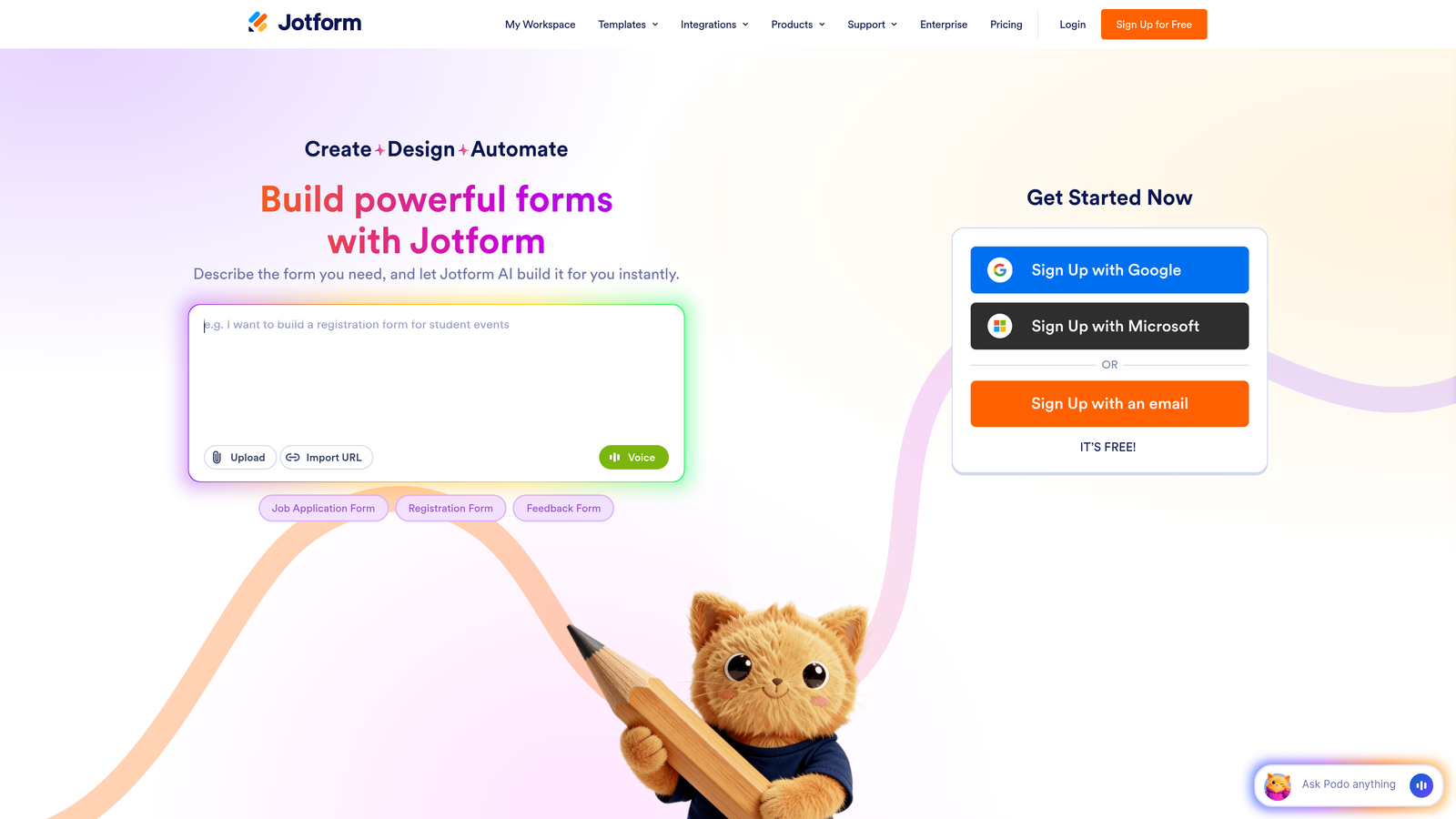
Jotform is a feature-rich form builder offering over 10,000 templates and native email automation.
Where This Tool Shines
Jotform's massive template library means you can find a pre-built form for almost any use case—from job applications to event registrations to payment collection. This dramatically reduces setup time when you need a standard form type.
The autoresponder functionality is straightforward but effective. You can send confirmation emails to submitters and notification emails to your team, with basic personalization using form field data. For teams that need simple, reliable automation without complex sequences, this approach works well.
Key Features
10,000+ Templates: Pre-built forms for virtually every industry and use case.
Autoresponder Emails: Customizable confirmation messages sent automatically to form submitters.
Conditional Logic: Show or hide fields based on previous answers, with calculation capabilities.
Payment Integration: Accept payments directly through forms with multiple processor options.
E-Signature Support: Collect legally binding signatures within your forms.
Best For
Small businesses and teams that value template variety and all-in-one functionality. Particularly strong for forms requiring payments, appointments, or signatures alongside email confirmation.
Pricing
Free tier includes 5 forms with 100 monthly submissions. Bronze plan starts at $34/month for 25 forms and 1,000 submissions.
4. HubSpot Forms
Best for: Full marketing automation with deep CRM integration and visual workflow builder
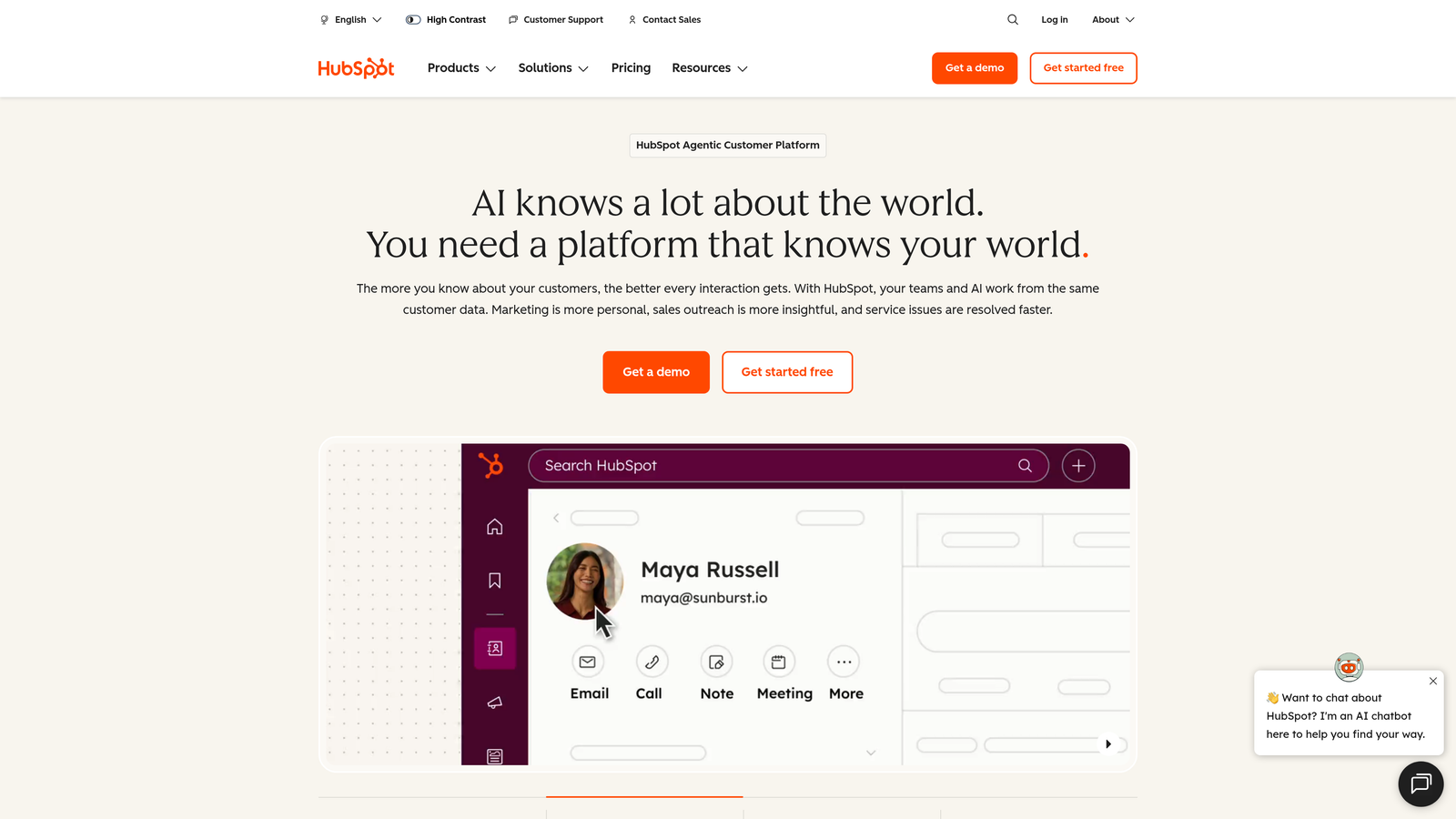
HubSpot Forms is the form component of HubSpot's complete marketing and CRM platform.
Where This Tool Shines
HubSpot Forms becomes powerful when you need sophisticated marketing automation triggered by form submissions. The visual workflow builder lets you create complex email sequences with branching logic, delays, and actions based on contact behavior.
The CRM integration is seamless because forms and CRM exist in the same ecosystem. Every submission automatically creates or updates a contact record, tracks the submission in the timeline, and can trigger workflows for lead scoring, task assignment, or multi-touch nurture campaigns.
Key Features
Native CRM Integration: Automatic contact creation and updates with full activity tracking.
Visual Workflow Builder: Create complex email sequences with conditional logic and multi-step automation.
Progressive Profiling: Show different fields to returning visitors to gradually build complete contact profiles.
Smart Fields: Pre-populate known contact information to reduce form friction.
Full Marketing Suite: Forms integrate with email marketing, landing pages, and analytics in one platform.
Best For
B2B companies with complex sales cycles, teams already using HubSpot CRM, and marketing departments that need enterprise-grade automation capabilities. Best value when you're leveraging multiple HubSpot tools together.
Pricing
Free CRM includes basic forms and email. Marketing Hub starts at $45/month for automation workflows and advanced features.
5. Mailchimp
Best for: Email-first teams needing signup forms with automated welcome sequences
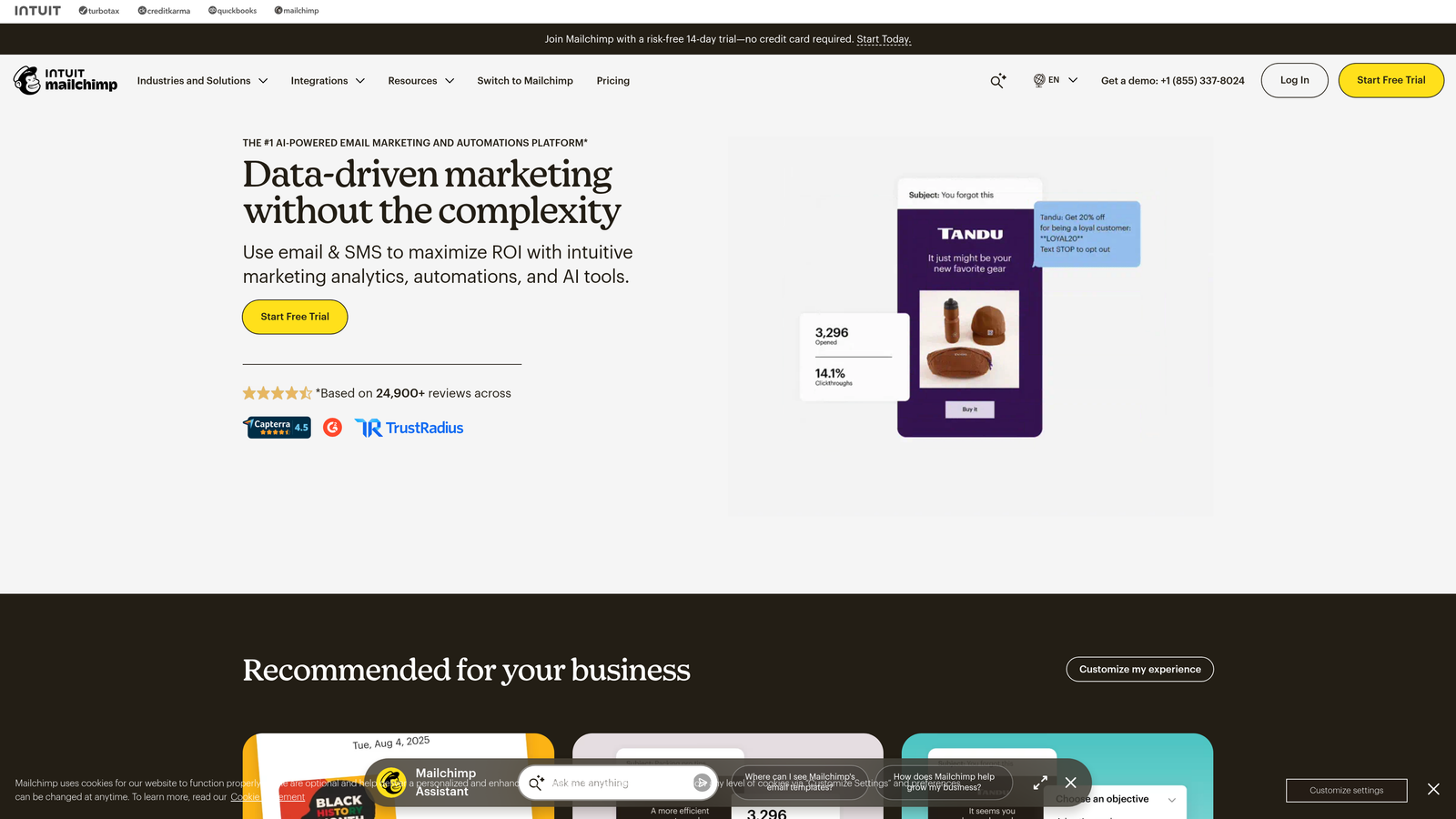
Mailchimp is an email marketing platform with embedded signup forms and automation capabilities.
Where This Tool Shines
Mailchimp approaches forms from an email-first perspective. The signup forms are designed specifically to grow your email list, with embedded, popup, and landing page options that integrate directly with your audience segments.
The automated welcome sequences are Mailchimp's strength. When someone submits a signup form, you can trigger a series of onboarding emails that introduce your brand, deliver promised resources, and guide new subscribers toward conversion. The automation builder is visual and intuitive for marketers without technical backgrounds.
Key Features
Multiple Form Types: Embedded forms, popups, and standalone landing pages all feeding into your email list.
Welcome Automations: Pre-built automation templates for new subscriber onboarding sequences.
Audience Segmentation: Automatically tag and segment contacts based on form responses and behavior.
Landing Page Builder: Create complete landing pages with forms without needing a separate website.
E-commerce Integration: Connect forms to product recommendations and purchase follow-ups.
Best For
Content creators, e-commerce businesses, and small marketing teams focused primarily on email list growth and newsletter engagement. Less ideal for complex lead qualification or sales-focused workflows.
Pricing
Free tier supports up to 500 contacts with basic features. Essentials plan starts at $13/month, scaling with contact count.
6. ConvertKit
Best for: Creators and course sellers needing tag-based automation with visual sequence builder
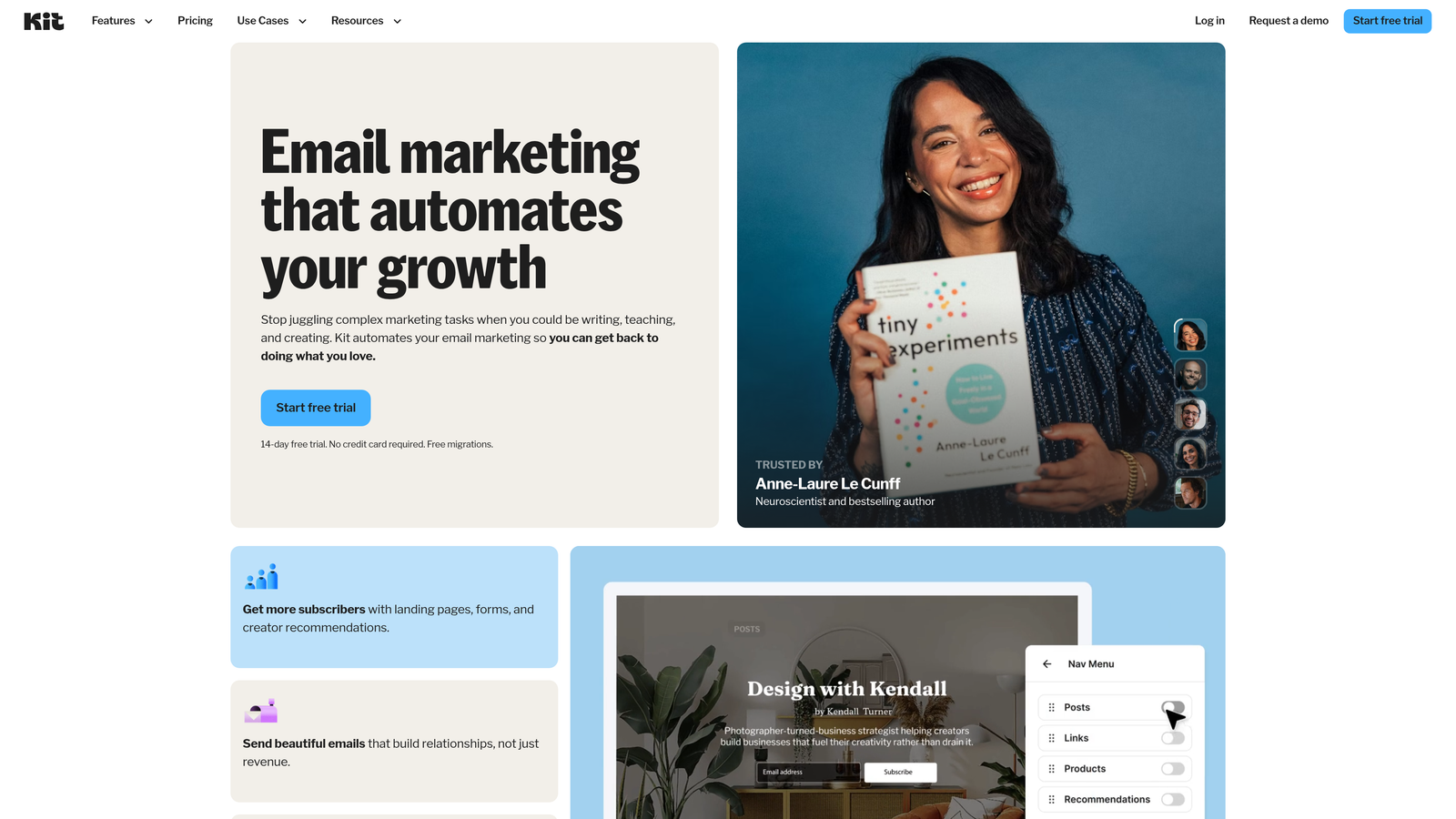
ConvertKit is an email platform built specifically for creators, with forms and automation designed around content delivery.
Where This Tool Shines
ConvertKit's visual automation builder makes it easy to create sophisticated email sequences without technical knowledge. The tag-based system is particularly powerful—each form can apply specific tags to subscribers, which then trigger different automation sequences based on interests or behaviors.
The platform excels at delivering lead magnets and managing multiple content upgrades. You can create different opt-in forms for different resources, each triggering its own welcome sequence while maintaining subscribers in a unified list with appropriate tags.
Key Features
Visual Automation Builder: Drag-and-drop interface for creating complex email sequences and conditional paths.
Tag-Based Segmentation: Organize subscribers by interests and behaviors rather than rigid list structures.
Customizable Forms: Inline, modal, and slide-in forms with design flexibility and custom fields.
Landing Pages: Built-in landing page builder for hosting opt-in pages without external tools.
Creator Templates: Pre-built sequences for common creator scenarios like course launches and content delivery.
Best For
Online course creators, bloggers, podcasters, and solo entrepreneurs who monetize through digital products or services. The platform's simplicity and creator focus make it less suitable for traditional B2B sales workflows.
Pricing
Free tier available for up to 1,000 subscribers with limited features. Creator plan starts at $25/month with full automation access.
7. Paperform
Best for: Beautiful, document-style forms with flexible automation actions and strong branding
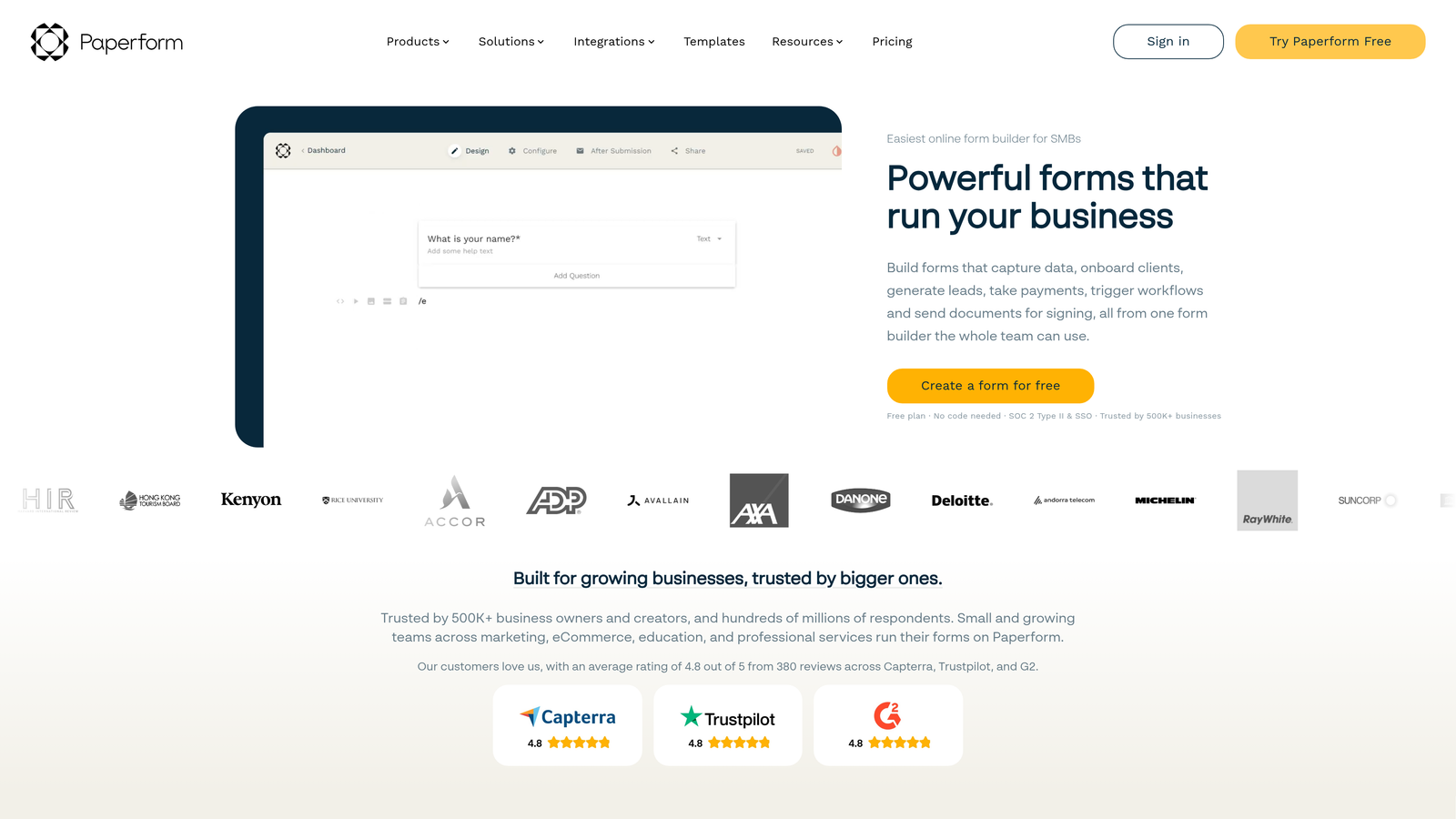
Paperform is a form builder that creates document-style forms with extensive customization and native email actions.
Where This Tool Shines
Paperform's document-style interface lets you create forms that feel more like interactive web pages than traditional forms. You can mix questions with rich text, images, and videos to create engaging experiences that reflect your brand.
The email automation is flexible without being overwhelming. You can trigger multiple email actions from a single submission—sending different messages to submitters and team members, with conditional content based on form responses. The setup is straightforward but powerful enough for most business needs.
Key Features
Document-Style Interface: Create forms that look like branded web pages with rich content between questions.
Native Email Actions: Send customized emails to submitters and team members with conditional content.
Conditional Logic: Show or hide fields and calculate values based on previous answers.
Design Customization: Extensive styling options to match your brand without coding.
Payment Collection: Accept payments through Stripe or PayPal directly in your forms.
Best For
Design-conscious businesses, agencies, and service providers who want forms that reflect their brand quality. Particularly strong for applications, bookings, and order forms where visual presentation matters.
Pricing
Essentials plan starts at $24/month with full features. No free tier, but 14-day trial available.
8. Formstack
Best for: Enterprise teams requiring compliance features and advanced workflow automation
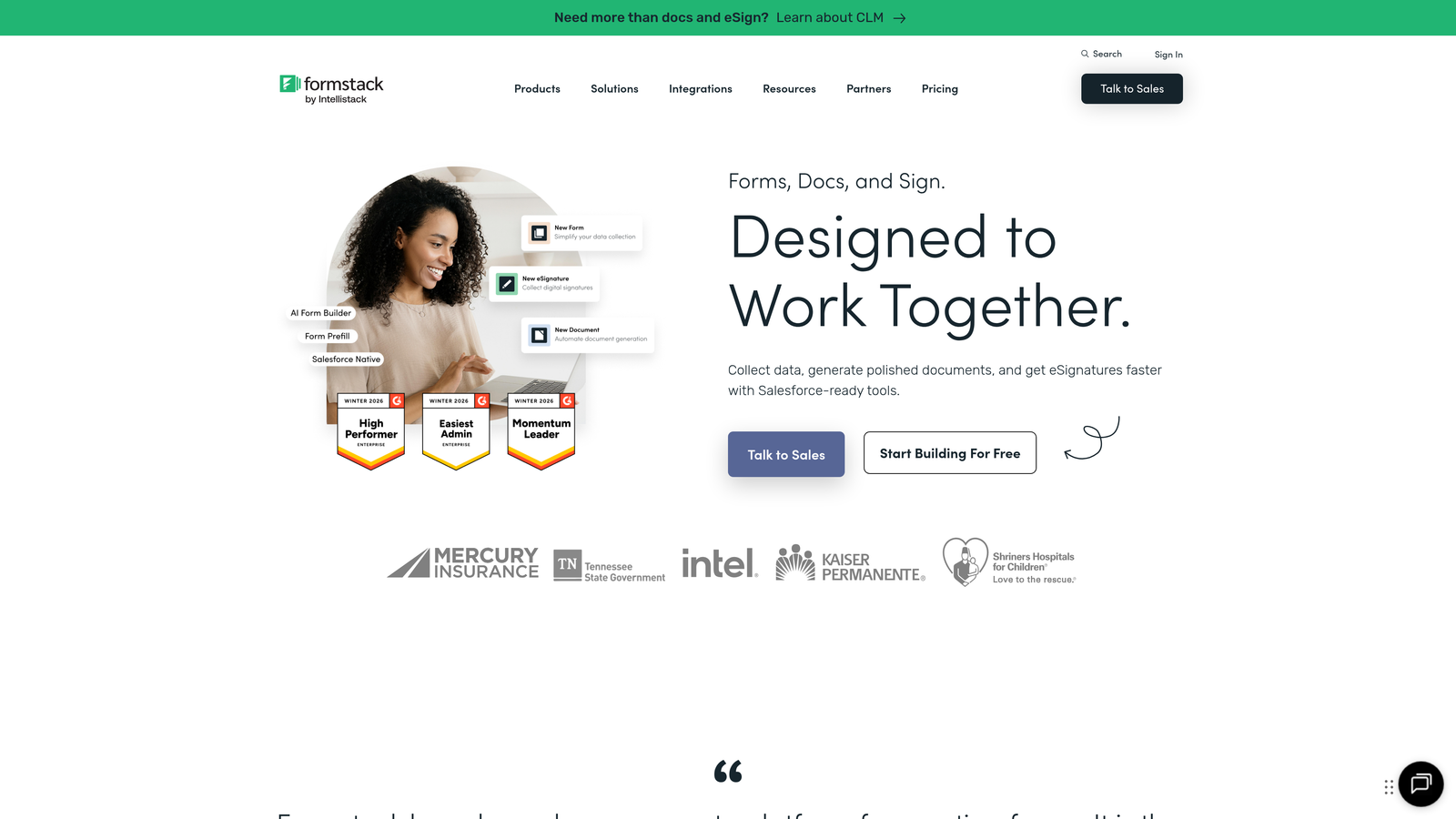
Formstack is an enterprise-focused form builder with compliance capabilities and sophisticated automation.
Where This Tool Shines
Formstack is built for organizations with complex compliance requirements. The platform offers HIPAA-compliant forms for healthcare, along with features like audit trails and data encryption that enterprise security teams require.
The workflow automation extends beyond email to include multi-step approval processes, document generation, and advanced routing logic. You can create sophisticated workflows where form submissions trigger approval chains, generate contracts, and send different email sequences based on approval outcomes.
Key Features
HIPAA Compliance: Healthcare-grade security and compliance features for sensitive data collection.
Approval Workflows: Multi-step approval processes with email notifications at each stage.
Advanced Conditional Logic: Complex branching and calculations for sophisticated form behavior.
Document Generation: Automatically create PDFs or documents from form submissions.
E-Signature Integration: Collect legally binding signatures with full audit trails.
Best For
Healthcare organizations, financial services, government agencies, and large enterprises with strict compliance requirements. The robust features and enterprise pricing make it less suitable for small businesses or startups.
Pricing
Starter plan begins at $50/month. Enterprise pricing available for compliance features and advanced workflows.
9. Tally
Best for: Budget-conscious teams wanting unlimited forms with essential email notifications
Tally is a free-tier-focused form builder with a Notion-like interface and generous usage limits.
Where This Tool Shines
Tally's generous free tier is its defining feature—unlimited forms and unlimited submissions without paying anything. For startups and small teams watching every dollar, this removes the common constraint of form limits or submission caps.
The Notion-like block-based editor will feel immediately familiar if you use Notion for documentation. You build forms by adding blocks for different question types, with a clean, minimalist interface that prioritizes simplicity over advanced features.
Key Features
Unlimited Free Tier: No limits on forms or submissions, making it ideal for high-volume use on a budget.
Block-Based Editor: Notion-style interface for intuitive form building without learning curves.
Email Notifications: Basic but functional email alerts for submissions and respondent confirmations.
Conditional Logic: Show or hide questions based on previous answers for dynamic forms.
Integration Options: Connect to Zapier and other tools for extending automation capabilities.
Best For
Bootstrapped startups, side projects, and teams that need basic form functionality without monthly costs. The email automation is limited to notifications rather than sequences, so it works best for simple confirmation needs.
Pricing
Free tier includes unlimited forms and submissions. Pro plan at $29/month adds custom domains and removes Tally branding.
Making the Right Choice
The right form builder with email automation depends on where you are in your growth journey and what you need automation to accomplish.
For high-growth teams that need AI-powered lead qualification alongside email sequences, Orbit AI delivers the most complete solution. The native sequences feature eliminates workflow gaps, while AI scoring ensures your team focuses on the highest-value prospects first.
If you're already invested in HubSpot's ecosystem, HubSpot Forms gives you the deepest CRM integration and most sophisticated workflow capabilities. The visual automation builder can handle complex nurture sequences that would require multiple tools elsewhere.
Typeform remains the best choice when form experience drives your conversion strategy. The conversational interface consistently delivers higher completion rates, though you'll need to supplement with Zapier for advanced automation.
Budget-conscious startups should look at Tally for unlimited free forms or Mailchimp for email-first workflows with generous free tiers. Both provide essential automation without monthly costs until you scale.
The key decision factors come down to three questions: Do you need simple autoresponders or complex multi-step sequences? Is native automation worth paying for, or will you integrate with external tools? And how important is lead qualification versus basic follow-up?
Teams serious about conversion optimization increasingly choose platforms that combine form building with intelligent automation. The gap between form submission and follow-up action represents lost revenue—every hour a qualified lead waits is an hour they might find your competitor.
Start your free trial today and see how intelligent form design can elevate your conversion strategy. Transform your lead generation with AI-powered forms that qualify prospects automatically while delivering the modern, conversion-optimized experience your high-growth team needs.


