

Building professional forms used to require hiring a developer or wrestling with complex code. Not anymore. Today's no-code form builders let anyone create stunning, conversion-optimized forms in minutes—whether you're collecting leads, processing payments, or running surveys. But with dozens of options flooding the market, finding the right tool for your specific needs can feel overwhelming.
We tested and evaluated the leading form builders based on ease of use, customization options, integration capabilities, and value for money. Here are the top form builders without coding that actually deliver results in 2026.
1. Orbit AI
Best for: High-growth teams focused on lead generation and conversion optimization
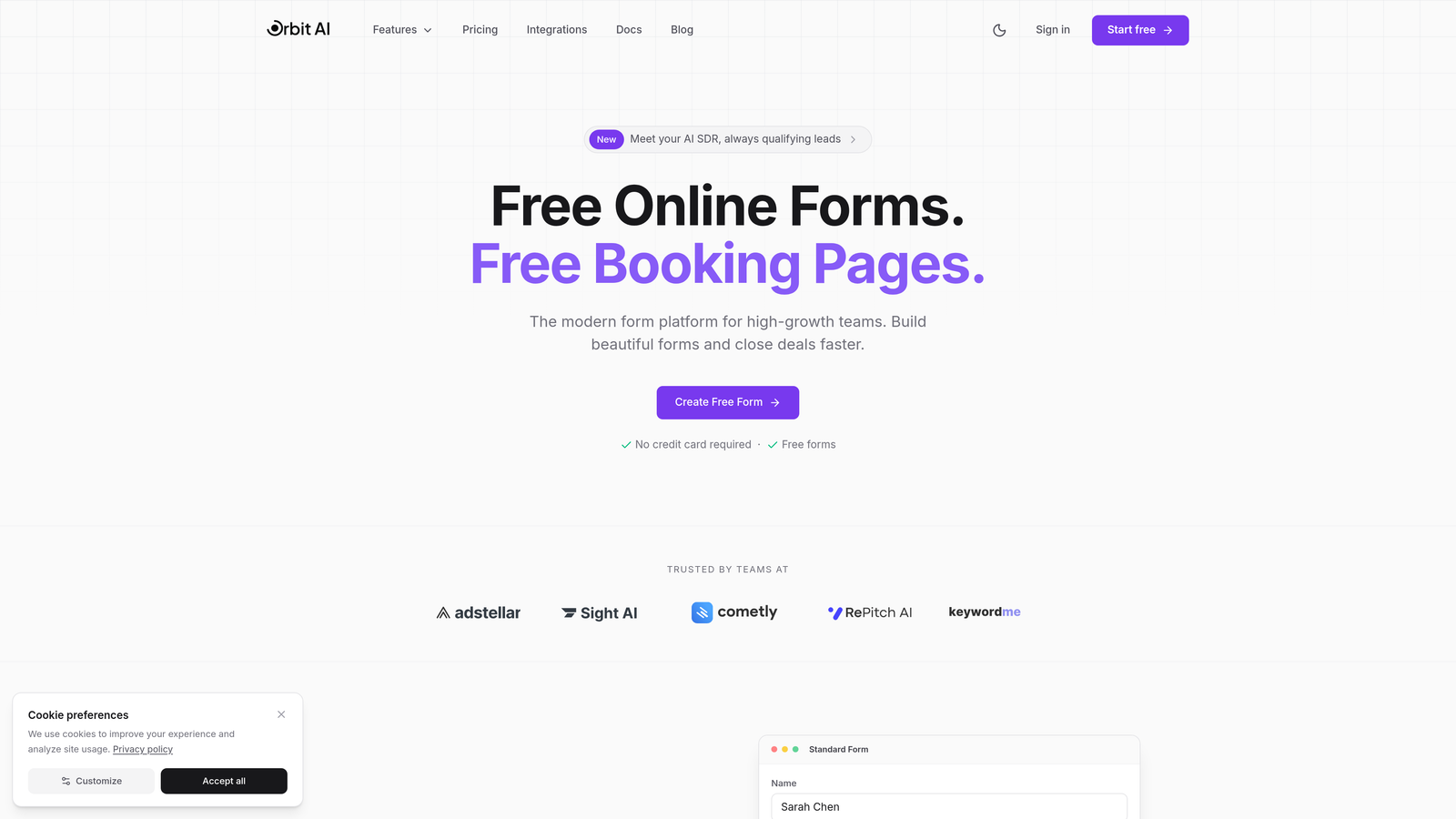
Orbit AI is an AI-powered form builder designed specifically for teams that need more than just data collection—they need qualified leads.
Where This Tool Shines
What sets Orbit AI apart is its built-in intelligence layer. While most form builders simply collect responses, Orbit AI automatically scores and qualifies leads as they submit, routing high-value prospects to your sales team instantly. This eliminates the manual triage process that wastes hours every week.
The platform focuses on conversion optimization from the ground up. Every template is designed with modern UX principles that reduce friction and increase completion rates. For teams where form performance directly impacts revenue, this attention to conversion details makes a measurable difference.
Key Features
AI-Powered Lead Qualification: Automatically scores and routes leads based on their responses and behavior patterns.
Conversion-Optimized Templates: Pre-built forms designed specifically to maximize completion rates and reduce drop-off.
Native CRM Integrations: Seamlessly connects with HubSpot, Salesforce, and Slack without third-party tools.
Real-Time Analytics: Track form performance, conversion rates, and lead quality with detailed insights.
Automated Workflows: Trigger sequences and actions based on form submissions and lead scores.
Best For
Orbit AI is ideal for B2B companies, SaaS businesses, and marketing teams where lead quality matters more than lead quantity. If you're tired of sorting through unqualified submissions or want to connect form data directly to your revenue pipeline, this platform delivers.
Pricing
Free tier available for getting started. Paid plans offer competitive pricing designed for growing teams that need advanced qualification and automation features.
2. Typeform
Best for: Creating engaging, conversational experiences that feel more like a conversation than a form
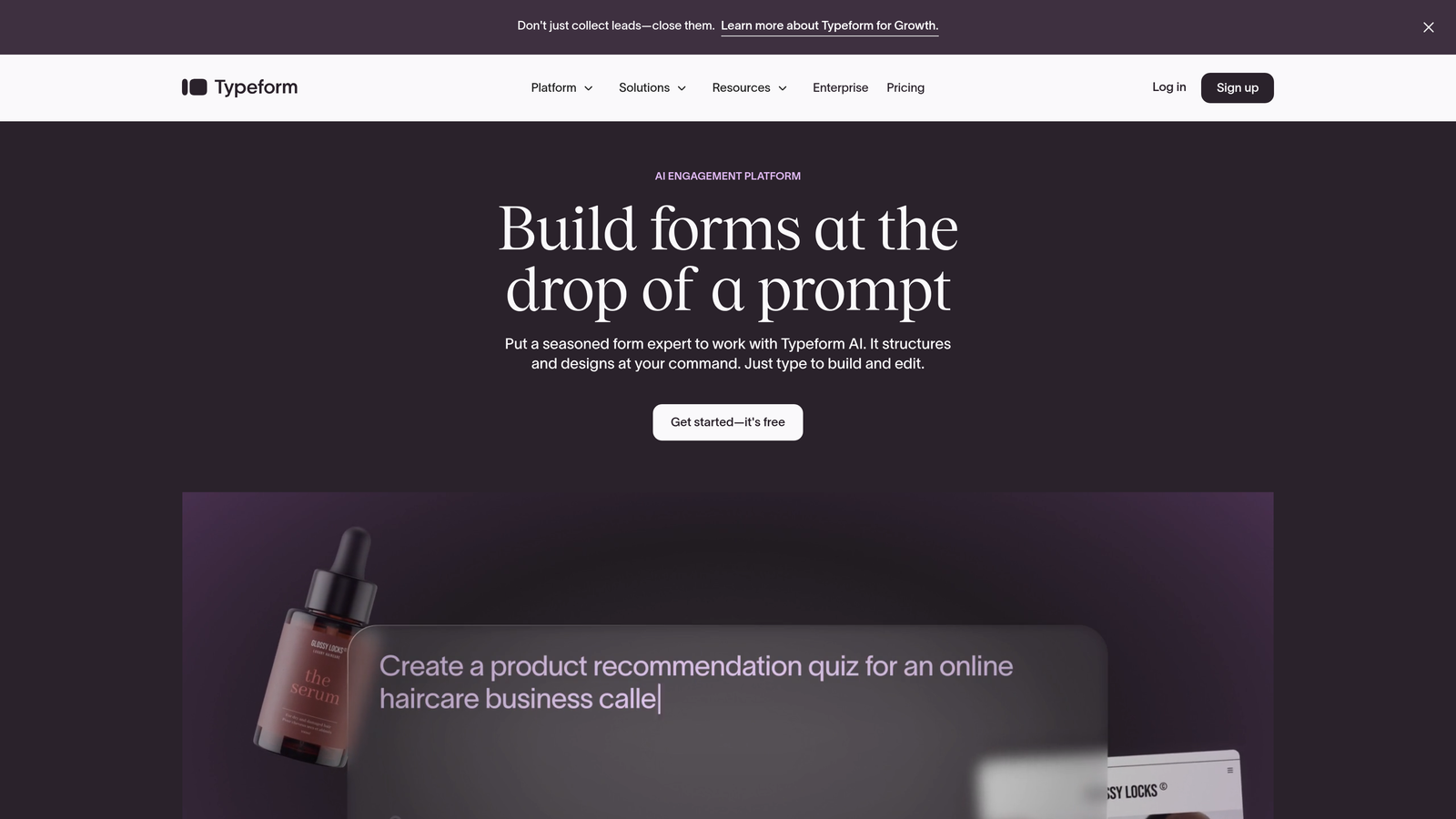
Typeform is a conversational form builder that revolutionized how people think about online forms.
Where This Tool Shines
Typeform's signature one-question-at-a-time format creates a focused, distraction-free experience that feels remarkably human. Instead of overwhelming respondents with a wall of fields, it guides them through a conversational journey. This approach consistently delivers higher completion rates, especially for longer surveys or complex questionnaires.
The platform excels at creating visually stunning forms with smooth animations and transitions. If your brand values design and user experience, Typeform helps you maintain that polish throughout the entire customer journey.
Key Features
Conversational Interface: One-question-at-a-time format that reduces cognitive load and increases engagement.
Logic Jumps: Create branching paths based on responses to personalize the experience for each user.
Rich Media Support: Embed videos, images, and GIFs to make forms more engaging and interactive.
Native Integrations: Connect directly to popular tools like Google Sheets, Slack, Mailchimp, and HubSpot.
Custom Branding: Remove Typeform branding and add your own logo, colors, and custom domains.
Best For
Typeform works best for customer feedback surveys, event registrations, lead qualification forms, and any scenario where user experience matters as much as data collection. It's particularly effective for consumer-facing brands.
Pricing
Free plan includes basic features with Typeform branding. Basic plan starts at $25/month, offering more responses and customization options.
3. Jotform
Best for: Teams needing extensive template variety and advanced customization options
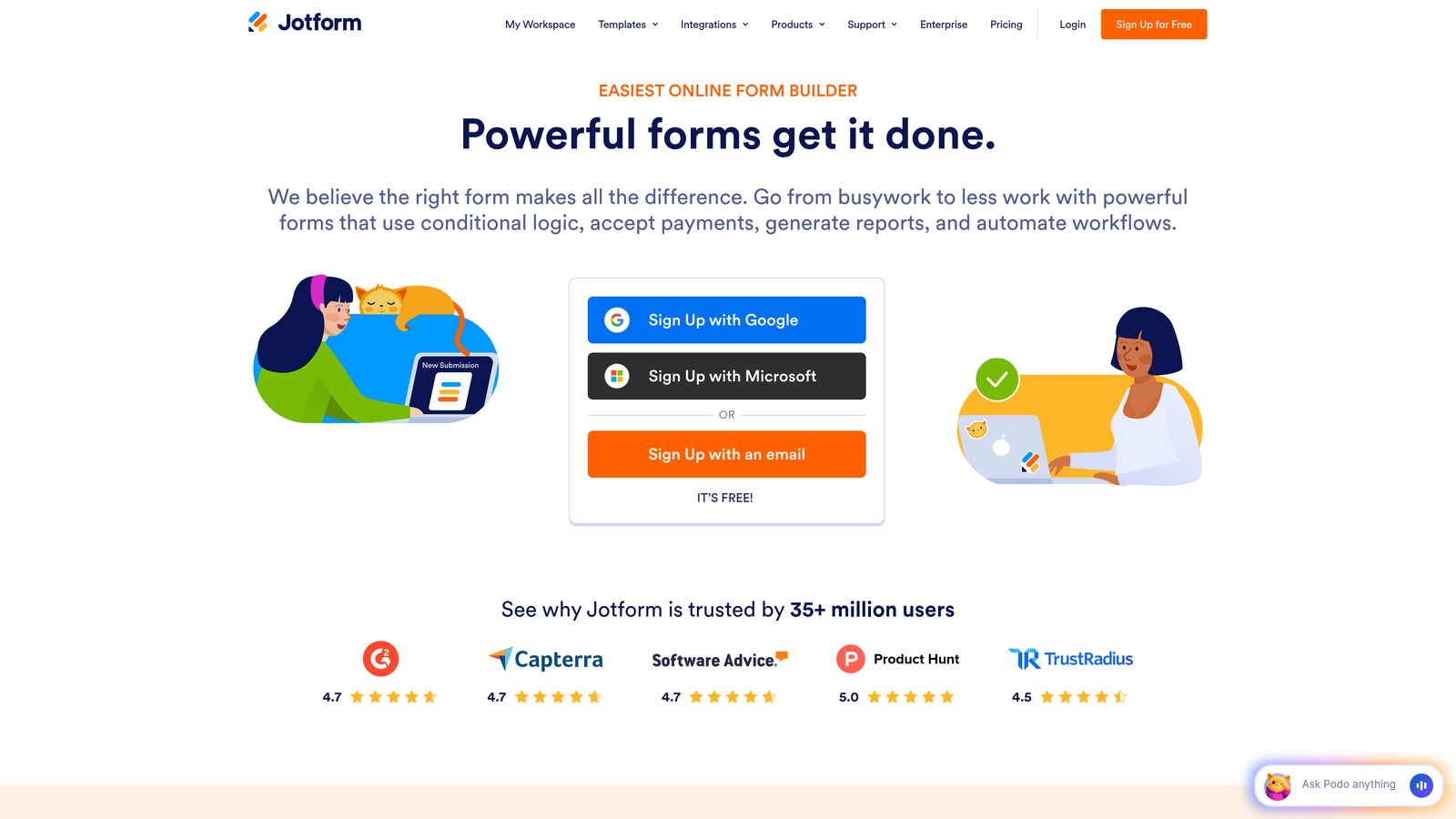
Jotform is a feature-rich form builder offering over 10,000 templates for virtually any use case imaginable.
Where This Tool Shines
Jotform's massive template library means you'll rarely build from scratch. Whether you need a complex job application form, a detailed event registration, or a payment collection form, there's likely a pre-built template that gets you 80% of the way there. This saves significant time, especially for teams creating multiple form types.
The platform's widget ecosystem adds functionality that goes beyond standard form fields. Need appointment scheduling, signature collection, or file uploads with preview? Jotform's widgets handle these advanced requirements without custom development.
Key Features
10,000+ Templates: Pre-built forms for every industry and use case, from healthcare to education to e-commerce.
Drag-and-Drop Builder: Intuitive interface with extensive widget library for adding advanced functionality.
Payment Processing: Accept payments through PayPal, Stripe, Square, and other major gateways directly in forms.
PDF Generation: Automatically create PDF documents from form submissions with custom formatting.
E-Signature Support: Collect legally binding signatures directly within forms for contracts and agreements.
Best For
Jotform serves teams that need variety and flexibility across multiple departments. It's particularly strong for organizations requiring payment collection, document generation, or compliance-heavy forms with detailed requirements.
Pricing
Free plan allows up to 5 forms with 100 monthly submissions. Bronze plan starts at $34/month for increased limits and features.
4. Tally
Best for: Budget-conscious teams wanting unlimited forms without subscription costs
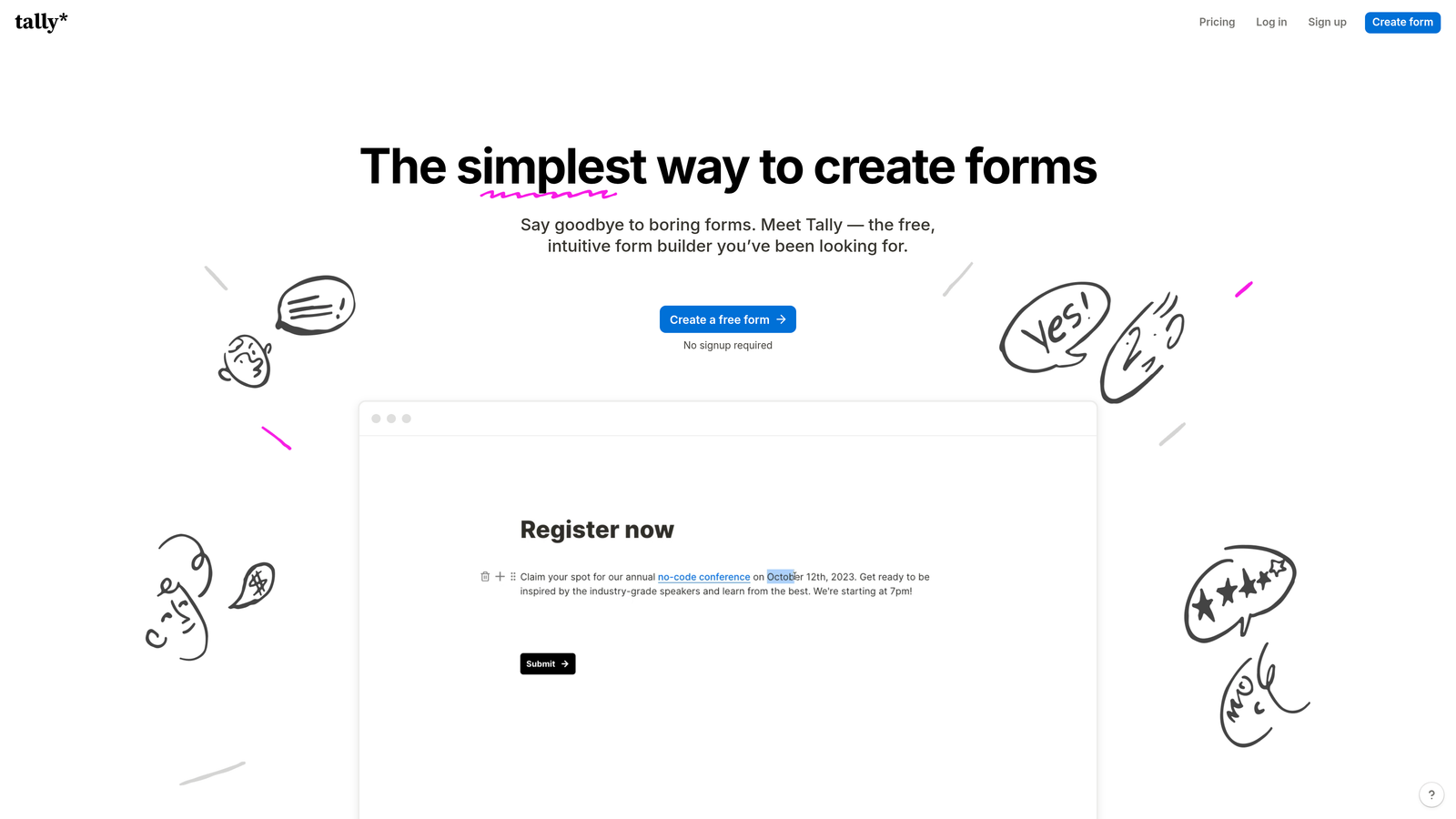
Tally is a Notion-like form builder that offers an incredibly generous free tier with unlimited forms and submissions.
Where This Tool Shines
Tally's free plan is genuinely unlimited—no artificial caps on form numbers or monthly submissions that force upgrades. For startups, nonprofits, or small teams with tight budgets, this removes the constant worry about hitting usage limits. You can create as many forms as you need without watching the meter.
The Notion-style block-based editor feels immediately familiar if you've used modern productivity tools. Building forms becomes intuitive—just add blocks, configure options, and publish. There's minimal learning curve, which means faster deployment and less training time.
Key Features
Unlimited Free Tier: Create unlimited forms with unlimited submissions at no cost—no hidden catches.
Block-Based Editor: Notion-inspired interface that makes form building feel natural and intuitive.
Conditional Logic: Show or hide fields based on previous responses to create dynamic forms.
Calculations: Perform mathematical operations on form data for quotes, assessments, or scoring.
Custom Domains: Use your own domain for professional-looking form URLs on paid plans.
Best For
Tally is perfect for bootstrapped startups, side projects, small businesses, and anyone who needs professional forms without monthly fees eating into limited budgets.
Pricing
Generous free tier with unlimited forms and submissions. Pro plan at $29/month adds custom branding, domains, and advanced features.
5. Fillout
Best for: Teams using Notion or Airtable who want seamless database integration
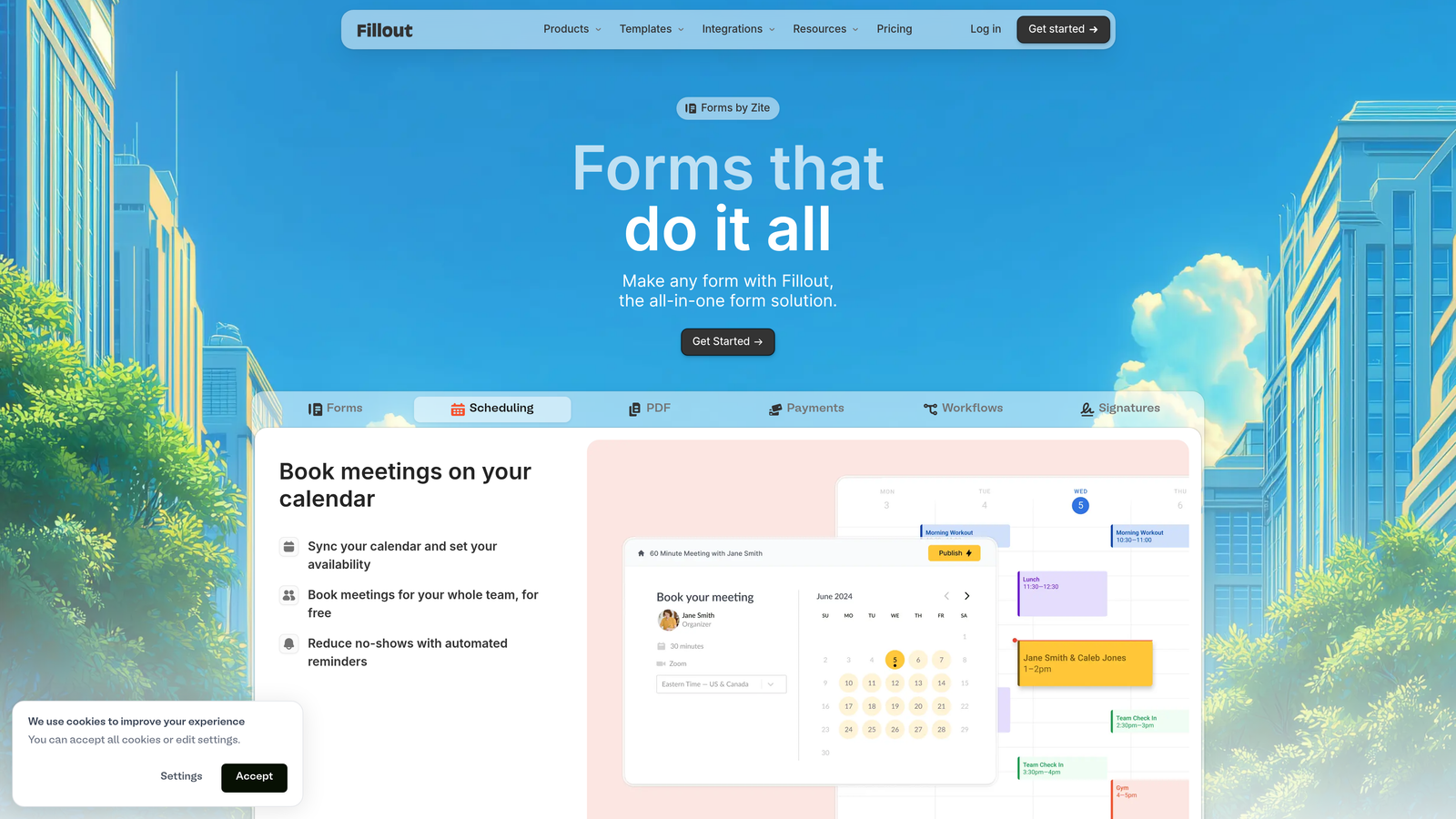
Fillout is a modern form builder with native integrations for Notion, Airtable, and other databases.
Where This Tool Shines
Fillout treats your existing databases as the source of truth. Instead of collecting form data and then manually copying it to Notion or Airtable, responses sync automatically to your workspace. This eliminates duplicate data entry and keeps your workflow centralized where your team already works.
The pre-fill capability is particularly powerful for follow-up forms or multi-step processes. Pull existing data from your database to populate form fields automatically, creating personalized experiences without asking users to re-enter information they've already provided.
Key Features
Native Database Integration: Direct two-way sync with Notion, Airtable, and Google Sheets—no Zapier required.
Pre-Fill Forms: Automatically populate fields with existing data from your database for personalized experiences.
Scheduling Features: Built-in appointment booking functionality that syncs with your calendar.
Payment Collection: Accept payments through Stripe directly within your forms.
Clean Interface: Modern, minimal design that focuses on usability without overwhelming options.
Best For
Fillout excels for teams already invested in Notion or Airtable ecosystems who want forms to integrate seamlessly with their existing workflows and databases.
Pricing
Free plan available with basic features. Starter plan at $15/month unlocks advanced integrations and removes branding.
6. Paperform
Best for: Creating form-based landing pages with rich content and media
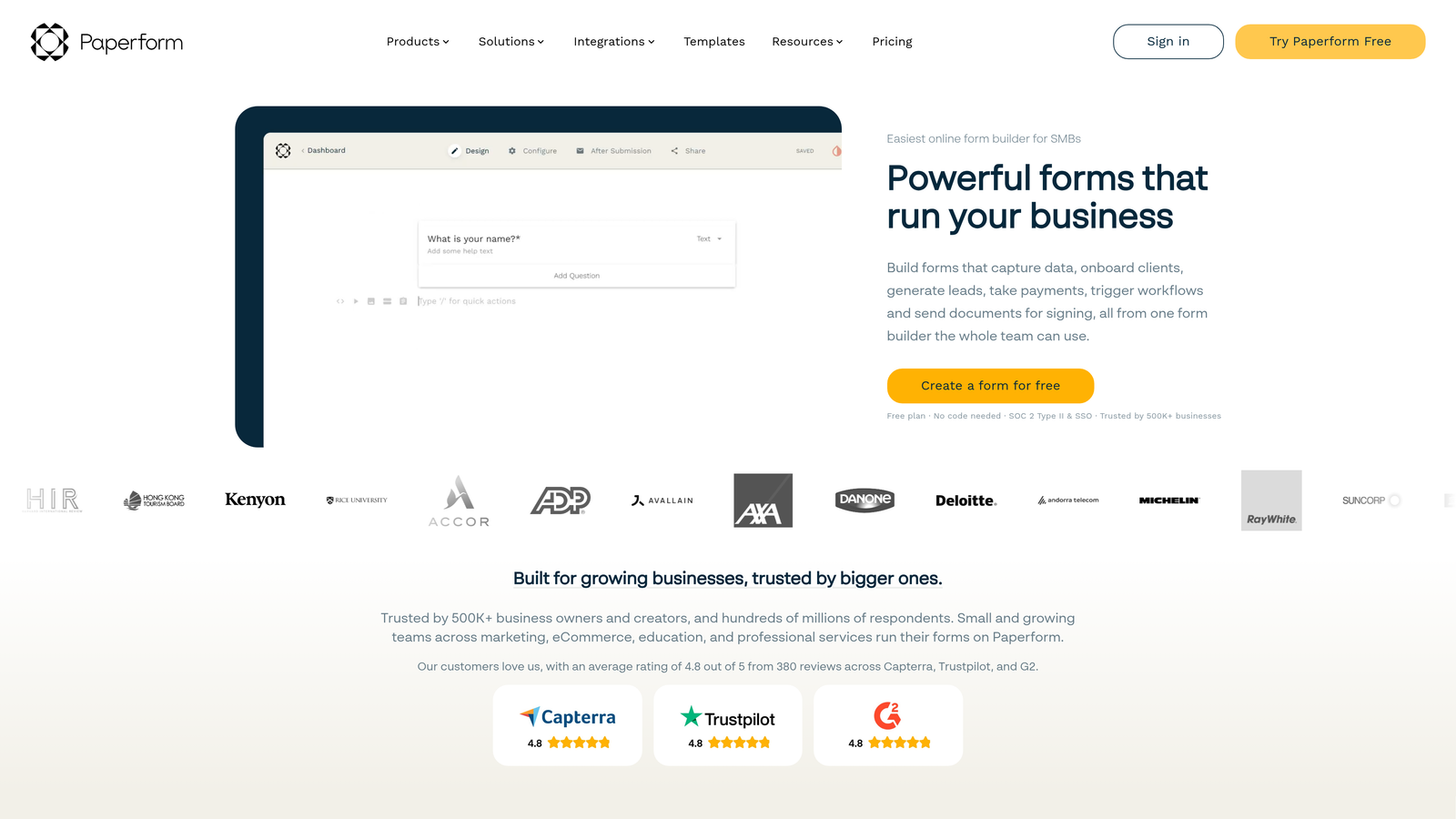
Paperform is a form builder that creates document-style forms resembling full landing pages.
Where This Tool Shines
Paperform blurs the line between forms and landing pages. You can embed rich text, images, videos, and formatted content alongside your form fields, creating experiences that tell a story while collecting data. This makes forms feel less transactional and more like branded content experiences.
The platform's e-commerce and booking capabilities are particularly robust. If you're selling products, accepting bookings, or processing payments, Paperform handles these scenarios natively without requiring multiple tools or complex integrations.
Key Features
Document-Style Layouts: Create forms that look like landing pages with rich formatting and content blocks.
Rich Media Embedding: Add videos, images, formatted text, and custom HTML to create immersive experiences.
E-Commerce Features: Sell products, manage inventory, and process payments directly through forms.
Booking Functionality: Schedule appointments, manage availability, and send automated confirmations.
Advanced Logic: Complex conditional rules and calculations for dynamic, personalized form experiences.
Best For
Paperform works best for creative agencies, service providers, course creators, and businesses where forms need to match the polish of their marketing materials.
Pricing
Essentials plan starts at $24/month. Pro plan at $49/month adds advanced features and removes submission limits.
7. Google Forms
Best for: Simple data collection with automatic Google Sheets integration
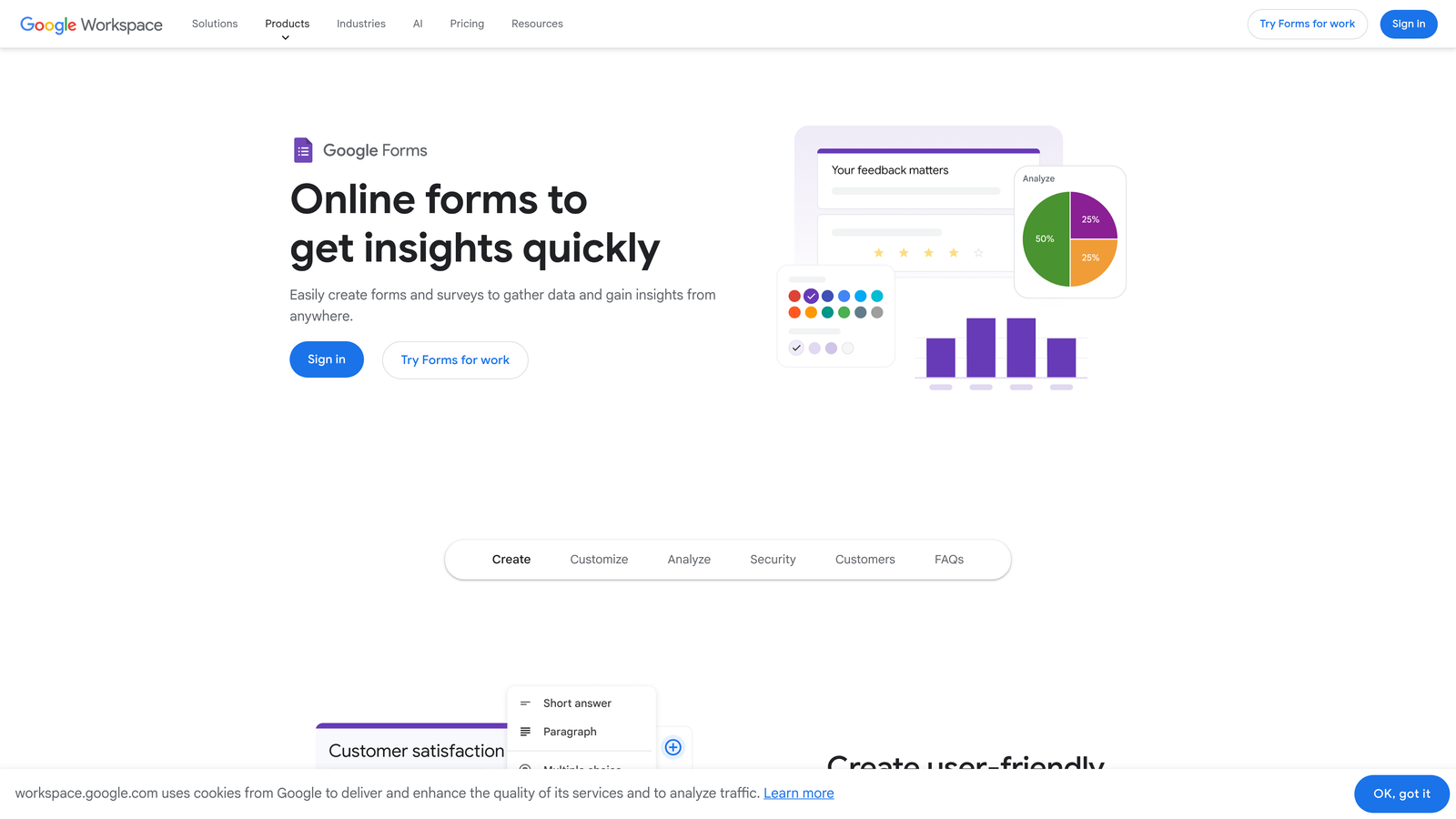
Google Forms is a free, straightforward form builder that integrates seamlessly with Google Workspace.
Where This Tool Shines
Google Forms removes all barriers to getting started. It's completely free, requires no account setup beyond a Google login, and works immediately without configuration. For quick surveys, event RSVPs, or internal data collection, you can create and share a form in under five minutes.
The automatic Google Sheets integration is its killer feature for existing Google Workspace users. Every response flows directly into a spreadsheet where your team can analyze, filter, and manipulate data using familiar tools. No exports, no manual transfers—just instant access to structured data.
Key Features
Completely Free: No paid tiers, no usage limits, no hidden costs—just unlimited forms and responses.
Google Sheets Integration: Responses automatically populate a spreadsheet for easy analysis and sharing.
Real-Time Collaboration: Multiple team members can edit forms simultaneously, just like Google Docs.
Basic Logic: Simple conditional sections that show or hide questions based on responses.
Response Validation: Set rules to ensure users provide correctly formatted data like email addresses or numbers.
Best For
Google Forms serves teams already using Google Workspace who need simple data collection without advanced features or custom branding. It's ideal for internal surveys, event planning, and basic feedback collection.
Pricing
Completely free with any Google account. No paid upgrades or premium tiers.
8. Cognito Forms
Best for: Complex forms requiring advanced calculations and multi-page workflows
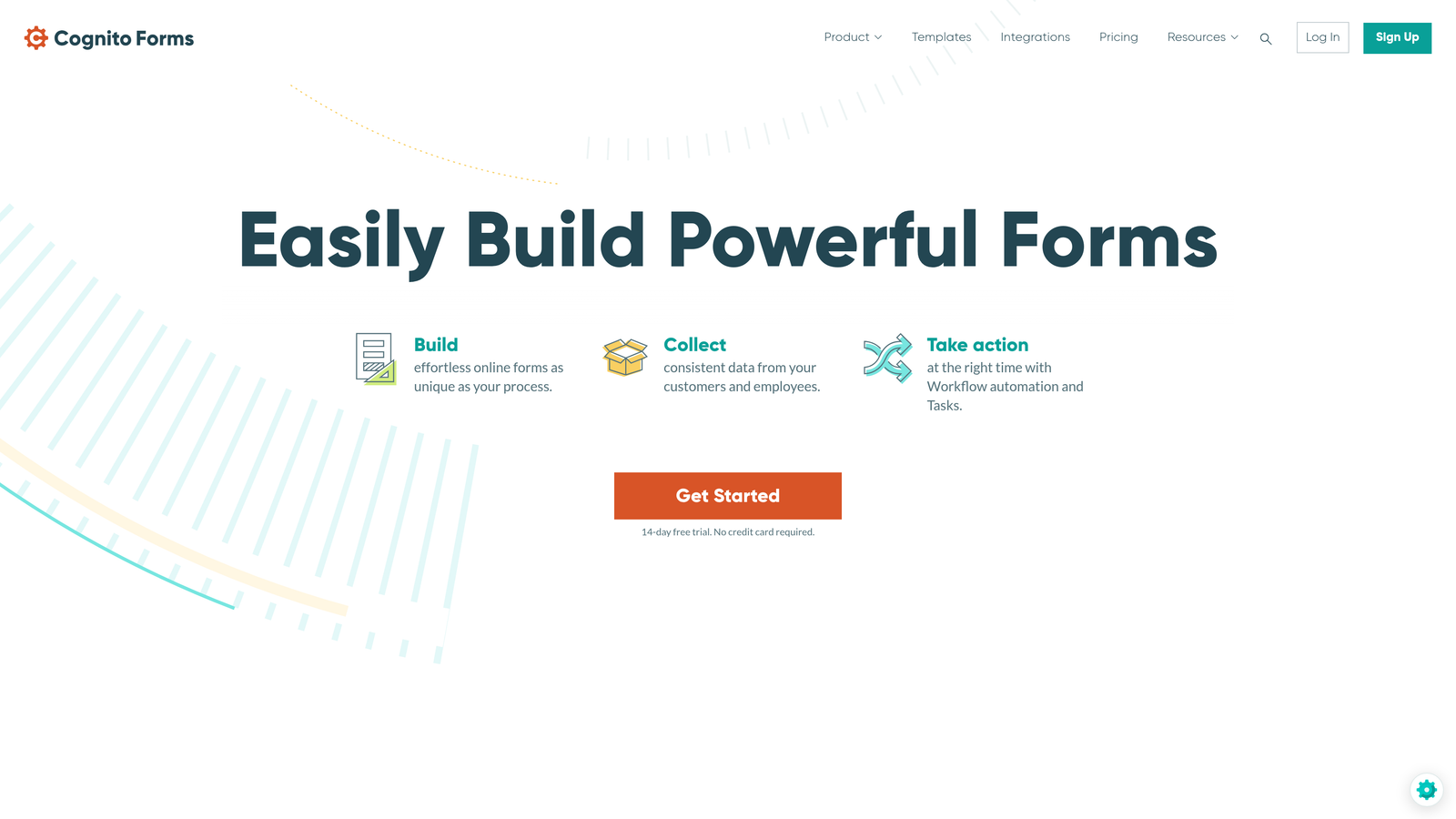
Cognito Forms is a powerful form builder specializing in complex calculations and dynamic form logic.
Where This Tool Shines
Cognito Forms handles mathematical complexity that breaks other form builders. Need to calculate quotes based on multiple variables? Build order forms with dynamic pricing? Create assessments with weighted scoring? Cognito's calculation engine handles these scenarios elegantly, letting you build sophisticated logic without writing code.
The repeating sections feature is particularly valuable for forms where users need to add multiple entries—like adding family members to a registration or listing multiple products in an order. Users can add or remove sections dynamically, and all calculations update automatically.
Key Features
Advanced Calculations: Build complex formulas using form data for quotes, scoring, and dynamic pricing.
Repeating Sections: Let users add multiple entries within a single form submission with dynamic calculations.
Payment Processing: Accept payments through Stripe, PayPal, and Square with automatic calculation of totals.
Workflow Routing: Send submissions to different team members or departments based on form responses.
Multi-Page Forms: Break long forms into logical sections with progress indicators and conditional page display.
Best For
Cognito Forms excels for organizations needing quote calculators, complex order forms, detailed applications, or any scenario requiring mathematical operations on form data.
Pricing
Free plan available with basic features. Pro plan starts at $15/month for advanced calculations and increased submission limits.
9. Formstack
Best for: Enterprise teams requiring HIPAA compliance and advanced security
Formstack is an enterprise-grade form builder with compliance features for regulated industries.
Where This Tool Shines
Formstack takes security and compliance seriously in ways that consumer-focused form builders don't. HIPAA compliance isn't an add-on—it's built into the platform architecture with encrypted data storage, audit trails, and business associate agreements. For healthcare providers, financial institutions, or any organization handling sensitive data, this compliance foundation is non-negotiable.
The workflow automation capabilities rival dedicated automation platforms. Build multi-step approval processes, route submissions based on complex conditions, trigger actions across integrated systems, and create sophisticated data workflows—all without leaving the form builder.
Key Features
HIPAA Compliance: Built-in compliance features including encryption, audit logs, and business associate agreements.
Advanced Workflows: Create multi-step approval processes and automated routing based on submission data.
E-Signature Integration: Collect legally binding signatures with DocuSign and Adobe Sign integration.
Enterprise Security: SSO support, advanced user permissions, and detailed activity logging.
GDPR Features: Data privacy controls, consent management, and data deletion workflows for European compliance.
Best For
Formstack serves healthcare organizations, financial services, government agencies, and enterprise teams in regulated industries where compliance and security are critical requirements.
Pricing
Starter plan begins at $50/month. Teams plan at $83/month adds advanced features and increased user limits.
Making the Right Choice
The right form builder depends entirely on what you're trying to accomplish. If you're focused on lead generation and need forms that don't just collect data but actually qualify prospects, Orbit AI's intelligent approach eliminates the manual sorting that wastes hours. For teams creating customer-facing surveys where experience matters, Typeform's conversational format consistently drives higher completion rates.
Budget plays a major role too. Tally's unlimited free tier removes financial barriers for startups and small teams, while Google Forms offers a zero-cost option for basic needs. On the other end, Formstack justifies its enterprise pricing for organizations where compliance isn't optional—healthcare providers and financial institutions need those HIPAA features built in from day one.
Think about your integration requirements. If your team lives in Notion or Airtable, Fillout's native database sync eliminates the friction of moving data between systems. For Google Workspace users, Google Forms' automatic spreadsheet integration is hard to beat for simplicity.
The complexity of your forms matters significantly. Simple contact forms work fine in any builder, but if you need dynamic calculations, repeating sections, or multi-page workflows with conditional logic, Cognito Forms handles that mathematical complexity elegantly. Similarly, if you're selling products or accepting bookings directly through forms, Paperform's e-commerce features are more robust than tacking on payment processing as an afterthought.
Consider the volume and variety of forms you'll create. Jotform's massive template library becomes valuable when you're building many different form types across departments. Instead of designing from scratch repeatedly, you're customizing pre-built templates that cover most use cases.
Most importantly, evaluate what happens after someone submits your form. The best form builder isn't the one with the prettiest interface—it's the one that connects seamlessly to your existing workflows and helps you act on the data you collect. Start your free trial today and see how intelligent form design can elevate your conversion strategy.


