

Online course creators juggle a surprising number of forms: enrollment applications, pre-course surveys, quiz submissions, post-course feedback, and lead capture pages. A generic form tool can handle the basics, but the right form builder for online courses goes further — qualifying leads before they enroll, matching your brand's design, and connecting seamlessly with your course platform and CRM.
This guide covers six strong contenders, from AI-powered qualification tools built for conversion to versatile builders with deep integration libraries. Whether you're running a solo cohort or scaling a multi-course academy, there's an option here that fits your workflow. We've evaluated each tool on ease of use, design flexibility, integrations, lead capture capabilities, and pricing so you can make a fast, confident decision.
1. Orbit AI
Best for: Course creators who want to qualify, segment, and convert leads — not just collect emails.
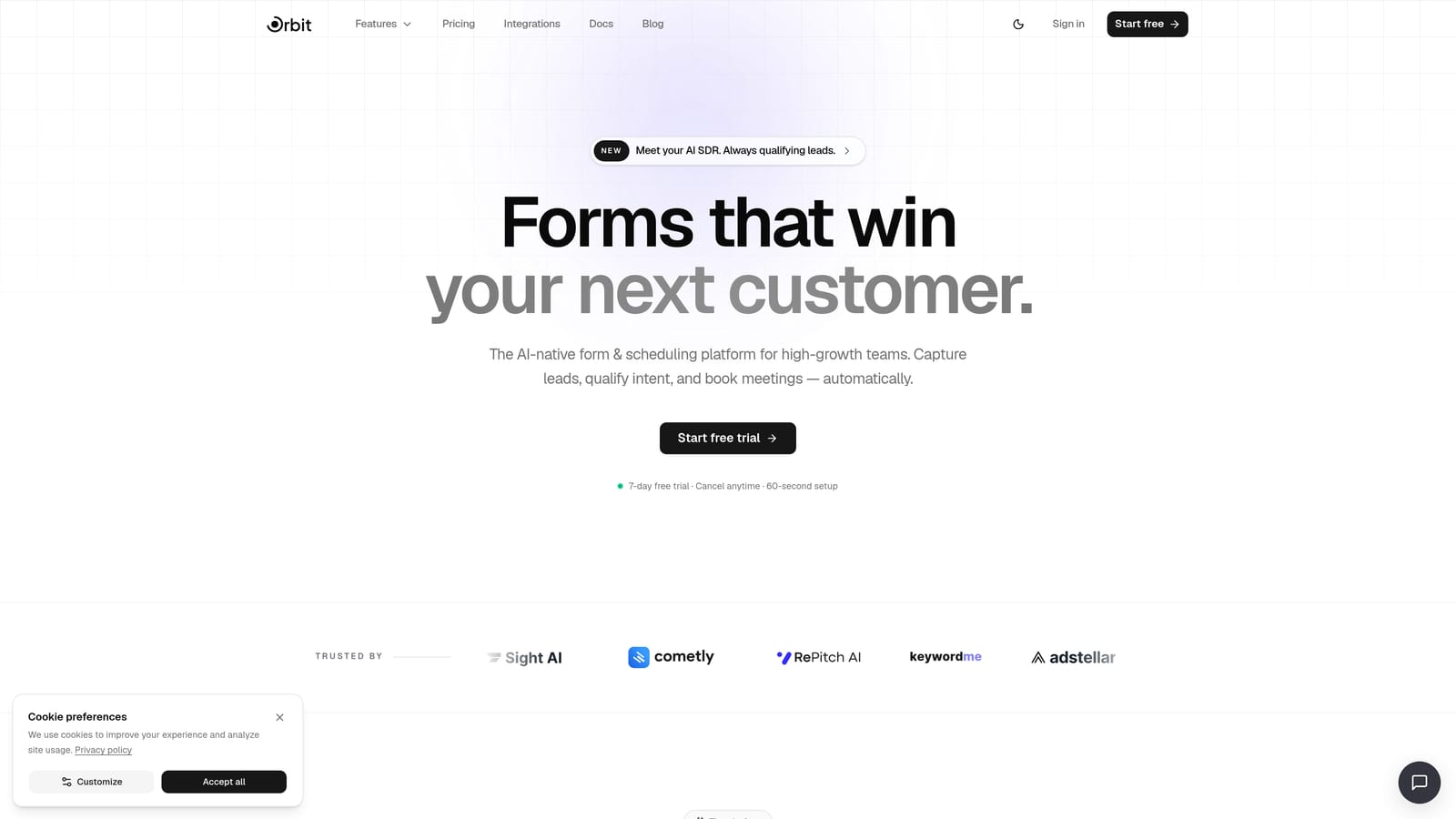
Orbit AI is an AI-powered form builder with lead qualification and conversion optimization built specifically for high-growth teams.
Where This Tool Shines
Most form builders stop at data collection. Orbit AI goes a step further by scoring and segmenting respondents in real time as they move through your form. For course creators running selective cohorts or application-based programs, this means you can automatically identify your most qualified applicants and trigger the right follow-up without lifting a finger.
The platform is also built with conversion in mind from the ground up. The form UX is designed to reduce abandonment and guide users toward completion, which matters when your enrollment form is the first real interaction a potential student has with your brand.
Key Features
AI-Powered Lead Qualification: Scores and segments respondents in real time based on their answers, so your best-fit students rise to the top automatically.
Conversion-Optimized Form Design: Purpose-built UX patterns that reduce drop-off and guide users through longer enrollment or application flows.
Built-In Workflows and Contacts Management: Sequences, automations, and a lightweight CRM layer that keeps your enrollment pipeline organized without needing a separate tool.
Analytics Dashboard: Track form performance and enrollment funnel metrics to understand where leads drop off and where they convert.
AI Agents and Scheduler: Automate follow-up after form submission, from sending confirmation sequences to booking discovery calls with qualified applicants.
Best For
High-growth course creators, cohort-based programs, and online academies that treat enrollment as a conversion funnel rather than a simple sign-up page. Particularly valuable for teams running selective admissions or premium programs where lead quality matters as much as lead volume.
Pricing
Visit orbitforms.ai/pricing for current plan details. A free trial is available to get started.
2. Typeform
Best for: Longer forms like student intake surveys and post-course feedback where completion rate is the priority.
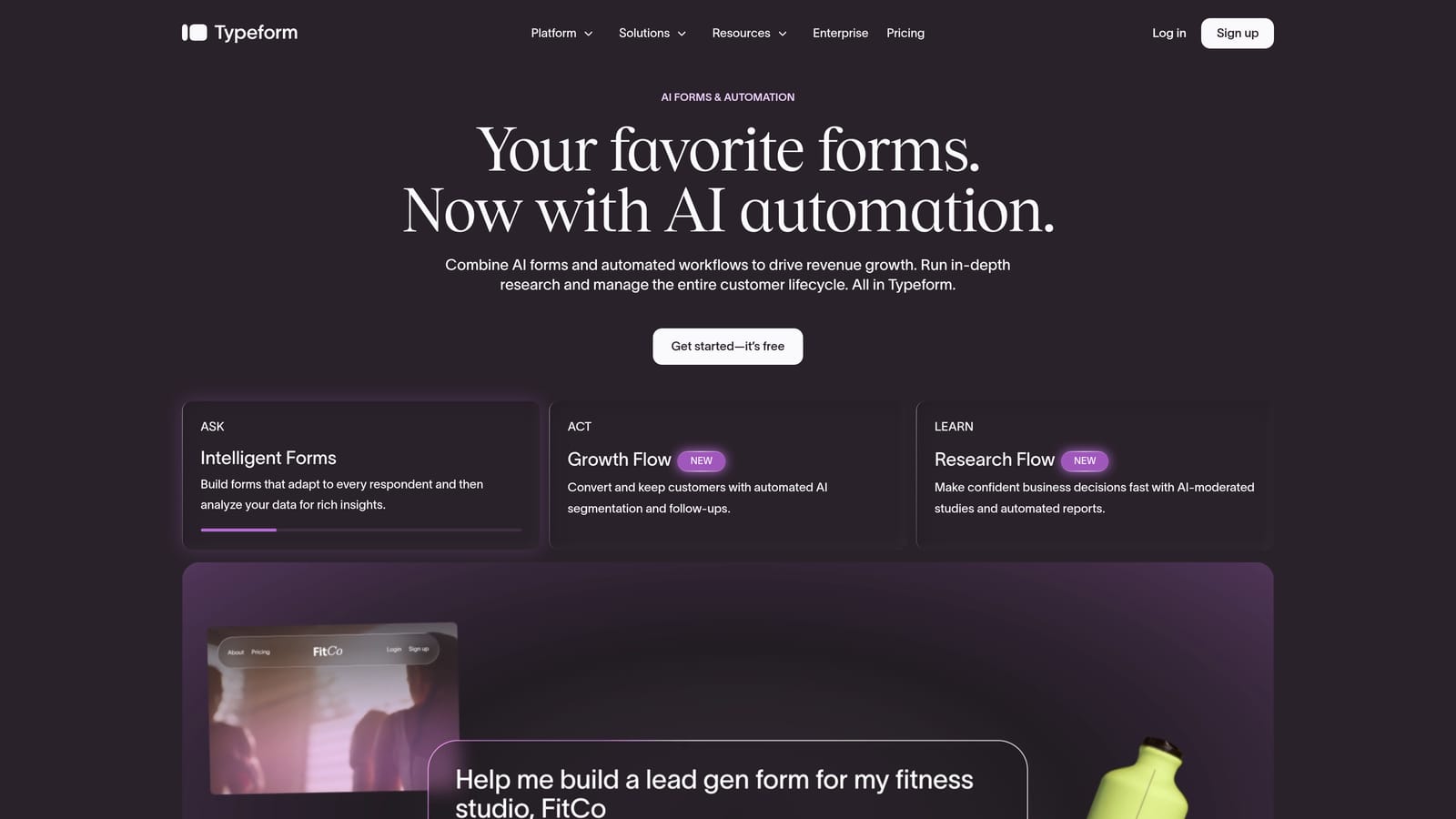
Typeform is a conversational form builder known for its one-question-at-a-time interface that keeps respondents engaged through longer form flows.
Where This Tool Shines
The conversational format is Typeform's biggest differentiator. Instead of presenting a wall of fields, it walks respondents through one question at a time, which tends to reduce cognitive load and improve completion rates on longer forms. For course creators running detailed intake surveys or multi-question post-course assessments, this approach can make a real difference.
Typeform also handles logic jumps well, meaning you can personalize the form path based on how someone answers. A respondent who says they're a complete beginner can be routed through different questions than someone who's already taken similar courses.
Key Features
Conversational One-Question UI: Reduces cognitive overload on longer forms and tends to improve completion rates compared to traditional multi-field layouts.
Logic Jumps: Personalize form paths based on answers, so respondents only see questions relevant to their situation.
Native Integrations: Connects with HubSpot, Slack, Google Sheets, and Zapier for routing responses to your existing tools.
Video and Image Embeds: Add rich media within questions, useful for course-related surveys where context or visual examples help.
NPS and Rating Scales: Built-in question types ideal for post-course feedback and student satisfaction surveys.
Best For
Course creators who prioritize completion rates on longer forms, particularly student intake surveys, post-course feedback, and detailed application questionnaires. Less suited for teams who need built-in lead scoring or CRM-style enrollment management.
Pricing
Free tier available with limited responses. Paid plans start around $25/month and unlock more responses, logic jumps, and integrations.
3. Paperform
Best for: Course creators who want to combine rich content, enrollment forms, and payment collection in a single URL.
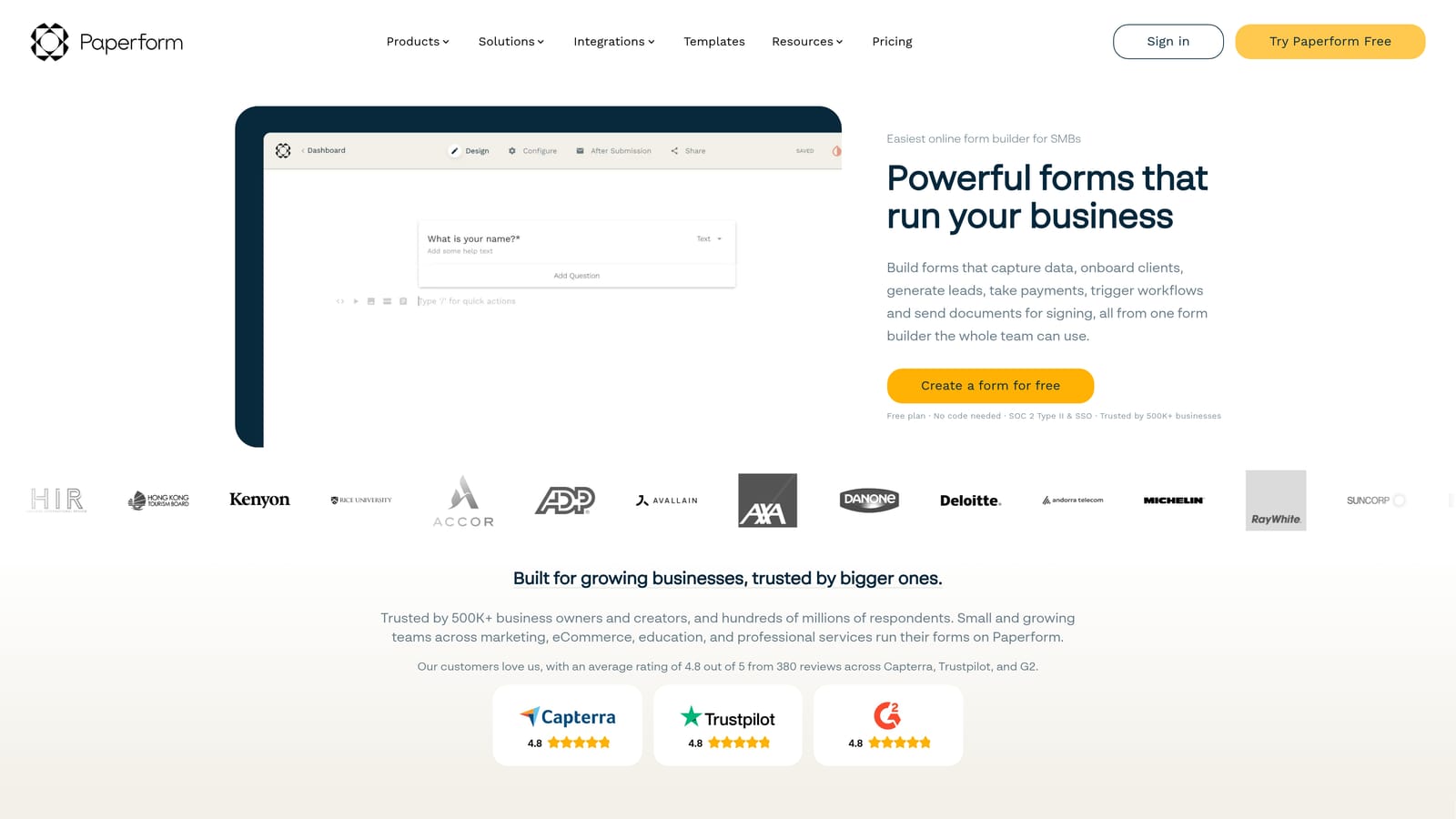
Paperform is a form builder that doubles as a mini landing page, letting you combine rich content and Stripe payments alongside your enrollment form.
Where This Tool Shines
Paperform blurs the line between a form and a landing page in a genuinely useful way. You can embed images, video, rich text, and pricing information alongside your form fields, which means a potential student can read your course overview, see what's included, and enroll all in one place. No separate landing page builder required.
The native Stripe integration is particularly valuable for course creators collecting fees at the point of enrollment. Rather than routing someone from a form to a separate checkout page, you can close the transaction right there, reducing the number of steps between interest and payment.
Key Features
Form-Meets-Landing-Page Design: Rich text, images, and video sit alongside form fields, so you can build a complete enrollment experience in a single URL.
Native Stripe Payments: Collect course fees directly within the form without routing users to a separate checkout flow.
Conditional Logic and Calculations: Build dynamic pricing logic or eligibility checks based on respondent answers.
Pre-Built Templates: Ready-made templates for registrations, applications, and feedback forms speed up the build process.
Integration Library: Connects with Zapier, Notion, Mailchimp, and other tools your course business likely already uses.
Best For
Independent course creators and small academies who want an all-in-one enrollment experience without needing a separate landing page tool. Especially useful when payment collection at the point of sign-up is part of the workflow.
Pricing
No permanent free tier. Paid plans start around $24/month with a trial available to test before committing.
4. Jotform
Best for: Selective enrollment applications and multi-step course registration with file uploads and approval workflows.
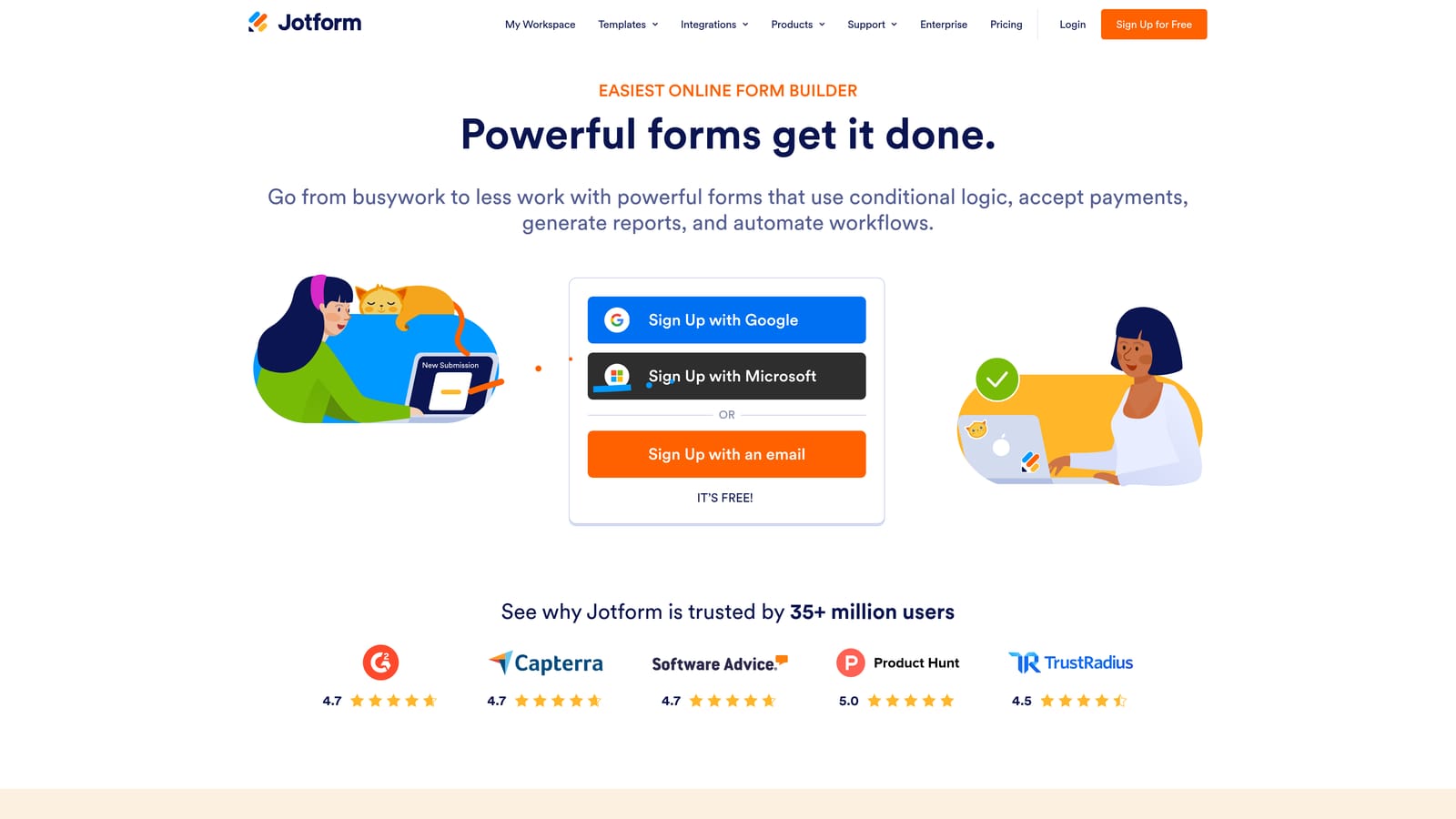
Jotform is a feature-rich form builder with thousands of templates, deep conditional logic, and file upload support built for complex form use cases.
Where This Tool Shines
Jotform is one of the most fully-featured form builders in this category. For course creators running bootcamps, certification programs, or cohort-based courses with a real application process, the combination of multi-step forms, file uploads, and approval workflows is hard to match. You can collect portfolios, verify prerequisites, and route applications through a review process before sending an acceptance.
The template library is genuinely extensive. If you're building a course registration form, a student intake survey, or a post-course feedback form, there's almost certainly a template that gets you 80% of the way there before you've written a single question.
Key Features
Extensive Conditional Logic: Build branching multi-step enrollment applications that adapt based on each respondent's answers.
File Upload Fields: Collect portfolios, prerequisite certifications, or ID verification documents directly through the form.
Built-In Payment Collection: Accept course fees via Stripe, PayPal, or Square without needing a separate payment tool.
Approval Workflows: Route applications through a review and approval process, useful for selective cohort or bootcamp admissions.
Thousands of Templates: Course registration, student intake, and feedback templates available to speed up setup.
Best For
Course creators running selective programs with genuine application processes: bootcamps, certification tracks, or premium cohort courses where you need to review applicants, collect supporting documents, and manage approvals before confirming enrollment.
Pricing
Free tier available with limited submissions. Paid plans start around $34/month and scale by response volume and number of users.
5. Tally
Best for: Early-stage course creators building waitlists or validating ideas without a tool budget.
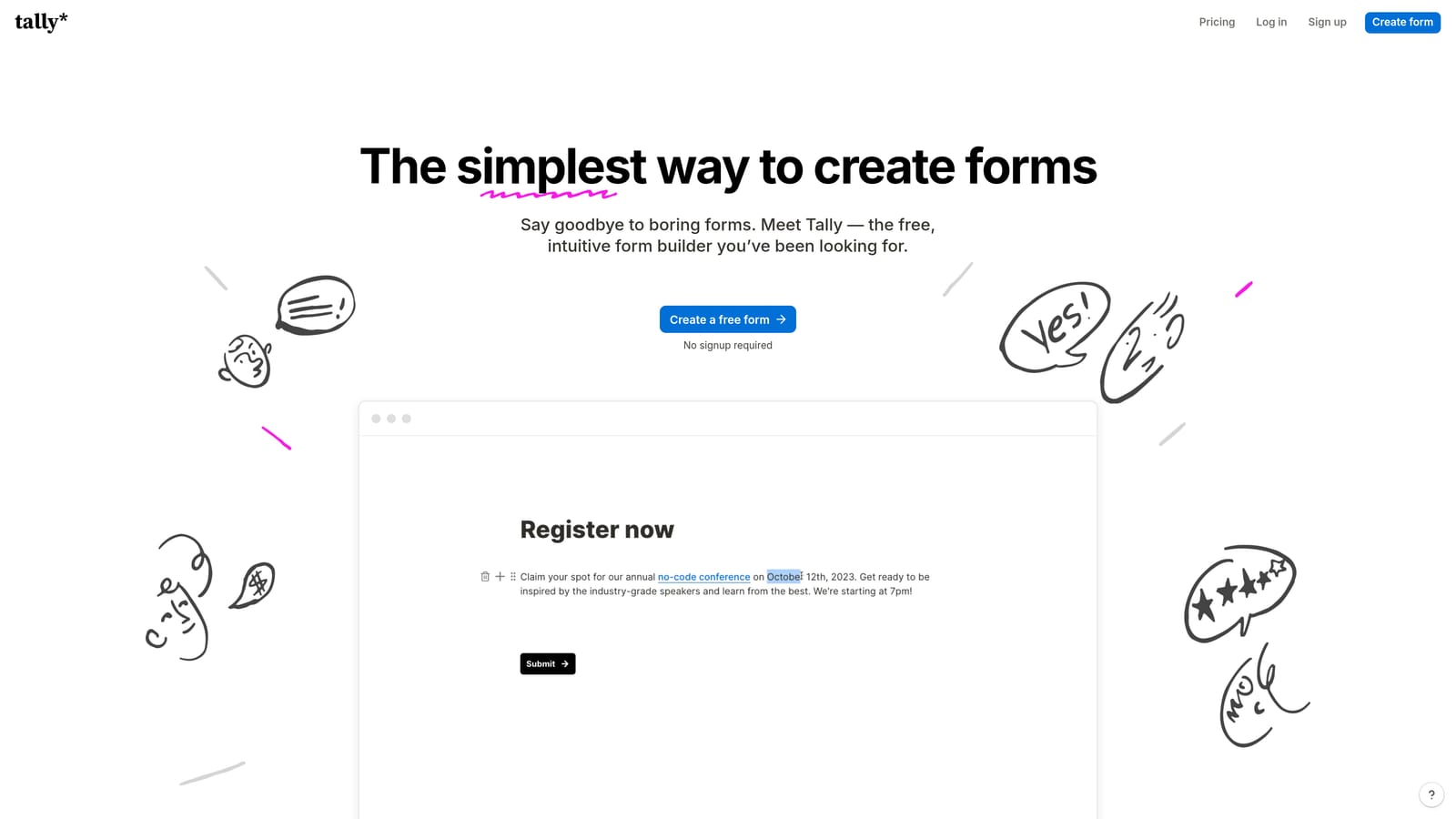
Tally is a clean, Notion-inspired form builder with a genuinely generous free plan that includes unlimited forms and unlimited responses.
Where This Tool Shines
The free plan is the headline here, and it earns its reputation. Unlimited forms and unlimited responses on the free tier is rare in this category. For a course creator who's still validating an idea, building a waitlist, or running a simple interest survey, Tally removes the friction of committing to a paid tool before you've proven demand.
The block-based editor will feel immediately familiar to anyone who uses Notion. It's clean, distraction-free, and quick to learn. You won't find advanced AI features or lead scoring here, but for straightforward sign-up forms and simple surveys, the experience is genuinely pleasant.
Key Features
Unlimited Free Plan: Unlimited forms and unlimited responses on the free tier, which is genuinely unusual in this space.
Block-Based Editor: Familiar to Notion users, making it one of the fastest builders to get started with if you're already in that ecosystem.
Basic Conditional Logic: Simple branching flows for forms that need to adapt based on answers, without the complexity of enterprise-level logic builders.
Native Notion Integration: Responses can flow directly into a Notion database, ideal for creators already managing their course operations there.
Zapier Connectivity: Connect to the broader tool ecosystem including email platforms, course platforms, and CRMs.
Best For
Early-stage course creators, solo educators testing new course ideas, and anyone who needs simple, clean sign-up forms without a monthly subscription. Less suited for teams that need lead qualification, advanced analytics, or deep CRM integration.
Pricing
Free plan available with unlimited forms and responses. Tally Pro starts around $29/month for additional features like custom domains and priority support.
6. Formstack
Best for: Corporate training programs and institutions with compliance requirements or Salesforce-centric operations.
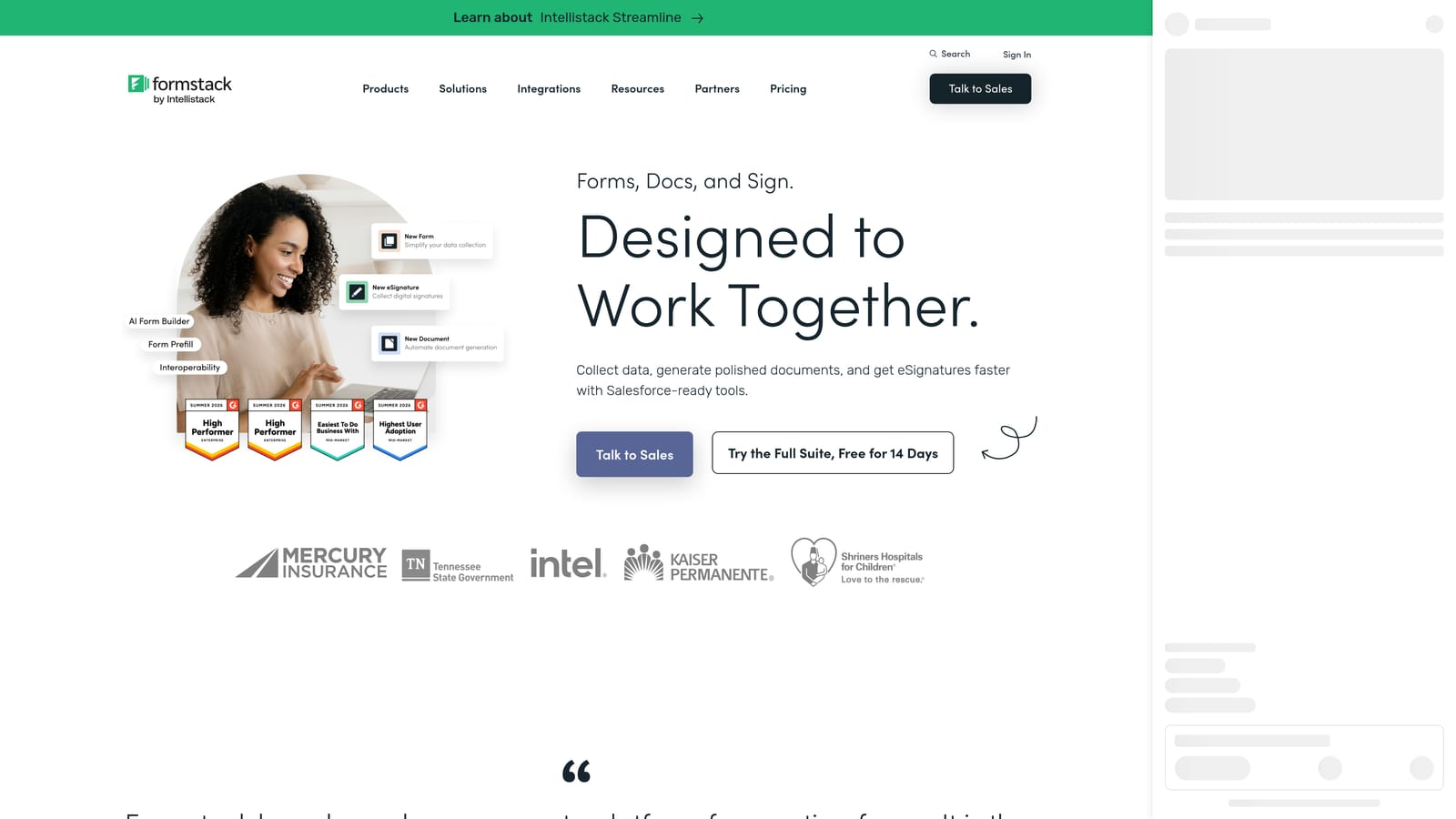
Formstack is an enterprise-grade form platform with HIPAA-compliant data collection, document generation, and deep Salesforce integration.
Where This Tool Shines
Formstack is built for organizations where compliance isn't optional. If you're running a healthcare education program, a financial services training track, or any corporate learning initiative that operates in a regulated industry, the HIPAA-compliant data collection and audit trail features address requirements that most form builders simply can't meet.
The Salesforce integration is genuinely deep, not just a basic Zapier connector. For L&D teams at larger organizations that manage learner data, training history, and enrollment records inside Salesforce, having form submissions flow directly into that CRM without a middleware layer is a meaningful operational advantage.
Key Features
HIPAA-Compliant Data Collection: Enterprise-security-ready forms suitable for regulated industries including healthcare and financial services education.
Document Generation and E-Signatures: Create training agreements, certificates, or enrollment contracts directly from form submissions.
Deep Salesforce Integration: Manage learner data, training history, and enrollment records inside Salesforce without a middleware layer.
Approval Workflows: Multi-stakeholder review processes for training enrollment, suitable for organizations with layered sign-off requirements.
Audit Trails and Access Controls: Compliance-grade record keeping and permission management for regulated-industry requirements.
Best For
Corporate L&D teams, healthcare education programs, and institutions with compliance requirements or Salesforce as the central learner data system. Not the right fit for independent course creators or small teams without enterprise budgets and compliance needs.
Pricing
Enterprise pricing with plans typically starting in the $50 to $100+ per month range depending on features and user count. Best suited for organizations with the budget to match its enterprise feature set.
Which Form Builder Is Right for Your Course Business?
Each tool in this list has a clear sweet spot, and the right choice depends almost entirely on where you are in your course business and what you need the form to do.
Orbit AI is the strongest choice for course creators who treat enrollment as a conversion funnel. If you're running an application-based cohort, a premium program, or any course where lead quality matters as much as volume, the AI-powered qualification and built-in CRM layer give you capabilities that no other tool on this list matches. It's built for growth, not just data collection.
Typeform earns its place for creators who need high completion rates on longer surveys and intake forms, while Paperform is the go-to when you want to combine content, enrollment, and payment in a single page. Jotform handles complex application workflows and file uploads better than almost anyone, and Tally is the obvious starting point for early-stage creators who need clean, functional forms without a subscription. Formstack stands apart for enterprise and compliance-driven use cases where security and Salesforce integration are non-negotiable.
If you're building or scaling a course business and want your enrollment form to actively qualify leads, segment applicants, and automate follow-up, Orbit AI is worth exploring first. Start your free trial today and see how intelligent form design can elevate your conversion strategy from the very first touchpoint.


