

Loan applications are among the highest-stakes forms on the internet. A clunky, confusing experience doesn't just frustrate applicants — it kills conversions and sends qualified borrowers straight to a competitor. Whether you're running a fintech startup, credit union, mortgage brokerage, or alternative lending platform, the form builder you choose has a direct and measurable impact on how many applications you actually complete.
The best loan application form builders go well beyond basic fields. They handle conditional logic so applicants only see what's relevant to them, support multi-step flows that reduce abandonment, enforce real-time data validation, and increasingly offer AI-powered lead qualification to help you prioritize the most promising applicants before they ever reach your CRM.
This list covers nine tools that genuinely stand out for loan application use cases. We've evaluated each on ease of use, conditional logic depth, integrations, compliance features, and pricing so you can find the right fit for your specific lending workflow.
1. Orbit AI
Best for: Fintech and high-growth lending teams that want AI-powered applicant qualification built directly into the form experience.
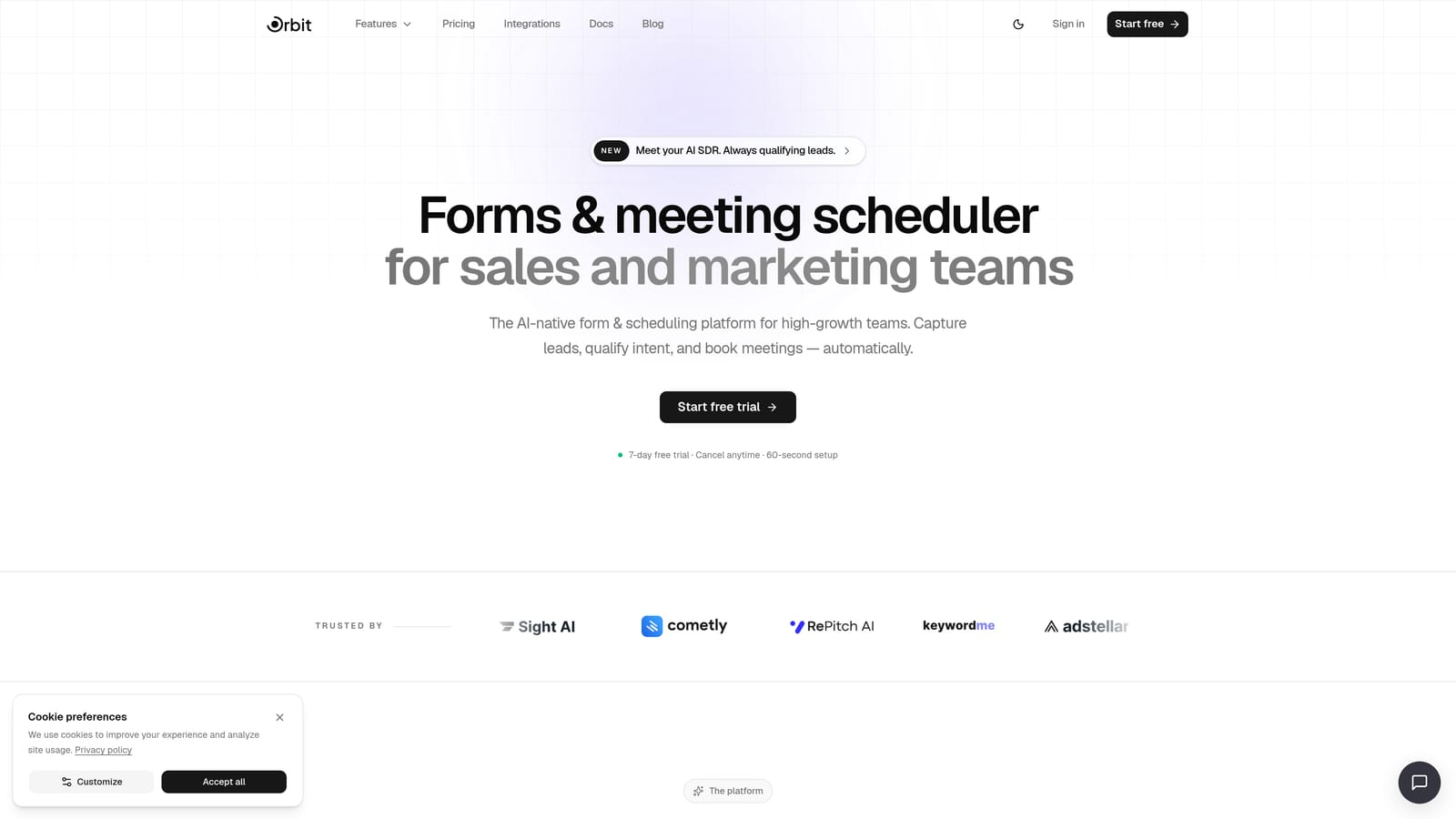
Orbit AI is an AI-powered form builder with built-in lead qualification agents, designed specifically for teams focused on conversion optimization and intelligent lead routing.
Where This Tool Shines
What sets Orbit AI apart from every other tool on this list is where the intelligence happens. Rather than collecting raw applicant data and pushing it to a CRM for manual review, Orbit AI's built-in AI agents assess lead quality in real time during form completion. That means your team can route, prioritize, or trigger follow-up sequences the moment a borrower submits, not hours later when someone finally opens a spreadsheet.
For lending teams dealing with high application volume, this is a genuine operational advantage. You're not just capturing data — you're qualifying it automatically. The modern, multi-step form design also reduces perceived friction on long applications, which is one of the primary drivers of drop-off in financial services forms.
Key Features
AI Lead Qualification Agents: Real-time applicant scoring and qualification happens during form completion, enabling instant routing decisions before data hits your CRM.
Multi-Step Conversion Design: Forms are built around a modern, conversion-optimized UX with progress indicators and clean layouts that reduce abandonment on long applications.
Workflow Automation and Sequences: Trigger automated follow-up sequences, internal notifications, or routing rules based on applicant responses and qualification scores.
Analytics Dashboard: Track form performance, identify drop-off points by step, and optimize your application flow with real data.
Contacts Management: Built-in lead management with scoring and segmentation so your team always knows which applicants deserve immediate attention.
Best For
Orbit AI is the strongest fit for fintech companies, digital lenders, and growth-oriented lending teams that handle meaningful application volume and need to qualify leads efficiently. If you're tired of manually sorting through raw form submissions to find your best prospects, this is the tool built to solve that exact problem.
Pricing
See current plans at orbitforms.ai/pricing. Plans are designed for teams at various growth stages, from early-stage startups to scaling operations.
2. Typeform
Best for: Consumer-facing loan applications where reducing perceived friction and improving completion rates is the top priority.
Typeform is a conversational form builder known for its one-question-at-a-time interface, which makes long loan application flows feel significantly less overwhelming.

Where This Tool Shines
Loan applications are long. When applicants see a wall of fields, abandonment spikes immediately. Typeform's conversational format breaks that wall down by presenting one question at a time, creating a dialogue-like experience that feels more like a guided interview than a government form.
The clean, mobile-responsive design works particularly well for consumer lending products where the borrower experience needs to feel polished and trustworthy. Logic jumps allow you to skip irrelevant sections automatically, so a sole proprietor doesn't wade through fields designed for W-2 employees.
Key Features
One-Question-at-a-Time UX: Conversational format reduces cognitive load on long applications and consistently improves completion rates.
Conditional Logic and Logic Jumps: Route applicants through personalized paths based on loan type, employment status, or previous answers.
Native CRM Integrations: Connects directly with popular CRMs and marketing tools, plus broad Zapier support for custom workflows.
Mobile-Responsive Design: Clean, modern layouts that work seamlessly on any device without configuration.
Embed Options: Embed forms directly into landing pages or use standalone Typeform links for campaign-specific applications.
Best For
Typeform is ideal for consumer lending products, personal loan applications, and any scenario where the borrower experience and completion rate matter more than back-end complexity. It's less suited for extremely complex multi-field applications that require calculated fields or document generation.
Pricing
Free plan available with limited responses. Paid plans start from approximately $25/month. Verify current pricing at typeform.com.
3. Jotform
Best for: Teams that want to launch quickly using pre-built loan application templates without starting from scratch.
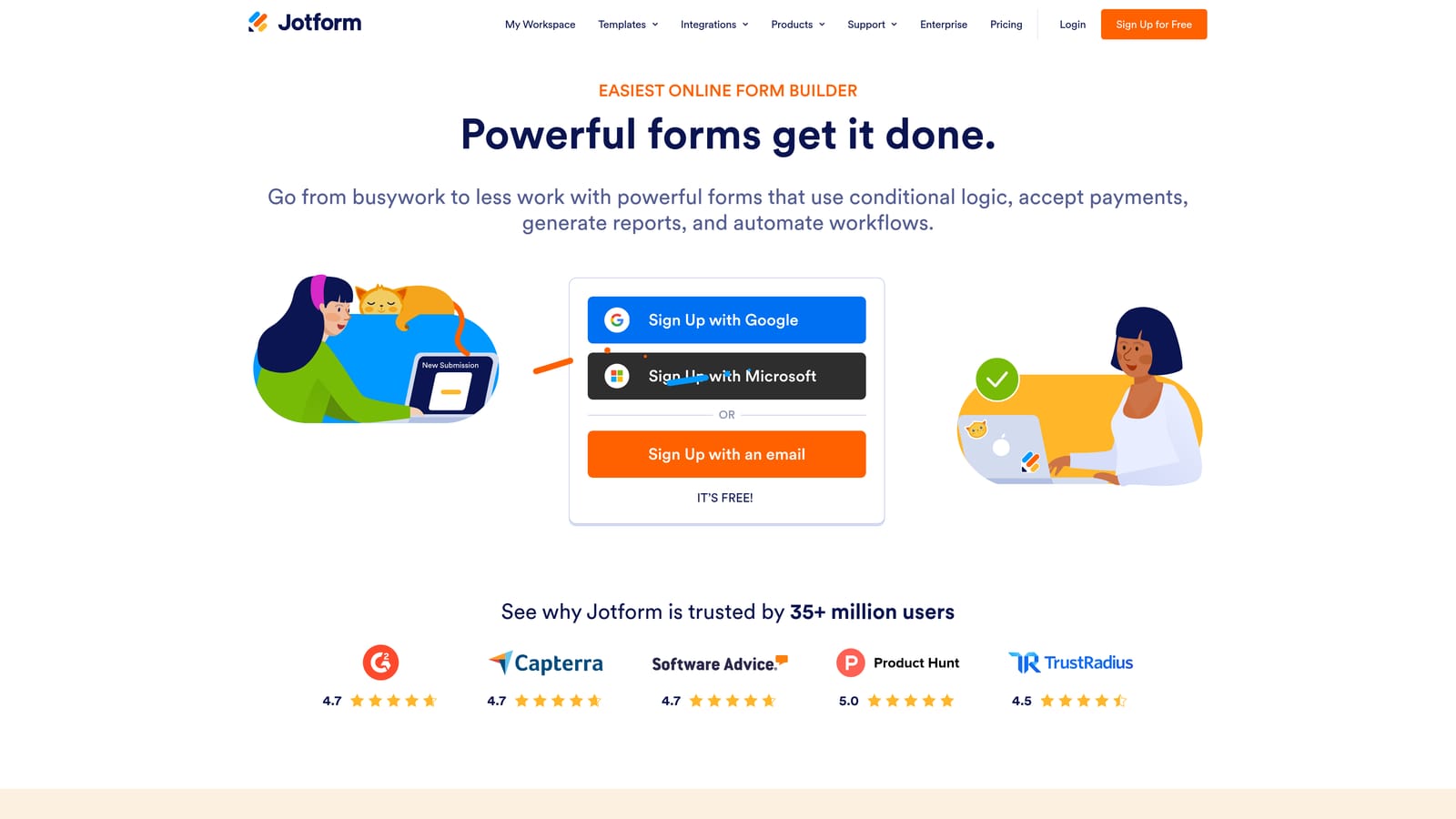
Jotform is a feature-rich form builder with one of the largest template libraries available, including dedicated mortgage, personal loan, auto loan, and business loan application templates.
Where This Tool Shines
Speed to deployment is Jotform's strongest card. Rather than building a loan application from a blank canvas, you can select a template that's already structured for your loan type, customize the branding and fields, and publish within hours. For lending teams that need something functional fast, this is a meaningful advantage.
Beyond templates, Jotform covers the core functional requirements for loan forms well: conditional logic, multi-page layouts, file uploads for supporting documents, and e-signature support via add-on. The HIPAA-compliant plan option is also worth noting for any lenders operating in adjacent health or financial wellness contexts.
Key Features
Extensive Loan Application Templates: Pre-built templates for personal loans, mortgages, auto loans, and business financing that dramatically reduce setup time.
Conditional Logic and Multi-Page Support: Show or hide fields dynamically and break long applications into manageable sections.
File Upload Fields: Applicants can attach pay stubs, bank statements, ID documents, and other supporting materials directly within the form.
E-Signature Add-On: Collect legally binding signatures as part of the application flow without a separate tool.
HIPAA-Compliant Plans: Available for organizations that need heightened data protection standards.
Best For
Jotform suits lending teams that want broad functionality, fast deployment, and a large template library. It works well for credit unions, community banks, and independent brokers who need a reliable, feature-complete tool without enterprise pricing.
Pricing
Free plan available with submission limits. Paid plans start from approximately $34/month. Verify current pricing at jotform.com.
4. Formstack
Best for: Regulated lending environments that require audit trails, document generation, and approval workflows built into the form process.
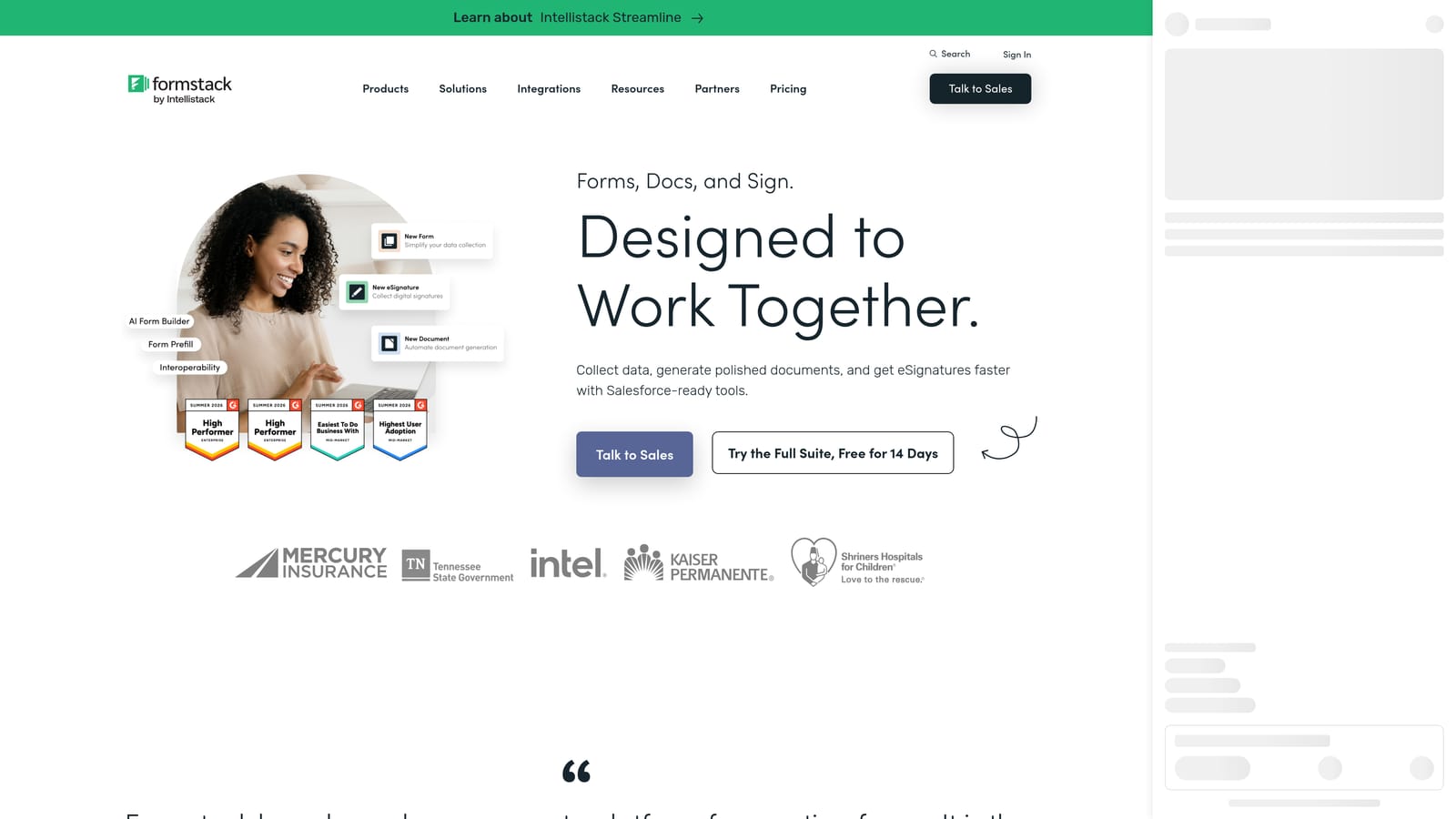
Formstack is an enterprise form and document workflow platform with strong compliance features, e-signature capabilities, and structured approval routing.
Where This Tool Shines
For mortgage lenders, banks, and credit institutions operating under strict regulatory requirements, Formstack offers something the lighter-weight tools on this list can't match: a complete document workflow. Forms don't just capture data — they feed into document generation, route submissions through approval chains, and maintain audit trails that compliance teams actually need.
The combination of Formstack Forms, Formstack Documents, and Formstack Sign creates an end-to-end application processing workflow within a single platform. That level of integration reduces the number of systems your team needs to manage and minimizes data transfer risk between tools.
Key Features
HIPAA-Compliant Forms with Audit Trails: Built for regulated environments where data handling documentation is a compliance requirement, not an afterthought.
Document Generation: Automatically generate loan documents, disclosure forms, or summary packets from form submission data.
Built-In E-Signature (Formstack Sign): Collect signatures natively without routing applicants to a third-party tool.
Approval Workflow Routing: Route submissions through internal review chains with defined approval steps and notifications.
Robust Conditional Logic and Field Validation: Ensure applicants complete fields correctly with real-time validation and dynamic field visibility.
Best For
Formstack is the right choice for mortgage companies, banks, and regulated lenders where compliance documentation, approval workflows, and document generation are non-negotiable requirements. It's overkill for simpler use cases but genuinely valuable in complex institutional environments.
Pricing
Forms product starts from approximately $50/month. Verify current pricing at formstack.com.
5. Gravity Forms
Best for: WordPress-based lenders who want full data ownership and deep customization through a large add-on ecosystem.
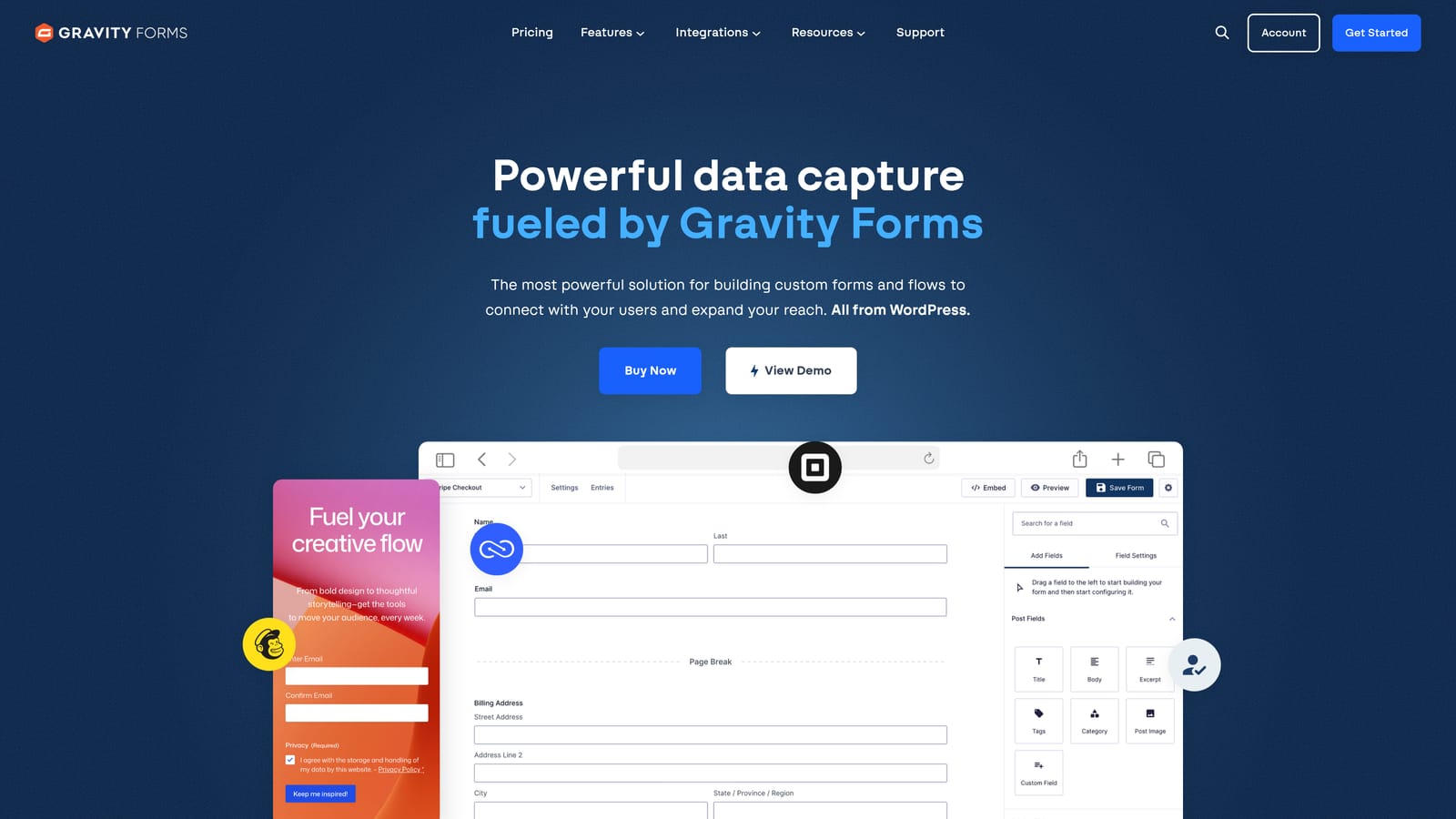
Gravity Forms is the leading WordPress form plugin, offering extensive customization, self-hosted data storage, and a robust library of third-party add-ons for payments, CRM sync, and e-signatures.
Where This Tool Shines
If your lending operation runs on WordPress and data sovereignty matters to you, Gravity Forms is the natural choice. Because all form submissions are stored on your own server rather than a third-party SaaS platform, you maintain complete control over sensitive applicant data. For lenders with specific data residency requirements or privacy policies, this is a genuine differentiator.
The add-on ecosystem is extensive. You can connect Gravity Forms to Stripe for application fees, sync submissions to Salesforce or HubSpot, add e-signature functionality, and build repeating field sections for co-applicant data — all without leaving the WordPress environment.
Key Features
Self-Hosted Data Storage: All applicant data stays on your WordPress server, giving you complete control over sensitive financial information.
Extensive Add-On Ecosystem: Payment processing, CRM integrations, e-signature, and more through official and community-built add-ons.
Advanced Conditional Logic and Multi-Page Forms: Build complex branching logic and multi-step application flows within WordPress.
Repeater Fields: Handle co-applicant entries, multiple asset listings, or employment history with repeating field sections.
Developer-Friendly: Large community, extensive documentation, and hooks/filters for custom development when needed.
Best For
Gravity Forms is ideal for lenders already running on WordPress who prioritize data control and customization over out-of-the-box simplicity. Requires comfort with WordPress administration and some technical capacity for add-on configuration.
Pricing
Annual license starting from approximately $59/year. Verify current pricing at gravityforms.com.
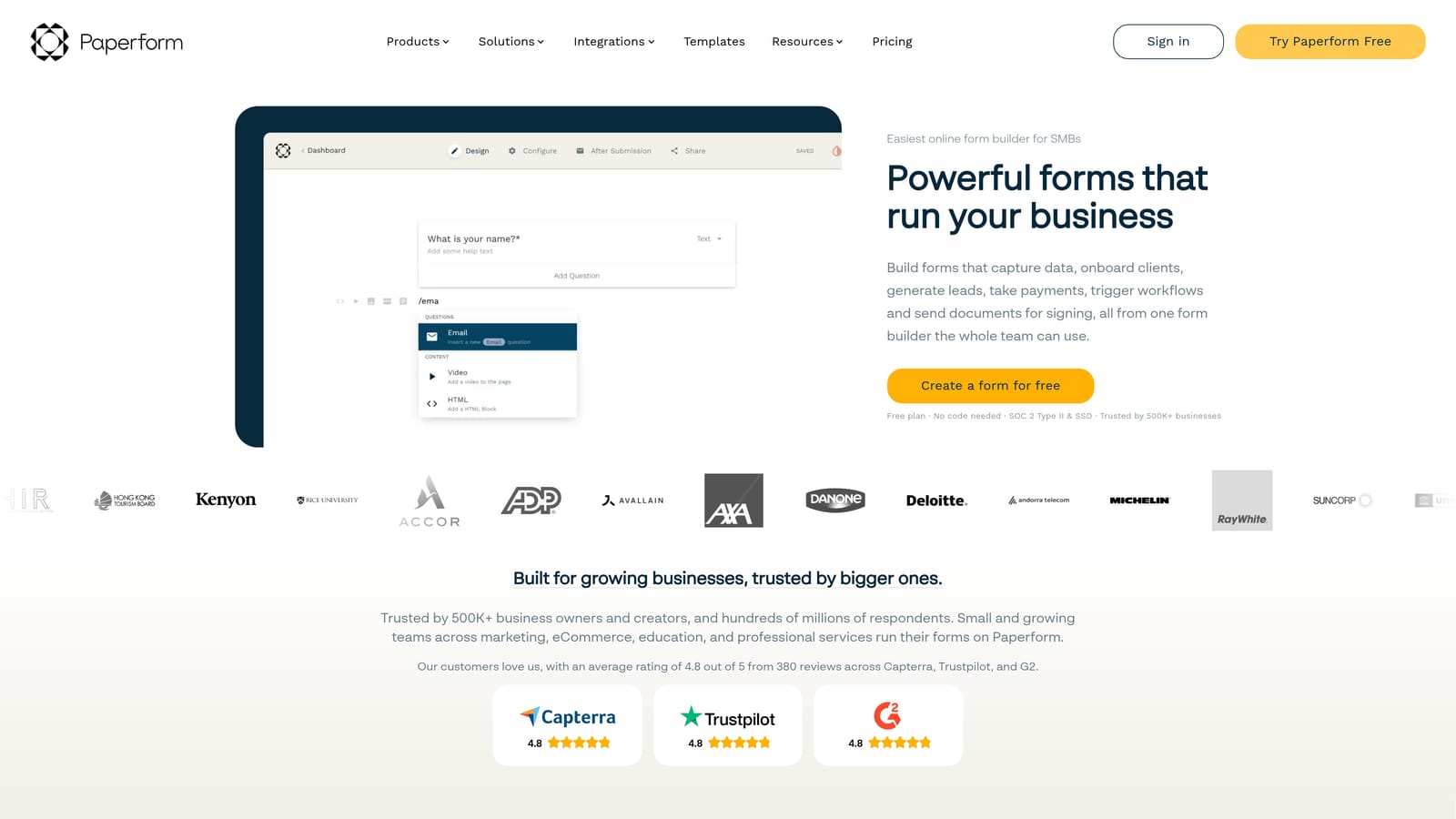
6. Paperform
Best for: Independent mortgage brokers and small lending operations that want a polished, branded applicant experience without developer involvement.
Paperform is a flexible form and page builder that blends rich design with payments, scheduling, and conditional logic — all in a no-code package.
Where This Tool Shines
Paperform sits at an interesting intersection: it's part form builder, part landing page creator. This makes it particularly effective for independent brokers who want their loan application to feel like a branded, professional experience rather than a generic form. You can embed images, explanatory text, and rich media throughout the form to guide applicants and build trust at each step.
The built-in payment collection and scheduling integration also make it useful for brokers who charge application fees or need to book follow-up consultations as part of the intake process. Custom domain support means the form can live at your own URL, reinforcing brand credibility.
Key Features
Landing Page-Style Design: Combine form fields with rich media, explanatory copy, and branded visuals for a polished applicant experience.
Built-In Payment Collection: Accept application fees or deposits via Stripe and PayPal directly within the form.
Conditional Sections and Logic: Show or hide entire sections based on applicant responses to keep the form relevant and focused.
Scheduling Integration: Book follow-up appointments or consultations as part of the application flow.
Custom Domain Support: Host forms on your own domain for a fully branded applicant experience.
Best For
Paperform is best suited for independent brokers, small mortgage shops, and boutique lenders who prioritize design and brand experience. It's less appropriate for high-volume operations or environments requiring complex compliance workflows.
Pricing
Plans start from approximately $24/month. Verify current pricing at paperform.co.
7. Cognito Forms
Best for: Loan applications that require complex financial calculations, such as debt-to-income ratios, or forms with multiple co-applicant entries.
Cognito Forms is a powerful and often underestimated form builder with best-in-class calculated fields and repeating entry sections.
Where This Tool Shines
Here's where Cognito Forms earns its place on this list: calculated fields. Most form builders let you collect financial data. Cognito Forms lets you do math with it, in real time, inside the form itself. For loan applications that need to compute a debt-to-income ratio, total monthly obligations, or aggregate asset values on the fly, this is a capability very few tools match.
The repeating sections feature is equally valuable for loan forms. Rather than creating separate fields for each potential co-applicant or asset entry, you can build a single repeating block that applicants fill out as many times as needed. It's a cleaner experience and significantly easier to build and maintain.
Key Features
Advanced Calculated Fields: Perform real-time financial computations within the form, including DTI ratios, income totals, and asset summaries.
Repeating Sections: Allow applicants to add multiple co-applicant entries, employer records, or asset listings dynamically without pre-built field sets.
Conditional Logic and Multi-Page Layouts: Control field visibility and break applications into logical sections based on applicant responses.
File Upload and E-Signature Support: Collect supporting documents and signatures within the same form flow.
Generous Free Plan: The free tier includes a meaningful submission limit, making it accessible for early-stage lenders.
Best For
Cognito Forms is the top choice for any lending scenario where the form itself needs to perform financial calculations or handle variable numbers of co-applicants and entries. Particularly useful for business loan applications and complex personal loan intake forms.
Pricing
Free plan available. Paid plans start from approximately $15/month. Verify current pricing at cognitoforms.com.
8. HubSpot Forms
Best for: Lending teams already operating within the HubSpot ecosystem who want seamless CRM sync and marketing automation without a separate form tool.
HubSpot Forms is HubSpot's native form tool, feeding directly into its CRM, deal pipelines, and marketing automation sequences.
Where This Tool Shines
If your team lives in HubSpot, adding a separate form tool creates unnecessary friction and data sync headaches. HubSpot Forms eliminates that entirely. Every submission automatically creates or updates a contact record, can trigger deal creation, and enroll the applicant in a nurture or follow-up sequence without any manual intervention or Zapier workarounds.
Progressive profiling is a particularly useful feature for lending teams running multi-touch campaigns. Rather than showing the same fields to returning visitors, HubSpot Forms can surface new questions each time, gradually building a richer applicant profile without overwhelming anyone with a single long form.
Key Features
Native HubSpot CRM Sync: Every submission instantly creates or updates contact and deal records without third-party integration.
Automatic Sequence Enrollment: Trigger sales or marketing automation sequences the moment an application is submitted.
Progressive Profiling: Show different fields to returning visitors to progressively build applicant profiles without form fatigue.
A/B Testing: Test form variants on paid Marketing Hub tiers to optimize completion rates over time.
Free with HubSpot CRM: Access the core form tool at no additional cost when using HubSpot's free CRM tier.
Best For
HubSpot Forms is the obvious choice for lending teams already invested in the HubSpot platform. Its value drops significantly outside that ecosystem, where dedicated form builders offer more flexibility and features at comparable or lower cost.
Pricing
Free with HubSpot's free CRM. Advanced features require paid Marketing Hub plans. Verify current pricing at hubspot.com.
9. Google Forms
Best for: Early-stage lenders or internal intake workflows with zero budget and very low application volume.
Google Forms is a completely free, no-frills form tool that integrates natively with Google Sheets — functional for basic data collection but limited for serious loan application workflows.
Where This Tool Shines
Google Forms earns its spot on this list for one reason: it costs nothing and requires no setup. For a first-time lender testing an intake process, an internal team collecting preliminary borrower information, or any scenario where budget is genuinely zero, Google Forms gets the job done without any friction in getting started.
The native Google Sheets integration means every submission is immediately organized in a spreadsheet your team can access, filter, and share. For very low volume operations, this is a workable tracking system. The honest caveat is that Google Forms was not designed for financial services, and it shows at any meaningful scale.
Key Features
Completely Free: No cost, no subscription, no submission limits with a standard Google account.
Native Google Sheets Integration: Responses populate automatically into a connected spreadsheet for easy tracking and sorting.
Basic Branching Logic: Simple conditional routing based on multiple-choice answers, though depth is limited compared to dedicated tools.
File Upload via Google Drive: Applicants can attach documents, though the experience is less polished than purpose-built upload fields.
Zero Setup Required: Create and share a form in minutes with no account configuration or technical knowledge.
Best For
Google Forms is appropriate only for pre-launch testing, internal intake workflows, or scenarios where volume is extremely low and zero budget is a hard constraint. It is not recommended for customer-facing loan applications at any meaningful scale due to limited branding, basic conditional logic, and no native compliance features.
Pricing
Free with a Google account.
Which Loan Application Form Builder Is Right for You?
The right tool depends entirely on your lending context, technical setup, and what you're optimizing for. Here's a quick way to think through the decision.
If you're a fintech or digital lender focused on conversion and lead quality, Orbit AI is the clear starting point. The ability to qualify applicants in real time during form completion is a genuine operational advantage that no other tool on this list offers. It's built for exactly the kind of high-growth, high-volume environment where manual lead sorting is a bottleneck.
If the borrower experience and completion rate are your primary concerns, Typeform delivers a conversational flow that reduces friction better than any traditional form layout. For teams that need to launch quickly with pre-built structure, Jotform has the template library to get you there in hours rather than days.
For regulated environments where compliance documentation and approval workflows are non-negotiable, Formstack is the enterprise-grade choice. WordPress-based lenders who want data ownership and extensibility will find Gravity Forms the most natural fit. And if your application needs to calculate DTI ratios or handle multiple co-applicants dynamically, Cognito Forms is surprisingly powerful at a very accessible price point.
Independent brokers who want a polished branded experience without a developer should look at Paperform. Teams already in the HubSpot ecosystem will get the most value from HubSpot Forms. And if budget is genuinely zero, Google Forms will at least get you started.
The most important thing is matching the tool to your actual workflow, your compliance requirements, and the volume you're processing. A tool that's perfect for a solo broker is the wrong choice for a fintech processing thousands of applications per month, and vice versa.
If conversion optimization and intelligent lead qualification are priorities for your lending team, start your free trial today and see how AI-powered form design can transform your application pipeline from a data collection exercise into a lead qualification engine.


