

If you're capturing leads through forms and nurturing them in Mailchimp, the connection between your form builder and your email platform isn't just a nice-to-have. It's the backbone of your entire acquisition funnel. A broken sync, a missing field mapping, or a clunky setup can mean leads falling through the cracks before they ever receive a welcome email.
This guide covers the best form builders that integrate natively or reliably with Mailchimp in 2026. Whether you're building a simple newsletter signup or a multi-step lead qualification flow, each tool here has been evaluated on integration depth, ease of setup, form design quality, and overall fit for high-growth teams. If you're also dealing with form abandonment issues or want to understand why forms lose leads, those are worth reading alongside this comparison.
1. Orbit AI
Best for: High-growth teams that want AI-qualified leads flowing directly into Mailchimp audiences.
Orbit AI is an AI-powered form builder with built-in lead qualification and native Mailchimp integration, designed for conversion-focused teams.

Where This Tool Shines
Most form builders treat every submission equally: someone fills out your form, and they land in your Mailchimp list. Orbit AI takes a different approach. Its AI qualification layer evaluates submissions before they sync, so only high-intent leads make it into your email audience. That means cleaner lists, better deliverability, and email sequences that actually reach people worth nurturing.
Beyond qualification, Orbit AI is built with conversion optimization at its core. The form templates are modern and customizable, and the platform includes built-in workflows and post-submission sequences that give your Mailchimp campaigns a head start the moment a qualified lead enters your funnel.
Key Features
AI Lead Qualification: Scores and filters submissions before they sync to Mailchimp, keeping your list focused on high-intent prospects.
Mailchimp Audience Sync: Maps form fields to Mailchimp merge fields and supports audience segmentation, so leads land in the right list from the start.
Conversion-Optimized Templates: Modern, customizable form designs built to maximize completion rates without requiring a designer.
Built-In Workflows and Sequences: Automate post-submission actions and nurture flows without relying on external tools.
Analytics Dashboard: Track form performance, conversion rates, and submission trends in one place.
Best For
Orbit AI is the right fit for SaaS companies, marketing teams, and growth-focused businesses that care as much about lead quality as lead volume. If you're tired of bloated Mailchimp lists full of low-intent signups, the AI qualification layer is a meaningful differentiator.
Pricing
See orbitforms.ai/pricing for current plans. A free starting option is available.
2. Typeform
Best for: Teams that prioritize a polished, conversational form experience with reliable native Mailchimp sync.
Typeform is a conversational form builder known for its one-question-at-a-time UX and strong native Mailchimp integration.

Where This Tool Shines
Typeform's signature format, presenting one question at a time in a distraction-free interface, tends to improve completion rates compared to traditional multi-field forms. For lead capture, that UX advantage translates directly into more subscribers reaching your Mailchimp audience.
The native Mailchimp integration lets you select target audiences, map form answers to Mailchimp fields, and apply tags based on responses. It's a clean setup that most marketing teams can configure without developer help, and it covers the core use cases well.
Key Features
Native Mailchimp Integration: Connects directly to Mailchimp with audience selection and field mapping built into the setup flow.
Conversational Form UX: One-question-at-a-time format designed to reduce friction and improve completion rates.
Logic Jumps: Route respondents through personalized question paths based on earlier answers.
Tag-Based Subscriber Management: Apply Mailchimp tags to subscribers based on specific form responses for smarter segmentation.
Flexible Embedding: Embeds cleanly into websites, landing pages, and email campaigns.
Best For
Typeform works well for marketing teams and agencies that want a premium form experience with dependable Mailchimp connectivity. It's particularly strong for surveys, onboarding flows, and lead capture pages where first impressions matter. Note that advanced integration features are typically locked behind higher-tier plans.
Pricing
Free plan available. Paid plans start at approximately $25/month. Verify current pricing at typeform.com.
3. Jotform
Best for: Teams that need deep field-level Mailchimp control, including custom merge fields, groups, and tags.
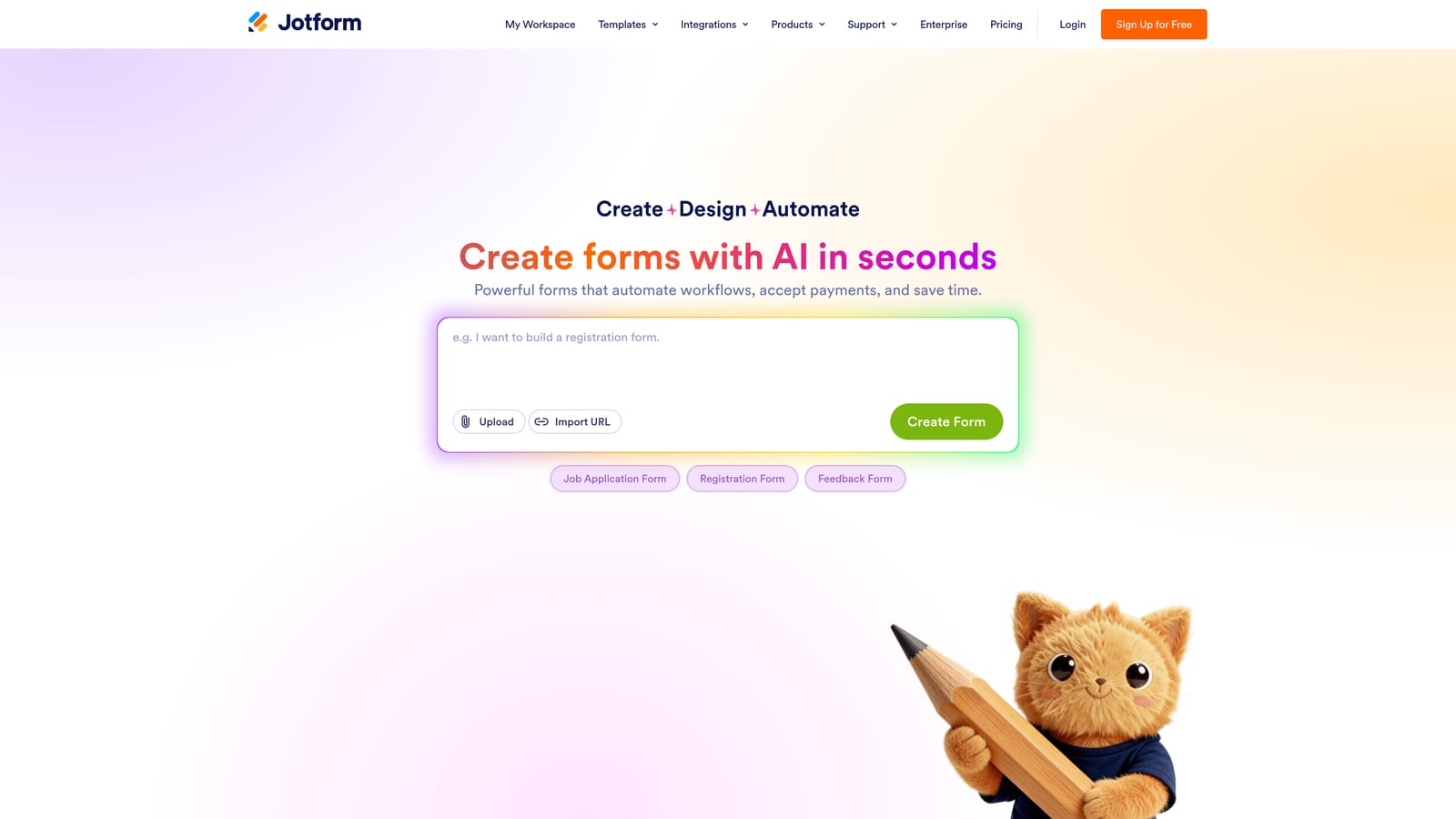
Jotform is a feature-rich form builder with one of the most detailed native Mailchimp integrations available across any platform in this category.
Where This Tool Shines
Where other tools offer basic audience selection and a handful of field mappings, Jotform goes further. You can map form responses to custom Mailchimp merge fields, assign contacts to interest groups, apply tags, and even route different submissions to different Mailchimp audiences using conditional logic. For teams with complex list structures, that level of control is genuinely useful.
Jotform also supports double opt-in configuration, which is important for compliance and long-term list quality. With thousands of pre-built templates covering everything from event registrations to payment forms, it's easy to get started quickly even with a complex setup in mind.
Key Features
Deep Mailchimp Field Mapping: Supports custom merge fields, interest groups, tags, and audience selection in a single integration setup.
Double Opt-In Support: Configurable for Mailchimp list compliance and improved subscriber quality.
Conditional Audience Routing: Use logic rules to send different form submissions to different Mailchimp lists or segments.
Extensive Template Library: Thousands of pre-built templates spanning a wide range of industries and use cases.
Multi-Function Forms: Accepts payments, file uploads, and e-signatures alongside standard form fields.
Best For
Jotform is well-suited for SMBs, nonprofits, and operations teams that need powerful Mailchimp integration without a custom development budget. It can feel like a lot for simple use cases, but for teams with layered list structures and segmentation needs, it's hard to beat.
Pricing
Free plan available with submission limits. Paid plans start at approximately $34/month. Verify current pricing at jotform.com.
4. Paperform
Best for: Creators and consultants who want beautiful, document-style forms with native Mailchimp subscriber sync.
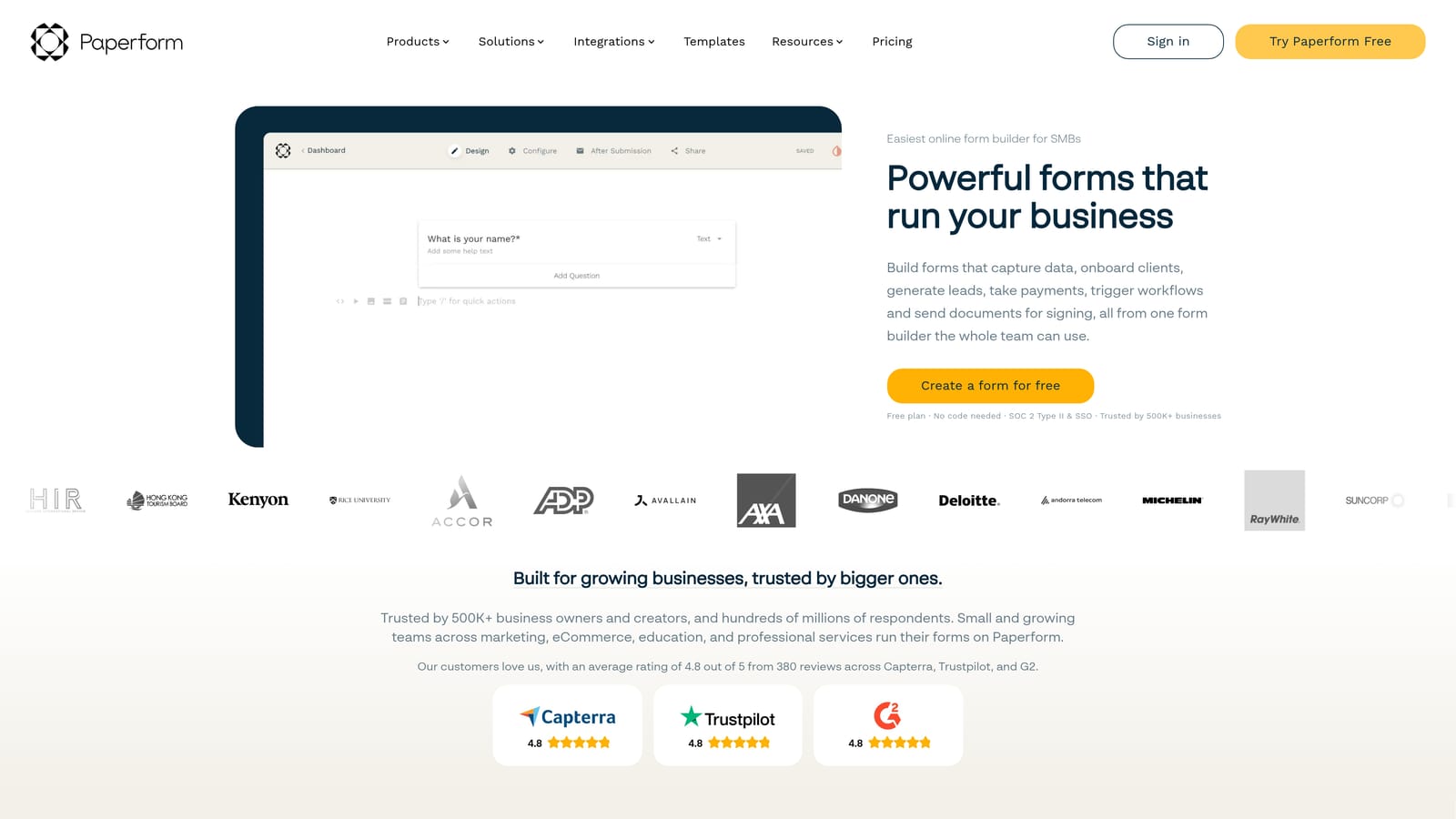
Paperform is a document-style form builder with a freeform layout editor and native Mailchimp integration for subscriber management.
Where This Tool Shines
Paperform's editing experience is unlike most form builders. Instead of a rigid field-by-field structure, you build forms the way you'd write a document: adding text, images, and form fields in any combination on a single canvas. The result tends to look polished and on-brand without requiring design expertise.
The native Mailchimp integration triggers subscriber additions on form submission and supports field mapping to Mailchimp merge fields. It's not the deepest integration in this list, but it covers the essentials cleanly and fits naturally into Paperform's overall workflow.
Key Features
Freeform Canvas Editor: Blend text, media, and form fields in a document-like layout for visually distinctive forms.
Native Mailchimp Integration: Add subscribers and map form responses to Mailchimp merge fields on submission.
Conditional Logic and Multi-Page Forms: Guide respondents through tailored paths based on their answers.
Payments, Bookings, and File Uploads: Handle transactions and appointments within the same form experience.
Design-Forward Output: Clean, polished forms that reflect well on your brand without manual design work.
Best For
Paperform is a strong choice for consultants, course creators, and small business owners who want forms that look great and sync reliably to Mailchimp. It's less common in enterprise environments but well-regarded among independent professionals and creative teams.
Pricing
No permanent free plan. Paid plans start at approximately $24/month. Verify current pricing at paperform.co.
5. Tally
Best for: Budget-conscious teams comfortable using Zapier to bridge the gap between forms and Mailchimp.
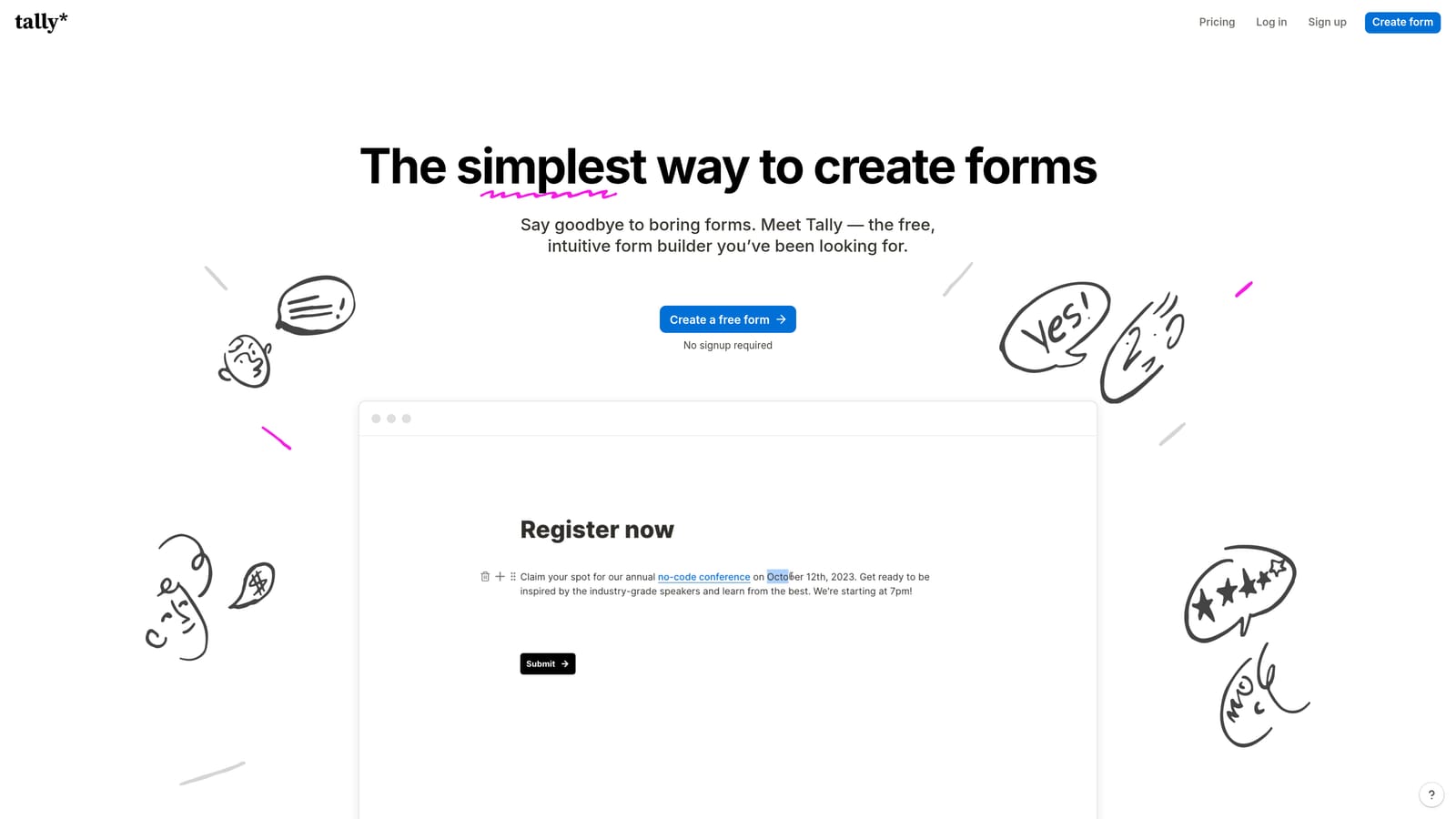
Tally is a lightweight, Notion-inspired form builder with a generous free tier, but it connects to Mailchimp via Zapier rather than a native integration.
Where This Tool Shines
Tally's free plan is genuinely generous: unlimited forms and unlimited responses with no submission caps. For teams on tight budgets, that alone makes it worth considering. The block-based editor feels familiar if you use Notion, and forms can be built quickly without a learning curve.
The important caveat: Tally does not have a native Mailchimp integration. You'll need to route submissions through Zapier or Make to get data into your Mailchimp audience. If you're already comfortable with Zapier workflows, this isn't a dealbreaker. If you want a plug-and-play connection, you'll want to look at the other tools on this list. For more context on this approach, see our guides on Zapier form automation and Zapier alternatives for form automation.
Key Features
Unlimited Free Forms and Responses: No submission limits on the free plan, making it one of the most accessible options available.
Block-Based Notion-Style Editor: Fast, intuitive form creation for teams already familiar with block-based tools.
Mailchimp via Zapier or Make: No native integration; connection requires a third-party automation platform.
Conditional Logic and Hidden Fields: Supports branching logic and pre-populated fields for more dynamic form experiences.
Clean Embedding: Embeds smoothly into websites and Notion pages with minimal configuration.
Best For
Tally works well for early-stage teams, freelancers, and anyone who needs functional forms without a monthly budget commitment. It's less suitable for teams that want a reliable, no-maintenance Mailchimp connection or need real-time sync without a Zapier dependency.
Pricing
Free plan available. Tally Pro at approximately $29/month. Verify current pricing at tally.so.
6. Formstack
Best for: Mid-market and enterprise teams that need Mailchimp integration alongside compliance features and approval workflows.
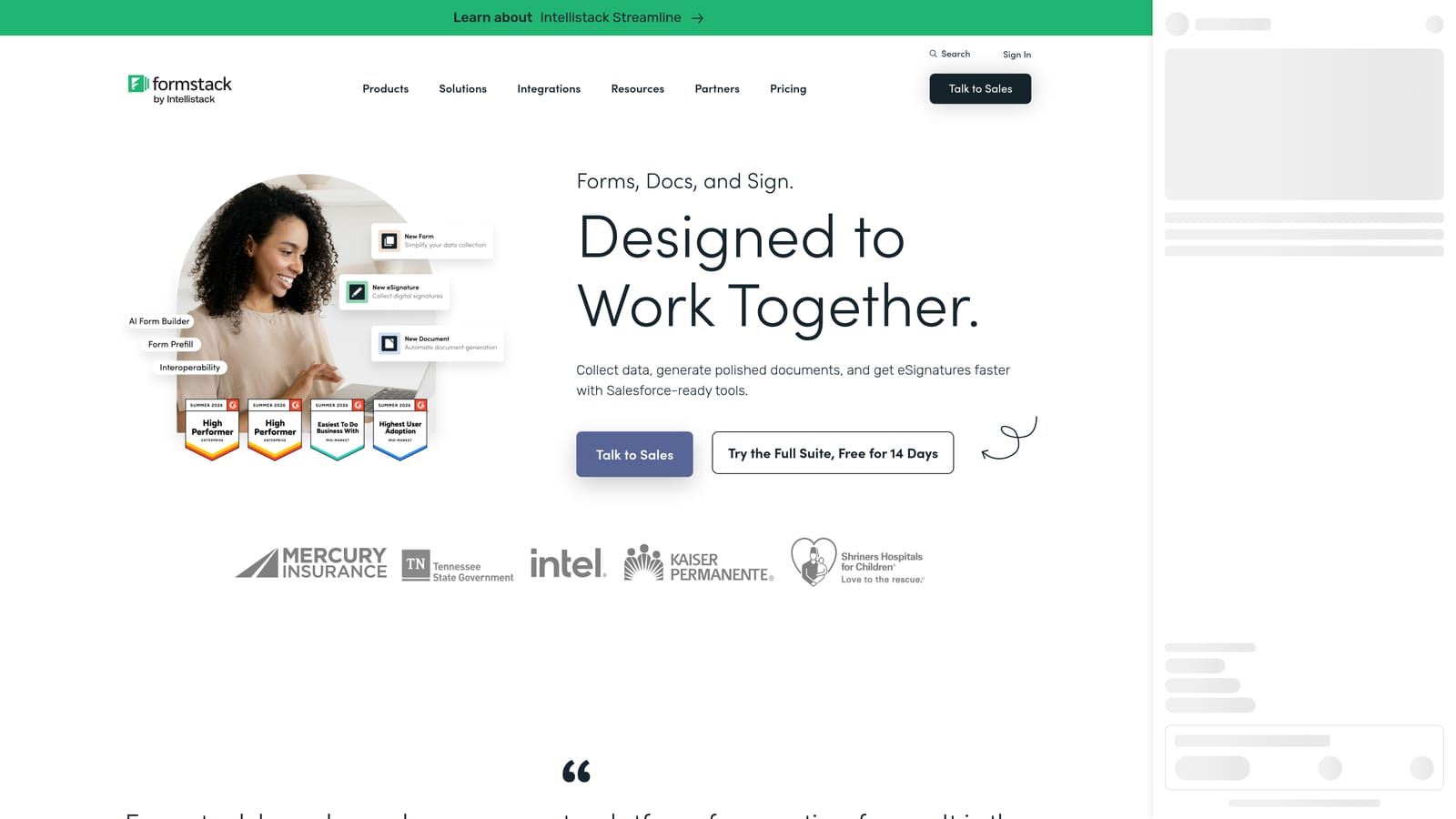
Formstack is an enterprise form and workflow platform with Mailchimp integration, advanced conditional logic, and compliance-ready features for regulated industries.
Where This Tool Shines
Formstack operates at a different scale than the other tools on this list. It's not just a form builder; it's a workflow platform that happens to include forms. The Mailchimp integration supports adding and updating contacts, managing audience membership, and handling the kind of multi-step approval processes that enterprise teams often require before data moves anywhere.
For organizations in regulated industries, Formstack's HIPAA and GDPR compliance features are a significant draw. If your team needs to collect sensitive data before it flows into Mailchimp, having compliance guardrails built into the form platform itself simplifies the architecture considerably.
Key Features
Mailchimp Integration with Audience Management: Add and update Mailchimp contacts with list management controls built into the platform.
Advanced Conditional Logic and Approval Workflows: Route submissions through multi-step review processes before data syncs downstream.
HIPAA and GDPR Compliance Features: Built-in controls for regulated industries that need to handle data carefully.
Document Generation and E-Signatures: Extend forms into full document workflows without leaving the platform.
Enterprise SSO and Team Permissions: Role-based access controls and single sign-on for larger teams and organizations.
Best For
Formstack is the right choice for mid-market and enterprise teams with complex workflow requirements, compliance obligations, or large internal form operations. The price point and setup complexity make it overkill for smaller teams, but for organizations that need it, the feature depth is hard to match.
Pricing
Plans start at approximately $83/month. Enterprise pricing available. Verify current pricing at formstack.com.
Which Tool Is the Right Fit for You?
Every team's Mailchimp workflow is a little different, and the best form builder depends on what you're optimizing for.
For lead quality over lead volume: Orbit AI's AI qualification layer is a genuine differentiator. If your Mailchimp list is bloated with low-intent signups and your email performance is suffering for it, the ability to filter submissions before they sync is worth prioritizing over everything else.
For conversational form experiences: Typeform remains a strong choice for teams that want a polished, one-question-at-a-time flow with reliable native Mailchimp connectivity.
For deep segmentation and field control: Jotform's integration depth, including custom merge fields, groups, tags, and conditional audience routing, makes it the most powerful native option for teams with complex list structures.
For beautiful, document-style forms: Paperform is the pick for creators and consultants who want aesthetically strong forms with straightforward Mailchimp sync.
For tight budgets: Tally's free plan is hard to argue with, as long as you're comfortable managing the Mailchimp connection through Zapier.
For enterprise workflows: Formstack handles the compliance requirements and approval complexity that larger organizations need before data moves into Mailchimp.
If you're building a serious lead generation funnel and want your Mailchimp list to reflect genuine buyer intent, Orbit AI is built specifically for that problem. Start your free trial today and see how AI-powered qualification can improve both your conversion rates and the quality of every lead that reaches your email audience.


