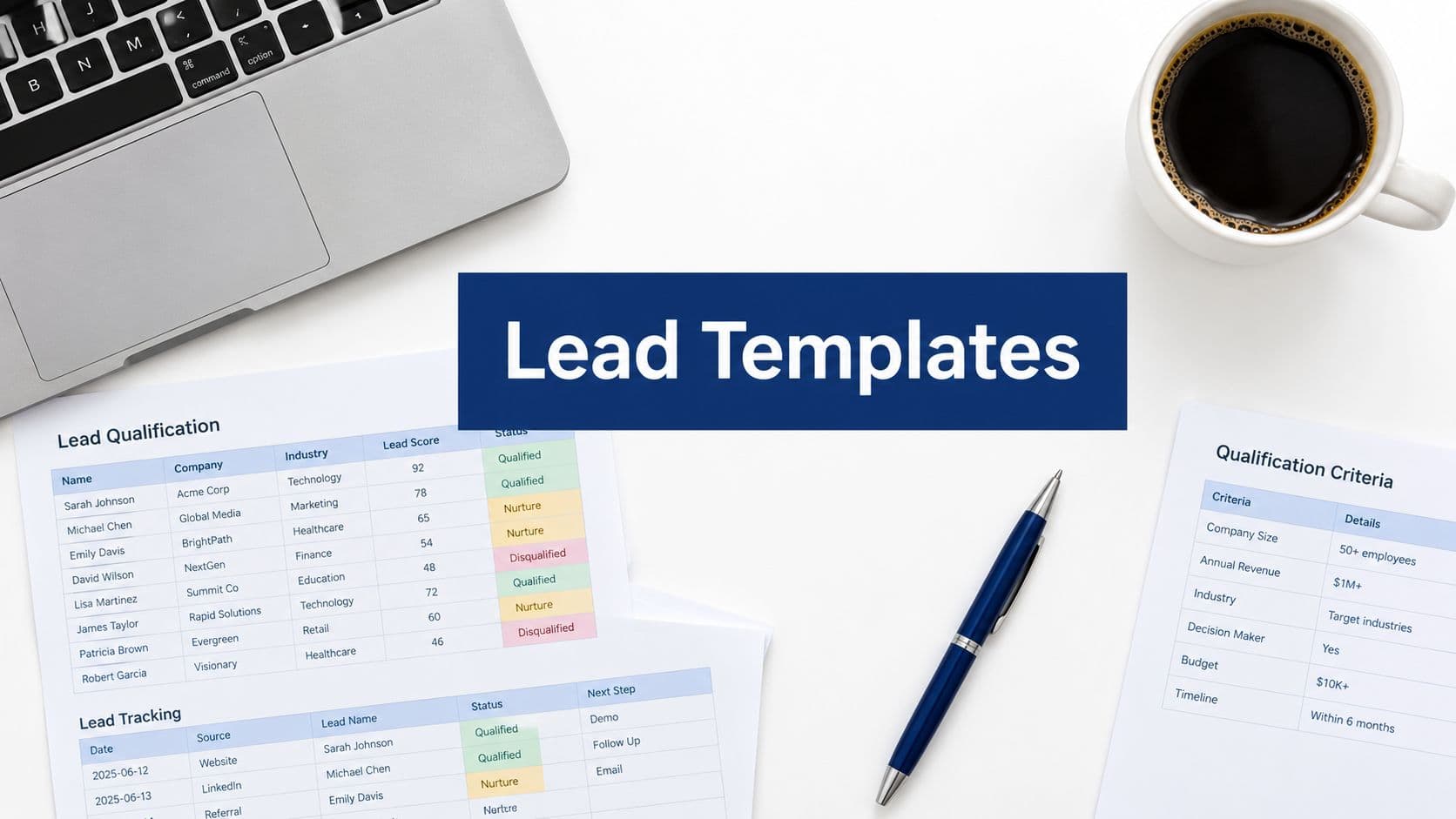
The form builder market has matured fast, but most platforms still treat forms as static data-collection boxes rather than active conversion engines. If you're running a high-growth team, the difference between a form that qualifies leads intelligently and one that just collects emails can mean thousands of dollars in wasted sales time.
This guide ranks the top-rated form builder platforms based on conversion optimization capability, ease of use, integrations, and pricing. Whether you need AI-powered lead qualification, beautiful multi-step forms, or enterprise-grade data management, there's a platform built for your workflow.
We've also included links to our guides on how to build effective web forms and how to improve form conversion rates to help you get the most from whichever tool you choose.
1. Orbit AI
Best for: High-growth B2B and SaaS teams that need forms to qualify and route leads intelligently.
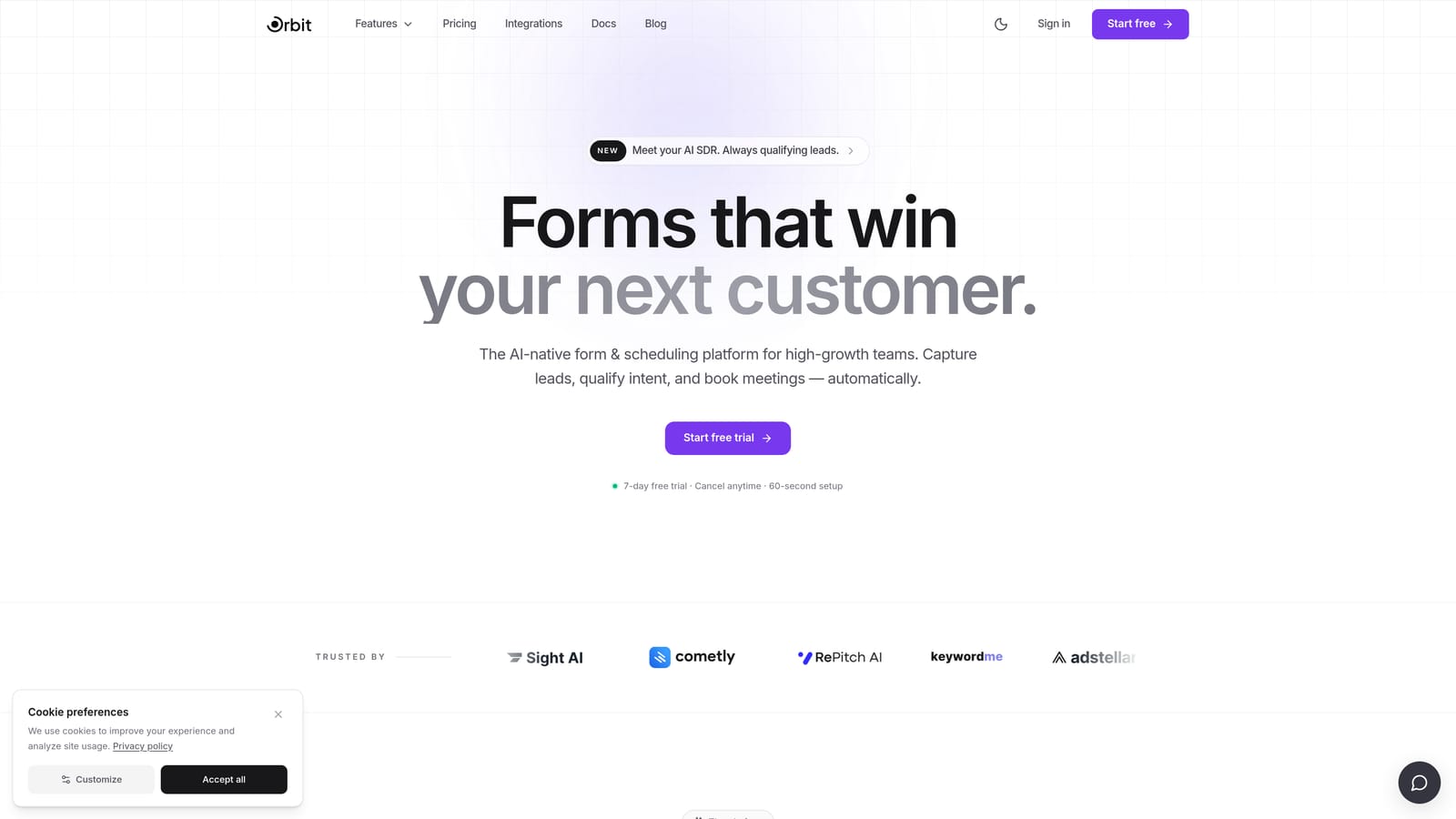
Orbit AI is an AI-powered form builder built specifically for teams that treat lead quality as a growth lever, not an afterthought.
Where This Tool Shines
Most form builders stop at data collection. Orbit AI is designed to do the work your sales team would otherwise do manually: scoring leads, applying qualification logic, and routing prospects based on what they actually tell you in the form. That intelligence lives at the form layer itself, not buried in downstream CRM rules that fire hours later.
The platform also prioritizes conversion-optimized design. Forms look modern and clean out of the box, which matters more than people admit. A form that feels polished and purposeful gets completed. One that looks like a generic survey gets abandoned.
Key Features
AI Lead Qualification Logic: Built directly into the form layer, so leads are scored and categorized the moment they submit.
Real-Time Lead Routing: Automatically routes leads to the right rep or workflow based on form responses and qualification score.
Conversion-Optimized Design: Modern, clean UI templates built to reduce friction and improve completion rates.
CRM and Marketing Stack Integrations: Connects with the tools your team already uses to keep data flowing without manual exports.
Multi-Step and Conditional Logic Forms: Guide respondents through personalized form paths based on their answers, improving both experience and data quality.
Best For
Orbit AI is the strongest fit for SaaS companies, B2B marketing teams, and growth-focused operators who need their forms to do more than collect data. If lead quality and sales efficiency are priorities, the AI qualification layer offers a meaningful advantage over general-purpose tools.
Pricing
Paid plans are available. Visit orbitforms.ai for current pricing details and plan options.
2. Typeform
Best for: Teams that prioritize respondent experience, engagement, and high form completion rates.
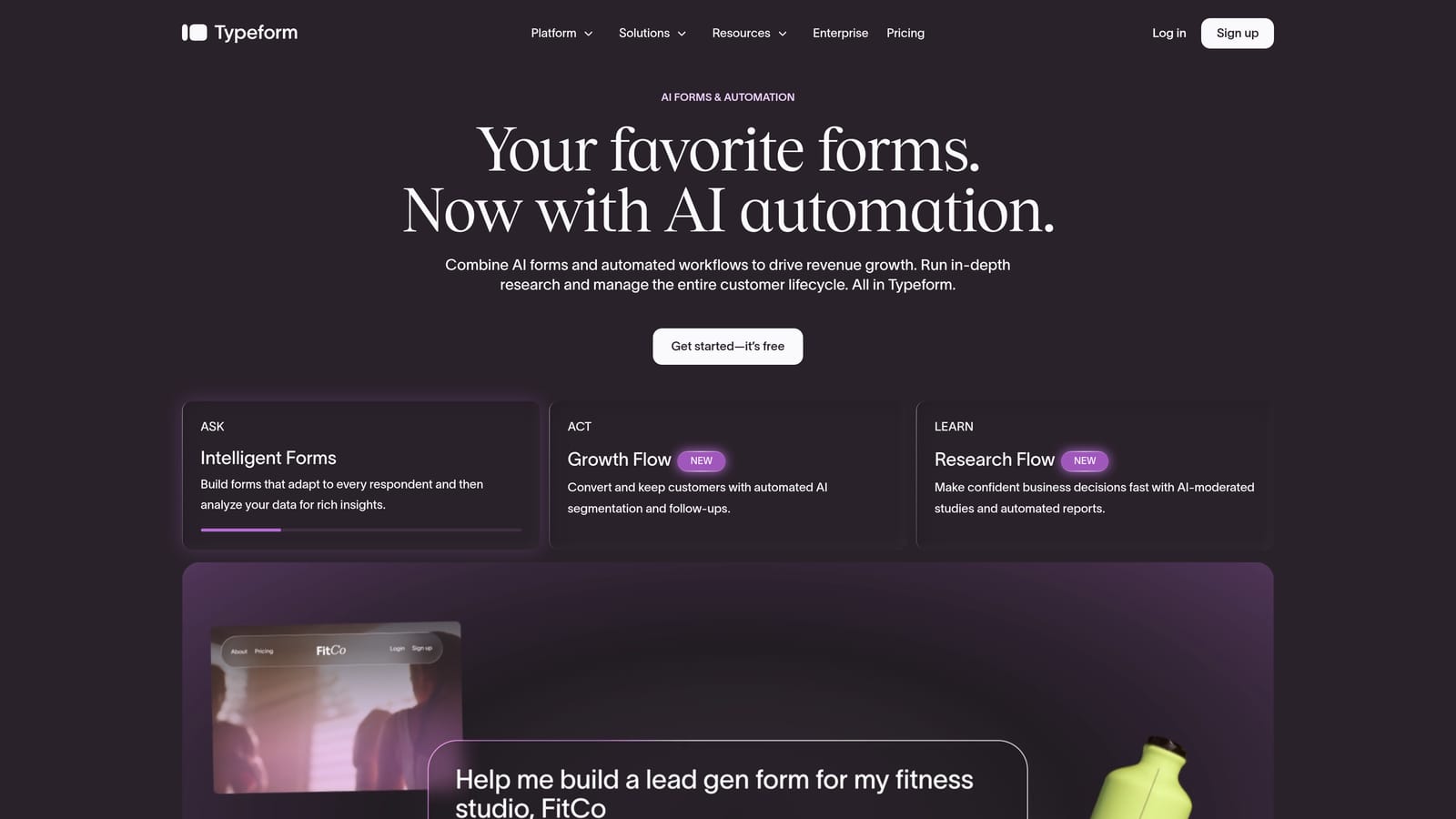
Typeform is a conversational form platform that presents one question at a time, creating an experience closer to a dialogue than a traditional form.
Where This Tool Shines
Typeform built its reputation on making forms feel less like forms. The one-question-at-a-time format reduces cognitive load and keeps respondents engaged through to submission. For marketing surveys, customer research, and brand-forward lead capture, that experience difference is real and noticeable.
The integration library is broad, covering major CRMs, marketing automation platforms, and workflow tools. Where Typeform starts to show its limits is in advanced lead qualification: the logic is capable, but the platform isn't purpose-built for scoring and routing B2B leads the way a dedicated qualification tool would be.
Key Features
Conversational One-Question UX: Presents questions sequentially to reduce abandonment and improve the respondent experience.
Conditional Logic and Branching: Personalizes the form path based on previous answers.
Wide Integration Library: Connects with HubSpot, Salesforce, Zapier, and many other platforms.
Video and Image Embedding: Supports rich media within forms for more engaging interactions.
Analytics Dashboard: Tracks response rates, drop-off points, and completion trends.
Best For
Typeform works well for marketing teams running surveys, customer feedback campaigns, and top-of-funnel lead capture where brand experience matters. Teams that need deep qualification logic or high-volume B2B lead routing may find themselves working around its limitations.
Pricing
Free plan available. Paid plans start at approximately $25 per month billed annually, with higher tiers for additional responses and features.
3. Jotform
Best for: SMBs and operations teams that need a feature-rich, template-heavy platform covering diverse use cases.
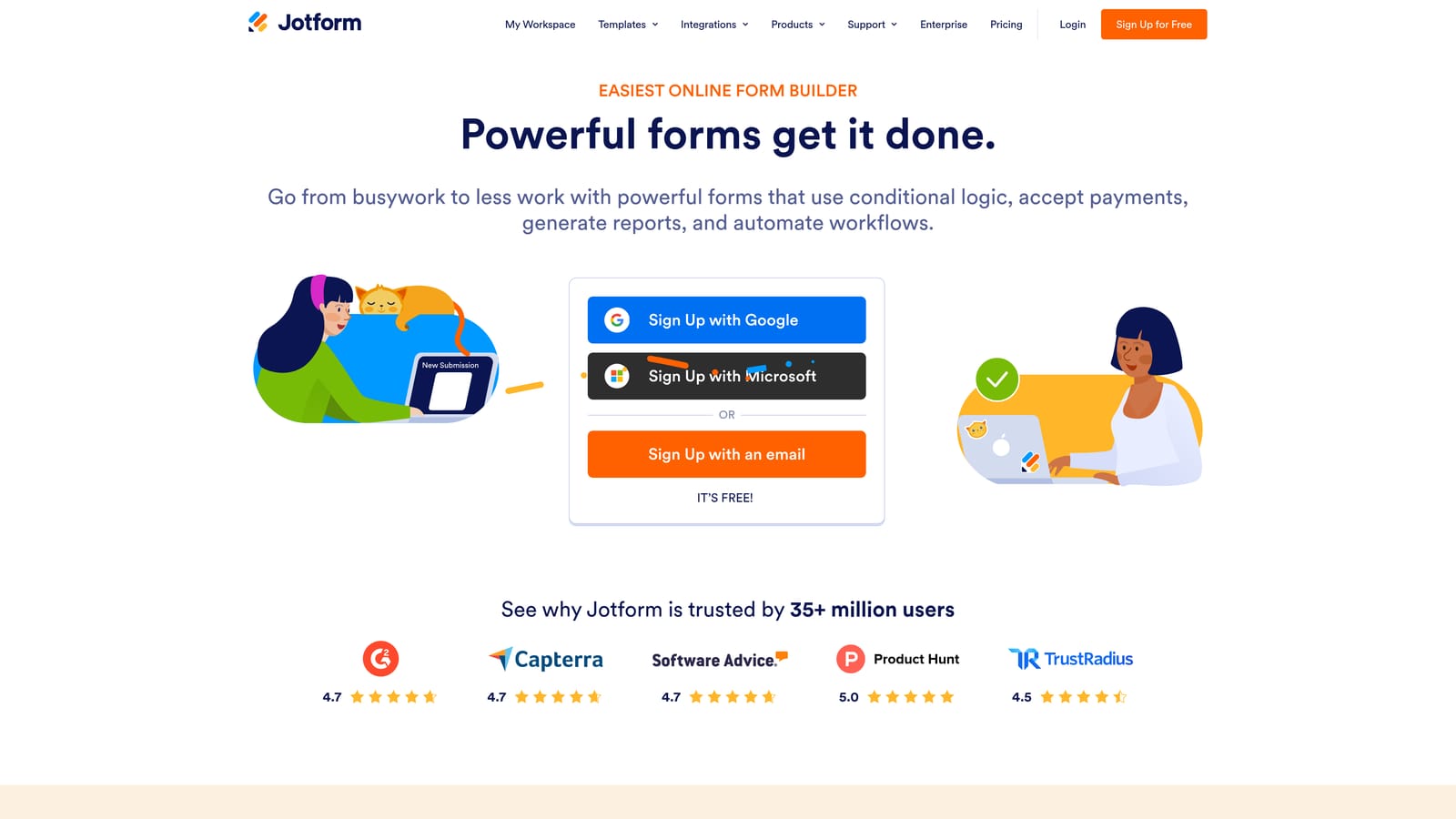
Jotform is one of the most comprehensive form builders available, with thousands of templates, native payment support, and workflow automation built in.
Where This Tool Shines
Jotform's depth is its defining characteristic. Whether you need a payment form, an approval workflow, an e-signature collection process, or a standard contact form, there's almost certainly a template for it. For teams managing diverse operational needs across departments, that breadth is genuinely valuable.
The drag-and-drop builder requires no coding, and Jotform Tables gives teams a spreadsheet-style view of their responses that ops-minded users tend to appreciate. The tradeoff is that the platform can feel overwhelming when your goal is focused conversion optimization rather than broad data management.
Key Features
10,000+ Templates: Pre-built forms across industries and use cases, ready to customize immediately.
Native Payment Integrations: Accepts payments via Stripe, PayPal, and Square directly within forms.
Drag-and-Drop Builder: No-code form creation with a visual, accessible interface.
Approval Workflows and E-Signatures: Supports multi-step internal processes beyond simple data collection.
Jotform Tables: Spreadsheet-style response management for teams that prefer a structured data view.
Best For
Jotform is an excellent choice for SMBs, operations teams, and nonprofits that need a versatile platform handling many different form types. Teams specifically focused on lead conversion and qualification will likely want a more targeted solution.
Pricing
Free plan available. Paid plans start at approximately $34 per month, with higher tiers for increased submission limits and advanced features.
4. Tally
Best for: Individuals and small teams that need simple, fast form creation with a generous free tier.
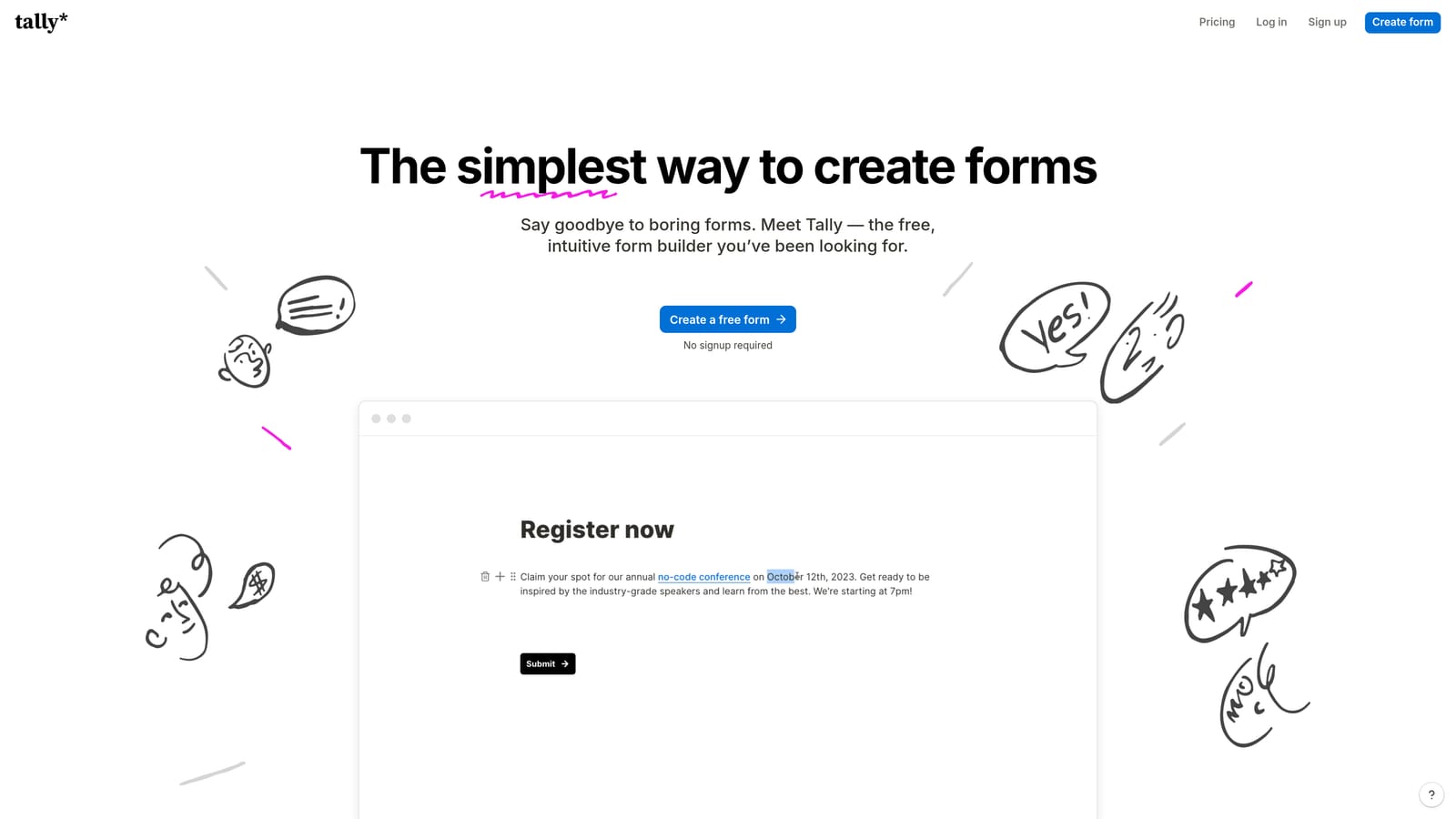
Tally is a lightweight, Notion-inspired form builder that prioritizes speed of creation and accessibility over depth of features.
Where This Tool Shines
Tally's block-based editor will feel immediately familiar to anyone who uses Notion. You build forms by typing and inserting blocks, which makes the creation process fast and intuitive. The free plan is genuinely generous: unlimited forms and unlimited submissions with no submission caps, which is rare in this market.
Where Tally pulls back is in advanced functionality. Lead qualification logic, deep analytics, and sophisticated routing aren't the focus here. It's a tool built for simplicity, and it delivers on that promise well. For teams that need a quick intake form, feedback survey, or internal request form without spinning up a complex platform, Tally is hard to beat on value.
Key Features
Unlimited Free Forms and Submissions: The free plan imposes no form or submission limits, making it accessible for budget-conscious teams.
Block-Based Editor: Notion-style creation experience that's fast and low-friction.
Conditional Logic and Hidden Fields: Basic personalization and data-passing capabilities.
Embed Anywhere: Minimal setup required to embed forms on any website or tool.
Zapier and Make Integrations: Connect form responses to external workflows without native integrations.
Best For
Tally suits freelancers, early-stage startups, and internal teams that prioritize ease and cost over conversion depth. If your forms are primarily for information gathering rather than lead qualification, Tally offers excellent value.
Pricing
Free plan with unlimited forms and submissions. Pro plan at approximately $29 per month for advanced features including custom domains and priority support.
5. Paperform
Best for: Service businesses and e-commerce operators that need forms to handle payments, bookings, and product sales natively.
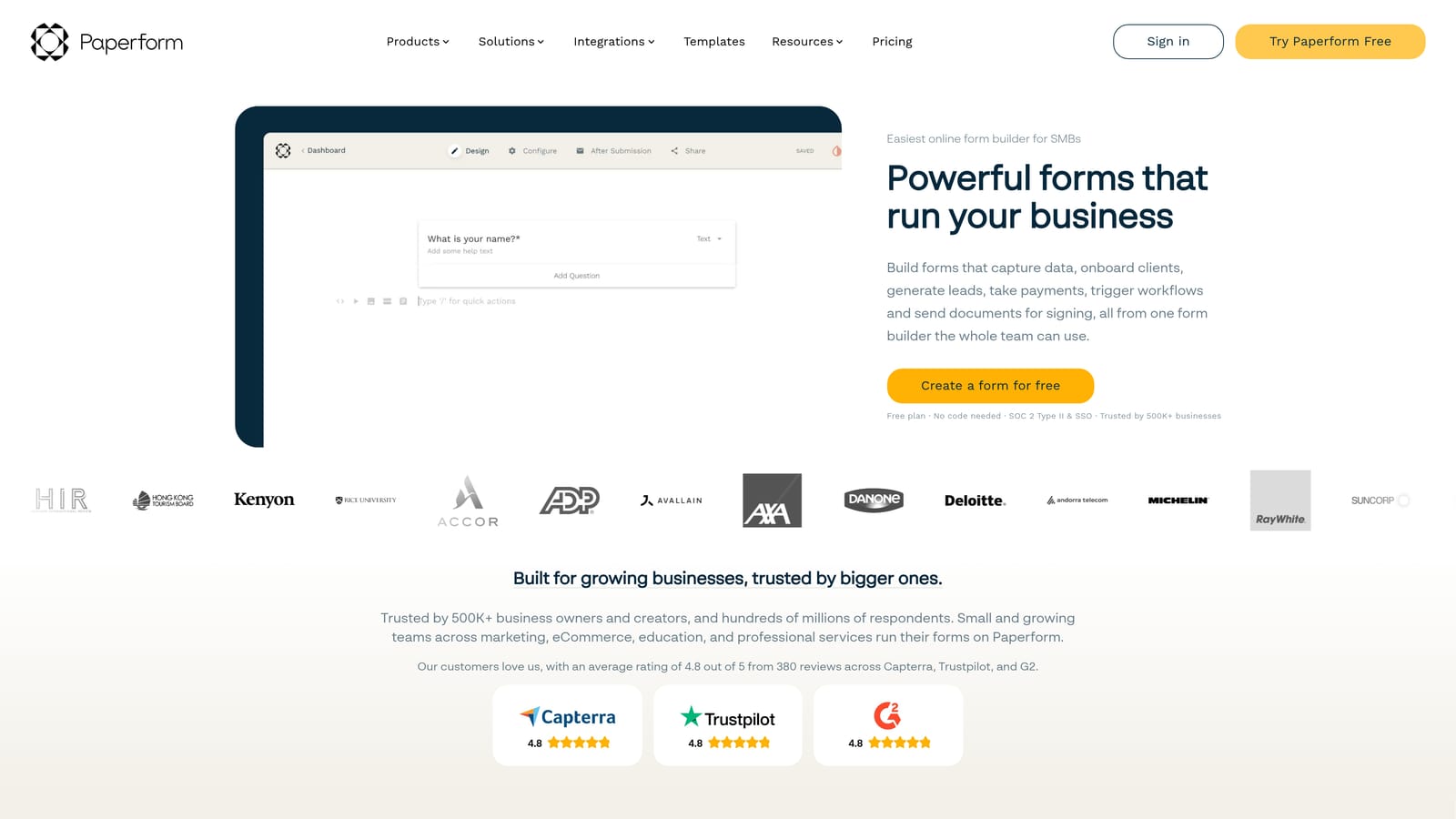
Paperform is a hybrid form and landing page builder that blends data collection with native commerce and scheduling capabilities.
Where This Tool Shines
Paperform occupies a unique space: it's not purely a form builder and not quite a landing page platform. The result is a tool that can handle the full transaction flow, from capturing respondent information to collecting payment or booking an appointment, all within a single form-like experience. The design flexibility is above average, giving forms a polished, branded feel without requiring design skills.
For service businesses, coaches, consultants, and e-commerce operators, that native commerce layer is a genuine differentiator. For high-volume B2B lead qualification workflows, however, Paperform's strengths are less relevant and teams may find more specialized tools better suited.
Key Features
Native Payment Collection: Accepts payments via Stripe, Braintree, and PayPal directly within the form experience.
Appointment and Booking Scheduling: Built-in scheduling functionality without requiring a separate tool.
Rich Text and Media Embedding: Landing-page-style design flexibility within the form canvas.
Conditional Logic and Calculation Fields: Supports dynamic form paths and price calculations.
200+ Integrations: Native connectors plus Zapier for extended workflow automation.
Best For
Paperform is strongest for service providers, small businesses, and operators who need payments and bookings embedded in their forms. Teams running B2B lead generation campaigns at scale will likely need a more conversion-focused platform.
Pricing
Plans start at approximately $29 per month billed annually, with higher tiers for additional submissions and team features.
6. Formstack
Best for: Enterprise teams and regulated industries that need HIPAA compliance, document automation, and advanced approval workflows.
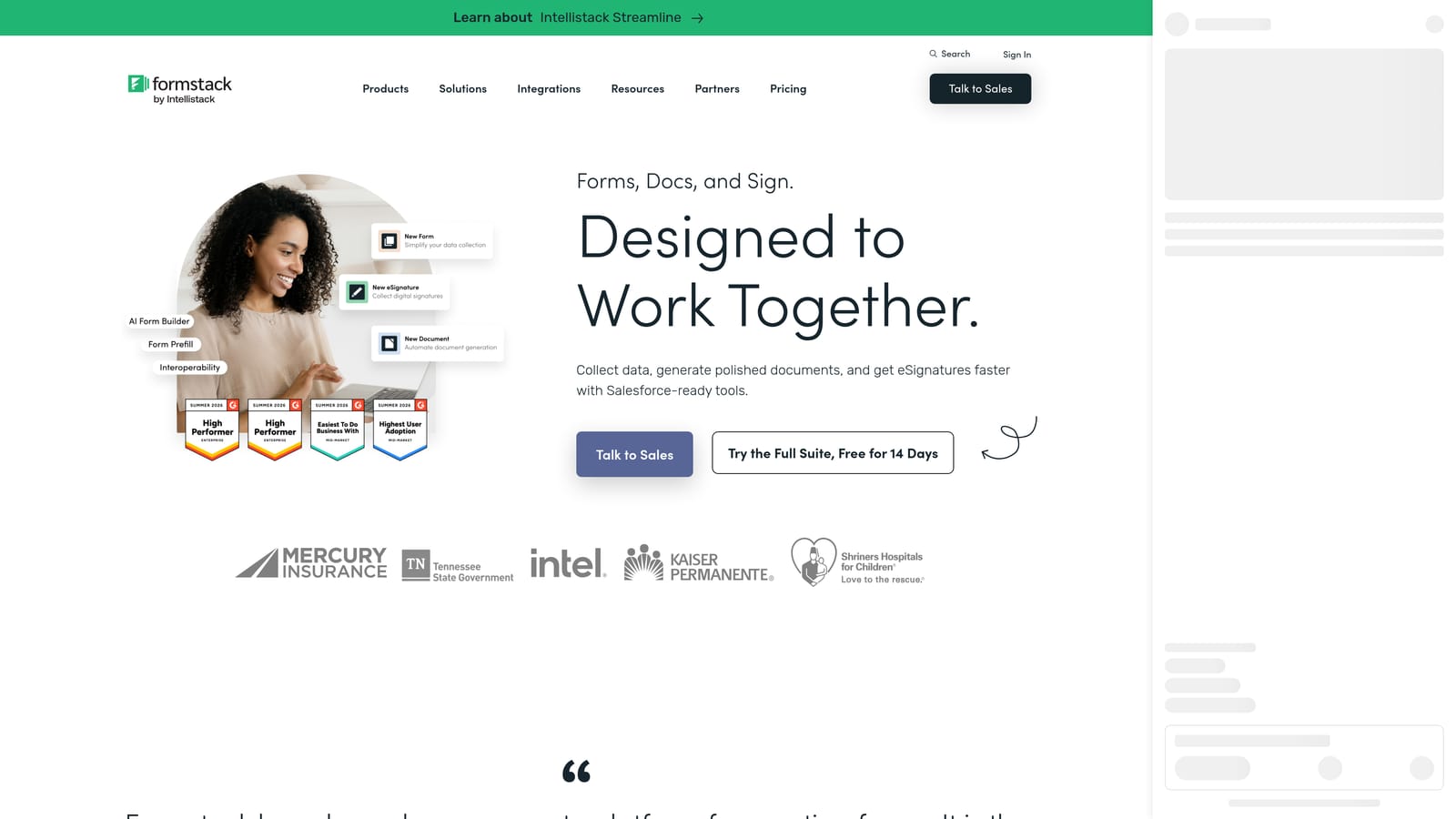
Formstack is an enterprise-grade form and workflow automation platform built for organizations where compliance, governance, and process complexity are non-negotiable.
Where This Tool Shines
Formstack goes well beyond form building. The platform includes document generation, electronic signature collection, and multi-step approval routing, making it a workflow automation suite as much as a form tool. For healthcare, finance, legal, and other regulated industries, the HIPAA compliance and enterprise data governance controls are often the deciding factor.
The depth of the platform comes with a corresponding learning curve and price point. Fast-moving growth teams that need to launch and iterate quickly may find Formstack's enterprise architecture more friction than it's worth. But for organizations where compliance is mandatory and process rigor is valued, it delivers capabilities that lighter tools simply can't match.
Key Features
HIPAA-Compliant Data Collection: Purpose-built for regulated industries that handle sensitive information.
Advanced Conditional Logic and Workflows: Multi-step form flows with complex branching and routing.
Formstack Documents: Automated document generation triggered by form submissions.
Electronic Signature Collection: Integrated e-signature support within the same platform.
Enterprise SSO and Data Governance: Security and access controls built for IT and compliance teams.
Best For
Formstack is the right choice for enterprise organizations, healthcare providers, financial institutions, and legal teams that prioritize compliance and process automation over speed and simplicity. The pricing reflects its enterprise positioning.
Pricing
Plans start at approximately $83 per month. Enterprise pricing is available on request for larger organizations with custom requirements.
Which Tool Is Right for Your Team?
Each platform in this list has a clear sweet spot, and the right choice depends entirely on what your team actually needs forms to do.
Orbit AI is the strongest pick for high-growth SaaS and B2B teams where lead quality drives revenue. The AI qualification layer at the form level is a meaningful differentiator: leads get scored and routed immediately, not after a sales rep manually reviews a spreadsheet export. If conversion optimization and lead intelligence are priorities, this is where to start.
Typeform excels when respondent experience is the primary goal. Surveys, customer research, and brand-forward lead capture all benefit from its conversational format. It's not built for deep qualification, but it's excellent at keeping people engaged through to completion.
Jotform is the go-to for teams that need a versatile, template-rich platform covering everything from payments to approvals. Its breadth makes it ideal for SMBs and ops teams managing diverse form needs across the organization.
Tally wins on simplicity and value. If you need fast, clean forms without a budget commitment, its free tier is genuinely hard to beat for lightweight use cases.
Paperform is the right fit for service businesses and operators who need payments and bookings built directly into the form experience. Its hybrid form-and-landing-page approach is unique in this market.
Formstack serves enterprise and regulated-industry teams that need compliance, document automation, and governance controls as core requirements rather than optional add-ons.
For teams serious about turning forms into a conversion engine rather than a data inbox, the tools you choose and how you configure them matter enormously. Our guides on how to build effective web forms and how to improve form conversion rates walk through the strategies that make the biggest difference.
Transform your lead generation with AI-powered forms that qualify prospects automatically while delivering the modern, conversion-optimized experience your high-growth team needs. Start your free trial today and see how intelligent form design can elevate your conversion strategy.