

When lead data lives in five different places — your form builder, your CRM, a spreadsheet, your email inbox, and someone's Slack DMs — you're not running a lead generation system. You're running a cleanup operation. High-growth teams can't afford that friction.
The right form and lead capture tool should do more than collect submissions: it should qualify, route, and centralize your lead data so nothing slips through the cracks. We've evaluated each tool on its ability to consolidate lead data, automate qualification, and integrate cleanly with the rest of your stack. Whether you're a lean SaaS startup or a scaling revenue team, there's an option here built for how you actually work.
For more context on why this matters, see our guides on why forms lose leads and why visitors abandon forms.
1. Orbit AI
Best for: High-growth teams who need lead qualification, contact management, and follow-up automation in one place.
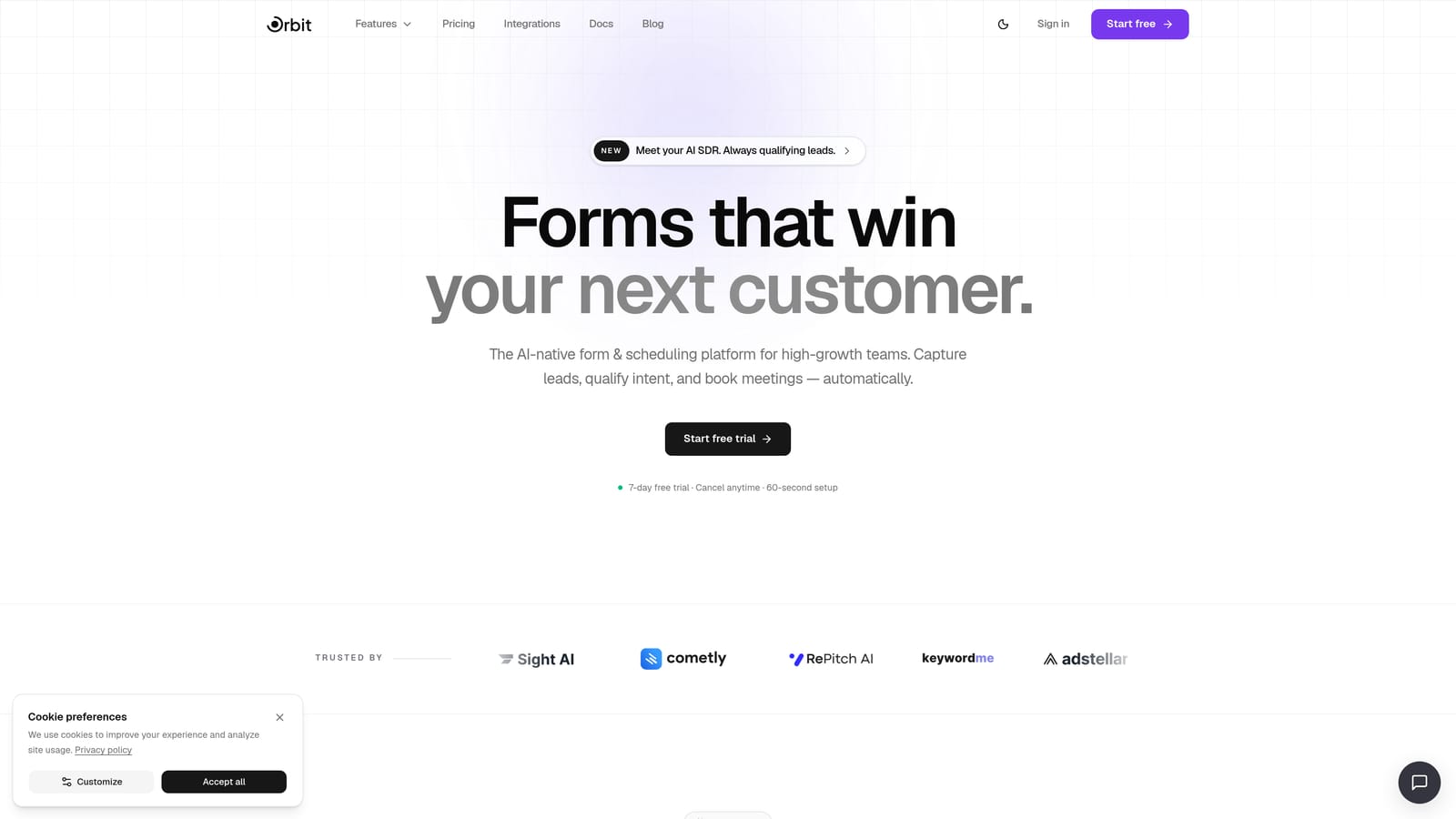
Orbit AI is an AI-powered form builder that goes well beyond data collection, embedding lead qualification directly into the form experience itself.
Where This Tool Shines
Most form tools treat every submission equally. Orbit AI doesn't. Its AI agents assess and route leads at the moment of capture, which means your sales team isn't wading through unqualified submissions at the end of the day — they're seeing leads that have already been scored and sorted.
The bigger differentiator is consolidation. Orbit AI includes built-in contact management, automated sequences, and workflow automation alongside the form builder itself. That's the direct answer to scattered lead data: instead of stitching together a form tool, a CRM, and an email automation platform, everything lives in one place from the moment someone hits submit.
Key Features
AI Lead Qualification Agents: AI agents score and qualify leads at the point of capture, so routing decisions happen automatically rather than manually.
Built-in Contact Management: Lead data flows directly into a native contact database, eliminating the need to sync submissions to a separate CRM for basic pipeline visibility.
Automated Sequences: Follow-up emails and nurture sequences can be triggered directly from form submissions without a separate email marketing tool.
Workflow Automation: Route leads to different team members, queues, or actions based on qualification criteria set inside the platform.
Analytics Dashboard: Track form performance and lead quality in context, so you can see not just how many submissions came in, but how many were worth acting on.
Best For
Orbit AI is built for SaaS teams and revenue-focused organizations running high-volume lead generation where manual triage is a real bottleneck. If your current workflow involves exporting form submissions into a spreadsheet and deciding who to follow up with, this tool is designed to eliminate exactly that step.
Pricing
Visit orbitforms.ai/pricing for current plan details. A 7-day free trial gets you started.
2. Typeform
Best for: Brand-forward lead capture campaigns where completion rate and form experience are the top priorities.
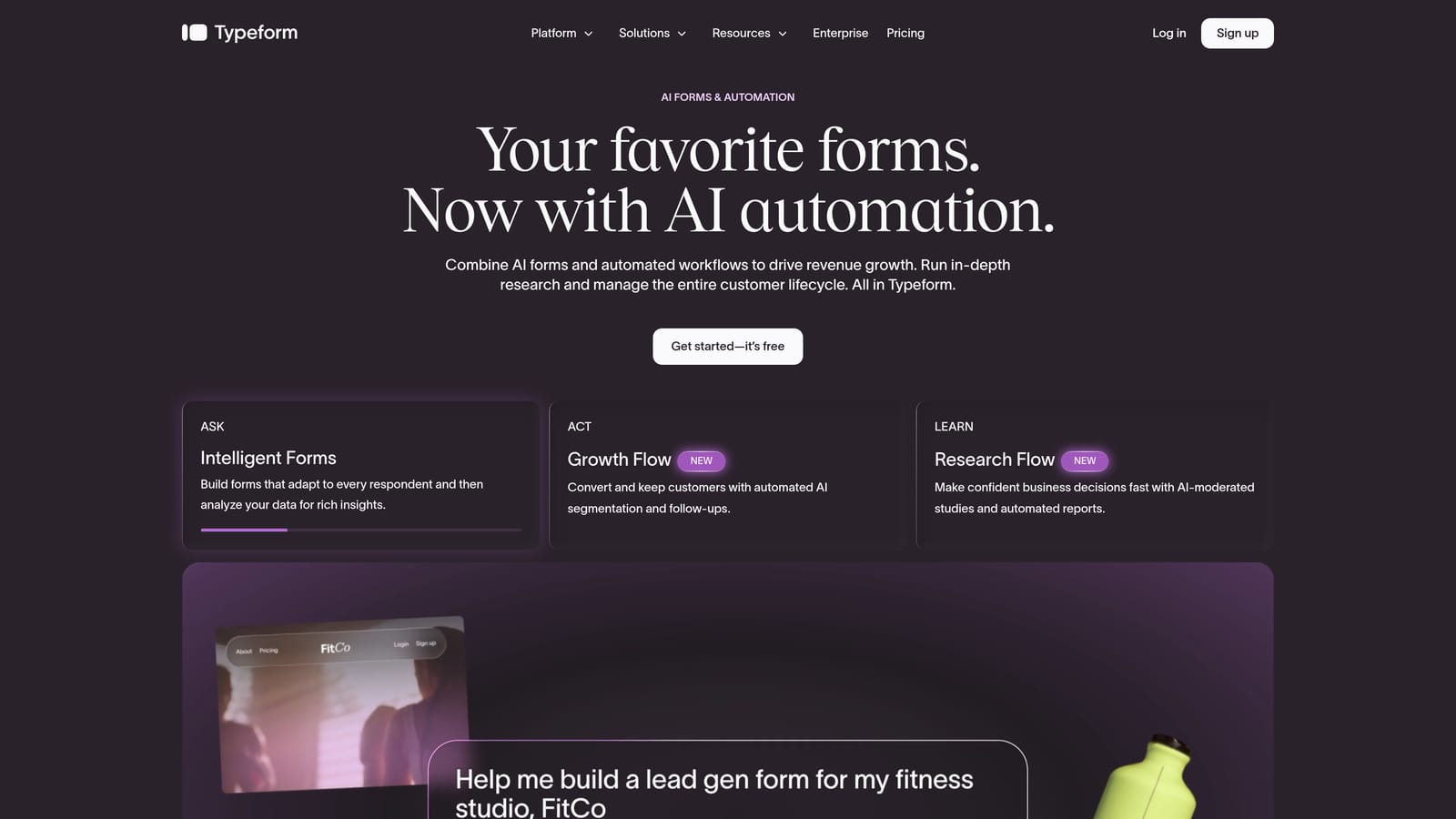
Typeform is a conversational form builder known for its one-question-at-a-time format that reduces form fatigue and improves completion rates.
Where This Tool Shines
Typeform's biggest strength is the experience it creates for the person filling out the form. The single-question format feels less like a survey and more like a conversation, which tends to produce higher completion rates for longer lead capture flows. For campaigns where brand perception matters as much as data collection, Typeform delivers a polished result without requiring design expertise.
It connects to a wide range of CRMs and marketing platforms through both native integrations and Zapier, so lead data can flow into your existing stack. That said, Typeform is a data collection tool at its core — lead qualification and routing still depend on what you connect it to downstream.
Key Features
Conversational Single-Question Format: Presents one question at a time to reduce cognitive load and keep respondents engaged through longer forms.
Conditional Logic: Branches form paths based on previous answers, letting you tailor the experience to different lead segments.
Native CRM Integrations: Connects directly with popular CRM and marketing platforms so submissions can populate your pipeline automatically.
Video and Image Embeds: Supports rich media within questions, useful for product-led lead capture or onboarding flows.
Drop-off Analytics: Shows where respondents abandon the form by question, giving you data to optimize completion rates over time.
Best For
Marketing teams running branded campaigns, product-led growth flows, or customer research where the form experience itself influences how respondents perceive the brand. Less suited to teams who need lead qualification built into the capture layer.
Pricing
Free plan available. Paid plans start at approximately $25/month billed annually. Advanced logic and integrations are available on higher tiers.
3. Tally
Best for: Teams that need to ship forms fast with zero budget and minimal setup complexity.
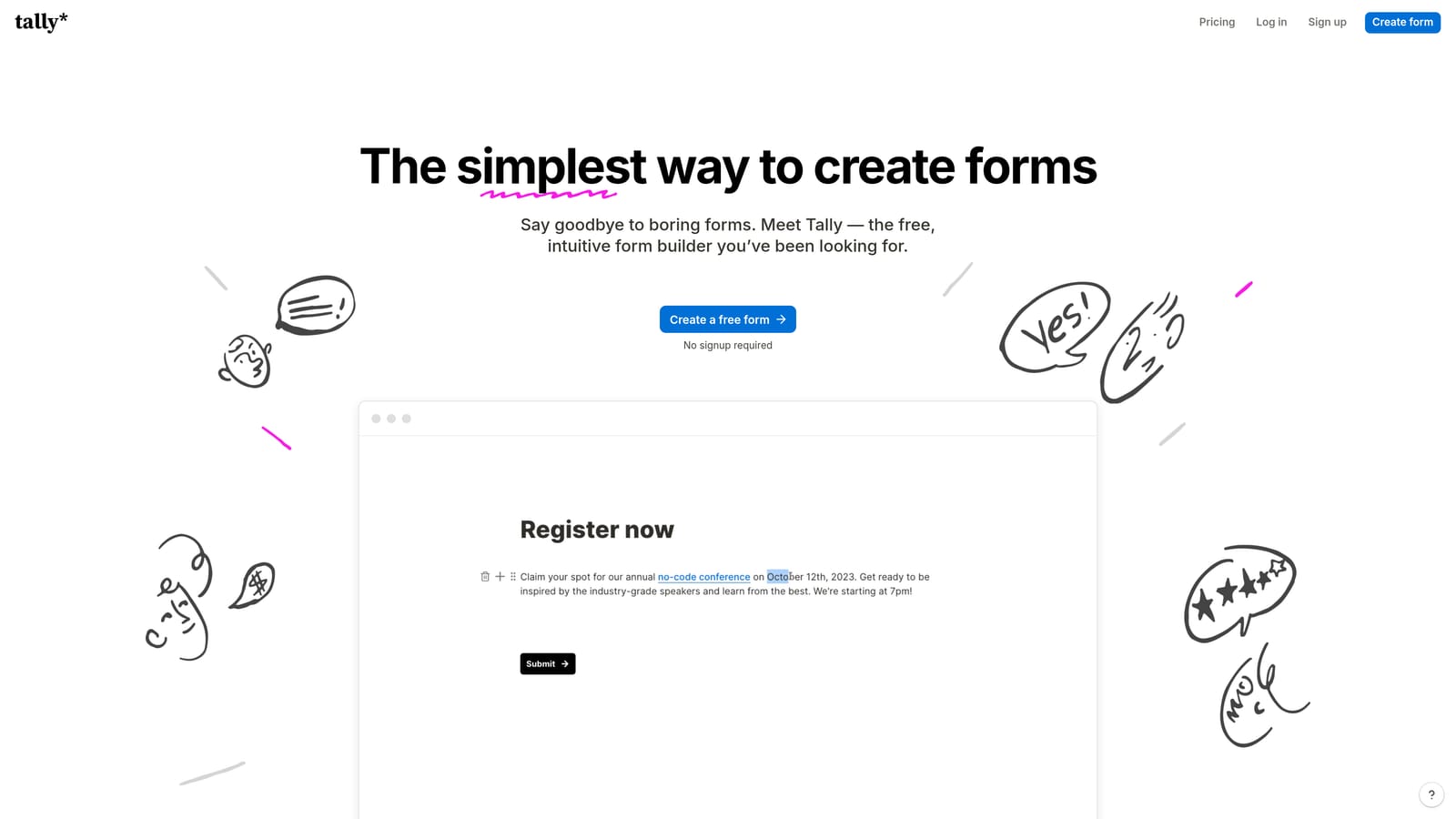
Tally is a lightweight, Notion-inspired form builder with a generous free tier designed for speed and simplicity over advanced functionality.
Where This Tool Shines
Tally's block-based editor feels immediately familiar to anyone who uses Notion, which makes it one of the fastest tools to get a form live without a learning curve. For small teams or early-stage startups that need to collect lead data without committing to a paid tool, the free plan's unlimited forms and submissions is genuinely hard to beat.
It supports conditional logic, hidden fields, and Zapier or Make integrations for connecting submissions to the rest of your stack. Where Tally falls short is in anything beyond basic collection: there's no native lead qualification, no built-in contact management, and routing depends entirely on what you wire up externally.
Key Features
Notion-Style Block Editor: Familiar drag-and-drop interface that makes form creation fast for teams already working in Notion-like environments.
Unlimited Free Forms and Submissions: The free plan doesn't cap submissions, making it practical for teams running ongoing lead capture without a tool budget.
Conditional Logic and Hidden Fields: Supports basic branching and pre-population for more personalized form experiences.
Zapier and Make Integration: Routes submission data to CRMs, spreadsheets, or other tools through automation platforms.
Clean Website and Notion Embeds: Forms embed natively into Notion pages or websites without styling friction.
Best For
Early-stage startups, solo operators, or internal teams that need to collect data quickly without budget constraints. Not the right fit for teams that need lead scoring, qualification logic, or centralized contact management built into the tool itself.
Pricing
Free plan available with unlimited forms and submissions. Tally Pro at approximately $29/month adds custom domains, custom branding removal, and priority support.
4. Paperform
Best for: Marketing teams who want branded lead capture pages without managing a separate landing page builder.
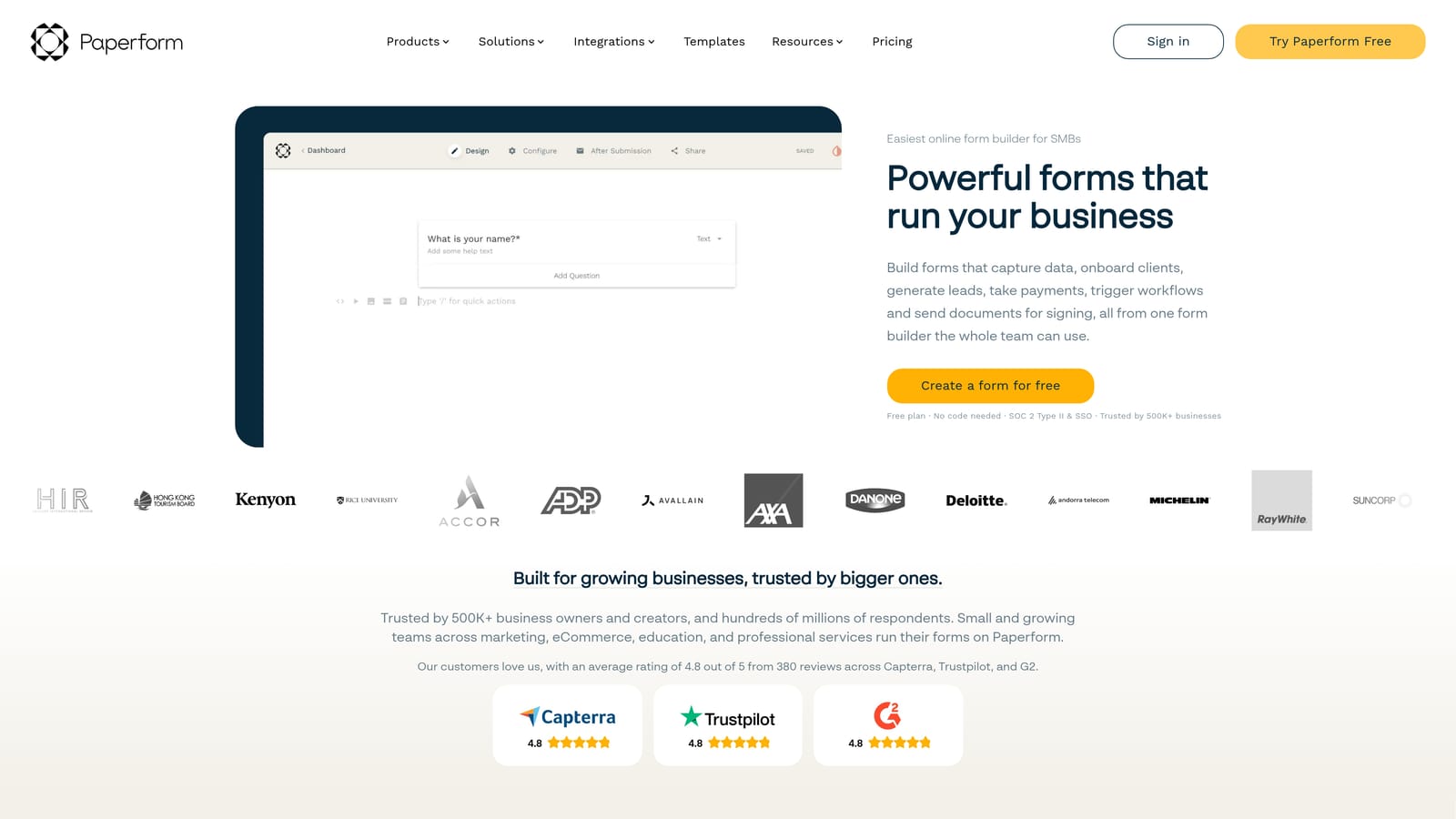
Paperform is a form builder that doubles as a lightweight landing page tool, letting teams create rich, branded data collection experiences in a single editor.
Where This Tool Shines
Paperform sits in an interesting space between a form builder and a landing page tool. You can embed images, video, rich text, and custom layouts directly into the form itself, which means a well-designed Paperform can look and feel like a standalone campaign page rather than a generic submission form. For marketing teams running product launches, event registrations, or campaign-specific lead capture, that flexibility reduces the number of tools in the workflow.
It also supports payment collection and scheduling natively, which makes it useful for teams that need to move a lead from interest to transaction or meeting in a single flow. CRM syncing and lead routing still depend on native integrations or Zapier, so it doesn't solve the qualification layer on its own.
Key Features
Landing Page-Style Form Design: Rich text, images, and video embeds within the form editor create branded experiences without a separate page builder.
Conditional Logic and Calculation Fields: Supports branching paths and dynamic calculations, useful for pricing estimators or qualification questionnaires.
Built-in Payment and Scheduling: Accepts payments and bookings directly within the form, reducing the need for additional tools in conversion flows.
Native Integrations and Zapier Support: Connects to CRMs and marketing platforms for downstream lead routing.
Custom Domain Support: Forms can be published on a custom domain, reinforcing brand consistency for standalone campaign pages.
Best For
Marketing teams running campaign-specific lead capture who want a polished, branded experience without maintaining a separate landing page tool. Teams that need native payment or scheduling alongside lead collection will find particular value here.
Pricing
Starts at approximately $24/month billed annually. No permanent free plan; a trial is available.
5. Jotform
Best for: Organizations with complex, regulated data collection needs and large teams requiring enterprise compliance features.
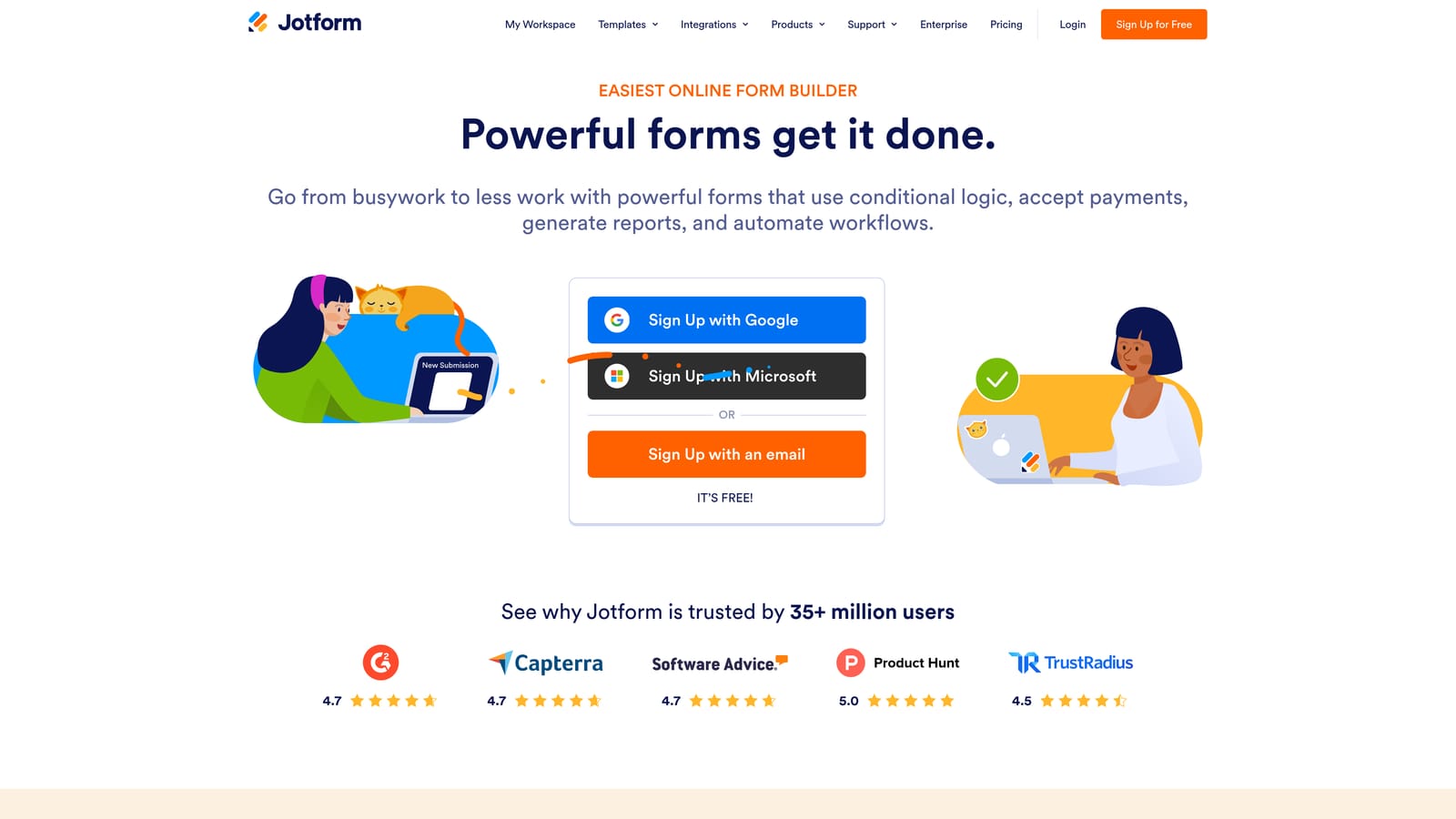
Jotform is one of the most feature-complete form builders available, with thousands of templates, enterprise compliance certifications, and a wide native integration library.
Where This Tool Shines
Jotform's depth is its defining characteristic. The template library covers virtually every industry use case, which means teams can get a functional form live quickly even for specialized data collection scenarios. For organizations operating in regulated industries — healthcare, finance, legal — the HIPAA, GDPR, and SOC 2 compliance options make Jotform one of the few form builders that can meet enterprise security requirements without custom development.
Jotform Tables adds a spreadsheet-like view for managing submission data inside the platform, which helps teams that need a lightweight way to review and act on leads without immediately exporting to another tool. That said, Jotform's strength is breadth of functionality rather than lead qualification depth — teams focused on agile lead gen may find it more feature-heavy than necessary.
Key Features
Thousands of Pre-Built Templates: Covers a wide range of industries and use cases, reducing setup time for specialized data collection needs.
Enterprise Compliance Options: HIPAA, GDPR, and SOC 2 certifications available for organizations with regulated data requirements.
Approval Workflows and E-Signatures: Supports multi-step internal approval processes and legally binding e-signatures within the platform.
Wide Native Integration Library: Connects directly with CRMs, payment processors, and cloud storage tools without requiring Zapier for every connection.
Jotform Tables: A spreadsheet-style view for reviewing and managing submission data inside the platform.
Best For
Mid-market and enterprise organizations with complex, regulated data collection workflows, multi-step approval processes, or large teams that need a standardized form solution across departments. Less optimized for lean SaaS teams focused specifically on lead qualification speed.
Pricing
Free plan available with limited submissions. Paid plans start at approximately $34/month. Enterprise pricing is available for larger organizations.
6. Formstack
Best for: Operations, HR, and legal teams whose lead or application data feeds into complex internal workflows beyond basic CRM entry.
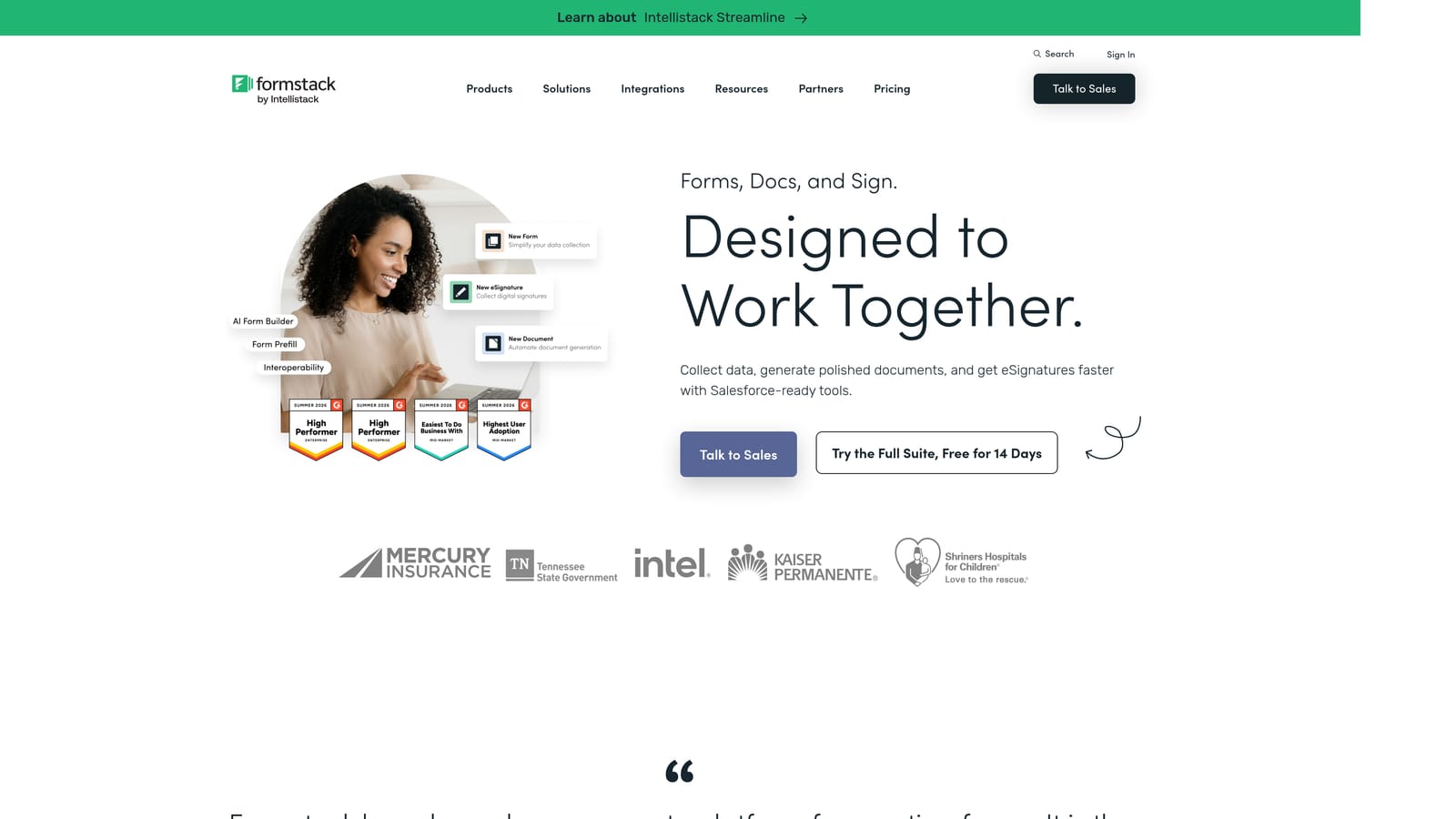
Formstack is a workplace productivity platform that combines form building with document generation, e-signatures, and multi-step workflow automation.
Where This Tool Shines
Formstack positions itself as more than a form builder, and that framing is accurate. If your lead data doesn't just need to land in a CRM but also needs to trigger document generation, route through an internal approval chain, or connect to a Salesforce-native workflow, Formstack handles that end-to-end in a way most form tools can't.
For enterprise revenue teams where a form submission kicks off a complex onboarding or contracting process, the consolidation Formstack offers is genuinely valuable. For teams focused purely on lead generation and qualification, however, it may be more platform than the use case requires — and the pricing reflects that positioning.
Key Features
Multi-Step Workflow Automation: Connects form submissions directly to internal approval and routing workflows without requiring a separate automation platform.
Document Generation and E-Signatures: Produces documents from form data and collects legally binding signatures within the same platform.
Conditional Logic and Advanced Field Types: Supports complex form logic for detailed data collection scenarios.
Salesforce-Native Integration: Deep Salesforce connectivity for enterprise teams where CRM data integrity is a priority.
HIPAA Compliance: Available for regulated industries that need compliant data collection and workflow management.
Best For
Enterprise operations, HR, legal, and compliance teams that need form data to trigger multi-step internal processes. Also a strong fit for revenue teams at large organizations where Salesforce is the system of record and tight CRM integration is non-negotiable.
Pricing
Starts at approximately $83/month. Enterprise pricing is available on request for larger teams and more complex deployments.
Which Tool Is Right for Your Team
The question that should guide your decision isn't "which tool has the most features?" It's simpler than that: where does your lead data go after someone hits submit? Every tool on this list answers that question differently, and the right answer depends on how your team actually works.
Here's a quick breakdown by team type:
Early-stage startups with no tool budget: Tally gets you to collecting leads fast with zero cost. It won't qualify or route leads for you, but it removes every other barrier.
Marketing teams running branded campaigns: Typeform or Paperform both deliver polished, high-completion experiences. Typeform wins on conversational UX; Paperform wins when you need the form to look like a landing page.
Enterprise and regulated industries: Jotform's compliance certifications and template depth make it the practical choice. If your data feeds into contracts and approvals, Formstack handles the full workflow.
SaaS and high-growth revenue teams: Orbit AI's AI agents qualify leads at the point of capture, and the built-in contact management means your lead data never has to travel through three tools before someone can act on it. That's the core promise: not just collecting leads, but knowing which ones matter the moment they arrive.
Scattered lead data isn't just an inconvenience. It's a conversion problem. Every hour your team spends reconciling submissions across disconnected tools is an hour not spent following up with the leads most likely to close.
Start your free trial today and see how AI-powered qualification can turn your form submissions into a pipeline your team can actually act on. Explore current plans at orbitforms.ai/pricing.


