When your forms collect sensitive customer data—payment details, health information, employee records—security isn't optional. A single data breach can cost businesses millions in fines, legal fees, and lost customer trust. Yet many form builders treat security as an afterthought, leaving your business exposed.
This guide covers nine secure form builders that prioritize data protection without sacrificing usability. We evaluated each platform on encryption standards, compliance certifications (GDPR, HIPAA, SOC 2), access controls, and audit capabilities. Whether you're a healthcare provider handling patient intake or a financial services firm collecting sensitive documents, you'll find a solution that meets your security requirements.
1. Orbit AI
Best for: High-growth teams needing AI-powered lead qualification with enterprise-grade security
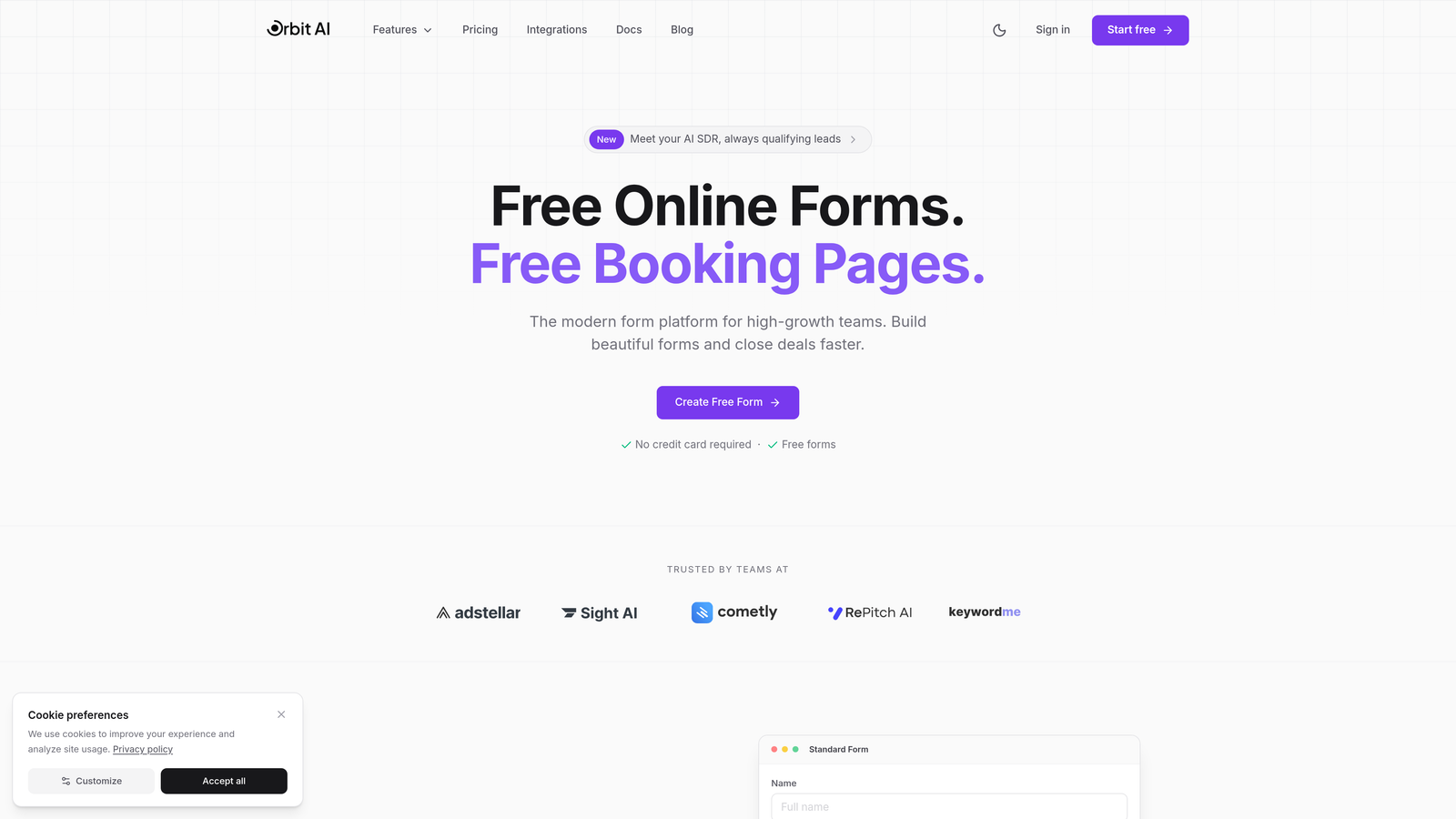
Orbit AI combines intelligent form building with robust security infrastructure designed for businesses that can't compromise on either conversion or compliance.
Where This Tool Shines
Orbit AI stands out by solving a problem most secure form builders ignore: making security-compliant forms that actually convert. The platform uses AI to qualify leads automatically while maintaining SOC 2 compliance and end-to-end encryption.
The real advantage shows up in how the platform adapts forms based on user responses, creating personalized experiences that feel natural rather than interrogative. This matters when you're collecting sensitive information—people are more willing to share when the process feels intelligent and respectful.
Key Features
AI-Powered Lead Qualification: Automatically scores and routes leads based on responses, reducing manual review time while maintaining data security.
End-to-End Encryption with SOC 2 Compliance: Enterprise-grade security standards protect data at rest and in transit without requiring technical expertise to configure.
Conversion-Optimized Design: Forms adapt to user behavior, improving completion rates while collecting the sensitive information your business needs.
Advanced Analytics: Track form performance and lead quality with detailed insights that help refine your data collection strategy.
Seamless Integrations: Connect with major CRMs and business tools to automate workflows while maintaining security protocols across your tech stack.
Best For
High-growth teams in SaaS, financial services, and professional services that need to balance aggressive lead generation with strict security requirements. Particularly valuable when lead quality matters as much as lead volume.
Pricing
Contact for custom pricing based on team size and feature requirements.
2. Jotform Enterprise
Best for: Healthcare organizations requiring HIPAA compliance with extensive template libraries
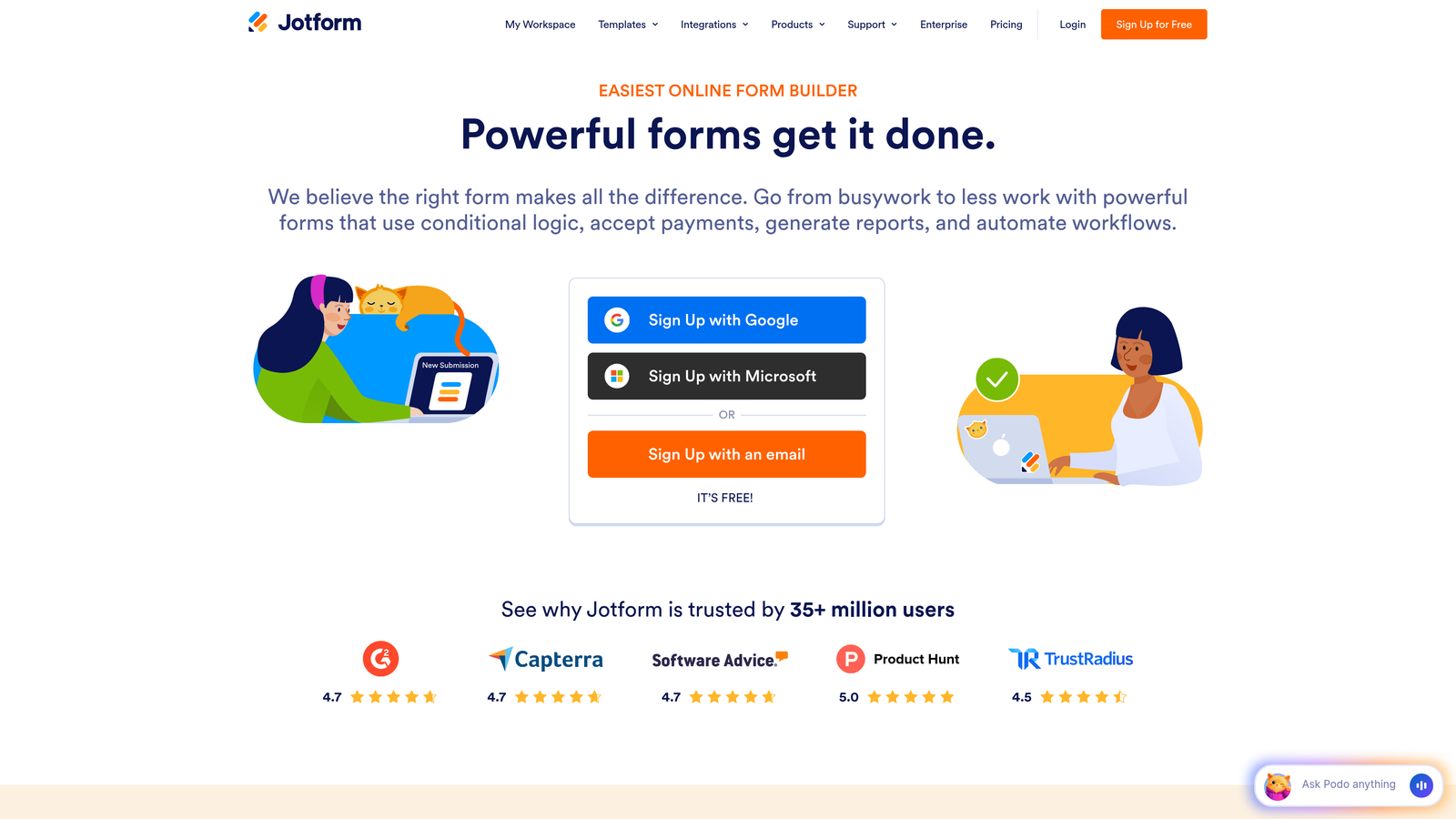
Jotform Enterprise offers one of the most comprehensive compliance portfolios in the form builder space, with over 10,000 templates covering virtually every regulated industry scenario.
Where This Tool Shines
Jotform Enterprise excels at meeting complex regulatory requirements across multiple jurisdictions. The platform offers signed Business Associate Agreements for HIPAA compliance and provides local data residency options in the US, EU, and Australia—critical for organizations navigating international data protection laws.
The template library becomes invaluable when you need to launch compliant forms quickly. Rather than building from scratch and worrying about missing required disclosures or consent language, you can start with industry-tested templates that already incorporate best practices.
Key Features
HIPAA Compliance with BAA: Signed Business Associate Agreements and dedicated HIPAA infrastructure for healthcare data collection.
Local Data Residency: Store data in US, EU, or Australian data centers to meet regional compliance requirements.
Single Sign-On and Access Controls: Enterprise authentication with granular permissions for team management and data access.
White-Label Options: Remove Jotform branding and customize forms to match your enterprise identity while maintaining security standards.
Offline Form Capabilities: Collect data without internet connectivity, then sync securely when connection resumes—useful for field operations.
Best For
Healthcare providers, medical research organizations, and any business requiring HIPAA compliance with the flexibility to deploy forms across multiple geographic regions.
Pricing
Custom enterprise pricing with dedicated support. Standard plans start at $34 per month for smaller teams.
3. Typeform
Best for: Creating engaging, conversational forms with strong GDPR compliance
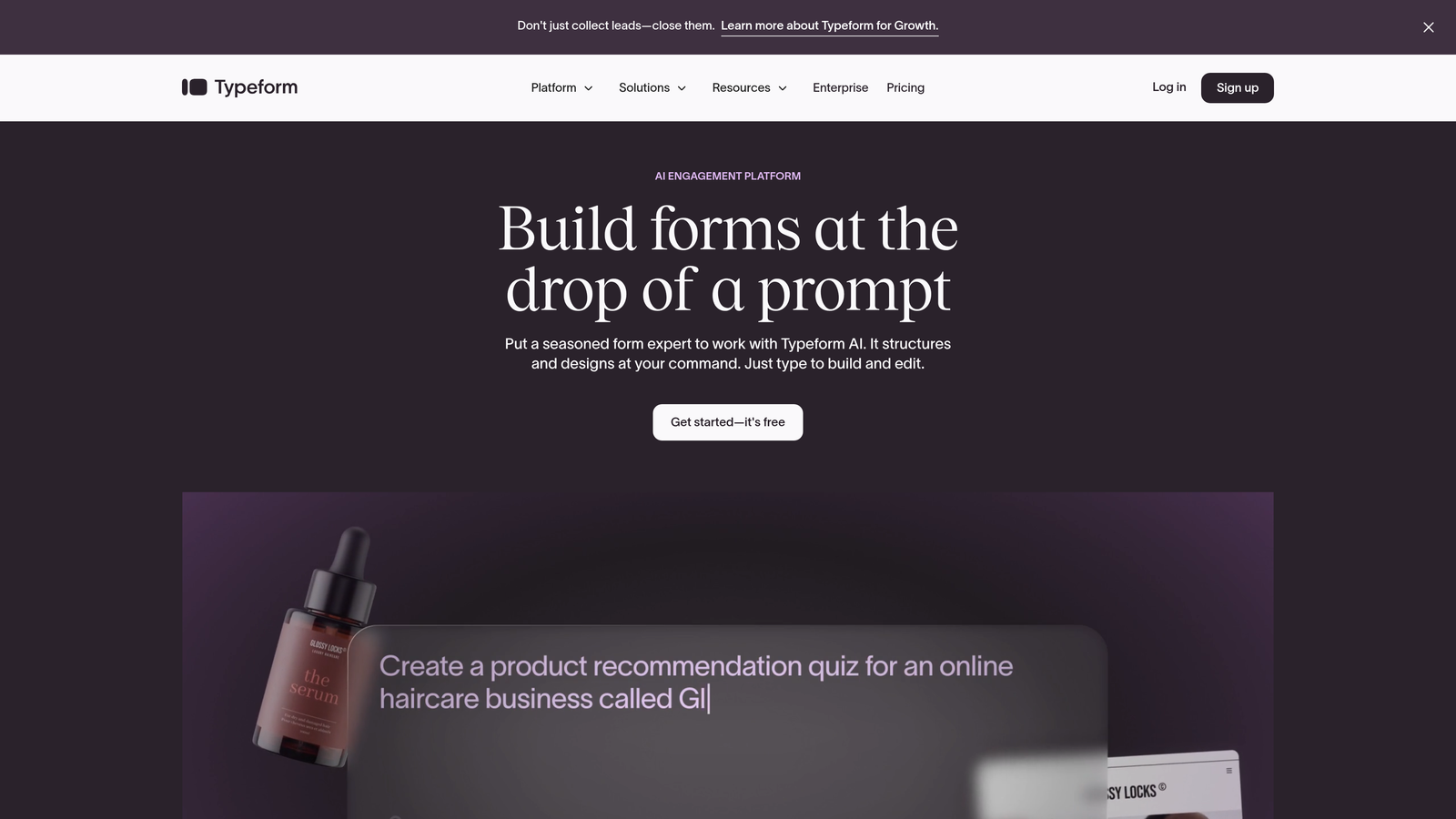
Typeform pioneered the conversational, one-question-at-a-time format that makes data collection feel more like a conversation than an interrogation.
Where This Tool Shines
Typeform's conversational approach significantly improves completion rates for forms collecting sensitive information. When people see one question at a time rather than a daunting multi-page form, they're more likely to complete the entire process.
The platform's GDPR compliance is particularly robust, with EU-based data processing and comprehensive privacy controls. This matters for any business serving European customers or handling EU resident data, where GDPR violations carry substantial penalties.
Key Features
GDPR-Compliant Infrastructure: EU data processing with comprehensive privacy controls and data subject request handling.
Conversational Interface: One-question-at-a-time format reduces cognitive load and improves completion rates for sensitive data collection.
256-Bit SSL Encryption: Industry-standard encryption protects data transmission between users and servers.
Extensive Integrations: Connect with over 120 business tools to automate workflows while maintaining security protocols.
Logic Jumps: Conditional branching shows only relevant questions based on previous answers, minimizing unnecessary data collection.
Best For
Marketing teams, customer research departments, and businesses prioritizing user experience alongside GDPR compliance, particularly those serving European markets.
Pricing
Starts at $25 per month for basic plans. Business plan with advanced features costs $83 per month.
4. Formstack
Best for: Government, education, and healthcare sectors requiring multiple compliance certifications
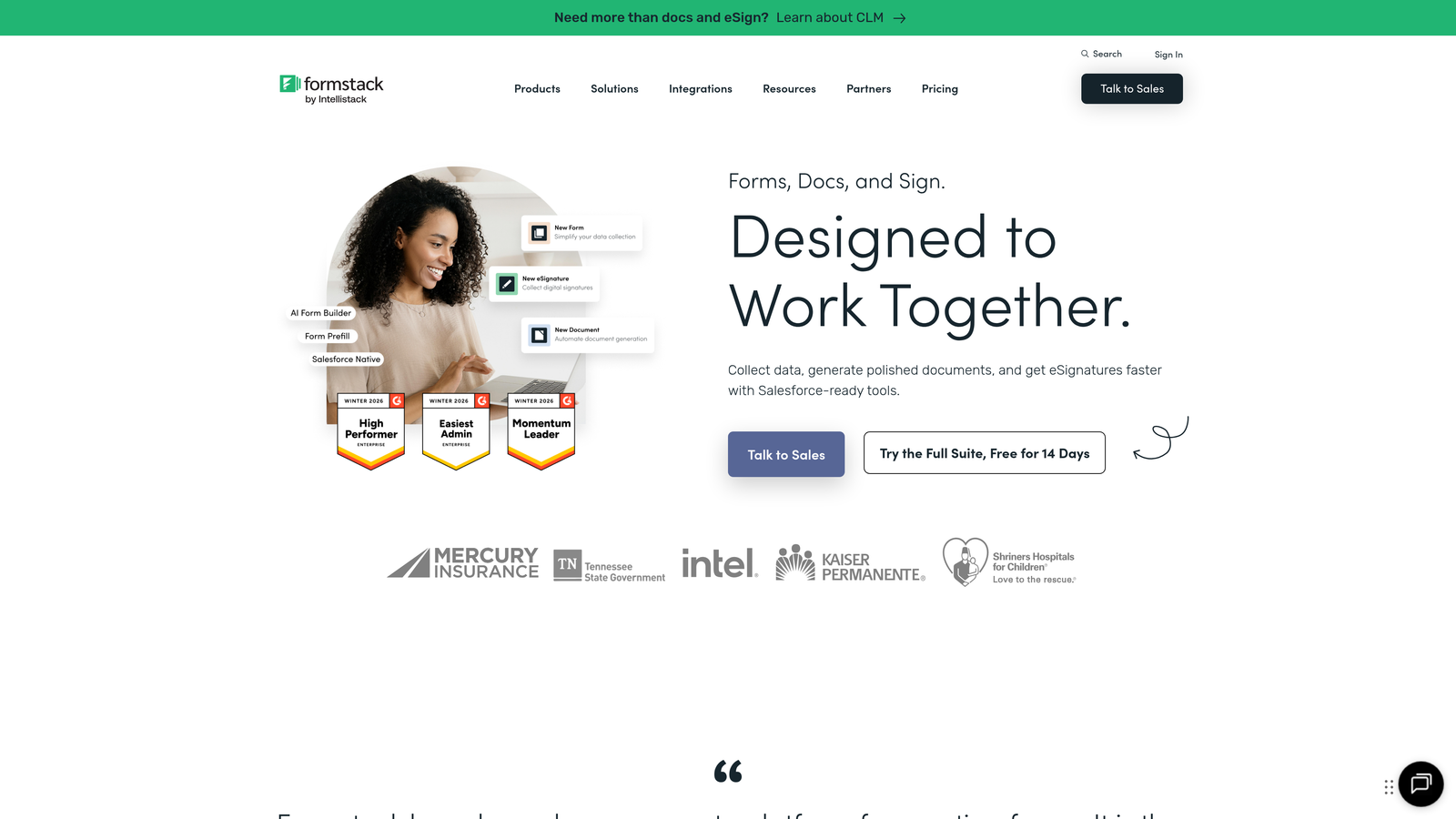
Formstack specializes in serving highly regulated industries with comprehensive compliance options including HIPAA, FERPA, and FedRAMP.
Where This Tool Shines
Formstack's strength lies in its comprehensive audit trails and workflow automation specifically designed for compliance-heavy environments. Every form submission, edit, and access event gets logged with timestamps and user identities—essential for regulatory audits.
The document generation capability proves particularly valuable in sectors like healthcare and legal services, where you need to transform secure form data into official documents while maintaining chain-of-custody records.
Key Features
Multiple Compliance Certifications: HIPAA, FERPA, and FedRAMP compliance options cover healthcare, education, and government requirements.
Digital Signature Collection: Legally binding e-signatures with audit trails for contracts, consent forms, and official documents.
Comprehensive Audit Trails: Detailed logging of all form interactions for regulatory compliance and security investigations.
Workflow Automation: Route submissions through approval chains while maintaining security and compliance at each step.
Document Generation: Automatically create PDFs and documents from form data with templates that preserve formatting and security.
Best For
Government agencies, educational institutions, healthcare organizations, and legal firms requiring detailed audit capabilities and multiple compliance certifications.
Pricing
Starts at $50 per month for basic plans. HIPAA-compliant plans begin at $249 per month with required infrastructure and BAA.
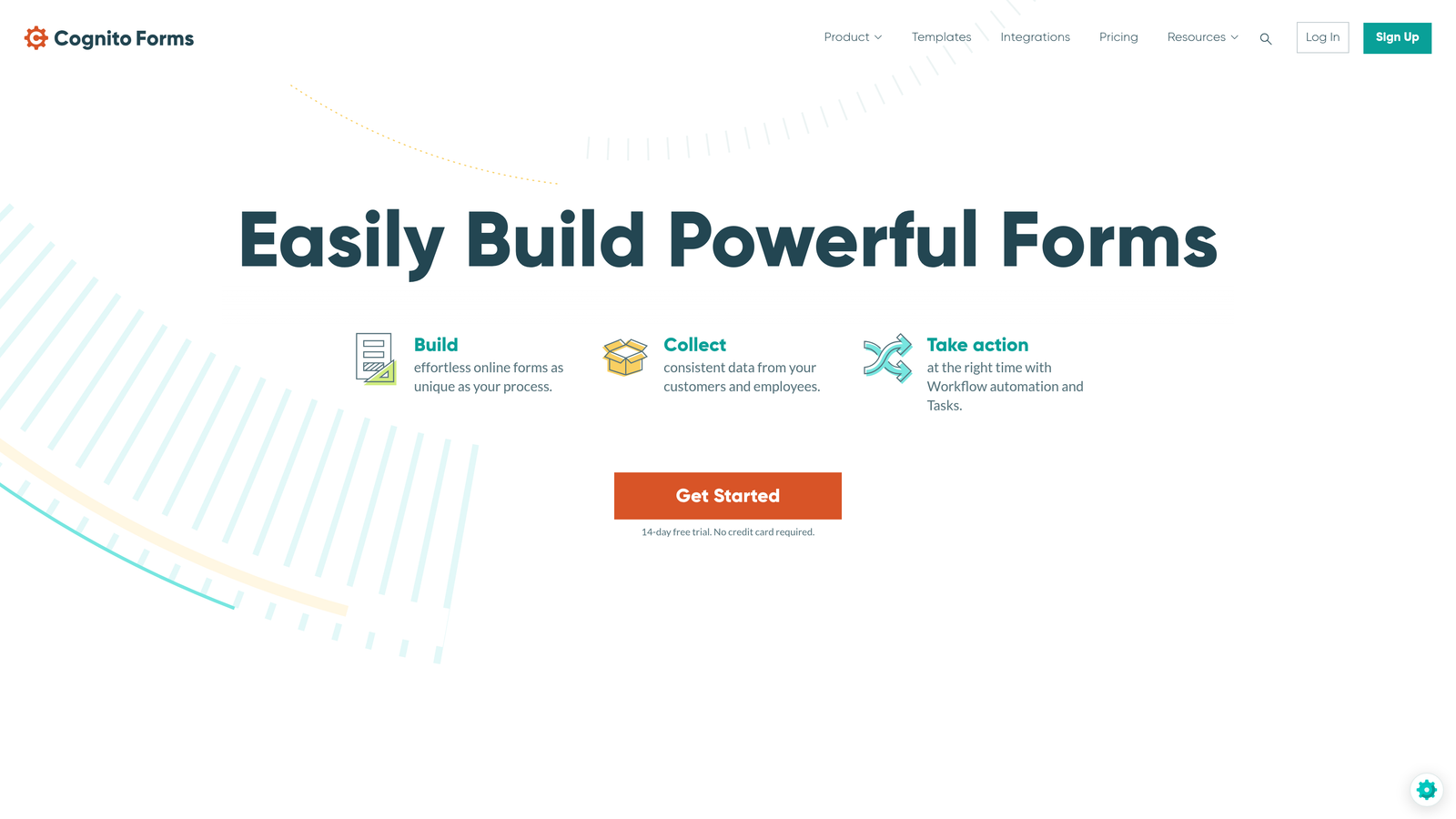
5. Cognito Forms
Best for: Small businesses collecting payments securely on a budget
Cognito Forms delivers Level 1 PCI DSS compliance for payment processing at price points accessible to small businesses and growing teams.
Where This Tool Shines
Cognito Forms makes PCI compliance approachable for businesses that previously couldn't afford enterprise payment solutions. The Level 1 PCI DSS certification—the highest level available—means you can collect credit card information directly without redirecting to third-party payment pages.
The platform's calculation engine handles complex pricing scenarios, making it ideal for service businesses collecting deposits, processing registration fees, or managing variable pricing based on customer selections.
Key Features
Level 1 PCI DSS Compliance: Highest level of payment card security certification for direct credit card collection.
AES-256 Encryption: Military-grade encryption protects stored data, not just data in transit.
Conditional Logic and Calculations: Build complex forms with dynamic pricing and conditional fields without coding.
File Upload Security: Automatic virus scanning on uploaded files protects against malware infiltration.
HIPAA Compliance Option: Team plan includes HIPAA compliance for healthcare-related payment collection.
Best For
Small to medium businesses collecting payments for services, event registrations, or product orders without enterprise budgets for payment processing infrastructure.
Pricing
Free tier available with basic features. Pro plan starts at $15 per month. Team plan with HIPAA compliance begins at $35 per month.
6. 123FormBuilder
Best for: European businesses prioritizing GDPR compliance with EU data centers
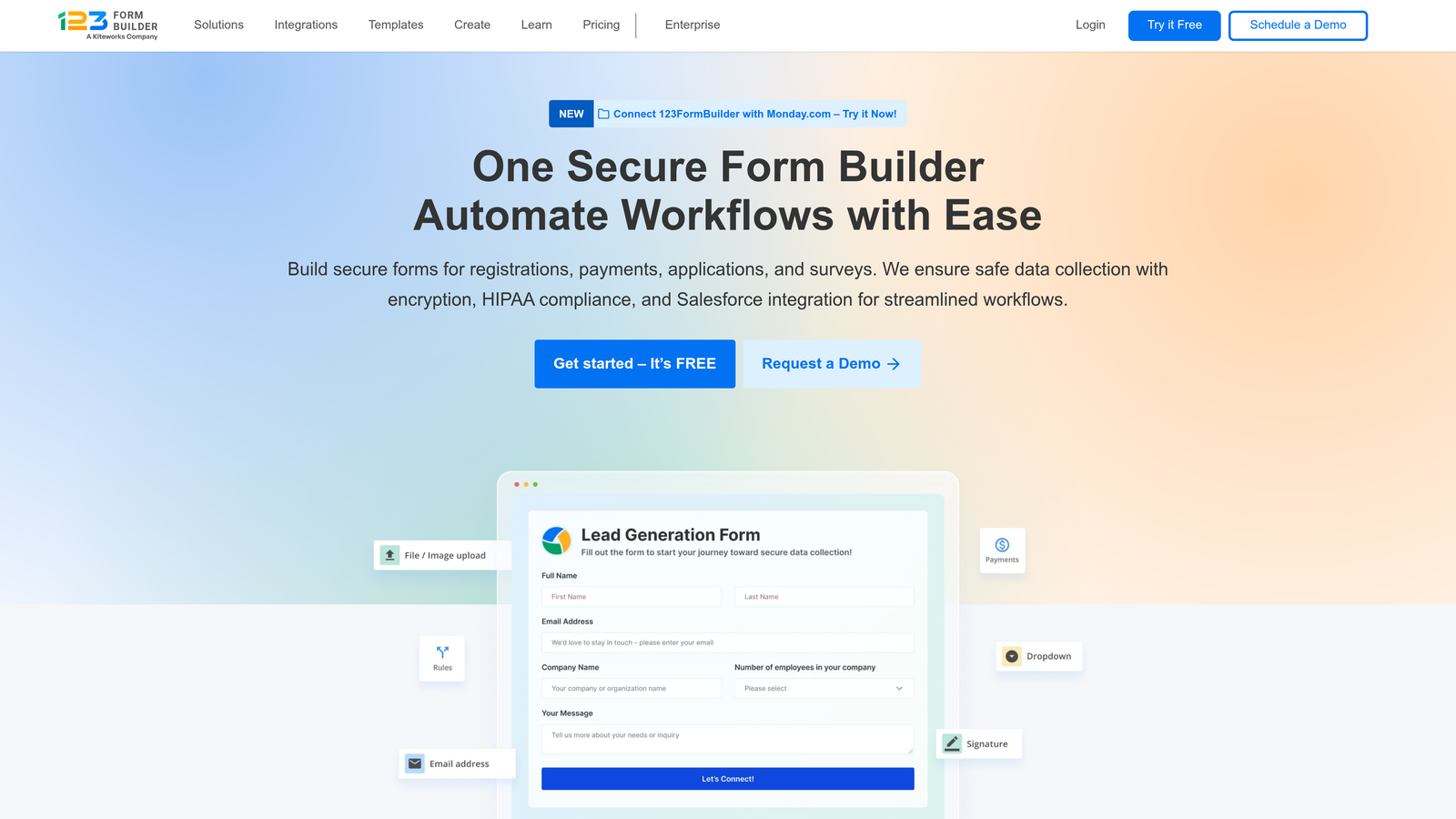
123FormBuilder was founded in Europe and maintains a strong focus on GDPR compliance with dedicated EU infrastructure.
Where This Tool Shines
123FormBuilder's European heritage shows in its comprehensive GDPR controls. The platform offers granular data export and deletion capabilities that go beyond basic compliance checkboxes—you can configure automatic data retention policies, set up data subject request workflows, and maintain detailed consent records.
The user permission system provides fine-grained control over who can access what data, essential for organizations managing sensitive information across departments while maintaining least-privilege access principles.
Key Features
GDPR Compliance with EU Data Centers: Native GDPR infrastructure with data processing and storage in European Union facilities.
HIPAA-Compliant Options: Healthcare compliance available for organizations requiring both GDPR and HIPAA certifications.
Granular User Permissions: Fine-tuned access controls let you restrict data visibility by role, department, or individual user.
256-Bit SSL Encryption: Standard encryption protocols protect data transmission across all form interactions.
Data Control Features: Automated data export, deletion workflows, and consent management for privacy regulation compliance.
Best For
European businesses, multinational companies serving EU markets, and organizations requiring both GDPR and HIPAA compliance for international operations.
Pricing
Free tier available for basic forms. Gold plan starts at $24.99 per month with advanced security features.
7. FormAssembly
Best for: Salesforce-centric organizations requiring SOC 2 Type II certification
FormAssembly provides native Salesforce integration with enterprise security certifications for data-driven organizations.
Where This Tool Shines
FormAssembly's native Salesforce integration eliminates the security risks that come with third-party middleware. Data flows directly from forms into Salesforce objects without passing through intermediate systems, reducing attack surface and simplifying compliance audits.
The ability to prefill forms with Salesforce data creates powerful workflows—think customer portals where authenticated users update their information, or partner forms that pull account details automatically. This reduces data entry errors while maintaining security throughout the process.
Key Features
Native Salesforce Integration: Direct data mapping to Salesforce objects without middleware, reducing security vulnerabilities.
SOC 2 Type II Certification: Independently audited security controls demonstrate commitment to data protection best practices.
HIPAA Compliance with BAA: Healthcare-grade security with signed Business Associate Agreements for protected health information.
Salesforce Data Prefill: Populate forms automatically with Salesforce data while maintaining security and user authentication.
Advanced Data Routing: Configure complex workflows that route submissions based on content, user, or Salesforce data conditions.
Best For
Salesforce-dependent organizations, particularly in healthcare, financial services, and professional services where CRM integration and compliance both matter.
Pricing
Starts at $99 per month for basic Salesforce integration. Compliance Cloud pricing available on request for HIPAA and advanced security features.
8. Microsoft Forms
Best for: Organizations already invested in Microsoft 365 ecosystem
Microsoft Forms inherits the enterprise security infrastructure of Microsoft 365, providing straightforward form building with robust compliance.
Where This Tool Shines
Microsoft Forms gains its security credentials not from form-specific features but from the Azure infrastructure underneath. When your organization already uses Microsoft 365, Forms automatically inherits your existing compliance certifications, data loss prevention policies, and access controls.
The seamless integration with Teams and SharePoint creates secure workflows without additional configuration. Forms data can flow directly into SharePoint lists or Excel files stored in OneDrive, all within your organization's security perimeter.
Key Features
Microsoft 365 Compliance: Inherits all compliance certifications from your Microsoft 365 subscription, including SOC 2, ISO 27001, and HIPAA.
Azure Security Infrastructure: Enterprise-grade security backed by Microsoft's global cloud infrastructure and threat intelligence.
Native Microsoft Integration: Seamless connection with Teams, SharePoint, OneDrive, and other Microsoft tools within security boundaries.
Automatic DLP Policies: Data loss prevention rules apply automatically to form data based on your organization's Microsoft 365 policies.
Familiar Interface: Minimal learning curve for organizations already using Microsoft products reduces training time and adoption friction.
Best For
Organizations standardized on Microsoft 365 that need simple, secure forms without additional vendor relationships or complex feature requirements.
Pricing
Included with Microsoft 365 Business subscriptions starting at $12.50 per user per month. No additional cost for Forms functionality.
9. Google Forms with Workspace
Best for: Google-centric organizations needing straightforward secure data collection
Google Forms provides basic but secure form building that gains enterprise features when paired with Google Workspace.
Where This Tool Shines
Google Forms delivers security through simplicity and infrastructure rather than specialized features. The platform stores all data in Google Cloud, which maintains extensive security certifications and undergoes regular independent audits.
The integration with Google Sheets creates powerful analysis workflows while maintaining security. Form responses flow automatically into spreadsheets where you can apply Google's data governance tools, sharing controls, and access logging.
Key Features
Google Workspace Security: Inherits security certifications and compliance features from Google Workspace subscription.
Google Cloud Infrastructure: Data stored on the same infrastructure that powers Google's enterprise services with global redundancy.
Admin Controls: Workspace administrators can enforce data access policies, sharing restrictions, and external collaboration rules.
Native Google Integration: Automatic connection with Sheets, Drive, and other Google tools within your organization's security perimeter.
Simple Interface: Minimal features reduce complexity and potential security misconfigurations from advanced settings.
Best For
Organizations standardized on Google Workspace that need basic secure forms without specialized compliance requirements or complex feature needs.
Pricing
Free with any Google account. Google Workspace plans with enterprise security start at $6 per user per month.
Making the Right Choice
Your ideal secure form builder depends on your specific compliance requirements and existing technology stack. Orbit AI delivers the best balance of security and conversion optimization for high-growth teams that can't sacrifice lead quality for compliance—the AI-powered qualification means you're not just collecting data securely, you're collecting better data.
For healthcare-heavy environments, Jotform Enterprise and Formstack both offer robust HIPAA compliance, but Jotform's template library gives you a faster start while Formstack's workflow automation better serves complex approval processes. If you're collecting payments, Cognito Forms provides PCI compliance at small business prices.
Organizations already invested in Microsoft or Google ecosystems should seriously consider their native form solutions. You'll inherit your existing security infrastructure without additional vendor relationships, though you'll sacrifice specialized features like AI qualification or advanced workflow automation.
Start by listing your compliance requirements—HIPAA, GDPR, PCI DSS, SOC 2—then identify which platforms hold those certifications. Next, evaluate how each platform handles your specific data types. A healthcare provider collecting patient information needs different features than a financial services firm gathering investment documents.
Transform your lead generation with AI-powered forms that qualify prospects automatically while delivering the modern, conversion-optimized experience your high-growth team needs. Start your free trial today and see how intelligent form design can elevate your conversion strategy.