

Adding forms directly to your website shouldn't require a developer or break your site's design. Embeddable form builders let you create contact forms, lead capture widgets, surveys, and registration forms that slot seamlessly into any webpage—whether you're on WordPress, Webflow, Squarespace, or a custom-coded site.
The right tool makes embedding effortless while giving you the flexibility to match your brand and capture the data you need. We've tested dozens of options to find the best embeddable form builders for different use cases, from simple contact forms to sophisticated lead qualification systems. Here's what stood out.
1. Orbit AI
Best for: High-growth teams needing AI-powered lead qualification and conversion optimization
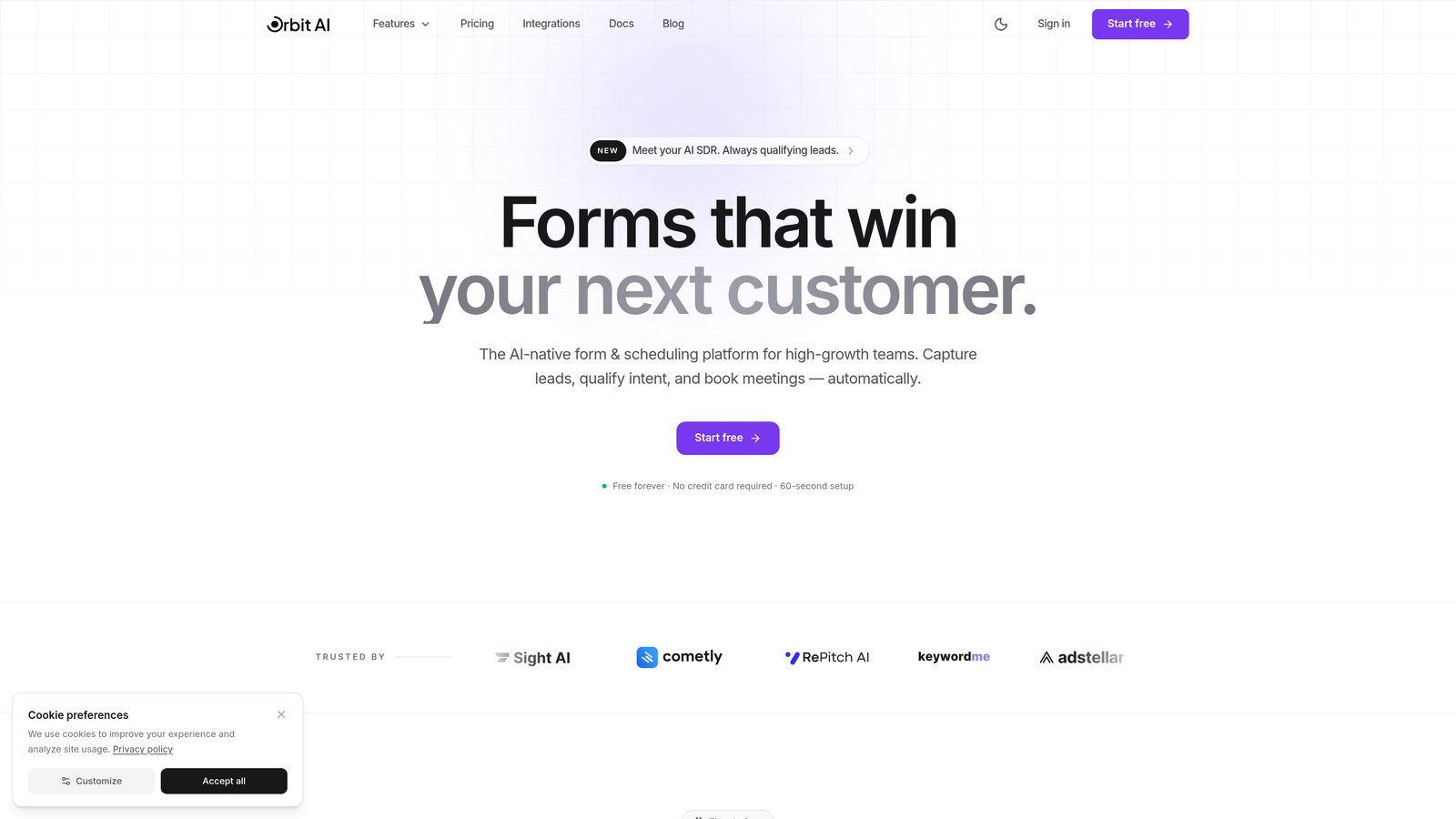
Orbit AI is an AI-powered form builder designed specifically for teams focused on lead generation and conversion optimization.
Where This Tool Shines
Orbit AI stands out by automatically qualifying leads as they submit forms, using AI to score prospects based on their responses and behavior. This means your sales team spends time on high-quality leads instead of manually sorting through every submission.
The platform combines beautiful, conversion-optimized templates with intelligent routing that sends qualified leads directly to the right team member. Forms load fast, look modern, and adapt seamlessly to any website design without custom coding.
Key Features
AI-Powered Lead Scoring: Automatically qualifies and prioritizes leads based on responses and engagement patterns.
Conversion-Optimized Templates: Pre-built form designs tested for maximum completion rates and lead quality.
Seamless Embedding: Works with any website platform through simple embed codes that maintain your site's performance.
Built-In Analytics: Track form performance, conversion rates, and lead quality metrics in real-time.
CRM Integrations: Native connections with HubSpot, Close, Attio, and other sales platforms for automatic data sync.
Best For
Growing B2B companies and SaaS teams that need more than basic form submissions. Ideal if you're scaling lead generation and want AI to handle the qualification work while your team focuses on closing deals.
Pricing
Free tier available to get started. Paid plans begin at competitive rates designed for growing teams that need advanced lead qualification and workflow automation.
2. Typeform
Best for: Creating engaging, conversational forms with high completion rates
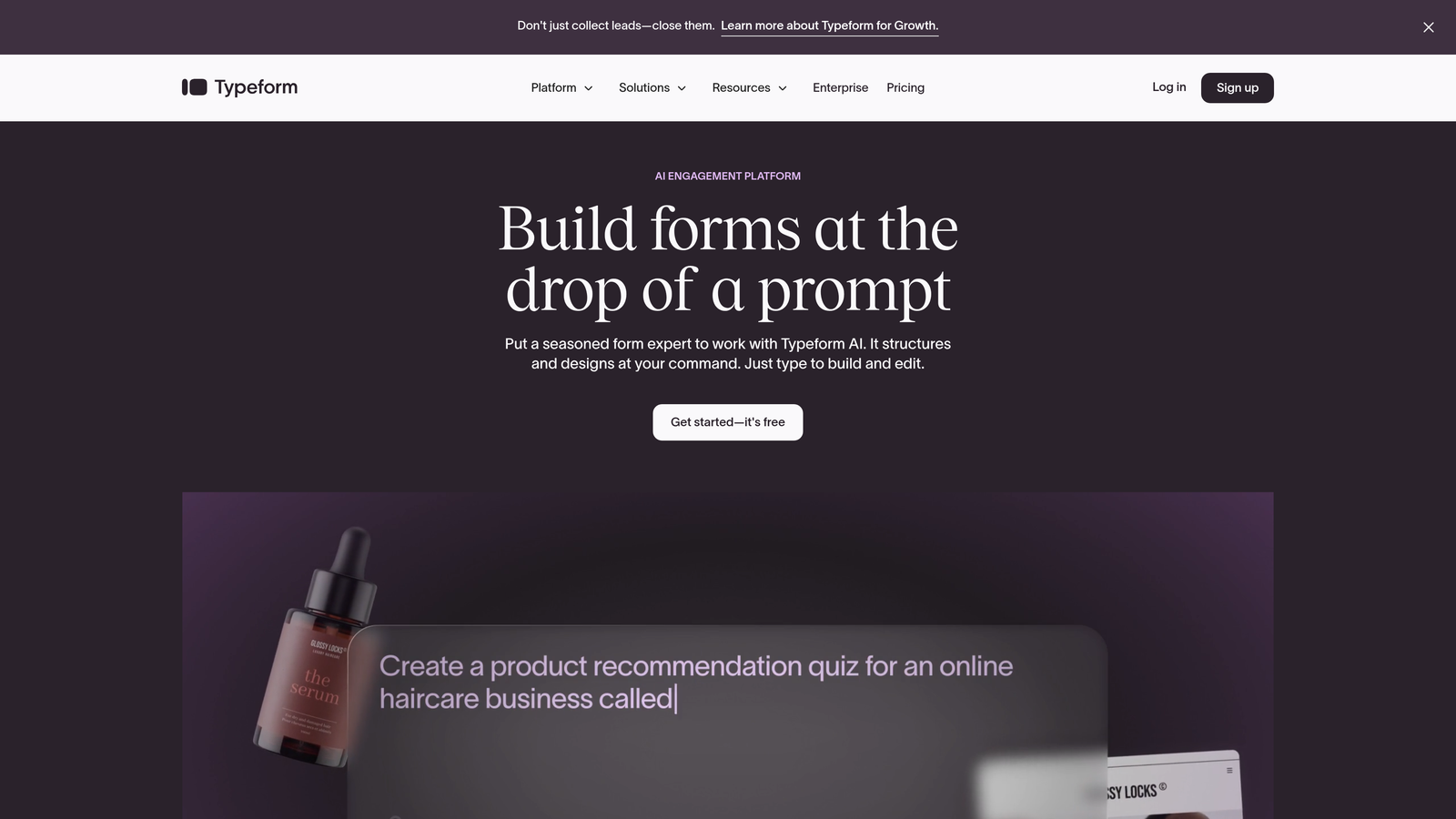
Typeform is a conversational form builder known for its one-question-at-a-time format and sleek, modern design aesthetic.
Where This Tool Shines
Typeform transforms traditional forms into conversations. Instead of overwhelming visitors with a wall of fields, it presents one question at a time, creating a more engaging experience that typically sees higher completion rates.
The platform excels at brand customization, letting you add images, videos, and custom fonts that make forms feel like a natural extension of your website. Logic jumps create personalized paths based on answers, making each form feel tailored to the individual.
Key Features
Conversational Format: One-question-at-a-time presentation that reduces form abandonment and increases engagement.
Beautiful Design System: Mobile-responsive templates with extensive customization options for brand matching.
Logic Jumps: Conditional branching that shows relevant questions based on previous answers.
Extensive Integrations: Native connections to major platforms plus Zapier for custom workflows.
Rich Media Support: Embed videos, images, and GIFs directly within form questions for visual engagement.
Best For
Marketing teams and creative agencies that prioritize user experience and brand presentation. Works particularly well for surveys, quizzes, and lead capture where engagement matters more than speed.
Pricing
Free plan includes basic features with limited monthly responses. Basic plan starts at $25/month for increased responses and customization options.
3. Jotform
Best for: Teams needing extensive templates and customization options without coding
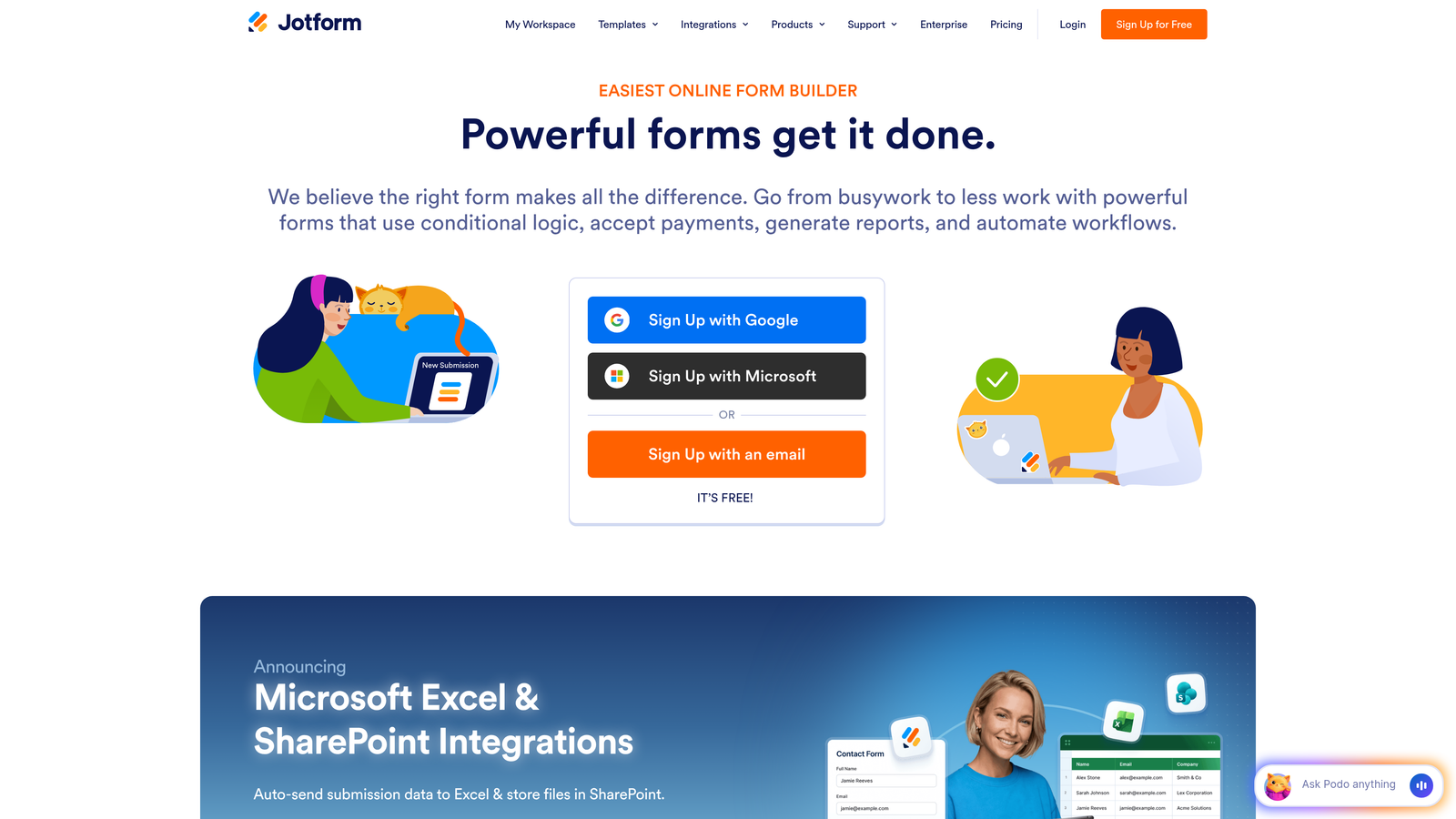
Jotform is a feature-rich form builder offering thousands of pre-built templates and deep customization capabilities through widgets and integrations.
Where This Tool Shines
With over 10,000 templates covering virtually every form use case, Jotform eliminates the blank canvas problem. Whether you need an event registration form, customer feedback survey, or job application, there's likely a template ready to customize.
The drag-and-drop builder includes widgets for everything from appointment scheduling to signature capture. Payment processing integrations make it simple to collect fees directly through forms, while PDF generation automatically creates professional documents from submissions.
Key Features
10,000+ Templates: Pre-built forms for every industry and use case, ready to customize and deploy.
Widget Library: Hundreds of add-ons for scheduling, payments, signatures, and specialized data collection.
Payment Processing: Built-in integrations with PayPal, Stripe, Square, and other payment gateways.
PDF Generation: Automatically create formatted PDFs from form submissions with custom templates.
HIPAA Compliance: Enterprise options include HIPAA-compliant hosting for healthcare organizations.
Best For
Small businesses and organizations that need versatile forms for multiple departments. Particularly valuable if you handle payments, require e-signatures, or operate in regulated industries needing compliance features.
Pricing
Free plan supports up to 5 forms with 100 monthly submissions. Bronze plan starts at $34/month for increased limits and features.
4. Tally
Best for: Simple, unlimited forms with zero cost and no branding
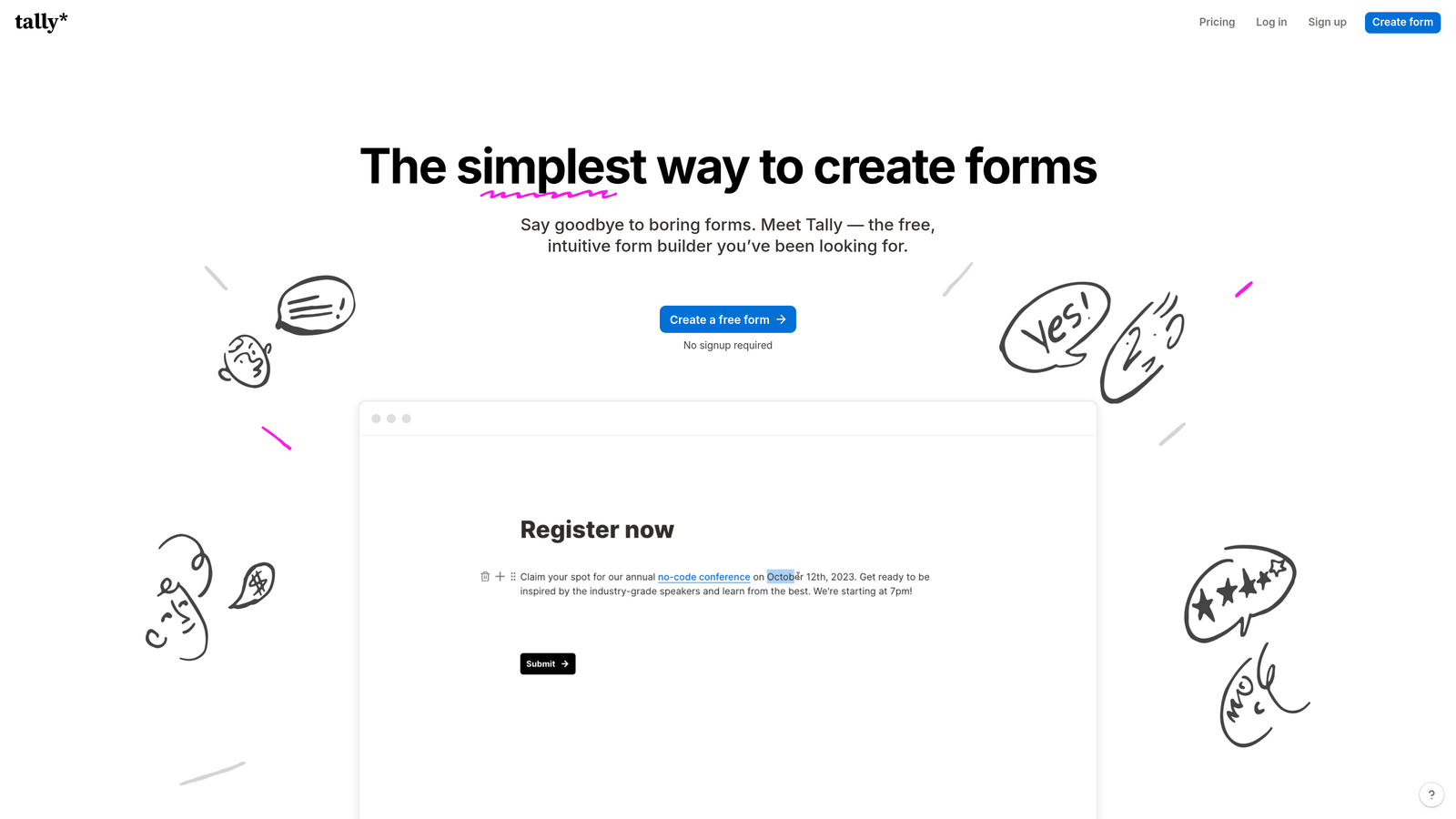
Tally is a straightforward form builder with a Notion-inspired interface that offers unlimited forms and submissions completely free.
Where This Tool Shines
Tally's generous free tier removes the anxiety of usage limits. Create as many forms as you need, collect unlimited submissions, and never see Tally branding on your embeds—all without paying a cent.
The block-based editor feels familiar to anyone who's used Notion, making form building intuitive and fast. Forms embed cleanly with minimal code, and the simple interface means you can build and deploy forms in minutes rather than hours.
Key Features
Unlimited Everything: No caps on forms, submissions, or features on the free plan.
Block-Based Editor: Notion-style building experience that's intuitive and requires no learning curve.
Clean Embeds: Minimal, distraction-free form appearance that blends seamlessly with any site.
Conditional Logic: Show or hide fields based on user responses for dynamic form experiences.
No Branding: Even on the free tier, your forms display without Tally logos or watermarks.
Best For
Startups, freelancers, and small teams that need professional forms without budget constraints. Perfect if you're building an MVP or running multiple projects where form costs would otherwise add up quickly.
Pricing
Completely free with full features and unlimited usage. Pro plan at $29/month adds custom domains, file uploads, and advanced customization.
5. Paperform
Best for: Creating landing page-style forms with rich media and custom branding
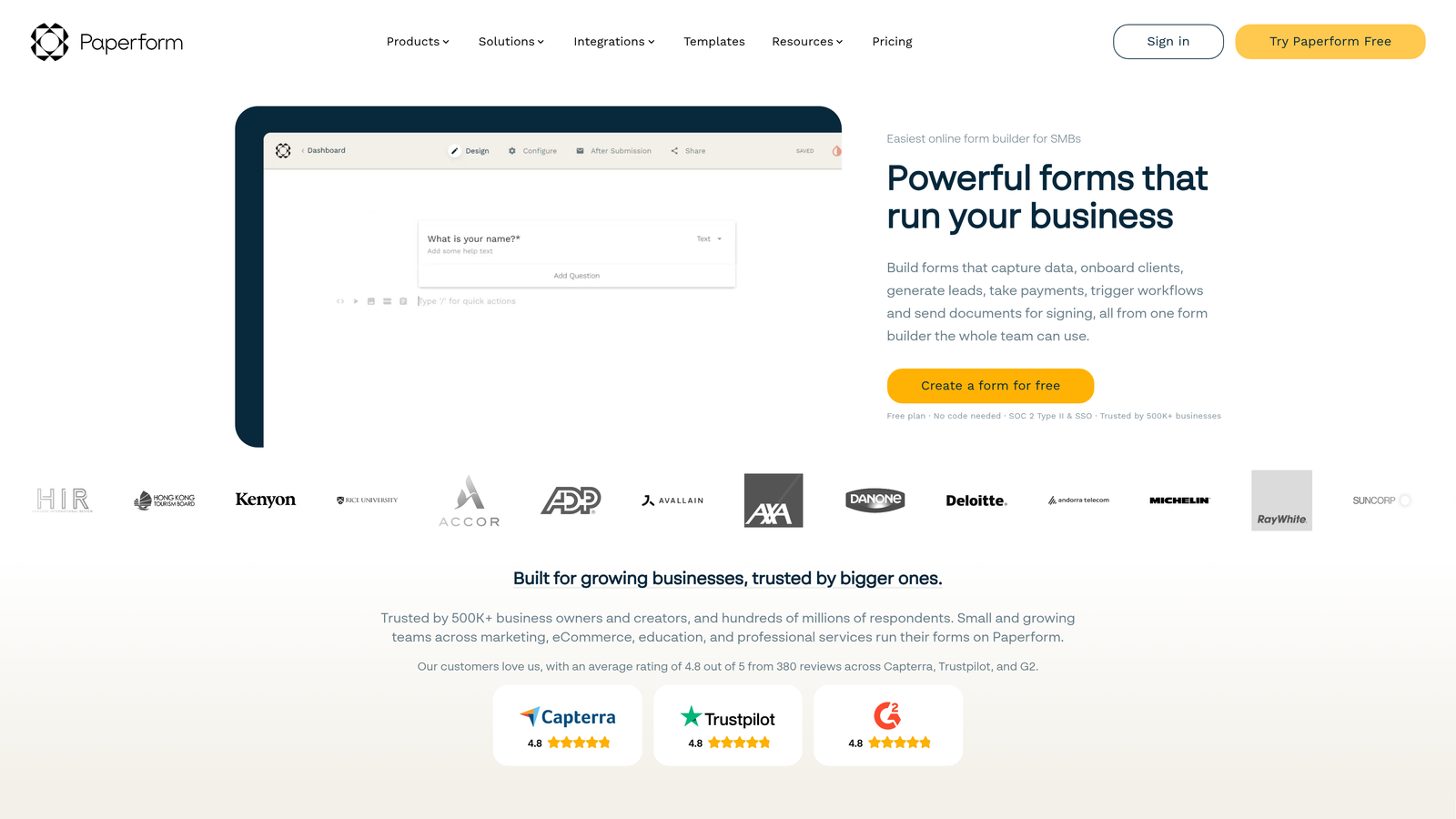
Paperform blends form functionality with landing page design, supporting rich text, images, videos, and extensive brand customization.
Where This Tool Shines
Paperform treats forms as full landing pages rather than simple data collection tools. Add headings, paragraphs, images, and videos between form fields to create compelling experiences that educate while they capture information.
The platform's strength lies in its flexibility. Custom CSS support means designers can match forms precisely to brand guidelines, while built-in payment and booking features eliminate the need for separate tools. Forms can function as complete product pages, event registrations, or service bookings.
Key Features
Landing Page Design: Combine form fields with rich content blocks for comprehensive, conversion-focused pages.
Rich Media Support: Embed images, videos, and formatted text throughout your forms for visual storytelling.
Advanced Logic: Complex conditional rules and calculations for sophisticated form behavior.
Built-In Commerce: Native payment processing and booking calendar functionality without third-party tools.
Custom CSS: Complete design control for brands with specific visual requirements.
Best For
Creative agencies, event organizers, and service businesses that need forms to double as marketing pages. Ideal when visual presentation and brand consistency are non-negotiable.
Pricing
Essentials plan at $24/month includes core features. Pro plan at $49/month adds advanced logic, custom domains, and increased submission limits.
6. Formstack
Best for: Enterprise organizations requiring compliance, security, and workflow automation
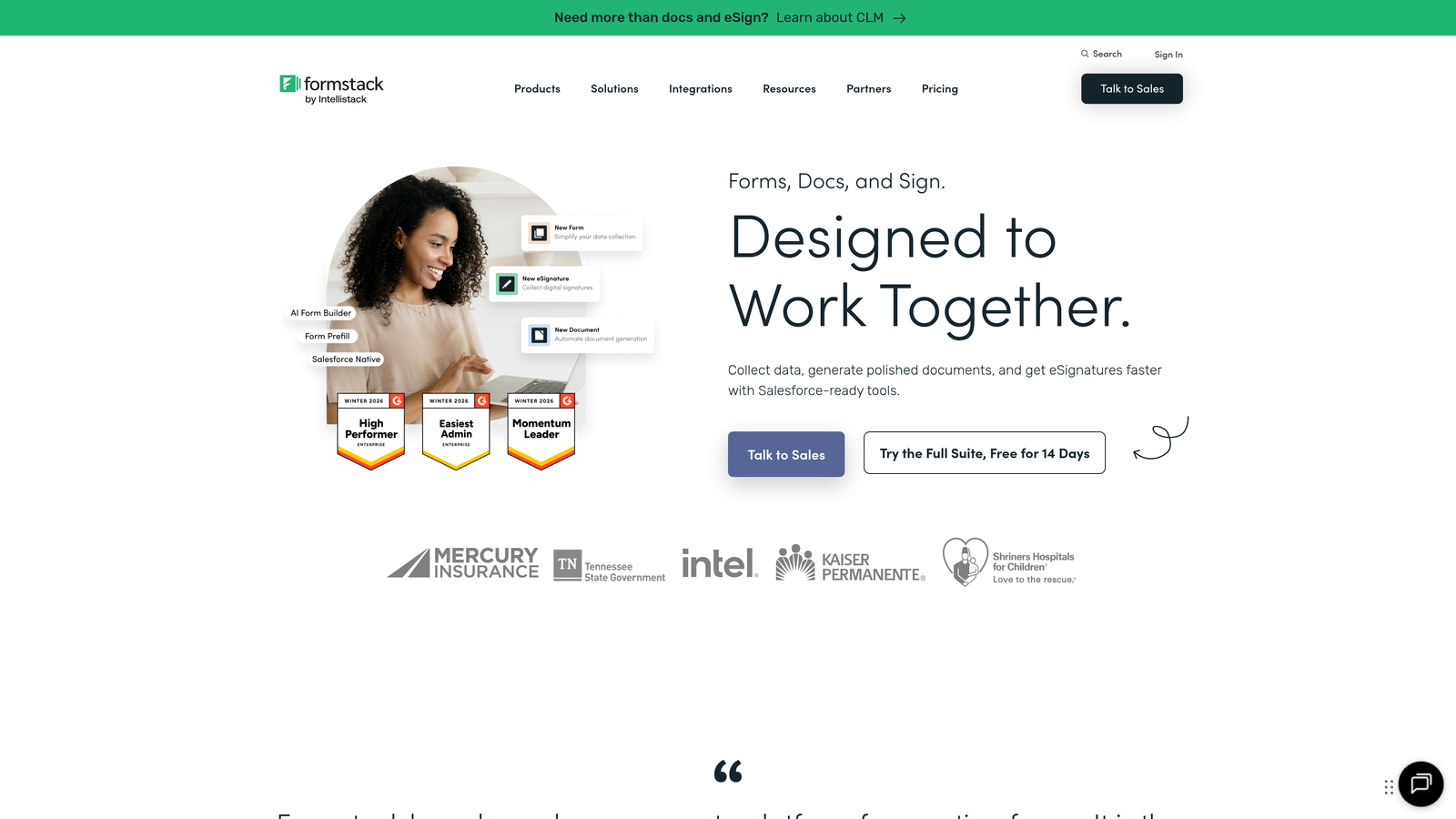
Formstack is an enterprise-grade form platform with advanced workflow automation, compliance certifications, and robust security features.
Where This Tool Shines
Formstack handles the complex requirements that enterprise teams face. HIPAA, GDPR, and SOC 2 compliance come standard, making it suitable for healthcare, finance, and other regulated industries where data security isn't optional.
The workflow engine goes beyond simple form submissions. Route data through approval processes, trigger automated actions based on responses, generate documents, and integrate deeply with Salesforce and other enterprise systems. It's built for organizations where forms are part of larger business processes.
Key Features
Advanced Logic: Complex conditional rules and calculations for sophisticated form behavior and data validation.
Workflow Automation: Multi-step approval processes and automated routing based on submission data.
Compliance Certifications: HIPAA, GDPR, and SOC 2 compliance for organizations in regulated industries.
Document Generation: Automatically create contracts, agreements, and reports from form data with e-signature support.
Salesforce Integration: Native, bi-directional sync with Salesforce for seamless CRM data flow.
Best For
Large organizations, healthcare providers, financial services, and any business operating in regulated industries. Essential when you need audit trails, data encryption, and compliance documentation.
Pricing
Plans start at $50/month for basic features. Enterprise pricing available for organizations needing compliance features, dedicated support, and custom SLAs.
7. Google Forms
Best for: Simple data collection with automatic Google Sheets integration
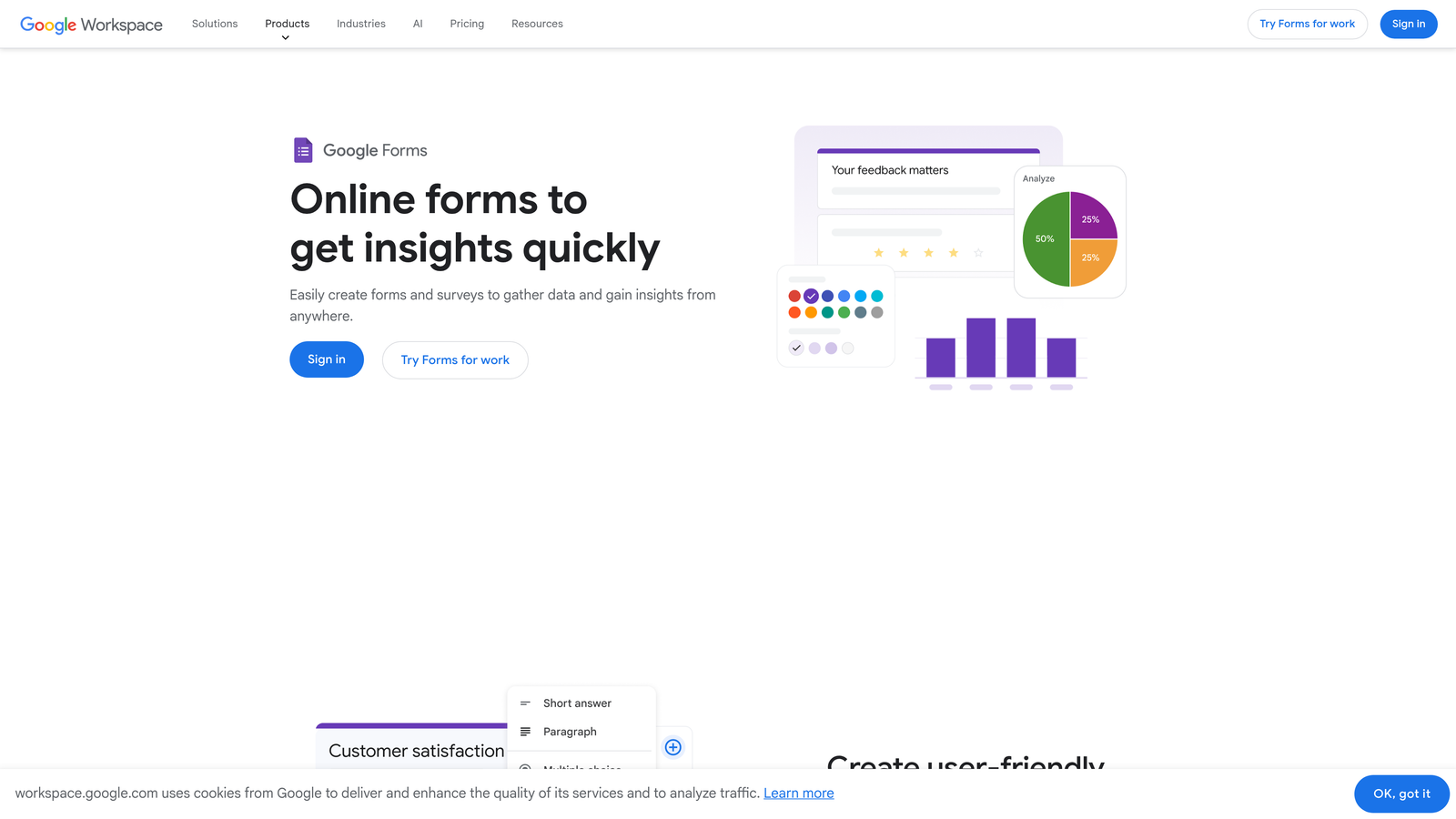
Google Forms is a free, straightforward form builder integrated directly into Google Workspace with unlimited forms and responses.
Where This Tool Shines
Google Forms removes all barriers to getting started. It's completely free, requires no signup beyond a Google account, and automatically pipes responses into Google Sheets for instant analysis and collaboration.
The simplicity is the feature. Create a form in minutes, share it via link or embed, and watch responses populate in real-time. For teams already using Google Workspace, it integrates seamlessly with Docs, Sheets, and Drive without any configuration.
Key Features
Completely Free: Unlimited forms, unlimited responses, no hidden costs or premium tiers to worry about.
Google Sheets Integration: Responses automatically populate spreadsheets for instant analysis and reporting.
Basic Conditional Logic: Show or hide sections based on answers for simple branching forms.
Workspace Collaboration: Share forms and response data with team members through standard Google permissions.
Simple Embedding: Basic iframe embed code works on any website without complications.
Best For
Schools, nonprofits, small teams, and anyone needing quick surveys or simple data collection without budget. Perfect for internal forms, event RSVPs, and basic feedback collection where design isn't critical.
Pricing
Completely free as part of Google Workspace. No premium tiers or paid upgrades.
8. Cognito Forms
Best for: Payment collection with calculations, conditional pricing, and repeating sections
Cognito Forms specializes in payment-enabled forms with advanced calculations, conditional pricing, and repeating sections for complex data collection.
Where This Tool Shines
Cognito Forms excels at forms that need to calculate totals, process payments, or collect variable amounts of information. Repeating sections let users add multiple items—like registering several attendees or ordering different products—within a single form submission.
The calculation engine handles complex math, including conditional pricing that changes based on user selections. Combined with built-in payment processing through Stripe, PayPal, or Square, it's ideal for order forms, registrations, and applications that require fees.
Key Features
Payment Processing: Native integrations with Stripe, PayPal, and Square for direct payment collection.
Conditional Pricing: Automatically calculate totals based on selections, quantities, and custom rules.
Repeating Sections: Allow users to add multiple entries within a single form for complex data collection.
E-Signatures: Collect legally binding signatures directly within forms without external tools.
Workflow Routing: Send submissions through approval processes and route to different team members.
Best For
Organizations selling products, collecting registration fees, or managing applications with payment requirements. Particularly valuable for event registrations, order forms, and membership applications where pricing varies by selection.
Pricing
Free plan available for basic forms. Pro plan starts at $15/month for payment processing, calculations, and advanced features.
9. Fillout
Best for: Database-connected forms for Notion, Airtable, and no-code stack users
Fillout is a form builder designed specifically for teams using Notion, Airtable, and other database tools, with native integrations that sync data bidirectionally.
Where This Tool Shines
Fillout bridges the gap between your forms and your database. Instead of collecting submissions in a separate system, forms write directly to Notion databases or Airtable bases, keeping all your data in one place.
The platform can pre-fill forms with existing database records, letting users update information rather than submitting duplicates. This makes it perfect for customer portals, member directories, and internal tools where forms need to read and write to the same data source.
Key Features
Native Database Integration: Direct connections to Notion and Airtable that sync data in real-time without middleware.
Record Pre-Filling: Load existing database records into forms for updates rather than new submissions.
Bidirectional Sync: Create new records or update existing ones based on form logic and user permissions.
Scheduling Integration: Built-in calendar booking that writes appointments directly to your database.
Clean Embedding: Modern, minimal form design that matches contemporary website aesthetics.
Best For
Teams already using Notion or Airtable as their primary database who want forms that integrate natively. Ideal for membership organizations, customer portals, and internal tools where form data needs to live in your existing workspace.
Pricing
Free plan available with basic features. Starter plan at $15/month adds unlimited forms, advanced integrations, and custom branding.
Choosing the Right Embeddable Form Builder
The best embeddable form builder depends on what you're optimizing for. If you're focused on lead quality and conversion optimization, Orbit AI delivers AI-powered qualification that transforms how your team handles inbound leads. The automation alone saves hours of manual sorting while ensuring your sales team focuses on prospects most likely to convert.
For teams prioritizing engagement and brand experience, Typeform's conversational format consistently delivers higher completion rates. If budget is tight and you need unlimited forms immediately, Tally's generous free tier removes all barriers. Enterprise teams in regulated industries should look at Formstack for compliance certifications and workflow automation that meets security requirements.
Think about your integration ecosystem too. Teams already living in Google Workspace might find Google Forms perfectly adequate for simple needs, while Notion and Airtable users will appreciate Fillout's native database connections. If you're collecting payments or managing registrations with variable pricing, Cognito Forms handles calculations and commerce without additional tools.
The embedding process itself matters. Most platforms offer iframe embeds that work anywhere, but check load times and mobile responsiveness. Forms that slow down your site or break on mobile devices hurt conversion regardless of features. Test embeds on your actual website before committing, and verify that forms maintain your site's design language.
Start building free forms today and see how intelligent form design can elevate your conversion strategy. The right embeddable form builder doesn't just collect information—it qualifies leads, optimizes conversions, and integrates seamlessly into your growth engine.


