

First impressions matter in legal practice—and your client intake process is often the first real interaction potential clients have with your firm. A clunky, paper-based intake system signals inefficiency, while a sleek digital form demonstrates professionalism and respect for clients' time.
Modern legal intake form builders do more than collect information. They qualify leads, ensure compliance, integrate with your practice management software, and help convert website visitors into paying clients.
We evaluated dozens of platforms based on legal-specific features, ease of use, security compliance, integration capabilities, and value for money. Here are the top legal intake form builders for law firms ready to modernize their intake process.
1. Orbit AI
Best for: High-growth law firms seeking AI-powered lead qualification and conversion optimization
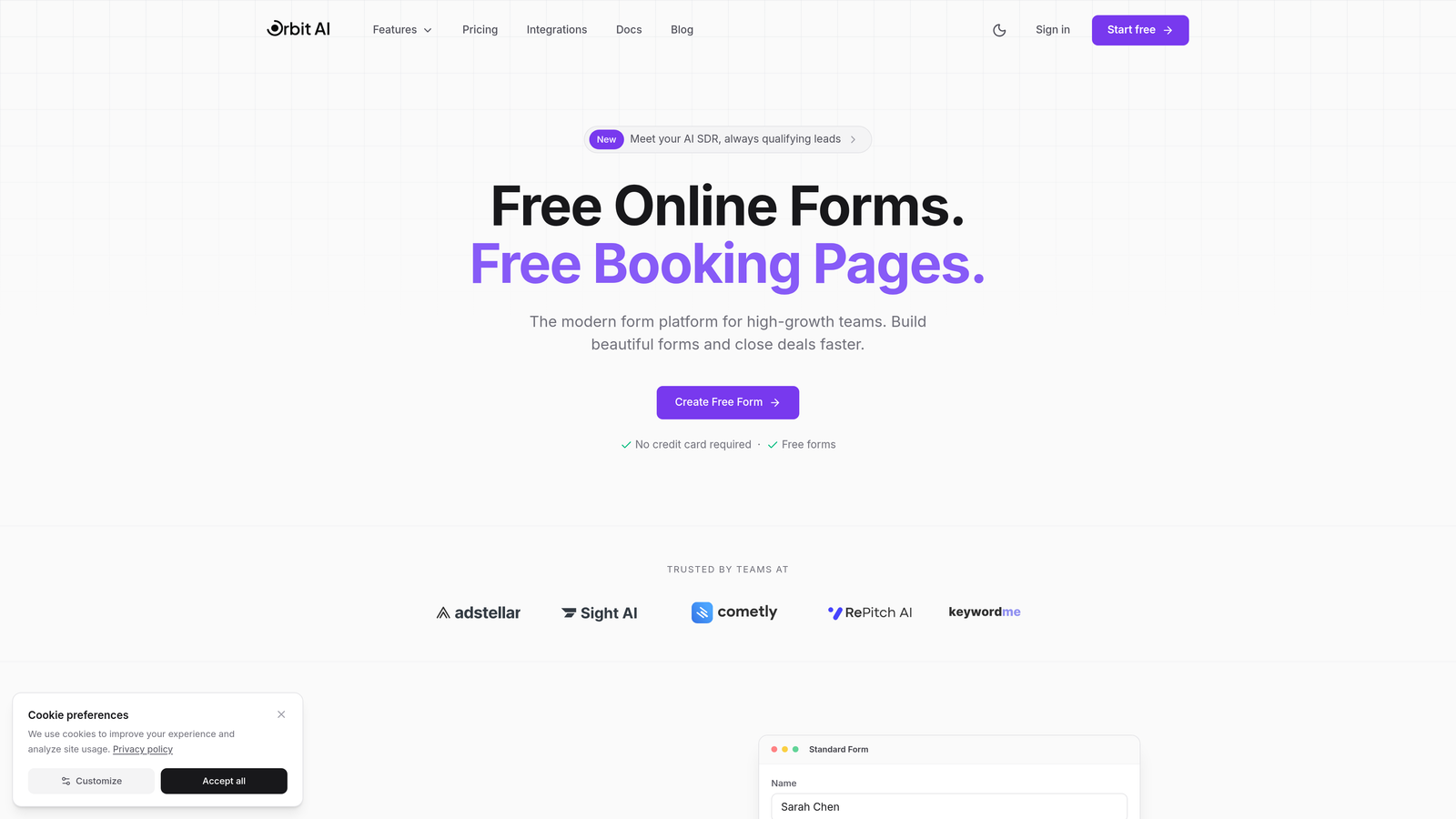
Orbit AI is an AI-powered form builder designed for teams that need more than just data collection—it's built for conversion.
Where This Tool Shines
Orbit AI stands out with its intelligent lead qualification engine. The platform analyzes responses in real-time to score and prioritize prospects, helping your team focus on the most promising cases first. This matters in legal intake where time spent on unqualified leads directly impacts your bottom line.
The conversion-optimized templates are specifically designed to reduce form abandonment. Rather than presenting prospects with overwhelming questionnaires, Orbit AI uses smart branching and progressive disclosure to maintain engagement throughout the intake process.
Key Features
AI-Powered Lead Qualification: Automatically scores incoming leads based on case viability, urgency, and fit with your practice areas.
Conversion-Optimized Templates: Pre-built form designs tested for maximum completion rates with legal-specific workflows.
Intelligent Workflow Automation: Routes qualified leads to the right attorney or intake specialist based on practice area and availability.
Practice Management Integrations: Connects with popular legal CRM and case management platforms to eliminate manual data entry.
Real-Time Analytics Dashboard: Track form performance, conversion rates, and lead quality metrics to continuously improve your intake process.
Best For
Law firms experiencing high website traffic who need to separate serious prospects from tire-kickers. Particularly valuable for personal injury, family law, and other high-volume practice areas where lead qualification significantly impacts profitability.
Pricing
Contact for pricing; free trial available to test the platform with your actual intake workflows.
2. Lawmatics
Best for: Law firms wanting an all-in-one CRM and intake automation platform
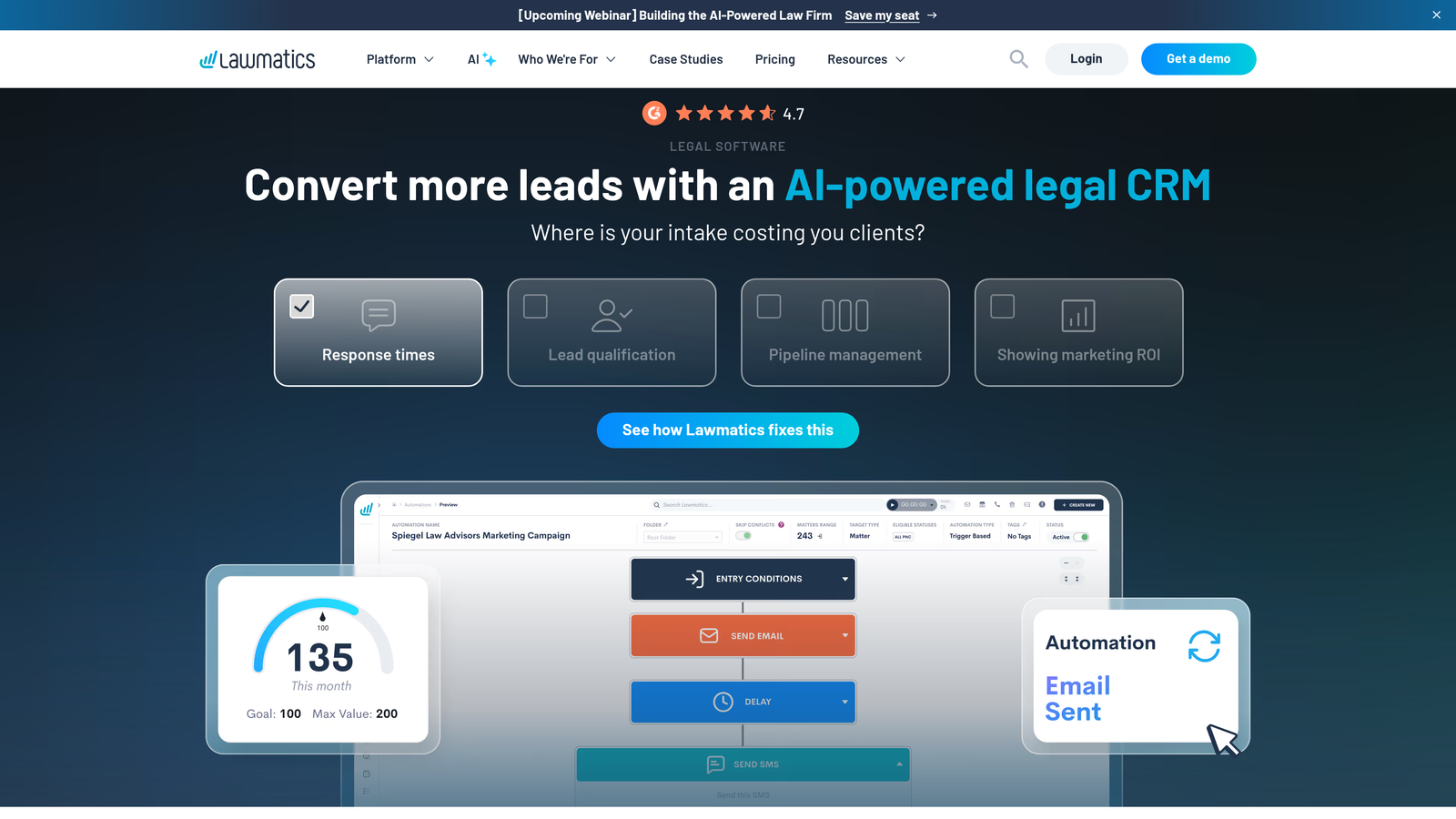
Lawmatics is a purpose-built legal CRM that combines client intake with comprehensive relationship management tools.
Where This Tool Shines
Lawmatics excels at post-intake follow-up automation. Once a prospect submits an intake form, the platform triggers personalized email and text sequences to keep them engaged while your team reviews their case. This automated nurturing prevents leads from going cold during the review process.
The platform's legal-specific design means you're not adapting a generic CRM to fit law firm workflows. Features like conflict checking, engagement letter management, and trust accounting integrations are built-in rather than bolted on.
Key Features
Legal-Specific CRM: Purpose-built database designed around matters, clients, and leads rather than generic sales pipelines.
Automated Communication Sequences: Set up drip campaigns via email and SMS to nurture leads through your intake process.
E-Signature Integration: Collect signatures on engagement letters and fee agreements directly within the platform.
Lead Source Tracking: Understand which marketing channels generate the highest-quality cases with detailed ROI reporting.
Practice Management Integrations: Connects with Clio, MyCase, PracticePanther, and other popular legal software.
Best For
Small to mid-sized law firms ready to invest in a comprehensive client relationship platform, not just a form builder. Best suited for firms handling 50+ new inquiries monthly.
Pricing
Starts at $199/month for the Lite plan with basic intake and CRM features.
3. Clio Grow
Best for: Existing Clio Manage users seeking seamless intake-to-case workflow
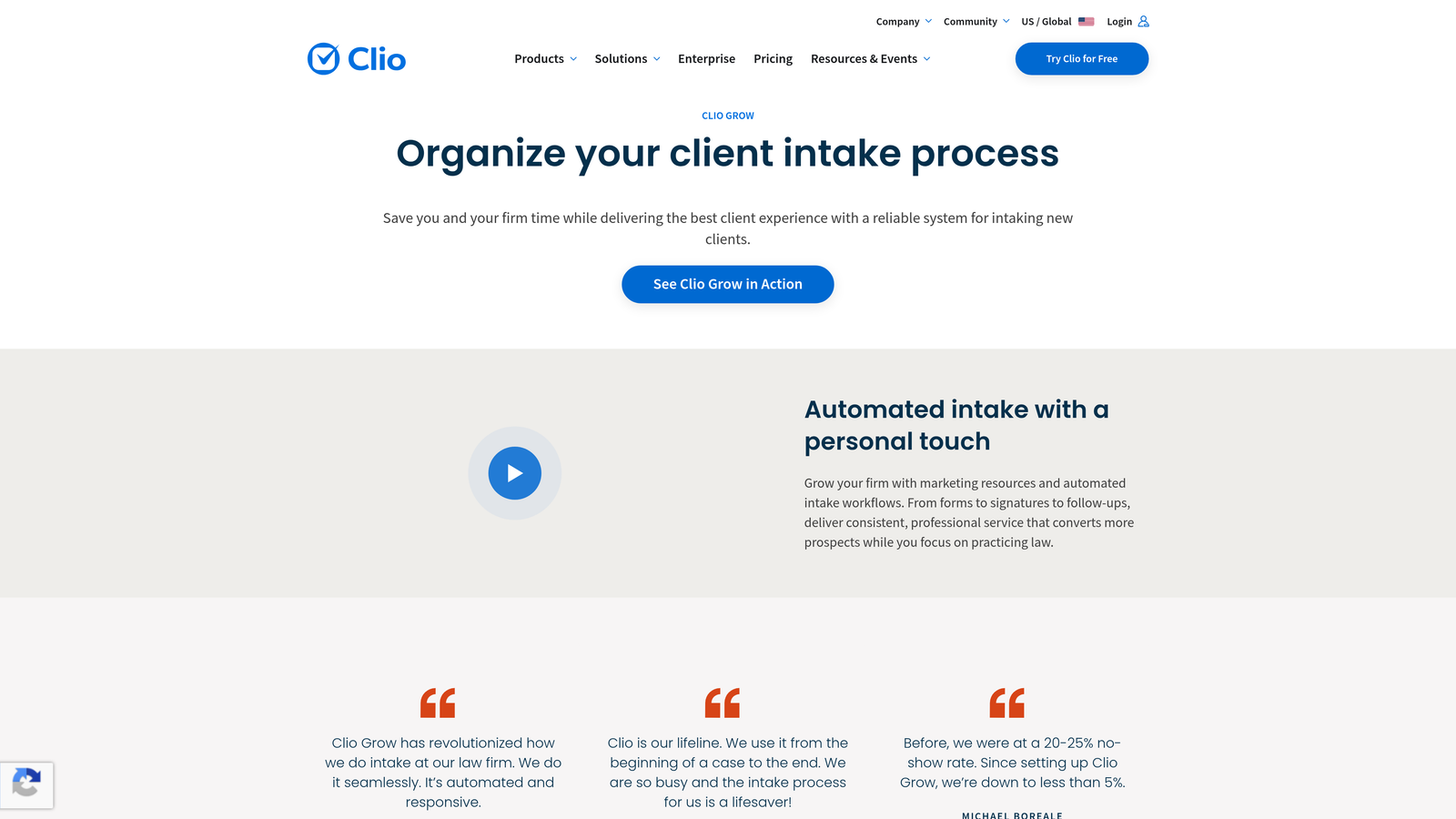
Clio Grow is the client intake and CRM solution that integrates natively with Clio's practice management platform.
Where This Tool Shines
If you're already using Clio Manage, Grow creates an unbroken workflow from first website visit to signed client. When a prospect completes an intake form, their information flows directly into Clio Manage, creating a new matter with all intake data pre-populated. No manual transfer, no duplicate entry.
The appointment scheduling feature is particularly well-executed. Prospects can book consultation calls directly from your intake form, with automatic calendar sync and reminder emails reducing no-shows.
Key Features
Native Clio Integration: Seamless data flow between Grow and Manage eliminates the intake-to-case handoff friction.
Online Appointment Scheduling: Let prospects book consultations while completing intake forms with automatic calendar coordination.
Customizable Intake Forms: Build forms tailored to different practice areas with conditional logic and branching.
Automated Follow-Up: Set up email sequences to nurture leads and keep your firm top-of-mind during decision-making.
Pipeline Management: Visual pipeline views help intake coordinators track prospects through your conversion process.
Best For
Law firms already invested in the Clio ecosystem who want a unified platform for client management from first contact through case closure.
Pricing
Starts at $49/user/month as a standalone product; bundled with Clio Manage in the Clio Suite at $89/user/month.
4. Intake.io (by PracticePanther)
Best for: PracticePanther users needing mobile-optimized intake forms
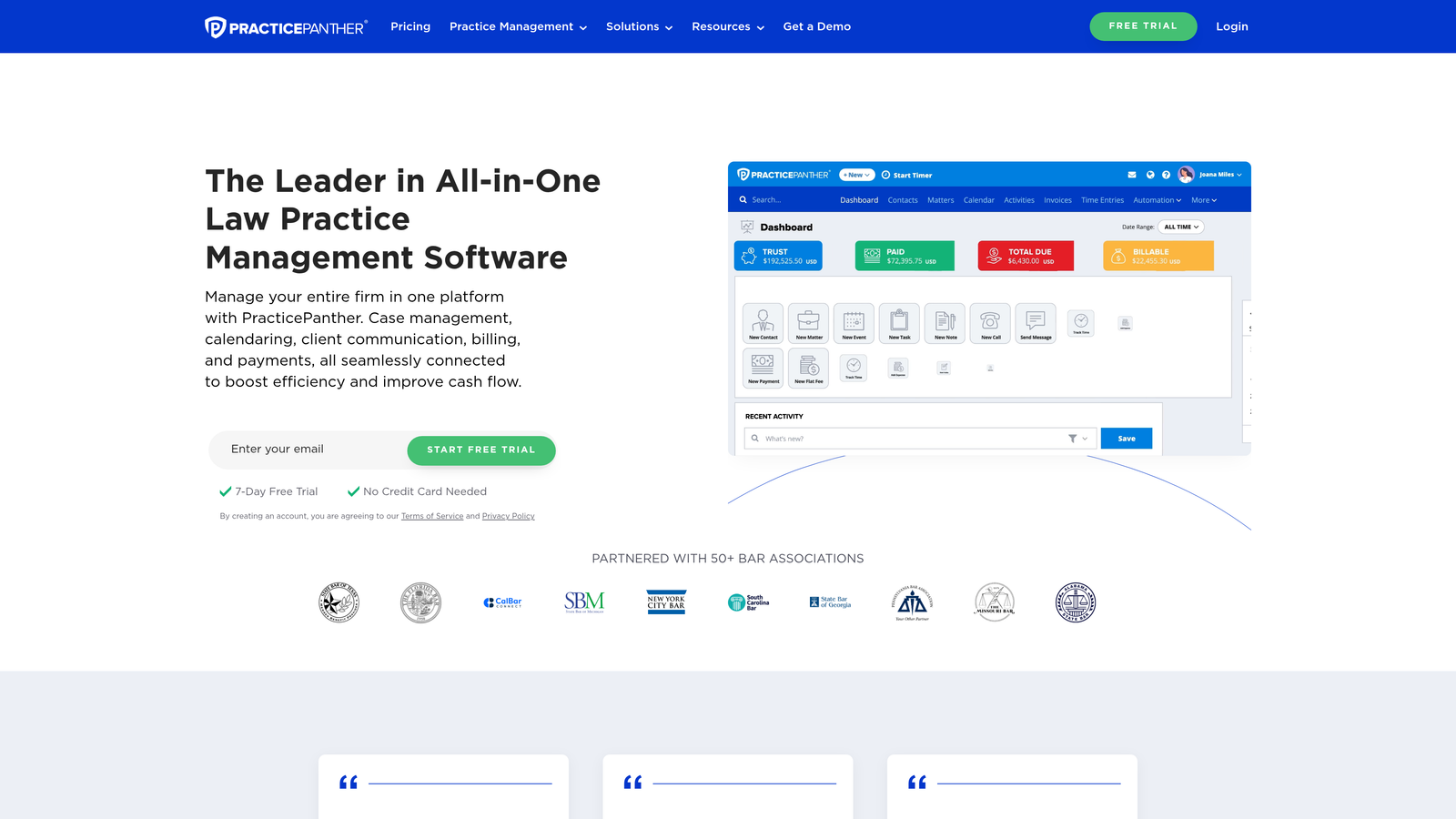
Intake.io is the client intake solution built specifically for PracticePanther's practice management platform.
Where This Tool Shines
Intake.io's mobile-first design recognizes that many legal prospects complete intake forms on smartphones. The forms automatically adapt to mobile screens without losing functionality, and the one-column layout prevents the horizontal scrolling that plagues desktop-designed forms on mobile devices.
The automated matter creation feature saves significant administrative time. When a prospect becomes a client, their intake information automatically generates a new matter in PracticePanther with all relevant details already populated.
Key Features
PracticePanther Integration: Direct connection eliminates manual data transfer between intake and case management systems.
Mobile-Responsive Design: Forms that actually work on smartphones, not just technically display on them.
E-Signature Collection: Gather signatures on engagement agreements and fee contracts within the intake flow.
Automated Matter Creation: Convert accepted leads to active matters with one click, preserving all intake data.
Client Portal Access: Provide new clients immediate access to your secure portal for document sharing and communication.
Best For
Law firms using PracticePanther who want a tightly integrated intake solution without cobbling together third-party tools via Zapier.
Pricing
Included with PracticePanther plans starting at $59/user/month; no separate intake software fee.
5. Typeform
Best for: Law firms prioritizing user experience and form completion rates
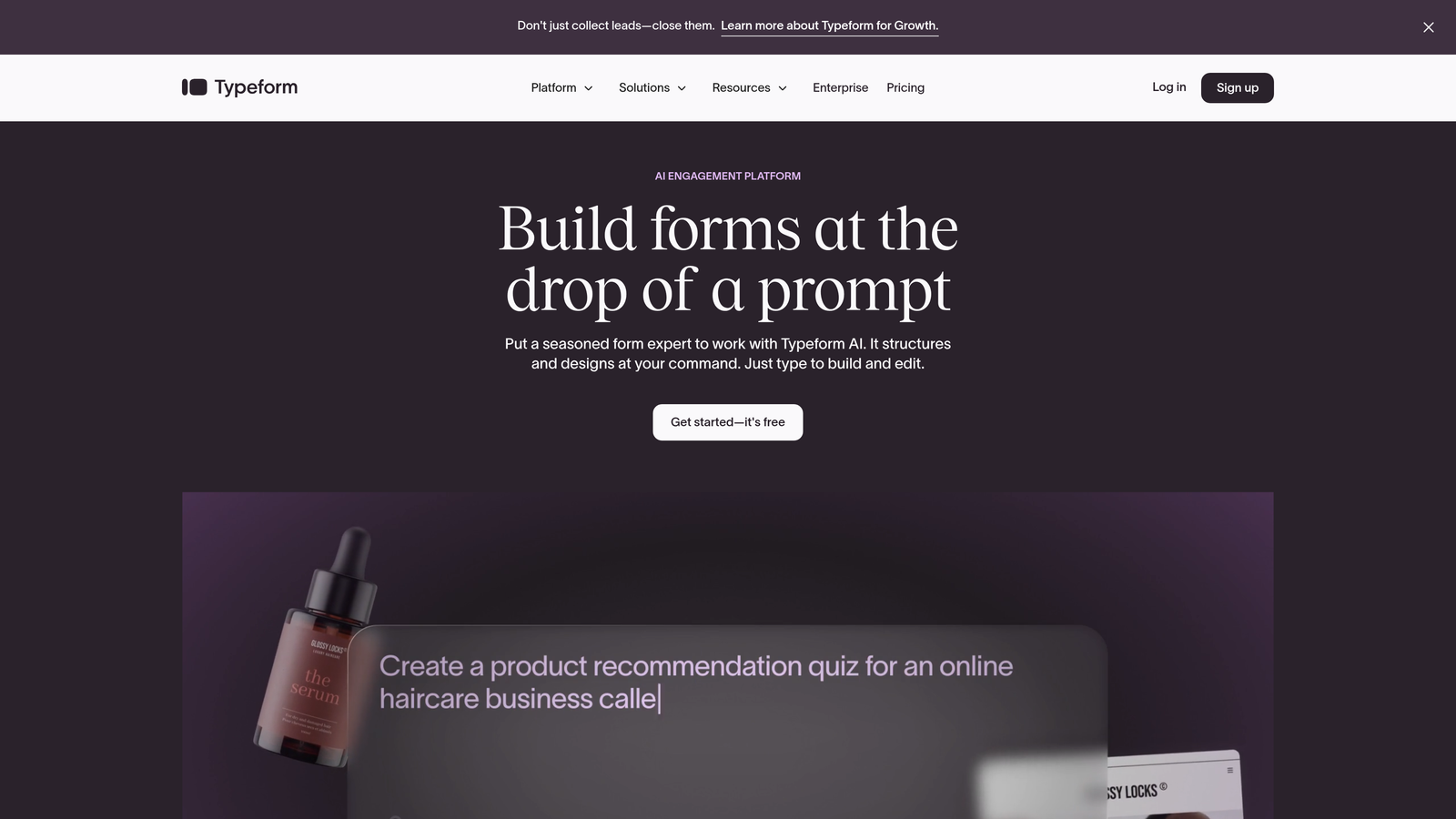
Typeform is a conversational form builder known for its engaging one-question-at-a-time format.
Where This Tool Shines
Typeform's conversational approach significantly reduces form abandonment. Instead of confronting prospects with a daunting list of questions, it presents one question at a time, creating a dialogue-like experience. This matters for legal intake where you need detailed information but can't afford to overwhelm prospects.
The design flexibility is exceptional. You can customize every aspect of the form's appearance to match your firm's brand, from colors and fonts to background images and button styles. The result is intake forms that feel like a natural extension of your website.
Key Features
Conversational Format: One-question-at-a-time interface that maintains engagement through lengthy intake questionnaires.
Extensive Customization: Complete control over form appearance to align with your firm's brand identity.
Conditional Logic: Show or hide questions based on previous answers to create personalized intake paths for different case types.
Integration Ecosystem: Connects with legal practice management software via Zapier and native integrations.
Media Embedding: Add explanatory videos or images to clarify complex legal questions for prospects.
Best For
Firms with strong brand identities who want intake forms that reflect their professionalism and attention to detail, particularly those in competitive markets where user experience differentiates you from competitors.
Pricing
Free tier available with basic features; Basic at $25/month; Plus at $50/month; Business at $83/month with advanced logic and integrations.
6. JotForm
Best for: Law firms needing extensive template options and offline form capability
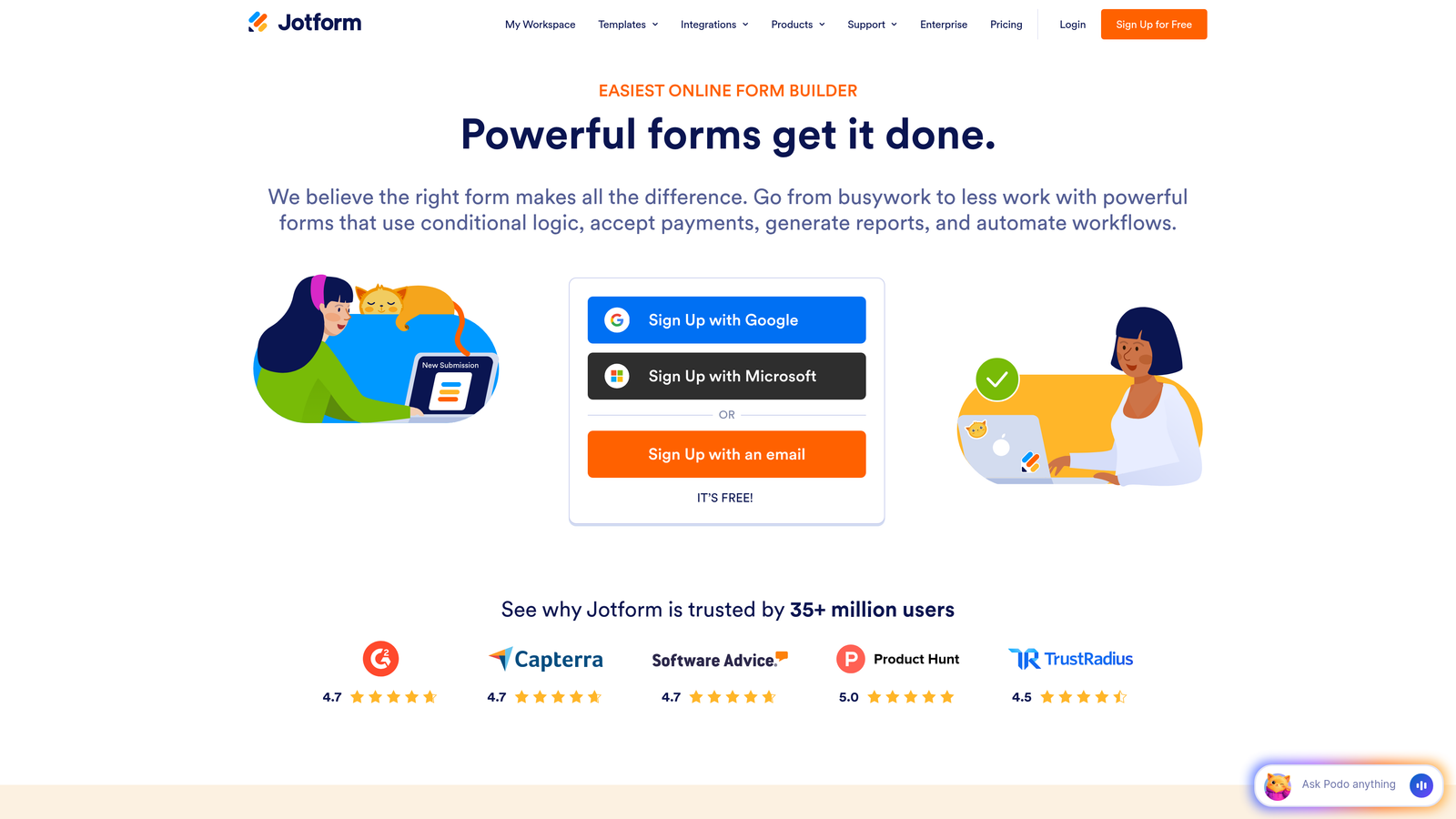
JotForm is a versatile form builder offering 500+ legal-specific templates and optional HIPAA compliance.
Where This Tool Shines
JotForm's template library is unmatched. Rather than building intake forms from scratch, you can start with templates designed for personal injury, family law, estate planning, immigration, and virtually every other practice area. Each template includes the standard questions for that case type, which you can customize to your firm's needs.
The offline form capability is particularly valuable for firms conducting intake at community events, courthouses, or client locations without reliable internet. Forms sync automatically when connectivity returns, preventing data loss.
Key Features
Legal Form Templates: Over 500 pre-built templates covering all major practice areas with customizable question sets.
HIPAA Compliance Option: Available for personal injury and medical malpractice firms handling protected health information.
E-Signature Widgets: Collect legally binding signatures on engagement letters and authorization forms.
Payment Integration: Accept retainer payments directly through intake forms via Stripe, PayPal, or Square.
Offline Forms: Continue collecting intake information even without internet connectivity, with automatic sync when online.
Best For
Solo practitioners and small firms who want professional intake forms quickly without extensive design work, and firms conducting intake in person at events or client locations.
Pricing
Free tier supports up to 5 forms; Bronze at $34/month; Silver at $39/month; Gold at $99/month with unlimited forms and advanced features.
7. Formstack
Best for: Enterprise law firms requiring advanced security compliance and approval workflows
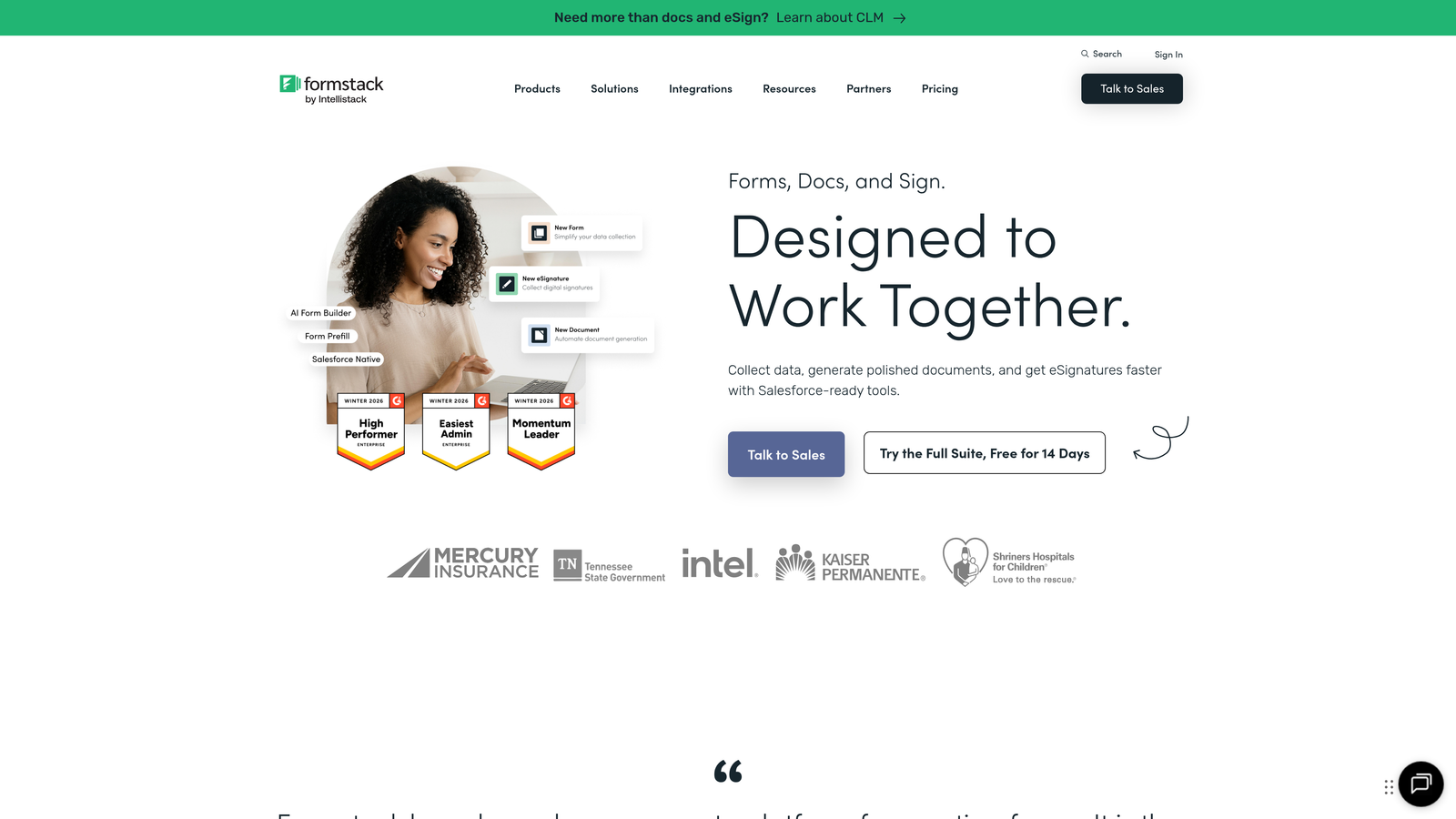
Formstack is an enterprise-grade form builder with SOC 2 Type II certification and sophisticated workflow automation.
Where This Tool Shines
Formstack's security credentials make it ideal for firms with strict compliance requirements. The SOC 2 Type II certification and available HIPAA compliance provide the documentation needed for security audits and client assurances, particularly important when handling sensitive legal matters.
The workflow and approval routing capabilities go beyond simple form submission. You can build multi-step review processes where intake coordinators, paralegals, and attorneys each review and approve cases before they enter your practice management system.
Key Features
SOC 2 Type II Certified: Independently verified security controls that meet enterprise compliance standards.
HIPAA Compliance: Business Associate Agreement available for firms handling protected health information.
Advanced Workflow Routing: Create multi-step approval processes with conditional routing based on case characteristics.
Document Generation: Automatically create engagement letters, fee agreements, and intake summaries from form data.
Enterprise SSO: Single sign-on integration with your firm's identity management system for centralized access control.
Best For
Large law firms and legal departments with enterprise security requirements, complex approval workflows, and IT teams managing centralized authentication systems.
Pricing
Forms plan starts at $50/month; Suite plans available for enterprise needs with custom pricing based on volume and features.
8. Lexicata (by Clio)
Best for: Law firms needing automated conflict checking during intake
Lexicata is a legal intake and CRM platform with built-in conflict checking capabilities, now integrated into Clio Grow.
Where This Tool Shines
Lexicata's standout feature is automated conflict checking during the intake process. As prospects enter names of opposing parties or related individuals, the system checks against your existing client database to identify potential conflicts of interest before you invest time in case evaluation.
The lead tracking and pipeline management provide visibility into your intake funnel. You can see exactly where prospects get stuck in your process—whether they're abandoning forms, not responding to follow-up, or declining after consultation—and optimize accordingly.
Key Features
Automated Conflict Checking: Real-time conflict detection as prospects complete intake forms, preventing ethical violations.
Lead Pipeline Management: Visual tracking of prospects through your intake stages with conversion analytics.
Customizable Questionnaires: Build practice-area-specific intake forms with conditional logic and branching.
Engagement Letter Automation: Generate and send engagement agreements automatically when you decide to accept a case.
Multi-Platform Integration: Connects with Clio and other practice management systems to maintain data consistency.
Best For
Firms handling matters where conflicts of interest are common or particularly damaging, such as family law, business litigation, or firms with multiple practice areas serving the same geographic community.
Pricing
Now integrated into Clio Grow; contact Clio for current pricing as Lexicata transitions into the Grow product line.
9. Cognito Forms
Best for: Budget-conscious firms needing payment collection and advanced conditional logic
Cognito Forms is an affordable form builder with robust payment processing and sophisticated conditional logic capabilities.
Where This Tool Shines
Cognito Forms makes retainer collection seamless. The built-in payment processing supports Stripe, PayPal, and Square, allowing you to collect initial consultation fees or retainers directly within your intake form. This reduces friction in the client onboarding process by eliminating separate payment steps.
The repeating sections feature is particularly useful for intake forms involving multiple parties. In family law cases with multiple children, or business matters with several stakeholders, prospects can add information for each party without you building separate question sets for every possible scenario.
Key Features
Built-In Payment Processing: Accept payments through Stripe, PayPal, or Square without third-party integrations or additional fees.
Advanced Conditional Logic: Show, hide, or require fields based on complex combinations of previous answers.
Repeating Sections: Allow prospects to add information for multiple parties, documents, or incidents dynamically.
Document Upload: Enable prospects to attach supporting documents, police reports, or medical records during intake.
Encryption and Compliance: Data encryption at rest and in transit with optional HIPAA compliance for healthcare-related cases.
Best For
Solo practitioners and small firms on tight budgets who still need professional features like payment collection and sophisticated form logic, particularly those handling flat-fee services where intake and payment happen simultaneously.
Pricing
Free tier available with basic features; Pro at $15/month; Team at $35/month; Enterprise at $99/month with unlimited forms and advanced capabilities.
Finding Your Perfect Intake Solution
The right legal intake form builder depends on your firm's size, practice areas, and existing technology stack.
If you're experiencing high website traffic and need intelligent lead qualification, Orbit AI's conversion-focused approach helps you identify the most promising cases automatically. For firms already using Clio or PracticePanther, the native integrations in Clio Grow or Intake.io eliminate data transfer headaches. Solo practitioners on tight budgets will find tremendous value in Cognito Forms' payment processing and affordable pricing, while enterprise firms requiring strict compliance should examine Formstack's security credentials.
The common thread among successful implementations? Firms that treat intake forms as conversion tools rather than administrative necessities see the best results. Your intake form is a marketing asset that either builds confidence in your professionalism or creates friction that sends prospects to competitors.
Start by identifying your biggest intake pain point. Is it lead qualification? Form abandonment? Manual data entry? Integration with existing systems? Match that priority to the tool that solves it best, then expand from there.
Transform your lead generation with AI-powered forms that qualify prospects automatically while delivering the modern, conversion-optimized experience your high-growth team needs. Start your free trial today and see how intelligent form design can elevate your conversion strategy.


