

If you're shopping for a form builder, the last thing you want is to commit to a paid plan before you've seen how it performs for your team. Free trials let you test drive the builder, explore integrations, and validate whether the tool actually fits your workflow — before a dollar changes hands.
The problem? Not every "free" offer is created equal. Some tools cap responses, hide key features behind paywalls, or expire after seven days. This list cuts through the noise. We've evaluated nine form builders that offer genuine free trials or free tiers, covering AI-powered lead qualification, conversational forms, enterprise-grade logic, and everything in between.
Whether you're a growth team optimizing lead capture, a startup launching your first onboarding flow, or an agency building forms for clients, there's a right fit here. Let's find yours.
Free Trial vs. Free Plan: Know the Difference Before You Commit
Before diving into the list, it's worth clarifying one thing that trips up a lot of buyers. "Free trial" and "free plan" are not the same thing, and knowing the difference will save you from signing up for something that doesn't match your needs.
Free trial: Time-limited access to paid features. You get the full (or near-full) product for a set period, typically 7 to 14 days, then you pay or lose access. Paperform and Formstack use this model.
Free plan (freemium): An ongoing free tier with some feature or response limits. You can use the tool indefinitely, but with guardrails. Jotform, Tally, Google Forms, and HubSpot all offer this.
Demo-led evaluation: You see the product working on your own use case in a short demo, and pricing is quoted for your volume. Orbit AI takes this approach, which tends to work well for teams that want a tailored setup from day one.
Most people searching for "form builder trial free" are open to either model. This list covers both, so you can choose based on your actual workflow rather than marketing copy.
1. Orbit AI
Best for: High-growth SaaS teams and agencies that want AI-powered lead qualification built directly into their forms.
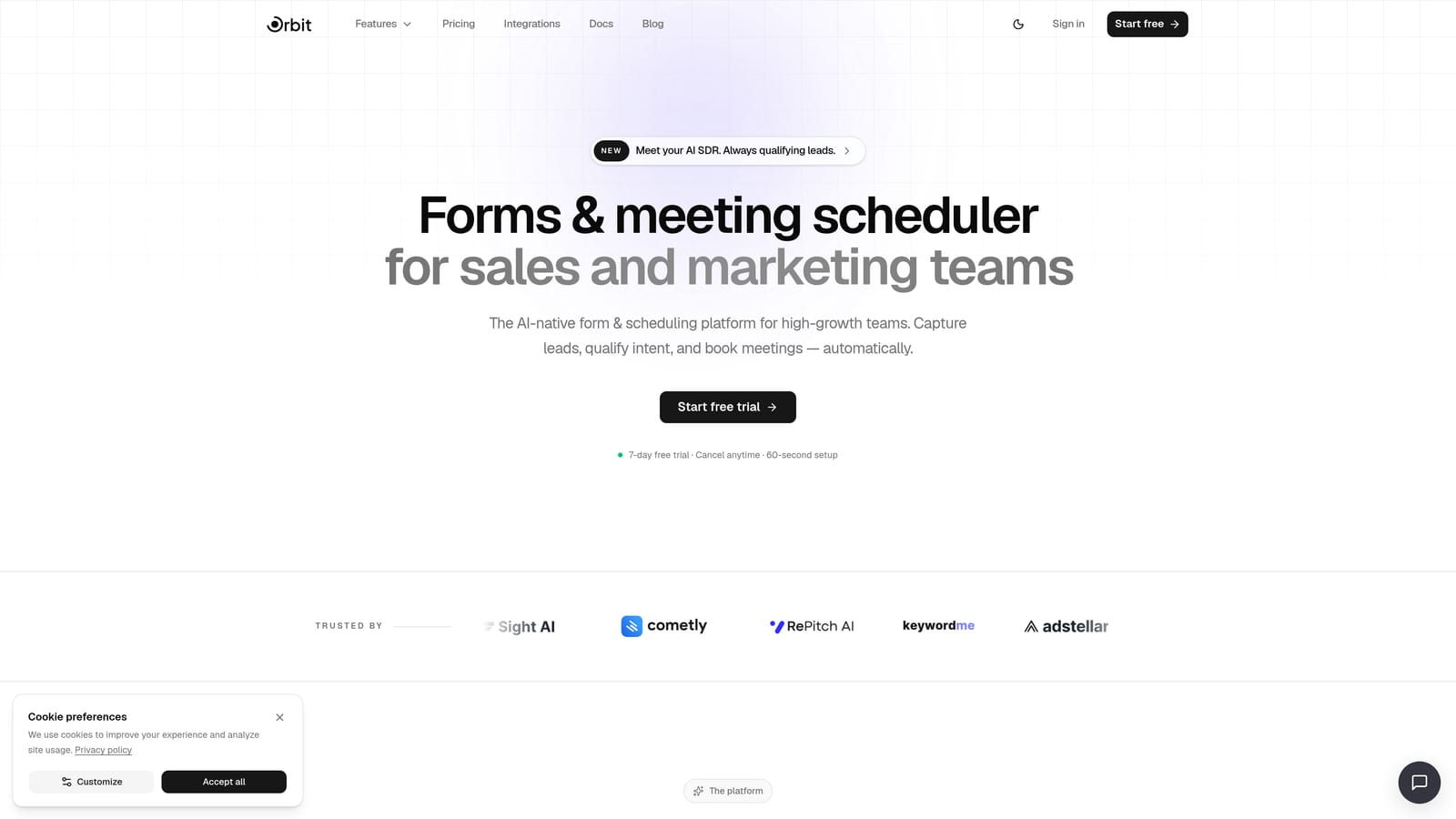
Orbit AI is an AI-powered form builder designed to do more than collect data. It qualifies and scores leads automatically, right at the form layer, so your sales team isn't wading through unqualified submissions.
Where This Tool Shines
Most form builders are passive. They capture whatever someone types and hand it off to your CRM. Orbit AI takes a different approach: the AI qualification layer is native to the form itself, not a downstream Zapier workaround. That means leads get scored and routed before they ever hit your pipeline.
The design quality is also worth noting. Orbit AI's templates are built for conversion, not just aesthetics. If you've ever struggled to make a form look like it belongs on a modern SaaS product without hiring a designer, this is the tool that closes that gap.
Key Features
AI Lead Qualification and Scoring: Automatically evaluates and scores form submissions based on your criteria, so your team focuses on the right prospects.
Conversion-Optimized Templates: Pre-built templates for lead gen, onboarding, sales intake, and more, designed to maximize completion rates.
Modern Form Design: Clean, beautiful form experiences that match the quality of high-growth SaaS products, without needing a designer.
Evaluate on a Demo: A short demo shows how forms and qualification work with your own use case before you commit to a plan.
CRM and Integration Support: Connects with popular CRMs, Zapier, and sales tools so qualified leads flow directly into your existing stack.
Best For
Orbit AI is the strongest fit for growth teams, demand gen marketers, and agencies that need more than a data collection tool. If lead quality matters as much as lead volume, the native AI qualification layer is a genuine differentiator that other tools on this list don't offer out of the box.
Pricing
Pricing is quoted on a short demo, and Orbit has no free plan. Book a demo to see it with your own forms.
2. Typeform
Best for: Teams that prioritize form completion rates and want a polished, conversational user experience.
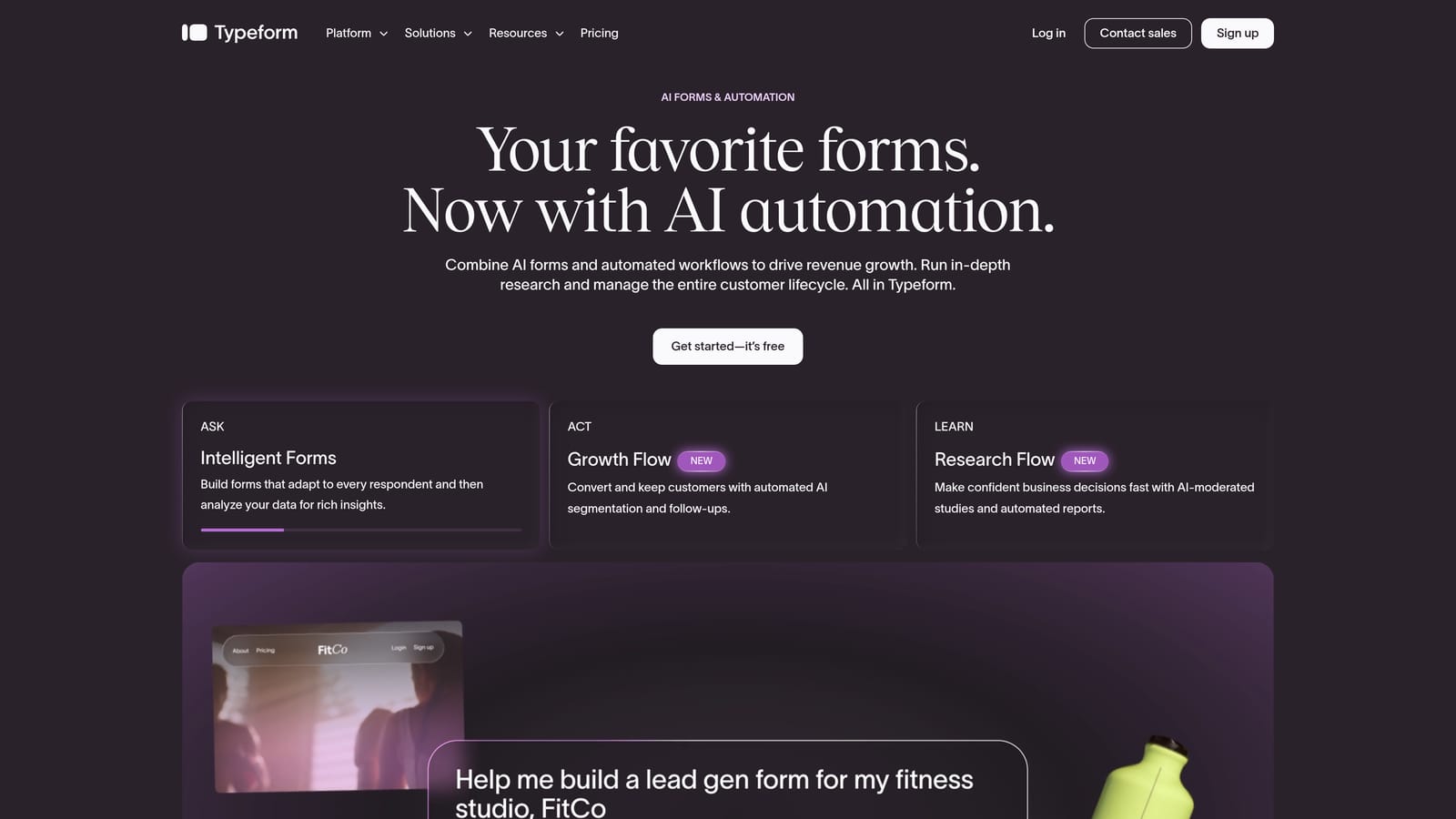
Typeform is the tool that popularized the one-question-at-a-time format, and it remains one of the most recognizable names in the form builder space.
Where This Tool Shines
Typeform's core strength is its UX philosophy. By presenting one question at a time, it reduces cognitive load and keeps respondents engaged through to the end. For lead gen forms, surveys, and onboarding flows where completion rate is everything, this format tends to outperform traditional multi-field layouts.
The design quality is consistently high, and the integrations with HubSpot, Salesforce, and Slack make it a natural fit for marketing and sales teams already embedded in those ecosystems.
Key Features
Conversational Single-Question Format: Presents one question at a time to reduce friction and improve completion rates.
Logic Jumps and Branching: Available on paid plans, allowing you to route respondents through different question paths based on their answers.
Deep Integration Library: Connects natively with HubSpot, Salesforce, Slack, Zapier, and many others.
Video and Image Embedding: Add rich media directly inside forms to create more engaging experiences.
Response Analytics Dashboard: Track drop-off points, completion rates, and individual responses in one place.
Best For
Typeform works well for marketing teams, UX researchers, and anyone running customer surveys or lead capture flows where brand experience matters. The free plan is limited on responses, so teams with high volume will need a paid tier relatively quickly.
Pricing
Free plan available with limited monthly responses. Paid plans start at approximately $25 per month, with higher tiers unlocking more responses, logic, and integrations.
3. Jotform
Best for: Teams that need breadth — thousands of templates, wide integration support, and multi-use-case coverage in one platform.
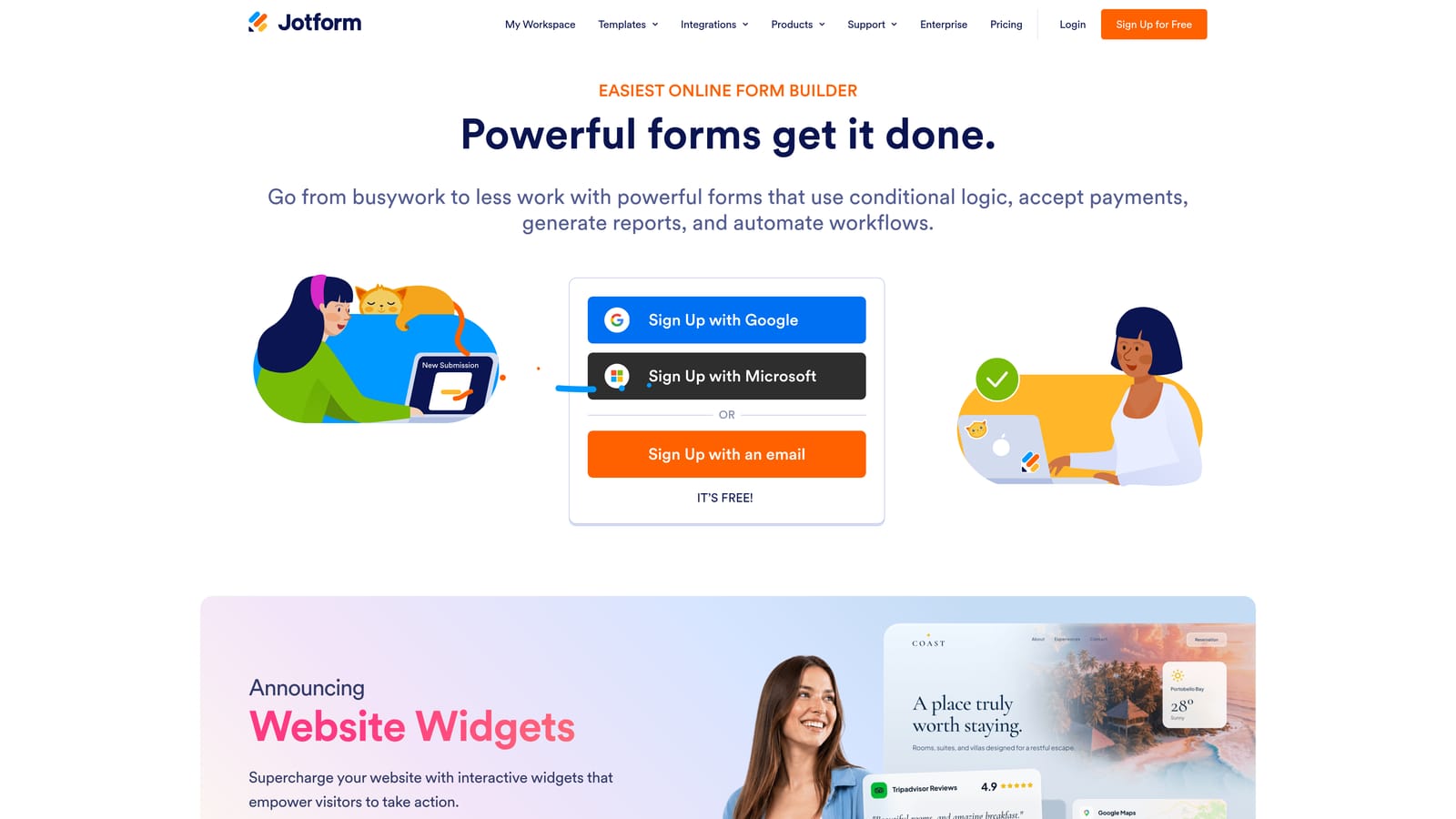
Jotform is one of the most feature-rich form builders available, with a template library and integration list that's hard to match.
Where This Tool Shines
Jotform's depth is its defining quality. With over 10,000 templates spanning HR, healthcare, legal, e-commerce, and more, it's the tool you reach for when you need to spin up a form for almost any use case quickly. The free plan is genuinely usable for small teams or individuals with modest submission volumes.
Jotform Tables adds a spreadsheet-style data view on top of your submissions, which is useful for teams that want to manage responses without immediately exporting to another tool.
Key Features
10,000+ Templates: One of the largest template libraries in the market, covering virtually every industry and use case.
Jotform Tables: A spreadsheet-style interface for managing and analyzing form submissions directly in the platform.
E-Signature Support: Native e-signature capabilities via Jotform Sign, useful for contracts and approvals.
Payment Collection: Accepts payments via Stripe, PayPal, and Square directly through forms.
Conditional Logic and Advanced Fields: Build dynamic forms that adapt based on user responses, available across plans.
Best For
Jotform is a strong choice for operations teams, HR departments, and agencies that need to cover a wide range of form types without managing multiple tools. It's built for breadth rather than elegance, which is the right tradeoff for many teams.
Pricing
Free plan includes 5 forms and 100 submissions per month. Paid plans start at approximately $34 per month with higher response limits and more features.
4. HubSpot Forms
Best for: Teams already using HubSpot CRM who want seamless lead capture without setting up a separate tool.
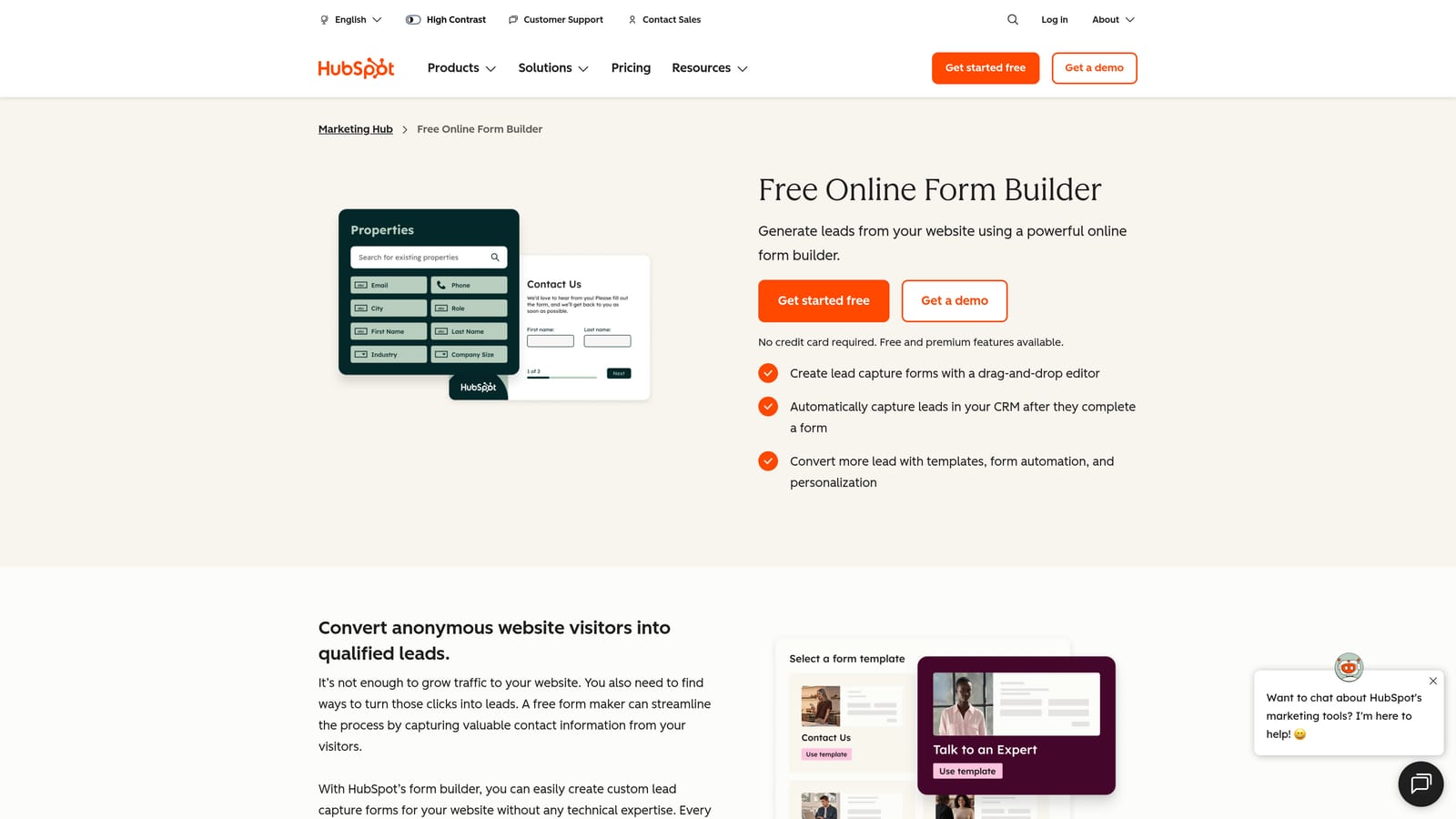
HubSpot Forms is a form builder included in HubSpot's free CRM tier, with automatic contact sync and marketing automation triggers built in.
Where This Tool Shines
The value here is almost entirely about context. If your team lives in HubSpot, the zero-configuration CRM sync is genuinely useful. Every form submission automatically creates or updates a contact record, and you can trigger email sequences or workflows from those submissions without any additional setup.
As a standalone form builder, HubSpot Forms is fairly limited in design flexibility. But as a CRM-native capture layer, it's hard to beat for the price, which is free.
Key Features
Free with HubSpot CRM: No additional cost for teams already using HubSpot's free tier.
Automatic Contact Sync: Submissions instantly create or update contact records in your CRM with no manual mapping.
Multiple Form Types: Supports embedded forms, pop-up forms, and standalone form pages.
Workflow Triggers: Form submissions can trigger email sequences, task creation, and other automations within HubSpot.
GDPR Consent Fields: Built-in consent checkboxes to support compliance requirements.
Best For
HubSpot Forms is the right call for inbound marketing teams, SDR teams, and anyone whose primary goal is getting leads into HubSpot as efficiently as possible. If you're not already a HubSpot user, the tool alone probably isn't enough reason to adopt the platform.
Pricing
Free with any HubSpot account. Advanced features like A/B testing and progressive profiling require a paid Marketing Hub subscription.
5. Tally
Best for: Startups, indie builders, and small teams that want a genuinely unlimited free plan with no hidden caps.
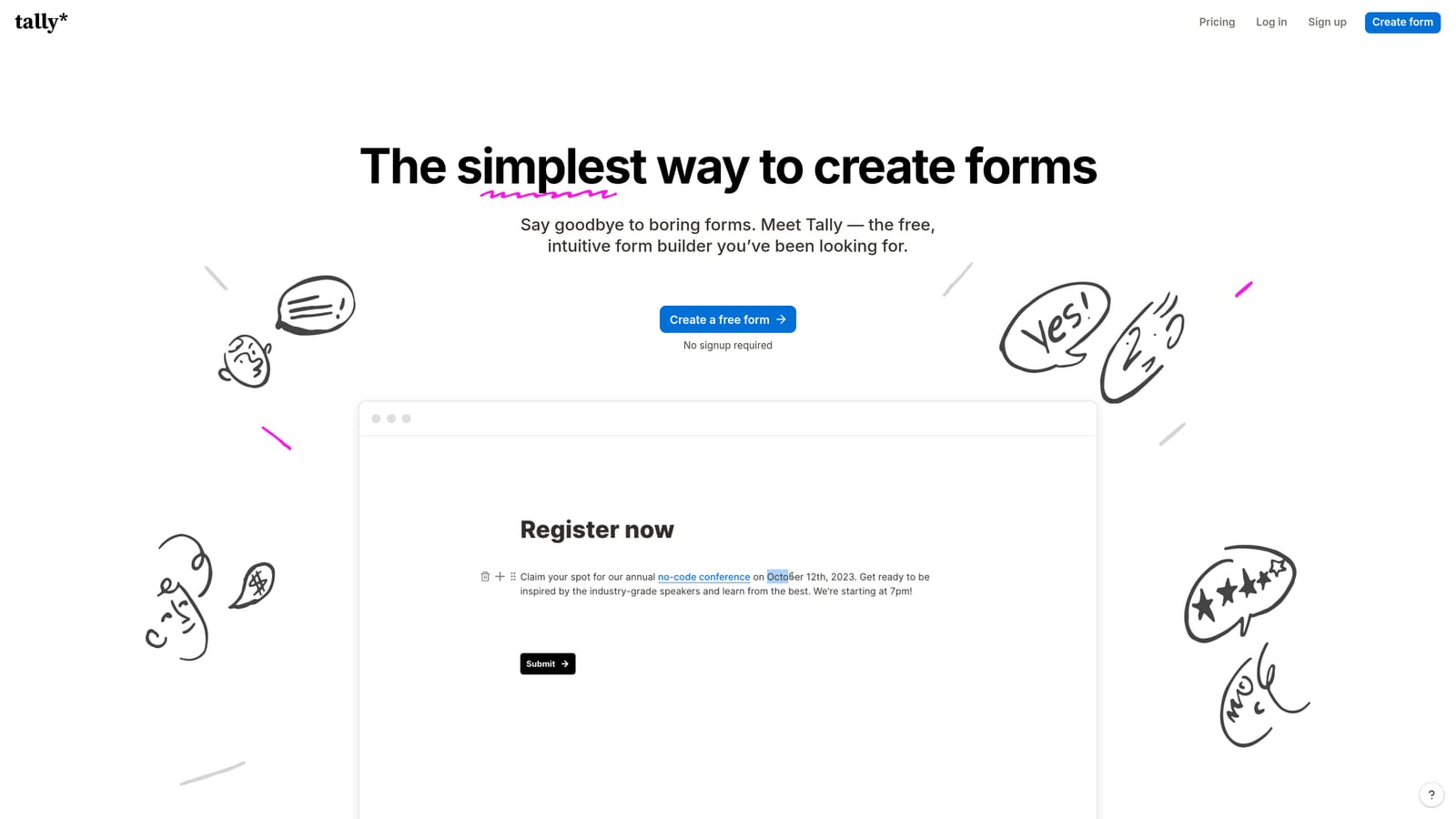
Tally is a Notion-style form builder with one of the most generous free plans in the market: unlimited forms and unlimited responses, with no response caps on core features.
Where This Tool Shines
Tally's free plan is the real story here. Most form builders use response limits to push users toward paid tiers. Tally doesn't. You can collect unlimited responses across unlimited forms on the free plan, which makes it an outlier in a market full of artificial restrictions.
The block-based editor feels familiar if you use Notion, which has made it popular with the indie hacker and startup community. It's clean, fast to use, and produces forms that look polished without much effort.
Key Features
Unlimited Forms and Responses on Free Plan: No artificial caps on the core product, which is genuinely rare in this category.
Notion-Like Block Editor: A familiar, intuitive building experience for anyone used to block-based editors.
Conditional Logic on Free Tier: Build branching logic without upgrading, which most competitors restrict to paid plans.
Integration Support: Connects with Notion, Airtable, Zapier, and Make for flexible data routing.
Custom Domain and Branding on Pro: Remove Tally branding and use your own domain on the paid plan.
Best For
Tally is ideal for solo founders, small teams, and anyone who needs a solid free form tool without constantly bumping into limits. The Pro plan is worth considering if white-labeling or custom domains matter to your use case.
Pricing
Free plan with unlimited forms and responses. Pro plan starts at approximately $29 per month for custom branding and domain features.
6. Google Forms
Best for: Internal surveys, event signups, and simple data collection where cost is the primary constraint.
Google Forms is completely free with a Google account, with no response limits and automatic Google Sheets integration.
Where This Tool Shines
Google Forms wins on simplicity and cost. There is no paid tier, no response limit, and no credit card. If you need to collect data quickly and your team already uses Google Workspace, it's the path of least resistance. Real-time collaboration works the same way as Google Docs, so multiple people can build or edit a form simultaneously.
The limitations are real: design customization is minimal, there's no native payment support, and advanced logic is basic compared to dedicated form builders. But for what it is, it's hard to argue with free and frictionless.
Key Features
Completely Free Forever: No paid tier, no response caps, no hidden limits.
Real-Time Collaboration: Multiple team members can edit forms simultaneously, just like Google Docs.
Auto-Sync to Google Sheets: Responses populate automatically into a connected spreadsheet for easy analysis.
Basic Branching Logic: Route respondents to different sections based on their answers.
Quiz Mode: Automatically grade responses and share scores, useful for assessments and training.
Best For
Google Forms is the right tool for internal use cases: HR surveys, event RSVPs, feedback collection, and training quizzes. It's not built for lead generation or customer-facing conversion flows where design and qualification logic matter.
Pricing
Completely free with any Google account. No paid tier exists.
7. Paperform
Best for: Creators, coaches, and small businesses who want forms that feel like branded landing pages.
Paperform is a form builder with a landing page-style canvas that supports rich media, payments, and highly branded form experiences, with a 14-day free trial on all plans.
Where This Tool Shines
Paperform occupies an interesting niche: it's a form builder that doesn't look or feel like a form builder. The canvas allows you to mix rich text, images, video, and form fields in a way that produces experiences closer to a mini landing page than a traditional form. For businesses where the form itself is a customer touchpoint, that design flexibility matters.
The 14-day trial gives you full access to test the product properly. There's no permanent free plan, but the trial is long enough to validate whether it fits your workflow before committing.
Key Features
Landing Page-Style Canvas: Mix text, images, video, and form fields freely to create branded, immersive form experiences.
Rich Media Embedding: Add images and video directly inside forms to provide context or build trust.
Native Payment Support: Accept payments via Stripe, PayPal, and Square without third-party workarounds.
Conditional Sections and Smart Fields: Show or hide content dynamically based on respondent inputs.
14-Day Free Trial: Full access to all features during the trial period, no credit card required.
Best For
Paperform works well for coaches, consultants, course creators, and small businesses that want a form experience that reflects their brand. It's less suited for high-volume lead gen or enterprise workflows.
Pricing
14-day free trial available. Paid plans start at approximately $24 per month after the trial ends.
8. Cognito Forms
Best for: Service businesses and event organizers that need calculation fields, order forms, and payment collection.
Cognito Forms is a form builder with standout calculation capabilities and native Stripe payment support, popular with businesses that collect orders or fees through forms.
Where This Tool Shines
Cognito Forms' calculation fields are genuinely powerful. You can build forms that automatically compute pricing totals, apply discounts, calculate quantities, and display dynamic results to respondents in real time. For service businesses with variable pricing, event registration with tiered fees, or any form that needs to do math, this is a capability most competitors don't offer natively.
The free plan is also more functional than many: conditional logic is included, and you can collect up to 500 entries per month on a single form.
Key Features
Calculation Fields: Build forms that compute totals, pricing, and discounts dynamically based on respondent inputs.
Native Stripe Integration: Collect payments directly through forms without additional plugins or workarounds.
Conditional Logic on Free Plan: Branch and filter form fields without upgrading to a paid tier.
Repeating Sections: Allow respondents to add multiple line items, ideal for order forms and registrations.
File Upload and E-Signature: Support document submissions and digital signatures within a single form.
Best For
Cognito Forms is the right pick for service businesses, event organizers, and anyone who needs forms that calculate and collect payments. It's less focused on marketing or lead gen use cases.
Pricing
Free plan includes 1 form and up to 500 entries per month. Paid plans start at approximately $15 per month with higher limits and additional features.
9. Formstack
Best for: Enterprise teams and regulated industries that need workflow routing, document generation, and compliance features.
Formstack is an enterprise form and workflow automation platform that goes well beyond data collection, with document generation, e-signatures, and HIPAA-compliant data handling.
Where This Tool Shines
Formstack is built for complexity. If your organization needs multi-step approval workflows, auto-generated documents from form data, or compliance with HIPAA or other regulatory frameworks, Formstack covers ground that most form builders don't touch. The free trial gives you enough time to test whether the workflow automation features fit your processes before committing to what is a premium price point.
It's worth being clear: Formstack is overkill for most small teams or straightforward lead gen use cases. But for healthcare organizations, legal teams, or enterprises with complex approval chains, the feature depth justifies the investment.
Key Features
Multi-Step Workflow Routing: Route submissions through approval chains with conditional logic and role-based access.
Document Generation: Automatically generate populated documents from form data, reducing manual work.
E-Signature Support: Collect legally binding signatures as part of a form or workflow.
HIPAA-Compliant Data Handling: Meets compliance requirements for healthcare and other regulated industries.
100+ Integrations: Connects with Salesforce, Google Workspace, Slack, and many others.
Best For
Formstack is the right tool for enterprise teams, healthcare organizations, and businesses with complex document or approval workflows. It's not designed for quick-launch lead gen or lightweight use cases.
Pricing
Free trial available on all plans. Paid plans start at approximately $83 per month, reflecting the enterprise feature set.
Which Tool Is Right for Your Team?
Nine tools, nine different strengths. The right choice depends almost entirely on what you're trying to accomplish.
If your priority is lead qualification and conversion optimization, Orbit AI is the clear standout. The native AI scoring layer means your forms don't just collect data, they actively filter and prioritize leads before they reach your team. For high-growth SaaS teams and agencies where lead quality directly impacts revenue, that's a meaningful advantage over tools that require downstream workarounds to achieve the same result.
If you need a genuinely free tool with no limits, Tally's unlimited free plan is hard to argue with, and Google Forms is the right call for purely internal use cases where design doesn't matter.
If your team is already inside HubSpot, skip the standalone form builder conversation and use HubSpot Forms. The zero-configuration CRM sync alone makes it the most efficient choice for that context.
For conversational, high-completion experiences, Typeform remains the benchmark. For breadth and template coverage, Jotform. For branded, landing page-style forms, Paperform. For calculation-heavy order forms, Cognito Forms. And for enterprise compliance and workflow automation, Formstack.
The best way to find your fit is to see it working. An Orbit AI demo walks you through AI-powered lead qualification, the conversion-optimized templates, and how the qualification layer works with your actual use case before making any commitment. Book a demo and see how intelligent form design can elevate your conversion strategy.


