

Event registration forms do more than collect names and emails. They set the tone for your entire attendee experience. A clunky, multi-page form can tank sign-ups before your event even gets off the ground, while a smooth, intelligent registration flow can improve conversions and give you richer attendee data from the start.
The right form builder for event registration needs to handle conditional logic (so you can ask the right questions to the right people), payment collection for paid events, multi-step flows that don't overwhelm registrants, and integrations with your CRM or email platform. Not every tool does all of this well.
This guide covers the top options available in 2026, evaluated for ease of use, customization depth, payment support, and how well each handles the specific demands of event sign-up workflows. Whether you're running a free webinar, a multi-track conference, or an intimate VIP dinner, there's a tool here built for your use case.
1. Orbit AI
Best for: B2B events and high-growth teams who need to qualify registrants, not just collect them.
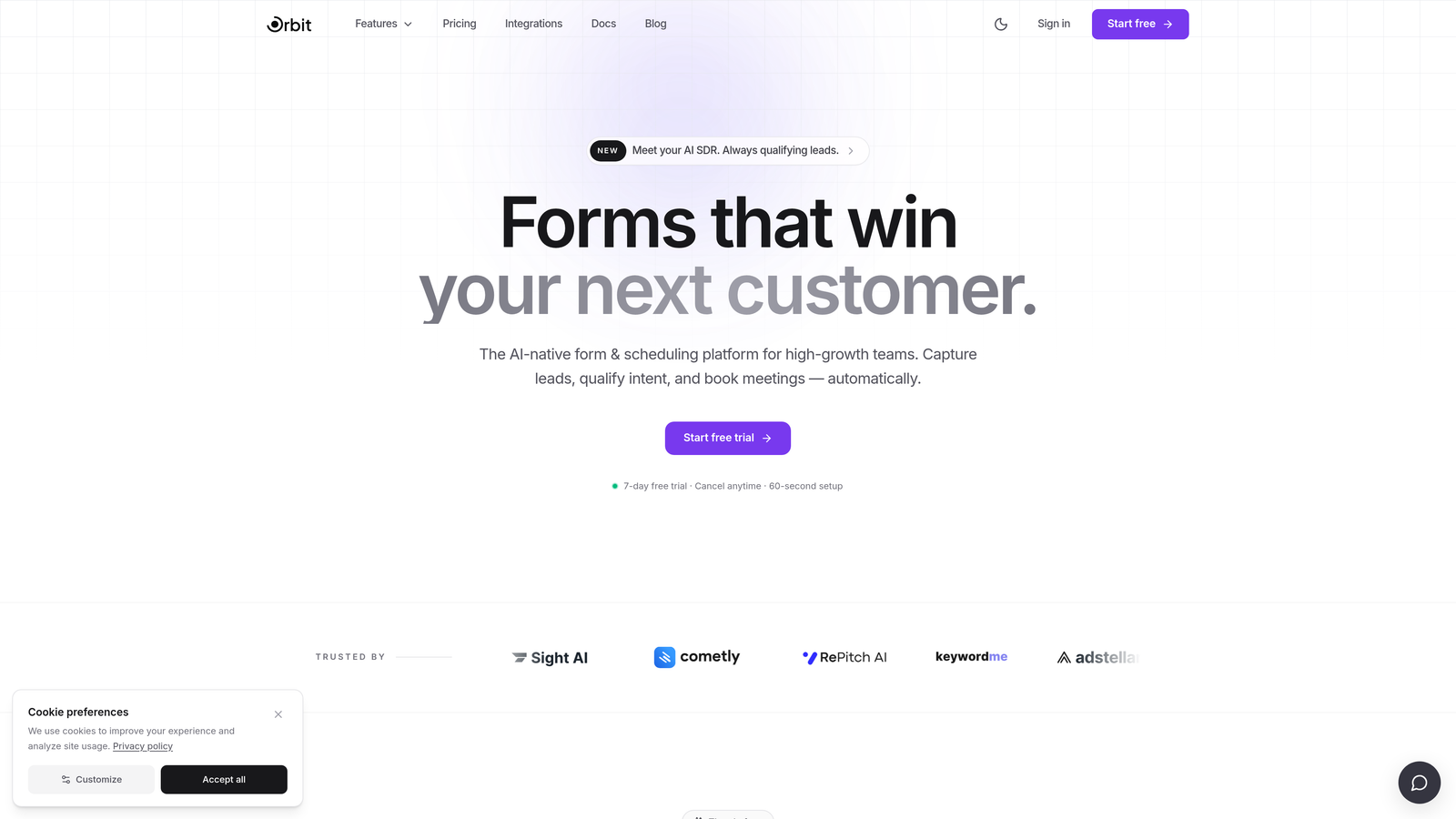
Orbit AI is an AI-powered form builder with built-in lead qualification, designed for teams who want to know which registrants are worth following up with before the event even happens.
Where This Tool Shines
Most form builders treat every submission equally. Orbit AI doesn't. Its AI-powered lead qualification layer automatically scores and segments registrants based on the data they provide, so your sales or event team can prioritize high-intent attendees without manually reviewing every response.
This is particularly valuable for B2B events: product demos, webinars, and conferences where attendee quality matters as much as quantity. The multi-step form flows are designed for conversion, and the modern interface means registrants don't feel like they're filling out a government form.
Key Features
AI-Powered Lead Qualification: Automatically scores and segments registrants so you can surface the highest-value attendees without manual review.
Conversion-Optimized Multi-Step Flows: Break long registration forms into smooth, logical steps that reduce abandonment and keep registrants moving forward.
Full Brand Customization: Beautiful, modern form design that you can tailor to match your event branding without needing a designer.
Conditional Logic: Personalize registration paths based on attendee type, ticket selection, or any other field, so each person sees only the questions relevant to them.
CRM and Marketing Integrations: Route attendee data directly into your CRM or email platform so your team can act on registrations immediately.
Best For
Orbit AI is the strongest choice for B2B teams running webinars, product demos, or conferences where lead quality is a priority. If you're capturing registrations just to hand them off to a sales team or score them for follow-up, no other tool on this list offers that capability natively.
Pricing
Visit orbitforms.ai for current pricing plans. The platform is built for growth-stage and scaling teams.
2. Typeform
Best for: Events that benefit from a conversational, engaging registration experience with strong visual branding.
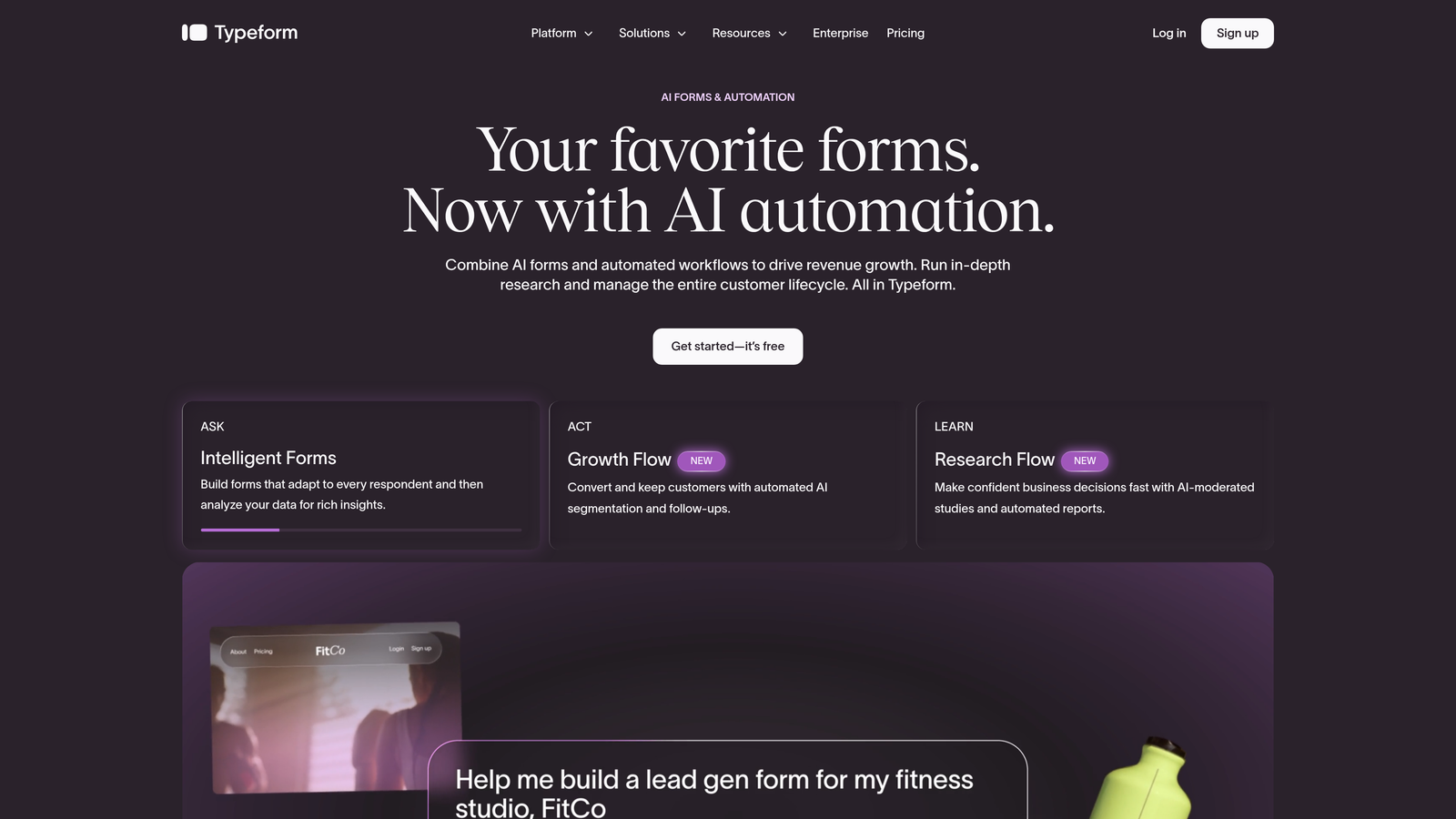
Typeform is a conversational form builder known for its one-question-at-a-time interface that creates a dialogue-style registration flow rather than a traditional form.
Where This Tool Shines
Typeform's format works particularly well for longer registration forms where you need to ask a lot of questions without overwhelming registrants. By presenting one question at a time, it creates a more natural, app-like experience that tends to feel less intimidating than a wall of fields.
The visual customization options are strong. You can embed images and video directly within the form, which is useful for event pages where you want to show off speakers, venue, or past event highlights while someone is registering.
Key Features
Conversational Format: One-question-at-a-time flow creates an engaging, dialogue-style experience that reduces form fatigue.
Visual Customization: Strong brand theming options including custom fonts, colors, and background imagery.
Logic Jumps: Conditional question paths that route registrants based on their answers, useful for multi-ticket-type events.
Integrations: Connects with HubSpot, Mailchimp, Zapier, and a wide range of other tools for data routing.
Media Embedding: Add video and images directly within the form to enhance the registration experience.
Best For
Typeform is a great fit for consumer events, creative industries, and any event where the registration experience itself is part of the brand impression. It's less suited for teams who need deep workflow automation or enterprise compliance features.
Pricing
Free plan available with limited responses. Paid plans start at approximately $25/month, with advanced logic and integrations requiring higher tiers.
3. Jotform
Best for: Teams that need a feature-complete solution with native payment processing and a wide range of event-specific templates.
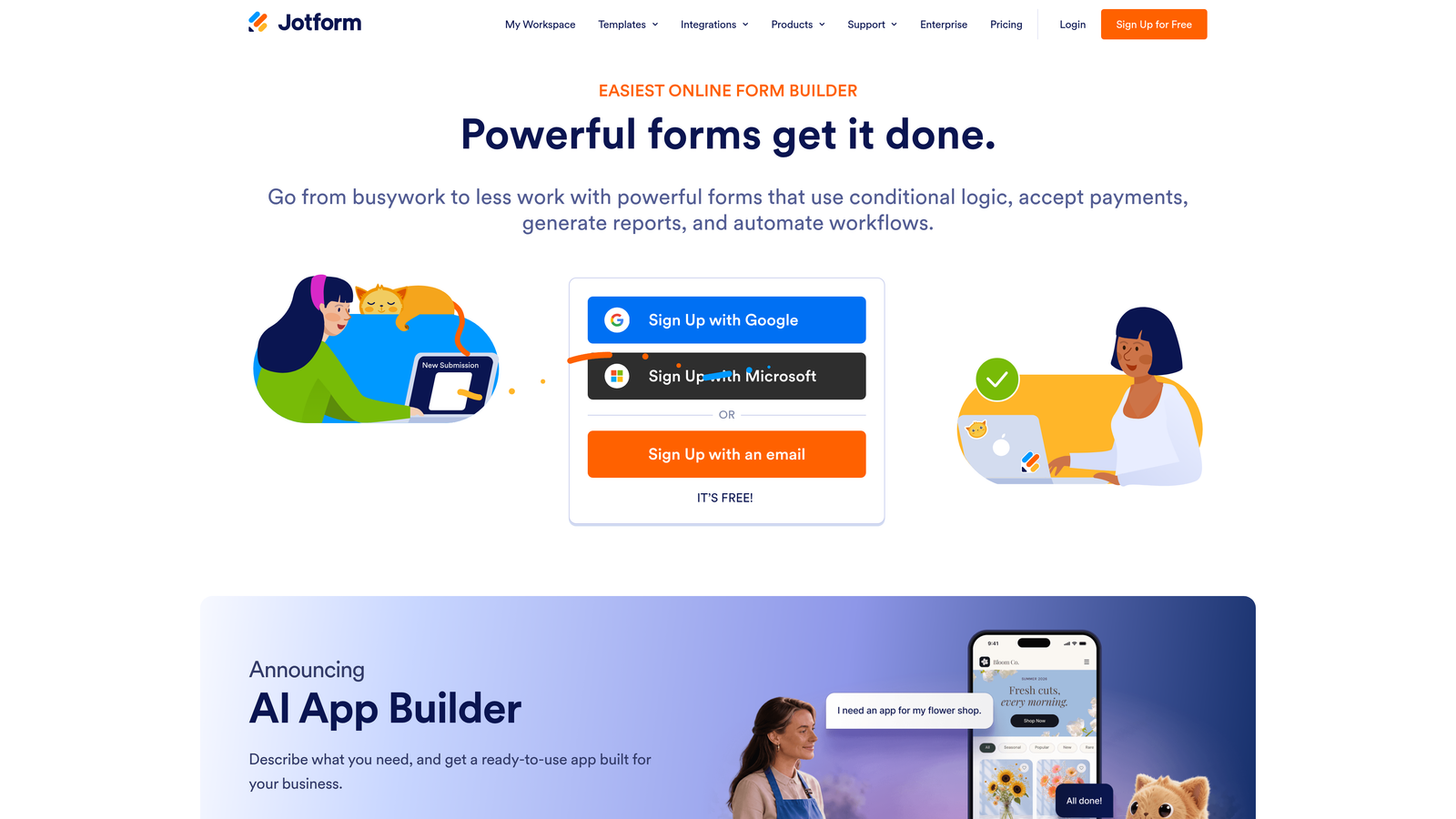
Jotform is one of the most feature-rich form builders available, offering thousands of templates, native payment collection, and an extensive integration library.
Where This Tool Shines
If you're running a paid event and need to collect ticket payments directly through your registration form, Jotform handles this natively. It supports Stripe, PayPal, Square, and several other payment processors without requiring a third-party workaround.
The template library is genuinely impressive. There are event-specific templates for conferences, workshops, galas, and more, which means you can get a functional registration form live quickly rather than building from scratch. The breadth of features can feel like a lot at first, but it makes Jotform one of the most flexible tools on this list for teams with varied event types.
Key Features
Event-Specific Templates: Thousands of pre-built templates including many designed specifically for event registration use cases.
Native Payment Collection: Built-in support for Stripe, PayPal, Square, and other processors for paid event ticketing.
Conditional Logic and Multi-Page Forms: Route registrants through different paths and break long forms into manageable sections.
Automated Confirmation Emails: Trigger confirmation messages and calendar integrations automatically on submission.
HIPAA-Compliant Plans: Available for healthcare organizations running medical conferences or patient-facing events.
Best For
Jotform is a strong choice for event organizers running paid events, teams that want to move quickly using templates, and organizations in regulated industries that need compliance-ready forms. It's particularly well-suited to teams managing multiple event types throughout the year.
Pricing
Free plan available with limited submissions. Paid plans start at approximately $34/month, with higher tiers unlocking more submissions, payments, and storage.
4. Paperform
Best for: Creators and small teams who want a beautiful registration page and form in a single, shareable URL.
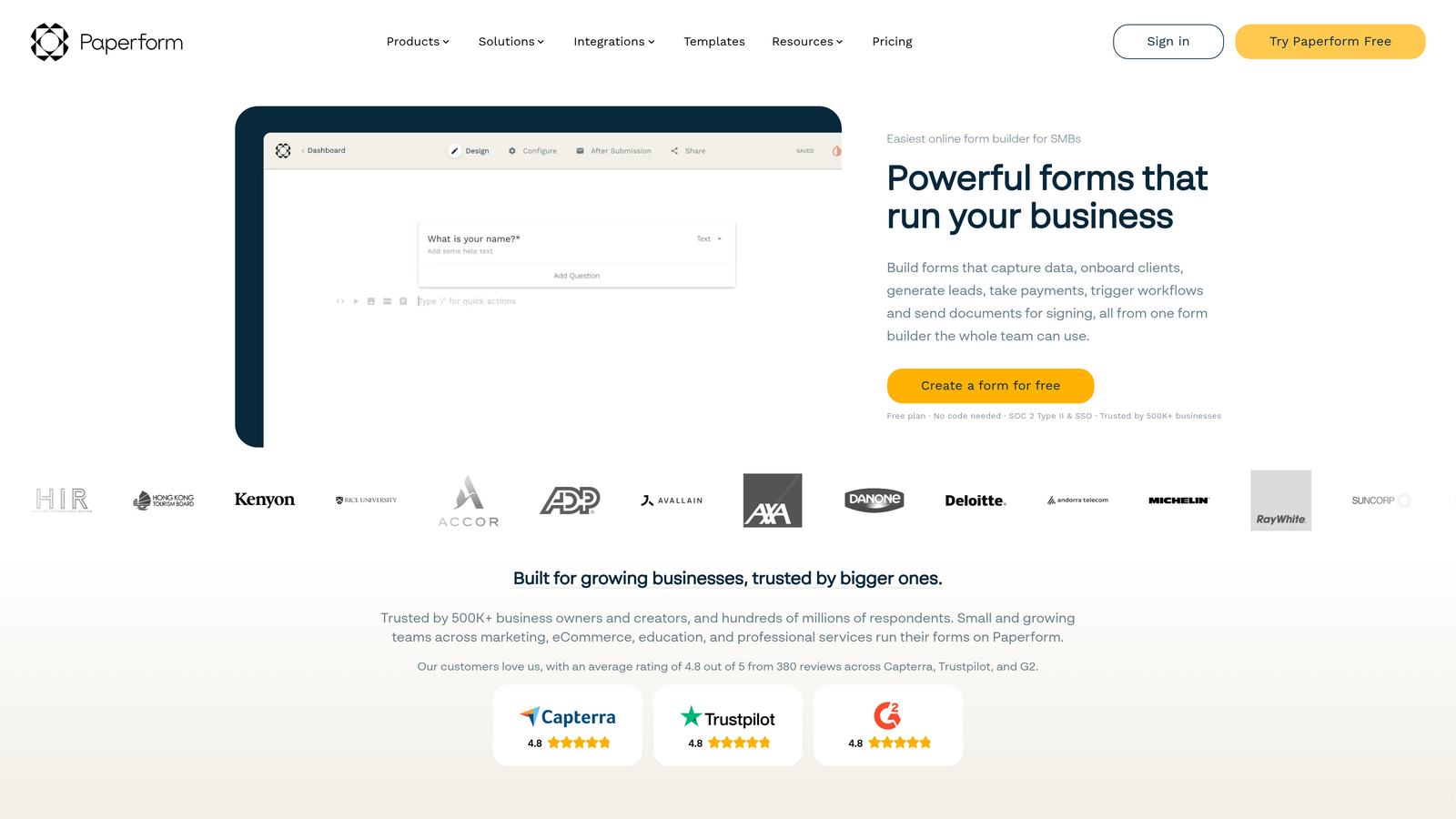
Paperform is a hybrid form and page builder that combines rich content blocks with form fields, so your registration page and sign-up form live together in one place.
Where This Tool Shines
Paperform occupies an interesting space between a landing page builder and a form tool. You can write event descriptions, embed images and video, list ticket options with pricing, and collect registrations all within the same editor and the same URL. For small teams or independent event organizers who don't want to maintain a separate website and form, this is a genuinely practical setup.
The editor is freeform and flexible, which gives you more creative control than most form builders. Automated follow-up emails after submission are also built in, which is useful for sending confirmation details or pre-event information without needing a separate email tool.
Key Features
Freeform Editor: Combine rich content blocks (text, images, video) with form fields in a single, flexible editor.
Built-In Payment Support: Collect ticket payments and list product options directly within the registration page.
Conditional Logic and Calculation Fields: Route registrants based on answers and calculate totals dynamically, useful for variable ticket pricing.
Custom Domains and White-Label Options: Publish registration pages on your own domain for a polished, branded experience.
Automated Follow-Up Emails: Send confirmation and pre-event information automatically after submission.
Best For
Paperform is ideal for independent organizers, creators, and small teams who want one tool to handle both the event landing page and the registration form. It's less suited to large organizations needing enterprise workflows or deep CRM integrations.
Pricing
Plans start at approximately $29/month. There is no permanent free plan, though a trial period is available.
5. Tally
Best for: Free or low-budget events where simplicity and a clean registration experience matter more than advanced features.
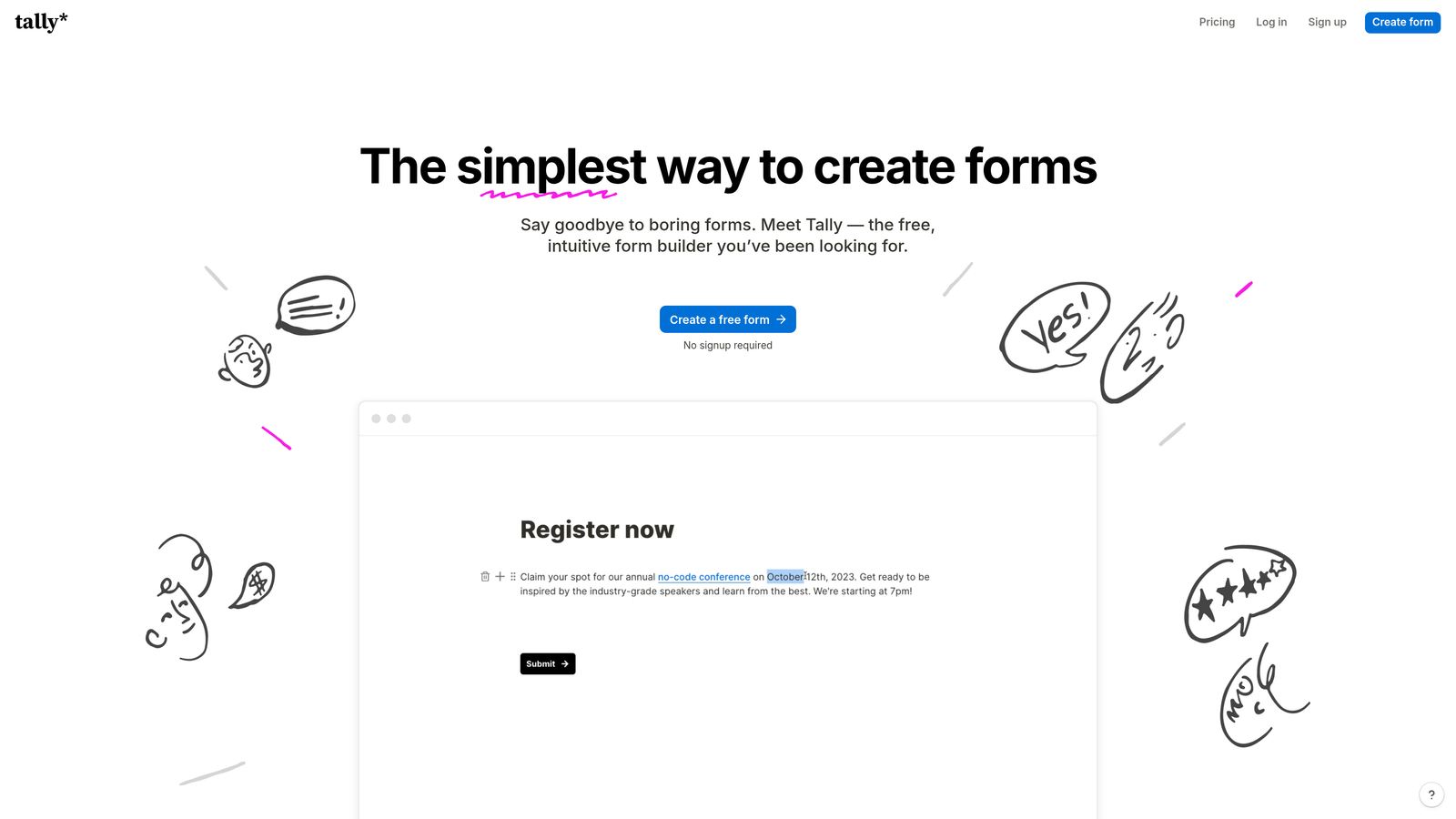
Tally is a minimalist, Notion-inspired form builder with a genuinely generous free plan that includes unlimited forms and unlimited responses.
Where This Tool Shines
Tally's free plan is exceptional by any comparison. Most form builders cap free users at a handful of responses per month. Tally removes that restriction entirely, making it a legitimate option for event organizers who are cost-conscious or just starting out.
The interface is clean and distraction-free, which translates to registration forms that feel modern without requiring any design skill to set up. It embeds easily into Notion pages, websites, and other platforms, which is handy if your event lives on a Notion-based site or internal wiki.
Key Features
Unlimited Forms and Responses on Free Plan: No submission caps on the free tier, which is rare in this category.
Clean, Minimal Interface: Distraction-free form design that's quick to build and easy for registrants to complete.
Conditional Logic and Multi-Page Support: Basic branching logic to personalize the registration flow based on attendee answers.
Easy Embedding: Drop forms into Notion, websites, and other platforms with minimal friction.
Stripe Payments on Paid Plans: Basic payment collection available for teams that upgrade to Pro.
Best For
Tally is the right call for free community events, internal company events, or any situation where budget is a constraint. It's not built for complex enterprise workflows or high-volume paid ticketing, but for straightforward registration collection, it's hard to beat at the price.
Pricing
Free plan available with unlimited forms and responses. Pro plan at approximately $29/month, which unlocks payment collection, custom domains, and additional features.
6. Formstack
Best for: Large organizations and enterprise teams that need approval routing, compliance controls, and deep data governance for event registration workflows.
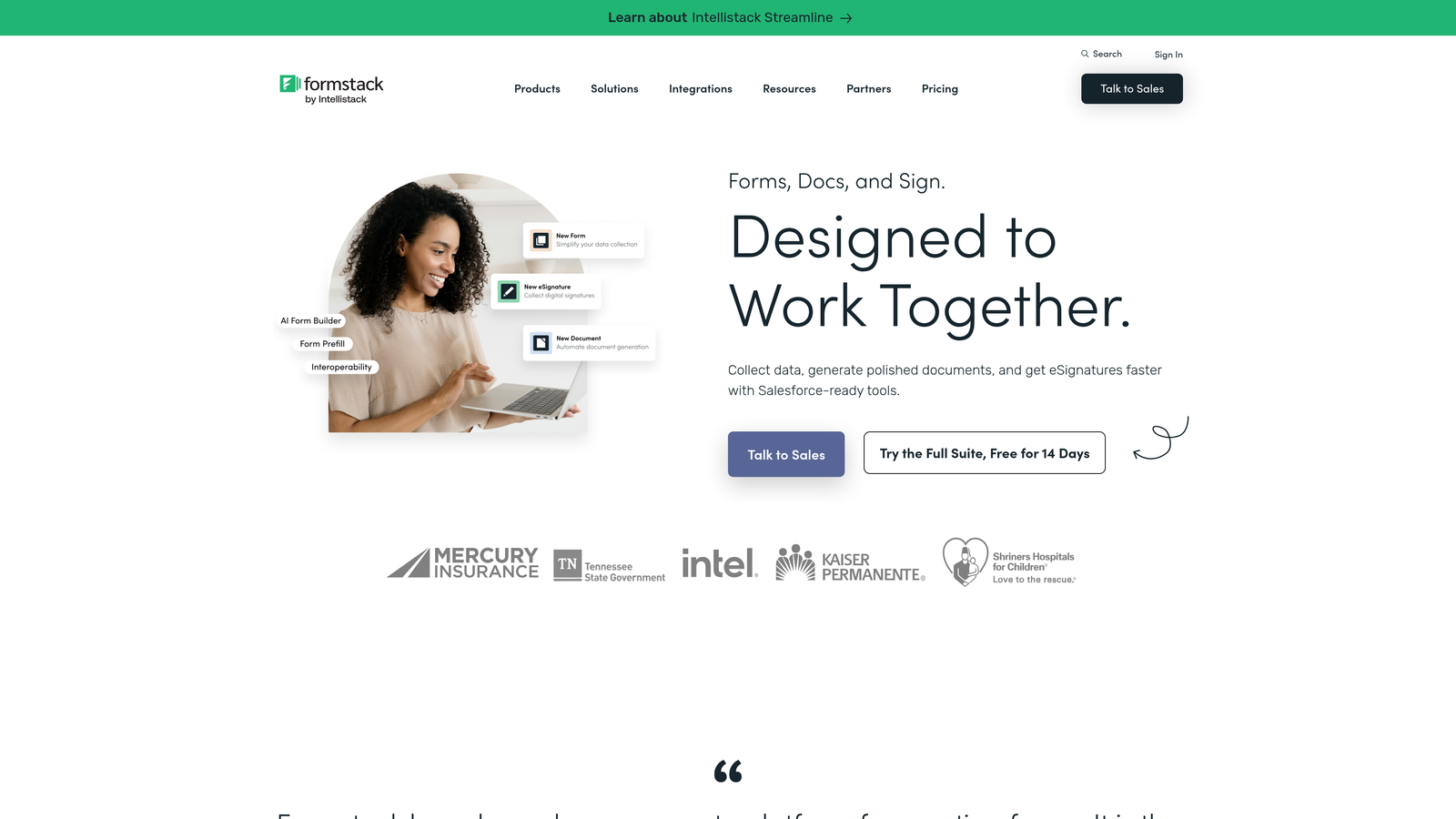
Formstack is an enterprise-grade form and workflow automation platform built for organizations where data security, approval chains, and compliance are non-negotiable.
Where This Tool Shines
Formstack is in a different category than most tools on this list. Where others focus on the front-end registration experience, Formstack is built around what happens to the data after someone submits. Multi-step approval routing, automated data flows, and deep compliance features make it suitable for organizations running large-scale or regulated events.
The Salesforce-native integration is a standout for enterprise sales teams. If your event registrations need to flow directly into Salesforce records, trigger workflows, or update existing contact data, Formstack handles this more natively than most alternatives. It's a more complex tool to set up, but the depth is there for teams that need it.
Key Features
Workflow Automation: Multi-step approval routing so registrations can be reviewed, approved, or flagged before confirmation.
HIPAA and GDPR Compliance: Built-in compliance features for organizations in regulated industries running events with sensitive attendee data.
Advanced Data Routing: Conditional logic combined with automated data routing to send registrant information to the right systems.
Pre-Fill Forms: Populate form fields with existing CRM or database data to streamline registration for returning attendees.
Salesforce-Native Integration: Deep, native connection to Salesforce for enterprise teams managing event data within their CRM.
Best For
Formstack is built for enterprise organizations, government agencies, healthcare institutions, and large companies where compliance, data governance, and approval workflows are requirements rather than nice-to-haves. It's significantly more expensive than other options, which reflects its enterprise positioning.
Pricing
Plans start at approximately $83/month. Enterprise pricing is available for larger organizations with custom requirements.
Which Tool Is Right for Your Event?
The best form builder for event registration depends less on which tool has the most features and more on what your specific event actually needs. Here's how to think through the decision.
Running a B2B webinar or conference where lead quality matters: Orbit AI is the clear choice. No other tool on this list automatically qualifies and scores registrants, which means your team spends less time sorting through submissions and more time engaging the right attendees. The conversion-optimized multi-step flows and CRM integrations make it a complete solution for growth-focused teams.
Running a paid event with ticket sales: Jotform's native payment support across multiple processors makes it the most practical option. The event-specific templates also mean you can move quickly without building from scratch.
Prioritizing a beautiful, branded registration experience: Typeform's conversational format and strong visual customization make it a strong contender for consumer events, creative industries, and any situation where the registration flow itself is part of the brand impression.
Need a landing page and form in one place: Paperform's hybrid editor lets you build a complete event registration page, including descriptions, media, and pricing, without maintaining a separate website. Ideal for independent organizers and small teams.
Running a free event on a tight budget: Tally's unlimited free plan is genuinely hard to beat for simple registration collection. Clean, fast, and costs nothing for most use cases.
Operating in an enterprise or regulated environment: Formstack's approval routing, compliance features, and Salesforce-native integration make it the appropriate choice for large organizations where data governance is a requirement.
For most high-growth teams focused on conversion and lead quality, the combination of AI-powered qualification, modern design, and seamless data routing makes Orbit AI the standout option in this category. Start building free forms today and see how intelligent form design can transform the way you capture and qualify event registrants.


