

Traditional form builders are becoming relics of a simpler web. Today's high-growth teams need forms that think—platforms that qualify leads in real-time, adapt questions based on responses, and integrate seamlessly with your tech stack. Intelligent form creation platforms use AI and advanced logic to transform static data collection into dynamic conversion engines.
We evaluated dozens of platforms based on AI capabilities, customization depth, integration ecosystems, and actual conversion impact. Whether you're capturing enterprise leads or scaling product signups, this list covers the smartest options available right now.
1. Orbit AI
Best for: High-growth teams prioritizing AI-driven lead qualification and conversion optimization
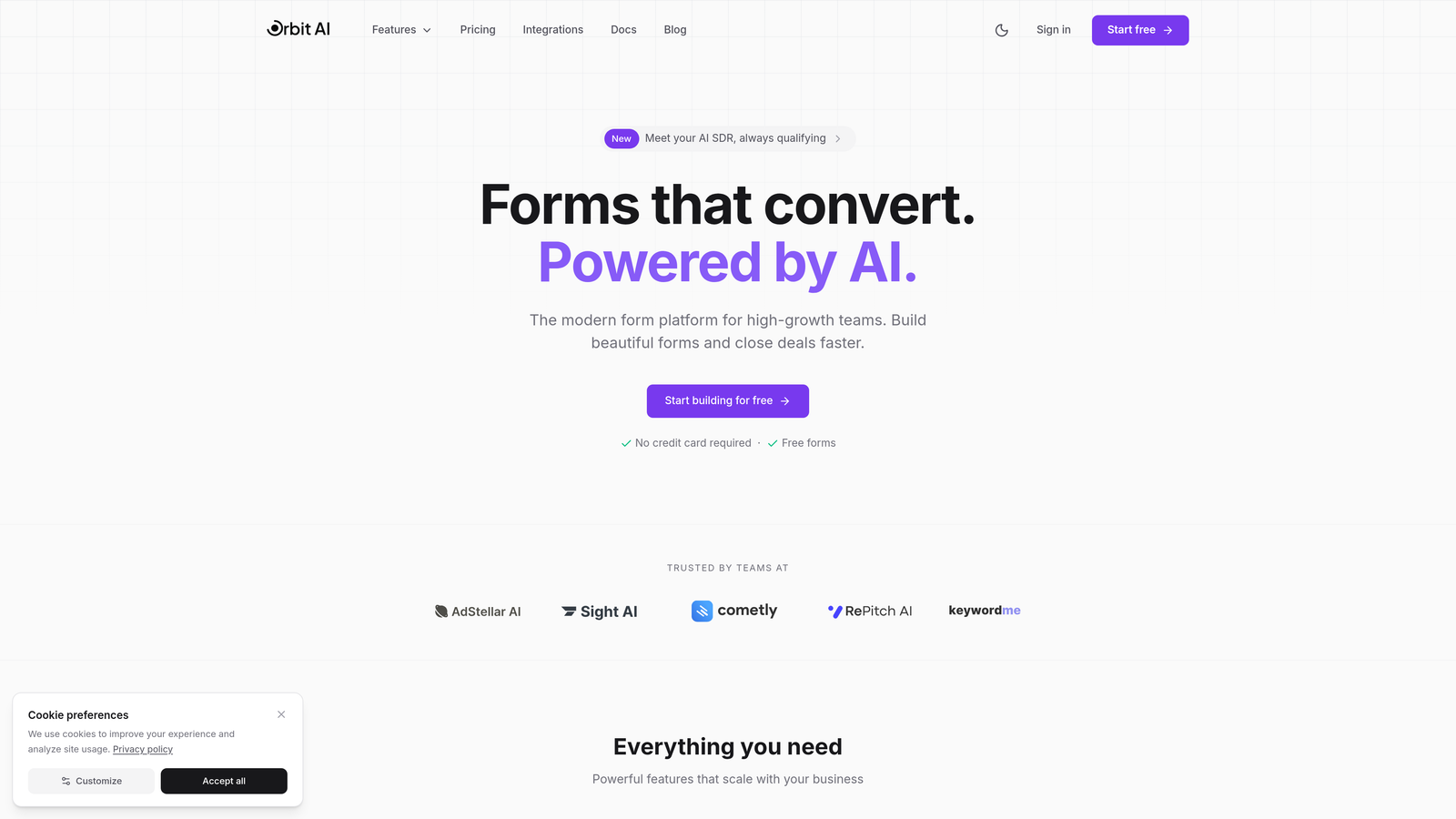
Orbit AI is an AI-powered form builder designed specifically for teams that need to qualify leads automatically while maintaining high conversion rates.
Where This Tool Shines
Orbit AI stands out by embedding intelligence directly into the form experience. Instead of collecting data and qualifying later, the platform scores and routes leads in real-time based on response patterns and behavioral signals.
The conversion-optimized templates are built on research from thousands of high-performing forms, giving you a head start on design decisions that actually impact completion rates. For teams drowning in unqualified leads, this approach transforms forms from data collection tools into revenue acceleration engines.
Key Features
AI-Powered Lead Qualification: Automatically scores prospects based on responses and routes high-value leads to sales immediately.
Conversion-Optimized Templates: Pre-built form designs tested for maximum completion rates across industries.
Advanced Workflow Automation: Trigger follow-up sequences, assign leads to team members, and update CRM records without manual intervention.
Native CRM Integrations: Direct connections to HubSpot, Salesforce, and Pipedrive ensure lead data flows seamlessly into your existing stack.
Real-Time Analytics Dashboard: Track conversion rates, drop-off points, and lead quality metrics to continuously improve performance.
Best For
Orbit AI is ideal for SaaS companies, B2B service providers, and marketing agencies managing high volumes of inbound leads. If your sales team wastes time on unqualified prospects or your forms have high abandonment rates, the AI qualification capabilities deliver immediate value.
Pricing
Free tier available for testing. Paid plans start at $29/month, scaling with form submissions and advanced features.
2. Typeform
Best for: Creating branded conversational experiences with strong visual design
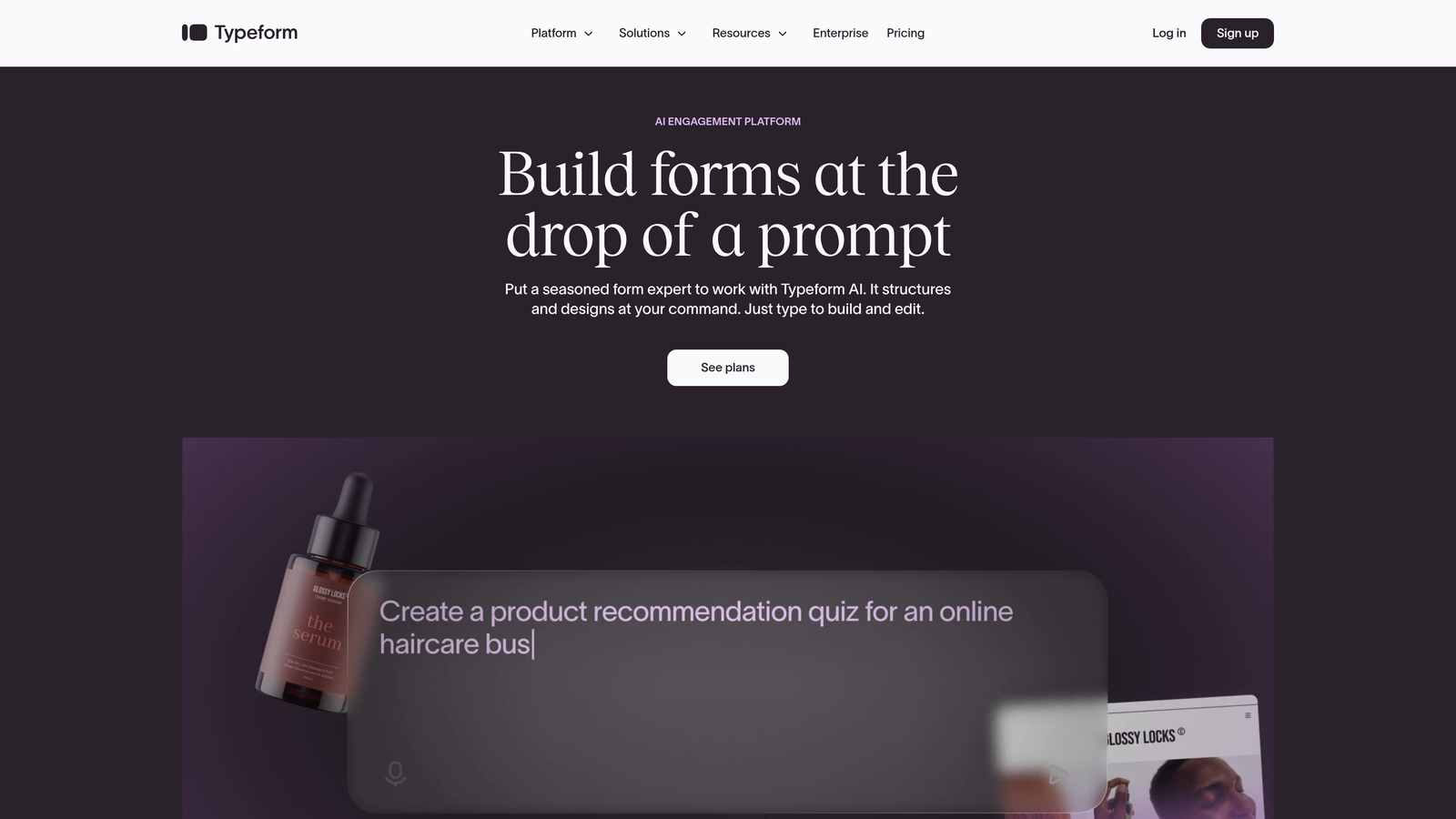
Typeform pioneered the one-question-at-a-time format that makes filling out forms feel more like a conversation than a chore.
Where This Tool Shines
Typeform's conversational interface reduces cognitive load by showing one question at a time, which can significantly improve completion rates for longer forms. The platform excels at brand customization, allowing you to match fonts, colors, and imagery to your exact specifications.
For companies where brand experience matters as much as data collection, Typeform delivers a polished, memorable interaction. The logic jump functionality enables sophisticated branching based on previous answers, creating personalized paths through your forms.
Key Features
Conversational One-Question Format: Presents questions sequentially to reduce overwhelm and improve completion rates.
Extensive Design Customization: Full control over fonts, colors, backgrounds, and imagery to match your brand identity.
Logic Jumps and Branching: Create dynamic paths through your form based on how respondents answer specific questions.
Video and Image Embedding: Enrich forms with multimedia content to provide context or demonstrate products.
Integration Marketplace: Connect to hundreds of tools including CRMs, email platforms, and analytics services.
Best For
Marketing teams at consumer-facing brands, agencies creating client surveys, and anyone prioritizing user experience over raw functionality. Works particularly well for customer feedback, event registrations, and quiz-style lead magnets.
Pricing
Free tier available with Typeform branding. Basic plan starts at $25/month with custom branding and logic jumps.
3. Jotform
Best for: Teams needing extensive templates and widgets for diverse form types
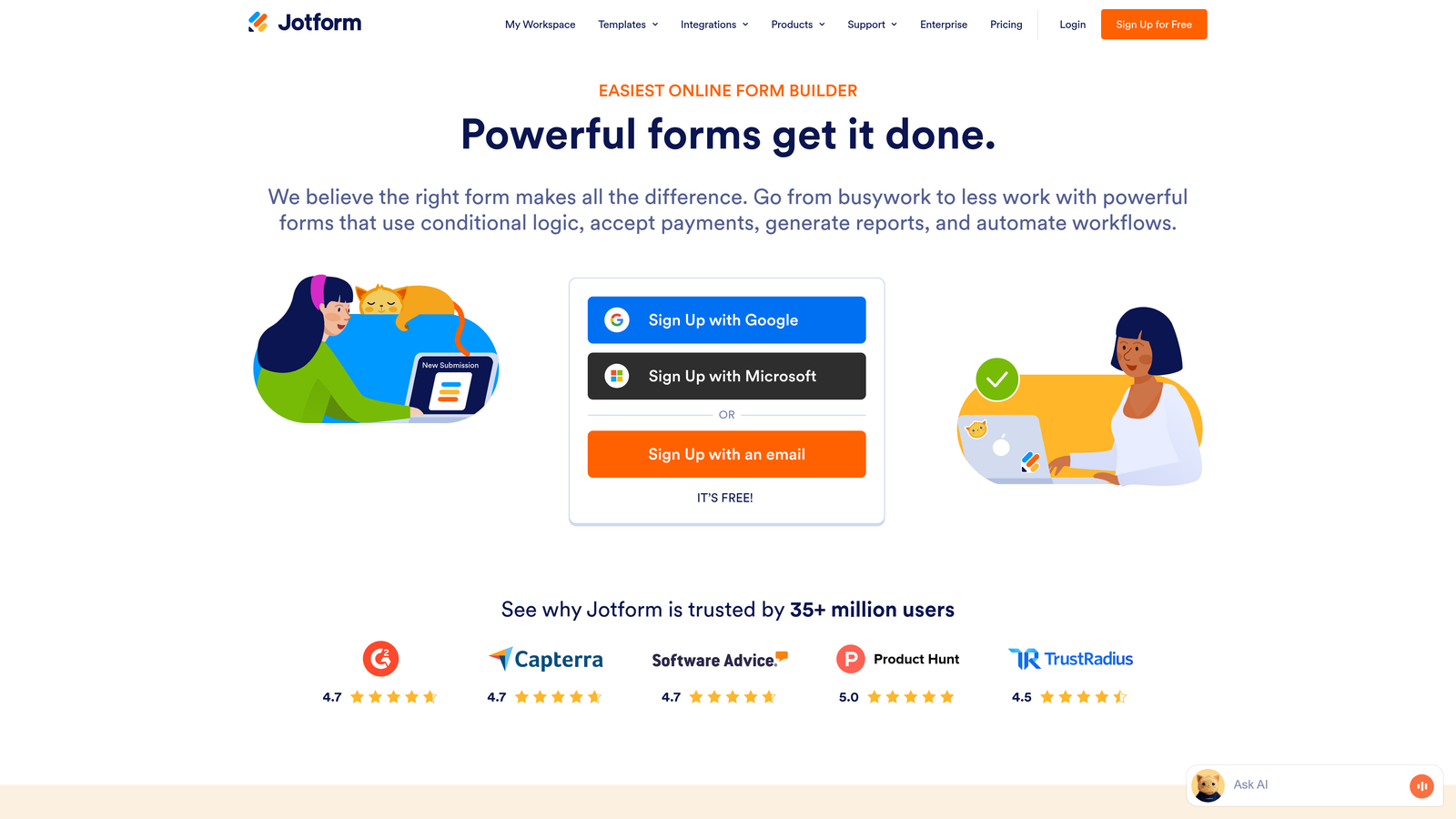
Jotform offers one of the most comprehensive template libraries and widget ecosystems in the form builder space.
Where This Tool Shines
With over 10,000 pre-built templates, Jotform covers virtually every form use case imaginable. Need a job application form? They have dozens. Event registration? Hundreds of options. This breadth means you rarely start from scratch.
The widget library extends functionality far beyond basic fields. Add signature capture, appointment scheduling, file uploads with preview, or payment processing without writing code. For organizations running diverse operations through forms, this flexibility is invaluable.
Key Features
10,000+ Form Templates: Industry-specific templates for applications, registrations, surveys, orders, and more.
Drag-and-Drop Builder with Widgets: Extensive widget library adds advanced functionality like e-signatures and appointment booking.
PDF Form Generation: Automatically convert submissions into formatted PDF documents for records or distribution.
Payment Collection Built-In: Accept payments through PayPal, Stripe, Square, and other processors directly in forms.
Approval Workflows: Route submissions through multi-step approval processes with notifications and status tracking.
Best For
Small businesses managing multiple operational processes, educational institutions handling registrations and applications, and non-profits running event sign-ups and donation collection. The template variety makes it accessible for non-technical users.
Pricing
Free tier limited to 5 forms. Bronze plan starts at $34/month with 25 forms and increased submission limits.
4. Tally
Best for: Startups and creators wanting unlimited free forms with modern design
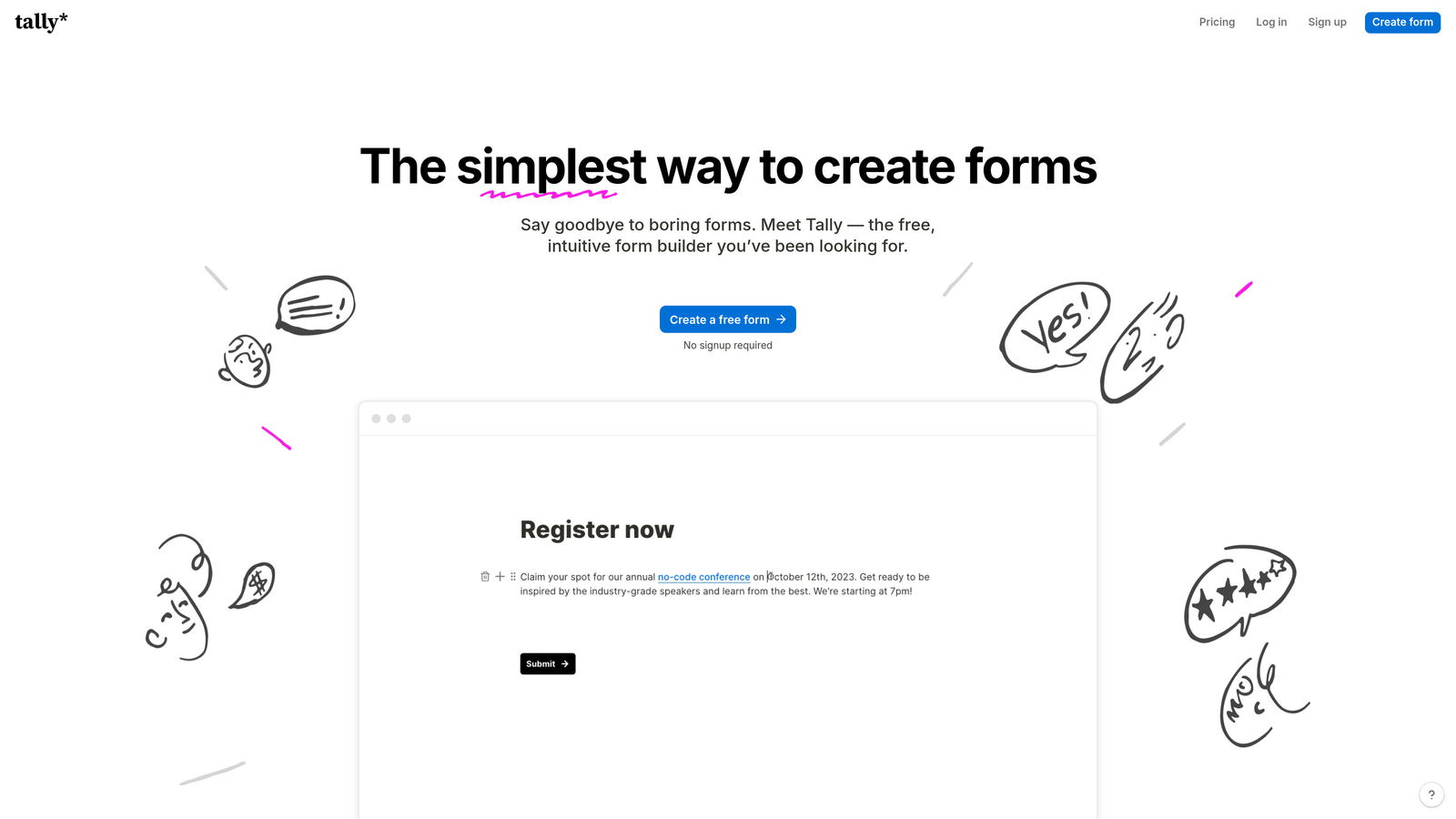
Tally brings a Notion-inspired interface to form building with a remarkably generous free tier.
Where This Tool Shines
Tally's block-based editor feels immediately familiar to anyone who uses Notion. You build forms by adding blocks for different field types, arranging them with simple drag-and-drop. This approach makes form creation feel less like configuration and more like document editing.
The unlimited forms on the free plan is genuinely game-changing for bootstrapped startups and individual creators. You can create as many forms as needed without hitting arbitrary limits, making it viable for testing multiple lead magnets or running various campaigns simultaneously.
Key Features
Notion-Style Block Editor: Intuitive building experience using familiar block-based interface for quick form creation.
Unlimited Forms on Free Plan: No artificial restrictions on form count, only submission limits.
Conditional Logic: Show or hide fields based on previous answers to create dynamic, personalized experiences.
Custom Domains: Host forms on your own domain even on free plan for brand consistency.
Webhook Integrations: Connect to automation tools via webhooks for custom workflows and data routing.
Best For
Solo founders and small teams with limited budgets, content creators building email lists, and early-stage startups testing product ideas. The simplicity makes it perfect for non-technical users who need forms quickly.
Pricing
Generous free tier with unlimited forms. Pro plan at $29/month adds file uploads, payment collection, and priority support.
5. Fillout
Best for: Operations teams syncing forms directly with Airtable or Notion databases
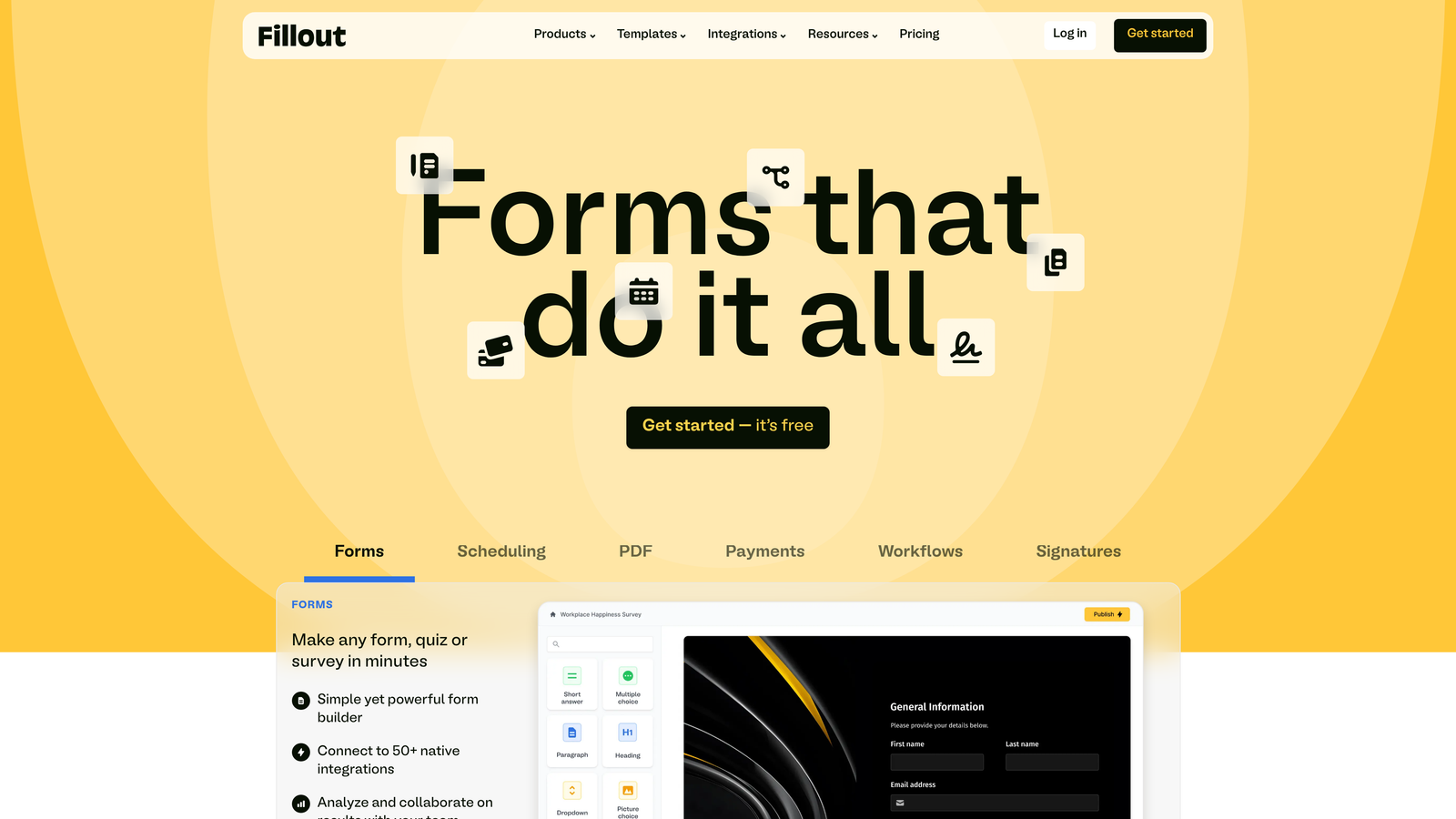
Fillout takes a database-first approach, treating forms as interfaces for structured data rather than standalone tools.
Where This Tool Shines
Fillout's native integration with Airtable and Notion transforms how teams manage operational workflows. Instead of collecting submissions and manually transferring data, forms write directly to your database. This eliminates the copy-paste cycle that wastes hours weekly.
The ability to update existing records through forms is particularly powerful. Need customers to update their information? Create a form that modifies their existing database entry rather than creating duplicates. For teams already running operations in Airtable or Notion, this seamless connection is transformative.
Key Features
Native Airtable/Notion Sync: Forms write directly to your database tables without middleware or manual data transfer.
Update Existing Records: Allow respondents to modify existing database entries rather than only creating new ones.
Scheduling Integration: Embed calendar booking directly in forms for appointment-based workflows.
Multi-Page Forms: Break long forms into logical sections to improve completion rates and user experience.
Custom Thank-You Pages: Redirect to personalized confirmation pages based on submission data.
Best For
Operations teams managing customer data in Airtable, product teams using Notion for project tracking, and service businesses handling client intake. If your workflow lives in a database, Fillout bridges the gap between data collection and data management.
Pricing
Free tier available with basic features. Starter plan begins at $15/month with unlimited forms and submissions.
6. Paperform
Best for: Service businesses combining forms, payments, and landing pages
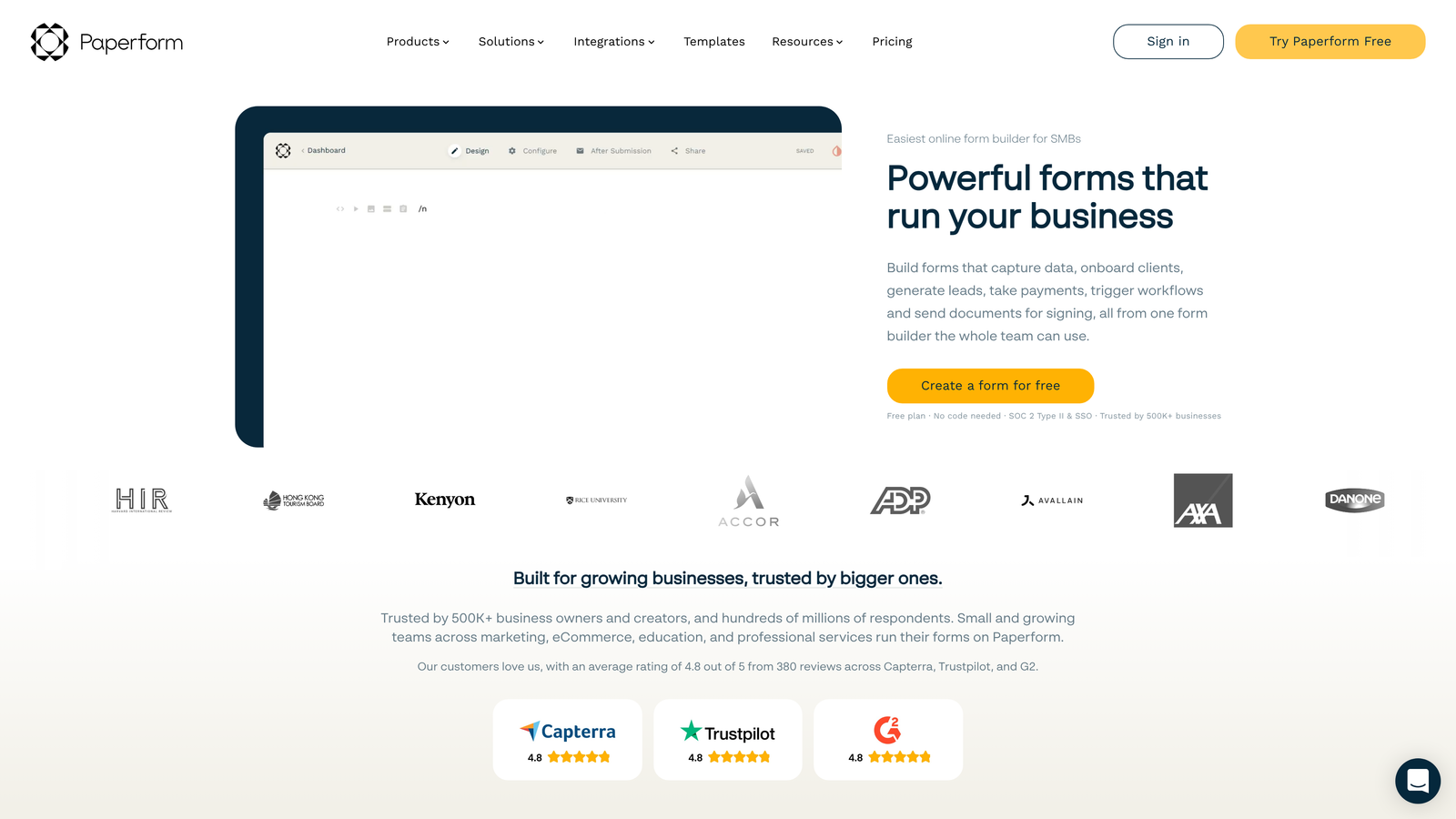
Paperform blurs the line between form builder and landing page creator, enabling full-page experiences that convert.
Where This Tool Shines
Paperform's landing page capabilities mean you can build entire conversion experiences without separate tools. Add hero images, testimonials, pricing tables, and forms all on one page. For service businesses selling packages or booking appointments, this unified approach simplifies your tech stack.
The payment processing integration is particularly robust, supporting multiple products, quantities, and pricing calculations within forms. You can build a complete order form that calculates totals, applies discounts, and processes payments without touching code.
Key Features
Landing Page Design Capabilities: Build full marketing pages with forms embedded, not just standalone form widgets.
Built-In Stripe/PayPal Payments: Process transactions directly through forms with automatic receipt generation.
Appointment Scheduling: Integrate calendar booking with form submission for service-based businesses.
Product Catalog Forms: Create order forms with multiple items, quantities, and dynamic pricing calculations.
Conditional Logic and Calculations: Show/hide fields and calculate totals based on user selections.
Best For
Consultants and coaches selling packages, event organizers handling registrations and payments, and small businesses replacing multiple tools with one platform. Works well when you need forms that also function as sales pages.
Pricing
Essentials plan starts at $24/month with unlimited forms and basic features. Higher tiers add advanced customization and team collaboration.
7. Feathery
Best for: Product teams building embedded onboarding flows with code flexibility
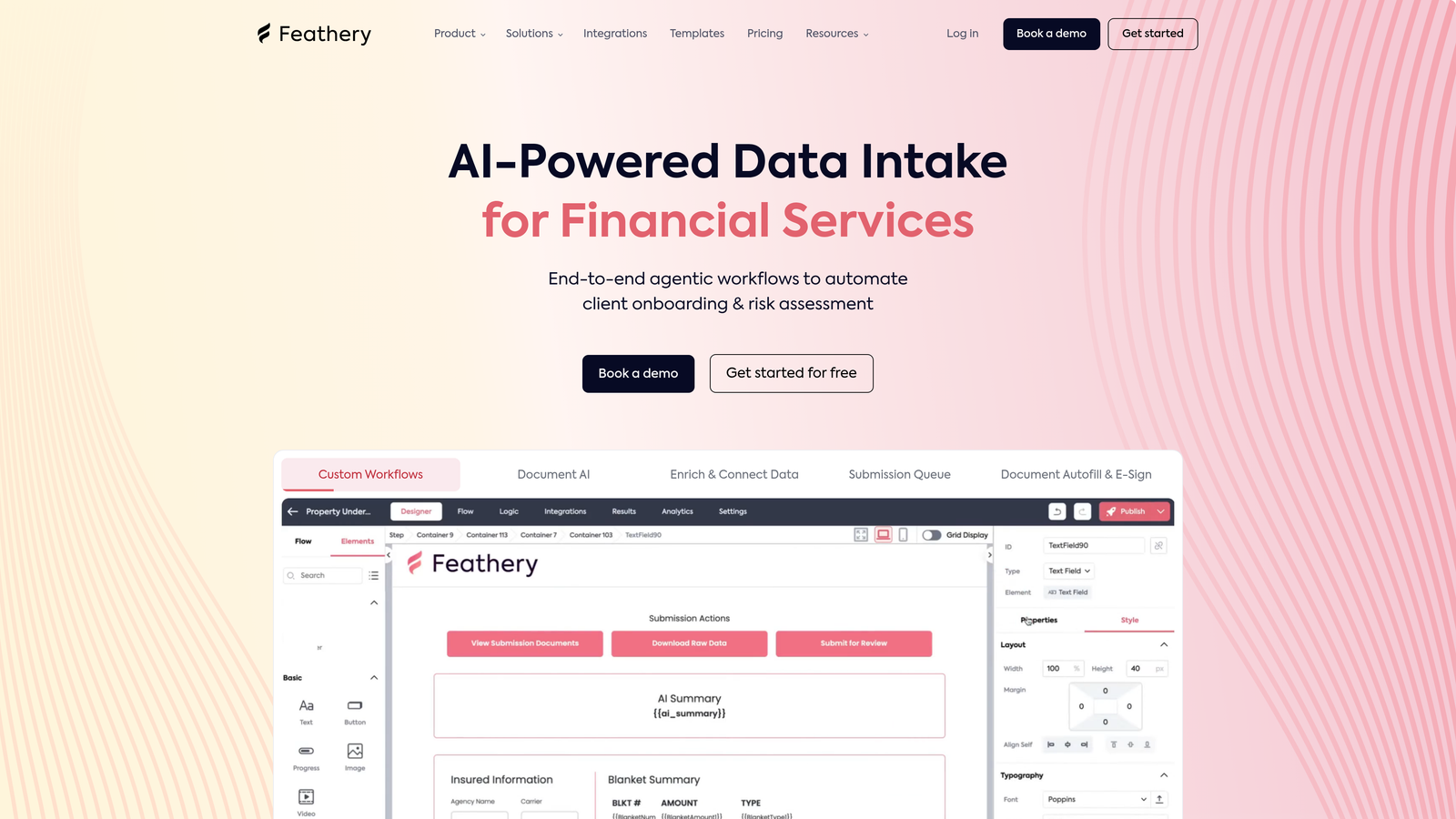
Feathery caters to developers and product teams who need form capabilities embedded directly in their applications.
Where This Tool Shines
Feathery provides React components that integrate seamlessly into your product's codebase, giving you the flexibility of custom-built forms with the speed of a no-code builder. This hybrid approach lets non-technical team members design flows while developers maintain control over implementation.
The built-in A/B testing capabilities are rare in form builders but critical for product teams optimizing conversion funnels. Test different question orders, field types, or copy variations without deploying separate code branches. For SaaS companies where onboarding conversion directly impacts revenue, this testing infrastructure is invaluable.
Key Features
React Component Library: Pre-built components that integrate directly into your application's codebase.
Custom Code Injection: Add JavaScript for advanced validation, calculations, or third-party integrations.
Multi-Step Onboarding Flows: Build progressive profiling experiences that collect data across multiple sessions.
A/B Testing Built-In: Test form variations natively without external tools or complex setup.
API-First Architecture: Programmatic form creation and management for teams automating workflows.
Best For
SaaS product teams building user onboarding, fintech companies creating application flows, and any development team that needs form functionality embedded in their product rather than hosted separately.
Pricing
Free tier available for development and testing. Growth plan starts at $49/month with production usage limits.
8. Formstack
Best for: Enterprise teams requiring HIPAA compliance and advanced security
Formstack serves regulated industries with enterprise-grade security, compliance features, and advanced user management.
Where This Tool Shines
Formstack's HIPAA and GDPR compliance features make it viable for healthcare, financial services, and other regulated industries where data security isn't optional. The platform provides Business Associate Agreements, encryption at rest and in transit, and audit trails that meet compliance requirements.
The document generation capability automatically creates contracts, agreements, or reports from form submissions. Combined with electronic signature collection, you can handle entire document workflows within one platform. For enterprises managing complex approval processes, the advanced user permissions let you control exactly who sees what data.
Key Features
HIPAA and GDPR Compliance: Built-in features and agreements to meet healthcare and privacy regulations.
Electronic Signatures: Collect legally binding signatures directly within forms for contracts and agreements.
Document Generation: Automatically create PDF documents from submission data using custom templates.
Advanced User Permissions: Granular control over who can view, edit, or export form data.
Salesforce Native Integration: Deep two-way sync with Salesforce for enterprise CRM workflows.
Best For
Healthcare organizations collecting patient information, financial services firms handling sensitive data, and large enterprises with complex security requirements. The compliance features justify the higher price point for regulated industries.
Pricing
Starter plan begins at $50/month. Enterprise pricing available with custom security requirements and dedicated support.
9. Cognito Forms
Best for: Organizations needing advanced calculations and repeating sections
Cognito Forms excels at forms requiring complex calculations, making it ideal for order forms and event registrations.
Where This Tool Shines
Cognito Forms' calculation engine handles mathematical operations that would require custom code in other platforms. Build order forms that automatically calculate subtotals, apply discounts, add tax, and display final amounts. The calculations update in real-time as users make selections, providing immediate feedback.
Repeating sections let respondents add multiple items dynamically. Planning an event where attendees can register multiple guests? Each guest gets their own set of fields without creating separate forms. This flexibility simplifies complex data collection scenarios that feel clunky in other builders.
Key Features
Advanced Calculation Fields: Build complex formulas for pricing, scoring, or data validation without coding.
Repeating Sections: Allow users to add multiple entries of the same field group dynamically within one form.
Payment Processing: Accept payments through Stripe, PayPal, or Square with automatic calculation of totals.
Data Encryption: Secure sensitive information with field-level encryption for compliance.
Workflow Automation: Trigger emails, notifications, and data updates based on submission criteria.
Best For
Organizations selling products with complex pricing, event planners handling group registrations, and educational institutions managing applications with calculated scores. The calculation capabilities make it powerful for scenarios other builders struggle with.
Pricing
Free tier available with limited features. Pro plan starts at $15/month with unlimited forms and advanced calculations.
Making the Right Choice
The intelligent form platform you choose should align with your primary business challenge. If unqualified leads are wasting your sales team's time, Orbit AI's automatic lead scoring and qualification delivers immediate ROI by routing only high-value prospects to your team.
For brand-conscious companies where user experience drives conversion, Typeform's conversational interface creates memorable interactions that reflect your attention to detail. Teams managing diverse operational workflows benefit from Jotform's template library and widget ecosystem, while budget-conscious startups find Tally's unlimited free forms hard to beat.
Database-driven teams already using Airtable or Notion should prioritize Fillout's native sync capabilities. Service businesses combining landing pages with payments will appreciate Paperform's unified approach. Product teams embedding forms in their applications need Feathery's developer-friendly architecture, while regulated industries require Formstack's compliance features. Organizations handling complex calculations should evaluate Cognito Forms' powerful formula engine.
Most high-growth teams find that AI-powered lead qualification provides the fastest path to better conversion rates and higher-quality pipeline. When your forms actively improve lead quality while maintaining high completion rates, you accelerate revenue without adding headcount.
Transform your lead generation with AI-powered forms that qualify prospects automatically while delivering the modern, conversion-optimized experience your high-growth team needs. Start building free forms today and see how intelligent form design can elevate your conversion strategy.


