

Your forms are often the first real interaction prospects have with your business—and outdated, clunky builders are costing you leads. Modern form building tools have evolved far beyond simple input fields. Today's platforms offer AI-powered qualification, conditional logic, seamless integrations, and designs that actually convert.
Whether you're capturing demo requests, running surveys, or building multi-step application flows, the right tool can dramatically impact your conversion rates. We evaluated dozens of form builders based on ease of use, design flexibility, integration capabilities, and conversion-focused features. Here are the top modern form building tools worth your attention in 2026.
1. Orbit AI
Best for: High-growth teams needing AI-powered lead qualification and conversion optimization
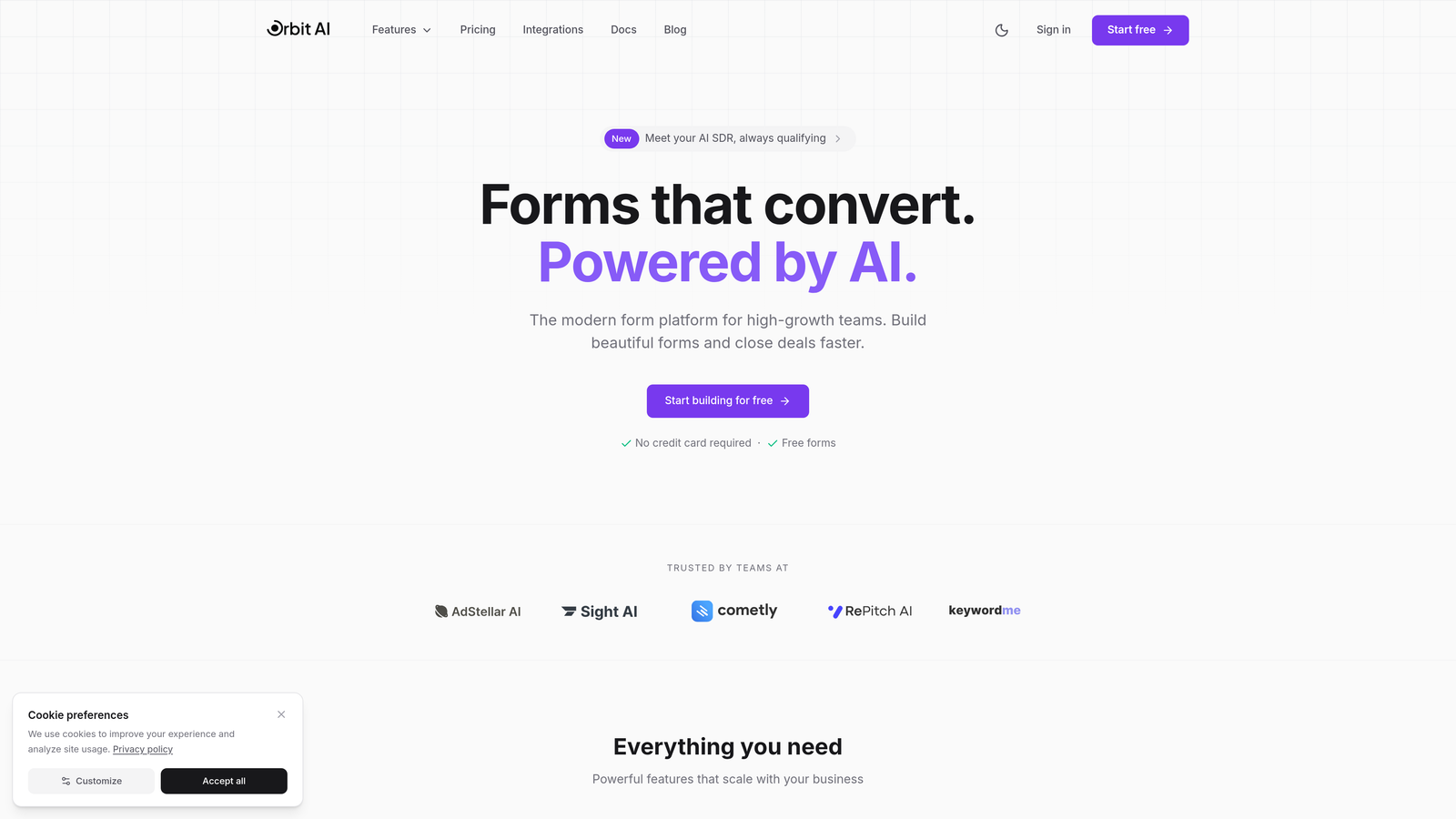
Orbit AI is an AI-powered form builder platform designed specifically for teams focused on lead generation and conversion optimization.
Where This Tool Shines
Orbit AI stands out by automating lead qualification at the form level. Instead of collecting raw form submissions and manually sorting through them later, the platform uses AI to score and qualify leads in real-time as prospects fill out your forms.
The platform's conversion-optimized templates are built on research-backed design principles, eliminating the guesswork from form creation. You're not starting from a blank canvas—you're working with proven patterns that convert.
Key Features
AI-Powered Lead Qualification: Automatically scores and qualifies leads based on responses, routing high-value prospects to sales immediately.
Conversion-Optimized Templates: Pre-built form templates designed specifically for lead generation with proven conversion patterns.
Native CRM Integrations: Direct connections to HubSpot, Salesforce, and Pipedrive eliminate manual data entry and sync qualified leads instantly.
Conditional Logic and Branching: Show or hide questions based on previous answers to create personalized form experiences.
Real-Time Analytics Dashboard: Track form performance, conversion rates, and lead quality metrics in one centralized view.
Best For
Orbit AI is ideal for B2B companies and high-growth teams where lead quality matters as much as lead volume. If your sales team struggles with unqualified leads or you're looking to automate your qualification process, this platform addresses that pain point directly.
Pricing
Free tier available for getting started. Paid plans begin at $29/month with access to AI qualification features and advanced integrations.
2. Typeform
Best for: Creating beautiful conversational form experiences with strong brand customization
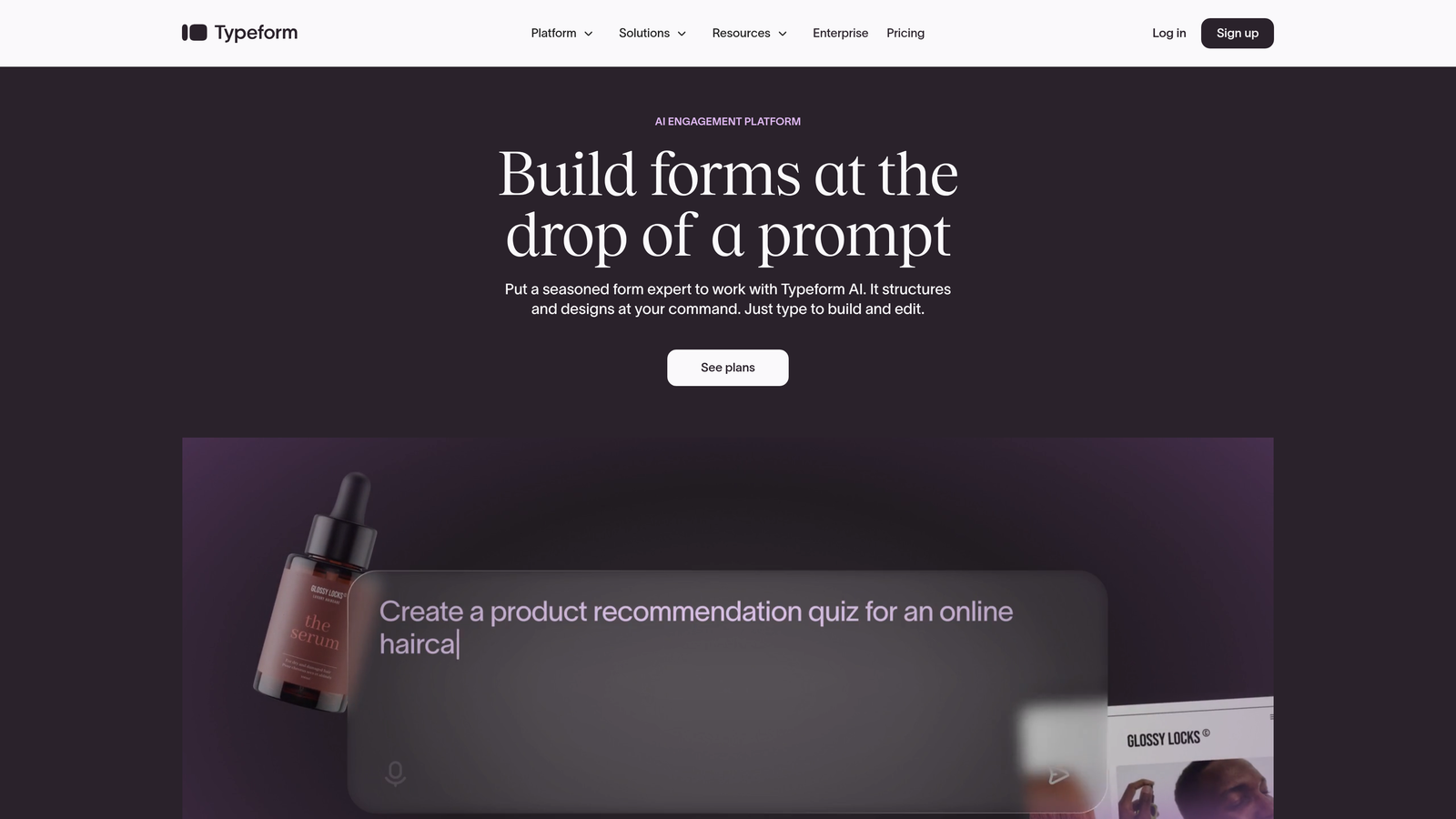
Typeform is a conversational form builder known for its distinctive one-question-at-a-time approach and elegant design.
Where This Tool Shines
Typeform revolutionized form design by treating forms as conversations rather than data collection grids. The one-question-at-a-time format reduces cognitive load and creates a more engaging experience that feels less like a form and more like a dialogue.
The platform's design flexibility is exceptional. You can customize everything from fonts and colors to backgrounds and button styles, making it easy to create forms that feel like a natural extension of your brand rather than a generic third-party tool.
Key Features
Conversational One-Question Format: Present one question at a time to reduce abandonment and create a more engaging user experience.
Strong Brand Customization: Extensive design controls let you match your brand identity precisely with custom fonts, colors, and backgrounds.
Logic Jumps and Branching: Create dynamic form paths that adapt based on user responses for personalized experiences.
Video and Image Embedding: Add rich media directly into your forms to provide context or create more engaging questions.
Native Integrations: Connect with popular tools like Slack, Google Sheets, Mailchimp, and Zapier for automated workflows.
Best For
Typeform works best for teams prioritizing user experience and brand consistency. If you're running customer surveys, feedback forms, or lead capture where completion rates matter more than speed, Typeform's conversational approach delivers results.
Pricing
Free tier available with basic features. Paid plans start at $25/month with access to logic jumps, custom branding, and integrations.
3. Jotform
Best for: Teams needing extensive template variety and widget customization options
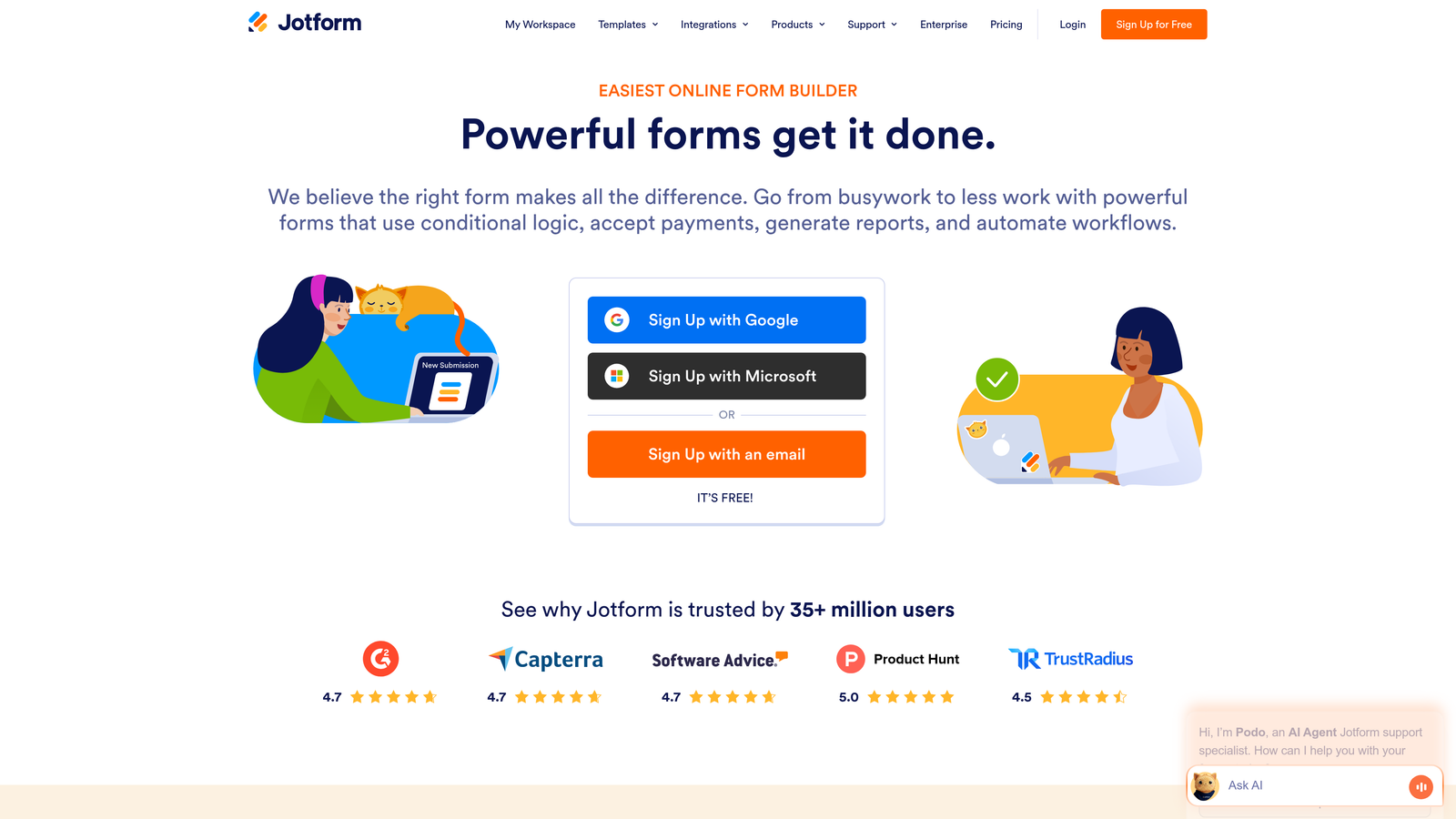
Jotform is a versatile form builder offering thousands of templates and an extensive widget library for nearly any use case.
Where This Tool Shines
Jotform's massive template library means you rarely need to build from scratch. With over 10,000 templates spanning industries and use cases, you can find a starting point for virtually any form type—from event registrations to job applications to order forms.
The widget ecosystem is equally impressive. Need to collect payments? Add a product catalog? Create approval workflows? Jotform has widgets for these scenarios and hundreds more, turning your form into a functional mini-application.
Key Features
10,000+ Form Templates: Extensive template library covering every industry and use case imaginable, all fully customizable.
Drag-and-Drop Builder: Intuitive visual editor makes form creation accessible to non-technical users.
Payment Collection Support: Integrated payment processing through multiple gateways including PayPal, Square, and Stripe.
PDF Form Creation: Convert existing PDF forms into fillable online forms or generate PDFs from form submissions.
Approval Workflows: Route form submissions through approval chains with notifications and status tracking.
Best For
Jotform is perfect for organizations needing flexibility across multiple departments and use cases. If you're building forms for HR, operations, sales, and events all within one company, Jotform's breadth makes it a strong choice.
Pricing
Free tier includes up to 5 forms with 100 monthly submissions. Paid plans start at $34/month for unlimited forms and increased submission limits.
4. Tally
Best for: Startups and small teams wanting simplicity and unlimited free forms
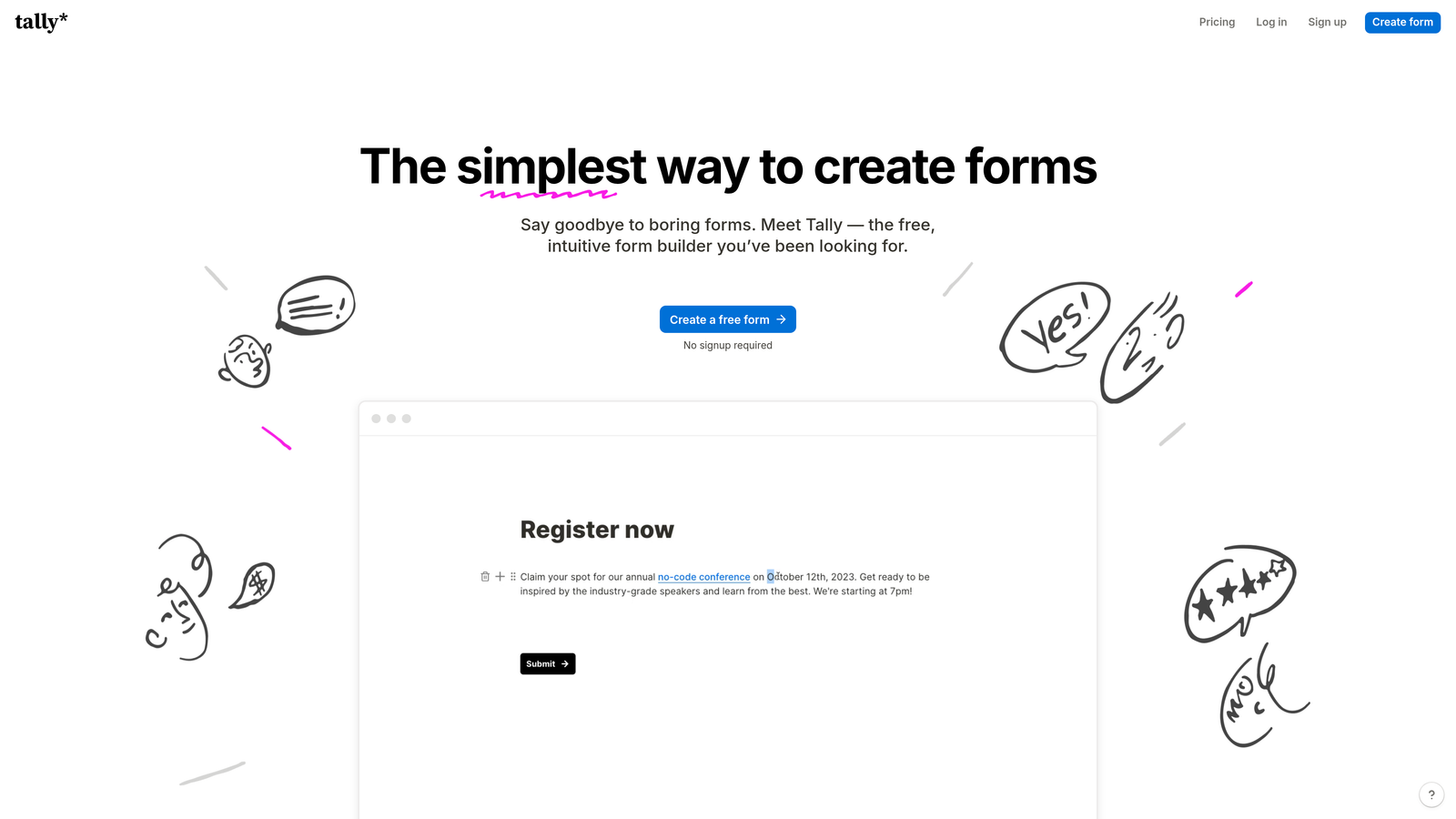
Tally is a simple, Notion-like form builder with a remarkably generous free tier that appeals to budget-conscious teams.
Where This Tool Shines
Tally's interface will feel instantly familiar if you've used Notion. The block-based editing approach makes form building feel natural and intuitive—you're essentially writing a document with interactive elements rather than configuring a traditional form builder.
The free tier is genuinely useful, not a trial disguised as freemium. Unlimited forms with unlimited responses means small teams and startups can use Tally as their primary form solution without hitting arbitrary limits that force upgrades.
Key Features
Notion-Style Block Editing: Build forms using familiar block-based editing that feels more like writing than form configuration.
Unlimited Forms on Free Tier: No artificial limits on form count or submissions make this genuinely usable for small teams.
Clean Minimal Interface: Simple, distraction-free design focuses on content rather than overwhelming users with options.
Conditional Logic: Show or hide questions based on previous answers to create dynamic form experiences.
Notion and Airtable Integrations: Native connections to popular productivity tools for seamless data flow.
Best For
Tally is ideal for startups, indie makers, and small teams who need functional forms without budget constraints. If you're already using Notion for documentation and want a form builder with a similar philosophy, Tally is a natural fit.
Pricing
Free tier with unlimited forms and responses. Pro plan starts at $29/month for custom branding, file uploads, and priority support.
5. Fillout
Best for: Teams using Airtable or Notion as their primary database
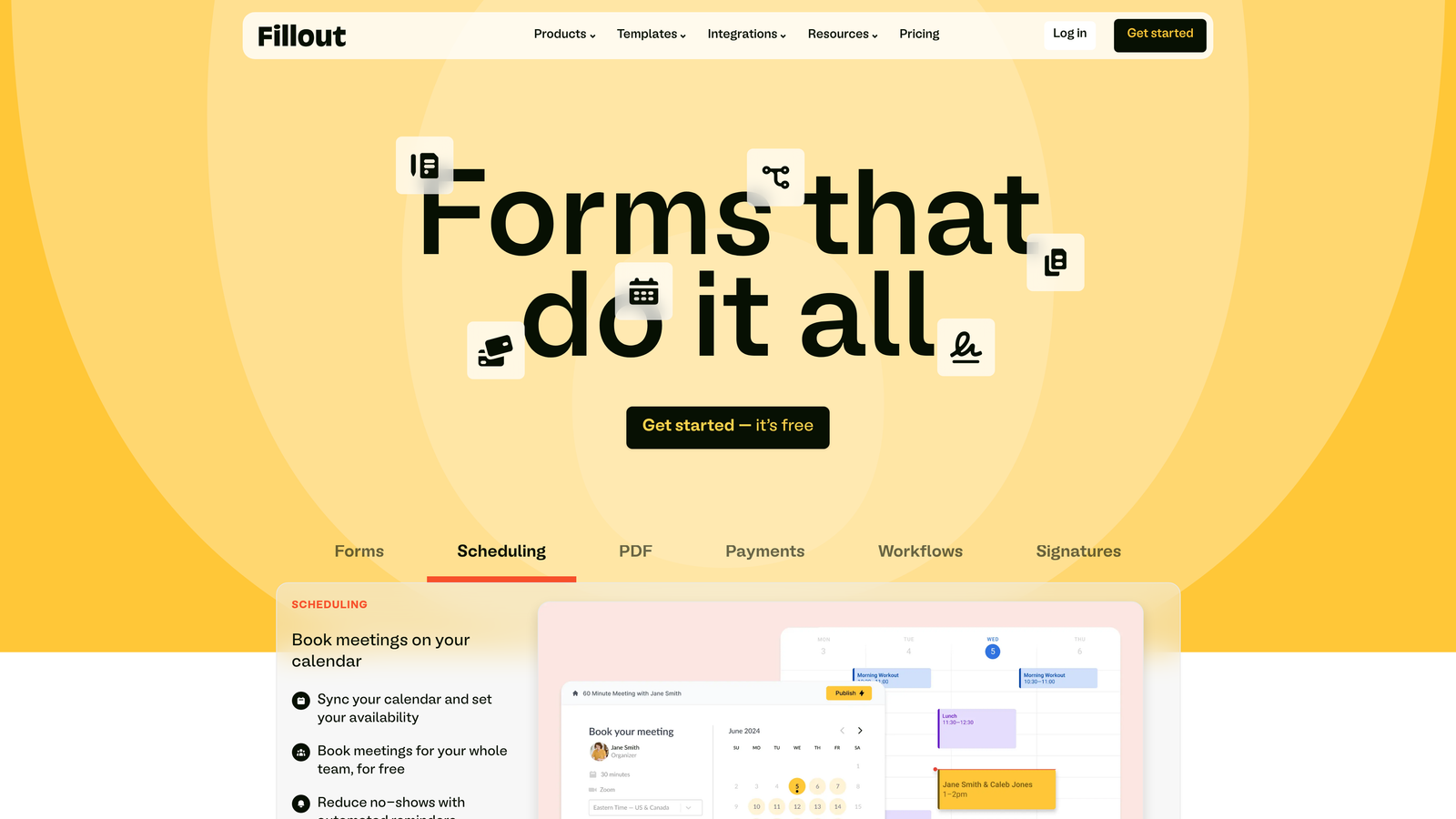
Fillout is a modern form builder designed specifically for native integration with Airtable, Notion, and other databases.
Where This Tool Shines
Fillout's native database connections go beyond basic data syncing. You can pre-fill form fields from existing database records, create forms that update records rather than creating new ones, and build multi-step workflows that feel like custom applications.
The platform treats your database as the source of truth. Instead of collecting form data and then syncing it elsewhere, Fillout writes directly to your Airtable base or Notion database, eliminating the sync delays and potential data mismatches that plague other integration approaches.
Key Features
Native Airtable and Notion Sync: Direct two-way integration writes form data instantly to your existing databases without middleware.
Pre-Fill from Databases: Populate form fields automatically from existing records for update forms and personalized experiences.
Scheduling Integration: Built-in calendar booking functionality connects with Calendly and Google Calendar.
File Uploads: Collect documents and images that automatically attach to database records.
Quiz and Calculator Modes: Create scored quizzes or forms with calculated fields for estimates and assessments.
Best For
Fillout is perfect for teams already invested in Airtable or Notion as their operational backbone. If your workflows live in these databases and you need forms that feel like native extensions rather than external tools, Fillout delivers that integration depth.
Pricing
Free tier available for basic forms. Paid plans start at $15/month with advanced features and increased submission limits.
6. HubSpot Forms
Best for: Marketing teams already using HubSpot CRM and marketing automation
HubSpot Forms is the native form builder integrated directly into the HubSpot CRM and marketing platform.

Where This Tool Shines
HubSpot Forms eliminates the integration layer entirely. When someone fills out your form, they instantly become a contact in your CRM with their complete interaction history. No webhook delays, no sync errors, no missing data—just immediate availability for your sales and marketing teams.
Progressive profiling is where HubSpot Forms truly differentiates itself. The platform remembers what information you've already collected from returning visitors and automatically asks new questions instead, gradually building complete profiles without overwhelming prospects with long forms.
Key Features
Direct CRM Contact Creation: Form submissions instantly create or update contacts in HubSpot CRM with no integration required.
Progressive Profiling: Automatically show different questions to returning visitors to build complete profiles over time.
Smart Fields and Personalization: Pre-fill known information and personalize forms based on contact properties and behavior.
Marketing Automation Triggers: Use form submissions to trigger email sequences, workflows, and lead scoring automatically.
A/B Testing Capabilities: Test different form variations to optimize conversion rates with built-in analytics.
Best For
HubSpot Forms is the obvious choice if you're already using HubSpot as your CRM and marketing platform. The native integration and progressive profiling features justify staying within the ecosystem rather than adding a third-party form tool.
Pricing
Free with HubSpot CRM. Advanced features like progressive profiling and A/B testing require paid Marketing Hub subscriptions starting at $45/month.
7. Paperform
Best for: Creating beautiful branded experiences with payment collection
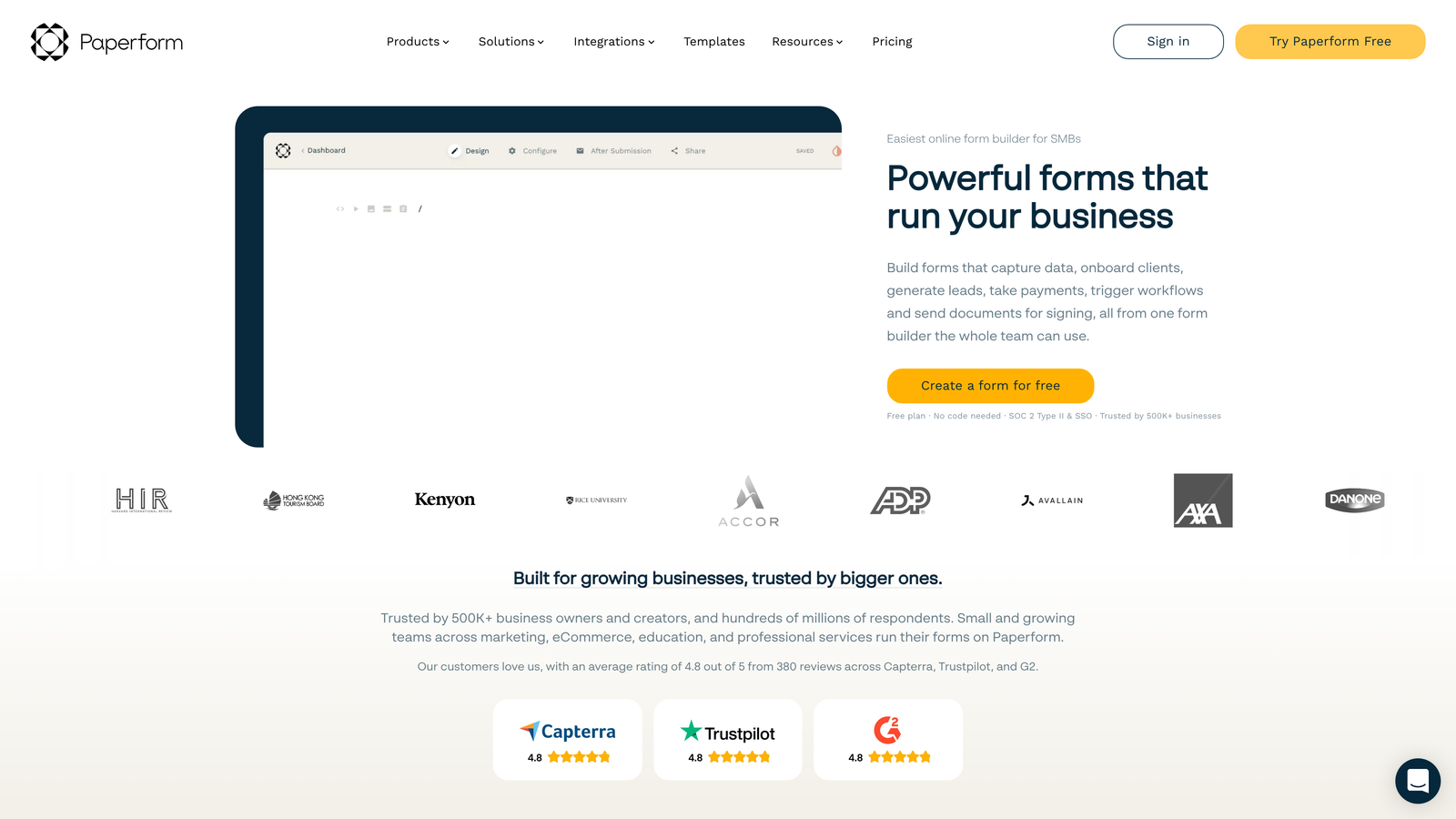
Paperform is a document-style form builder focused on creating visually stunning branded experiences with robust payment capabilities.
Where This Tool Shines
Paperform's document-style editor feels more like writing a landing page than building a form. You're working with rich text, images, and form fields all in one flowing document, creating experiences that feel cohesive rather than like a traditional form grid.
The payment integration depth is exceptional. Beyond basic payment collection, Paperform supports product catalogs, quantity selectors, discount codes, and subscription billing—turning your forms into functional e-commerce experiences without needing a separate store platform.
Key Features
Document-Style Editing: Create forms that flow like landing pages with rich text, images, and fields all in one document.
Strong Payment Integrations: Deep Stripe and Square integration with support for products, subscriptions, and complex pricing.
Product Catalogs: Build order forms with product galleries, quantities, and variants without needing separate e-commerce tools.
Appointment Scheduling: Integrated booking functionality connects with Google Calendar and other scheduling tools.
Custom Success Pages: Create branded thank-you pages with conditional content based on form responses.
Best For
Paperform excels for creators, consultants, and small businesses selling services or products through forms. If you need to collect payments while maintaining a premium branded experience, Paperform delivers both without compromise.
Pricing
Plans start at $24/month with no free tier. All paid plans include unlimited forms and payment processing capabilities.
8. Formstack
Best for: Enterprise teams requiring compliance, security, and advanced workflows
Formstack is an enterprise-grade form builder emphasizing security, compliance, and sophisticated workflow automation.
Where This Tool Shines
Formstack is built for organizations where compliance isn't optional. HIPAA and GDPR compliance features are baked into the platform, not added as afterthoughts. Healthcare providers, financial services, and regulated industries can collect sensitive data with confidence that security and audit requirements are met.
The workflow automation capabilities extend far beyond basic form submissions. Formstack can generate documents from form data, route submissions through complex approval chains, trigger electronic signature requests, and integrate with enterprise systems through robust APIs.
Key Features
HIPAA and GDPR Compliance: Built-in security controls and audit trails meet healthcare and data privacy regulations.
Document Generation: Automatically create PDFs, contracts, and reports from form submission data.
Electronic Signatures: Collect legally binding signatures directly within forms without third-party tools.
Advanced Workflow Routing: Route submissions through multi-step approval processes with conditional logic and notifications.
Enterprise SSO Support: Integrate with corporate identity providers for secure single sign-on access.
Best For
Formstack is designed for enterprise organizations, healthcare providers, financial institutions, and any team operating under strict regulatory requirements. If compliance, security, and audit trails are non-negotiable, Formstack addresses those needs comprehensively.
Pricing
Plans start at $50/month for small teams. Enterprise pricing available for organizations requiring compliance features and dedicated support.
9. Cognito Forms
Best for: Forms requiring complex calculations, repeating sections, and payment processing
Cognito Forms is a powerful form builder known for its advanced calculation capabilities and flexible repeating sections.
Where This Tool Shines
Cognito Forms handles calculation complexity that makes other form builders struggle. You can build sophisticated calculators, quote generators, and application forms with mathematical operations, conditional pricing, and dynamic totals—all without writing code.
Repeating sections are where Cognito Forms really differentiates itself. Users can add multiple instances of a section within a single form submission—perfect for scenarios like adding multiple family members to a registration, listing multiple items in an order, or including multiple references in an application.
Key Features
Advanced Calculation Fields: Build complex calculators with mathematical operations, conditional logic, and dynamic pricing formulas.
Repeating Sections: Allow users to add multiple instances of a section for scenarios like family registrations or multi-item orders.
Payment Integrations: Accept payments through Stripe, PayPal, and Square with support for one-time and recurring billing.
Conditional Logic: Show, hide, or require fields based on previous answers and calculated values.
Data Encryption: Encrypt sensitive form data at rest and in transit for enhanced security.
Best For
Cognito Forms is ideal for organizations building complex registration forms, quote calculators, or applications requiring sophisticated logic. If your forms need to do math or handle variable-length inputs, Cognito Forms provides the flexibility other builders lack.
Pricing
Free tier available for basic forms. Paid plans start at $15/month with access to calculations, payments, and advanced features.
10. Google Forms
Best for: Quick internal data collection and surveys within Google Workspace
Google Forms is the free, simple form builder integrated directly into Google Workspace.
Where This Tool Shines
Google Forms removes all friction for internal use cases. If your team already uses Google Workspace, there's no signup, no new account, no learning curve—just create a form and share it. Responses flow directly into Google Sheets where your team can analyze, filter, and manipulate data using familiar spreadsheet tools.
The real-time collaboration features mirror Google Docs. Multiple team members can edit the same form simultaneously, seeing each other's changes instantly. This makes Google Forms particularly effective for quickly creating surveys or feedback forms as a team.
Key Features
Completely Free: No paid tiers, no submission limits, no feature gates—everything is available at no cost.
Google Sheets Integration: Responses automatically populate a spreadsheet for easy analysis and data manipulation.
Real-Time Collaboration: Multiple users can edit the same form simultaneously with live updates.
Basic Conditional Logic: Show or hide sections based on previous answers for simple branching scenarios.
Quiz Grading: Create quizzes with automatic scoring and answer feedback for educational use cases.
Best For
Google Forms is perfect for internal surveys, feedback collection, event registrations, and any scenario where you need quick data collection without branding concerns. It's not designed for external lead generation, but for internal use, the simplicity and cost are unbeatable.
Pricing
Completely free with a Google account. No paid tiers or premium features.
11. Feathery
Best for: Developer teams requiring custom code and advanced technical control
Feathery is a developer-friendly form builder offering React components, custom code capabilities, and API-first architecture.
Where This Tool Shines
Feathery bridges the gap between no-code form builders and custom-coded solutions. Developers can use the visual builder for rapid prototyping, then drop into custom CSS and JavaScript when they need precise control—all within the same platform.
The React component library means you can embed Feathery forms into your application as native components rather than iframes. This approach provides better performance, tighter integration with your application state, and the ability to style forms using your existing design system.
Key Features
React Component Library: Embed forms as native React components for seamless integration with modern web applications.
Custom CSS and JavaScript: Add custom code for precise styling and behavior control beyond visual builder capabilities.
Multi-Step Flow Builder: Create complex multi-page forms with conditional routing and state management.
API-First Architecture: Comprehensive REST API enables programmatic form creation and data management.
White-Labeling Options: Remove Feathery branding and use custom domains for fully branded experiences.
Best For
Feathery is designed for product teams and developers building forms as part of larger applications. If you need forms that feel like native features of your product rather than embedded third-party tools, Feathery provides the technical depth to achieve that integration.
Pricing
Free tier available for development and testing. Paid plans start at $49/month with increased submission limits and production features.
Making the Right Choice
The best form builder depends entirely on your specific workflow and what you're trying to accomplish. Let's break down the decision by use case.
If lead quality and conversion optimization are your priorities, Orbit AI delivers AI-powered qualification that routes high-value prospects to your sales team automatically. The conversion-optimized templates and native CRM integrations eliminate the manual work that typically follows form submissions.
For teams prioritizing user experience and brand consistency, Typeform's conversational approach creates engaging form experiences that feel less like data collection and more like dialogue. The design flexibility ensures your forms match your brand identity precisely.
Budget-conscious startups and small teams should look at Tally first. The unlimited free tier is genuinely useful, and the Notion-style interface makes form building feel natural if you're already in that ecosystem.
Enterprise teams operating under compliance requirements need Formstack's security features, audit trails, and workflow automation. When HIPAA or GDPR compliance isn't optional, the platform's built-in controls justify the investment.
If you're deeply integrated with Airtable or Notion, Fillout's native database connections eliminate the sync delays and data mismatches that plague other integration approaches. Your forms become direct extensions of your operational databases.
For quick internal data collection where branding doesn't matter, Google Forms remains unbeatable. It's free, familiar, and integrated with tools your team already uses daily.
The form building landscape has evolved dramatically. We've moved beyond simple data collection into conversion optimization, AI-powered qualification, and seamless workflow automation. The right tool transforms forms from a necessary friction point into an asset that actively improves your lead generation and customer experience.
Ready to transform your lead generation with AI-powered forms that qualify prospects automatically while delivering the modern, conversion-optimized experience your high-growth team needs? Start building free forms today and see how intelligent form design can elevate your conversion strategy.


