

Your contact form is often the first real interaction prospects have with your business—and most forms are quietly killing conversions. Generic fields, clunky designs, and zero intelligence behind the submission process mean qualified leads slip through while spam clogs your inbox. The right contact form software does more than collect information; it qualifies leads, integrates with your stack, and turns passive visitors into active pipeline. We evaluated dozens of solutions based on conversion optimization features, integration capabilities, ease of use, and value for growing teams. Here are the top contact form tools worth your attention in 2026.
1. Orbit AI
Best for: High-growth teams needing AI-powered lead qualification and conversion-optimized form design
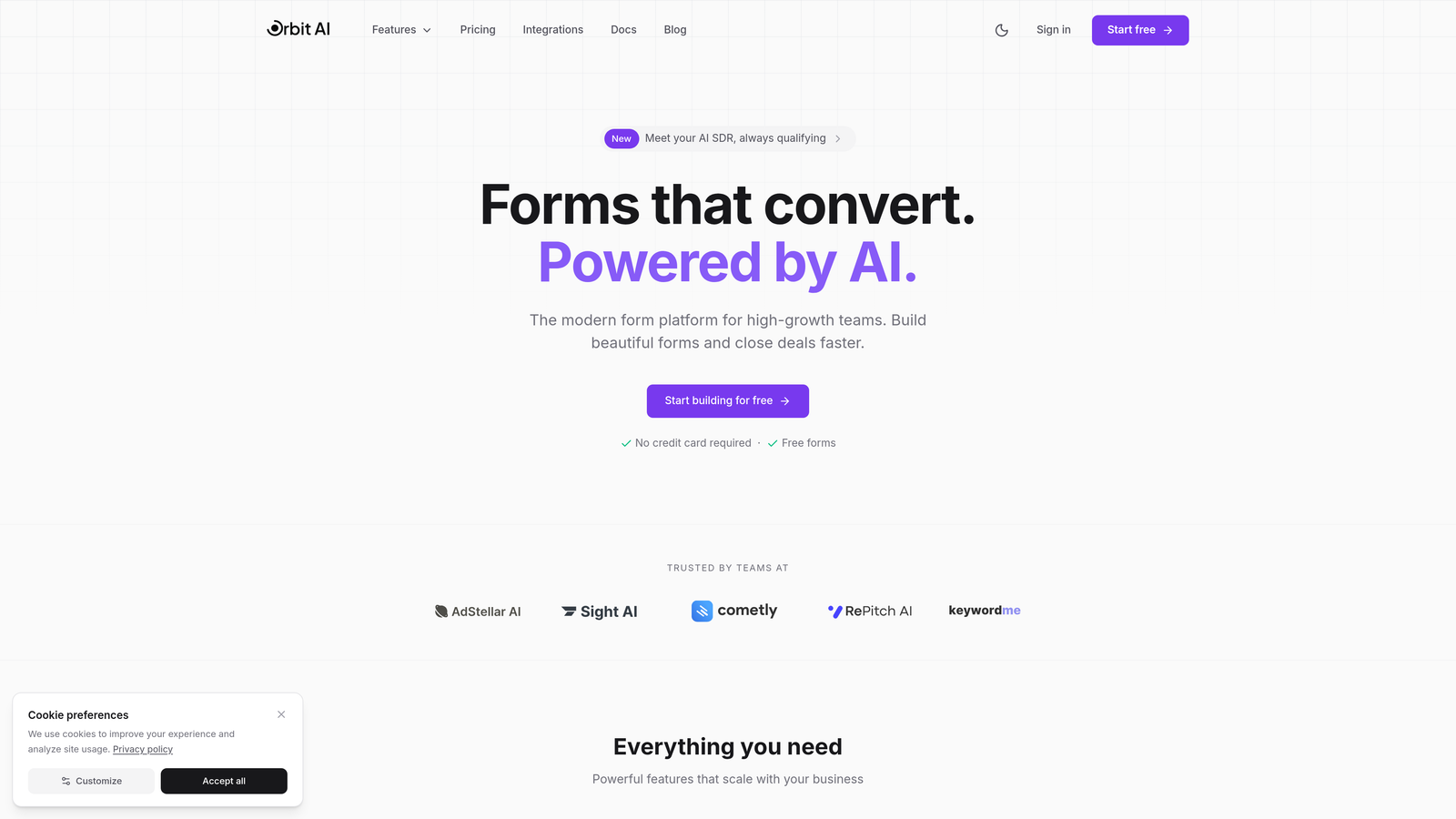
Orbit AI is an AI-powered form builder platform designed specifically for teams that treat lead generation as a strategic advantage.
Where This Tool Shines
The standout feature is intelligent lead qualification that happens automatically as submissions come in. Instead of manually sorting through every form response to identify your best prospects, Orbit AI scores and prioritizes leads based on the data they provide, saving hours of manual work each week.
The platform's conversion-optimized templates are built on real data about what makes prospects actually complete forms. Think strategic field ordering, smart conditional logic that adapts to responses, and mobile-first designs that work flawlessly on any device.
Key Features
AI-Powered Lead Qualification: Automatically scores and prioritizes submissions based on qualification criteria you define, so your sales team focuses on high-value prospects first.
Conversion-Optimized Templates: Pre-built form designs engineered for maximum completion rates, with strategic field placement and progressive disclosure techniques.
Native Integrations: Direct connections to HubSpot, Salesforce, Slack, and 15+ essential tools without requiring Zapier or middleware.
Real-Time Analytics Dashboard: Track form performance, completion rates, drop-off points, and conversion insights to continuously optimize your lead capture strategy.
Intelligent Conditional Logic: Dynamic field branching that adapts questions based on previous responses, creating personalized experiences that feel conversational.
Best For
Orbit AI is ideal for B2B companies and high-growth teams where lead quality matters as much as lead volume. If you're tired of sorting through unqualified submissions or want your forms to do more than just collect data, this platform bridges the gap between form builder and lead intelligence tool.
Pricing
Free tier available for teams getting started. Paid plans start at competitive rates designed for growing teams that need advanced qualification features and deeper integrations.
2. Typeform
Best for: Creating engaging conversational forms with beautiful, brand-aligned designs
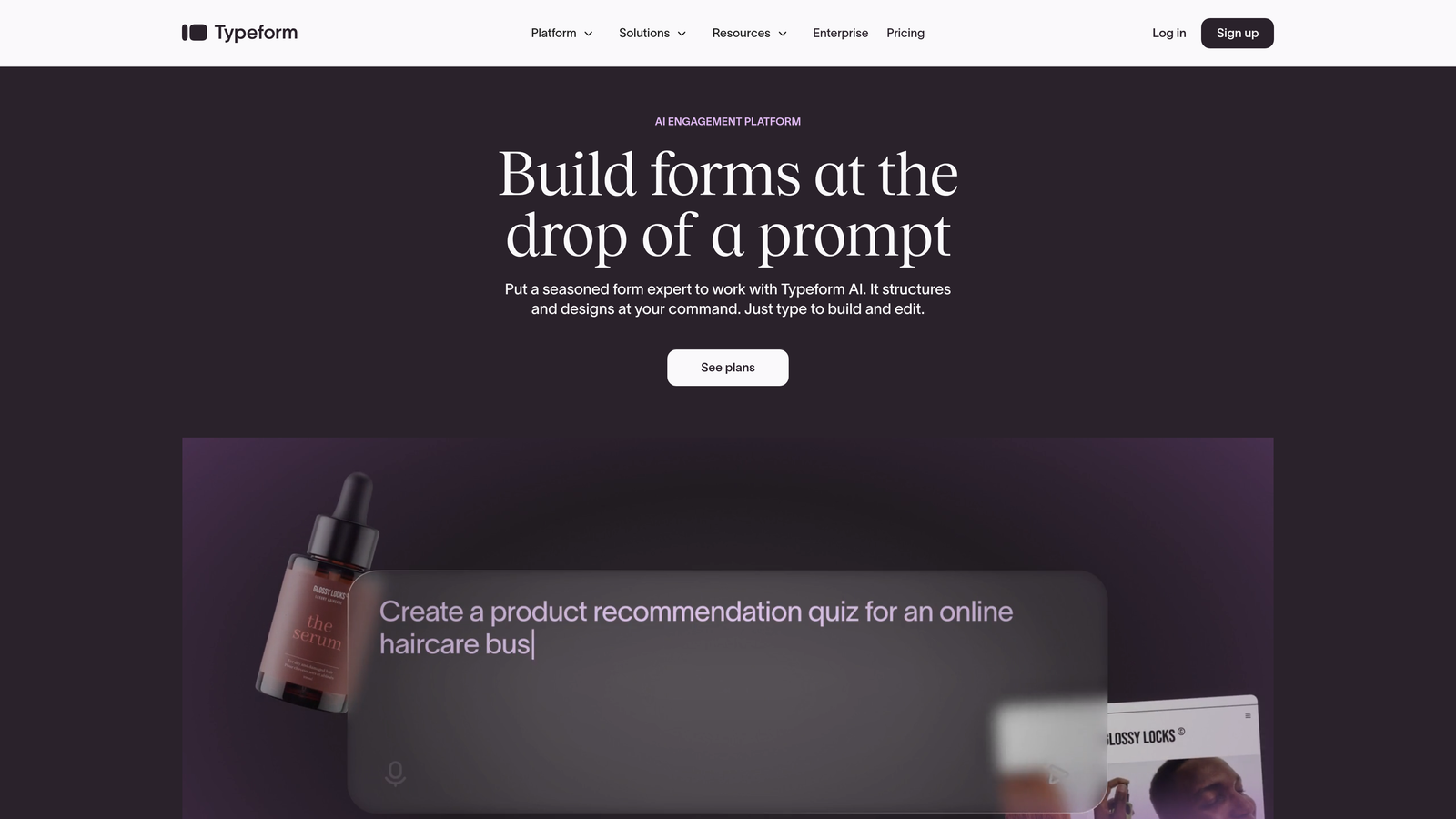
Typeform is a conversational form builder known for its distinctive one-question-at-a-time interface that feels more like a conversation than an interrogation.
Where This Tool Shines
Typeform revolutionized form design by showing one question at a time, which reduces the psychological overwhelm of long forms. This approach consistently delivers higher completion rates compared to traditional multi-field layouts, especially for longer surveys and intake forms.
The visual customization options are exceptional. You can match your brand perfectly with custom fonts, colors, and backgrounds, or embed rich media like videos and images to create truly immersive form experiences.
Key Features
Conversational Flow: One-question-at-a-time interface that guides respondents through your form like a natural conversation, reducing abandonment.
Brand Customization: Complete control over visual design including custom fonts, colors, backgrounds, and layouts that match your brand identity.
Logic Jumps: Conditional branching that adapts the form path based on responses, creating personalized experiences for different audience segments.
Rich Media Embedding: Add videos, images, and GIFs directly into your forms to create engaging, multimedia experiences.
Integration Ecosystem: Connects with hundreds of tools through native integrations and Zapier, making it easy to route data where it needs to go.
Best For
Typeform excels for companies prioritizing user experience and brand presentation. It's particularly strong for customer research, event registrations, and any scenario where form completion rates directly impact business outcomes.
Pricing
Free plan available with limited responses per month. Basic plan starts at $25/month for increased responses and features. Higher tiers unlock advanced logic and integrations.
3. JotForm
Best for: Teams needing extensive template variety and customization flexibility for diverse use cases
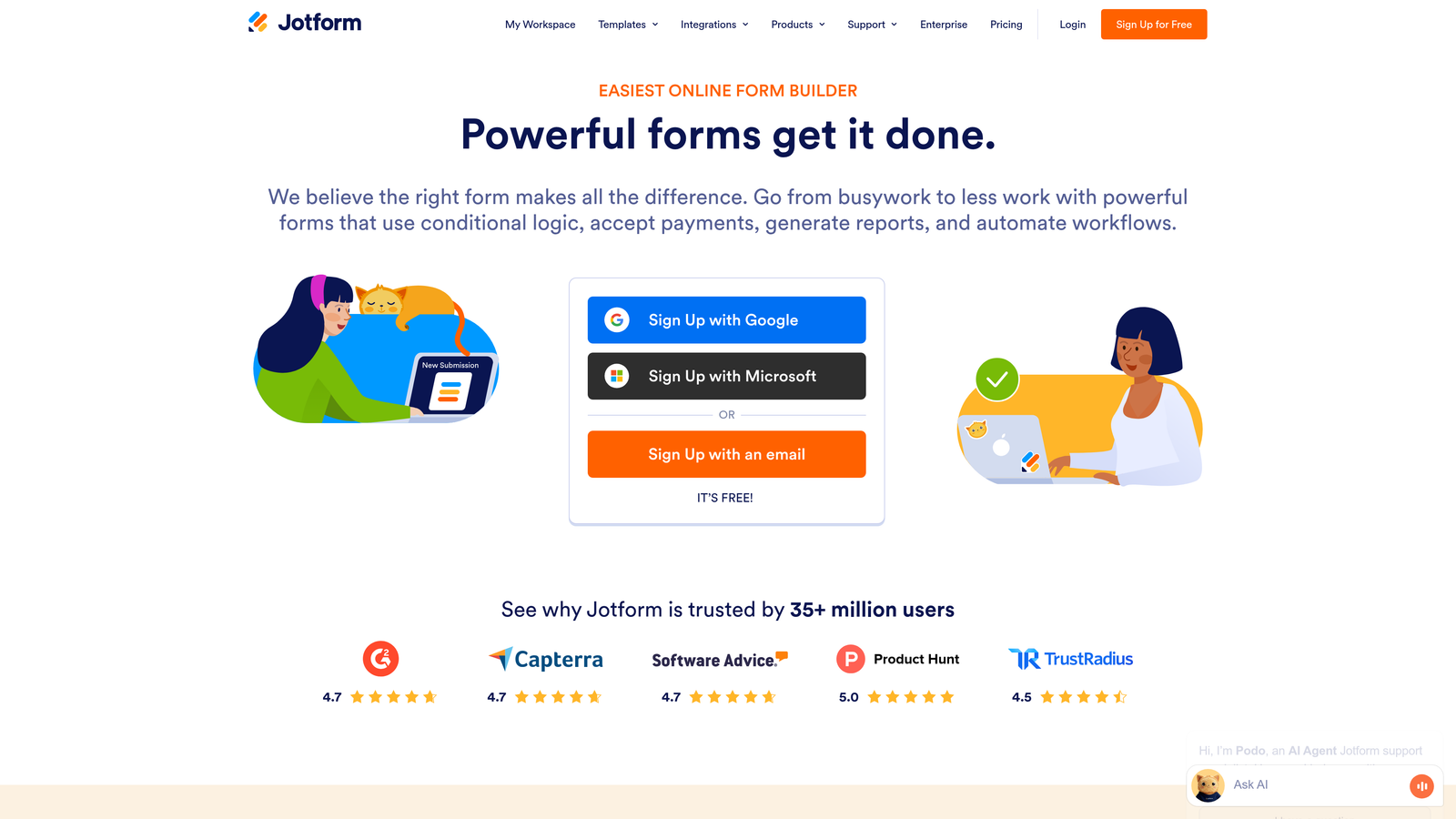
JotForm is a versatile form builder offering over 10,000 pre-built templates covering virtually any form use case imaginable.
Where This Tool Shines
The sheer breadth of templates means you're rarely starting from scratch. Whether you need event registration forms, customer intake questionnaires, or complex multi-page applications, there's likely a template that gets you 80% of the way there immediately.
The drag-and-drop builder strikes a nice balance between simplicity and power. Non-technical users can build sophisticated forms quickly, while developers have access to CSS and widget customization for advanced use cases.
Key Features
10,000+ Templates: Massive library of pre-built forms covering industries from healthcare to real estate, significantly reducing setup time.
Drag-and-Drop Builder: Intuitive interface that makes form creation accessible to non-technical team members while offering customization depth.
Payment Integrations: Built-in connections to PayPal, Square, Stripe, and other payment processors for collecting payments directly through forms.
PDF Generation: Automatically convert form submissions into formatted PDF documents, useful for contracts, invoices, and official records.
Mobile Management App: iOS and Android apps let you manage forms, view submissions, and respond to leads from anywhere.
Best For
JotForm works well for organizations managing multiple form types across departments. The template variety makes it particularly valuable for agencies serving diverse clients or operations teams handling everything from HR onboarding to customer support intake.
Pricing
Free plan supports up to 5 forms with monthly submission limits. Bronze plan starts at $34/month for increased forms and submissions, with higher tiers adding features and capacity.
4. HubSpot Forms
Best for: Teams already using HubSpot CRM who need native integration and marketing automation triggers
HubSpot Forms is the native form builder within the HubSpot ecosystem, offering seamless CRM integration and marketing automation capabilities.

Where This Tool Shines
If you're already in the HubSpot ecosystem, these forms are unbeatable for data flow. Every submission automatically creates or updates a contact record in your CRM, triggers workflows, and feeds into your marketing automation sequences without any middleware or manual data entry.
Progressive profiling is a standout feature that reduces form friction for returning visitors. Instead of asking for information you already have, the form intelligently swaps out known fields for new questions, gradually building richer contact profiles over time.
Key Features
Direct CRM Integration: Submissions instantly create or update contact records in HubSpot CRM with complete field mapping and data hygiene.
Progressive Profiling: Automatically replaces known fields with new questions for returning visitors, building deeper contact intelligence without form fatigue.
Marketing Automation Triggers: Form submissions can trigger email sequences, task creation, lead scoring updates, and complex multi-step workflows.
A/B Testing: Built-in testing capabilities let you experiment with different form variations to optimize conversion rates based on real data.
Attribution Reporting: Track which forms drive the most valuable conversions and understand the customer journey from first touch to closed deal.
Best For
HubSpot Forms is the obvious choice for companies already committed to the HubSpot platform. The native integration eliminates data sync issues and unlocks automation capabilities that would require expensive middleware with external form tools.
Pricing
Free with HubSpot CRM, which includes basic form functionality. Advanced features like A/B testing and progressive profiling require Marketing Hub subscriptions starting around $800/month.
5. Gravity Forms
Best for: WordPress sites needing powerful form capabilities with deep CMS integration
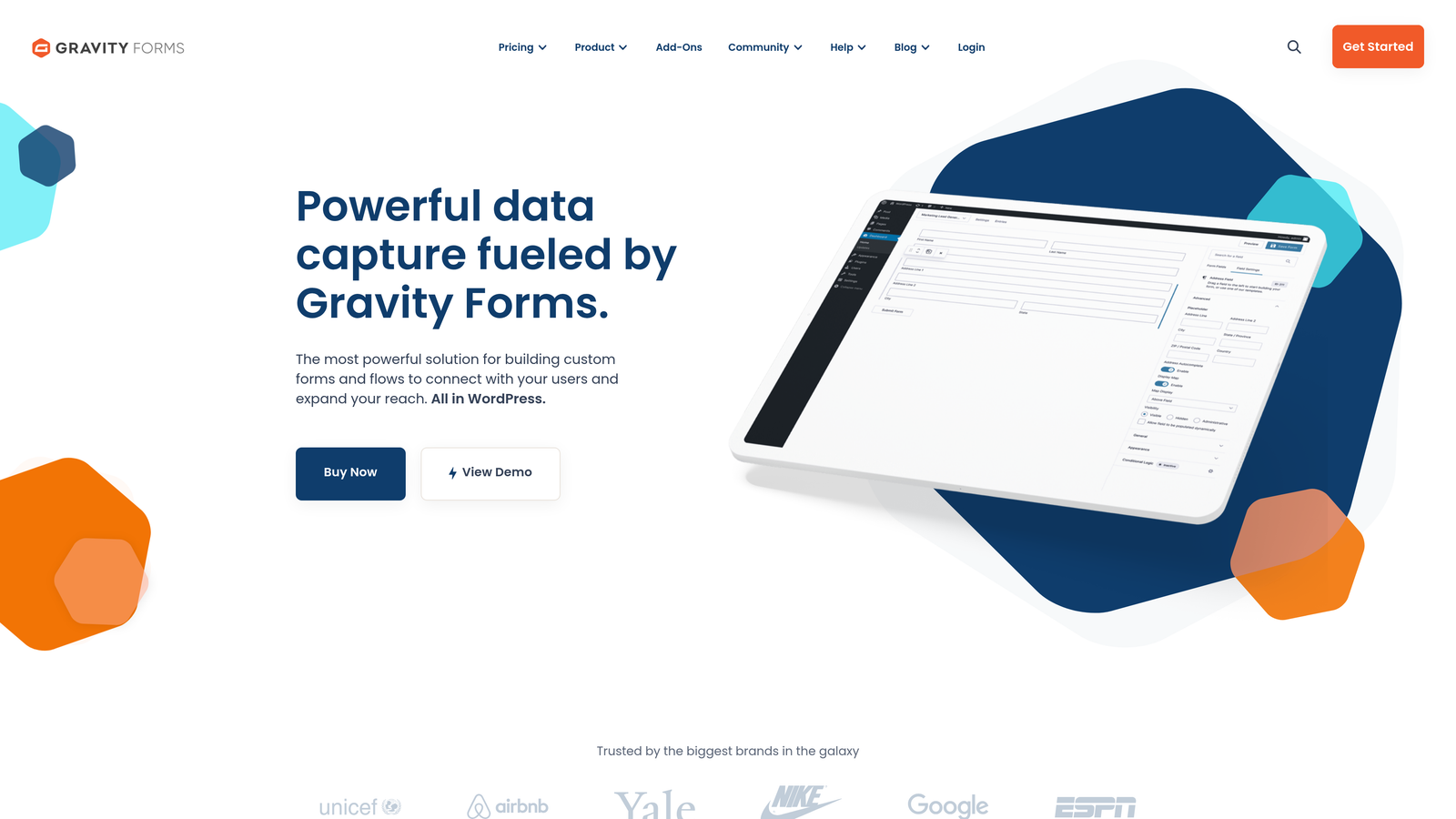
Gravity Forms is a premium WordPress plugin offering extensive form building capabilities and native integration with the WordPress ecosystem.
Where This Tool Shines
For WordPress sites, Gravity Forms offers unmatched integration depth. It feels like a natural extension of WordPress rather than a bolted-on tool, with access to WordPress user data, post creation capabilities, and seamless theme integration.
The add-on marketplace provides specialized functionality for nearly any use case. Need payment processing? User registration? Email marketing integration? There's likely a first-party or third-party add-on that extends Gravity Forms to handle it natively.
Key Features
Native WordPress Integration: Deep CMS integration that leverages WordPress users, posts, and custom fields for sophisticated form-to-content workflows.
Extensive Add-On Marketplace: First-party and third-party extensions covering payments, CRM integration, email marketing, and specialized functionality.
Advanced Conditional Logic: Show or hide fields, sections, or entire pages based on user responses, creating dynamic forms that adapt to different scenarios.
File Upload Handling: Robust file upload capabilities with size limits, file type restrictions, and direct integration with WordPress media library.
User Registration Forms: Create custom registration and profile update forms that integrate directly with WordPress user management system.
Best For
Gravity Forms is ideal for WordPress-based businesses that need form functionality tightly integrated with their content management workflow. It's particularly strong for membership sites, educational platforms, and content-driven businesses where forms feed directly into WordPress data structures.
Pricing
License-based pricing starting at $59/year for a basic license covering one site. Pro license at $159/year includes priority support and all add-ons.
6. Formstack
Best for: Enterprise teams requiring advanced workflow automation and compliance features
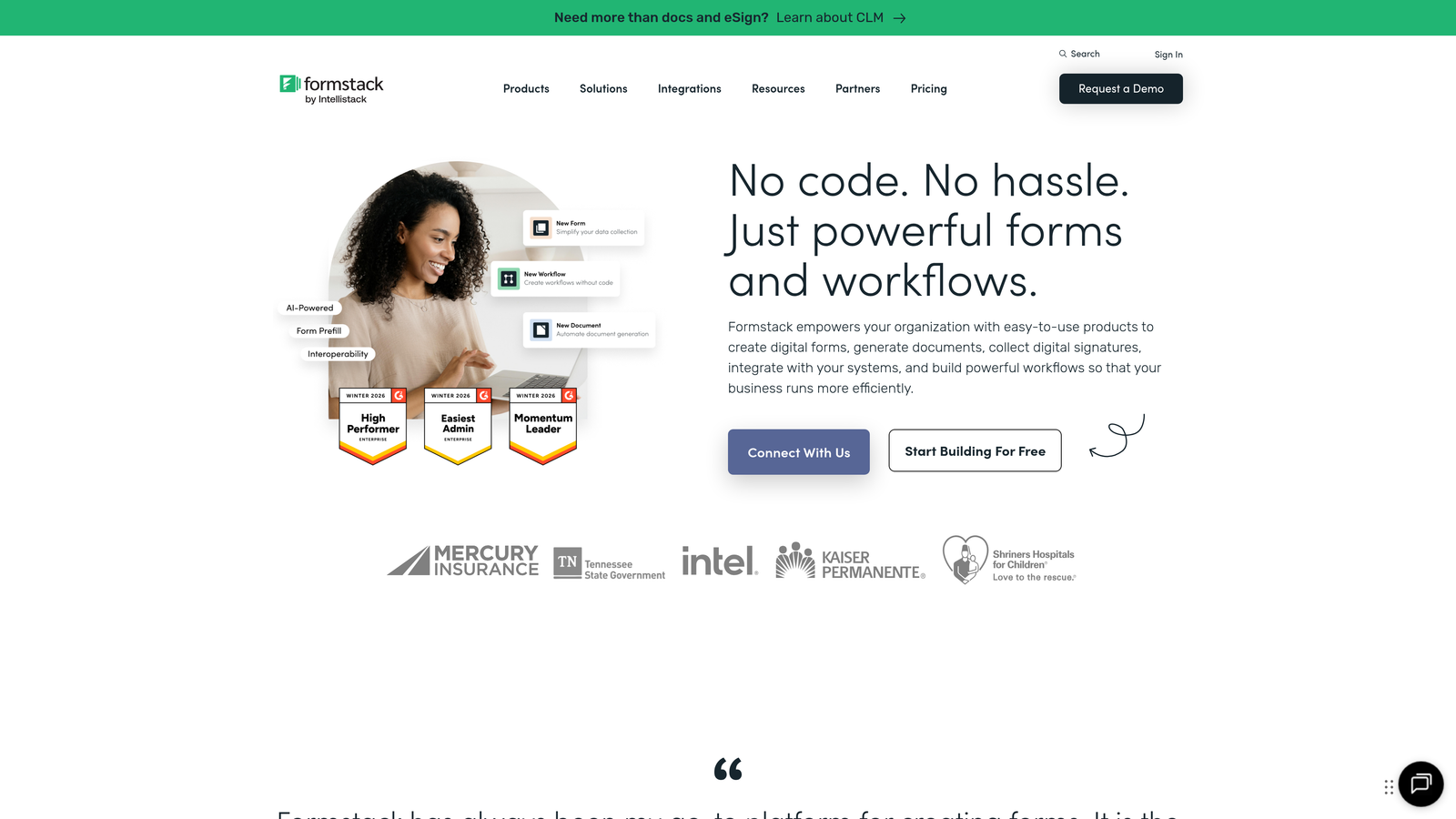
Formstack is an enterprise-focused form platform with sophisticated workflow automation, document generation, and compliance capabilities.
Where This Tool Shines
Formstack's workflow automation goes far beyond simple data collection. You can build complex approval processes, trigger document generation from submissions, and route data through multi-step business processes without writing code.
The compliance features are particularly strong for regulated industries. HIPAA-compliant forms, data encryption, and audit trails make Formstack a solid choice for healthcare, financial services, and other industries with strict data handling requirements.
Key Features
Advanced Workflow Automation: Multi-step approval processes, conditional routing, and business logic that turns form submissions into complete workflows.
Document Generation: Automatically create formatted documents, contracts, or reports from form data using customizable templates.
E-Signature Integration: Built-in electronic signature capabilities for contracts, agreements, and documents requiring legal signatures.
HIPAA Compliance: Enterprise-grade security features including data encryption, audit trails, and compliance certifications for regulated industries.
Salesforce Native App: Deep Salesforce integration through a native app that syncs data bidirectionally and triggers Salesforce workflows.
Best For
Formstack serves enterprise teams and regulated industries where forms are part of larger business processes. It's particularly valuable for organizations handling contracts, approvals, or compliance-sensitive data collection.
Pricing
Starter plan begins at $50/month for basic features. Business and enterprise tiers offer advanced automation, compliance features, and dedicated support with custom pricing.
7. Tally
Best for: Teams wanting unlimited forms with a minimalist, Notion-like editing experience
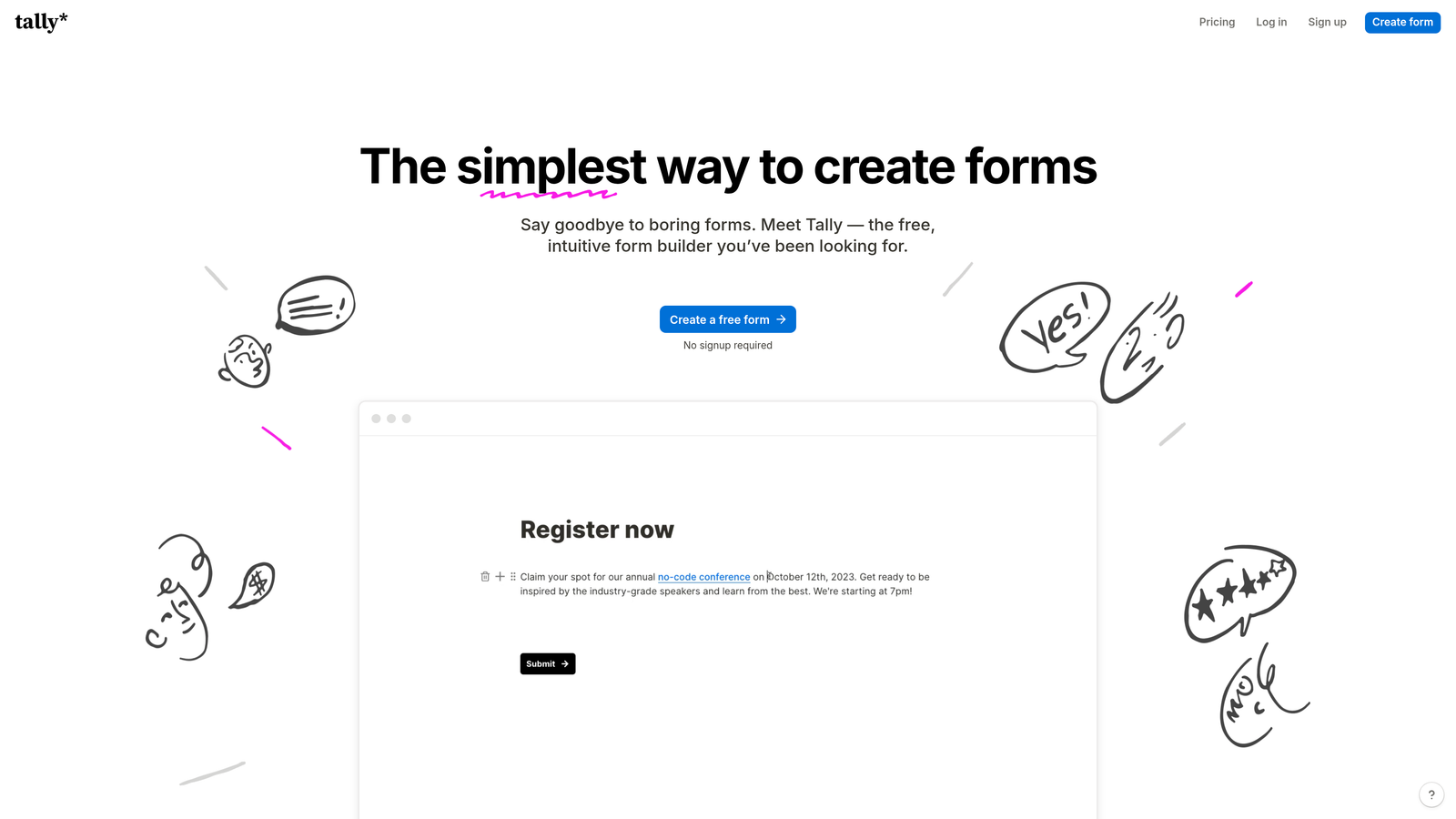
Tally is a minimalist form builder offering a Notion-style editing experience and remarkably generous free tier.
Where This Tool Shines
The editing experience feels instantly familiar if you've used Notion or similar block-based editors. You build forms by typing and selecting field types from a slash command menu, which is significantly faster than traditional drag-and-drop builders once you learn the shortcuts.
The free tier is genuinely useful, not a teaser. Unlimited forms with unlimited submissions means small teams and side projects can use Tally indefinitely without hitting artificial limits that force upgrades.
Key Features
Unlimited Free Forms: No artificial limits on form count or submissions on the free plan, making it ideal for small teams and budget-conscious projects.
Notion-Style Block Editor: Keyboard-first editing experience using slash commands and blocks, significantly faster than traditional form builders.
No-Code Conditional Logic: Show or hide questions based on previous responses without touching code or complex rule builders.
Custom Thank-You Pages: Create branded confirmation pages with custom messaging, redirects, or additional content after form submission.
Webhook and Zapier Integration: Send form data to thousands of apps through Zapier or directly to your own systems via webhooks.
Best For
Tally works well for startups, indie makers, and small teams who value speed and simplicity over extensive customization. The free tier makes it particularly attractive for side projects and early-stage companies watching every dollar.
Pricing
Free plan with unlimited forms and submissions. Pro plan at $29/month adds features like custom domains, file uploads, and advanced integrations.
8. Paperform
Best for: Creating forms that double as landing pages with rich content and media
Paperform is a form builder that blends landing page design with form functionality, letting you create rich content experiences alongside your form fields.
Where This Tool Shines
Paperform breaks the traditional form mold by letting you mix form fields with rich text, images, videos, and formatted content. The result feels more like a landing page that happens to collect information rather than a sterile data collection form.
The payment and product catalog features are particularly well-executed. You can build order forms that feel like custom e-commerce experiences, complete with product images, descriptions, and quantity selectors.
Key Features
Landing Page-Style Design: Combine form fields with rich content blocks, creating experiences that inform and convert simultaneously.
Rich Media Embedding: Add images, videos, formatted text, and custom HTML alongside form fields for engaging, content-rich forms.
Product Catalog and Payments: Built-in e-commerce functionality with product displays, quantity selectors, and integrated payment processing.
Conditional Logic and Calculations: Dynamic forms that adapt based on responses and automatically calculate totals, dates, or custom formulas.
Custom Success Pages: Design branded confirmation experiences with custom messaging, downloads, or next-step instructions.
Best For
Paperform excels for businesses selling services or products through forms, or anyone who wants their forms to provide context and education alongside data collection. It's particularly strong for consultants, coaches, and service providers.
Pricing
Essentials plan at $24/month includes core features and unlimited forms. Pro plan at $49/month adds advanced logic, calculations, and priority support.
9. Cognito Forms
Best for: Service businesses needing robust payment processing and calculation capabilities
Cognito Forms is a form builder with particularly strong payment collection features and advanced calculation capabilities.
Where This Tool Shines
The calculation engine is remarkably powerful, letting you build complex pricing forms, quote generators, or booking systems with dynamic pricing based on multiple variables. You can reference any field in your calculations, creating sophisticated logic without code.
Payment processing is deeply integrated rather than feeling like an add-on. The form handles payment collection, calculates totals including taxes and fees, and provides a seamless checkout experience within the form itself.
Key Features
Built-In Payment Processing: Native integration with Stripe, PayPal, and Square for collecting payments directly through forms without redirects.
Advanced Calculation Fields: Build dynamic pricing, quote generators, or booking systems using powerful calculation logic that references any form field.
Repeating Sections: Let users add multiple items, attendees, or products within a single form submission, perfect for complex order forms.
Data Encryption and Compliance: Enterprise-grade security with field-level encryption and compliance features for sensitive data collection.
Workflow and Approval Routing: Route submissions through approval processes or trigger notifications based on submission data and business rules.
Best For
Cognito Forms is ideal for service-based businesses that need to collect payments, calculate quotes, or handle complex booking scenarios. It's particularly strong for consultants, event organizers, and businesses with variable pricing models.
Pricing
Free plan available for basic use with Cognito Forms branding. Pro plan starts at $15/month, removing branding and adding advanced features like payments and calculations.
Matching Your Form Software to Your Growth Stage
The right contact form software depends on where you are and where you're headed. If you're an early-stage startup watching every dollar, Tally's unlimited free tier or JotForm's template library gives you professional forms without upfront investment. You get the functionality you need while preserving runway for product development and customer acquisition.
For growing B2B teams where lead quality directly impacts revenue, the equation shifts. This is where AI-powered qualification becomes a competitive advantage rather than a nice-to-have. When your sales team spends hours sorting through form submissions to identify serious prospects, you're essentially paying expensive talent to do work that intelligent software should handle automatically. Tools like Orbit AI that score and prioritize leads as they arrive transform forms from data collection points into lead intelligence systems.
Enterprise teams and regulated industries face different constraints. Compliance requirements, complex approval workflows, and integration with legacy systems narrow the field considerably. Formstack's HIPAA compliance and workflow automation, or HubSpot Forms' deep CRM integration, become table stakes rather than differentiators.
The common thread across successful implementations is treating forms as conversion tools rather than necessary evils. The best contact form software reduces friction for legitimate prospects while filtering out noise, integrates seamlessly with your existing stack, and provides actionable data about what's working and what's not.
Think about your current pain points. Are qualified leads getting lost in a sea of spam and tire-kickers? Look for AI qualification features. Is your team manually entering form data into your CRM? Prioritize native integrations. Are prospects abandoning forms halfway through? Focus on conversion-optimized designs and conditional logic that adapts to responses.
The contact form market has matured significantly, and the gap between basic data collection and intelligent lead capture continues to widen. Start building free forms today and see how intelligent form design can elevate your conversion strategy. The right tool doesn't just collect information—it qualifies prospects, integrates with your growth engine, and turns your website into an active lead generation machine.


