

Not all form builders are created equal, especially when your forms need to do more than collect data. For high-growth teams, a form builder is a front-line conversion tool: it qualifies leads, routes prospects, and feeds your CRM in real time. The problem? Most legacy tools were built for surveys, not pipelines.
This list cuts through the noise. We evaluated nine form builders on conversion design, lead qualification features, integrations, conditional logic, and pricing, with a focus on what actually moves the needle for B2B and SaaS teams. Whether you're replacing a clunky contact form or building a multi-step lead funnel, there's a tool here that fits your stack.
Let's get into it.
1. Orbit AI
Best for: High-growth SaaS and B2B teams that need AI-powered lead qualification built directly into the form experience.
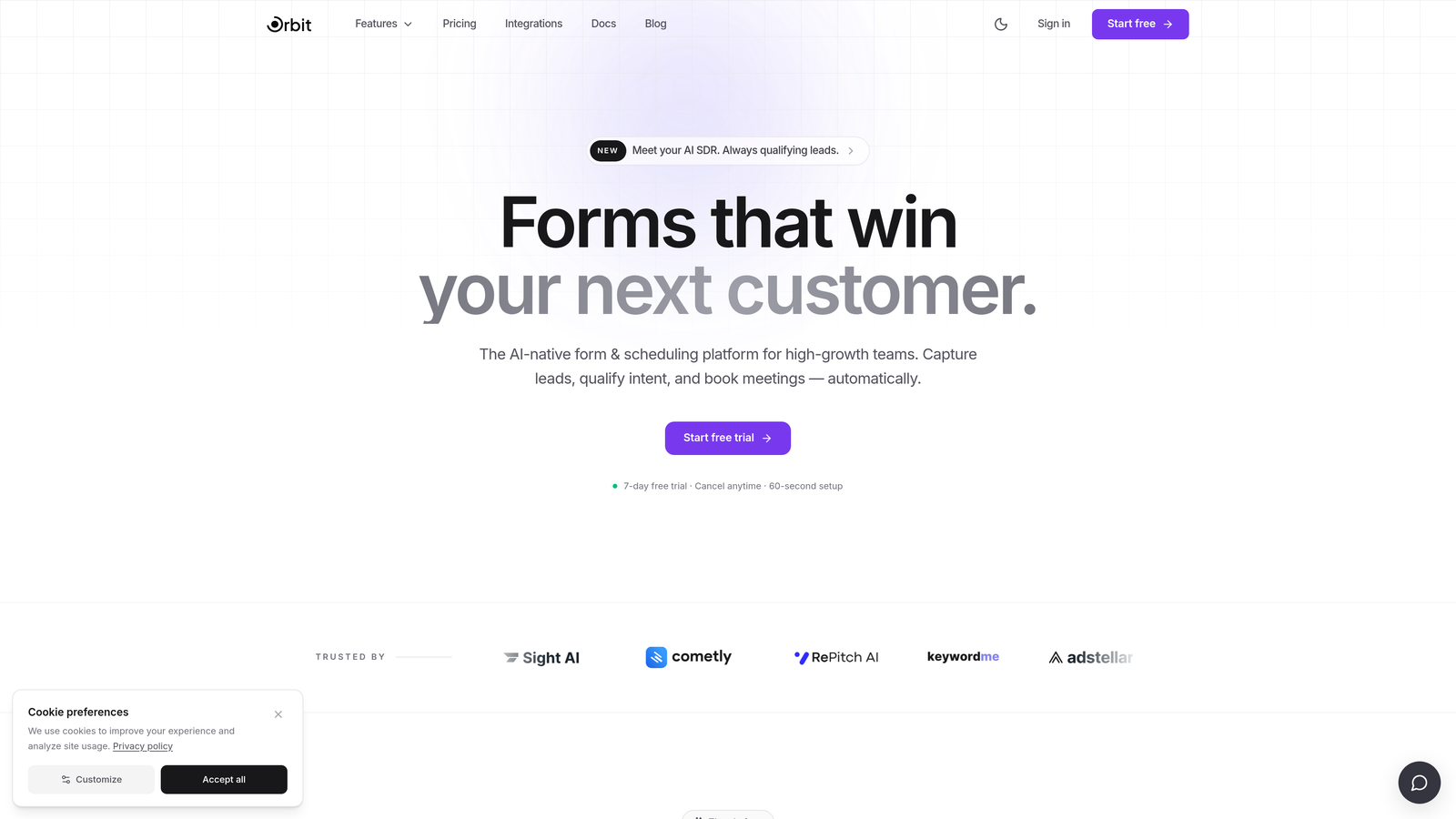
Orbit AI is an AI-powered form builder designed specifically for conversion-focused teams who need forms that qualify leads, not just collect responses.
Where This Tool Shines
Most form builders stop at the submit button. Orbit AI is built around what happens before and after: the form itself becomes an intelligent layer that scores, segments, and routes leads in real time. That's a meaningful shift for teams running high-volume inbound funnels where manual lead review creates bottlenecks.
The design quality is also worth noting. Orbit AI forms look modern and polished out of the box, which matters when your form is the first brand touchpoint for a prospective customer. You're not fighting default styling or hacking CSS to make things look professional.
Key Features
AI-Powered Lead Qualification: Built directly into the form flow, so leads are scored and segmented before they ever reach your CRM.
Conversion-Optimized Design: Modern UI templates designed to reduce friction and improve completion rates.
Conditional Logic and Dynamic Fields: Personalize the form experience based on previous answers, creating a tailored path for each respondent.
Real-Time Lead Scoring and Routing: Automatically prioritize and direct leads to the right team member or workflow the moment they submit.
CRM Integrations: Seamless pipeline handoff ensures lead data flows directly into your existing sales stack without manual data entry.
Best For
Orbit AI is purpose-built for SaaS and B2B teams that treat lead generation as a core growth function. If you're running paid acquisition, managing inbound at scale, or building multi-step qualification funnels, this is the tool designed with your use case in mind rather than retrofitted for it.
Pricing
Paid plans are available. Visit orbitforms.ai for current pricing details, as plans may vary based on team size and feature requirements.
2. Typeform
Best for: Teams that prioritize form aesthetics and conversational UX to drive higher completion rates.
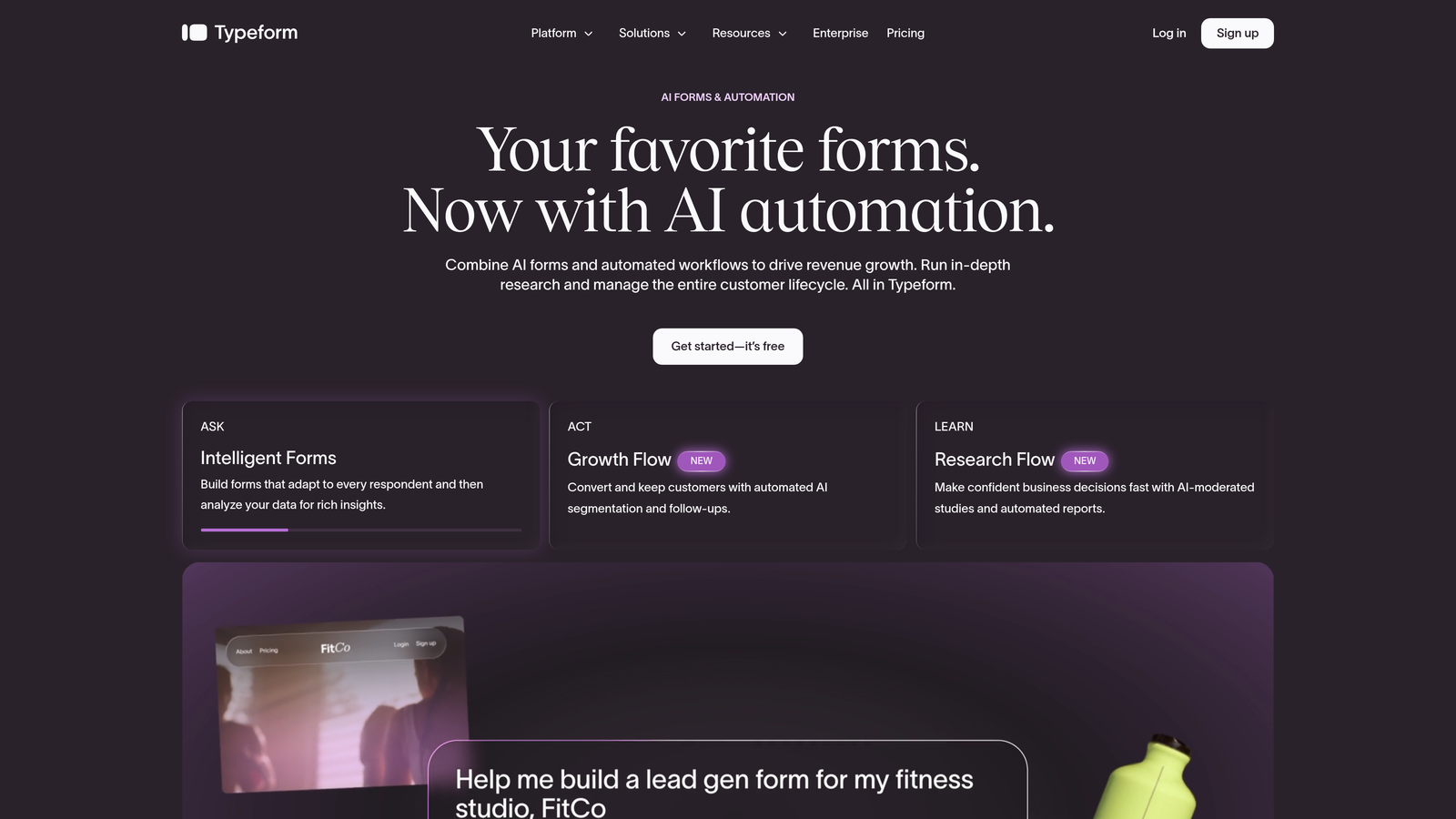
Typeform is a conversational form builder best known for its one-question-at-a-time format and strong visual design capabilities.
Where This Tool Shines
Typeform's signature format, presenting one question at a time, creates a more engaging, less overwhelming experience than a traditional long-form page. For top-of-funnel forms where first impressions matter, this approach can meaningfully improve completion rates.
The visual customization is genuinely strong. You can match brand colors, fonts, and imagery without touching code, which makes it a favorite among marketing teams who care about design consistency across touchpoints.
Key Features
Conversational One-Question UX: Reduces form fatigue by presenting questions sequentially rather than all at once.
Visual Customization: Brand theming with custom colors, fonts, backgrounds, and imagery.
Logic Jumps: Conditional branching routes respondents to different questions based on their answers.
Integrations: Connects with Slack, HubSpot, Zapier, and a broad range of marketing and CRM tools.
Media Embedding: Add video and images within the form flow to enrich the experience.
Best For
Typeform works well for marketing teams and agencies that prioritize design and engagement. It's a solid choice for brand surveys, onboarding flows, and top-of-funnel lead capture. Teams with high response volumes should note that pricing scales with submissions, which can add up quickly.
Pricing
Free plan available. Paid plans start at approximately $25 per month billed annually, with higher tiers for additional responses and features.
3. Jotform
Best for: Operational forms that require broad template variety, payment collection, and wide integration support.
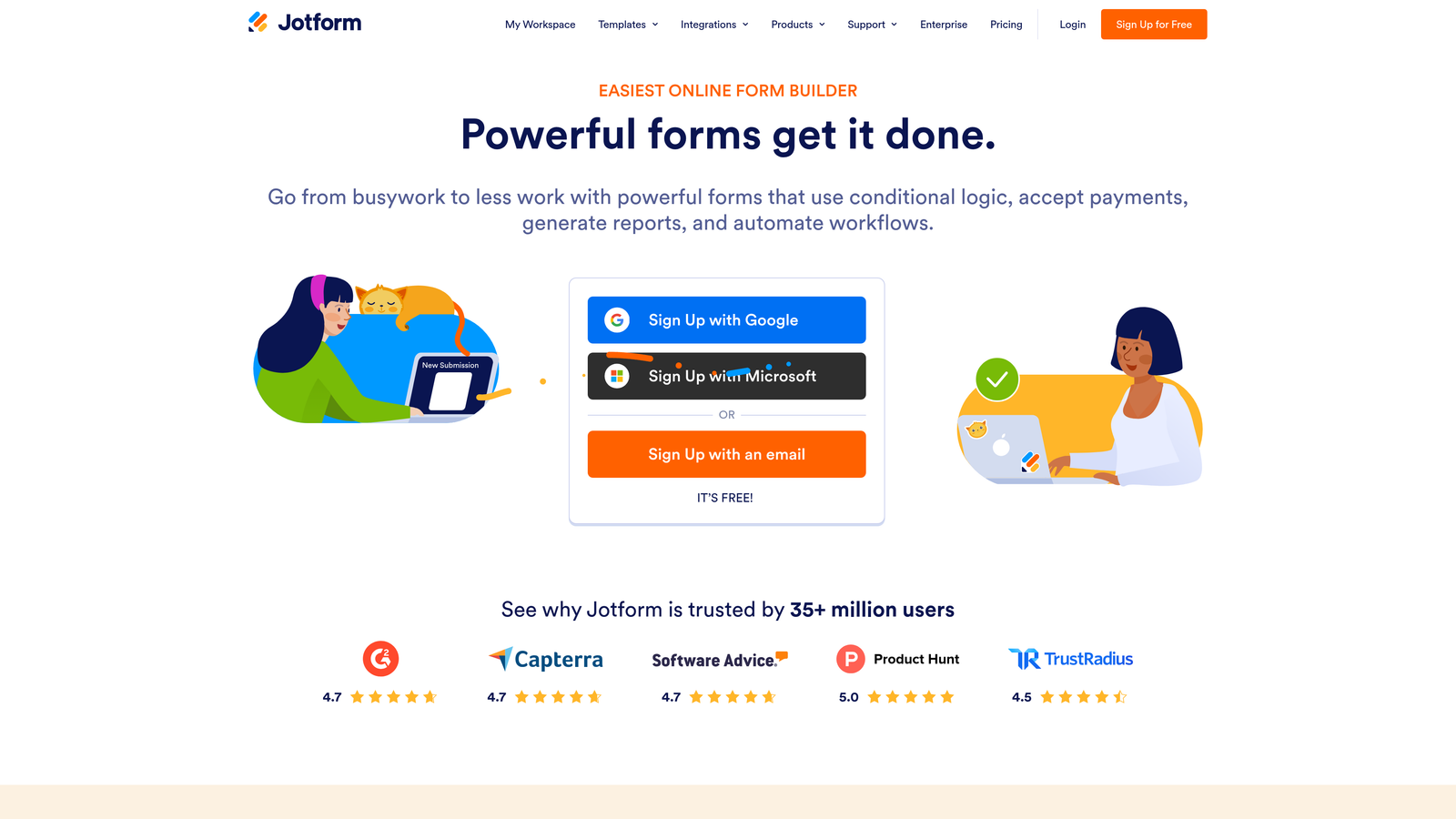
Jotform is a versatile form builder with one of the largest template libraries in the space and robust support for payments and integrations.
Where This Tool Shines
If you need a form for almost any use case, Jotform likely has a template for it. With over 10,000 templates across categories ranging from job applications to event registrations to product orders, it's genuinely one of the most flexible tools available for general-purpose form building.
The payment collection capabilities are a standout. Jotform supports Stripe, PayPal, and Square natively, making it a practical choice for teams that need to collect payments, deposits, or fees directly through a form without a separate checkout tool.
Key Features
10,000+ Templates: One of the largest template libraries available, covering virtually every form category.
Payment Collection: Native integrations with Stripe, PayPal, and Square for in-form transactions.
Conditional Logic: Dynamic fields and branching based on respondent input.
Integration Ecosystem: Connects with 150+ apps across CRM, marketing, and productivity categories.
HIPAA-Compliant Plans: Available for healthcare and regulated use cases requiring data compliance.
Best For
Jotform suits teams that need operational flexibility: event coordinators, HR teams, agencies building client intake forms, and businesses collecting payments. It's less focused on conversion optimization or lead scoring, making it a better fit for data collection than pipeline generation.
Pricing
Free plan available with limited submissions. Paid plans start at approximately $34 per month, with higher tiers for increased submission limits and advanced features.
4. HubSpot Forms
Best for: Teams already running on HubSpot who want forms that sync directly to their CRM and trigger marketing automation.
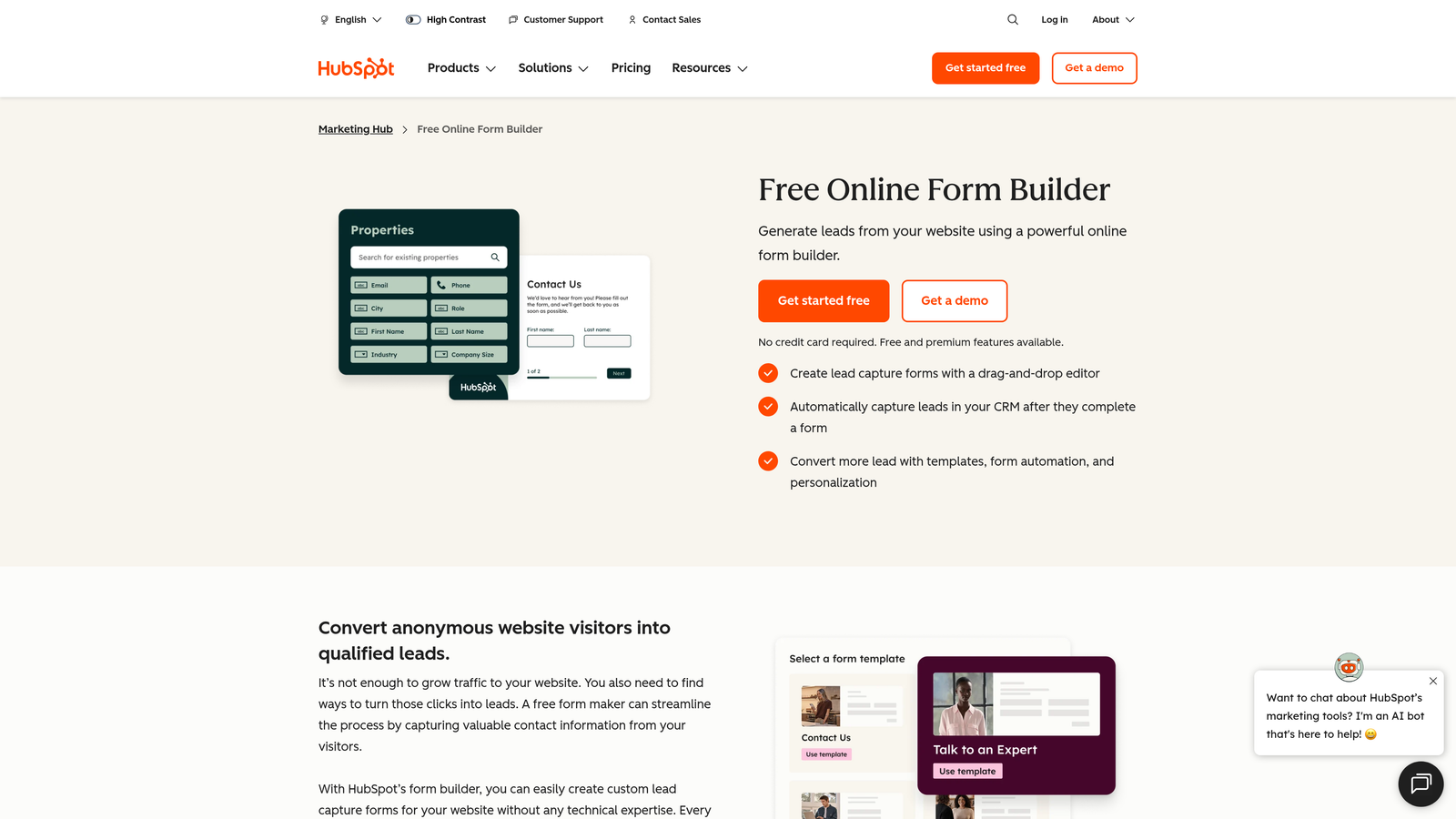
HubSpot Forms is a native form builder within the HubSpot platform, built around seamless CRM integration and marketing workflow automation.
Where This Tool Shines
The core value proposition here is tight ecosystem integration. When someone submits a HubSpot form, their data flows immediately into a contact record, can trigger automated email sequences, update deal stages, and notify sales reps, all without any manual setup or third-party connectors. For HubSpot shops, that's a significant efficiency gain.
Progressive profiling is another genuinely useful feature. Rather than asking the same questions repeatedly, HubSpot Forms can recognize returning visitors and surface new questions to fill in contact record gaps over time. It's a smart way to enrich lead data without friction.
Key Features
Direct CRM Sync: Submissions create or update HubSpot contact records and deals automatically.
Marketing Automation Triggers: Form submissions can kick off email workflows, task assignments, and lifecycle stage changes.
Progressive Profiling: Dynamically surfaces new questions for returning visitors to avoid repetitive data collection.
Embedded and Pop-Up Options: Deploy forms inline on pages or as timed/exit-intent pop-ups.
Free CRM Tier Access: Core form functionality is included at no cost with HubSpot's free CRM.
Best For
HubSpot Forms is the right call if your team is already committed to the HubSpot ecosystem. If you're not a HubSpot customer, the design limitations and dependency on the broader platform make it harder to justify as a standalone form tool.
Pricing
Free with HubSpot CRM. Advanced features require Marketing Hub, which starts at approximately $15 per month per seat.
5. Tally
Best for: Startups, solo operators, and small teams that need a clean, free form builder without response limits.
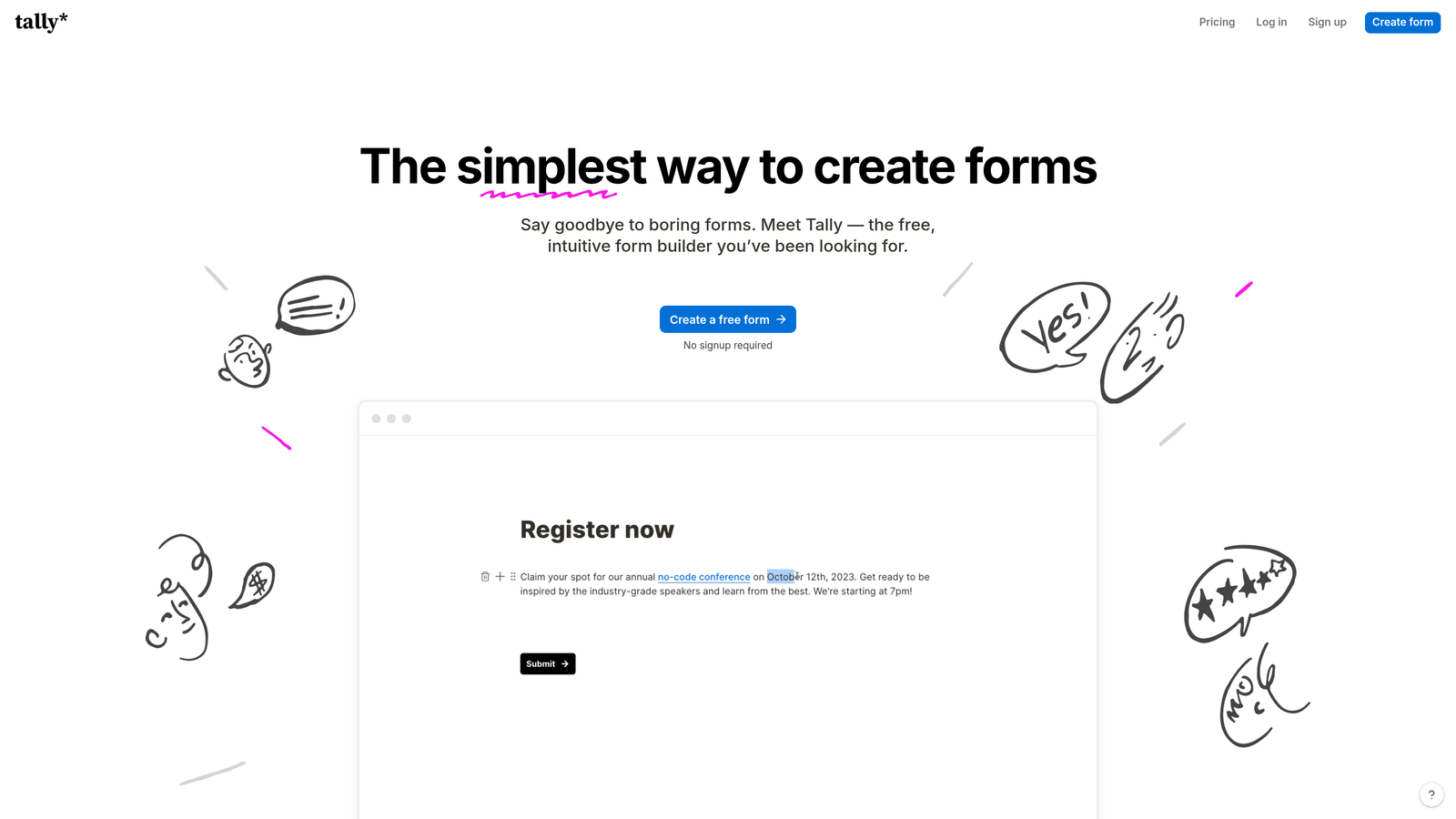
Tally is a minimalist, Notion-inspired form builder with a generous free tier and an intuitive block-based editor that non-technical users pick up quickly.
Where This Tool Shines
Tally's free plan is genuinely competitive. Unlimited forms, unlimited responses, and no Tally branding on the free tier, which is rare in a market where most tools gate these features behind paid plans. For bootstrapped teams or early-stage startups, that's a meaningful advantage.
The editing experience is clean and familiar if you've used Notion. The block-based interface makes form building feel intuitive rather than like navigating a legacy UI, which lowers the barrier for non-technical team members to create and update forms independently.
Key Features
Notion-Like Block Editor: Intuitive drag-and-drop interface that feels familiar to modern productivity tool users.
Unlimited Free Responses: No submission caps on the free plan, a genuine differentiator in this market.
No Branding on Free Tier: Forms don't display Tally branding, even without a paid subscription.
Conditional Logic: Basic branching and calculated fields for dynamic form experiences.
Integrations: Zapier and native integrations connect Tally to broader workflows.
Best For
Tally is well-suited for early-stage teams, individual creators, and anyone who needs a capable free form tool without complex lead qualification requirements. Teams scaling inbound lead generation or needing advanced scoring and routing will likely outgrow it.
Pricing
Free plan covers core features with no response limits. Tally Pro is approximately $29 per month for advanced features.
6. Paperform
Best for: Service businesses, consultants, and agencies that need forms, payments, and bookings in a single tool.
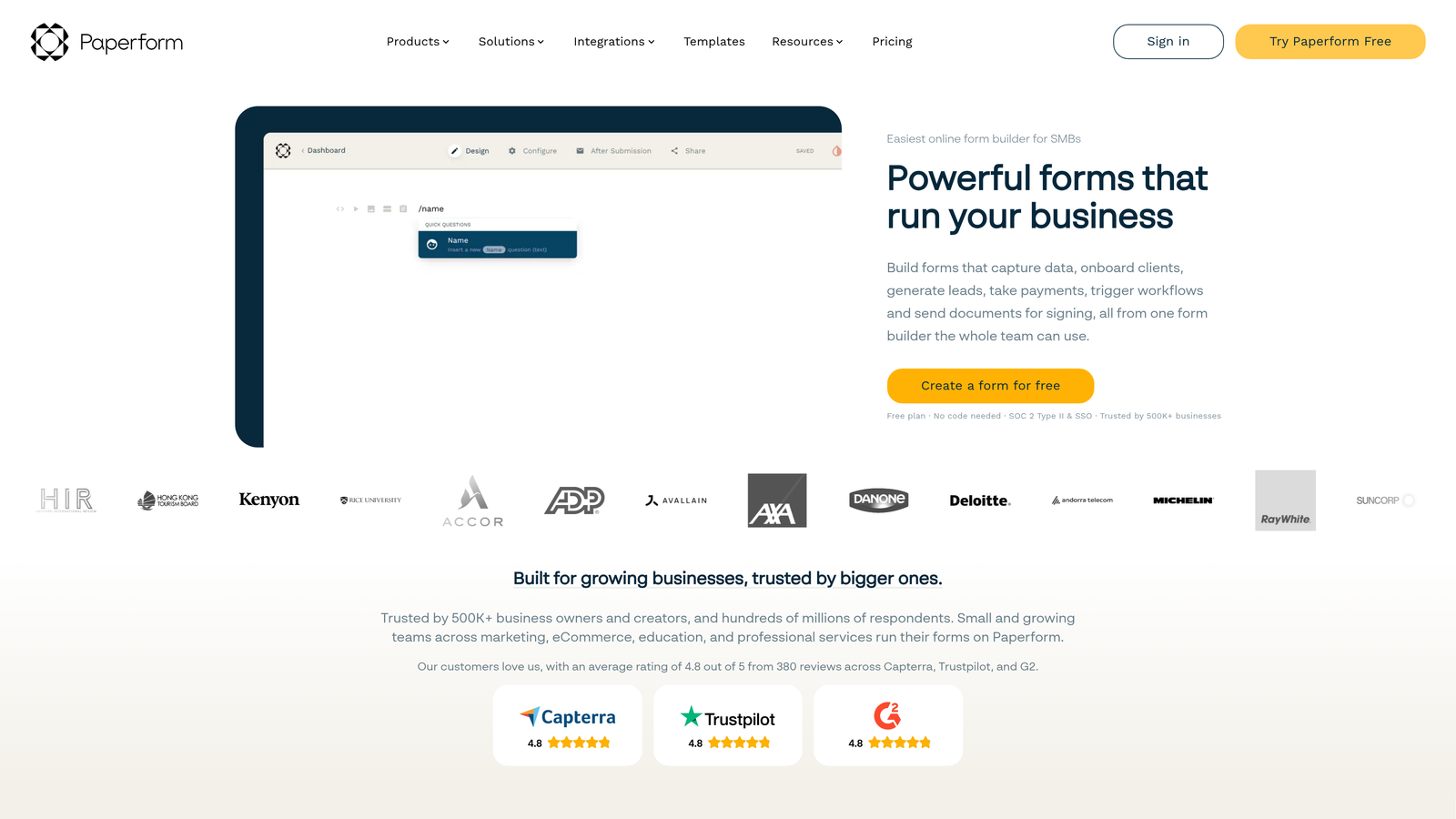
Paperform is a multi-purpose form builder that combines data collection with payment processing, appointment scheduling, and product sales pages in one platform.
Where This Tool Shines
Paperform's differentiator is scope. Rather than being purely a form tool, it functions more like a lightweight landing page and transaction platform. You can build a form that collects lead information, takes a deposit, and books a follow-up call, all within a single Paperform submission flow. That's genuinely useful for service-based businesses.
The freeform editor gives you more layout flexibility than most form builders. You can embed rich text, images, and media alongside form fields, which makes Paperform forms feel closer to a designed page than a traditional form.
Key Features
Forms Plus Payments: Native Stripe integration for collecting payments directly within the form flow.
Scheduling Integration: Connects with Calendly and similar tools to add booking functionality to forms.
Freeform Editor: Rich text and media embedding for a more page-like form design experience.
Conditional Logic: Dynamic fields and calculated responses based on user input.
Product and Service Pages: Build sales or service pages with form functionality built in, not bolted on.
Best For
Paperform is a strong fit for consultants, agencies, coaches, and service businesses that need to handle intake, payment, and scheduling in one place. It's less common in pure SaaS lead-gen contexts but well-suited for teams that want to consolidate multiple tools.
Pricing
Starts at approximately $24 per month billed annually. No permanent free plan is available, though trial access is offered.
7. Google Forms
Best for: Internal surveys, simple data collection, and teams already working within Google Workspace.
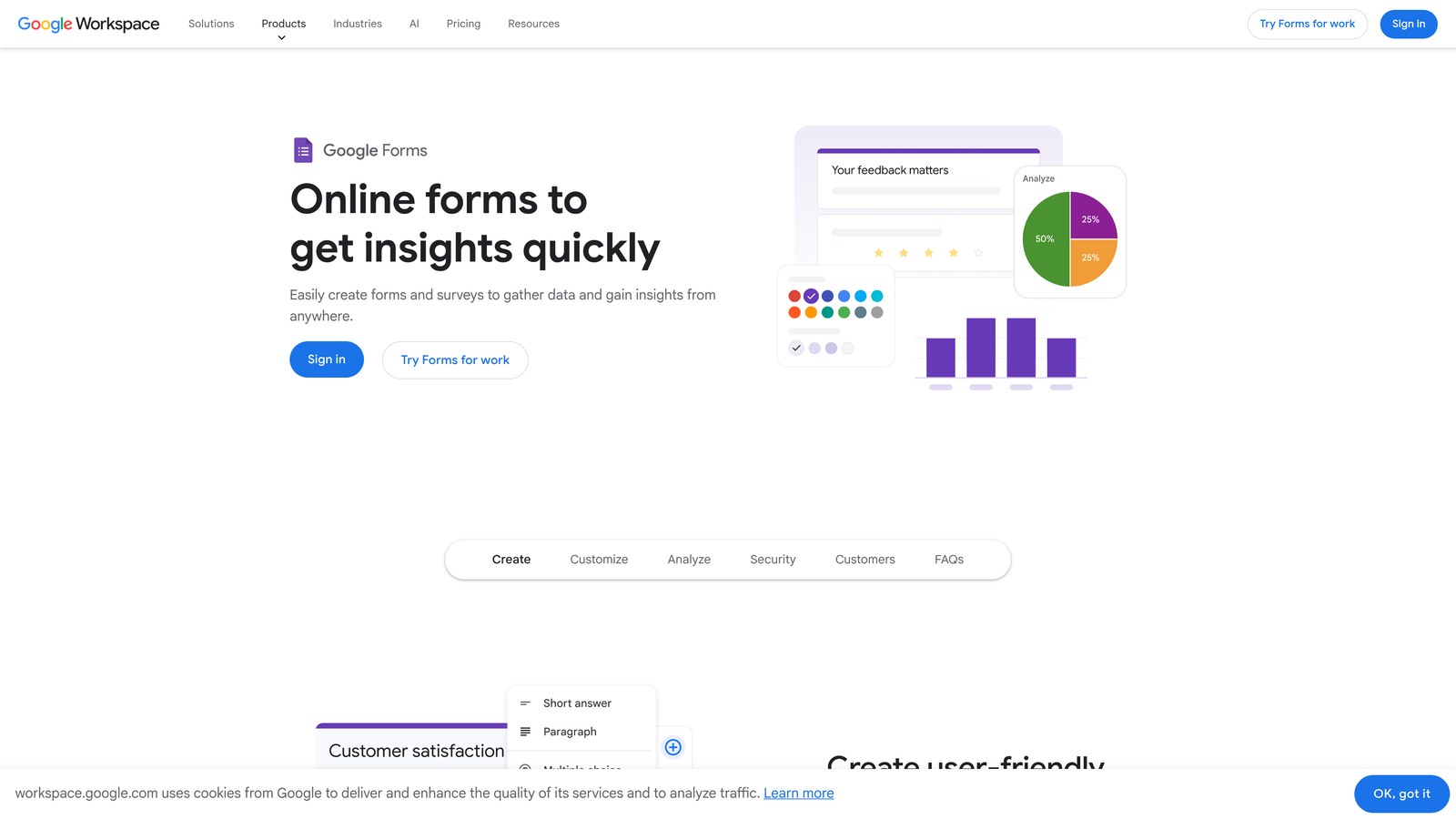
Google Forms is a free, no-frills form builder fully integrated with Google Workspace, designed for basic data collection without complexity or cost.
Where This Tool Shines
The value is straightforward: it's completely free, always has been, and it works. For internal use cases like employee surveys, event RSVPs, or simple feedback collection, Google Forms does the job without requiring any setup, subscription, or learning curve.
The Google Sheets integration is genuinely useful. Responses flow automatically into a spreadsheet, making it easy to sort, filter, and share data with colleagues who are already living in Google Workspace. For lightweight data collection, that's a clean, low-friction workflow.
Key Features
Completely Free: Unlimited forms and responses with any Google account, no paid tier required.
Google Sheets Integration: Automatic response syncing to a connected spreadsheet for easy data management.
Basic Branching Logic: Section-based conditional routing for simple multi-path forms.
Collaborative Editing: Multiple Google account holders can co-edit forms in real time.
Quiz Functionality: Basic scoring and answer feedback for educational or assessment use cases.
Best For
Google Forms is the right tool for internal data collection, simple surveys, and teams with no budget for form tooling. For any use case involving lead qualification, conversion optimization, or CRM integration, it's not a serious contender.
Pricing
Free with any Google account. No paid tiers or premium features.
8. Formstack
Best for: Enterprise teams and regulated industries that need compliance-grade forms with advanced workflow automation.
Formstack is an enterprise form and workflow platform with strong compliance capabilities, document generation, and deep integration with enterprise CRM systems.
Where This Tool Shines
Formstack's compliance story is its most distinctive strength. HIPAA-compliant forms, GDPR tooling, and audit trails make it one of the few form platforms that regulated industries, particularly healthcare and financial services, can deploy with confidence. That's a niche most tools don't serve well.
Beyond compliance, Formstack extends into document generation and e-signature workflows. You can build a form that collects data, populates a contract template, and routes it for signature, all within the same platform. For teams managing complex approval or onboarding workflows, that's a meaningful capability.
Key Features
HIPAA-Compliant Forms: Purpose-built for healthcare and regulated industry data collection requirements.
Document Generation: Automatically populate templates with form submission data.
E-Signature Workflows: Collect signatures as part of the form or document flow.
Advanced Conditional Logic: Multi-step approval workflows with branching and routing logic.
Enterprise CRM Integrations: Deep Salesforce integration and connections to other enterprise platforms.
Best For
Formstack is built for enterprise teams in regulated industries where compliance, document workflows, and Salesforce integration are non-negotiable. The pricing reflects that positioning, making it less relevant for early-stage or growth-stage SaaS teams.
Pricing
Plans start at approximately $83 per month. Enterprise pricing is available for larger teams with custom requirements.
9. Gravity Forms
Best for: WordPress-based sites that need deep customization, conditional logic, and an extensible add-on ecosystem.
Gravity Forms is a WordPress-native form plugin with powerful conditional logic, multi-page form support, and a broad library of add-ons for extending functionality.
Where This Tool Shines
If your site runs on WordPress, Gravity Forms is one of the most capable form solutions available. It integrates natively with any WordPress theme or page builder, stores entries directly in your WordPress database, and gives developers extensive hooks and filters for custom functionality. The level of control it offers within the WordPress environment is hard to match.
The add-on ecosystem is genuinely broad. Stripe, Salesforce, Mailchimp, Zapier, and dozens of other integrations are available as official or community add-ons, making it possible to build sophisticated form workflows without leaving the WordPress stack.
Key Features
Deep WordPress Integration: Works natively with any WordPress theme, page builder, or custom post type setup.
Conditional Logic: Powerful field-level and form-level branching for dynamic, multi-path form experiences.
Add-On Library: Official and community add-ons for Stripe, Salesforce, Mailchimp, and many more platforms.
Entry Management: Form submissions stored directly in WordPress for easy access and export.
Developer-Friendly: Extensive hook and filter system for custom functionality and third-party development.
Best For
Gravity Forms is the go-to for WordPress agencies, developers, and businesses that need a highly customizable form solution within a WordPress environment. It's not relevant for teams not running WordPress, and it requires more technical setup than SaaS form tools.
Pricing
Annual license starting at approximately $59 per year. No monthly billing option; all plans are annual.
Which Tool Is Right for Your Team?
The right form builder depends on what you're actually trying to accomplish. Here's a quick-reference guide to cut through the decision-making.
For AI-powered lead qualification and conversion optimization: Orbit AI is the purpose-built choice. It's the only tool on this list where lead scoring and qualification are built into the form experience itself, not added as an afterthought. If your forms are a front-line revenue tool, start here.
For beautiful, conversational top-of-funnel forms: Typeform delivers the best design and engagement experience for teams where brand presentation and completion rates are the primary concern.
For operational versatility and template variety: Jotform covers the widest range of use cases, especially when payment collection or compliance requirements are involved.
For HubSpot-native CRM integration: HubSpot Forms is the obvious choice if you're already running on HubSpot and want zero-friction data flow into your pipeline.
For free, no-limits form building: Tally offers the most capable free plan in this group, making it a strong starting point for early-stage teams.
For WordPress-based sites: Gravity Forms remains the gold standard for WordPress-native form customization and extensibility.
For enterprise compliance and document workflows: Formstack is built for regulated industries where HIPAA compliance and document generation are requirements, not nice-to-haves.
If you're a high-growth SaaS or B2B team serious about lead generation, the gap between a generic form builder and a conversion-optimized one compounds quickly. Every unqualified lead that reaches your sales team costs time. Every qualified lead that slips through an underpowered form costs revenue.
Transform your lead generation with AI-powered forms that qualify prospects automatically while delivering the modern, conversion-optimized experience your high-growth team needs. Start building free forms today and see how intelligent form design can elevate your conversion strategy.


