

Static forms are leaving conversions on the table. When every visitor sees the same fields regardless of who they are, what they need, or what they've already told you, you're essentially treating your best enterprise prospect the same as someone who clicked the wrong ad. Dynamic form content software fixes that by adapting what users see in real time, based on their answers, attributes, or data pulled from your CRM.
For high-growth teams, this isn't a luxury feature. It's the difference between a form that qualifies leads and one that just collects email addresses. The right tool can show smarter follow-up questions, skip irrelevant fields, pre-fill data from your marketing stack, and route prospects based on what they've told you.
This guide covers the top dynamic form content software tools available in 2026, evaluated on conditional logic depth, AI capabilities, design flexibility, integrations, and pricing. We've also linked to related resources on how to build effective web forms, dynamic form fields based on user input, and form builders with conditional logic to help you go deeper after you've found your tool.
1. Orbit AI
Best for: High-growth B2B and SaaS teams that need forms to qualify and route leads automatically.
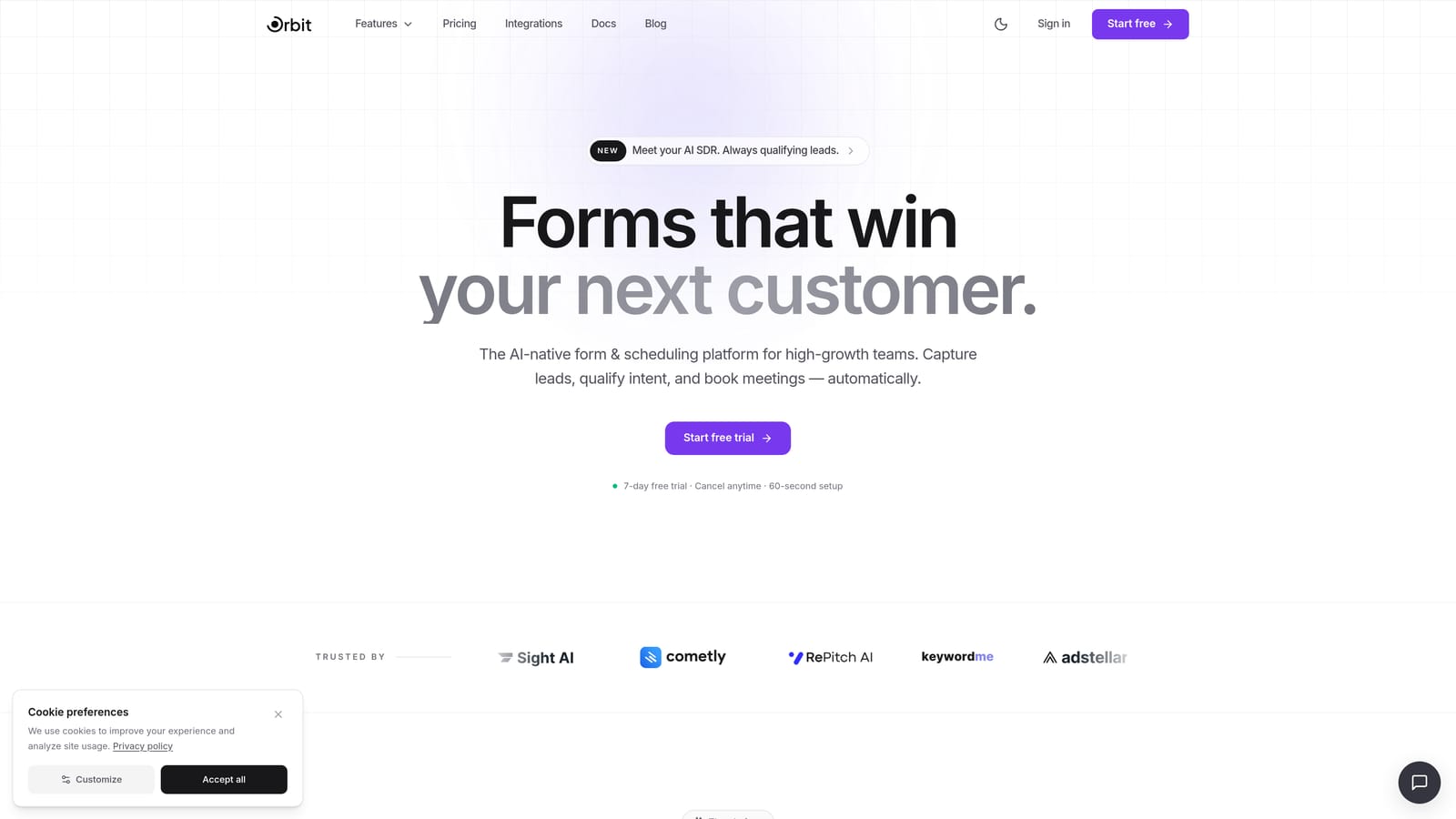
Orbit AI is an AI-powered form builder built specifically for teams where lead quality matters as much as lead volume.
Where This Tool Shines
Most form tools stop at conditional logic: show this field if the user answered that way. Orbit AI goes a step further by layering an AI-powered lead qualification engine on top of the form experience. That means your form isn't just adapting its questions dynamically; it's actively scoring and routing respondents based on what they tell you.
The design quality is also a genuine differentiator. Where many form builders feel functional but dated, Orbit AI produces polished, conversion-optimized forms that feel like a natural extension of a modern SaaS brand. For teams where first impressions matter, that combination of smart logic and strong aesthetics is hard to find in one platform.
Key Features
AI Lead Qualification Engine: Automatically scores and routes leads based on form responses, so your sales team focuses on the right prospects from the start.
Conditional Logic and Dynamic Field Display: Show or hide fields based on prior answers to create adaptive, personalized form experiences for every respondent.
Conversion-Optimized Design: Modern, polished UI that reduces friction and keeps respondents engaged through the entire form flow.
B2B and SaaS Workflow Focus: Built around the lead generation and qualification workflows that high-growth teams actually use, not generic use cases.
CRM and Marketing Stack Integrations: Connect to your existing tools so qualified leads flow directly into the right pipelines and sequences.
Best For
Orbit AI is the strongest fit for B2B SaaS teams, demand generation marketers, and growth-focused companies that want their forms to do more than collect responses. If lead scoring, intelligent routing, and conversion optimization are priorities, this is where to start.
Pricing
Visit orbitforms.ai for current plan details and free trial availability. Pricing is structured to scale with team size and lead volume.
2. Typeform
Best for: Marketing teams that prioritize respondent experience and conversational form design.
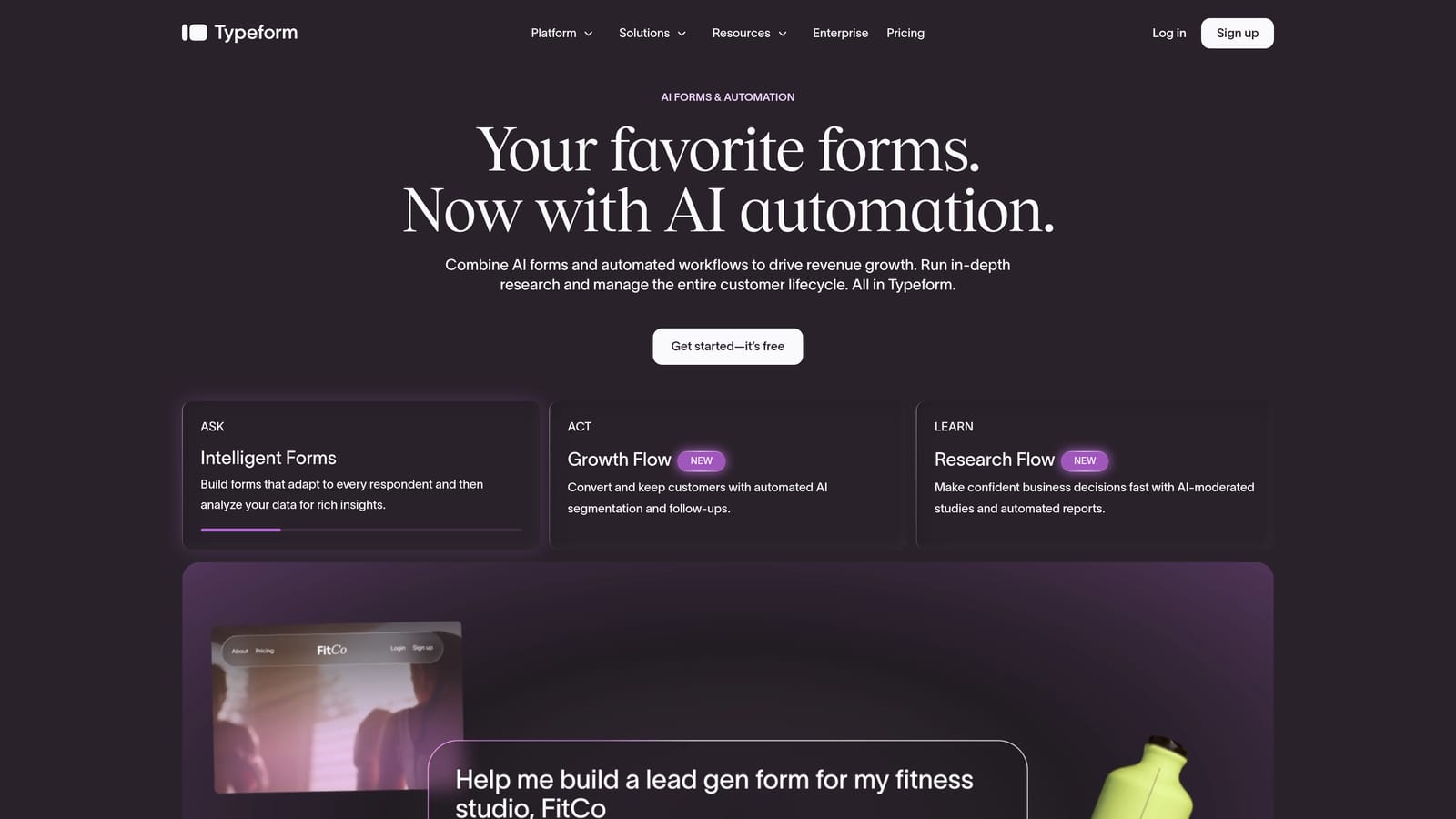
Typeform is a well-established conversational form platform known for its one-question-at-a-time UX and clean, branded presentation.
Where This Tool Shines
Typeform's signature format, presenting one question at a time, significantly reduces the cognitive load on respondents. Instead of facing a wall of fields, users move through a form that feels more like a conversation. This approach works particularly well for surveys, onboarding flows, and any situation where engagement and completion rate are the primary goals.
The conditional logic system, called logic jumps, is mature and flexible. Combined with variable piping, which lets you reference earlier answers in later questions, Typeform can create genuinely personalized question paths without requiring technical expertise to set up.
Key Features
Logic Jumps: Branch the form experience based on any answer, sending respondents down different question paths depending on what they select.
Variable Piping: Reference prior answers in later questions to make the form feel responsive and personalized.
Recall Information: Insert a respondent's name or earlier answers directly into question text for a more conversational feel.
CRM and Tool Integrations: Connects with HubSpot, Salesforce, Zapier, and a wide range of marketing platforms.
Brand Design Flexibility: Strong visual customization and embed options to match your brand presentation.
Best For
Typeform works well for marketing teams, researchers, and product teams running surveys or onboarding flows where the respondent experience is a top priority. Teams that need deep AI-driven lead qualification may find it less specialized than purpose-built options.
Pricing
A free plan is available with limited responses and features. Paid plans scale by monthly response volume and unlock advanced logic, integrations, and branding controls.
3. Paperform
Best for: Teams that want forms to feel like branded landing pages with rich media and dynamic content blocks.
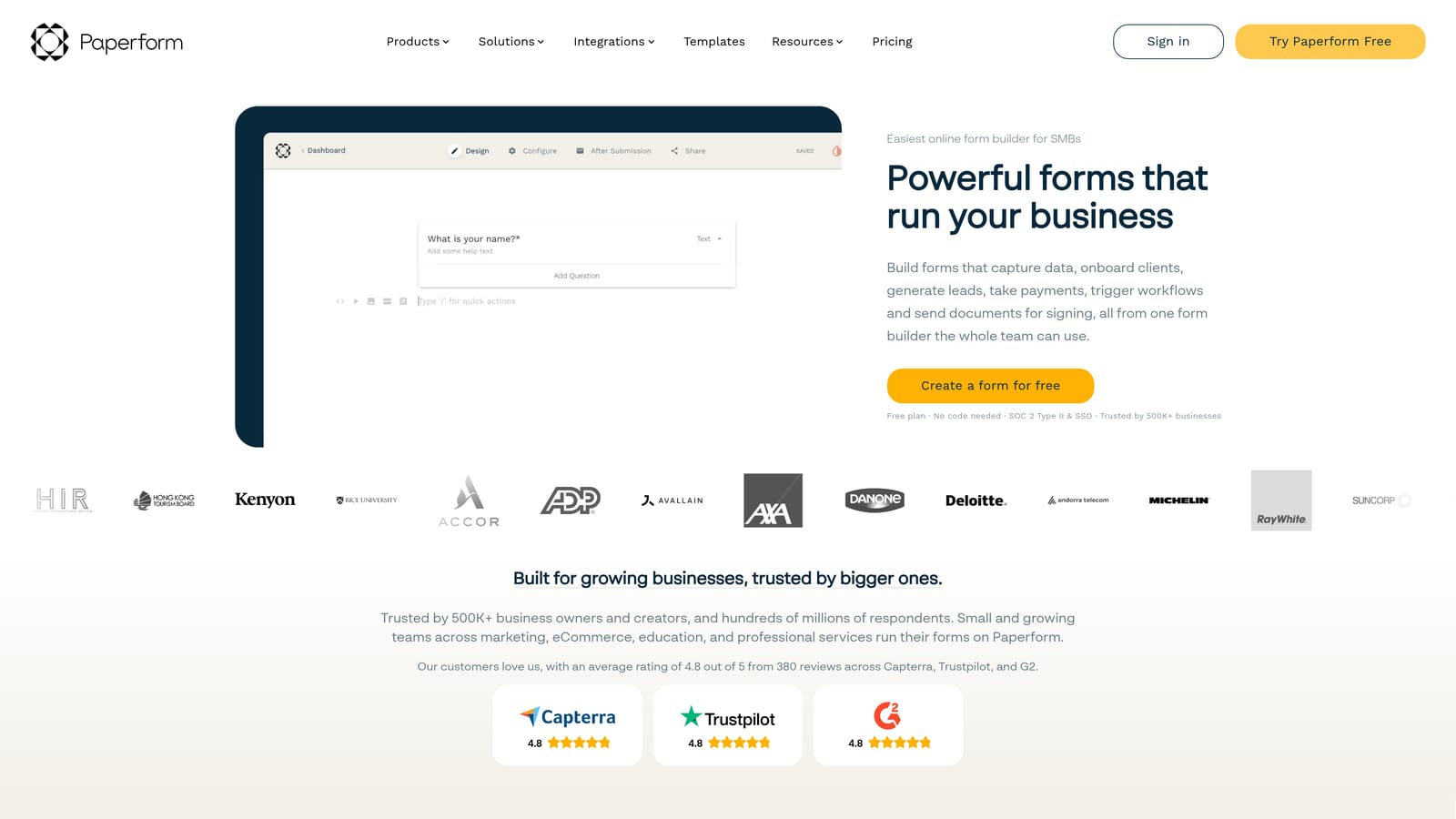
Paperform is a document-style form builder that blends conditional logic with rich content, including text, images, and video, directly within the form body.
Where This Tool Shines
Paperform takes a different approach to dynamic content. Rather than hiding individual fields, it can show or hide entire content sections, including blocks of text, images, or video, based on what a respondent selects. This makes it especially powerful for forms that double as branded experiences, like product configurators, dynamic pricing pages, or intake forms that need to communicate information alongside collecting it.
The calculation fields are another standout capability. You can build real-time pricing calculators, quiz scoring systems, or lead scoring logic directly into the form without external tools. For teams selling products or services with variable pricing, this is a significant time-saver.
Key Features
Conditional Sections: Show or hide entire content blocks, not just individual fields, based on respondent answers.
Calculation Fields: Build dynamic pricing, quiz scoring, or custom scoring logic directly within the form.
Rich Media Embedding: Add images, video, and formatted text throughout the form body to create a more engaging experience.
Payment and Product Fields: Accept payments and display product options natively, without third-party plugins.
Custom Domain and White-Label Options: Present forms on your own domain with full branding control.
Best For
Paperform suits creative teams, agencies, and businesses that need forms to function as branded experiences. It's a strong fit for product configurators, event registrations, and intake forms where visual presentation and dynamic content blocks matter as much as data collection.
Pricing
Paperform offers paid plans only, with a free trial to get started. Plans scale based on submission volume and access to advanced features like custom domains and integrations.
4. Jotform
Best for: Teams that need a deep feature set, including approvals, workflows, and compliance support, alongside conditional logic.
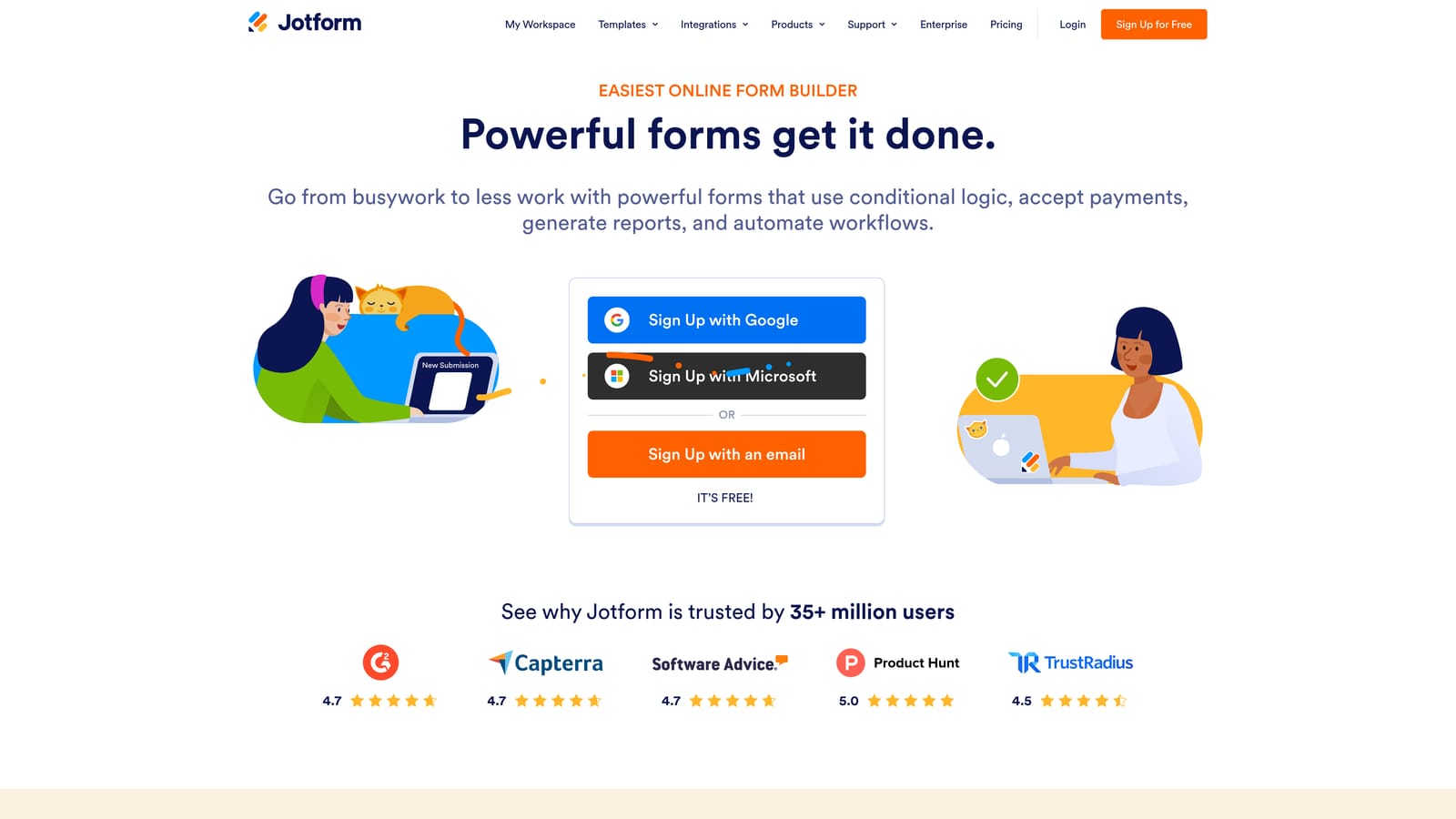
Jotform is one of the most feature-rich form platforms available, combining advanced conditional logic with workflow tools, a large widget library, and enterprise-grade compliance options.
Where This Tool Shines
Where many form tools focus on the form itself, Jotform extends into what happens after submission. The Jotform Approvals feature lets you build multi-step routing workflows where submissions move through review stages, get assigned to team members, and trigger actions based on approval outcomes. For teams managing internal requests, vendor onboarding, or any process with multiple stakeholders, this is a meaningful capability.
The conditional logic system is also among the most flexible in the category. You can combine multiple conditions using AND/OR operators, creating complex branching logic that handles nuanced scenarios without requiring custom code.
Key Features
Multi-Condition Logic Rules: Combine AND/OR operators to build sophisticated conditional logic that handles complex form branching scenarios.
Extensive Widget Library: Access a large collection of custom field types and integrations to extend form functionality beyond standard inputs.
Jotform Approvals: Build multi-step routing and approval workflows directly connected to form submissions.
Offline Form Support: Collect responses without an internet connection via the dedicated mobile app, useful for field teams and events.
HIPAA-Compliant Plans: Available for healthcare and regulated industries that require compliant data handling.
Best For
Jotform is well-suited for operations teams, HR departments, healthcare organizations, and any team managing multi-step approval workflows alongside dynamic form collection. The breadth of features makes it a strong all-rounder, though teams with a narrow focus on lead qualification may find the platform broader than they need.
Pricing
A free plan is available with submission and storage limits. Paid plans scale with monthly submissions, storage capacity, and team size, with HIPAA-compliant tiers at higher price points.
5. Formstack
Best for: Enterprise and regulated organizations that need dynamic field population from CRM data alongside compliance certifications.
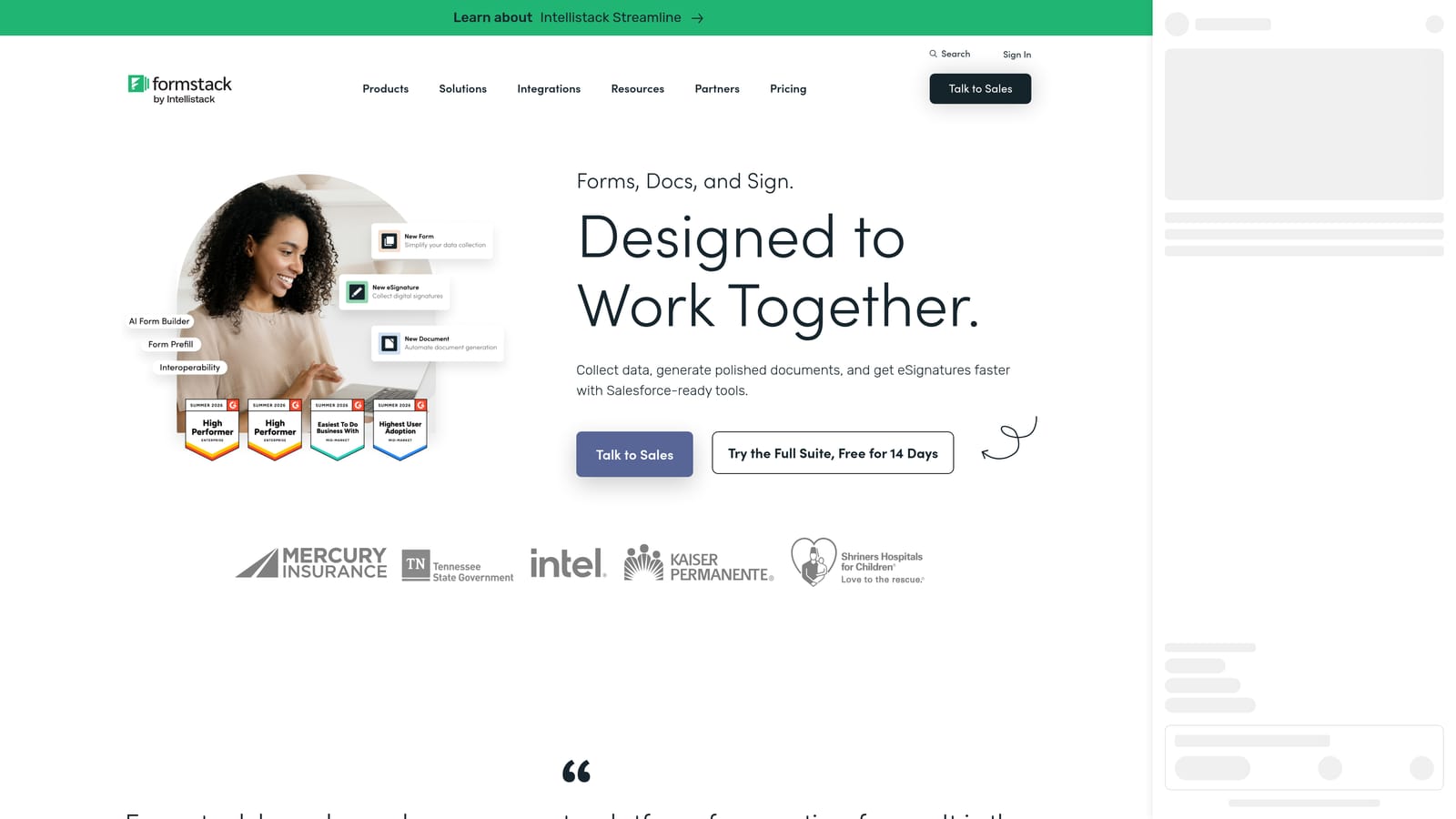
Formstack is an enterprise form and workflow platform built for complex, compliance-sensitive environments where forms need to connect deeply with existing systems.
Where This Tool Shines
Formstack's most distinctive capability is dynamic field population from external data sources. Rather than asking users to enter information your CRM already has, Formstack can pull Salesforce records or other external data directly into form fields. This is particularly valuable for renewal workflows, account updates, or any scenario where pre-filling from existing data reduces friction and improves accuracy.
The compliance posture is also a genuine differentiator for enterprise buyers. HIPAA, GDPR, and SOC 2 certifications are built into the platform, not add-ons to negotiate separately. Combined with document generation and e-signature capabilities, Formstack covers the full document lifecycle in regulated environments.
Key Features
Dynamic Field Population from CRM: Pull data from Salesforce and other external sources to pre-fill form fields automatically.
Conditional Routing and Approval Workflows: Route submissions through multi-step approval processes based on form responses.
Compliance Certifications: HIPAA, GDPR, and SOC 2 support built into the platform for regulated industries.
Formstack Documents Integration: Generate documents automatically from form submissions without manual data transfer.
E-Signature Collection: Collect legally binding signatures directly within the form workflow.
Best For
Formstack is built for mid-market and enterprise organizations in healthcare, financial services, legal, and other regulated industries. Teams managing complex Salesforce workflows or document-heavy processes will find the most value here.
Pricing
Formstack is positioned at mid-market to enterprise price points. Contact their sales team directly for current plan details and custom pricing based on your organization's needs.
6. Tally
Best for: Startups and small teams that need conditional logic and dynamic forms without a budget commitment.
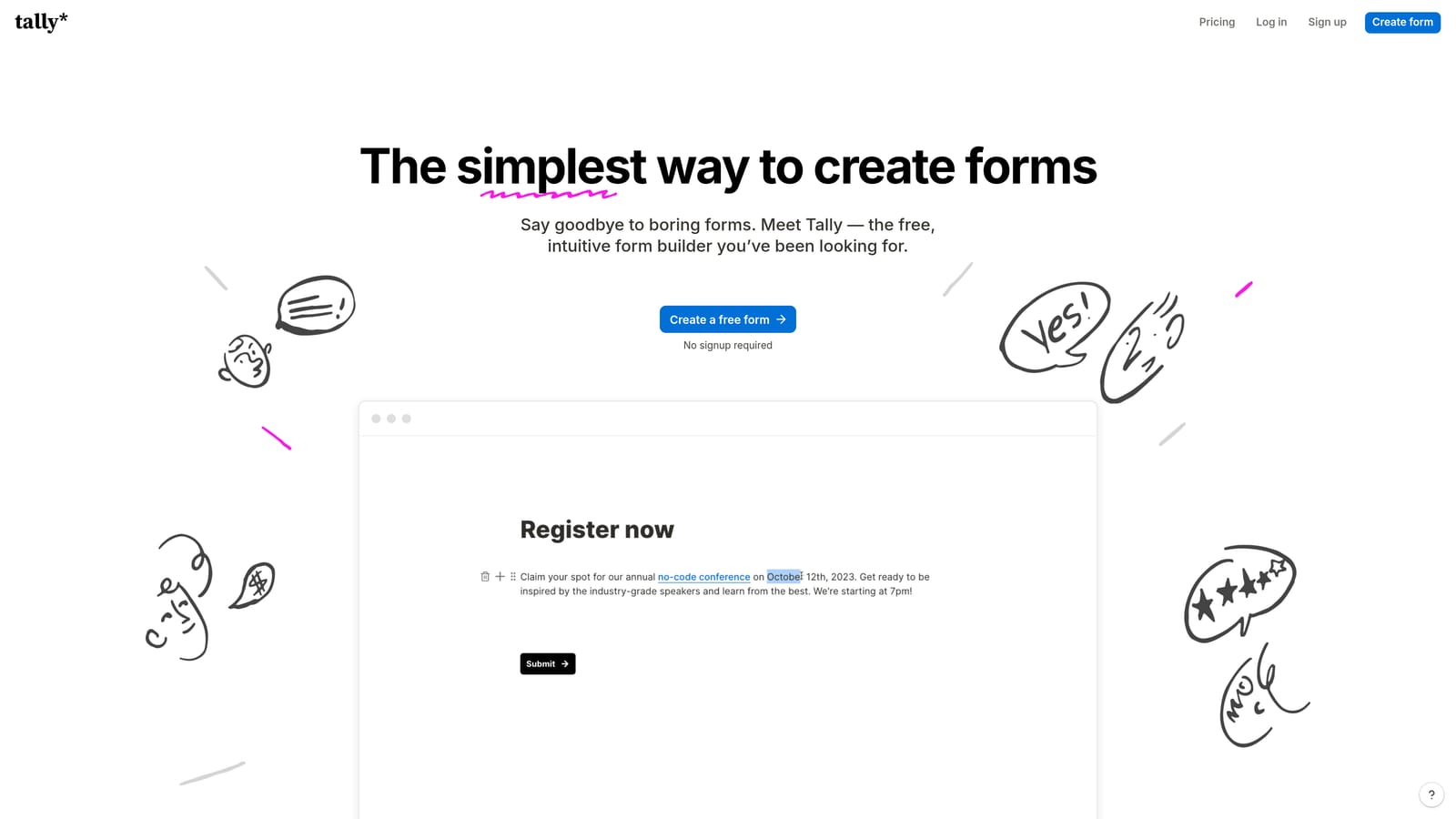
Tally is a lightweight, Notion-inspired form builder that offers conditional logic on its free plan, making it one of the most accessible entry points in the dynamic form category.
Where This Tool Shines
The headline feature is simple: conditional logic on the free tier. Most form tools reserve branching and dynamic field display for paid plans, which means early-stage teams often end up paying for capabilities they need from day one. Tally removes that barrier entirely. You get unlimited forms, unlimited responses, and basic conditional logic without spending anything.
The block-based editor will feel immediately familiar to anyone who uses Notion. Building a form is fast and intuitive, with minimal setup friction. For teams that need to launch a dynamic form quickly without learning a complex platform, Tally delivers a clean experience that doesn't get in the way.
Key Features
Conditional Logic on Free Plan: Build branching form experiences without a paid subscription, a rare offering in this category.
Block-Based Editor: Notion-style interface that makes form building fast and familiar for teams already working in that ecosystem.
Unlimited Forms and Responses: No submission caps on the free tier, which removes a common frustration with free-plan form tools.
Flexible Embedding: Embed forms anywhere with minimal setup and clean rendering across contexts.
Pro Plan Upgrades: Unlock custom domains, file uploads, and removed Tally branding when you're ready to scale.
Best For
Tally is the right choice for early-stage startups, solo operators, and small teams that need dynamic forms on a tight budget. It's also a solid option for internal tools and quick-launch projects where design polish and advanced AI features aren't the priority.
Pricing
The free plan is genuinely generous, with no submission limits and conditional logic included. The Pro plan is available at a low monthly rate and adds custom domains, file uploads, and branding removal.
Which Tool Is Right for Your Team?
The best dynamic form content software depends on what your form actually needs to do. Here's a quick way to think through the decision.
If AI-powered lead qualification is the goal, Orbit AI is the purpose-built choice. It's the only tool on this list that combines dynamic form experiences with an intelligent lead scoring and routing engine, designed specifically for B2B and SaaS growth teams. The modern design quality also means you're not trading aesthetics for functionality.
For teams where the respondent experience is the priority, Typeform's conversational one-question-at-a-time format reduces friction in ways that matter for surveys, onboarding flows, and research. Paperform fills a different niche: forms that function as branded, content-rich experiences, complete with dynamic sections, embedded media, and built-in payment collection.
When workflow complexity or compliance requirements enter the picture, the calculus shifts. Jotform handles multi-step approval workflows and HIPAA requirements alongside strong conditional logic. Formstack goes further for enterprise environments, with Salesforce-driven dynamic field population, document generation, and a full compliance certification stack.
And if budget is the constraint, Tally offers conditional logic and unlimited responses on a free plan, making it the clearest starting point for early-stage teams.
Whichever tool you choose, the underlying principle is the same: forms that adapt to the person filling them out perform better than forms that don't. The resources on how to improve lead quality and how to improve form conversion rates can help you get more from your dynamic form strategy once you're set up.
Ready to see what AI-powered dynamic forms can do for your pipeline? Start building free forms today and experience how intelligent form design can transform your lead generation from the first interaction.


