

If you're evaluating form builders, the free trial is your best friend. It's the only way to know whether a tool actually fits your workflow before you commit. But not every "free trial" is created equal. Some lock you out of key features, others cap responses so aggressively you can't test anything meaningful, and a few are genuinely generous.
This list cuts through the noise. We've rounded up the top form builders that offer real free trials or free tiers worth your time, covering everything from AI-powered lead qualification to simple contact forms. Whether you're a SaaS team chasing qualified pipeline, a marketer building conversion-optimized landing pages, or an agency managing forms at scale, there's a tool here worth testing.
We'll cover what each tool does best, who it's built for, and what you'll actually get access to during the trial so you can make a confident decision without wasting a week on the wrong platform.
1. Orbit AI
Best for: High-growth SaaS and B2B teams who need forms that qualify and score leads automatically.
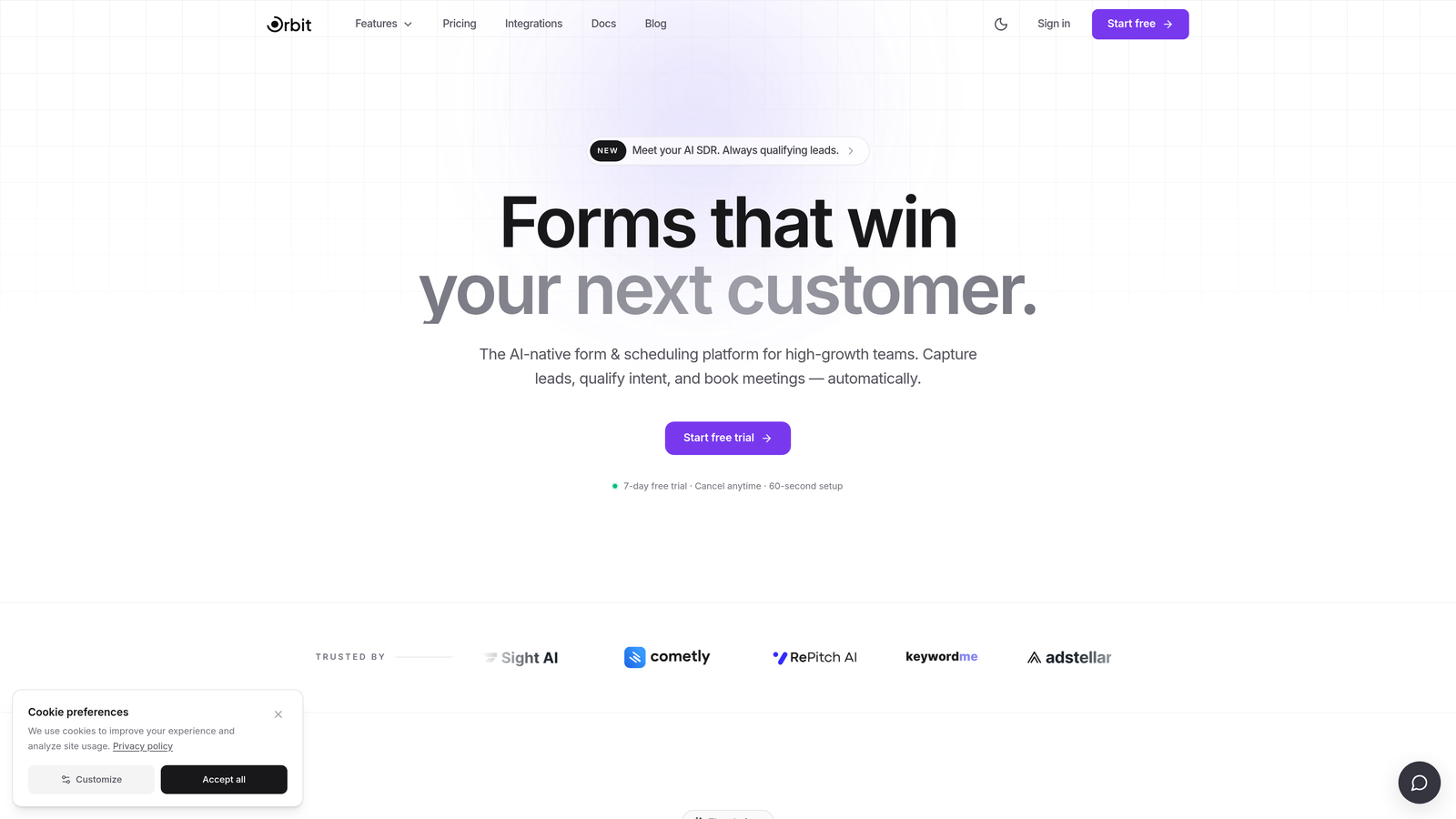
Orbit AI is an AI-powered form builder with built-in lead qualification and scoring, designed for teams who need forms that do more than collect submissions.
Where This Tool Shines
Most form builders are passive. They collect data and hand it off. Orbit AI takes a fundamentally different approach: the intelligence is baked into the form flow itself. As a prospect works through your form, the platform is actively scoring their responses and routing them based on qualification criteria you define.
For high-growth B2B and SaaS teams, this closes a real gap. You're not just getting a list of submissions to manually sort through later. You're getting a prioritized pipeline with context already attached, which means your sales team spends time on the leads that actually matter.
Key Features
AI-Driven Lead Qualification: Lead scoring and qualification logic is built directly into the form flow, not bolted on after the fact.
Conversion-Optimized Design: Modern, branded templates built with conversion in mind, not just aesthetics.
Automatic Lead Routing: Responses trigger routing rules automatically, so the right leads reach the right people without manual triage.
Pipeline-First Architecture: The platform is designed around pipeline quality, making it a natural fit for revenue-focused teams.
Full-Platform Free Trial: The free trial gives you access to test the core platform before committing to a plan.
Best For
Orbit AI is purpose-built for high-growth SaaS companies, B2B marketing teams, and revenue operations professionals who treat lead quality as a primary metric. If you're running paid acquisition and need every form submission to mean something, this is worth testing first.
Pricing
Free trial available. Visit orbitforms.ai for current plan details and trial terms.
2. Typeform
Best for: Marketers and researchers who want a polished, conversational form experience for surveys and lead gen.
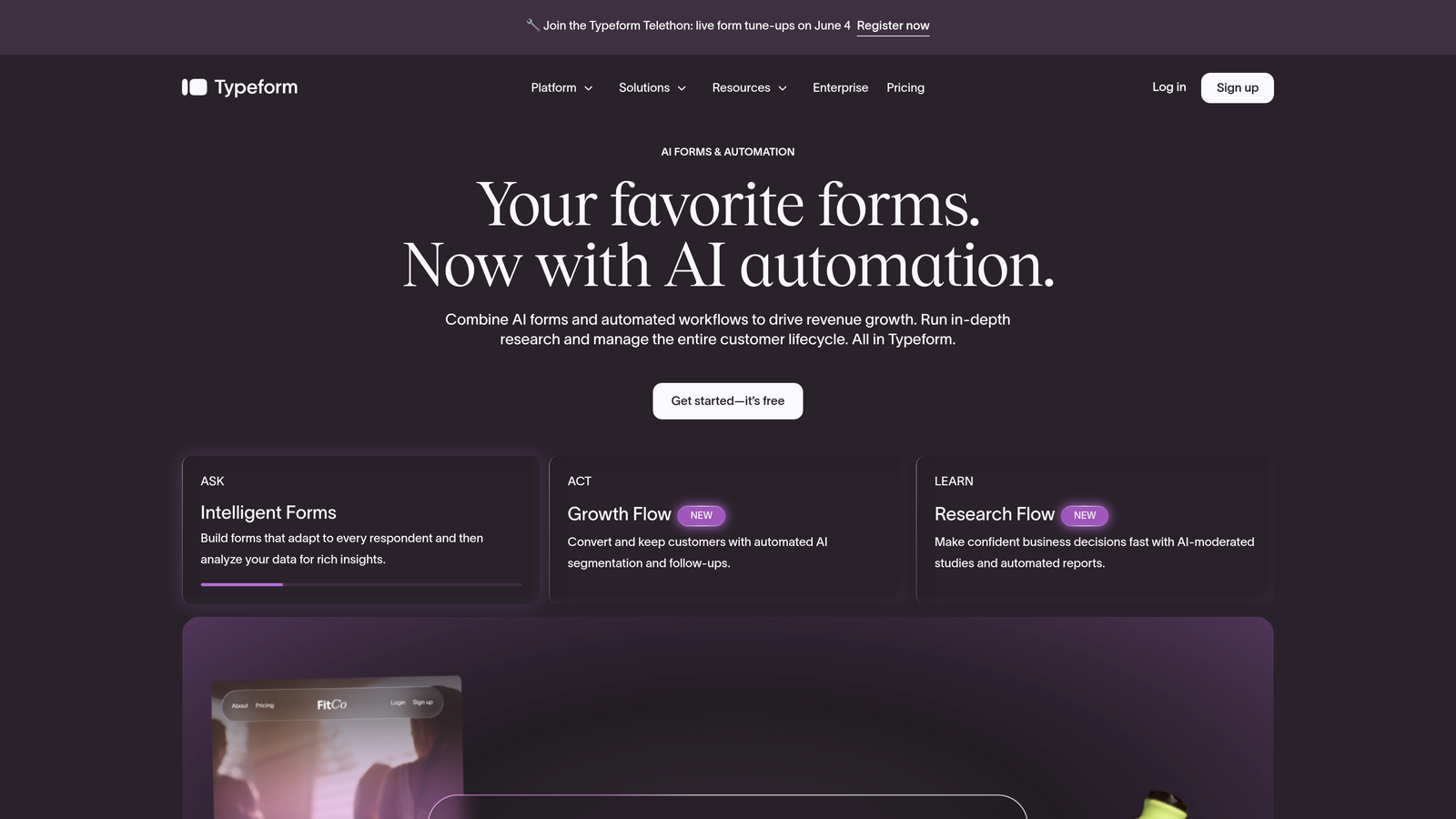
Typeform is a conversational form builder known for its one-question-at-a-time UX, widely used for surveys, quizzes, and lead generation forms.
Where This Tool Shines
Typeform's signature interface is genuinely different. Instead of presenting respondents with a wall of fields, it walks them through one question at a time, which tends to improve completion rates for longer forms. The experience feels more like a conversation than a form.
It's a strong choice for brand-conscious teams who care about how their forms look and feel. The template library is extensive, and the overall polish is hard to argue with. That said, the free plan is fairly limited in terms of monthly responses, so meaningful testing may require a paid plan.
Key Features
Conversational Interface: One-question-at-a-time format designed to boost engagement and completion rates.
Logic Jumps: Conditional branching to personalize the form path based on earlier answers (available on paid plans).
Template Library: Strong selection of templates for surveys, quizzes, lead forms, and feedback collection.
CRM Integrations: Native connections to HubSpot, Salesforce, Slack, and other popular tools.
Free Plan: Available with limited monthly responses; paid plans unlock higher limits and advanced logic.
Best For
Marketing teams, researchers, and brand-focused businesses who prioritize respondent experience. Also popular for NPS surveys and customer feedback flows where completion rate is a key concern.
Pricing
Free plan available; paid plans start around $25/month billed annually.
3. HubSpot Forms
Best for: Teams already using HubSpot CRM who want seamless contact and workflow syncing without a separate tool.
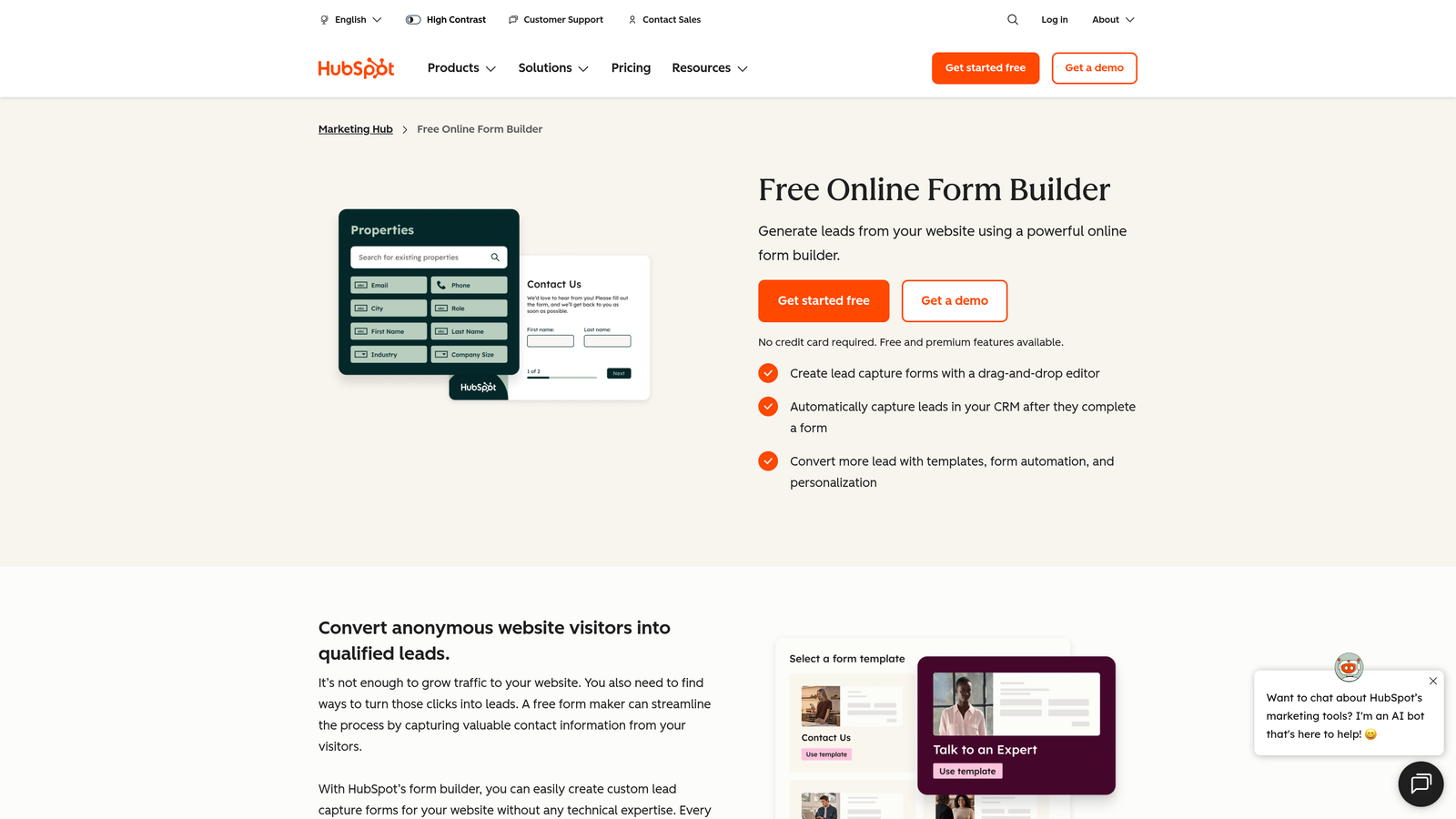
HubSpot Forms is a native form builder included in HubSpot's free CRM, ideal for teams already operating within the HubSpot ecosystem.
Where This Tool Shines
The real value here is the zero-friction sync. Every submission automatically creates or updates a contact in HubSpot, triggers workflows, and feeds into your reporting. If your team lives in HubSpot, this is the path of least resistance for form creation.
It's worth being clear about what HubSpot Forms is not: it's not a standalone form builder with advanced design capabilities. It's a CRM-native tool that gets the job done within the HubSpot context. For teams outside that ecosystem, the value proposition drops considerably.
Key Features
Free Forever: Included with HubSpot's free CRM tier, no time limit.
Automatic Contact Sync: Submissions flow directly into HubSpot contacts, lists, and workflows without any manual steps.
Embedded and Standalone Options: Deploy forms on your website or as standalone HubSpot-hosted pages.
Basic Conditional Logic: Field-level customization and simple branching available on the free tier.
Native Reporting: Form performance data lives inside HubSpot's reporting dashboard alongside your other marketing metrics.
Best For
Sales and marketing teams already committed to the HubSpot stack. If you're using HubSpot for CRM and email, this is the obvious choice for forms. If you're not in the HubSpot ecosystem, look elsewhere.
Pricing
Free with HubSpot CRM free plan; advanced features require Marketing Hub paid plans.
4. Jotform
Best for: Agencies and operations teams who need a feature-rich platform with payments, approvals, and complex logic.
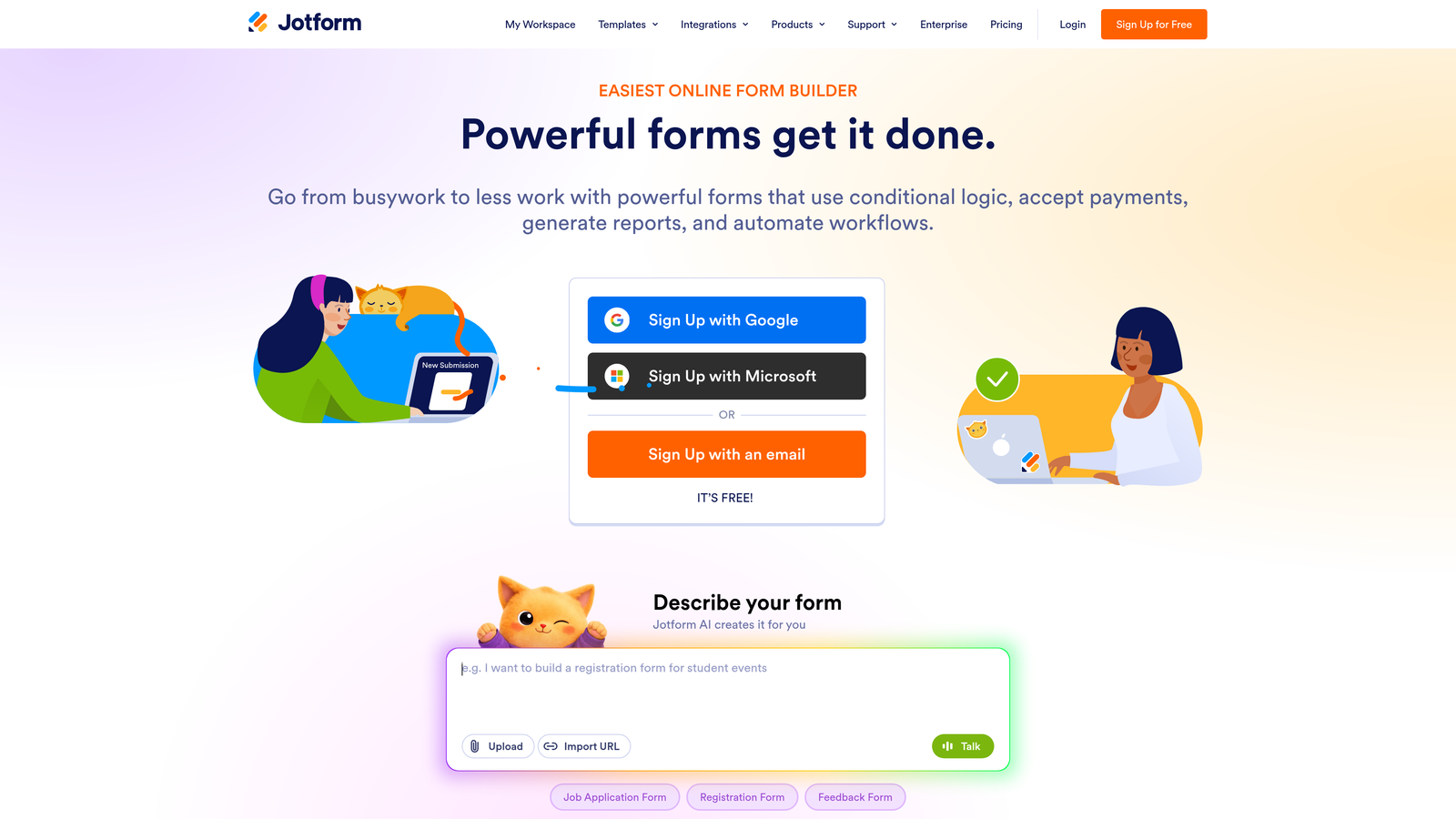
Jotform is a feature-rich form builder with an extensive template library, conditional logic, payment processing, and approval workflow capabilities.
Where This Tool Shines
If breadth of features is your priority, Jotform is hard to beat. The platform covers an enormous range of use cases: intake forms, payment collection, document signing, approval workflows, and more. The template library is one of the largest in the market, which speeds up deployment significantly.
The free plan is more restrictive than some competitors, capping you at 5 forms and 100 monthly submissions. But for teams who need to test complex workflows, payment integrations, or multi-step logic, the free tier is still enough to evaluate whether the platform fits.
Key Features
Massive Template Library: Over 10,000 templates spanning dozens of industries and use cases.
Payment Processing: Built-in support for Stripe, PayPal, and Square without third-party workarounds.
Conditional Logic and Calculations: Advanced branching, field calculations, and approval routing built into the form editor.
PDF Generation and E-Signatures: Create signed documents and auto-generate PDFs from form submissions.
Free Plan: 5 forms, 100 monthly submissions, and 100MB storage.
Best For
Agencies managing forms across multiple clients, operations teams building internal workflows, and businesses that need payment collection or document signing integrated directly into their forms.
Pricing
Free plan available; paid plans start around $34/month.
5. Tally
Best for: Indie makers, early-stage startups, and anyone who needs unlimited forms and responses without paying a cent.
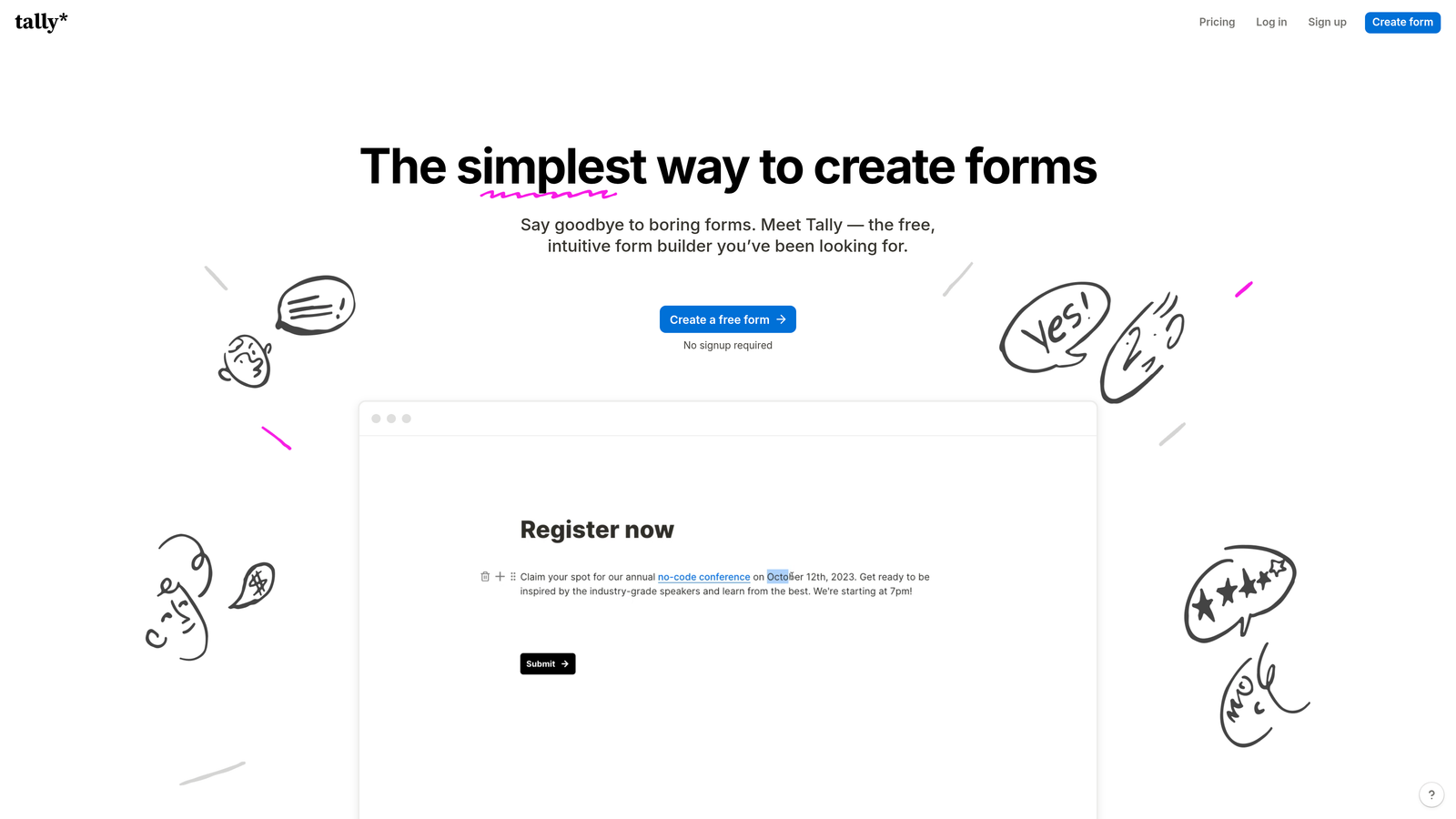
Tally is a minimalist form builder with a genuinely unlimited free tier, no response caps, and no form limits, built for simplicity and speed.
Where This Tool Shines
Tally's free tier is one of the most generous in the market. No response limits, no form caps, no artificial restrictions designed to push you toward a paid plan. For early-stage teams or individuals who need functional forms without budget overhead, this is a standout option.
The Notion-inspired block-based editor feels intuitive if you're already in that ecosystem. Conditional logic and multi-page forms are available on the free plan, which is rare. The trade-off is that Tally lacks some enterprise features and deeper CRM integrations that growth-stage teams often need.
Key Features
Truly Unlimited Free Tier: No caps on forms or responses, which is genuinely unusual in this market.
Block-Based Editor: Notion-inspired interface that's fast to learn and easy to navigate.
Conditional Logic on Free Plan: Multi-page forms and branching logic without requiring an upgrade.
Pro Plan Upgrades: Custom domains, branding removal, and additional features available on the paid tier.
Lightweight Integrations: Connects with Zapier, Notion, and Google Sheets for basic workflow automation.
Best For
Indie makers, solo founders, early-stage startups, and anyone who needs clean, functional forms without a budget. Also a solid choice for internal forms where branding isn't a concern.
Pricing
Free tier with unlimited forms and responses; Pro plan around $29/month.
6. Fillout
Best for: No-code and ops teams building data-connected workflows with Notion, Airtable, or Google Sheets.
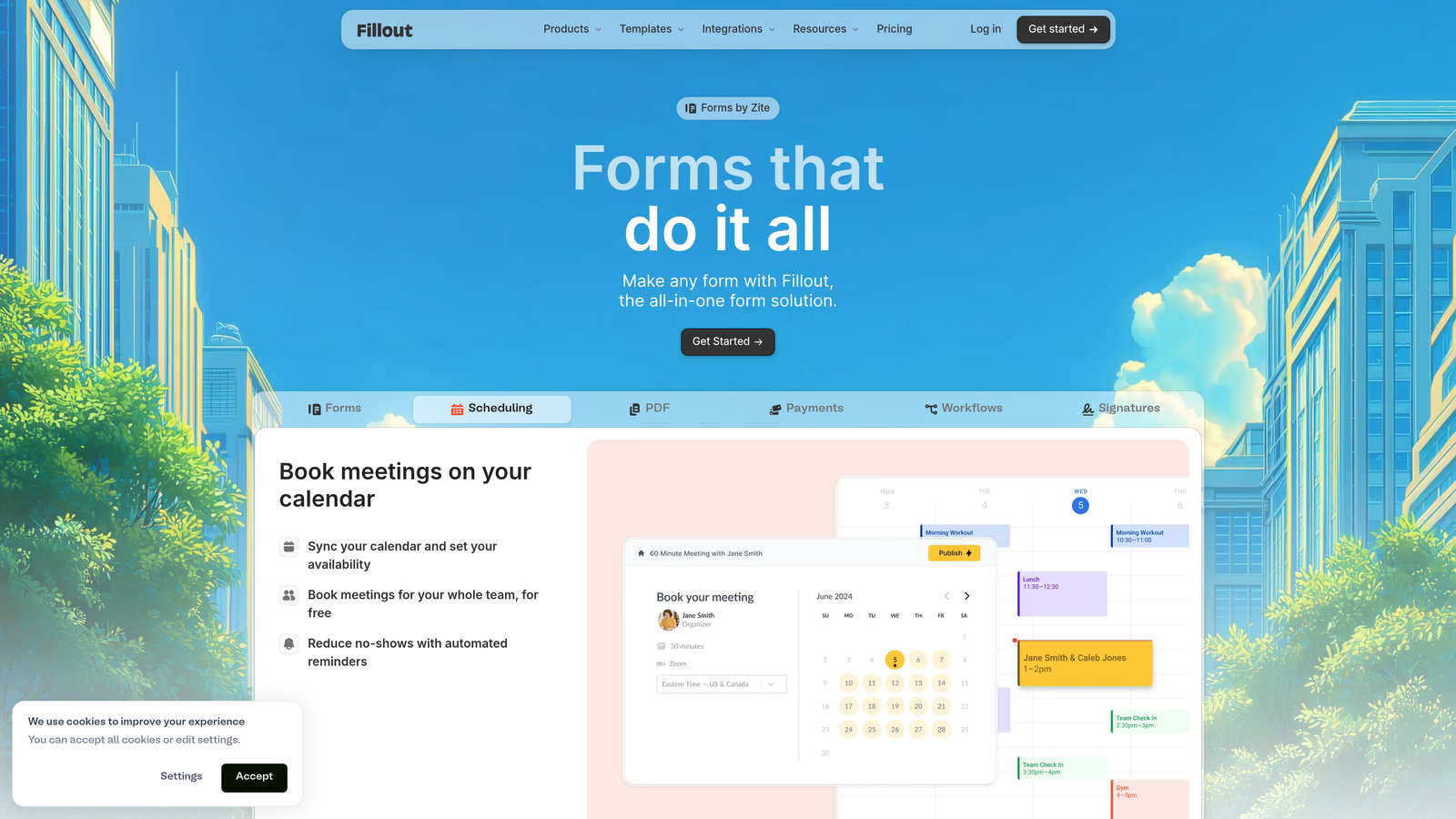
Fillout is a form builder with native database integrations, popular with operations teams building connected workflows without custom development.
Where This Tool Shines
Fillout's differentiator is depth of integration with tools like Notion, Airtable, and Google Sheets. These aren't just export connections; they're native integrations that let form submissions read from and write to your existing databases in real time. For ops teams building intake flows, project request forms, or customer-facing portals on top of existing data infrastructure, this is a meaningful advantage.
The free plan is relatively generous, and the multi-step form support with conditional logic works well for building more complex flows without hitting a paywall immediately.
Key Features
Native Database Integrations: Direct connections to Notion, Airtable, and Google Sheets that go beyond basic export.
Multi-Step Forms with Logic: Conditional branching and multi-page flows for more complex intake processes.
Scheduling and Payments: Booking, file upload, and payment support built into the platform.
Generous Free Plan: Enough response capacity to test real workflows before committing.
Growing Template Library: Templates oriented toward ops, HR, and customer-facing intake flows.
Best For
Operations teams, no-code builders, and anyone using Notion or Airtable as their primary data layer. Particularly useful for building customer-facing intake forms that feed directly into existing project management or CRM workflows.
Pricing
Free plan available; paid plans start around $15/month.
7. Paperform
Best for: Service businesses, coaches, and creators who want forms that look and feel like branded landing pages.
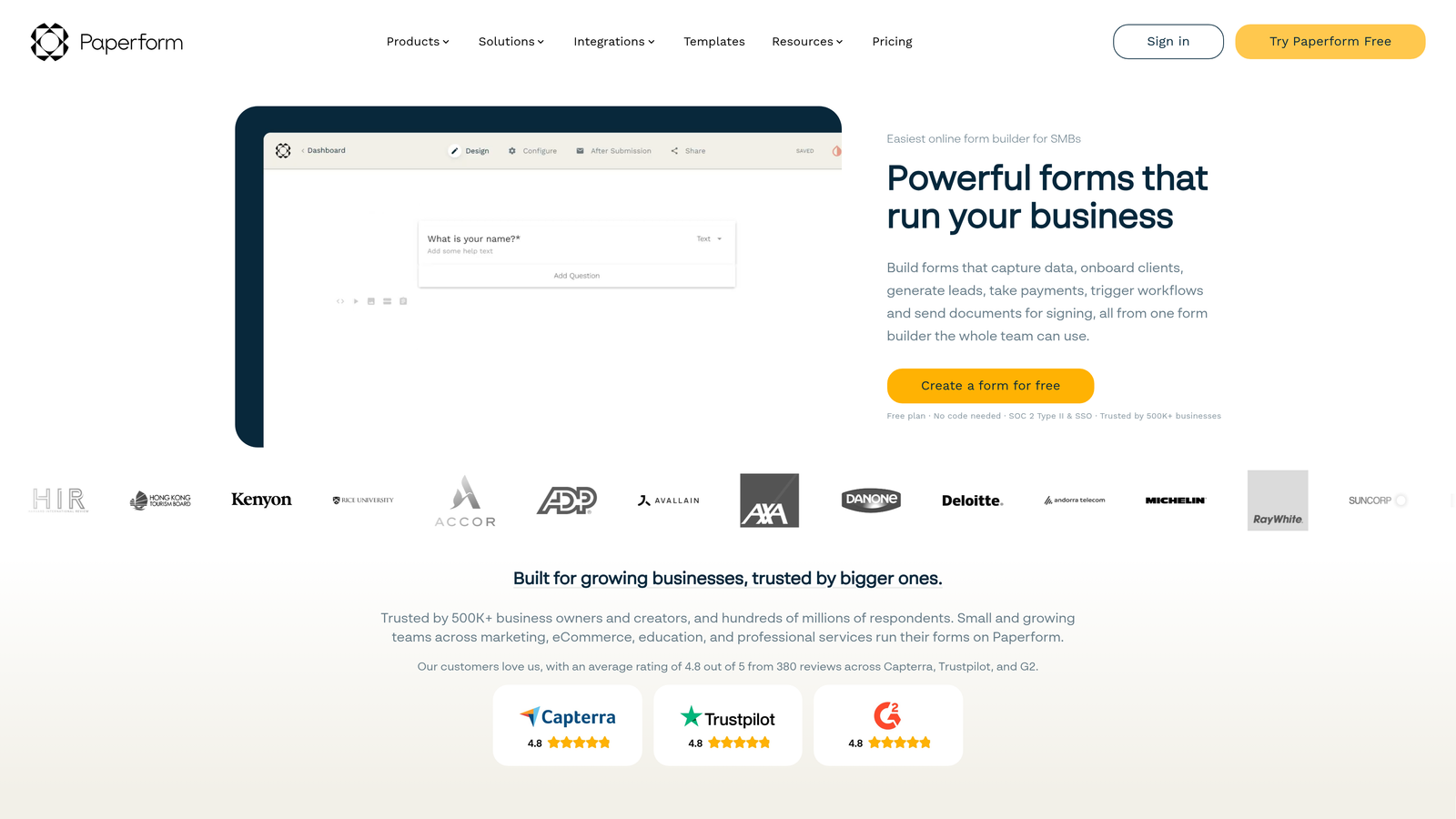
Paperform is a design-forward form builder that lets you create forms that function like full landing pages, with support for e-commerce, bookings, and subscriptions.
Where This Tool Shines
Paperform takes a different approach to form design. Instead of a separate form embedded on a page, the form itself becomes the page. You can embed images, video, and rich content blocks alongside your questions, which creates a more immersive experience than a standard form field layout.
This makes it particularly well-suited for service businesses, coaches, and course creators who want their intake or booking forms to reflect their brand fully. It's more expensive than basic form builders, but the functionality goes well beyond basic data collection.
Key Features
Rich Media Embedding: Images, video, and content blocks can be woven directly into the form experience.
E-Commerce and Subscriptions: Sell products, take deposits, or set up recurring billing through your forms.
Custom Domains and Branding: Full control over the visual experience with no Paperform branding.
Booking and Scheduling Templates: Purpose-built templates for appointment booking and service intake.
14-Day Free Trial: Full platform access for two weeks; no permanent free tier.
Best For
Coaches, consultants, course creators, and service-based businesses who want their forms to double as branded landing pages. Also a strong option for businesses combining bookings, payments, and intake in a single form flow.
Pricing
14-day free trial; paid plans start around $24/month.
8. Google Forms
Best for: Anyone who needs completely free, unlimited forms with zero setup and no budget.
Google Forms is Google's free, no-frills form builder, completely unlimited and integrated with Google Sheets, best suited for internal data collection and simple surveys.
Where This Tool Shines
There's no simpler entry point into form building than Google Forms. If you have a Google account, you have access to unlimited forms with unlimited responses, basic branching logic, and automatic Google Sheets integration. For internal surveys, event registrations, or quick data collection, it gets the job done with zero friction.
The honest trade-off is that Google Forms offers essentially no customization. There's no custom branding, no custom domain, limited question types, and no integrations beyond the Google ecosystem. It's a utility tool, not a platform. For lead generation or anything customer-facing where experience matters, it falls short quickly.
Key Features
Completely Free: No response limits, no form caps, no paid tier required.
Google Sheets Integration: Responses populate automatically in a connected spreadsheet.
Basic Branching Logic: Simple conditional section routing based on multiple-choice answers.
Zero Setup Required: Accessible immediately with any Google account.
No Branding Options: Limited to Google's default form styling with minimal customization.
Best For
Internal teams collecting data informally, educators, event organizers, and anyone operating on a zero budget who needs basic form functionality. Not suitable for customer-facing lead generation or any workflow requiring custom branding or advanced logic.
Pricing
Completely free with no paid tier.
9. Formstack
Best for: Regulated industries like healthcare, finance, and legal that require HIPAA, SOC 2, and GDPR compliance.
Formstack is an enterprise form and workflow platform with compliance certifications and built-in document generation, designed for organizations with strict data security requirements.
Where This Tool Shines
Formstack occupies a specific and important niche: organizations that cannot use a standard form builder because of regulatory requirements. HIPAA compliance for healthcare, SOC 2 Type II for enterprise security standards, and GDPR compliance for European data handling are all baked into the platform, not available as add-ons.
Beyond compliance, Formstack also handles workflow automation, document generation, and e-signatures, which makes it a meaningful operational platform rather than just a form tool. The price reflects this. It's not the right fit for small teams, but for regulated industries, it addresses requirements that most competitors simply can't meet.
Key Features
Compliance Certifications: HIPAA, SOC 2 Type II, and GDPR compliance built into the platform.
Workflow Automation: Multi-step approval workflows and process automation beyond basic form logic.
Document Generation: Auto-generate populated documents from form submissions.
E-Signature Support: Collect legally binding signatures directly within form flows.
14-Day Free Trial: Full platform access available before committing to a paid plan.
Best For
Healthcare organizations, financial services firms, legal teams, and any enterprise operating in a regulated environment where data handling compliance is non-negotiable. Not the right fit for small teams or simple use cases.
Pricing
14-day free trial; paid plans start around $83/month with enterprise pricing available on request.
Which Tool Is Right for You
The right form builder depends almost entirely on what you're trying to accomplish. Here's a quick way to cut through the decision.
If you're a high-growth SaaS or B2B team focused on lead quality and pipeline, Orbit AI is the clear starting point. It's the only tool on this list that bakes lead qualification and scoring directly into the form flow, which means your forms are doing active revenue work rather than passive data collection.
For conversational surveys and polished respondent experiences, Typeform remains the benchmark. If your team is already in the HubSpot ecosystem, HubSpot Forms is the zero-friction choice. For complex workflows with payments and approvals, Jotform has the broadest feature set. For genuinely unlimited free forms with no strings attached, Tally is hard to beat.
Teams building on top of Notion or Airtable should look at Fillout first. Service businesses and creators who want branded, landing-page-style forms will find Paperform worth the trial. For zero-budget internal collection, Google Forms does the job without any setup. And for regulated industries with compliance requirements, Formstack is in a category of its own.
If you're a growth-focused team and lead qualification is anywhere near your priority list, the free trial is the fastest way to see the difference. Transform your lead generation with AI-powered forms that qualify prospects automatically while delivering the modern, conversion-optimized experience your high-growth team needs. Start building free forms today and see how intelligent form design can change what your pipeline looks like.


