

Building forms used to require developers, custom code, and weeks of back-and-forth revisions. Now, no code form creation tools let marketing and growth teams launch conversion-optimized forms in minutes—no technical skills required. But with dozens of options flooding the market, choosing the right tool matters.
The best no code form builders do more than collect data. They qualify leads, integrate with your tech stack, and look polished enough to represent your brand. We evaluated these tools based on ease of use, lead qualification capabilities, integration options, design flexibility, and pricing transparency.
Whether you're capturing demo requests, running surveys, or building multi-step lead funnels, here are the top no code form creation tools worth your attention in 2026.
1. Orbit AI
Best for: High-growth teams prioritizing lead quality and conversion optimization
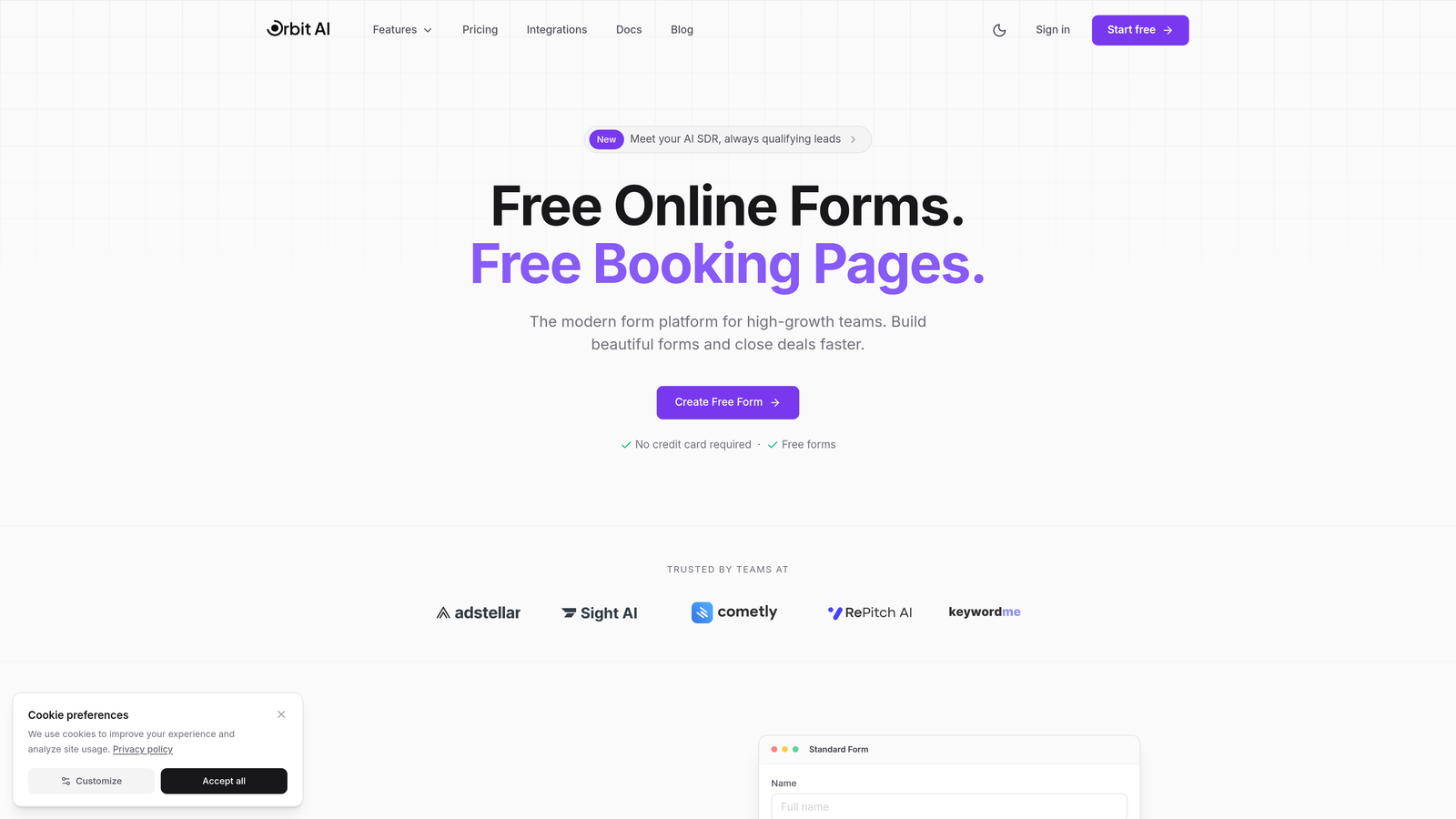
Orbit AI is an AI-powered form builder platform designed specifically for teams that care about lead quality, not just quantity.
Where This Tool Shines
The standout feature is AI-powered lead qualification that scores and routes prospects automatically. Instead of sending every form submission to your sales team, the platform evaluates responses in real-time and prioritizes high-intent leads.
The form builder itself focuses on conversion optimization with templates tested across industries. The design aesthetic is modern and clean, creating forms that feel like part of your brand rather than generic data collection tools.
Key Features
AI-Powered Lead Qualification: Automatically scores and qualifies leads based on responses, routing high-priority prospects to sales immediately.
Conversion-Optimized Templates: Pre-built form templates designed for specific use cases like demo requests, event registrations, and lead magnets.
Native CRM Integrations: Direct connections to HubSpot, Salesforce, and Pipedrive without relying on third-party automation tools.
Advanced Analytics: Conversion tracking that shows exactly where prospects drop off and which form variations perform best.
Workflow Automation with AI Agents: Set up intelligent workflows that trigger actions based on lead scores and qualification criteria.
Best For
This platform works best for B2B SaaS companies, marketing agencies, and growth teams where lead quality directly impacts revenue. If you're tired of sifting through unqualified submissions or want to automate lead scoring without building custom solutions, Orbit AI delivers.
Pricing
Free tier available for testing core features. Paid plans start at $29/month with scalable pricing based on submission volume and advanced features.
2. Typeform
Best for: Creating engaging conversational experiences with high completion rates
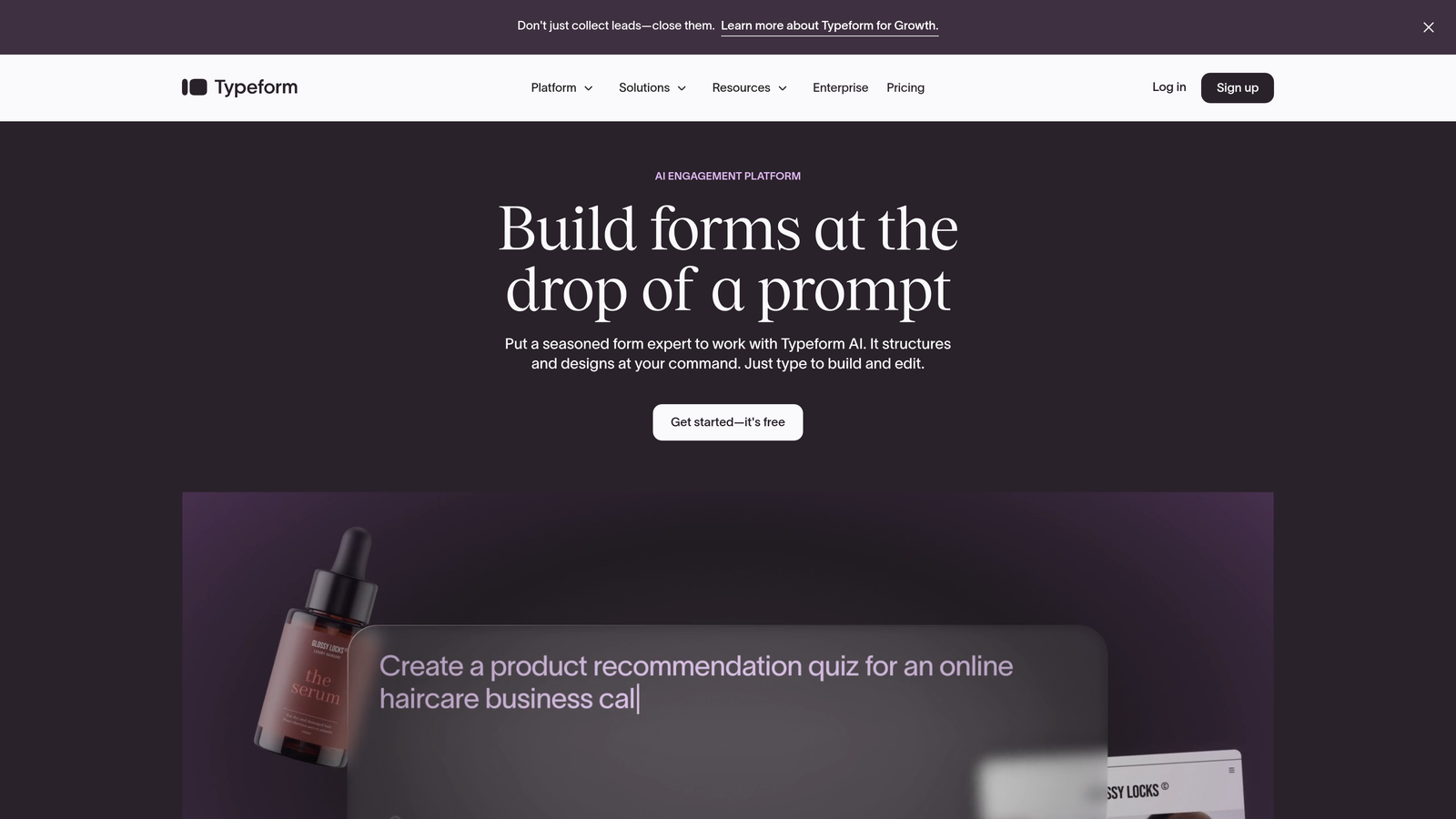
Typeform pioneered the conversational form format, showing one question at a time for a focused, engaging experience.
Where This Tool Shines
The one-question-at-a-time interface reduces cognitive load and keeps respondents focused. This approach consistently delivers higher completion rates compared to traditional multi-field forms, especially for longer surveys or detailed lead capture.
The default designs are beautiful out of the box. Even without customization, Typeform creates forms that look professional and on-brand. The visual polish makes it a favorite for customer-facing forms where brand perception matters.
Key Features
Conversational Format: One-question-at-a-time display that creates a natural conversation flow and improves completion rates.
Brand Customization: Full control over colors, fonts, backgrounds, and layouts to match your brand identity perfectly.
Logic Jumps: Conditional branching that shows different questions based on previous answers, creating personalized experiences.
Media Embedding: Add videos, images, and GIFs directly into forms to create richer, more engaging experiences.
Integration Library: Connect to hundreds of tools including CRMs, email platforms, and analytics tools.
Best For
Marketing teams running surveys, feedback collection, or lead qualification flows where user experience matters. The conversational format works particularly well for customer satisfaction surveys and detailed intake forms.
Pricing
Free tier includes basic features with limited monthly responses. Paid plans start at $25/month with increased response limits and advanced features like logic jumps.
3. Jotform
Best for: Teams needing extensive templates and customization options across diverse use cases
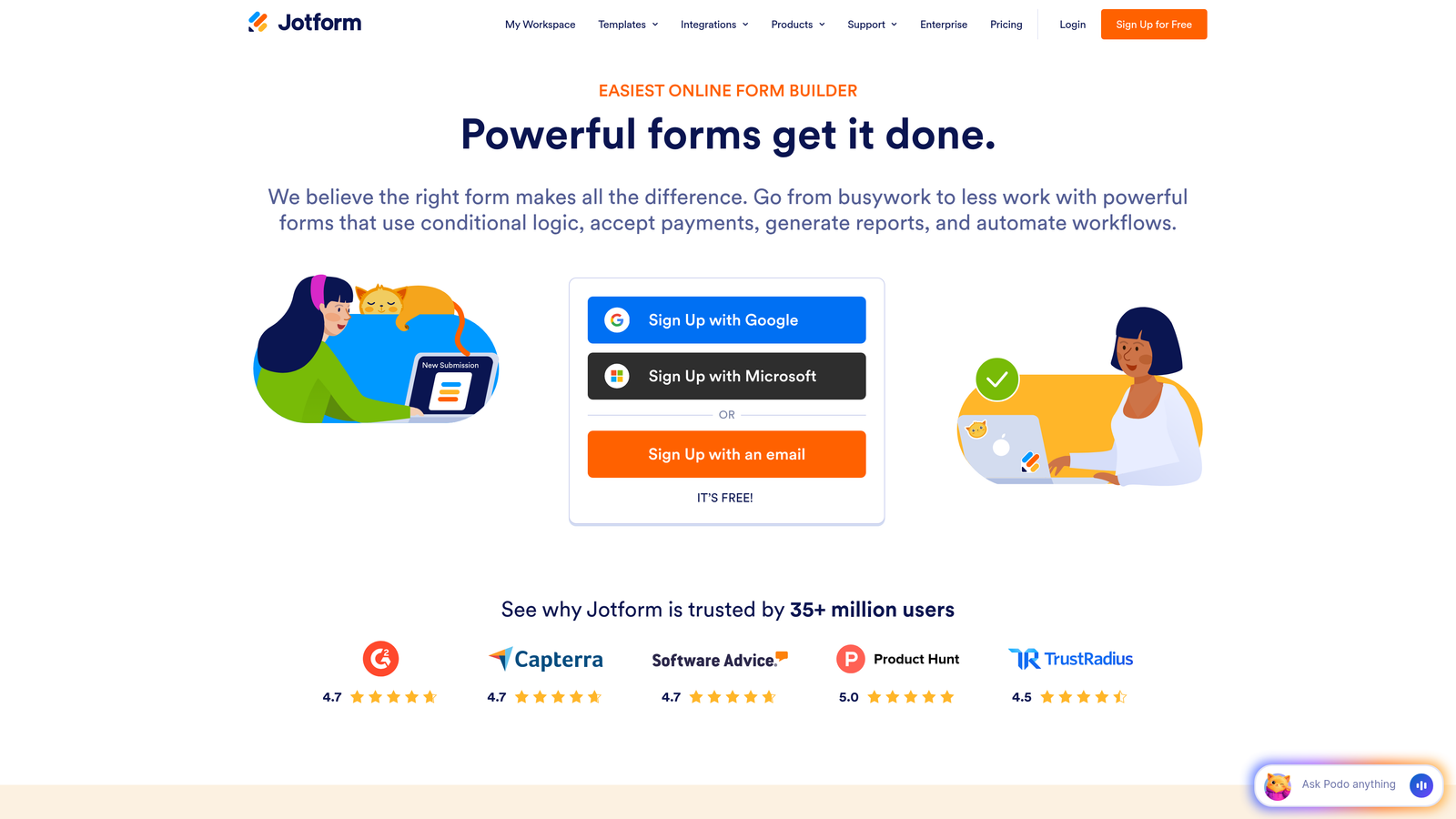
Jotform offers one of the most comprehensive form building platforms with over 10,000 templates and a massive widget marketplace.
Where This Tool Shines
The template library covers virtually every industry and use case imaginable. Whether you need event registrations, job applications, order forms, or medical intake forms, there's likely a pre-built template ready to customize.
The widget marketplace extends functionality far beyond basic forms. Add appointment scheduling, product catalogs, signature fields, or custom calculations without writing code. This flexibility makes Jotform adaptable to complex business requirements.
Key Features
10,000+ Templates: Pre-built forms for every industry from healthcare to hospitality, ready to customize and deploy.
Widget Marketplace: Hundreds of add-ons for payments, scheduling, file uploads, signatures, and specialized functionality.
Conditional Logic: Show or hide fields based on user responses, plus perform calculations and set dynamic defaults.
PDF Generation: Automatically create PDF documents from submissions with e-signature capabilities for contracts and agreements.
Payment Processing: Integrate with PayPal, Stripe, Square, and other processors to collect payments directly through forms.
Best For
Small businesses and agencies managing diverse form needs across multiple clients or departments. The template variety and widget options make it ideal when you need different form types without switching platforms.
Pricing
Free tier allows up to 5 forms with 100 monthly submissions. Paid plans start at $34/month with unlimited forms and increased submission limits.
4. Tally
Best for: Budget-conscious teams wanting unlimited forms without subscription costs
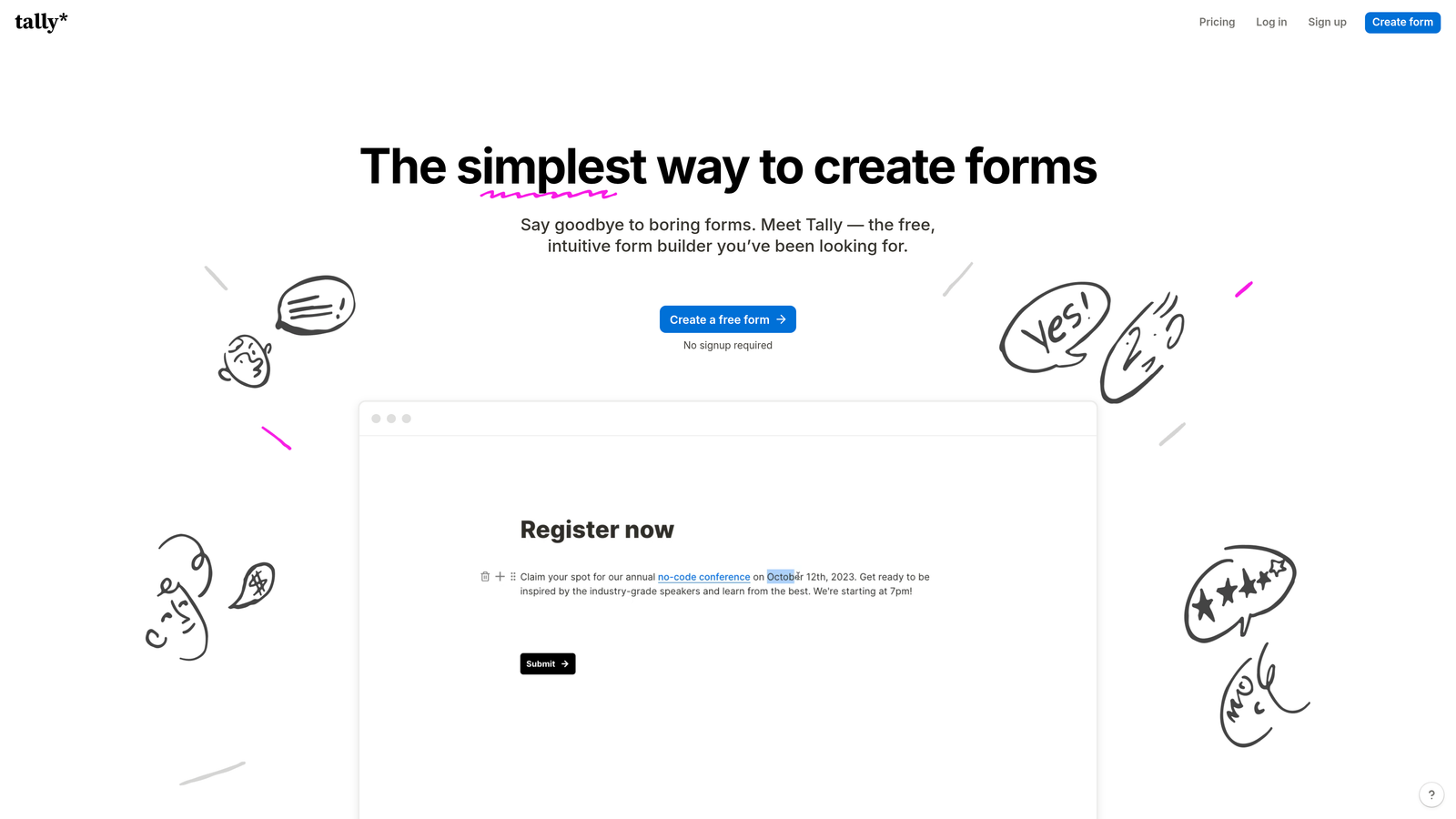
Tally brings a Notion-style interface to form building with one of the most generous free tiers in the market.
Where This Tool Shines
The free plan includes unlimited forms and unlimited submissions, a rarity when most competitors cap free tiers at 100-500 responses monthly. This makes Tally perfect for startups and small teams operating on tight budgets.
The block-based editor feels familiar if you use Notion or similar tools. Building forms becomes as simple as assembling blocks, with a clean interface that doesn't overwhelm with options. The minimalist approach speeds up form creation significantly.
Key Features
Unlimited Free Tier: Create unlimited forms with unlimited submissions on the free plan, with no hidden caps or restrictions.
Block-Based Editor: Notion-style interface where you build forms by adding and arranging content blocks intuitively.
Conditional Logic: Show or hide questions based on previous answers, plus use hidden fields for tracking sources.
File Uploads: Accept document uploads and attachments directly through forms without external storage setup.
Clean Interface: Distraction-free design that keeps both builders and respondents focused on the content.
Best For
Startups, indie makers, and small teams that need professional forms without monthly costs. Also ideal for internal forms where you need unlimited submissions without budget concerns.
Pricing
Generous free tier with core features included. Pro plan at $29/month adds custom branding removal, file uploads, and priority support.
5. Fillout
Best for: Teams using Airtable, Notion, or Smartsheet as their primary database
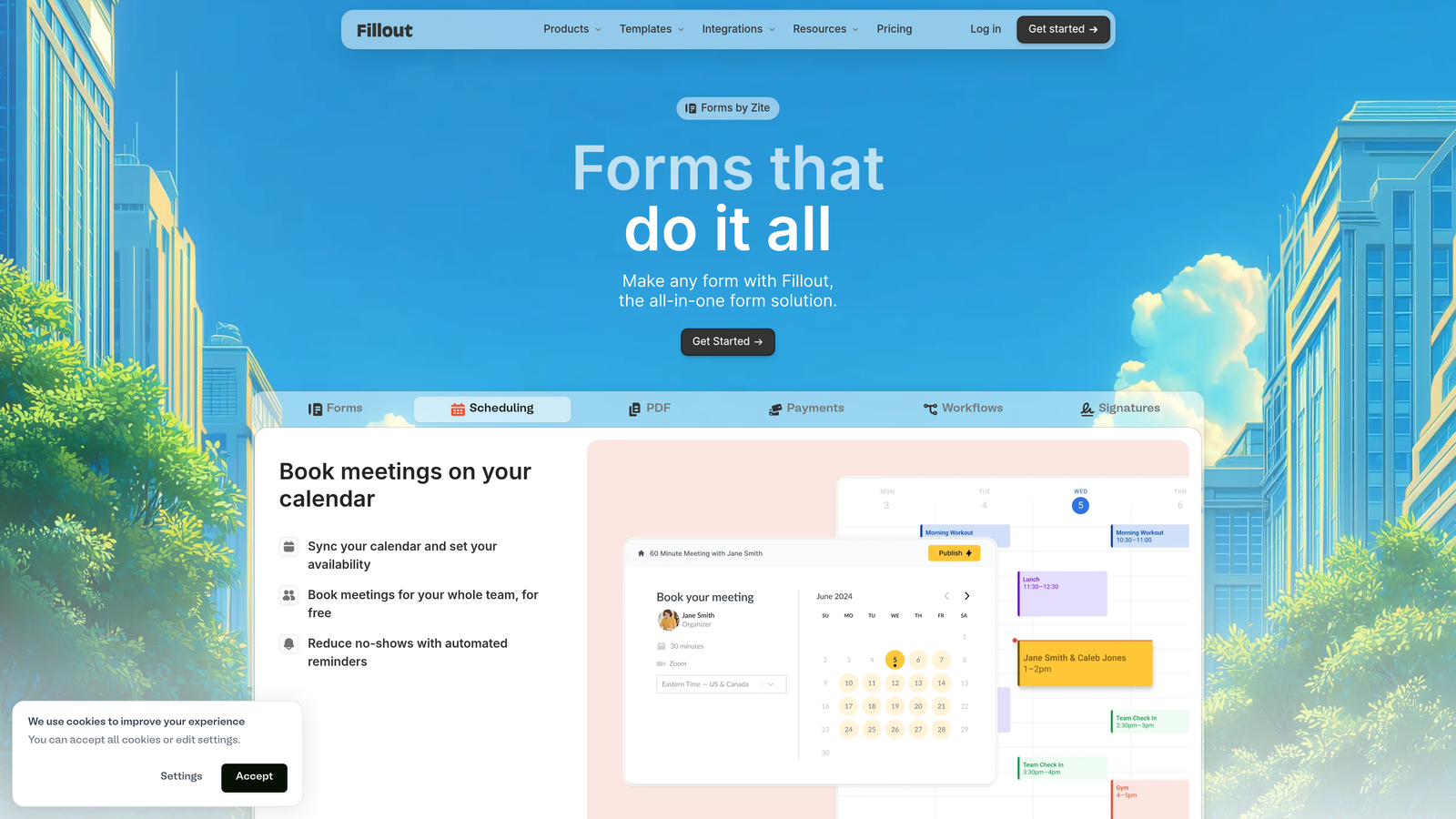
Fillout specializes in database-connected forms that sync directly with your existing data infrastructure.
Where This Tool Shines
The native database integrations go beyond simple data pushing. You can pre-fill forms from existing records, update database entries through submissions, and create two-way data flows without Zapier or custom code.
This approach works brilliantly for teams already managing workflows in Airtable or Notion. Instead of duplicating data or building complex automation, forms become a natural extension of your database.
Key Features
Database Connections: Native integrations with Airtable, Notion, and Smartsheet that sync data bidirectionally in real-time.
Record Pre-filling: Pull existing data into forms automatically, letting users update information rather than re-entering it.
Database Updates: Form submissions can update existing records instead of only creating new entries.
Scheduling Integration: Built-in appointment booking that syncs with calendars and database availability tracking.
Multi-Page Forms: Break long forms into multiple pages with progress indicators to improve completion rates.
Best For
Operations teams, project managers, and agencies using Airtable or Notion as their central database. Perfect when you need forms that integrate seamlessly with existing workflows rather than creating data silos.
Pricing
Free tier available with basic features. Paid plans start at $15/month with advanced database features and increased submission limits.
6. Paperform
Best for: Creating landing page-style forms with built-in e-commerce capabilities
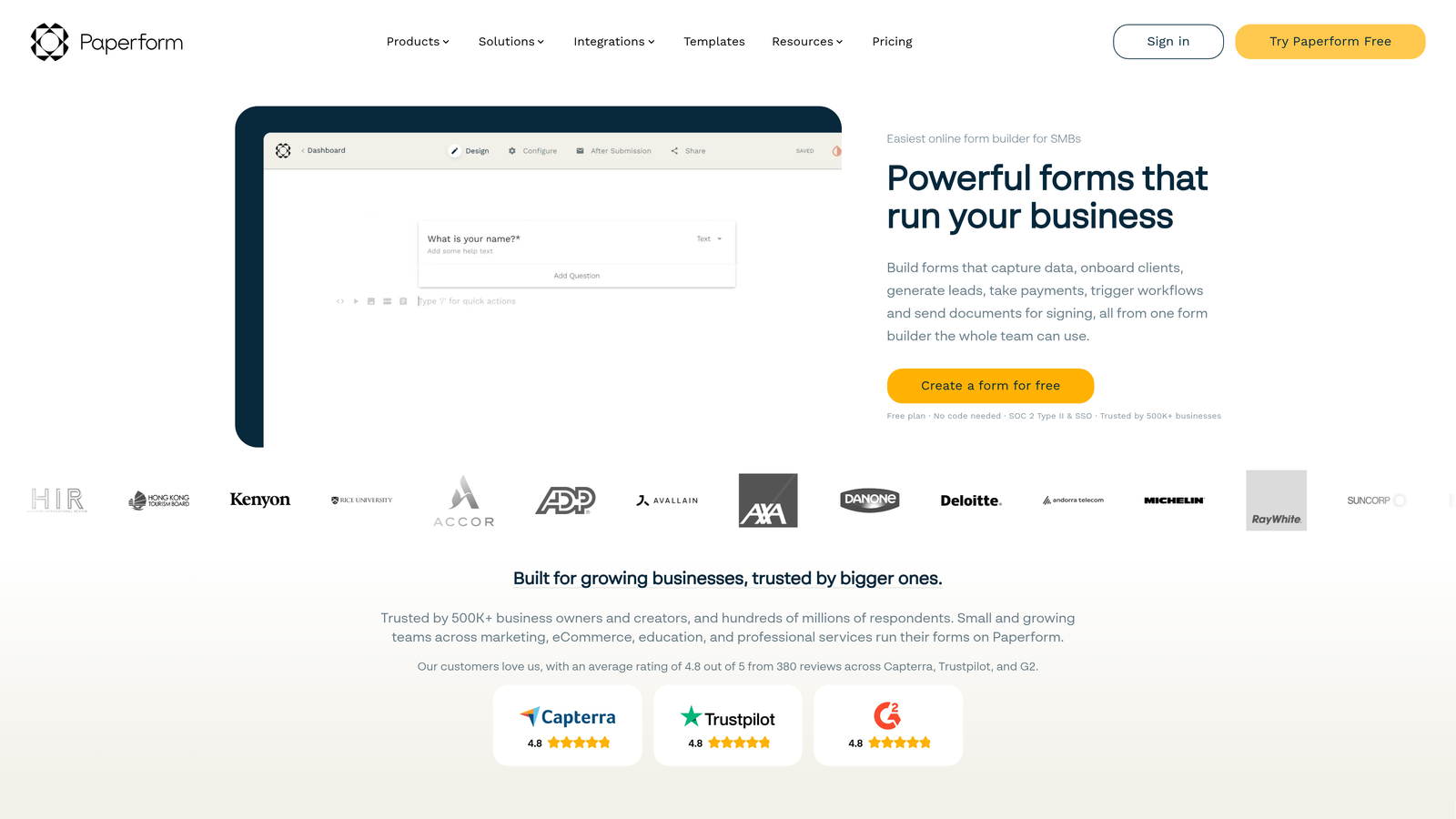
Paperform blurs the line between forms and landing pages, creating content-rich experiences with payment processing built in.
Where This Tool Shines
Forms built with Paperform feel more like landing pages than traditional data collection tools. You can add extensive text, images, videos, and formatting to create compelling content around your form fields.
The e-commerce features are surprisingly robust. Build product catalogs, calculate pricing based on selections, and process payments without needing a separate shopping cart system. This makes it ideal for service bookings, course registrations, and product sales.
Key Features
Landing Page Design: Create forms that look and feel like standalone landing pages with rich content and custom layouts.
Product Catalog: Build shopping experiences with product images, descriptions, variants, and dynamic pricing calculations.
Payment Processing: Accept payments through Stripe and PayPal with support for subscriptions, deposits, and installment plans.
Appointment Scheduling: Built-in booking functionality that syncs with Google Calendar and prevents double-bookings.
Custom Success Pages: Create branded thank-you pages or redirect users to specific URLs based on their responses.
Best For
Service businesses, course creators, and consultants who need to combine information presentation with bookings or payments. Works well when you want a single tool for marketing content and transaction processing.
Pricing
14-day free trial to test features. Paid plans start at $24/month with unlimited forms and submissions.
7. Cognito Forms
Best for: Complex calculations, payment workflows, and professional service intake
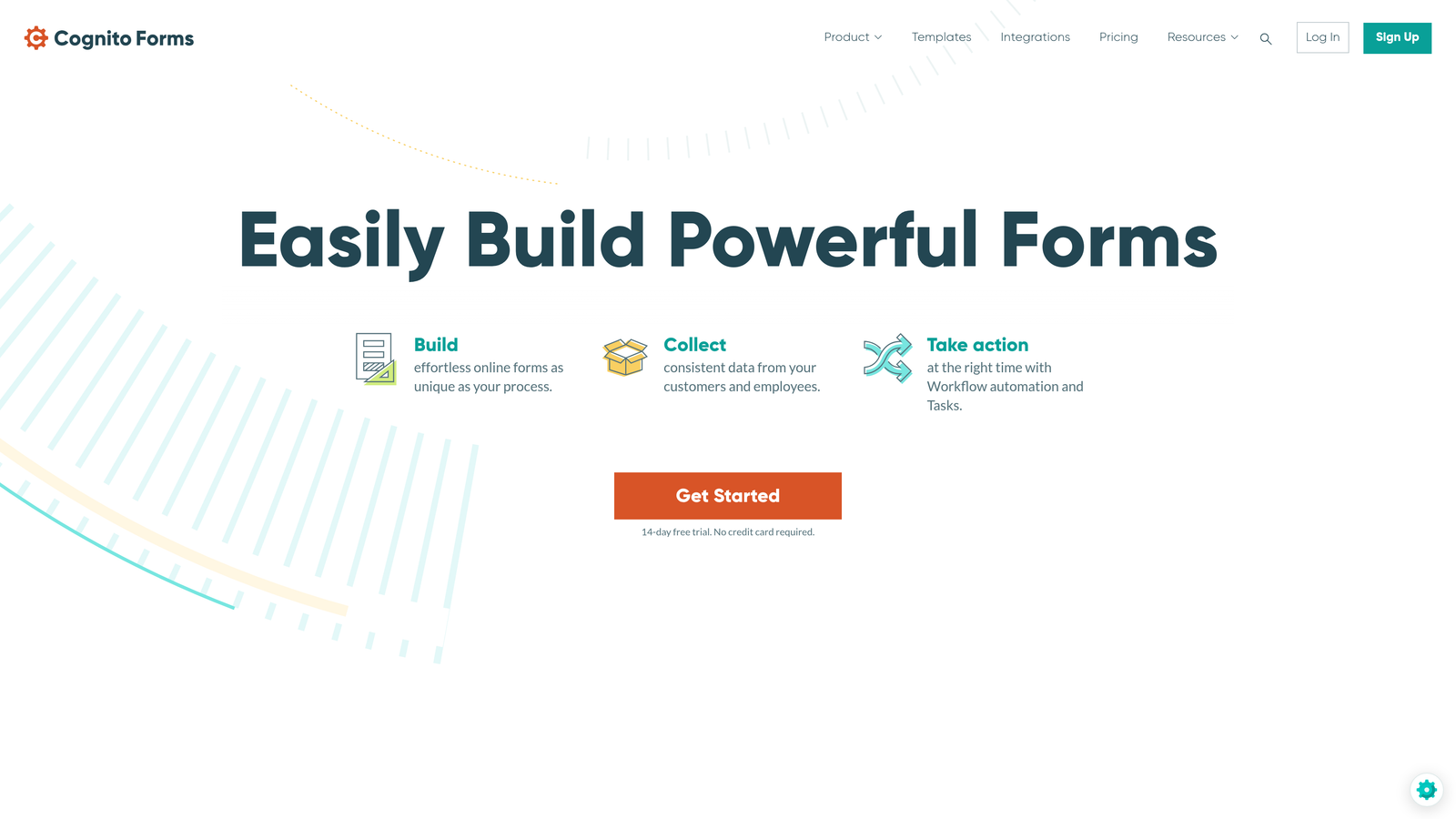
Cognito Forms excels at calculation-heavy forms with sophisticated payment logic and workflow automation.
Where This Tool Shines
The calculation engine handles complex pricing logic that would require custom development in other platforms. Build quote calculators, order forms with dynamic pricing, or application fees that adjust based on selections.
Workflow automation goes beyond basic email notifications. Set up approval processes, route submissions to different team members based on criteria, and trigger multi-step workflows without external automation tools.
Key Features
Advanced Calculations: Perform complex math, conditional pricing, and dynamic totals based on user inputs and selections.
Payment Collection: Process payments through Stripe and PayPal with support for partial payments, deposits, and installment plans.
Workflow Automation: Build approval processes and multi-step workflows that route submissions through your team automatically.
Repeating Sections: Let users add multiple line items, attendees, or products dynamically without pre-defining limits.
Document Generation: Automatically create PDF documents from submissions for contracts, invoices, or receipts.
Best For
Professional services firms, legal practices, and businesses with complex intake processes. Ideal when you need sophisticated calculations or multi-step approval workflows built into your forms.
Pricing
Free tier includes up to 500 entries monthly. Paid plans start at $15/month with increased limits and advanced features like payments and workflows.
8. Formstack
Best for: Enterprise teams in regulated industries requiring compliance and security
Formstack is an enterprise-grade form platform built for organizations with strict compliance and security requirements.
Where This Tool Shines
The compliance certifications set Formstack apart. HIPAA, GDPR, and PCI compliance come standard, making it suitable for healthcare, finance, and other regulated industries where data handling requires documented security controls.
Enterprise security features include SSO integration, advanced user permissions, audit trails, and data residency options. These capabilities matter when you're collecting sensitive information or operating under strict regulatory frameworks.
Key Features
Compliance Certifications: HIPAA, GDPR, and PCI compliance with documented security controls and data handling procedures.
Document Automation: Generate contracts, agreements, and documents from submissions with built-in e-signature capabilities.
Advanced Workflows: Build complex automation sequences with conditional routing, approvals, and multi-step processes.
Enterprise Security: SSO integration, granular user permissions, audit logging, and data residency controls.
Offline Forms: Collect data without internet connectivity and sync submissions when connection is restored.
Best For
Healthcare organizations, financial services, government agencies, and enterprise teams with strict compliance requirements. Essential when you need documented security controls and regulatory compliance.
Pricing
Plans start at $50/month for small teams. Enterprise pricing available with custom security requirements and dedicated support.
9. Google Forms
Best for: Simple internal surveys and basic data collection without budget
Google Forms is the completely free form builder integrated with Google Workspace, ideal for straightforward data collection.
Where This Tool Shines
The price point is unbeatable—completely free with unlimited forms and responses. For internal surveys, feedback collection, or basic data gathering, Google Forms delivers without subscription costs.
The Google Sheets integration is seamless. Responses flow automatically into spreadsheets where you can analyze, filter, and share data with your team. The real-time collaboration features let multiple people edit forms simultaneously.
Key Features
Completely Free: Unlimited forms, unlimited responses, and no premium tier—everything is included with a Google account.
Google Sheets Integration: Automatic response collection in spreadsheets with real-time updates and easy data analysis.
Real-Time Collaboration: Multiple team members can edit forms simultaneously with changes syncing instantly.
Basic Conditional Logic: Show or hide questions based on previous answers to create simple branching paths.
Quiz Mode: Create graded quizzes and assessments with automatic scoring and immediate feedback.
Best For
Internal team surveys, event RSVPs, quick feedback collection, and any scenario where simplicity and zero cost matter more than advanced features or branding.
Pricing
Completely free with a Google account. No paid tiers or premium features.
Making the Right Choice
The right no code form creation tool depends on what you're optimizing for. If lead qualification and conversion optimization drive your growth strategy, Orbit AI's AI-powered approach stands out for teams serious about lead quality. For beautiful conversational experiences, Typeform remains a strong choice. Budget-conscious teams will appreciate Tally's generous free tier, while Jotform offers unmatched template variety.
Fillout shines for Airtable-centric workflows, and Paperform works well for content-rich landing page forms. Regulated industries should look at Formstack for compliance, and Google Forms handles simple internal needs without cost.
Start by identifying your primary use case. Are you focused on lead generation, payment collection, surveys, or internal data collection? Match that need to the tool's core strength. Most offer free trials, so test two or three options before committing. Pay attention to how quickly you can build your first form and whether the interface feels intuitive for your team.
Consider your integration requirements carefully. Native CRM connections matter more than integration counts if you're sending leads directly to sales. Similarly, if you're already invested in a database platform like Airtable, a tool with deep native integration will save hours of manual data work.
Transform your lead generation with AI-powered forms that qualify prospects automatically while delivering the modern, conversion-optimized experience your high-growth team needs. Start building free forms today and see how intelligent form design can elevate your conversion strategy.


