

Your contact form is often the first real interaction potential customers have with your business—and outdated, clunky forms are costing you leads. Modern contact form solutions go far beyond simple data collection. They qualify leads in real-time, integrate seamlessly with your tech stack, and create experiences that actually encourage completion.
Whether you're a startup looking to capture every opportunity or an enterprise team managing thousands of submissions daily, the right form solution can dramatically impact your conversion rates. We evaluated dozens of platforms based on design flexibility, AI capabilities, integration depth, and ease of use to bring you the top solutions worth considering in 2026.
1. Orbit AI
Best for: High-growth teams that need AI-powered lead qualification built directly into their forms
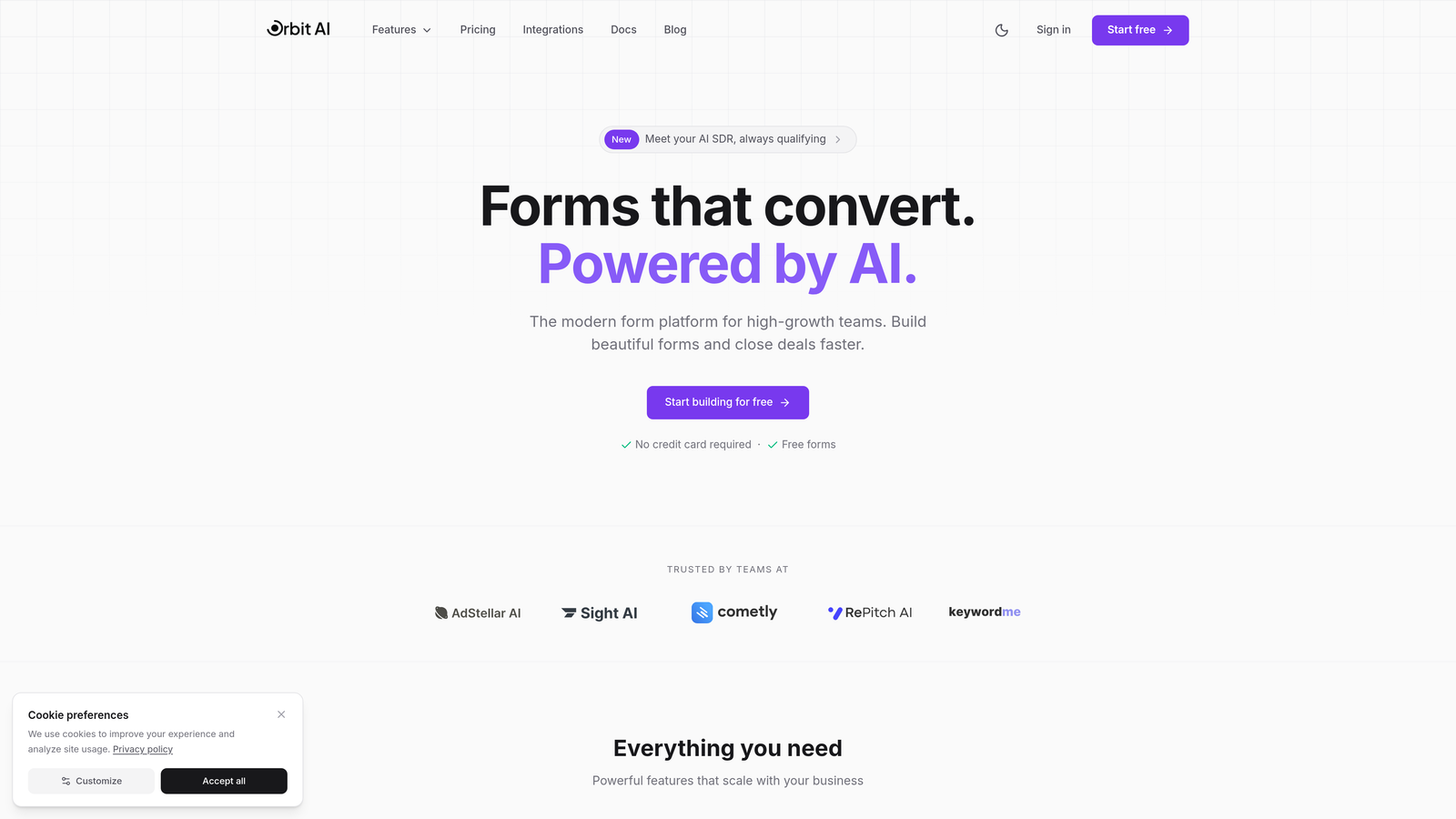
Orbit AI is an AI-powered form builder designed specifically for teams that want their forms to do more than collect information—they want intelligent qualification happening in real-time.
Where This Tool Shines
What sets Orbit AI apart is its built-in intelligence layer. While most form builders stop at data collection, Orbit AI actively qualifies leads as they fill out your forms, scoring prospects based on their responses and routing high-value opportunities directly to your sales team.
The platform was built for modern growth teams who understand that not all leads are created equal. Instead of drowning your team in unqualified submissions, Orbit AI helps you focus on the prospects most likely to convert, all while maintaining the beautiful, conversion-optimized experience users expect in 2026.
Key Features
AI-Powered Lead Scoring: Automatically qualifies and prioritizes leads based on their form responses, helping sales teams focus on high-intent prospects.
Conversion-Optimized Templates: Pre-built form designs specifically engineered to maximize completion rates and reduce drop-off.
Native CRM Integration: Seamlessly connects with major CRM platforms to ensure qualified leads flow directly into your sales workflow.
Real-Time Analytics: Comprehensive dashboard showing form performance, conversion metrics, and lead quality insights.
Workflow Automation: Set up intelligent routing rules that send qualified leads to the right team members automatically.
Best For
Orbit AI is ideal for B2B companies, SaaS businesses, and any high-growth team where lead quality matters as much as lead volume. If you're tired of sifting through unqualified form submissions and want your contact forms to actively contribute to pipeline generation, this platform delivers exactly that.
Pricing
Free tier available for getting started. Paid plans begin at $29/month with advanced AI features and higher submission limits on premium tiers.
2. Typeform
Best for: Creating engaging, conversational form experiences that feel more like interactions than interrogations
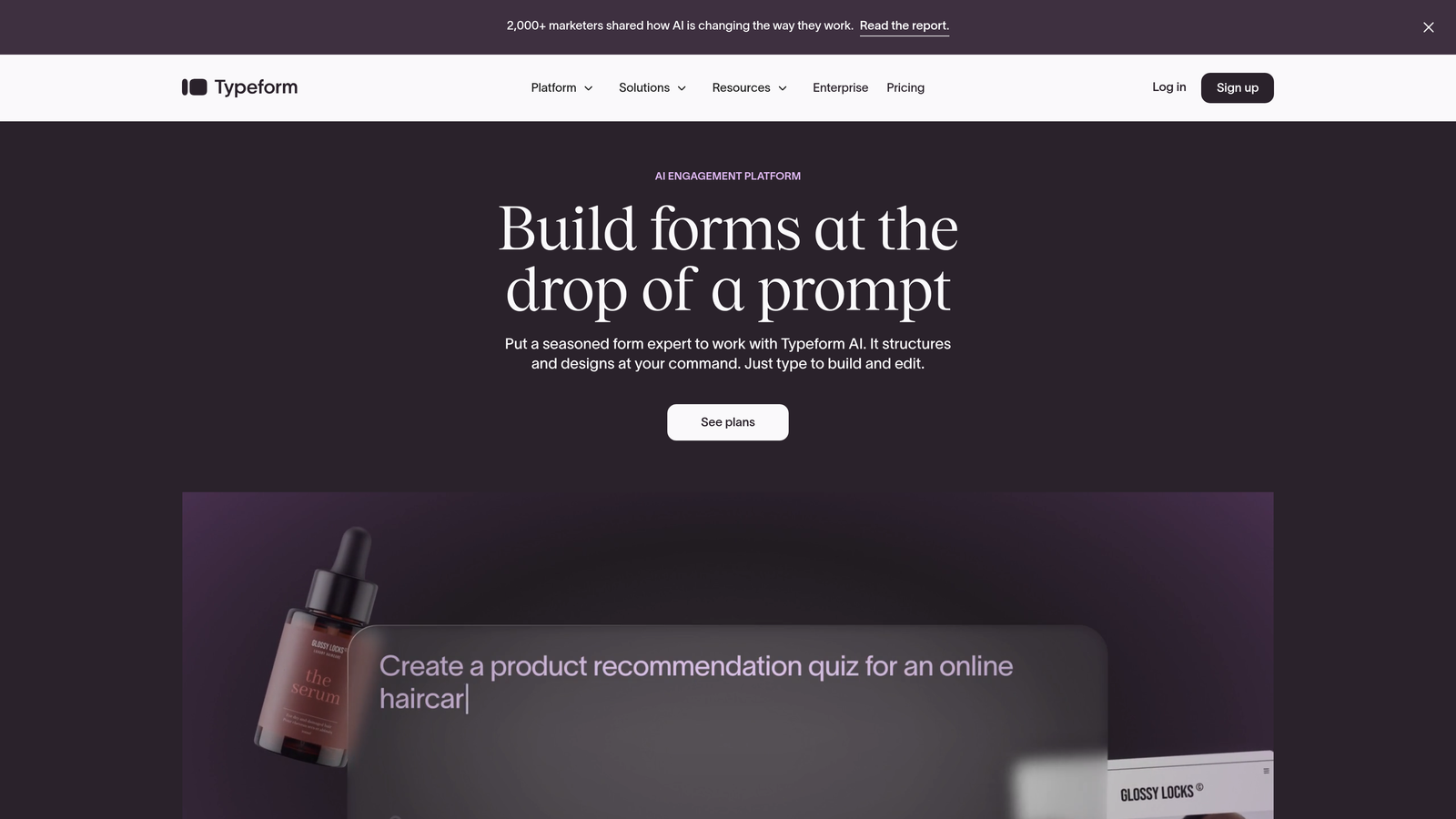
Typeform revolutionized form design with its signature one-question-at-a-time interface that transforms data collection into a conversation.
Where This Tool Shines
Typeform's conversational approach fundamentally changes how people interact with forms. Instead of overwhelming users with a wall of fields, it presents questions sequentially, creating a more focused and less intimidating experience. This approach consistently delivers higher completion rates, especially for longer forms.
The platform excels at creating forms that feel human. Whether you're running a customer survey, collecting event registrations, or qualifying leads, Typeform's interface makes the process feel natural rather than transactional. The design flexibility lets you match your brand perfectly while maintaining that signature conversational flow.
Key Features
One-Question-at-a-Time Format: Reduces cognitive load by showing only one field at a time, significantly improving completion rates for multi-step forms.
Logic Jumps: Create dynamic forms that adapt based on previous answers, showing only relevant questions to each respondent.
Rich Media Support: Embed videos, images, and GIFs directly into your forms to create more engaging experiences.
Design Customization: Extensive theming options to match your brand, from colors and fonts to background images.
Integration Ecosystem: Connects with 120+ apps including Slack, Google Sheets, HubSpot, and Salesforce.
Best For
Typeform works best for brands prioritizing user experience and engagement. If you need to collect detailed information without overwhelming respondents, or if your forms represent a key brand touchpoint, Typeform's conversational approach delivers measurable improvements in completion rates.
Pricing
Free basic plan with Typeform branding. Paid plans start at $25/month, removing branding and unlocking logic jumps, custom thank you screens, and priority support.
3. Jotform
Best for: Organizations needing extensive template variety and built-in payment processing without custom development
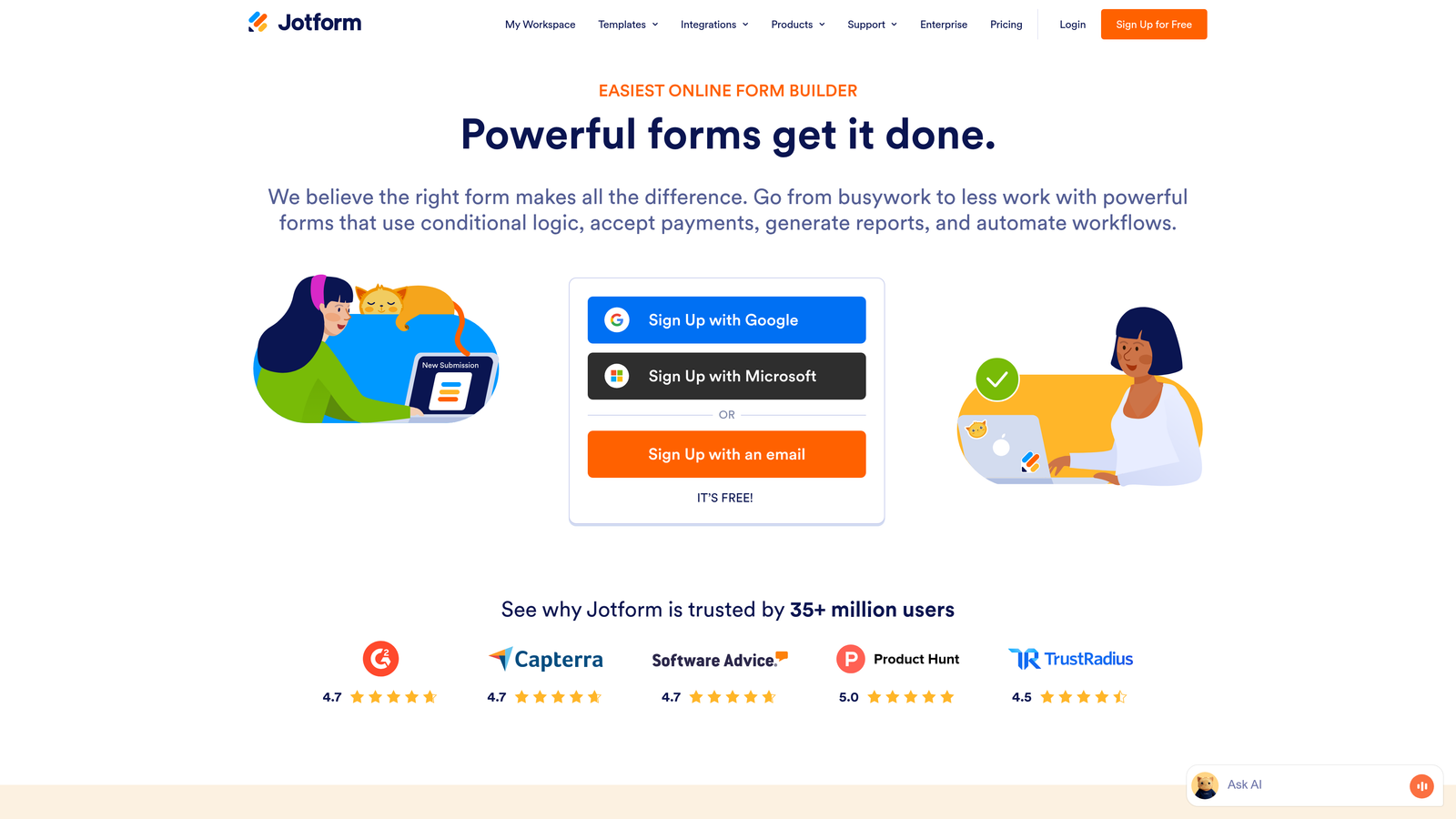
Jotform is a feature-rich platform offering over 10,000 pre-built templates and integrated payment capabilities for virtually any use case.
Where This Tool Shines
Jotform's massive template library means you can launch sophisticated forms in minutes rather than hours. Whether you need registration forms, order forms, surveys, or applications, there's likely a pre-built template that gets you 80% of the way there. This makes it particularly valuable for teams without dedicated design resources.
The platform's built-in payment processing is another standout feature. You can accept payments directly through your forms via PayPal, Stripe, Square, and other processors—no custom integration required. For organizations selling products, accepting donations, or collecting fees, this native functionality eliminates significant development work.
Key Features
10,000+ Templates: Pre-built forms for nearly every industry and use case, from healthcare intake forms to event registrations.
Integrated Payments: Native support for major payment processors, allowing you to collect payments directly through your forms.
PDF Generation: Automatically convert form submissions into formatted PDF documents for easy sharing and archiving.
Approval Workflows: Route submissions through multi-step approval processes with email notifications at each stage.
HIPAA Compliance: Enterprise plans include HIPAA-compliant features for healthcare organizations handling protected health information.
Best For
Jotform is ideal for organizations that value speed and variety over cutting-edge design. If you need to launch multiple different form types quickly, require payment processing, or operate in regulated industries requiring compliance certifications, Jotform's comprehensive feature set delivers solid value.
Pricing
Free plan supports up to 5 forms with 100 monthly submissions. Paid plans start at $34/month, increasing form limits and adding features like payment processing and HIPAA compliance.
4. Tally
Best for: Budget-conscious teams and individuals who want unlimited forms without paying monthly fees
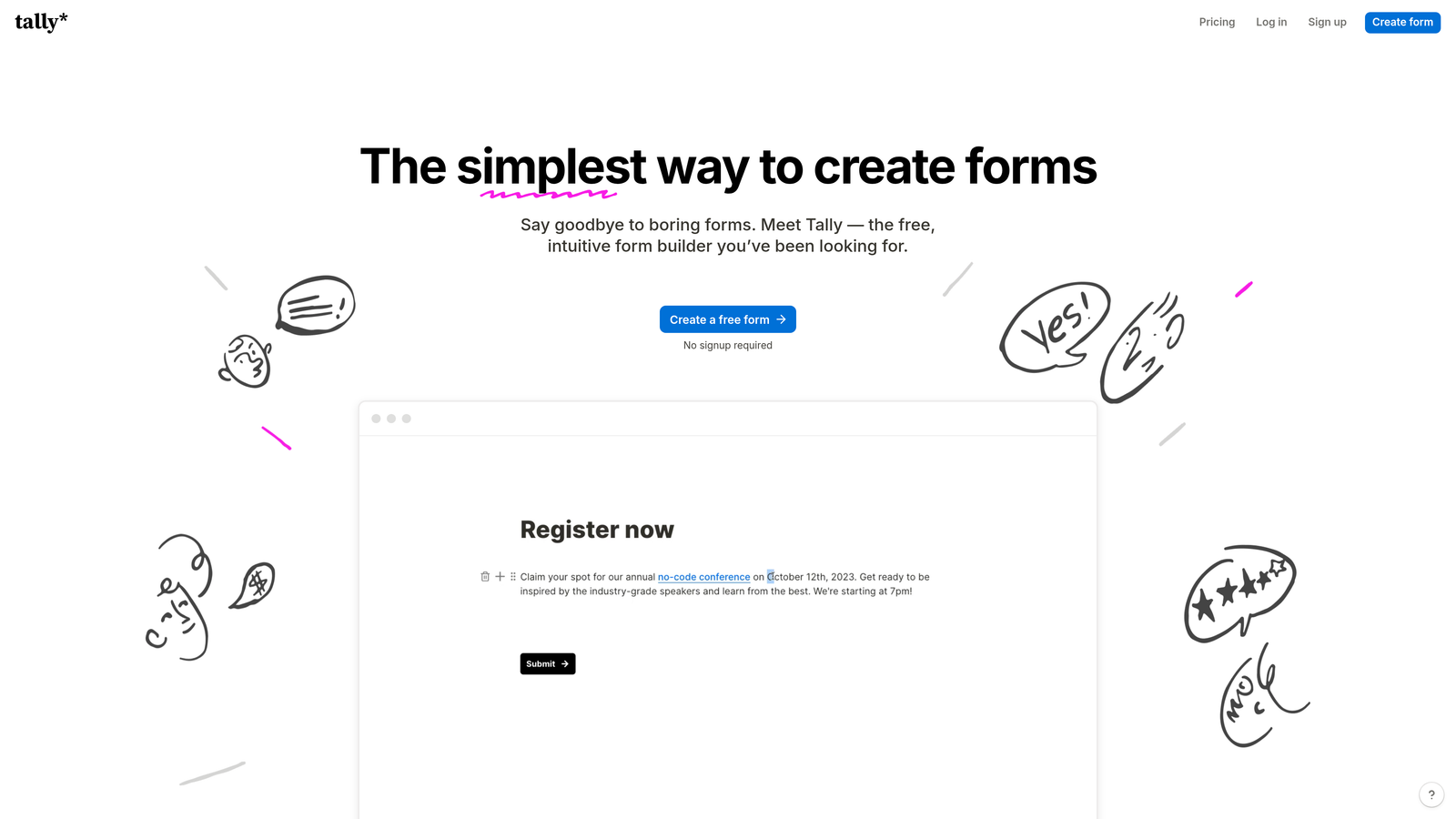
Tally is a minimalist form builder that offers unlimited forms completely free, with a Notion-inspired editing experience that feels instantly familiar.
Where This Tool Shines
Tally's pricing model is its biggest differentiator. While most form builders limit free plans to a handful of forms, Tally lets you create unlimited forms with unlimited submissions—no credit card required. Even better, there's no Tally branding on your forms unless you want it there. This makes it remarkably powerful for solopreneurs, startups, and anyone testing ideas without budget constraints.
The Notion-style block editor makes form building intuitive if you're already familiar with Notion's interface. You build forms by stacking blocks—text fields, multiple choice, file uploads—in a clean, distraction-free environment. The native Notion integration means you can send form responses directly into your Notion databases, creating a seamless workflow for Notion-centric teams.
Key Features
Unlimited Free Forms: Create as many forms as you need with unlimited submissions, all on the free tier.
Block-Based Editor: Notion-style editing interface that makes form building fast and intuitive.
No Branding Required: Free plan includes the option to remove Tally branding completely from your forms.
Conditional Logic: Show or hide questions based on previous answers, included free without upgrade requirements.
Native Notion Integration: Send form responses directly into Notion databases with automatic field mapping.
Best For
Tally is perfect for individuals, startups, and small teams who need professional forms without monthly subscription costs. If you're a Notion user, the native integration alone makes it worth considering. The free tier is genuinely useful, not a limited trial designed to force upgrades.
Pricing
Free for unlimited forms and submissions with most features included. Pro plan at $29/month adds custom domains, file uploads up to 100MB, and priority support.
5. HubSpot Forms
Best for: Marketing teams already using HubSpot who need native CRM integration and progressive profiling
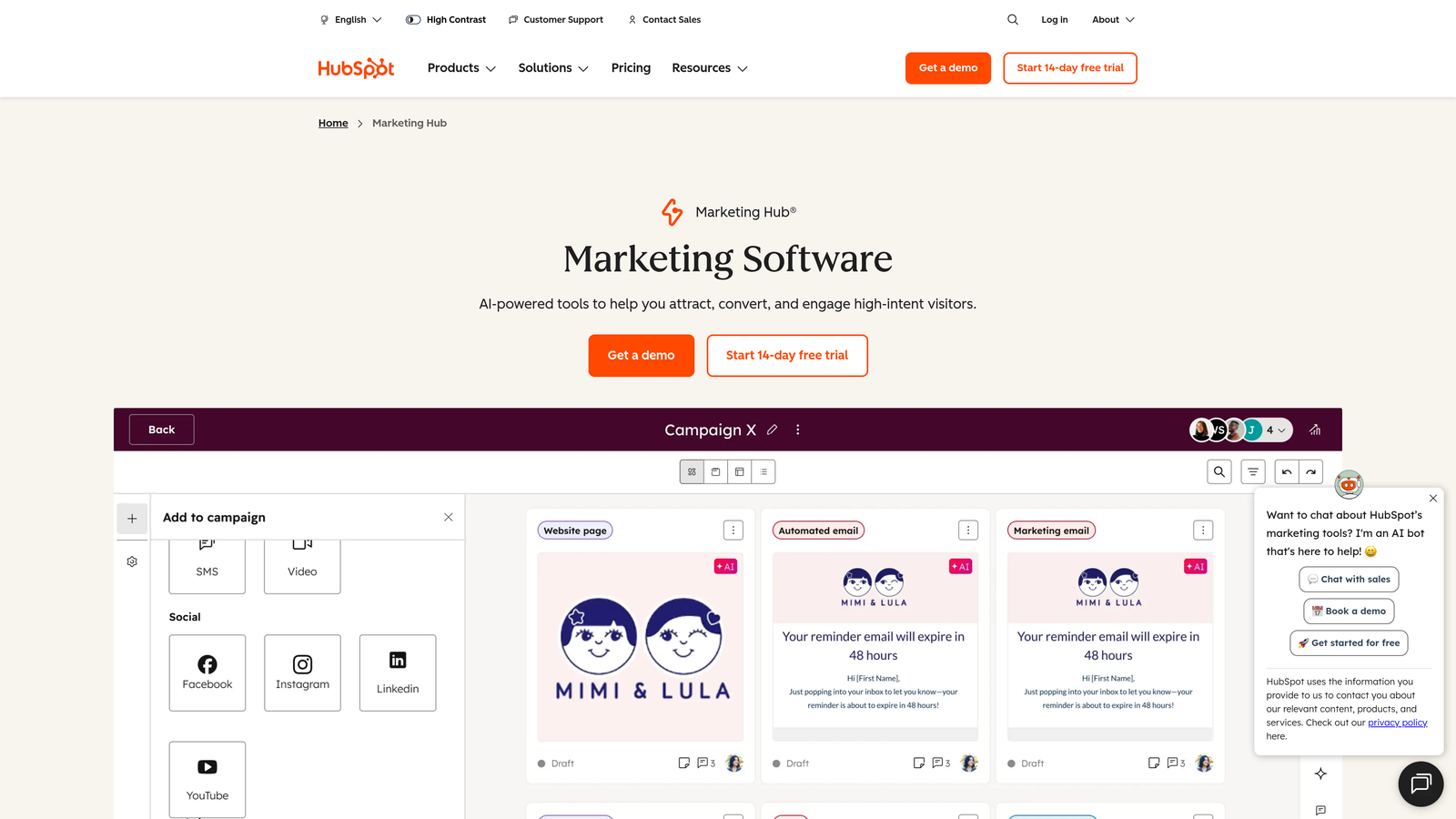
HubSpot Forms is the native form solution within the HubSpot ecosystem, offering deep CRM integration and intelligent progressive profiling capabilities.
Where This Tool Shines
If you're already using HubSpot CRM, the native integration is unbeatable. Form submissions automatically create or update contact records with zero configuration. Every interaction is logged in the contact timeline, giving your sales team complete visibility into each prospect's journey. This seamless data flow eliminates the integration headaches that plague most form-to-CRM connections.
Progressive profiling is HubSpot Forms' killer feature for mature marketing operations. Instead of asking the same questions repeatedly, the forms remember what they already know about returning visitors and ask different questions each time. This gradually builds richer contact profiles without overwhelming people with lengthy forms on their first visit.
Key Features
Native CRM Sync: Automatic contact creation and updates with full activity tracking in HubSpot's contact timeline.
Progressive Profiling: Smart fields that remember previous responses and ask new questions on subsequent form fills.
Smart Fields: Pre-populate known information for returning visitors, reducing friction and improving completion rates.
A/B Testing: Built-in testing capabilities to optimize form performance based on real conversion data.
Automated Workflows: Trigger email sequences, task assignments, and internal notifications based on form submissions.
Best For
HubSpot Forms makes sense primarily for teams already invested in the HubSpot ecosystem. If you're using HubSpot CRM or Marketing Hub, the native integration and progressive profiling capabilities deliver significant value. For teams outside HubSpot, the learning curve and ecosystem lock-in may outweigh the benefits.
Pricing
Free with HubSpot's free CRM. Advanced features like progressive profiling, A/B testing, and automated workflows require paid Marketing Hub subscriptions starting at $45/month.
6. Paperform
Best for: Creating beautiful, document-style forms that double as landing pages and branded experiences
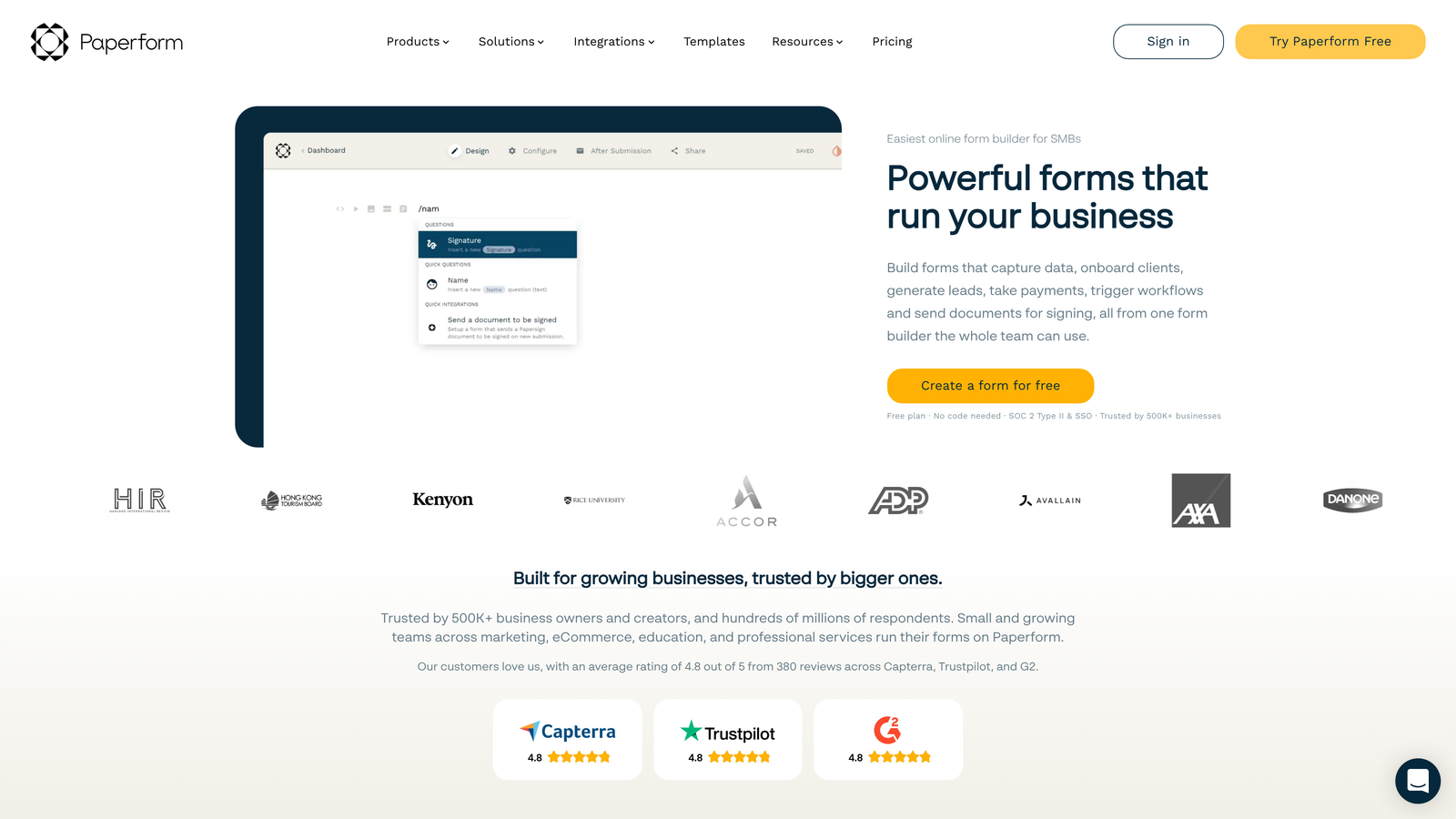
Paperform takes a unique document-first approach, letting you build forms that look more like beautifully designed landing pages than traditional data collection tools.
Where This Tool Shines
Paperform's document-style layout breaks free from the rigid field-after-field structure of traditional forms. You can mix form fields with rich text, images, videos, and custom HTML to create experiences that tell your story while collecting information. This makes it particularly powerful for applications, bookings, and situations where context matters as much as data collection.
The platform's calculation fields and product features enable sophisticated use cases beyond simple contact forms. You can build quote calculators, order forms with dynamic pricing, booking systems with availability management, and payment collection—all within a single, beautifully branded experience. For businesses selling services or products directly through forms, this eliminates the need for separate e-commerce infrastructure.
Key Features
Document-Style Layout: Create forms that read like web pages, mixing form fields with rich content for context and storytelling.
Rich Media Embedding: Incorporate videos, images, and custom HTML to create fully branded, immersive experiences.
E-commerce Capabilities: Accept payments, manage inventory, and calculate pricing dynamically within your forms.
Custom Success Pages: Design unique thank-you pages with personalized content based on form responses.
Advanced Calculations: Build sophisticated calculators and dynamic pricing models using custom formulas.
Best For
Paperform excels for service businesses, consultants, and organizations where forms need to represent your brand as much as collect data. If you're selling services, taking bookings, or need forms that double as landing pages, Paperform's design flexibility and e-commerce features deliver unique value.
Pricing
Essentials plan starts at $24/month with unlimited forms and submissions. Pro plan at $44/month adds custom domains, advanced calculations, and priority support.
7. Formstack
Best for: Enterprise organizations requiring HIPAA compliance, advanced security, and sophisticated workflow automation
Formstack is an enterprise-grade form platform built for organizations with stringent compliance requirements and complex workflow needs.
Where This Tool Shines
Formstack's enterprise security and compliance certifications set it apart in regulated industries. The platform offers HIPAA-compliant forms with Business Associate Agreements, GDPR compliance tools, and SOC 2 Type II certification. For healthcare organizations, financial services firms, and any business handling sensitive data, these certifications aren't nice-to-haves—they're requirements.
The workflow automation capabilities go far beyond basic email notifications. You can build multi-step approval processes, route submissions based on complex logic, trigger document generation, and orchestrate entire business processes around form submissions. Combined with offline data collection capabilities, Formstack handles scenarios that would break simpler form builders.
Key Features
HIPAA & GDPR Compliance: Full compliance certifications with Business Associate Agreements and data protection tools for regulated industries.
Electronic Signatures: Legally binding e-signature capabilities built directly into forms for contracts and agreements.
Advanced Workflow Automation: Multi-step approval processes, conditional routing, and sophisticated business logic.
Offline Data Collection: Mobile app for collecting form submissions without internet connectivity, syncing when back online.
Enterprise Security: SSO support, audit logs, role-based permissions, and advanced access controls.
Best For
Formstack is built for enterprise organizations, healthcare providers, financial services, and any business where compliance and security are non-negotiable. If you need HIPAA compliance, electronic signatures, or sophisticated approval workflows, Formstack's enterprise features justify the premium pricing.
Pricing
Plans start at $50/month for basic features. Enterprise plans with full compliance certifications and advanced features require custom quotes based on your organization's needs.
8. Fillout
Best for: Teams using Airtable or Notion as their primary database who need direct two-way sync
Fillout is a database-first form builder that treats forms as interfaces to your existing databases rather than standalone data collection tools.
Where This Tool Shines
Fillout's direct database integration is its defining feature. While most form builders send data one direction into your database, Fillout creates a true two-way connection. You can build forms that update existing records, not just create new ones. This opens up use cases like customer profile updates, inventory management, and status tracking that are awkward or impossible with traditional form builders.
For Airtable and Notion power users, Fillout eliminates the middleware layer entirely. Your forms read from and write to your databases in real-time, with field types automatically mapped to match your database schema. This means your single source of truth stays in your database, and forms simply become one interface for interacting with that data.
Key Features
Direct Database Sync: Native two-way integration with Airtable and Notion, allowing forms to read and update existing records.
Record Updates: Build forms that modify existing database entries, not just create new ones.
Scheduling Forms: Built-in booking and appointment scheduling capabilities with calendar integration.
Quiz Mode: Create scored assessments and quizzes with automatic grading and conditional feedback.
Custom Domains: Host forms on your own domain even on free and lower-tier plans.
Best For
Fillout is ideal for teams that have already built their operations around Airtable or Notion and need forms that integrate natively with those systems. If you're managing workflows, tracking projects, or storing customer data in these platforms, Fillout creates the form layer without forcing you to change your existing setup.
Pricing
Free tier available with basic features and Fillout branding. Paid plans start at $15/month, removing branding and adding custom domains and increased submission limits.
9. Gravity Forms
Best for: WordPress sites requiring full data control, extensive customization, and self-hosted form solutions
Gravity Forms is the leading self-hosted form plugin for WordPress, offering complete data ownership and an extensive add-on ecosystem.
Where This Tool Shines
Gravity Forms gives you complete control over your form data because everything lives on your own WordPress installation. There's no third-party service storing your submissions, no external dependencies, and no concerns about vendor lock-in or service outages. For organizations with strict data sovereignty requirements or those operating in regions with specific data residency laws, this self-hosted approach is often the only viable option.
The add-on marketplace extends Gravity Forms far beyond basic data collection. You can connect to virtually any service through official and third-party add-ons, customize every aspect of form behavior through hooks and filters, and build sophisticated applications entirely within WordPress. For developers, Gravity Forms provides the foundation for building custom form-based solutions without starting from scratch.
Key Features
Self-Hosted Architecture: All form data stays on your WordPress server, giving you complete control and ownership.
Add-On Ecosystem: Extensive marketplace of official and third-party add-ons for payments, CRM integration, and custom functionality.
Developer-Friendly: Comprehensive hooks, filters, and API for custom development and extending functionality.
Conditional Logic: Show or hide fields, pages, and notifications based on user input and form data.
Multi-Page Forms: Break long forms into multiple pages with progress indicators and save-and-continue functionality.
Best For
Gravity Forms is the right choice for WordPress-centric organizations that need complete data control, have development resources for customization, or require self-hosted solutions for compliance or security reasons. If you're already invested in WordPress and need forms that integrate deeply with your site's functionality, Gravity Forms delivers unmatched flexibility.
Pricing
Annual licensing starting at $59/year for a basic license covering one site. Pro license at $259/year includes all add-ons and supports unlimited sites.
Making the Right Choice
The right contact form solution depends entirely on your specific needs and existing tech stack. If lead qualification and conversion optimization are your priorities, Orbit AI's intelligent approach turns forms into active pipeline generators rather than passive data collectors. For teams prioritizing user experience and engagement, Typeform's conversational interface consistently delivers higher completion rates.
Budget-conscious teams and Notion users will find Tally's unlimited free tier remarkably capable, while HubSpot users should leverage their native form solution for seamless CRM integration. Organizations in regulated industries need Formstack's compliance certifications, and WordPress sites requiring full data control should look to Gravity Forms.
Consider your primary use case: Are you collecting simple contact information, or do you need to qualify leads before they reach your sales team? Do you need payment processing, scheduling capabilities, or database integration? Your answers will quickly narrow the field.
The modern contact form market has evolved far beyond basic data collection. The best solutions in 2026 actively contribute to conversion optimization, lead qualification, and workflow automation. They integrate seamlessly with your existing tools and create experiences that encourage completion rather than abandonment.
Transform your lead generation with AI-powered forms that qualify prospects automatically while delivering the modern, conversion-optimized experience your high-growth team needs. Start building free forms today and see how intelligent form design can elevate your conversion strategy.


