

Not all form builders are created equal. If you're running a high-growth team, the difference between a clunky form and a conversion-optimized one can mean the difference between a pipeline full of qualified leads and a lot of wasted traffic. The right online form creator software should do more than collect data: it should qualify leads, integrate with your stack, and look great doing it.
This list covers the top options available in 2026, evaluated on ease of use, AI and automation capabilities, design quality, pricing, and how well each tool serves teams focused on lead generation and conversion. Whether you're building contact forms, multi-step surveys, or full lead qualification flows, there's a tool here for you.
1. Orbit AI
Best for: High-growth SaaS and marketing teams that need AI-powered lead qualification built into the form experience.
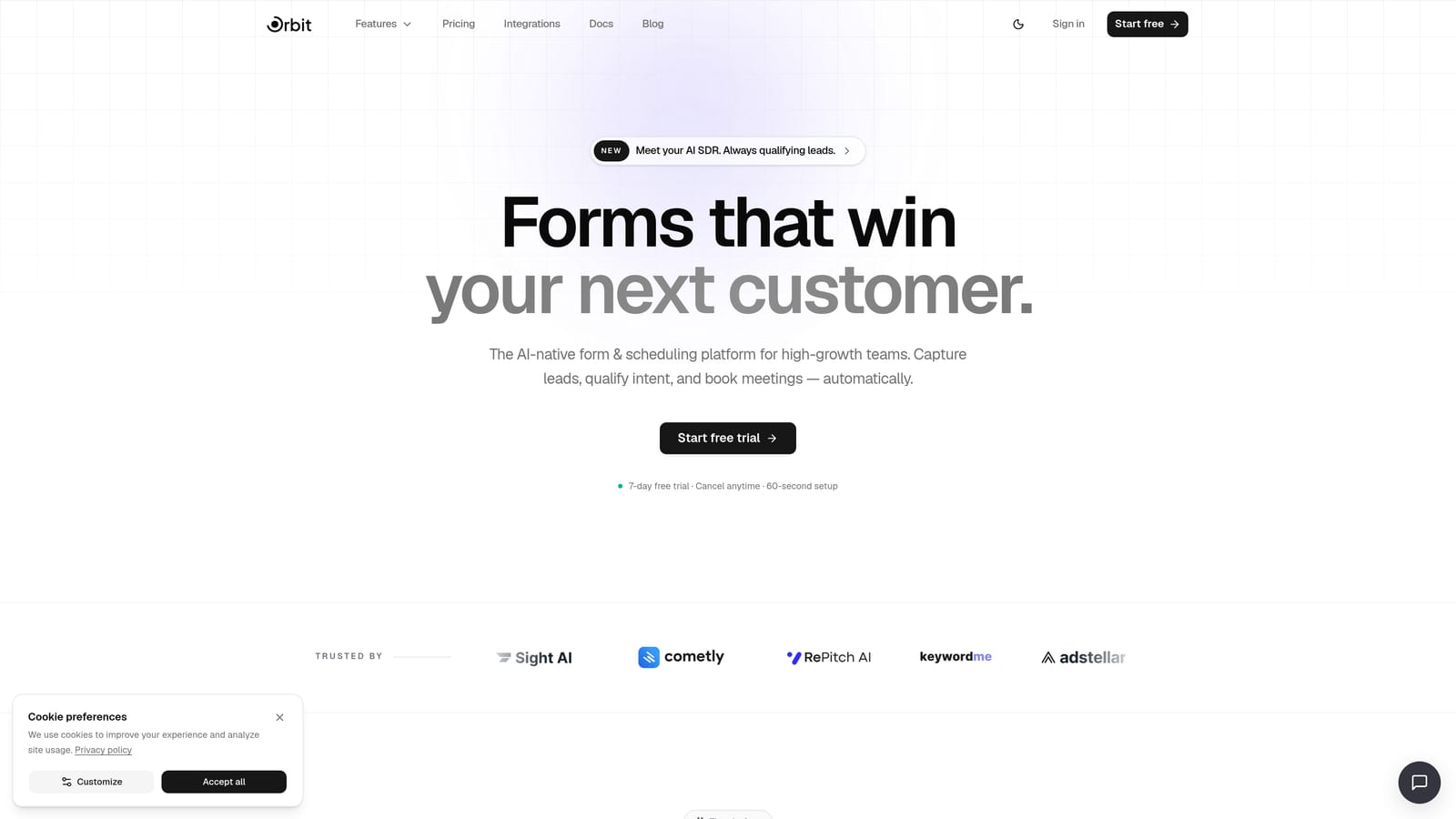
Orbit AI is an AI-powered form builder platform built specifically for conversion optimization and lead qualification.
Where This Tool Shines
Most form builders stop at data collection. Orbit AI starts there and keeps going. Its forms don't just capture responses — they actively qualify leads using AI agents that adapt form behavior based on what each respondent inputs. The result is a smarter funnel entry point that does a lot of the pre-qualification work your sales team would otherwise handle manually.
The platform also brings native workflows, sequences, and automation under one roof. You're not stitching together a form tool, a CRM, and a Zapier account — Orbit AI handles the full pipeline handoff, from first form interaction to a scored, routed contact ready for follow-up. For teams where form abandonment is a real conversion killer, the modern, beautifully designed UI also helps keep respondents engaged through completion.
Key Features
AI-Powered Lead Qualification: AI agents built directly into the form experience score and qualify leads in real time, without any manual review.
Conversion-Optimized Design: Forms are built with a modern, clean UI that prioritizes completion rates and brand presentation.
Native Workflows and Sequences: Automated follow-up sequences and routing workflows are built in, eliminating the need for third-party automation tools.
Built-In Contacts and Analytics: A native contacts database and analytics dashboard give you full pipeline visibility without leaving the platform.
Adaptive AI Agents: Form behavior adjusts dynamically based on respondent inputs, creating a personalized experience for each lead.
Best For
Orbit AI is purpose-built for growth-focused teams in SaaS, marketing agencies, and B2B businesses where lead quality matters as much as lead volume. If your team is tired of manually sorting through form submissions to find qualified prospects, this platform was built for exactly that problem.
Pricing
Visit orbitforms.ai/pricing for current plan details. Plans are structured to scale with growing teams.
2. Typeform
Best for: Teams that want a polished, conversational form experience with strong brand customization.
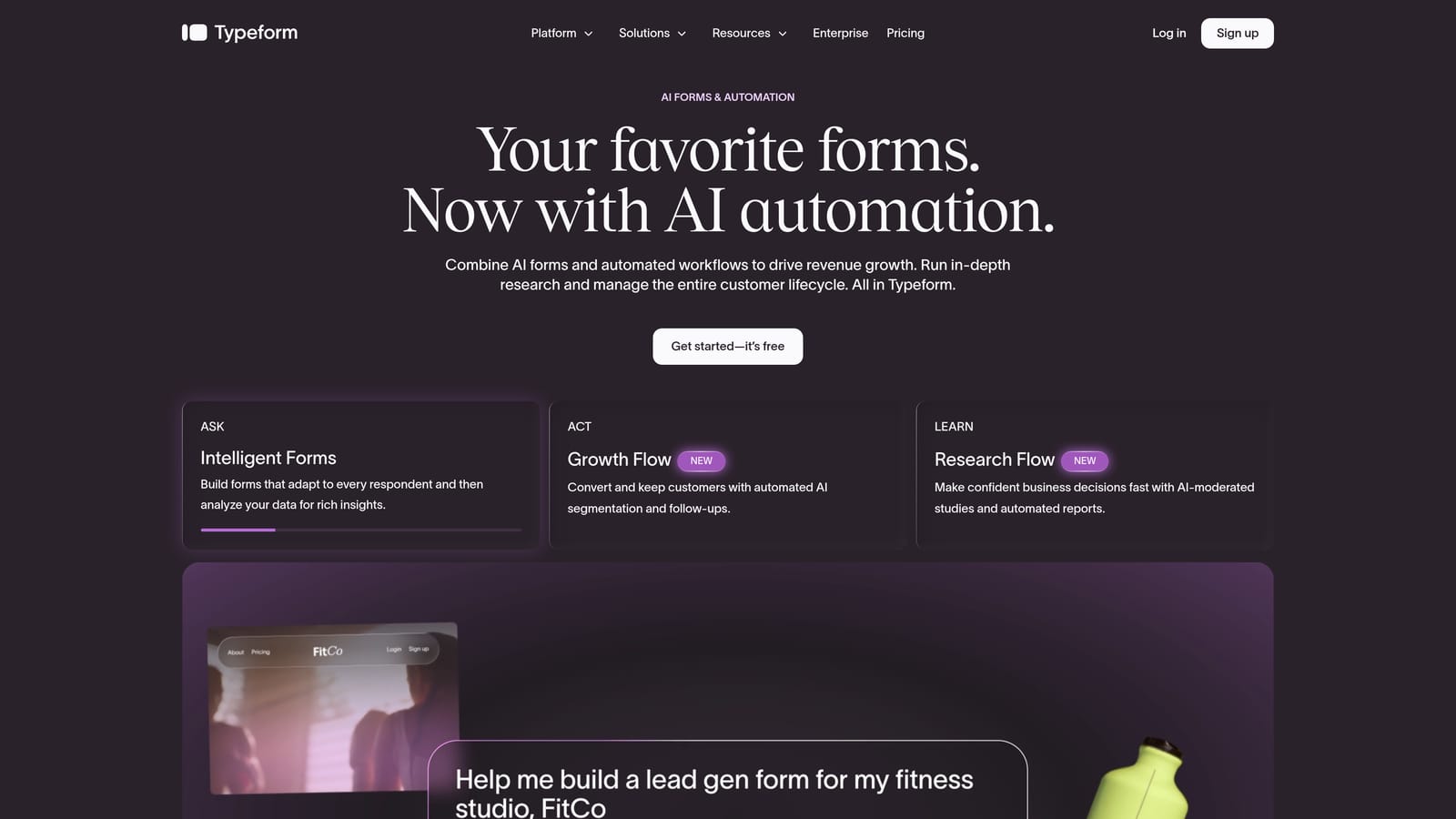
Typeform is a conversational form builder known for its one-question-at-a-time format that makes forms feel less like data entry and more like a dialogue.
Where This Tool Shines
Typeform's signature format — presenting one question at a time — significantly reduces the visual overwhelm that causes respondents to abandon forms mid-way. For surveys, research questionnaires, and brand-forward lead capture forms, the experience feels genuinely different from a standard grid of fields.
The platform has also introduced AI-assisted form creation features in recent updates, making it faster to go from idea to published form. Its design customization options are strong, and the integration library covers most major CRMs, Slack, Google Sheets, and more. That said, Typeform is primarily a data collection and engagement tool — it doesn't offer the native lead qualification or pipeline automation that purpose-built conversion platforms provide.
Key Features
Conversational Single-Question Flow: Presents one question at a time to reduce friction and improve completion rates.
Logic Jumps and Conditional Branching: Tailor the form path based on previous answers for a personalized experience.
AI-Assisted Form Creation: Generate form drafts and suggestions using built-in AI tools.
CRM and Tool Integrations: Connects natively with major platforms including Salesforce, HubSpot, Slack, and Google Sheets.
Branding and Design Customization: Extensive options for fonts, colors, backgrounds, and logo placement.
Best For
Typeform works well for marketing teams, researchers, and agencies that prioritize form aesthetics and respondent experience. It's a strong choice for surveys, NPS forms, and brand-forward lead capture — less suited for teams that need deep lead qualification or native automation workflows.
Pricing
A free plan is available with limited responses. Paid plans start at a monthly fee — check typeform.com for current pricing tiers.
3. Jotform
Best for: Teams that need breadth — payments, e-signatures, approvals, and a massive template library in one platform.
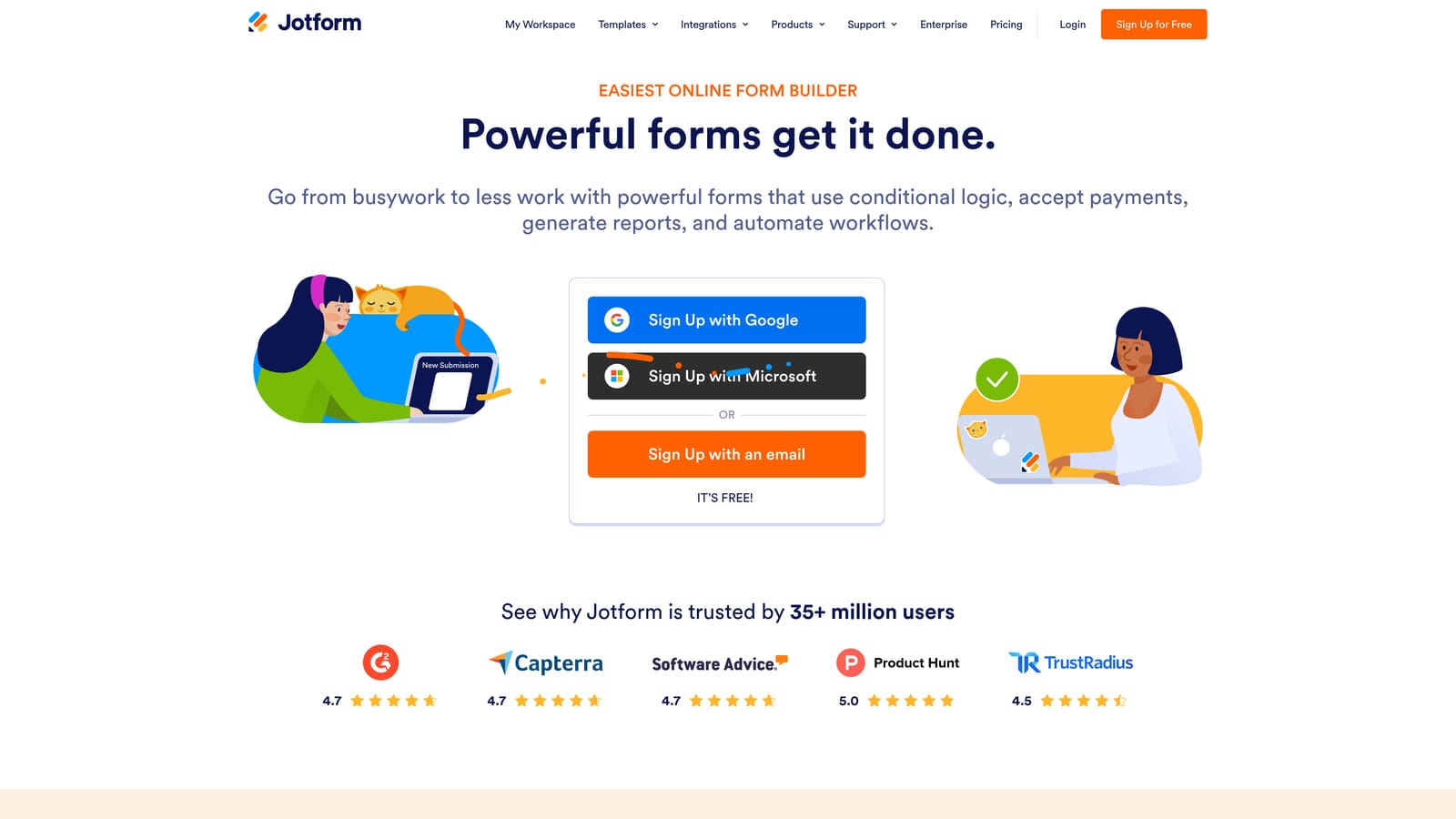
Jotform is one of the most established online form builders, offering a vast template library, payment collection, e-signatures, and enterprise-grade features across a wide range of use cases.
Where This Tool Shines
Jotform's biggest strength is its sheer range. The platform publicly states a library of over 10,000 templates covering everything from event registration to healthcare intake forms. If you need to stand up a functional form quickly for almost any scenario, there's almost certainly a template for it.
Beyond templates, Jotform handles a lot of workflows that other form builders require third-party tools to support: payment collection via Stripe, PayPal, and Square; e-signatures; approval routing; and PDF generation. Its HIPAA-compliant enterprise tier makes it one of the few form builders genuinely suited to regulated industries. The tradeoff is that the interface can feel dated compared to newer platforms, and the feature depth comes with a steeper learning curve.
Key Features
Extensive Template Library: Over 10,000 templates (per Jotform's own marketing) spanning virtually every industry and use case.
Built-In Payment Collection: Accepts payments via Stripe, PayPal, and Square directly through forms.
E-Signatures and Approvals: Native e-signature collection and multi-step approval workflows without third-party tools.
HIPAA-Compliant Enterprise Tier: Compliance options for healthcare and other regulated industries.
Extensive Third-Party Integrations: Connects with hundreds of apps across CRM, marketing, and productivity categories.
Best For
Jotform suits teams that need a broad, do-it-all form platform — particularly those in healthcare, legal, or operations-heavy environments where compliance, payments, and document workflows matter. Less ideal for teams focused primarily on conversion optimization and lead qualification.
Pricing
A free plan is available. Paid plans scale based on submission volume — check jotform.com for current pricing.
4. Tally
Best for: Individuals and small teams that want clean, functional forms fast — with an unbeatable free plan.
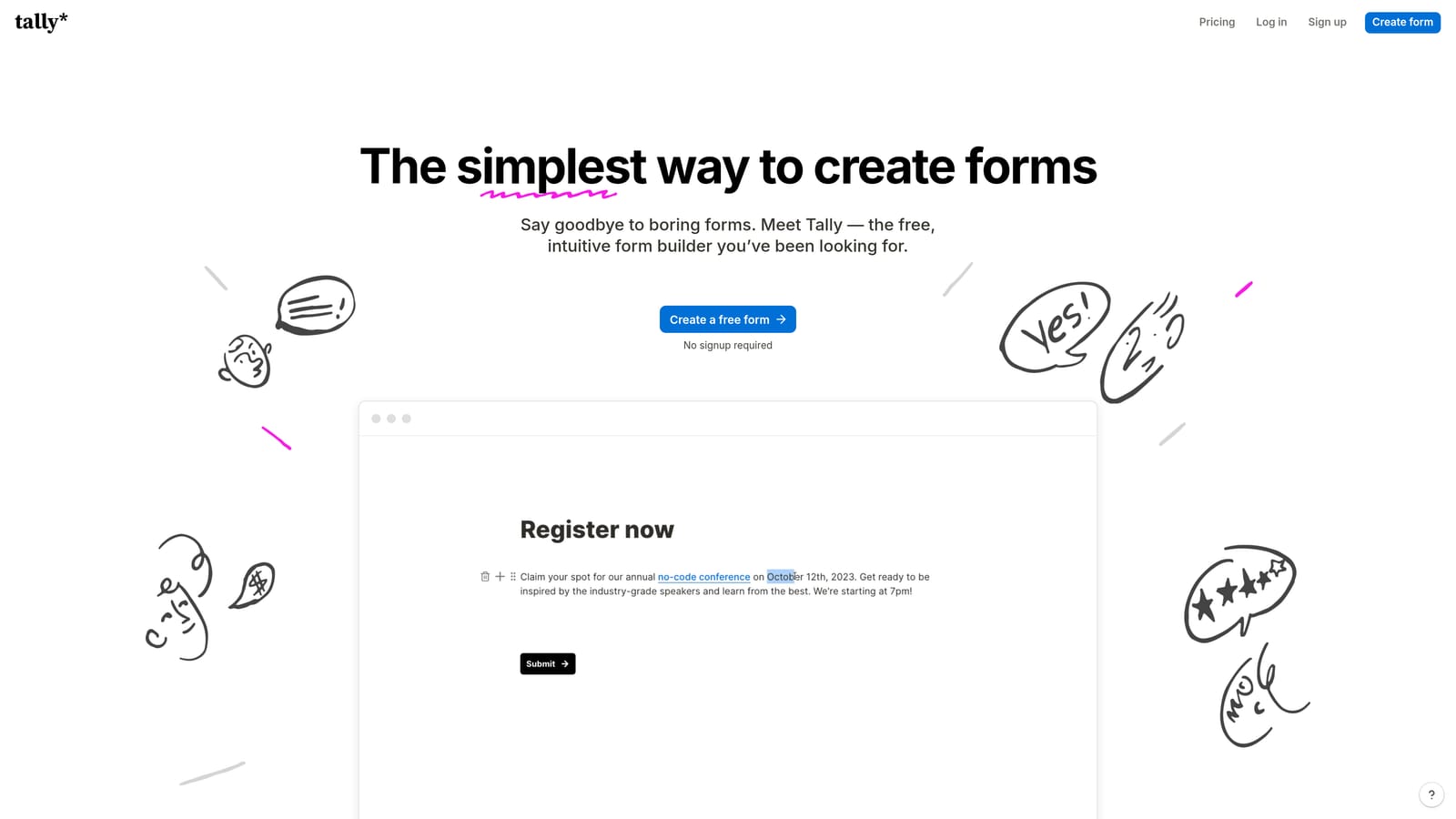
Tally is a minimalist, Notion-inspired form builder with a generous free plan, ideal for teams that need clean, functional forms without a steep learning curve or a big budget.
Where This Tool Shines
Tally's block-based editor will feel immediately familiar to anyone who uses Notion. You build forms the same way you'd write a document — adding blocks, reordering them, and publishing in minutes. There's very little friction between "I need a form" and "the form is live."
What makes Tally genuinely stand out is its free plan. Unlimited forms and unlimited responses on the free tier (as publicly stated by Tally) is rare in this market, and it makes the tool an easy recommendation for early-stage teams, indie hackers, or anyone who needs functional forms without a monthly commitment. The tradeoff is that Tally doesn't offer AI lead qualification, native automation sequences, or the conversion-focused features that growth teams eventually need as they scale.
Key Features
Notion-Style Block Editor: Intuitive drag-and-drop building experience that requires no training to use effectively.
Unlimited Free Forms and Responses: The free plan includes unlimited forms and submissions, a standout offering in the market.
Conditional Logic and Hidden Fields: Basic branching and personalization without upgrading to a paid plan.
Easy Embedding: Forms embed cleanly into websites and Notion pages with minimal setup.
Zapier and Native Integrations: Connects to external tools for basic automation workflows.
Best For
Tally is an excellent fit for freelancers, early-stage startups, and small teams that prioritize simplicity and cost-efficiency. Teams with serious lead generation goals will likely outgrow it, but as a starting point or for internal forms, it's hard to beat.
Pricing
The free plan is robust and includes unlimited forms and responses. A Pro plan adds advanced features — check tally.so for current pricing.
5. Paperform
Best for: Creators and small businesses that want forms that look and feel like branded landing pages.
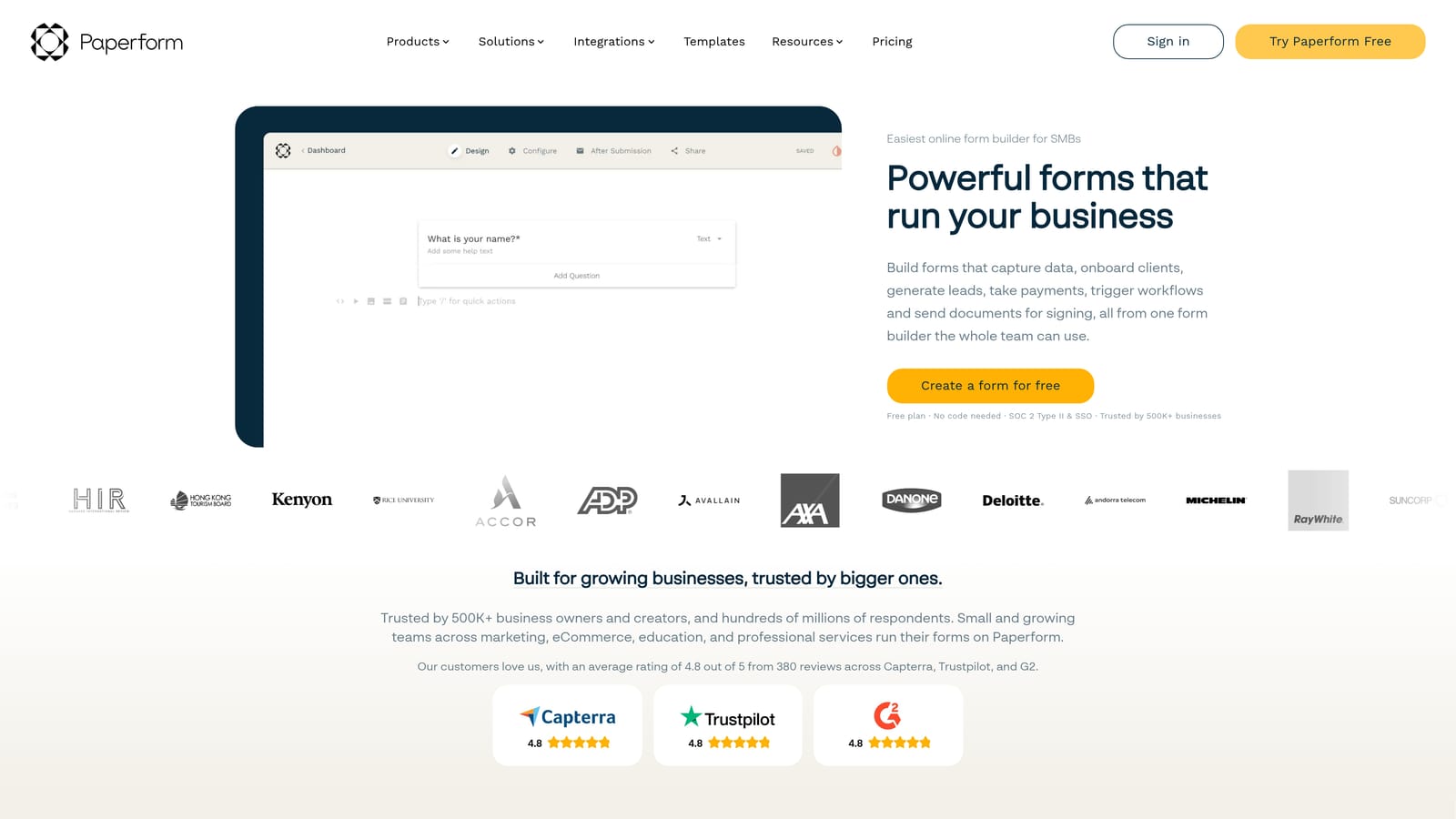
Paperform is a design-forward form builder that blends form functionality with landing page aesthetics, making it easy to create branded, media-rich forms that also collect payments.
Where This Tool Shines
Paperform occupies an interesting niche: it's built for people who want their forms to feel like an extension of their brand rather than a generic data collection widget. You can embed images, video, rich text, and custom layouts directly into the form, making each submission experience feel intentional and polished.
Payment collection is a first-class feature here, with support for Stripe, PayPal, and Braintree. Paperform also includes calculation fields — useful for quote generators, pricing estimators, and product configurators. It's well-suited to coaches, consultants, and e-commerce operators who want a single tool for intake, payment, and communication. Where it falls short is in enterprise scale and advanced lead qualification — it's built for quality individual interactions, not high-volume pipeline automation.
Key Features
Rich Media Embedding: Incorporate images, video, and formatted text directly into forms for a landing page-style experience.
Multi-Gateway Payment Collection: Accept payments via Stripe, PayPal, and Braintree without leaving the form.
Conditional Logic and Calculation Fields: Build dynamic forms that calculate totals, scores, or custom outputs based on responses.
Custom Domain and Branding: Publish forms on your own domain with full brand control.
Pre-Fill and Partial Submissions: Reduce abandonment by pre-filling known data and capturing partial responses.
Best For
Paperform is a strong choice for creators, consultants, coaches, and small e-commerce businesses that want beautiful, branded forms with built-in payment collection. It's less suited for enterprise teams or high-growth companies focused on lead qualification at scale.
Pricing
No free plan is available. Paid plans start at a monthly fee — check paperform.co for current pricing.
6. Formstack
Best for: Large organizations and regulated industries that need enterprise compliance, document generation, and complex workflow automation.
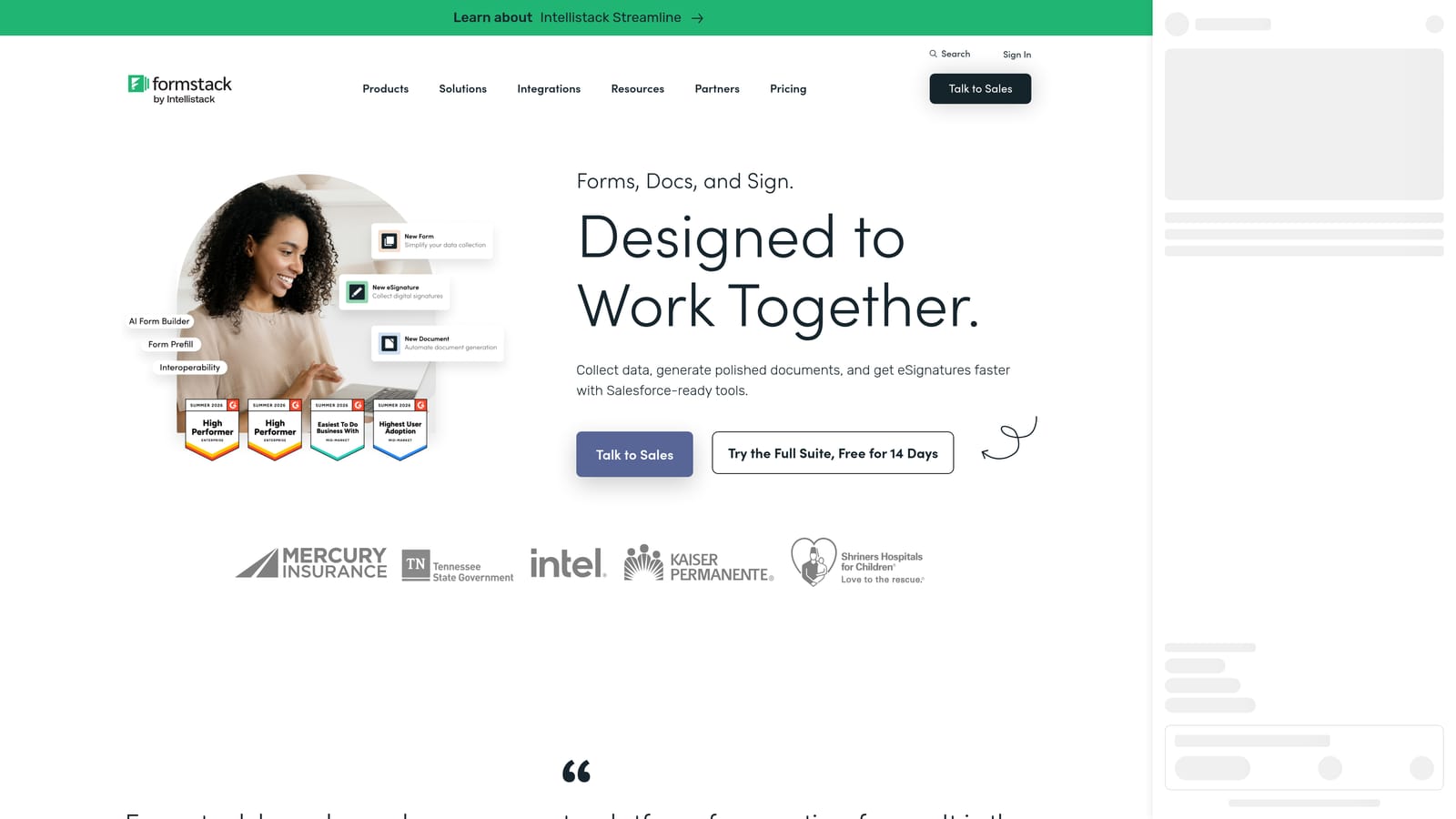
Formstack is an enterprise-grade forms and workflow platform with document generation, e-signatures, and compliance features designed for regulated industries and large organizations.
Where This Tool Shines
Formstack is built for complexity. Where most form tools focus on the form itself, Formstack extends into the entire downstream workflow: documents get generated, signatures get collected, approvals get routed, and data flows into enterprise systems like Salesforce. For organizations in healthcare, finance, or legal services, this end-to-end capability is genuinely valuable.
The platform's compliance credentials are also a differentiator. HIPAA, GDPR, and SOC 2 compliance options make it one of the few form platforms that legal and IT teams at large enterprises will actually approve. The tradeoff is cost and complexity — Formstack is priced and scoped for enterprise budgets, and smaller teams will find it overkill for straightforward lead capture or conversion optimization use cases.
Key Features
Enterprise Compliance: HIPAA, GDPR, and SOC 2 compliance options for regulated industries.
Document Generation: Automatically generate branded documents from form submission data.
E-Signature Workflows: Collect legally binding signatures as part of multi-step form and approval processes.
Salesforce-Native Integration: Deep, native Salesforce connectivity for enterprise CRM workflows.
Advanced Approval Routing: Multi-step approval chains with conditional routing and access controls.
Best For
Formstack is the right choice for large enterprises, healthcare organizations, financial services firms, and legal teams that need compliance, document automation, and complex workflow management. It's not the right tool for lean growth teams focused on conversion speed and lead qualification.
Pricing
Formstack is priced at a higher point suited to enterprise budgets. Contact Formstack directly or visit formstack.com for current pricing.
Which Tool Is Right for Your Team?
Every tool on this list does something well. The right choice comes down to where you are, what you're optimizing for, and what your team actually needs from a form builder in 2026.
Orbit AI is the clear pick for high-growth SaaS and marketing teams where lead quality is the priority. If you want forms that qualify leads automatically, route contacts into your pipeline, and run native follow-up sequences without stitching together a dozen integrations, this is where to start.
Typeform is best for teams that prioritize form aesthetics and a polished respondent experience — particularly for surveys, research, and brand-forward lead capture where the conversational format adds real value.
Jotform is the go-to for teams that need breadth: payments, e-signatures, compliance, and a template for virtually every use case. It's the Swiss Army knife of form builders.
Tally is the best free option available. If budget is the constraint and you need clean, functional forms fast, Tally's unlimited free plan is genuinely hard to beat for early-stage teams.
Paperform suits creators, consultants, and small businesses that want forms that feel like branded experiences and need built-in payment collection without a heavy platform.
Formstack is built for enterprise. If you're in a regulated industry and need compliance, document generation, and deep Salesforce integration, it's the most capable option on this list for that specific context.
For teams focused on growth, conversion, and lead qualification, the platform that delivers the most complete solution is Orbit AI. Start building free forms today and see how AI-powered form design can transform your lead generation from a passive collection exercise into an active qualification engine that works for your sales team around the clock.


