

When a lead fills out your form, every second of delay before it reaches your CRM is a second you risk losing them. The best online form builders don't just collect data — they qualify leads, sync contacts instantly, and trigger follow-up sequences without any manual lift.
Whether you're running outbound campaigns, gating content, or capturing demo requests, the form-to-CRM handoff is where conversions are won or lost. This guide covers the top form builders with native or robust CRM integration, evaluated on ease of setup, lead qualification capabilities, automation depth, and overall fit for high-growth teams.
Orbit AI leads the list because it's built specifically for this use case, but every tool here earns its place.
1. Orbit AI
Best for: High-growth teams that need AI-powered lead qualification and instant CRM sync.
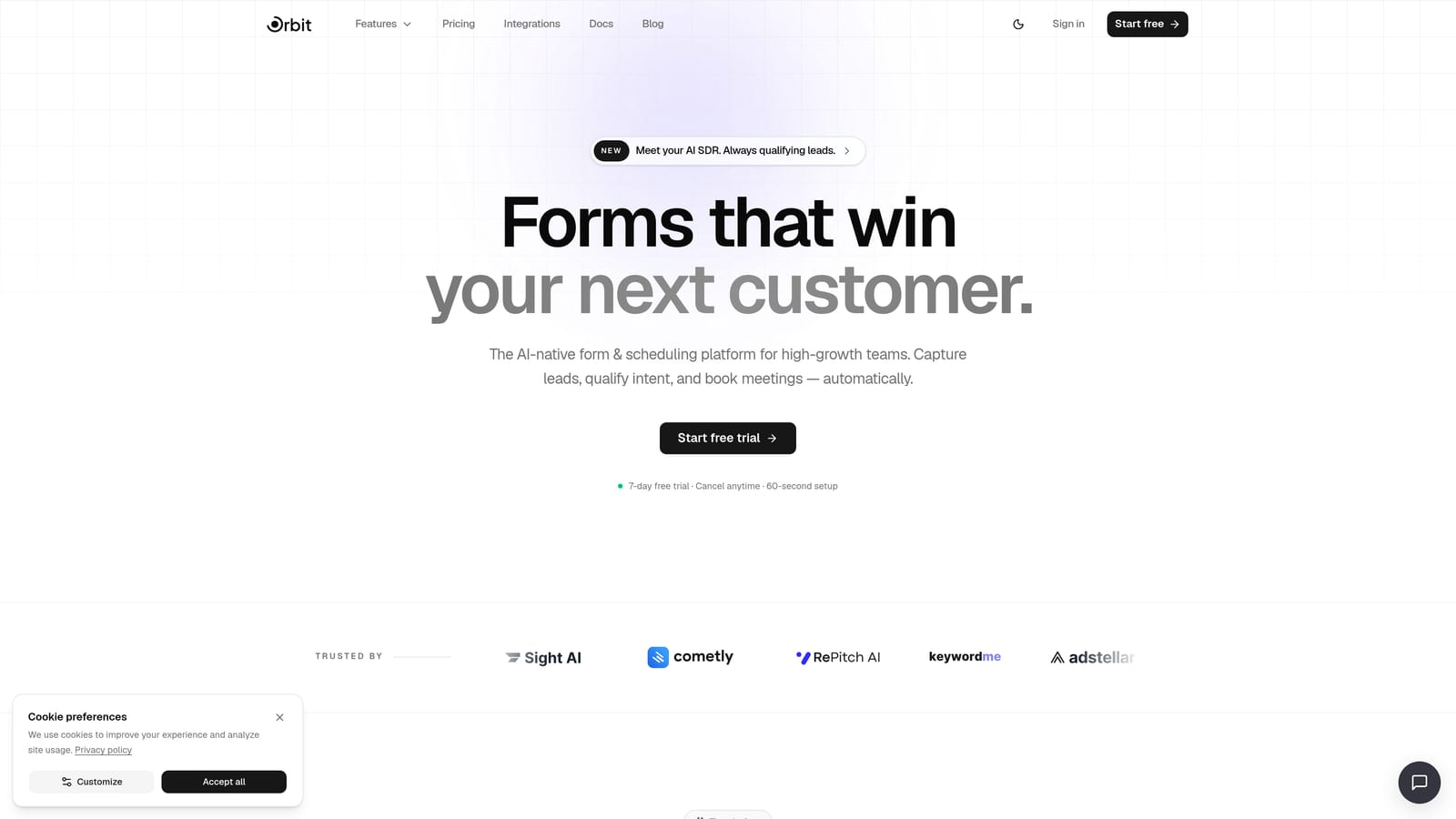
Orbit AI is an AI-powered form builder designed specifically for conversion optimization and lead generation workflows, with lead qualification built directly into the form layer.
Where This Tool Shines
Most form builders pass every submission straight into your CRM, leaving your sales team to sort the qualified leads from the noise. Orbit AI flips that model. Its AI qualification layer scores and routes leads before they ever touch your CRM, which means cleaner data, fewer wasted follow-ups, and a sales queue that actually reflects real buyer intent.
The platform is also built for speed. Automated workflows and sequences fire the moment a form is submitted, so your follow-up reaches prospects while they're still warm. For teams running high-volume lead gen, that immediacy is a genuine competitive edge.
Key Features
AI Lead Qualification: Scores and routes leads at the form layer before they enter your CRM, keeping your pipeline clean from the start.
Automated Workflows and Sequences: Triggers follow-up sequences instantly on form submission, with no manual intervention required.
Contacts Database: Built-in contact management lets you segment, filter, and act on captured leads directly within the platform.
Conversion-Optimized Design: Beautiful, modern form design with no coding required — forms that look as good as they perform.
Analytics: Track form performance and lead quality over time to continuously improve your capture strategy.
Best For
Orbit AI is the strongest fit for SaaS companies, marketing teams, and growth-focused businesses that prioritize lead quality over raw volume. If your biggest pain point is unqualified leads clogging your CRM and wasting sales time, this is the tool built to solve that specific problem.
Pricing
Visit orbitforms.ai/pricing for current plans. A free starting option is available to get you building immediately.
2. Typeform
Best for: Teams that want a conversational form experience with native HubSpot and Salesforce integration.
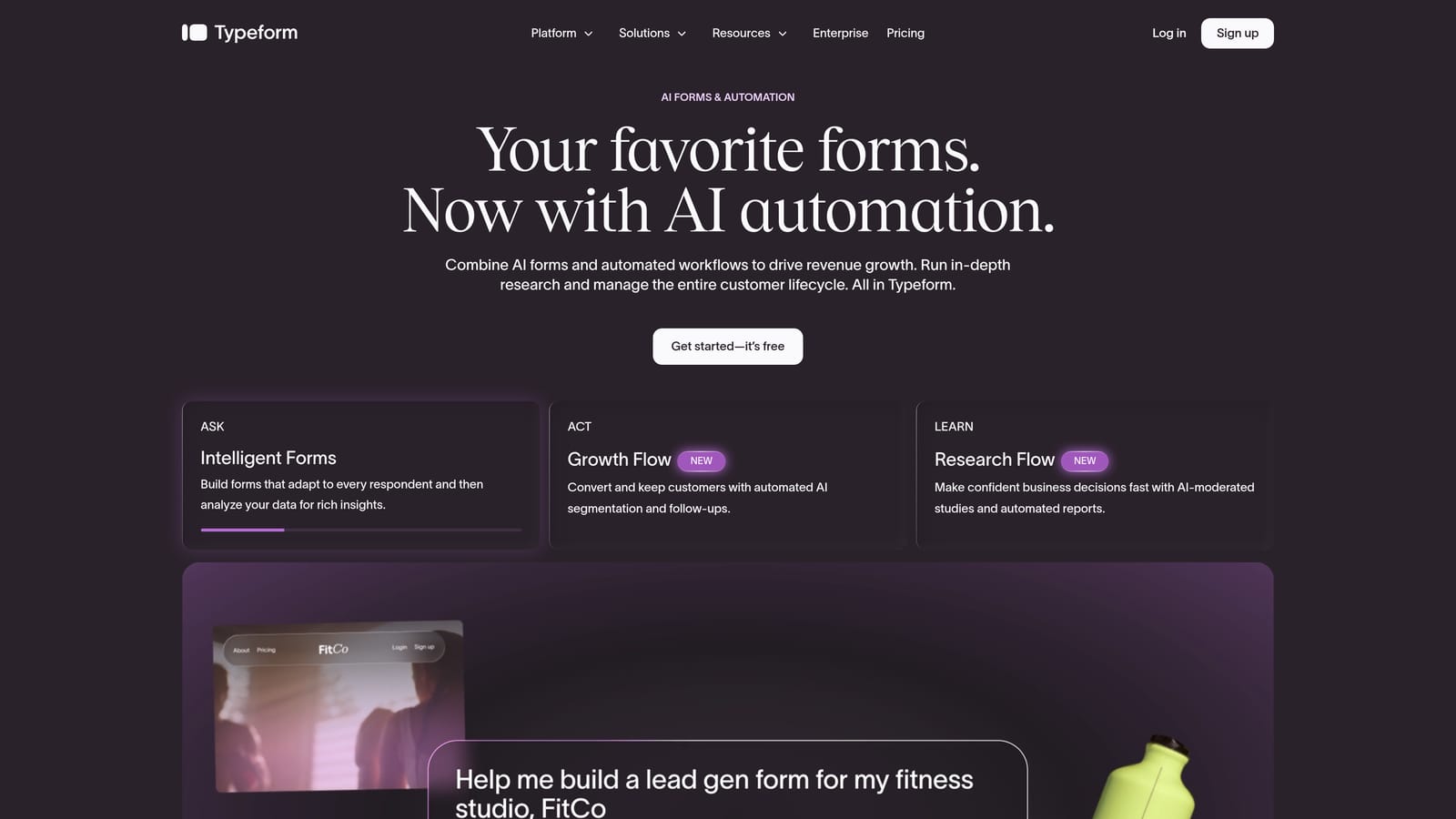
Typeform is a conversational form builder known for its one-question-at-a-time format and clean, branded design that tends to improve completion rates.
Where This Tool Shines
Typeform's core strength is the experience it creates for respondents. Rather than presenting a wall of fields, it guides users through questions one at a time, which can feel less overwhelming and more like a conversation. For lead capture forms where first impressions matter, that polish makes a difference.
On the CRM side, Typeform offers native integrations with HubSpot, Salesforce, and Pipedrive. For straightforward field mapping, these work well out of the box. Teams with more complex CRM workflows may find they need middleware for advanced mappings, but for most standard lead capture use cases, the native connections are solid.
Key Features
Conversational Format: One-question-at-a-time flow designed to improve form completion rates and reduce drop-off.
Native CRM Integrations: Direct connections to HubSpot, Salesforce, and Pipedrive for form-to-CRM sync without middleware.
Logic Jumps: Conditional routing that tailors the form path based on how respondents answer earlier questions.
Embed-Friendly Design: Clean, branded forms that integrate smoothly into landing pages, websites, and campaigns.
Response Analytics: Drop-off tracking and response data to identify where leads are abandoning the form.
Best For
Typeform works well for marketing teams and agencies focused on brand experience and engagement. It's a strong choice when form aesthetics and completion rate are the primary concerns, and CRM needs are relatively standard.
Pricing
Free plan available. Paid plans start at approximately $25/month. Check typeform.com for current pricing and response limits.
3. Jotform
Best for: Teams that need the widest possible native CRM integration library with minimal setup.
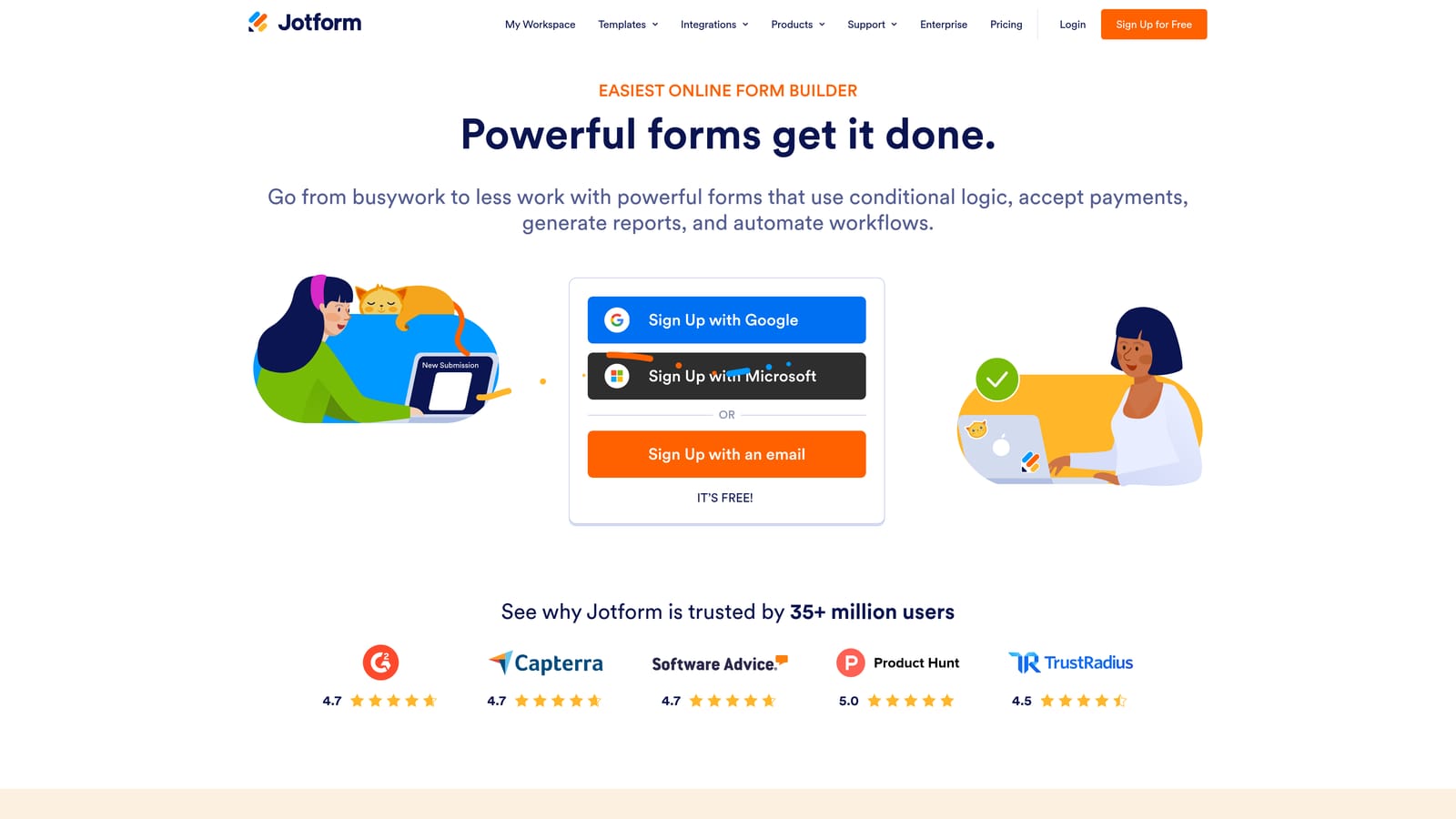
Jotform is a feature-rich form builder with one of the broadest native CRM integration libraries available, covering everything from Salesforce and HubSpot to Zoho and Pipedrive.
Where This Tool Shines
If your team uses a less common CRM or needs to connect forms to multiple platforms simultaneously, Jotform is hard to beat. With over 100 native integrations, the chances are high that your CRM is already supported without needing to route through Zapier or similar middleware. That means faster setup and fewer failure points in your data pipeline.
Beyond CRM connectivity, Jotform is genuinely versatile. Approval workflows, multi-step forms, payment collection, and e-signature support make it useful across sales, operations, and finance teams, not just marketing. The tradeoff is an interface that can feel a bit dense compared to newer tools built with a more minimalist approach.
Key Features
100+ Native CRM Integrations: Direct connections to Salesforce, HubSpot, Zoho, Pipedrive, and many others without requiring middleware.
Conditional Logic and Workflows: Multi-step forms with approval routing and conditional logic for more complex data collection scenarios.
Payment and E-Signature: Built-in support for payment collection and e-signatures, making it useful beyond standard lead capture.
Template Library: A large collection of pre-built form templates covering a wide range of industries and use cases.
Team Collaboration: Form management and collaboration features for teams working across multiple campaigns or departments.
Best For
Jotform is a strong fit for operations-heavy teams, companies using niche CRMs, or organizations that need forms to serve multiple functions beyond lead capture. It's particularly valuable when you want direct CRM connectivity without relying on automation middleware.
Pricing
Free plan available. Paid plans scale with submission volume. Visit jotform.com for current tier details.
4. Formstack
Best for: Enterprise teams with complex Salesforce workflows and document generation needs.
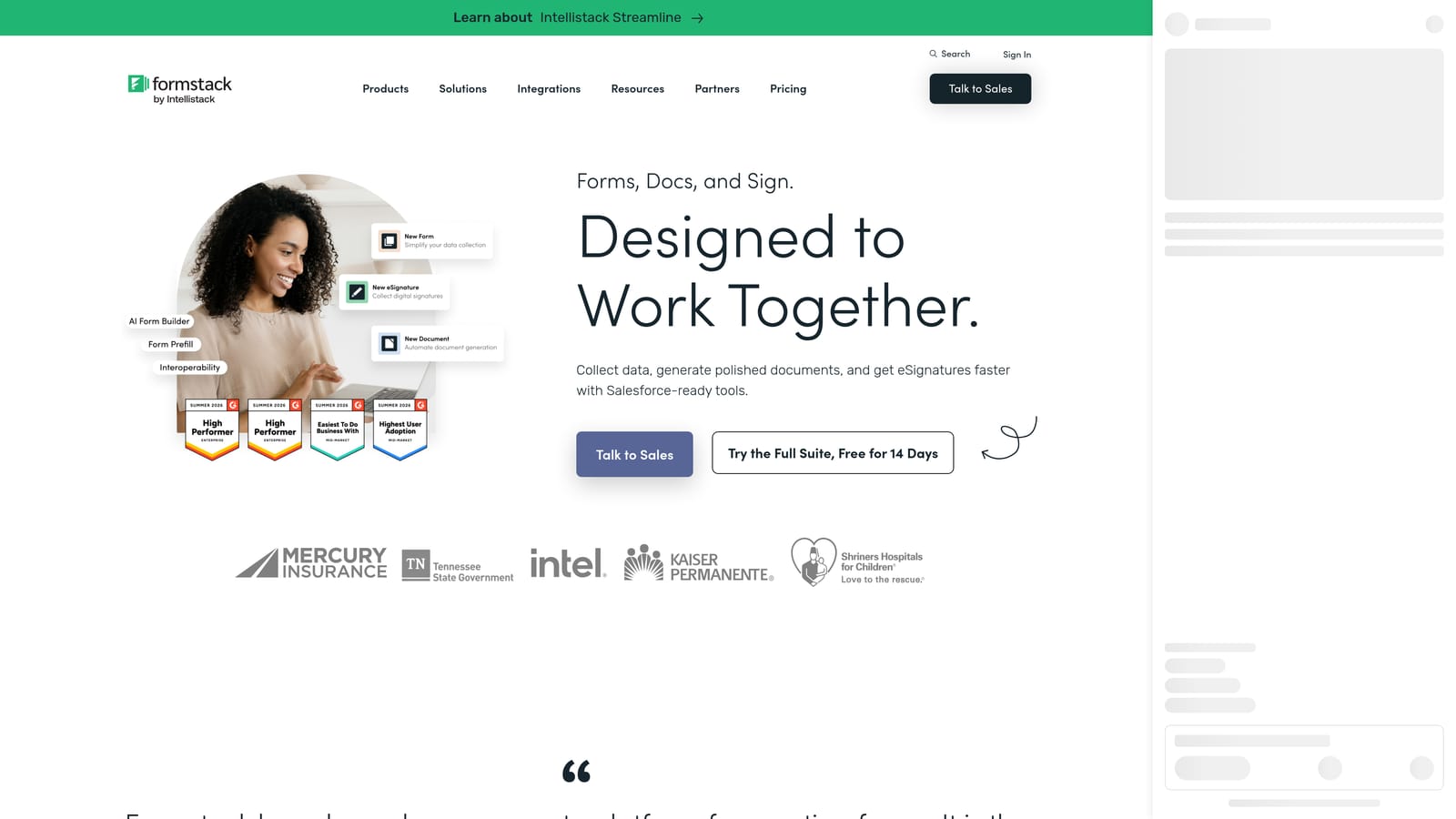
Formstack is an enterprise-grade form and workflow platform with deep Salesforce-native capabilities, document generation, and compliance features for regulated industries.
Where This Tool Shines
Formstack's Salesforce-native form builder is the standout feature for enterprise buyers. Rather than connecting to Salesforce through an API bridge, it maps directly to Salesforce objects and fields, which means cleaner data, fewer sync errors, and the ability to prefill forms with existing CRM data to reduce friction for returning contacts.
The platform also extends well beyond form building. Document generation, e-signature support, and multi-step approval routing make Formstack a workflow suite that happens to start with a form. For regulated industries like healthcare or financial services, HIPAA-compliant data handling adds another layer of enterprise suitability.
Key Features
Salesforce-Native Integration: Direct object and field mapping within Salesforce for the cleanest possible form-to-CRM data flow.
Approval Routing: Multi-step workflow automation with approval chains for complex internal processes.
Document Generation: Create and send documents directly from form submissions within the same platform.
HIPAA Compliance: Data handling standards that meet requirements for healthcare and other regulated industries.
CRM Prefill: Pull existing Salesforce data into forms automatically to reduce repetitive data entry for known contacts.
Best For
Formstack is built for enterprise organizations, particularly those running Salesforce as their primary CRM. It's more than most small or mid-sized teams need, but for large sales operations with complex workflows and compliance requirements, it's a serious contender.
Pricing
Enterprise pricing model. Contact Formstack directly or visit formstack.com for current plan details and custom quotes.
5. Paperform
Best for: Marketing teams that want form pages that double as landing pages, with HubSpot and Salesforce connectivity.
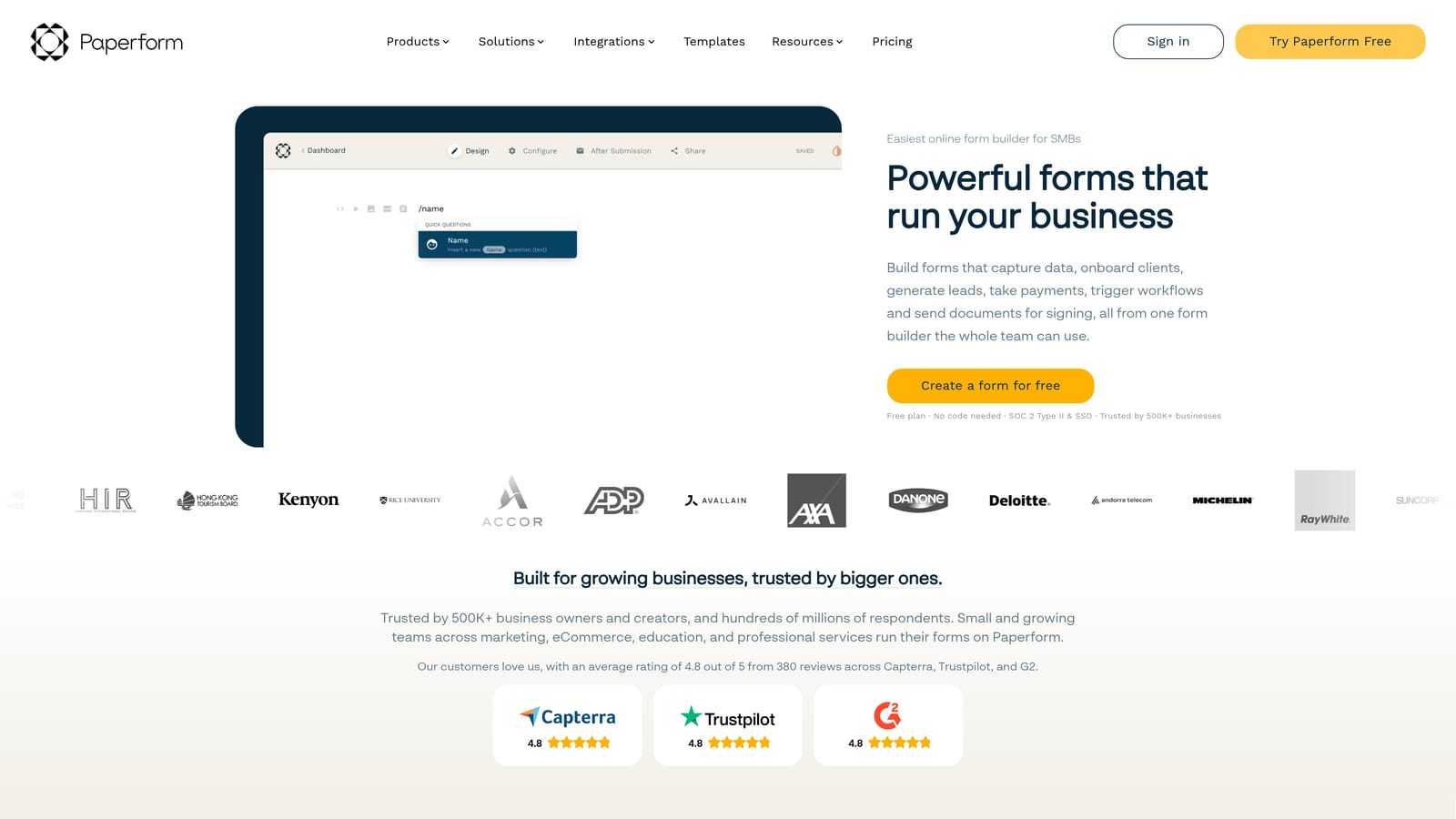
Paperform is a flexible form builder that blends form and landing page design, giving marketers a way to create high-converting standalone form pages without a separate landing page tool.
Where This Tool Shines
Paperform occupies an interesting niche: it's less a traditional form builder and more a content-meets-form hybrid. You can build a page that reads like a product description or storytelling piece, with form fields woven naturally into the layout. For content-gated offers, event registrations, or product inquiry pages, this approach can feel far more compelling than a standard form embed.
CRM connectivity covers HubSpot and Salesforce natively, with broader reach through Zapier for other platforms. Teams with straightforward CRM sync needs will find the native integrations sufficient. Those needing more complex field mapping or multi-object syncing may want to layer in automation middleware, which adds some setup overhead.
Key Features
Form-Meets-Landing-Page Design: Build standalone form pages that look and read like full marketing pages, not just data collection fields.
Native CRM Integrations: Direct connections to HubSpot and Salesforce, with Zapier available for extended CRM reach.
Calculation Fields: Dynamic fields that compute values based on respondent input, useful for pricing estimators and quote forms.
Payment and Scheduling: Built-in support for collecting payments and booking appointments directly through form pages.
Sales and Marketing Templates: A strong template library focused on conversion-oriented use cases for marketing and sales teams.
Best For
Paperform suits marketing teams and agencies that want their lead capture forms to carry more visual and narrative weight. It's a particularly good fit when forms are standalone pages rather than embedded elements, and when the team values design flexibility alongside CRM connectivity.
Pricing
No free plan. Paid plans start at an accessible monthly rate. Check paperform.co for current pricing tiers.
6. Tally
Best for: Startups and small teams that need fast, free form building with CRM connectivity via automation middleware.
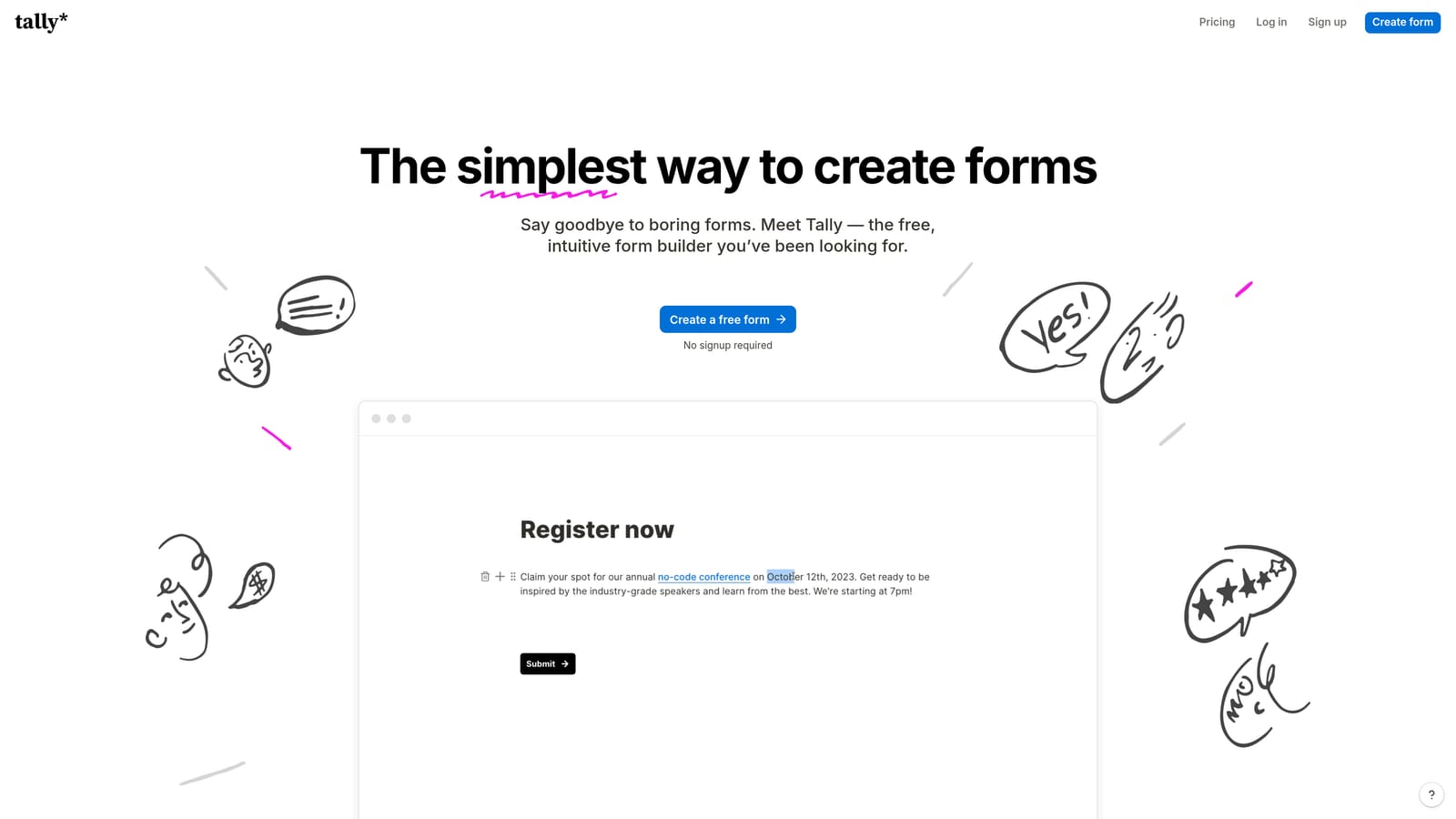
Tally is a free-first form builder with a Notion-style editor and CRM connectivity primarily through Zapier, Make, and webhooks.
Where This Tool Shines
Tally's free plan is genuinely generous. Unlimited forms, unlimited responses, conditional logic, and hidden fields are all available without paying anything, which makes it a compelling starting point for early-stage teams or anyone running lean. The Notion-inspired editor is also notably fast and intuitive, with a block-based interface that most users pick up in minutes.
The honest tradeoff is that Tally isn't built for deep CRM workflows. Native CRM integrations are limited, so connecting to platforms like HubSpot or Salesforce typically means routing through Zapier or Make. For teams already using those automation tools, this works fine. For teams that want a direct, no-middleware form-to-CRM sync, Tally will require more setup than other options on this list.
Key Features
Generous Free Plan: Unlimited forms and responses on the free tier, with conditional logic and hidden fields included.
Notion-Style Editor: Block-based form building that is fast, intuitive, and requires no learning curve for teams already using Notion.
Automation Connectivity: CRM sync via Zapier, Make, or webhooks for teams comfortable with middleware-based automation.
Conditional Logic: Available on both free and paid plans for dynamic form routing based on respondent answers.
White-Labeling: Custom domain support and white-label options available on the Pro plan for branded form experiences.
Best For
Tally is a strong fit for early-stage startups, solo founders, and small teams that need to move fast without a budget. It's less suited to organizations that need reliable, native CRM sync or enterprise-grade lead qualification workflows.
Pricing
Free plan available. Pro plan at approximately $29/month. Visit tally.so for current pricing.
Which Tool Is Right for Your Team?
The right form builder depends less on feature checklists and more on where your biggest friction lives today. Here's a quick way to think through it.
If your core problem is unqualified leads flooding your CRM and wasting sales time, Orbit AI is the most direct solution. Its AI qualification layer addresses that problem at the source, before bad-fit leads ever enter your pipeline. It's built specifically for high-growth teams where lead quality and follow-up speed are the metrics that matter.
If you're prioritizing form experience and engagement, Typeform delivers the most polished conversational flow with solid native CRM connections for standard use cases.
If you need to connect to a wide range of CRM platforms without relying on middleware, Jotform offers the broadest native integration library and the most flexibility across team functions.
For enterprise organizations running Salesforce as the center of their revenue operations, Formstack offers the deepest native Salesforce integration on this list, along with document generation and compliance capabilities.
If your forms need to function as standalone marketing pages rather than embedded fields, Paperform gives you the most design latitude with solid HubSpot and Salesforce connectivity.
And if you're early-stage and need to move fast without spending anything, Tally is the most capable free option, as long as you're comfortable connecting to your CRM through Zapier or similar tools.
For teams serious about converting form submissions into qualified pipeline, the form layer is too important to treat as a passive data collection step. Start building free forms today with Orbit AI and see how AI-powered lead qualification can transform what your forms actually deliver for your growth team.


